

 FSX General Aviation Aircraft
Cosmic Wind G-ARUL
A repaint for Rob Richardson's Le Vier Cosmic Wind for Microsoft Flight Simul…
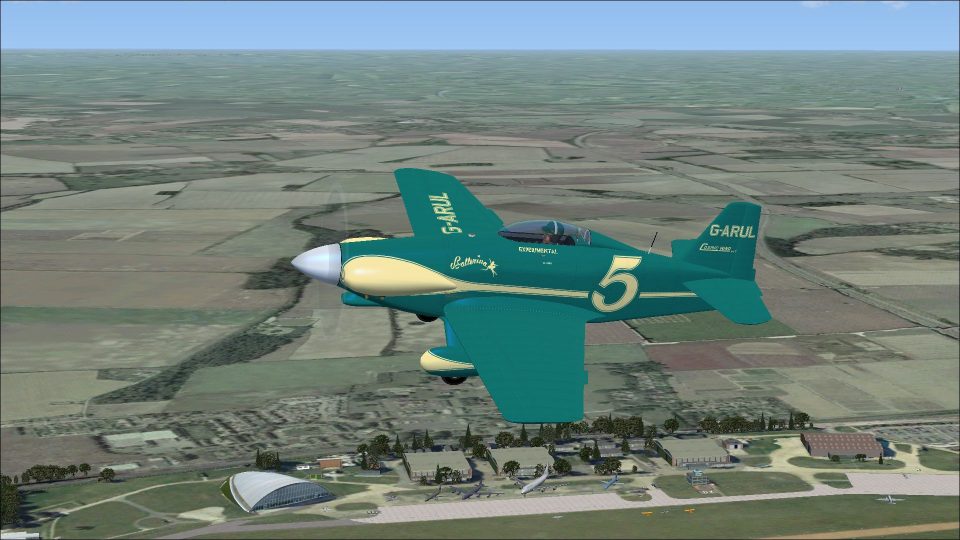
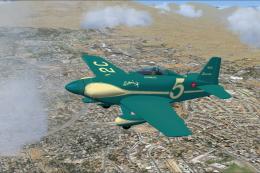
Cosmic Wind MKII G-ARUL brings a faithful 1973 Paul Bannister-built racer finish to Rob Richardson’s Le Vier Cosmic Wind in Microsoft Flight Simulator X Acceleration, reflecting the rebuilt airframe’s flush-riveted control surfaces and Duxford-based display identity. Requires the Le Vier Cosmic Wind aircraft package to use the included textures.
 Rate
Rate
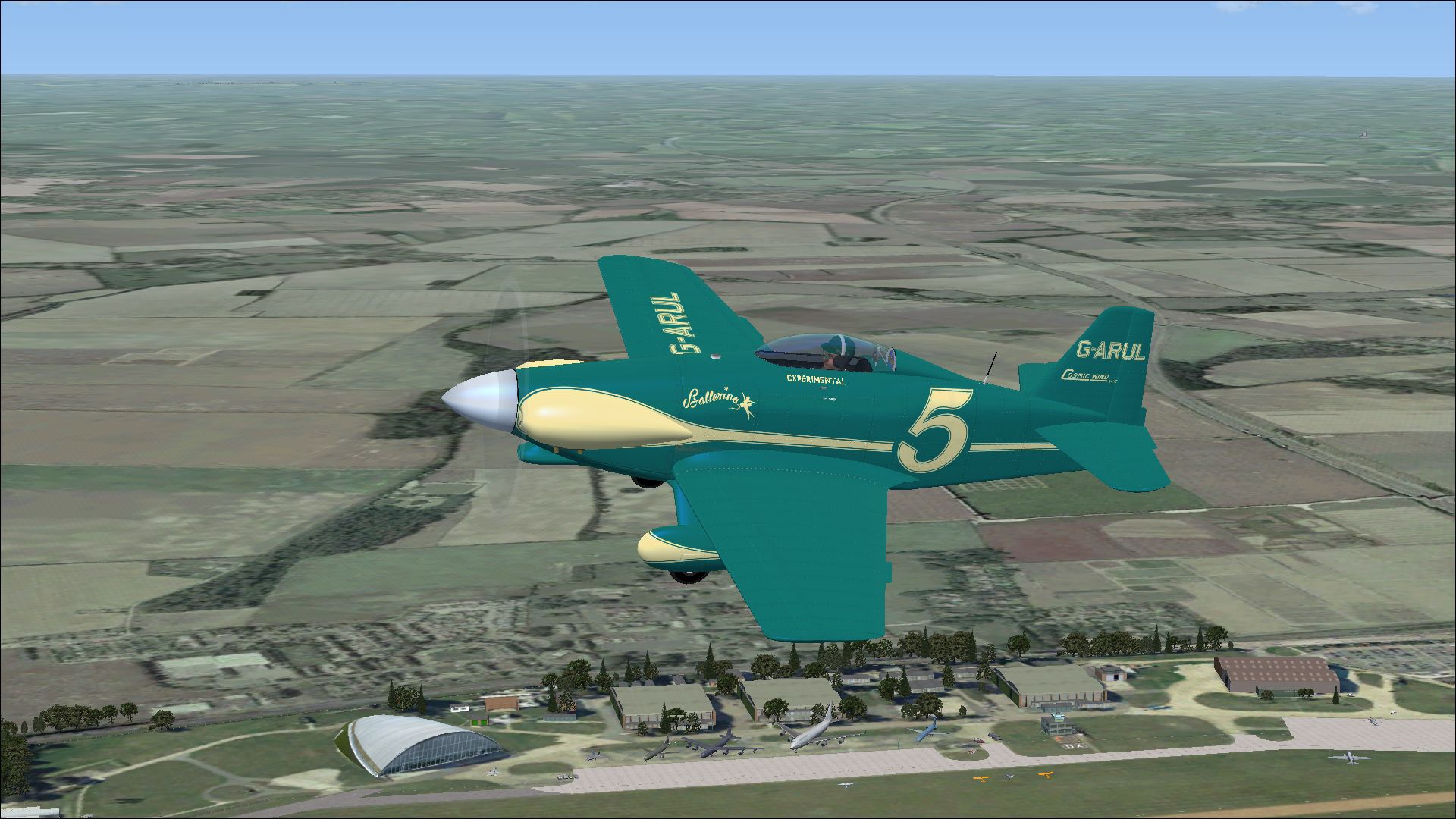
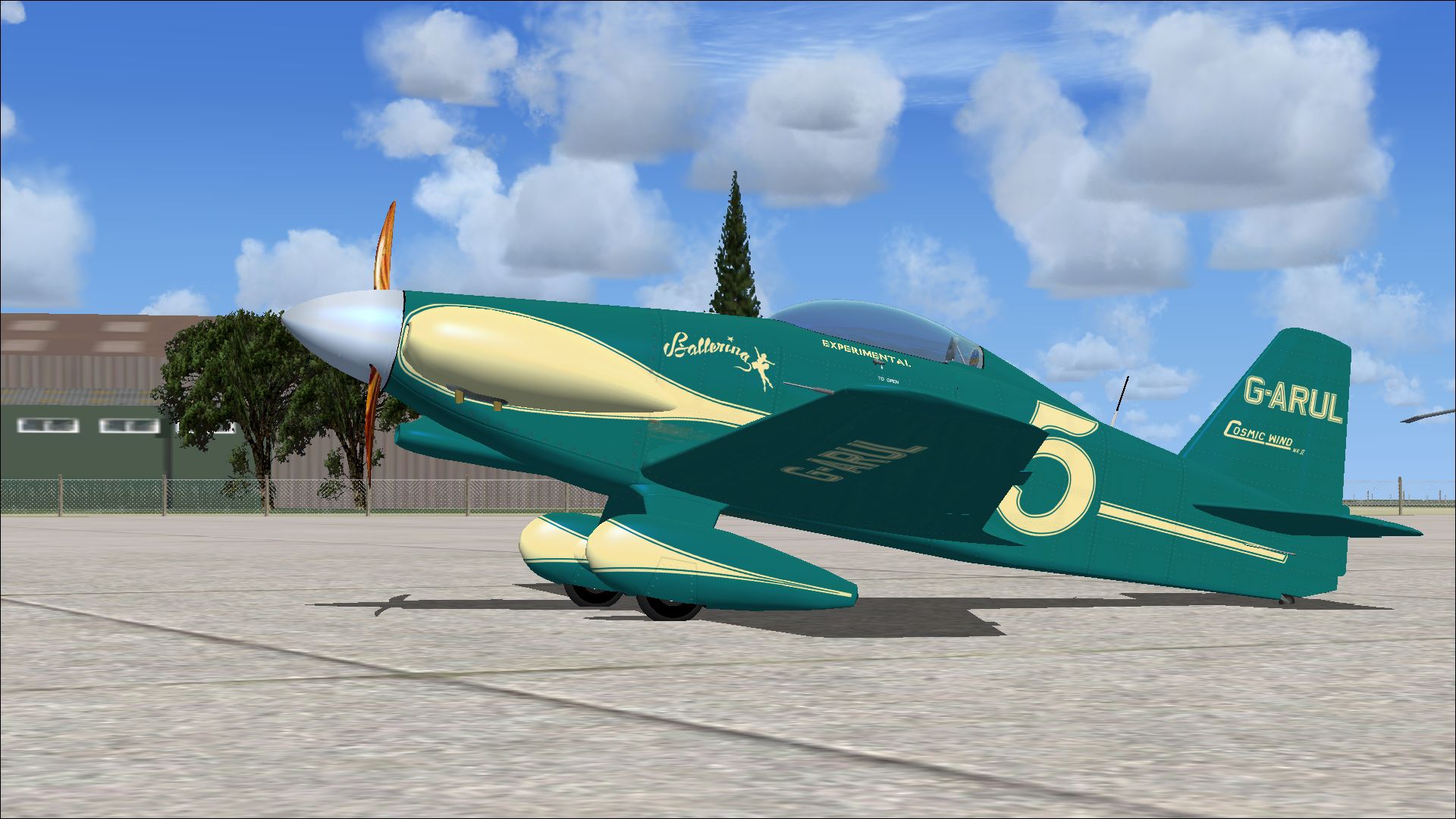
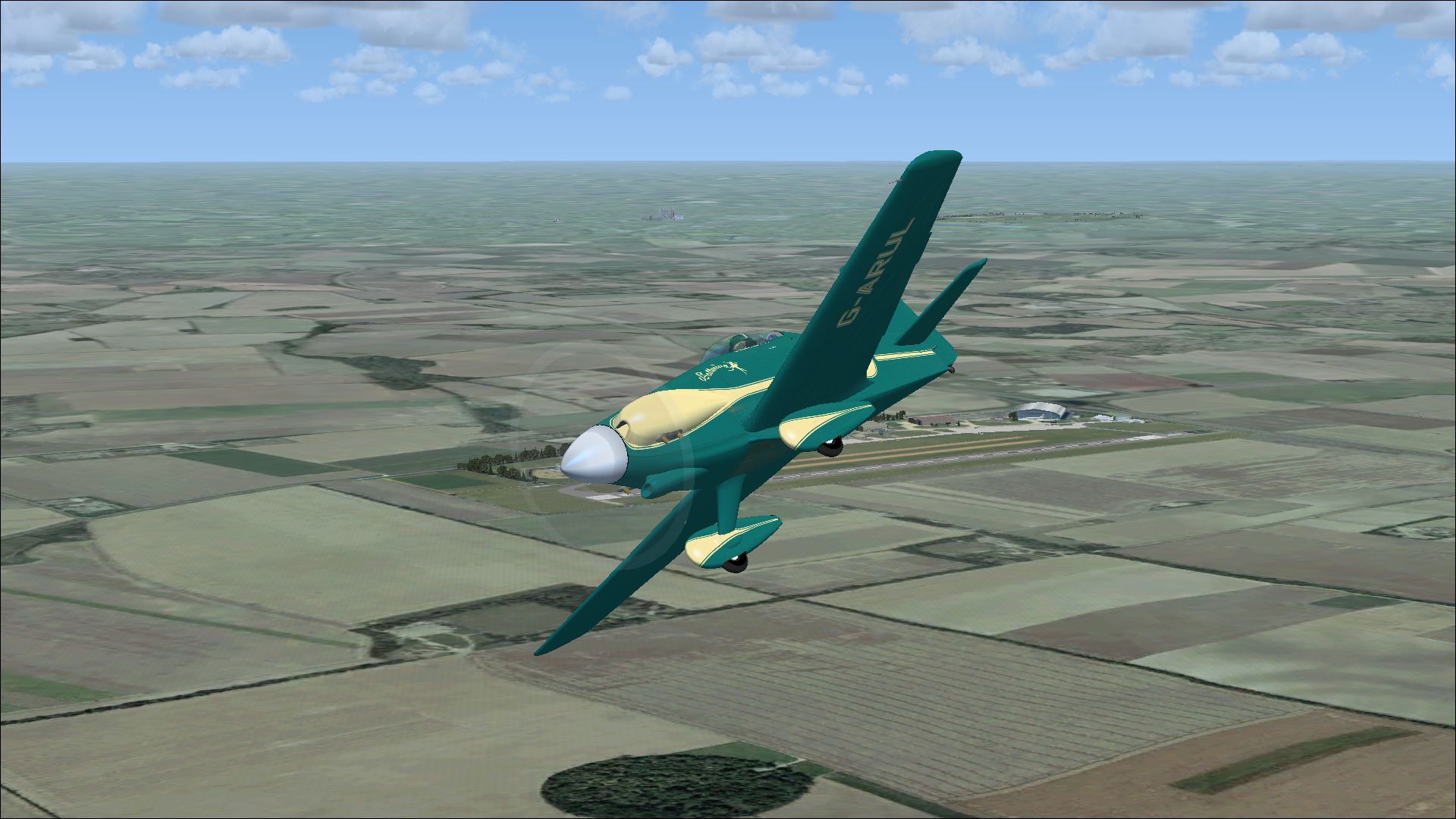
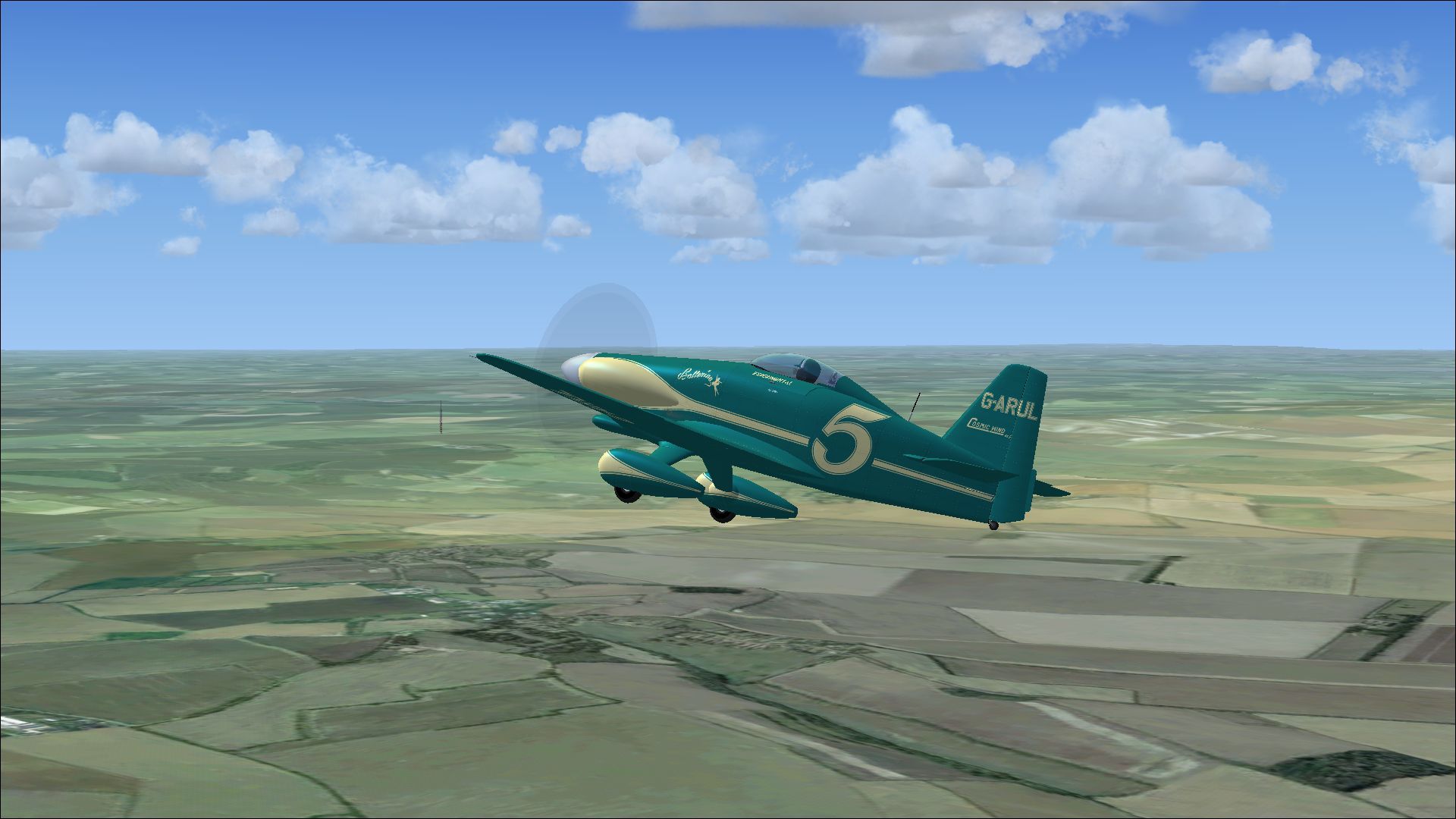
A repaint for Rob Richardson's Le Vier Cosmic Wind for Microsoft Flight Simulator X Acceleration. Cosmic Wind MKII G-ARUL was built by Paul Bannister and completed in 1973. The parts from the wreck of the original G-ARUL were used as patterns for new components in the build. Apparently the original left wing root casting was used in the new aircraft. The corrugated control surfaces of the original design were replaced with flush rivetted versions. The aircraft is currently owned and displayed by Peter Kynsey and is based at Duxford. Repaint by Peter Watkins.
Screenshot of Cosmic Wind MKII G-ARUL in flight.
Installation:
[fltsim.2]

title=cosmic wind G-ARUL II

sim=cosmic wind

model=

panel=

sound=

texture=G-ARUL II

kb_checklists=Cosmic_check

kb_reference=Cosmic_ref

atc_id_color=0xffff0000

atc_id=G-ARUL II

ui_manufacturer="LeVier"

ui_type="cosmic wind"

ui_variation=G-ARUL II

ui_typerole="Single Engine Prop"

ui_createdby="Robert Richardson"

description=Cosmic Wind MKII G-ARUL was built by Paul Bannister and completed in 1973.The parts from the wreck of the original G-ARUL were used as patterns for new components in the build. Apparently the original left wing root casting was used in the new aircraft. The corrugated control surfaces of the original design were replaced with flush rivetted versions. The aircraft is currently owned and displayed by Peter Kynsey and is based at Duxford.
Free for all simmers · 7.25 MB · Scanned clean Oct 2026
Download speed: Free tier is capped at 0.5 Mbps (this file takes approximately 2 mins at the cap). PRO members download at full line speed.
texture.{airline}) inside FSX\SimObjects\Airplanes\{base-aircraft}\.aircraft.cfg in Notepad. Add a new [fltsim.X] section per the readme.readme.txt or README file. It tells you exactly where files go, what dependencies are needed, and any quirks specific to this add-on.The archive cosmic_wind_mkii_g-arul.zip has 17 files and directories contained within it.
This list displays the first 500 files in the package. If the package has more, you will need to download it to view them.
| Filename/Directory | File Date | File Size |
|---|---|---|
| 2153453.jpg | 04.09.14 | 1.19 MB |
| 2187539.jpg | 04.09.14 | 888.40 kB |
| 2214371.jpg | 04.09.14 | 1.04 MB |
| 3967698.jpg | 04.09.14 | 1014.17 kB |
| Installation readme.txt | 04.09.14 | 2.54 kB |
| texture.G-ARUL II | 04.09.14 | 0 B |
| Cosmic 1 bumpmap.dds | 04.09.14 | 16.00 MB |
| Cosmic 1.dds | 04.08.14 | 16.00 MB |
| Cosmic 2.dds | 04.09.14 | 16.00 MB |
| Cosmic fuselage bumpmap.dds | 04.09.14 | 16.00 MB |
| Cosmic fuselage.dds | 04.09.14 | 16.00 MB |
| cosmic_spinner.dds | 04.08.14 | 256.12 kB |
| texture.cfg | 01.16.14 | 137 B |
| thumbnail.jpg | 04.09.14 | 1.19 MB |
| Thumbs.db | 03.27.14 | 12.00 kB |
| flyawaysimulation.txt | 10.29.13 | 959 B |
| Go to Fly Away Simulation.url | 01.22.16 | 52 B |
Only PRO members can place votes.
More FSX & P3D add-ons hand-picked based on this download.
FSX General Aviation Aircraft
A repaint for Rob Richardson's Le Vier Cosmic Wind for Microsoft Flight Simul…
 FSX General Aviation Aircraft
A repaint for Rob Richardson's Le Vier Cosmic Wind for Microsoft Flight Simul…
 FSX General Aviation Aircraft
A repaint for Rob Richardson's Le Vier Cosmic Wind for Microsoft Flight Simul…
 FSX General Aviation Aircraft
A repaint for Rob Richardson's Le Vier Cosmic Wind for Microsoft Flight Simul…
 FSX General Aviation Aircraft
A repaint for Rob Richardson's Le Vier Cosmic Wind for Microsoft Flight Simul…
 FS2004 Military Aircraft
A collection of the licence-built Aermacchi MB-326 type aircraft that served …
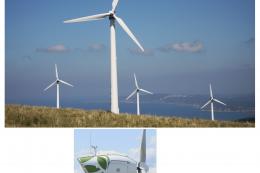 X-Plane Scenery Libraries
This is an animated wind turbine, suitable for both land and sea. Made in Ske…
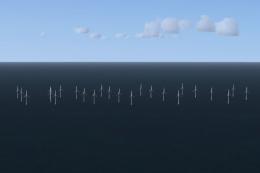 FSX Scenery
Llandudno Wind Farm, North Wales, UK. Situated approximately 8 km off the coa…
Be the first to leave a comment on this download.
Be the first to share your thoughts on this download.