

 FSX Scenery
Llandudno Wind Farm
Llandudno Wind Farm, North Wales, UK. Situated approximately 8 km off the coa…
Blue Canyon Wind Farm Phase 1 brings the hills north of Lawton, Oklahoma to life with animated turbines and refined local detail, plus upgrades to Jennings Ranch and the OL09 airfield. Built for Microsoft Flight Simulator X and tested with Ultimate Terrain X, it enhances VFR navigation with a prominent landmark and improved airport layout.
 Rate
Rate
 United States of America
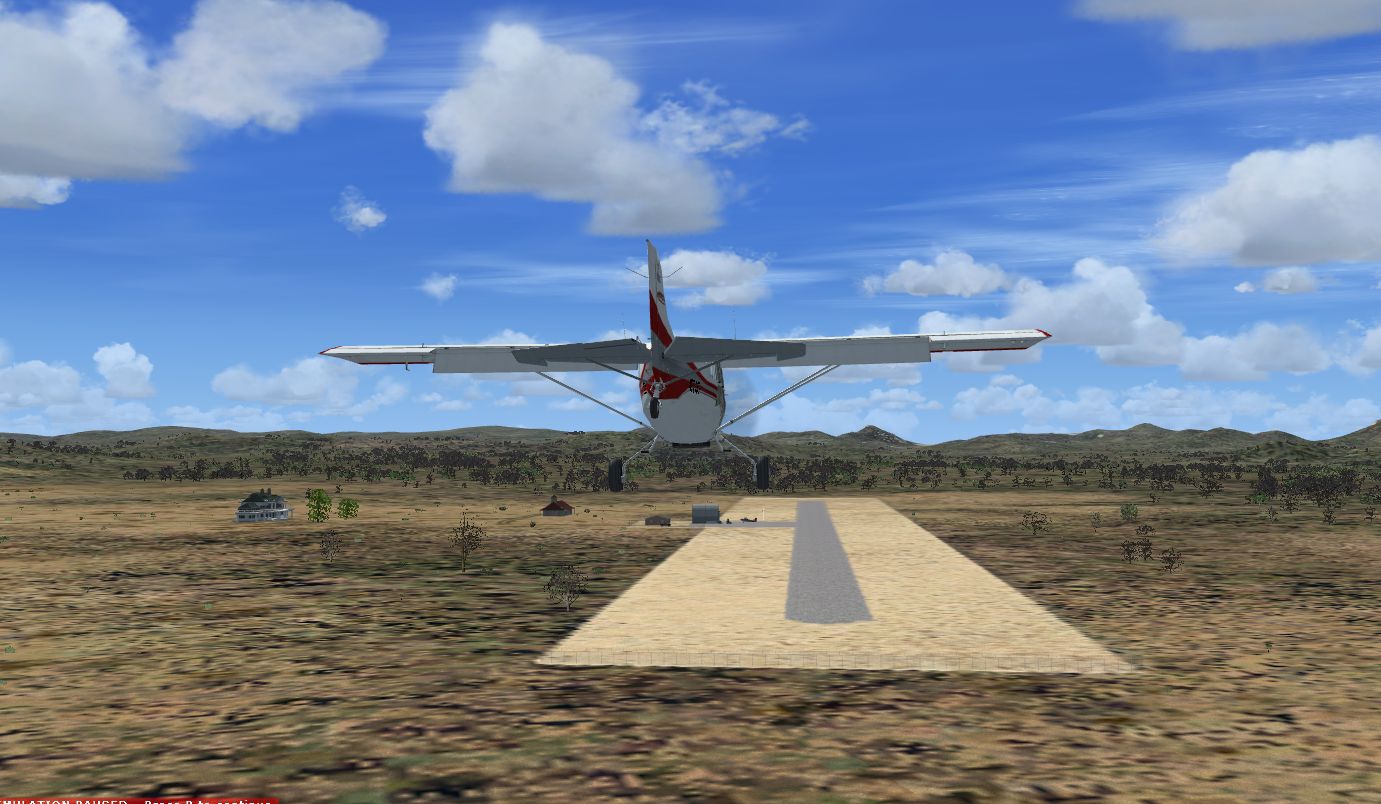
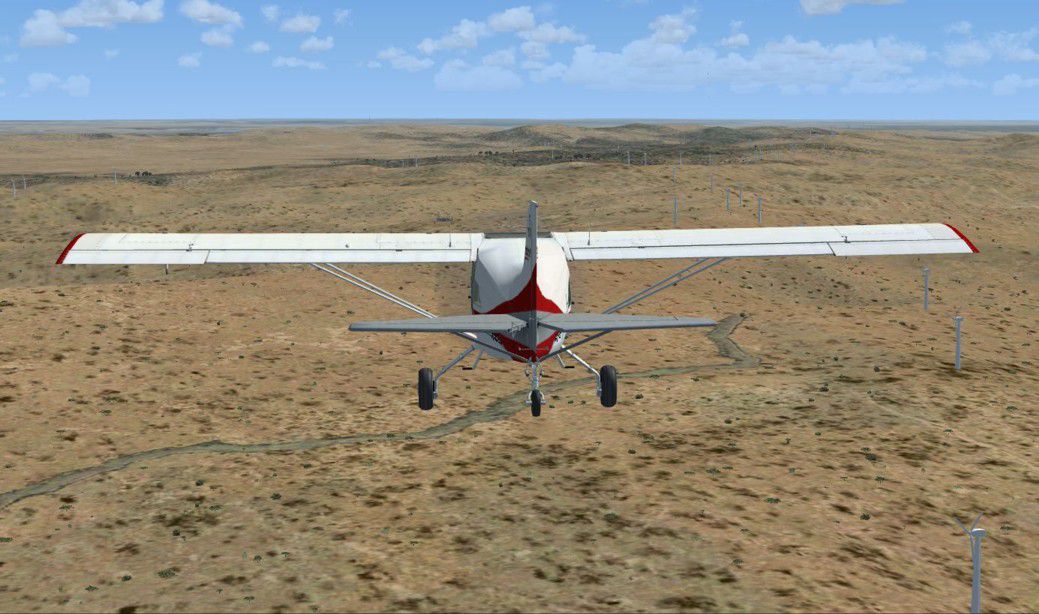
Blue Canyon Wind Farm (Phase 1) north of Lawton, Oklahoma (OK) with animated windmills and upgrades of the nearby Jennings Ranch and airfield (OL09). This scenery has been tested using Ultimate Terrain X. By Art Poole.
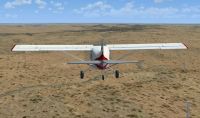
Blue Canyon Wind Farm Scenery.
Scenery adding the Blue Canyon Wind Farm (Phase 1) north of Lawton, Oklahoma with antimated windmills and upgrading the nearby Jennings Ranch and airfield (OL09). This scenery was created with Airport Design Editor, utilizes an antimated windmill model posted at the FS Developer Community by hcornea, and has been tested using Ultimate Terrain X.
Installation:
Extract the zip file and place the bgl files (OL09_ADE_AP.BGL and OL09_ADE_AP_CVX.BGL) in the Microsoft Flight Simulator X\Addon Scenery\Scenery folder.
To revert back to FSX default, remove the added bgl files.
The wind farm is in the hills directly east of Jennings Ranch.
This scenery is freeware, and may not be reproduced in whole, or any part for profit. There is no warranty.
Art Poole
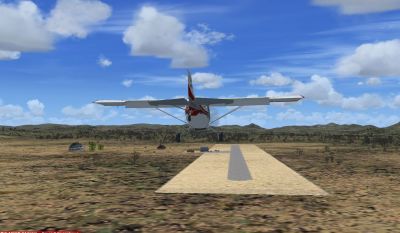
Blue Canyon Wind Farm Scenery..
Free for all simmers · 335.66 KB · Scanned clean Oct 2026
Download speed: Free tier is capped at 0.5 Mbps. PRO members download at full line speed.
FSX\Addon Scenery\ containing scenery and texture sub-folders.readme.txt or README file. It tells you exactly where files go, what dependencies are needed, and any quirks specific to this add-on.Use these coordinates to fly directly to this location once the mod is installed.
34.90000000,-98.43000000
Launch FSX or Prepar3D and use Flights → Load to open the downloaded .pln file. Your aircraft will be positioned at this location.
The archive blucanfm.zip has 7 files and directories contained within it.
This list displays the first 500 files in the package. If the package has more, you will need to download it to view them.
| Filename/Directory | File Date | File Size |
|---|---|---|
| jennings ranch.JPG | 10.28.08 | 166.99 kB |
| OL09_ADE_AP.BGL | 10.28.08 | 46.10 kB |
| OL09_ADE_AP_CVX.bgl | 10.28.08 | 620 B |
| readme.txt | 10.28.08 | 946 B |
| wind farm.JPG | 10.28.08 | 155.99 kB |
| flyawaysimulation.txt | 10.29.13 | 959 B |
| Go to Fly Away Simulation.url | 01.22.16 | 52 B |
Only PRO members can place votes.
More FSX & P3D add-ons hand-picked based on this download.
FSX Scenery
Llandudno Wind Farm, North Wales, UK. Situated approximately 8 km off the coa…
 FSX Scenery
North Pickenham Wind Farm for Neil's Microlights. Situated near Swaffham in N…
 FSX Scenery
Millom Wind Farm for Neil's Microlights UK. This wind farm is located just no…
 FSX Scenery
Tarn Farm And Paty's Farm, UK Tarn Farm and Patty's Farm grass strips; compan…
 FSX Scenery
OZx Grand Canyon Add-Ins, Arizona (AZ). This file is for use with the Grand C…
 FSX Scenery
Scenery Calden Wind Farms And TV Tower, Germany. Places windfarms and Essigbe…
 FSX Scenery
Blackburn Wind Farms for users of Neil's Microlight's. Eight new wind generat…
 FSX Scenery
Clipgate And Pent Farm Grass Strips. Clipgate and Pent Farm Grass Strips, com…
Be the first to leave a comment on this download.
Be the first to share your thoughts on this download.