

 FSX Civil Aircraft
Alitalia Airbus A321 New Livery
Alitalia Airbus A321 (new livery). Textures only for the default A321. Alital…
An Airbus A321 tribute livery refreshes the default narrow-body with crisp fuselage and tail textures, refined reflections, and balanced alpha shading for realistic gloss and lighting across day, night, and weather. Built for Microsoft Flight Simulator X, it requires the default A321 model and integrates cleanly with the simulator’s native materials.
 Rate
Rate
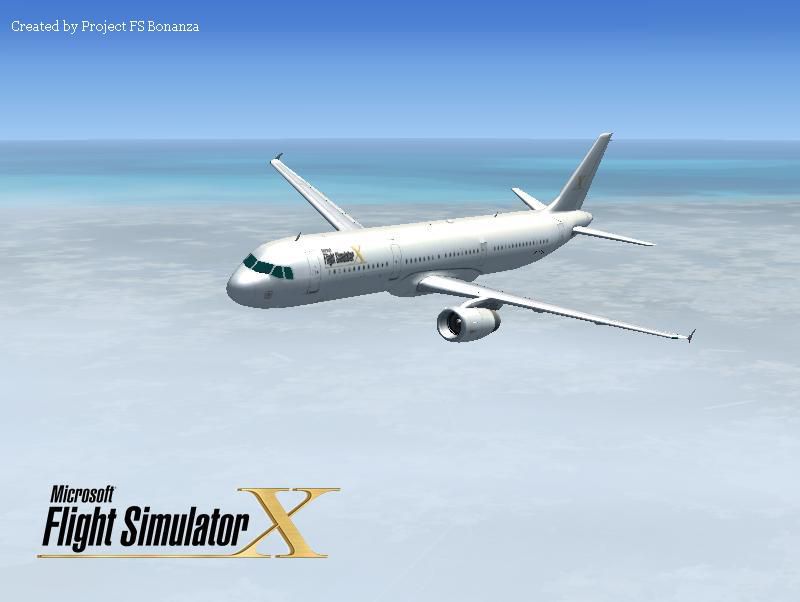
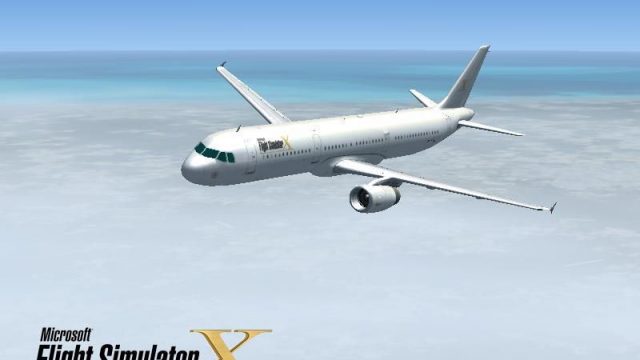
This freeware package features a customized repaint for the default Airbus A321, presented as a tribute to Microsoft Flight Simulator X. It has been meticulously developed by Victor Vu, showcasing refined exterior graphics that blend seamlessly with the simulator’s native model. Enthusiasts looking for a visually distinctive rendition of the popular narrow-body jet will find much to appreciate in this add-on.
The paint scheme integrates upgraded DDS (DirectDraw Surface) materials, which enhance the clarity of the fuselage and tail section. Subtle details, such as high-resolution reflections across wing surfaces and integrated alpha channels on the fuselage, are carefully balanced to reduce any exaggerated gloss effects. Moreover, the color palette is optimized to align with Microsoft Flight Simulator X’s lighting environment, ensuring that light interactions look natural from various angles.
This repaint is designed for the default A321 platform in Microsoft Flight Simulator X. The file structure adheres to the simulator’s existing layout, making installation straightforward. Each texture map is configured to utilize the aircraft’s native lighting functionalities, so the livery transitions smoothly during day-to-night changes, and it retains consistent shading under shifting weather conditions.
The Airbus A321 represents an extended, single-aisle configuration in the A320 family. Airlines worldwide recognize it for its balanced short- to medium-haul capabilities, accommodating a higher passenger load than its siblings while maintaining efficient aerodynamic performance. In numerous real-world operations, its fly-by-wire controls contribute to smooth handling and predictable flight behavior. These traits are equally reflected in the simulator, enabling a realistic experience for both casual flyers and dedicated cockpit crews.
Before applying this repaint, ensure the default Airbus A321 files are present in your simulator. Please note that the base model itself is not included in this download and can be obtained separately from the Fly Away Simulation mod library. Once installed, verify that the aircraft’s configuration files include the newly added texture entry to guarantee proper integration into your aircraft selection menu.
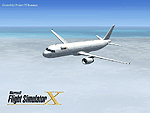
This package by Victor Vu remains freeware. It serves as an ideal choice for simmers looking to expand their virtual hangar with a classic A321 enhanced by a stylish livery that salutes the hallmark edition of Microsoft Flight Simulator X.
Free for all simmers · 3.29 MB · Scanned clean Oct 2026
Download speed: Free tier is capped at 0.5 Mbps. PRO members download at full line speed.
texture.{airline}) inside FSX\SimObjects\Airplanes\{base-aircraft}\.aircraft.cfg in Notepad. Add a new [fltsim.X] section per the readme.readme.txt or README file. It tells you exactly where files go, what dependencies are needed, and any quirks specific to this add-on.The archive noname77.zip has 18 files and directories contained within it.
This list displays the first 500 files in the package. If the package has more, you will need to download it to view them.
| Filename/Directory | File Date | File Size |
|---|---|---|
| Installation.txt | 04.02.08 | 749 B |
| Readme.txt | 04.04.08 | 1.33 kB |
| screenshot.JPG | 04.03.08 | 34.86 kB |
| splashscreen | 04.04.08 | 0 B |
| dlgsplash.bmp | 04.03.08 | 1.38 MB |
| splahscreen Inst.txt | 04.04.08 | 275 B |
| Thumbs.db | 04.04.08 | 4.50 kB |
| Texture.fsx | 04.03.08 | 0 B |
| A321_1_T.dds | 04.02.08 | 1.33 MB |
| A321_1_T_spec.dds | 09.04.06 | 1.33 MB |
| A321_2_T.dds | 09.04.06 | 1.33 MB |
| A321_2_T_spec.dds | 09.04.06 | 1.33 MB |
| Fresnel_Ramp.dds | 09.04.06 | 640 B |
| texture.cfg | 08.14.06 | 137 B |
| thumbnail.JPG | 04.03.08 | 8.48 kB |
| Default_A321_FSX | 04.03.08 | 0 B |
| flyawaysimulation.txt | 10.29.13 | 959 B |
| Go to Fly Away Simulation.url | 01.22.16 | 52 B |
Only PRO members can place votes.
More FSX & P3D add-ons hand-picked based on this download.
FSX Civil Aircraft
Alitalia Airbus A321 (new livery). Textures only for the default A321. Alital…
 FSX Civil Aircraft
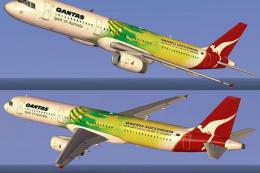
This repaint showcases Qantas’s striking theme dedicated to the Socceroos, br…
 FSX Civil Aircraft
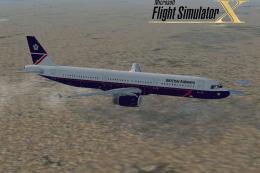
FSX British Airways Airbus A321. This is the 1980's livery for the British Ai…
 FSX Civil Aircraft
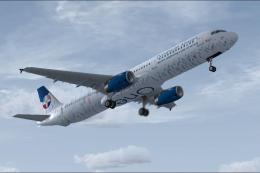
Dominican Airways Airbus A321 In One Year Livery. Dominican Airways is celebr…
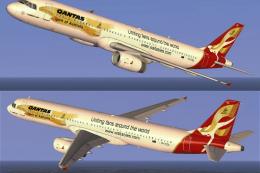 FSX Civil Aircraft
Step into an immersive environment featuring the Qantas Airbus A321 adorned i…
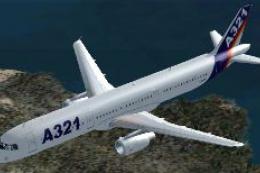 FSX Civil Aircraft
Airbus Livery A321. By Kevin Widjaja. Airbus Livery A321 in flight. For those…
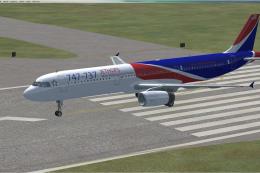 FSX Civil Aircraft
Adding logos for A321 default model for 747-737 Jet Hops livery. This file co…
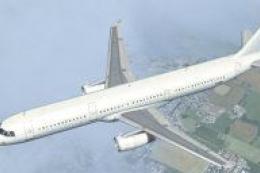 FSX Civil Aircraft
Enhance your virtual hangar with these custom Luso Airlines textures, crafted…
Be the first to leave a comment on this download.
Be the first to share your thoughts on this download.