

 FSX Civil Aircraft
Garuda Indonesia Boeing 737-800 Batik Livery
Textures only. By Adhit Septiady. Screenshot of Garuda Indonesia Boeing 737-8…
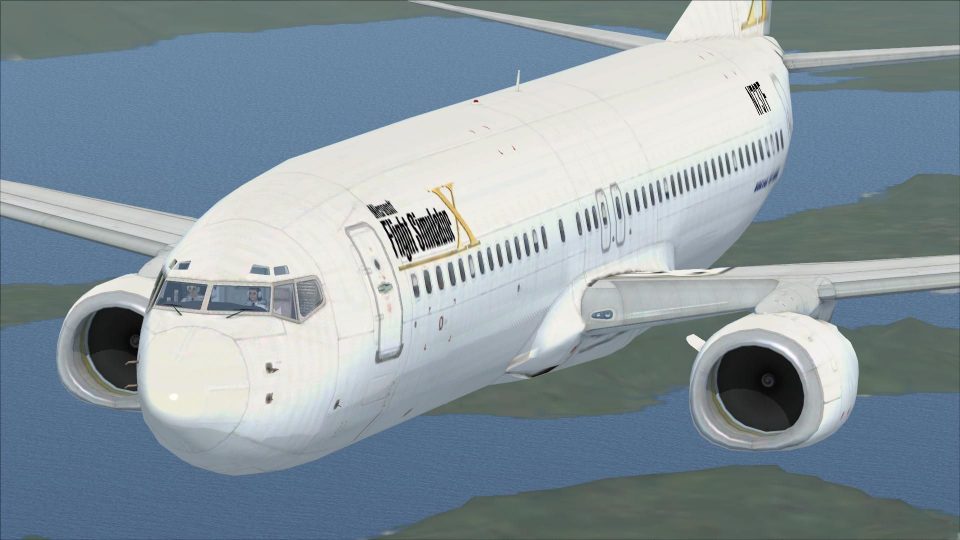
Boeing 737-800 repaint celebrates Flight Simulator X with an FSX-inspired fuselage and tail theme, crisp panel lines, and rivet detail that keeps the default jet’s recognizable Next Generation look. It preserves the original virtual cockpit, avionics, and flight dynamics, and requires the stock 737-800 included with Microsoft Flight Simulator X.
 Rate
Rate
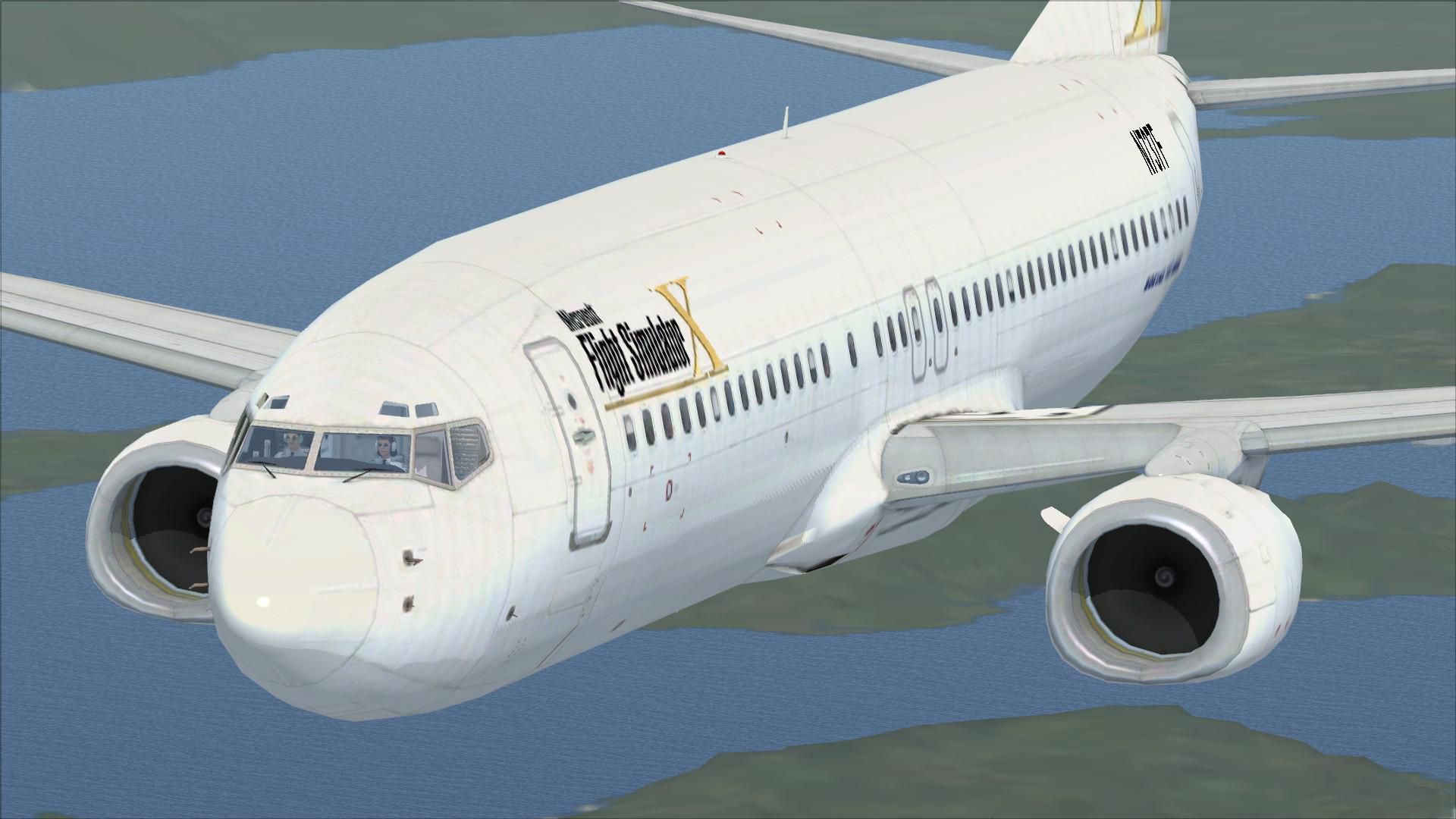
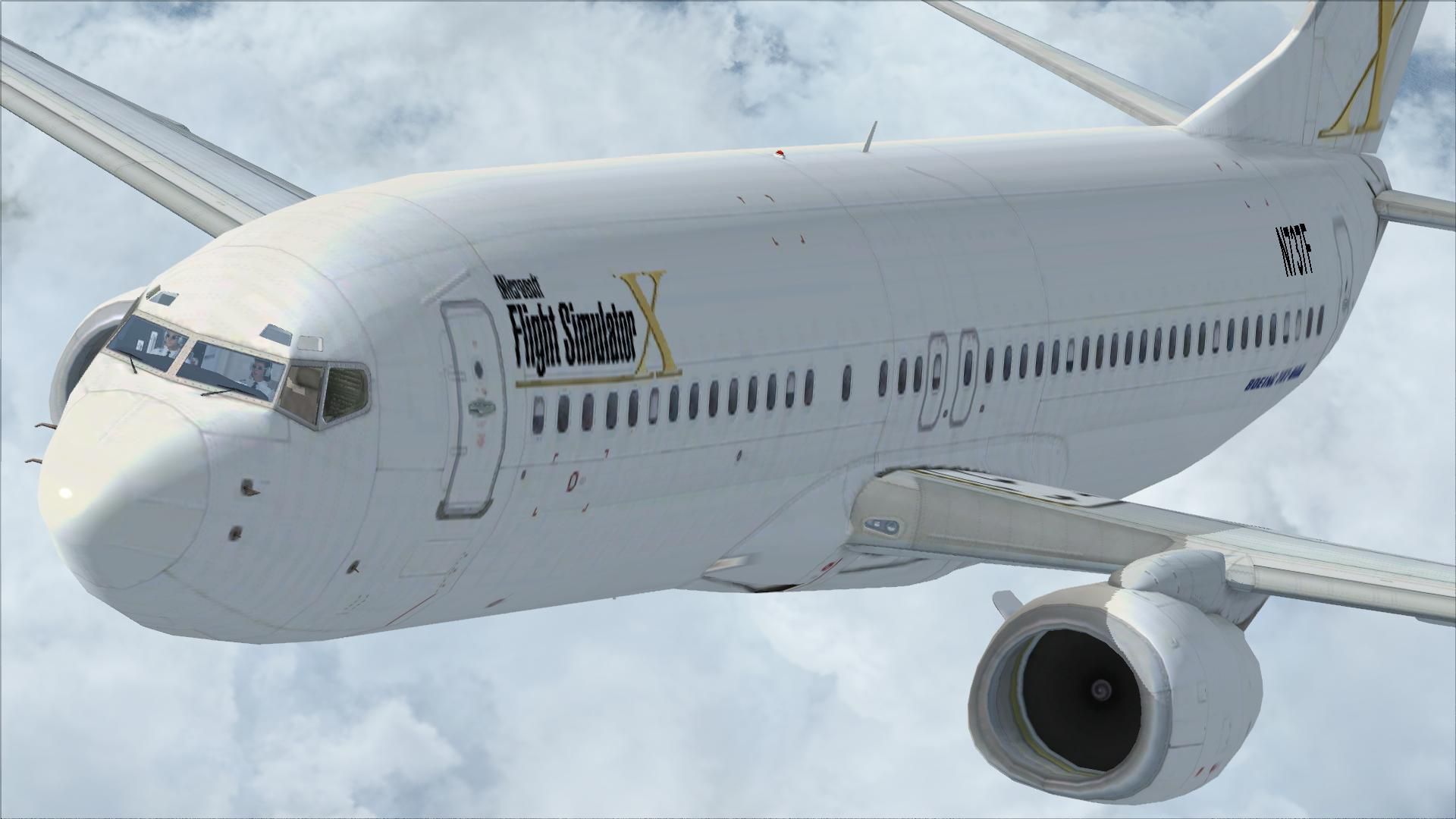
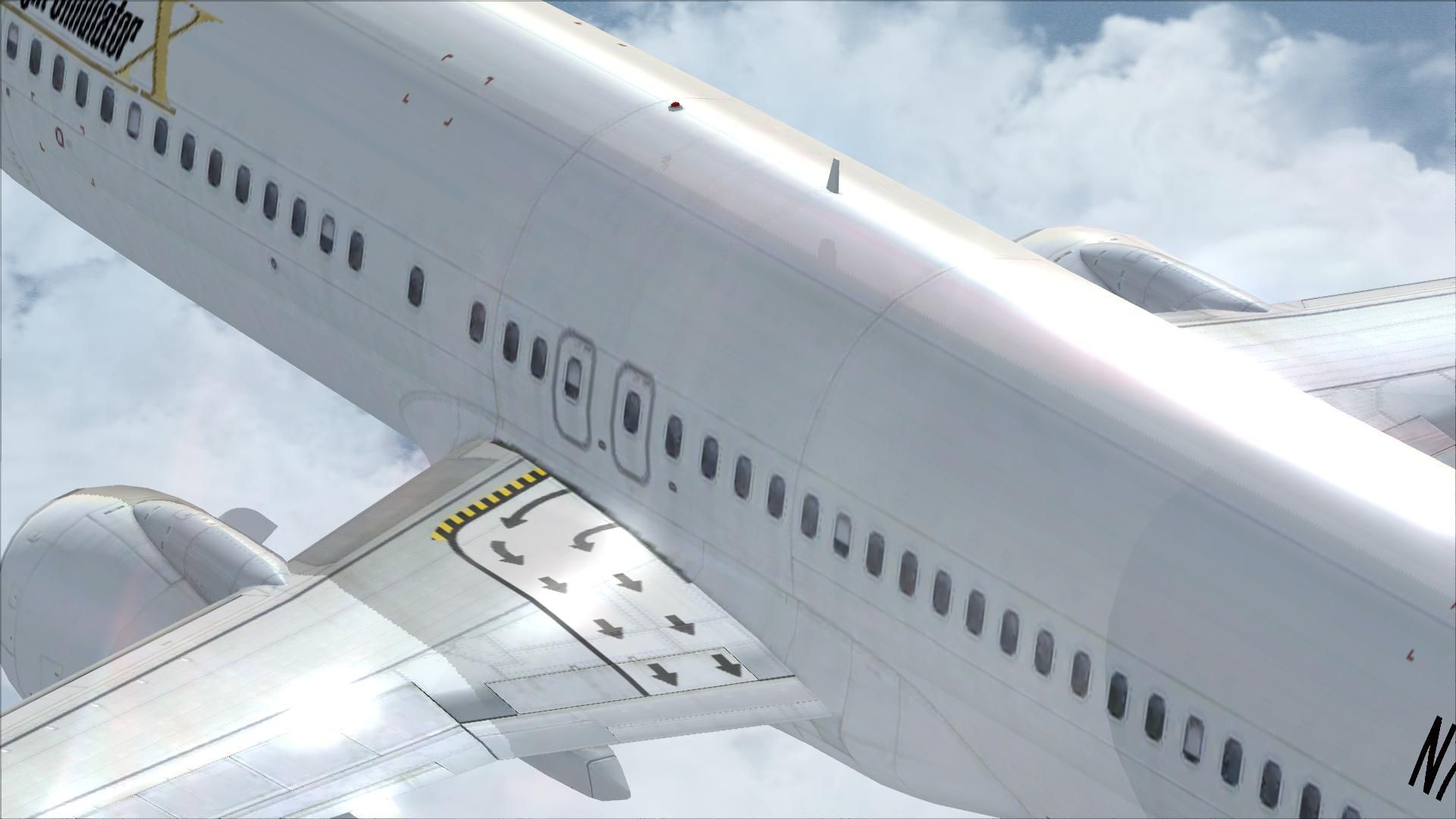
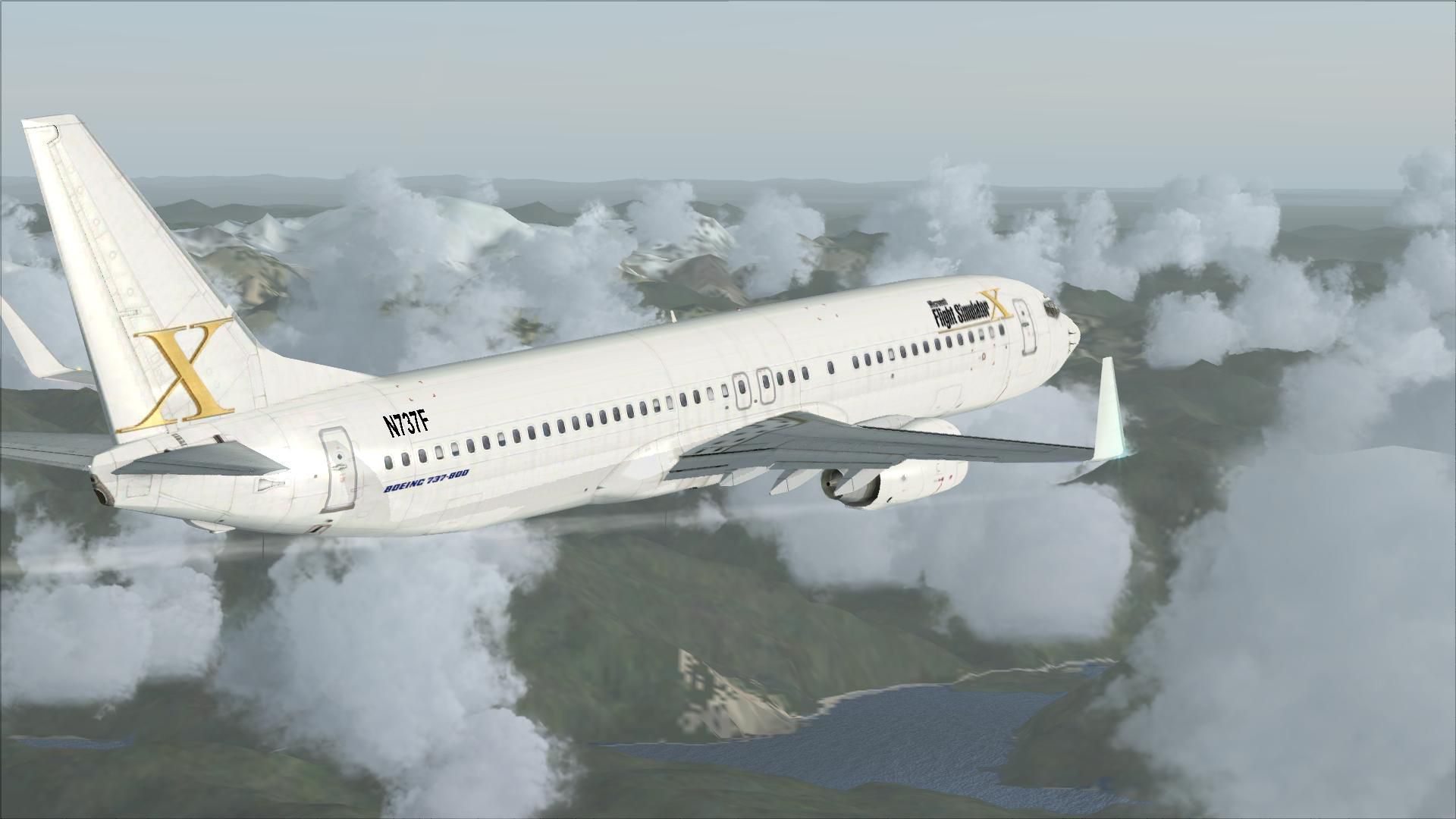
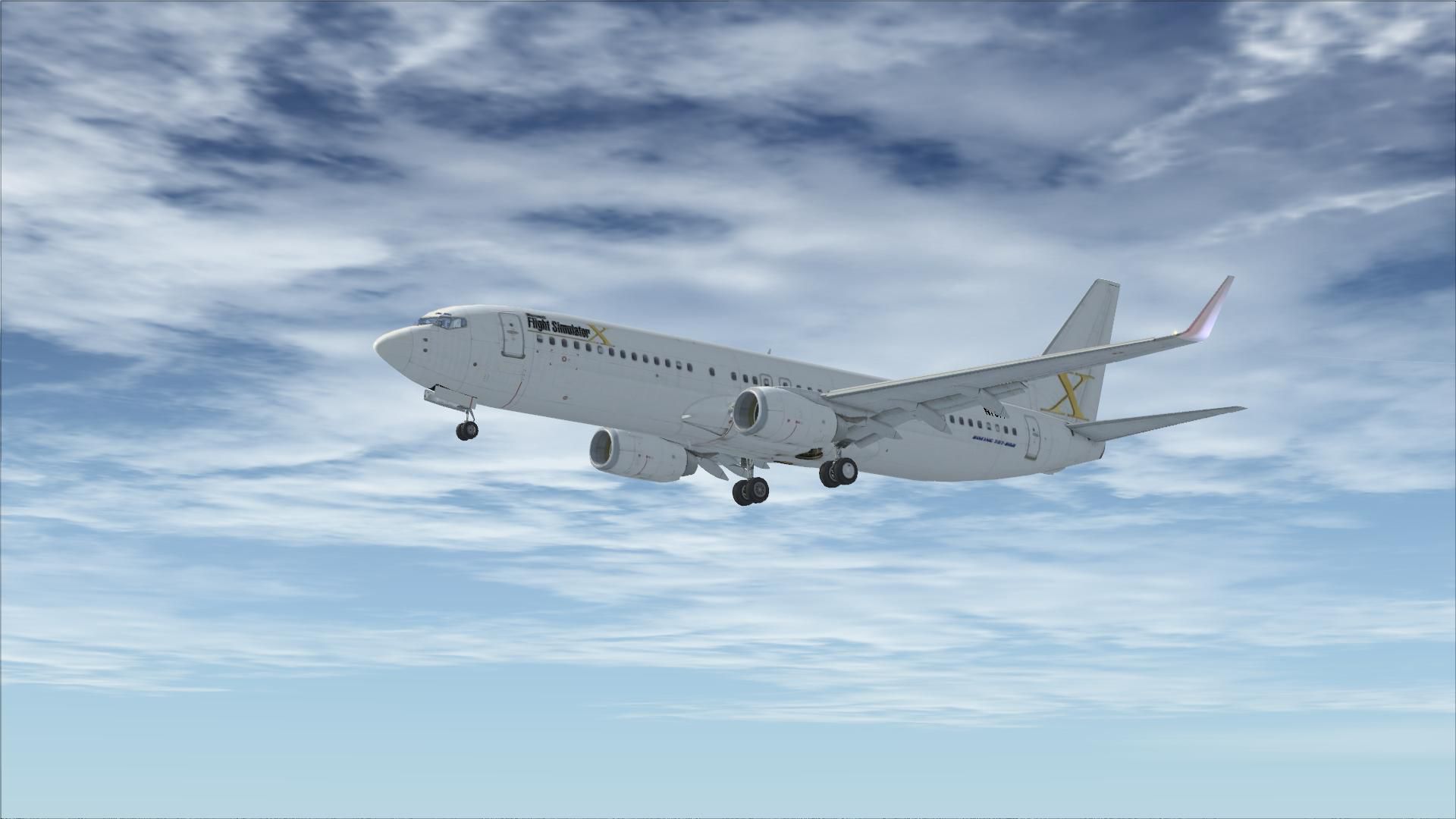
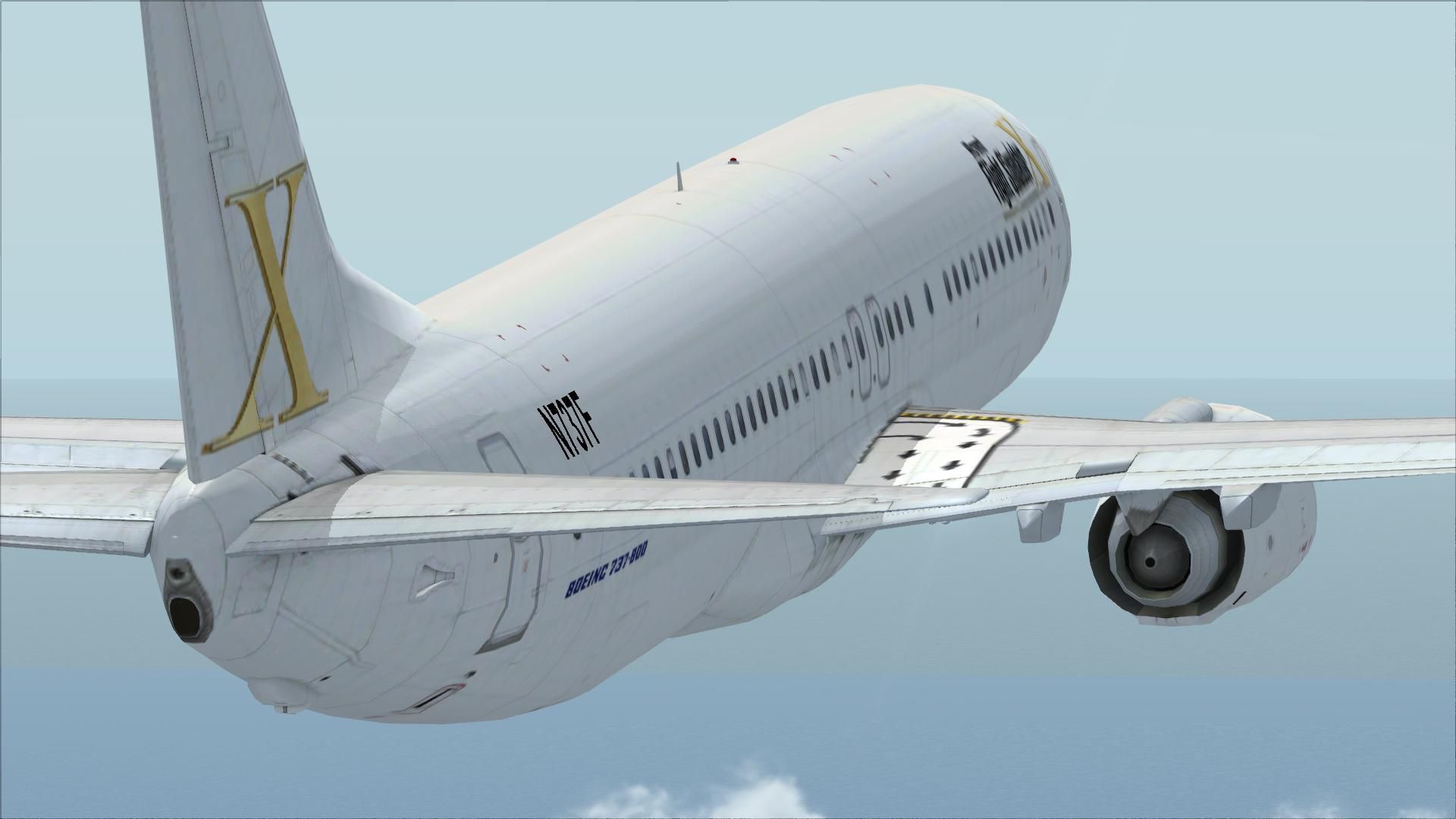
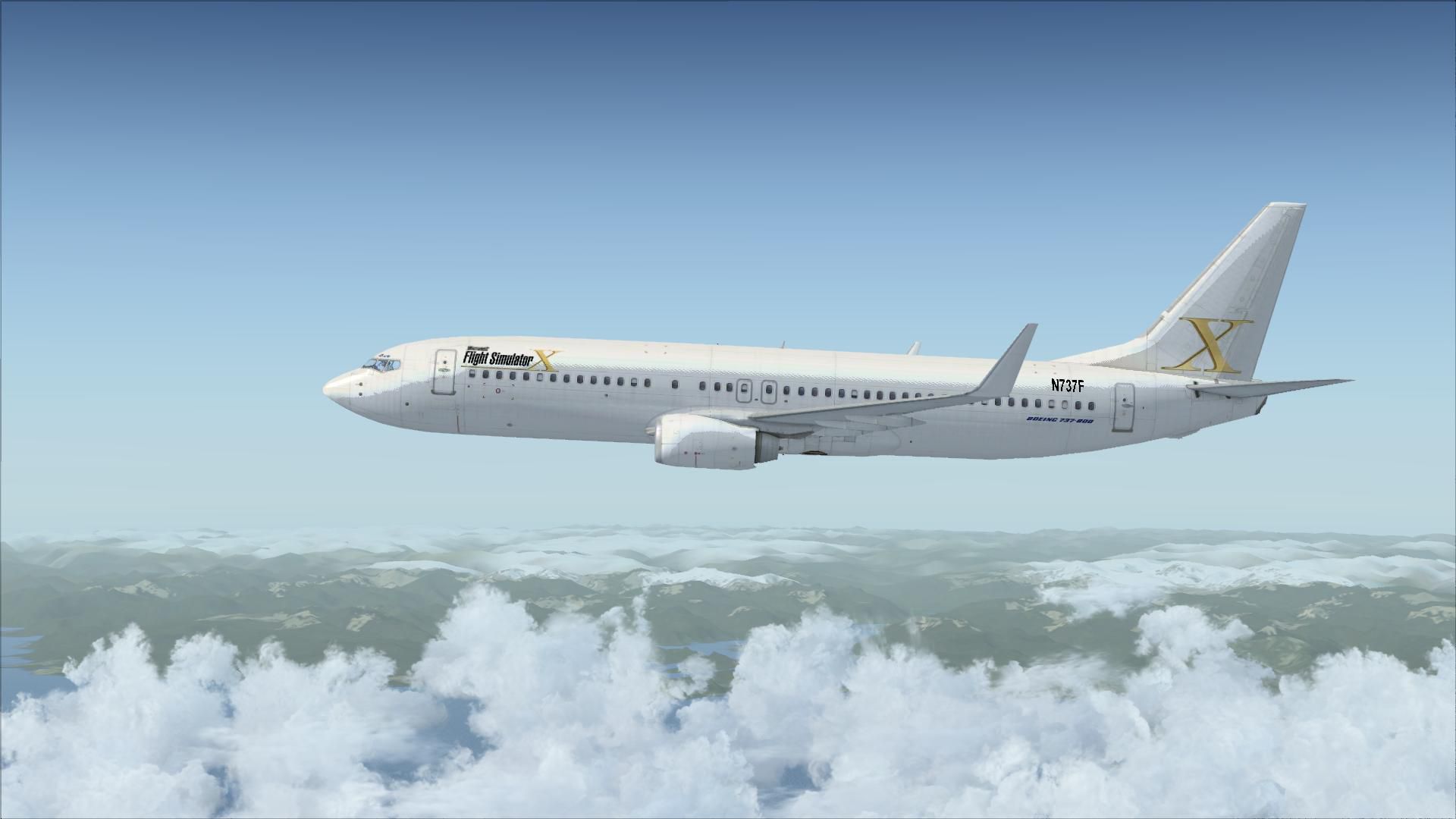
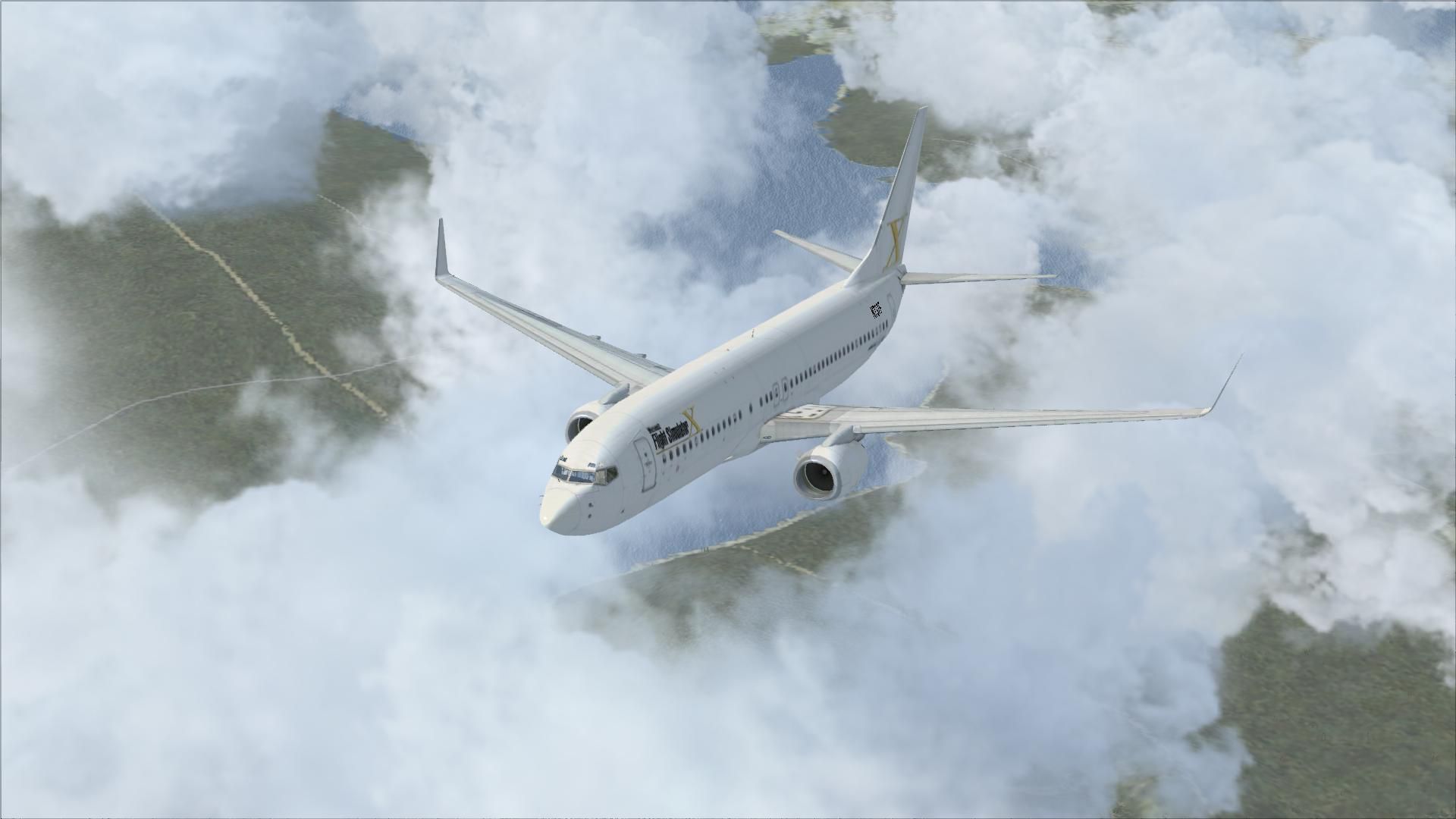
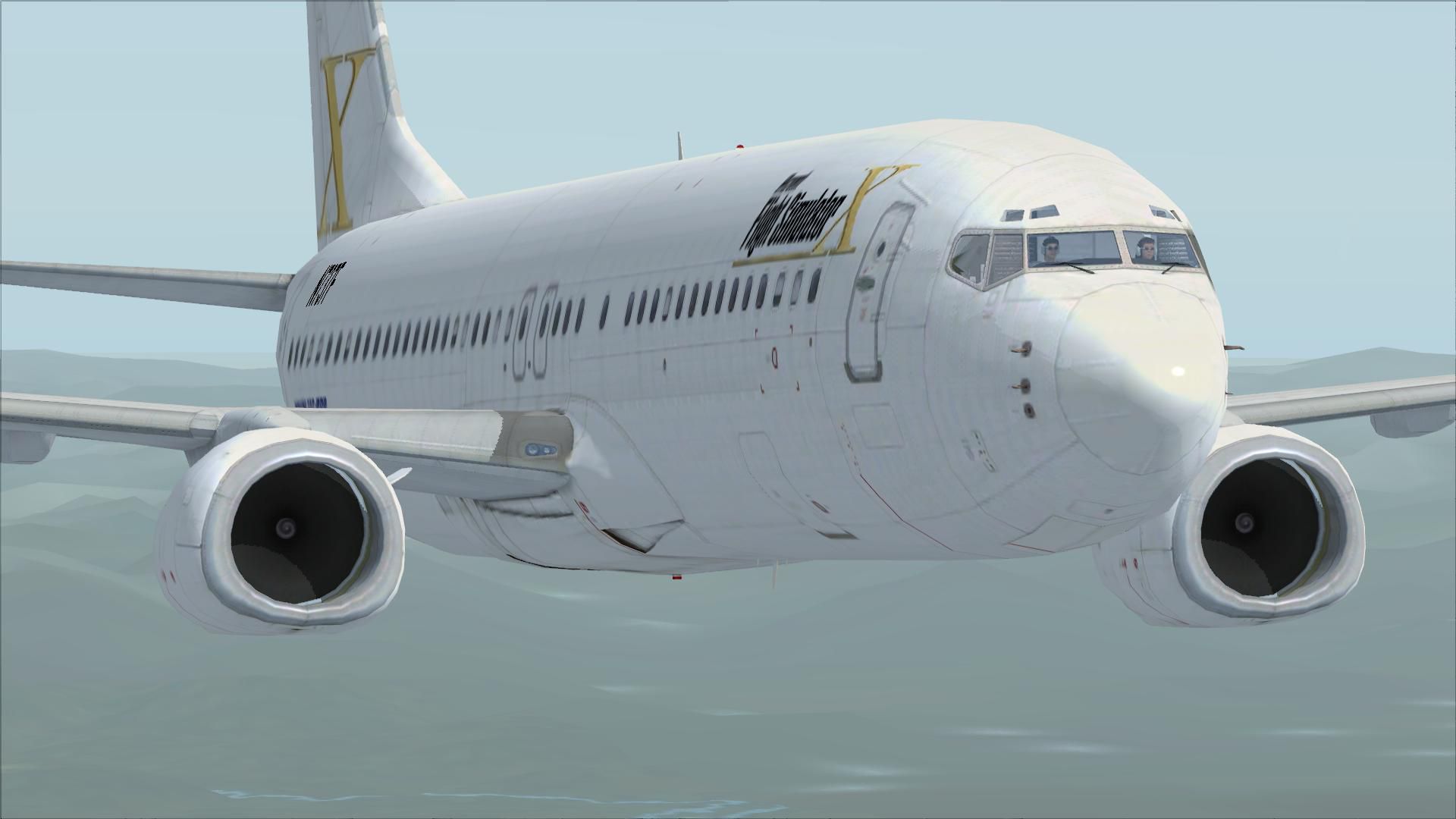
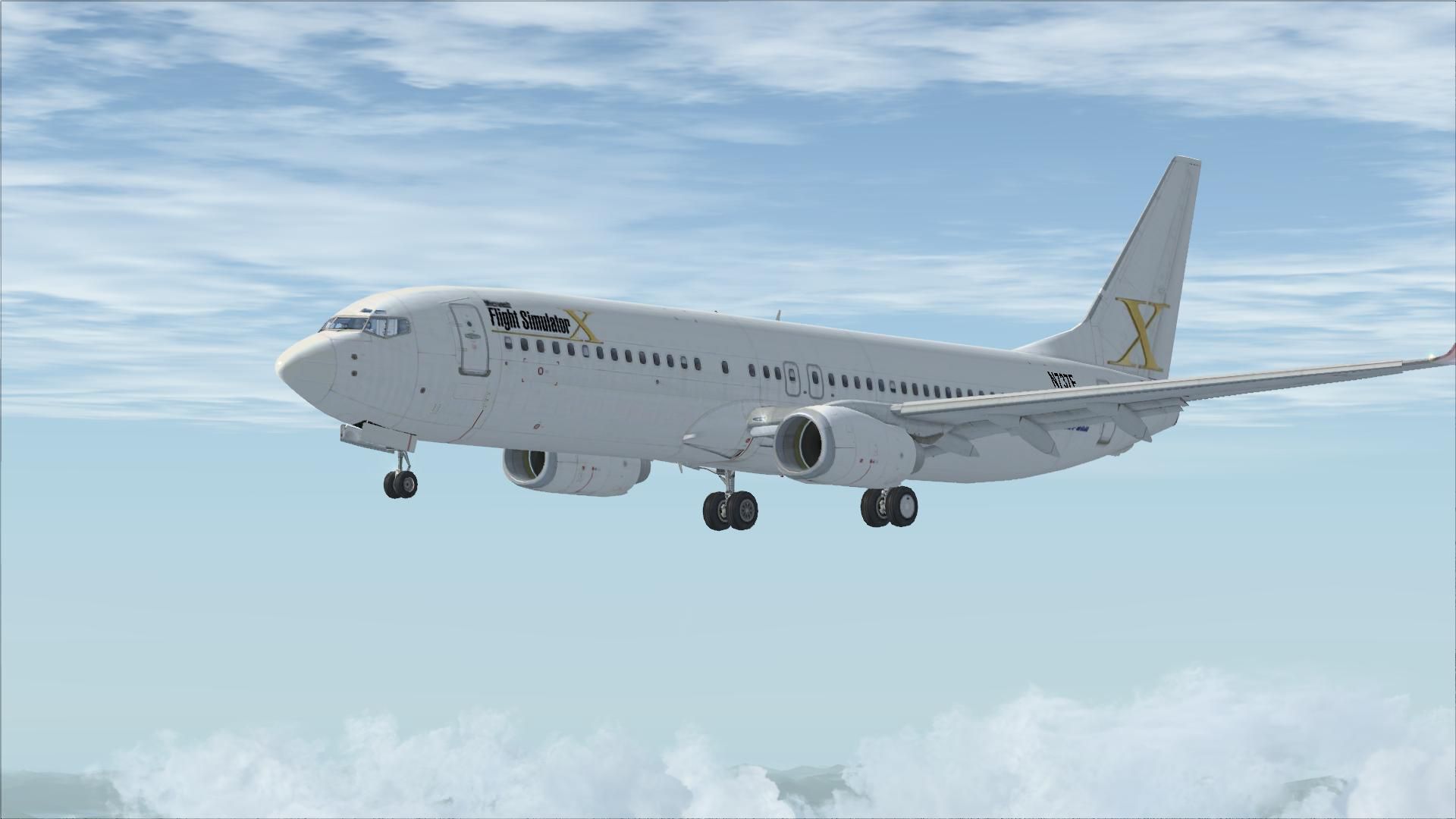
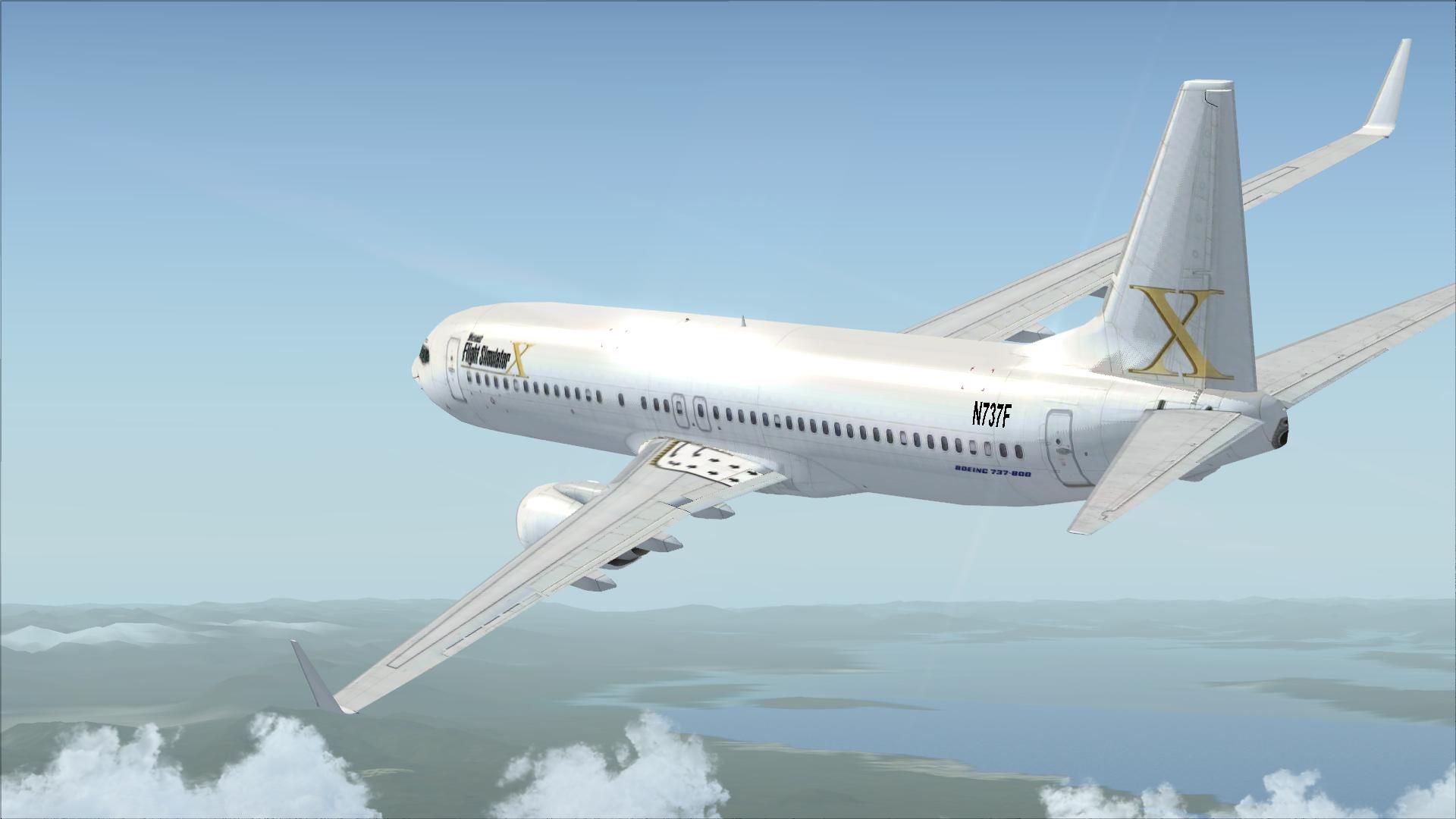
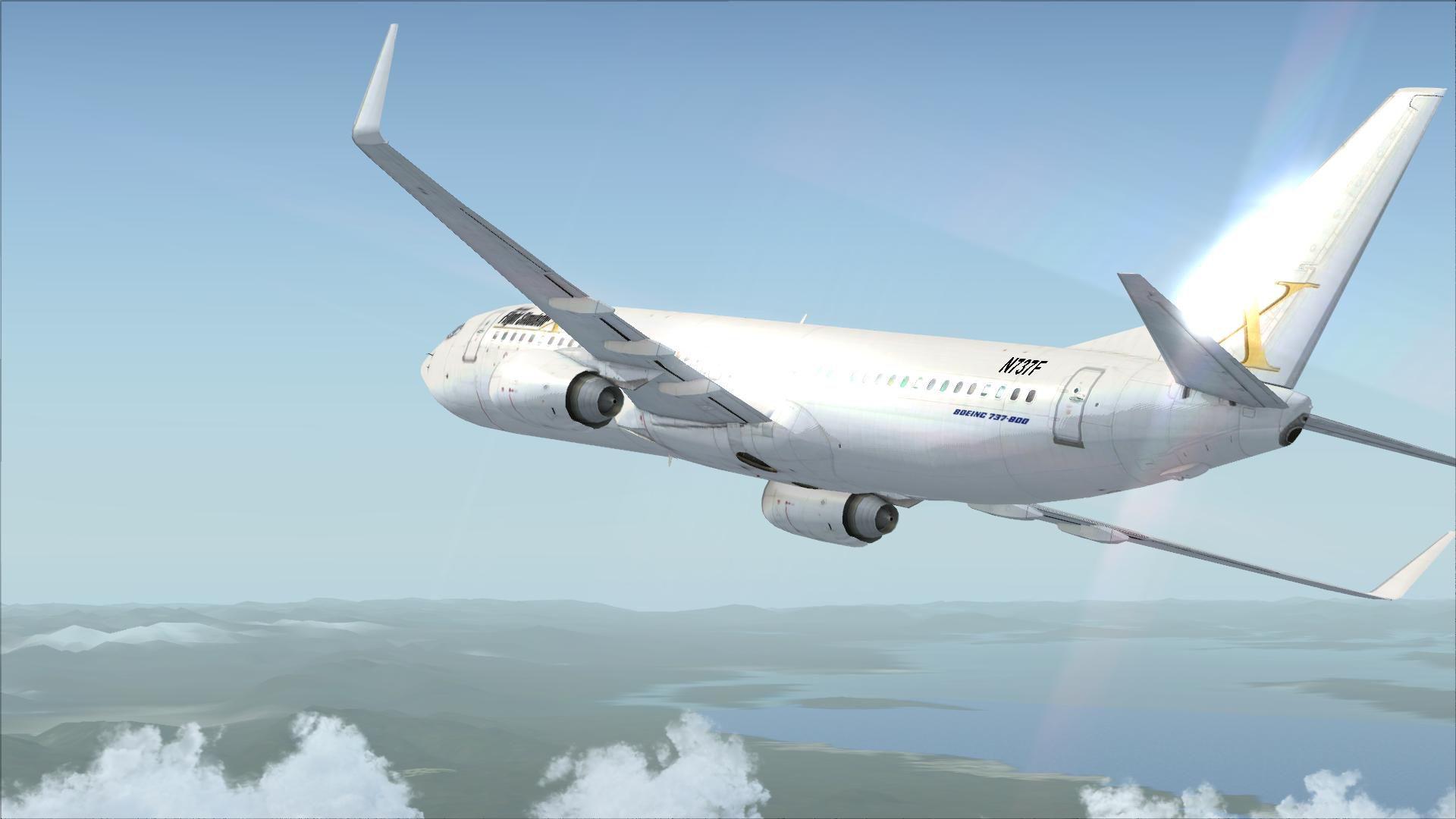
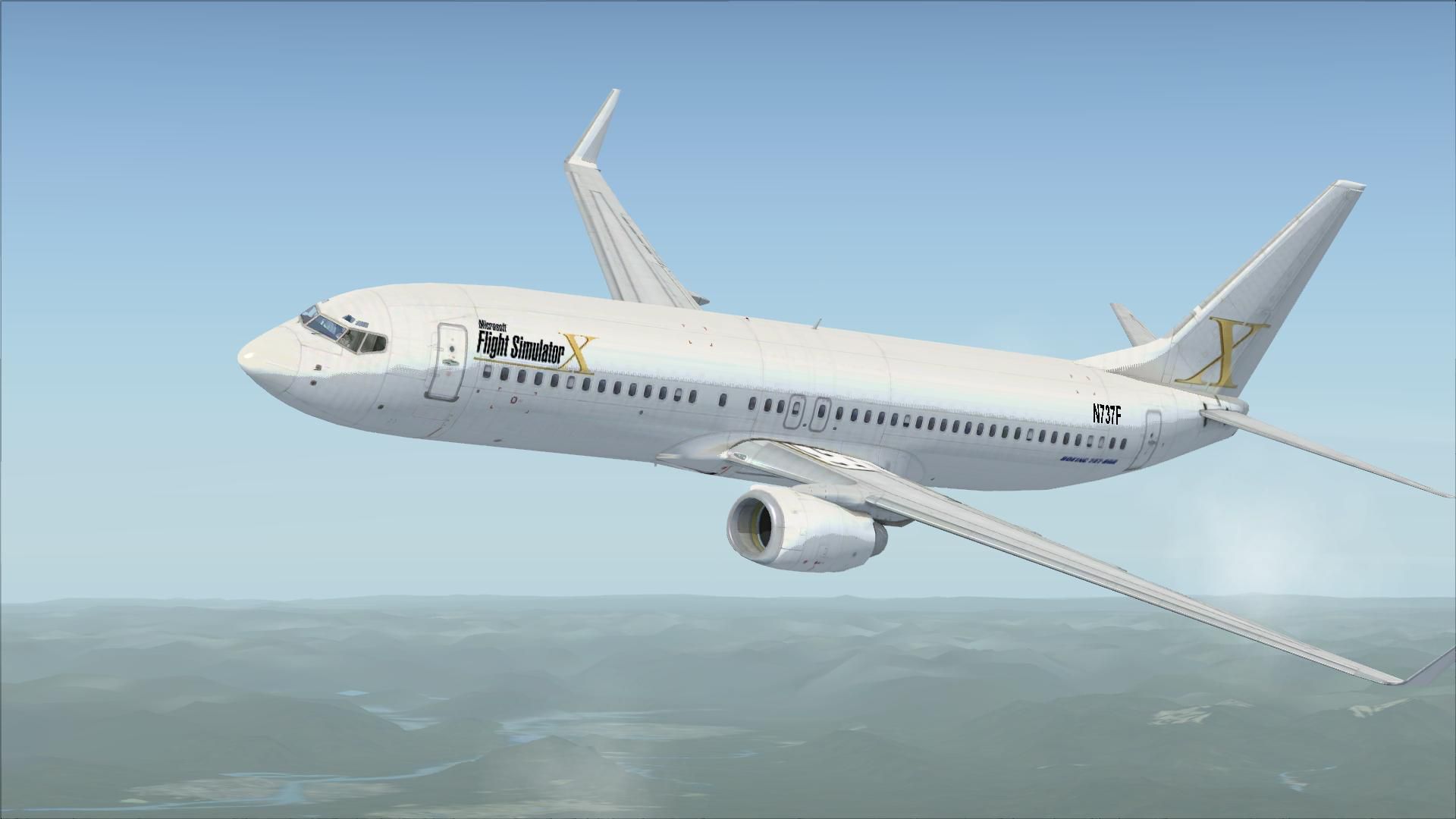
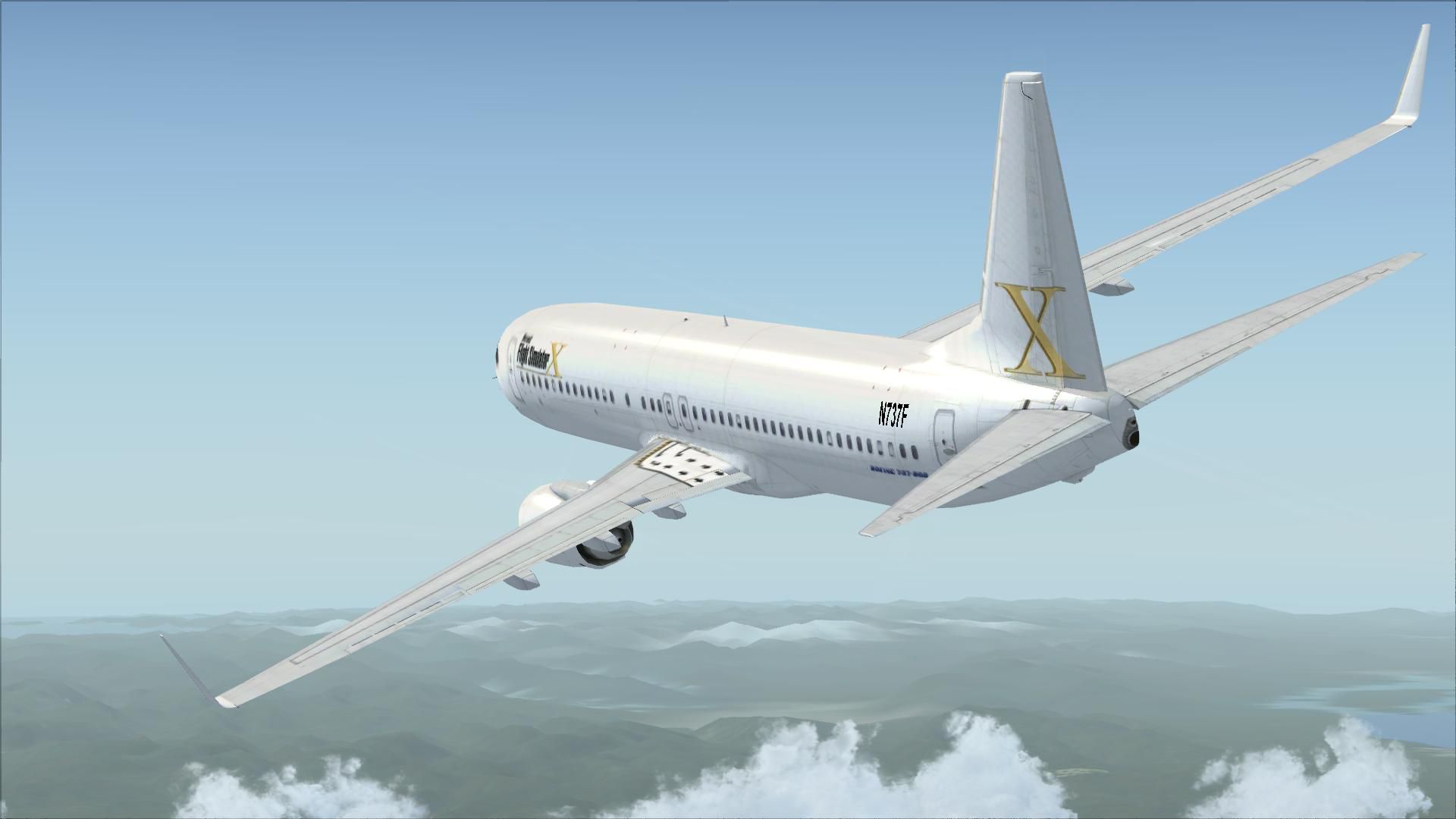
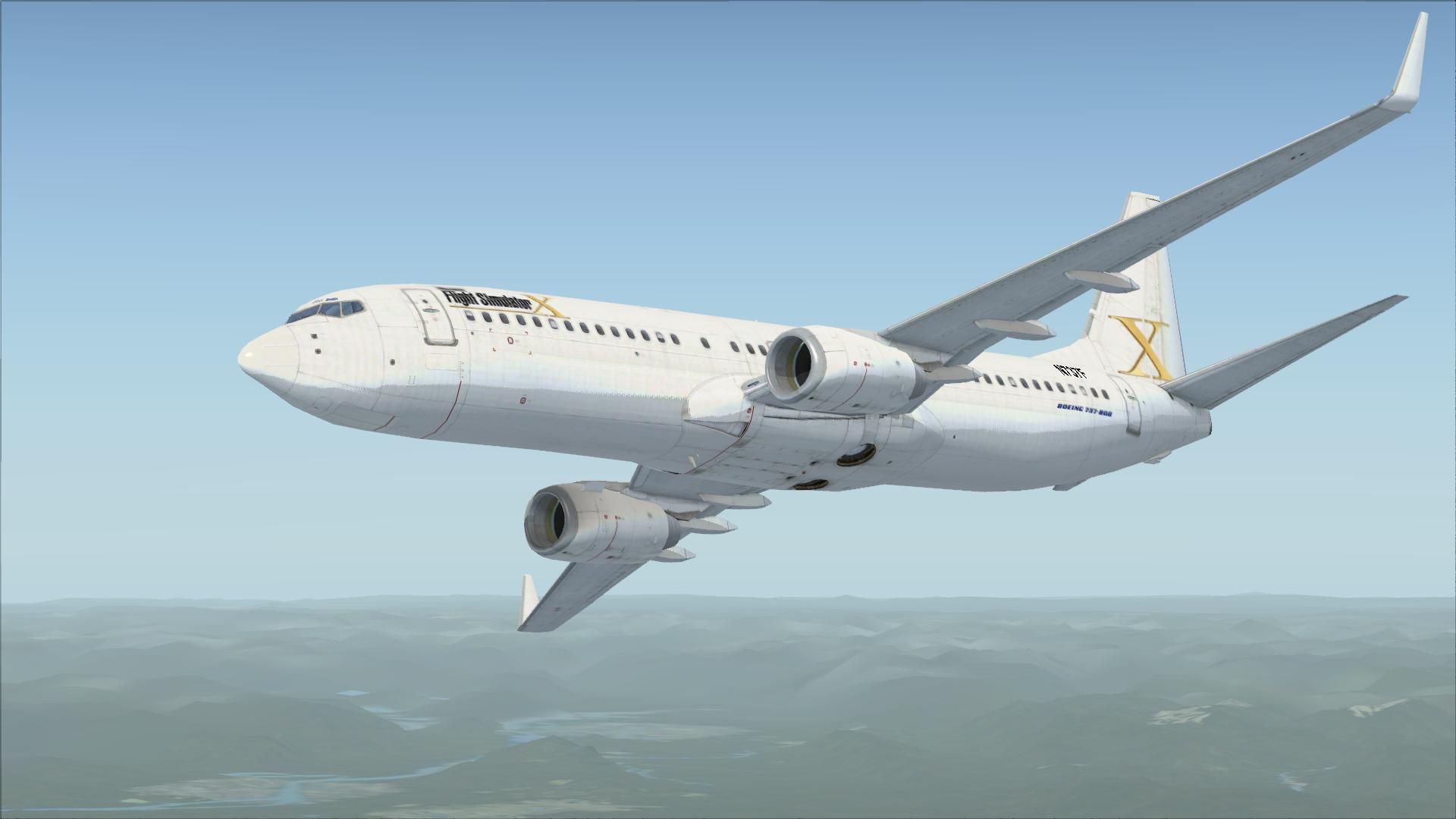
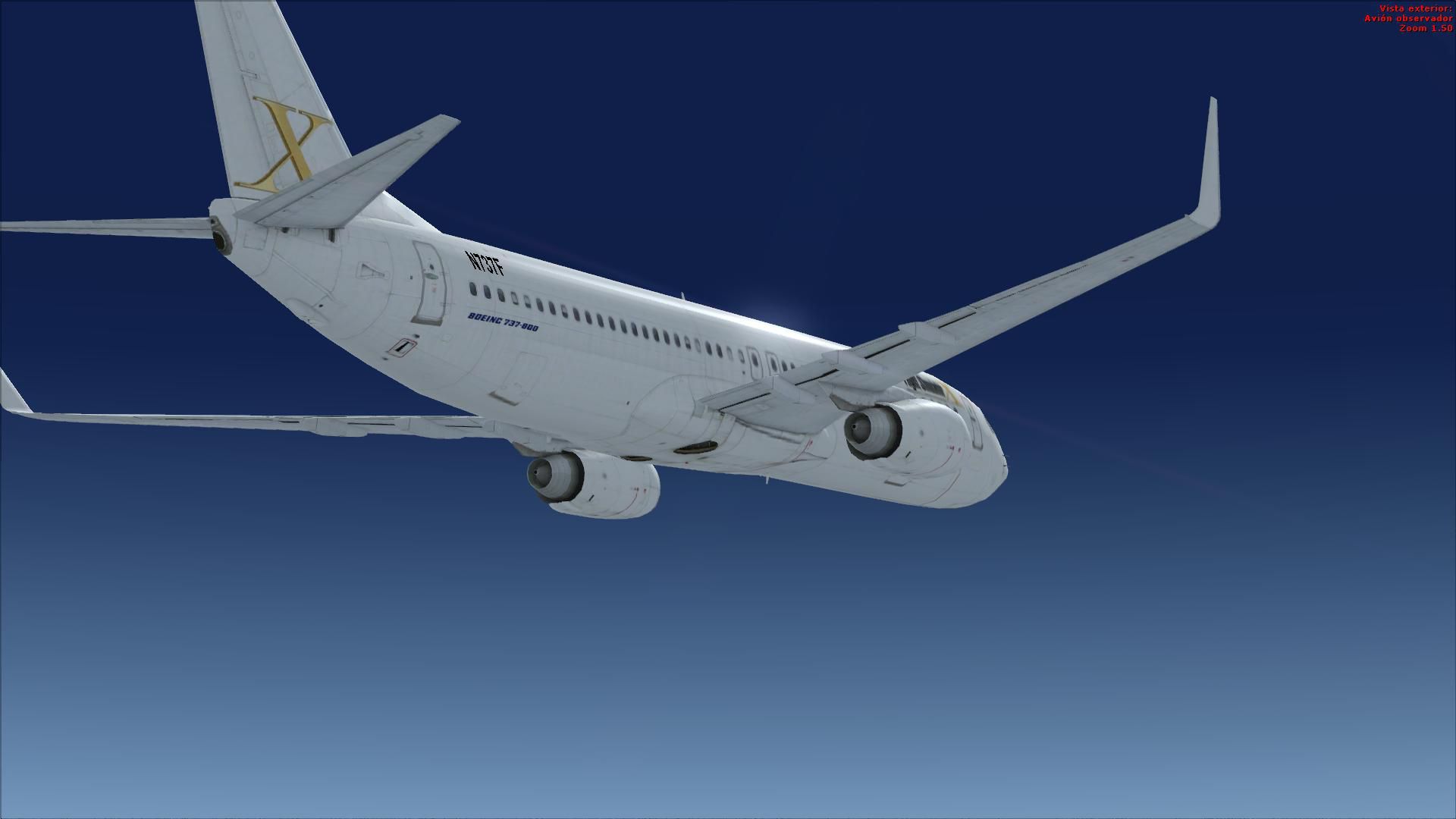
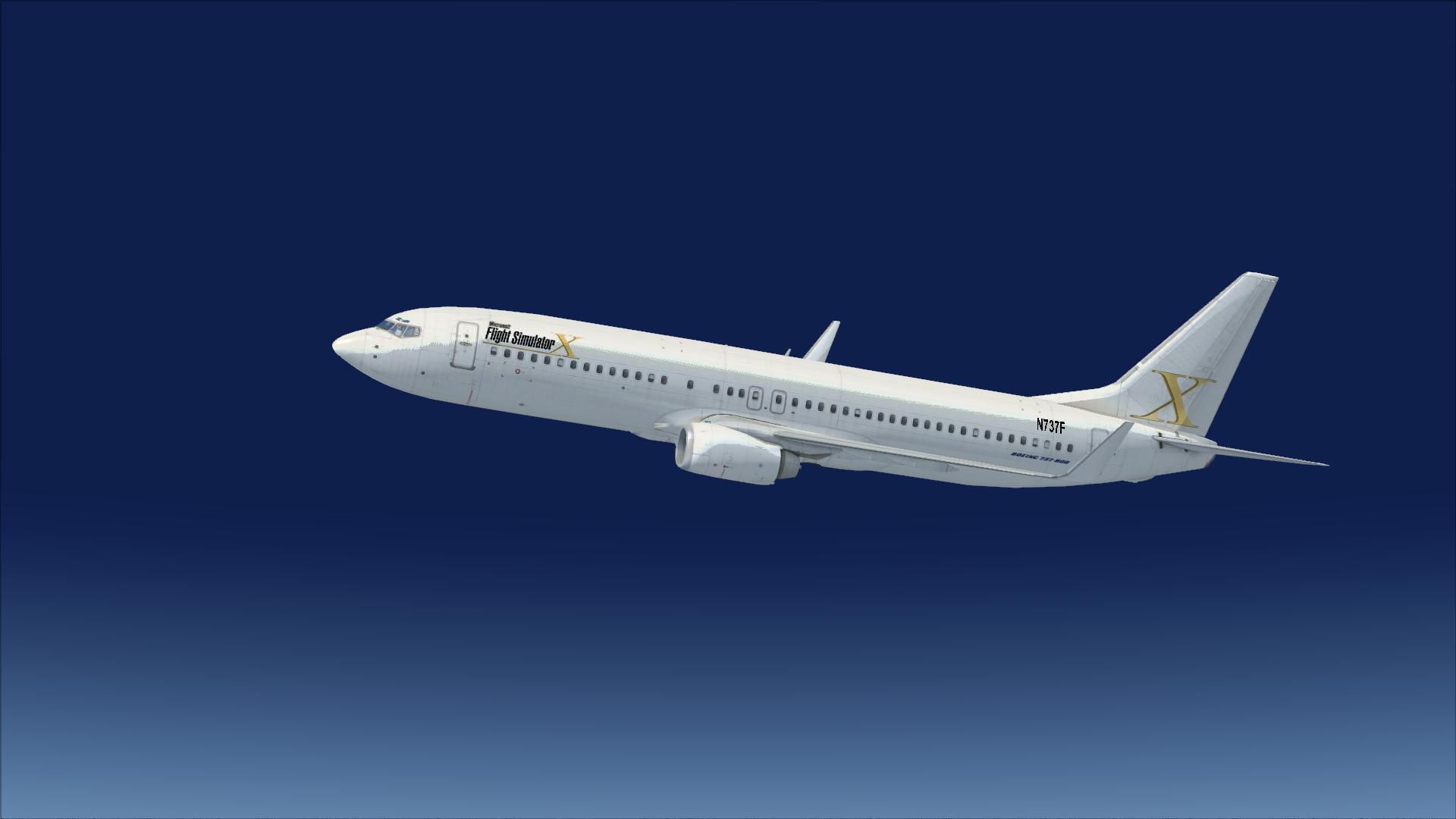
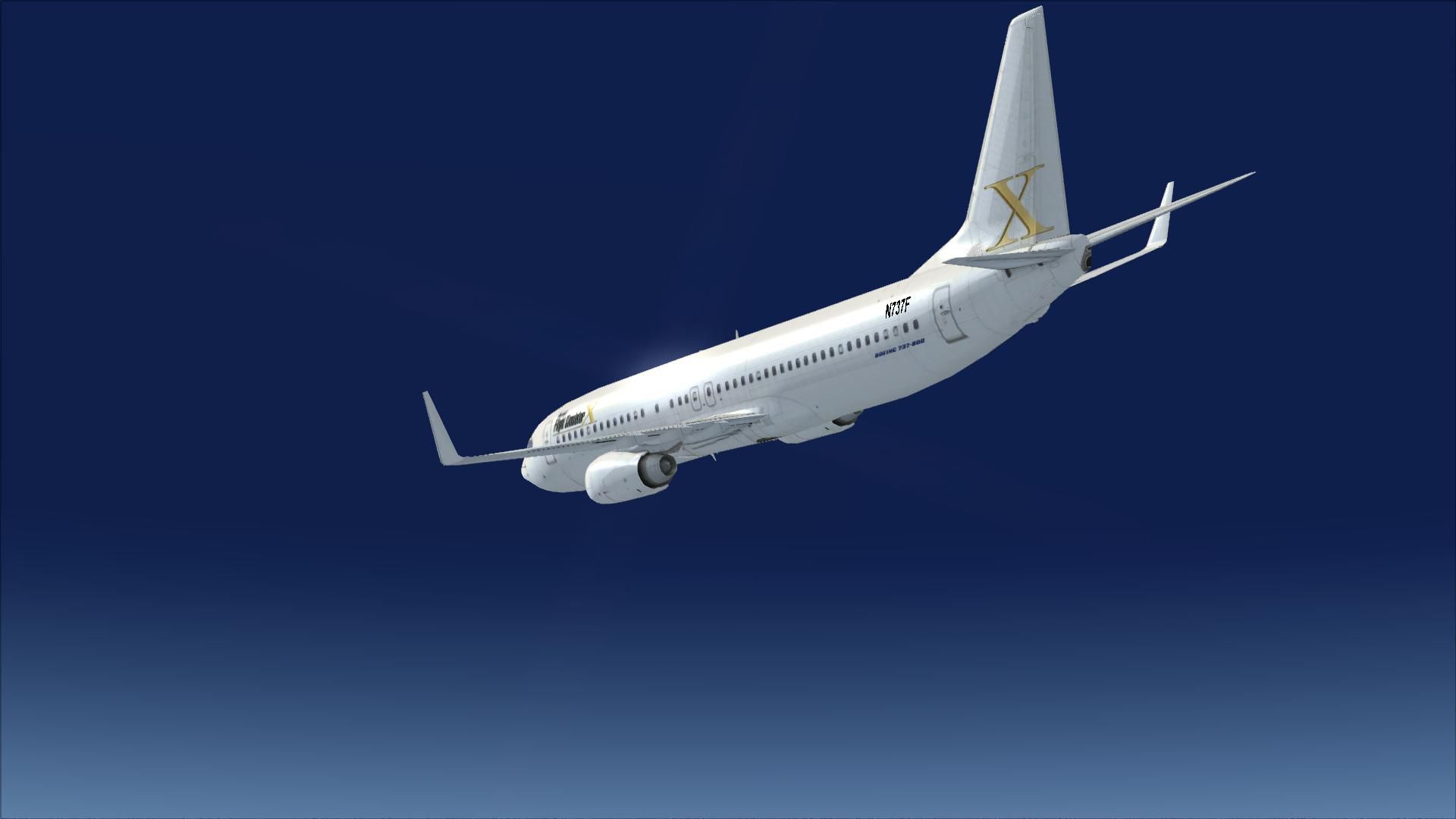

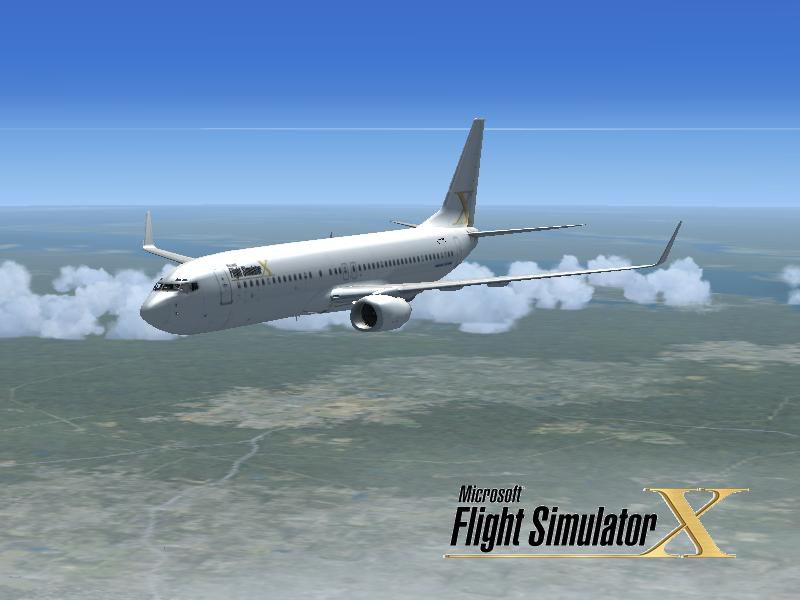
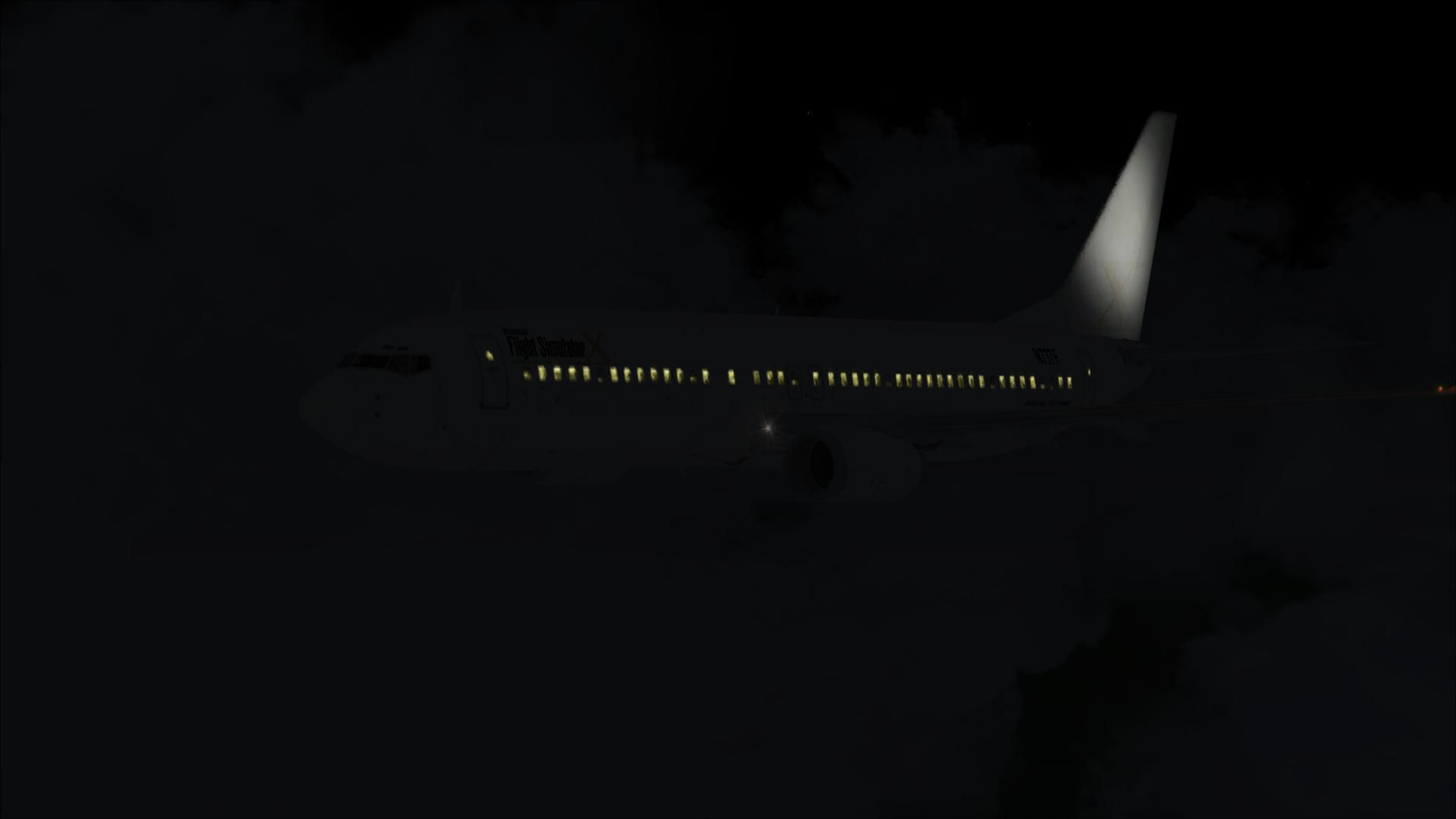
This freeware repaint features a custom interpretation of the default Boeing 737-800, serving as a tribute to Microsoft Flight Simulator X. It was created by Victor Vu, who carefully incorporated an FSX-inspired theme across the fuselage and tail. Enthusiasts will immediately recognize the iconic lines of the Boeing 737, but with a personalized twist that sets this repaint apart from standard liveries.
Incorporating an updated color scheme, this repaint captures the essence of Microsoft Flight Simulator X by merging the simulator’s motif with the Boeing 737’s classic outline. The 737-800 variant, part of the 737 Next Generation series, is highly regarded for its modern avionics, enhanced engine performance, and exceptional fuel efficiency. This custom livery tastefully showcases a vibrant exterior while preserving realistic panel lines and rivet details.
Beyond the paintwork, the in-cockpit experience retains the original default aircraft functionality and instrument layout, ensuring compatibility with the same flight plan routes and automated systems that default users enjoy. The 737's signature high-bypass turbofans deliver a well-balanced thrust profile across short-to-medium routes, and this repaint does not compromise any of those baseline flight dynamics.
The exterior celebrates Microsoft Flight Simulator X’s heritage through carefully placed emblems and text. These artistic elements harmonize with the airframe’s classical proportions, showcasing a polished appearance on both the fuselage and tail section. The distinctive scheme underscores the 737-800’s legacy as a short-to-medium-haul mainstay, now uniquely adorned with tributes to the iconic simulator platform.
Credit goes to Victor Vu for offering this specialized FSX repaint. Flight simulator fans can now give their virtual skies a hint of nostalgia while piloting one of the most recognizable narrow-body aircraft in the industry.
Free for all simmers · 5.28 MB · Scanned clean Oct 2026
Download speed: Free tier is capped at 0.5 Mbps (this file takes approximately 1 min at the cap). PRO members download at full line speed.
texture.{airline}) inside FSX\SimObjects\Airplanes\{base-aircraft}\.aircraft.cfg in Notepad. Add a new [fltsim.X] section per the readme.readme.txt or README file. It tells you exactly where files go, what dependencies are needed, and any quirks specific to this add-on.The archive noname78.zip has 38 files and directories contained within it.
This list displays the first 500 files in the package. If the package has more, you will need to download it to view them.
| Filename/Directory | File Date | File Size |
|---|---|---|
| Installation.txt | 04.02.08 | 910 B |
| Readme.txt | 04.04.08 | 1.31 kB |
| snapshot.JPG | 04.02.08 | 44.96 kB |
| splashscreen | 04.04.08 | 0 B |
| dlgsplash.bmp | 04.02.08 | 1.37 MB |
| splahscreen Inst.txt | 04.04.08 | 275 B |
| Texture.fsx | 04.02.08 | 0 B |
| b737_800_1_T.dds | 04.02.08 | 1.33 MB |
| b737_800_1_T_Specular.dds | 09.04.06 | 1.33 MB |
| b737_800_2_T.dds | 09.04.06 | 1.33 MB |
| b737_800_2_T_Specular.dds | 09.04.06 | 1.33 MB |
| Fresnel_Ramp.dds | 09.04.06 | 640 B |
| texture.cfg | 08.14.06 | 137 B |
| thumbnail.JPG | 04.02.08 | 10.63 kB |
| Default_B737-800_FSX | 04.04.08 | 0 B |
| flyawaysimulation.txt | 10.29.13 | 959 B |
| Go to Fly Away Simulation.url | 01.22.16 | 52 B |
| Screenshots | 08.02.19 | 0 B |
| screen-1.jpg | 07.31.19 | 100.46 kB |
| screen-10.jpg | 07.31.19 | 108.95 kB |
| screen-11.jpg | 07.31.19 | 115.30 kB |
| screen-12.jpg | 07.31.19 | 85.99 kB |
| screen-13.jpg | 07.31.19 | 113.60 kB |
| screen-14.jpg | 07.31.19 | 131.53 kB |
| screen-15.jpg | 07.31.19 | 130.70 kB |
| screen-16.jpg | 07.31.19 | 111.51 kB |
| screen-17.jpg | 07.31.19 | 103.71 kB |
| screen-18.jpg | 07.31.19 | 114.94 kB |
| screen-19.jpg | 07.31.19 | 128.16 kB |
| screen-2.jpg | 07.31.19 | 97.83 kB |
| screen-20.jpg | 07.31.19 | 43.93 kB |
| screen-3.jpg | 07.31.19 | 100.85 kB |
| screen-4.jpg | 07.31.19 | 103.21 kB |
| screen-5.jpg | 07.31.19 | 98.24 kB |
| screen-6.jpg | 07.31.19 | 68.44 kB |
| screen-7.jpg | 07.31.19 | 72.73 kB |
| screen-8.jpg | 07.31.19 | 65.34 kB |
| screen-9.jpg | 07.31.19 | 187.84 kB |
Only PRO members can place votes.
More FSX & P3D add-ons hand-picked based on this download.
FSX Civil Aircraft
Textures only. By Adhit Septiady. Screenshot of Garuda Indonesia Boeing 737-8…
 FSX Civil Aircraft
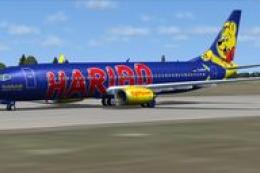
FSX TuiFly Boeing 737-800. A repaint of the Kittyhawk B737-800 in "Haribo" li…
 FSX Civil Aircraft
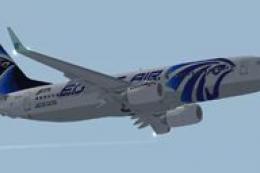
FSX EgyptAir Boeing 737-800. Egypt Air new logo textures for the default B737…
 FSX Civil Aircraft
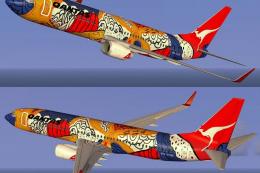
FSX Qantas Boeing 737-800 in Yananji Dreaming livery. Textures only for the d…
 FSX Civil Aircraft
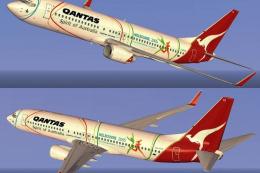
FSX Qantas Boeing 737-800, registration VH-VYE, in Melbourne Commonwealth Gam…
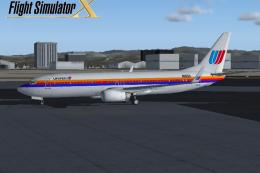 FSX Civil Aircraft
FSX United Airlines Boeing 737-800 (old colors). A repaint of the default B73…
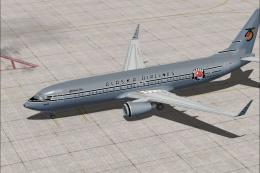 FSX Civil Aircraft
Alaska Airlines Boeing 737-800 in "Starliner 75" livery. Repaint and traffic …
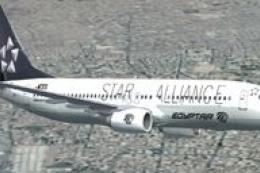 FSX Civil Aircraft
FSX EgyptAir Boeing 737-800. Egypt Air Star Alliance textures for the default…
Be the first to leave a comment on this download.
Be the first to share your thoughts on this download.