

 FSX Propliners
ATR 72 (-200/-210/-210-F/-500/-600) Complete Pack
A complete add-on pack for Microsoft Flight Simulator X and all versions of P…
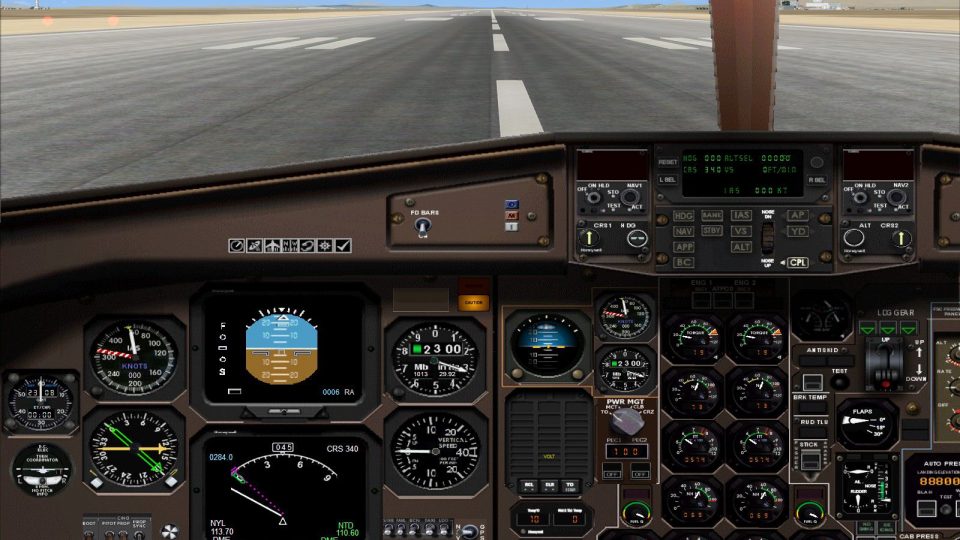
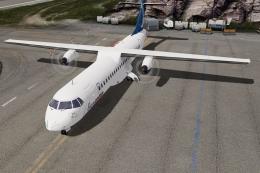
ATR 42-500 fans get a cleaner, more complete virtual cockpit in FSX Acceleration, addressing the common lighting-related texture glitch and expanding the 3D panel to match the 2D suite. Added gauges include a turn coordinator, extra switches, and two static center-console instruments, improving night and day cockpit workflow.
 Rate
Rate
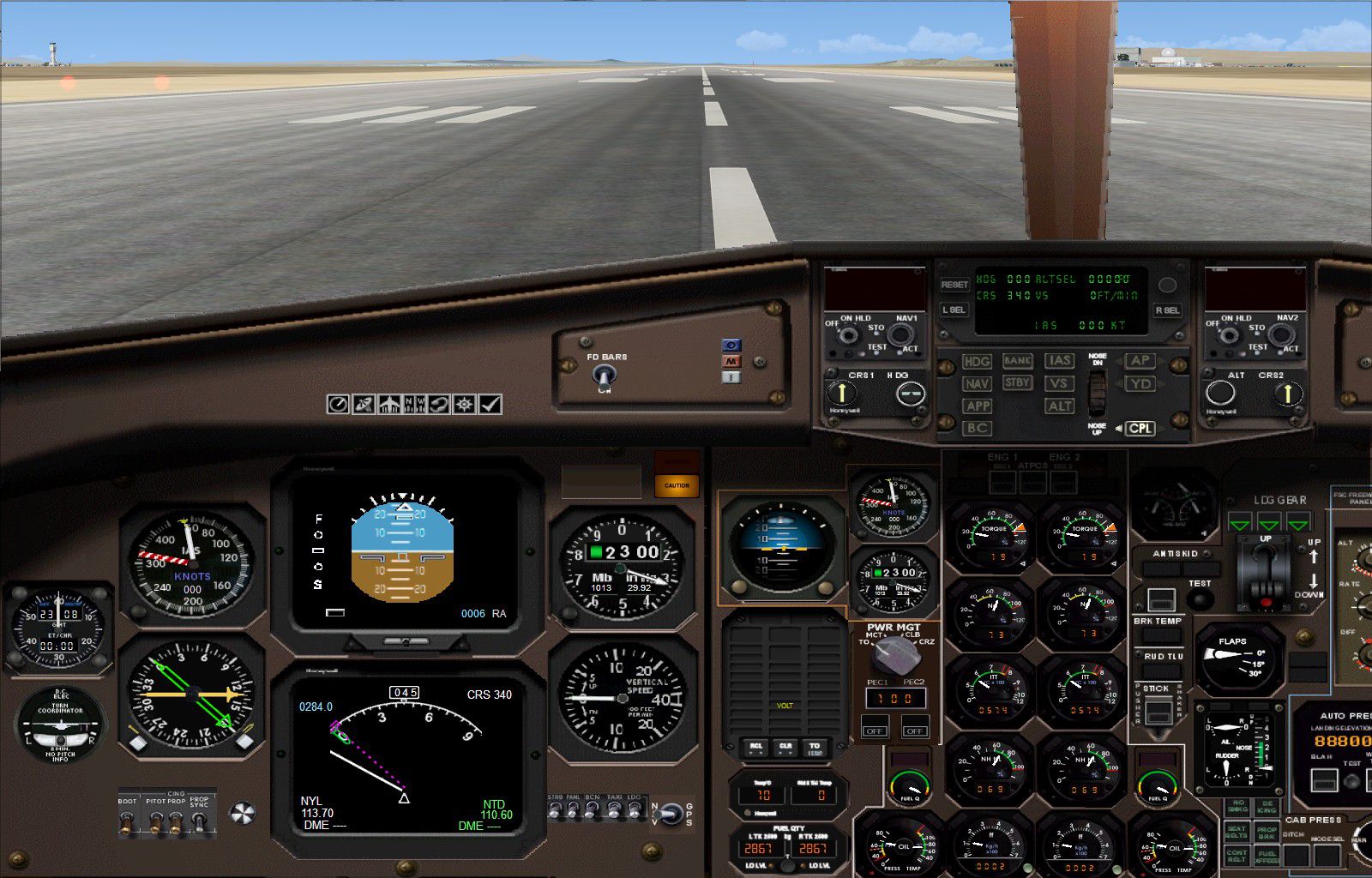
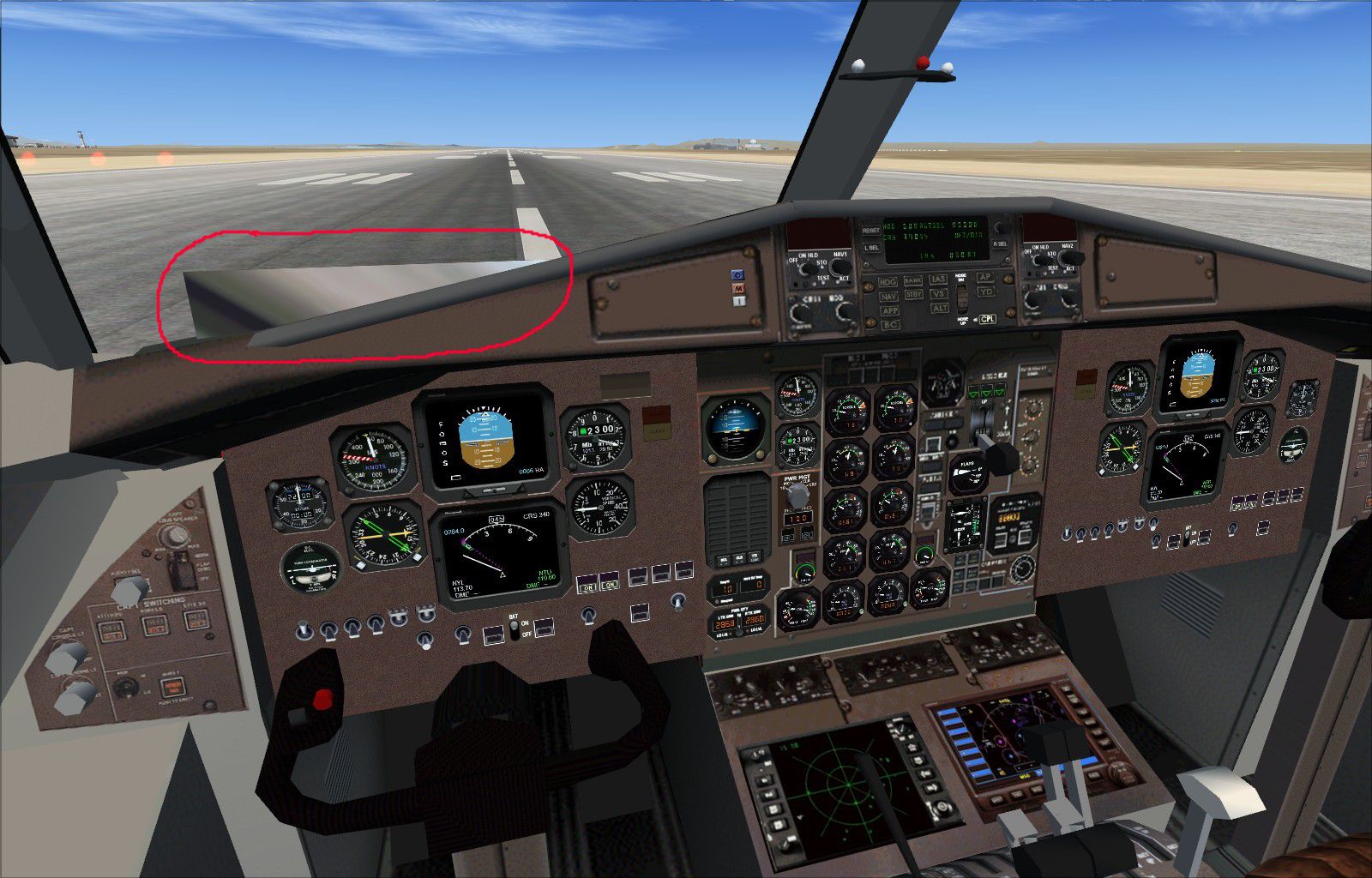
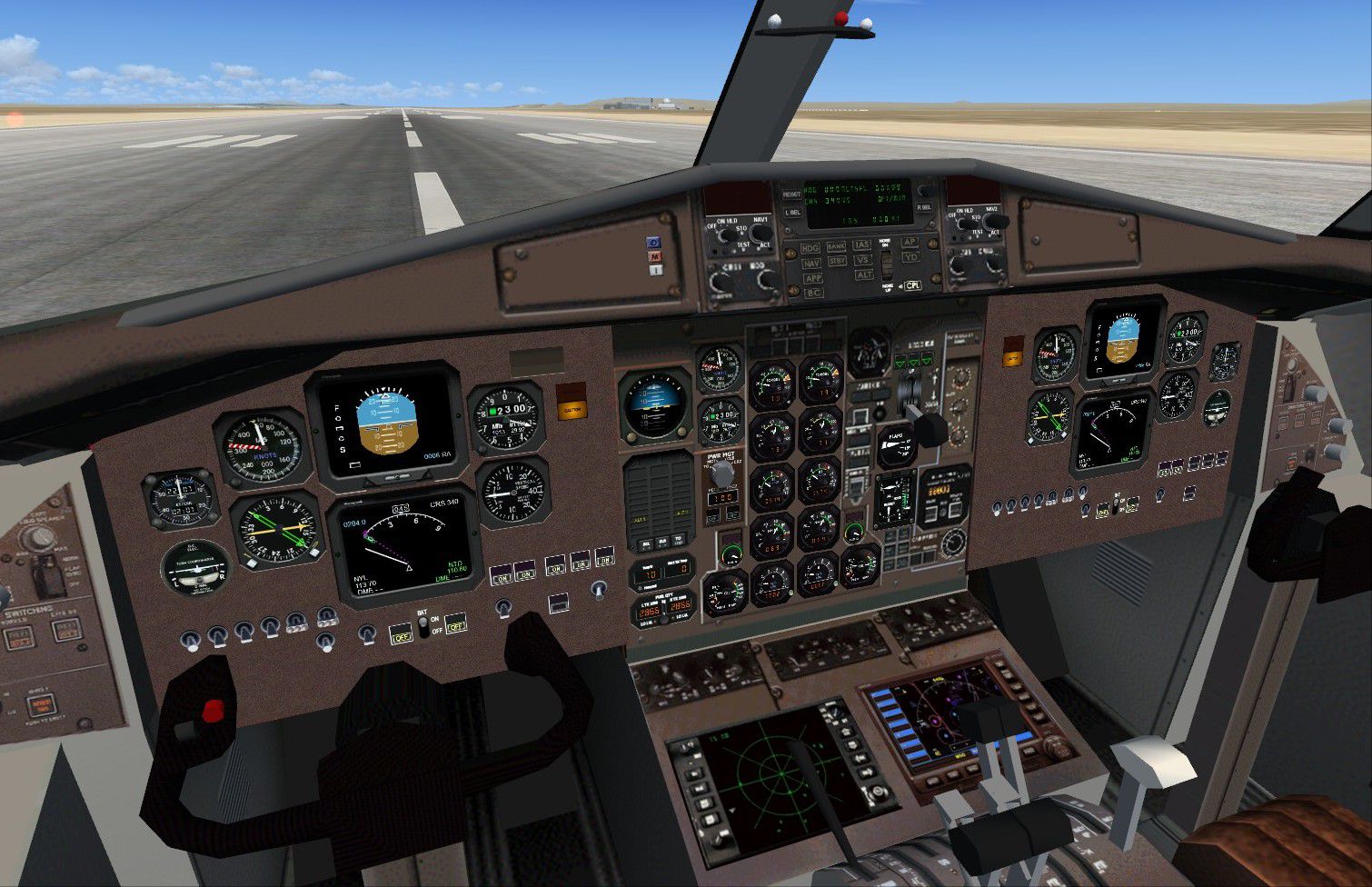
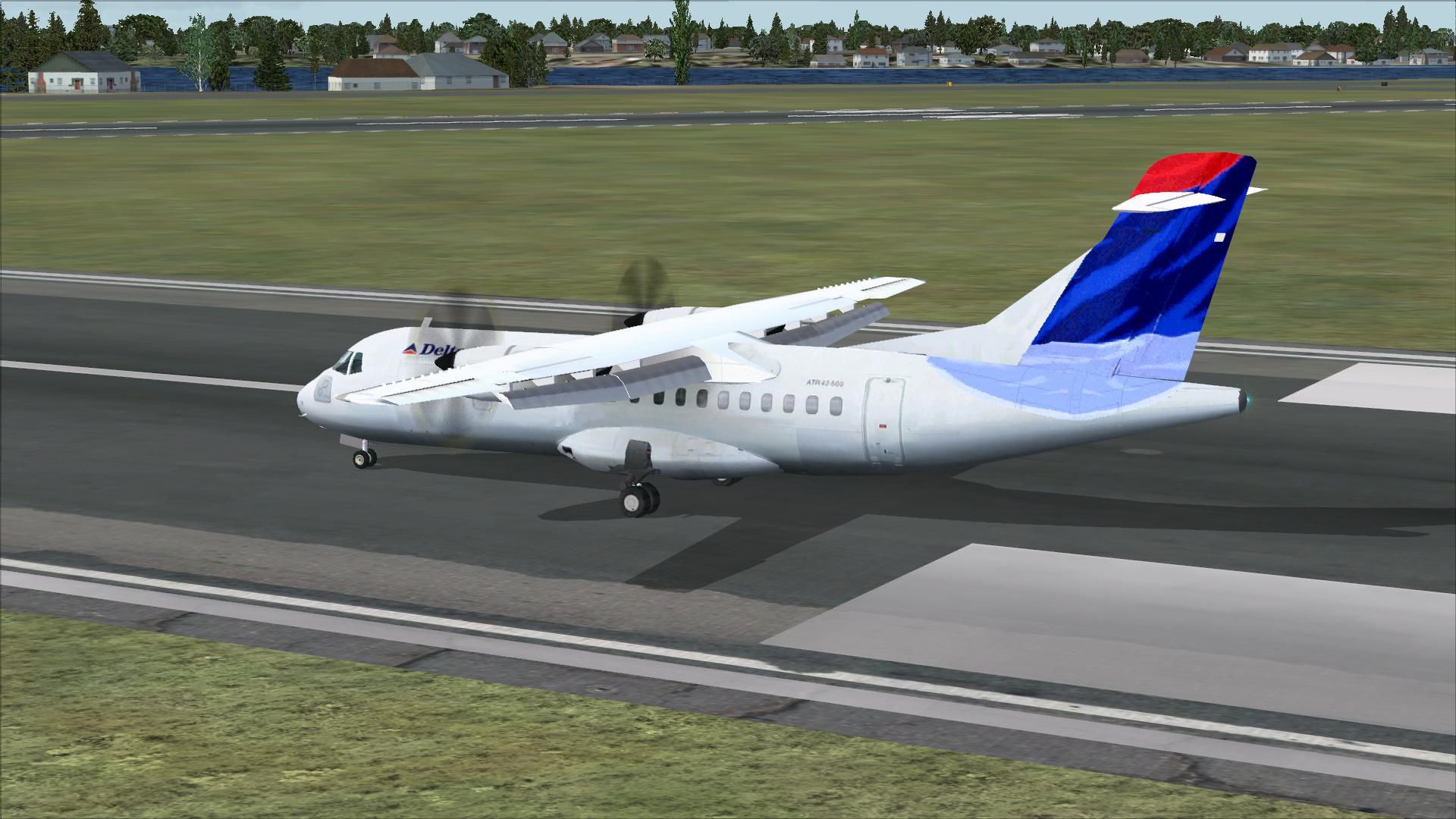
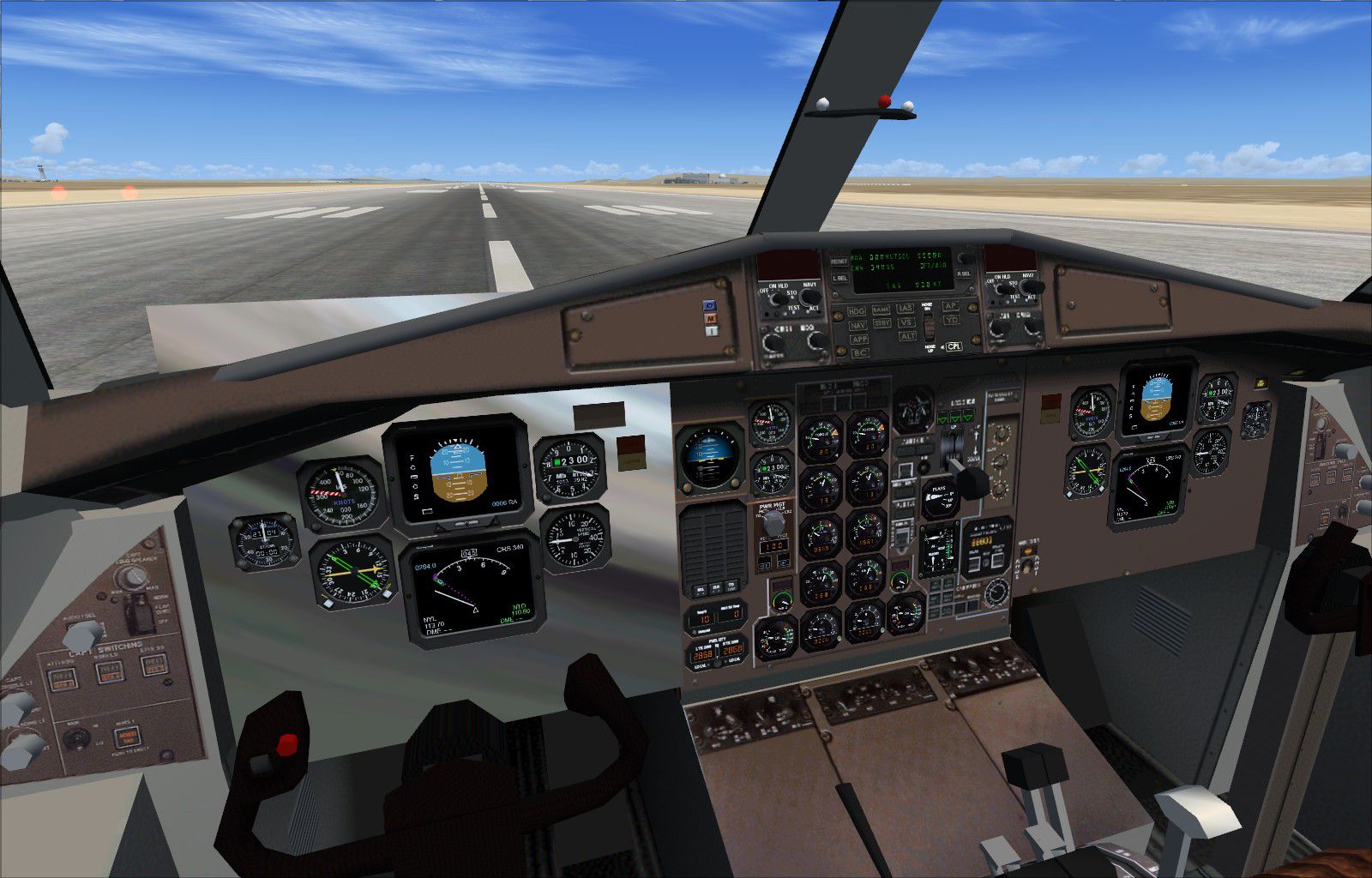
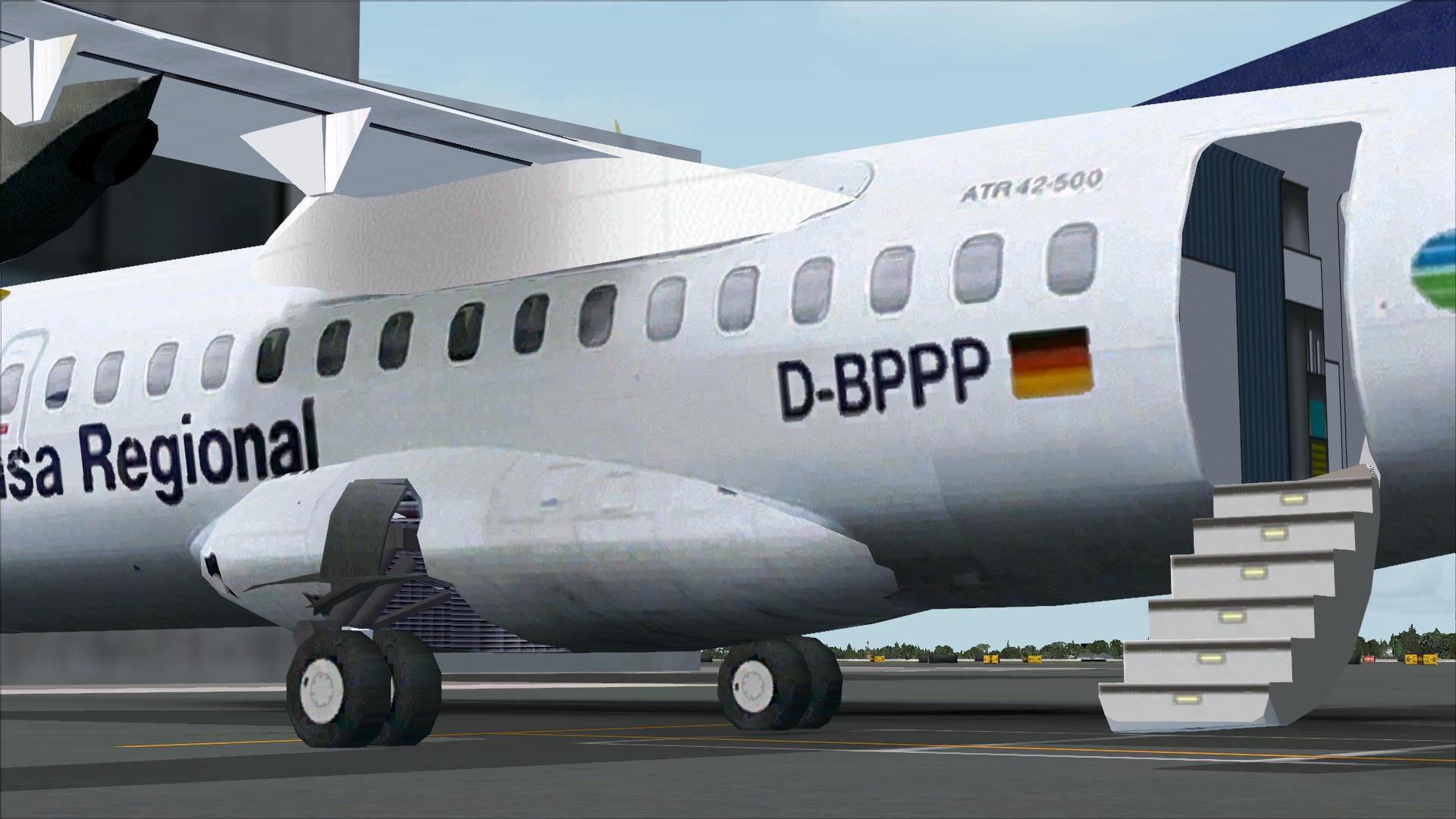
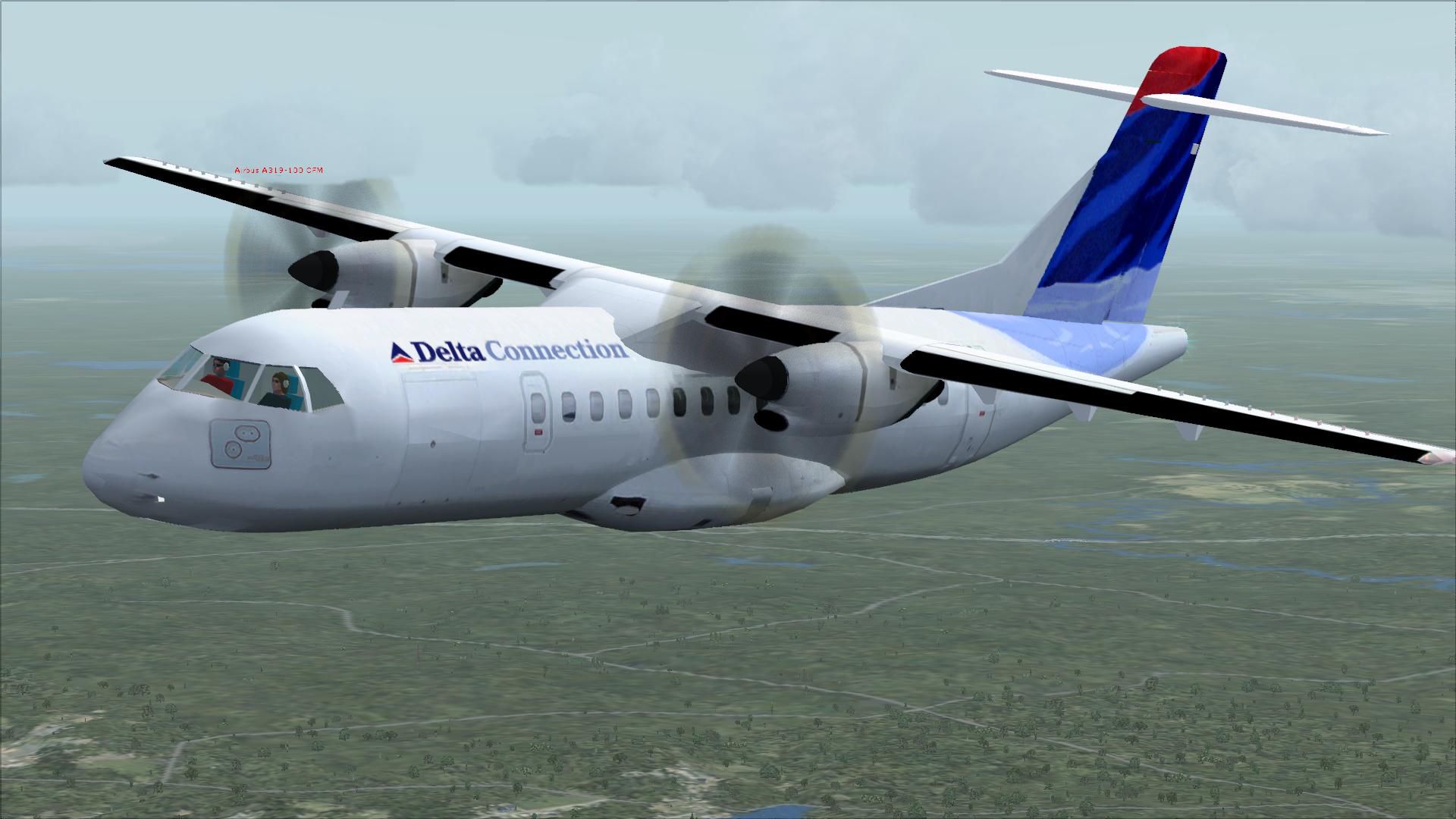
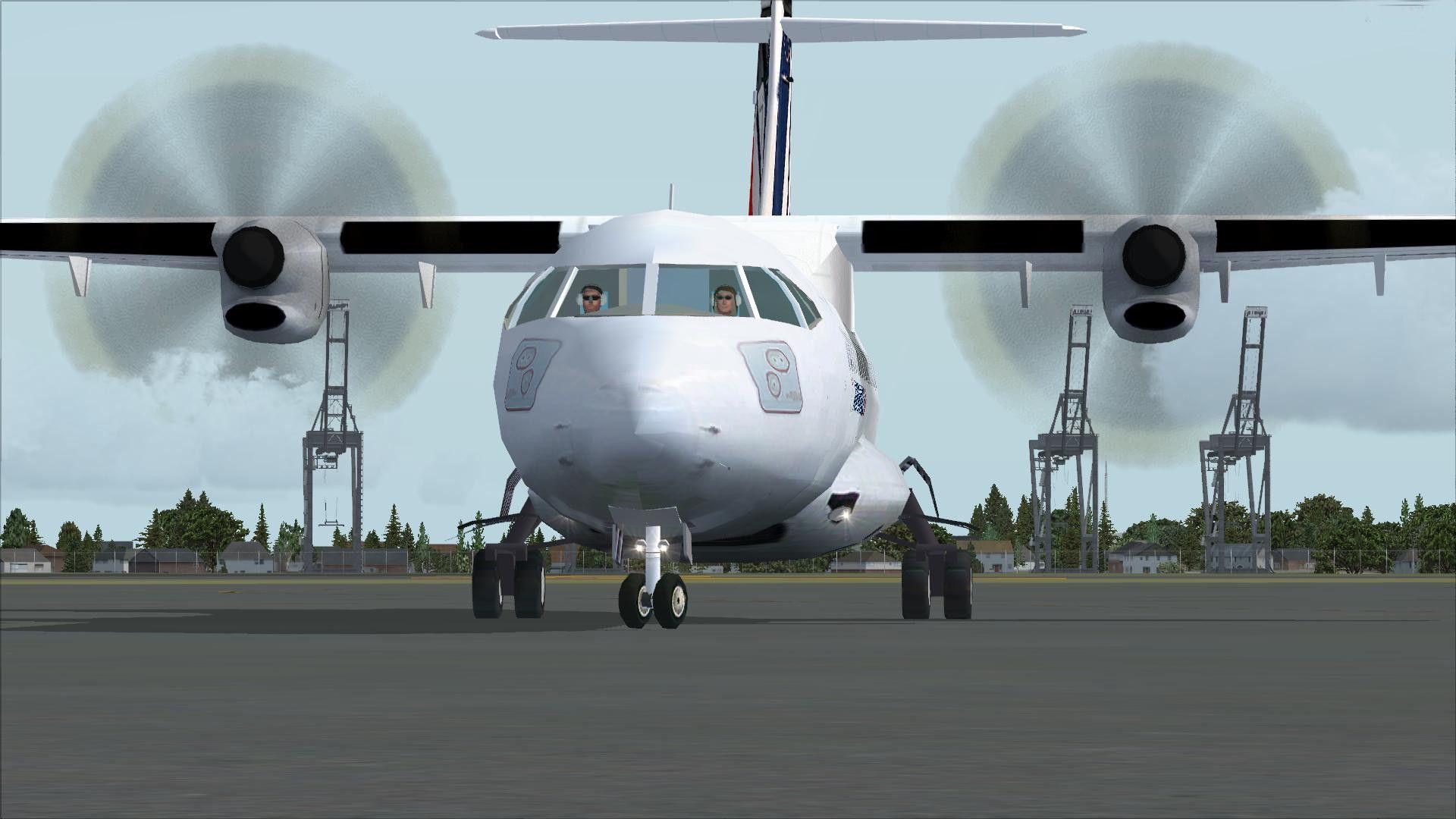
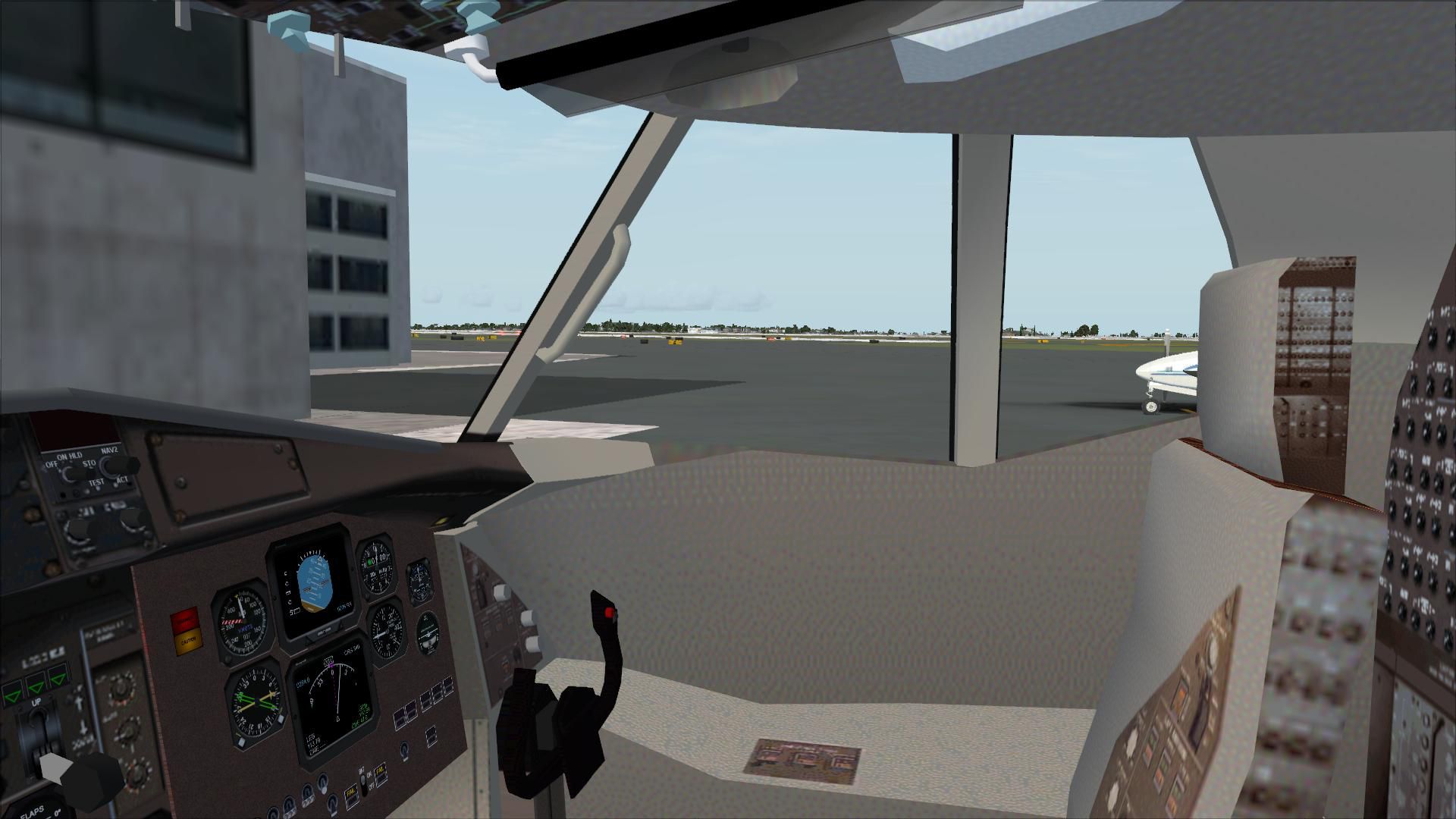
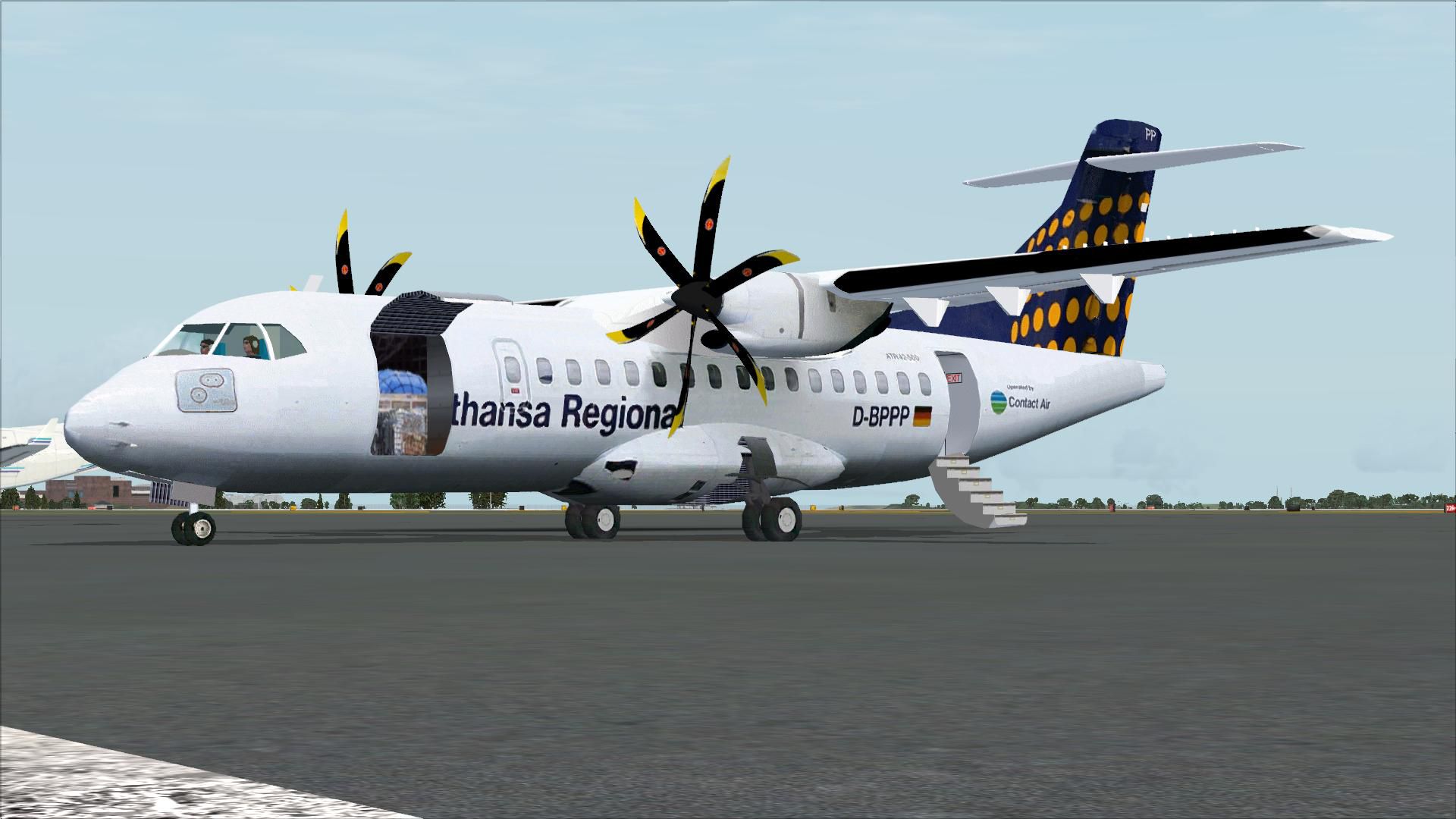

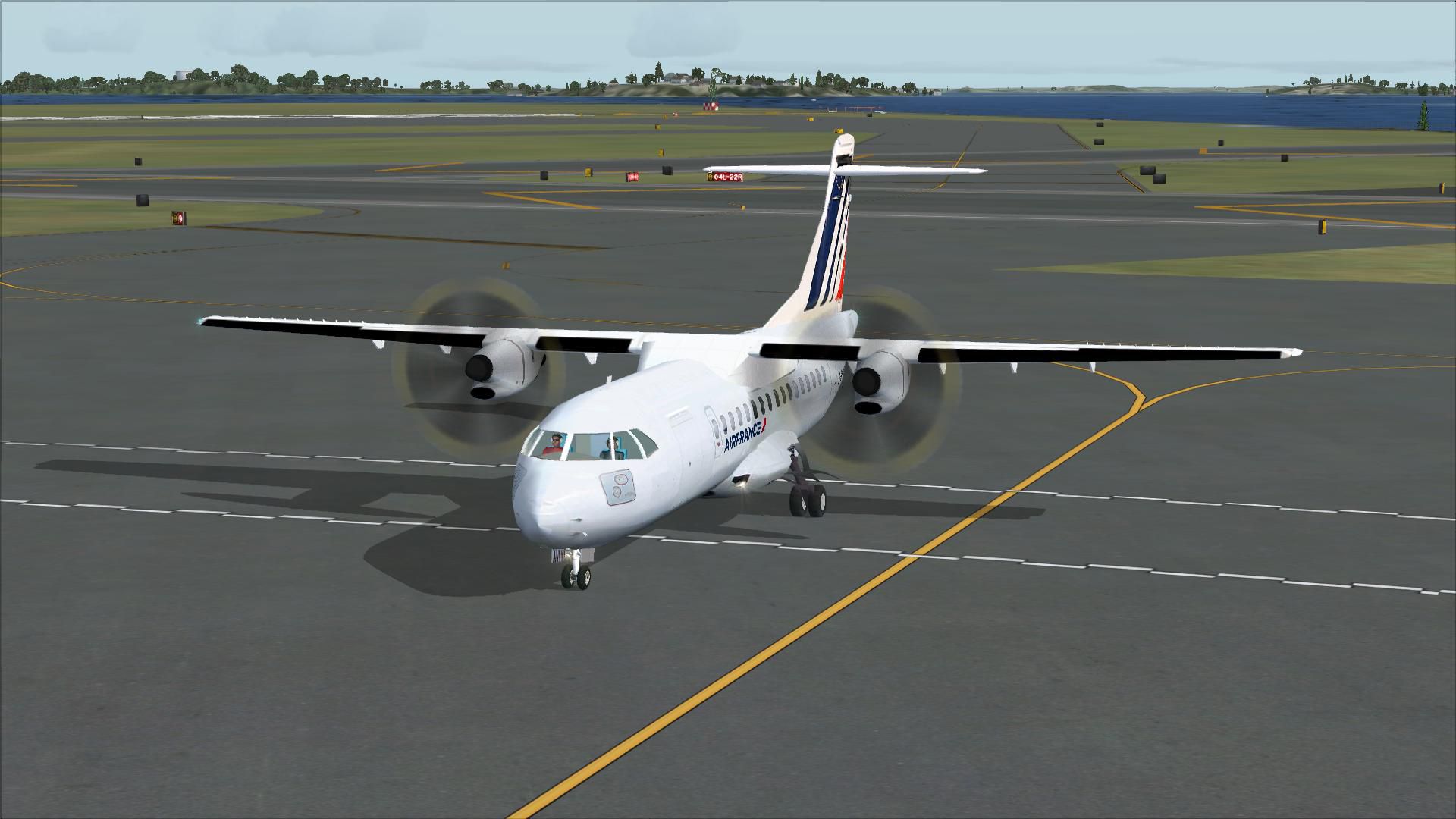
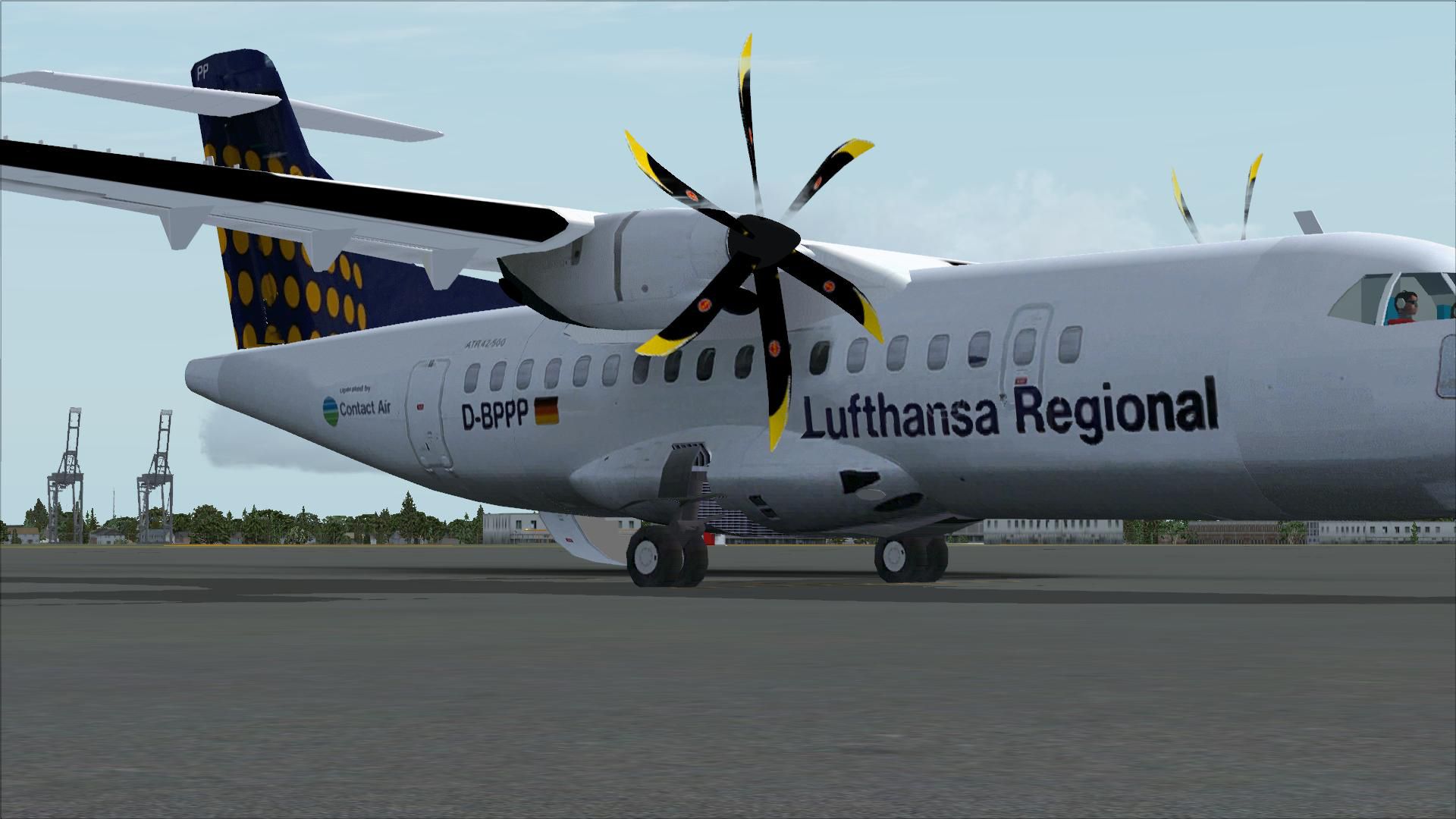
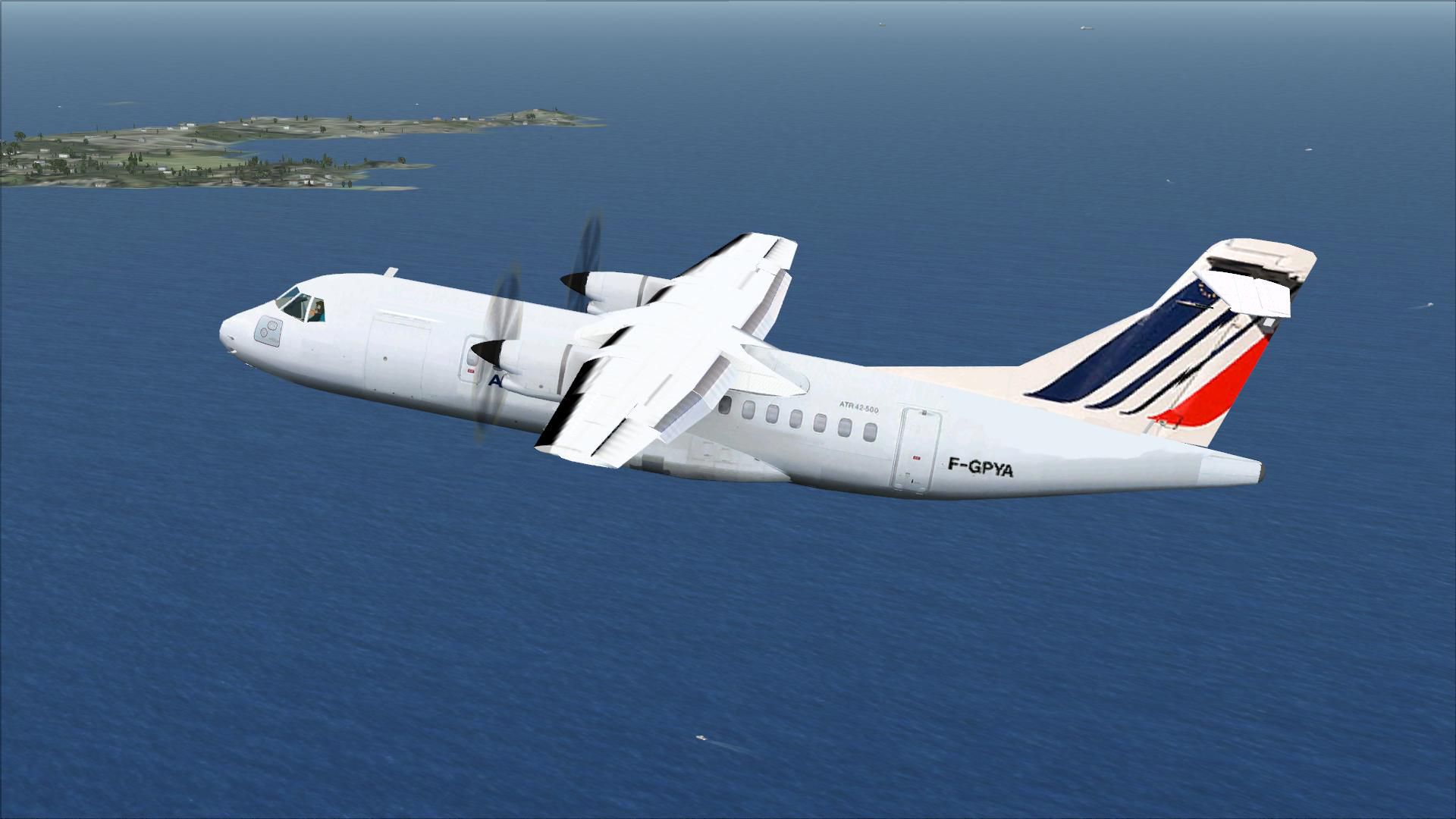
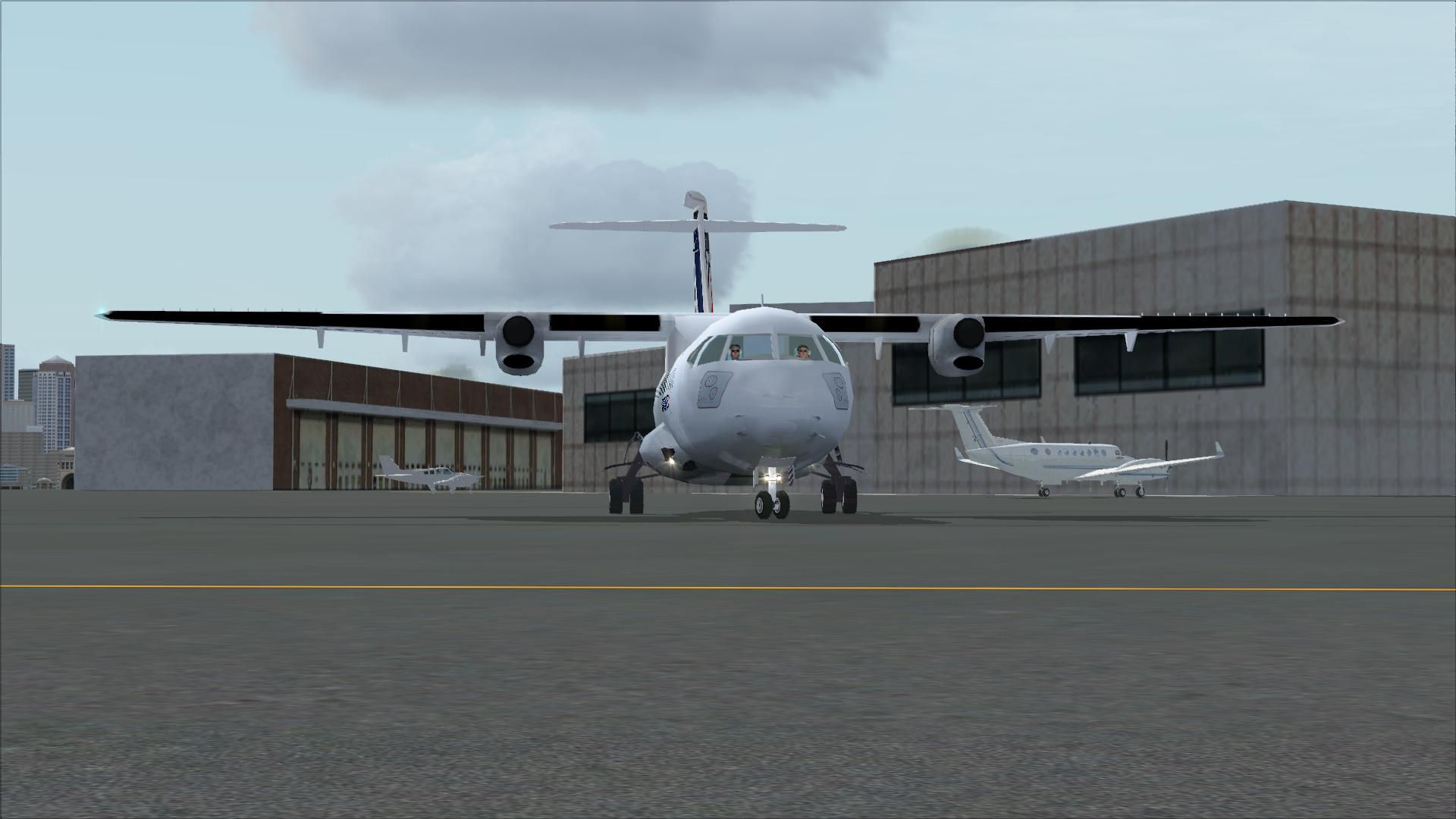
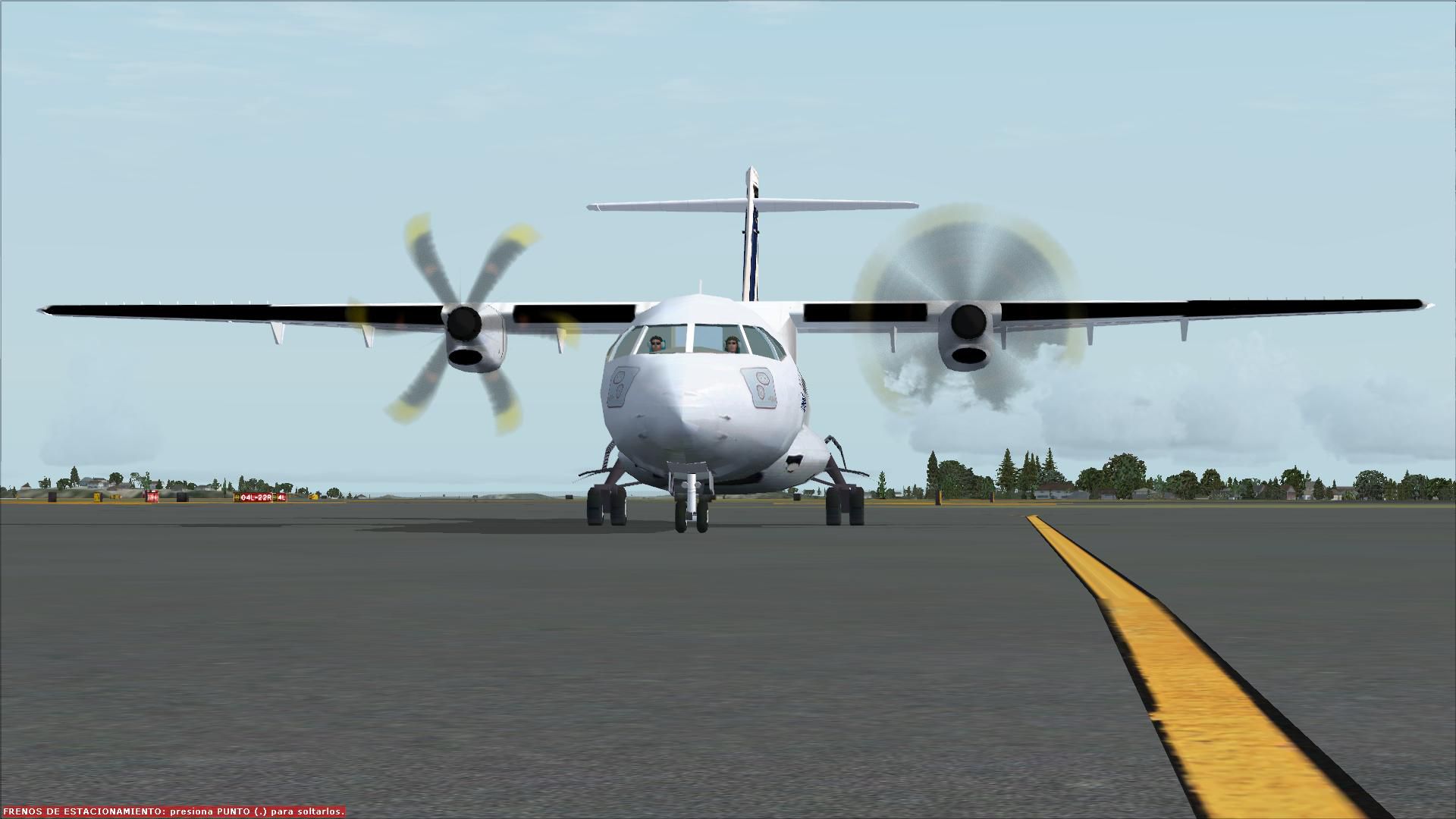
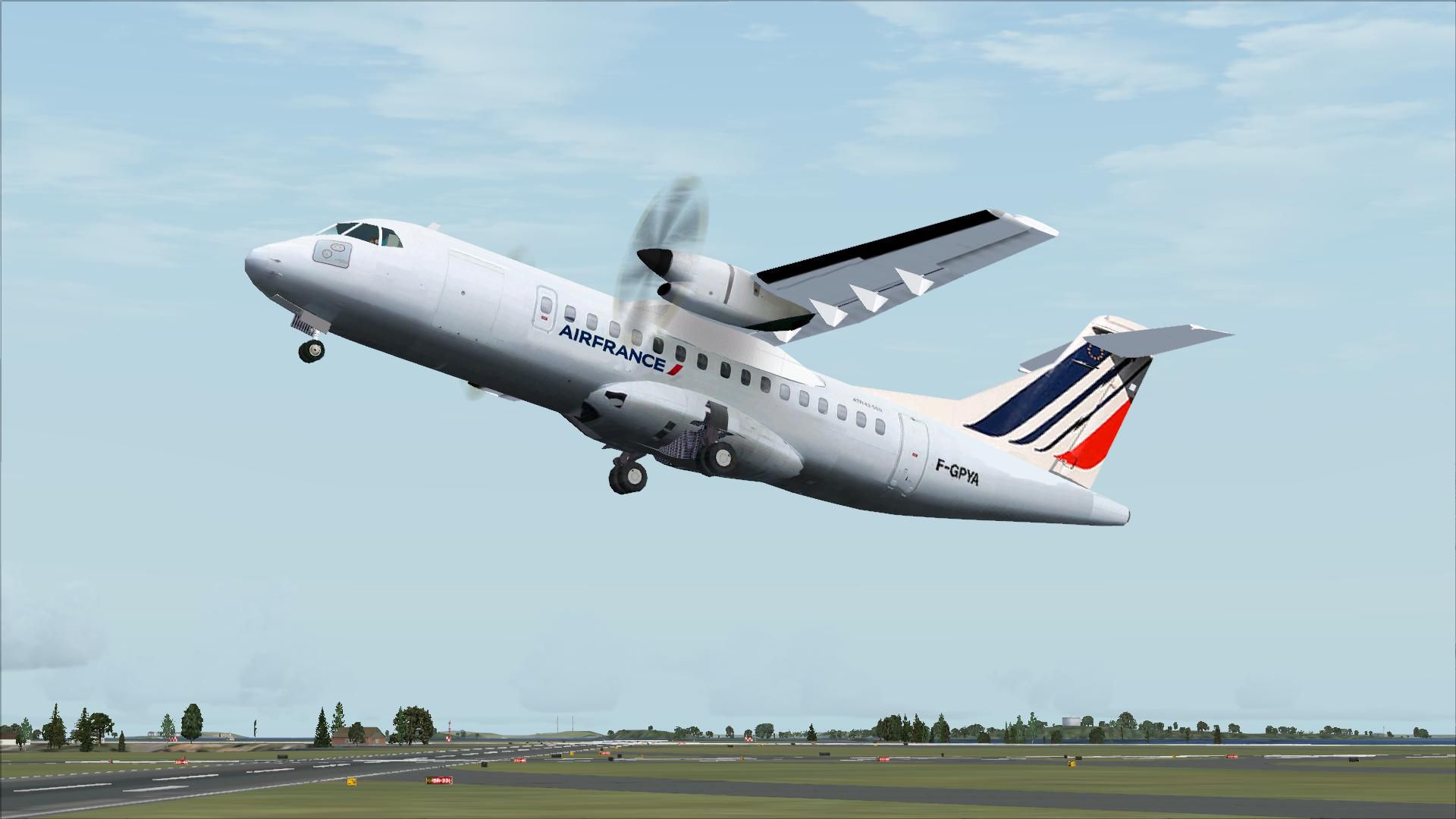
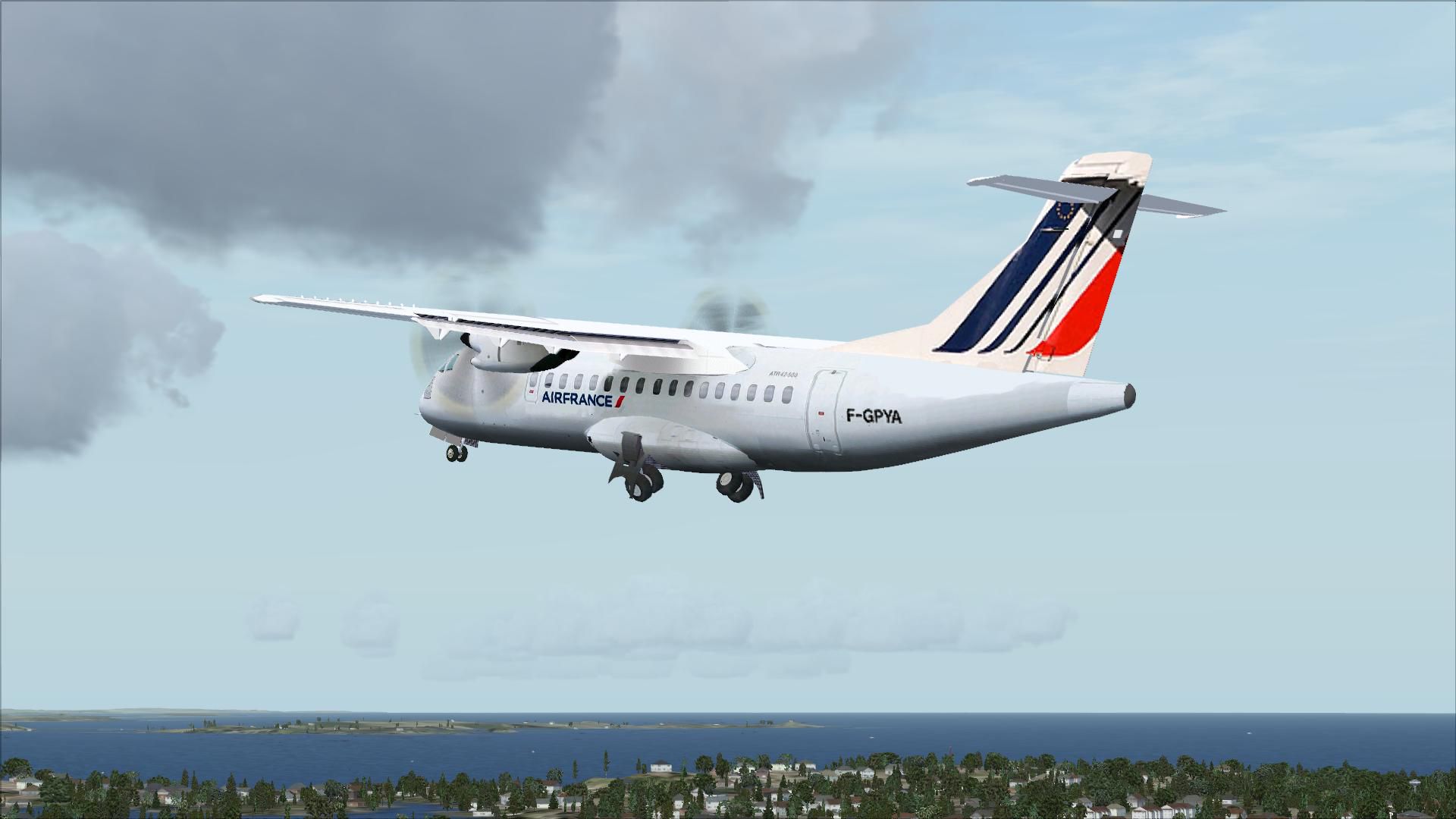

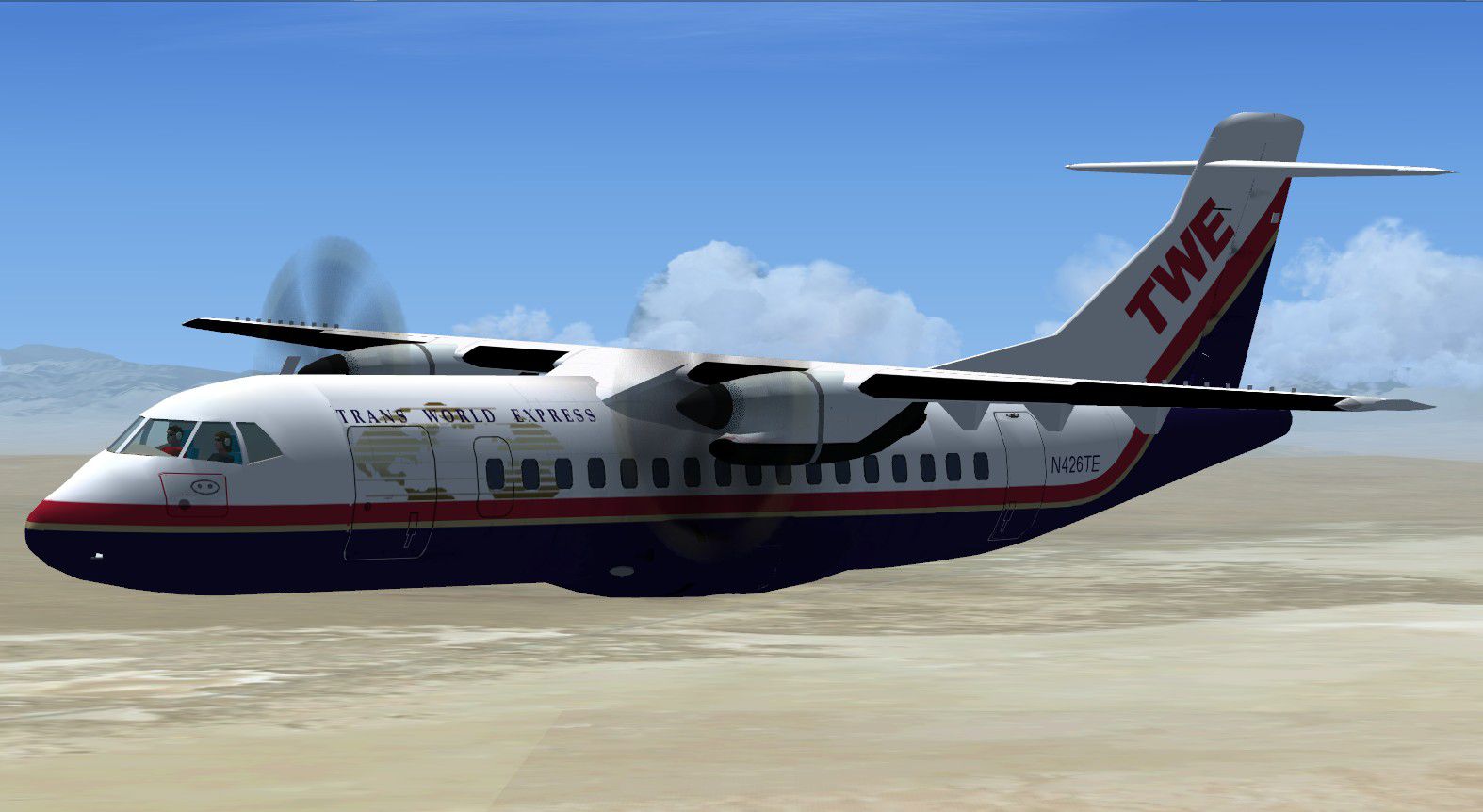
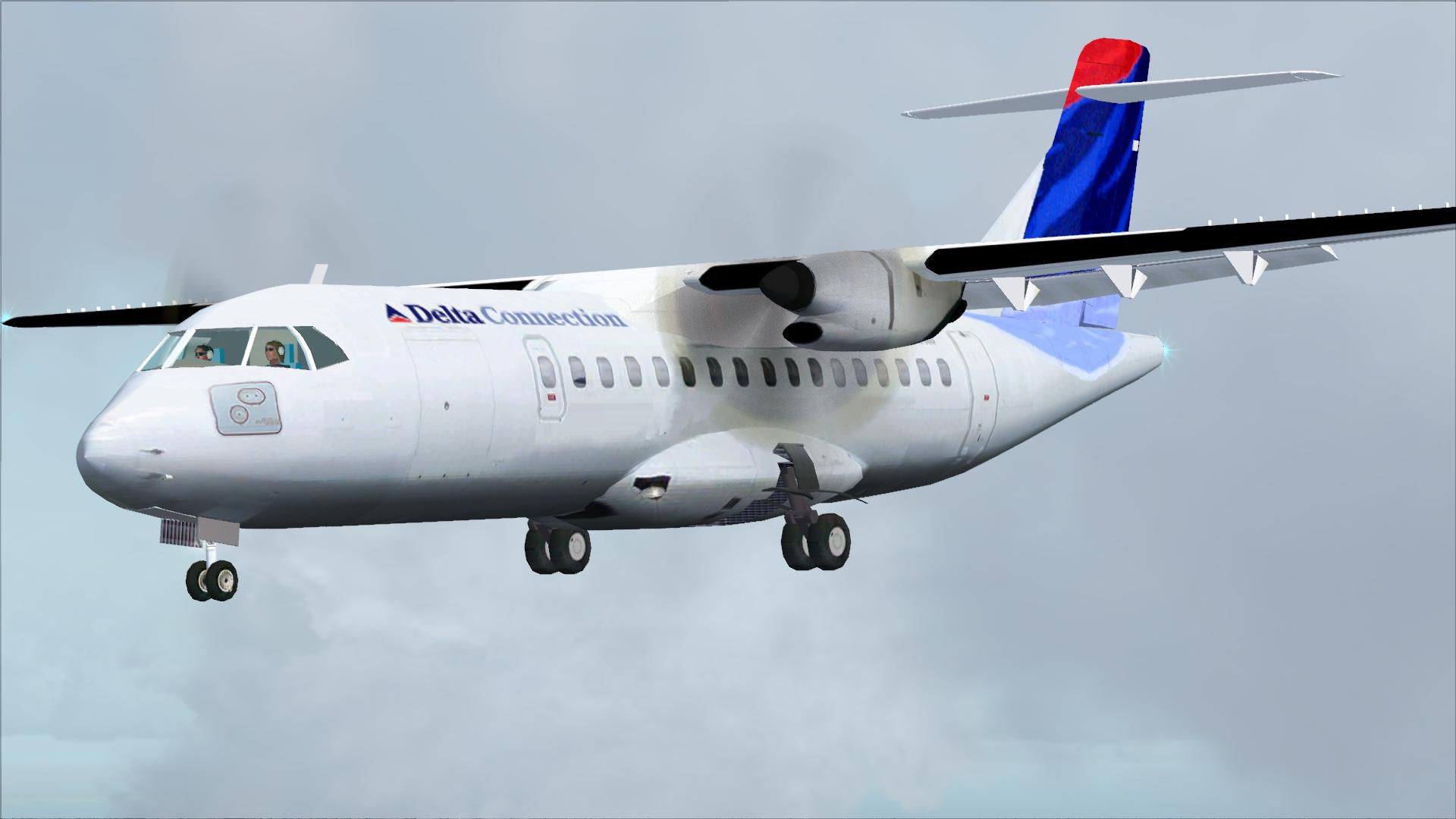
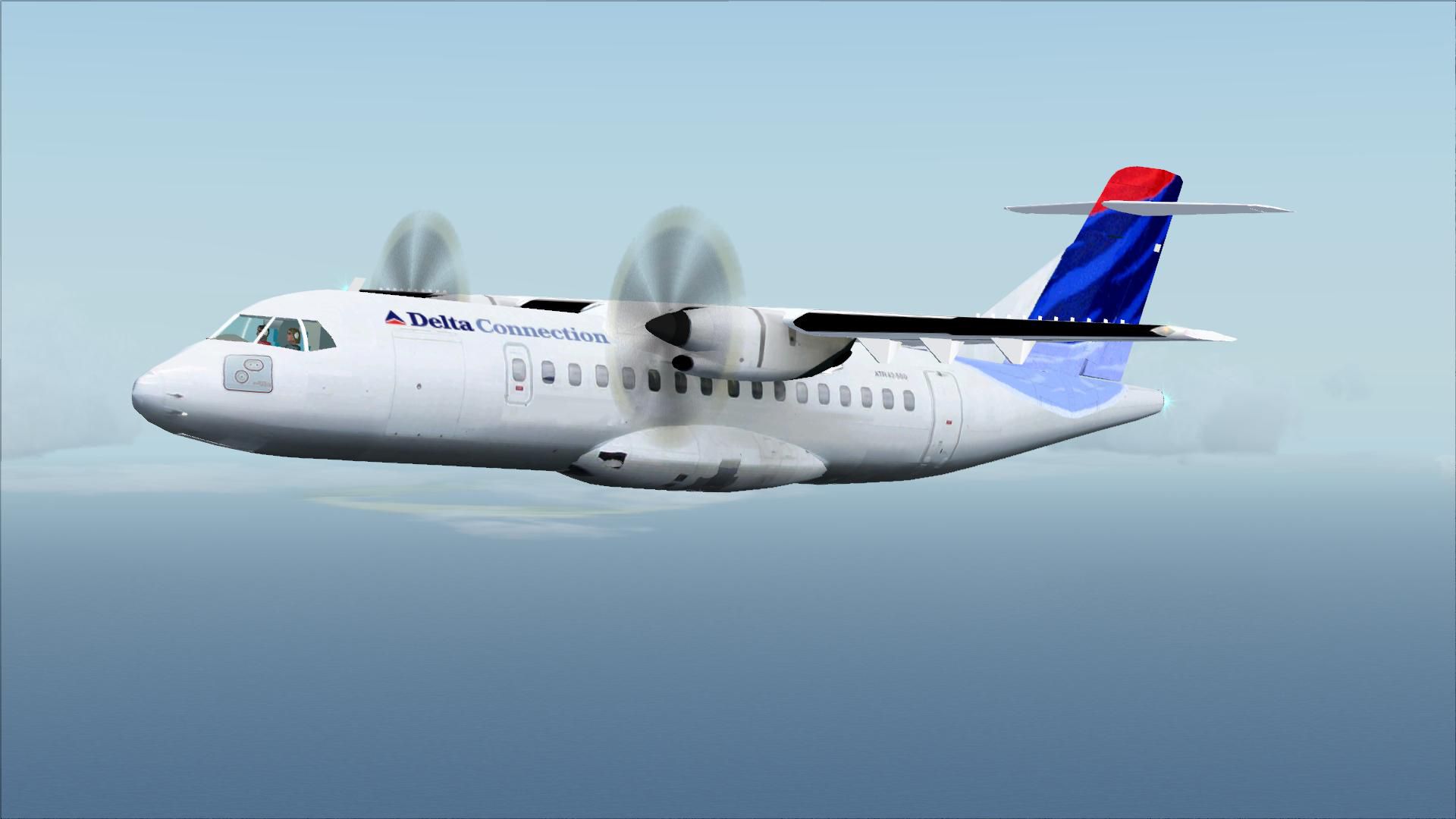
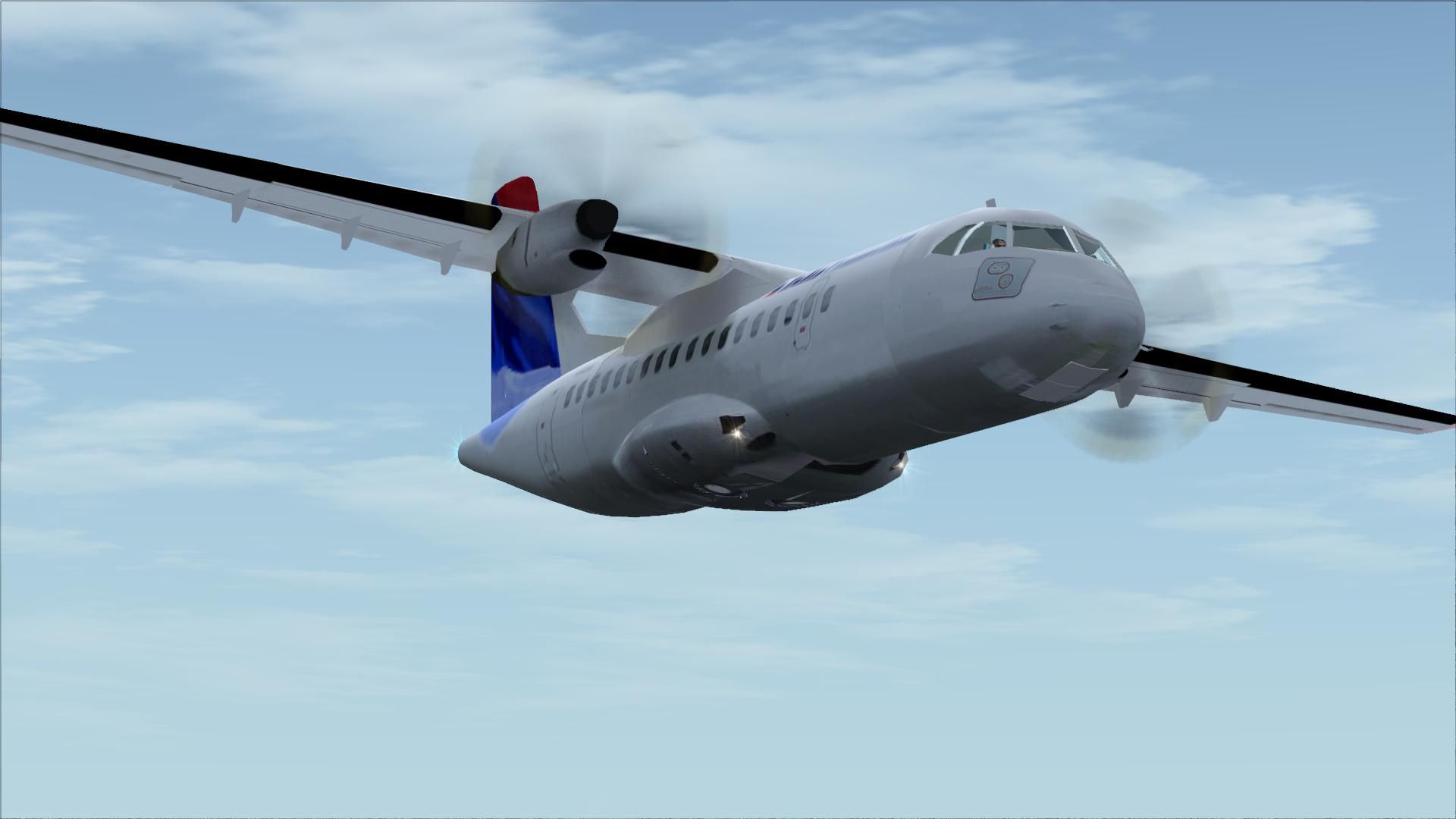
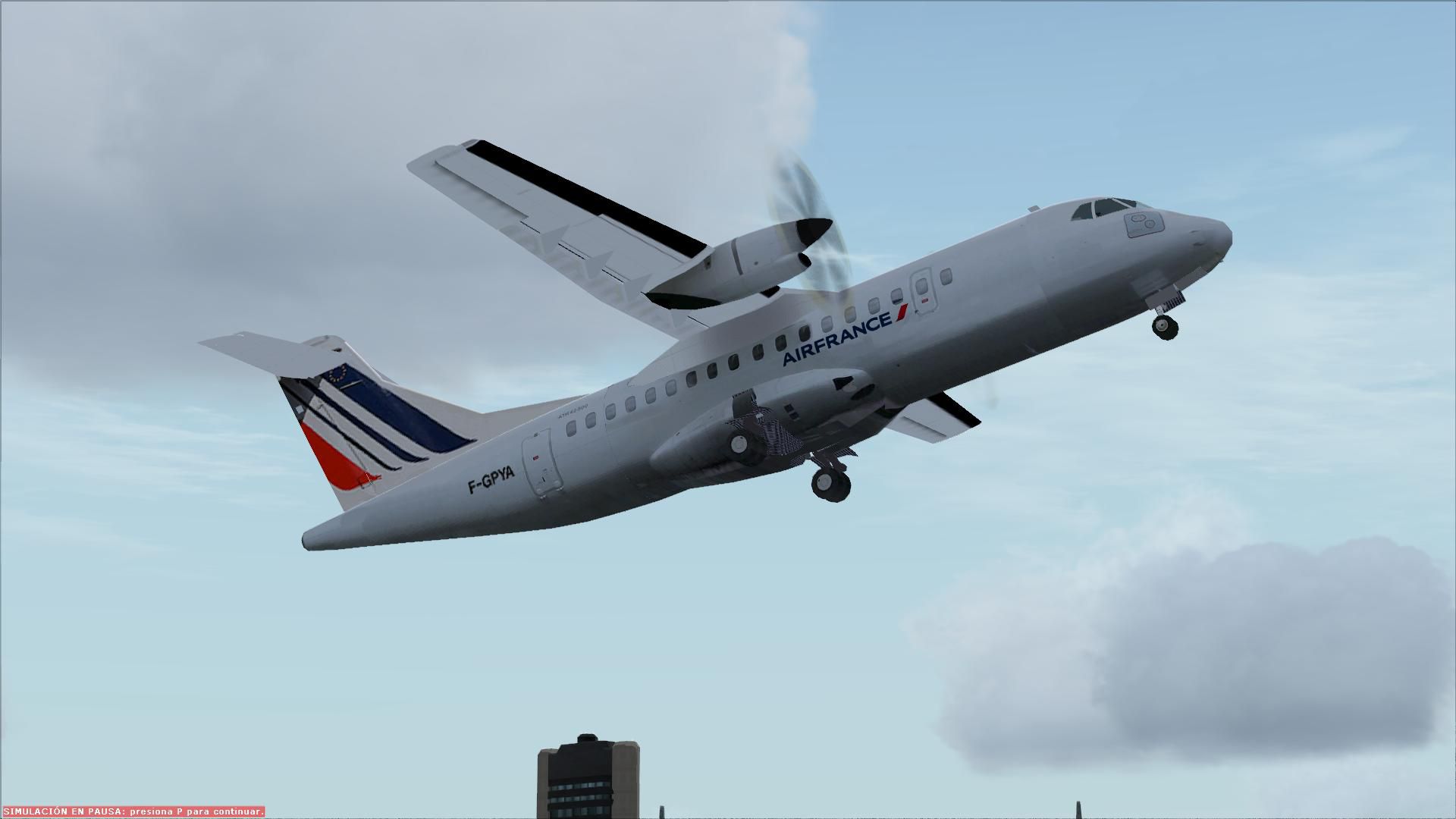
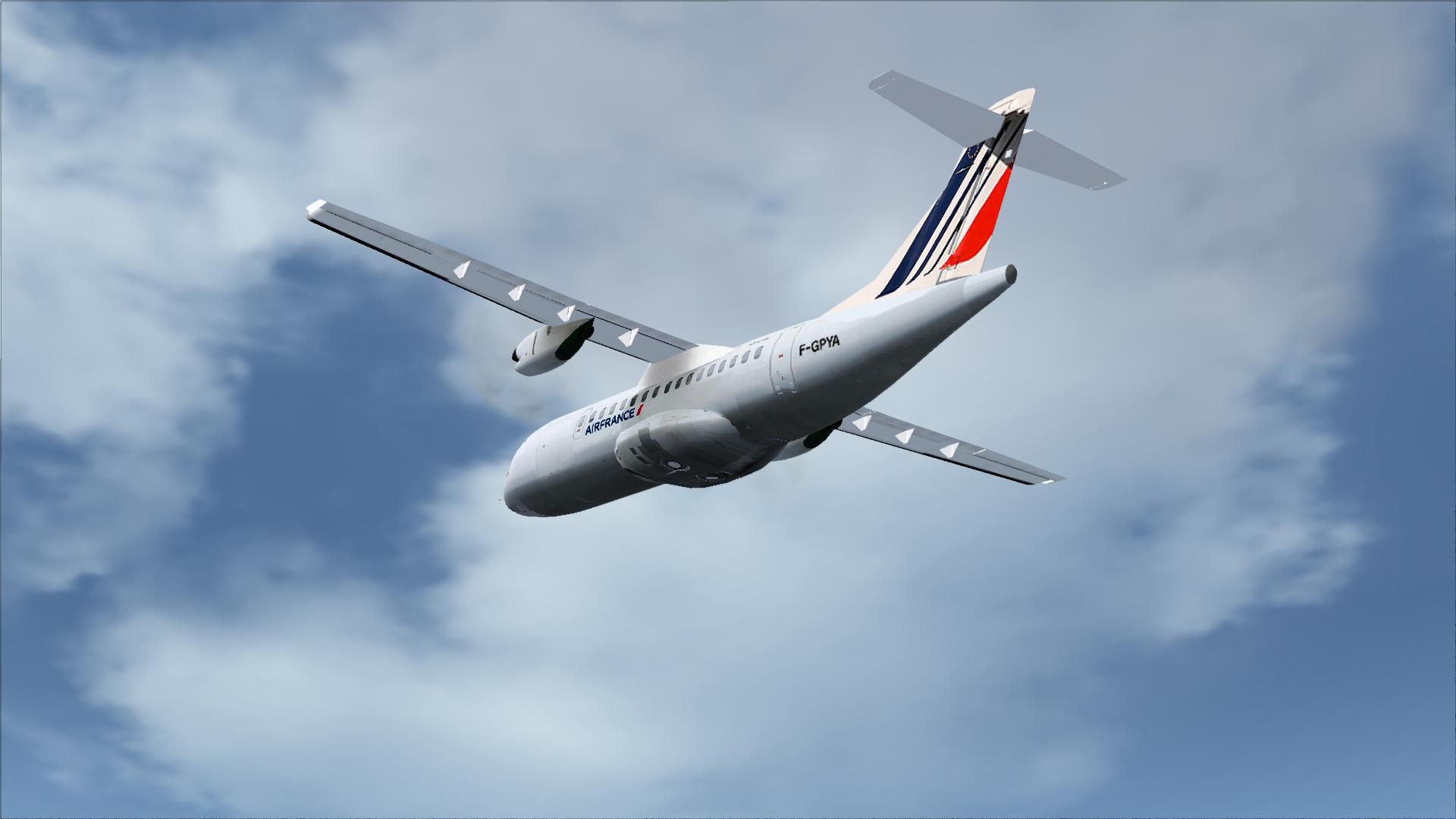
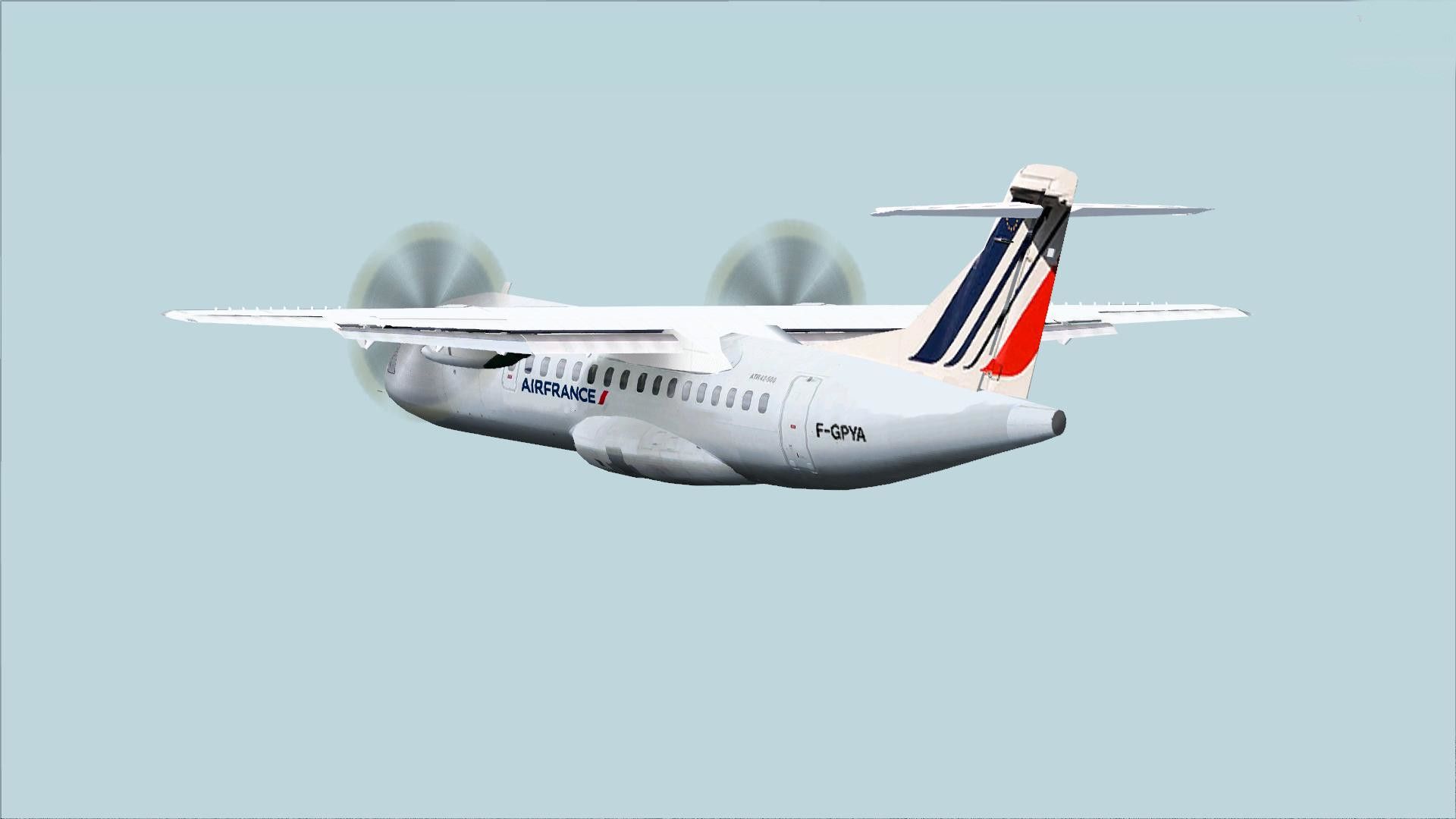

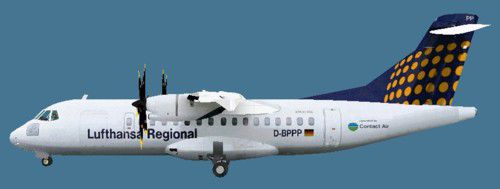


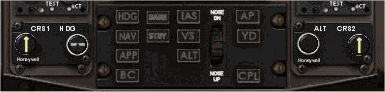
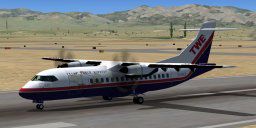
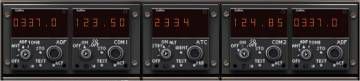
This is an FSX Acceleration update for the VC panel of the original twin-engine turboprop ATR 42-500, which displays a major graphic issue in the left VC section when the lights are on and is, as for this otherwise beautiful model, quite aggravating for VC lovers. Moreover, the VC now includes all the gauges the 2D panel has (turn coordinator, all the switches as well as two static gauges on the center console added). The reason for my uploading this package is the fact that even the more or less FSX compatible versions of this model display that graphic VC issue.
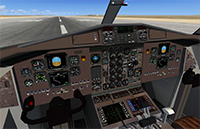 Important:
After loading the aircraft at daytime, the graphic issue is still slightly noticeable in the upper left corner of the VC, which I wasn't able to fix, so just switch off all the lights and it will disappear. Flying at night though, it is not noticeable at all.
INSTALLATION:
Free for all simmers · 50.15 MB · Scanned clean Aug 2026
Download speed: Free tier is capped at 0.5 Mbps (this file takes approximately 14 mins at the cap). PRO members download at full line speed.
SimObjects\Airplanes\, Addon Scenery\, Effects\, or Gauges\.readme.txt or README file. It tells you exactly where files go, what dependencies are needed, and any quirks specific to this add-on.The archive fsx_atr42_500_with_fixed_vc.zip has 203 files and directories contained within it.
This list displays the first 500 files in the package. If the package has more, you will need to download it to view them.
| Filename/Directory | File Date | File Size |
|---|---|---|
| FSX_ATR42_500_with_fixed_VC | 05.08.15 | 0 B |
| Also Available.txt | 03.09.10 | 4.56 kB |
| ATR 42 Normal Checklist.txt | 07.19.02 | 8.73 kB |
| ATR 42-500 | 05.08.15 | 0 B |
| Aircraft.cfg | 05.08.15 | 12.54 kB |
| atr42-500.air | 08.02.09 | 15.32 kB |
| atr42_500.air | 07.30.02 | 15.32 kB |
| Docs | 05.08.15 | 0 B |
| ATR 42.htm | 03.27.03 | 28.90 kB |
| ATR 421.gif | 07.16.02 | 5.12 kB |
| ATR 422.gif | 07.16.02 | 11.31 kB |
| Image16.gif | 05.07.02 | 4.77 kB |
| Image17.gif | 05.07.02 | 6.54 kB |
| Image18.gif | 05.07.02 | 6.50 kB |
| Image19.gif | 05.07.02 | 2.03 kB |
| Image2.jpg | 03.11.03 | 9.49 kB |
| Image20.gif | 05.07.02 | 4.59 kB |
| Image21.gif | 05.07.02 | 5.24 kB |
| Image22.gif | 05.07.02 | 3.14 kB |
| Image23.gif | 05.07.02 | 3.48 kB |
| Image24.gif | 05.07.02 | 2.74 kB |
| Image25.gif | 05.07.02 | 3.21 kB |
| Image26.gif | 05.07.02 | 3.07 kB |
| Image27.gif | 05.07.02 | 4.35 kB |
| Image28.gif | 03.11.03 | 15.96 kB |
| Image29.jpg | 05.07.02 | 4.66 kB |
| Image30.jpg | 05.07.02 | 1.37 kB |
| Image31.jpg | 05.07.02 | 6.57 kB |
| Image32.jpg | 05.07.02 | 2.72 kB |
| Image33.jpg | 05.07.02 | 710 B |
| Image34.jpg | 05.07.02 | 2.14 kB |
| Image35.jpg | 05.07.02 | 2.37 kB |
| Image36.jpg | 05.07.02 | 2.08 kB |
| Image37.jpg | 05.07.02 | 2.31 kB |
| overhead.jpg | 02.26.03 | 185.77 kB |
| Thumbs.db | 05.10.05 | 104.00 kB |
| model | 05.08.15 | 0 B |
| atr42500.mdl | 08.04.02 | 865.19 kB |
| Atr42500.OUT | 11.20.13 | 27.66 kB |
| Model.cfg | 07.10.02 | 27 B |
| model.1 | 05.08.15 | 0 B |
| atr42500.mdl | 08.04.02 | 865.19 kB |
| Model.cfg | 07.10.02 | 27 B |
| Panel.fsx | 05.08.15 | 0 B |
| atrpanel.cab | 08.25.06 | 4.01 kB |
| AUTO-OVH.gau | 10.14.98 | 44.00 kB |
| compass_dvc.bmp | 01.07.05 | 6.36 kB |
| main.bmp | 02.03.03 | 769.05 kB |
| overhead.bmp | 08.21.06 | 769.05 kB |
| panel.cfg | 05.08.15 | 15.43 kB |
| pedestal_panel_DVC.bmp | 02.07.07 | 133.80 kB |
| Radar.bmp | 06.17.06 | 84.41 kB |
| throttle.bmp | 02.21.03 | 402.01 kB |
| Thumbs.db | 08.26.06 | 85.50 kB |
| vc.bmp | 04.27.15 | 769.05 kB |
| vc1.bmp | 04.27.15 | 769.05 kB |
| Yoke.bmp | 08.24.06 | 38.60 kB |
| Sound | 05.08.15 | 0 B |
| 732BELLY.wav | 07.11.01 | 813.11 kB |
| 732WINGSCRAPE.wav | 07.11.01 | 239.18 kB |
| afgys-flap.wav | 03.16.02 | 173.67 kB |
| afgys-idle.wav | 03.14.02 | 784.04 kB |
| afgys-shut.wav | 04.24.02 | 930.67 kB |
| afgys-start1.wav | 04.24.02 | 866.04 kB |
| afgys-start2.wav | 04.24.02 | 3.78 MB |
| afgys-taxi.wav | 12.01.00 | 704.05 kB |
| afgys-xclimb.wav | 09.01.00 | 286.05 kB |
| afgys-xidle.wav | 09.01.00 | 500.05 kB |
| afgys-xshut.wav | 03.17.02 | 2.04 MB |
| afgys-xstart1.wav | 04.24.02 | 864.04 kB |
| afgys-xstart2.wav | 04.24.02 | 3.67 MB |
| afgys-xtaxi.wav | 12.05.00 | 1.50 MB |
| avionics.wav | 07.18.04 | 896.69 kB |
| baapdis.wav | 09.02.99 | 53.04 kB |
| BAOVER.WAV | 03.25.02 | 86.16 kB |
| BMFLAPS.wav | 03.16.02 | 173.67 kB |
| bmgeardn.wav | 03.20.00 | 132.33 kB |
| bmgearup.wav | 03.20.00 | 132.33 kB |
| bnroll.wav | 09.02.99 | 370.11 kB |
| bnroll2.wav | 04.18.01 | 389.67 kB |
| can2t.wav | 02.17.99 | 107.20 kB |
| cbn2t.wav | 02.17.99 | 107.20 kB |
| f501.wav | 10.12.02 | 1.17 MB |
| f502.WAV | 03.05.99 | 303.44 kB |
| f504.WAV | 03.05.99 | 303.44 kB |
| f50apdis.wav | 06.01.03 | 40.09 kB |
| f50flaps.wav | 08.02.02 | 67.34 kB |
| f50gear.wav | 06.01.03 | 583.40 kB |
| f50gwarn.wav | 06.01.03 | 239.60 kB |
| f50roll.wav | 07.30.02 | 71.44 kB |
| f50shutdn.wav | 05.31.03 | 4.90 MB |
| f50stall.wav | 06.01.03 | 86.70 kB |
| f50start.wav | 05.31.03 | 2.84 MB |
| gearwarning.wav | 02.03.02 | 110.96 kB |
| kastall.wav | 04.18.01 | 23.29 kB |
| prop1.wav | 04.18.01 | 450.04 kB |
| prop2.wav | 06.05.05 | 592.05 kB |
| sound.cfg | 06.06.05 | 6.28 kB |
| touchc.wav | 01.06.99 | 286.01 kB |
| touchl.wav | 08.01.01 | 41.18 kB |
| touchr.wav | 08.01.01 | 41.18 kB |
| wind.wav | 09.28.99 | 181.04 kB |
| xcan2t.wav | 02.17.99 | 107.20 kB |
| xcbn2t.wav | 02.17.99 | 107.20 kB |
| texture | 05.08.15 | 0 B |
| ala_l.bmp | 07.16.02 | 2.08 kB |
| cabina2_t.bmp | 05.20.02 | 512.08 kB |
| cabina_l.bmp | 08.05.02 | 2.08 kB |
| cabina_t.bmp | 05.08.15 | 4.00 MB |
| cargodoor.bmp | 11.30.07 | 85.43 kB |
| ceiling.bmp | 05.23.02 | 128.08 kB |
| floor.bmp | 05.17.02 | 512.08 kB |
| fuselaje2_l.bmp | 07.16.02 | 2.08 kB |
| fuselaje2_t.bmp | 05.25.02 | 170.75 kB |
| fuselaje_l.bmp | 11.19.13 | 1.00 MB |
| morro_l.bmp | 12.04.07 | 5.33 MB |
| overlay.bmp | 11.29.07 | 3.00 MB |
| passdoor.bmp | 05.21.02 | 128.08 kB |
| prop.bmp | 05.10.02 | 85.43 kB |
| prop6.bmp | 07.19.02 | 170.75 kB |
| window_t.bmp | 05.21.02 | 8.08 kB |
| texture.AF | 05.08.15 | 0 B |
| ala_t.bmp | 05.27.02 | 1.00 MB |
| fuselaje_t.bmp | 11.20.13 | 1.00 MB |
| morro_t.bmp | 11.20.13 | 1.00 MB |
| texture.cfg | 01.12.12 | 137 B |
| thumbnail.jpg | 04.27.15 | 14.43 kB |
| Thumbs.db | 11.19.06 | 42.50 kB |
| texture.DAL | 05.08.15 | 0 B |
| ala_t.bmp | 05.27.02 | 1.00 MB |
| fuselaje_t.bmp | 12.04.07 | 5.33 MB |
| morro_t.bmp | 12.04.07 | 5.33 MB |
| texture.cfg | 01.12.12 | 137 B |
| thumbnail.jpg | 04.27.15 | 13.06 kB |
| Thumbs.db | 11.19.06 | 42.50 kB |
| texture.lufthansa | 05.08.15 | 0 B |
| ala_t.bmp | 05.27.02 | 1.00 MB |
| fuselaje_p.bmp | 06.01.02 | 1.00 MB |
| fuselaje_t.bmp | 11.19.13 | 1.00 MB |
| morro_t.bmp | 11.19.13 | 1.00 MB |
| texture.cfg | 01.12.12 | 137 B |
| thumbnail.jpg | 11.21.13 | 15.69 kB |
| Thumbs.db | 11.19.06 | 42.50 kB |
| texture.PIA2 | 05.08.15 | 0 B |
| ala_t.bmp | 10.23.11 | 1.00 MB |
| fuselaje2_t.bmp | 10.23.11 | 64.07 kB |
| fuselaje_t.bmp | 10.23.11 | 1.00 MB |
| morro_t.bmp | 10.14.11 | 1.00 MB |
| morro_tolder.bmp | 10.02.10 | 4.00 MB |
| texture.cfg | 01.12.12 | 137 B |
| thumbnail.jpg | 05.08.15 | 20.94 kB |
| texture.TWE | 05.08.15 | 0 B |
| ala_t.bmp | 01.25.04 | 1.00 MB |
| fuselaje2_t.bmp | 07.16.02 | 170.75 kB |
| fuselaje_t.bmp | 01.28.04 | 1.00 MB |
| morro_t.bmp | 01.28.04 | 1.00 MB |
| texture.cfg | 01.12.12 | 137 B |
| thumbnail.jpg | 08.04.09 | 8.67 kB |
| Thumbs.db | 04.14.06 | 58.50 kB |
| ATR Panel Operating Manual.doc | 08.04.09 | 6.97 MB |
| Checklist.txt | 07.19.02 | 8.73 kB |
| fx_ATR42_Exhaust.fx | 02.18.12 | 1.47 kB |
| gauges | 05.08.15 | 0 B |
| ATRgps.cab | 02.18.12 | 193.21 kB |
| cpt.icons.cab | 06.11.12 | 34.88 kB |
| FD_LEFTyoke.cab | 02.18.12 | 39.56 kB |
| FSC.ATR.fl.cab | 10.14.07 | 418.93 kB |
| FSC.ATR.ovhd.cab | 02.23.03 | 318.04 kB |
| FSC.ATR.radios.cab | 02.17.03 | 21.86 kB |
| N262_Instr.gau | 02.18.12 | 7.77 MB |
| Original Read Me.txt | 05.08.15 | 2.36 kB |
| Readme.txt | 05.09.15 | 2.14 kB |
| screenshots | 05.08.15 | 0 B |
| 2D.jpg | 04.27.15 | 397.58 kB |
| VC default.jpg | 05.07.15 | 303.27 kB |
| VC issue with lights on.jpg | 05.08.15 | 350.69 kB |
| thumbnail.jpg | 05.08.15 | 158.55 kB |
| thumbnail_vc.jpg | 05.08.15 | 339.29 kB |
| WARNING - COPYRIGHTS.txt | 11.18.11 | 980 B |
| flyawaysimulation.txt | 10.29.13 | 959 B |
| Go to Fly Away Simulation.url | 01.22.16 | 52 B |
| Screenshots | 07.26.19 | 0 B |
| screen-1.jpg | 07.24.19 | 176.36 kB |
| screen-10.jpg | 07.24.19 | 167.13 kB |
| screen-11.jpg | 07.24.19 | 140.70 kB |
| screen-12.jpg | 07.24.19 | 160.47 kB |
| screen-13.jpg | 07.24.19 | 227.59 kB |
| screen-14.jpg | 07.24.19 | 147.12 kB |
| screen-15.jpg | 07.24.19 | 124.86 kB |
| screen-16.jpg | 07.24.19 | 90.46 kB |
| screen-17.jpg | 07.24.19 | 124.28 kB |
| screen-18.jpg | 07.24.19 | 91.79 kB |
| screen-19.jpg | 07.24.19 | 151.55 kB |
| screen-2.jpg | 07.24.19 | 91.02 kB |
| screen-20.jpg | 07.24.19 | 88.00 kB |
| screen-3.jpg | 07.24.19 | 120.55 kB |
| screen-4.jpg | 07.24.19 | 94.10 kB |
| screen-5.jpg | 07.24.19 | 101.71 kB |
| screen-6.jpg | 07.24.19 | 230.97 kB |
| screen-7.jpg | 07.24.19 | 166.33 kB |
| screen-8.jpg | 07.24.19 | 157.08 kB |
| screen-9.jpg | 07.24.19 | 186.25 kB |
Only PRO members can place votes.
More FSX & P3D add-ons hand-picked based on this download.
FSX Propliners
A complete add-on pack for Microsoft Flight Simulator X and all versions of P…
 FSX Propliners
The package includes a new stand-alone civilian Beech A11 (minus basic files …
 FSX Propliners
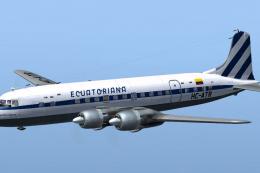
You will need the payware DC-6B base model by Just Flight. Textures repaint b…
 FSX Propliners
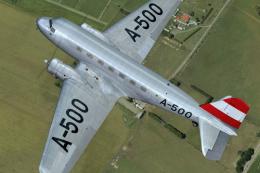
This repaint for Microsoft Flight Simulator X brings the Austrian Government’…
 FSX Propliners
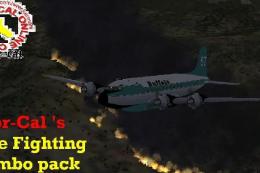
Fire at Pine Flat viewable in multiplayer along with a long lasting red fire …
 FSX Propliners
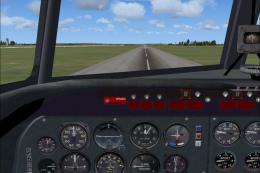
Canadair’s Merlin-powered adaptations of the Douglas DC-4—commonly referred t…
 FSX Propliners
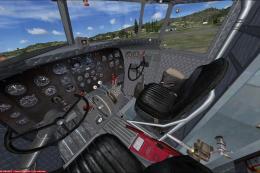
This is a texture change for the interior of the default DC-3 and Manfred Jah…
 FSX Propliners
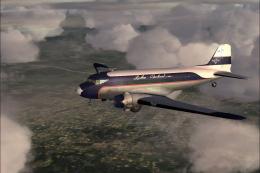
Turner Airlines was begun by Roscoe Turner in 1947 and was later renamed Lake…
Read what other simmers think, or add your own.


Just wanted to say thank you for the time spent on making my FSX Simulator even more exciting and challenging.

Is there a possibility to search by name?
I am looking for casa 95, but I cannot find it.
Ton Conijn

