Preview

MSFS Fieseler Fi 156 Storch

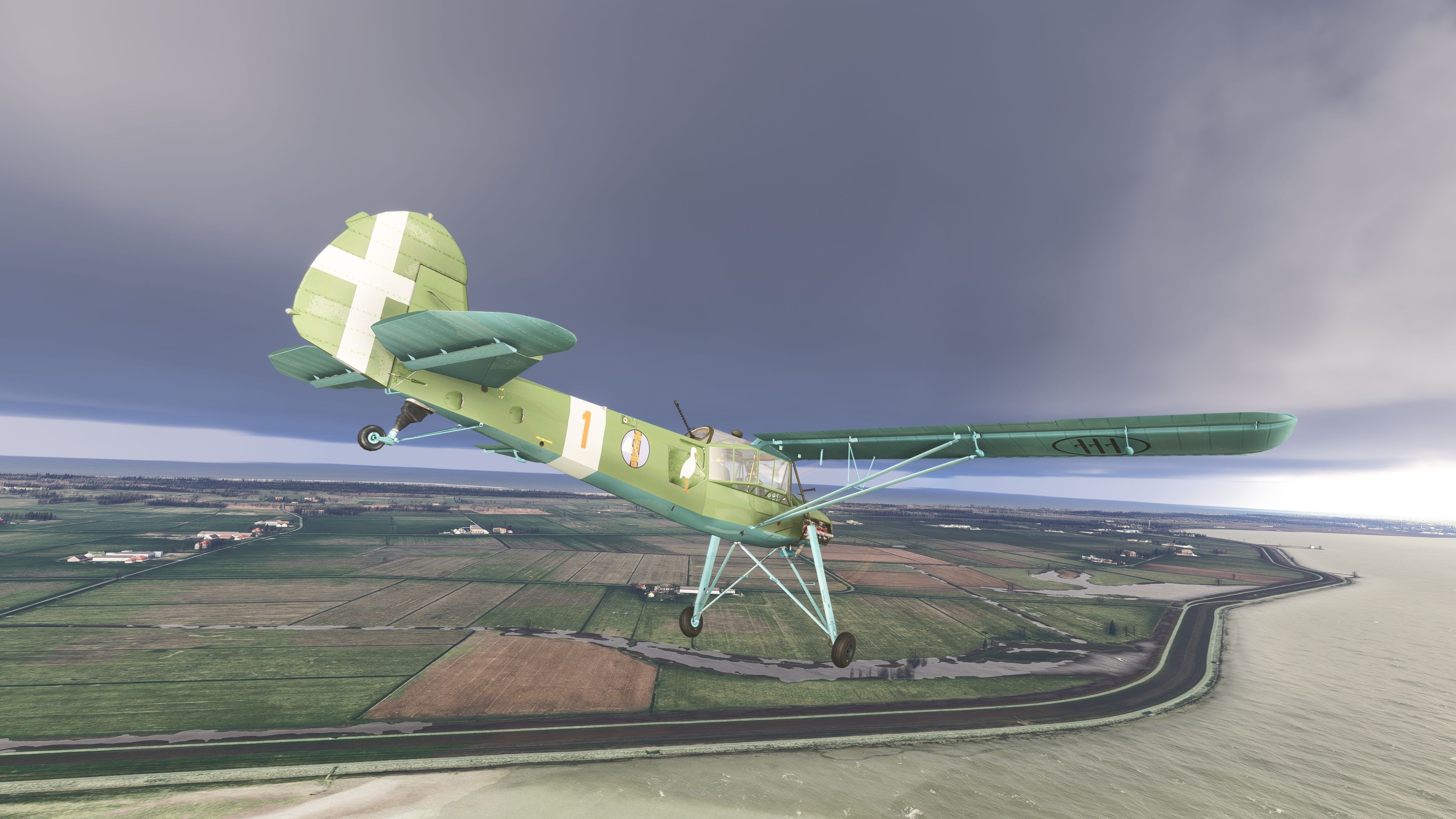
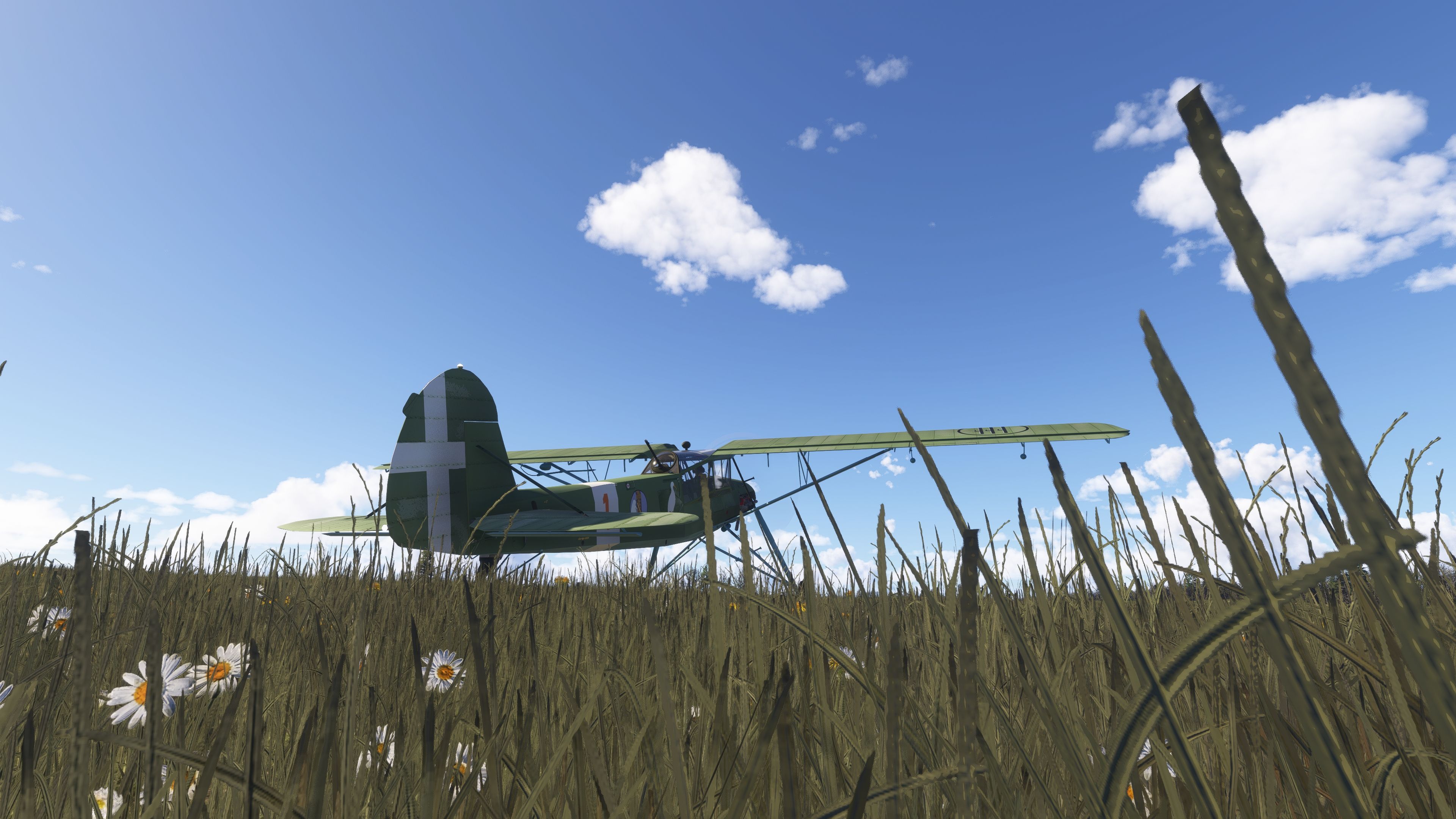
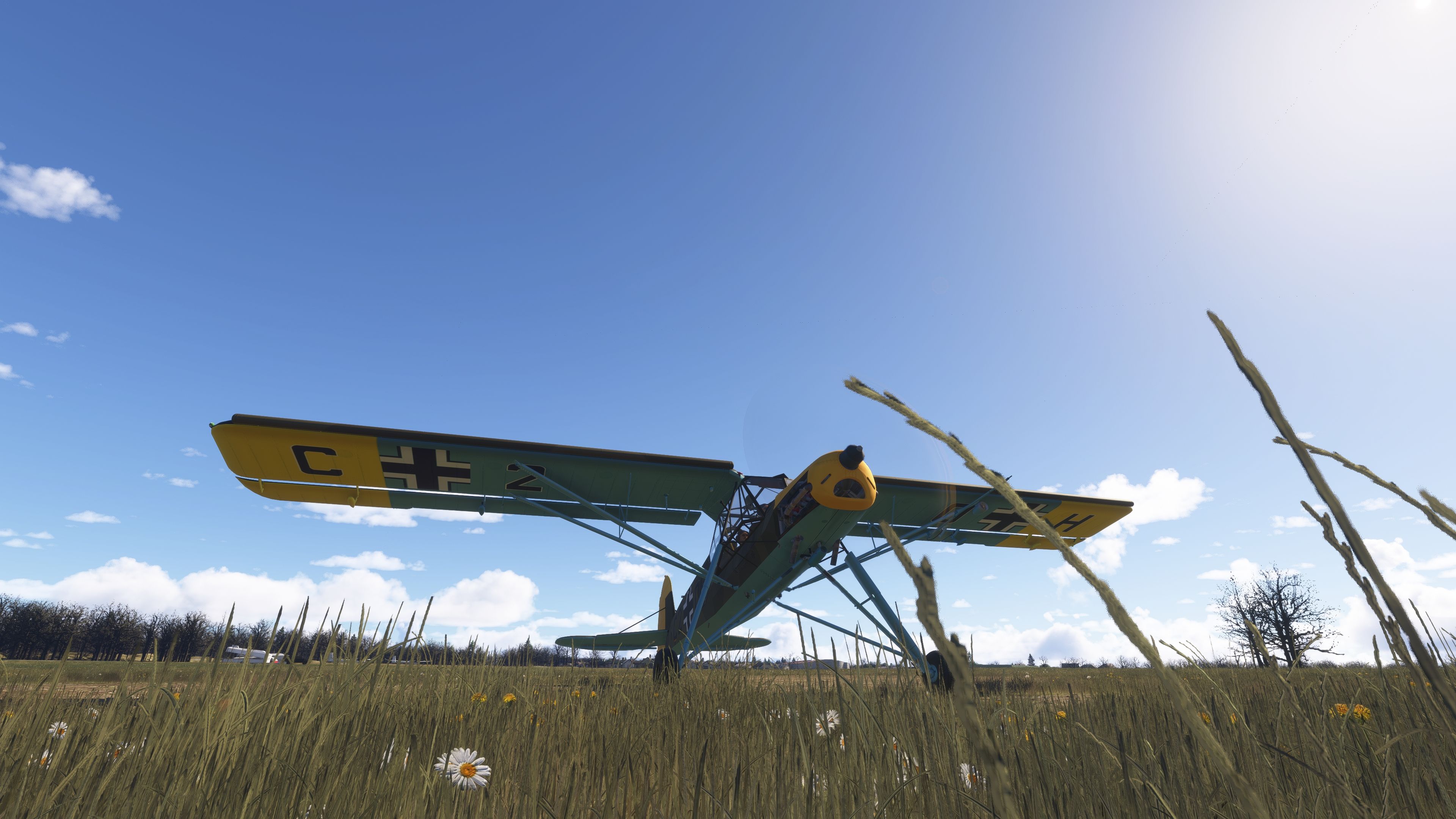
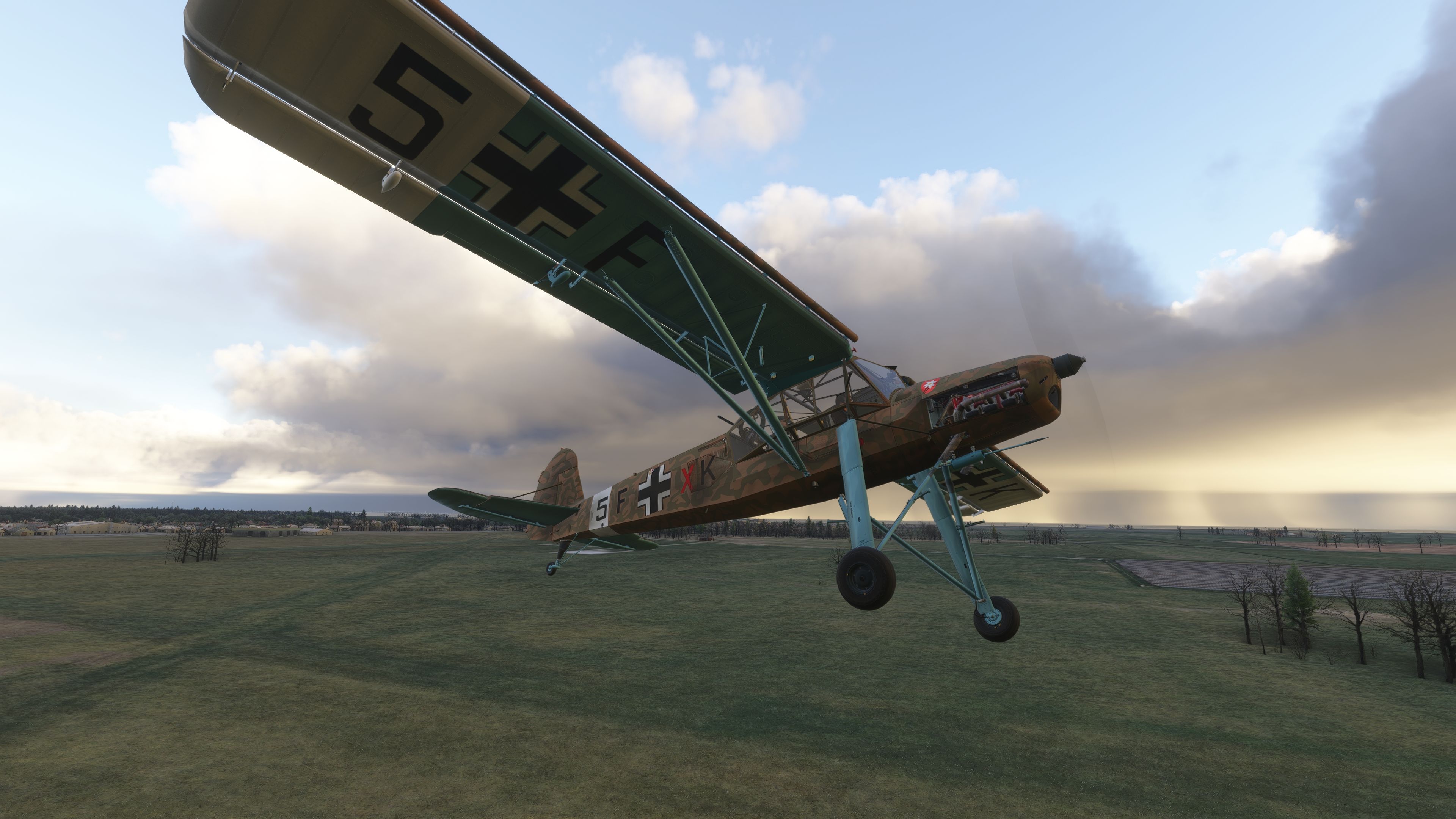
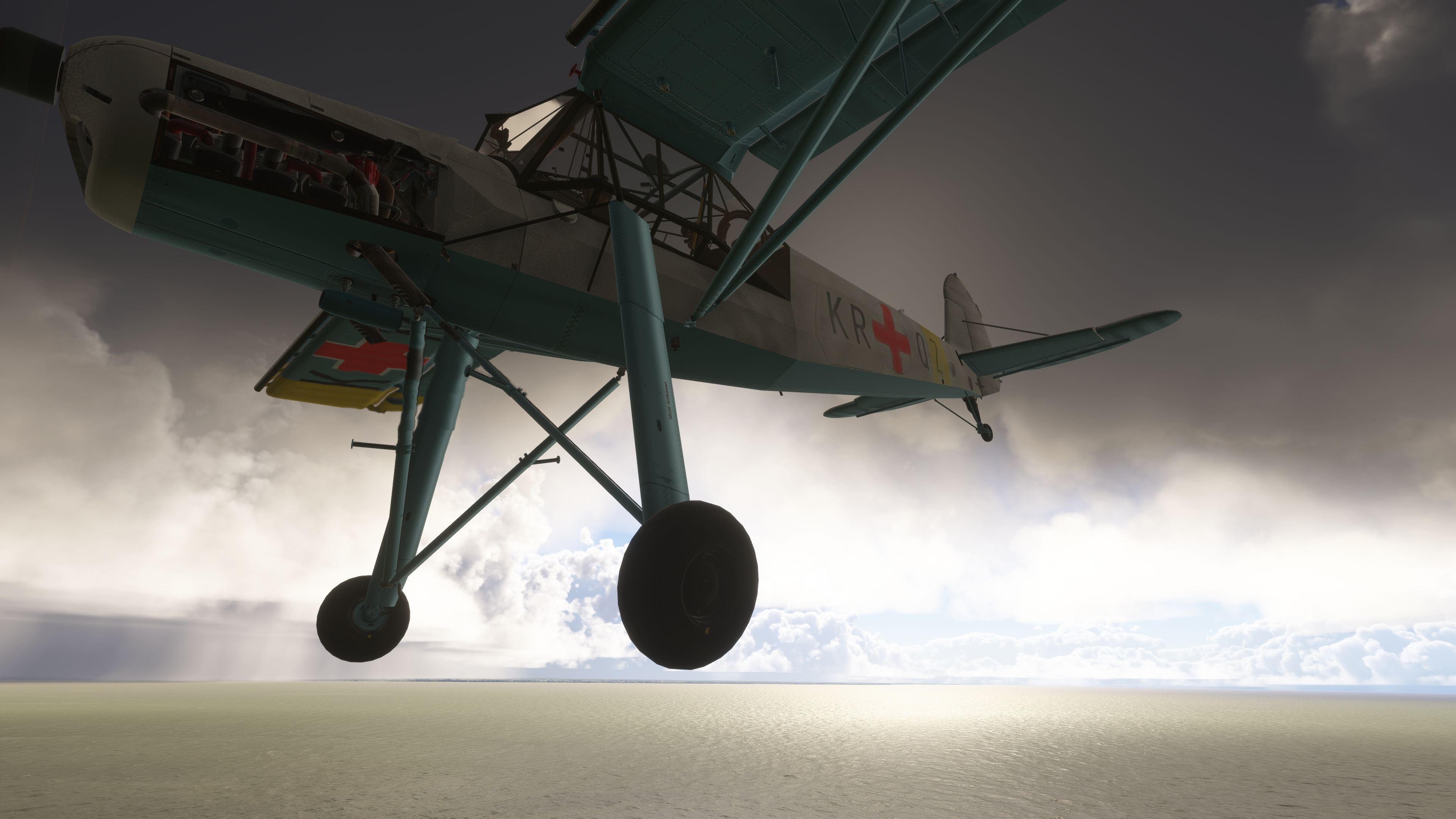
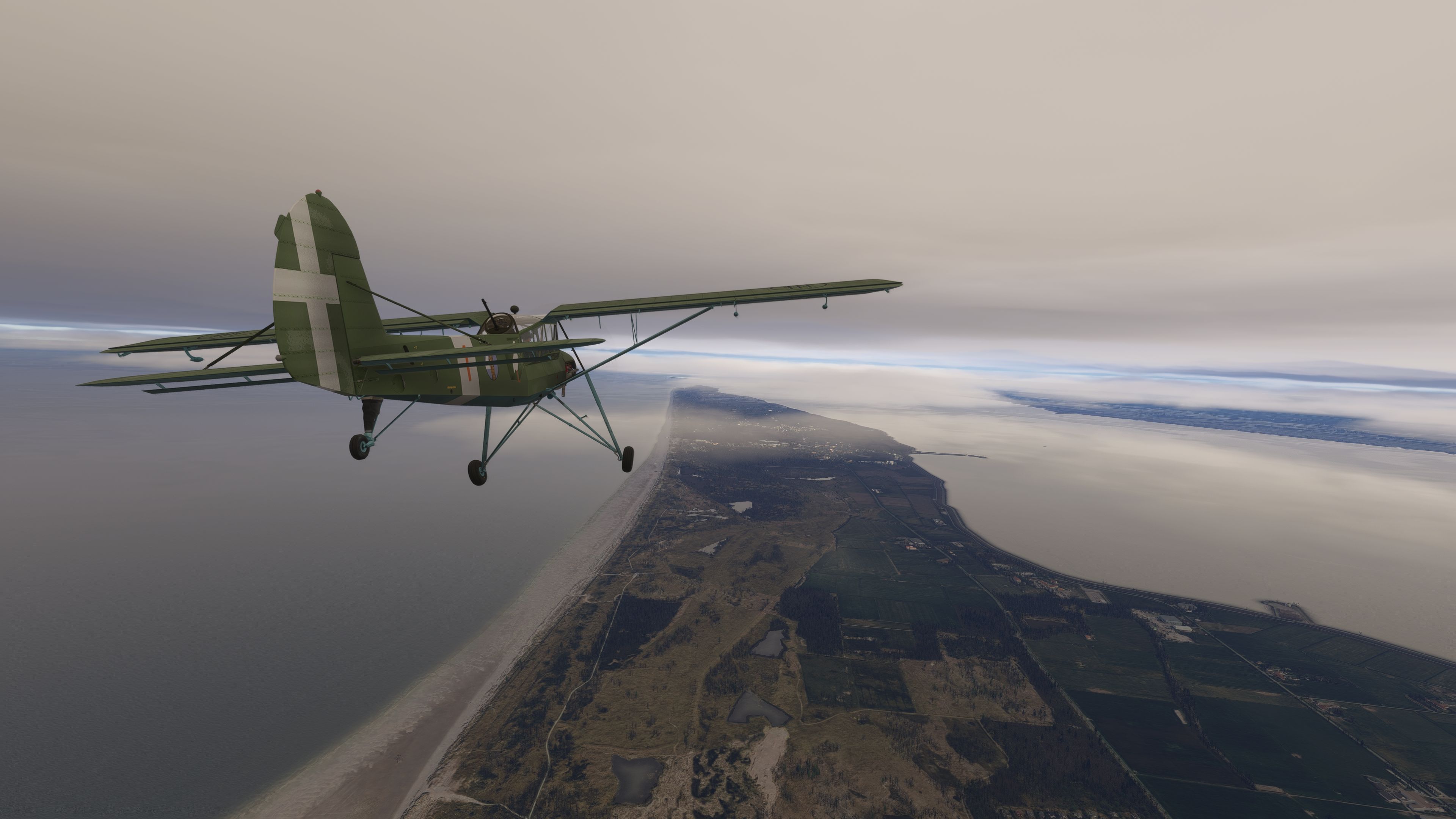
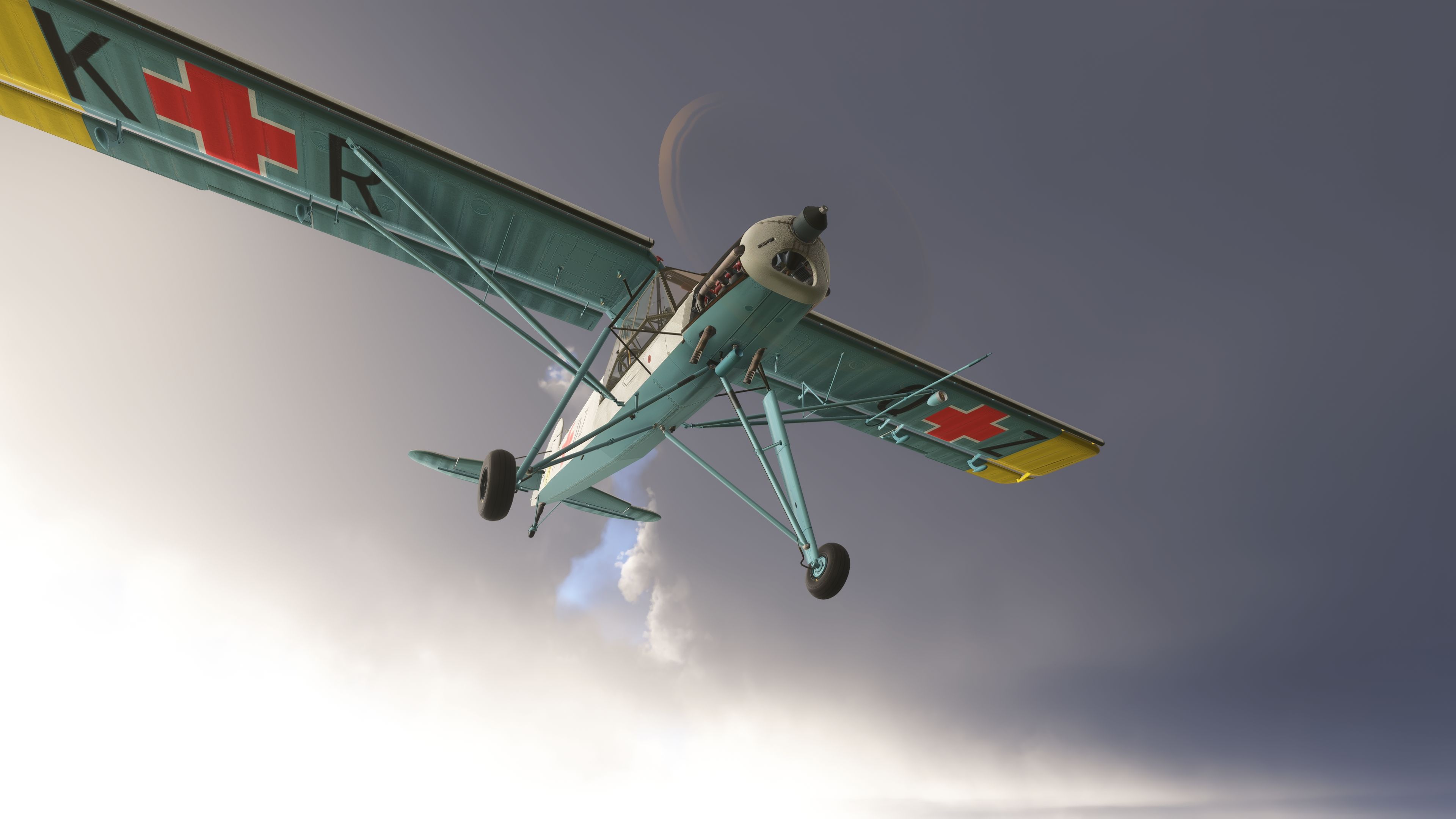
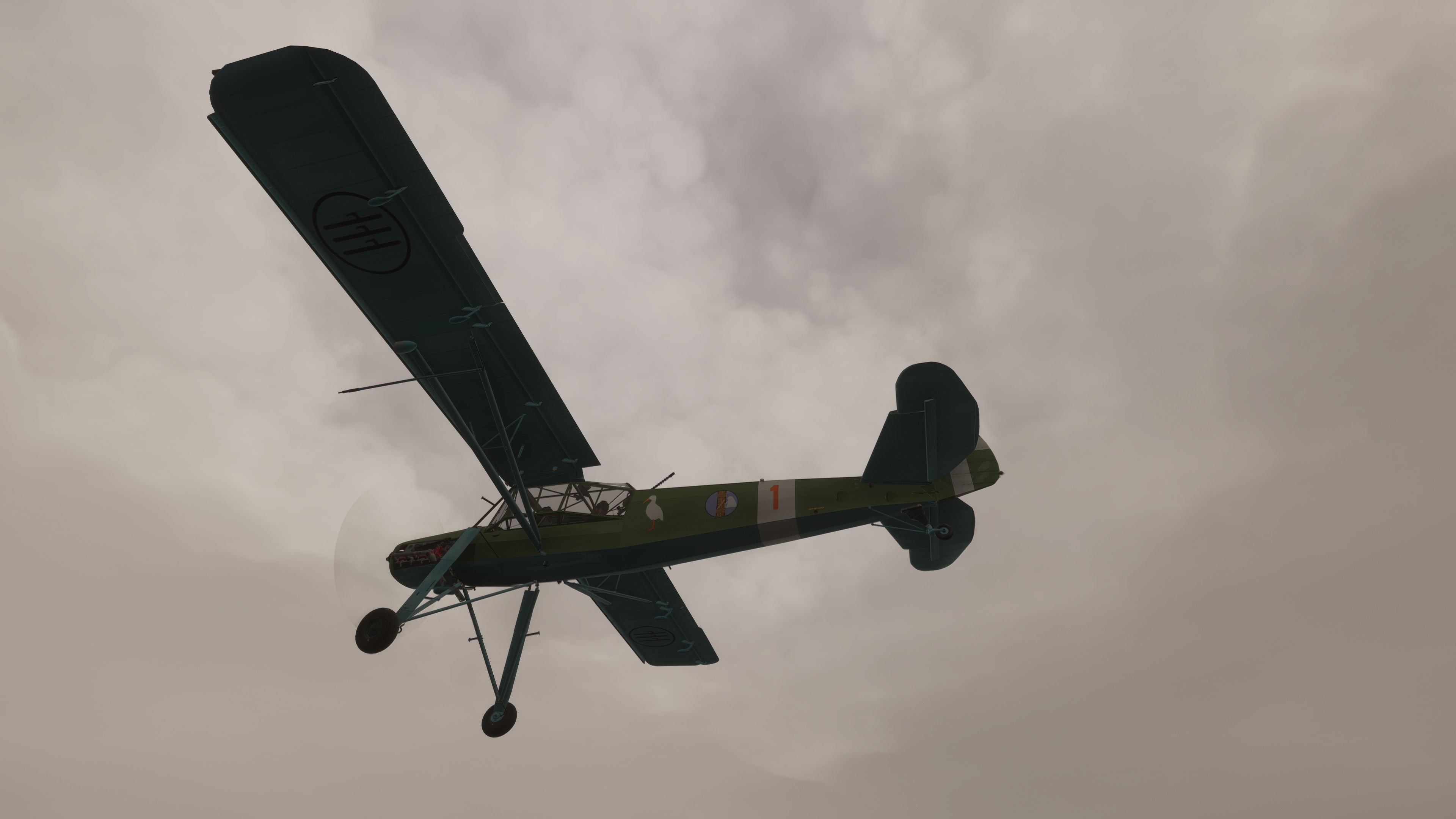
This fully realized Fieseler Fi 156 Storch package brings an authentic WWII-era short takeoff and landing aircraft into modern iterations of Microsoft Flight Simulator. Developed by flyndive and originally built upon the generous groundwork laid by FSAddon, it offers precise modeling of the Fi 15...

5 star rating 5/5 (1) 411 downloads Flight Simulator 2020 CompatibleFlight Simulator 2024 Compatible
  • Type:Complete with Base Model
  • File: Fieseler-Fi-156-2020-2024.zip
  • Size:572.79 MB
  • Scan: Clean (17d) Verified clean
  • Access:Freeware
  • Content:Everyone
Adam McEnroe

Expert Overview

This free add-on seamlessly brings the WWII-era Fieseler Fi 156 Storch into Microsoft Flight Simulator 2020 and 2024, capturing its distinctive short takeoff and landing prowess with surprising accuracy. In my decades of PC flight simulation, I’ve rarely seen a mod replicate slow-flight handling this well—everything from its elevated landing gear to the Argus As 10 engine performance reflects the legendary ability of the Storch to operate from the shortest and most rugged airstrips.
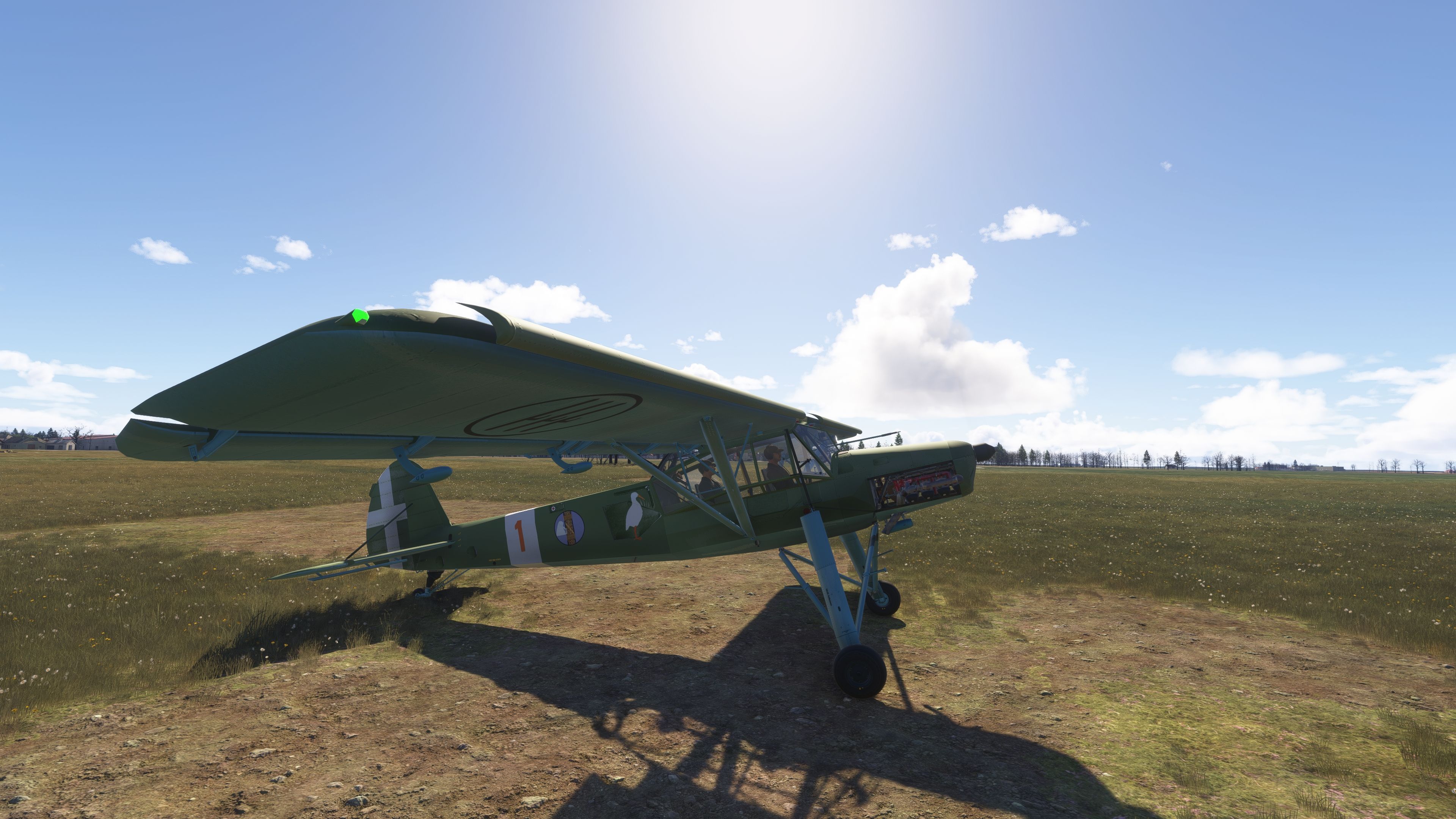
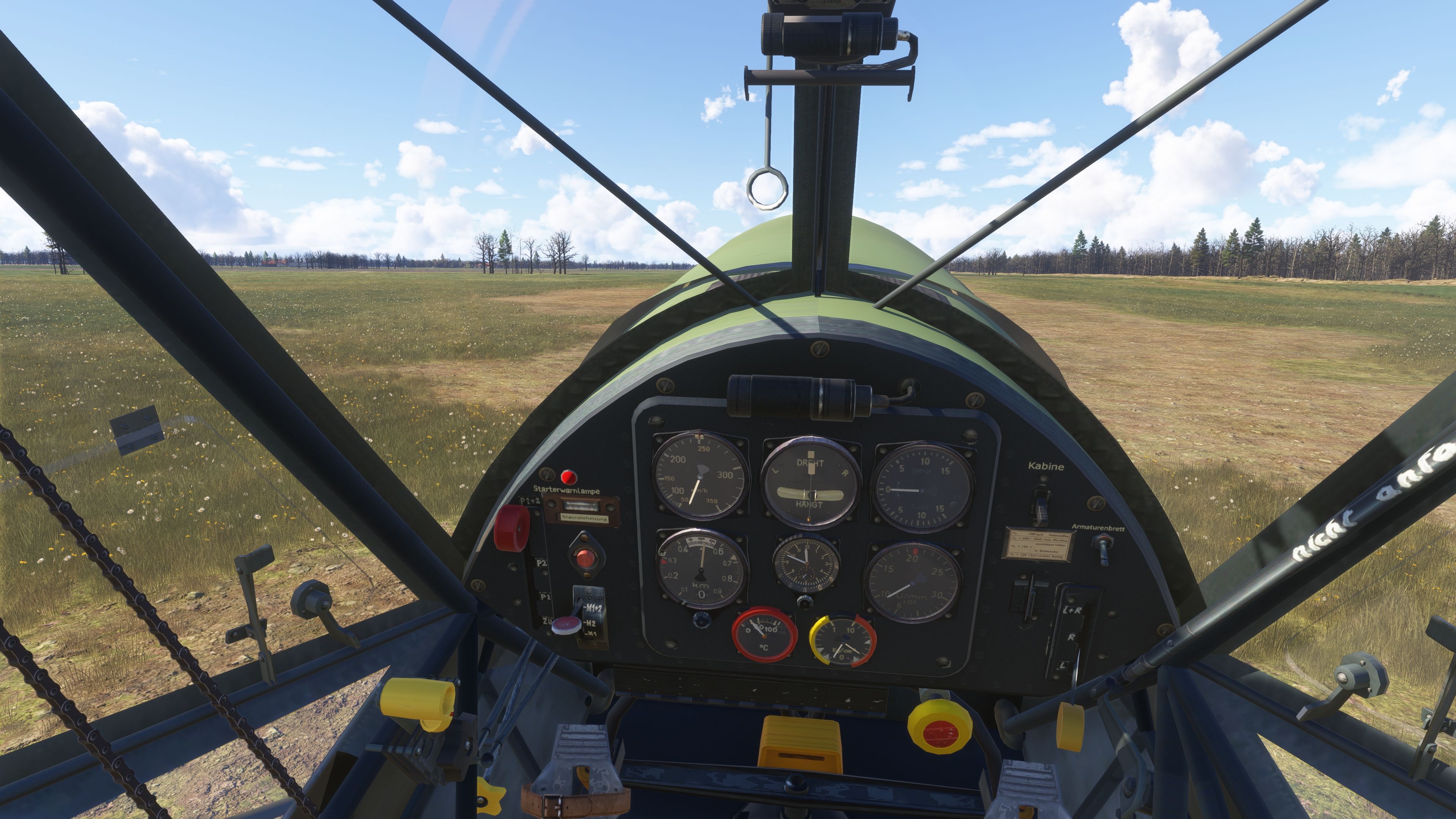
Built on a collaborative framework, this package features carefully refined aerodynamics, realistic panel lighting, VR enhancements, and even an optional machine gun toggle for historical immersion. My tests confirm that its stall characteristics, STOL behavior, and numerous cockpit animations remain faithful to the real aircraft, showcasing excellent handling across a broad range of conditions. Though certain MSFS 2024-specific elements will mature further, the current release offers a thoroughly engaging experience for warbird enthusiasts and bush flyers seeking an iconic aviation piece.

This mod was installed, tested and reviewed by Adam McEnroe for Fly Away Simulation. Adam is an FS mod expert. Read his bio here.

This fully realized Fieseler Fi 156 Storch package brings an authentic WWII-era short takeoff and landing aircraft into modern iterations of Microsoft Flight Simulator. Developed by flyndive and originally built upon the generous groundwork laid by FSAddon, it offers precise modeling of the Fi 156’s unique geometry, slow-flight handling, and remarkable STOL characteristics. This freeware release is available for both MSFS 2020 and 2024. While certain 2024 features remain in development, users can still enjoy the majority of its core enhancements today.
Historical and Structural Background

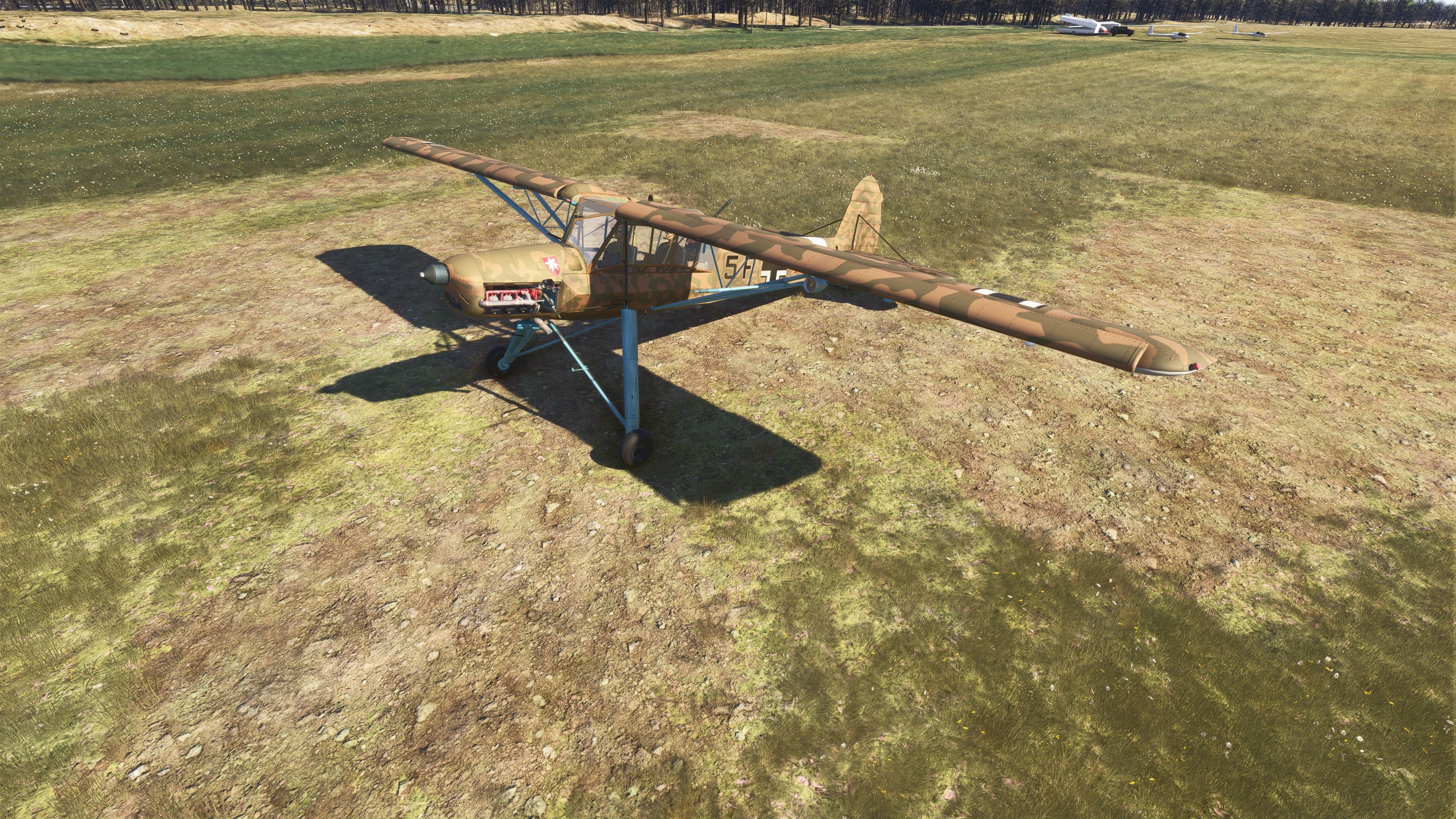
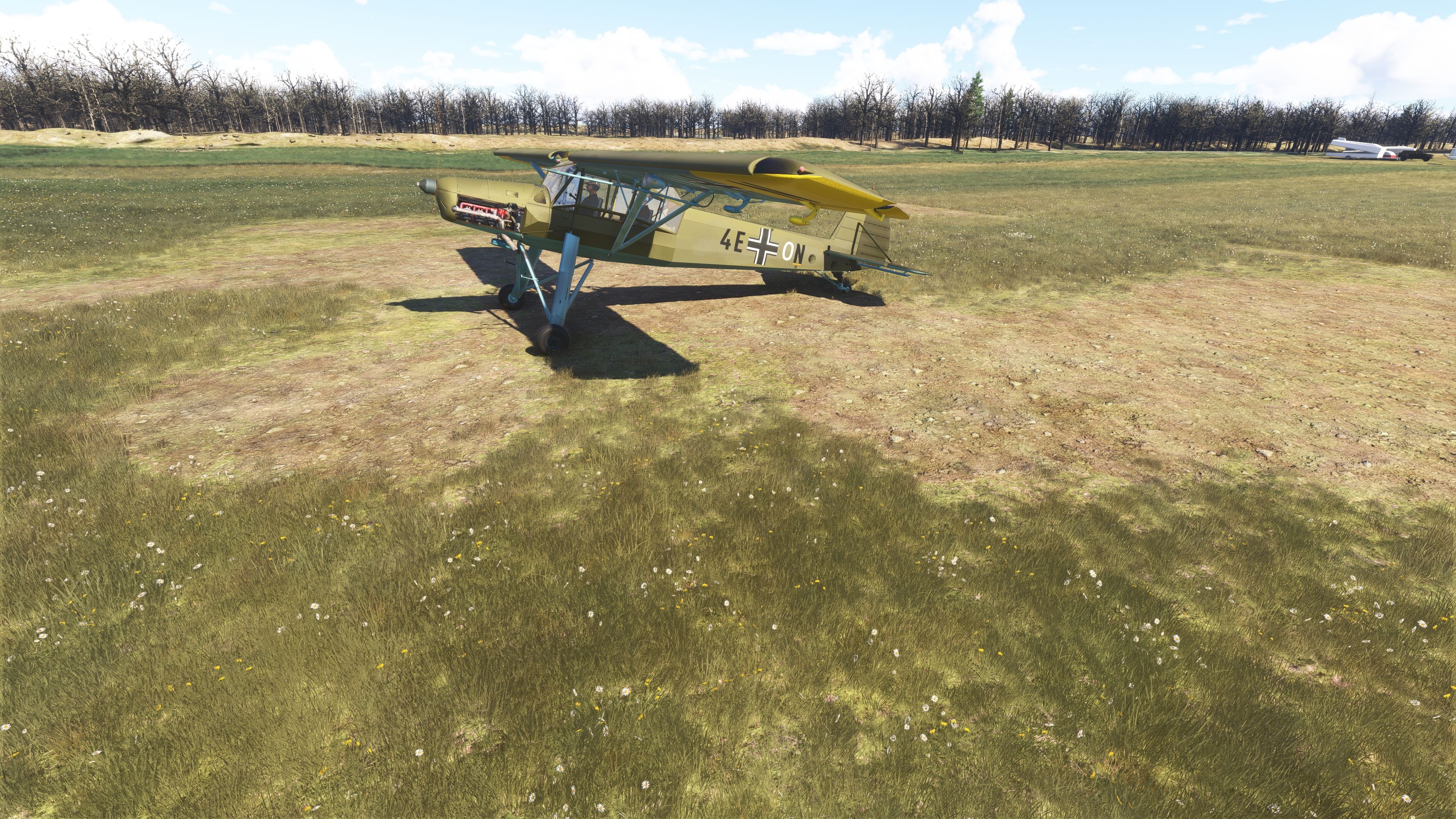
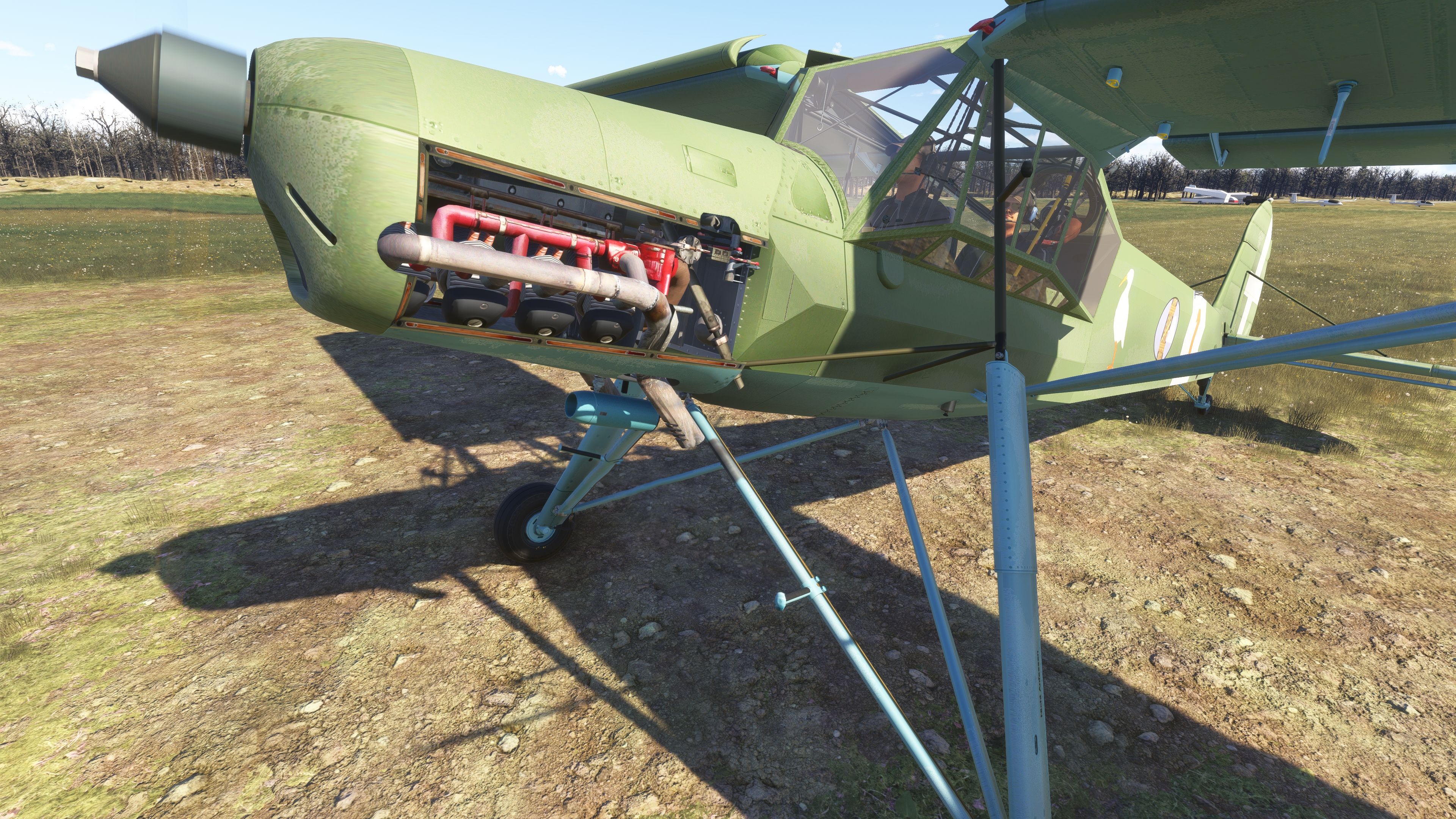
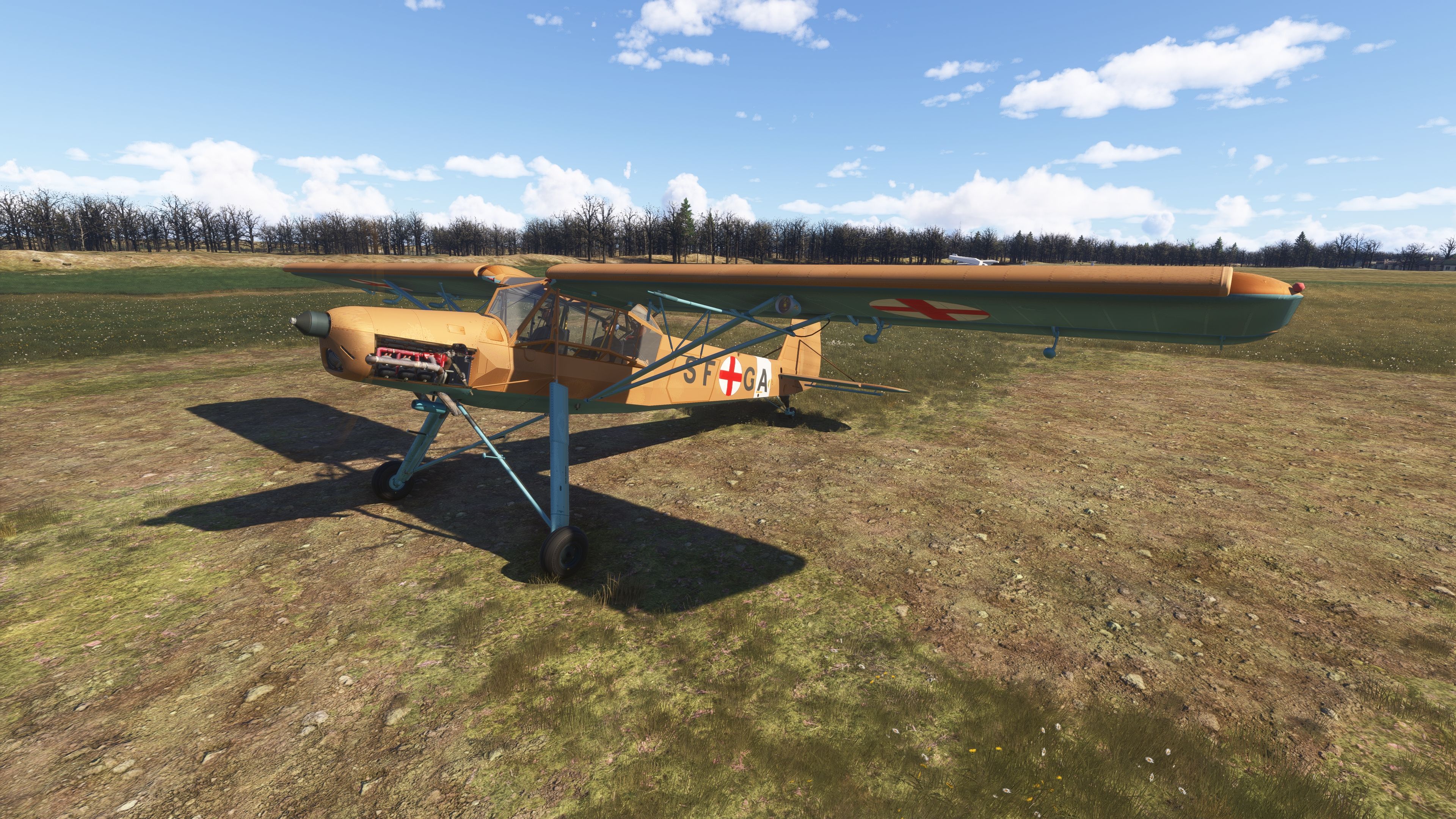
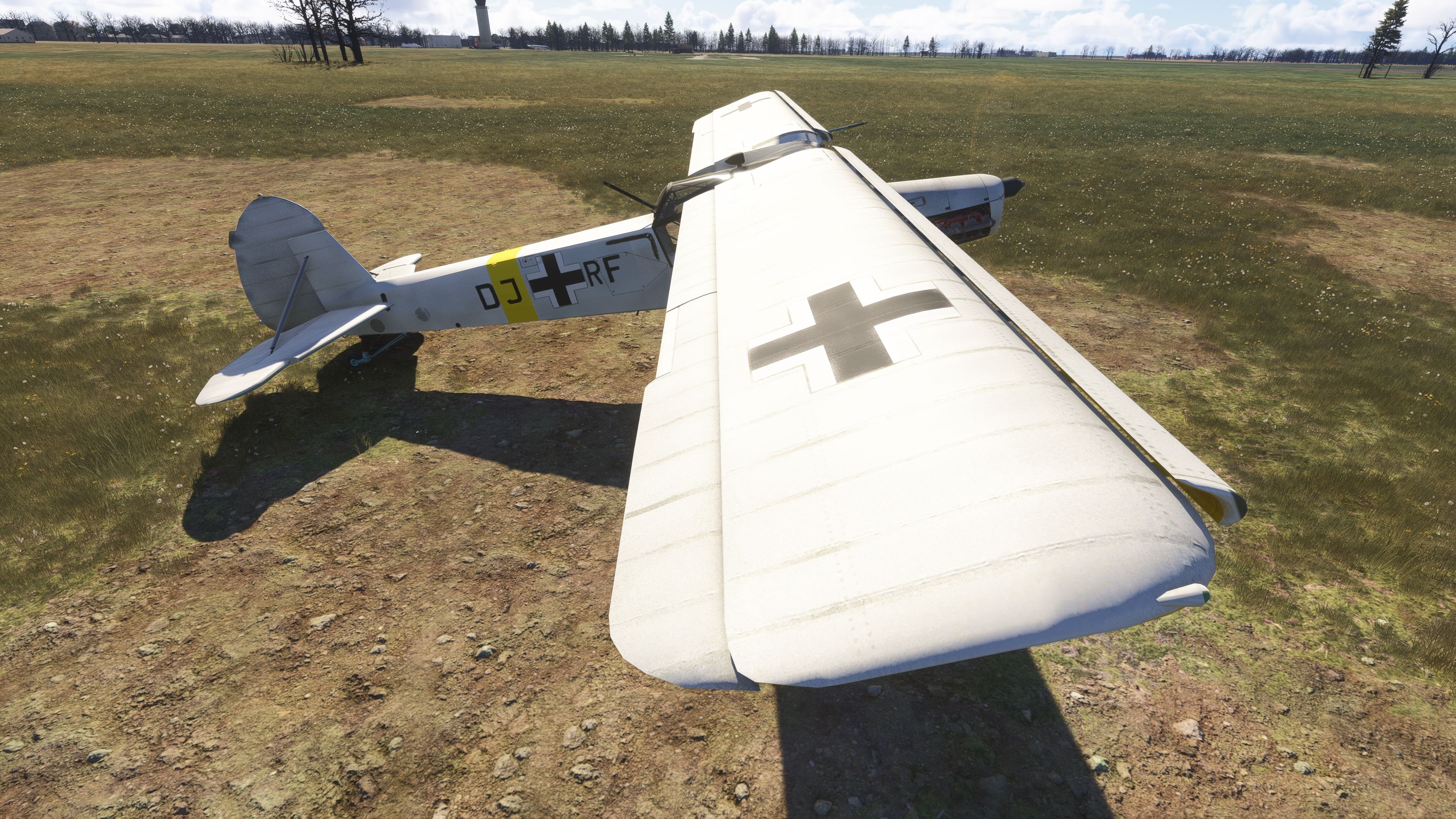
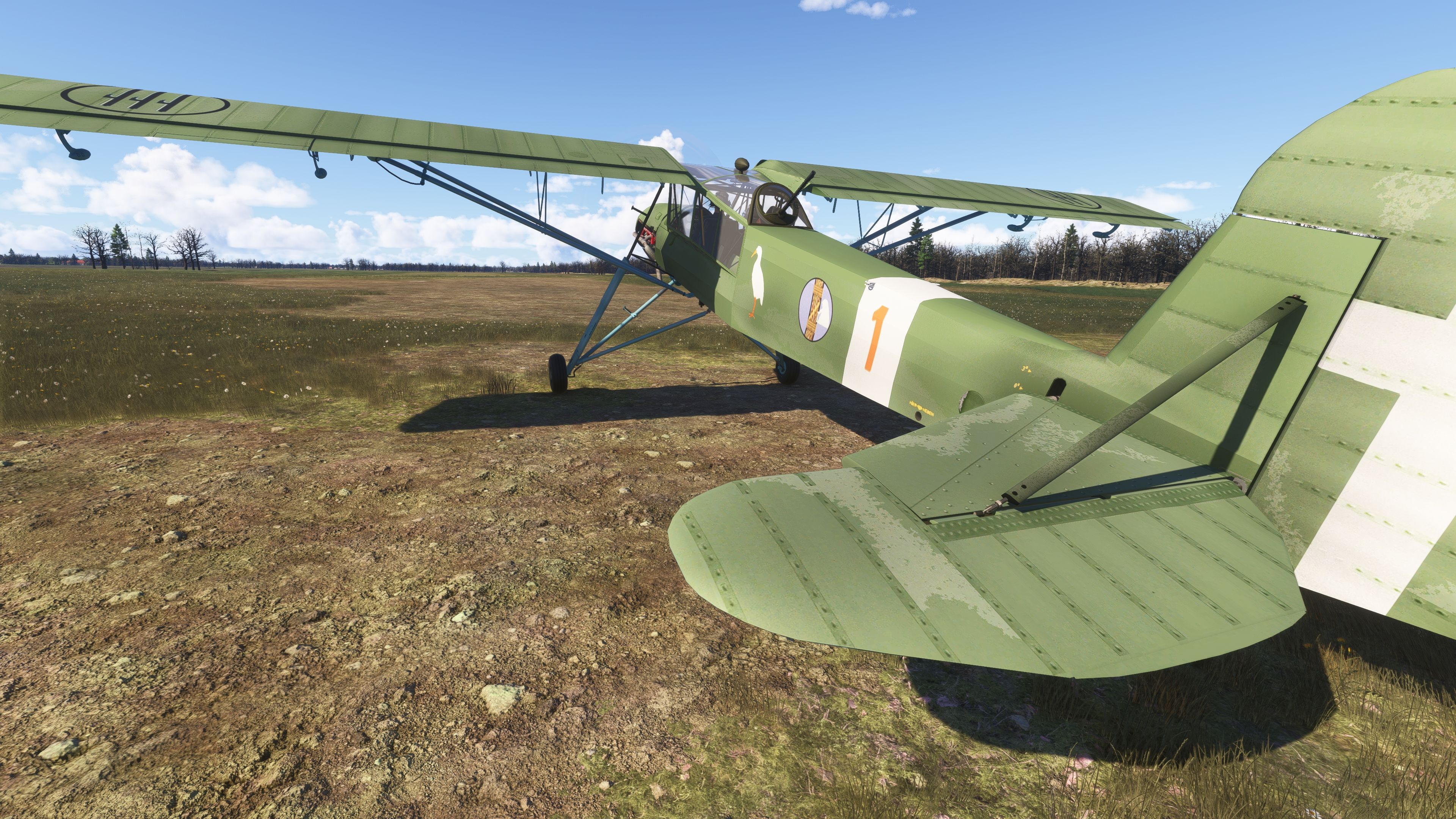
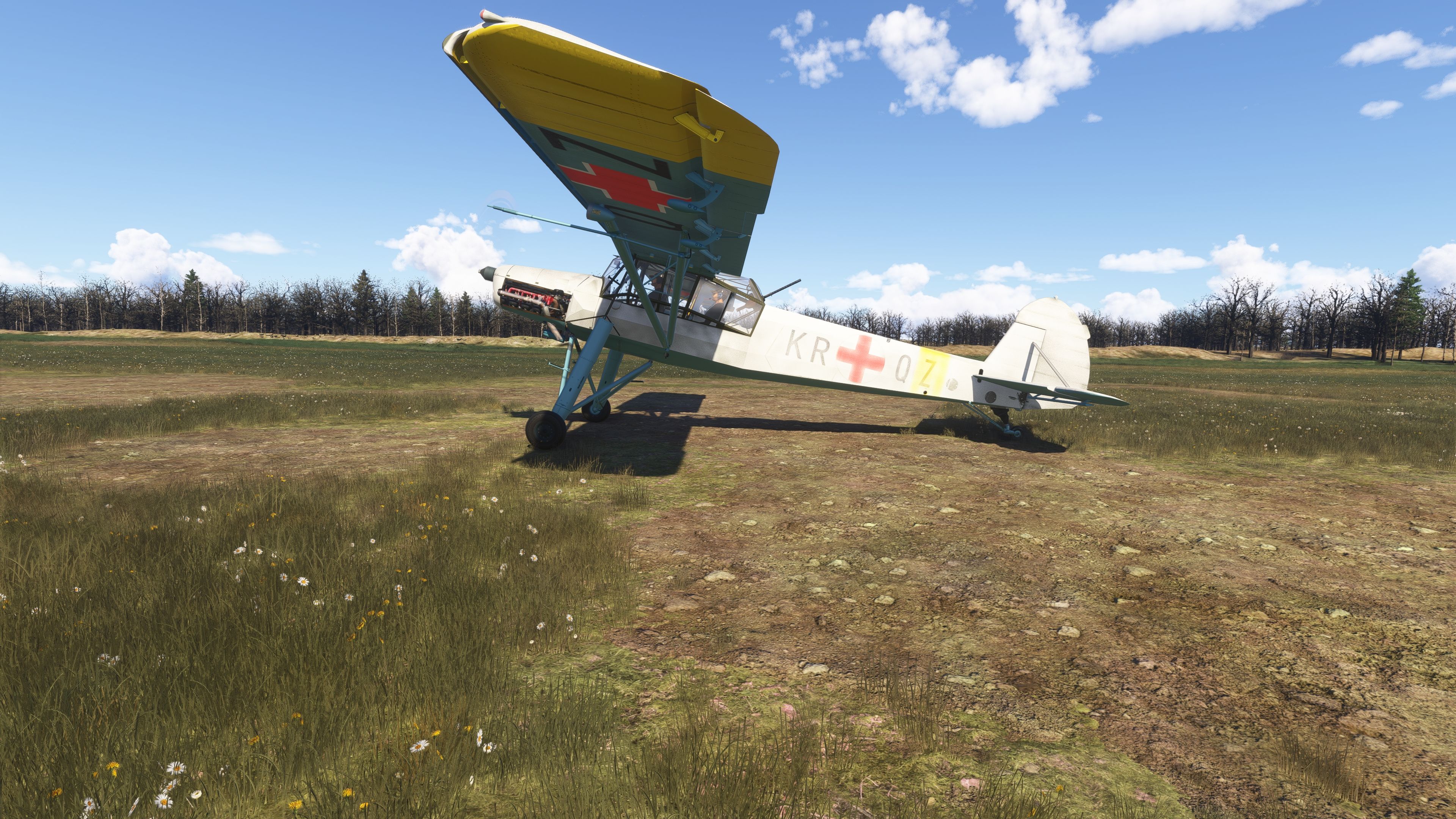
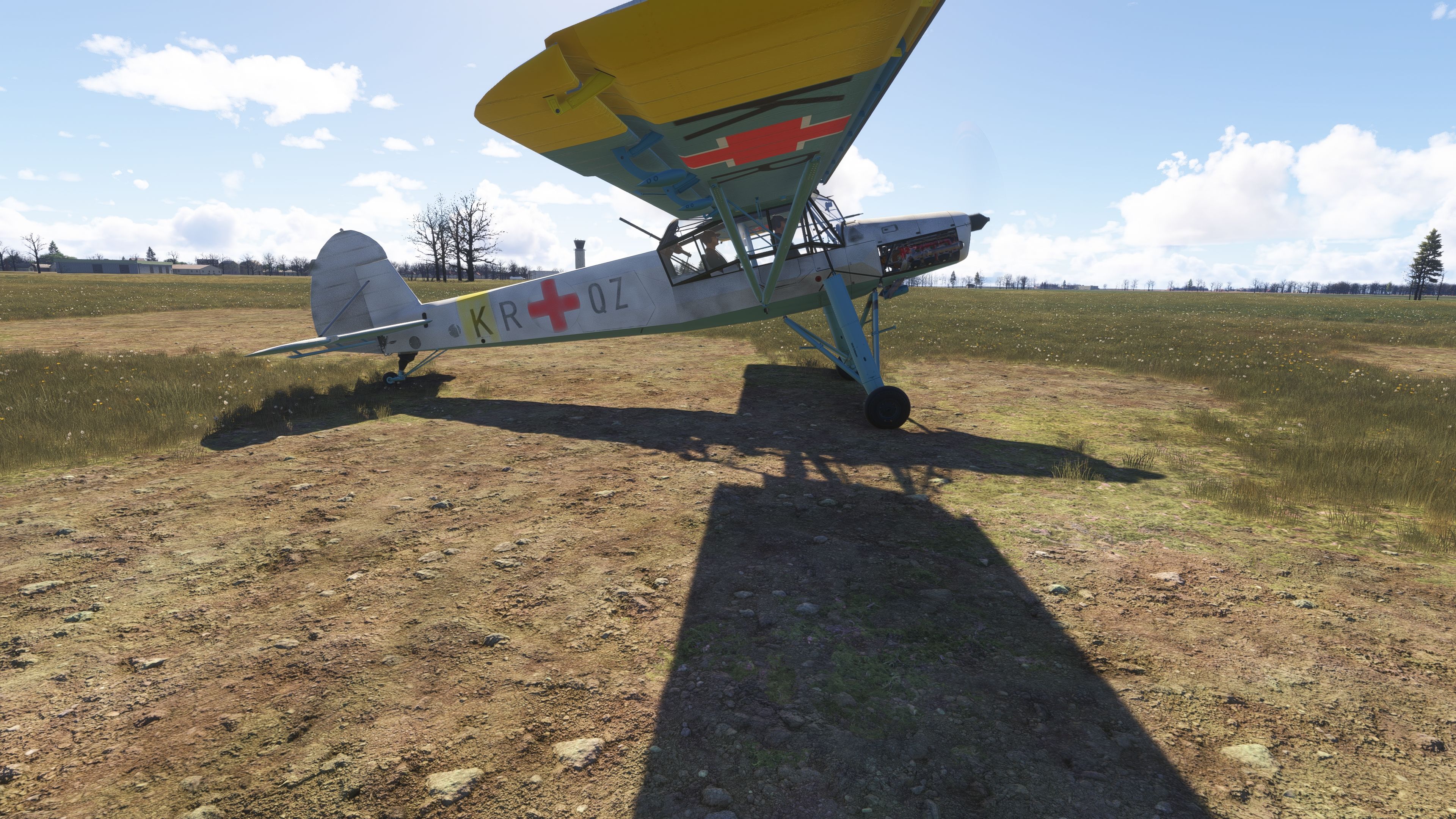
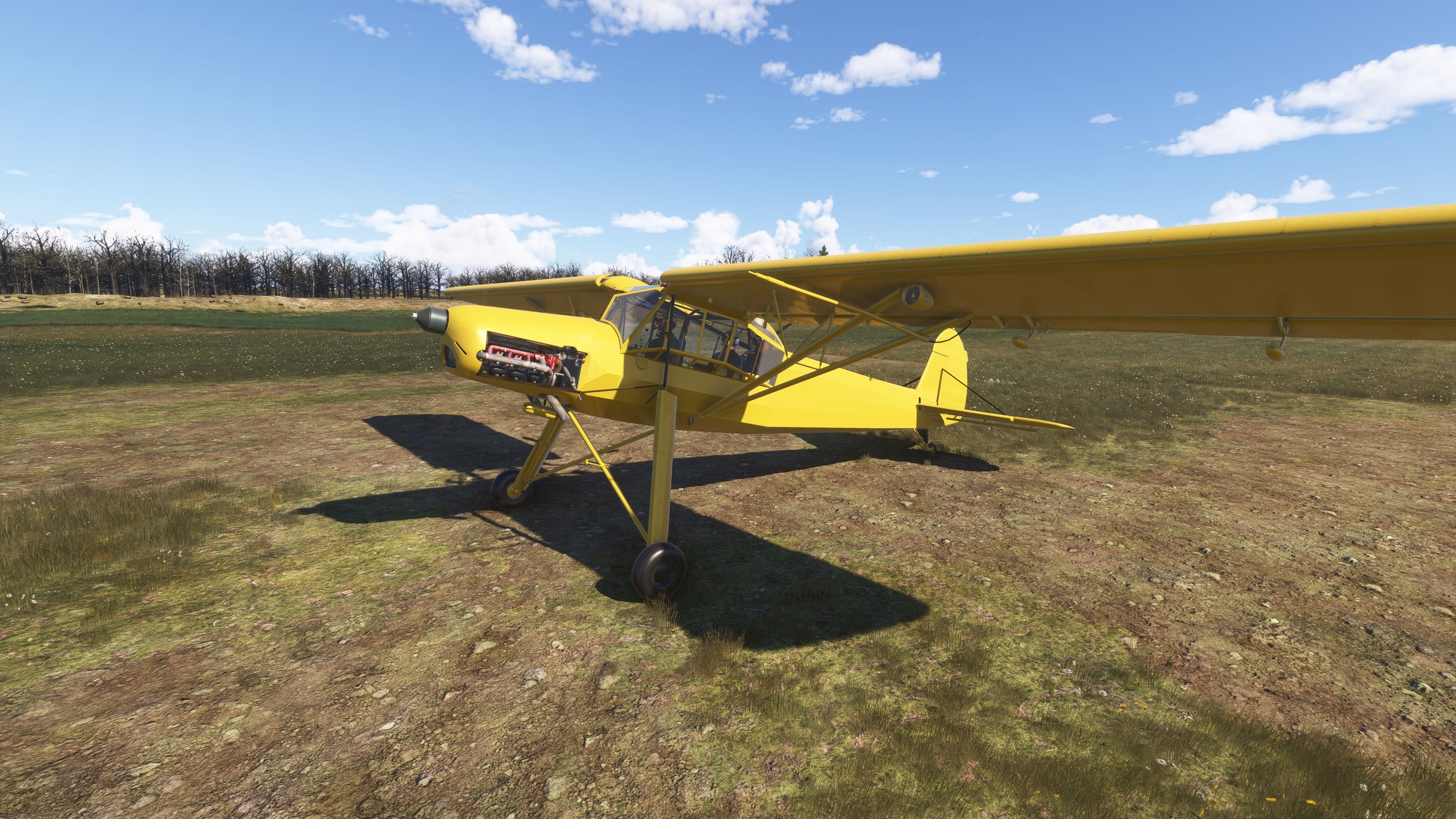
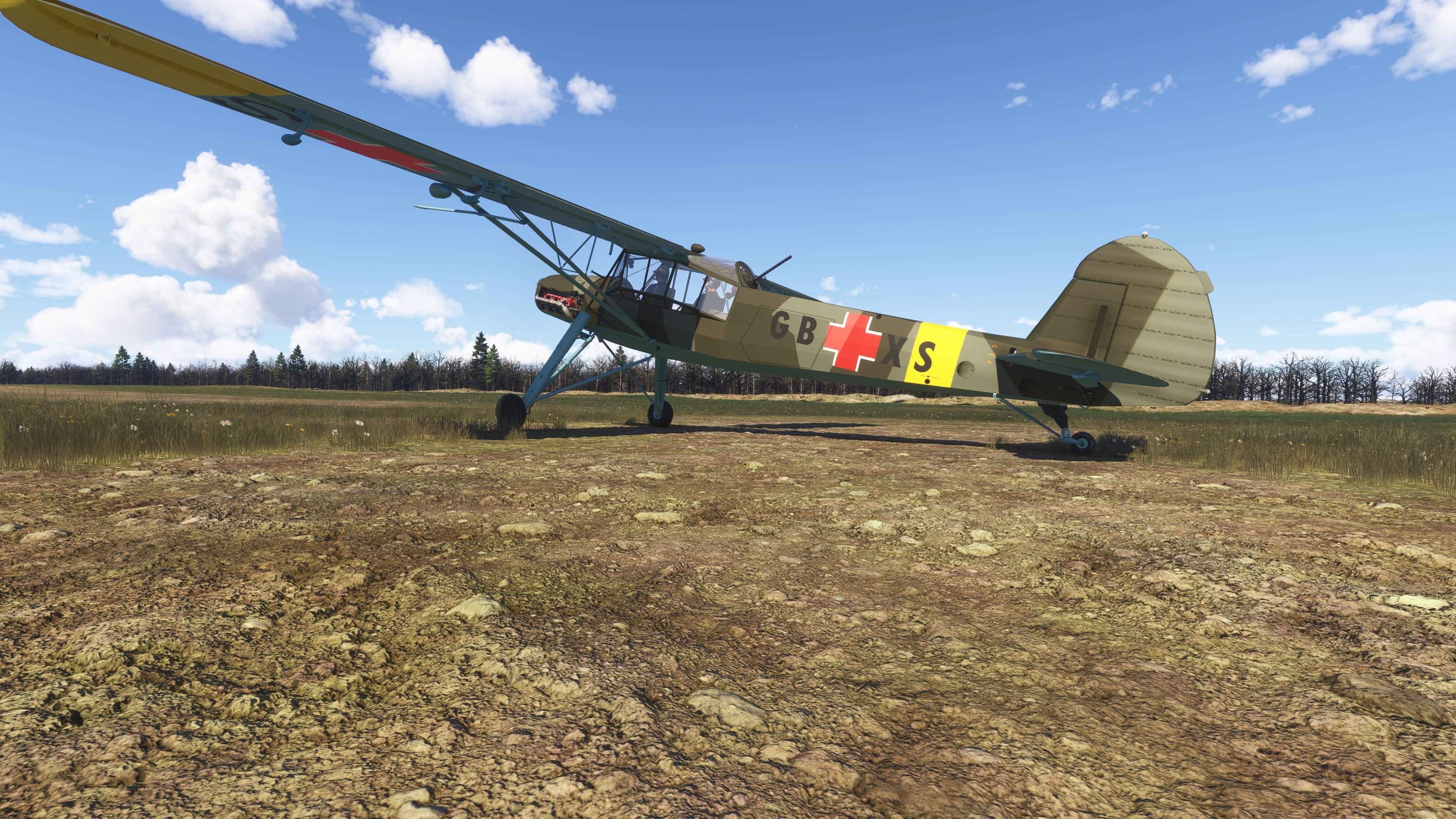
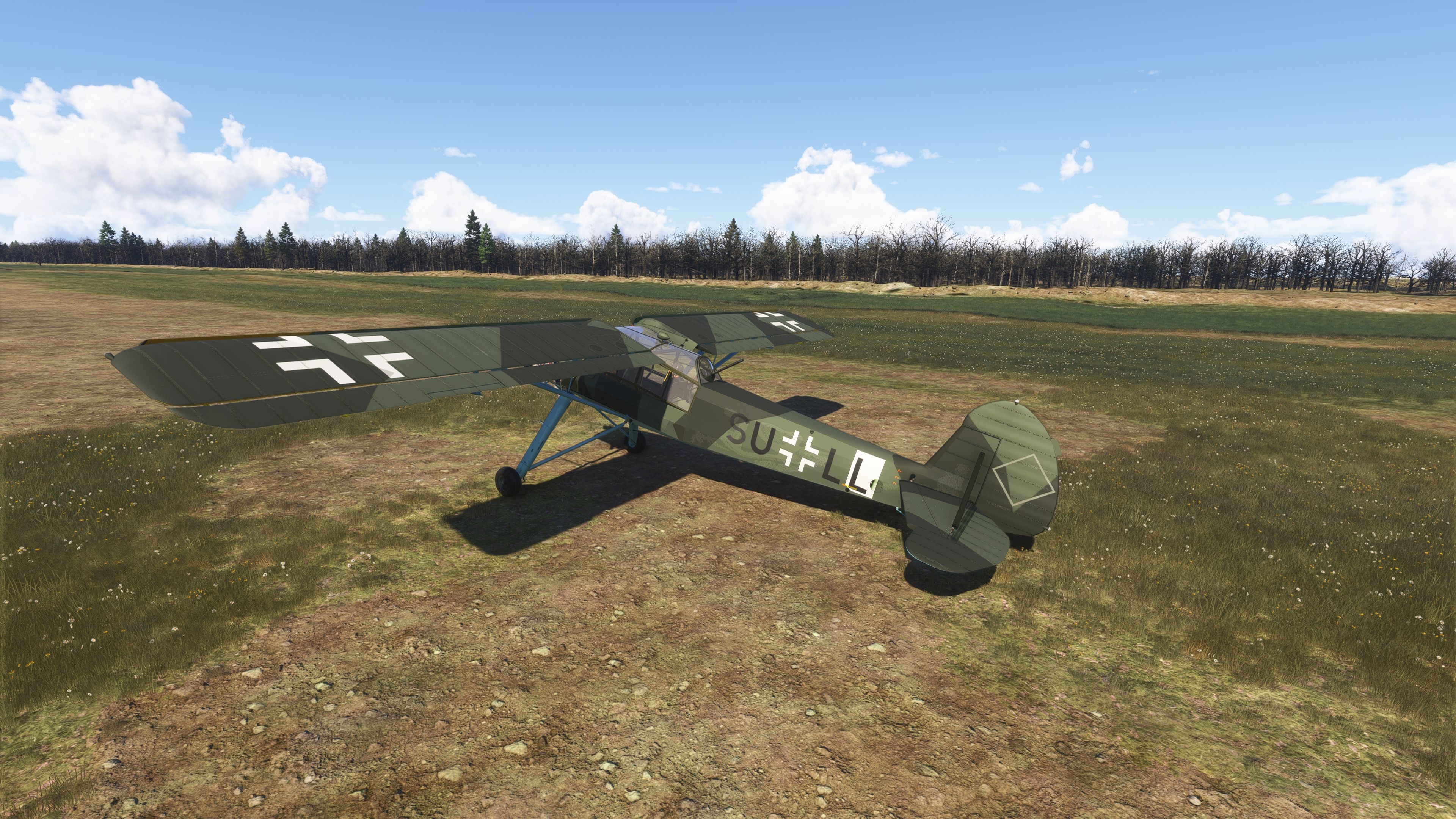
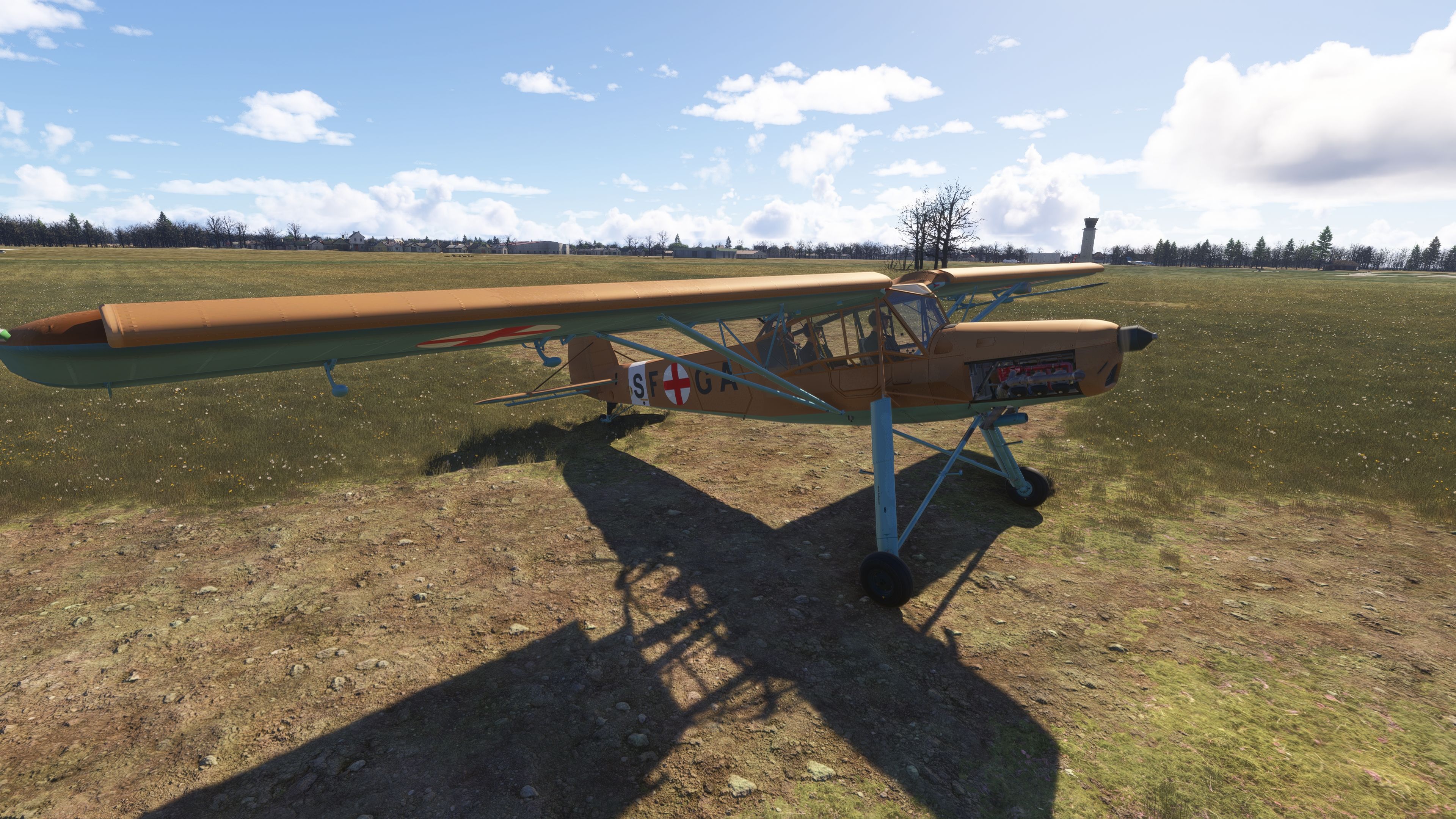
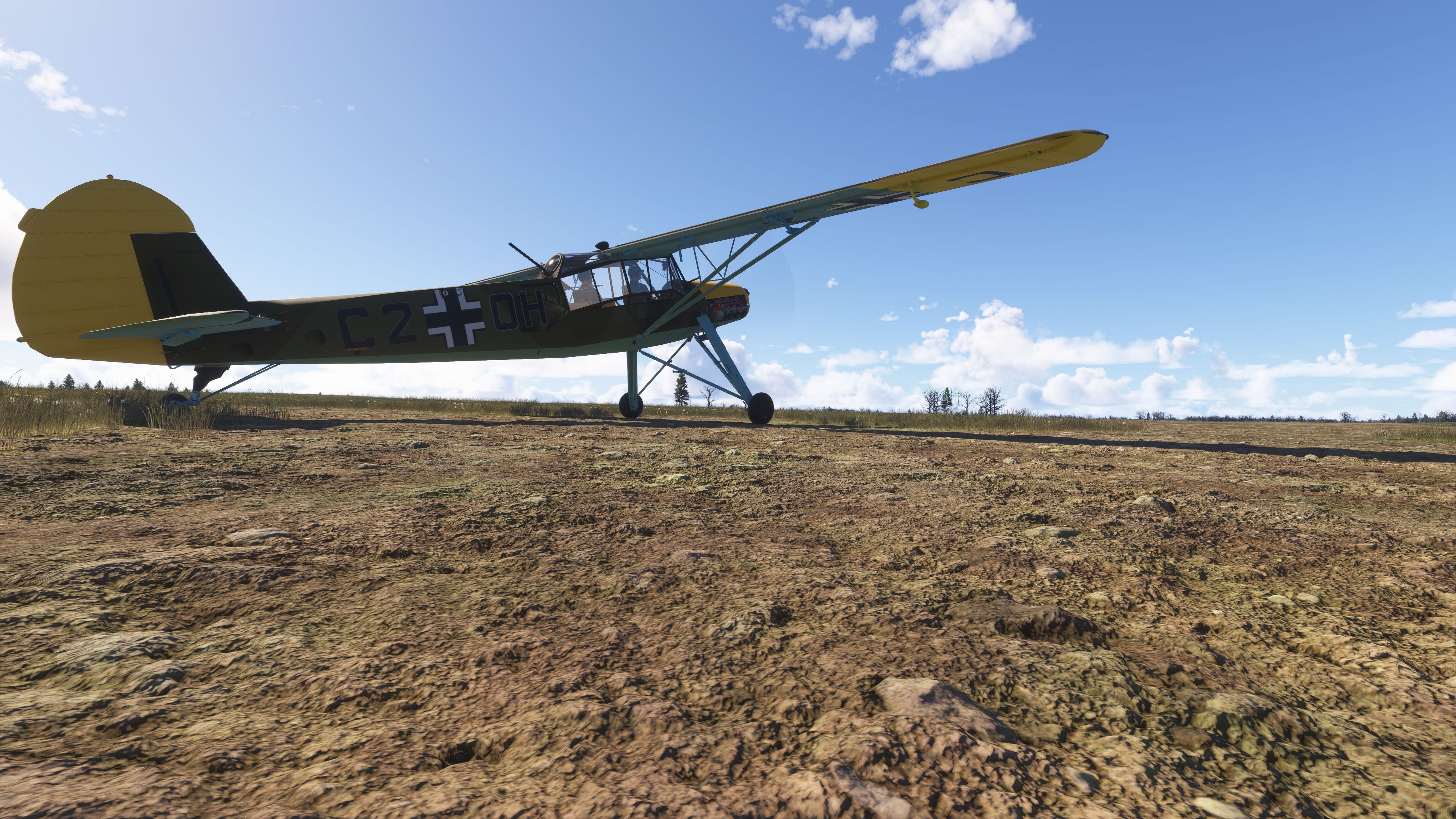
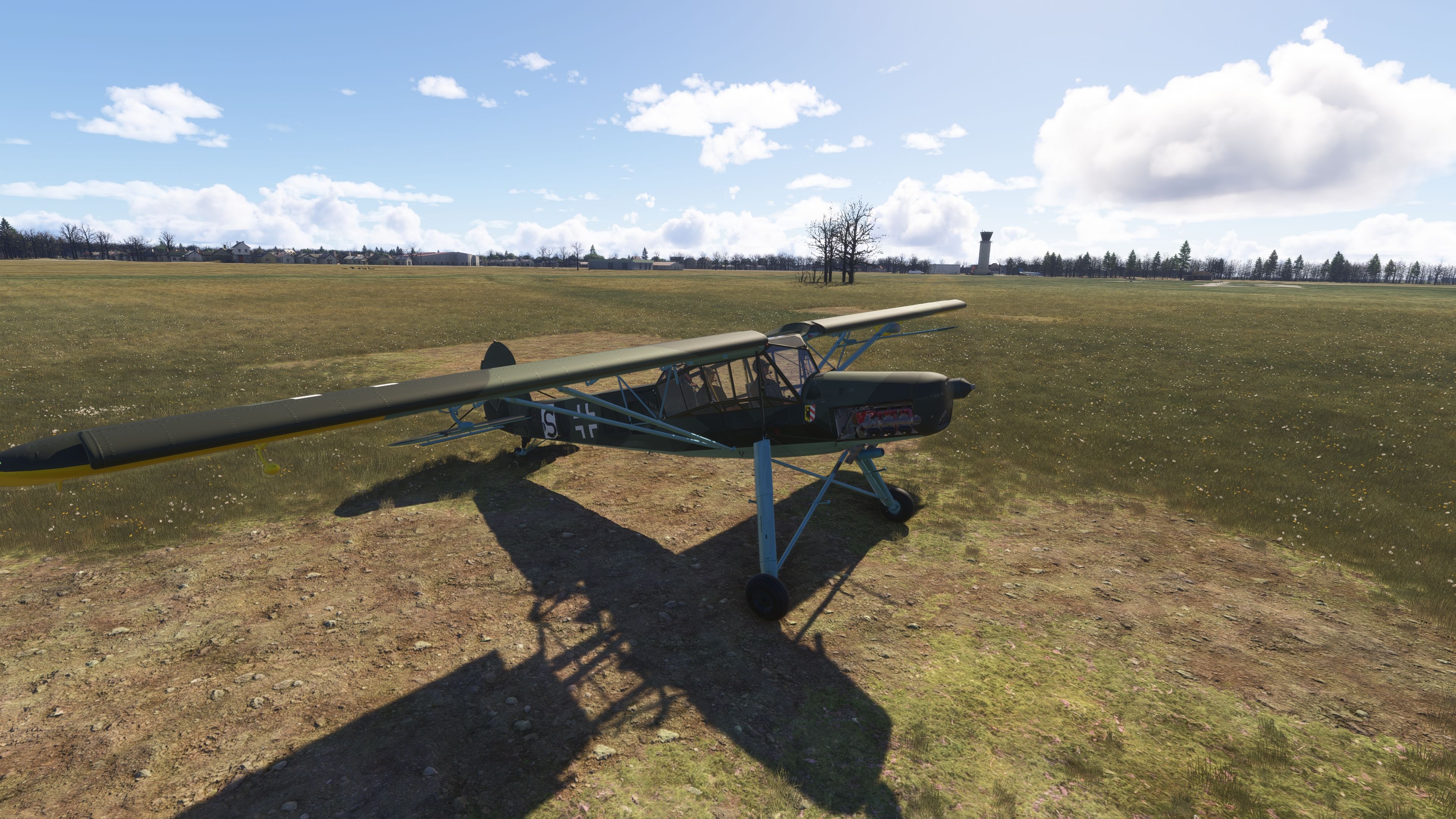
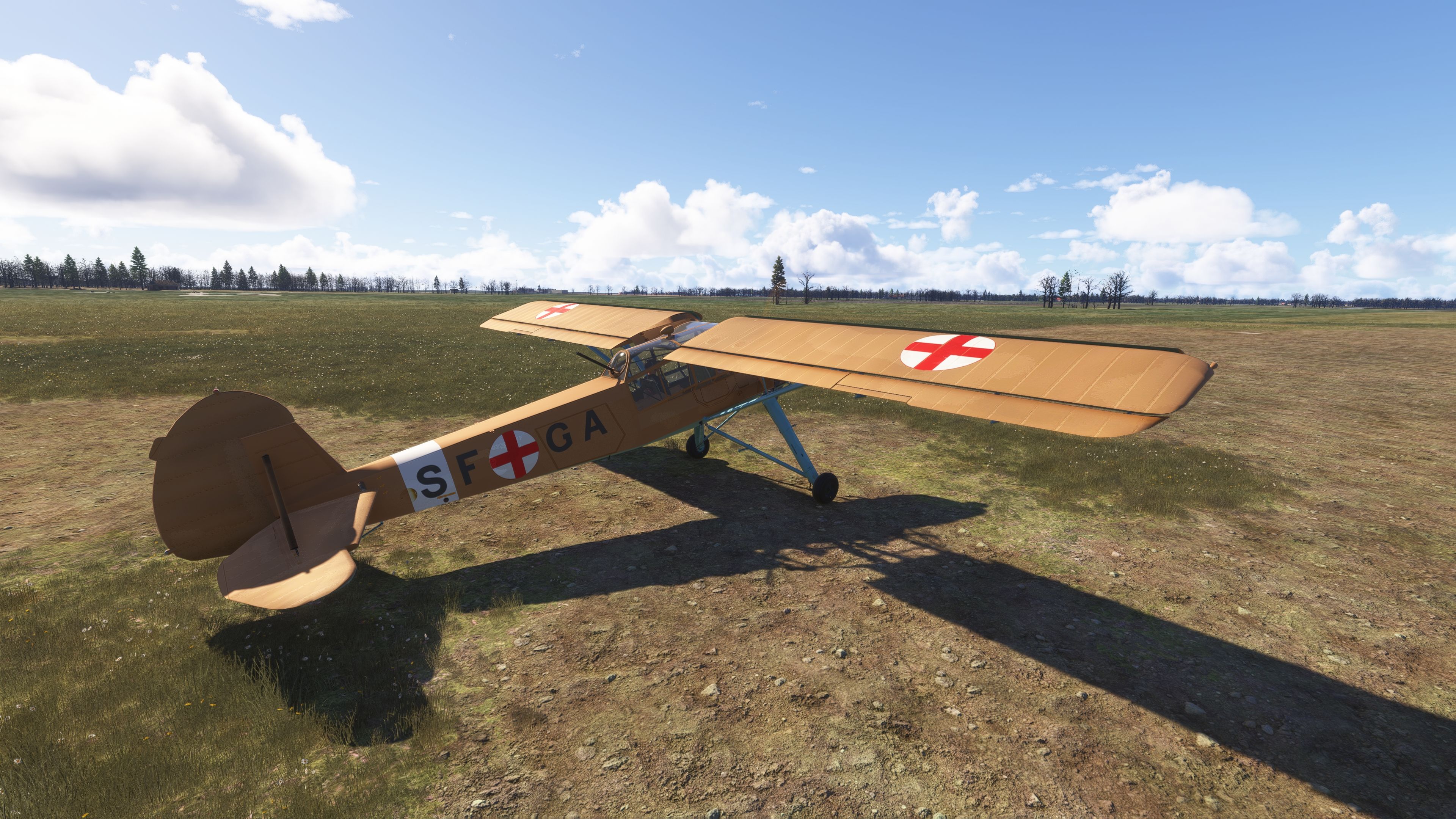
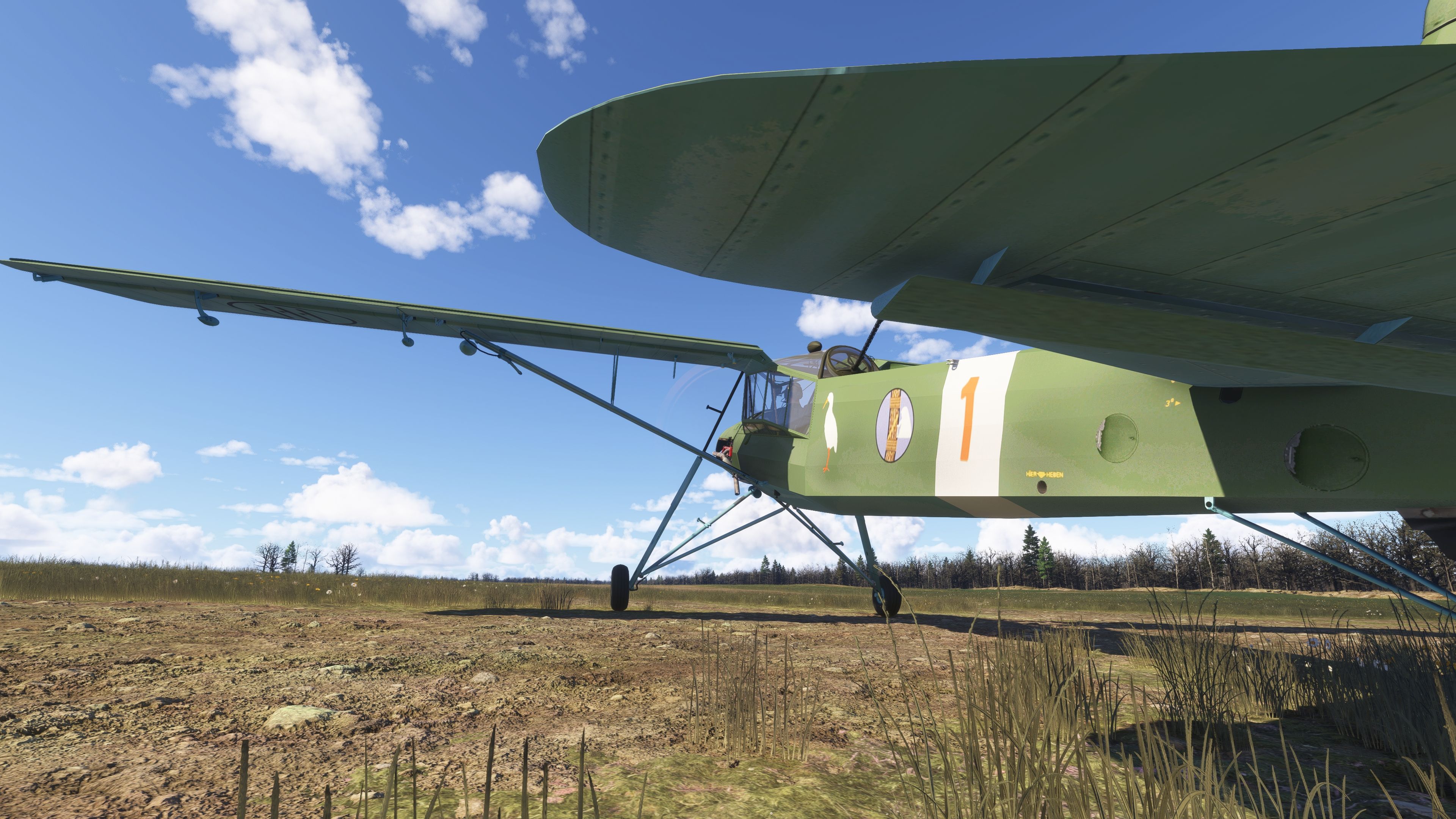
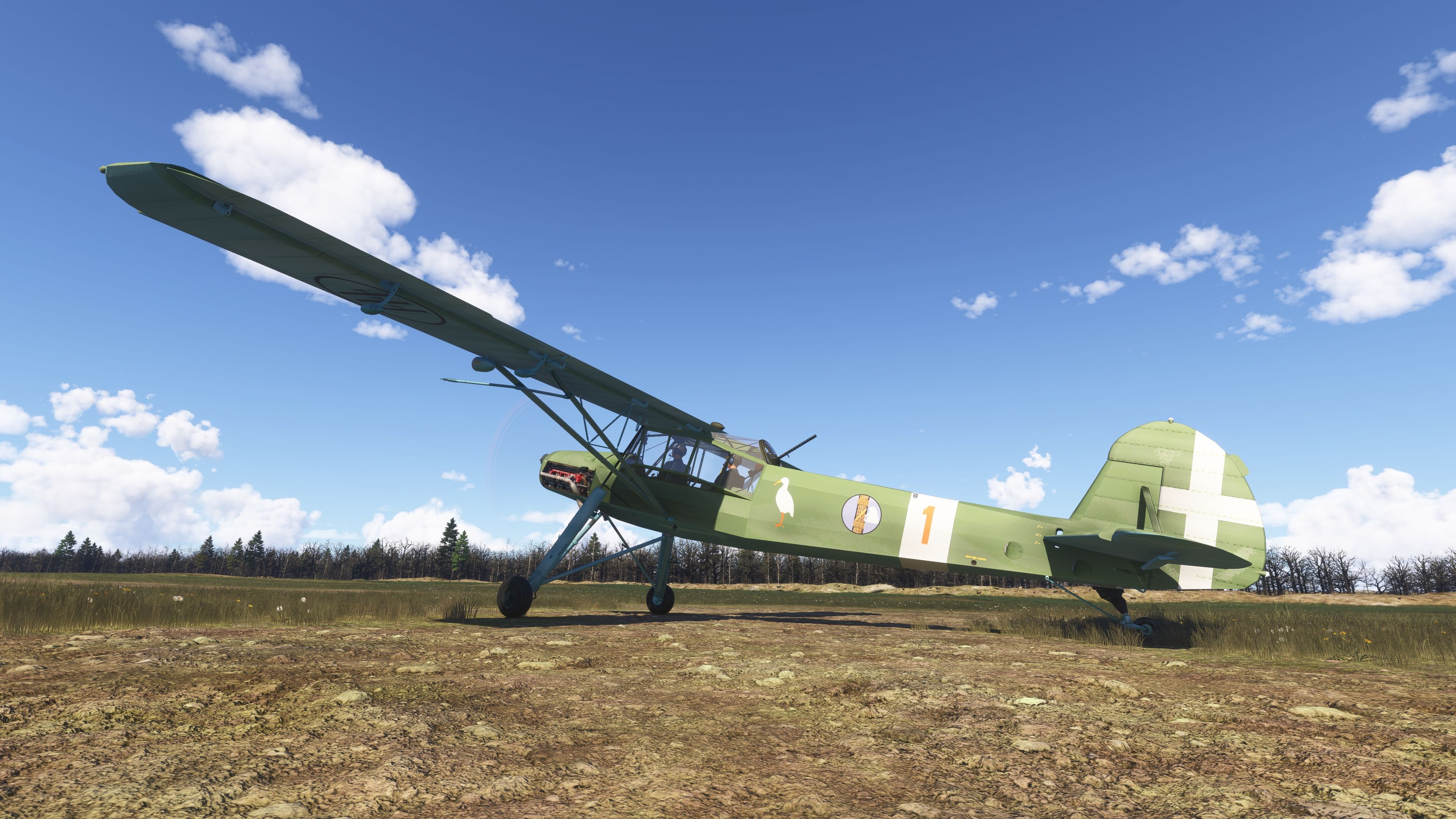
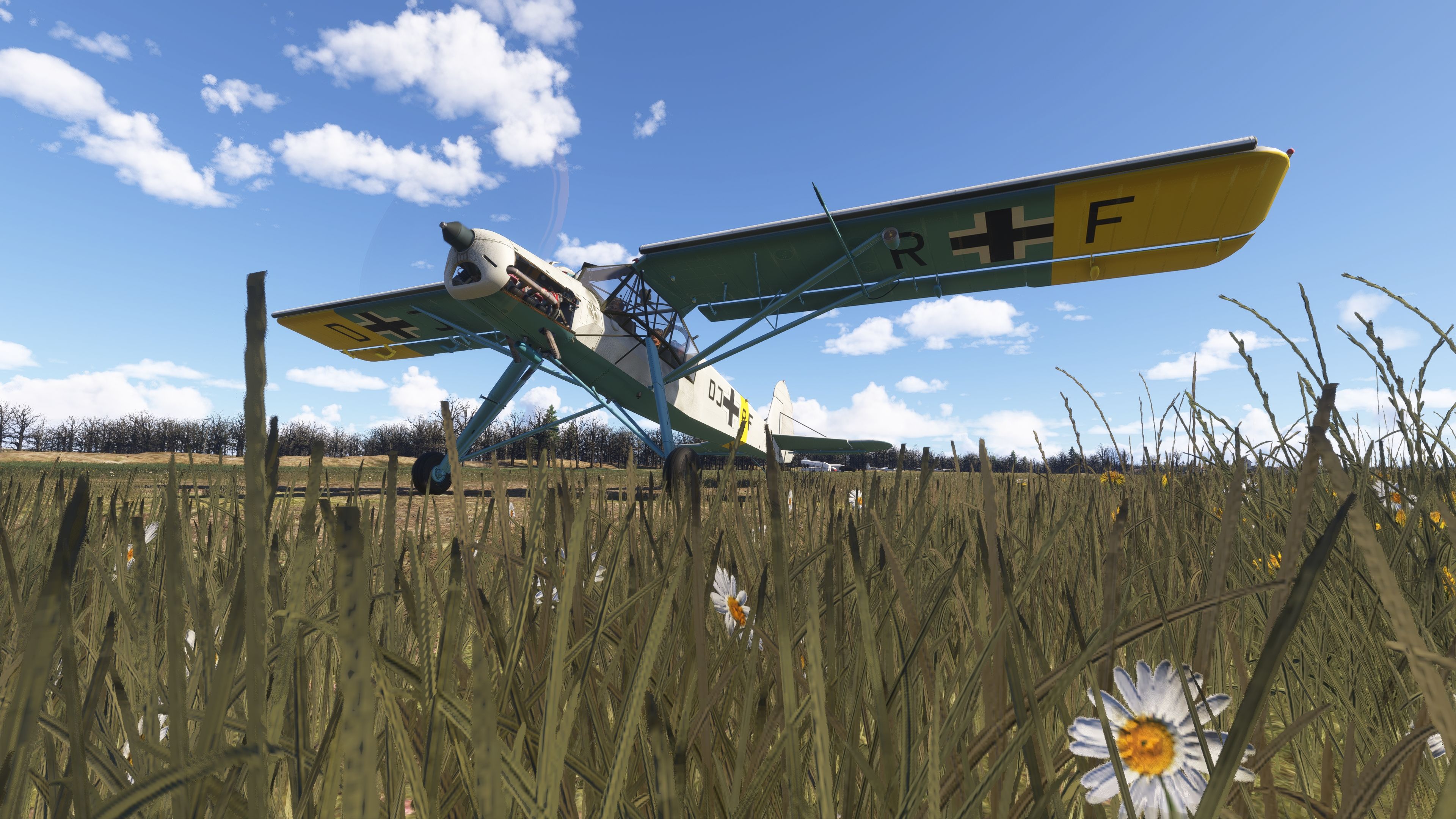
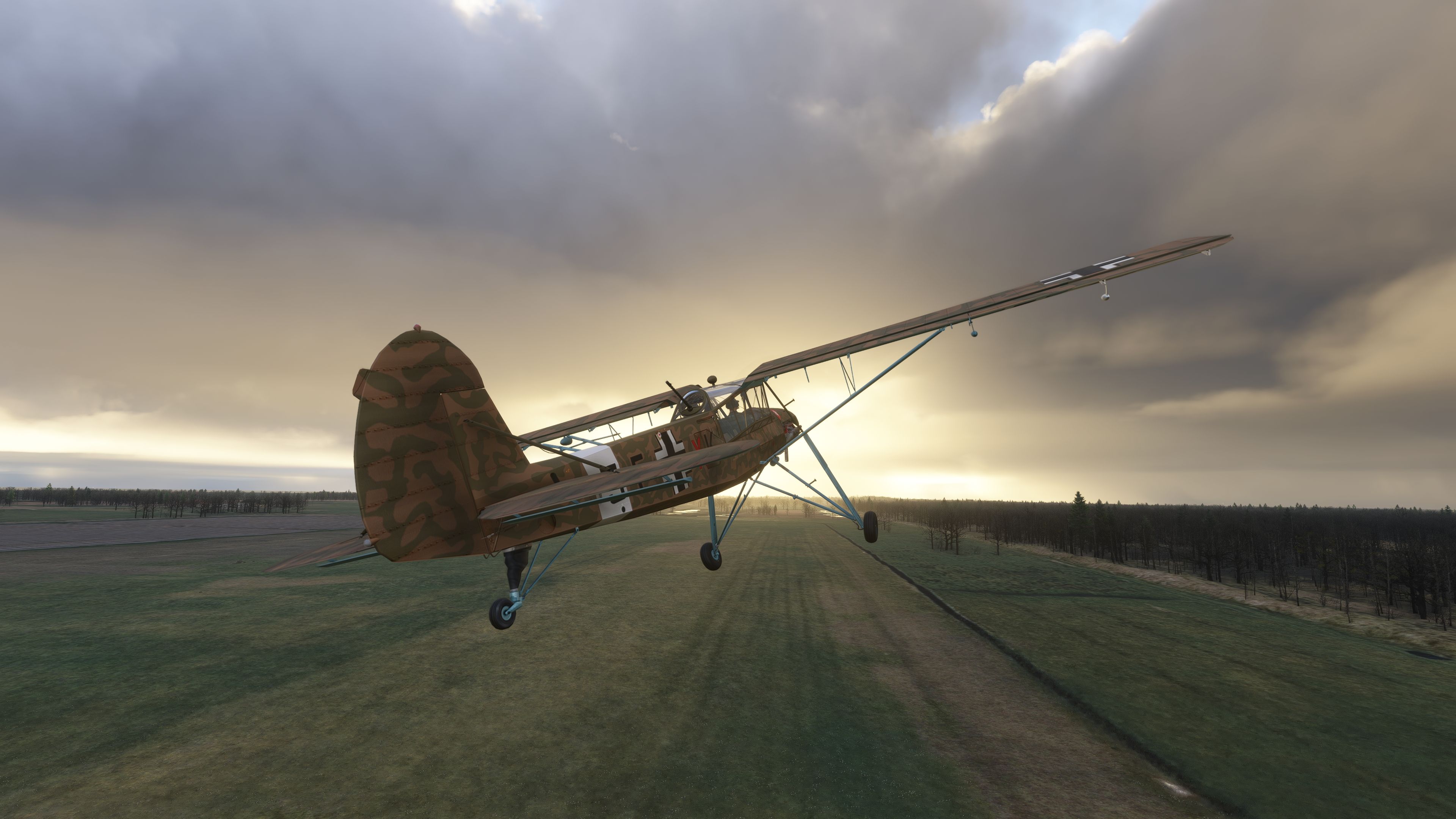
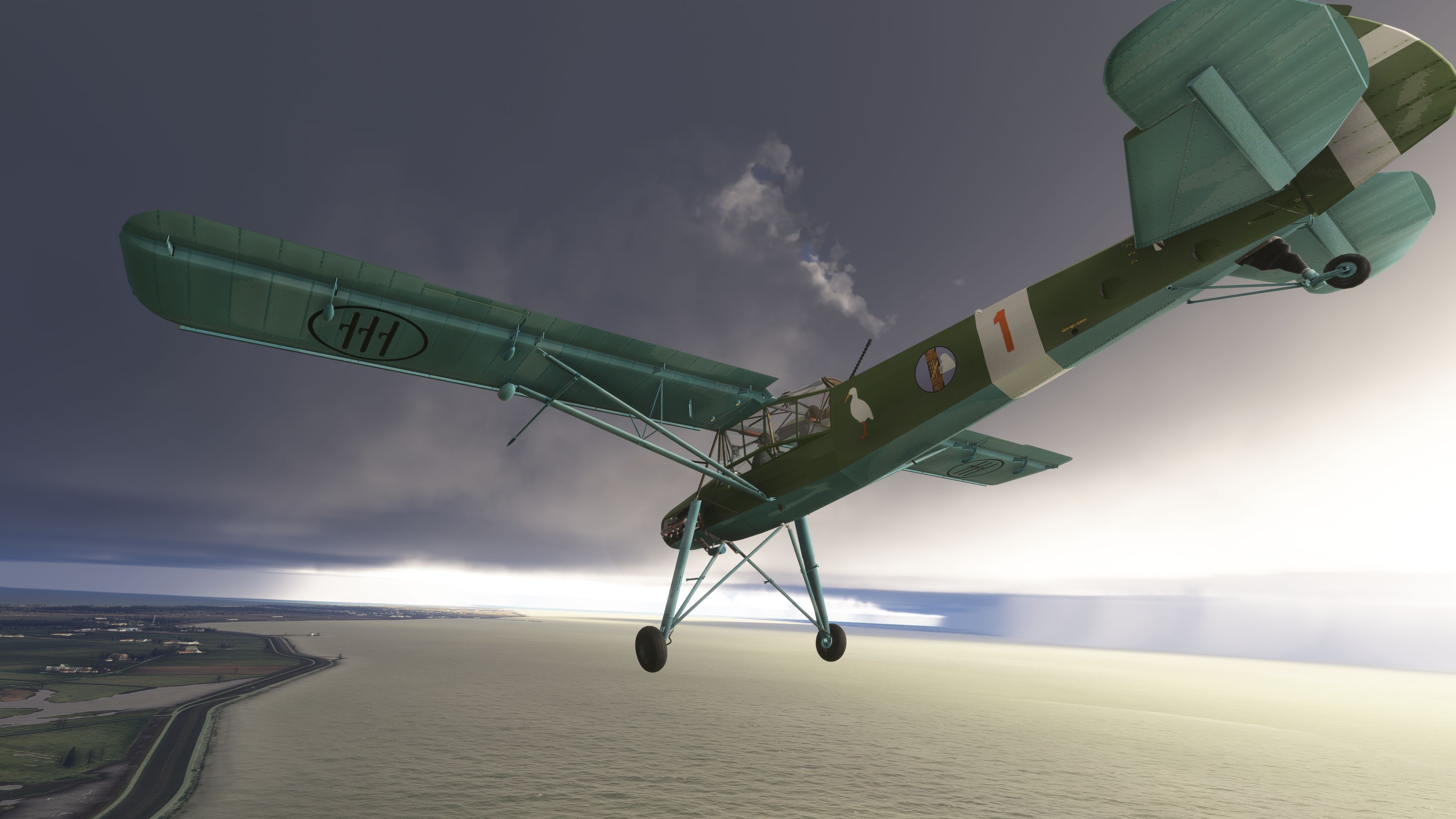
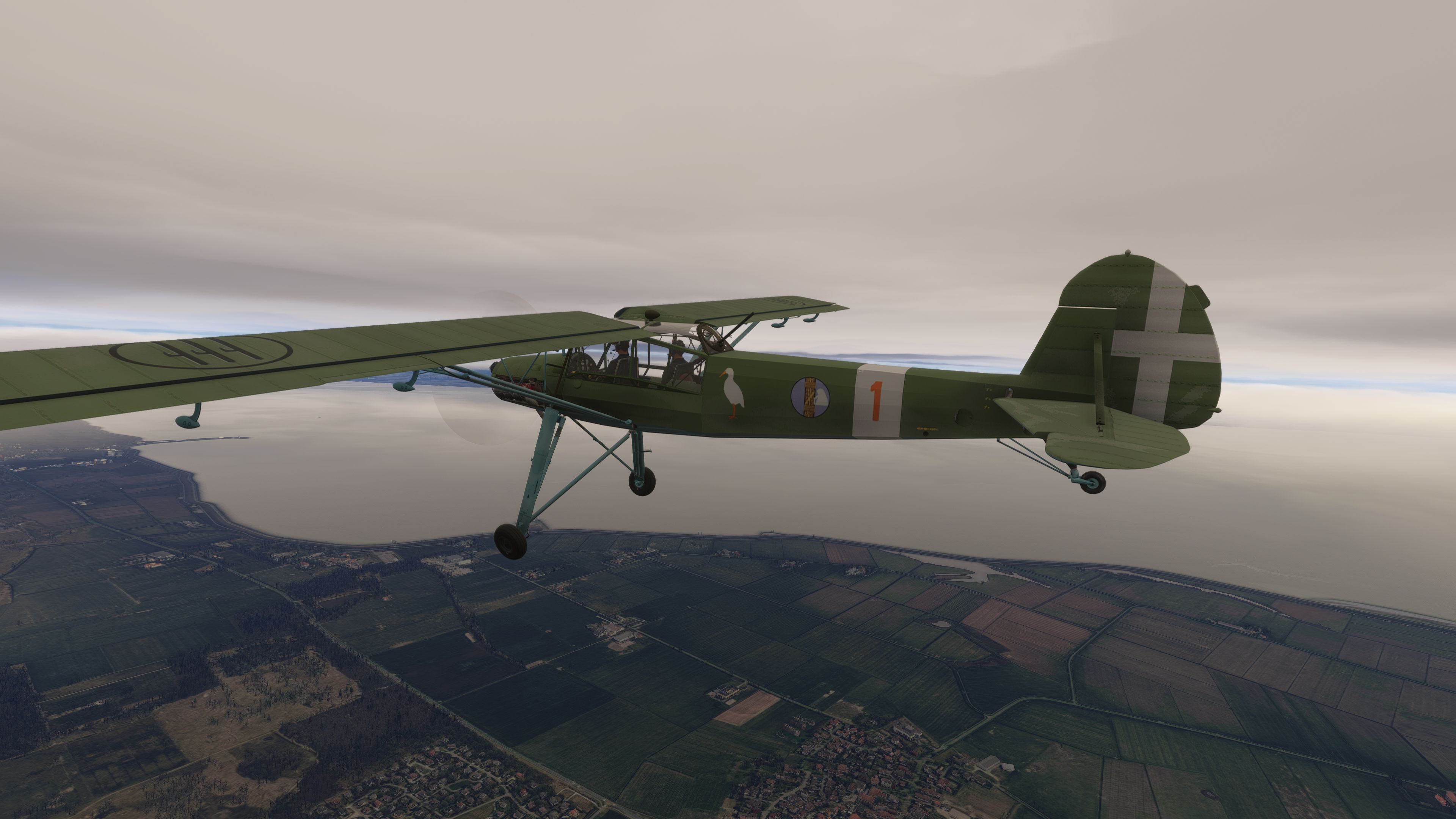
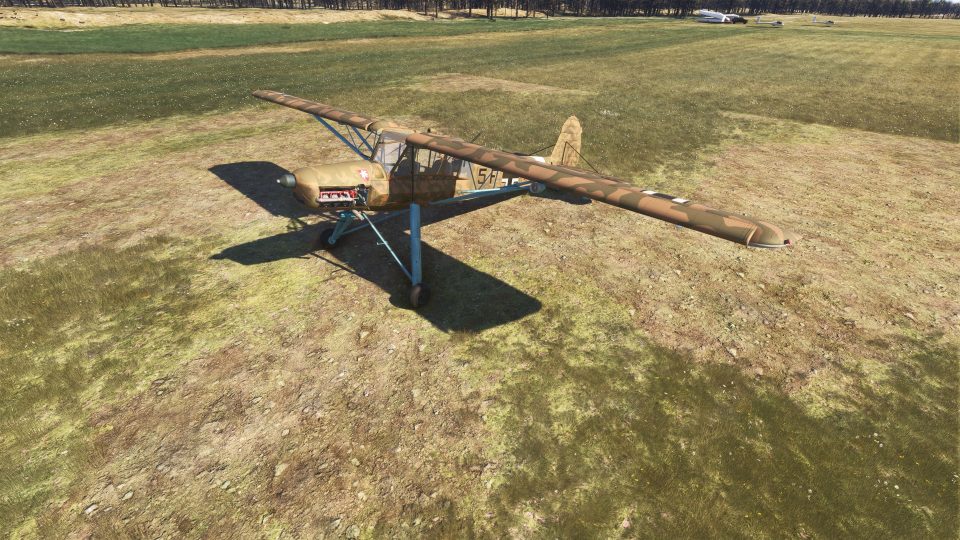
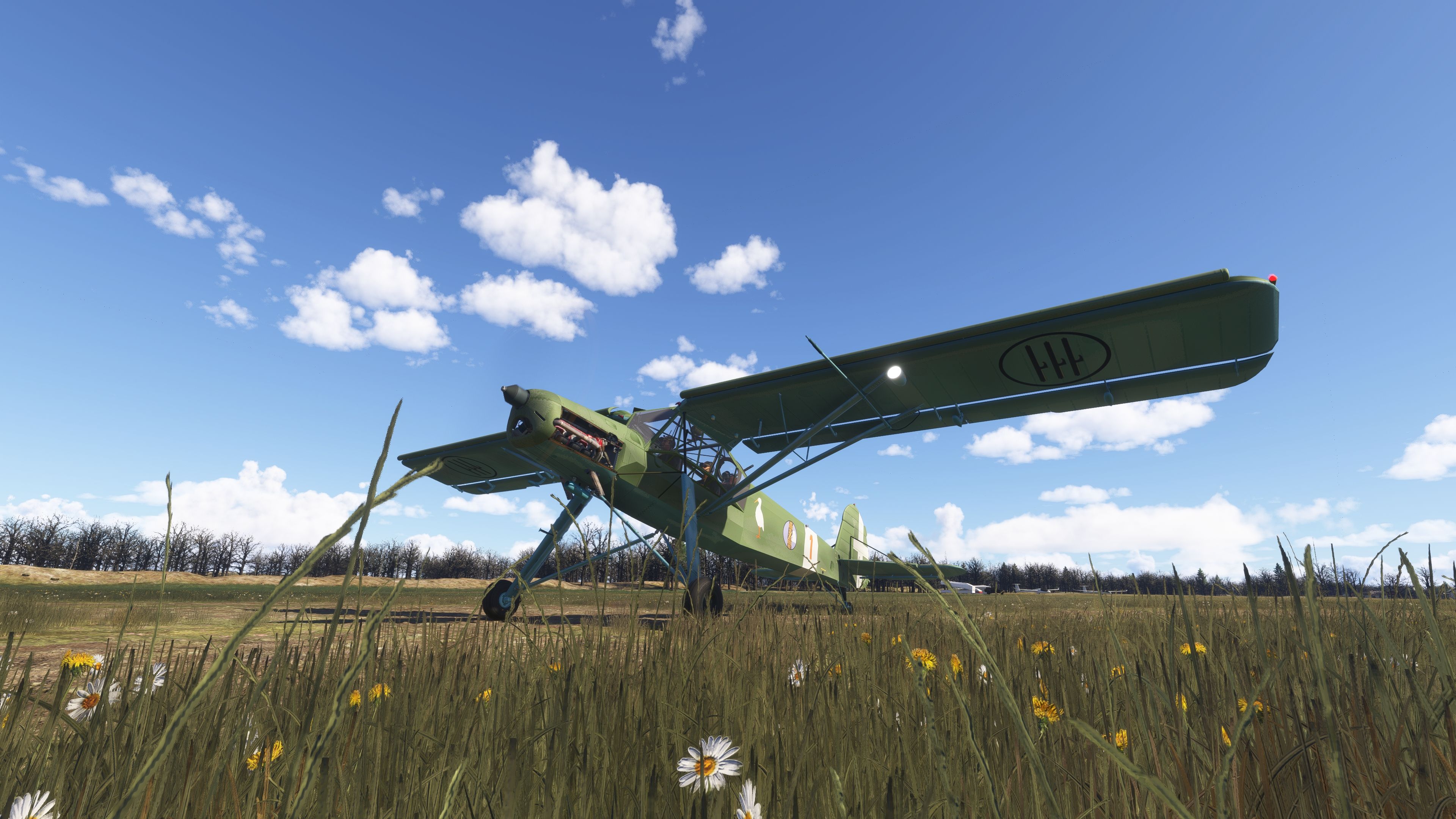
The Fi 156 Storch on the ground with grass in foreground.  Shown in the new Microsoft Flight Simulator 2024 edition.The Fieseler Fi 156 first rose to prominence as a German reconnaissance platform in WWII, prized for its ability to operate from tiny fields. It achieved this agility through an advanced airframe design that employed high-mounted wings, prominent slats on the leading edge, and oversized trailing-edge flaps. One Argus As 10 inverted piston engine powered this agile machine, generating enough thrust to sustain near-hover flight in energetic headwinds. Its unique undercarriage, with tall landing legs and pronounced oleo damping, allowed stable landings even on uneven, unprepared terrain.

Key Airframe Proportions

  • Crew: 2
  • Length: 9.91 m
  • Wingspan: 14.25 m
  • Height: 3.05 m
  • Wing Area: 26 m²
  • Empty Weight: 930 kg
  • Gross Weight: 1,324 kg
  • Engine: One Argus As 10 (V-8, air-cooled, approx. 240 hp)
  • Propellers: 2-blade assembly

Performance Data

  • Maximum Speed: ~175 km/h at sea level
  • Recommended Cruise: ~130 km/h (economical)
  • Stall Speed: Around 40 km/h
  • Operational Range: ~390 km at moderate altitude
  • Ceiling: ~4,600 m
  • Climb Rate: ~4.60 m/s

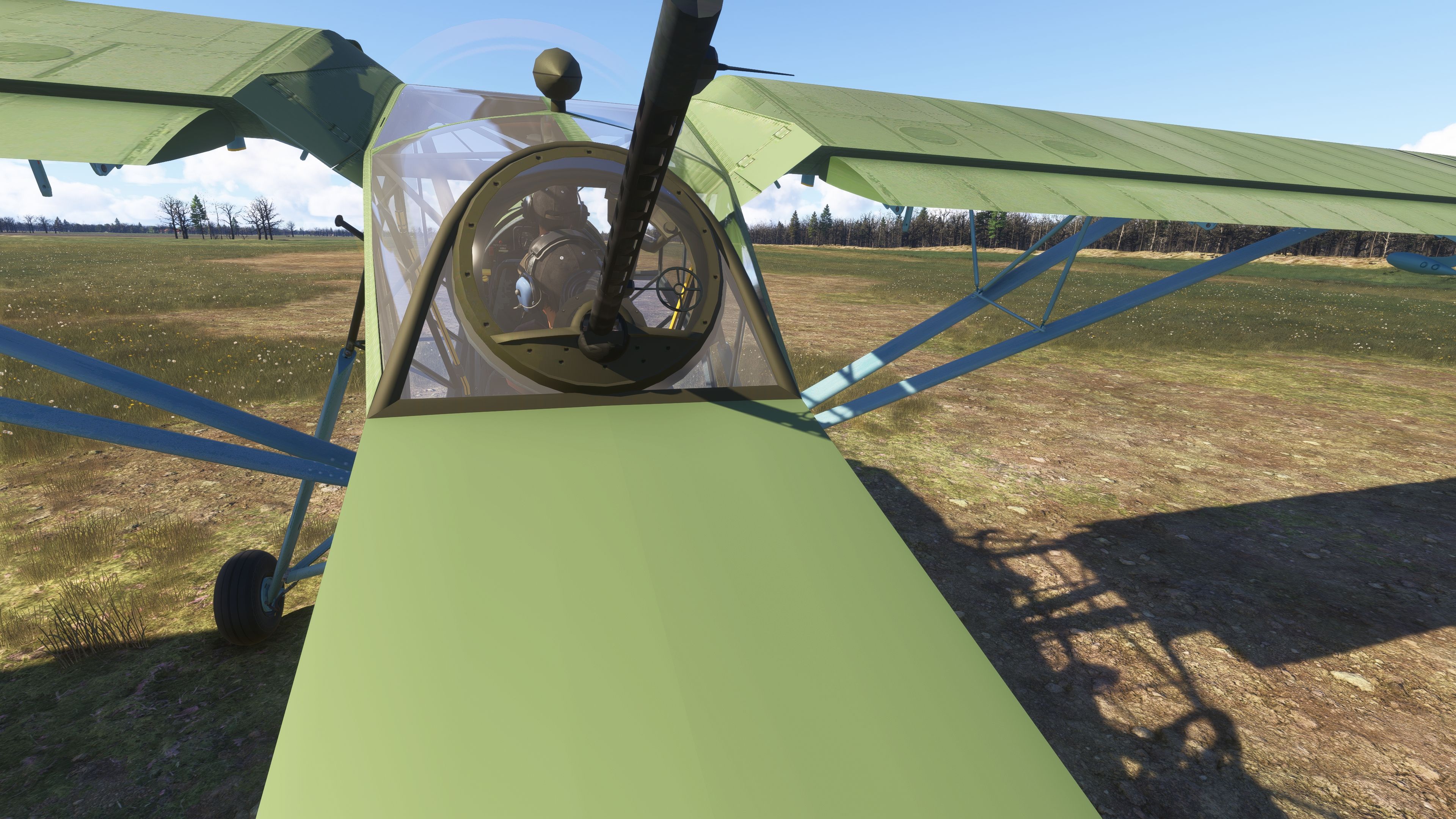
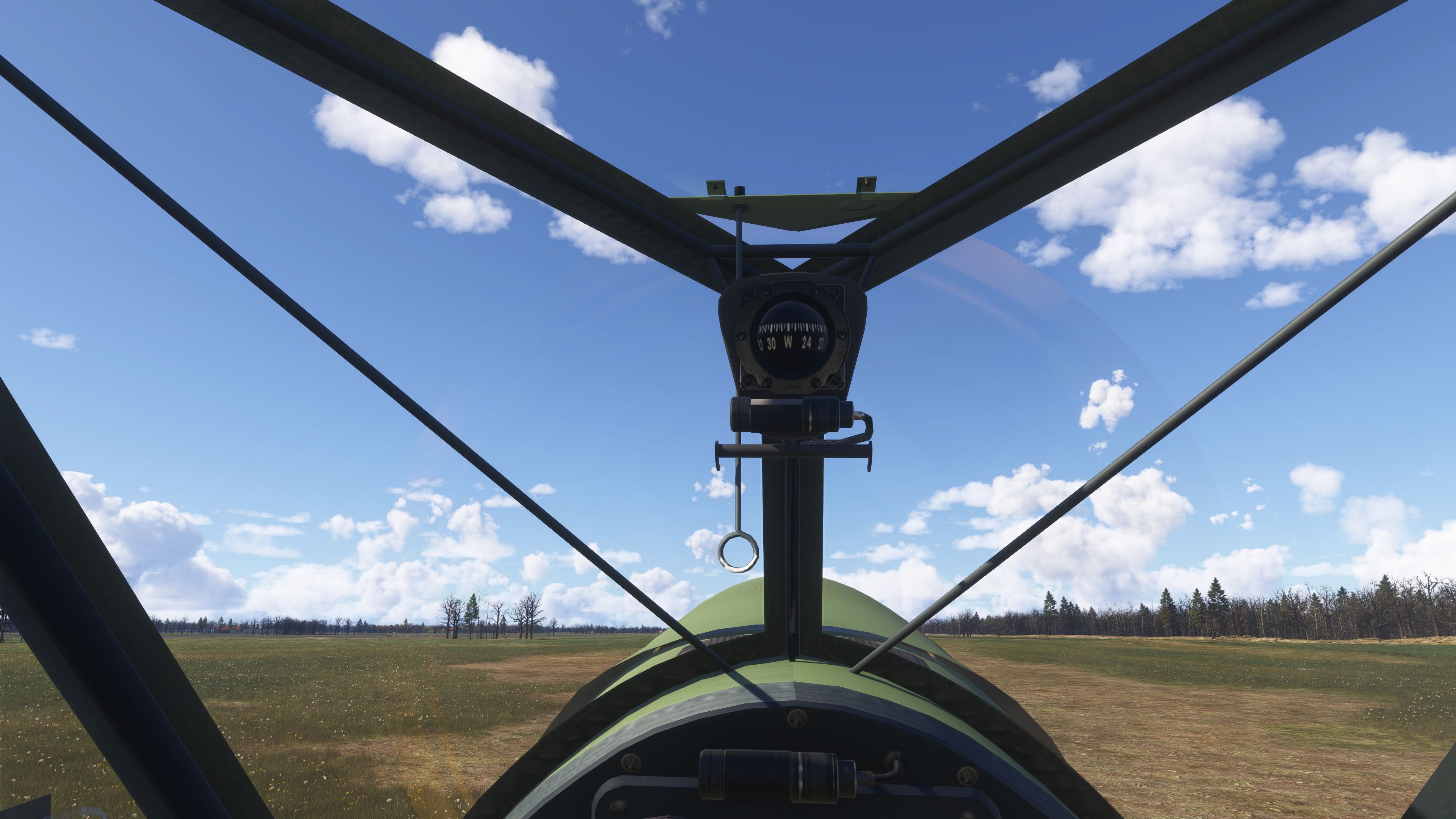
A light defensive gun (MG 15) was historically fitted but is non-functional in this recreation. Nevertheless, the cockpit includes a switch to toggle its visibility.

Authentic Conversion for Microsoft Flight Simulator

This release is a comprehensive adaptation of the original FSAddon model, updated extensively for MSFS 2020 and MSFS 2024. Multiple flight characteristics leverage the contemporary aerodynamics engine in Microsoft Flight Simulator, although complexities inherent to detailed CFD systems may introduce slight discrepancies compared to the aircraft’s real-world behavior. The essential charm of its STOL performance, however, remains faithfully captured.

Collaboration and Legacy

This project draws on earlier work by Rara-Avis-Sims and Stef T-Bird, who performed the initial Microsoft Flight Simulator X conversion. Refinements to the flight and fuel systems were guided by The Flying Freja, and further improvements were shaped by feedback from RogueTurtleDepot, PapaMeesh, Crispalmer, Clockstopper, and Annov. Each contributor helped shape this current rendition to function seamlessly within modern simulators.

Installation and Compatibility

  • Place the folder named flyndive-gfs-aircraft-msfs-storch into your MSFS Community folder.
  • Ensure you remove or archive any older version first to avoid conflicts.
  • While this edition runs in MSFS 2024, certain features specific to that simulator may be extended in future updates.

All required files for a stand-alone experience are enclosed. Liveries from the older “FSX Conversion | FSAddon’s Fieseler Storch Fi-156” package require adjustments to function properly in this newer iteration.

Notable Improvements Released in v2.4

  • Added an aircraft collision mesh to prevent “walk-through” in MSFS 2024.
  • Consolidated base entry in the MSFS 2024 aircraft directory. Variants and liveries now appear under one central listing.
  • Revised external lighting across all variants for enhanced visibility in both MSFS 2020 and MSFS 2024.
  • Incorporated dedicated panel collision meshes for an improved VR experience.
  • Removed duplicate tablet element from the Tundra version.
  • Reduced engine vibrations at idle throttle settings.
  • Corrected camera perspectives.
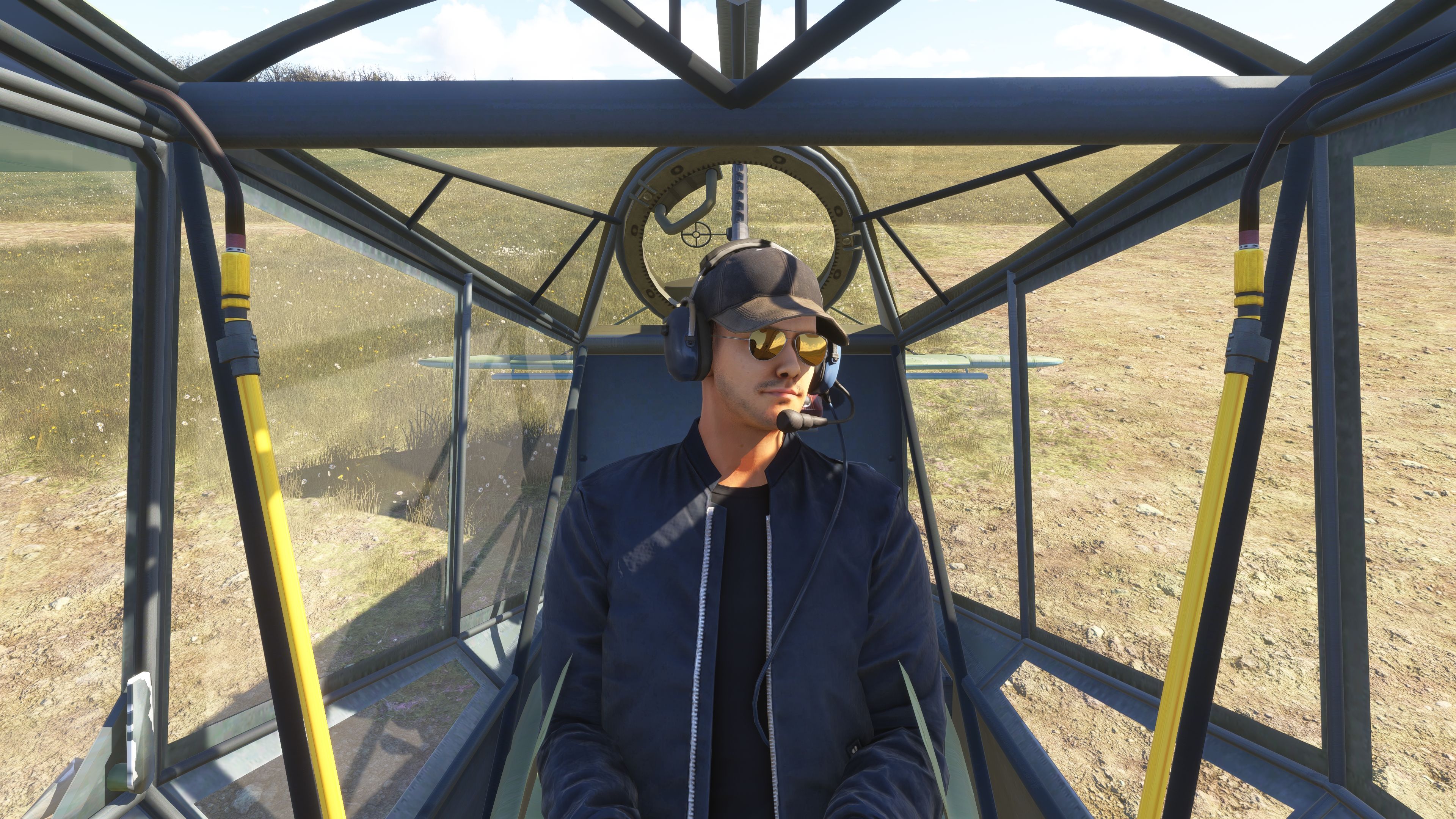
  • Known limitation in MSFS 2024: pilot and co-pilot figures are not currently rendered (Asobo bug).

Earlier Revisions

v2.3
  • Rectified windshield rain effect directions.
  • Introduced glass textures for gauge faces.
  • Enabled additional cockpit animations.
v2.2
  • Enhanced engine audio fidelity.
  • Added an under-panel door animation for radio panel access.
  • Implemented a toggle to show or conceal the optional machine gun.
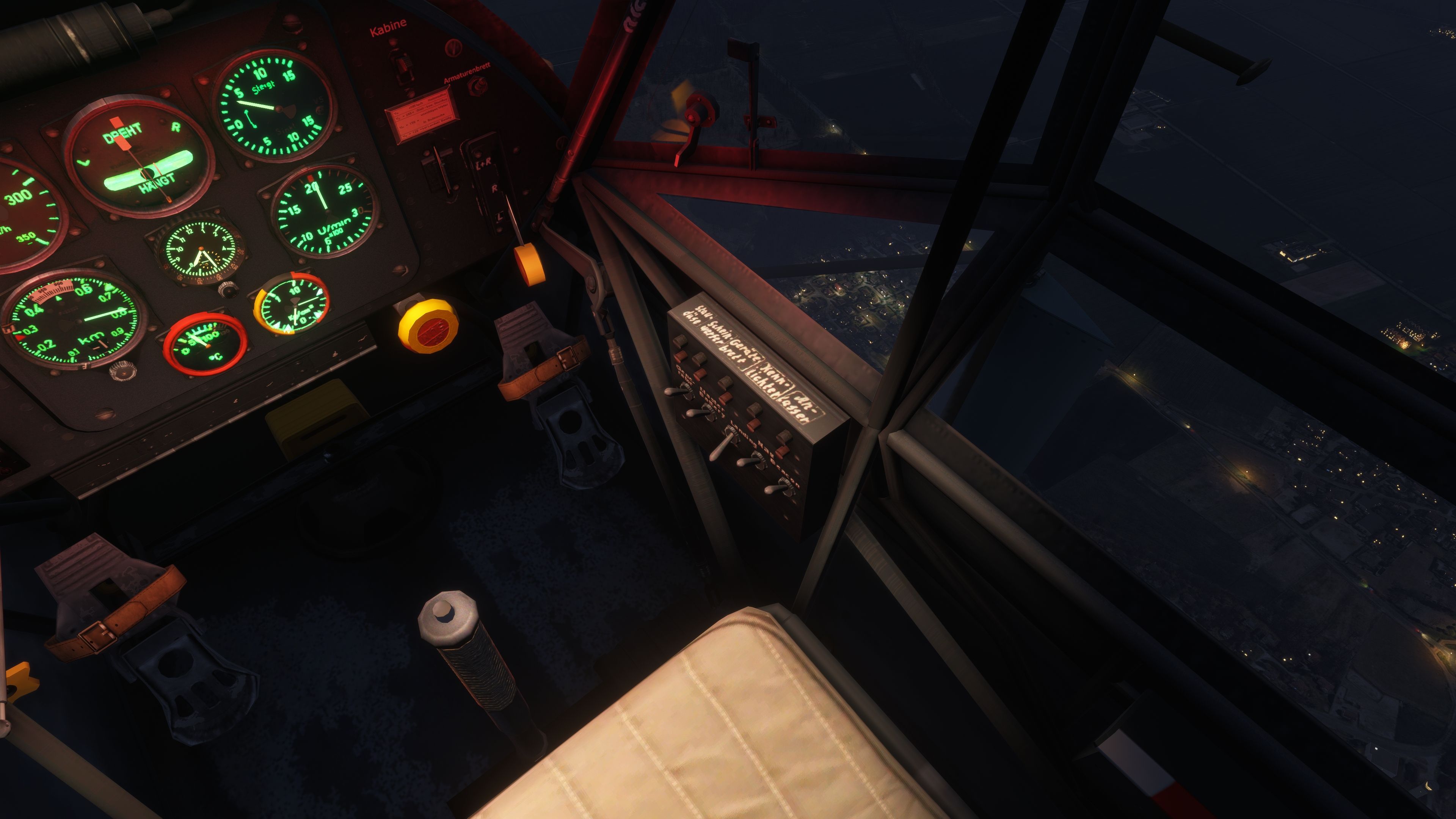
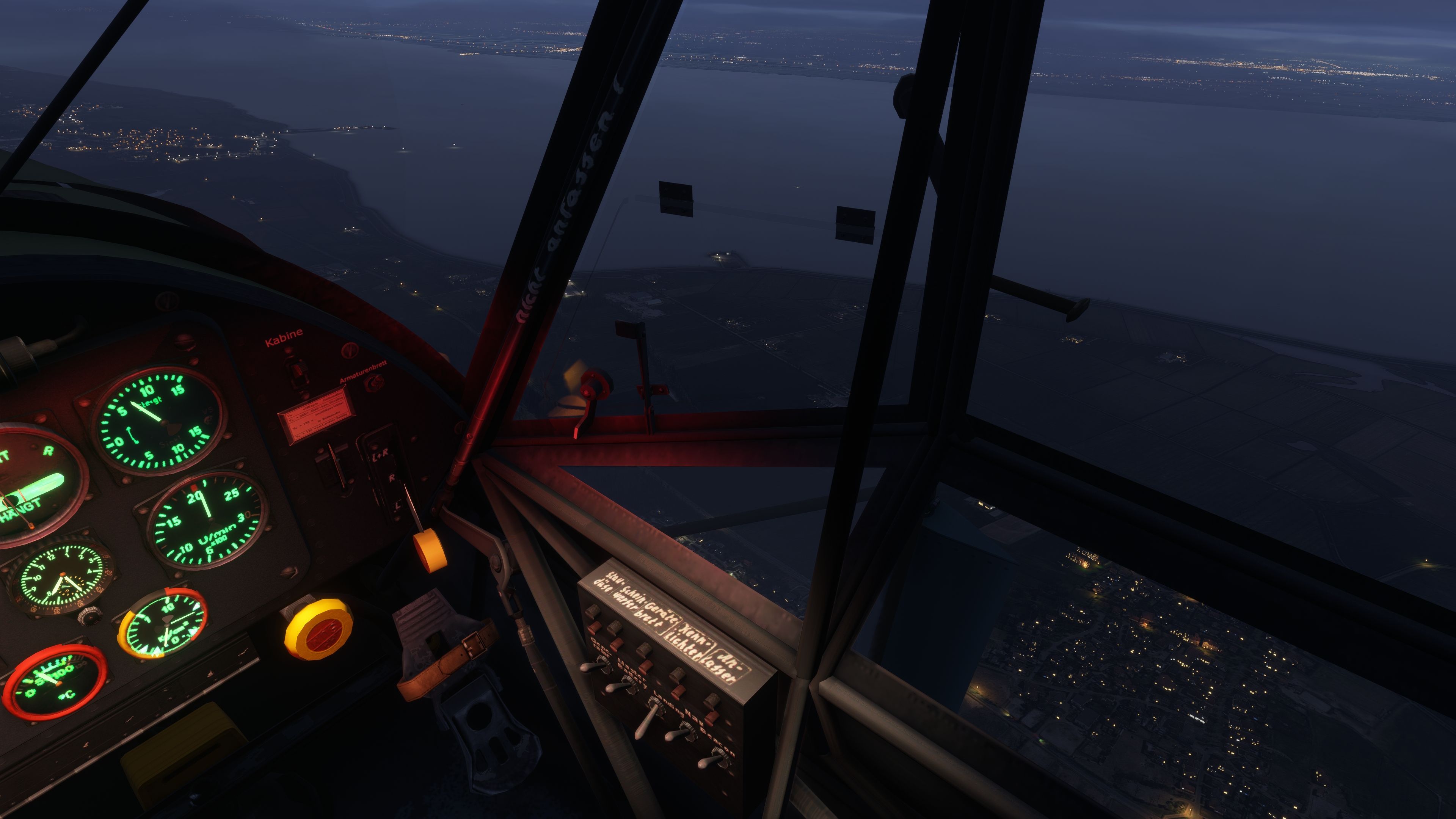
  • Incorporated panel instrument lighting (new cockpit switch provided).
  • Improved glareshield lighting nuances.
v2.1
  • Integrated functional panel and compass lights via clickable light fixtures.
  • Boosted overall cabin illumination.
  • Aligned initial VR camera position properly.
  • Corrected exterior lighting attachment points on wings and surfaces.
  • Refined stall alert audio.
  • Prevented ground looping during start-up animations.
  • Upgraded propeller texture on the wheeled model.
v2.0
  • Flight model refined for more realistic low-speed and high-lift behaviors.
  • Adjusted flaps, stall speeds, center of gravity, and drag values to mirror the real Fi 156.
  • Engine performance configured to replicate Argus AS 10 output curves, matching idle and max RPM specs.
  • Revised fuel system to accommodate left/right tank simulation with appropriate consumption rates.
  • Corrected placement of cockpit magneto switches.
  • Upgraded cabin emissive textures, interior surfaces, windshield, and glass details.
  • Introduced a basic stall warning system (it may be hypersensitive at slower airspeeds).
  • Added animations for cabin vents, side window vents, and a flare box, plus start-up smoke and heat blur effects.
  • No true onboard radio in the real Storch, but 3rd-party avionics can be powered via the battery switch.
v1.0
  • VR-compatible model with Tundra and standard landing gear options.
  • Functional cold-and-dark start sequence and interactive switches.
  • Surface lighting, pilot/co-pilot models, glass windshields, and dynamic ground/water effects.
  • Wings fold/unfold via a mapped control (Wing Fold binding).
  • Doors, cowlings, and cockpit elements toggle through simple clicks.
  • Upgraded texture sets to utilize MSFS PBR materials.

Pending Updates

  • Implement parking brake set to “ON” for runway starts.
  • Revise HUD airspeed and fuel indicators.

Usage and Distribution

This aircraft is offered exclusively as freeware. It may be modified for personal use, but any redistribution—modified or otherwise—requires explicit authorization. Under no circumstance may it be used for commercial gain. The entire collaboration is credited to flyndive and the original developers, including FSAddon, Rara-Avis-Sims, and Stef T-Bird, with programming refinements and testing by The Flying Freja, RogueTurtleDepot, PapaMeesh, Crispalmer, Clockstopper, and Annov.

Created by flyndive and officially cleared for publication on Fly Away Simulation. Enjoy exploring the graceful handling and rugged adaptability of this storied liaison aircraft within your preferred Microsoft Flight Simulator environment.

Images & Screenshots

60 total
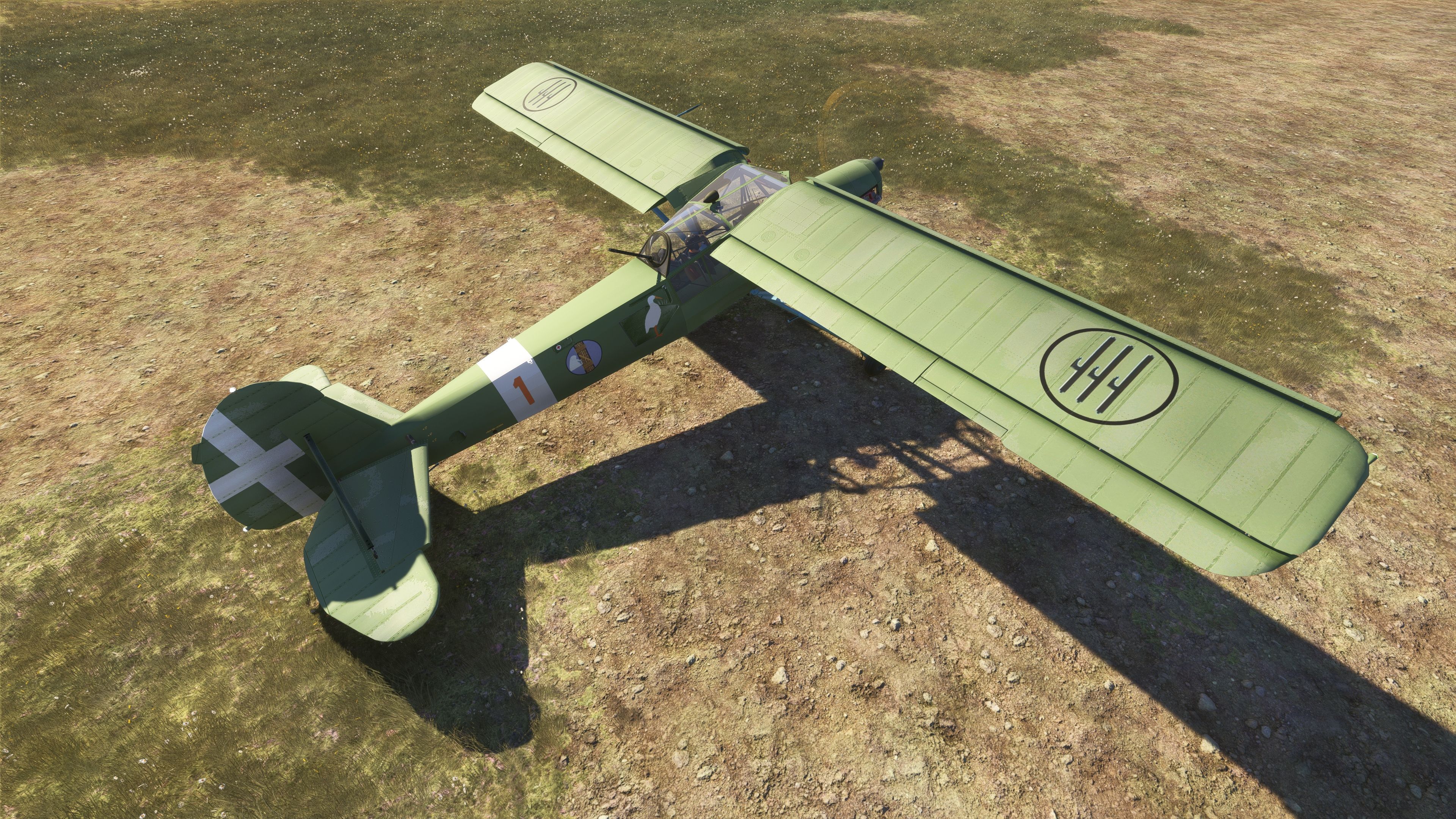
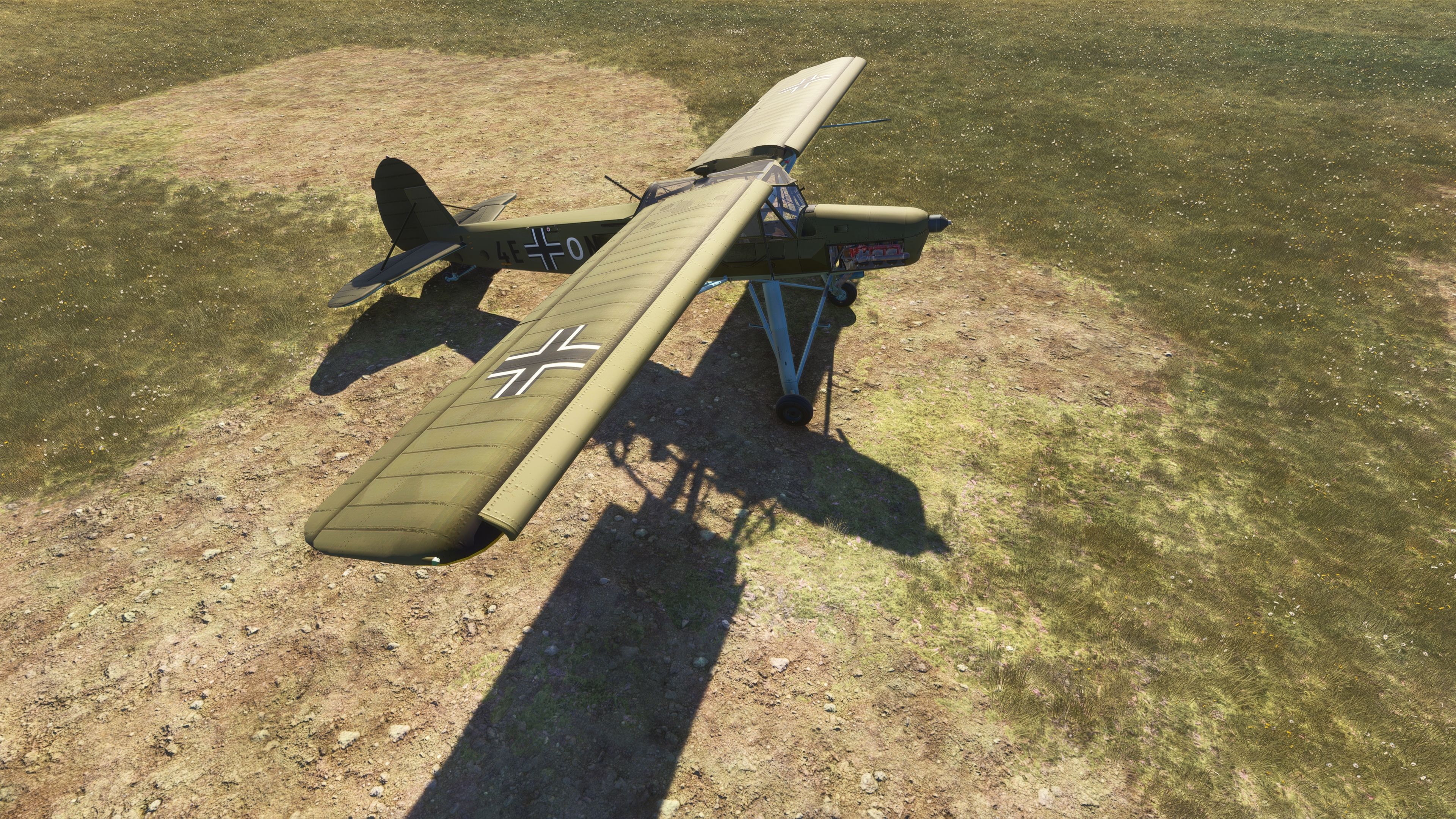
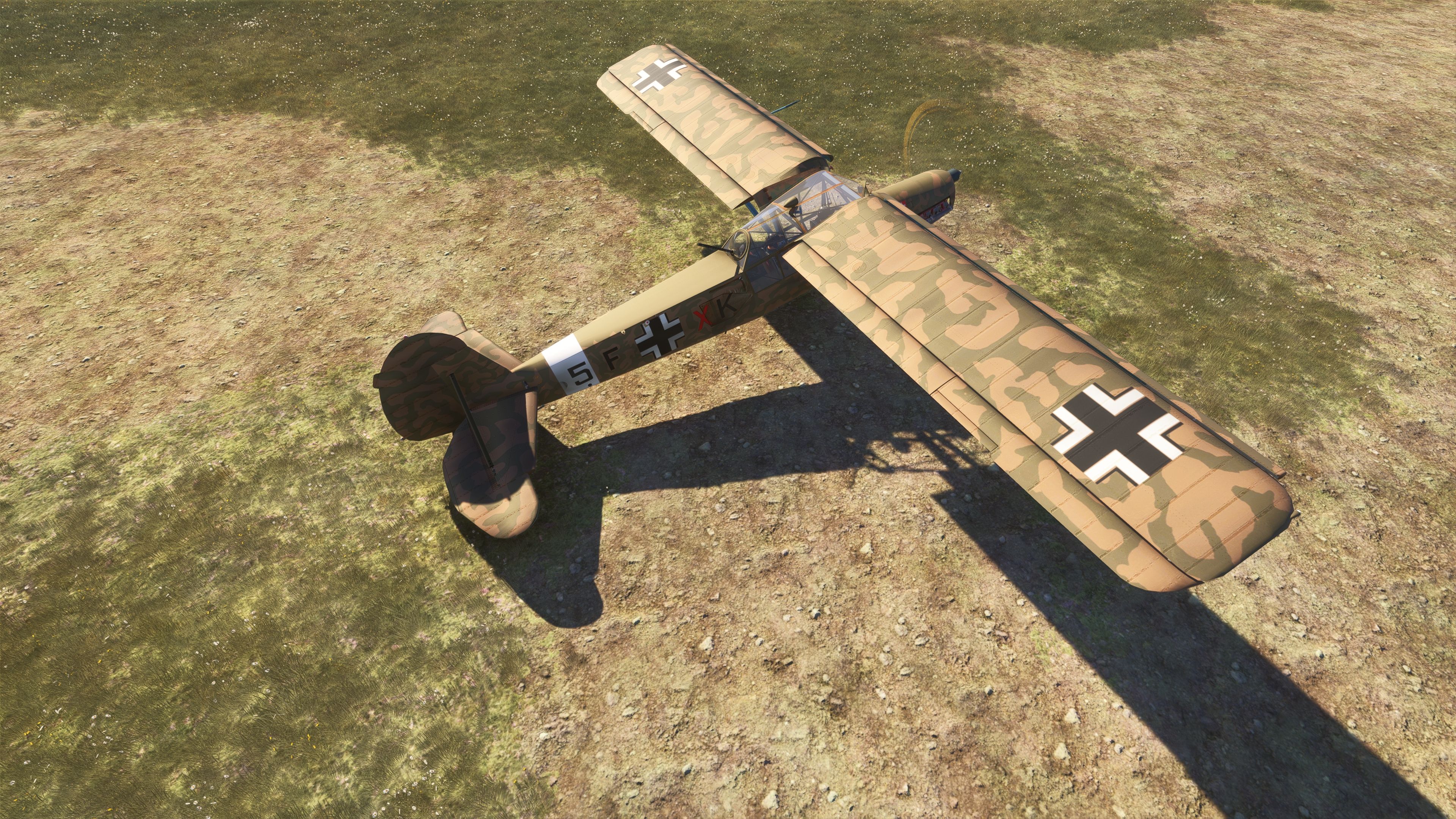
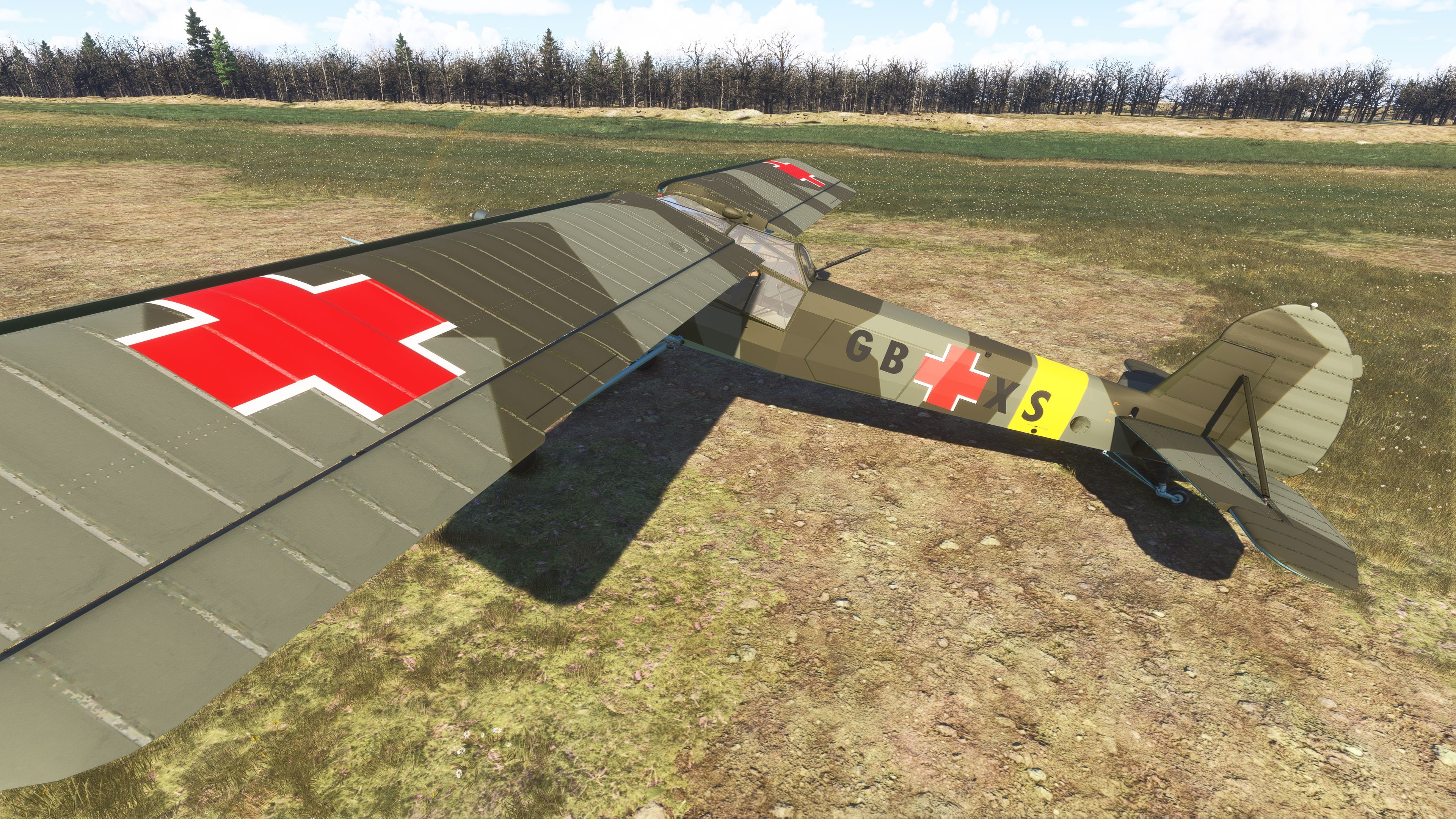
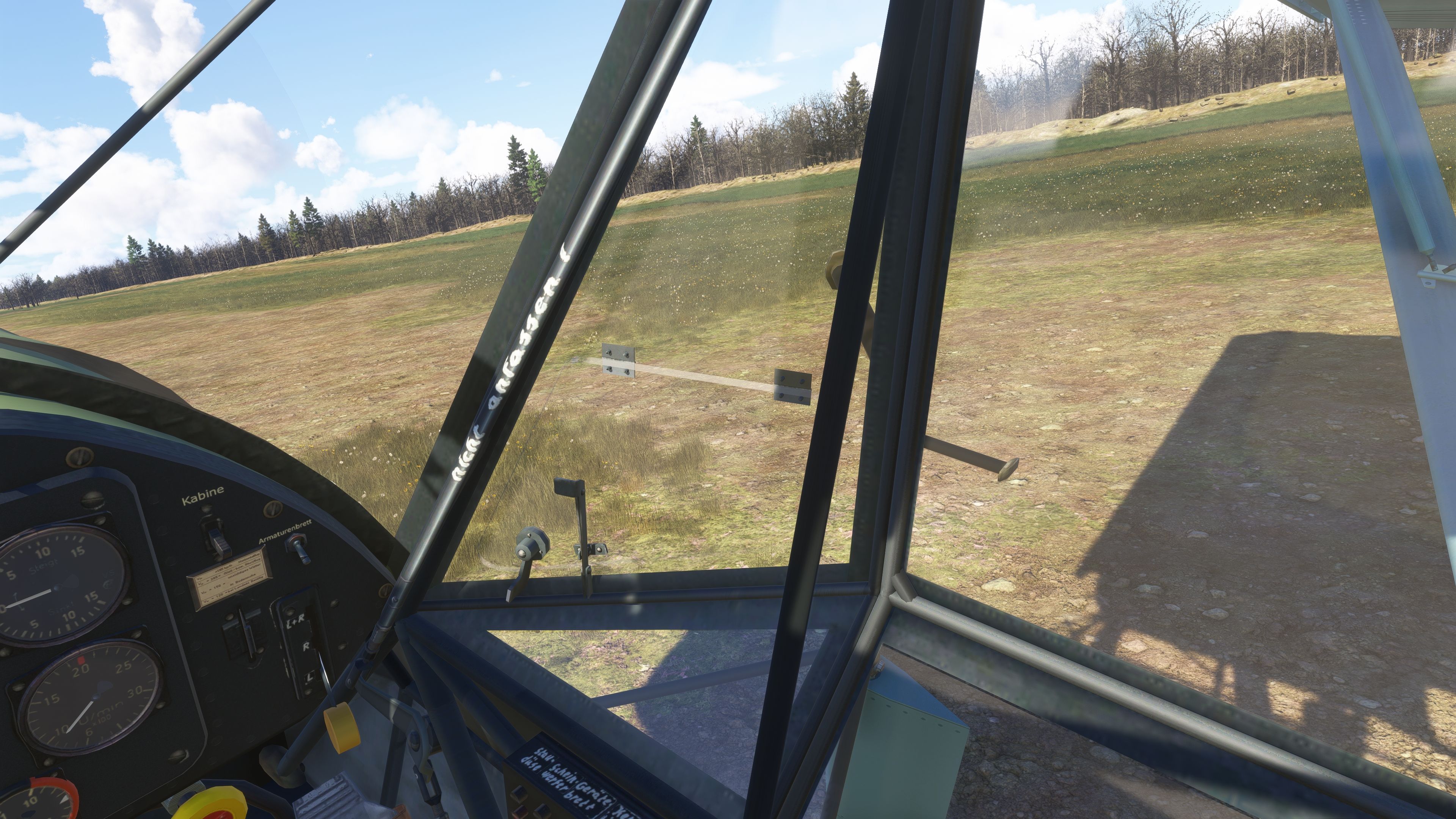
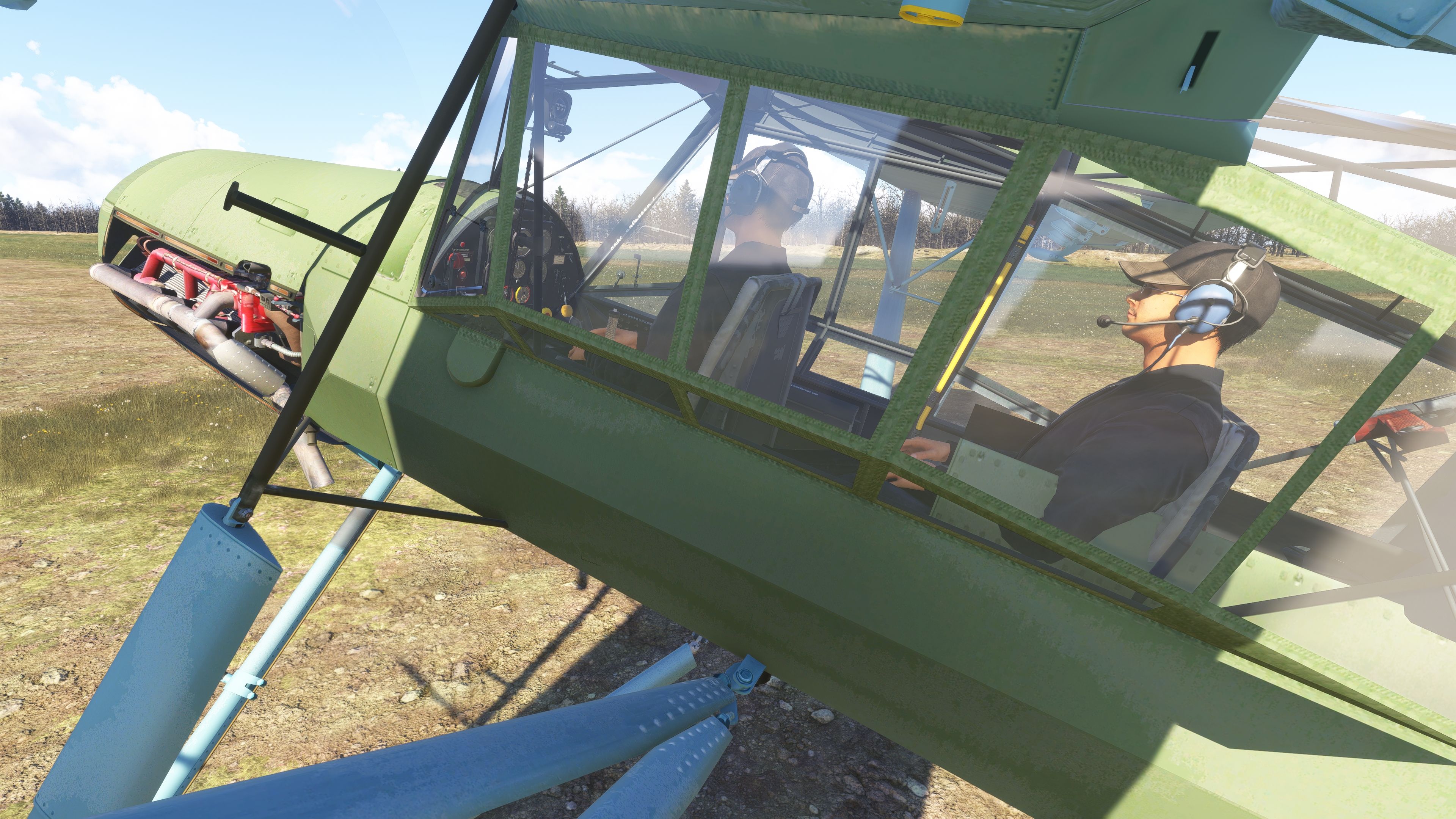
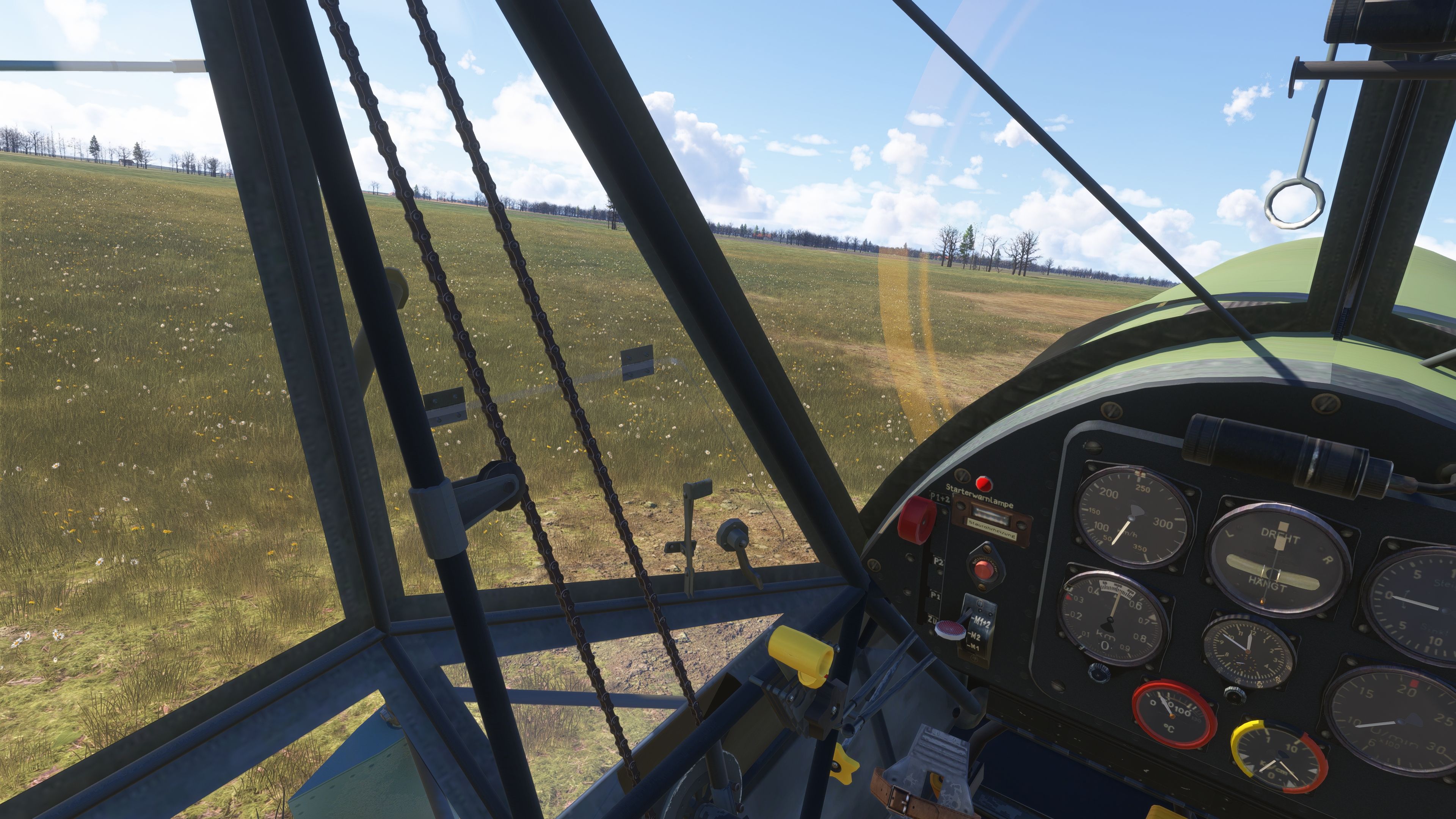
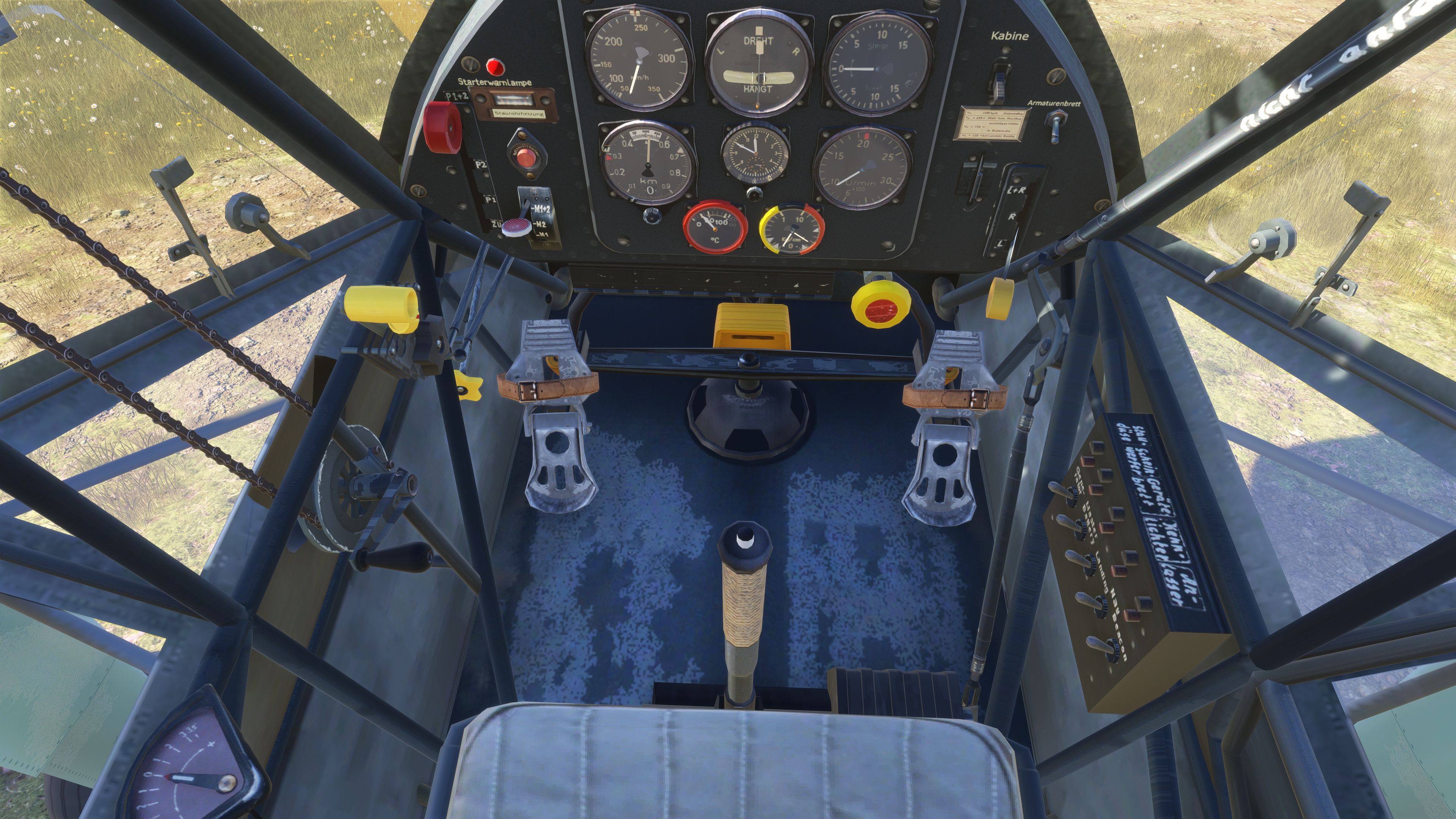
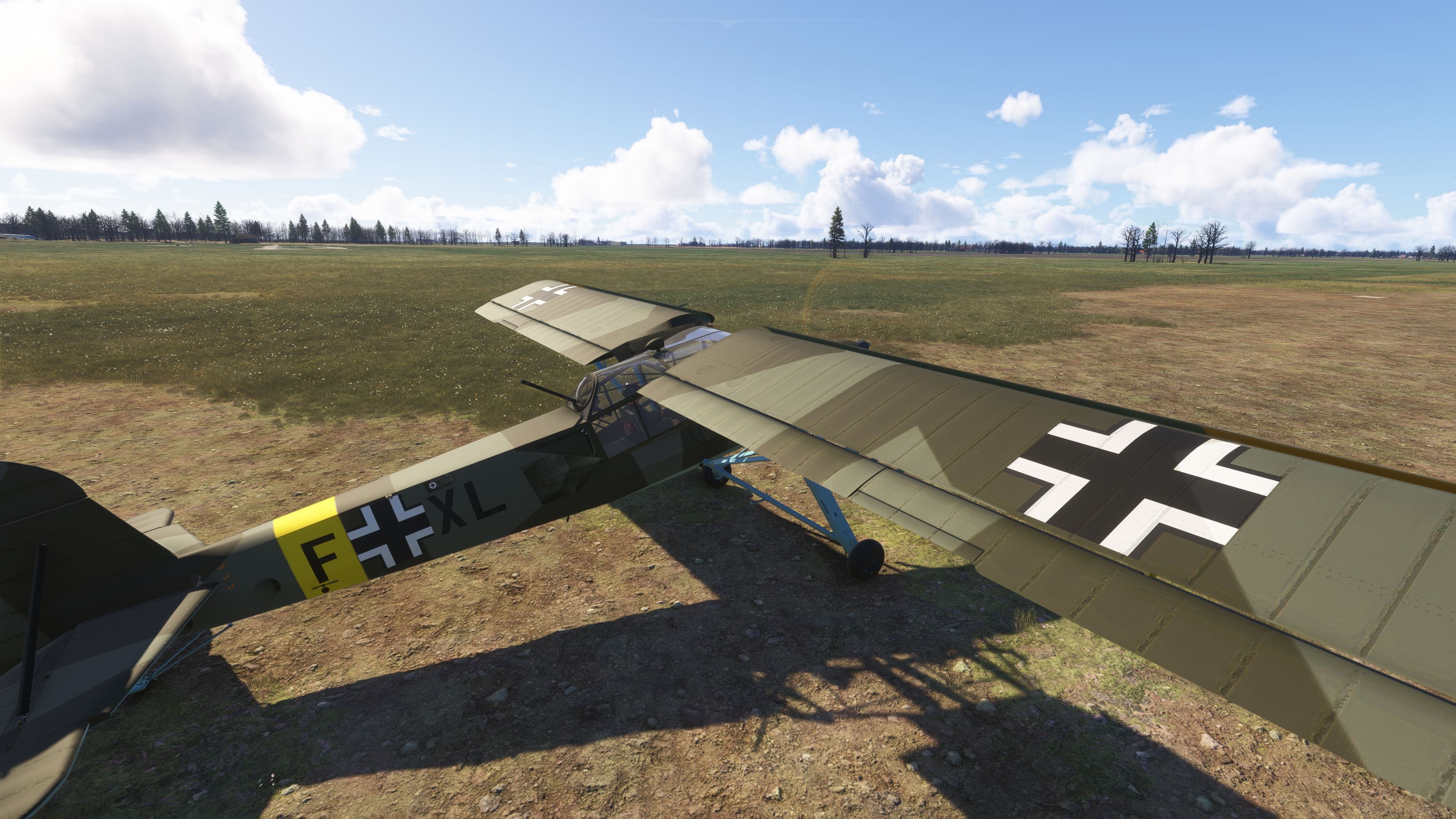
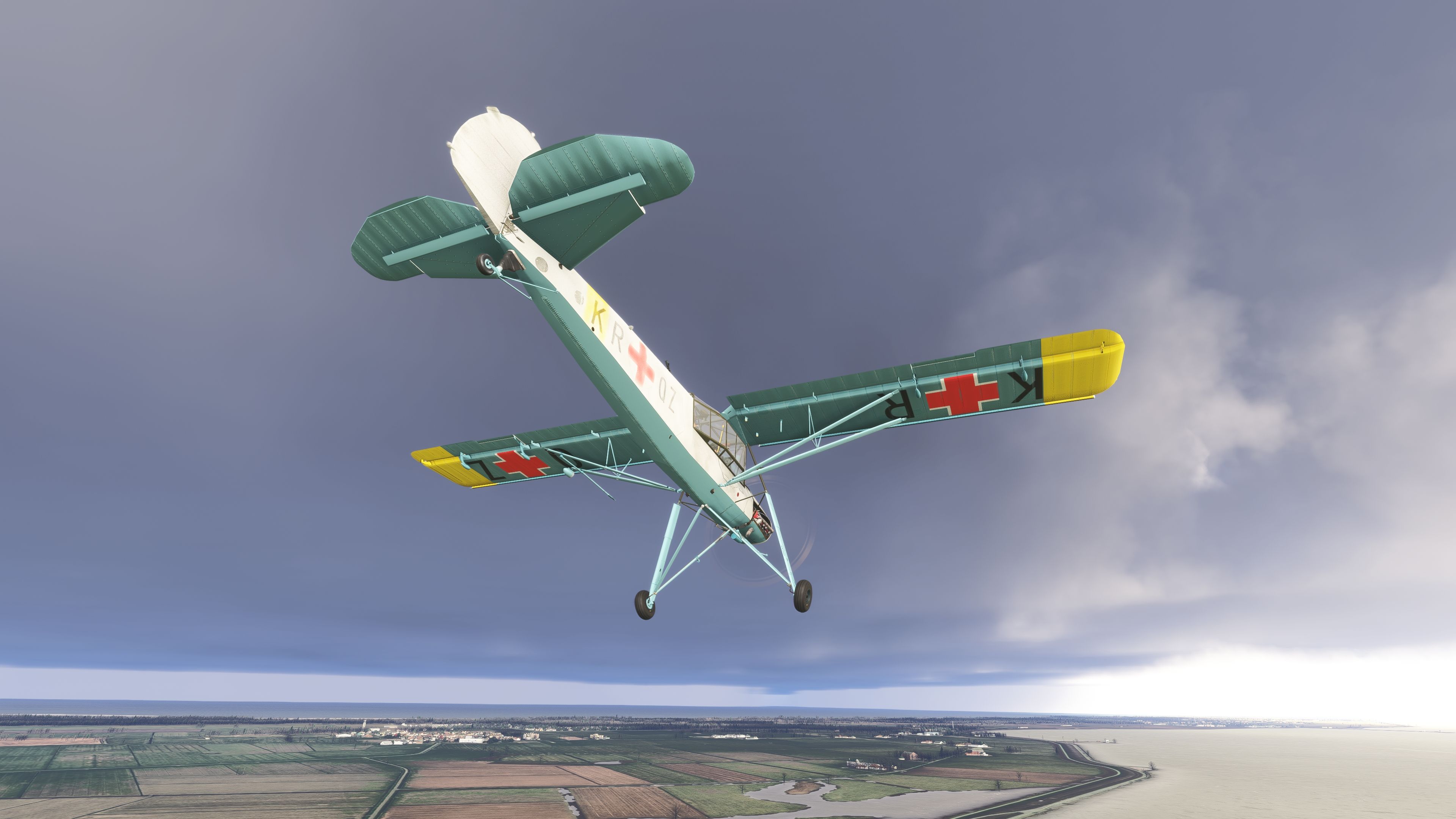
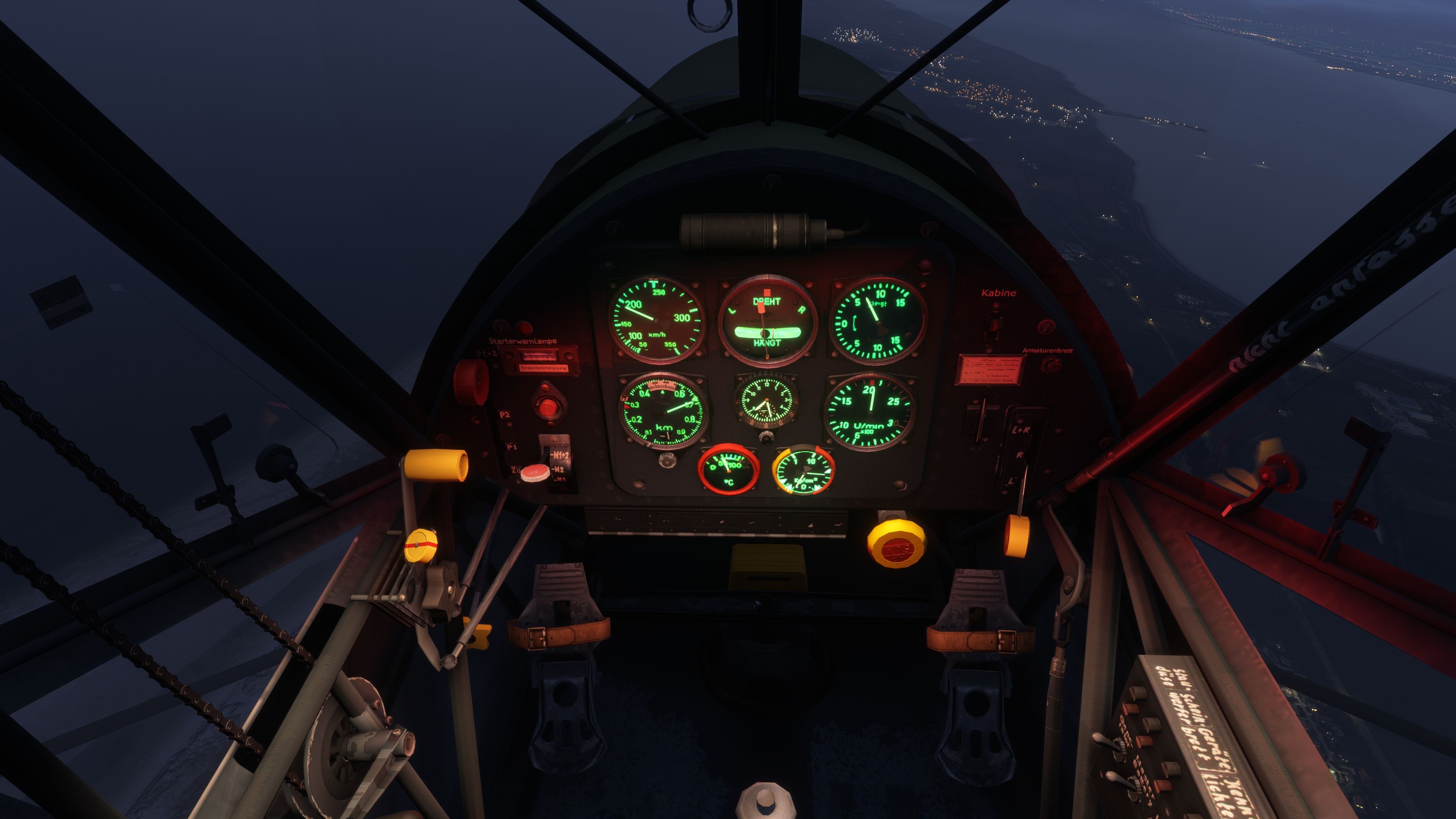
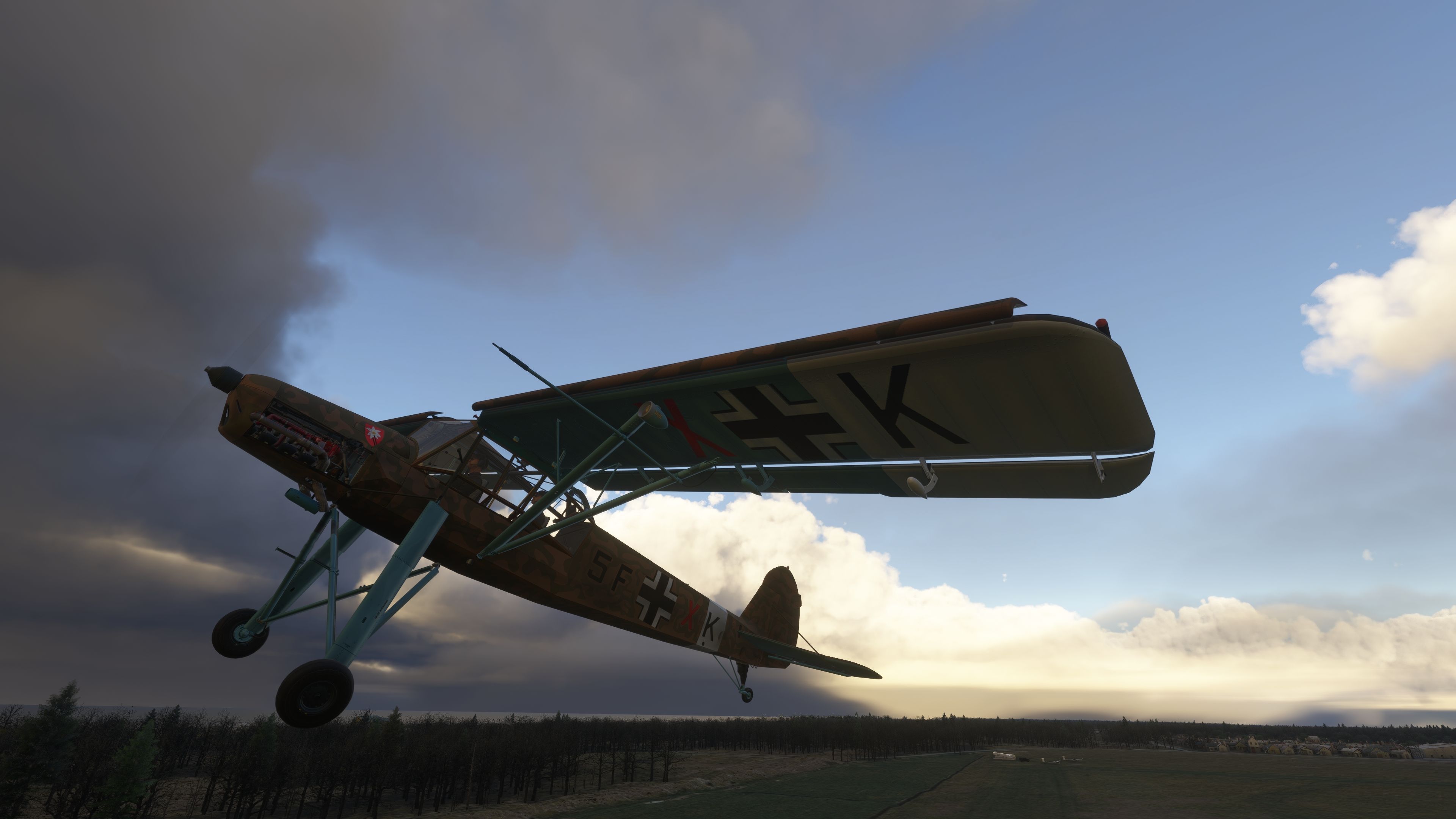
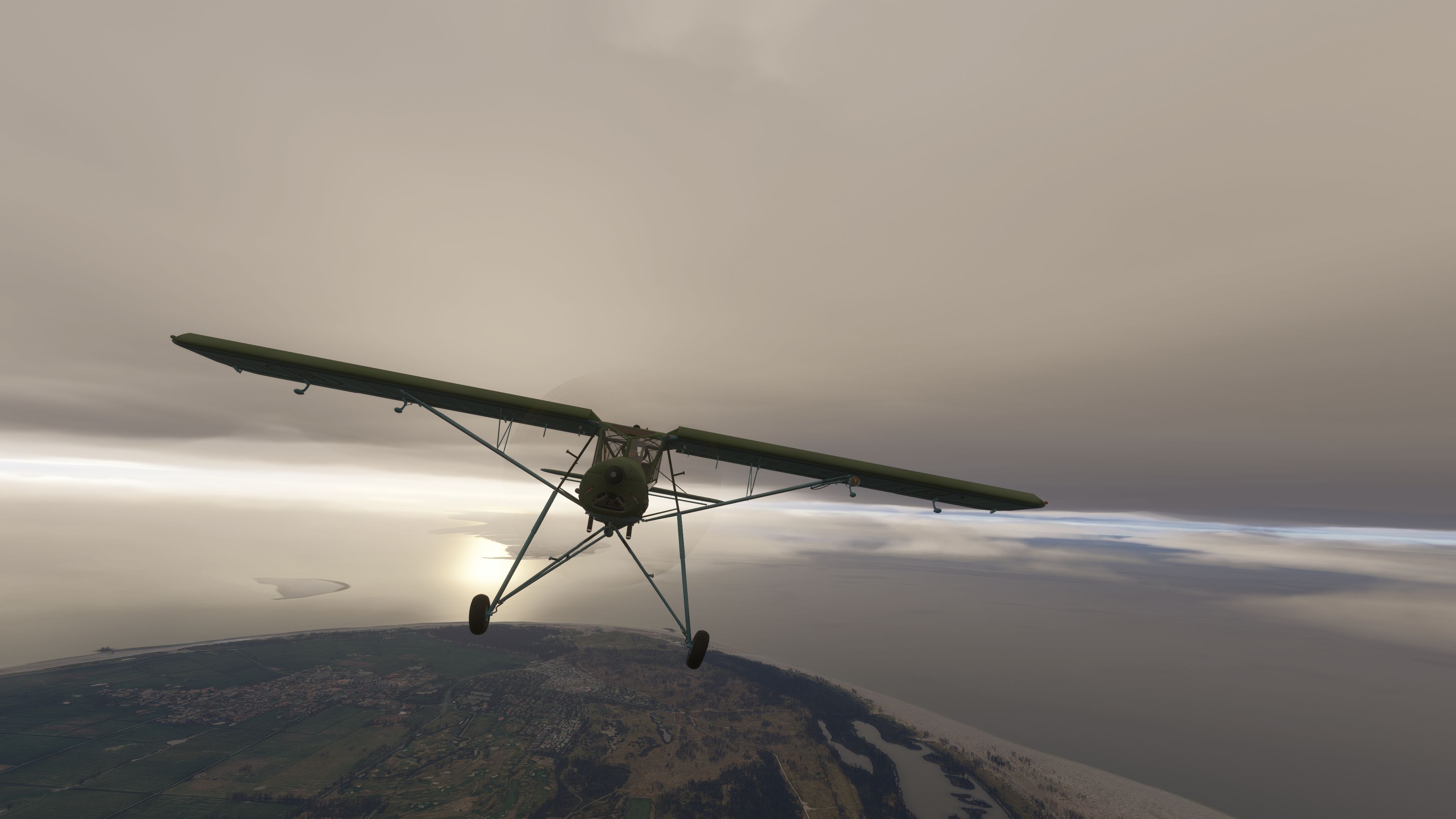
A vintage high-wing taildragger aircraft with a camouflage paint scheme and exposed engine sits on a grassy, uneven airfield.A vintage military aircraft with a yellow wing and German markings is parked on a grassy field near a line of leafless trees.A tan and brown camouflage aircraft with black crosses on its wings flies low over a grassy field near a tree line.A green high-wing taildragger aircraft with black circular markings on each wing is parked on a patchy grass and dirt surface.A green, high-wing vintage biplane with Italian markings and a glass canopy sits on a patchy, grassy dirt surface.A green, high-wing taildragger aircraft with German markings sits on a patchy grass and dirt field under bright sunlight.A tan and brown camouflage aircraft with German markings sits on a patchy grass and dirt surface, casting a long shadow.A vintage olive-green aircraft with large red cross markings sits on a grassy field near a line of leafless trees.A green taildragger aircraft with its engine cowling open reveals a detailed engine and exhaust system while parked on grass.A tan and green vintage high-wing aircraft with exposed engine details sits on a grassy field under a partly cloudy sky.A vintage military aircraft with white wings and black crosses sits on a grassy field near scattered trees and a distant control tower.A green, vintage biplane with a goose emblem and the number 1 on its fuselage sits on a grassy, uneven airfield.A vintage single-engine biplane with a red cross marking stands on a grassy, uneven field under a clear blue sky.A vintage high-wing aircraft with red cross markings stands on a grassy airfield under a partly cloudy sky.A yellow taildragger aircraft with an exposed engine is parked on a grassy field under a mostly clear blue sky.A vintage military liaison aircraft with a red cross emblem stands on a grassy, uneven field under a partly cloudy sky.A green military aircraft with German markings is parked on a grassy field under a clear sky with scattered clouds.A single-engine biplane with red cross symbols on its wings flies over a large body of water near a coastline.A yellow taildragger aircraft with an exposed engine sits on a grassy dirt field under a mostly clear sky.A pilot wearing sunglasses and a headset sits inside a glass cockpit with yellow structural supports and grassy terrain outside.A tan and green high-wing taildragger aircraft with an exposed engine sits on a grassy field under a partly cloudy sky.A vintage military aircraft with yellow tail and wing tips stands on a rough, rocky dirt airstrip under a mostly clear sky.A green high-wing taildragger aircraft with German markings sits on a grassy airfield under a partly cloudy sky.A tan vintage biplane with red cross markings is parked on a grassy field under a mostly clear sky with scattered clouds.A green high-wing aircraft with blue struts sits on grass, featuring a rear gunner position with a mounted machine gun visible through the canopy.The view from the cockpit shows a grassy airfield, cockpit window framing, and several instrument gauges with German labels.Two pilots wearing headsets sit inside a green high-wing taildragger aircraft with an exposed engine on a grassy field.A green biplane with a number 1 and a stork emblem stands on a rough grassy field under a blue sky.A green single-engine taildragger aircraft with white stripes and cartoon emblems is parked on a grassy, uneven field under a blue sky.A cockpit view shows engine gauges and control levers on the right, with grassy terrain and scattered trees visible through the window.A vintage aircraft cockpit features metal rudder pedals, a wrapped control stick, and a panel with round analog gauges and switches.A vintage military aircraft with German markings sits on a grassy airfield under a partly cloudy sky with distant trees.A vintage military biplane with German markings sits on a grassy field with wildflowers under a blue sky with scattered clouds.A green taildragger aircraft sits on a grassy field under a clear blue sky with scattered clouds and distant trees.A green taildragger aircraft with a white cross and weathered paint sits on a grassy, sunlit airfield under a clear sky.A vintage high-wing taildragger aircraft with German markings is parked on a rough grassy field under a clear sky.A green vintage high-wing aircraft with exposed engine detail is parked on a grassy field under a clear, sunny sky.A vintage aircraft cockpit features analog gauges and levers, with a grassy airfield and scattered trees visible through the windscreen.A green vintage biplane with exposed engine detail sits on a grassy field under a blue sky with scattered clouds.A green and yellow vintage high-wing monoplane with Italian markings flies above coastal farmland under a cloudy sky.A green taildragger biplane sits in tall grass with white wildflowers under a blue sky scattered with clouds.A vintage high-wing aircraft with yellow wingtips and German markings is parked in a grassy field under a clear blue sky.A vintage military aircraft with camouflage paint and German markings flies low over a grassy landscape under a cloudy sky.A vintage camouflage-painted high-wing aircraft flies low over grassy terrain near a forest, with dramatic clouds and sunlight in the background.A forward cockpit view shows a gunsight and compass mounted above the nose, with grassy terrain and scattered trees under a blue sky.A vintage green biplane with fixed landing gear and fuselage markings flies over a coastline beneath dramatic, overcast skies.A green vintage biplane with military markings flies above a patchwork of fields and coastline under an overcast sky.A vintage biplane with exposed engine details and red cross markings flies above a cloudy sky and calm water below.A green single-engine taildragger aircraft with a white cross flies above a coastline under an overcast sky.A cockpit view at night shows illuminated green engine gauges, labeled switches, rudder pedals, and city lights visible through the side window.A cockpit view shows illuminated green engine gauges and switches with a nighttime landscape and city lights visible through the side window.A green and yellow high-wing aircraft with red cross markings flies above patchwork fields and a river under a cloudy sky.A vintage aircraft cockpit at dusk displays illuminated green analog gauges, with city lights and coastline visible through the windshield below.A vintage military aircraft with camouflage paint and German markings flies low over a grassy field beneath a dramatic cloudy sky.A single-engine high-wing aircraft flies above a coastline with scattered clouds and sunlight reflecting off the water below.A vintage high-wing aircraft with red cross markings and yellow wingtips flies above clouds under a dramatic, overcast sky.A cockpit side window view shows a misty landscape with lakes and hills beneath a cloudy, dimly lit sky at dusk.A copilot wearing sunglasses and a headset sits in a dimly lit cockpit at dusk, with illuminated towns visible below through the window.A vintage high-wing aircraft with a bird emblem on the door flies at dusk above a coastline with illuminated towns below.A vintage high-wing monoplane with fixed landing gear and military markings flies beneath an overcast sky with dense gray clouds.
All screenshots above have been created by Fly Away Simulation and are exclusive. For more details, see our image copyright information.
Installation icon.

Installation Instructions

Most of the freeware add-on aircraft and scenery packages in our file library come with easy installation instructions which you can read above in the file description. For further installation help, please see our Flight School for our full range of tutorials or view the README file contained within the download. If in doubt, you may also ask a question or view existing answers in our dedicated Q&A forum.

2 comments

Leave a Response

The content of the comments below are entirely the opinions of the individual posting the comment and do not always reflect the views of Fly Away Simulation. We moderate all comments manually before they are approved.

Matthew T KubakThu, 17 Apr 2025 03:18:56 GMT

Great mod, just downloaded it today. I have one problem.

The cowl panels are missing when I load it into MSFS 2024. I see the remove/replace box when I hover my mouse over it, but none of the mouse buttons work.

What am I doing wrong?

Manuel PeralesMon, 31 Mar 2025 00:42:57 GMT

This add-on is really fantastic.

Very pleasant to drive, with impressive attention to detail, response and engine sound.

A masterpiece. Thanks for sharing it with all the lovers of good simulator

Simply AMAZING!

Leave a comment