


 MSFS General Aviation Aircraft
Van's RV-7/RV-7A Complete Pack
A complete freeware aircraft pack featuring the Van's RV-7 and RV-7A in accur…
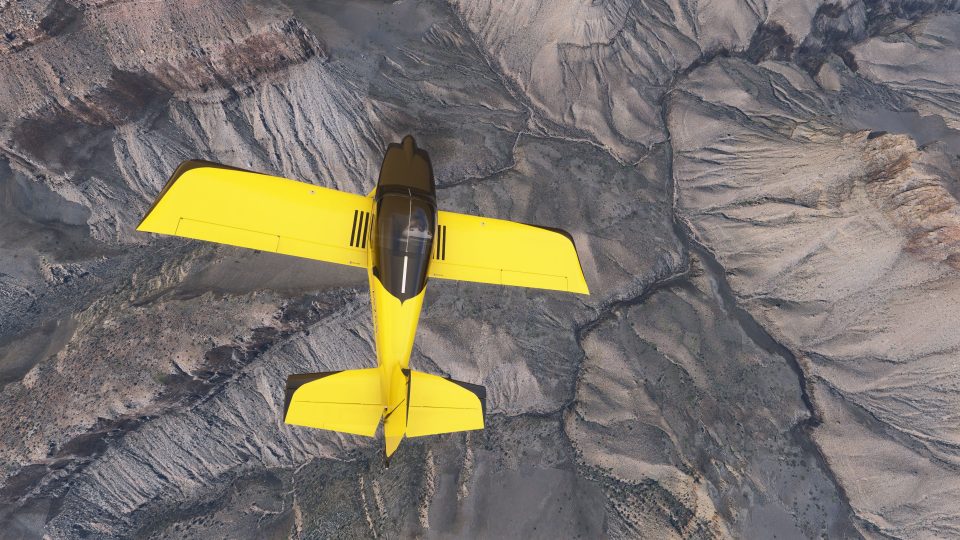
Van’s RV-7 arrives as a polished freeware kitplane for Microsoft Flight Simulator, pairing a rebuilt 3D model with tuned aerodynamics that highlight the type’s crisp handling and cross-country efficiency. Multiple variants add a glass cockpit taildragger, dual G3X and GNS 530 options, plus a TDS GTN-equipped edition that requires TDS GTN.
 Rate
Rate
 By deejing
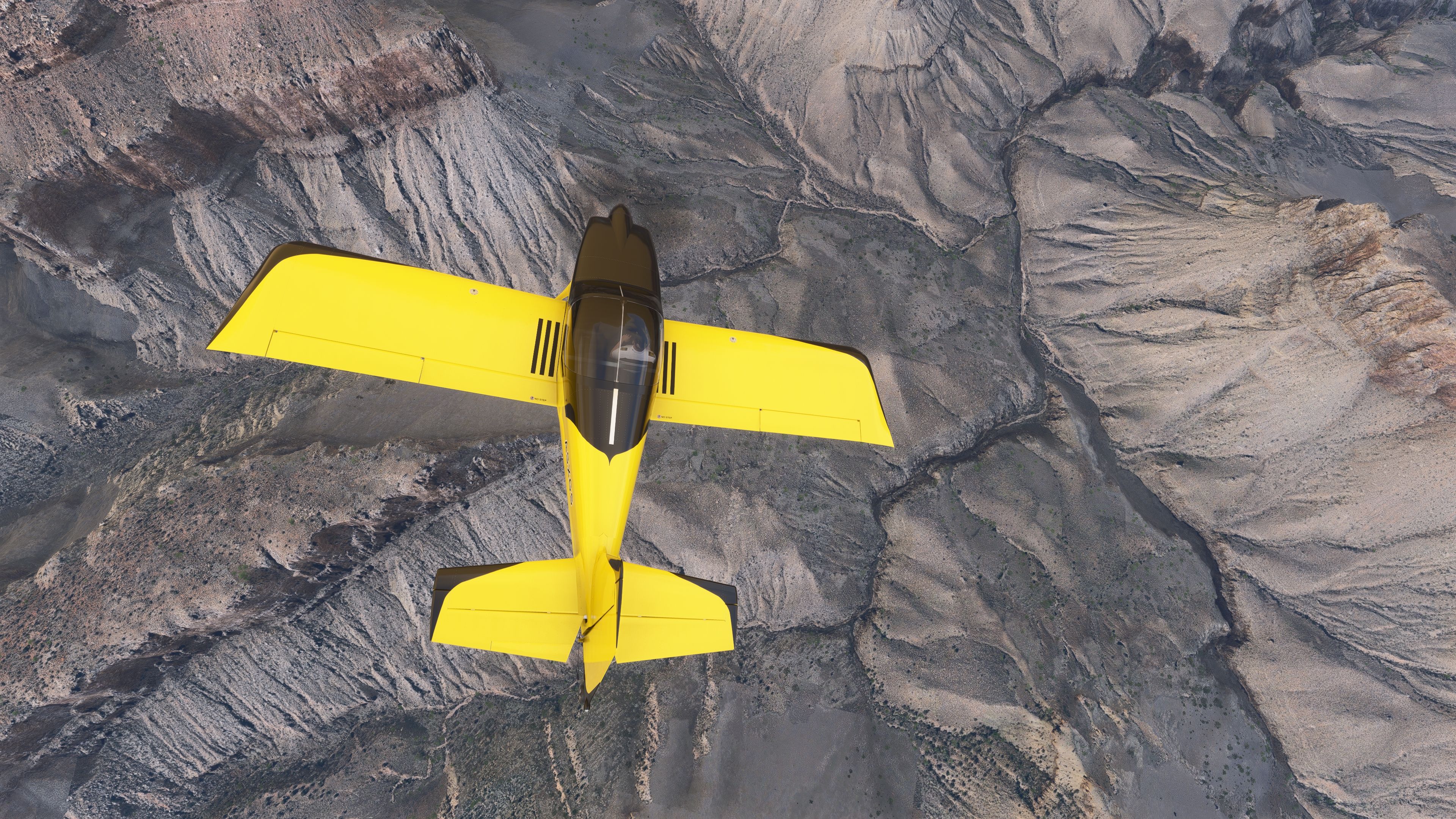
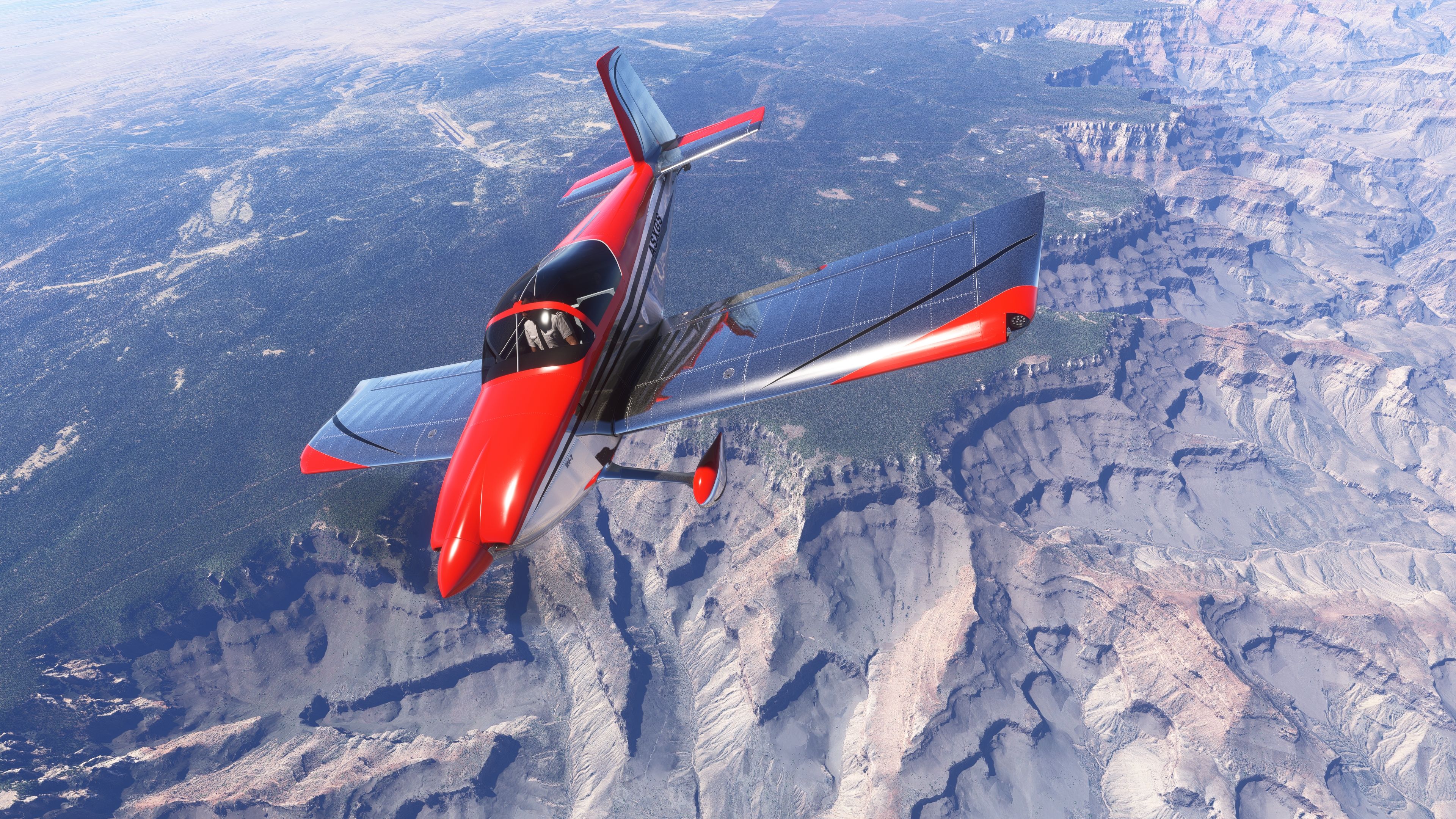
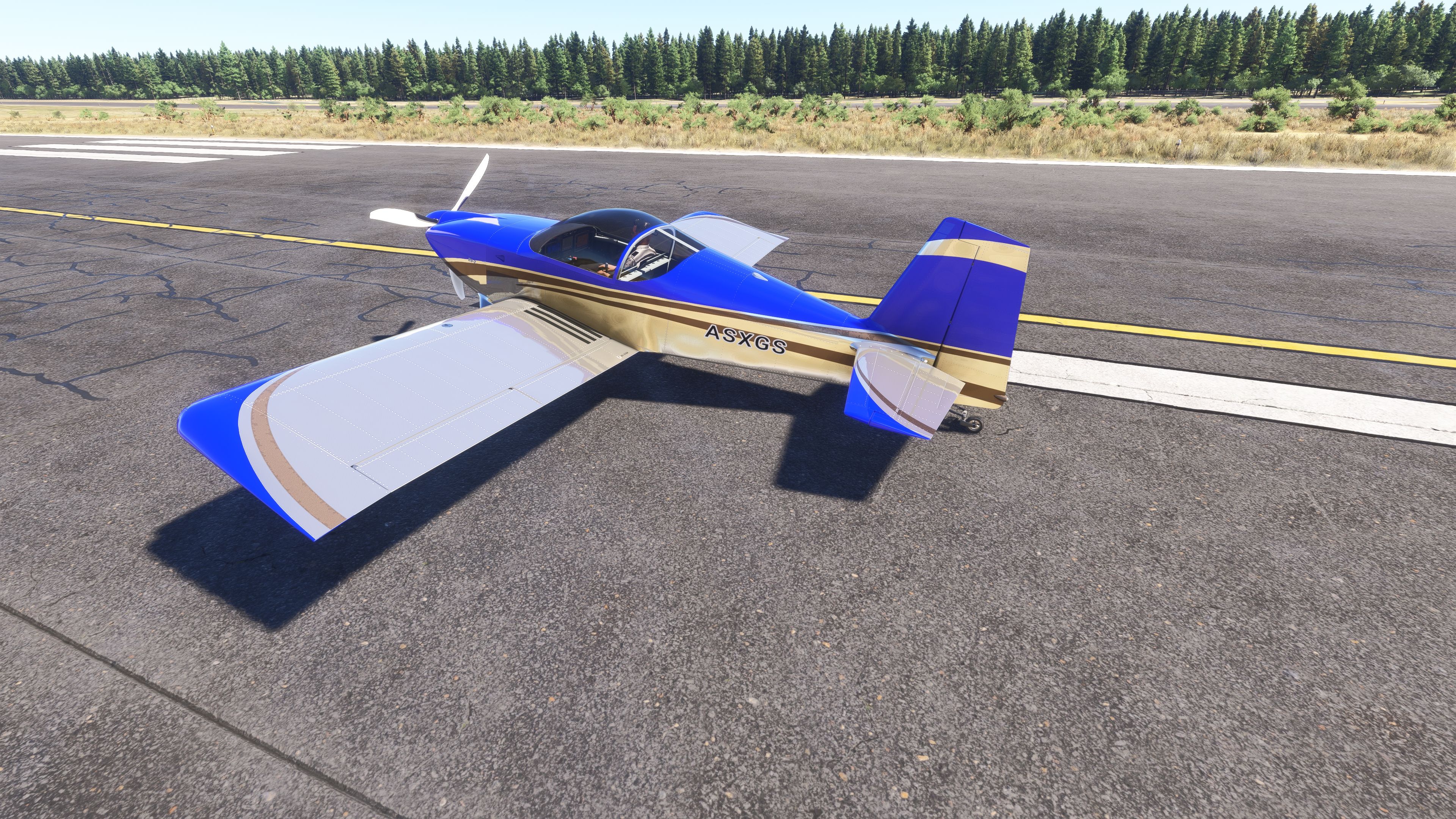
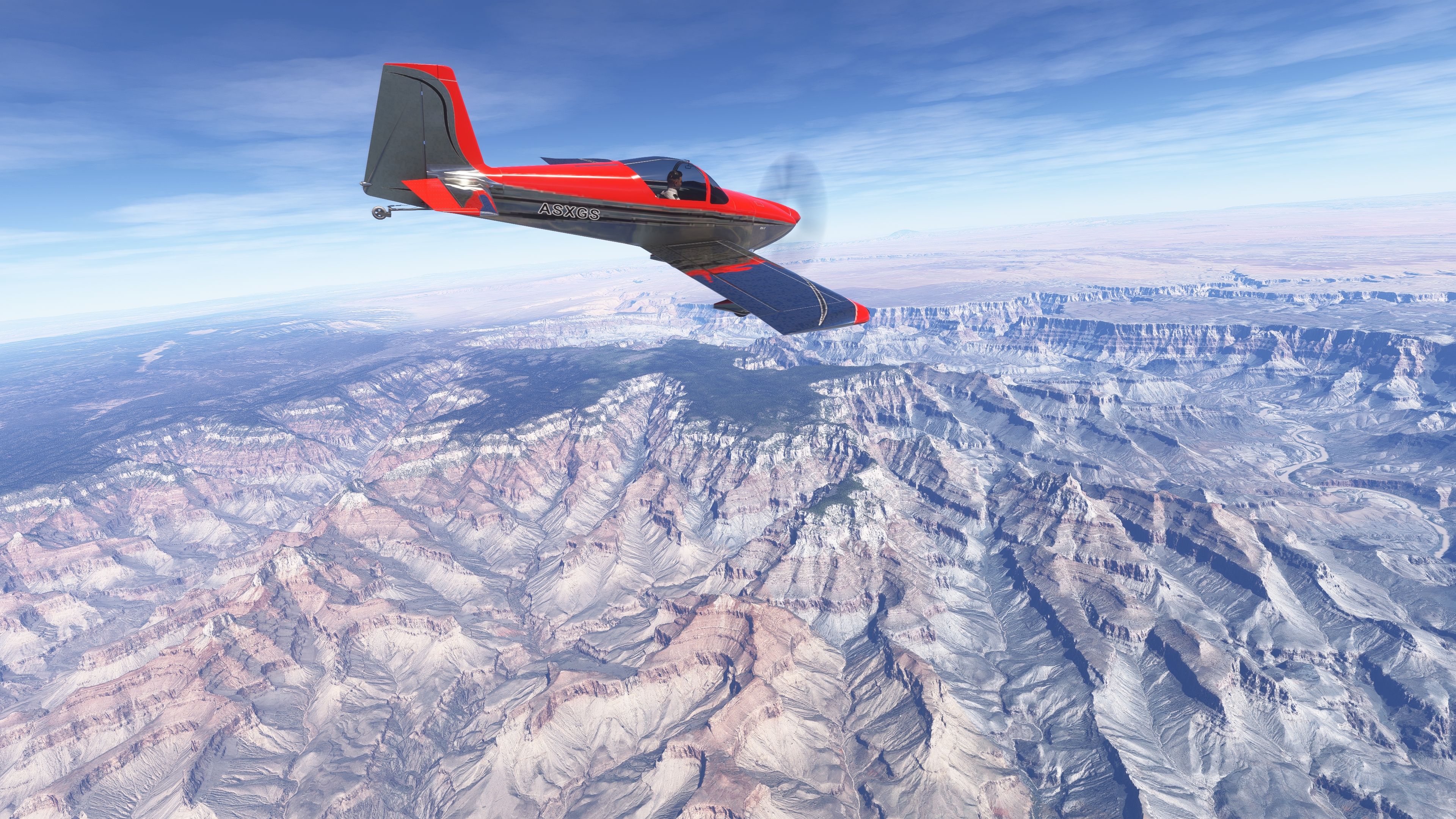
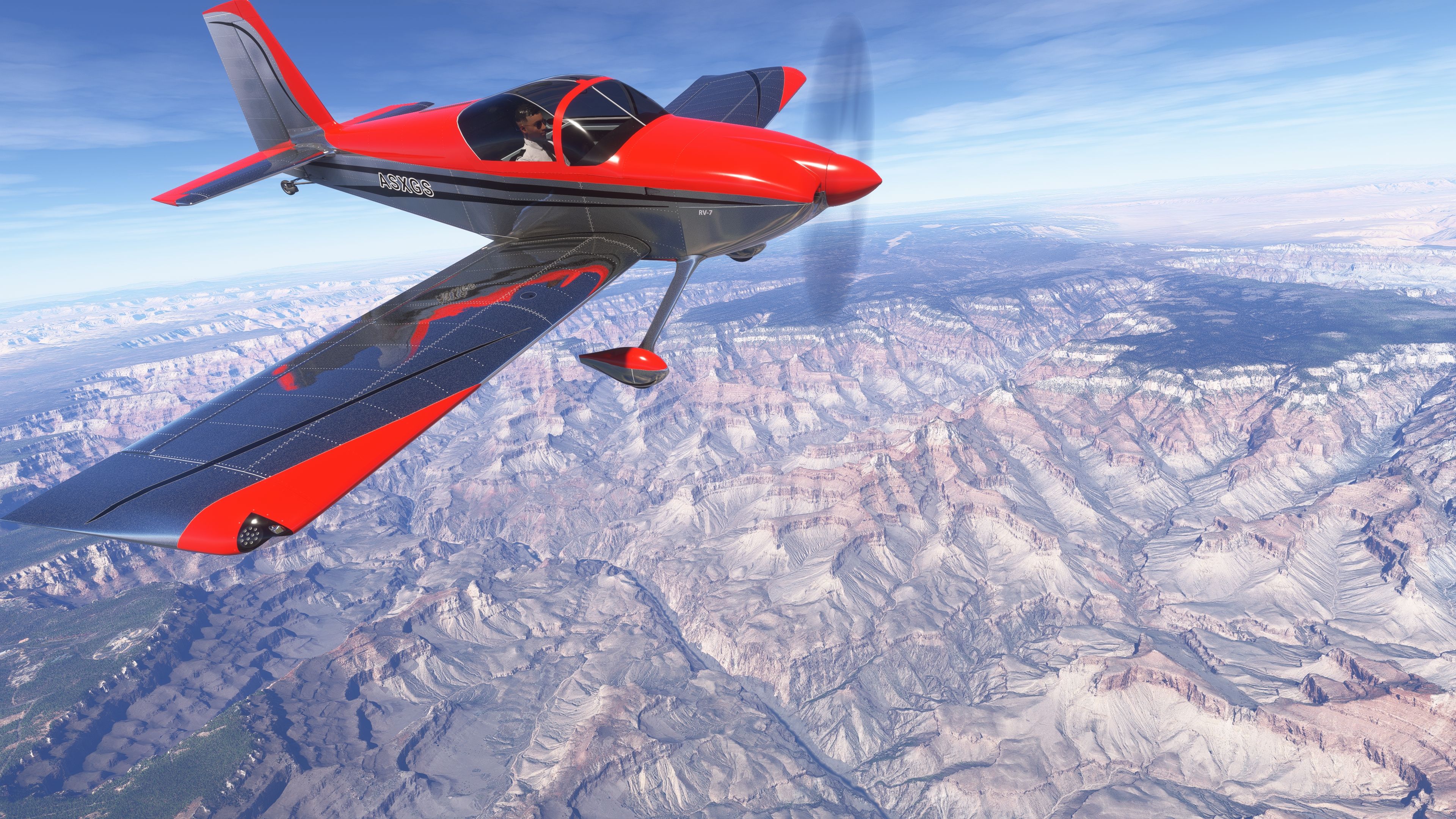
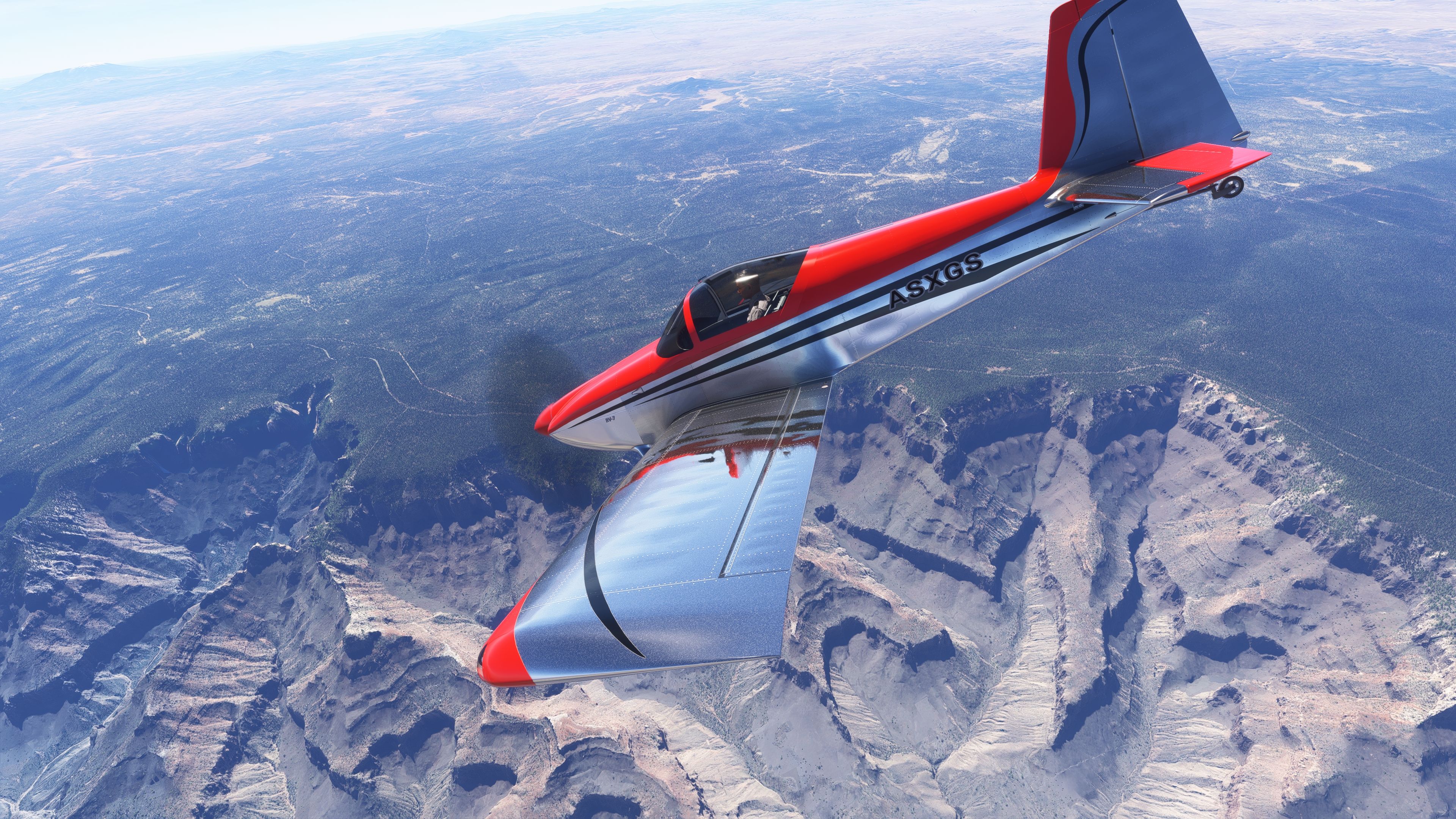
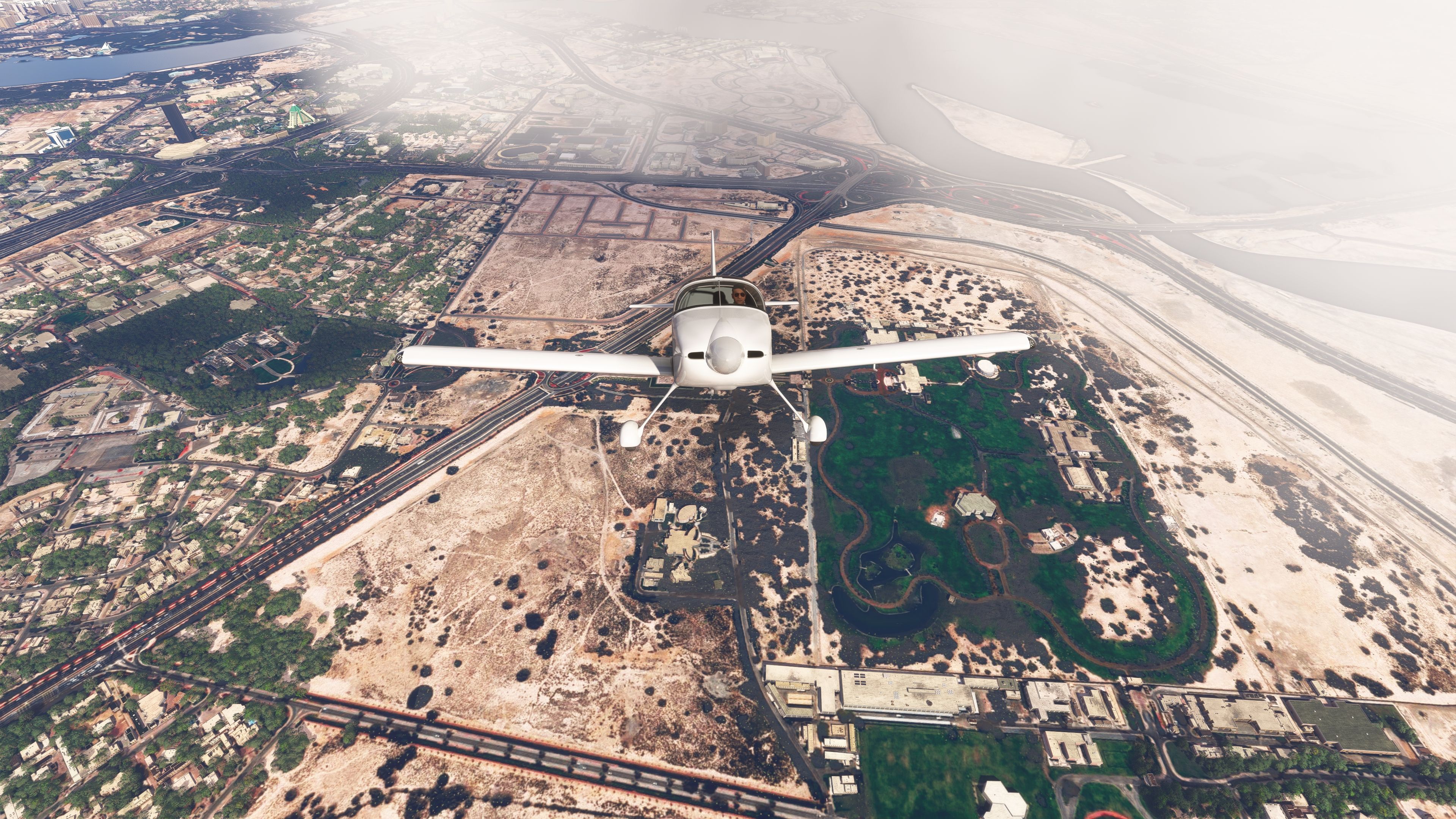
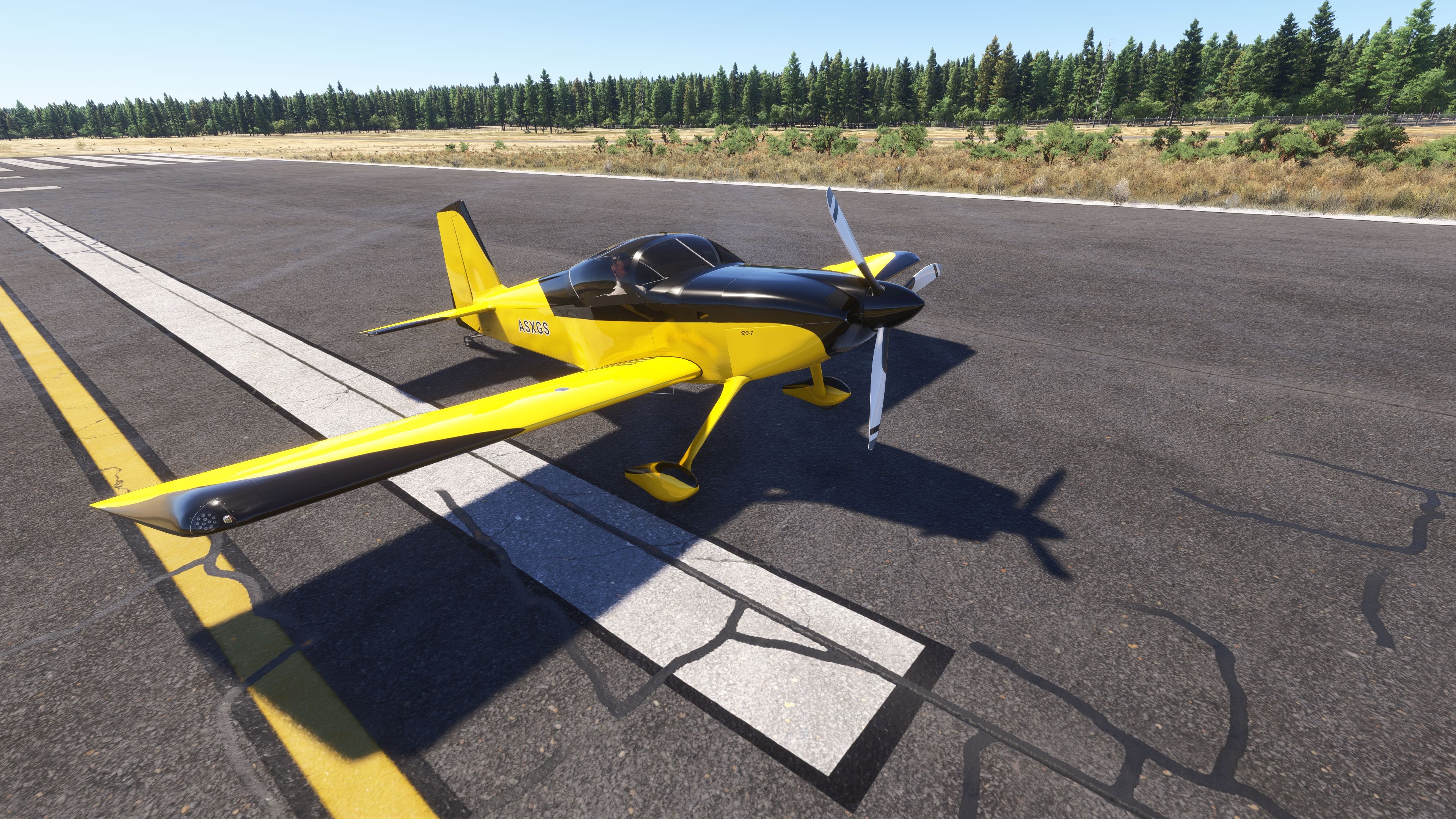
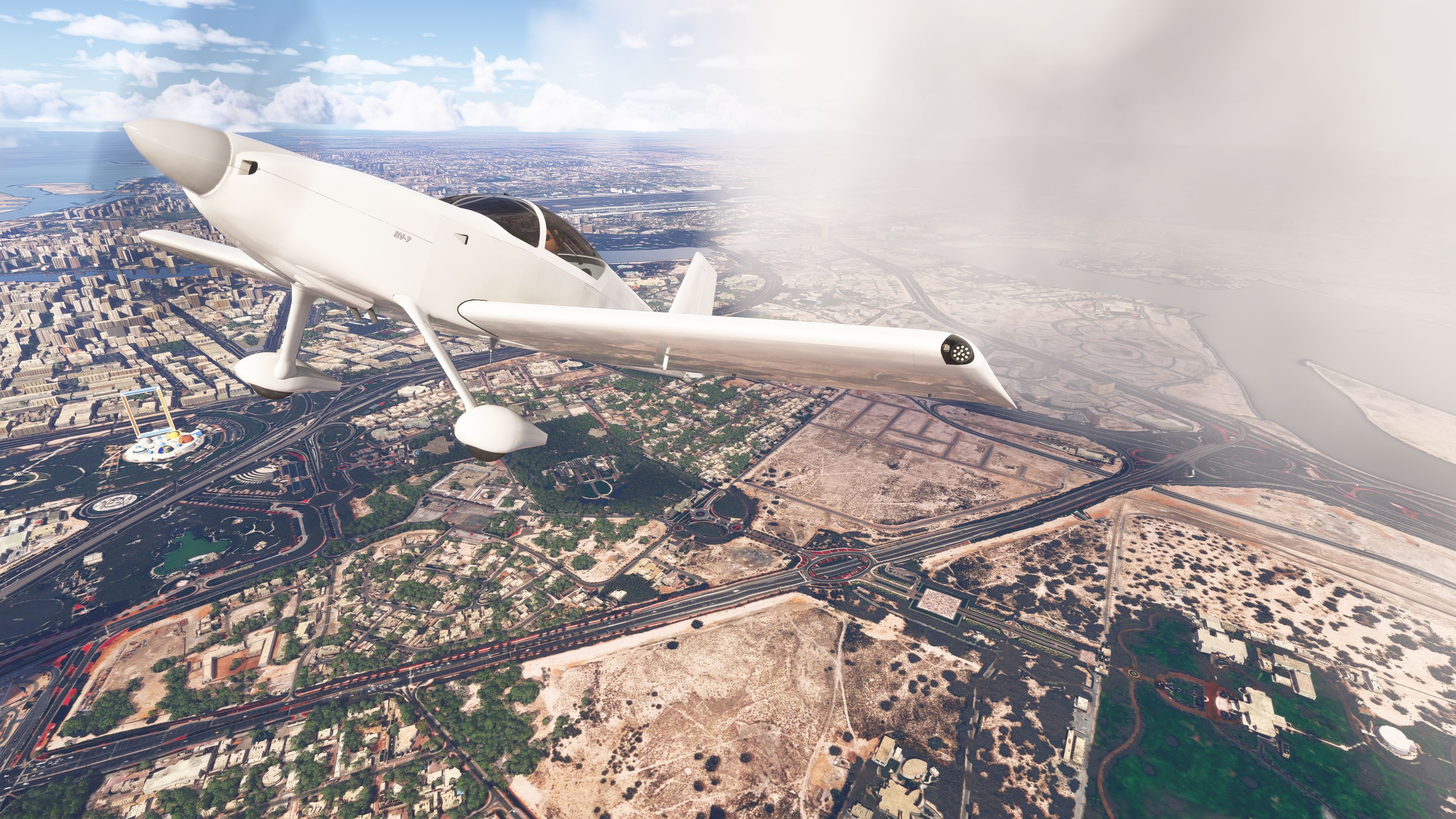
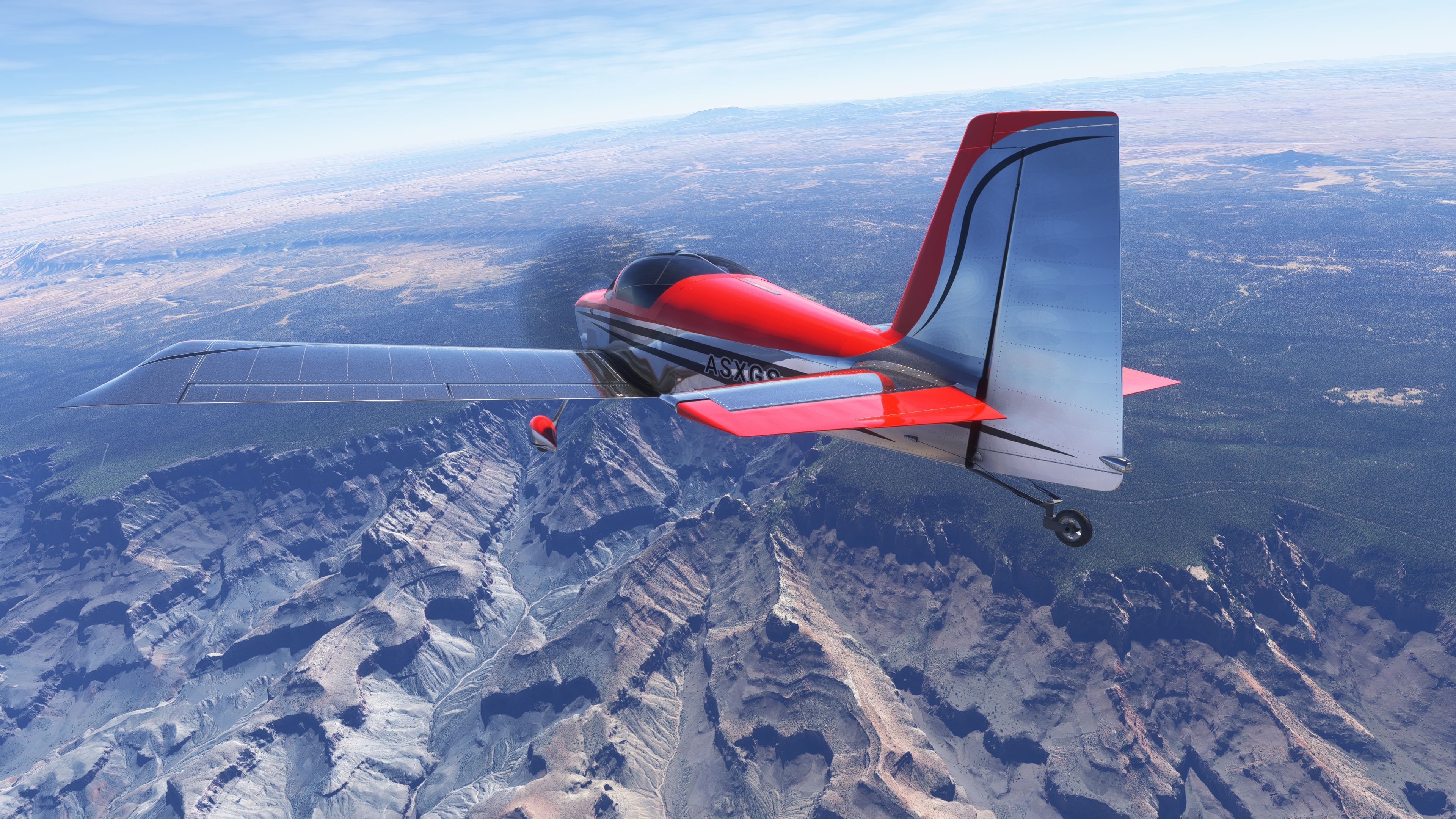
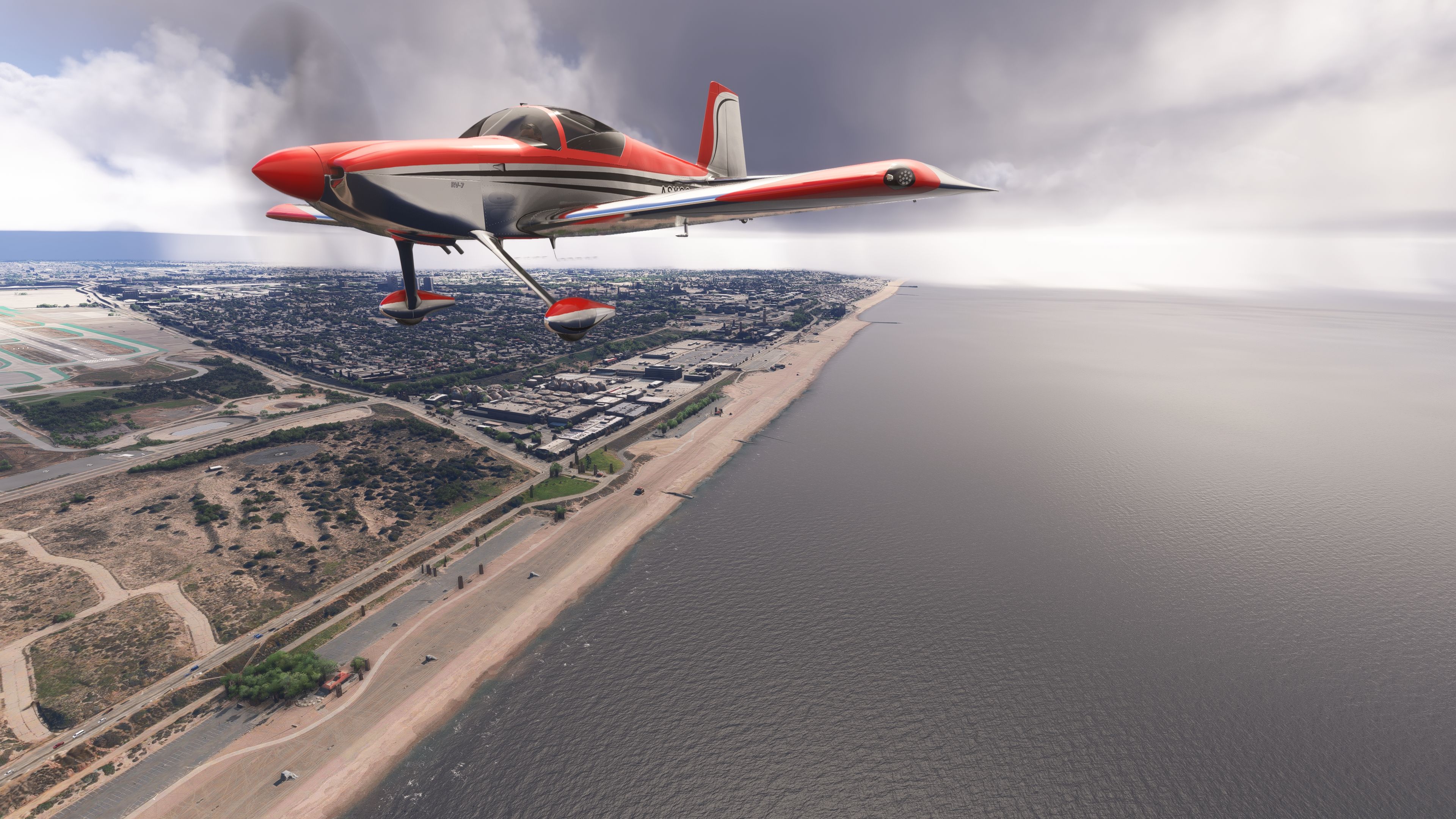
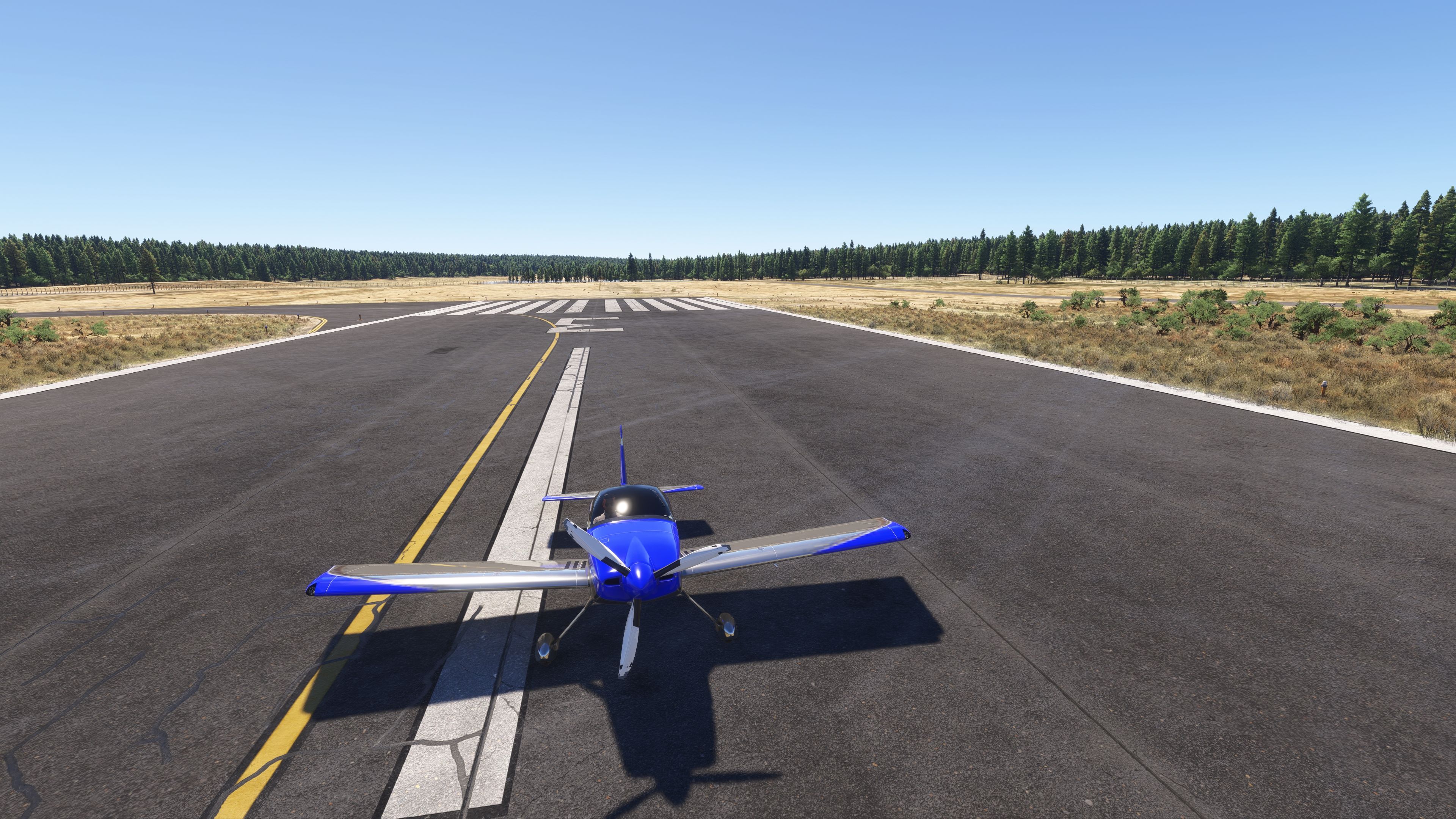
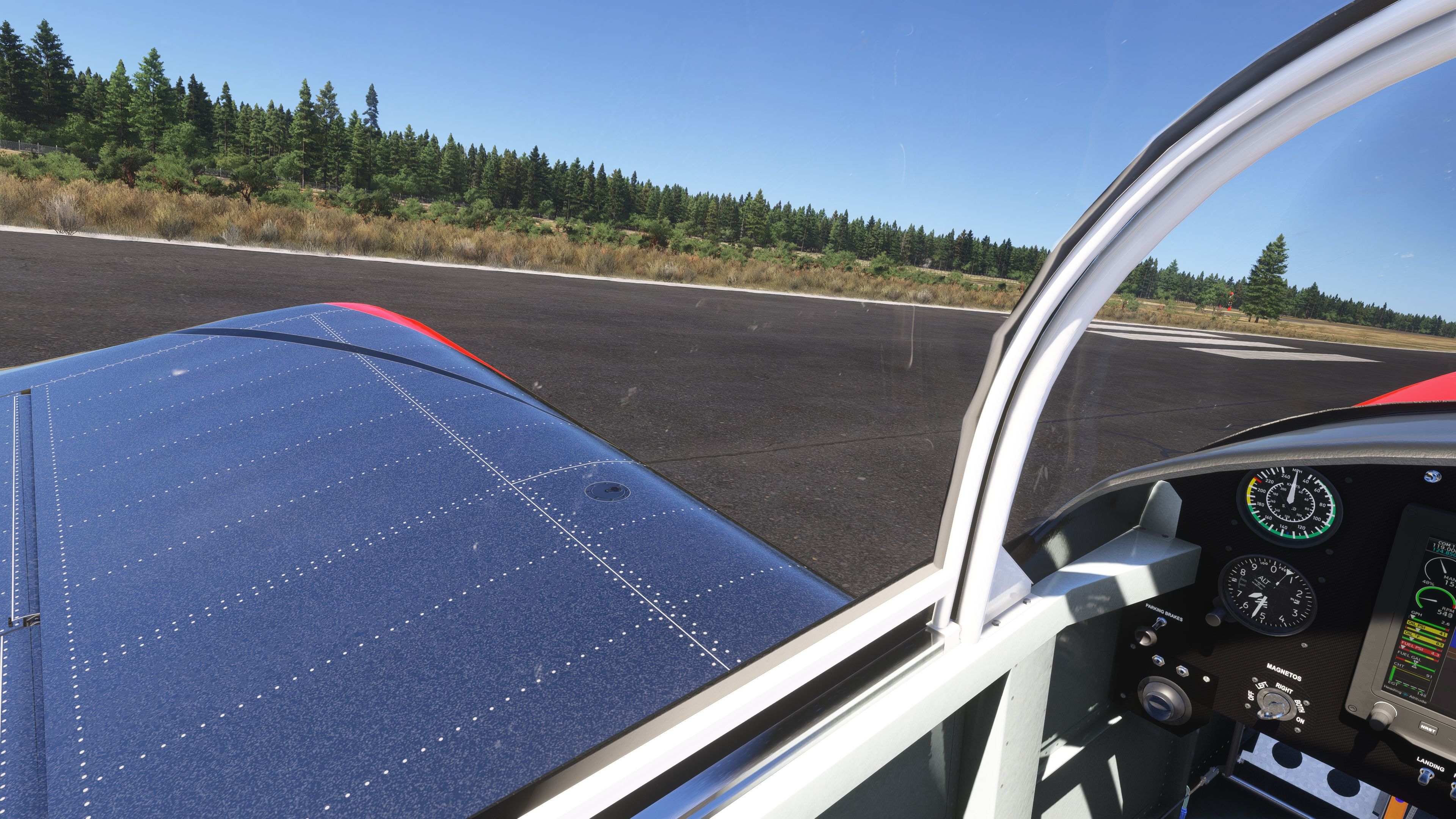
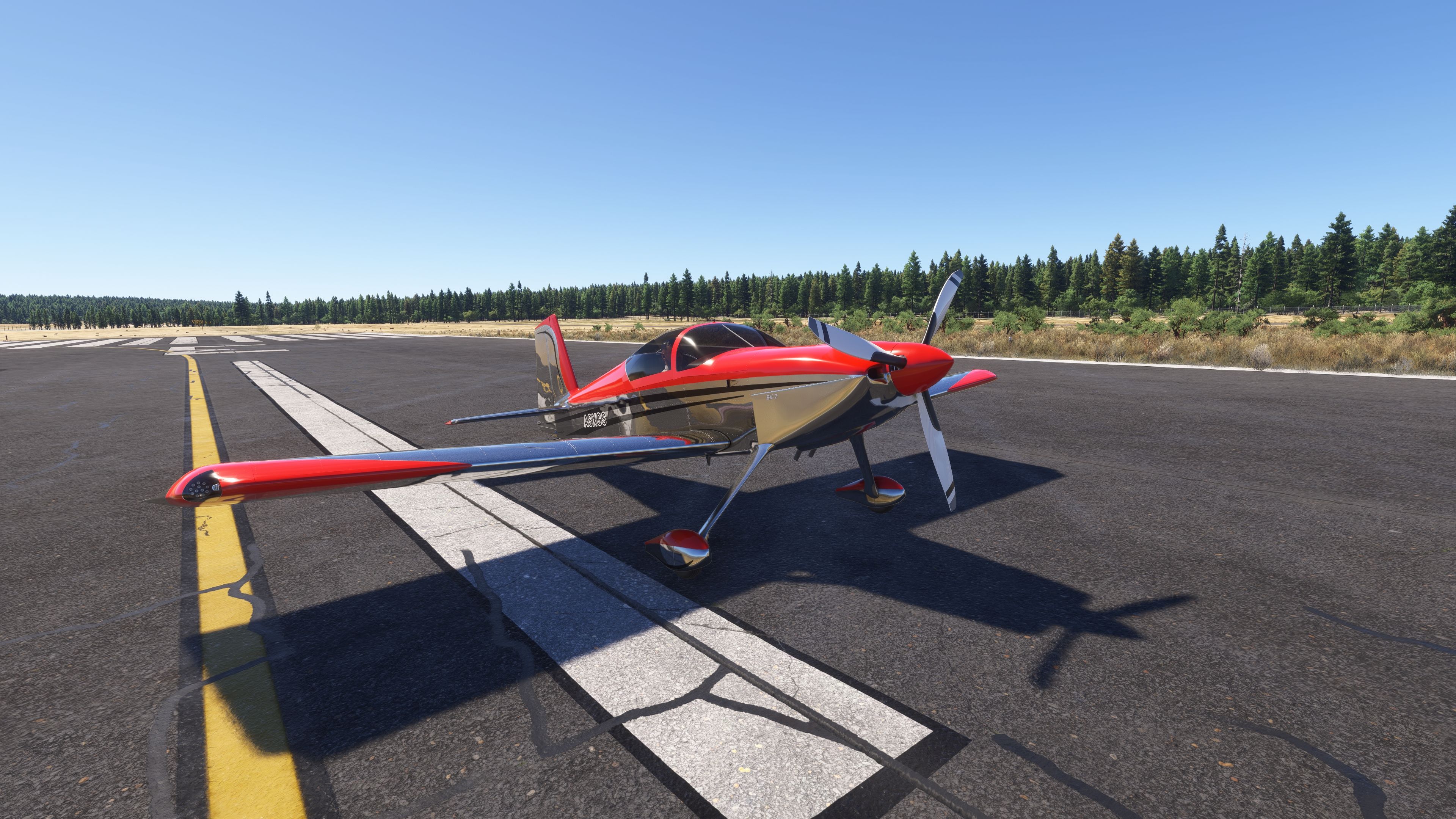
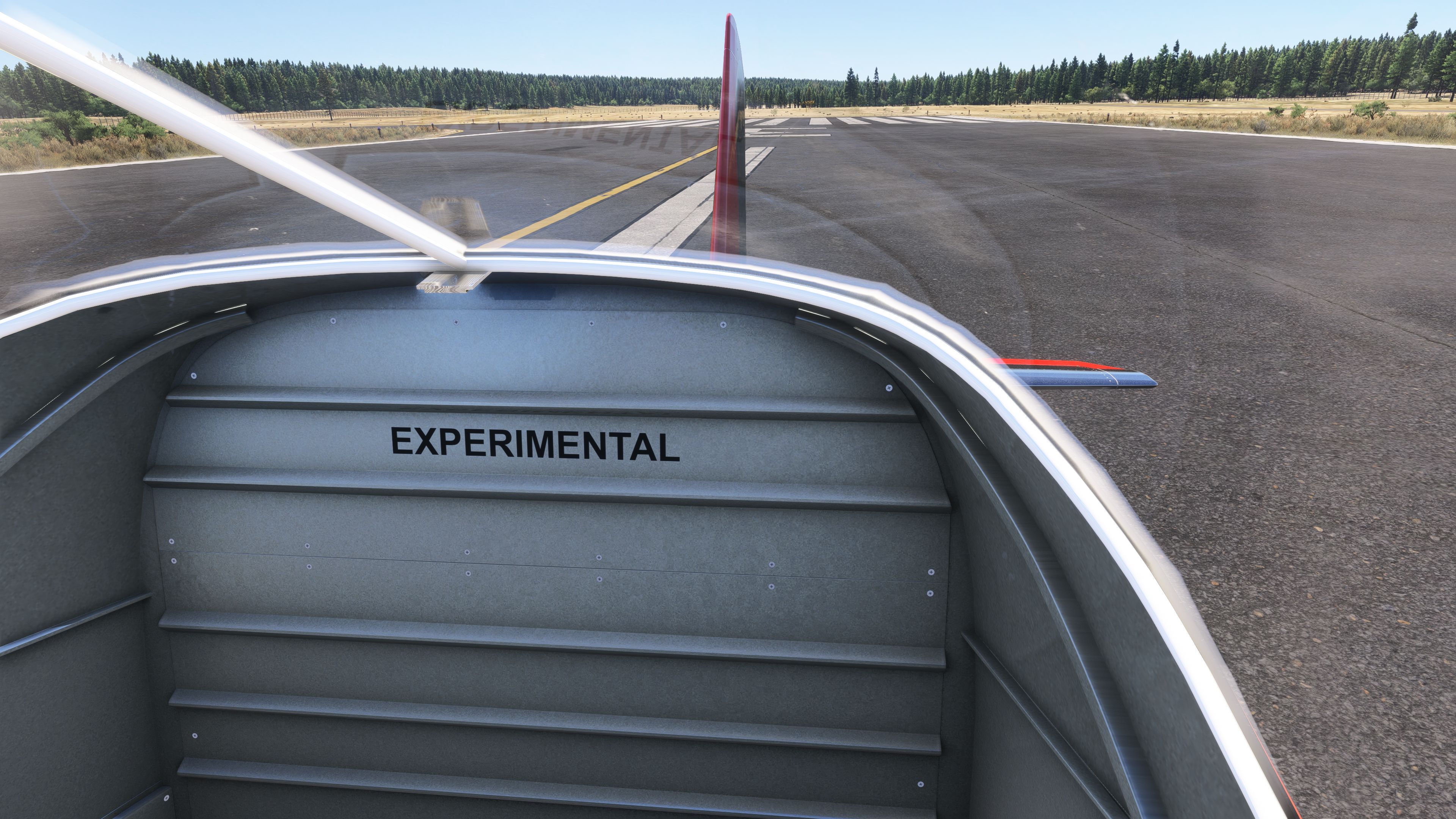
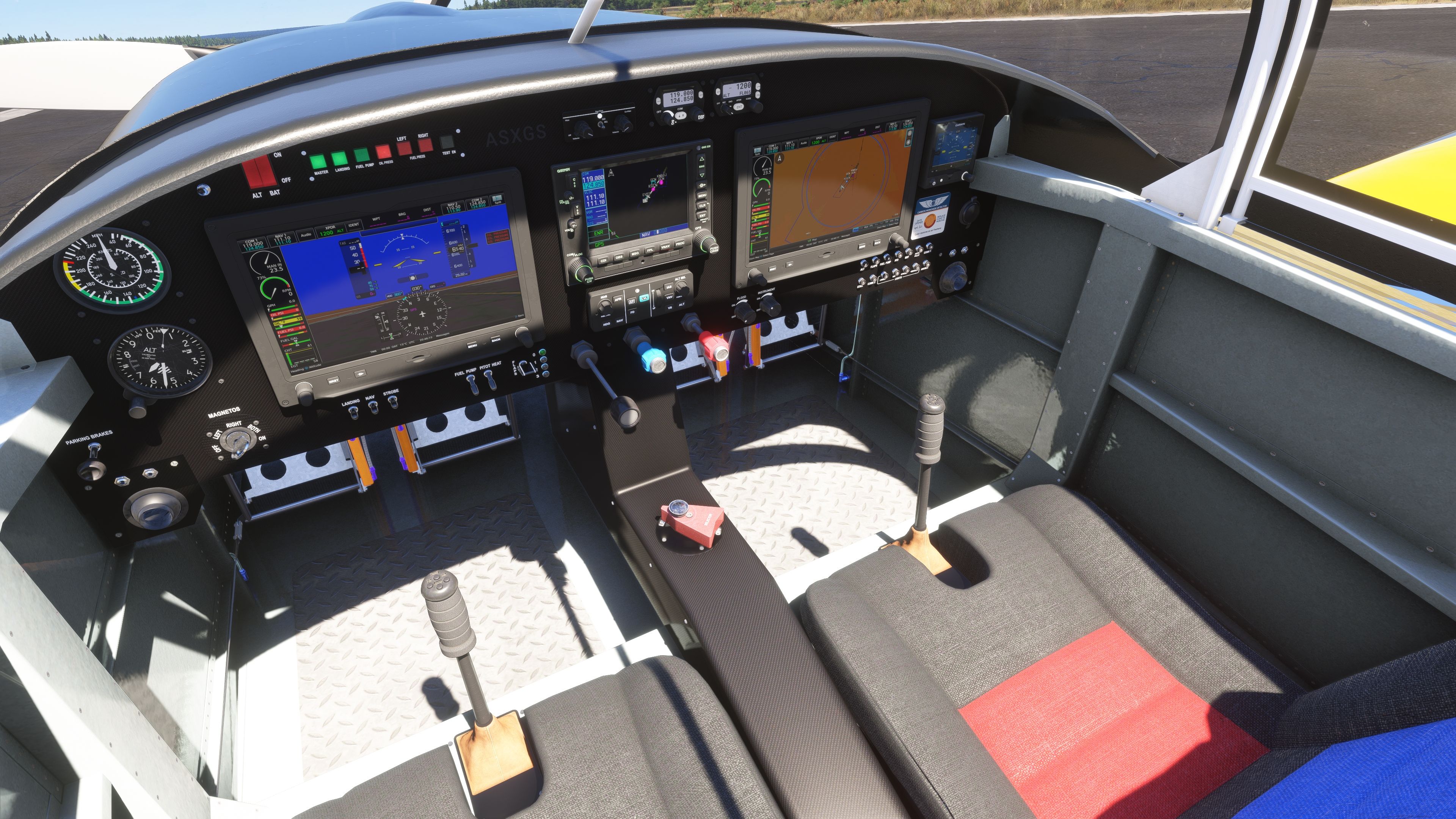
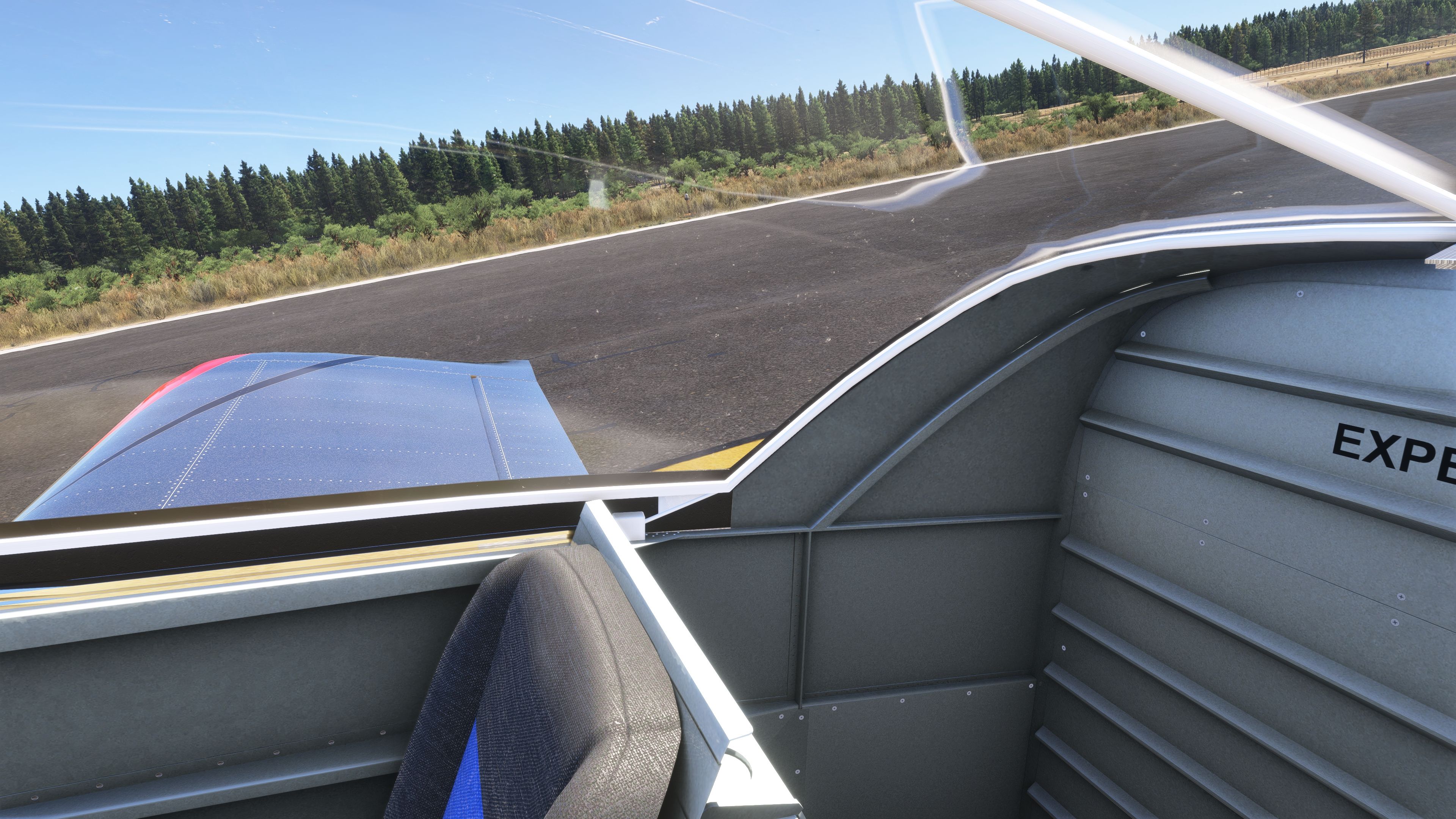
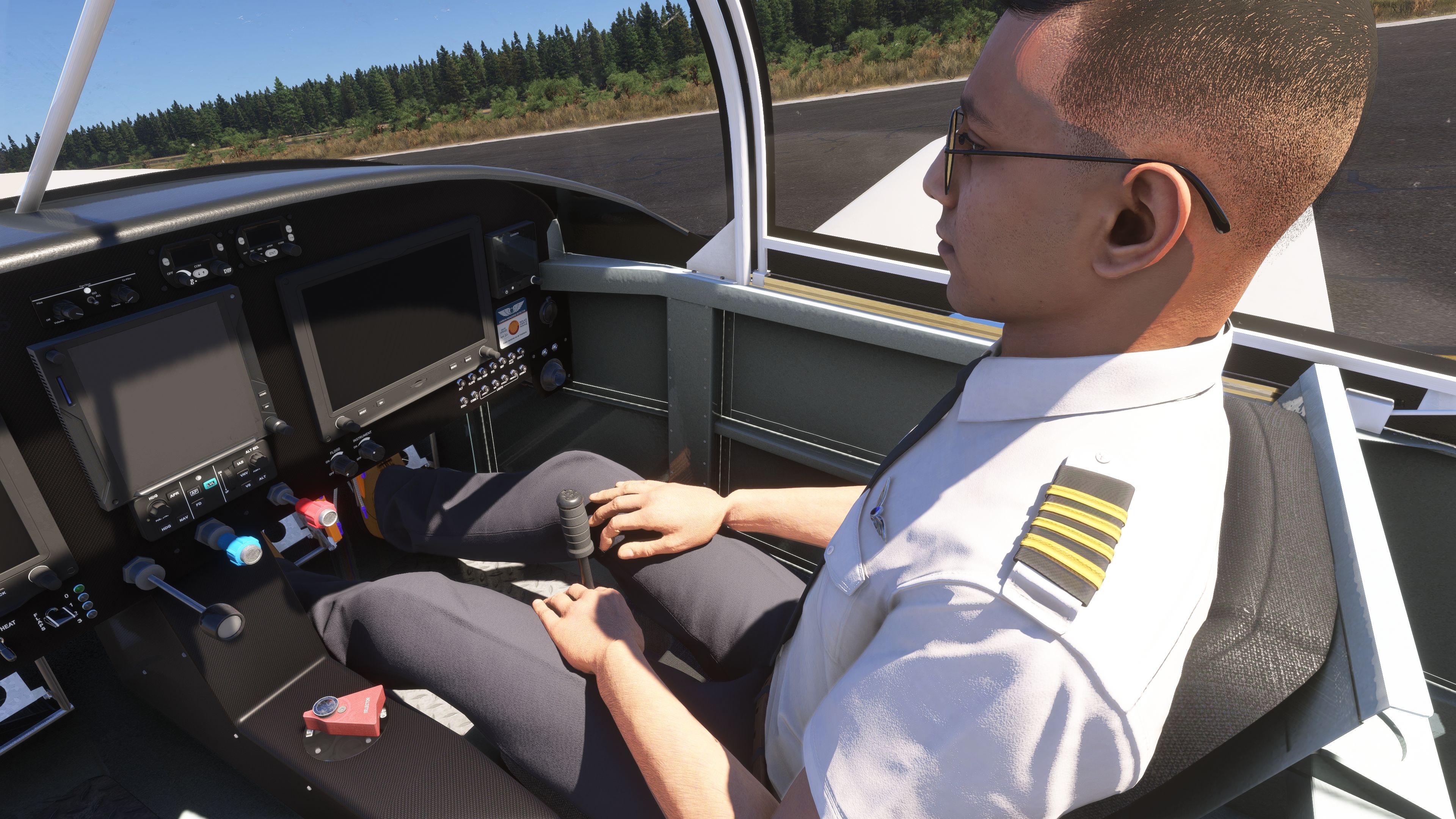
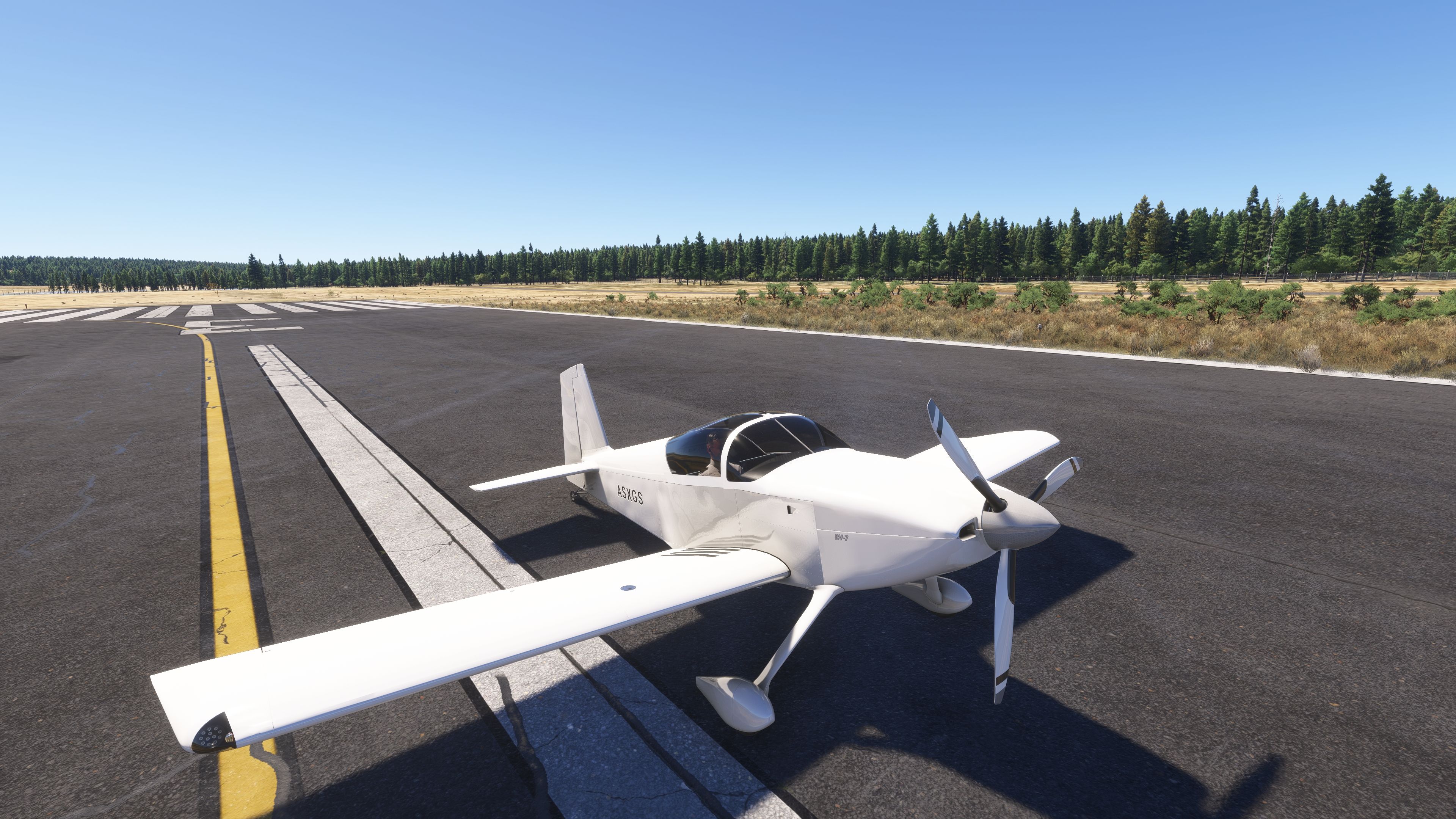
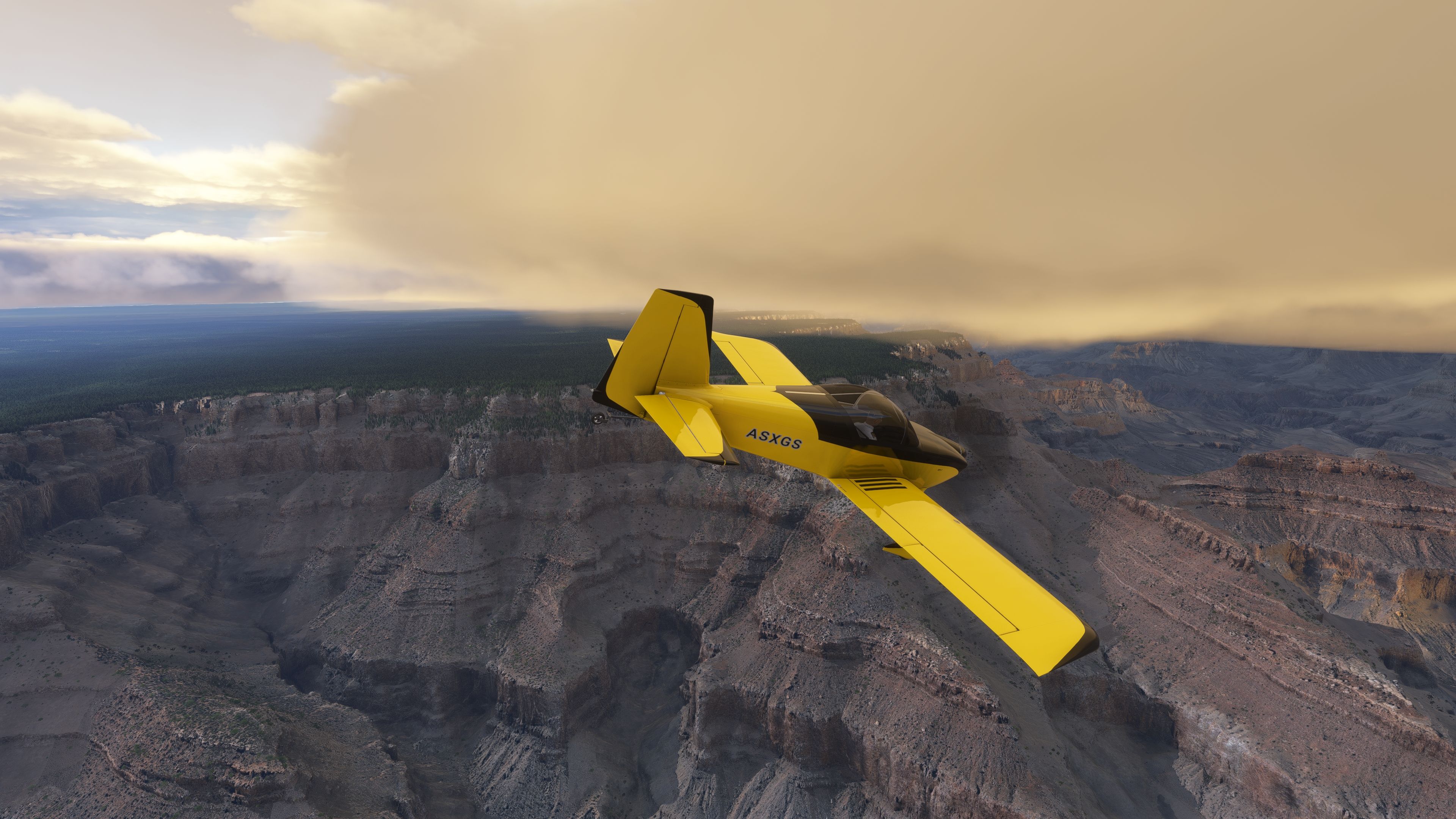
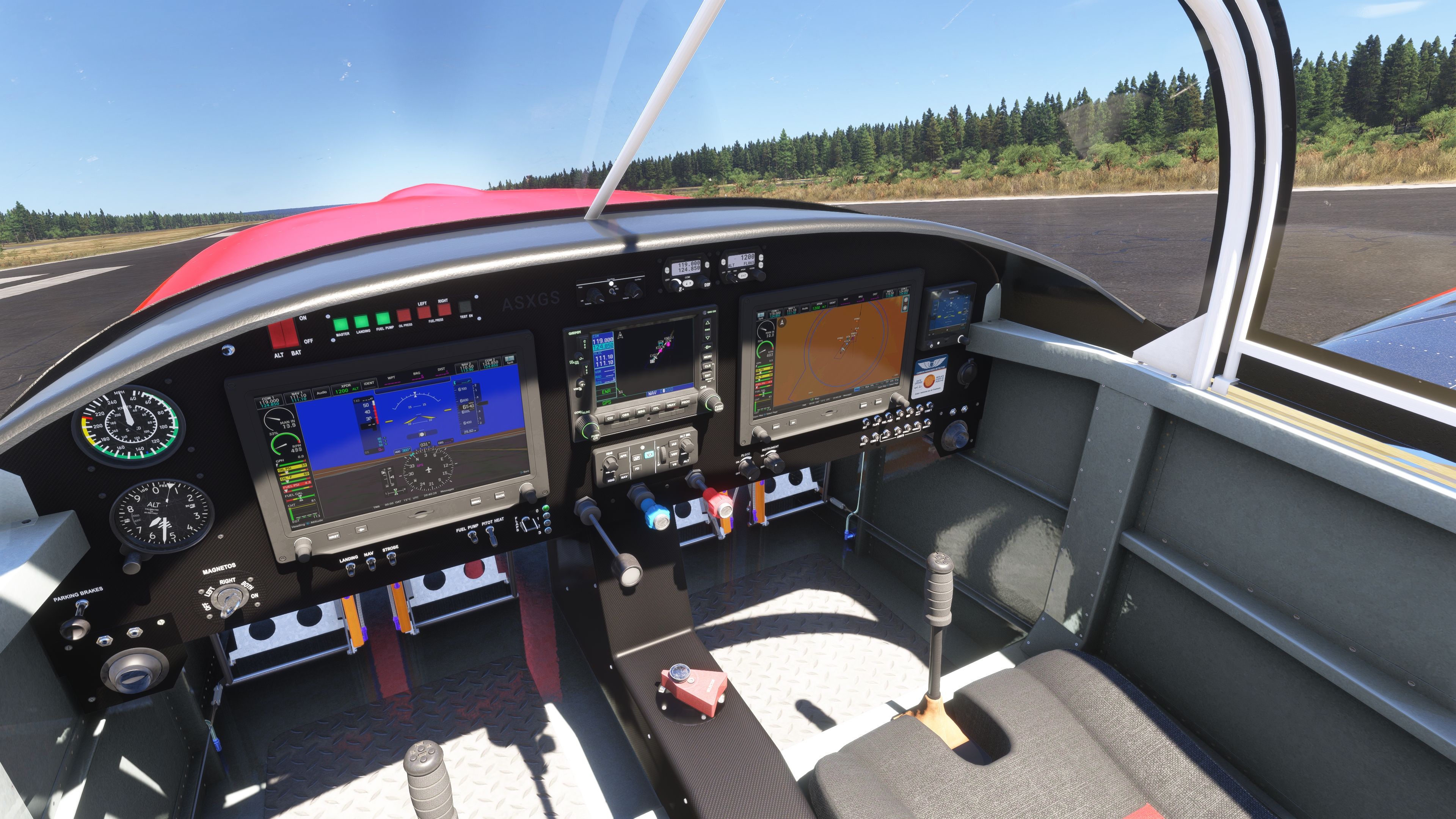
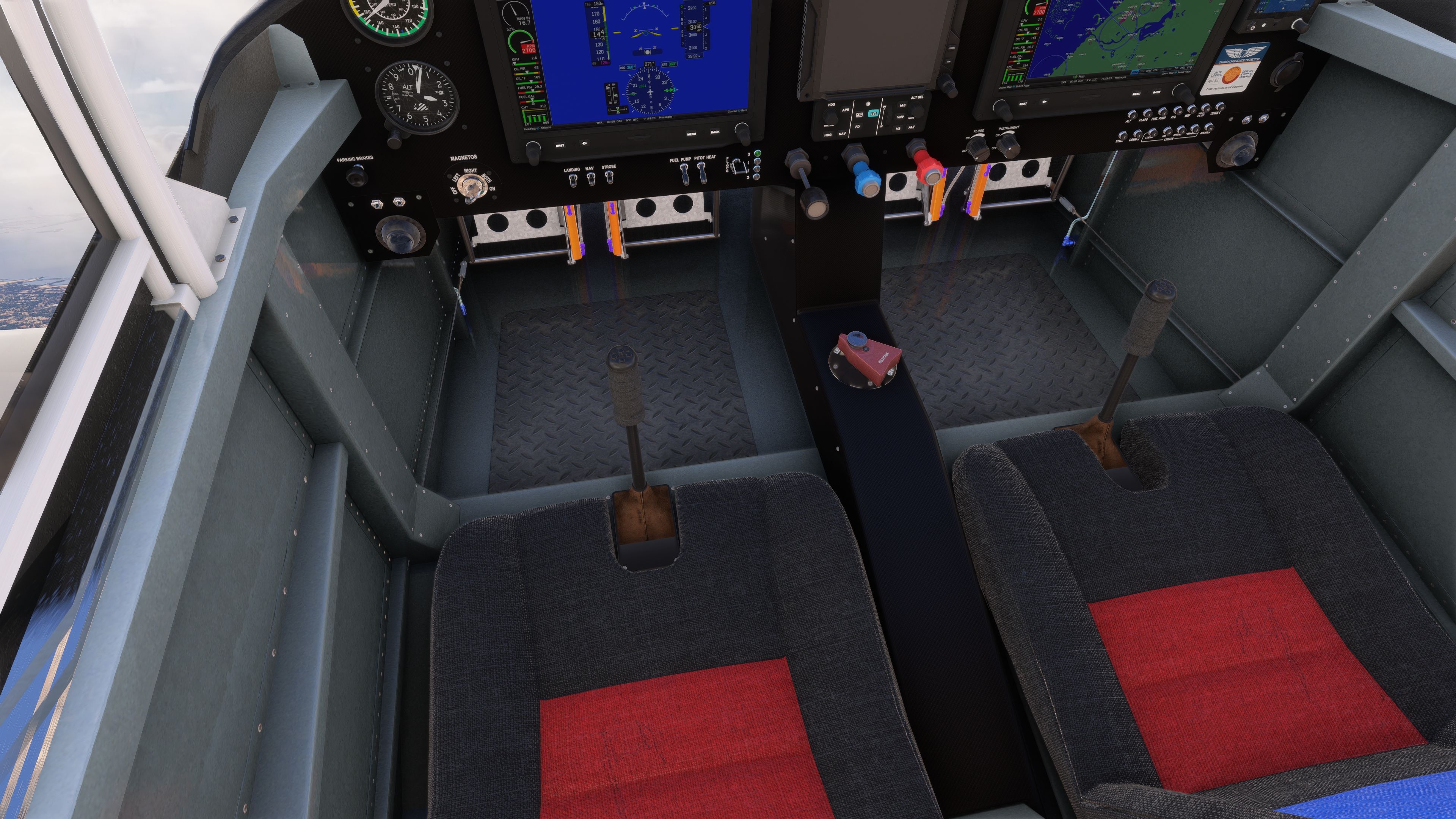
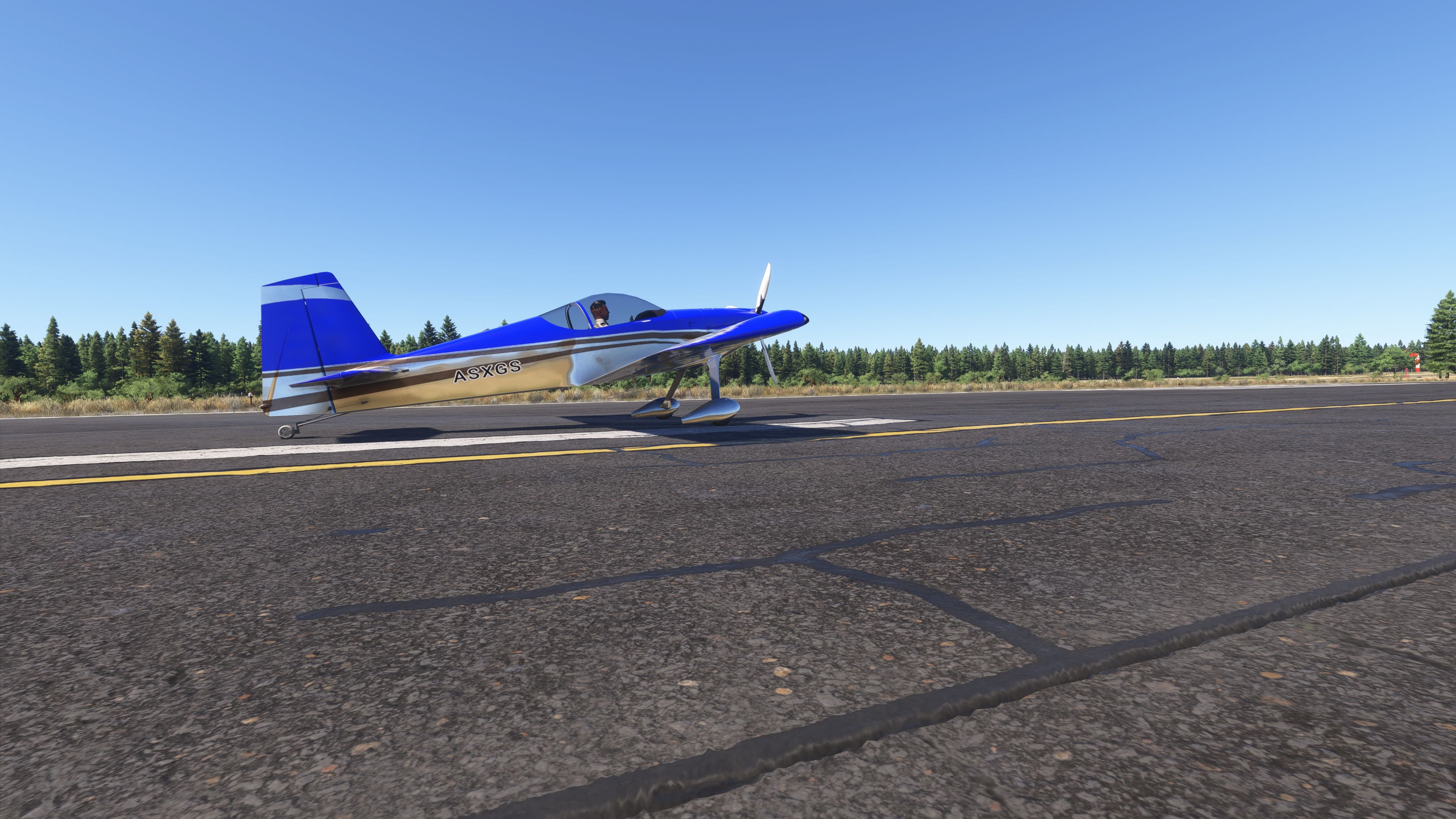
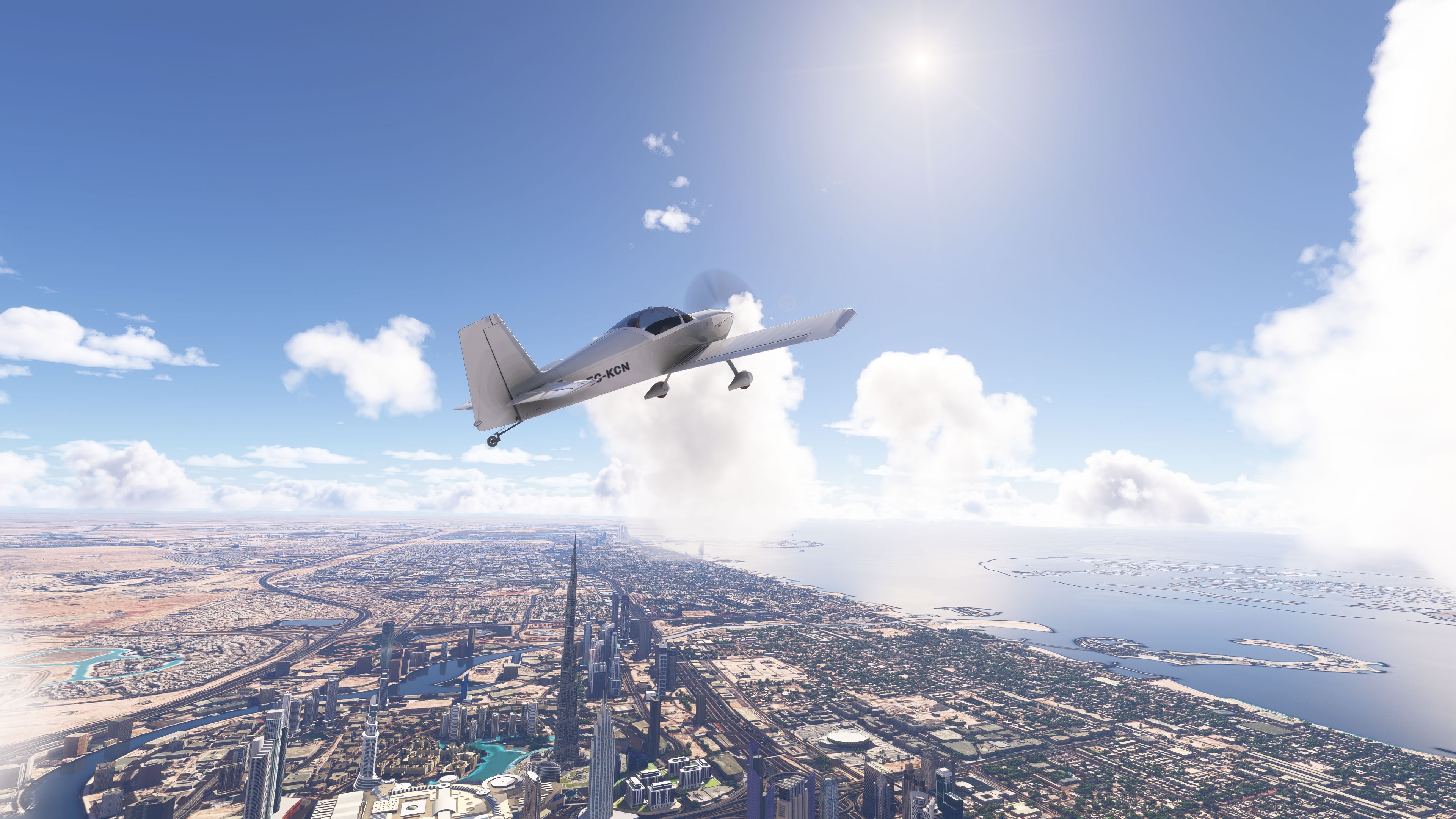
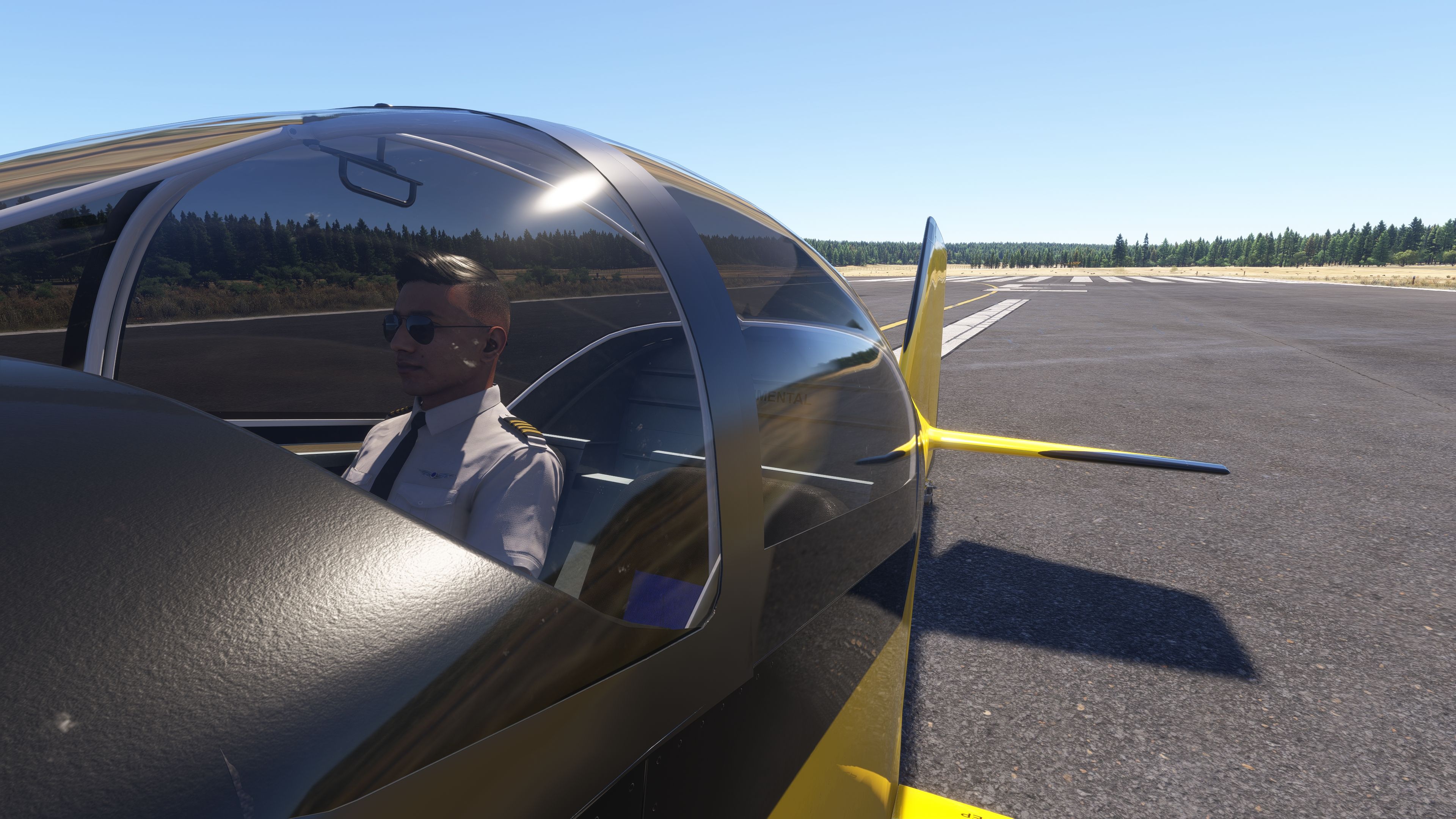
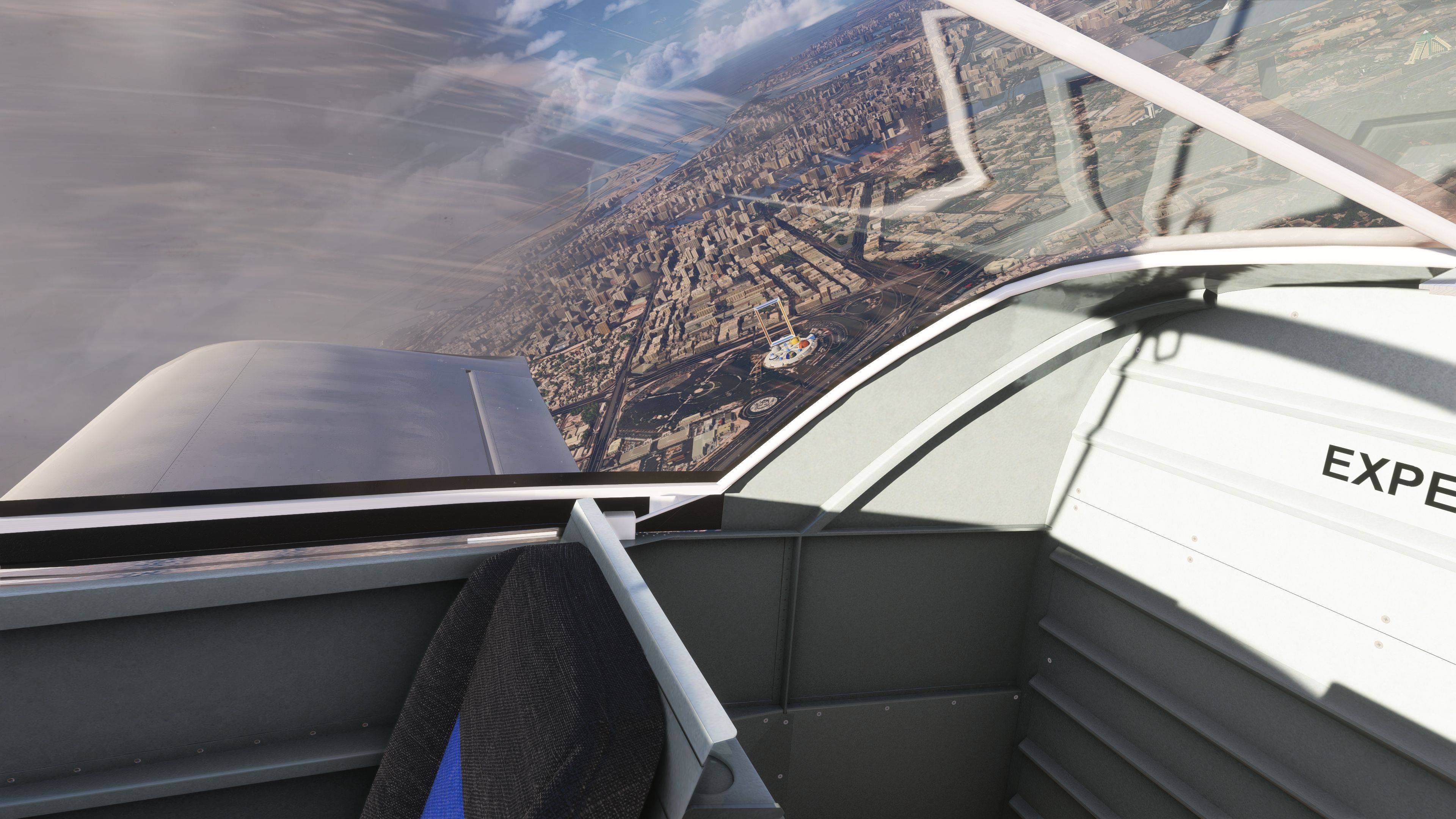
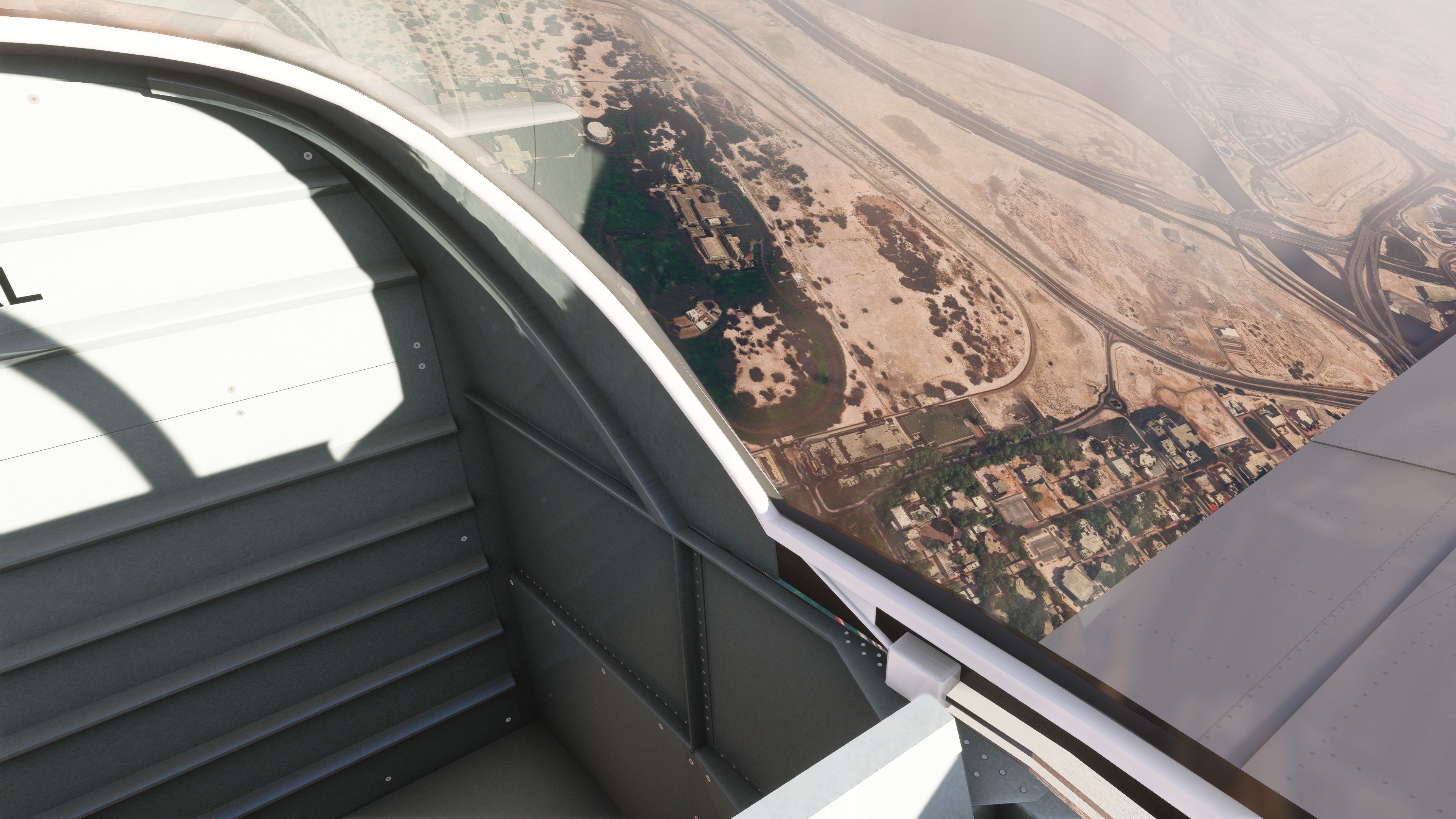
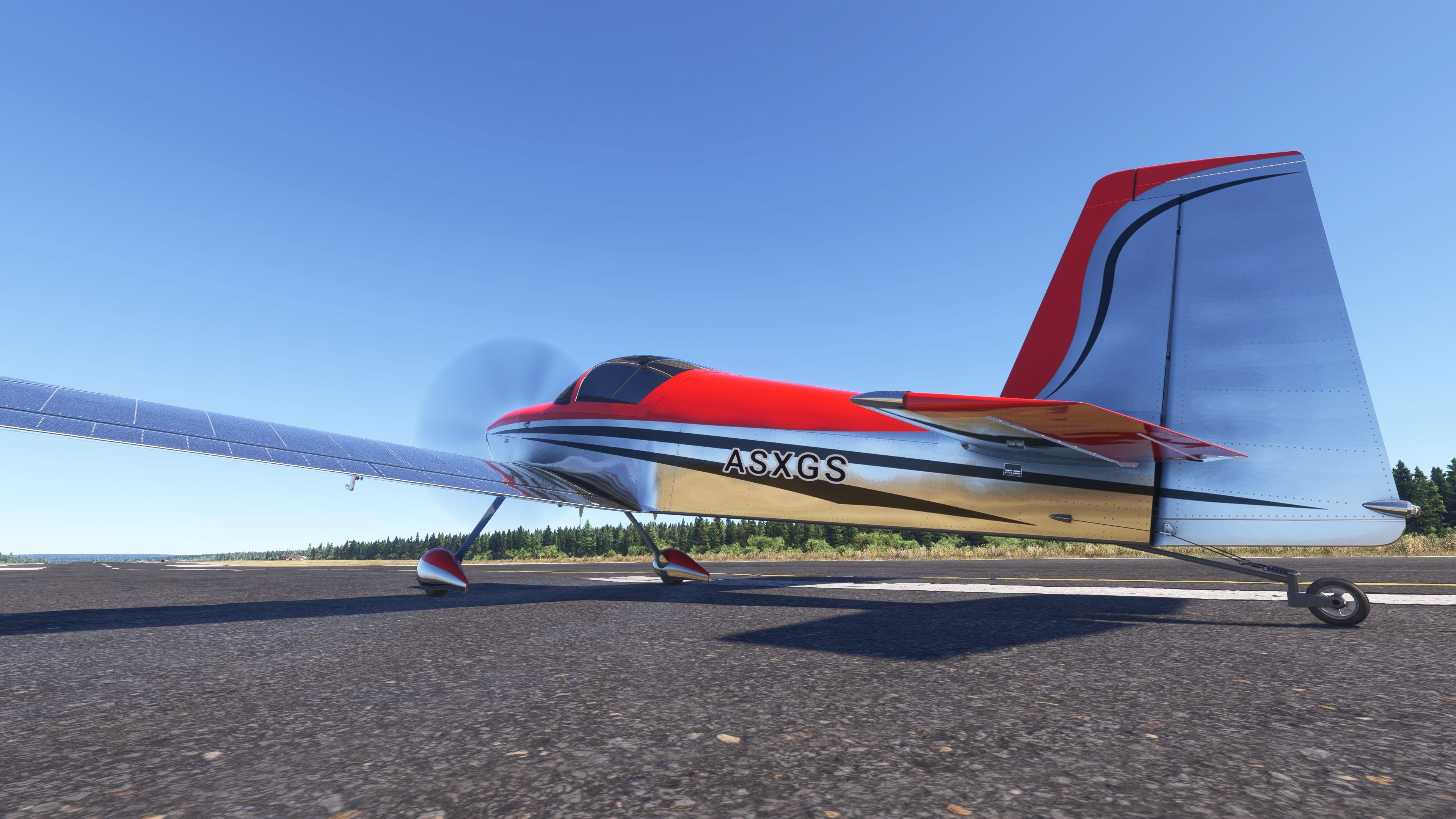
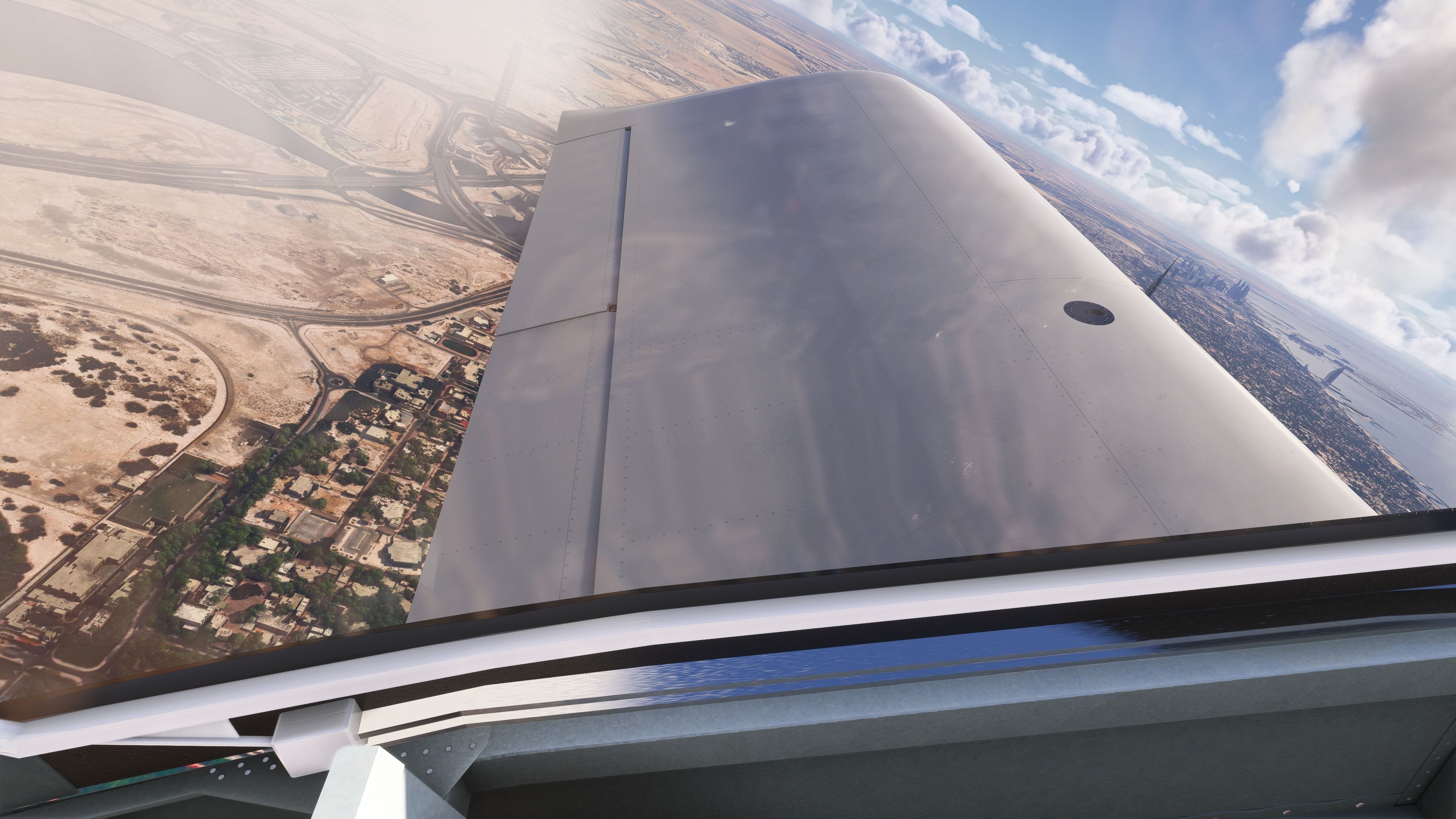
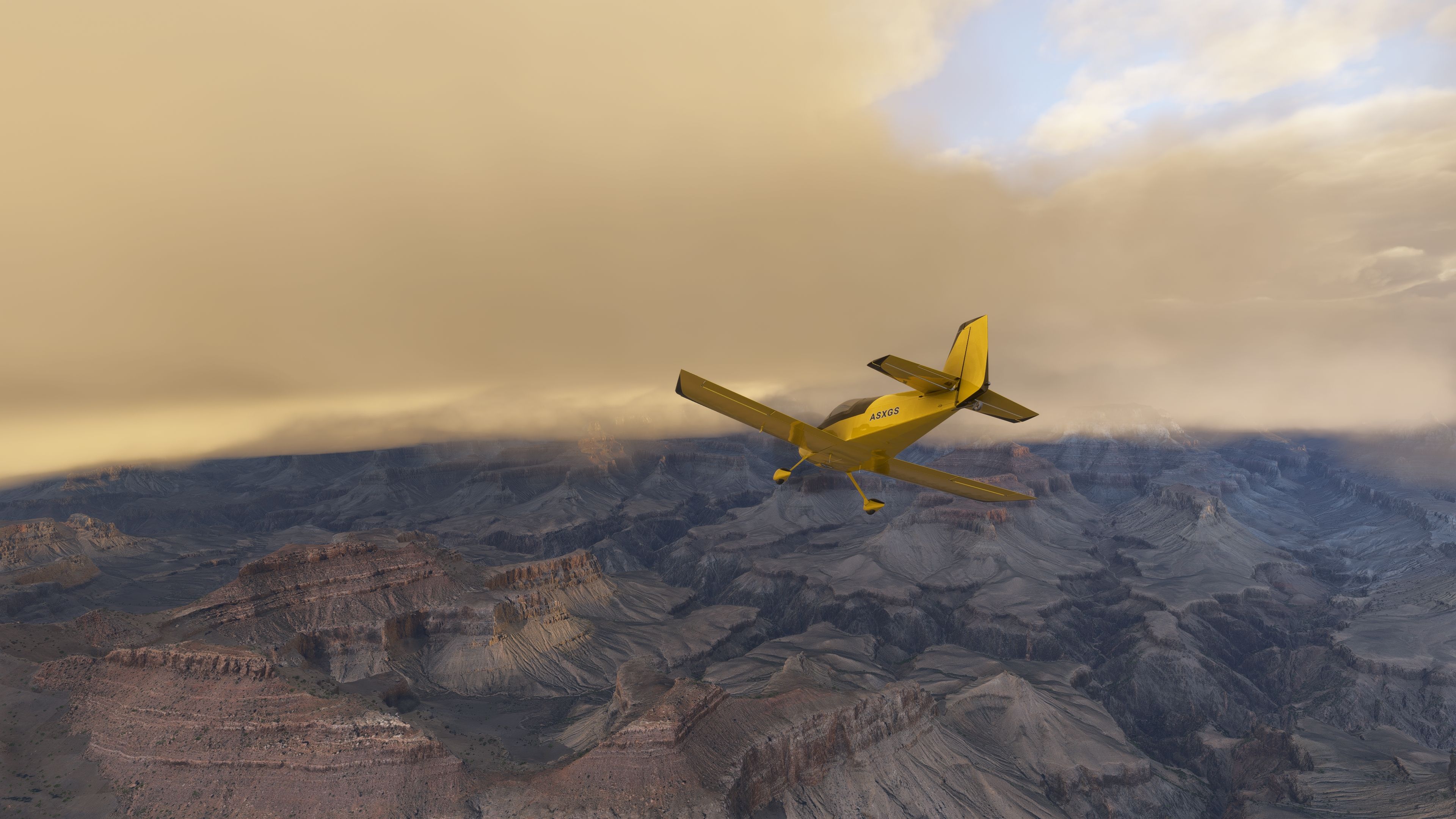
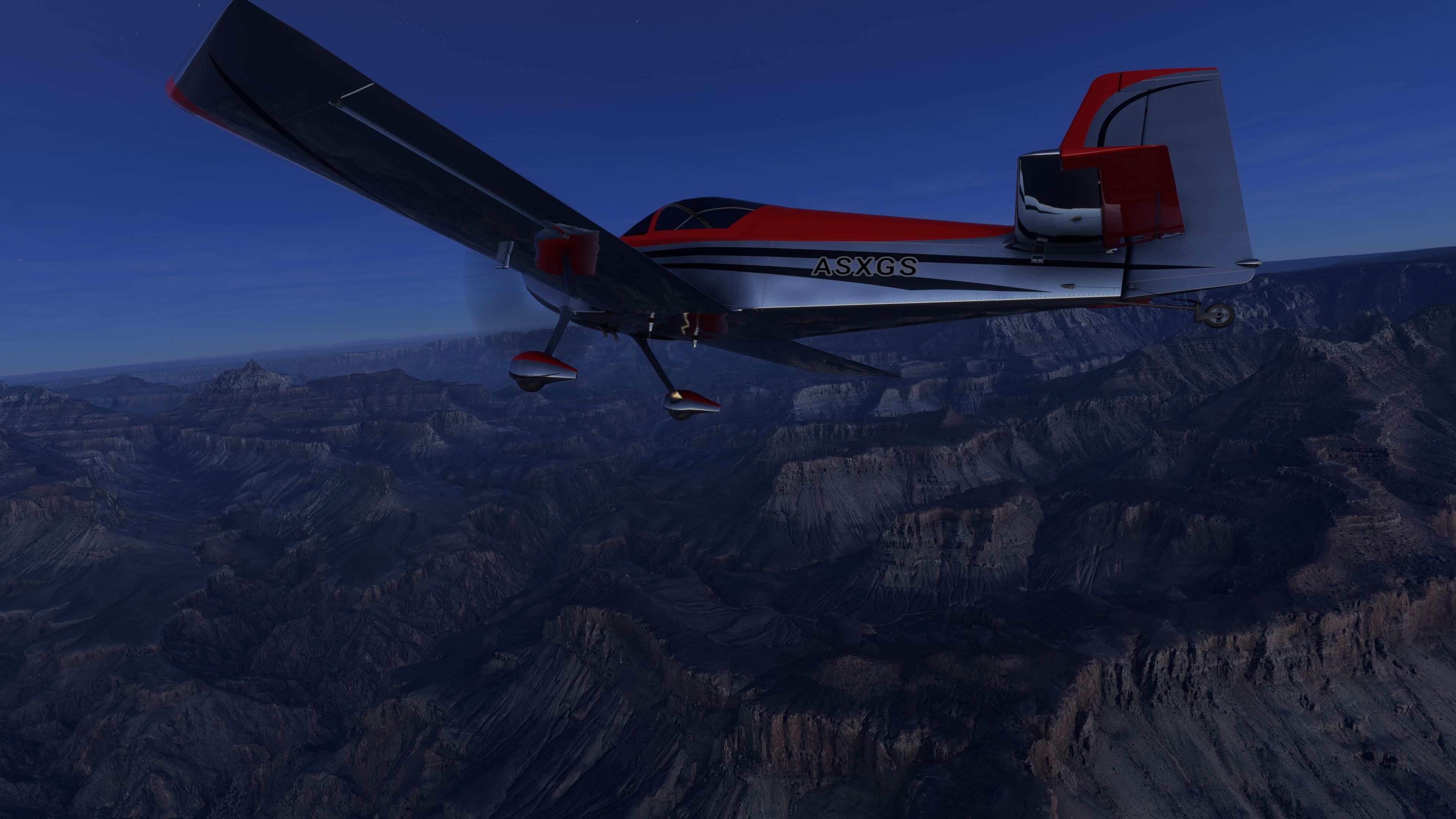
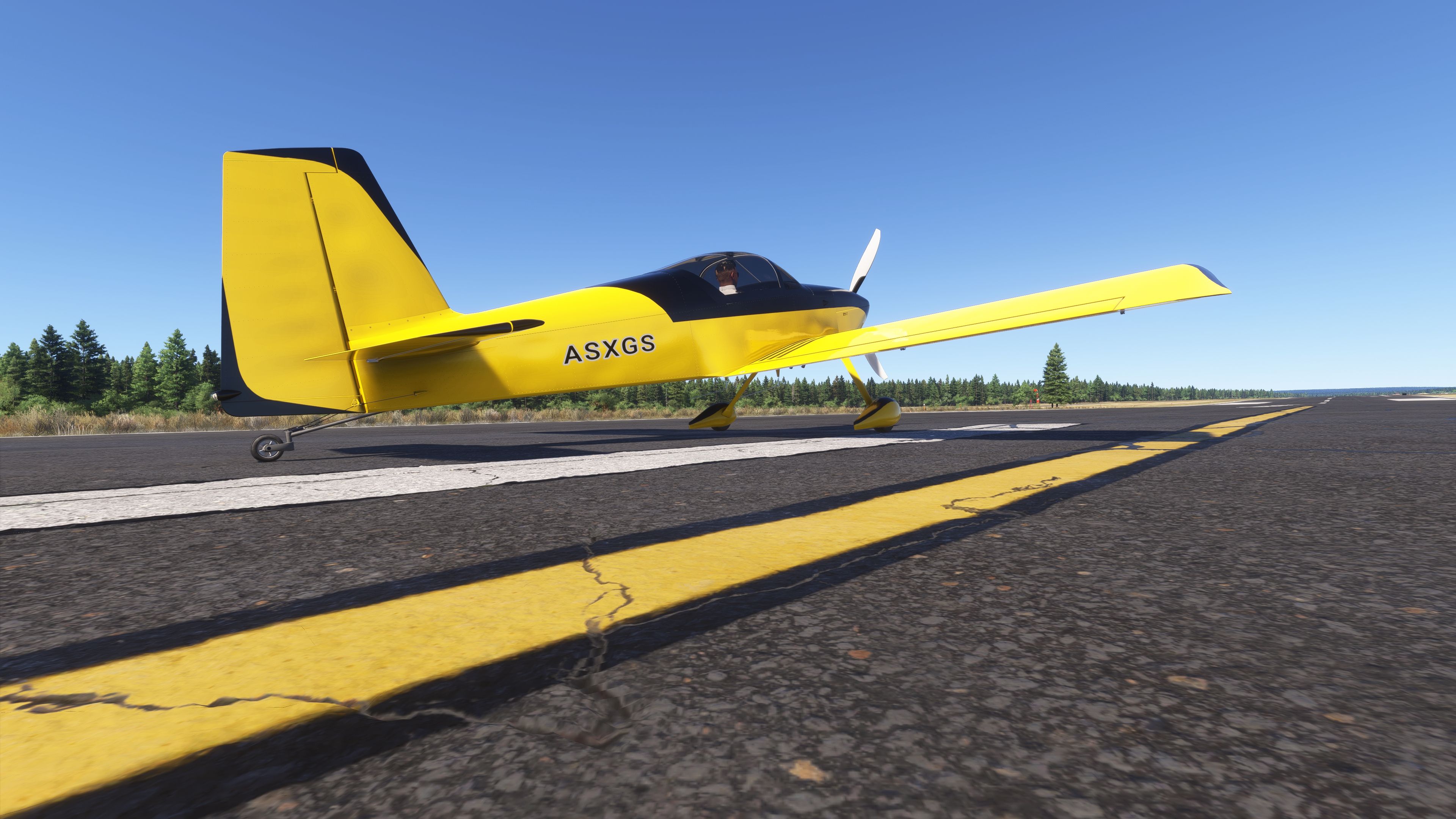
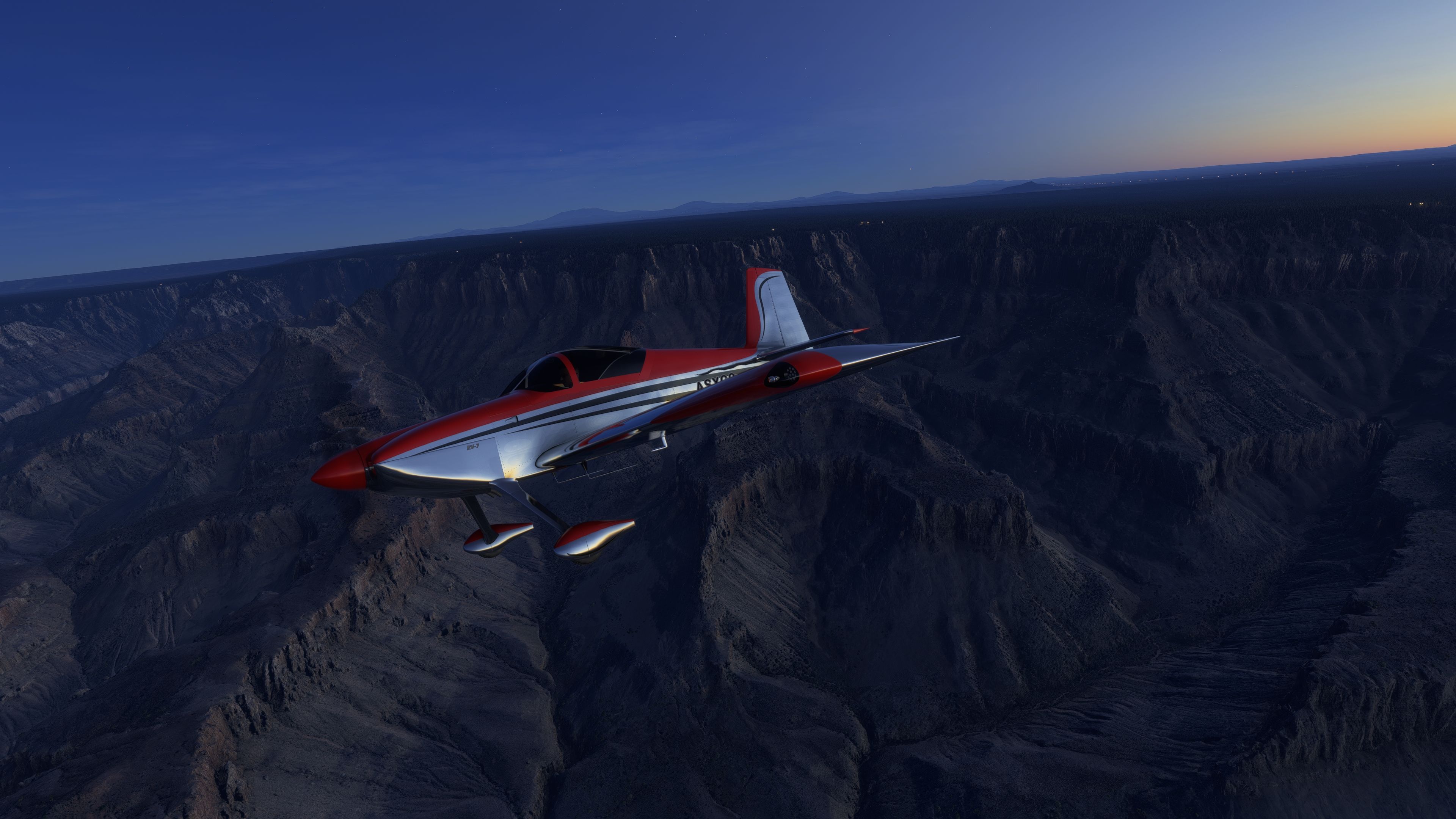
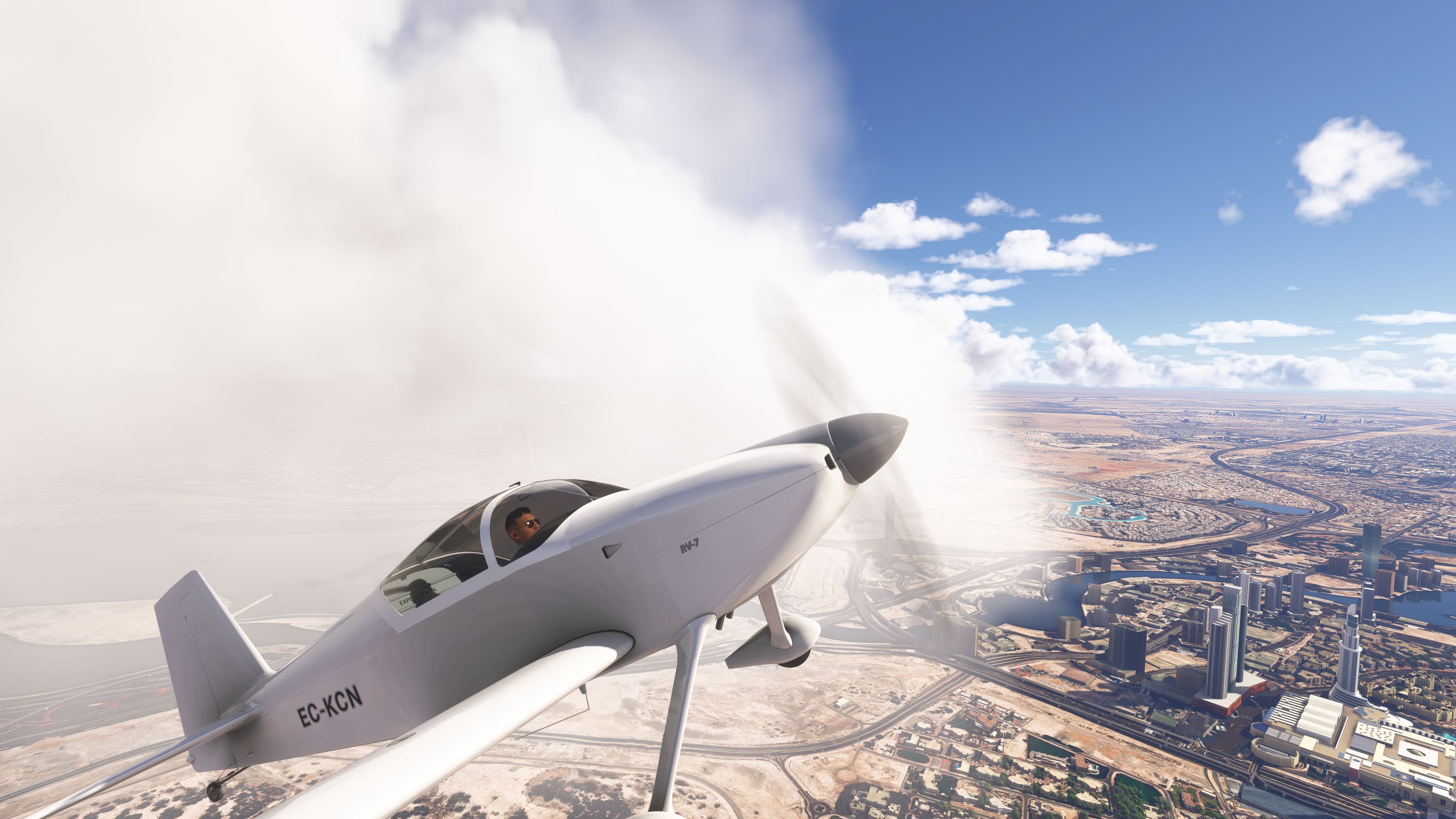
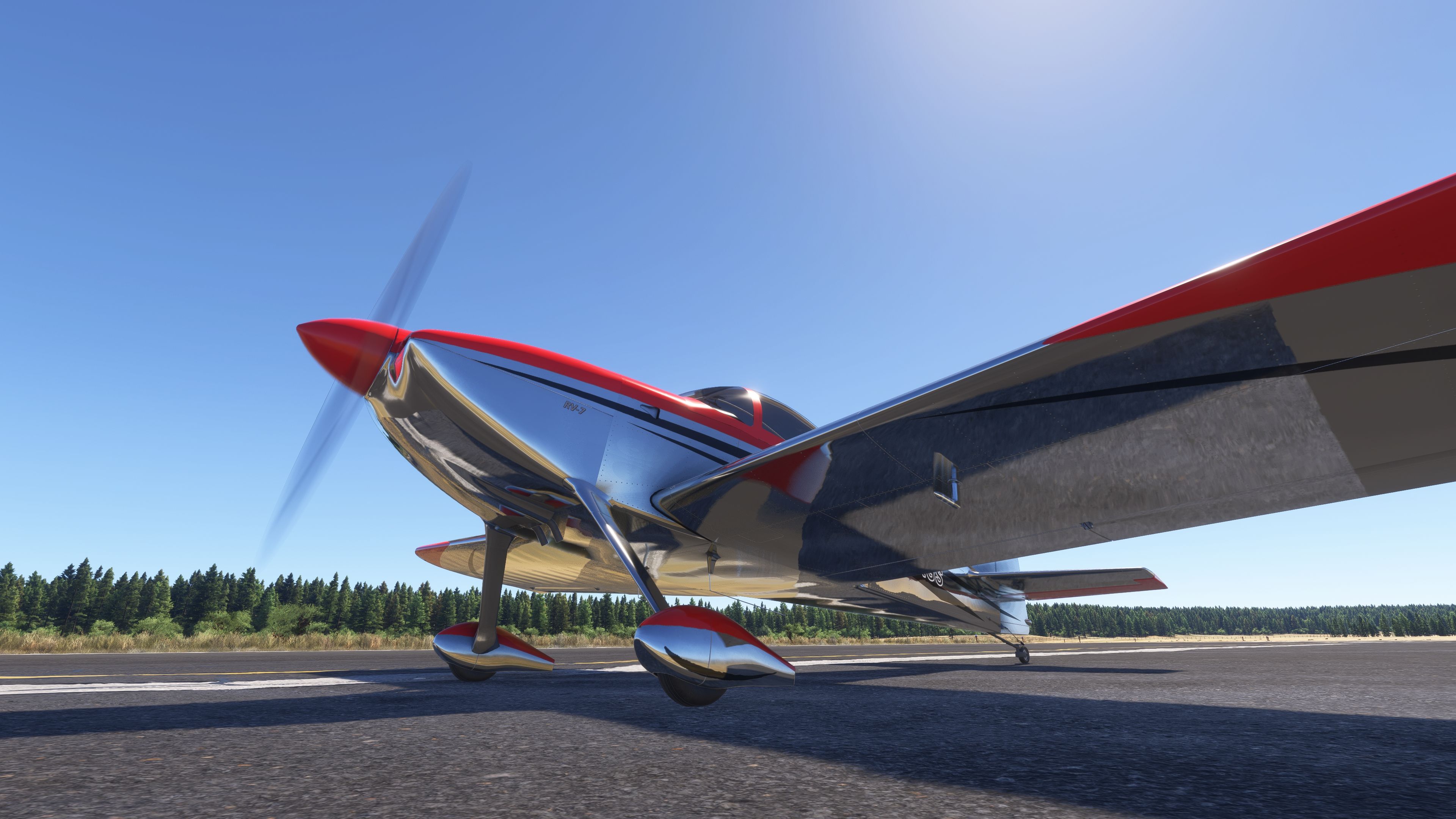
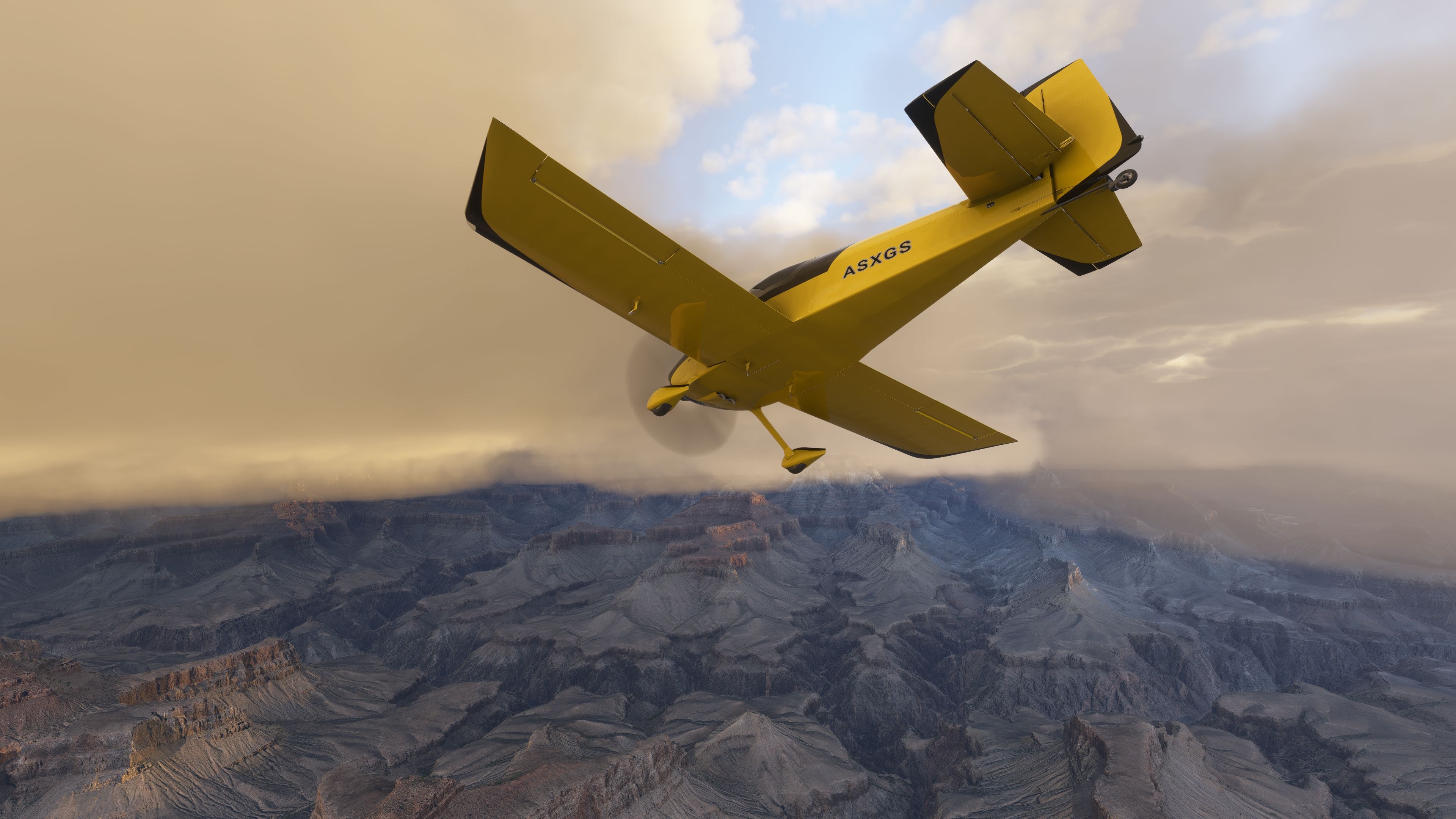
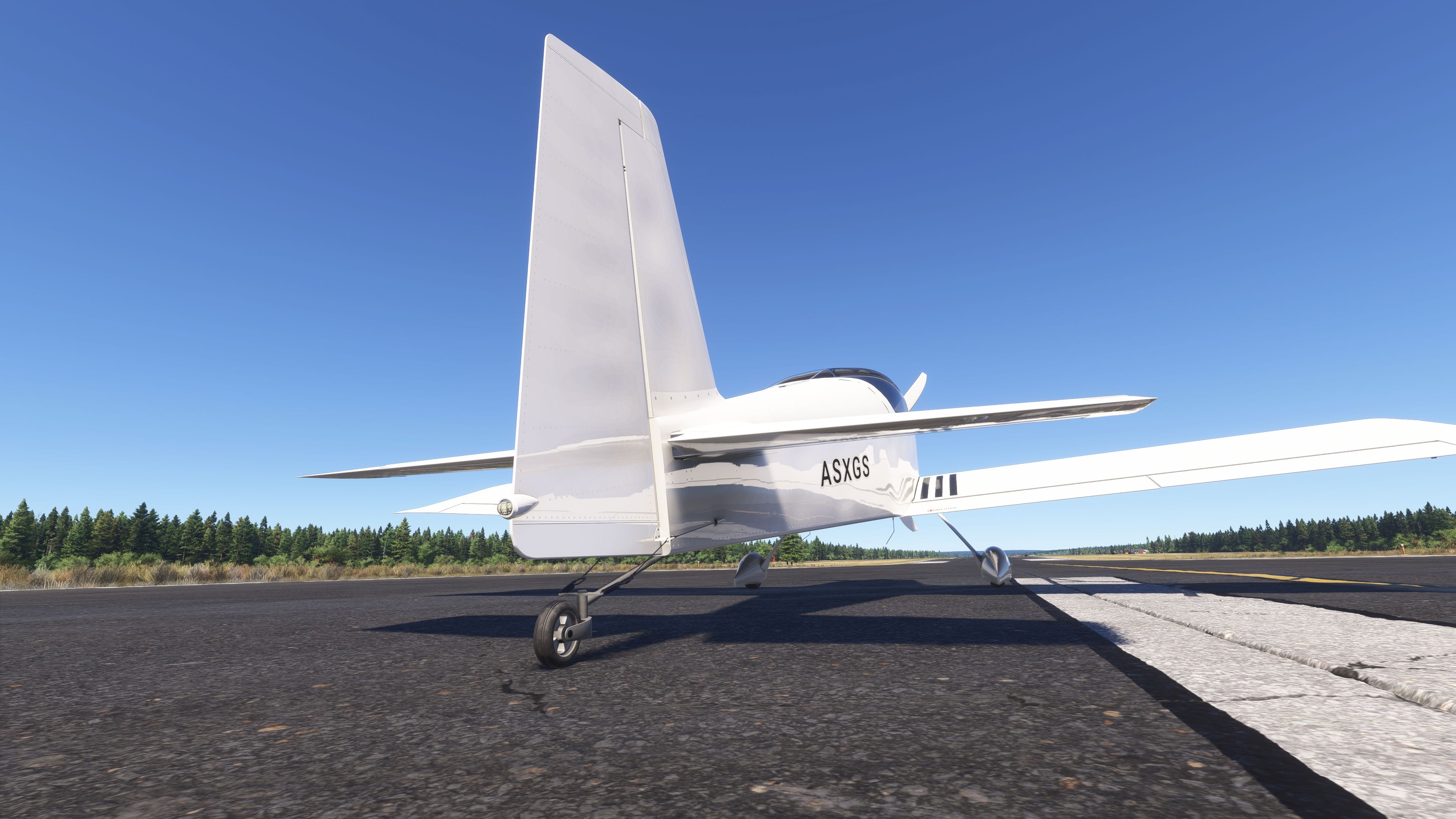
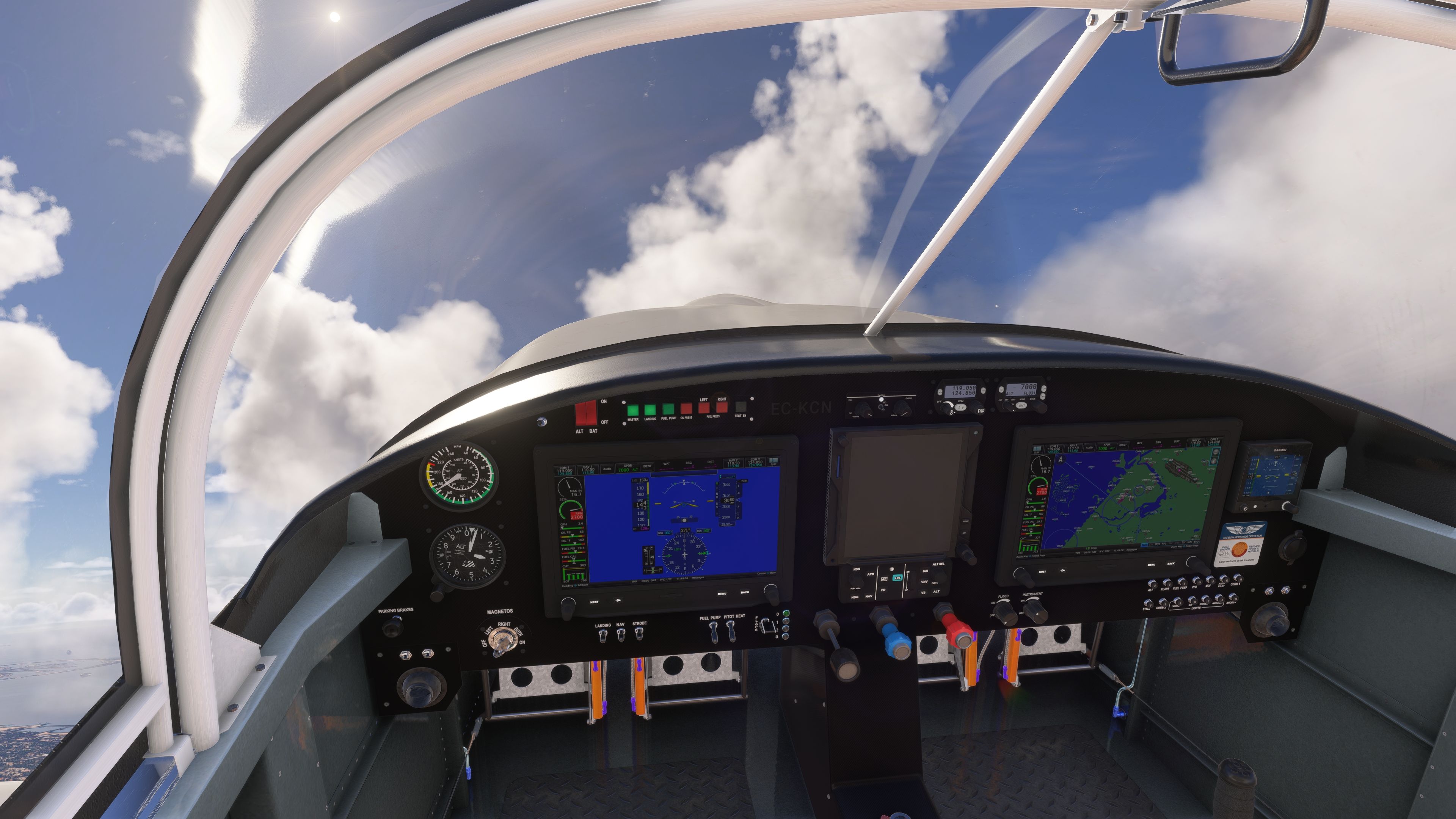
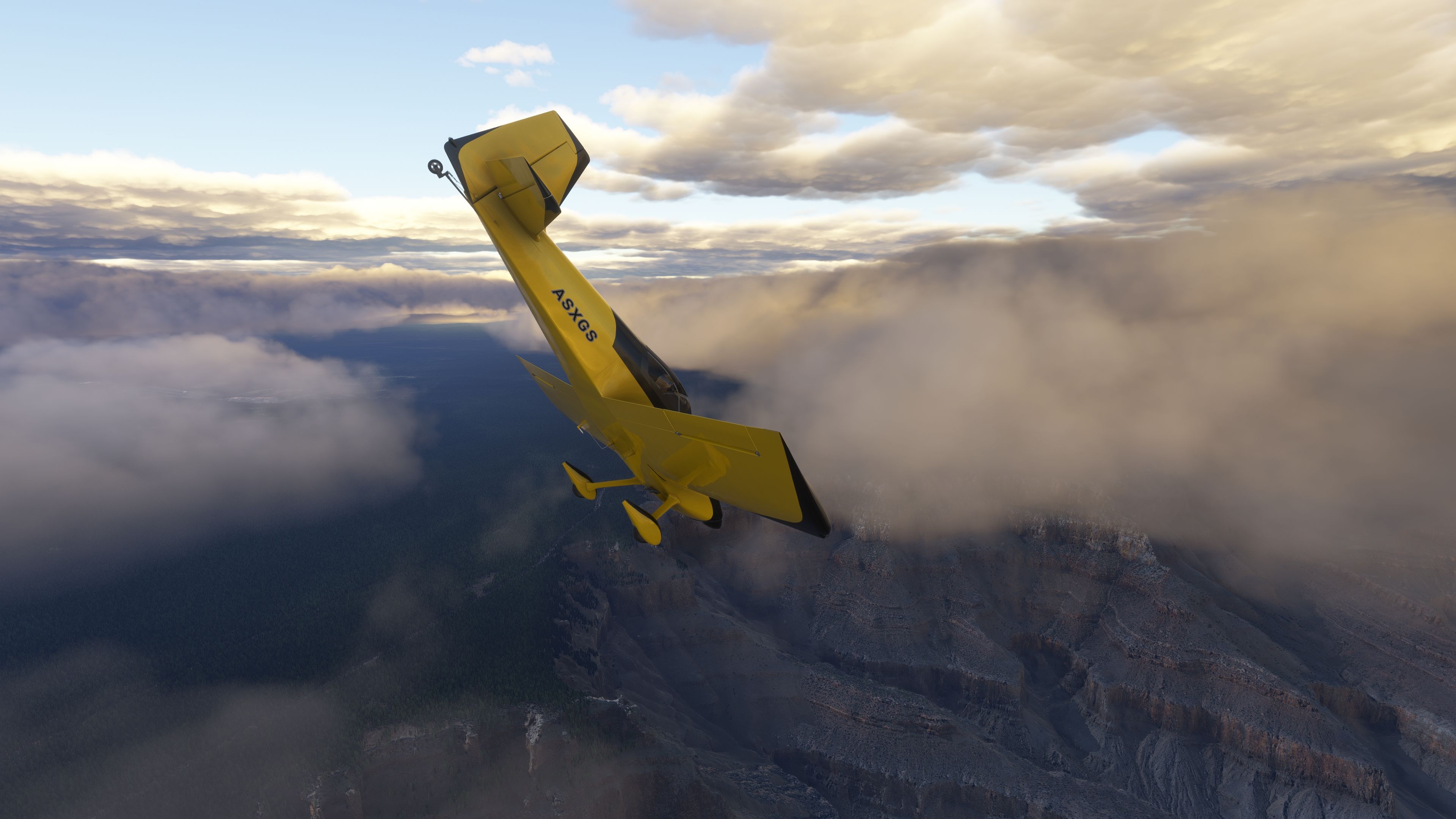
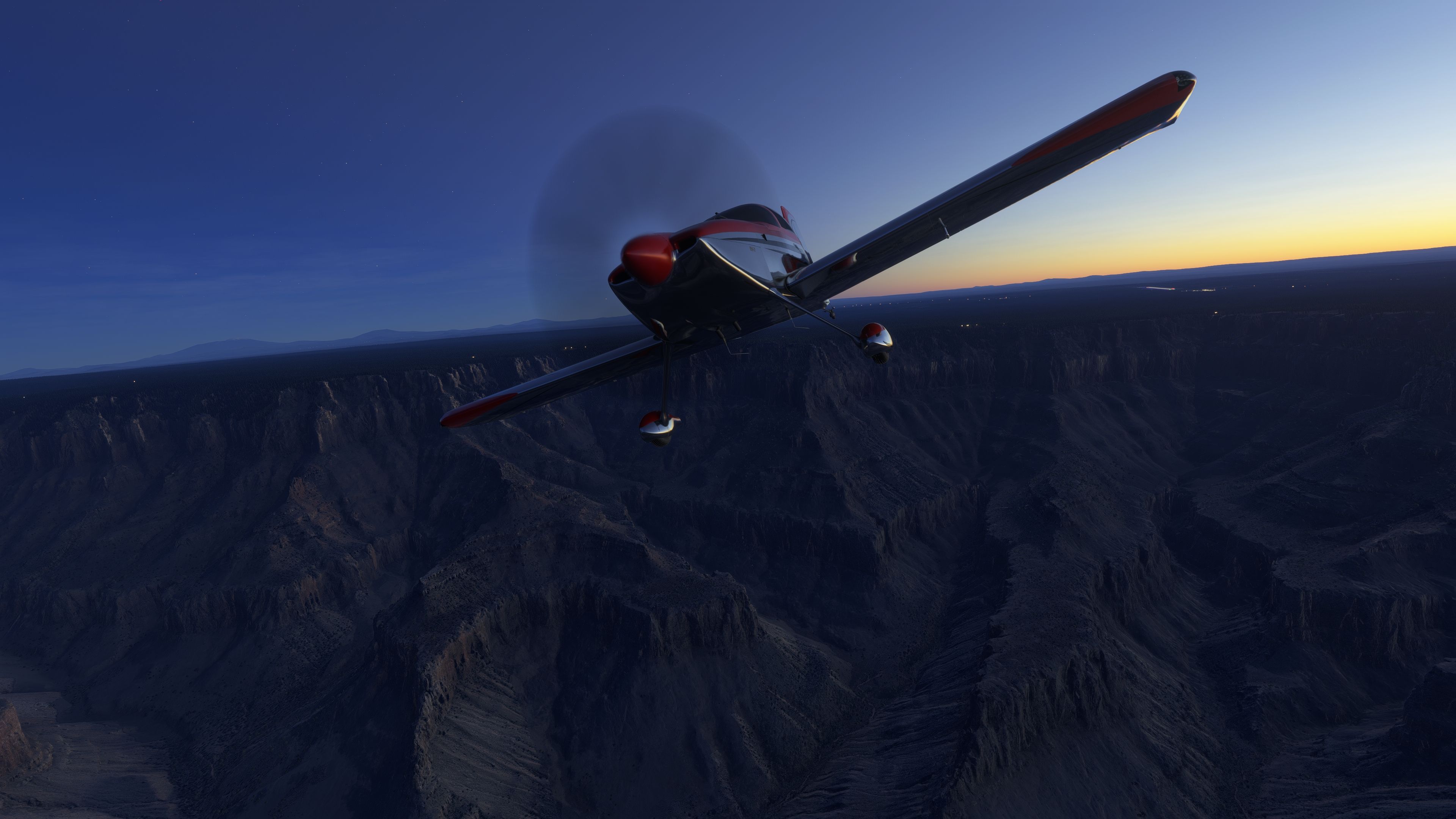
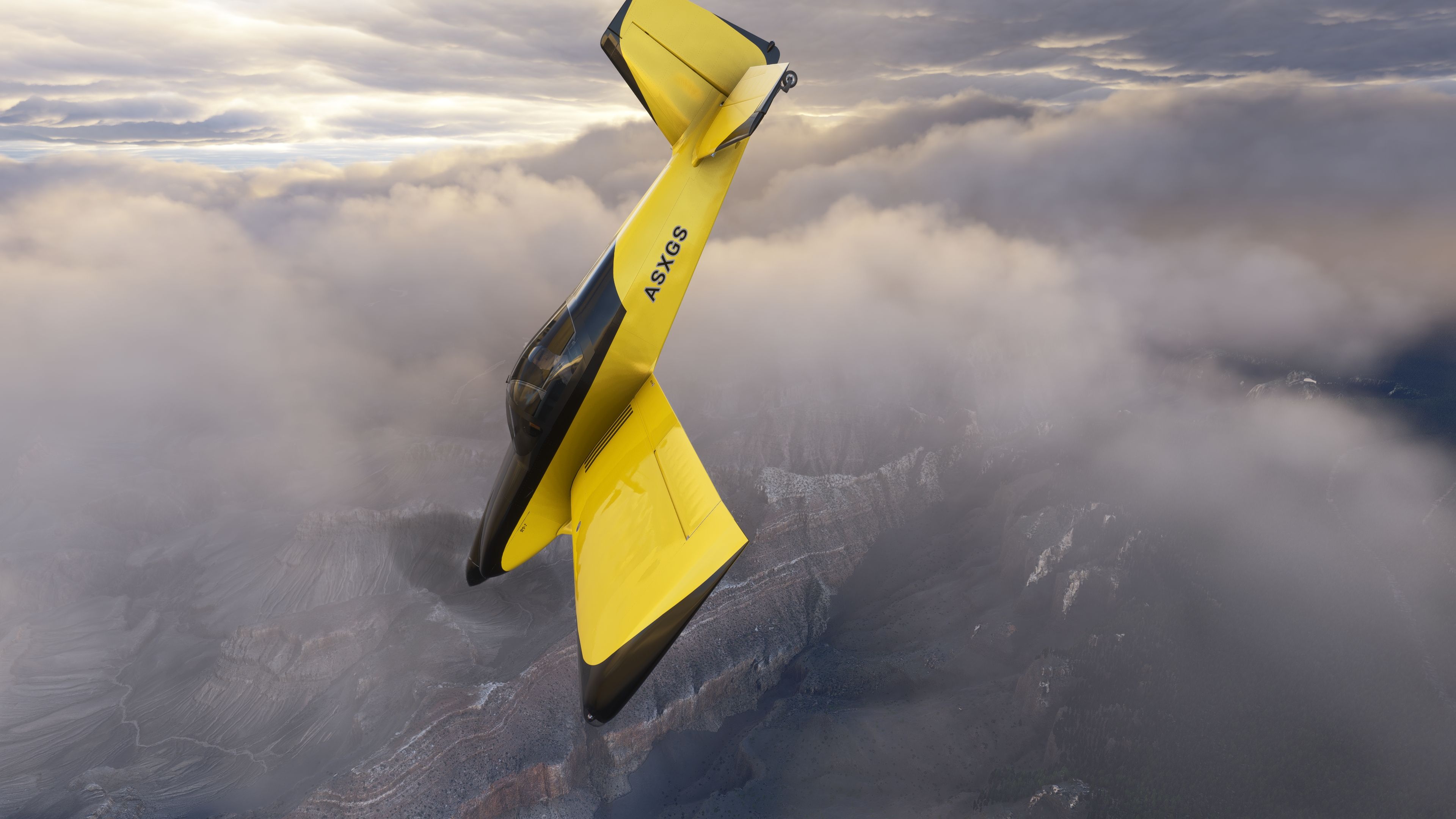
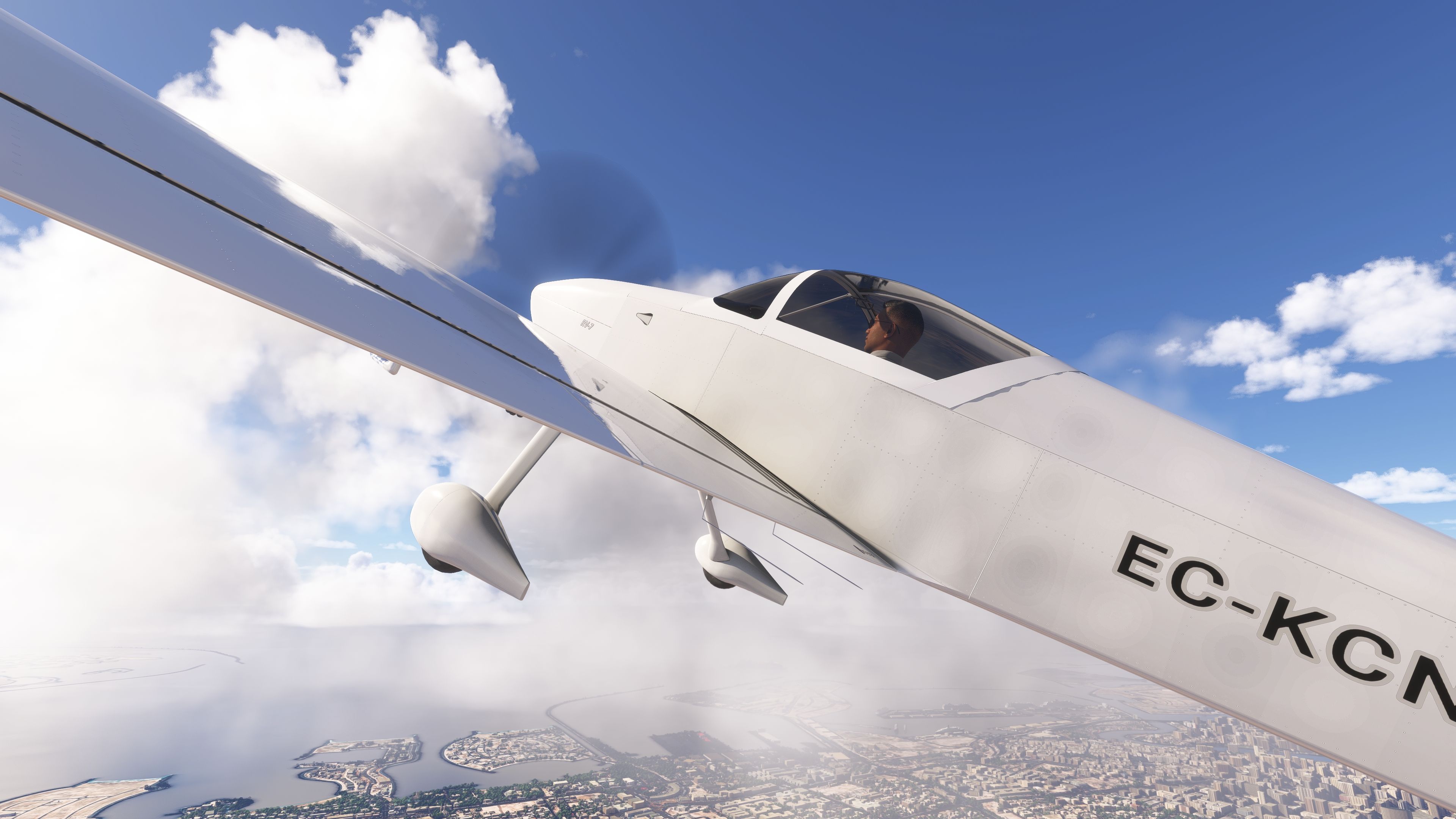
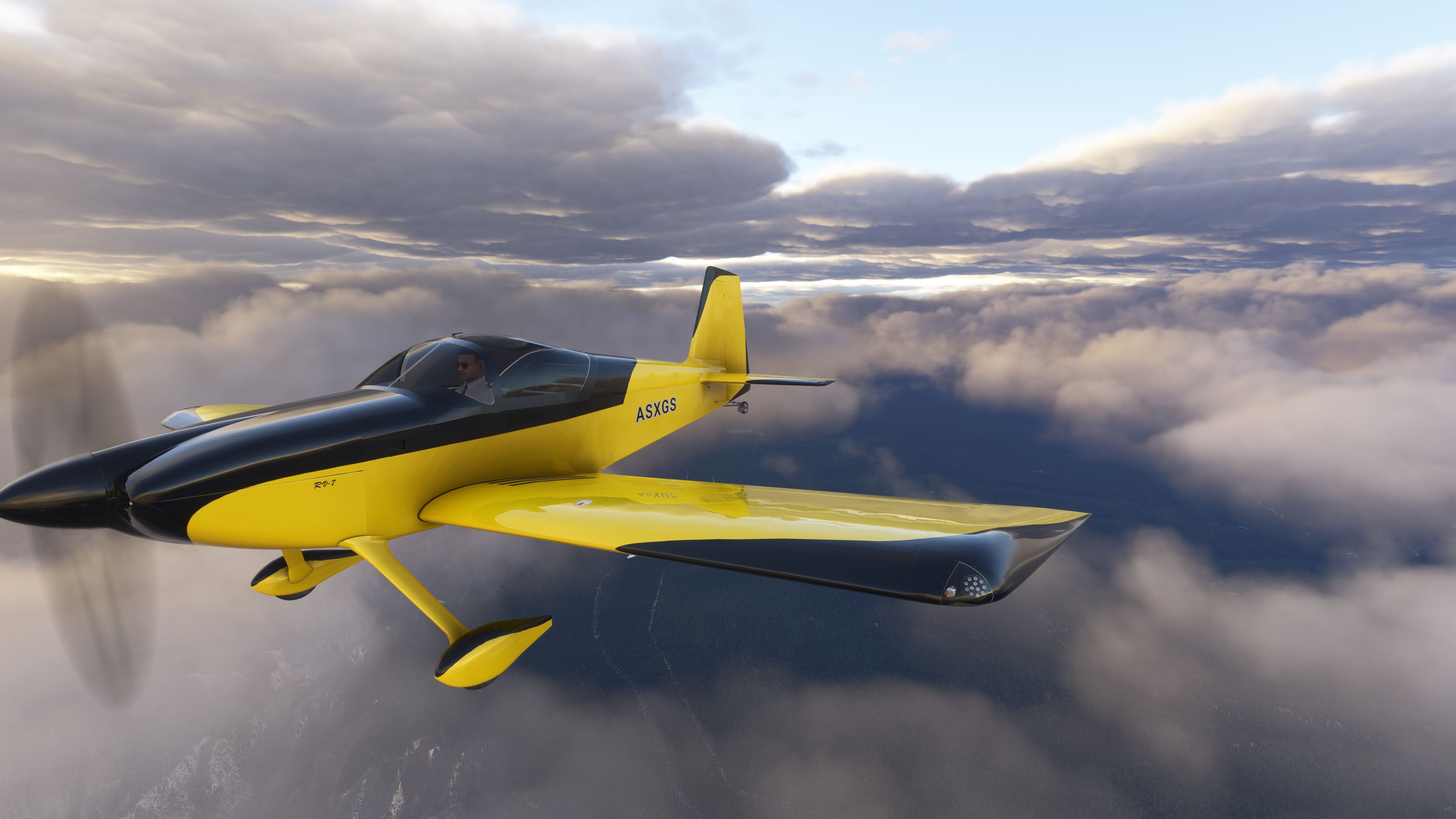
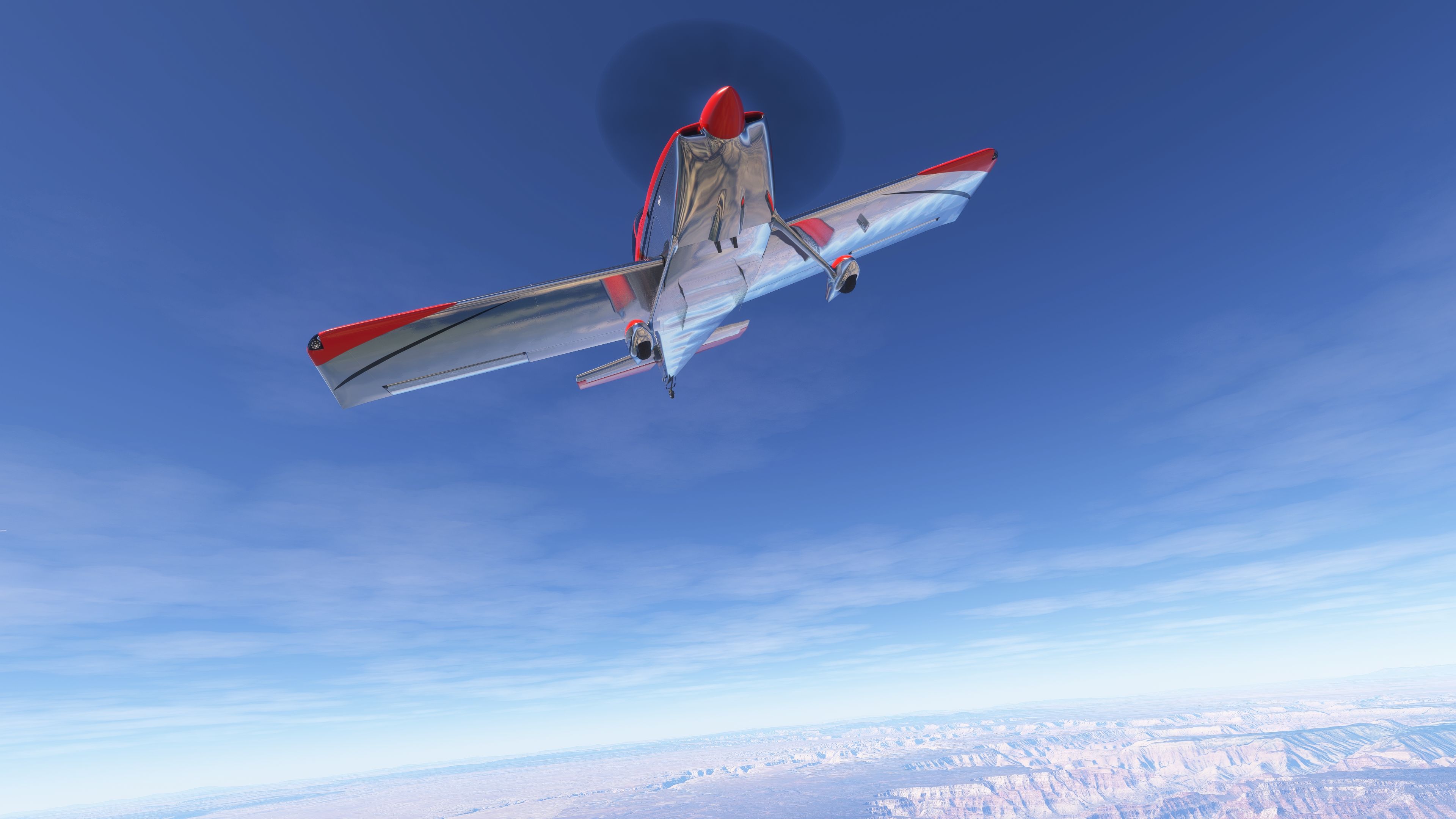
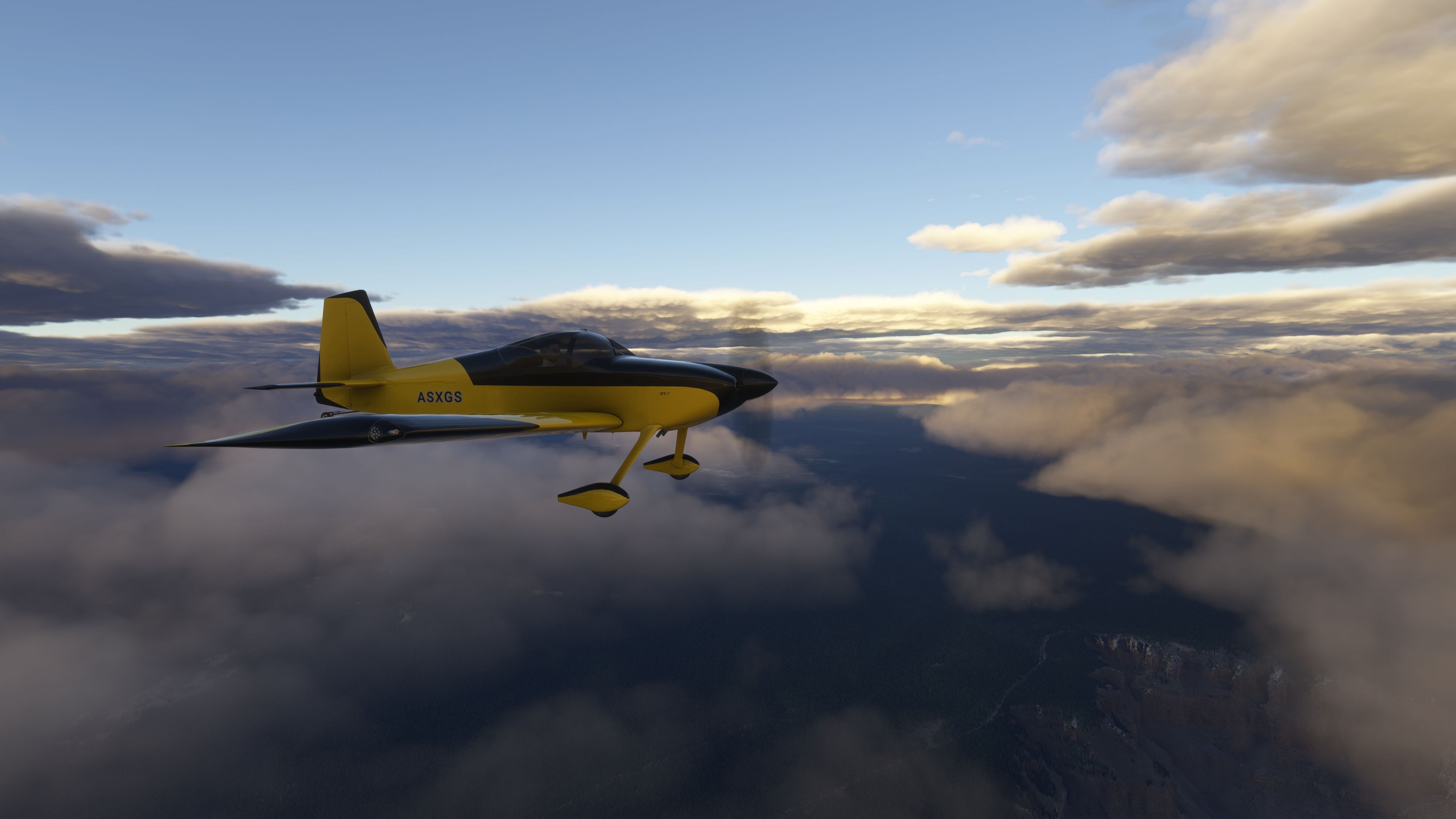
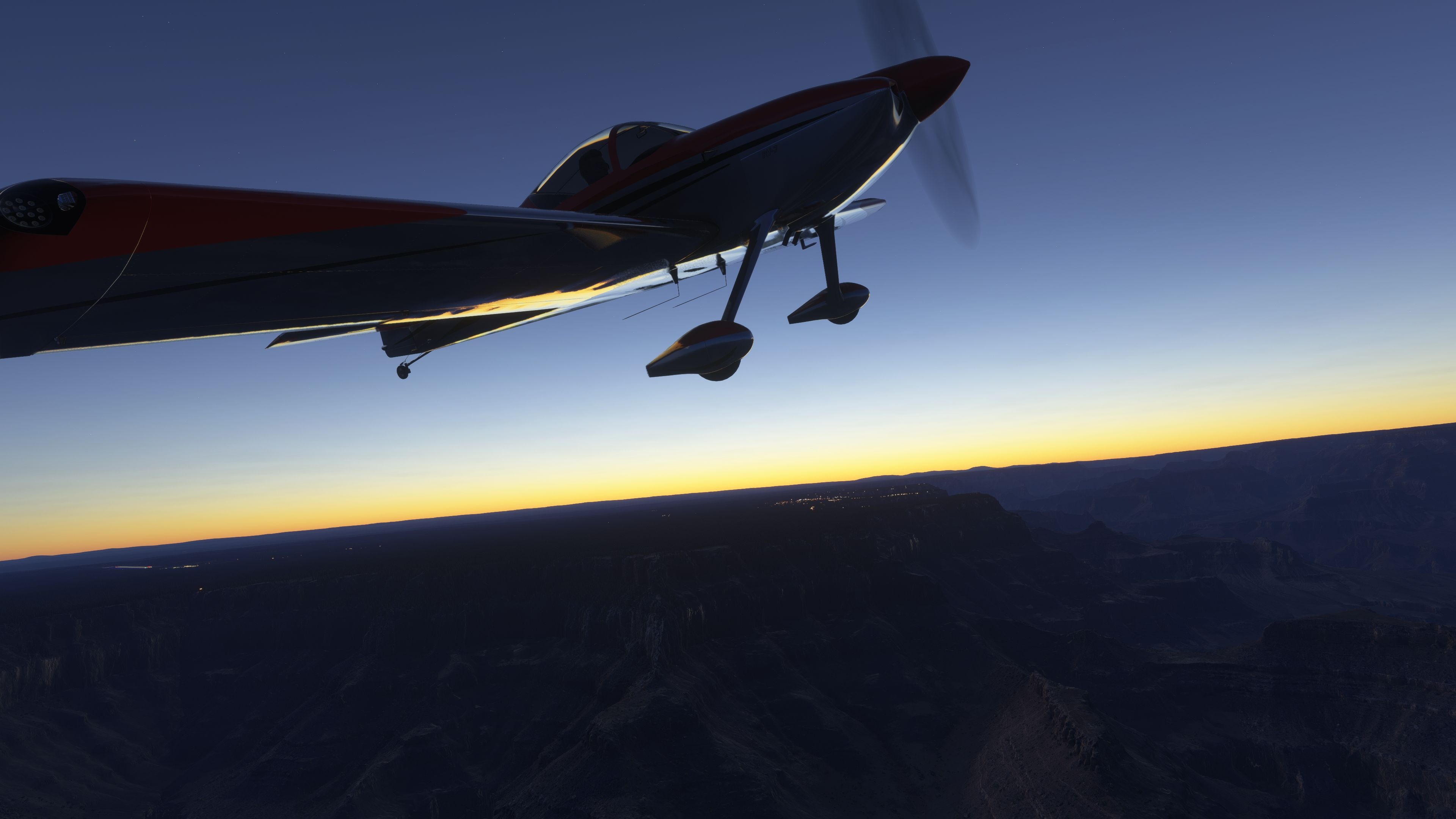
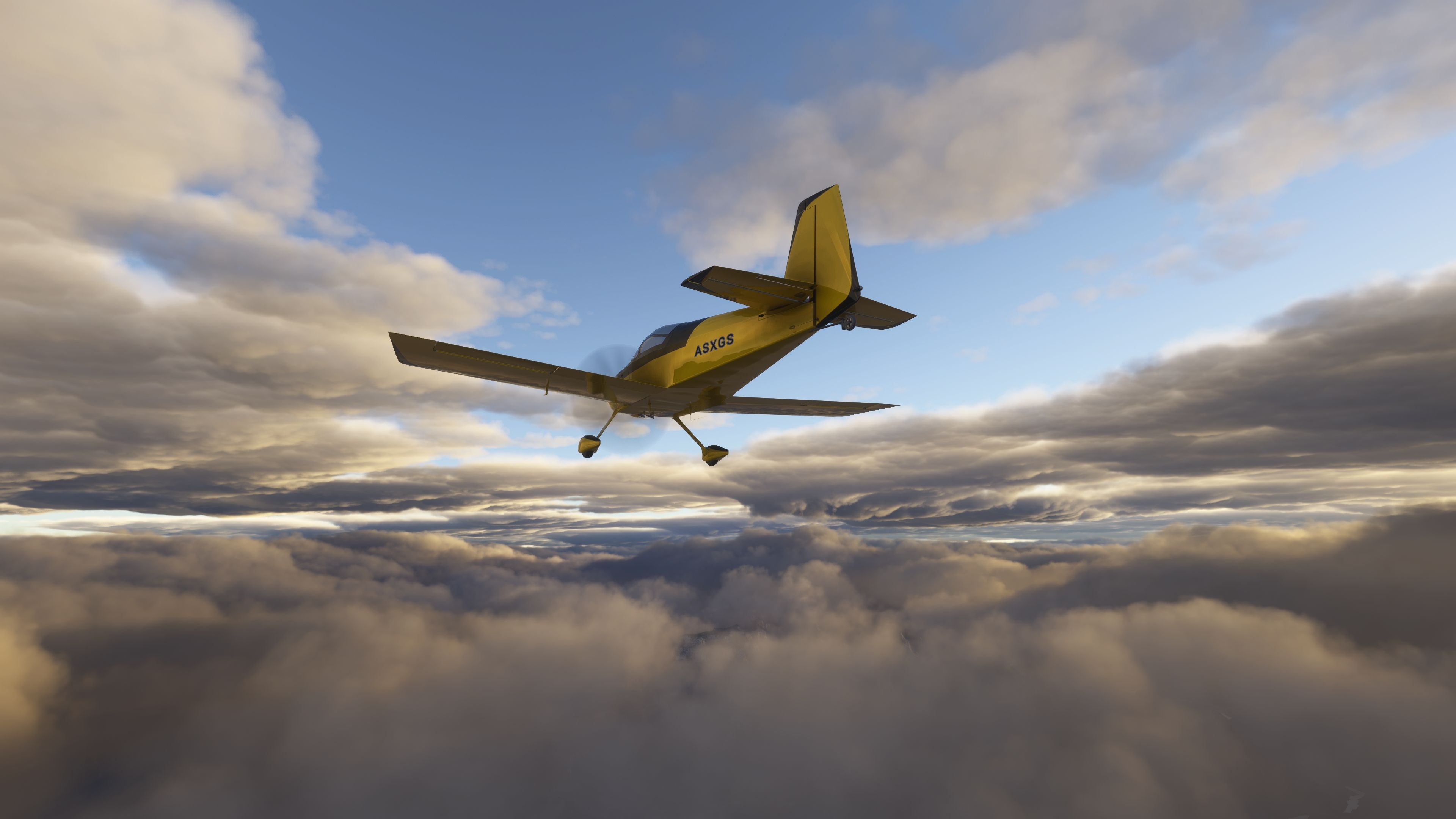
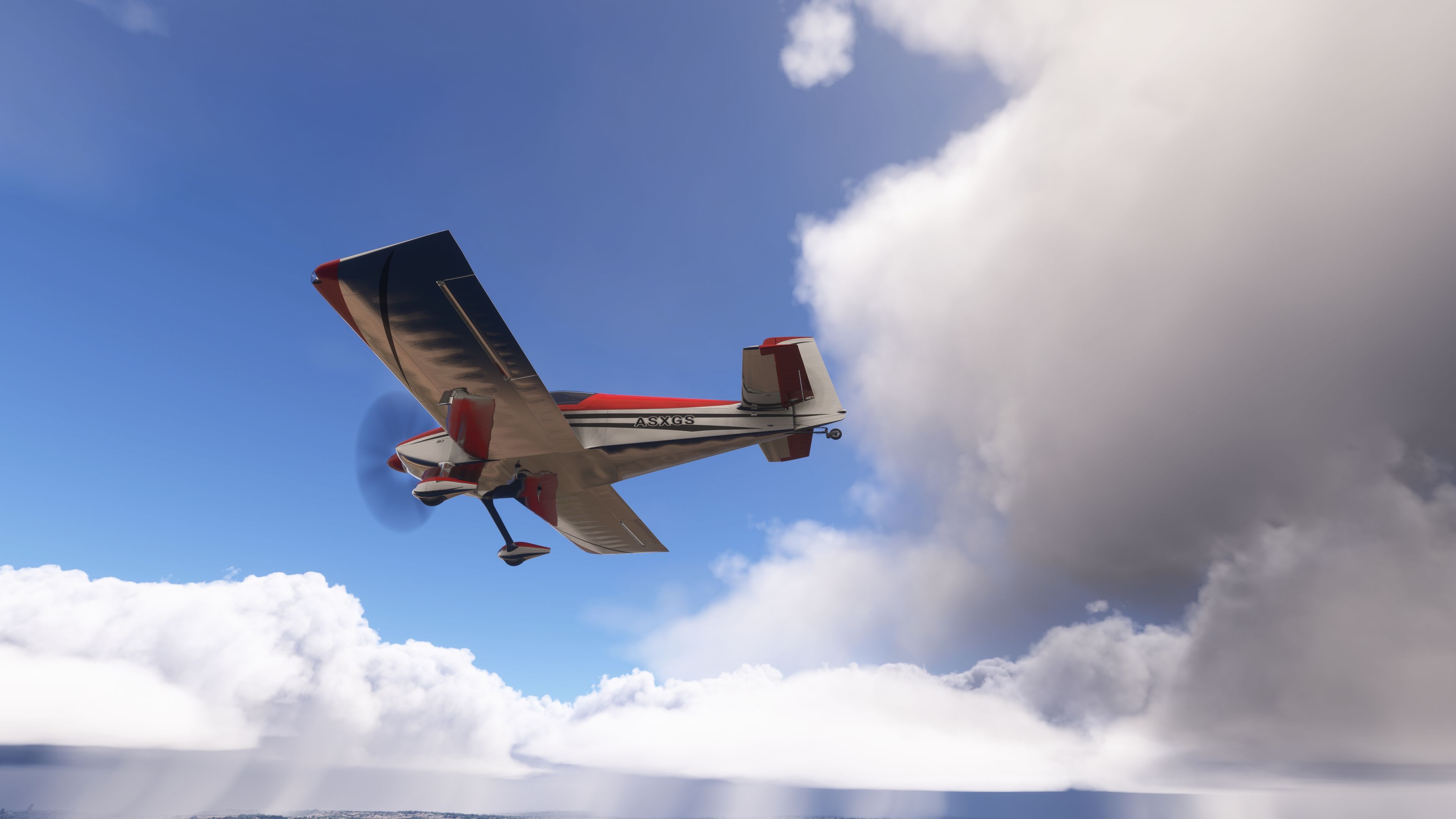
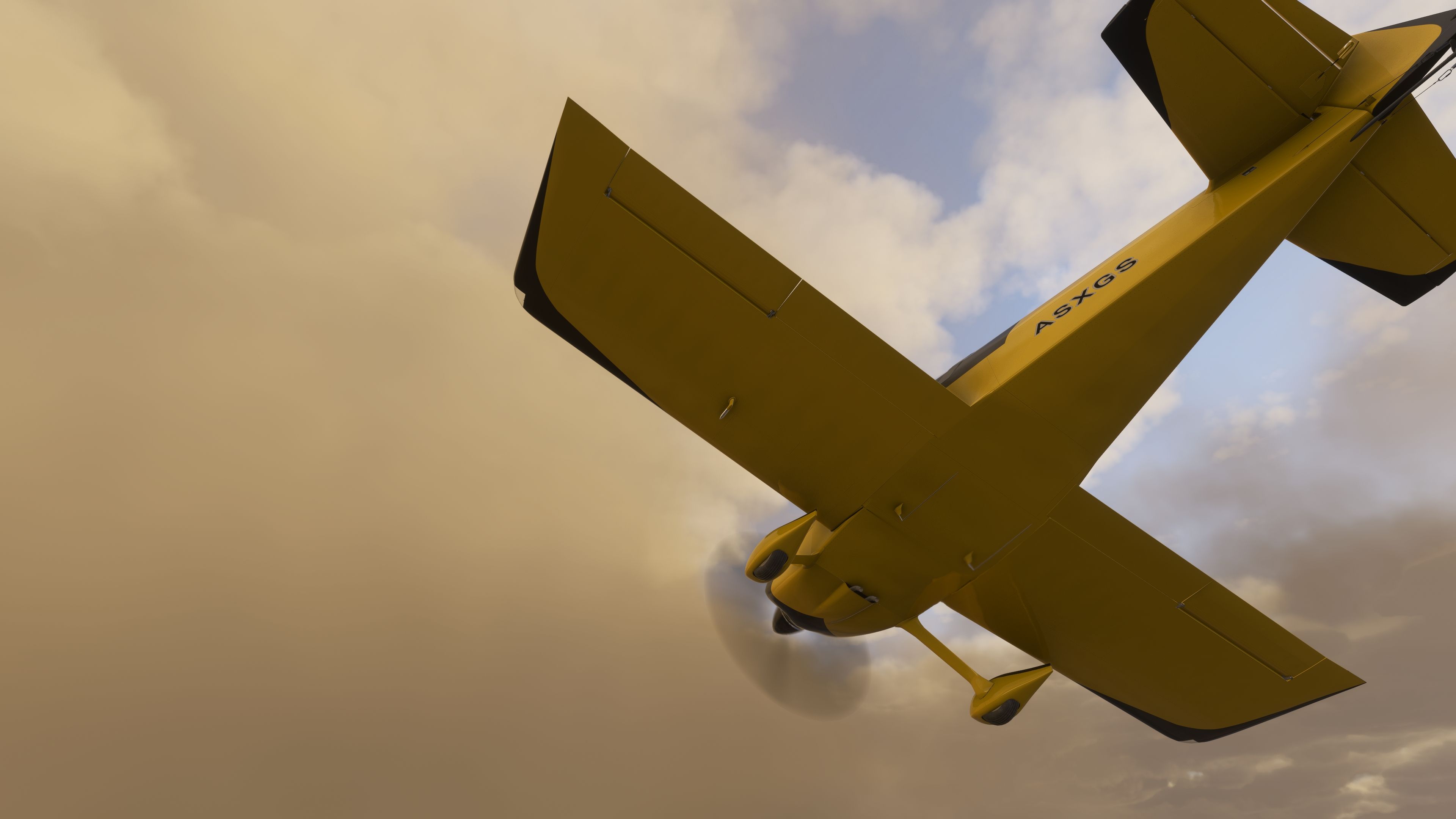
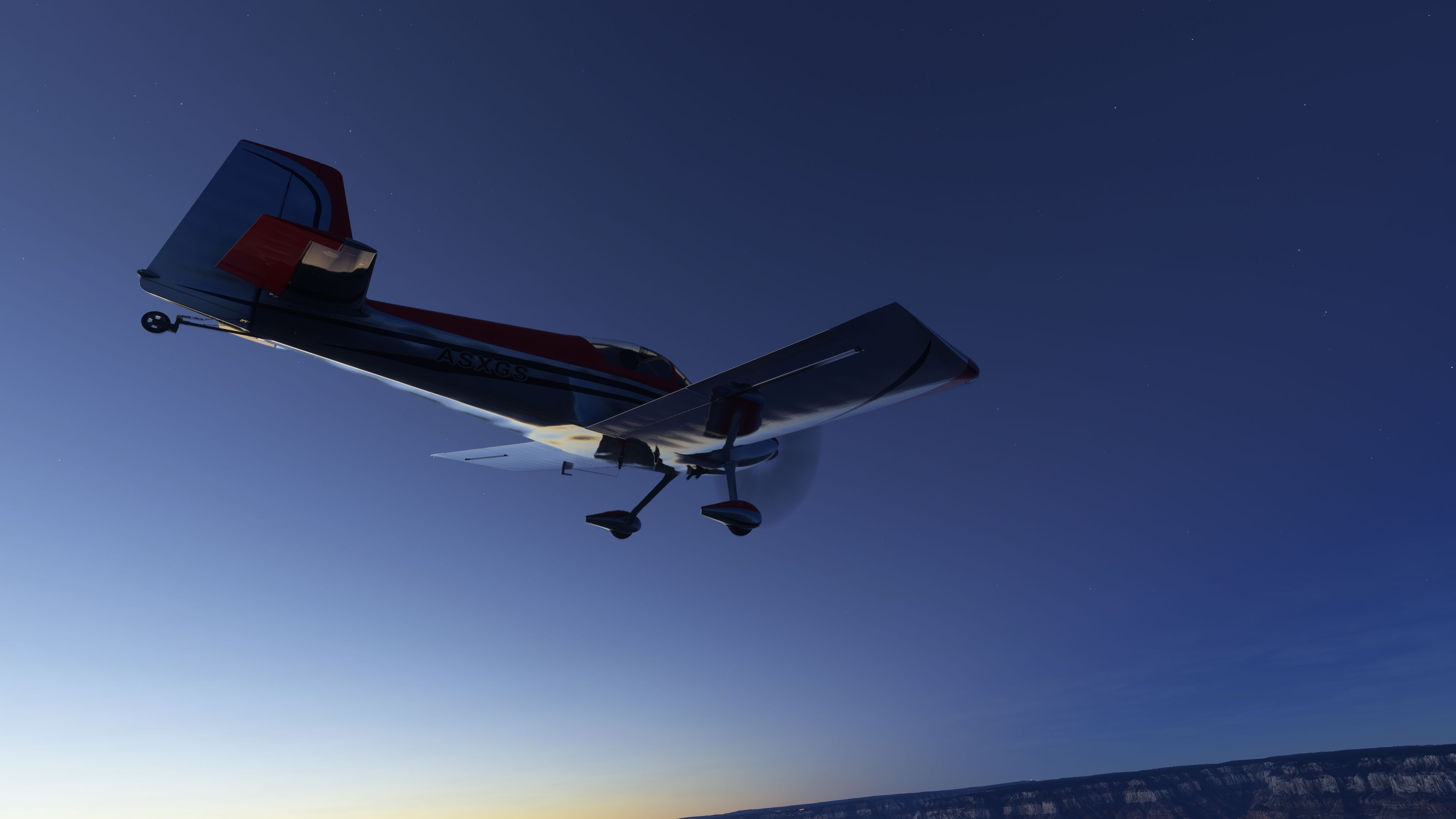

The MSFS Van’s RV-7 mod is a freeware release that provides a highly detailed recreation of Van’s popular kitplane for flight simulator enthusiasts. It features an overhauled 3D model with refined geometry, improved aerodynamics for agile handling, and multiple variants that showcase both glass cockpit and traditional taildragger configurations. Avionics options include dual G3X screens, a GNS 530, and a TDS GTN-equipped edition, allowing virtual pilots to explore modern navigation systems.
Having tested it extensively in my decades of flight sim work, I can confirm that the care put into details like accurate weight balance, upgraded prop arrangements, and subtle lighting tweaks truly elevates the overall simulator experience. The package also includes a paint kit for personal liveries, while future enhancements promise ongoing refinements and further customization possibilities. In my opinion, this mod captures the spirit of the real RV-7 exceptionally well and is a must-try addition to any kitplane fan’s virtual hangar.
This freeware release brings a refined rendition of Van's RV-7 into the new Microsoft Flight Simulator, featuring a meticulously overhauled 3D model, an advanced flight model, and expanded avionics options. It includes multiple variants, such as a glass cockpit taildragger and a new TDS GTN-equipped edition. The package aims to replicate the iconic RV-7 kit aircraft, known among experimental aviation enthusiasts for its nimble handling, efficient aerodynamics, and excellent cross-country capacity.
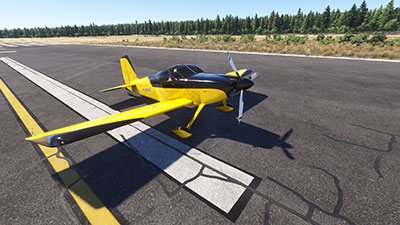 Enhanced Geometry and Aerodynamics
The revamped 3D structure boasts improved surface detailing and accurate proportions, capturing the familiar silhouette of Van’s RV-7. Designers have focused on subtle elements like the updated windshield, refined UV mapping, and revised ambient occlusion, all intended to elevate the visual fidelity. Meanwhile, the flight model has been fine-tuned to yield a realistic balance between lift, drag, and roll authority, mirroring the actual aircraft’s agile behavior in a variety of flight regimes.
This version introduces several notable variants, including a glass cockpit taildragger and a sliding canopy edition (currently in progress). A 3-blade prop arrangement delivers enhanced thrust and modifies the overall engine response. The developer, deejing, also plans further configurations and liveries to broaden the collection. Users may expect better aerodynamic tuning in areas like stall characteristics and weight balance, offering a more authentic experience.
Inside the cockpit, the mod features dual G3X screens, a GNS 530, and an additional option for compatible TDS GTN avionics. Although the TDS GTN setup is still undergoing tweaks, the variant is included for those looking to explore new navigation technologies. Alongside these integrations, other system improvements address prior battery issues, lighting elements, and minor animation inconsistencies.
To encourage custom liveries, a paint kit is bundled within the download package. Creators can edit the template files and define unique color variants, ensuring personalized textures for the RV-7. Remember to update references accordingly when generating fresh liveries, including the entries in associated configuration files.
Be aware that you must remove any prior versions (1.0.0 or 1.0.01) before installing this latest update; otherwise, compatibility conflicts may arise.
This package has been expertly brought to life by deejing, who has generously shared it as freeware on Fly Away Simulation. The collaboration aims to provide an accurate, reliable depiction of the Van’s RV-7 for sim pilots who crave a highly detailed and nuanced kitplane in their virtual hangar.
Free for all simmers · 630.93 MB · Scanned clean Oct 2026
Download speed: Free tier is capped at 2 Mbps (this file takes approximately 44 mins at the cap). PRO members download at full line speed.
%LOCALAPPDATA%\Packages\Microsoft.FlightSimulator_8wekyb3d8bbwe\LocalCache\Packages\Community\. Steam version: %APPDATA%\Microsoft Flight Simulator\Packages\Community\. Tip: enable Developer Mode in MSFS to see your exact Community folder path.readme.txt or README file. It tells you exactly where files go, what dependencies are needed, and any quirks specific to this add-on.deejing is an independent freeware aircraft developer for Microsoft Flight Simulator 2020 and 2024, specialising in light general aviation and homebuilt kitplanes.
Are you deejing? Sign in to Fly Away Creators for download stats, comment replies and updates. Make add-ons? Publish them here.
Only PRO members can place votes.
More MSFS add-ons hand-picked based on this download.
MSFS General Aviation Aircraft
A complete freeware aircraft pack featuring the Van's RV-7 and RV-7A in accur…
 MSFS General Aviation Aircraft
deejing’s freeware Van’s Aircraft RV-4 brings a two-seat kitplane to Microsof…
 MSFS General Aviation Aircraft
In the realm of Microsoft Flight Simulator 2020, the Beast Horus Microjet sta…
 MSFS General Aviation Aircraft
Enhance your Microsoft Flight Simulator (MSFS) 2020 release experience with t…
 MSFS General Aviation Aircraft
This repaint is for one of the Cessnas I flew out of GFW Aeroservices at Boir…
 MSFS General Aviation Aircraft
A pack containing repaints for the default Cessna 172SP G1000 and Cessna 172S…
 MSFS General Aviation Aircraft
This is a complete (and experimental) performance mod for the Asobo Aviat Hus…
 MSFS General Aviation Aircraft
Deejing’s freeware JMB VL3 915iS brings a Rotax-powered, four-blade ultraligh…
Read what other simmers think, or add your own.

I downloaded the Van's RV-9A and installed it in the Community folder for MSFS2020.
The following are not present in the RV-9A folder:
manifest.jsonlayout.jsonSimObjects folderDoes this mean it is not compatible with MSFS2020, or did I do something wrong? The RV-9A does not show up in the Aircraft selection list.
Thanks for Your reply