

 FS2004 Utilities/Misc
Ultimate Night Environment
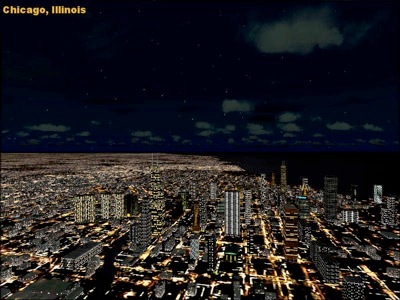
FS2004 Ultimate Night Environment. This package will greatly enhance night li…
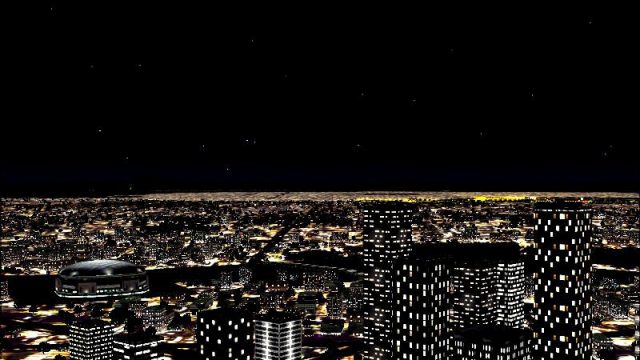
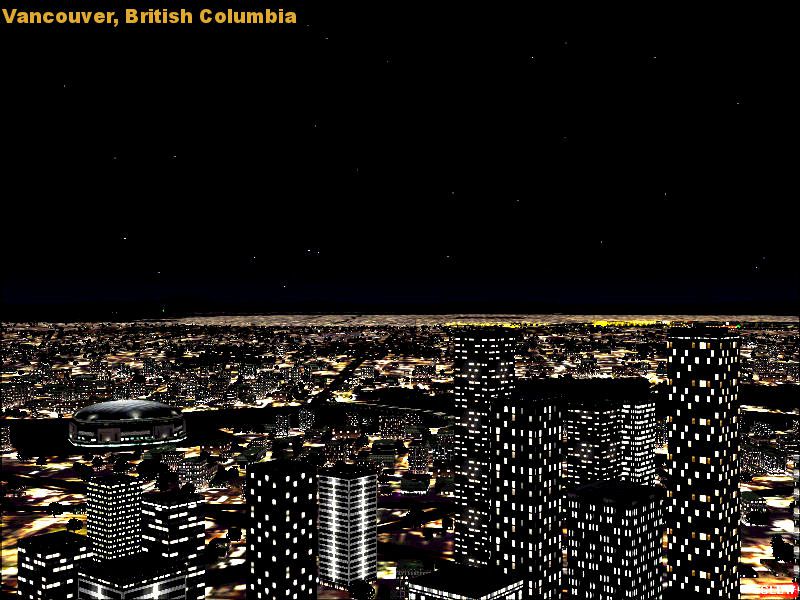
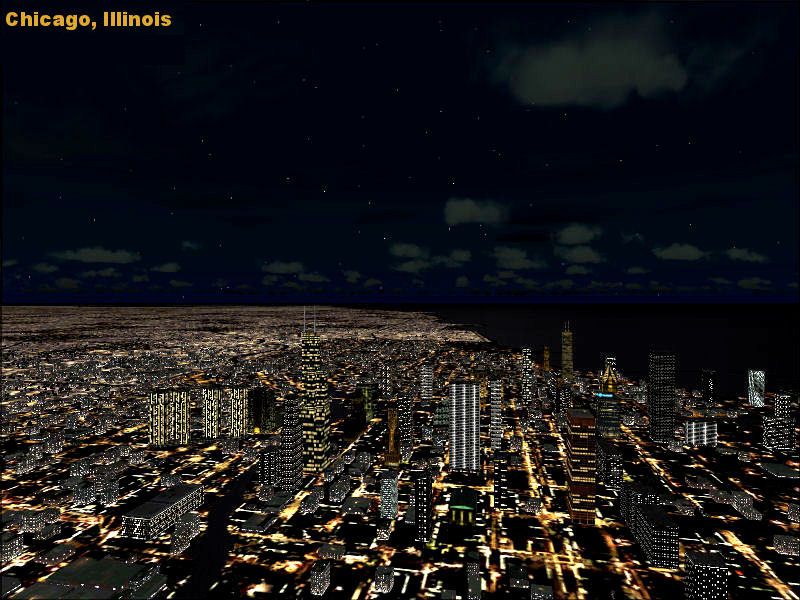
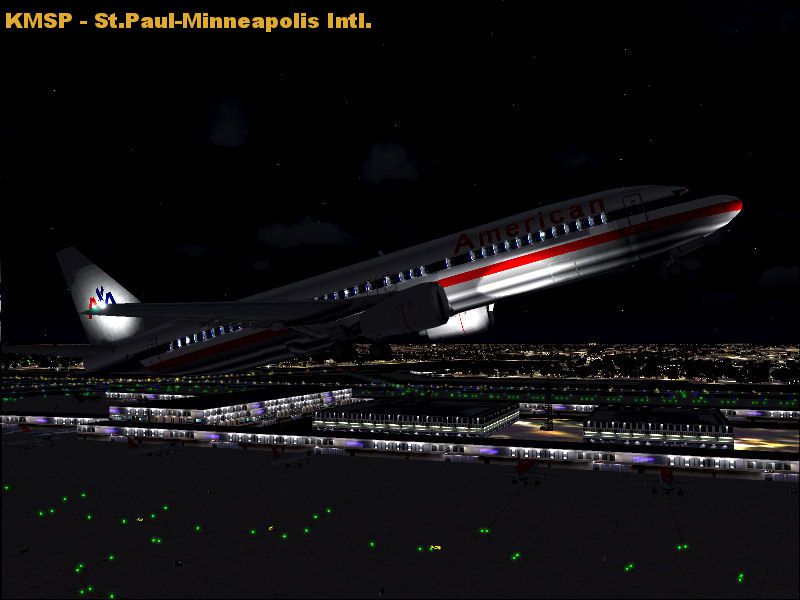
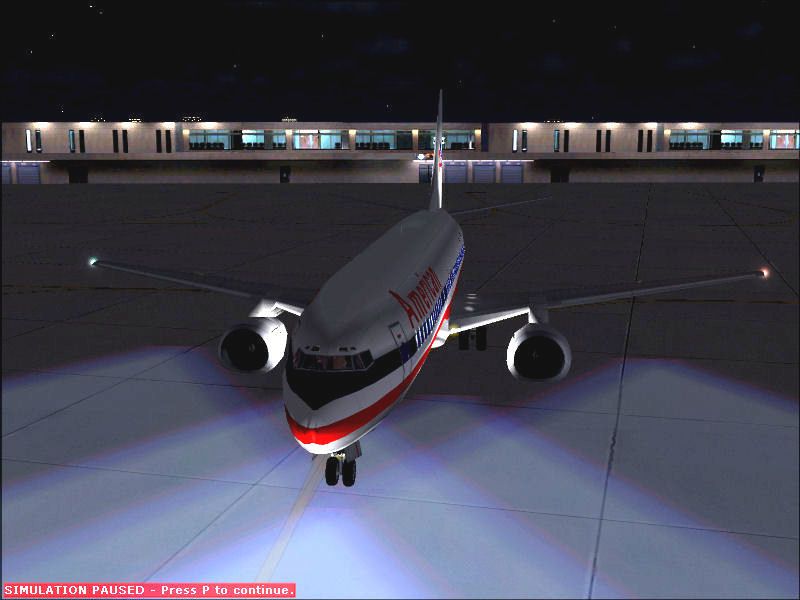
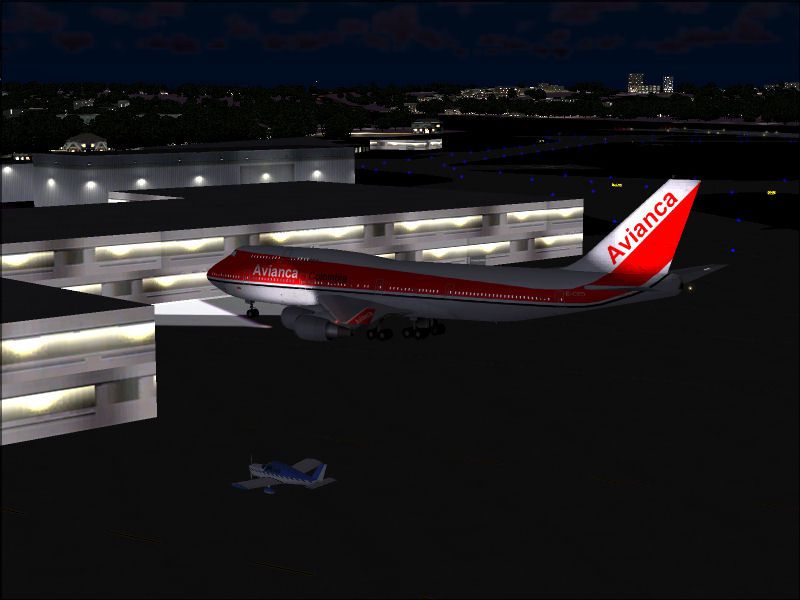
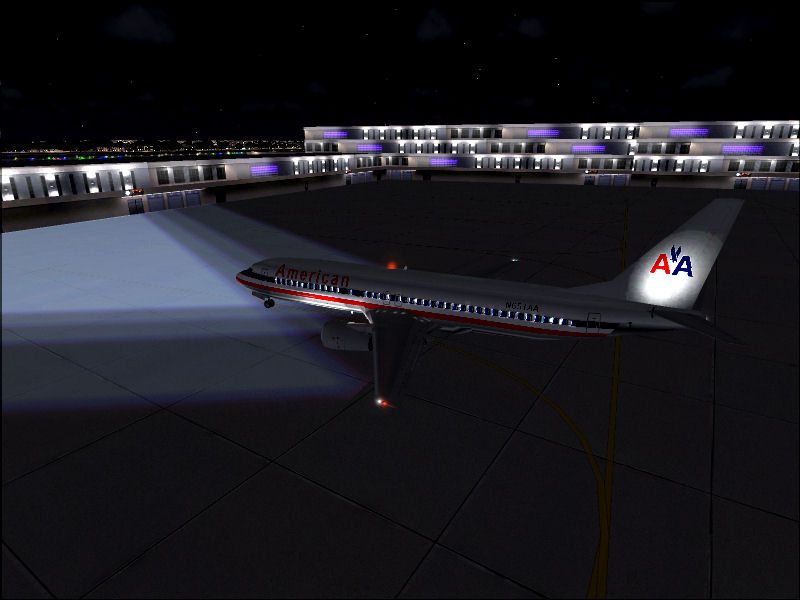
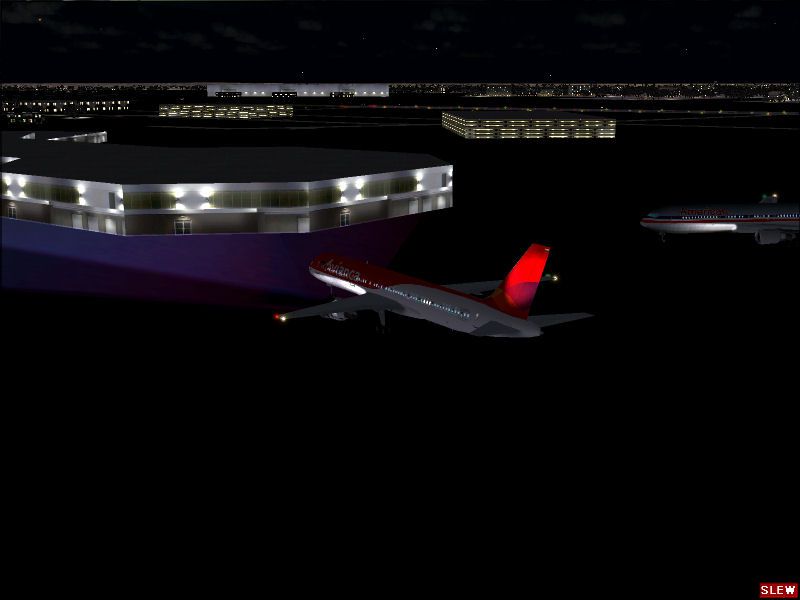
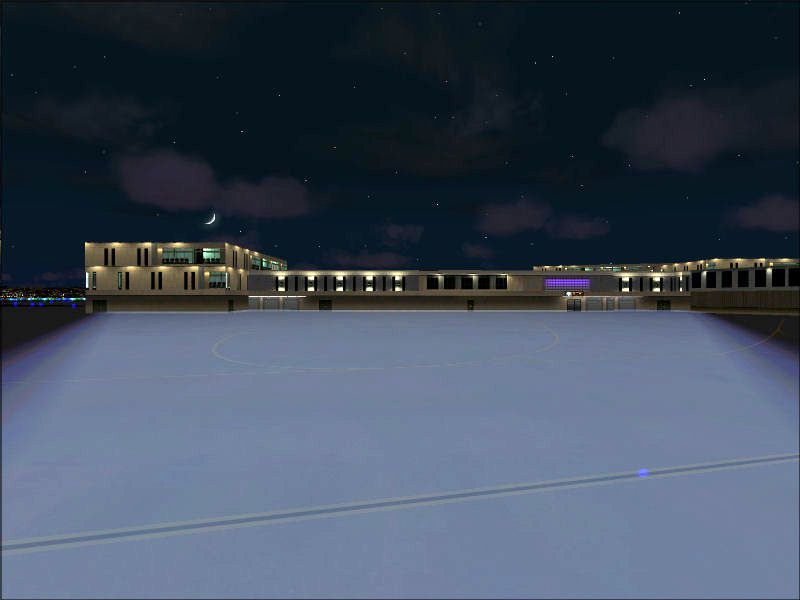
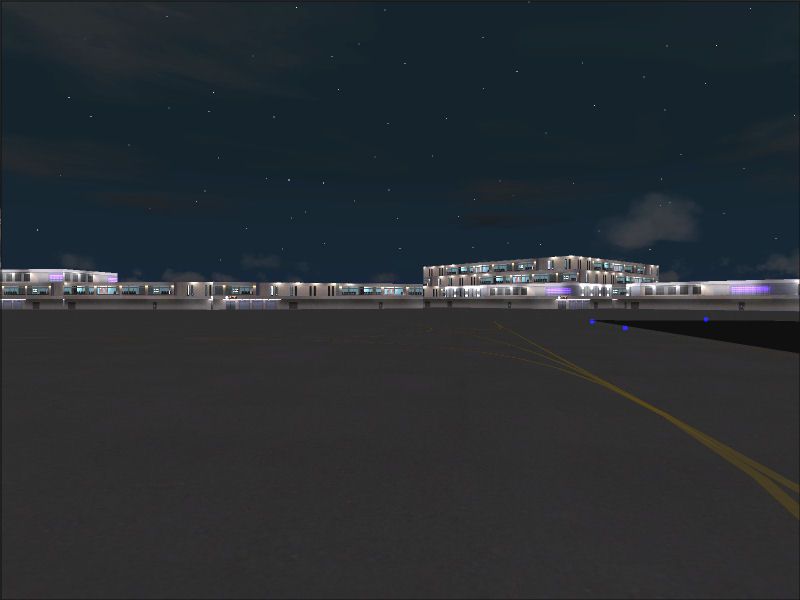
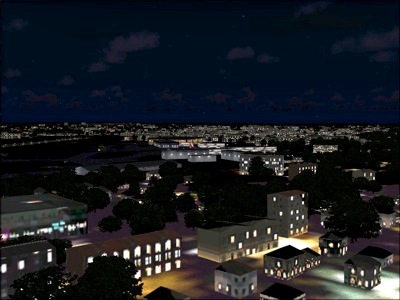
Night Environment Upgrade refreshes default airport, city, and autogen building lighting with brighter, more vibrant textures for a more convincing after-dark atmosphere in FS2004. It enhances most locations worldwide while respecting major hubs that use their own custom day and night textures, delivering a smoother, more realistic night flying experience.
 Rate
Rate




Free for all simmers · 14.81 MB · Scanned clean Oct 2026
Download speed: Free tier is capped at 0.5 Mbps (this file takes approximately 4 mins at the cap). PRO members download at full line speed.
FS9\Aircraft\, FS9\Addon Scenery\, FS9\Gauges\, or FS9\Effects\.readme.txt or README file. It tells you exactly where files go, what dependencies are needed, and any quirks specific to this add-on.The archive neu.zip has 21 files and directories contained within it.
This list displays the first 500 files in the package. If the package has more, you will need to download it to view them.
| Filename/Directory | File Date | File Size |
|---|---|---|
| README.txt | 07.13.05 | 3.55 kB |
| Readme1st!.doc | 07.13.05 | 8.43 MB |
| Texture.zip | 07.13.05 | 2.76 MB |
| World Textures.zip | 07.13.05 | 2.87 MB |
| File_ID.txt | 07.13.05 | 150 B |
| Preview9.jpg | 07.12.05 | 90.99 kB |
| Preview.jpg | 07.12.05 | 57.99 kB |
| Preview10.jpg | 07.12.05 | 129.73 kB |
| Preview11.jpg | 07.12.05 | 72.15 kB |
| Preview12.jpg | 07.12.05 | 41.80 kB |
| Preview13.jpg | 07.12.05 | 80.41 kB |
| Preview2.jpg | 07.12.05 | 43.55 kB |
| Preview3.jpg | 07.12.05 | 57.20 kB |
| Preview4.jpg | 07.12.05 | 56.77 kB |
| Preview5.jpg | 07.12.05 | 134.22 kB |
| Preview6.jpg | 07.12.05 | 39.34 kB |
| Preview7.jpg | 07.12.05 | 54.89 kB |
| Preview8.jpg | 07.12.05 | 35.27 kB |
| NEUlogo.gif | 07.12.05 | 11.06 kB |
| flyawaysimulation.txt | 10.29.13 | 959 B |
| Go to Fly Away Simulation.url | 01.22.16 | 52 B |
Only PRO members can place votes.
More FS2004 add-ons hand-picked based on this download.
FS2004 Utilities/Misc
FS2004 Ultimate Night Environment. This package will greatly enhance night li…
 FS2004 Utilities/Misc
FS2004 Blue Sky Environment Upgrade v2.0. Includes dawn, morning, day, noon a…
 FS2004 Utilities/Misc
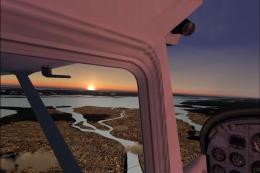
This package will greatly enhance the world environment in Flight Simulator b…
 FS2004 Utilities/Misc
Welcome to Real Environment Professional, an extensive environment upgrade pa…
 FS2004 Utilities/Misc
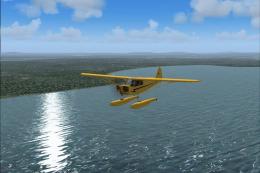
FS2004 Water Environment Textures. The Golden Eagles Squadron presents altern…
 FS2004 Utilities/Misc
If FS2004 at night looks like (and I quote Douglas K on Avsim.com) "a really …
 FS2004 Utilities/Misc
FS2004 Active Camera 2004 v2.1. This package includes both the install files,…
 FS2004 Utilities/Misc
All users of Massive Crash are urged to install this update. The files includ…
Read what other simmers think, or add your own.

Good add-on, it looks the best when you almost max out the auto-gen scenery, provided your computer can handle the extra stress.