

 FSX Misc
Modified Terrain.cfg
Flight Simulator X terrain is defined in the terrain.cfg file. During testing…
Modified daytime water environment textures deliver a more natural, less intense blue tone on 1X Mid and 1X High water settings, improving low-sun and midday reflections without changing 2X effects. Designed for Microsoft Flight Simulator X, the env_highnoon, env_midsun, and env_lowsun bitmaps refine overall water shading for a calmer, more realistic look.
 Rate
Rate
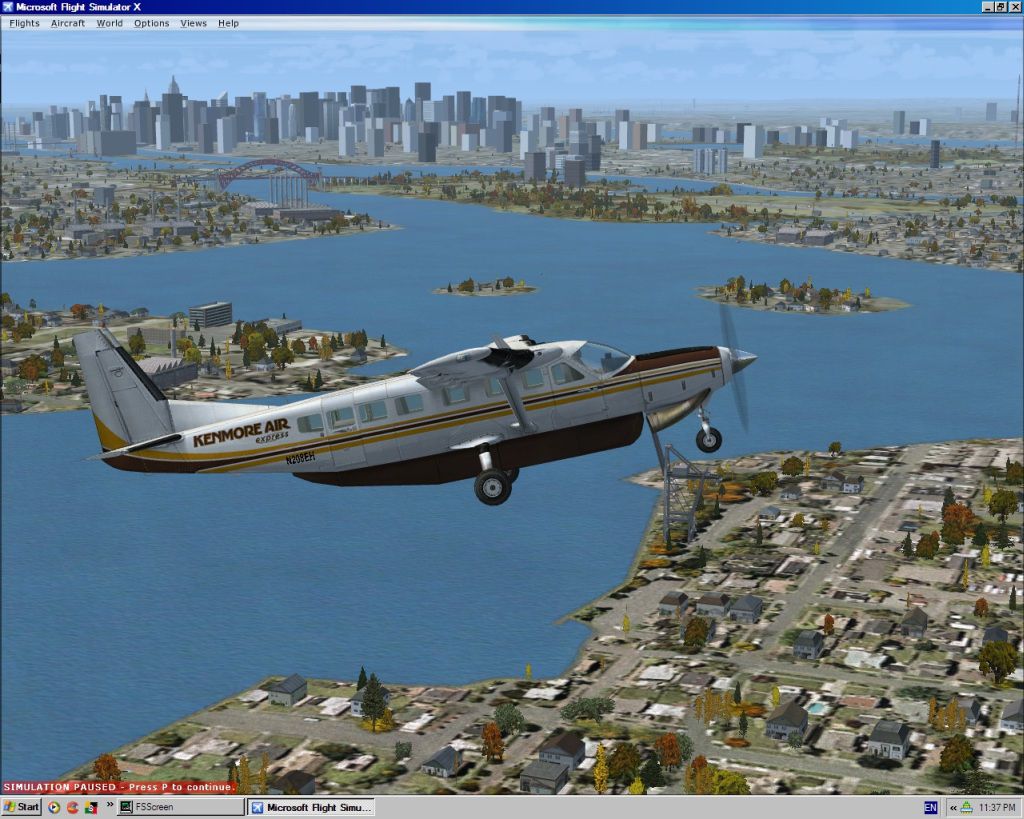
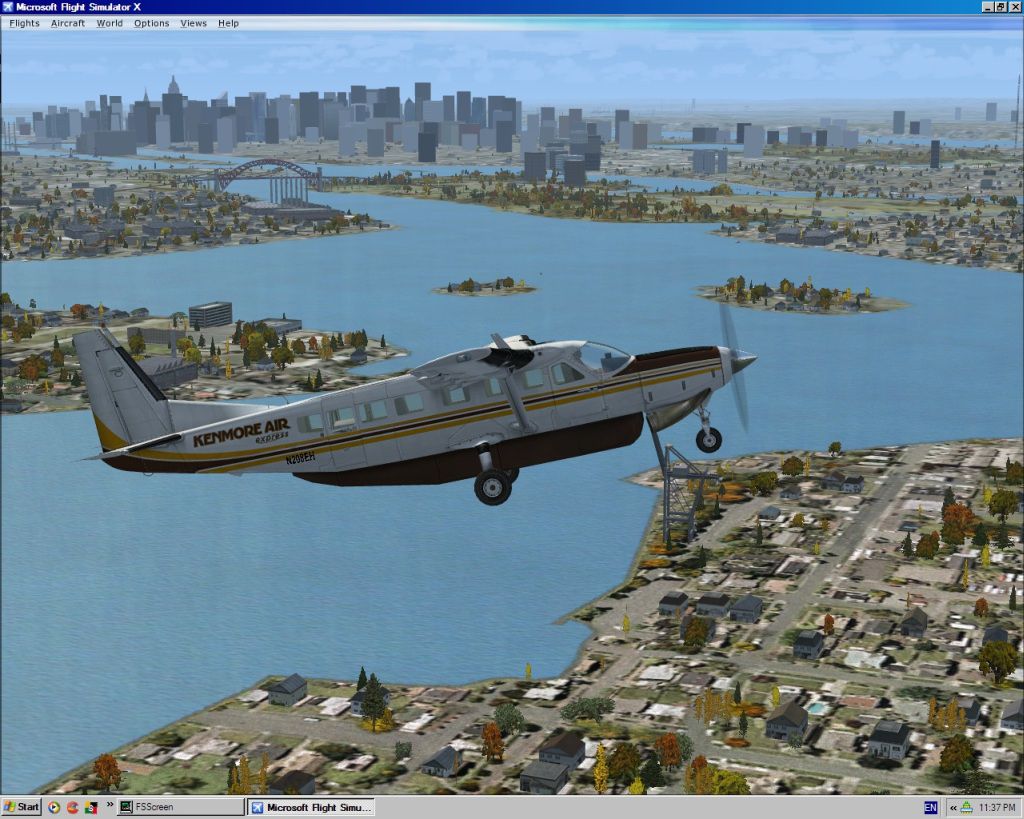
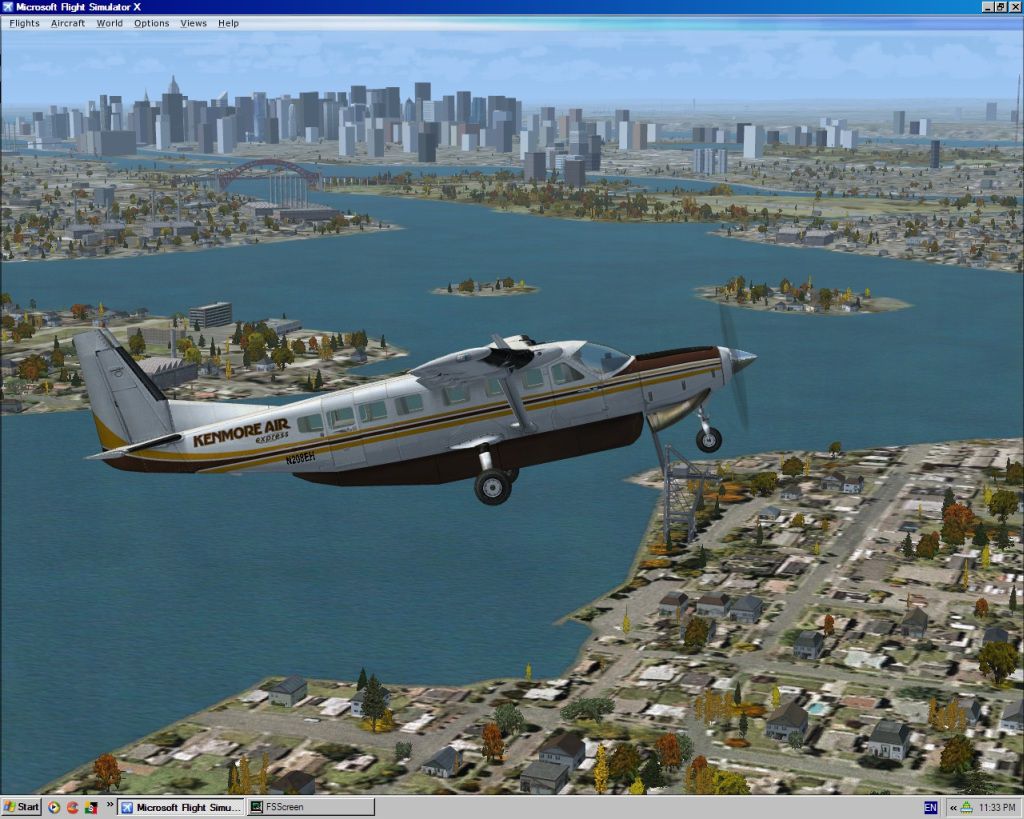
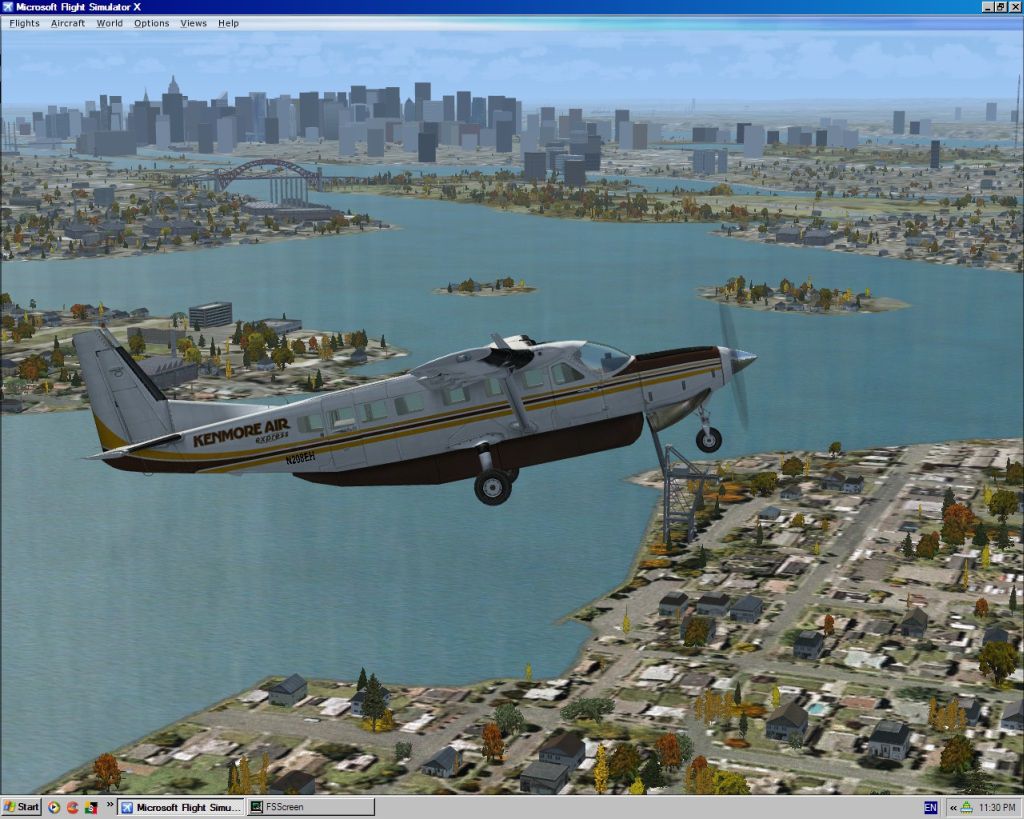
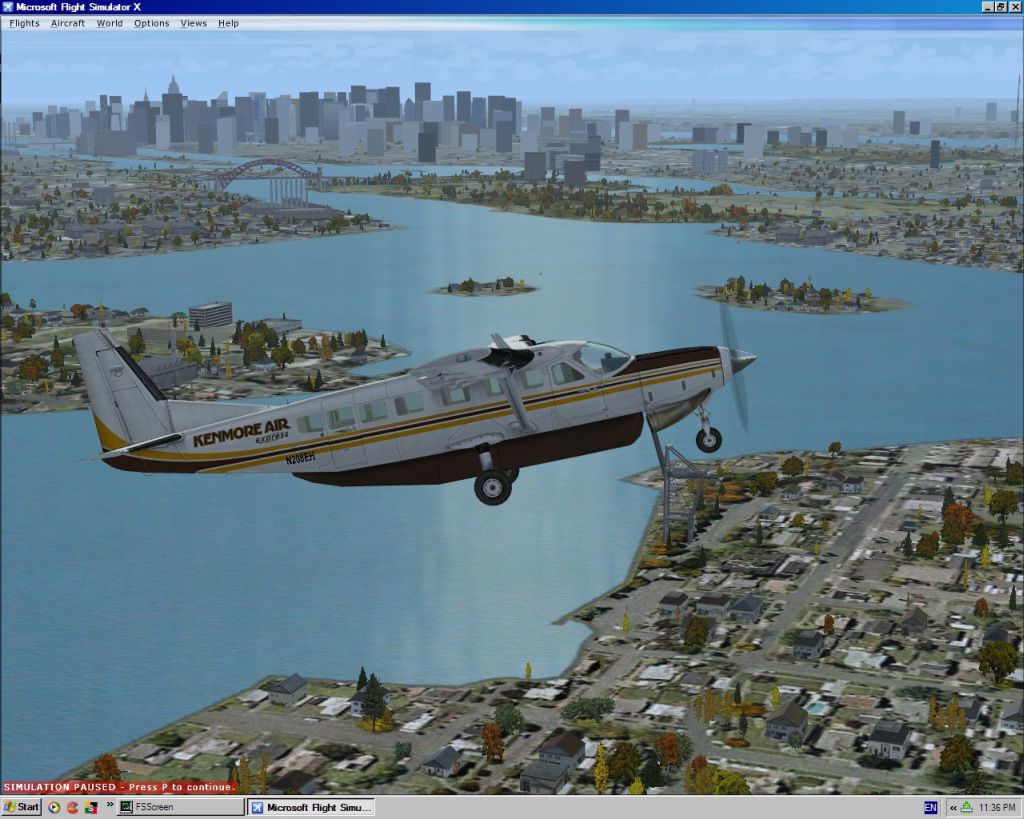
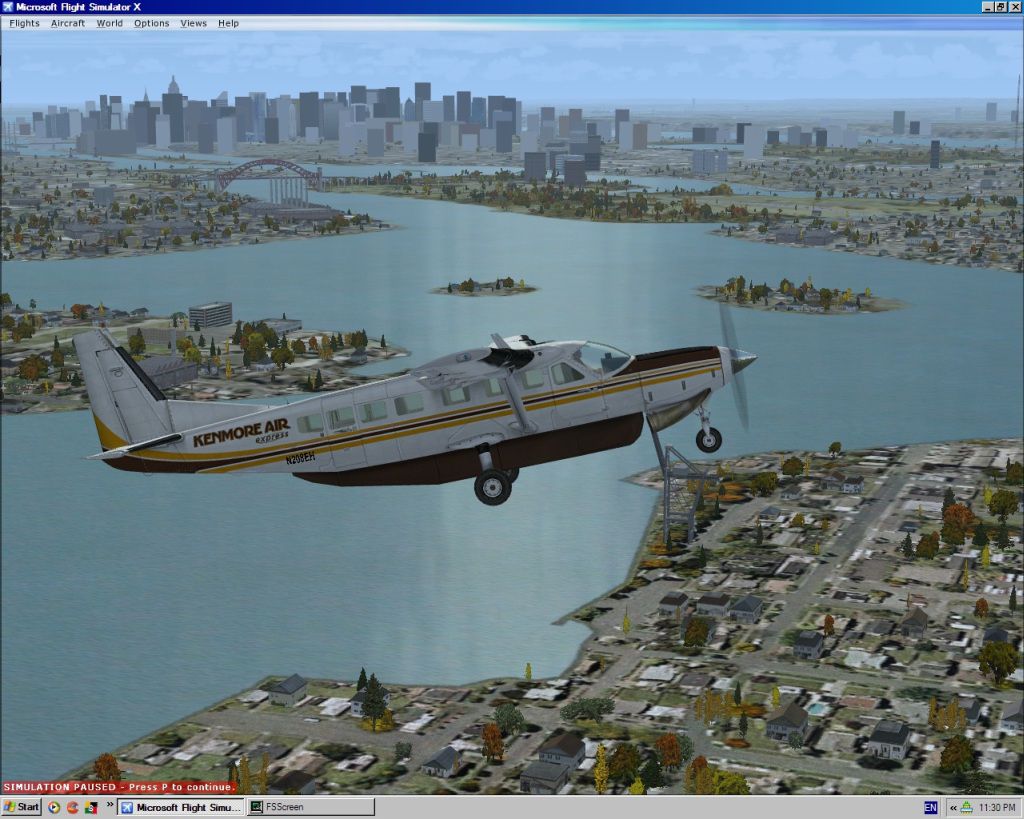
I modified the daytime water environment files that affect the appearance of water when using the 1X mid and 1X high settings, as I find the defaults result in a too bright and intense blue water colour. These will tone it down to what I feel is a more realistic shade. These will not alter the effects when using 2X water settings, but if you find your system will not handle the 2X settings or you prefer the 1X settings, you may prefer these.
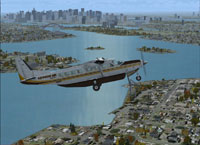
Screenshot showing the modifiied effects of a 'low sun' on the water.
Please backup the env_highnoon.bmp, env_lowsun.bmp, and env_midsun.bmp files located in your FSX\Scenery\World\Texture folder in case you wish to revert back to the defaults.
To install just copy the files in the Modified 1X Water Environment folder into your FSX\Scenery\World\Texture folder and overwrite.
By Martin Oldridge.
Free for all simmers · 3.12 MB · Scanned clean Oct 2026
Download speed: Free tier is capped at 0.5 Mbps. PRO members download at full line speed.
SimObjects\Airplanes\, Addon Scenery\, Effects\, or Gauges\.readme.txt or README file. It tells you exactly where files go, what dependencies are needed, and any quirks specific to this add-on.The archive alt1xday.zip has 14 files and directories contained within it.
This list displays the first 500 files in the package. If the package has more, you will need to download it to view them.
| Filename/Directory | File Date | File Size |
|---|---|---|
| default highnoon.jpg | 01.03.07 | 277.07 kB |
| default lowsun.jpg | 01.03.07 | 258.87 kB |
| default midsun.jpg | 01.03.07 | 276.19 kB |
| Modified 1X Water Environment | 01.08.07 | 0 B |
| env_highnoon.bmp | 01.02.07 | 1.33 MB |
| env_lowsun.bmp | 01.02.07 | 1.33 MB |
| env_midsun.bmp | 01.02.07 | 1.33 MB |
| modified highnoon.jpg | 01.03.07 | 273.58 kB |
| modified lowsun.jpg | 01.03.07 | 258.42 kB |
| modified midsun.jpg | 01.03.07 | 271.69 kB |
| readme.txt | 01.09.07 | 843 B |
| Alternate 1X daytime water environment | 01.09.07 | 0 B |
| flyawaysimulation.txt | 10.29.13 | 959 B |
| Go to Fly Away Simulation.url | 01.22.16 | 52 B |
Only PRO members can place votes.
More FSX & P3D add-ons hand-picked based on this download.
FSX Misc
Flight Simulator X terrain is defined in the terrain.cfg file. During testing…
 FSX Misc
This version updates the earlier files (TD_EFX.ZIP) and makes the smoke effec…
FSX Misc
These files change the default FSX tire burn smoke effects, making them less …
 FSX Misc
Fixes for five default FSX airport vehicle models that had wrong transparency…
FSX Misc
Shows stars down to magnitude 5.50 to reduce load (about 2900 instead of 9000…
 FSX Misc
These textures take the place of default water textures by changing the botto…
 FSX Misc
This package includes resized texture fixes for FSX ocean. All textures are r…
FSX Misc
A PDF listing of all water runways in FSX. By Lance Tucker. The original data…
Be the first to leave a comment on this download.
Be the first to share your thoughts on this download.