

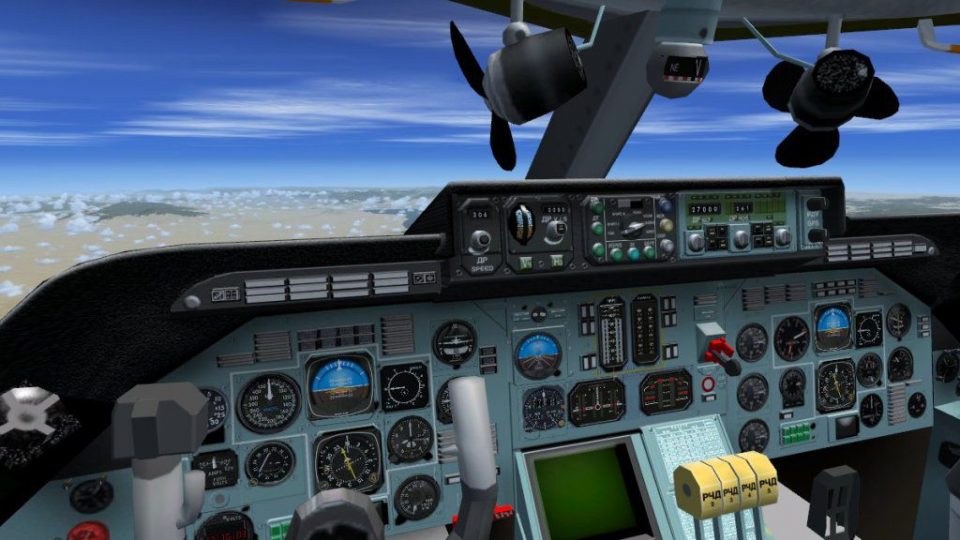
 FSX Civil Aircraft
Antonov AN124-210 Super Transport
FSX Antonov AN124-210 Super Transport. This is the modern version of the AN 1…
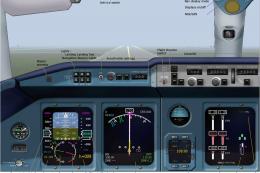
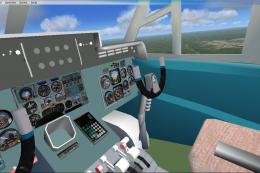
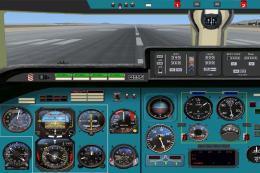
Antonov An-124 heavy-lift transport brings a native FSX model with a working virtual cockpit, basic 2D panel, default sounds, repaint sources, and a multiplayer-ready variant. It supports SP1 and SP2 and requires the default Boeing 747-400 CAB for gauges, plus included effects files for lighting.
 Rate
Rate
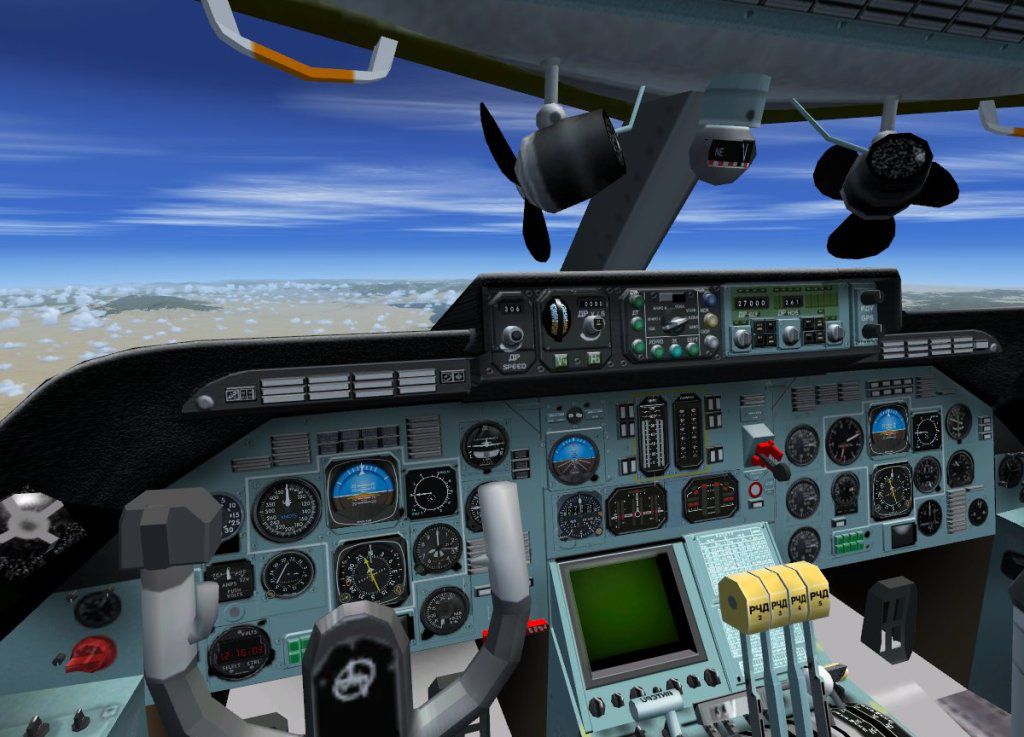
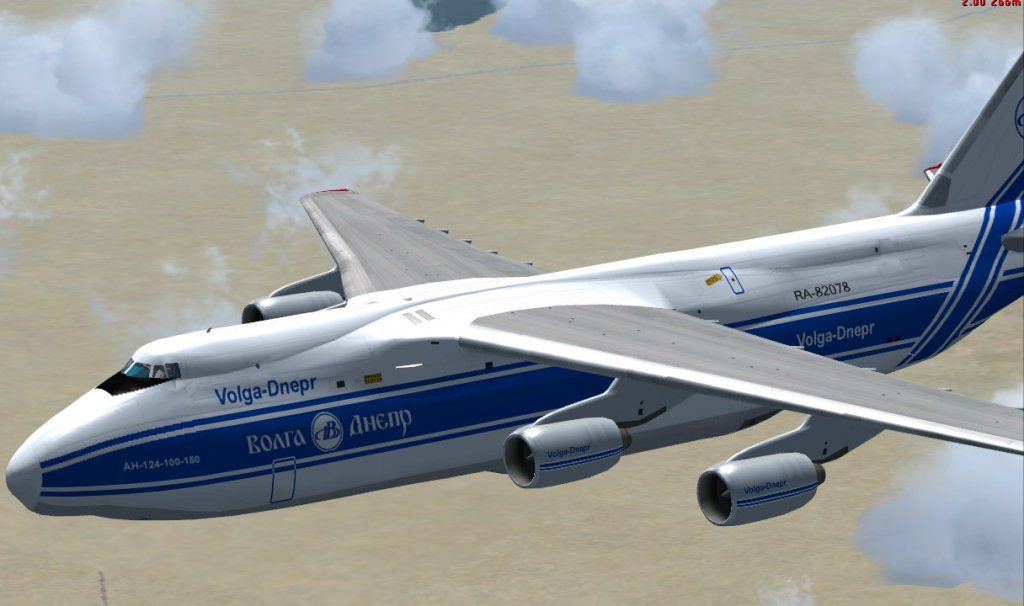
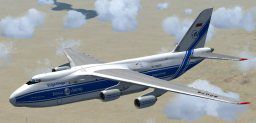
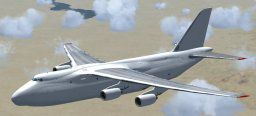
Antonov AN124; native FSX model. Comes with working virtual cockpit and a basic 2D panel. Uses default sound and soundai. Repaint sources included. Works with SP1 and SP2 but not testet with DX10. Multiplayer compatible model included. An-124 by Thomas Ruth.
1) Unzip TOM124X.ZIP into a temporary location, your desktop for example
2) Move the AN124 folder from your temporary folder (desktop) into your
FSX simobjects/aircrafts folder.
3) Copy the six .fx files from your temporary locations effects folder
into your FSX/effects folder.
4) Copy your default Boeing747-400.cab file from your default Boeing747-400
panel folder into your FSX gauges folder.
As you can sea, almost everything of the virtual cockpit of the AN124 (and in a few weeks, the AN225)
is hand painted and does not base on photos. Also most of the switches and gauges of the cockpit do not
the same as they do in reality.
I never had the chance to visit a real world AN124 or AN225. I would like to create a much better cockpit
which would contain as much "real world" functions as possible.
I would like to visit a AN124 with my camera to take as much pictures of the outside and the cockpit
as possible and to ask as many questions as possible to the crew. I am living near EDDL in Germany and can go
to any airport within 500 kilometers around (With a box of german beer in my hand, of course).
If you could make this one possible, me and a lot of flightsim people around the world would be the most happy
people on earth.
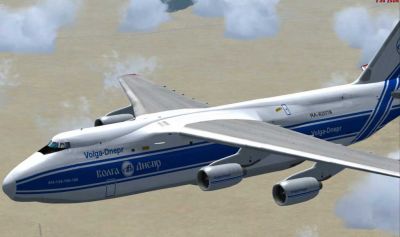
Antonov AN124 flying through clouds.
Free for all simmers · 20.38 MB · Scanned clean Oct 2026
Download speed: Free tier is capped at 0.5 Mbps (this file takes approximately 6 mins at the cap). PRO members download at full line speed.
SimObjects\Airplanes\, Addon Scenery\, Effects\, or Gauges\.readme.txt or README file. It tells you exactly where files go, what dependencies are needed, and any quirks specific to this add-on.The archive tom124x.zip has 74 files and directories contained within it.
This list displays the first 500 files in the package. If the package has more, you will need to download it to view them.
| Filename/Directory | File Date | File Size |
|---|---|---|
| copyright.txt | 07.10.09 | 685 B |
| FILE_ID.DIZ | 07.10.09 | 265 B |
| install.txt | 08.04.09 | 597 B |
| personal_plea.txt | 08.05.09 | 935 B |
| readme_multiplayer.txt | 08.05.09 | 358 B |
| thanks.txt | 08.05.09 | 321 B |
| tom124x.gif | 07.10.09 | 9.92 kB |
| aircraft.cfg | 07.26.09 | 24.13 kB |
| an124.air | 05.02.09 | 8.26 kB |
| documentation | 07.20.09 | 0 B |
| manual.pdf | 08.05.09 | 3.81 MB |
| model | 08.04.09 | 0 B |
| an124.MDL | 07.28.09 | 6.38 MB |
| an124_interior.MDL | 07.20.09 | 1.69 MB |
| Model.cfg | 05.10.08 | 49 B |
| multiplayer | 07.20.09 | 0 B |
| an124.MDL | 07.31.09 | 6.38 MB |
| an124_interior.MDL | 07.30.09 | 1.69 MB |
| single | 08.04.09 | 0 B |
| an124.MDL | 07.28.09 | 6.38 MB |
| an124_interior.MDL | 07.20.09 | 1.69 MB |
| panel | 07.20.09 | 0 B |
| $gauges.bmp | 07.07.09 | 3.00 MB |
| overhead.bmp | 07.06.09 | 1.27 MB |
| overhead_night.bmp | 07.07.09 | 1.27 MB |
| panel.bmp | 07.07.09 | 2.25 MB |
| panel.cfg | 07.18.09 | 7.14 kB |
| panel_night.bmp | 07.07.09 | 2.25 MB |
| sound | 07.20.09 | 0 B |
| sound.cfg | 08.05.09 | 30 B |
| soundai | 07.20.09 | 0 B |
| soundai.cfg | 05.12.06 | 34 B |
| texture.simple | 07.20.09 | 0 B |
| main_124.dds | 07.20.09 | 1.00 MB |
| main_124_bump.dds | 07.20.09 | 1.00 MB |
| texture.VD | 07.20.09 | 0 B |
| gaugesl.dds | 07.08.09 | 256.12 kB |
| glass.dds | 06.17.09 | 64.12 kB |
| main_124.dds | 07.20.09 | 4.00 MB |
| main_124_bump.dds | 06.03.09 | 4.00 MB |
| main_124_light.dds | 06.27.09 | 1.00 MB |
| main_124_spec.dds | 06.03.09 | 256.12 kB |
| texture.cfg | 07.09.09 | 140 B |
| thumbnail.jpg | 07.10.09 | 7.42 kB |
| VC01_l.dds | 07.07.09 | 1.00 MB |
| VC01_t.dds | 07.09.09 | 1.00 MB |
| VC02_l.dds | 07.07.09 | 1.00 MB |
| VC02_t.dds | 07.11.09 | 1.00 MB |
| VC03_l.dds | 07.07.09 | 1.00 MB |
| VC03_t.dds | 07.08.09 | 1.00 MB |
| VC04_l.dds | 07.07.09 | 1.00 MB |
| VC04_t.dds | 07.02.09 | 1.00 MB |
| wing_bump.dds | 06.18.09 | 1.00 MB |
| wing_l.dds | 06.21.09 | 1.00 MB |
| wing_r.dds | 06.21.09 | 1.00 MB |
| wing_spec.dds | 06.18.09 | 64.12 kB |
| texture.WHITE | 08.04.09 | 0 B |
| gaugesl.dds | 07.08.09 | 256.12 kB |
| main_124.dds | 07.20.09 | 4.00 MB |
| main_124_spec.dds | 07.09.09 | 256.12 kB |
| texture.cfg | 07.09.09 | 140 B |
| thumbnail.jpg | 07.10.09 | 6.63 kB |
| wing_l.dds | 07.09.09 | 1.00 MB |
| wing_r.dds | 07.09.09 | 1.00 MB |
| tom124x.jpg | 07.10.09 | 75.08 kB |
| tom124x_vc.jpg | 07.10.09 | 131.74 kB |
| fx_an124beacon.fx | 06.19.09 | 3.57 kB |
| fx_an124land.fx | 06.20.09 | 1.22 kB |
| fx_an124land2.fx | 06.19.09 | 4.55 kB |
| fx_an124logo.fx | 11.11.08 | 1.21 kB |
| fx_an124taxi.fx | 06.19.09 | 4.54 kB |
| fx_an124vc.fx | 05.12.06 | 1.31 kB |
| flyawaysimulation.txt | 10.29.13 | 959 B |
| Go to Fly Away Simulation.url | 01.22.16 | 52 B |
Only PRO members can place votes.
More FSX & P3D add-ons hand-picked based on this download.
FSX Civil Aircraft
FSX Antonov AN124-210 Super Transport. This is the modern version of the AN 1…
 FSX Civil Aircraft
A complete pack for Microsoft Flight Simulator X and Prepar3D featuring the w…
 FSX Civil Aircraft
Dimitri Samborski's Antonov An-148 updated by adding the Lotarev D-36 sound s…
 FSX Civil Aircraft
An update of Dimitri Samborski's FS 2002 AN-72 by replacing non FSX gauges in…
 FSX Civil Aircraft
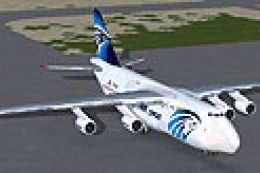
Fictional textures only for the Tom Ruth An-124 (TOM124X.ZIP). Egyptair cargo…
 FSX Civil Aircraft
The package features an entirely re-worked and enhanced VC, which now matches…
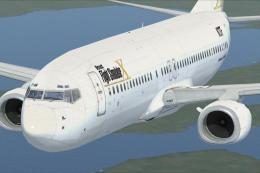 FSX Civil Aircraft
This freeware repaint features a custom interpretation of the default Boeing …
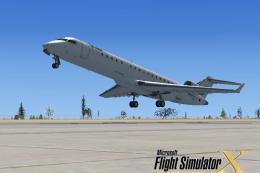 FSX Civil Aircraft
This specialized repaint showcases a distinctive homage to Microsoft Flight S…
Read what other simmers think, or add your own.


klick left mouse in flight, then hold your mouse (not click) over aircraft/outside. Then select whatever view you want.

Great mod, i have never seen an aircraft FSX with so many functions! And since you are living in Germany i shall say: macht weiter so!

i must thank you really it works fine and the VC is very nice and it's the most beautifull aircraft with vc i have in fsx, but i can't see the body, only wings are visible!!, please help.