

 FSX Civil Aircraft
Air China Boeing 737-800 B-5196
This complete freeware package offers an Air China Boeing 737-800 (B-5196) wi…
Air China’s Boeing 737-800 B-5397 arrives with blended winglets, a crisp current livery, and a detailed exterior featuring wing flex, tuned reflections, animated surfaces, and an opening passenger door. Built for Microsoft Flight Simulator X, it uses the default 737-800 panel and sound set with a fully integrated virtual cockpit and night lighting.
 Rate
Rate
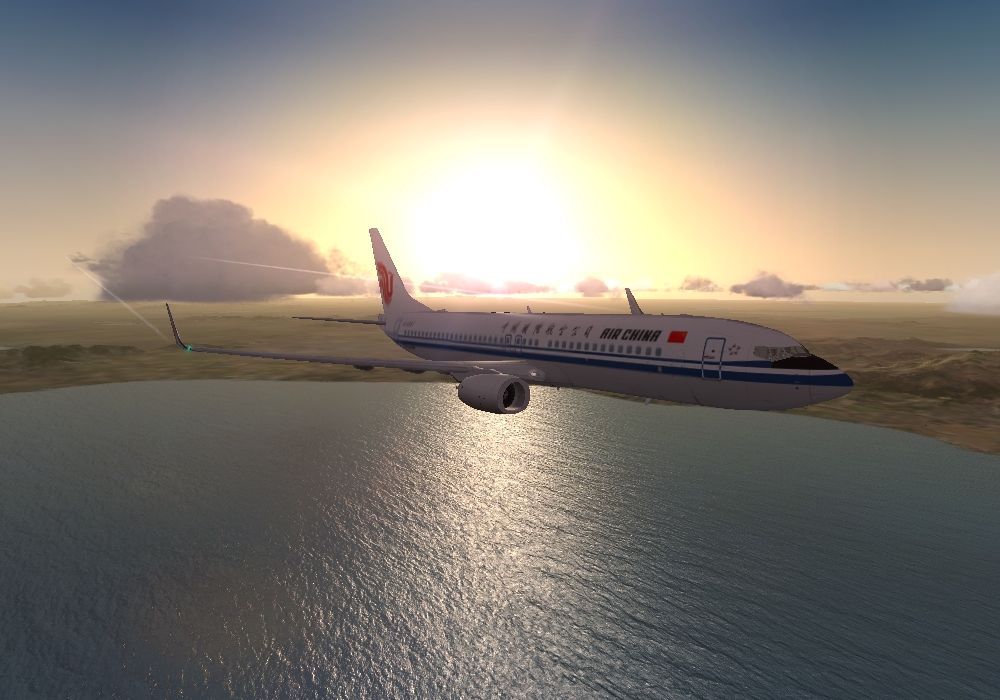


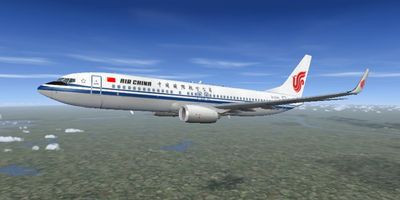
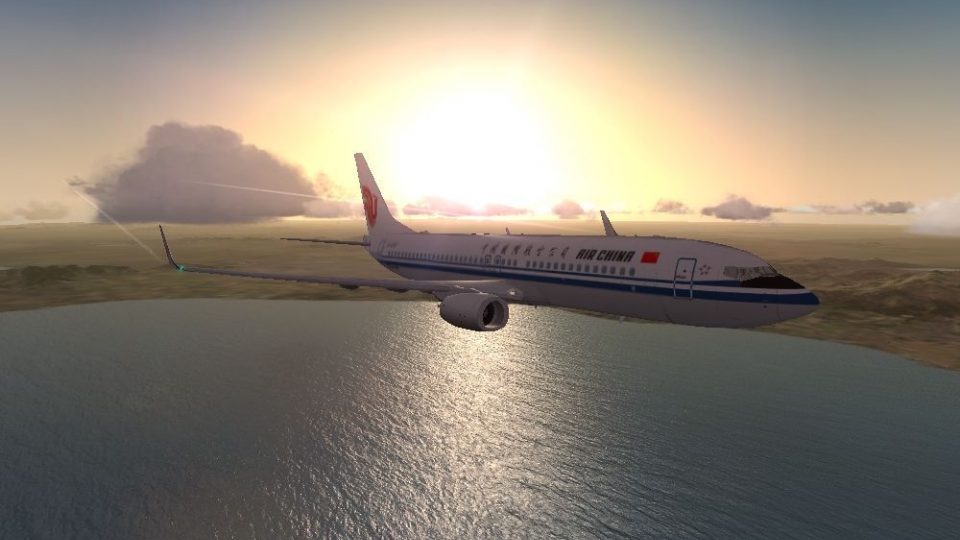
This enhanced package brings the iconic Air China Boeing 737-800 (registration B-5397) to Microsoft Flight Simulator X, complete with winglets and a fully integrated virtual cockpit. The aircraft model, originally developed by Project Open Sky, combines default cockpit systems and audio from the stock 737-800. Well-known repainter He Lingyuan has meticulously recreated the Air China livery, reflecting the newest 737-800 in the carrier’s expanding Next Generation fleet.
The distinctive paint scheme showcases the latest Air China branding while highlighting the efficient winglet design used for improved aerodynamics. The fuselage artwork captures the registration B-5397, representing real-life hardware utilized on modern short- to medium-haul routes across Asia. The overall texture style matches real Boeing construction materials, appearing reflective in specific areas to produce a more lifelike sheen.
This release integrates the default 737-800 panel functionality to keep familiar instrumentation, ensuring quick adaptation during cockpit preparation. The furnished virtual cockpit (VC) includes fully reflective windows and visible instrument backlighting for dusk or nocturnal operations. Powerplant performance and weight distributions, tested by actual pilots, deliver flight characteristics that stay close to Boeing’s published data.
Place the “Project Opensky B737-800WL Air China” folder directly inside the “SIMOBJECTS/AIRPLANES” directory for FSX. Then, place provided “Effects” items into the main “FSX/EFFECTS” folder to activate custom visual enhancements. An alternative non-winglet edition (B737-800 Air China without winglets) is also available separately.
This build incorporates contributions from Project Open Sky, including the refined flight dynamics that reflect the Boeing 737NG’s real-world performance envelope. The passenger door opens using Shift + E, adding to the immersive operations potential. All credits go to the Project Open Sky team for the original layout and to He Lingyuan for this outstanding Air China repaint.
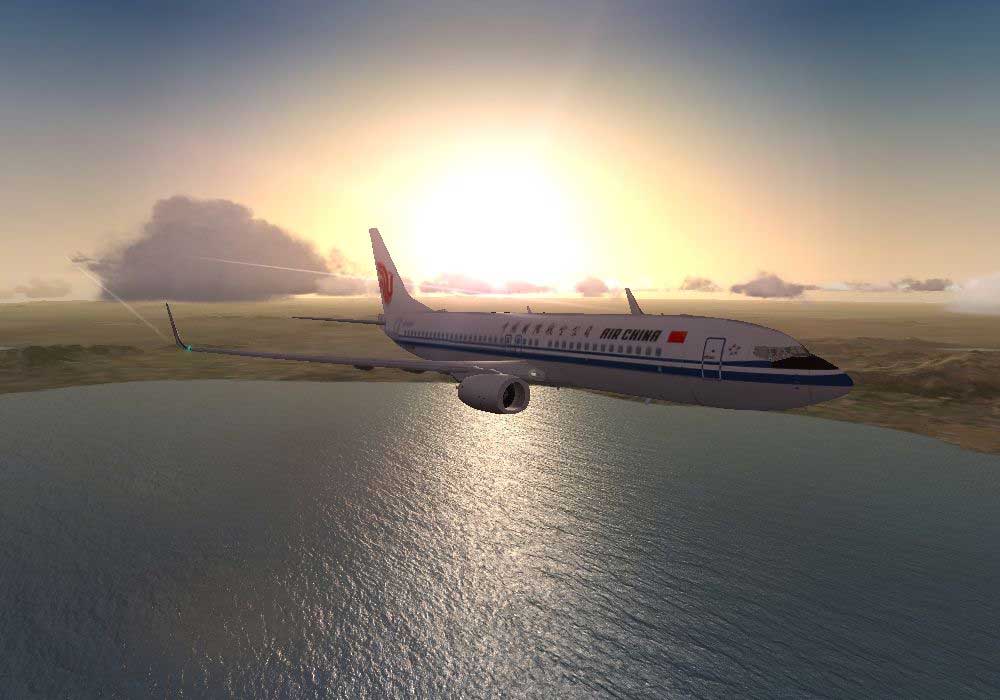
Air China Boeing 737-800 against a sunrise.
Free for all simmers · 11.36 MB · Scanned clean Oct 2026
Download speed: Free tier is capped at 0.5 Mbps (this file takes approximately 3 mins at the cap). PRO members download at full line speed.
This add-on may require the following files to function properly. If this is a repaint, the dependency below is likely the base aircraft package.
FSX\SimObjects\Airplanes\. The folder must contain an aircraft.cfg file. Effects go into FSX\Effects\; gauges go into FSX\Gauges\.readme.txt or README file. It tells you exactly where files go, what dependencies are needed, and any quirks specific to this add-on.The archive os738wcca.zip has 58 files and directories contained within it.
This list displays the first 500 files in the package. If the package has more, you will need to download it to view them.
| Filename/Directory | File Date | File Size |
|---|---|---|
| Aircraft.cfg | 08.08.09 | 23.74 kB |
| CCA_738W_1.jpg | 08.08.09 | 87.82 kB |
| CCA_738W_2.jpg | 07.28.09 | 77.94 kB |
| CCA_738W_3.jpg | 07.28.09 | 76.84 kB |
| Opensky_737NG_sparks.fx | 06.18.06 | 7.05 kB |
| Opensky_beacon.fx | 06.18.06 | 3.04 kB |
| Opensky_Boeing_vclight.fx | 06.18.06 | 1.31 kB |
| Opensky_conden.fx | 06.18.06 | 3.15 kB |
| Opensky_nacelle_refl.fx | 06.18.06 | 1.29 kB |
| Opensky_nav_yellow.fx | 06.18.06 | 3.07 kB |
| Opensky_vortex.fx | 06.18.06 | 1.23 kB |
| Opensky_wing_light.fx | 06.18.06 | 1.31 kB |
| End User License Agreement.txt | 05.09.09 | 3.89 kB |
| B737NG Operation Manual V5.pdf | 06.18.06 | 1.28 MB |
| B737_800_interior.mdl | 08.22.07 | 1.33 MB |
| model.cfg | 06.13.09 | 53 B |
| OSX738WE.MDL | 11.01.08 | 1.35 MB |
| panel.cfg | 04.23.09 | 32 B |
| Posky_B737-800WL.air | 01.01.06 | 8.90 kB |
| Readme.txt | 08.05.09 | 2.91 kB |
| sound.cfg | 03.18.09 | 32 B |
| Thumbs.db | 03.30.06 | 5.00 kB |
| B737_800_1_C.dds | 09.04.06 | 682.79 kB |
| B737_800_1_night_C.dds | 09.04.06 | 682.79 kB |
| B737_800_2_C.dds | 09.04.06 | 682.79 kB |
| B737_800_2_night_C.dds | 09.04.06 | 682.79 kB |
| B737_800_3_C.dds | 09.04.06 | 682.79 kB |
| B737_800_3_night_C.dds | 09.04.06 | 682.79 kB |
| B737_800_4_C.dds | 09.04.06 | 682.79 kB |
| B737_800_4_night_C.dds | 09.04.06 | 682.79 kB |
| B737_800_5_C.dds | 09.04.06 | 170.79 kB |
| B737_800_5_night_C.dds | 09.04.06 | 170.79 kB |
| Os737ngstair_l.bmp | 06.26.08 | 341.40 kB |
| Os737ngstair_t.bmp | 02.24.06 | 1.00 MB |
| Os737ng_ANTCOL_RED.BMP | 09.05.06 | 1.43 kB |
| Os737ng_Cockpitgray.bmp | 06.22.08 | 5.40 kB |
| Os737ng_darkgray.bmp | 06.23.08 | 5.40 kB |
| Os737ng_engine_L.bmp | 02.16.06 | 64.07 kB |
| Os737ng_engine_t.bmp | 02.19.06 | 4.00 MB |
| Os737ng_WINGROOT_GRAY.BMP | 06.24.08 | 5.40 kB |
| Os737ng_WINGTIP_GREEN_GLASS.bmp | 09.05.06 | 1.43 kB |
| Os737ng_WINGTIP_RED_GLASS.bmp | 09.05.06 | 1.43 kB |
| Os738body_l_l.bmp | 08.05.09 | 4.00 MB |
| Os738body_l_t.bmp | 08.01.09 | 4.00 MB |
| Os738body_r_l.bmp | 08.08.09 | 4.00 MB |
| Os738body_r_t.bmp | 08.05.09 | 4.00 MB |
| OS738Option.bmp | 04.06.09 | 64.07 kB |
| os738parts_L.bmp | 03.30.08 | 4.00 MB |
| Os738parts_t.bmp | 03.27.09 | 4.00 MB |
| Os738w_wing_l_l.bmp | 12.15.05 | 1.00 MB |
| Os738w_wing_l_t.bmp | 07.28.09 | 4.00 MB |
| Os738w_wing_r_l.bmp | 12.15.05 | 1.00 MB |
| Os738w_wing_r_t.bmp | 07.28.09 | 4.00 MB |
| ostug_L.bmp | 12.15.05 | 1.00 MB |
| ostug_T.bmp | 12.05.08 | 4.00 MB |
| thumbnail.jpg | 07.28.09 | 12.47 kB |
| flyawaysimulation.txt | 10.29.13 | 959 B |
| Go to Fly Away Simulation.url | 01.22.16 | 52 B |
Only PRO members can place votes.
More FSX & P3D add-ons hand-picked based on this download.
FSX Civil Aircraft
This complete freeware package offers an Air China Boeing 737-800 (B-5196) wi…
 FSX Civil Aircraft
This repaint focuses on delivering an accurate representation of Air China’s …
 FSX Civil Aircraft
China Airlines Boeing 737-800. Textures only for the default B737-800 model. …
 FSX Civil Aircraft
China Southern Boeing 737-800. Project Open Sky B737-800 Series China Souther…
 FSX Civil Aircraft
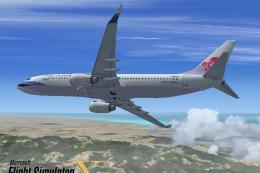
FSX China Airlines Boeing 737-800. A repaint for the FSX Default 737, registr…
 FSX Civil Aircraft
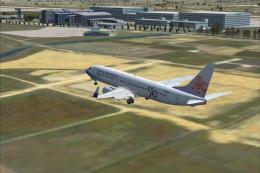
This is a repaint of the payware PMDG B737-800 in the special 50th Anniversar…
 FSX Civil Aircraft
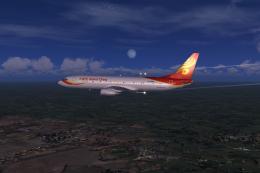
Grand China Airlines Boeing 737-800. Project Open Sky (Free Sky) B737-800 non…
 FSX Civil Aircraft
Textures only for the default B737-800. Repaint by So Yuet. This texture 90% …
Read what other simmers think, or add your own.
