

 FSX Civil Aircraft
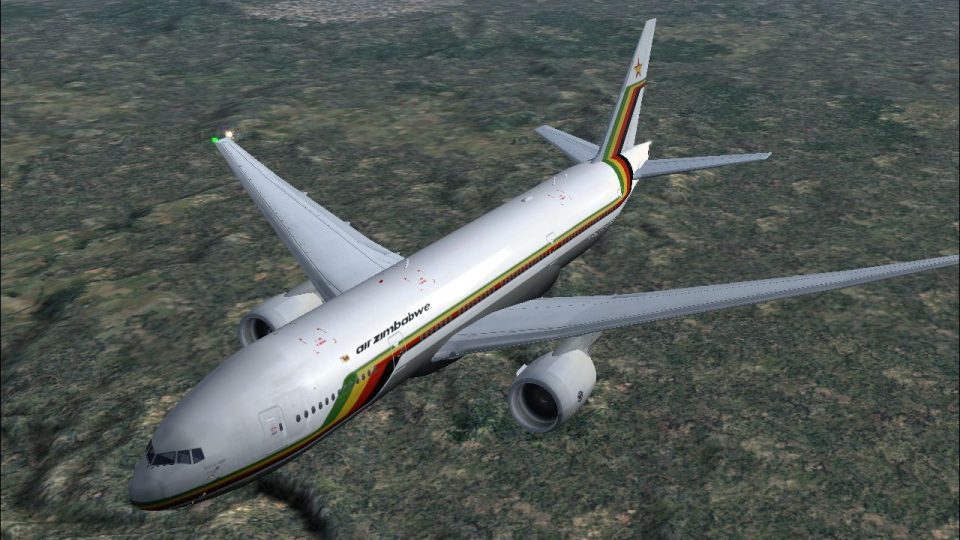
Air Zimbabwe Boeing 737-200
Textures only for Captain Sim's payware 737-200ADV Expansion Model. Repaint b…
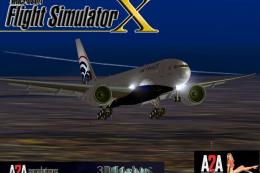
Air Zimbabwe’s Boeing 777-200ER brings a wide-body twinjet to FSX with refreshed flight dynamics for smoother takeoffs, landings, and cruise, plus realistic external lighting and new 3D light effects. Open engine cowlings for inspection and use jetway docking at supported airports; enhanced lights require A2A 3D Lights & Redux.
 Rate
Rate
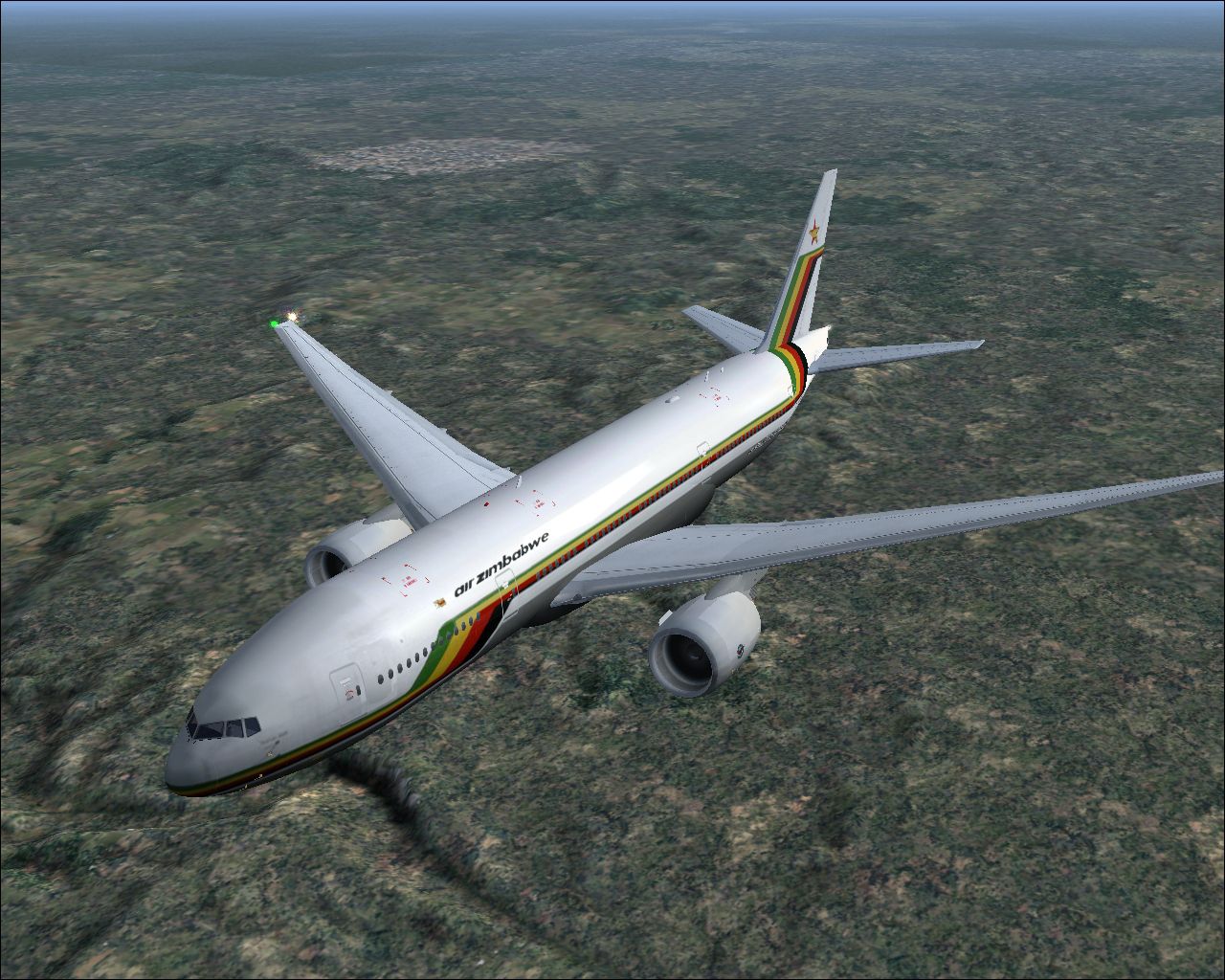
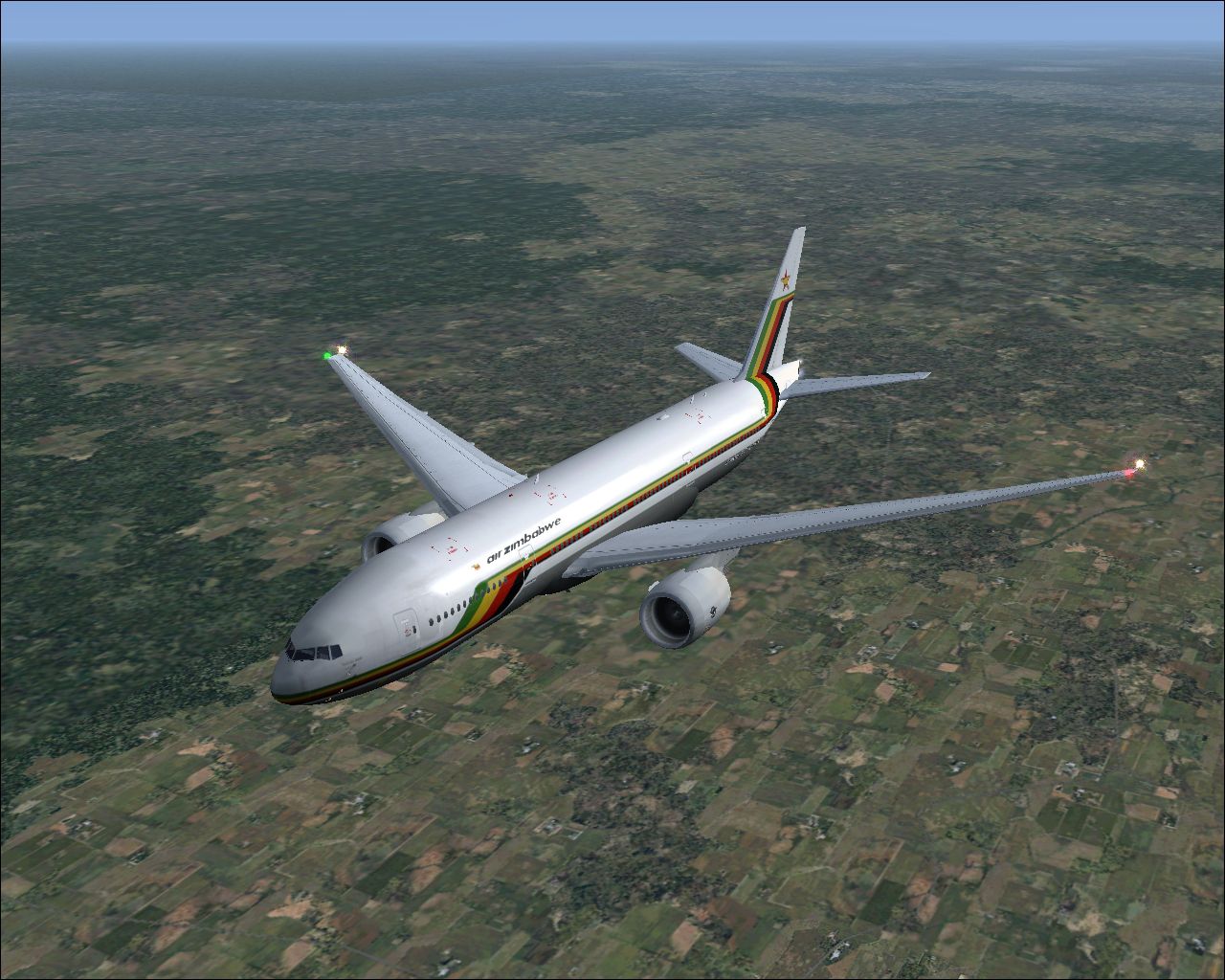
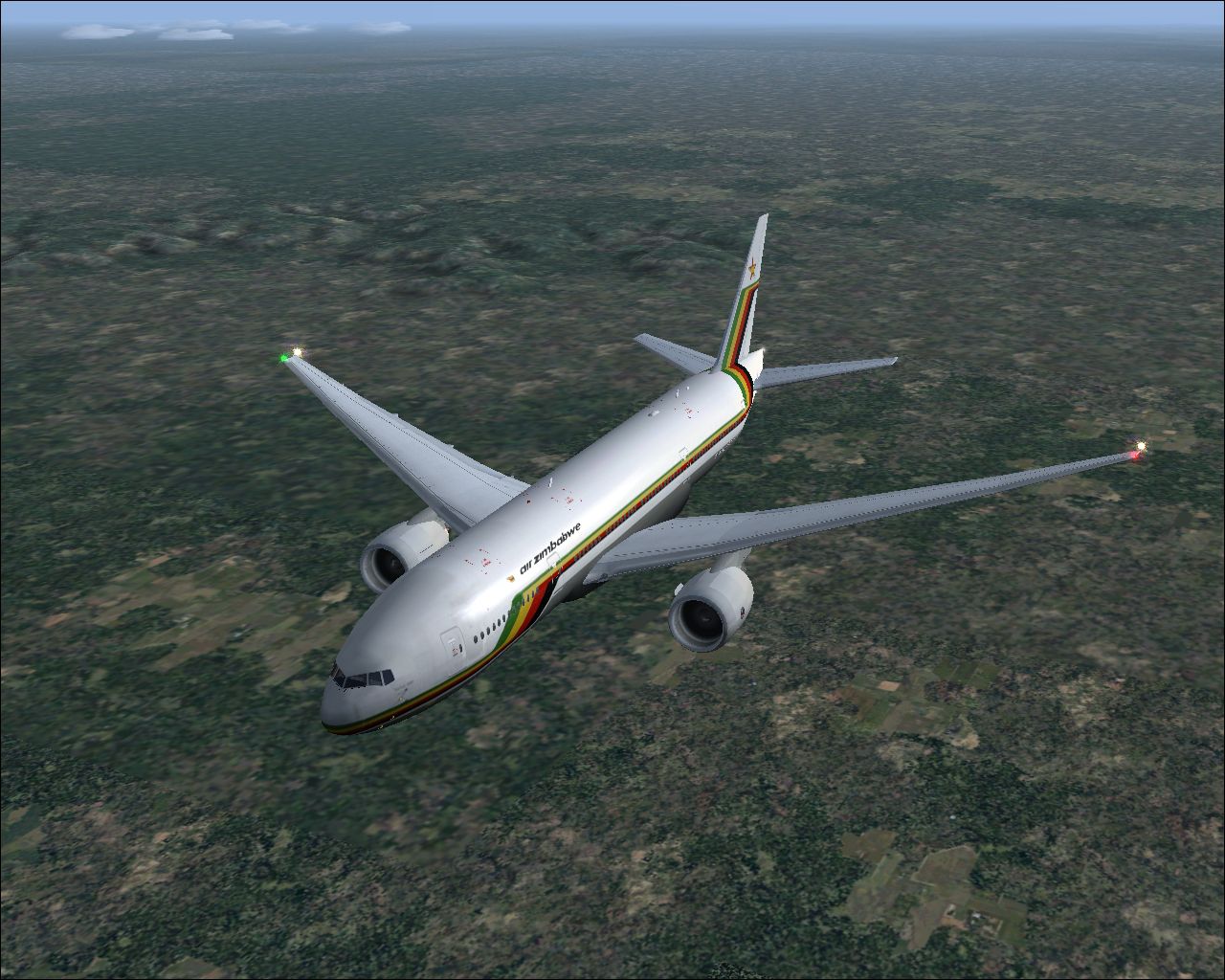
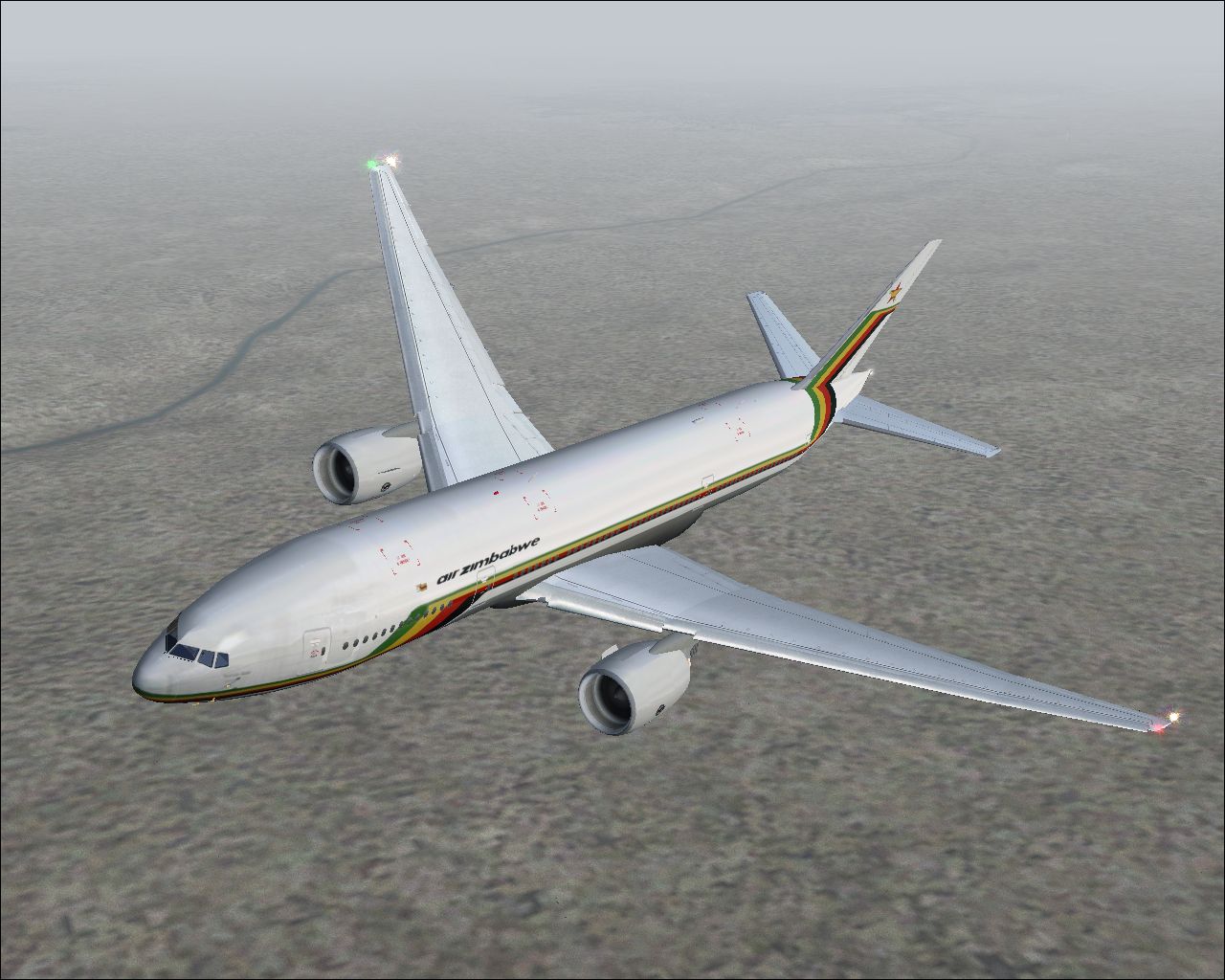
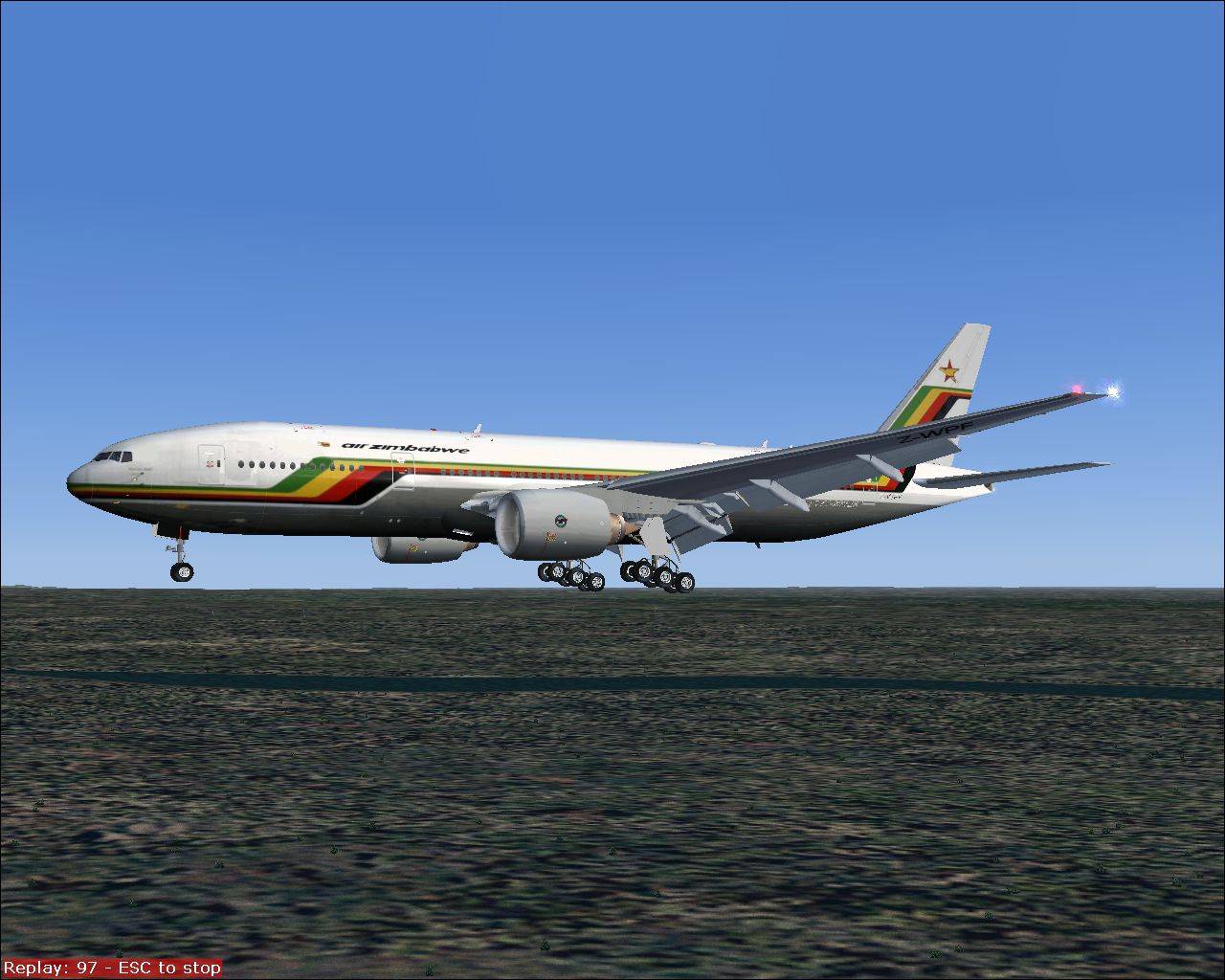
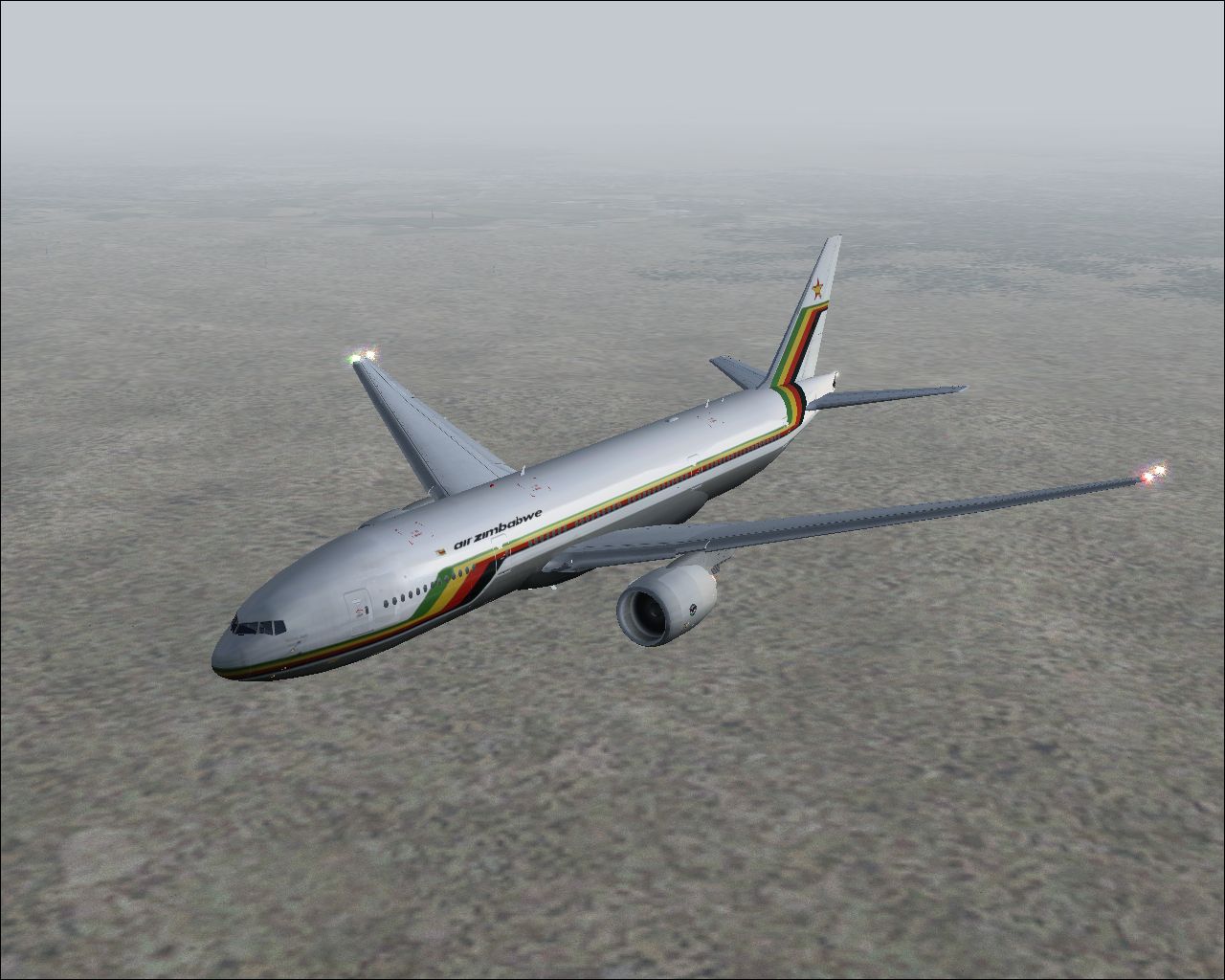
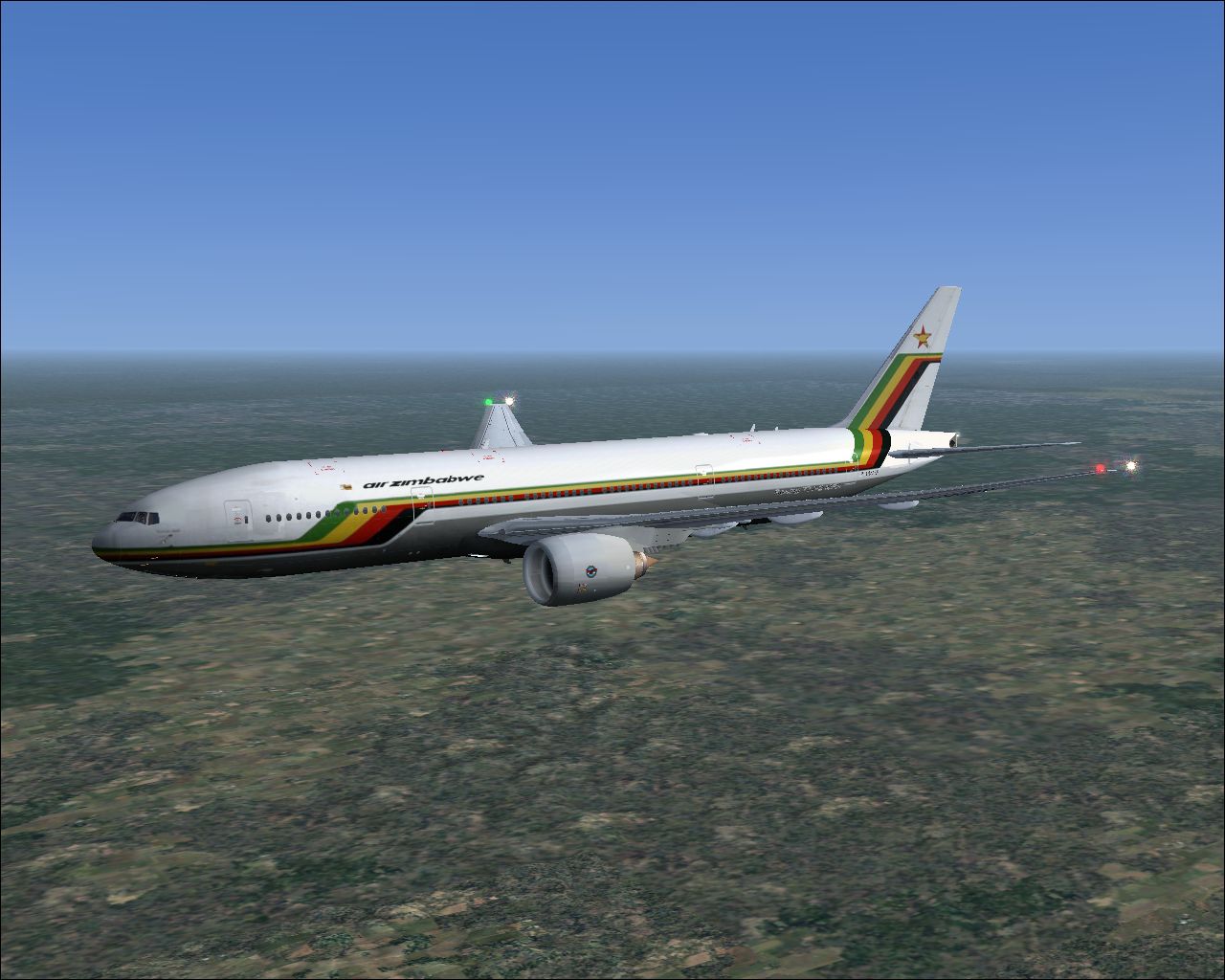
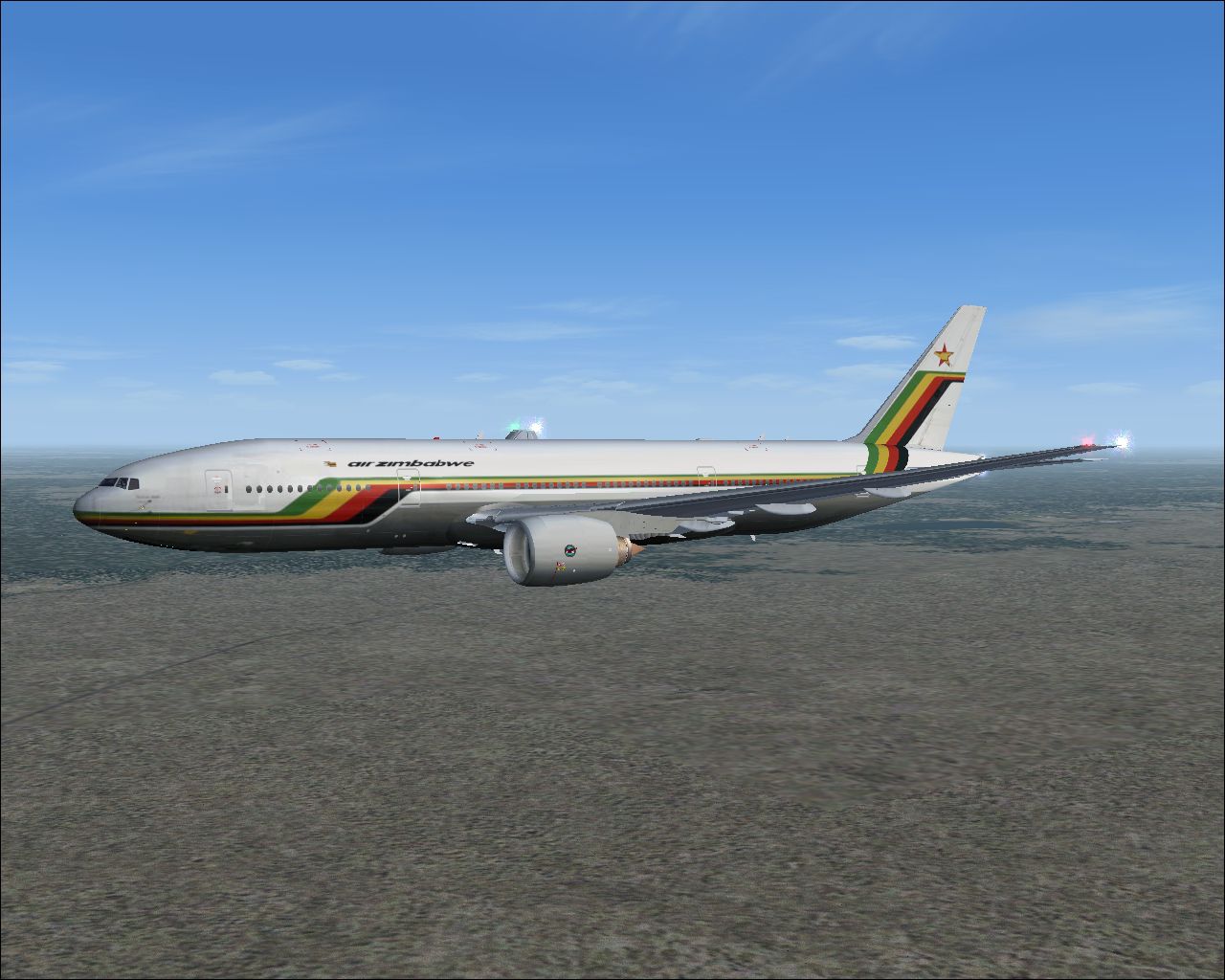
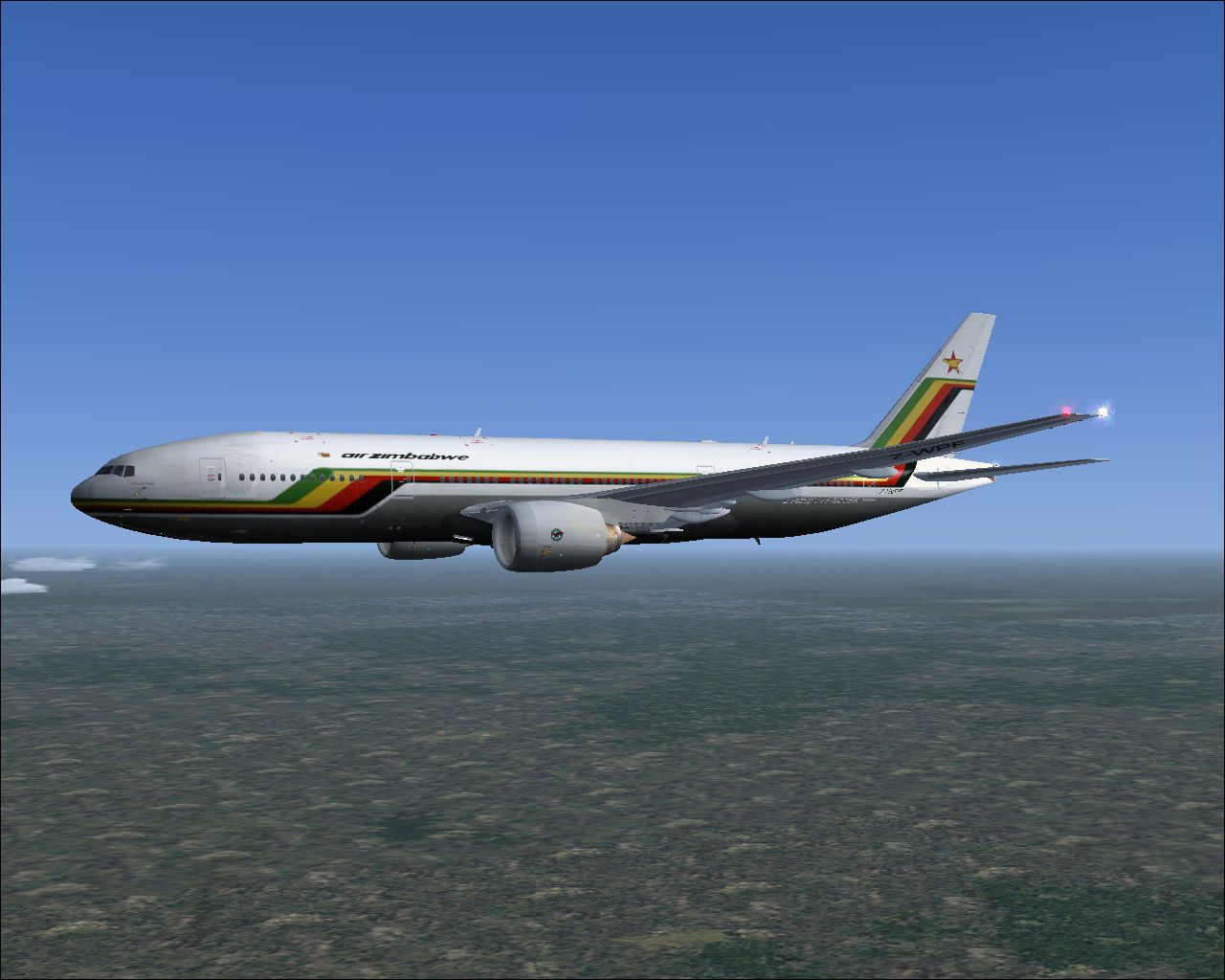
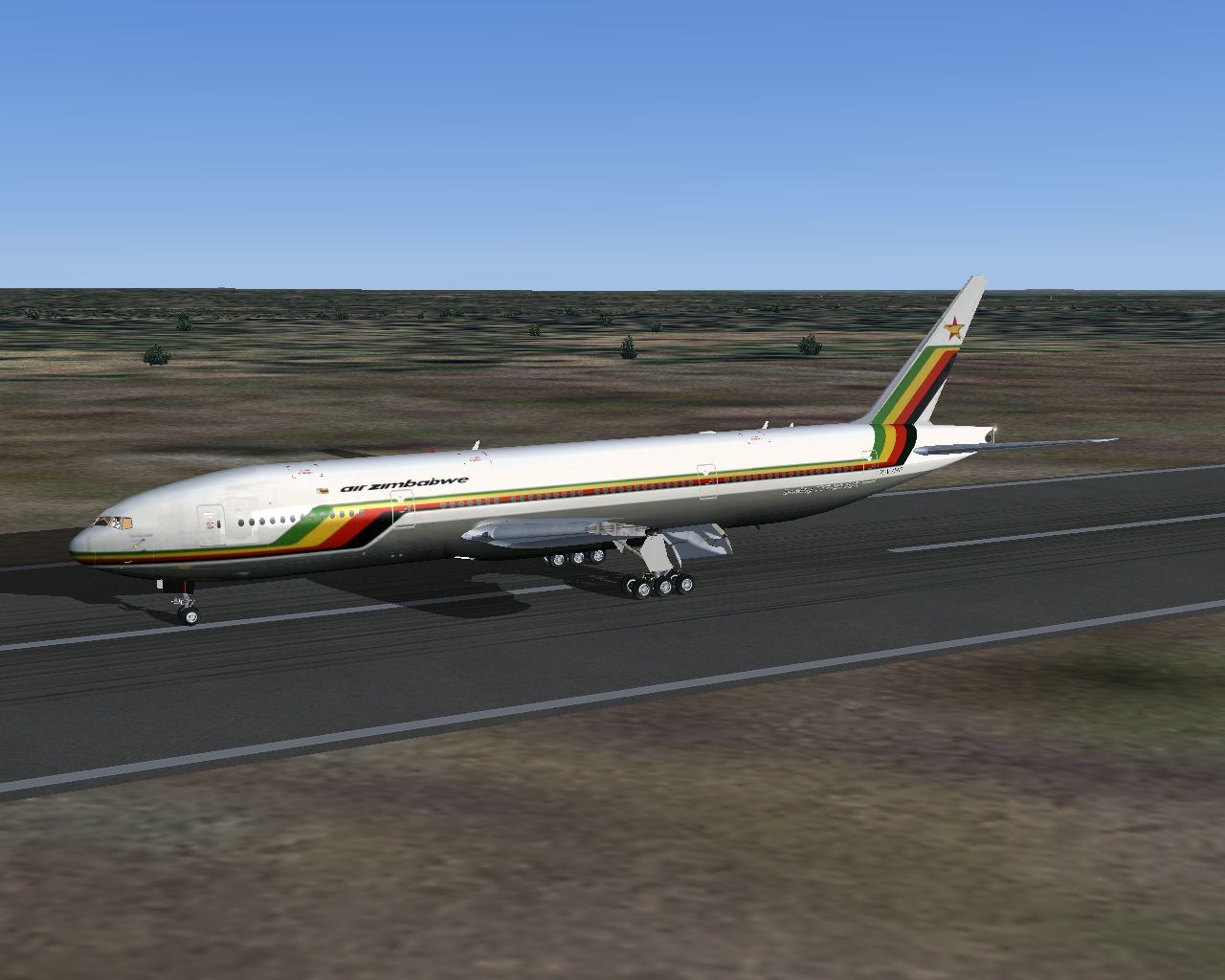
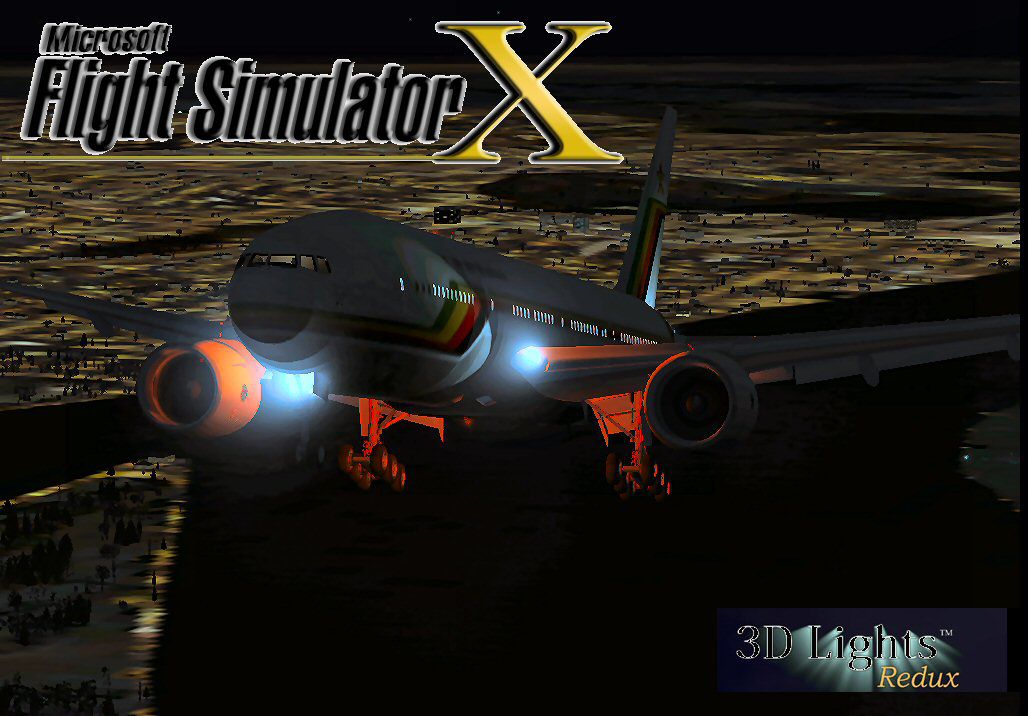
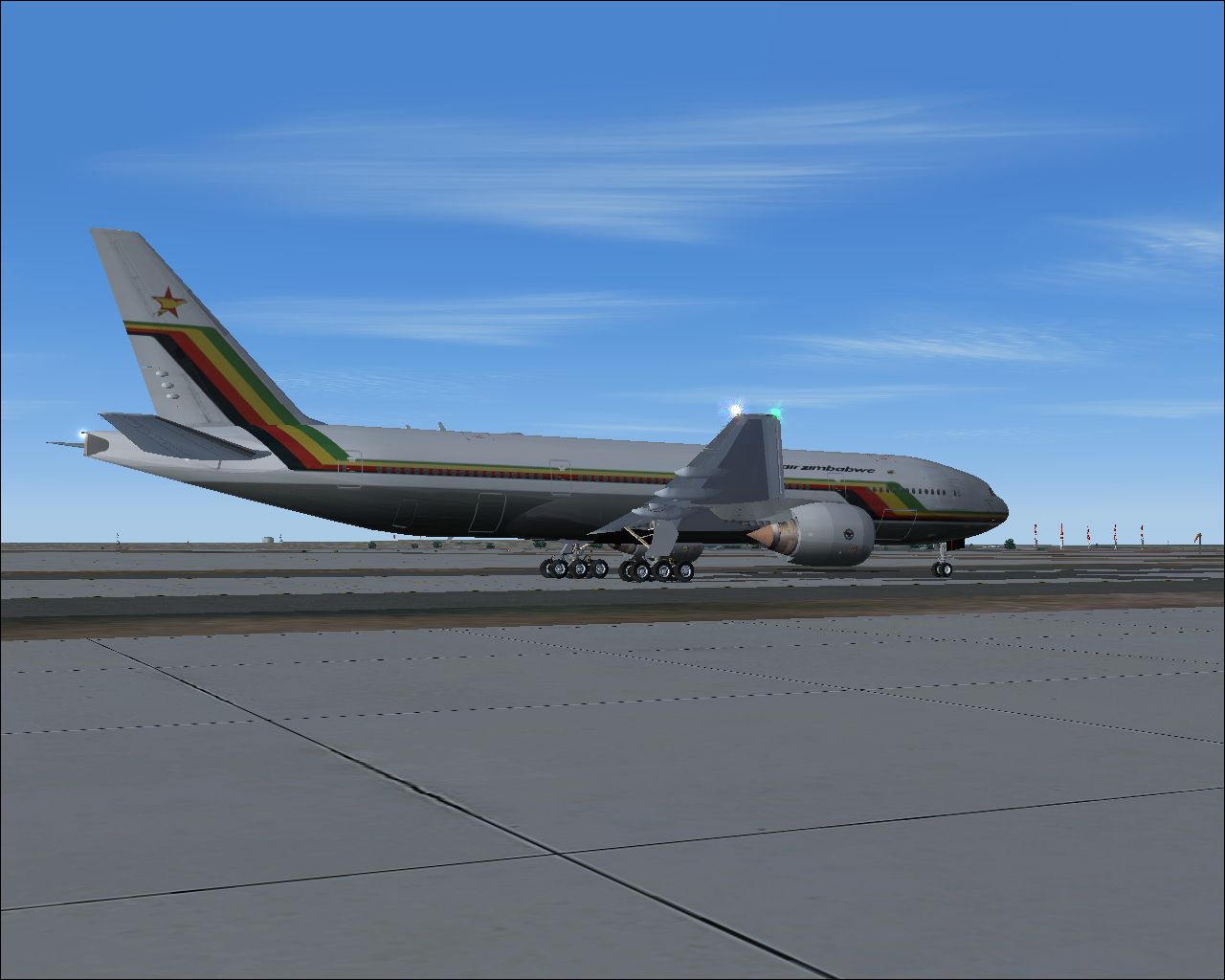
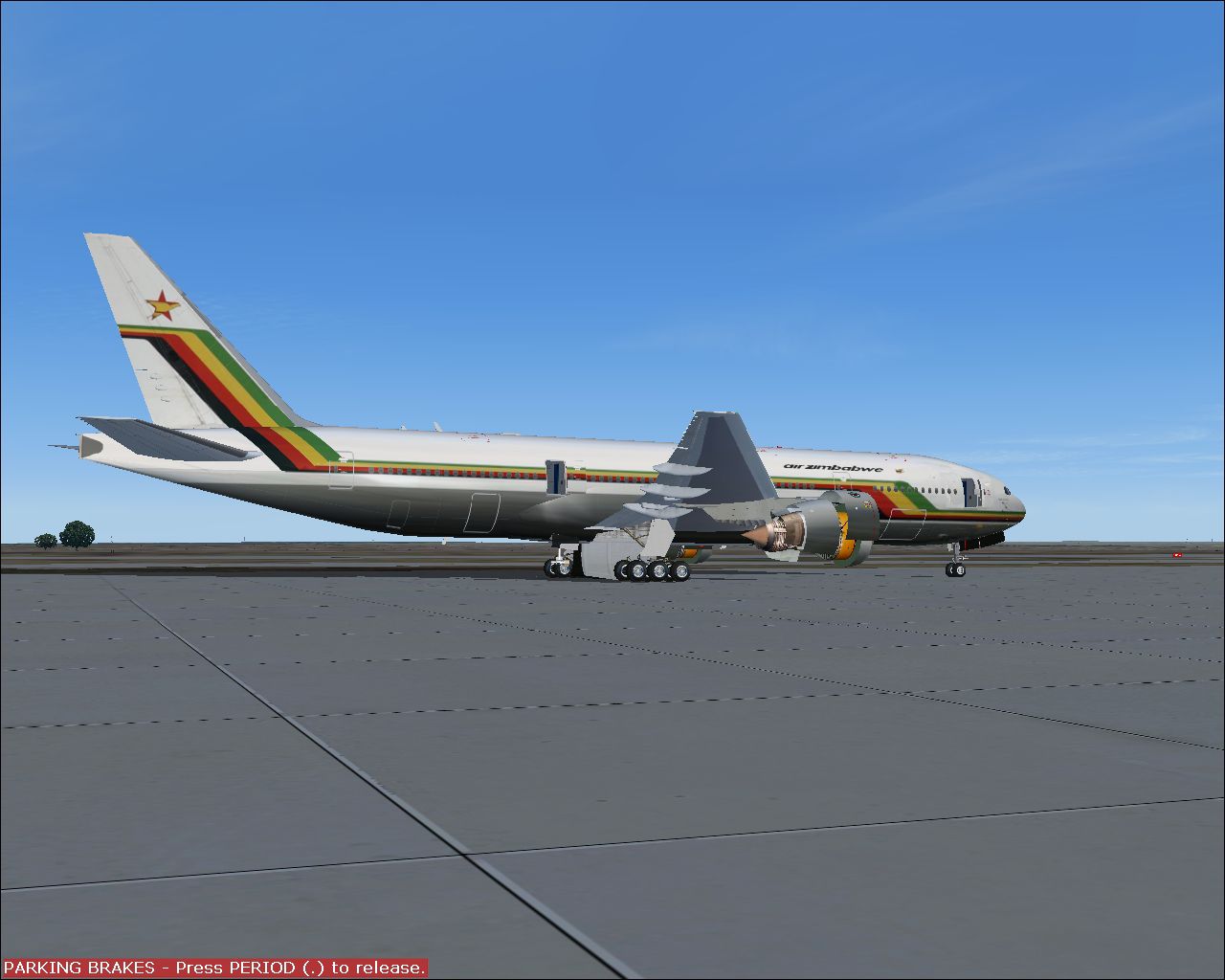
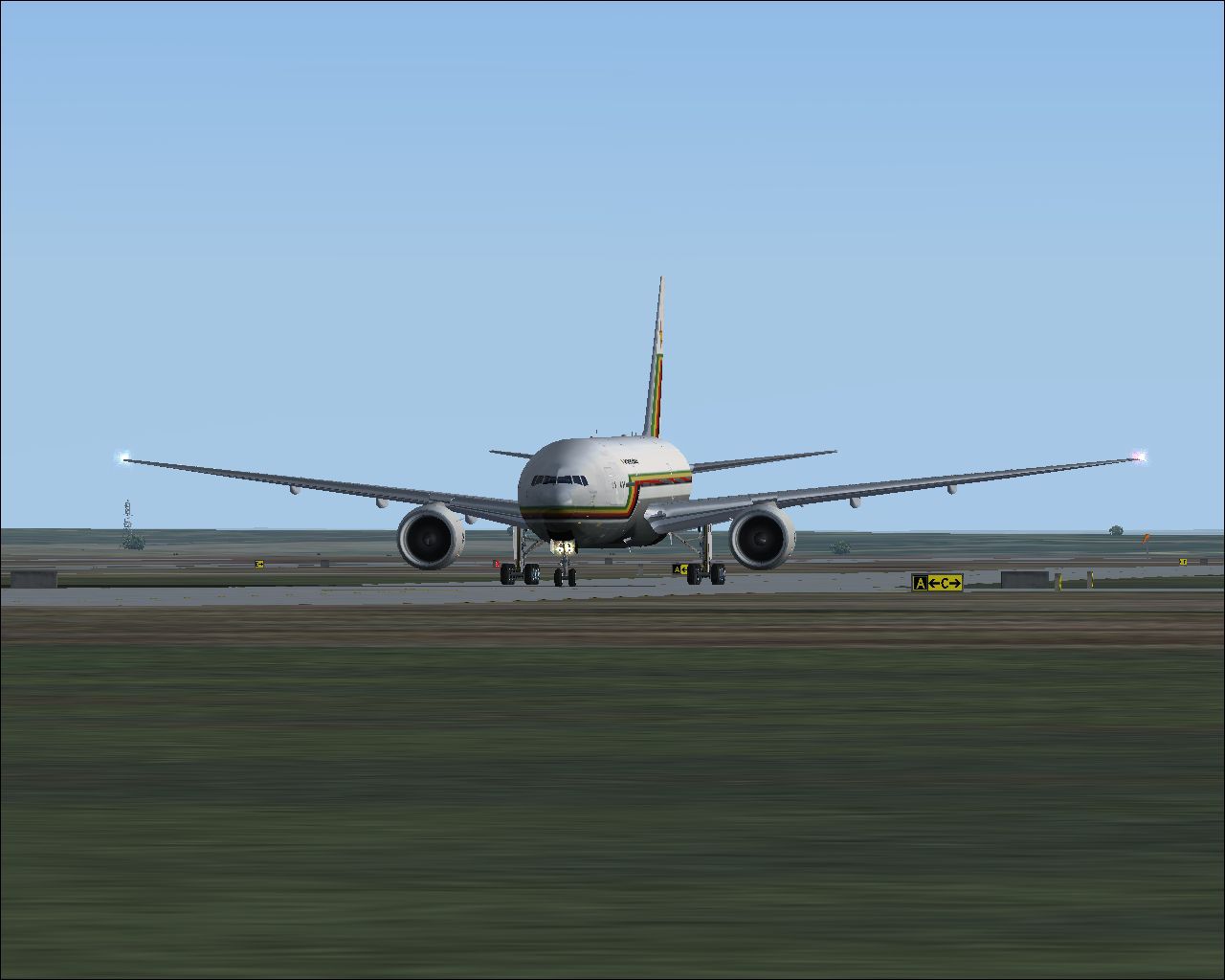
This package features a freeware Air Zimbabwe Boeing 777-200ER for FSX, bringing an updated model with refined handling and realistic external lighting. It also incorporates new 3D light effects for enhanced visual immersion. Both the original aircraft framework created by Melvin Rafi and the FSX conversion by David Grindele are contained in one convenient download.
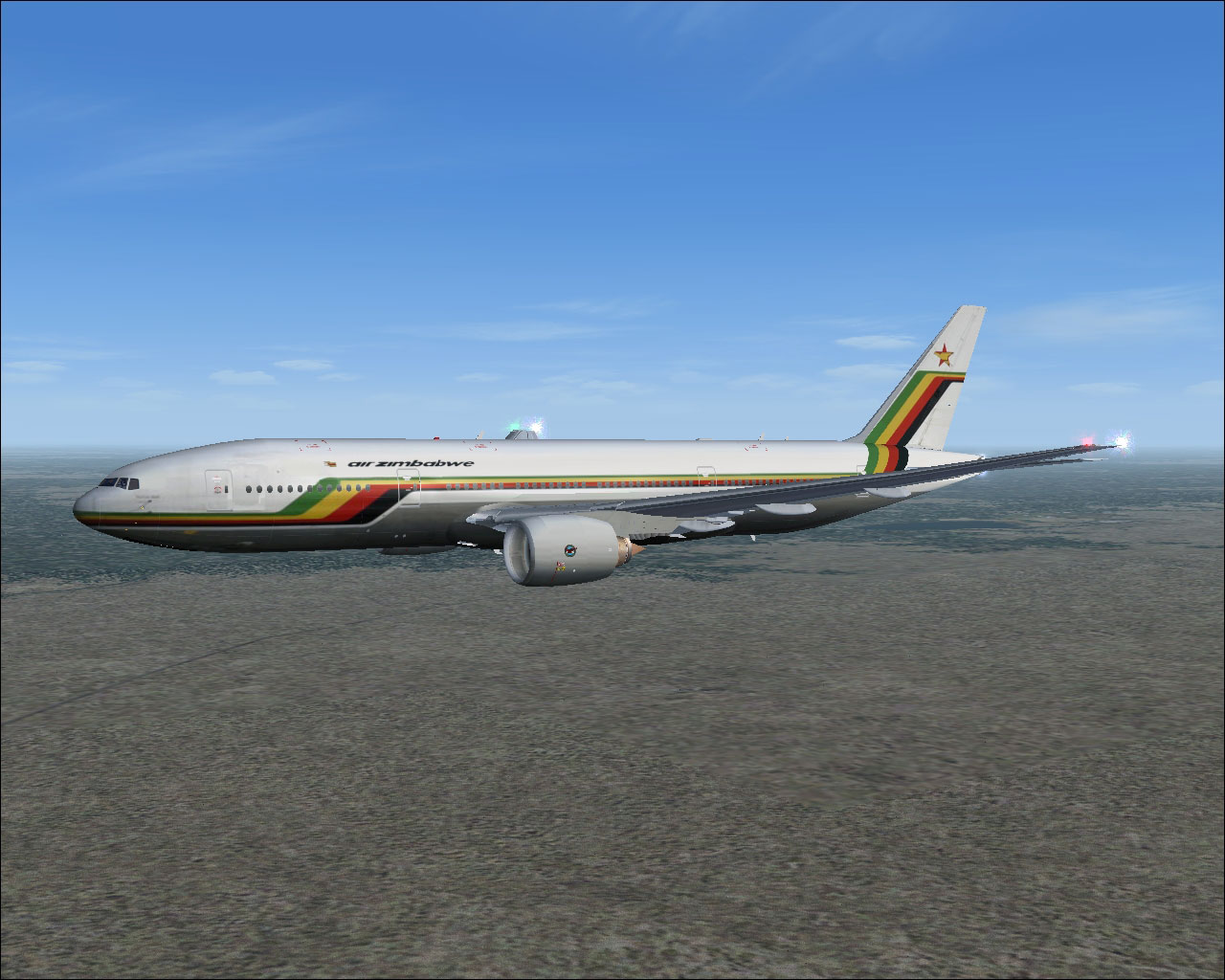
Air Zimbabwe Boeing 777-200ER in flight.
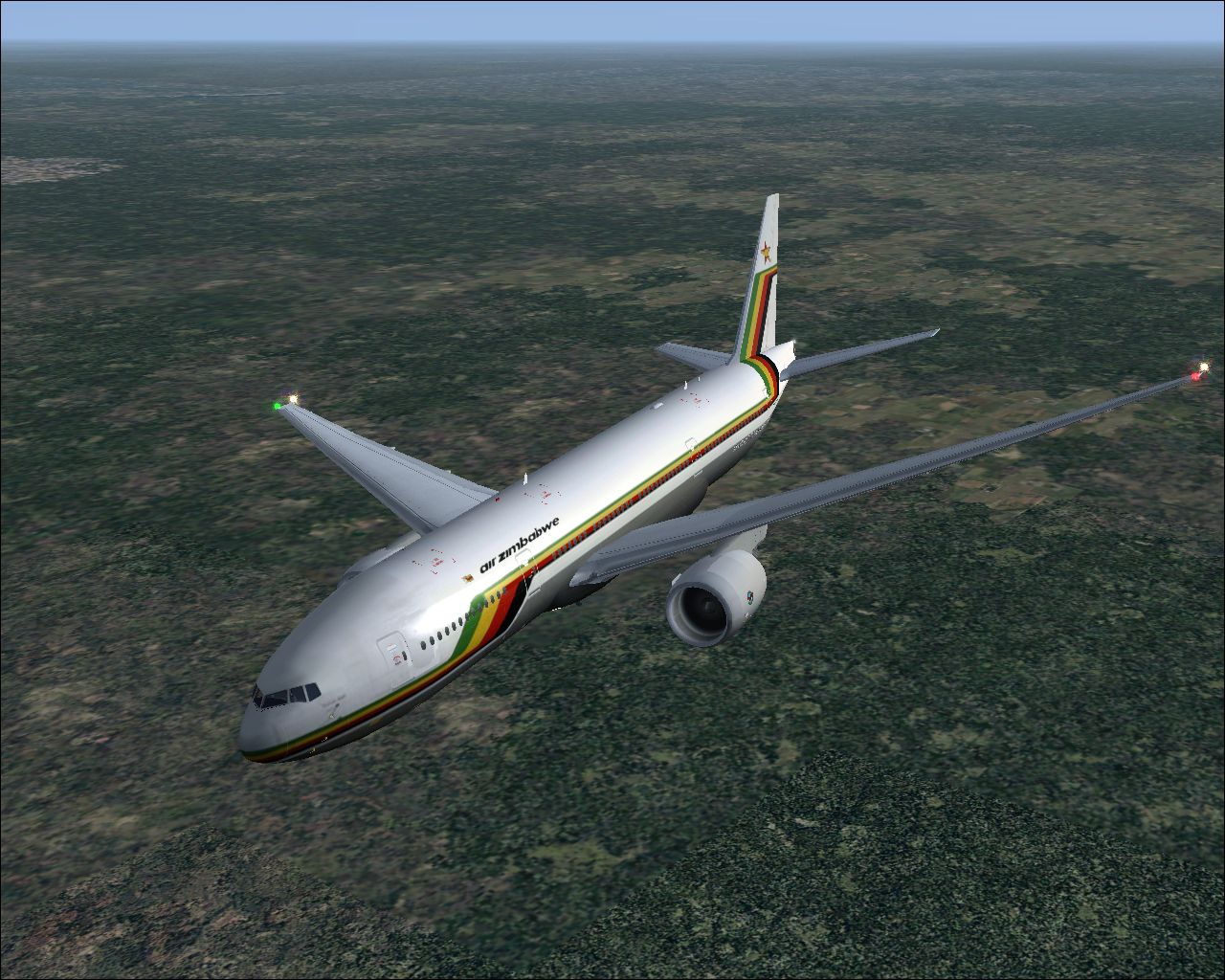
This wide-body twinjet comes in the Air Zimbabwe livery. The airline, serving Zimbabwe and neighboring regions, once operated long-haul distances and aimed to provide reliable air travel across Africa and beyond. The Boeing 777-200ER variant enclosed here features tweaked flight files to work smoothly in FSX, ensuring stable takeoffs, landings, and cruising performance.
The model stems from a series of designs originally built for earlier platforms like FS2000 and FS2002. Later conversions introduced functionality for FS2004, but certain flight characteristics remained unoptimized until now. This revised edition for FSX refines those characteristics further, bringing the model in line with modern simulation expectations.
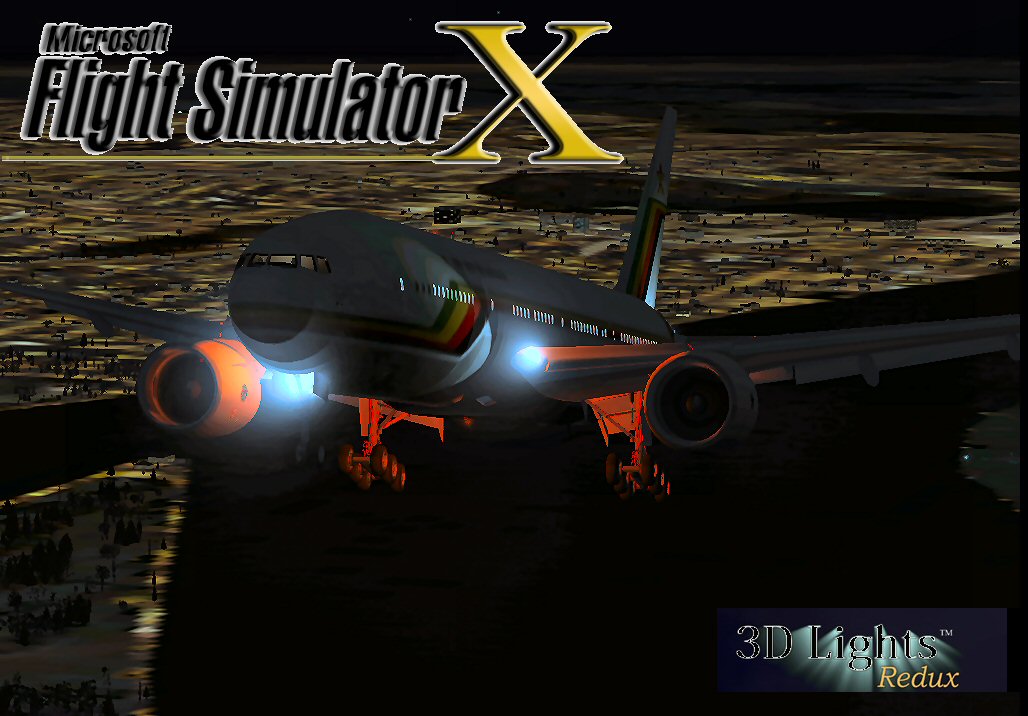
Air Zimbabwe Boeing 777-200ER.
This add-on has been verified for stability with FSX on Windows Vista 32-bit and Windows XP. It is freeware, so users can enjoy the enhancements without any additional cost.
Original Aircraft by: Melvin Rafi
FSX Conversion & Updates by: David Grindele
The authors have meticulously preserved the authenticity of the model, bringing the Air Zimbabwe 777-200ER to the modern simulator environment. This package upholds the high-quality work of Meljet, combining classic design with new technical refinements.
Free for all simmers · 68.23 MB · Scanned clean Oct 2026
Download speed: Free tier is capped at 0.5 Mbps (this file takes approximately 19 mins at the cap). PRO members download at full line speed.
FSX\SimObjects\Airplanes\. The folder must contain an aircraft.cfg file. Effects go into FSX\Effects\; gauges go into FSX\Gauges\.readme.txt or README file. It tells you exactly where files go, what dependencies are needed, and any quirks specific to this add-on.The archive az77fsx.zip has 158 files and directories contained within it.
This list displays the first 500 files in the package. If the package has more, you will need to download it to view them.
| Filename/Directory | File Date | File Size |
|---|---|---|
| Boeing 777-200ER Air Zimbabwe | 12.17.09 | 0 B |
| aircraft.cfg | 12.17.09 | 18.36 kB |
| Boeing777-200-MR-MKIII.air | 07.08.03 | 8.66 kB |
| model | 12.16.09 | 0 B |
| Boeing777-200-MR-MKIII.mdl | 07.13.03 | 3.55 MB |
| Model.cfg | 11.09.02 | 41 B |
| panel | 12.16.09 | 0 B |
| 777KM.cab | 09.17.04 | 1.25 MB |
| forward_1024.bmp | 07.06.01 | 769.05 kB |
| forward_640.bmp | 07.06.01 | 301.05 kB |
| FORWARD_LEFT.bmp | 08.05.00 | 335.36 kB |
| forward_right.bmp | 08.11.00 | 769.05 kB |
| LEFT.bmp | 08.11.00 | 140.55 kB |
| MAIN.bmp | 09.17.04 | 5.49 MB |
| OVERHEAD.bmp | 09.16.04 | 2.70 MB |
| panel.cfg | 11.17.09 | 8.12 kB |
| PEDESTAL.bmp | 09.16.04 | 1.09 MB |
| REAR.bmp | 07.25.00 | 733.47 kB |
| REAR_LEFT.bmp | 07.27.00 | 582.27 kB |
| REAR_RIGHT.bmp | 07.24.00 | 680.04 kB |
| right2.bmp | 08.10.00 | 606.57 kB |
| Thumbs.db | 12.13.09 | 27.00 kB |
| Preview | 12.16.09 | 0 B |
| ScreenShot087.jpg | 06.26.06 | 493.20 kB |
| ScreenShot088.jpg | 06.26.06 | 507.92 kB |
| ScreenShot089.jpg | 06.26.06 | 341.09 kB |
| ScreenShot090.jpg | 06.26.06 | 693.08 kB |
| ScreenShot091.jpg | 06.26.06 | 786.41 kB |
| ScreenShot092.jpg | 06.26.06 | 864.57 kB |
| ScreenShot093.jpg | 06.26.06 | 1.03 MB |
| ScreenShot094.jpg | 06.26.06 | 680.54 kB |
| ScreenShot095.jpg | 06.26.06 | 954.52 kB |
| ScreenShot096.jpg | 06.26.06 | 565.54 kB |
| ScreenShot097.jpg | 06.26.06 | 945.11 kB |
| ScreenShot098.jpg | 06.26.06 | 1004.43 kB |
| ScreenShot099.jpg | 06.26.06 | 653.14 kB |
| ScreenShot100.jpg | 06.26.06 | 619.59 kB |
| Thumbs.db | 12.13.09 | 41.50 kB |
| sound | 12.16.09 | 0 B |
| A_COMB_1.wav | 12.12.04 | 728.63 kB |
| A_COMB_2.wav | 12.12.04 | 728.63 kB |
| A_COMB_3.wav | 12.12.04 | 728.63 kB |
| A_COMB_4.wav | 05.07.05 | 691.51 kB |
| A_EFSC.wav | 09.27.05 | 325.45 kB |
| A_JT8D_0.wav | 06.04.04 | 209.46 kB |
| A_JT8D_1.wav | 05.01.05 | 1.69 MB |
| A_JT8D_2.wav | 01.19.06 | 605.39 kB |
| A_JT8D_3.wav | 02.11.06 | 418.02 kB |
| b_COMB_1.wav | 12.12.04 | 728.63 kB |
| B_COMB_2.wav | 12.12.04 | 728.63 kB |
| B_COMB_3.wav | 12.12.04 | 728.63 kB |
| B_COMB_4.wav | 05.07.05 | 691.51 kB |
| B_EFSC.wav | 09.27.05 | 325.45 kB |
| b_JT8D_0.wav | 06.04.04 | 209.46 kB |
| b_JT8D_1.wav | 05.01.05 | 1.69 MB |
| b_JT8D_2.wav | 01.19.06 | 605.39 kB |
| B_JT8D_3.wav | 02.11.06 | 418.02 kB |
| FLAPS.wav | 08.22.03 | 210.75 kB |
| GEARDOWN.wav | 02.17.06 | 1.96 MB |
| gearup.wav | 02.17.06 | 1.98 MB |
| NEWWIND.WAV | 03.29.04 | 858.65 kB |
| reverser,BBN2T.wav | 01.19.06 | 1.79 MB |
| reverser.wav | 12.27.05 | 1.81 MB |
| Sound.cfg | 02.17.06 | 14.99 kB |
| touchc.wav | 01.06.99 | 286.01 kB |
| touchl.wav | 09.10.98 | 14.22 kB |
| touchr.wav | 07.01.97 | 10.85 kB |
| T_COMB_SHUT.WAV | 04.01.04 | 2.32 MB |
| T_COMB_START.wav | 06.30.01 | 107.55 kB |
| T_JT8D_START.wav | 12.12.04 | 3.63 MB |
| wind.wav | 03.29.04 | 858.65 kB |
| XBAN2T.wav | 12.21.05 | 1.81 MB |
| XBBN2T.wav | 12.21.05 | 1.81 MB |
| X_A_COMB_1.wav | 05.07.05 | 693.93 kB |
| X_A_COMB_2.wav | 05.07.05 | 693.93 kB |
| X_A_COMB_3.wav | 05.07.05 | 693.93 kB |
| X_A_COMB_4.wav | 02.04.06 | 325.45 kB |
| X_a_EFSC.wav | 01.16.06 | 648.45 kB |
| X_A_JT8D_0.wav | 02.04.06 | 325.45 kB |
| X_a_JT8D_1.wav | 02.04.06 | 325.45 kB |
| X_A_JT8D_2.wav | 02.04.06 | 669.99 kB |
| X_a_JT8D_3.wav | 02.04.06 | 669.99 kB |
| X_A_REVRS.wav | 09.16.99 | 108.81 kB |
| X_b_COMB_1.wav | 05.07.05 | 693.93 kB |
| X_b_COMB_2.wav | 05.07.05 | 693.93 kB |
| X_b_COMB_3.wav | 05.07.05 | 693.93 kB |
| X_B_COMB_4.wav | 02.04.06 | 325.45 kB |
| X_B_EFSC.wav | 12.21.05 | 1.81 MB |
| X_b_JT8D_0.wav | 02.04.06 | 325.45 kB |
| X_b_JT8D_1.wav | 02.04.06 | 325.45 kB |
| X_b_JT8D_2.wav | 02.04.06 | 669.99 kB |
| X_b_JT8D_3.wav | 02.04.06 | 669.99 kB |
| X_B_REVRS.wav | 09.16.99 | 119.31 kB |
| X_T_COMB_START.wav | 03.17.05 | 693.93 kB |
| X_T_JT8D_SHUT.WAV | 09.19.04 | 3.98 MB |
| X_T_JT8D_START.wav | 03.31.04 | 3.58 MB |
| soundai | 12.16.09 | 0 B |
| soundai.cfg | 05.12.06 | 34 B |
| texture | 12.17.09 | 0 B |
| 777Cargohold_L.bmp | 08.10.05 | 1.00 MB |
| 777Cargohold_T.bmp | 08.10.05 | 1.00 MB |
| 777cockpitwindows.bmp | 12.29.02 | 257.05 kB |
| 777FuselagePort1_L.bmp | 06.29.05 | 1.00 MB |
| 777FuselagePort1_T.bmp | 06.26.06 | 4.00 MB |
| 777FuselageStar1_L.bmp | 06.29.05 | 1.00 MB |
| 777FuselageStar1_T.bmp | 06.26.06 | 4.00 MB |
| 777gear2_L.bmp | 12.30.02 | 16.07 kB |
| 777gear2_T.bmp | 06.26.06 | 4.00 MB |
| 777interior10_L.bmp | 07.11.03 | 256.07 kB |
| 777interior10_T.bmp | 07.11.03 | 256.07 kB |
| 777interior11_L.bmp | 07.11.03 | 256.07 kB |
| 777interior11_T.bmp | 07.11.03 | 256.07 kB |
| 777interior1_L.bmp | 12.30.02 | 256.07 kB |
| 777interior1_T.bmp | 12.30.02 | 256.07 kB |
| 777interior2_L.bmp | 01.01.03 | 256.07 kB |
| 777interior2_T.bmp | 01.01.03 | 256.07 kB |
| 777interior3_L.bmp | 07.11.03 | 1.00 MB |
| 777interior3_T.bmp | 07.11.03 | 1.00 MB |
| 777interior4_L.bmp | 07.11.03 | 1.00 MB |
| 777interior4_T.bmp | 07.13.03 | 1.00 MB |
| 777interior5_L.bmp | 07.11.03 | 1.00 MB |
| 777interior5_T.bmp | 07.13.03 | 1.00 MB |
| 777interior6_L.bmp | 07.11.03 | 1.00 MB |
| 777interior6_T.bmp | 07.13.03 | 1.00 MB |
| 777interior7_L.bmp | 07.11.03 | 1.00 MB |
| 777interior7_T.bmp | 07.12.03 | 1.00 MB |
| 777interior8_L.bmp | 07.11.03 | 256.07 kB |
| 777interior8_T.bmp | 07.11.03 | 256.07 kB |
| 777interior9_L.bmp | 07.11.03 | 256.07 kB |
| 777interior9_T.bmp | 07.11.03 | 256.07 kB |
| 777LandingGear01.bmp | 08.10.05 | 1.00 MB |
| 777Tail_L.bmp | 06.29.05 | 1.00 MB |
| 777Tail_T.bmp | 06.26.06 | 4.00 MB |
| 777Wing1_L.bmp | 12.30.02 | 16.07 kB |
| 777Wing1_T.bmp | 04.26.03 | 4.00 MB |
| 777Wing2_L.bmp | 12.30.02 | 16.07 kB |
| 777Wing2_T.bmp | 06.26.06 | 4.00 MB |
| Powerplant-PW4090-Exterior_L.bmp | 12.30.02 | 16.07 kB |
| Powerplant-PW4090-Exterior_T.bmp | 06.26.06 | 4.00 MB |
| Powerplant-PW4090-Fan.bmp | 11.22.01 | 65.05 kB |
| Powerplant-PW4090-FanShaft.bmp | 12.01.02 | 65.05 kB |
| Powerplant-PW4090-FanShaftMotion.bmp | 11.30.01 | 65.05 kB |
| Powerplant-PW4090-Interior_L.bmp | 12.30.02 | 16.07 kB |
| Powerplant-PW4090-Interior_T.bmp | 05.16.05 | 4.00 MB |
| Thumbnail.jpg | 12.17.09 | 9.56 kB |
| Thumbs.db | 12.17.09 | 59.00 kB |
| file_id.diz | 12.17.09 | 1.93 kB |
| Install.txt | 12.17.09 | 1.44 kB |
| New 3D Light Effects | 12.17.09 | 0 B |
| fx_shockwave_beaconb.fx | 06.13.04 | 1.05 kB |
| fx_shockwave_beaconh.fx | 06.13.04 | 1.05 kB |
| WallPaper | 12.17.09 | 0 B |
| Thumbs.db | 12.17.09 | 5.50 kB |
| ZIM 777-200ER.bmp | 12.17.09 | 2.11 MB |
| ZIM 777-200ER.jpg | 12.17.09 | 121.72 kB |
| AZ77FSX | 12.17.09 | 0 B |
| flyawaysimulation.txt | 10.29.13 | 959 B |
| Go to Fly Away Simulation.url | 01.22.16 | 52 B |
Only PRO members can place votes.
More FSX & P3D add-ons hand-picked based on this download.
FSX Civil Aircraft
Textures only for Captain Sim's payware 737-200ADV Expansion Model. Repaint b…
 FSX Civil Aircraft
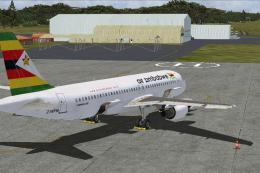
Repaint of Air Zimbabwe's Airbus A320 Z-WPM for Aerosoft's AirbusX A320. By D…
 FSX Civil Aircraft
This is a repaint of the payware PMDG B777-200ER in the livery of Air France.…
 FSX Civil Aircraft
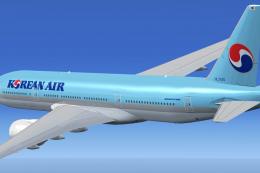
Korean Air Boeing 777-200ER. The SkySpirit2012 Boeing 777-200ER model painted…
 FSX Civil Aircraft
This freeware add-on presents the Air Algérie Boeing 777-200ER (registration …
 FSX Civil Aircraft
This freeware add-on showcases the TAP Air Portugal Boeing 777-200ER and intr…
 FSX Civil Aircraft
This freeware package offers an Air France Boeing 777-200ER in the current li…
 FSX Civil Aircraft
The SkySpirit2012 B777-200ER model painted in Air New Zealand livery, registe…
Read what other simmers think, or add your own.
