

 FSX Civil Aircraft
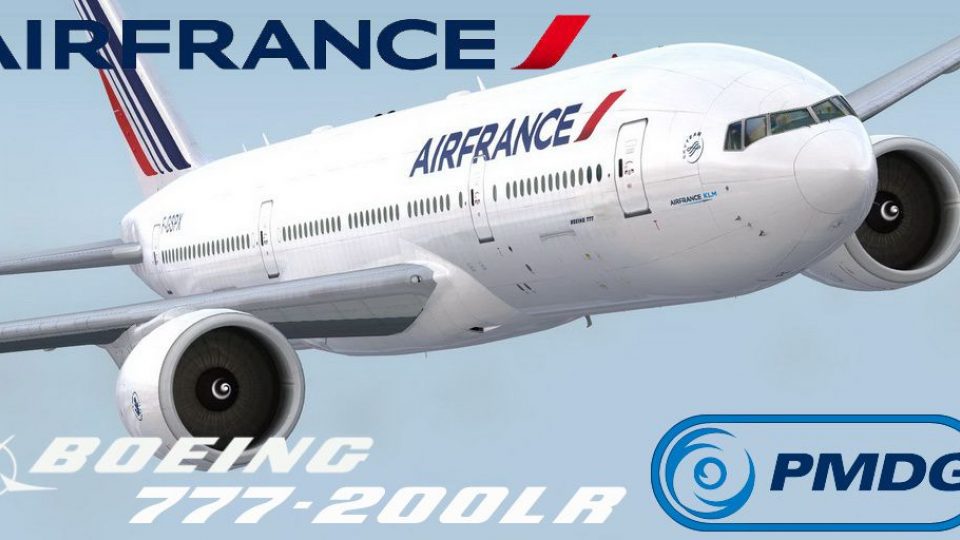
Air France Boeing 777-200LR F-GSPX
A repaint of the payware PMDG B777-200LR. Repainted by Martial Feron using PM…
Air France Boeing 777-200ER repaint for the PMDG 777 brings registration F-GSPX to FSX with authentic airline markings and a GE90-94 engine look to match the real fleet. Crisp exterior textures complement the virtual cockpit experience and it requires the PMDG 777-200LR base package.
 Rate
Rate
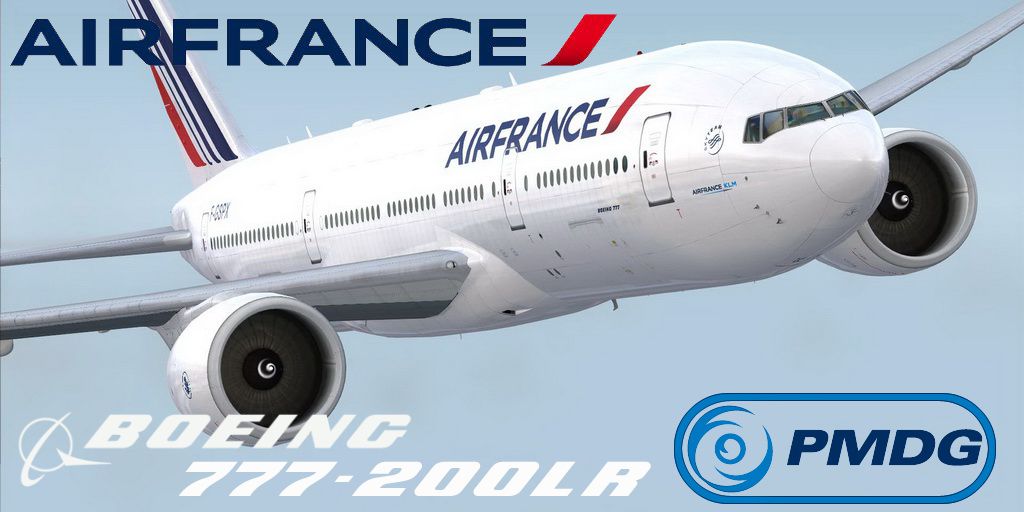
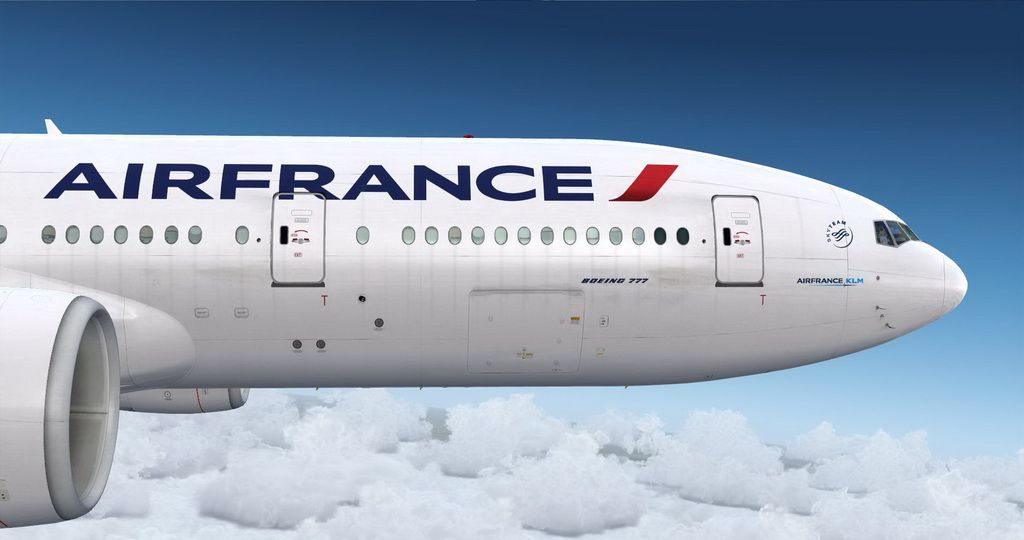
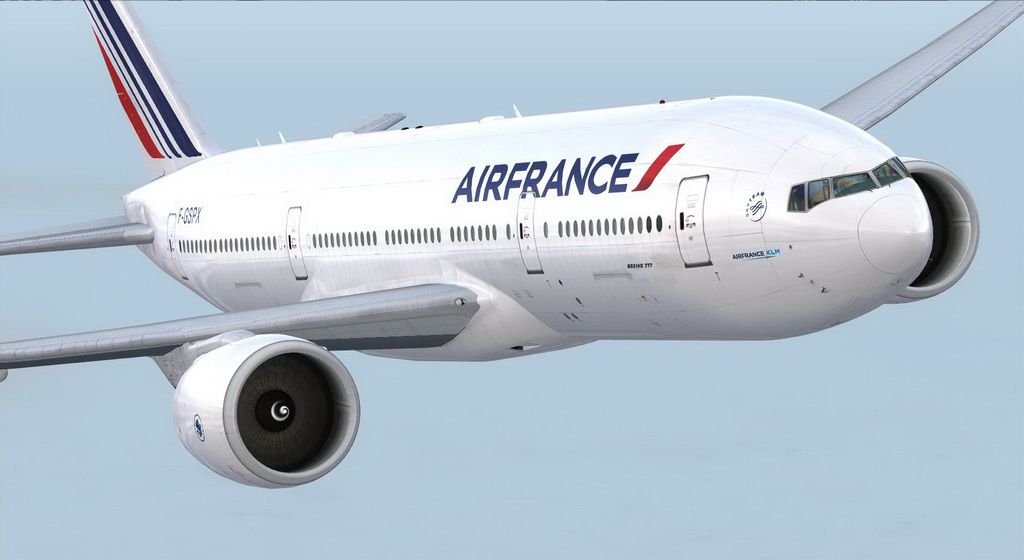
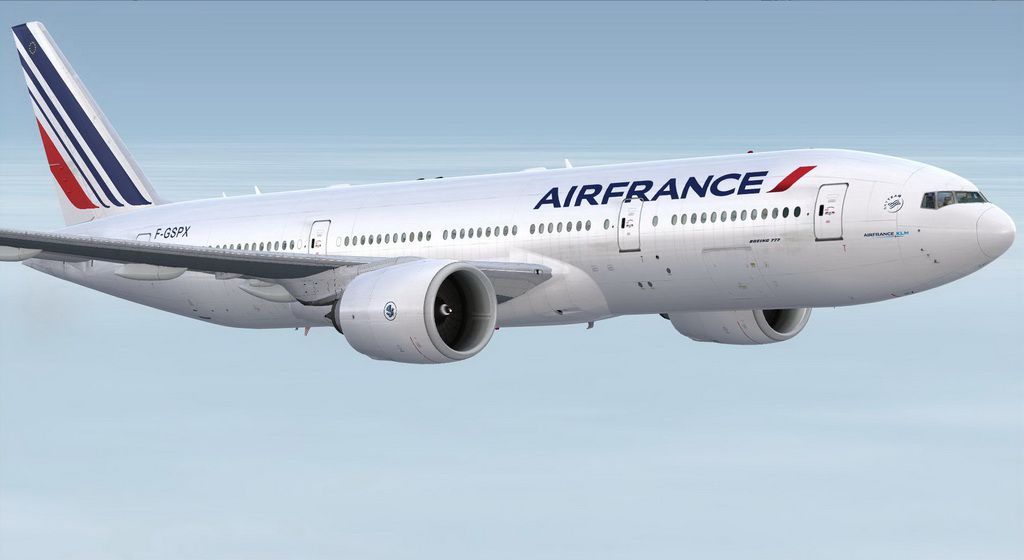
This is a repaint of the payware PMDG B777-200ER in the livery of Air France. PMDG 777-200LR base package required. The appearance of the engine was change because Air France does not have B777-200 Long Range but B777 Extanded Range motorized with GE94 (94,000 lbs). Aircraft registration is F-GSPX. Repainted by Martial Feron using PMDG paint kit.
Screenshot of Air France Boeing 777-200ER in flight.
Installation:
Use the PMDG Livery Manager to install.
Free for all simmers · 13.85 MB · Scanned clean Oct 2026
Download speed: Free tier is capped at 0.5 Mbps (this file takes approximately 4 mins at the cap). PRO members download at full line speed.
texture.{airline}) inside FSX\SimObjects\Airplanes\{base-aircraft}\.aircraft.cfg in Notepad. Add a new [fltsim.X] section per the readme.readme.txt or README file. It tells you exactly where files go, what dependencies are needed, and any quirks specific to this add-on.The archive pmdg_772er_af_fix.zip has 10 files and directories contained within it.
This list displays the first 500 files in the package. If the package has more, you will need to download it to view them.
| Filename/Directory | File Date | File Size |
|---|---|---|
| PMDG_772LR_AF_fix | 11.06.13 | 0 B |
| B777 Airfrance F-GSPX.ptp | 11.06.13 | 13.41 MB |
| readme.txt | 11.06.13 | 967 B |
| screenshot298.JPG | 09.08.13 | 111.58 kB |
| screenshot313.JPG | 09.08.13 | 105.90 kB |
| screenshot317.JPG | 09.08.13 | 94.69 kB |
| Thumbnail.jpg | 09.08.13 | 132.33 kB |
| Thumbs.db | 11.06.13 | 10.50 kB |
| flyawaysimulation.txt | 10.29.13 | 959 B |
| Go to Fly Away Simulation.url | 01.22.16 | 52 B |
Only PRO members can place votes.
More FSX & P3D add-ons hand-picked based on this download.
FSX Civil Aircraft
A repaint of the payware PMDG B777-200LR. Repainted by Martial Feron using PM…
 FSX Civil Aircraft
This freeware package offers an Air France Boeing 777-200ER in the current li…
 FSX Civil Aircraft
Korean Air Boeing 777-200ER. The SkySpirit2012 Boeing 777-200ER model painted…
 FSX Civil Aircraft
This freeware add-on presents the Air Algérie Boeing 777-200ER (registration …
 FSX Civil Aircraft
This freeware add-on showcases the TAP Air Portugal Boeing 777-200ER and intr…
 FSX Civil Aircraft
This package features a freeware Air Zimbabwe Boeing 777-200ER for FSX, bring…
 FSX Civil Aircraft
The SkySpirit2012 B777-200ER model painted in Air New Zealand livery, registe…
 FSX Civil Aircraft
This package offers a freeware rendition of Air New Zealand’s Boeing 777-200E…
Be the first to leave a comment on this download.
Be the first to share your thoughts on this download.