

 FSX Civil Aircraft
TAP Air Portugal Airbus A319
TAP Air Portugal Airbus A319, registration CS-TTJ, "Eusebio". Textures only f…
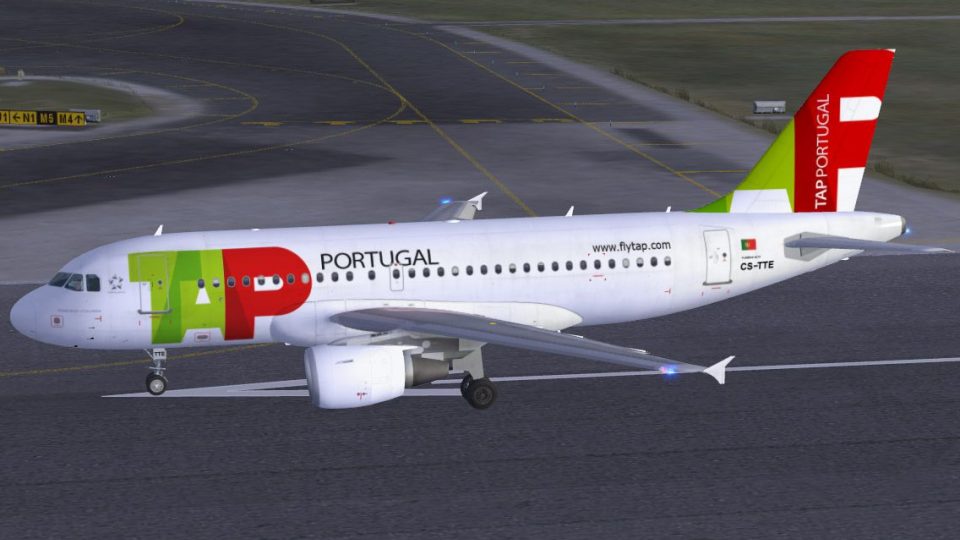
TAP Portugal’s Airbus A319-111 “Francisco D’Ollanda” (CS-TTE) brings an authentic short-haul fleet look with crisp logos, accurate markings, and the airline’s signature tail art on the Project Airbus model. Built for Microsoft Flight Simulator X, it includes a fully functional virtual cockpit, animated doors, custom lighting, wing views, realistic gear geometry, and lifelike surface and engine effects.
 Rate
Rate
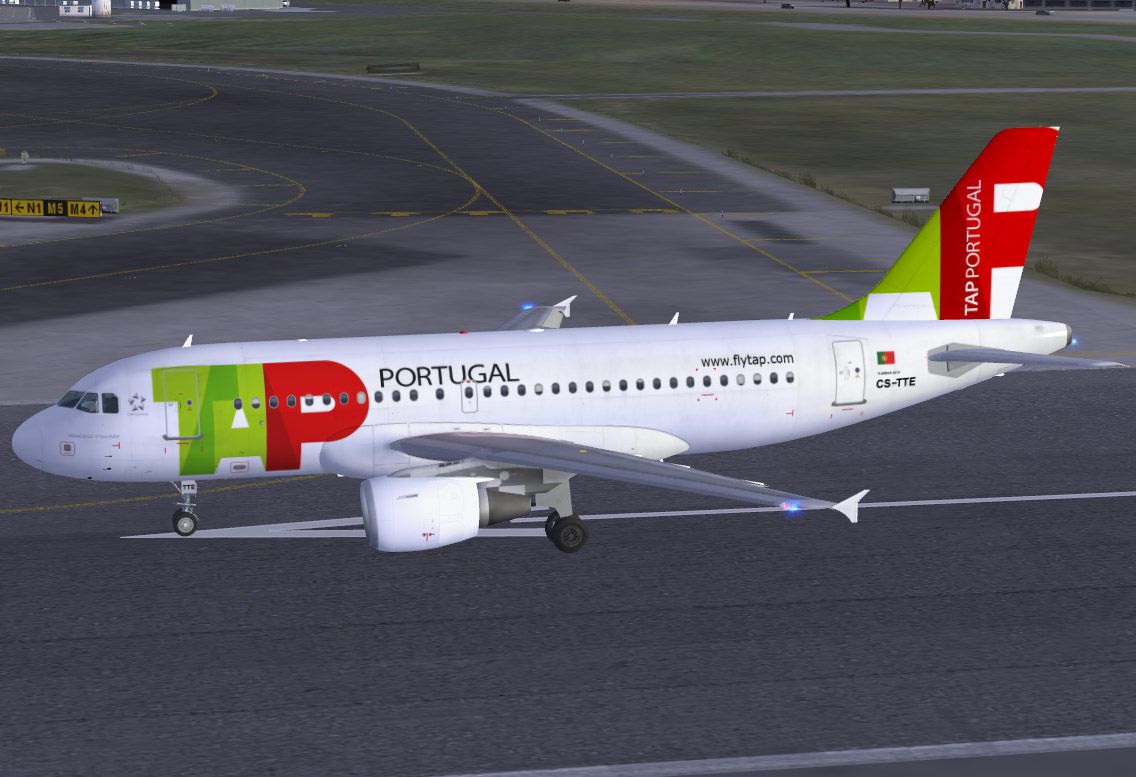
This package features the TAP Portugal Airbus A319-111, named “Francisco D’Ollanda” and registered as CS-TTE, rendered on the well-known Project Airbus base model. It is a standalone freeware release with a fully functional virtual cockpit, ensuring immediate compatibility with Microsoft Flight Simulator X. The livery is provided by Marco Fischbach, and it represents TAP, currently recognized as the leading airline in Portugal.
TAP Portugal has traditionally operated various Airbus A319s for short to medium-range flights, deploying them on numerous routes that span its Lisbon hub and several international destinations. This depiction captures the trademark design elements of TAP’s contemporary fleet, including the vibrant tail art and detailed fuselage markings. Every aspect has been carefully adapted to preserve historical accuracy and current branding standards.
This repaint is based on the real aircraft, “Francisco D’Ollanda,” a distinct name chosen to honor Portuguese artistry. The tapestry of the underlying textures originates from Project Airbus resources, configured and refined to underscore accurate color matching, well-defined logos, and other flight deck nuances. Marco Fischbach developed this adaptation in response to specific user requests received directly from Portugal.
The included A319 model comes with a fully interactive virtual cockpit (VC) designed by Thomas Ruth, among other contributors. It incorporates XML-driven functionalities such as:
Additional capabilities include opening passenger and cargo doors, custom lighting effects, and wing views offering different vantage points. The landing gear extension and retraction sequences meticulously follow real Airbus geometry.
To manage various exits, pilots should be aware of the following and map them accordingly for convenience:
Integrating this aircraft into your simulator is straightforward. Decompress the ZIP archive directly into the “SimObjects/Airplanes” directory of Microsoft Flight Simulator X. Additionally, any content found in the provided “Effects” folder should be moved to your simulator’s root “Effects” folder. If you have Service Pack 2 (SP2) installed, this model has been confirmed to function properly under that environment.
This freeware release exists thanks to Project Airbus and its dedicated contributors. Below are some of the notable team members who made the A319 possible:
Guest painters, testers, and feedback providers also included Ben Jones, Dickson Chan, Jaco du Preez, Sheldon Fernandes, Terence Pereira, and pilots such as Capt. Manny Osias, F/O Spike Acenas, and others. This broad collaboration ensured accurate flight performance and thorough quality checks.
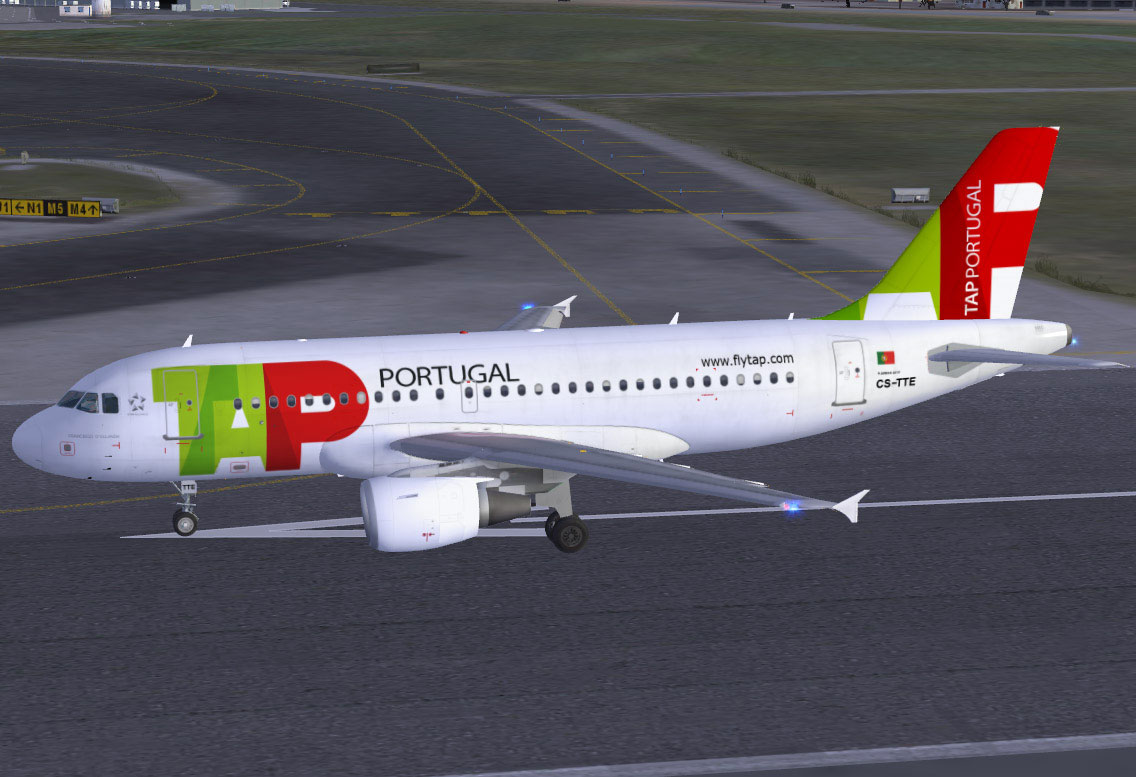
TAP Portugal Airbus A319-111 on runway.
Free for all simmers · 18.82 MB · Scanned clean Oct 2026
Download speed: Free tier is capped at 0.5 Mbps (this file takes approximately 5 mins at the cap). PRO members download at full line speed.
FSX\SimObjects\Airplanes\. The folder must contain an aircraft.cfg file. Effects go into FSX\Effects\; gauges go into FSX\Gauges\.readme.txt or README file. It tells you exactly where files go, what dependencies are needed, and any quirks specific to this add-on.The archive fsx_pa319_tap_portugal.zip has 59 files and directories contained within it.
This list displays the first 500 files in the package. If the package has more, you will need to download it to view them.
| Filename/Directory | File Date | File Size |
|---|---|---|
| PA319 TAP Portugal | 12.19.09 | 0 B |
| aircraft.cfg | 01.05.10 | 18.48 kB |
| effects.rar | 10.22.09 | 5.53 kB |
| intelliscene.cfg | 08.17.08 | 138 B |
| Model | 12.19.09 | 0 B |
| A319_100_CFM_NoVC.mdl | 09.05.09 | 2.15 MB |
| Airbus_A321_interior.mdl | 06.18.07 | 1.06 MB |
| model.cfg | 09.19.09 | 67 B |
| pa319-cfm56.air | 11.23.07 | 8.71 kB |
| panel | 12.19.09 | 0 B |
| Airbus_A321.cab | 06.19.07 | 2.72 MB |
| airbus_a321_panel_background.bmp | 06.18.07 | 769.05 kB |
| airbus_a321_panel_background_night.bmp | 06.18.07 | 769.05 kB |
| panel.cfg | 06.20.07 | 5.64 kB |
| Readme.txt | 01.03.10 | 5.15 kB |
| sound | 12.19.09 | 0 B |
| Sound.cfg | 08.08.07 | 33 B |
| texture.tap | 12.20.09 | 0 B |
| A319_1_l.bmp | 10.21.09 | 4.00 MB |
| A319_1_t.bmp | 12.20.09 | 4.00 MB |
| A319_2_l.bmp | 10.21.09 | 4.00 MB |
| A319_2_t.bmp | 12.20.09 | 4.00 MB |
| A319_fuse_1_l.bmp | 11.02.09 | 4.00 MB |
| A319_fuse_1_t.bmp | 12.20.09 | 4.00 MB |
| A319_fuse_2_l.bmp | 10.21.09 | 4.00 MB |
| A319_fuse_2_t.bmp | 12.20.09 | 4.00 MB |
| A319_fuse_3_l.bmp | 10.21.09 | 4.00 MB |
| A319_fuse_3_t.bmp | 12.20.09 | 4.00 MB |
| A319_misc_1.bmp | 11.02.09 | 1.00 MB |
| A319_misc_2.bmp | 01.05.10 | 4.00 MB |
| A319_wing_1_l.bmp | 11.02.08 | 256.07 kB |
| A319_wing_1_t.bmp | 12.20.09 | 4.00 MB |
| A319_wing_2_l.bmp | 11.02.08 | 256.07 kB |
| A319_wing_2_t.bmp | 12.20.09 | 4.00 MB |
| A321_1_T.dds | 06.18.07 | 1.33 MB |
| A321_1_T_Bump.dds | 06.18.07 | 1.00 MB |
| A321_1_T_LM.dds | 06.18.07 | 170.79 kB |
| A321_1_T_spec.dds | 06.18.07 | 1.33 MB |
| A321_2_T.dds | 06.18.07 | 1.33 MB |
| A321_2_T_Bump.dds | 06.18.07 | 1.00 MB |
| A321_2_T_LM.dds | 06.18.07 | 170.79 kB |
| A321_2_T_spec.dds | 06.18.07 | 1.33 MB |
| A321_Interior_T.dds | 06.18.07 | 341.45 kB |
| A321_reflection.dds | 06.18.07 | 170.79 kB |
| Airbus_A321_1_C.dds | 06.18.07 | 682.79 kB |
| Airbus_A321_1_night_C.dds | 06.18.07 | 682.79 kB |
| Airbus_A321_2_C.dds | 06.18.07 | 682.79 kB |
| Airbus_A321_2_night_C.dds | 06.18.07 | 682.79 kB |
| Airbus_A321_3_C.dds | 06.18.07 | 682.79 kB |
| Airbus_A321_3_night_C.dds | 06.18.07 | 682.79 kB |
| Airbus_A321_4_C.dds | 06.18.07 | 682.79 kB |
| Airbus_A321_4_night_C.dds | 06.18.07 | 682.79 kB |
| Airbus_Pilots.dds | 06.18.07 | 42.79 kB |
| Fresnel_Ramp.dds | 06.18.07 | 640 B |
| Jetheat_t.bmp | 11.30.07 | 16.07 kB |
| thumbnail.jpg | 12.19.09 | 25.98 kB |
| screenshot.jpg | 12.19.09 | 176.13 kB |
| flyawaysimulation.txt | 10.29.13 | 959 B |
| Go to Fly Away Simulation.url | 01.22.16 | 52 B |
Only PRO members can place votes.
More FSX & P3D add-ons hand-picked based on this download.
FSX Civil Aircraft
TAP Air Portugal Airbus A319, registration CS-TTJ, "Eusebio". Textures only f…
 FSX Civil Aircraft
TAP Portugal Airbus A330-200, registration CS-TON. A TAP Portugal repaint for…
 FSX Civil Aircraft
TAP Portugal Airbus A350-900 XWBv2. Versions 2 is an all new version of theA3…
 FSX Civil Aircraft
FSX TAP Air Portugal Airbus A321, registration CS-TJG, "Amalia Rodrigues". Re…
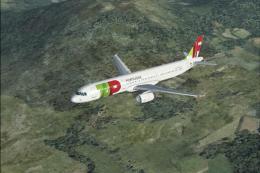 FSX Civil Aircraft
This freeware repaint showcases TAP Air Portugal’s current livery on an Airbu…
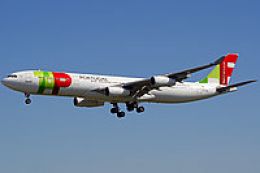 FSX Civil Aircraft
TAP Portugal Airbus A340-300. TAP Portugal repaint for the Airbus A340-300 mo…
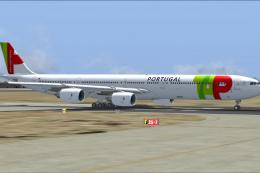 FSX Civil Aircraft
TAP Portugal Airbus A340-600. This is a repaint for the Thomas Ruth package A…
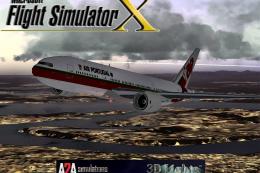 FSX Civil Aircraft
This freeware add-on showcases the TAP Air Portugal Boeing 777-200ER and intr…
Read what other simmers think, or add your own.

First of all, for some weird reason this has become my fav plane to just fly. It's so beautifully made. All the lighting, reflexes and overall look of the thing, I just love it.
Even taxiing is a cool event.
However, for some reason I still do not understand, and having flown it already many times, some unexplained stuff occurs in flight.
Takes off well, climbs slowly, but ok, and when we get to autopilot altitude, as soon as one hits the auto-throttle to a climb rate as little as over 800 fpm, pitches up to +15°, speed goes down, stalls and crashes.
When climbing to cruise altitude, stable, even with a 340 kt+ gs, as little as 1000 fpm climb rate, as soon as I get to around 24,000 ft, speed goes down at a +15° pitch for some reason, stalls and crashes immediately like a stone, almost vertically.
A321, A330, A350, no problems. Just this one. Which makes me kinda sad, since it's a thing of beauty.
I can still fly it manually, of course, but even then, sometimes with thrust at 100% against a 20 kt headwind is a struggle to get it to cruise speed, let alone cruise altitude above 30,000 ft.
And sometimes, it just flies effortlessly with no errors at all, and it's lovely.
So, yeah. I'm in a very strange relationship with this plane.