

 FSX Civil Aircraft
Gulf Air Airbus A319-112 reg D-AKNM
FSX Gulf Air Airbus A319-112 CFM, registration D-AKNM. Model by Project Airbu…
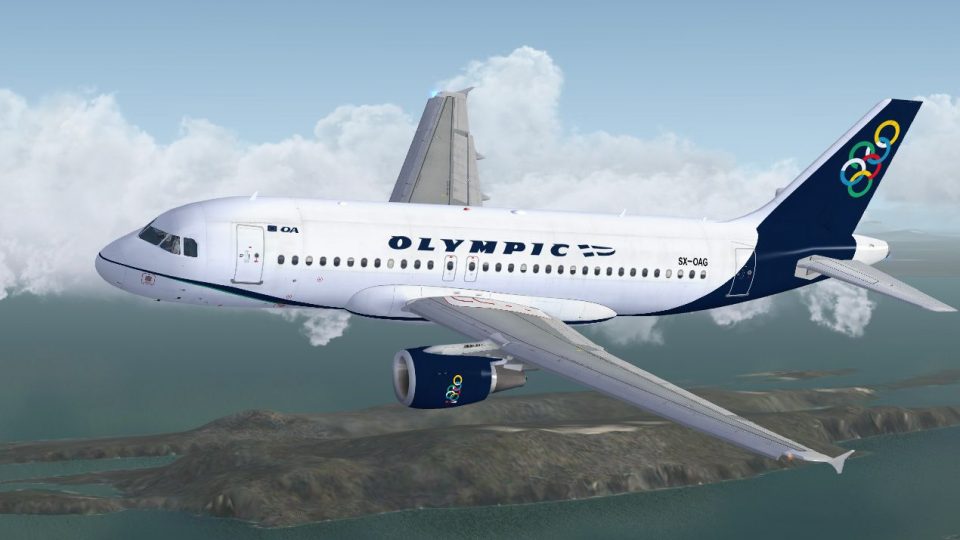
Olympic Air’s Airbus A319-112 arrives as a complete Project Airbus freeware package for Microsoft Flight Simulator X, featuring an accurate blue-and-white livery and a detailed virtual cockpit. XML-driven systems and animations cover pressurization behavior, spoilers, jetwash, resting control surfaces, and passenger and cargo doors, backed by polished exterior reflections and wing views.
 Rate
Rate
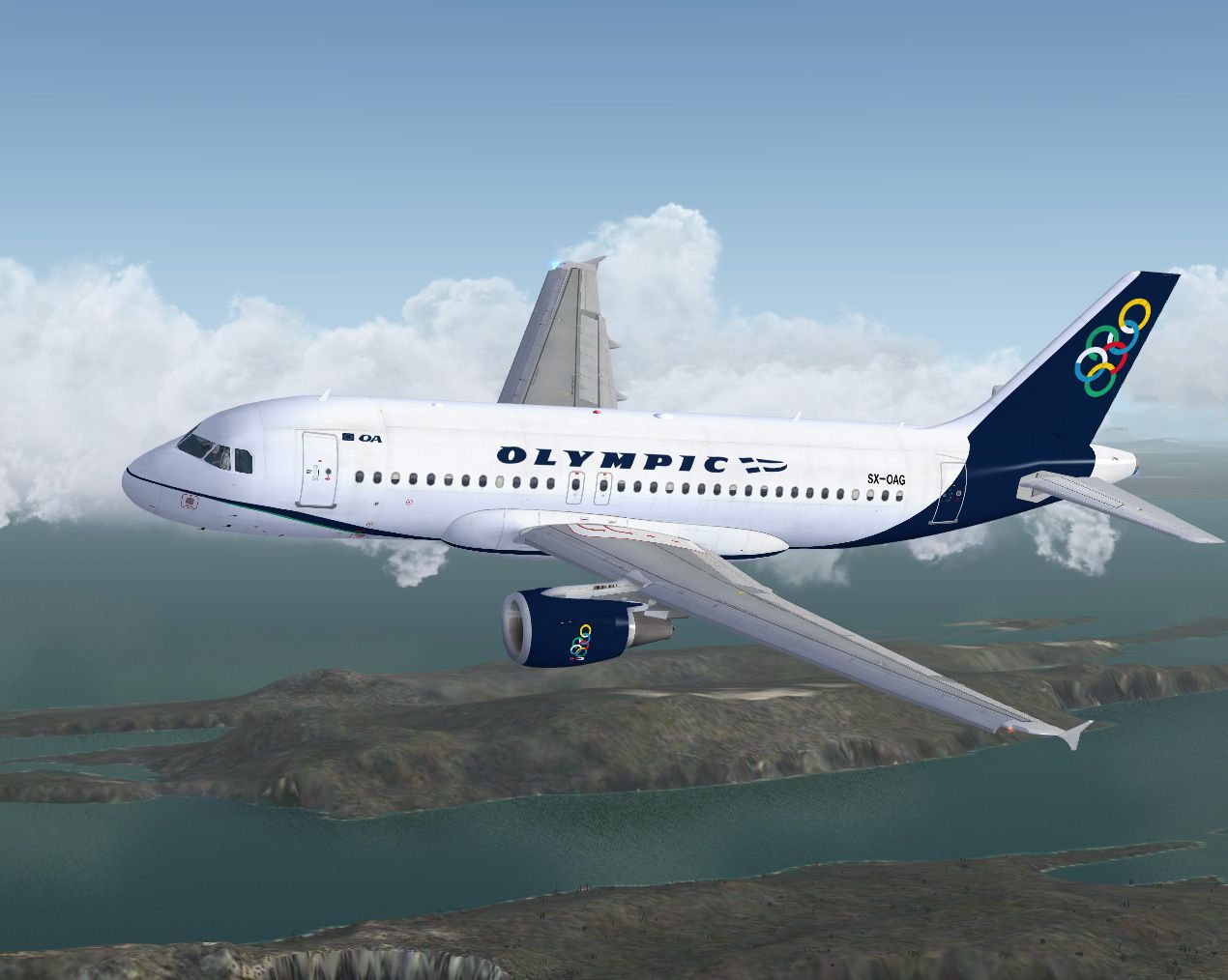
This enhanced freeware release brings you the elegant Olympic Air Airbus A319-112, meticulously designed by the Project Airbus team and skillfully repainted by developer Marco Fischbach. It is fully compatible with Microsoft Flight Simulator X and showcases the distinctive livery adopted by Olympic Air (successor to Olympic Airways, once a prominent Greek national carrier). The package includes a complete base model, making it a convenient stand-alone add-on from Fly Away Simulation.
The Airbus A319 presented here wears the recognizable Olympic Air insignia, featuring a modernized tail design and branding elements inspired by the historic Olympic Airways. This rendition accurately depicts the subtle blue and white tones found on the real-world aircraft. Airbus A319 itself, which forms part of Airbus’ A320 family, is known for its advanced avionics and optimized wing design, making it a highly versatile choice for short and medium-haul routes within Europe and beyond.
Olympic Air Airbus A319-112 in flight.
The repaint has been verified to function with Service Pack 2 (SP2). After installation, you will see the new aircraft entry in your sim’s aircraft selection menu.
Project Airbus has integrated an array of XML-controlled elements into their Airbus A319 model, ensuring an immersive cockpit environment and precise system behavior:
Beyond these systems, the model also includes passenger and cargo door animations, reflective exterior shine, realistic wing views, and accurately timed landing gear deployment.
This freeware aircraft package is credited to the enduring work of the Project Airbus team:
Special acknowledgement goes to guest painters, testers, and feedback providers such as Ben Jones, Dickson Chan, Jaco du Preez, Sheldon Fernandes, Terence Pereira, Capt. Manny Osias, F/O Spike Acenas, Mark Bolatete, and Kester Masias.
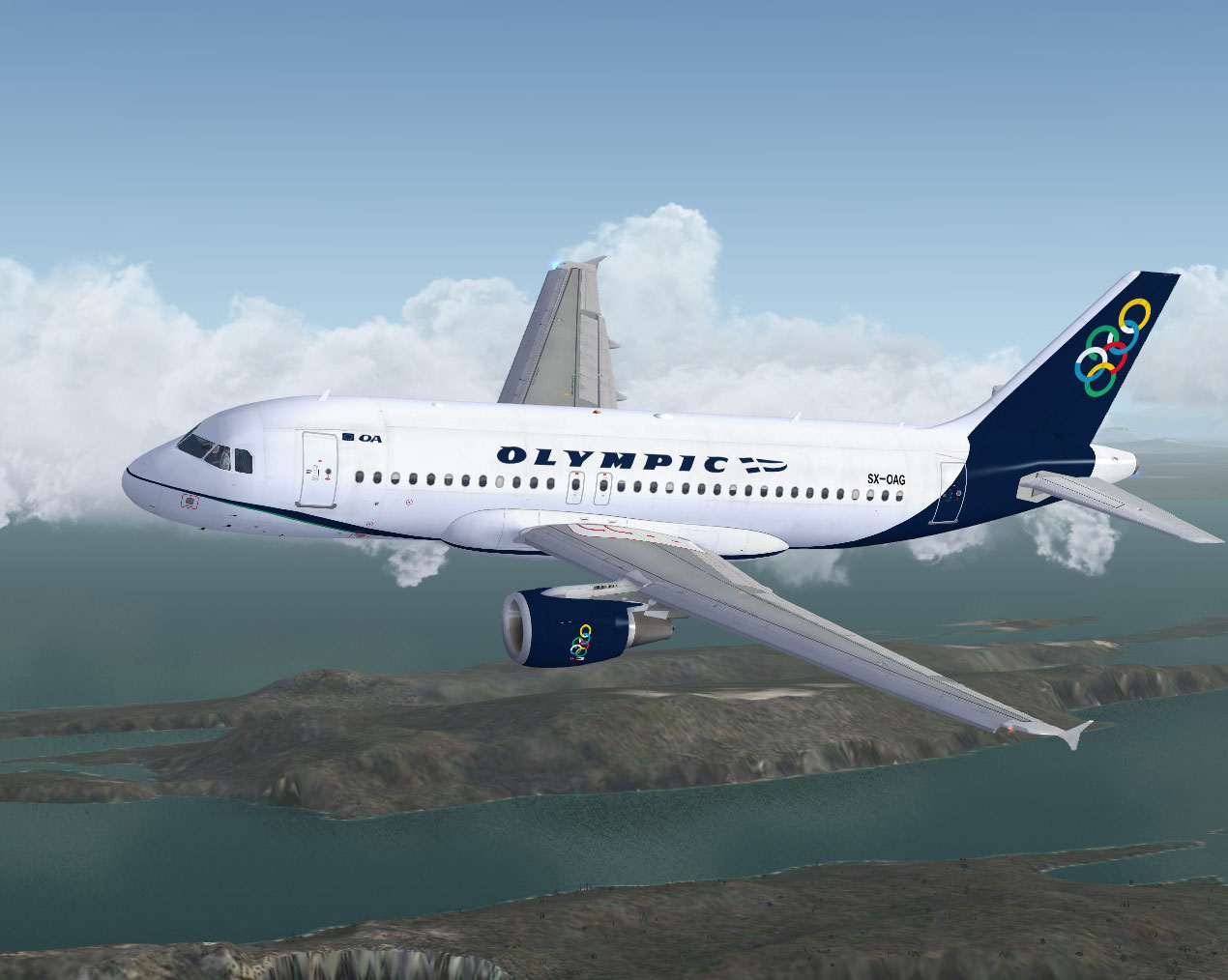
Olympic Air Airbus A319-112.
This refined Airbus A319 in Olympic Air’s signature scheme offers an engaging experience within Microsoft Flight Simulator X. Enjoy operational authenticity, free of charge, courtesy of Marco Fischbach and the dedicated Project Airbus team.
Free for all simmers · 17.83 MB · Scanned clean Oct 2026
Download speed: Free tier is capped at 0.5 Mbps (this file takes approximately 5 mins at the cap). PRO members download at full line speed.
FSX\SimObjects\Airplanes\. The folder must contain an aircraft.cfg file. Effects go into FSX\Effects\; gauges go into FSX\Gauges\.readme.txt or README file. It tells you exactly where files go, what dependencies are needed, and any quirks specific to this add-on.The archive fsx_pa319_olympic.zip has 59 files and directories contained within it.
This list displays the first 500 files in the package. If the package has more, you will need to download it to view them.
| Filename/Directory | File Date | File Size |
|---|---|---|
| PA319 Olympic Air | 12.29.09 | 0 B |
| aircraft.cfg | 01.05.10 | 18.48 kB |
| effects.rar | 10.22.09 | 5.53 kB |
| intelliscene.cfg | 08.17.08 | 138 B |
| Model | 12.29.09 | 0 B |
| A319_100_CFM_NoVC.mdl | 09.05.09 | 2.15 MB |
| Airbus_A321_interior.mdl | 06.18.07 | 1.06 MB |
| model.cfg | 09.19.09 | 67 B |
| pa319-cfm56.air | 11.23.07 | 8.71 kB |
| panel | 12.29.09 | 0 B |
| Airbus_A321.cab | 06.19.07 | 2.72 MB |
| airbus_a321_panel_background.bmp | 06.18.07 | 769.05 kB |
| airbus_a321_panel_background_night.bmp | 06.18.07 | 769.05 kB |
| panel.cfg | 06.20.07 | 5.64 kB |
| Readme.txt | 01.03.10 | 5.05 kB |
| sound | 12.29.09 | 0 B |
| Sound.cfg | 08.08.07 | 33 B |
| texture.olymp | 01.03.10 | 0 B |
| A319_1_l.bmp | 10.21.09 | 4.00 MB |
| A319_1_t.bmp | 12.30.09 | 4.00 MB |
| A319_2_l.bmp | 10.21.09 | 4.00 MB |
| A319_2_t.bmp | 01.01.10 | 4.00 MB |
| A319_fuse_1_l.bmp | 10.21.09 | 4.00 MB |
| A319_fuse_1_t.bmp | 01.01.10 | 4.00 MB |
| A319_fuse_2_l.bmp | 12.30.09 | 4.00 MB |
| A319_fuse_2_t.bmp | 01.01.10 | 4.00 MB |
| A319_fuse_3_l.bmp | 12.30.09 | 4.00 MB |
| A319_fuse_3_t.bmp | 01.01.10 | 4.00 MB |
| A319_misc_1.bmp | 11.02.09 | 1.00 MB |
| A319_misc_2.bmp | 11.25.07 | 4.00 MB |
| A319_wing_1_l.bmp | 11.02.08 | 256.07 kB |
| A319_wing_1_t.bmp | 01.01.10 | 4.00 MB |
| A319_wing_2_l.bmp | 11.02.08 | 256.07 kB |
| A319_wing_2_t.bmp | 01.01.10 | 4.00 MB |
| A321_1_T.dds | 06.18.07 | 1.33 MB |
| A321_1_T_Bump.dds | 06.18.07 | 1.00 MB |
| A321_1_T_LM.dds | 06.18.07 | 170.79 kB |
| A321_1_T_spec.dds | 06.18.07 | 1.33 MB |
| A321_2_T.dds | 06.18.07 | 1.33 MB |
| A321_2_T_Bump.dds | 06.18.07 | 1.00 MB |
| A321_2_T_LM.dds | 06.18.07 | 170.79 kB |
| A321_2_T_spec.dds | 06.18.07 | 1.33 MB |
| A321_Interior_T.dds | 06.18.07 | 341.45 kB |
| A321_reflection.dds | 06.18.07 | 170.79 kB |
| Airbus_A321_1_C.dds | 06.18.07 | 682.79 kB |
| Airbus_A321_1_night_C.dds | 06.18.07 | 682.79 kB |
| Airbus_A321_2_C.dds | 06.18.07 | 682.79 kB |
| Airbus_A321_2_night_C.dds | 06.18.07 | 682.79 kB |
| Airbus_A321_3_C.dds | 06.18.07 | 682.79 kB |
| Airbus_A321_3_night_C.dds | 06.18.07 | 682.79 kB |
| Airbus_A321_4_C.dds | 06.18.07 | 682.79 kB |
| Airbus_A321_4_night_C.dds | 06.18.07 | 682.79 kB |
| Airbus_Pilots.dds | 06.18.07 | 42.79 kB |
| Fresnel_Ramp.dds | 06.18.07 | 640 B |
| Jetheat_t.bmp | 11.30.07 | 16.07 kB |
| thumbnail.jpg | 01.01.10 | 27.59 kB |
| screenshot.jpg | 01.01.10 | 250.46 kB |
| flyawaysimulation.txt | 10.29.13 | 959 B |
| Go to Fly Away Simulation.url | 01.22.16 | 52 B |
Only PRO members can place votes.
More FSX & P3D add-ons hand-picked based on this download.
FSX Civil Aircraft
FSX Gulf Air Airbus A319-112 CFM, registration D-AKNM. Model by Project Airbu…
 FSX Civil Aircraft
FSX Olympic Airlines Boeing 737-800. Textures only for the default B737-800 i…
 FSX Civil Aircraft
Enhance your virtual flying sessions with a meticulously crafted Airbus A319 …
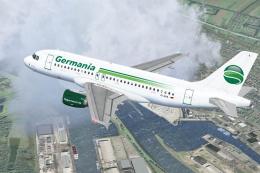 FSX Civil Aircraft
Germania Fluggesellschaft mbH, operating as Germania, is an airline with its …
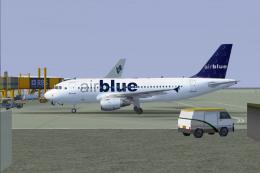 FSX Civil Aircraft
Airblue Airbus A319-112, registration AP-BIF. Virtual Airblue in association …
 FSX Civil Aircraft
FSX Formel 1 Ferrari Airbus A319-112. Model by Project Airbus. Repaint by And…
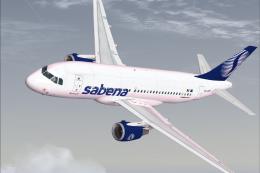 FSX Civil Aircraft
This freeware package recreates the Sabena Airlines Airbus A319-112 in Micros…
 FSX Civil Aircraft
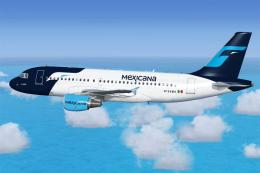
This add-on delivers a fully freeware Project Airbus A319-112 featuring the M…
Read what other simmers think, or add your own.
