

 FSX Civil Aircraft
TAP Air Portugal Airbus A321, registration CS-TJG, "Amalia Rodrigues"
FSX TAP Air Portugal Airbus A321, registration CS-TJG, "Amalia Rodrigues". Re…
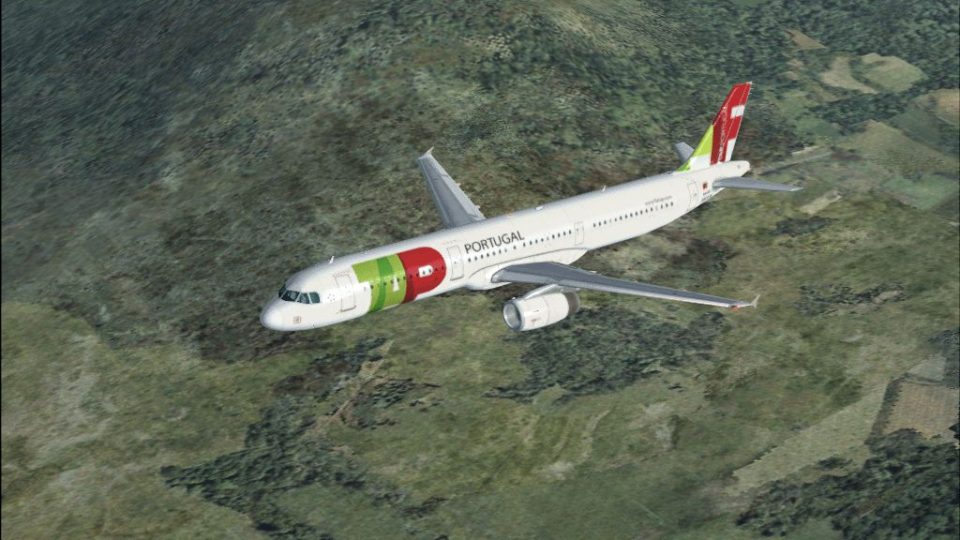
TAP Air Portugal’s Airbus A321 CS-TJE livery brings the carrier’s current branding to the default A321 with crisp markings, accurate titles, and realistic day and night texture response. Designed for Microsoft Flight Simulator X, it requires the original base model and complements the aircraft’s modern glass cockpit and fly-by-wire character.
 Rate
Rate
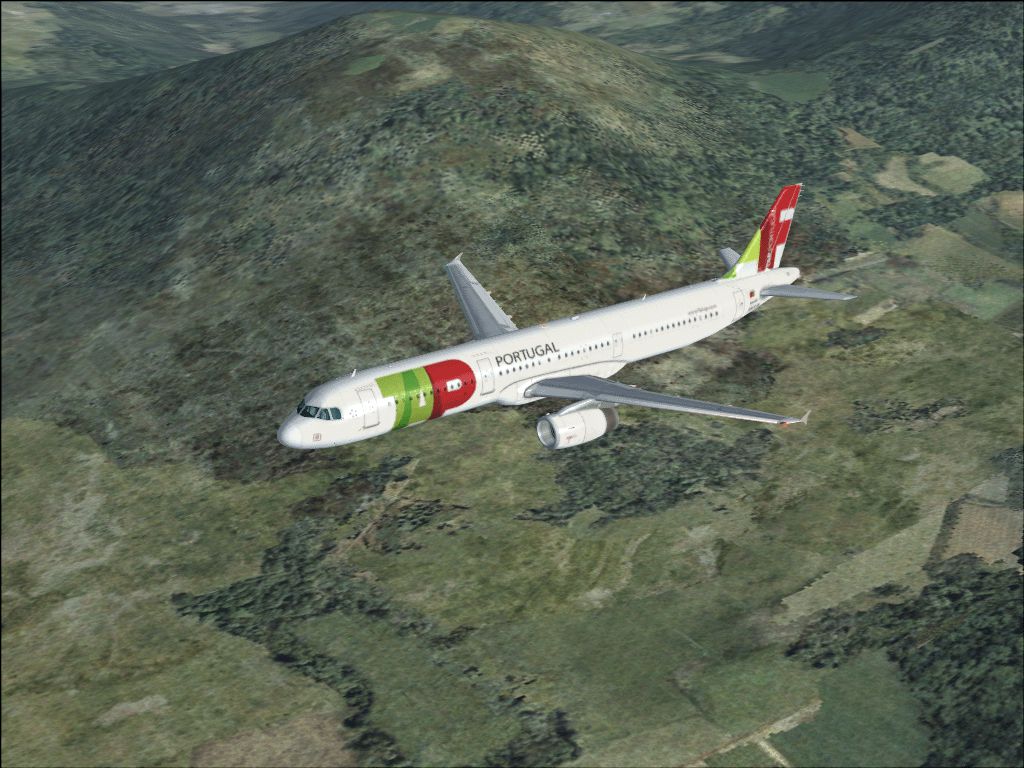
This freeware repaint showcases TAP Air Portugal’s current livery on an Airbus A321, specifically registration CS-TJE, created by George Hutton. It includes exterior textures for Microsoft Flight Simulator X’s default Airbus A321 and captures both the airline’s iconic color scheme and Airbus’s design philosophy. The repaint itself requires the original base model, which you can acquire from the Fly Away Simulation library.
The Airbus A321 belongs to the short- to medium-range A320 family. It features a lengthened fuselage and increased takeoff weight, which allow it to carry more passengers compared to its smaller siblings. Airbus implemented a “glass cockpit” layout (a flight deck making use of multiple electronic instrument displays), fly-by-wire controls, and sidestick inputs that enhance pilot situational awareness. TAP Air Portugal operates various Airbus models, with the A321 forming part of its modern fleet designed for efficient regional and international routes.
This repaint presents TAP Air Portugal’s new color palette, reflecting the airline’s contemporary branding. The tail fin, fuselage titles, and overall markings have been faithfully reproduced to mirror the real-world appearance of CS-TJE. The textures merge seamlessly with the default 3D model, ensuring that each angle, reflection, and lighting effect blends professionally during both day and night operations.
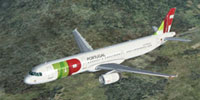
Screenshot of TAP Air Portugal Airbus A321 cruising at altitude.
[fltsim.X] title=Airbus A321 TAP sim=Airbus_A321 model= panel= sound= texture=tap kb_checklists=AirbusA321_check kb_reference=AirbusA321_ref atc_id= atc_airline=Air Portugal atc_flight_number=247 ui_manufacturer="Airbus" ui_type="A321" ui_variation=TAP ui_typerole="Commercial Airliner" ui_createdby="Microsoft Corporation" - Repaint by George Hutton description="The Airbus A321 is a stretched version of Airbus' best-selling short- and medium-range A320. The A321 has a slightly increased wing area, stronger landing gear with larger tires, and engines with increased thrust. When the A321 entered service in 1988, it pioneered the use of 'glass cockpit' instrumentation, the first digital fly-by-wire control system used in an airliner, and sidestick controllers."
This repaint by George Hutton pays homage to TAP Air Portugal’s evolving fleet. The airline’s focus on updated cabin interiors, operational innovation, and efficient twin-jet transport is highlighted by this detailed artwork. Please remember this package includes only the livery repaint; it does not contain the base A321 model. You must procure the freeware aircraft model separately from the Fly Away Simulation file library.
Free for all simmers · 3.57 MB · Scanned clean Oct 2026
Download speed: Free tier is capped at 0.5 Mbps. PRO members download at full line speed.
texture.{airline}) inside FSX\SimObjects\Airplanes\{base-aircraft}\.aircraft.cfg in Notepad. Add a new [fltsim.X] section per the readme.readme.txt or README file. It tells you exactly where files go, what dependencies are needed, and any quirks specific to this add-on.The archive tapa321.zip has 12 files and directories contained within it.
This list displays the first 500 files in the package. If the package has more, you will need to download it to view them.
| Filename/Directory | File Date | File Size |
|---|---|---|
| TAPA321.gif | 03.23.07 | 542.52 kB |
| A321_1_T.dds | 03.23.07 | 682.80 kB |
| A321_1_T_spec.dds | 09.04.06 | 1.33 MB |
| A321_2_T.dds | 09.04.06 | 1.33 MB |
| A321_2_T_spec.dds | 09.04.06 | 1.33 MB |
| Fresnel_Ramp.dds | 09.04.06 | 640 B |
| texture.cfg | 08.14.06 | 137 B |
| thumbnail.jpg | 03.23.07 | 43.01 kB |
| FILE ID.diz | 03.24.07 | 124 B |
| readme.txt | 03.24.07 | 1.32 kB |
| flyawaysimulation.txt | 10.29.13 | 959 B |
| Go to Fly Away Simulation.url | 01.22.16 | 52 B |
Only PRO members can place votes.
More FSX & P3D add-ons hand-picked based on this download.
FSX Civil Aircraft
FSX TAP Air Portugal Airbus A321, registration CS-TJG, "Amalia Rodrigues". Re…
 FSX Civil Aircraft
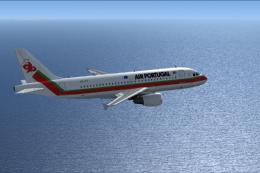
TAP Air Portugal Airbus A319, registration CS-TTJ, "Eusebio". Textures only f…
 FSX Civil Aircraft
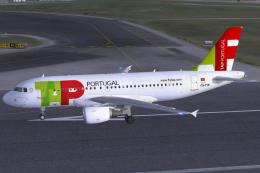
This package features the TAP Portugal Airbus A319-111, named “Francisco D’Ol…
 FSX Civil Aircraft
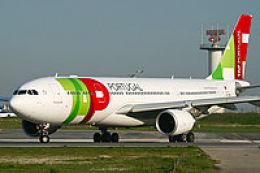
TAP Portugal Airbus A330-200, registration CS-TON. A TAP Portugal repaint for…
 FSX Civil Aircraft
TAP Portugal Airbus A350-900 XWBv2. Versions 2 is an all new version of theA3…
 FSX Civil Aircraft
TAP Portugal Airbus A340-300. TAP Portugal repaint for the Airbus A340-300 mo…
 FSX Civil Aircraft
TAP Portugal Airbus A340-600. This is a repaint for the Thomas Ruth package A…
 FSX Civil Aircraft
This freeware add-on showcases the TAP Air Portugal Boeing 777-200ER and intr…
Be the first to leave a comment on this download.
Be the first to share your thoughts on this download.