

 FSX Civil Aircraft
Orbit Airlines Boeing 767-300
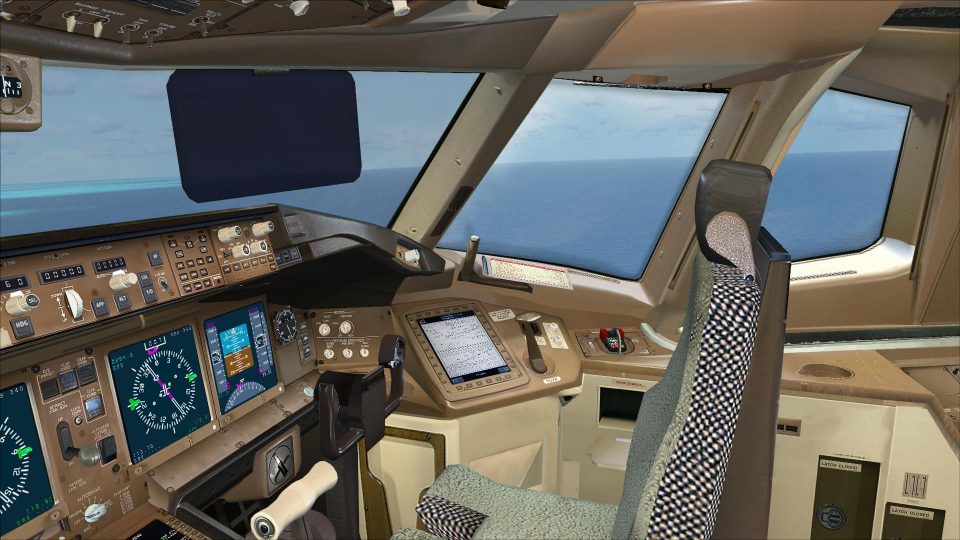
The payware Captain Sim B767-300 in Orbit Airlines livery. Includes cabin com…
Orbit Airlines Boeing 777-300ER brings a polished Project Open Sky widebody to Microsoft Flight Simulator X with an authentic Orbit livery, full base aircraft package, and a complete 777-300ER virtual cockpit for immersive long-haul operations. The repaint uses the official paint kit and includes the POSKY utility gauge for core functions.
 Rate
Rate
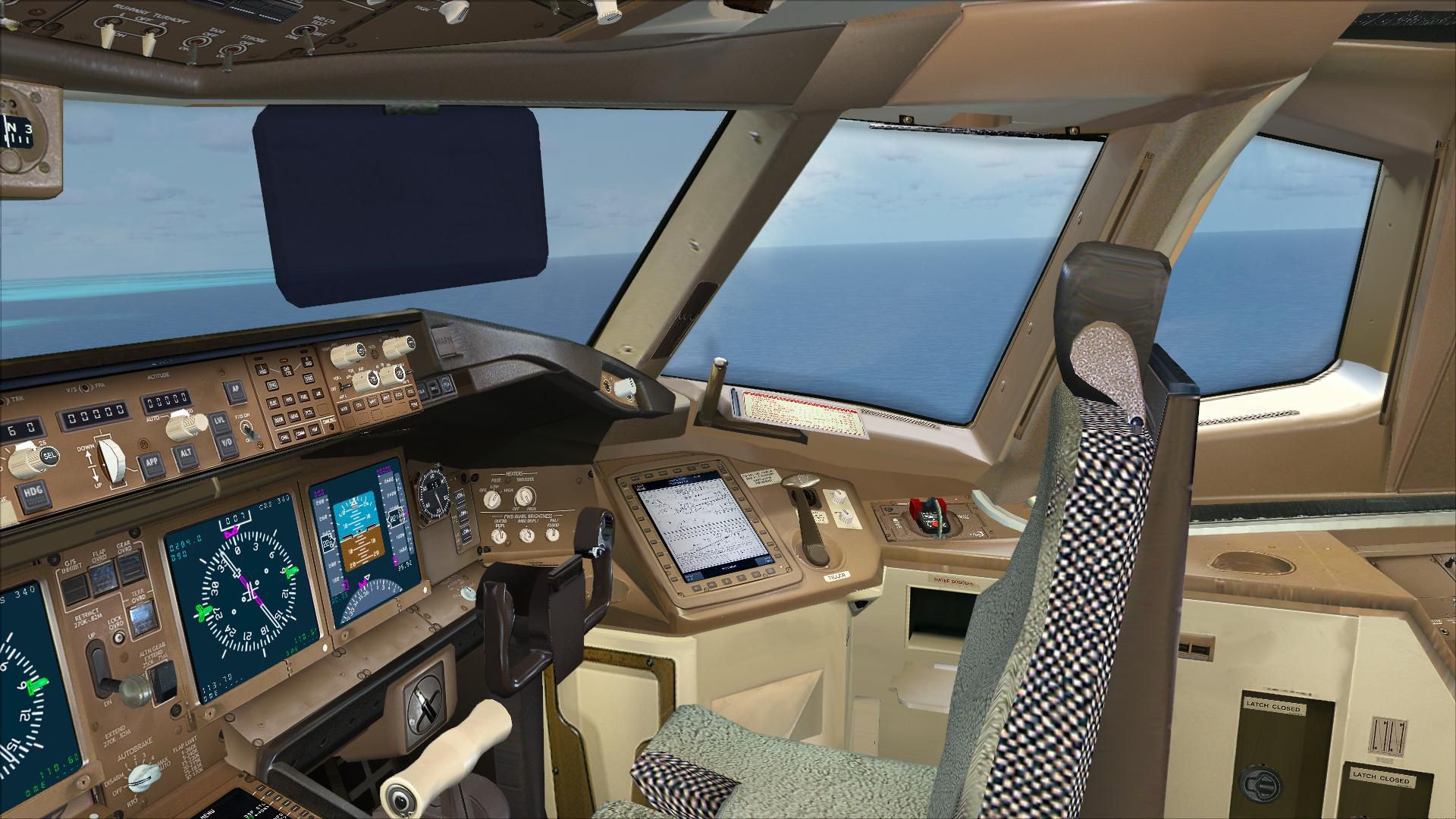
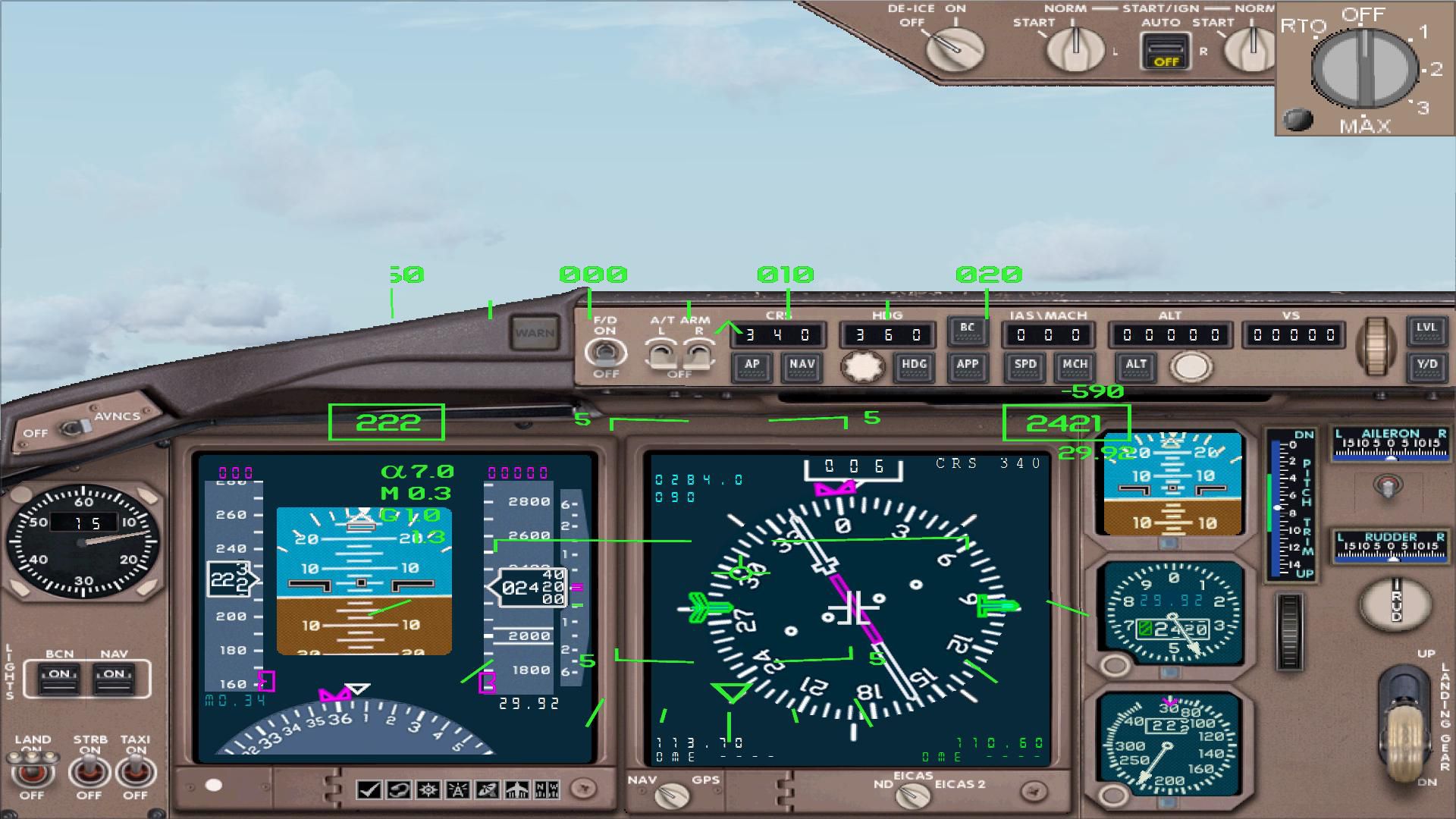
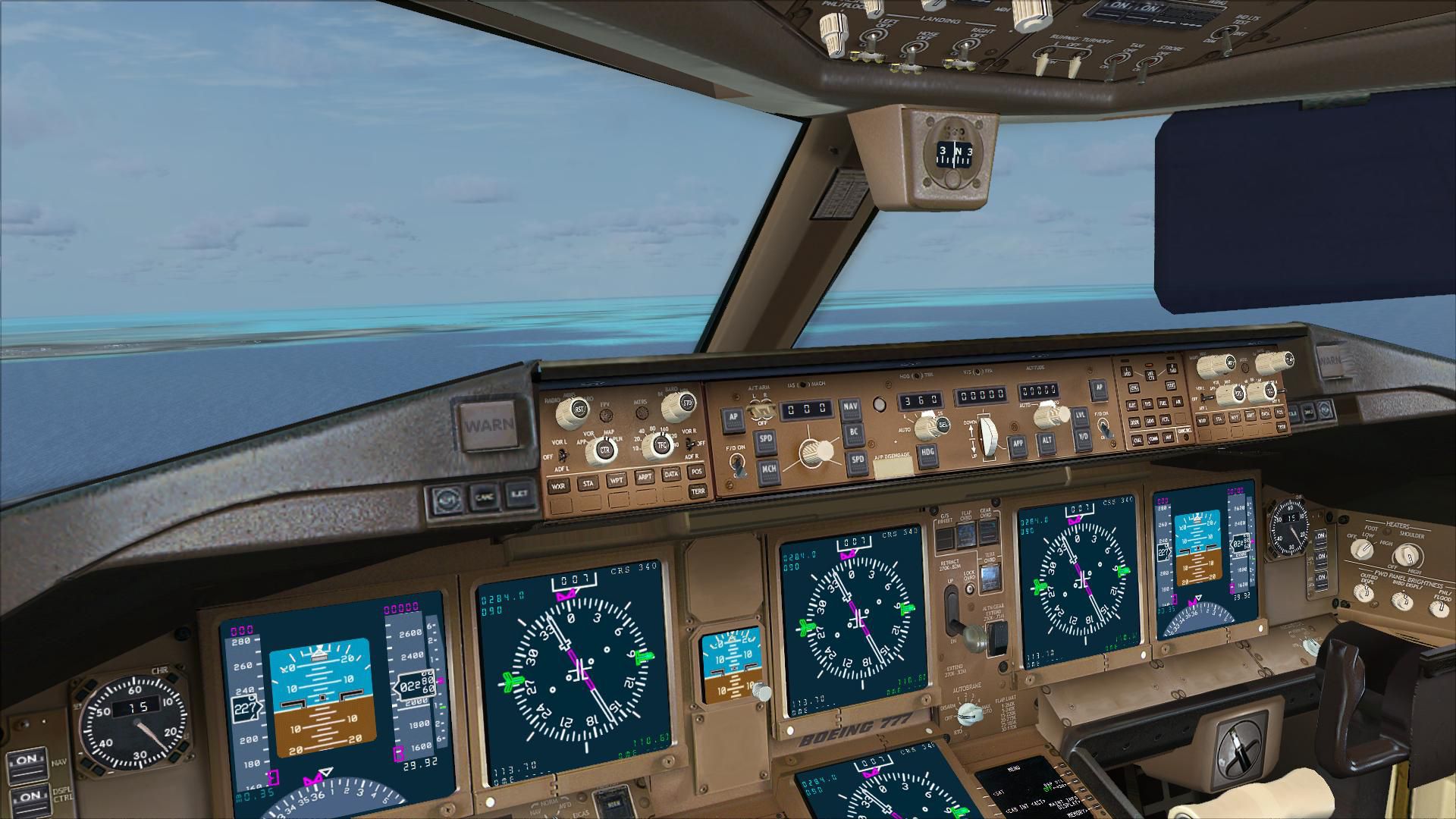
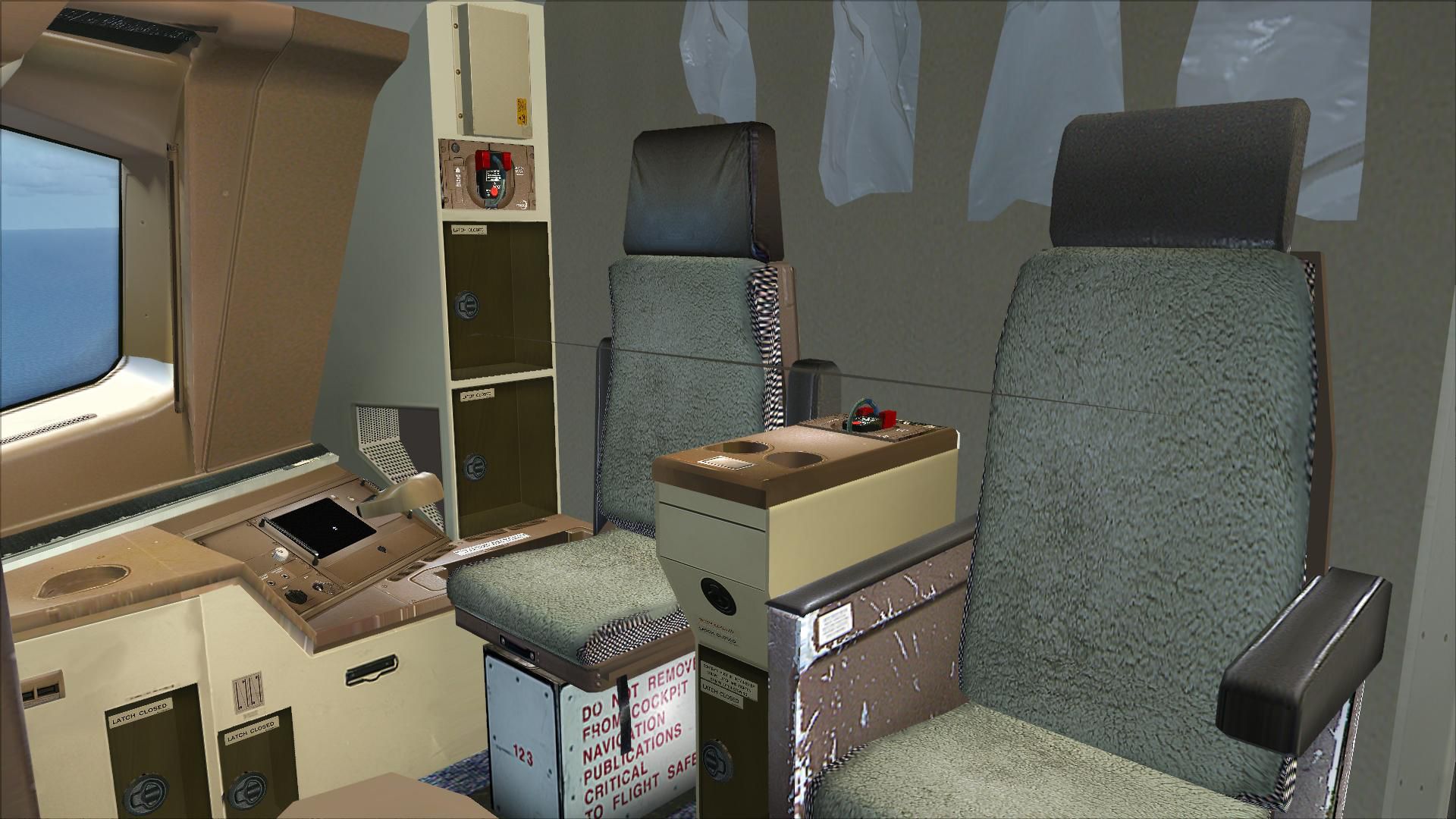
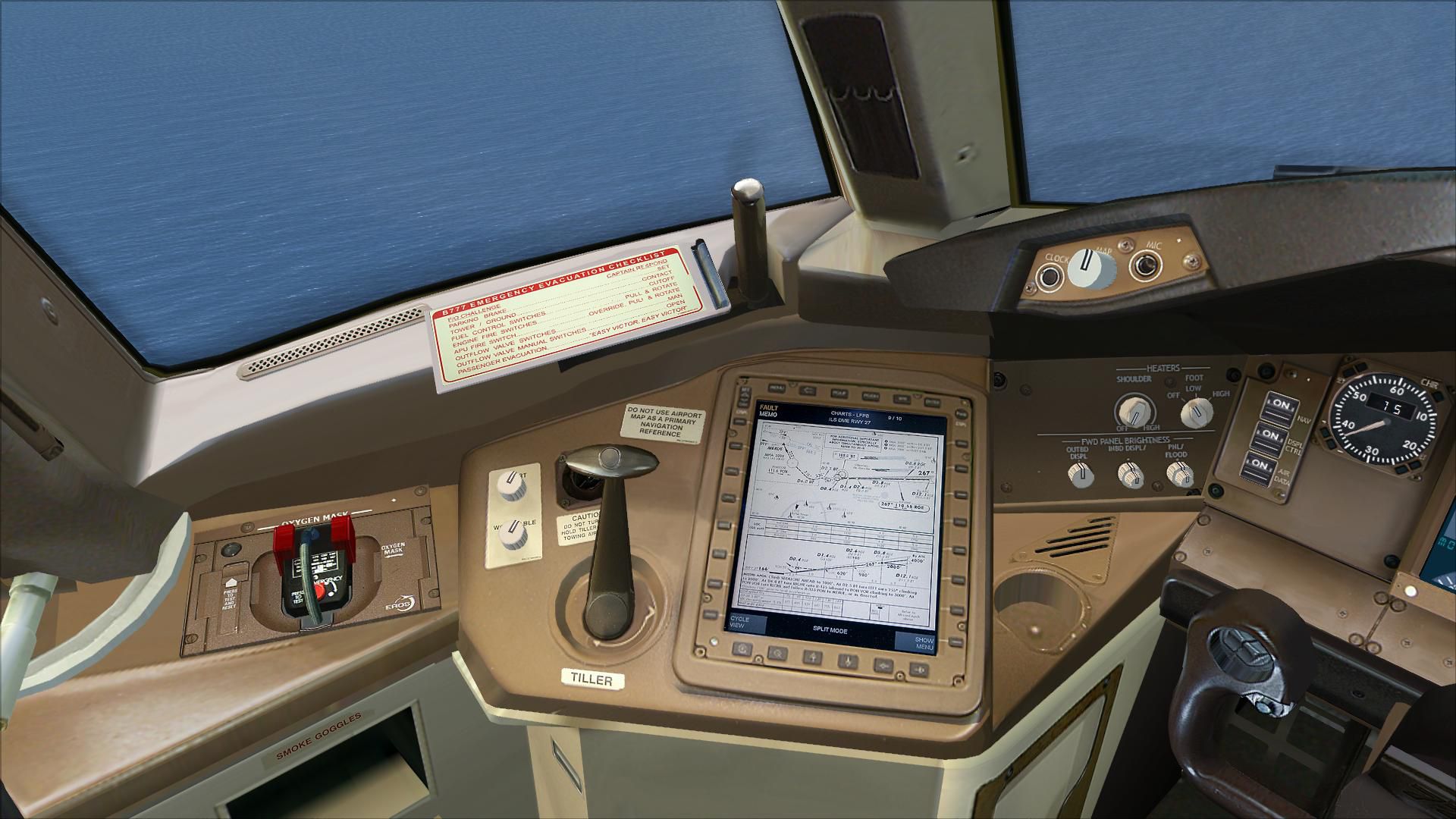
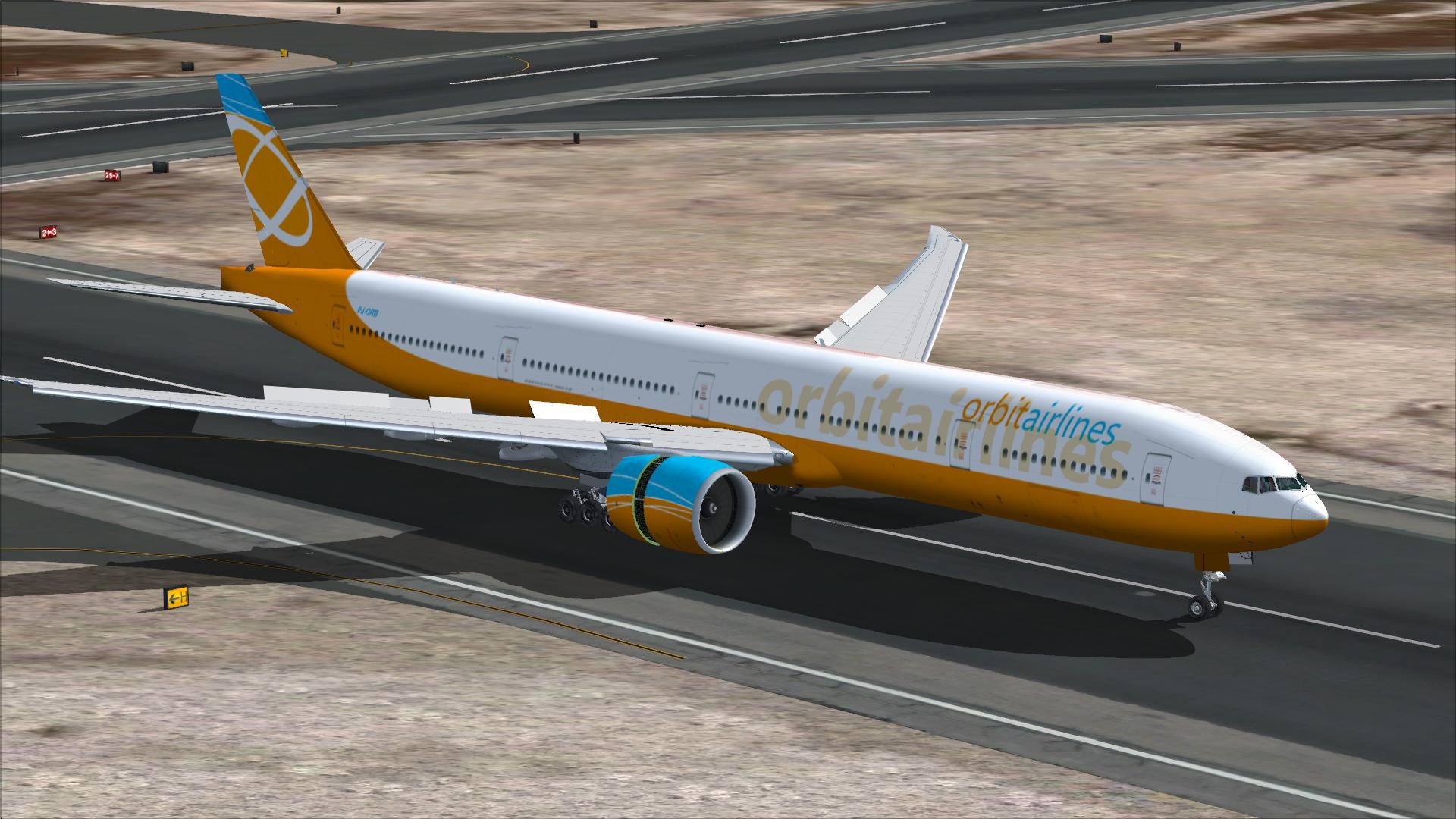

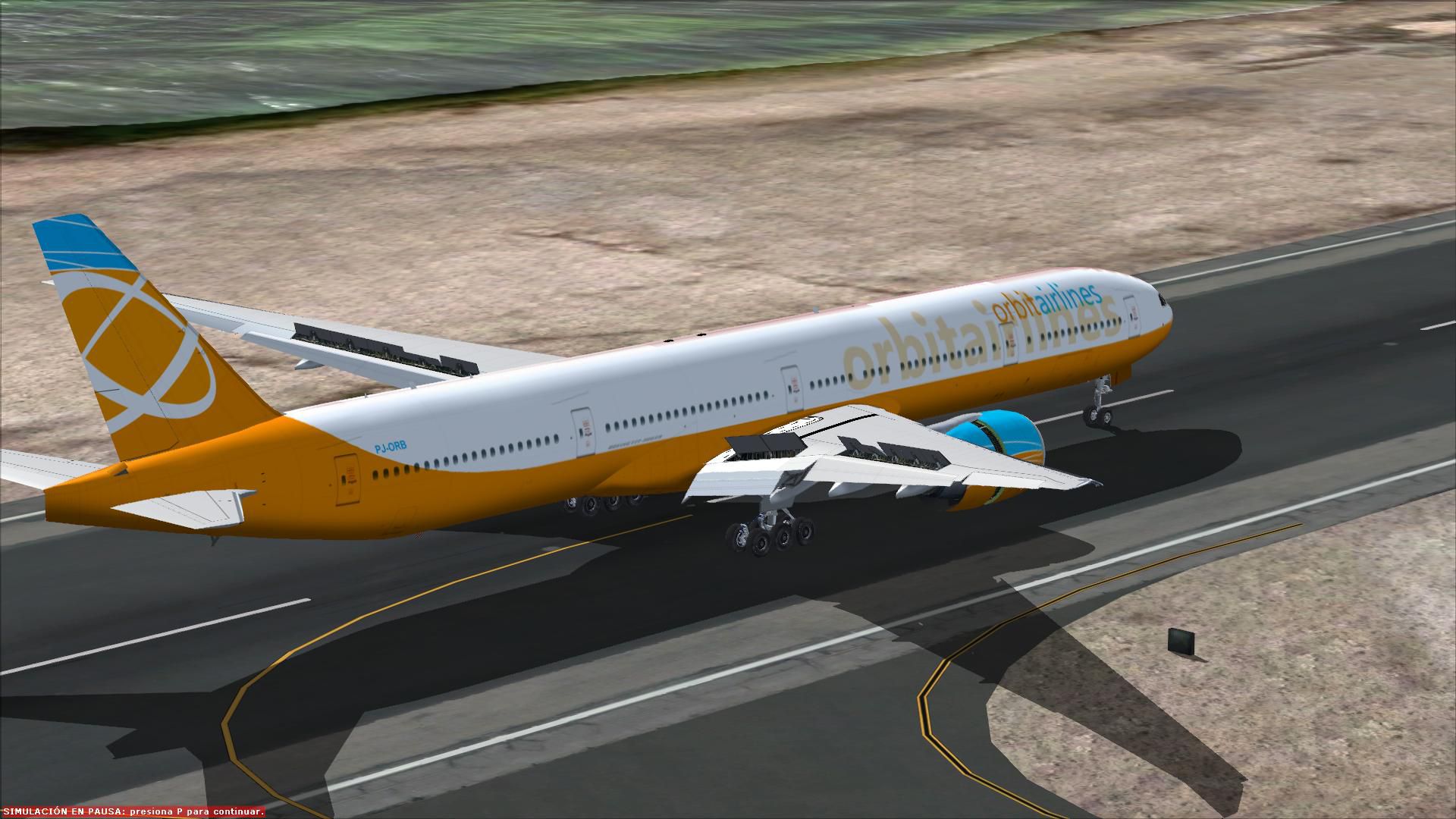
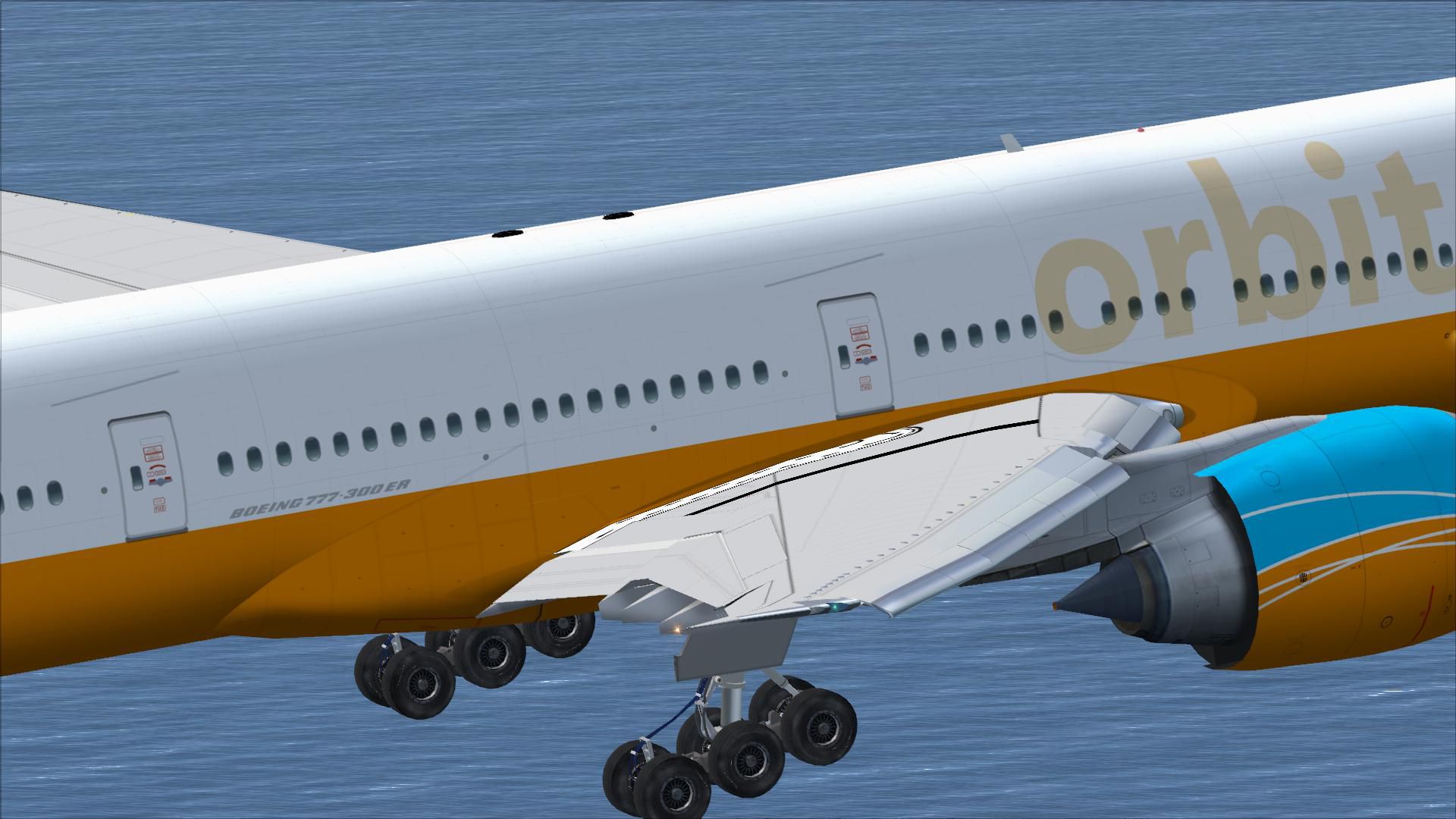
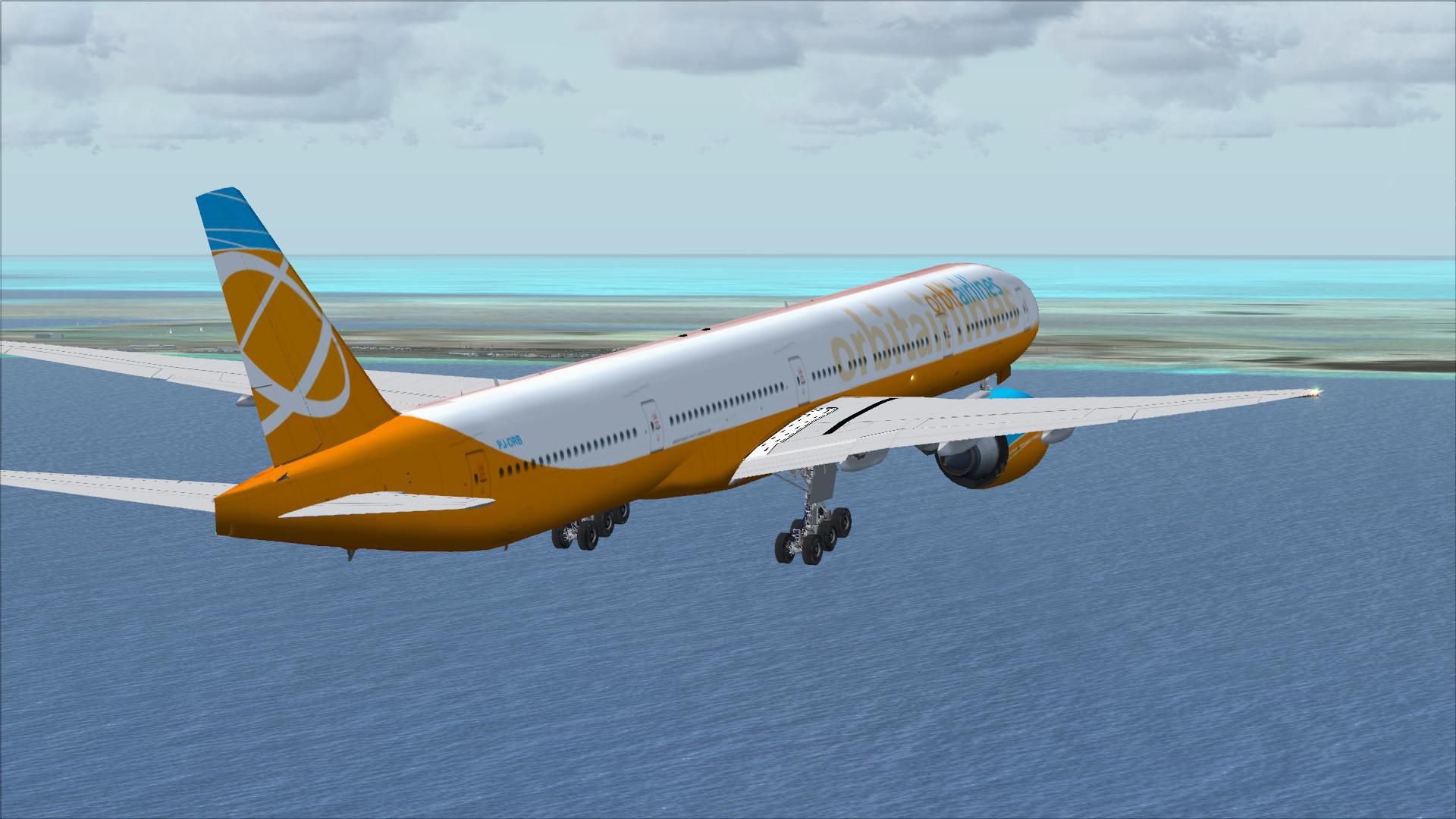
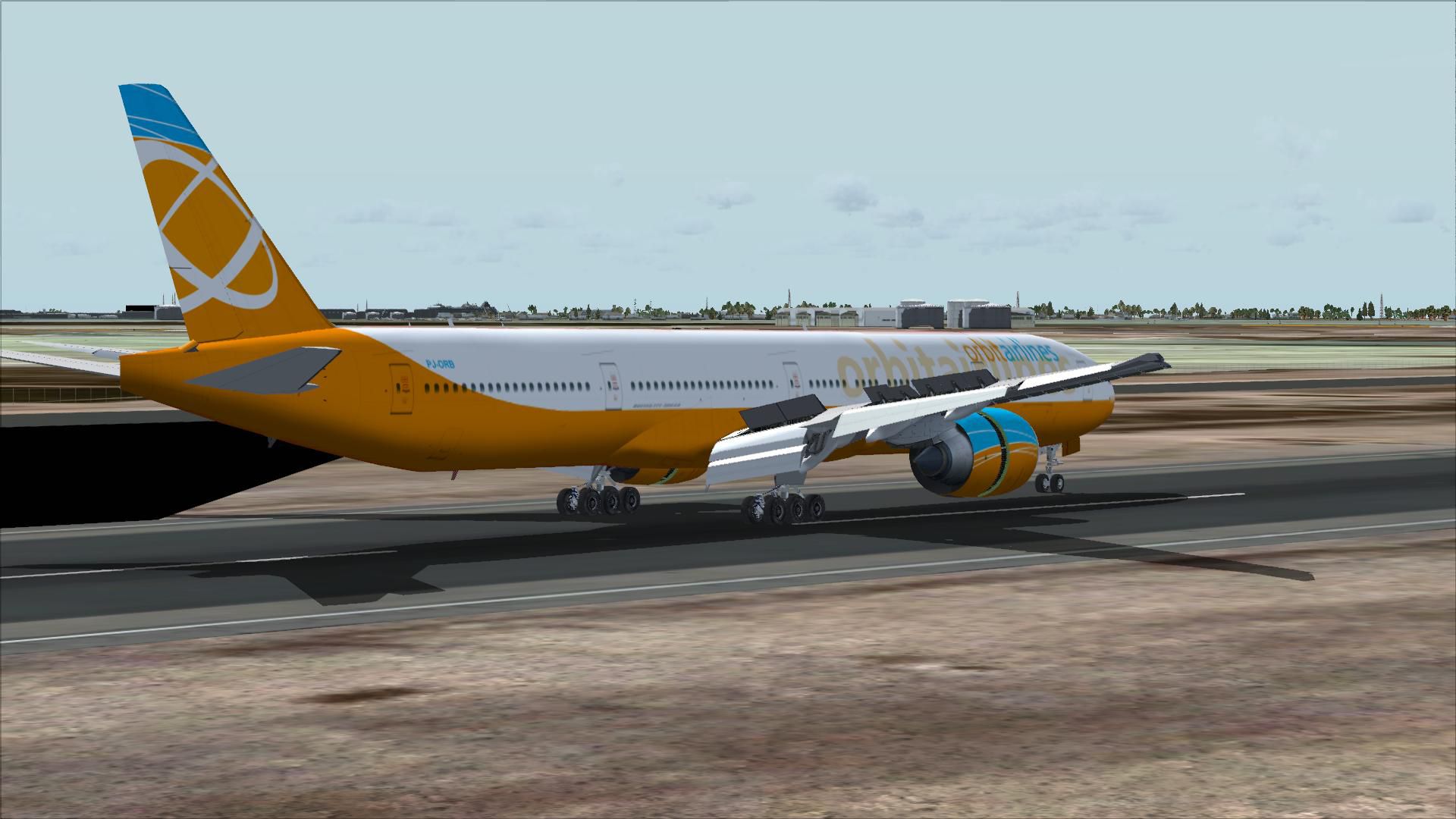
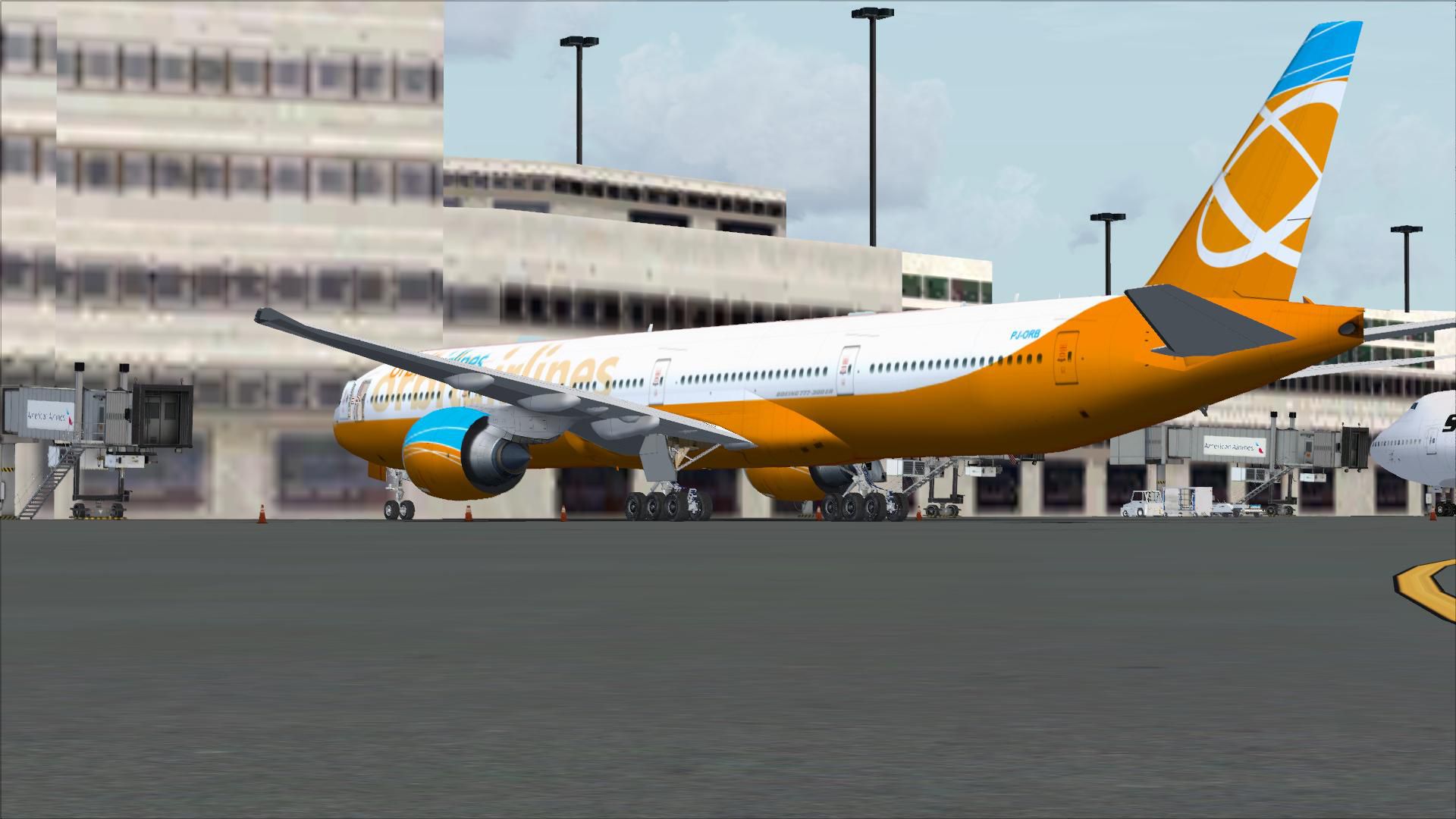

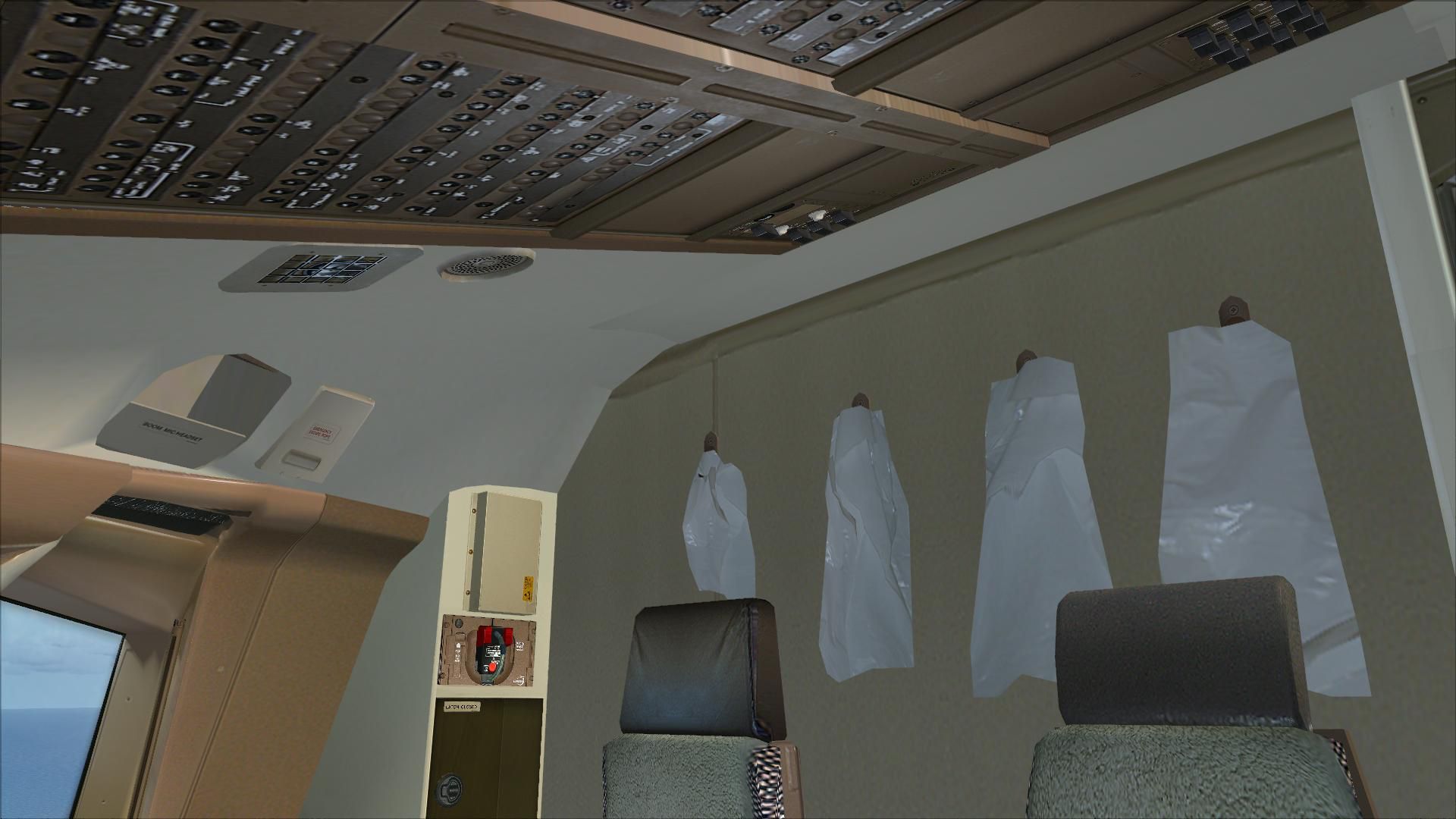
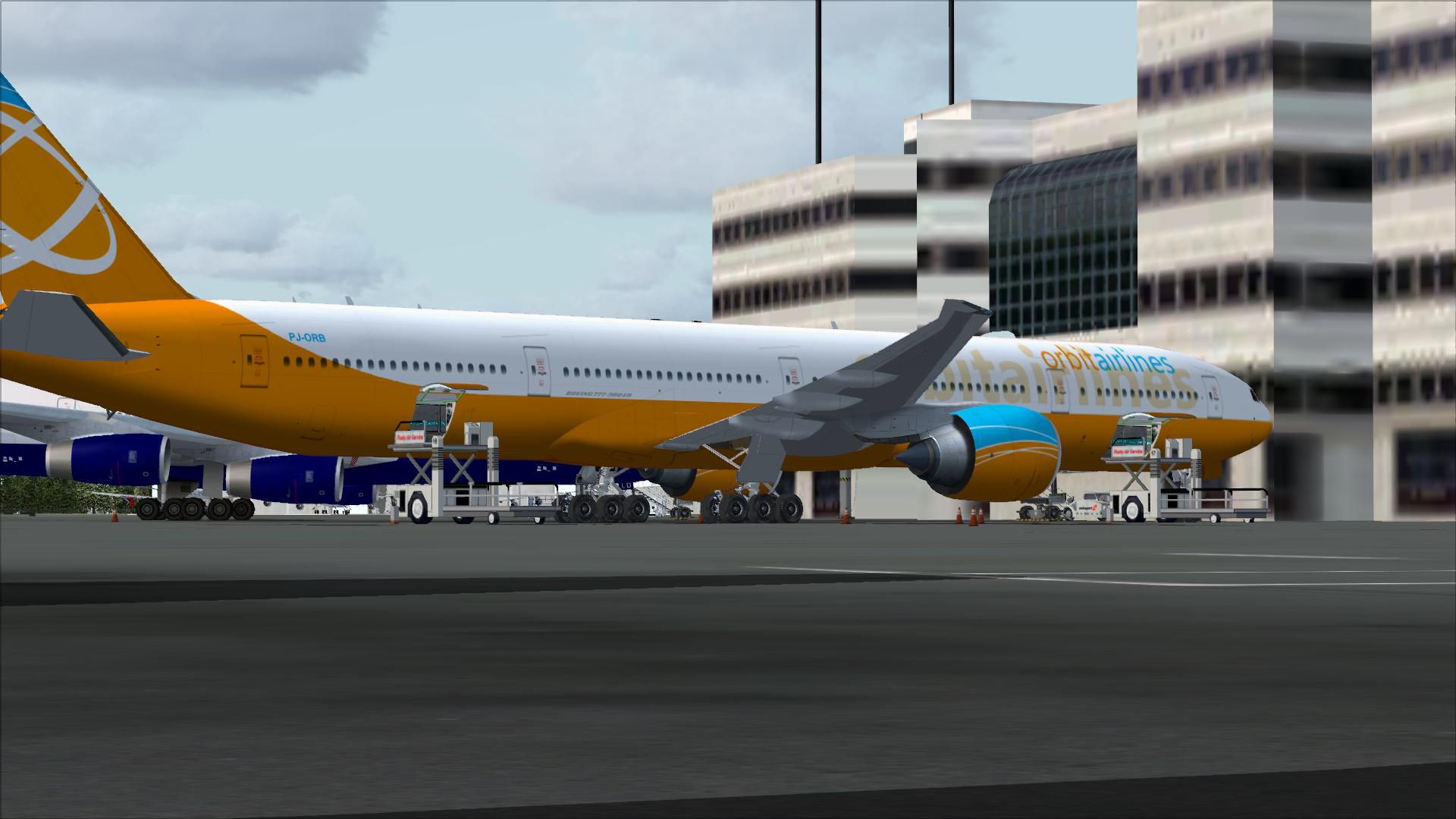
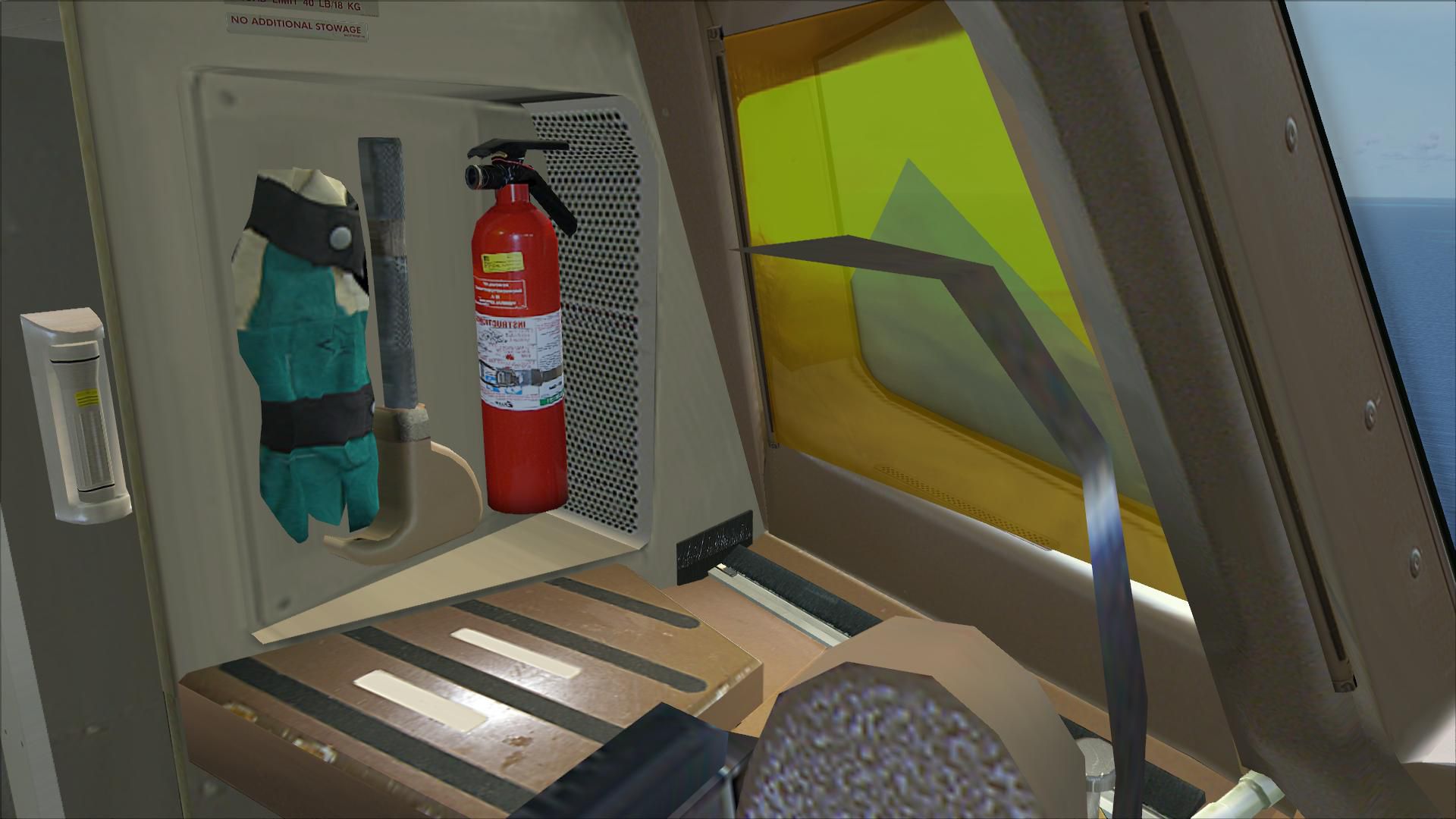
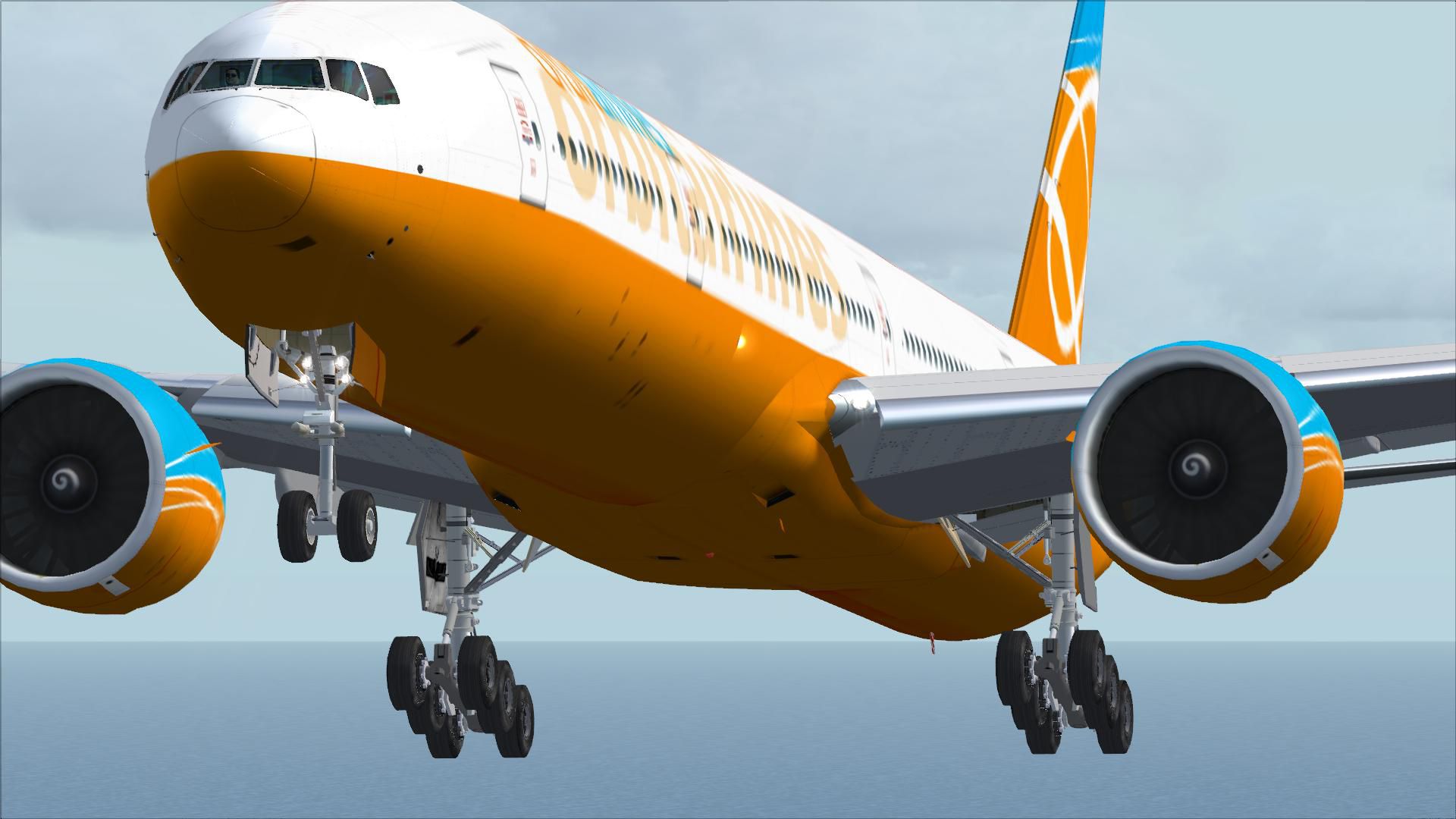
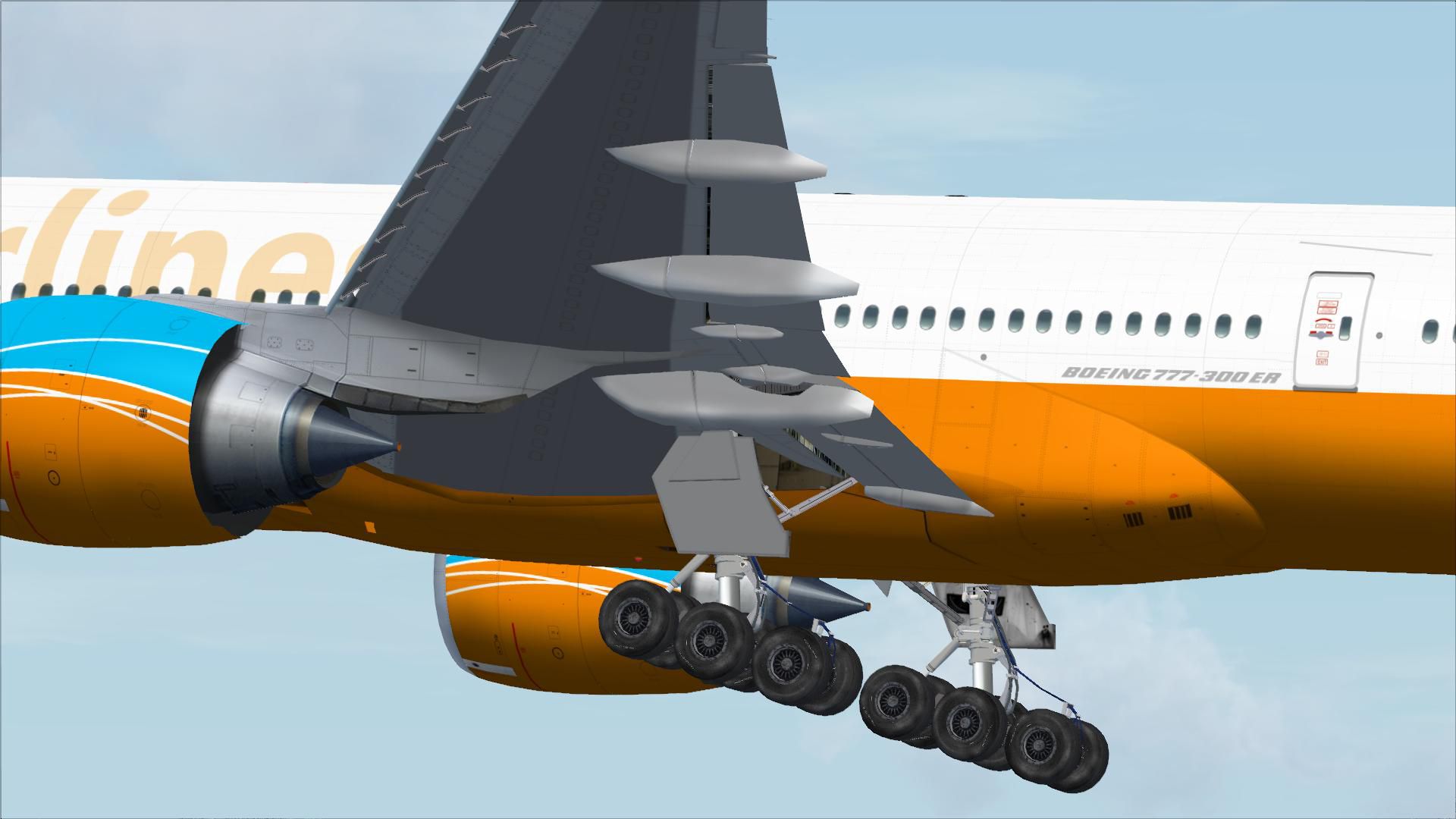
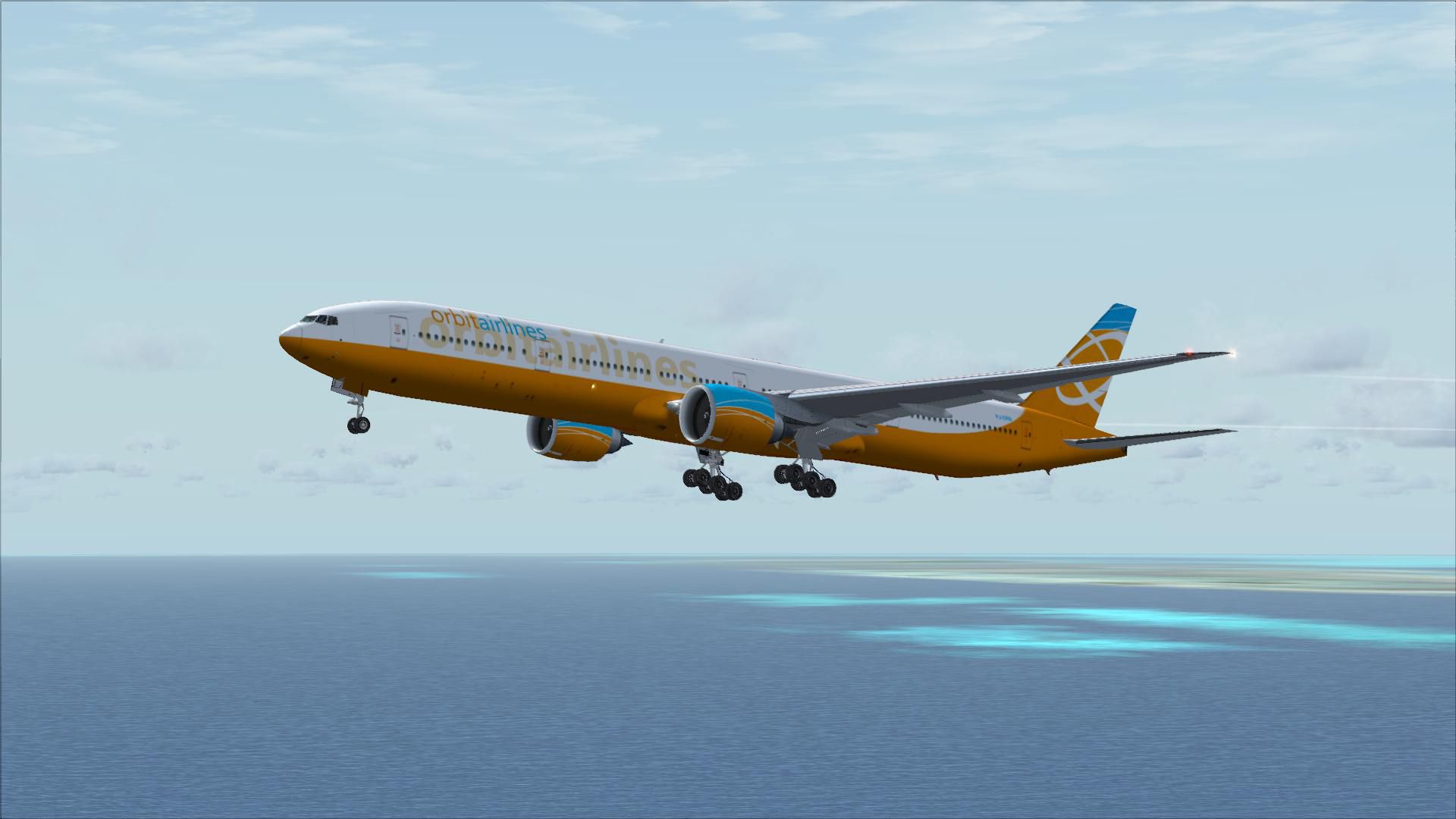
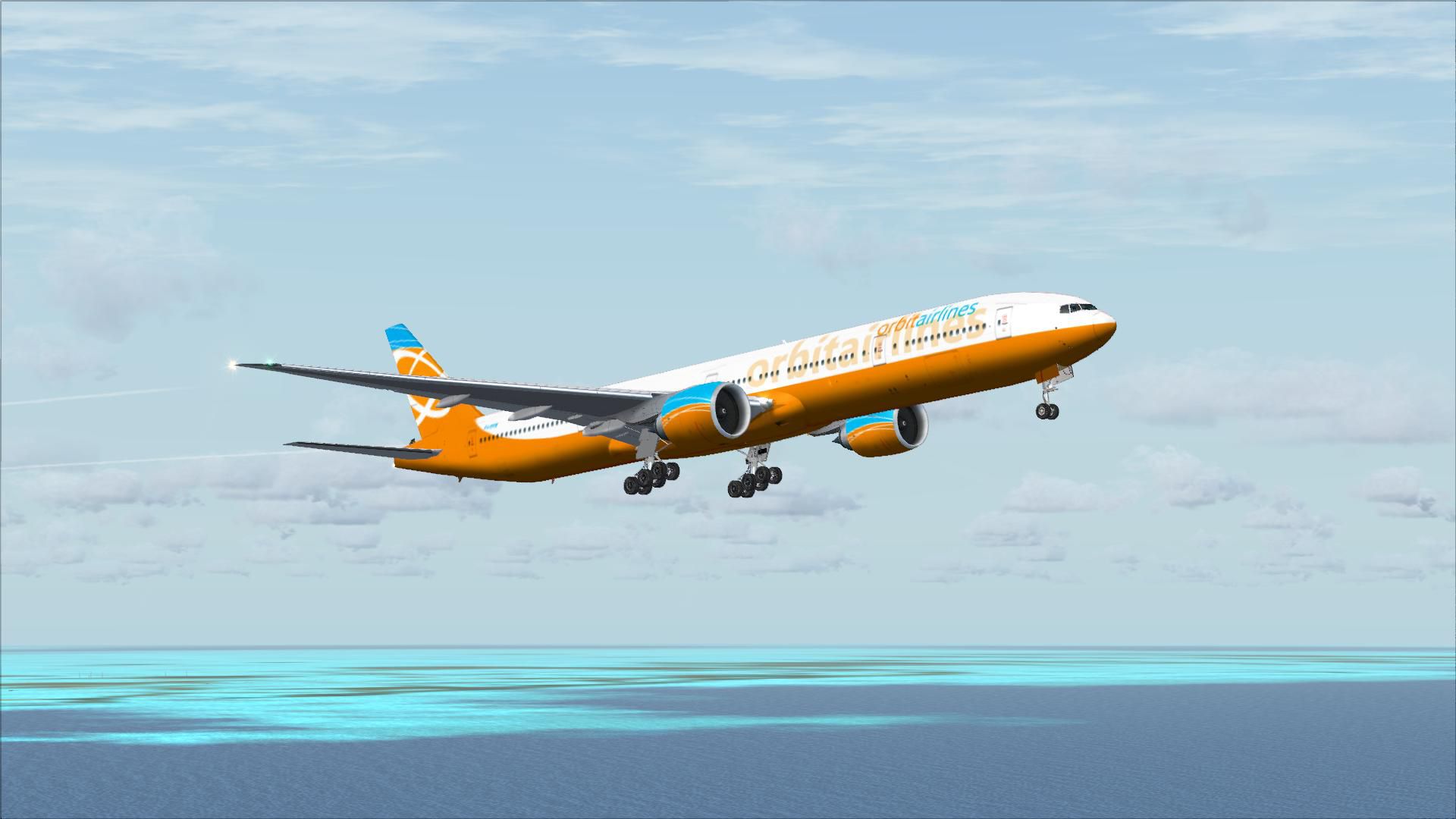
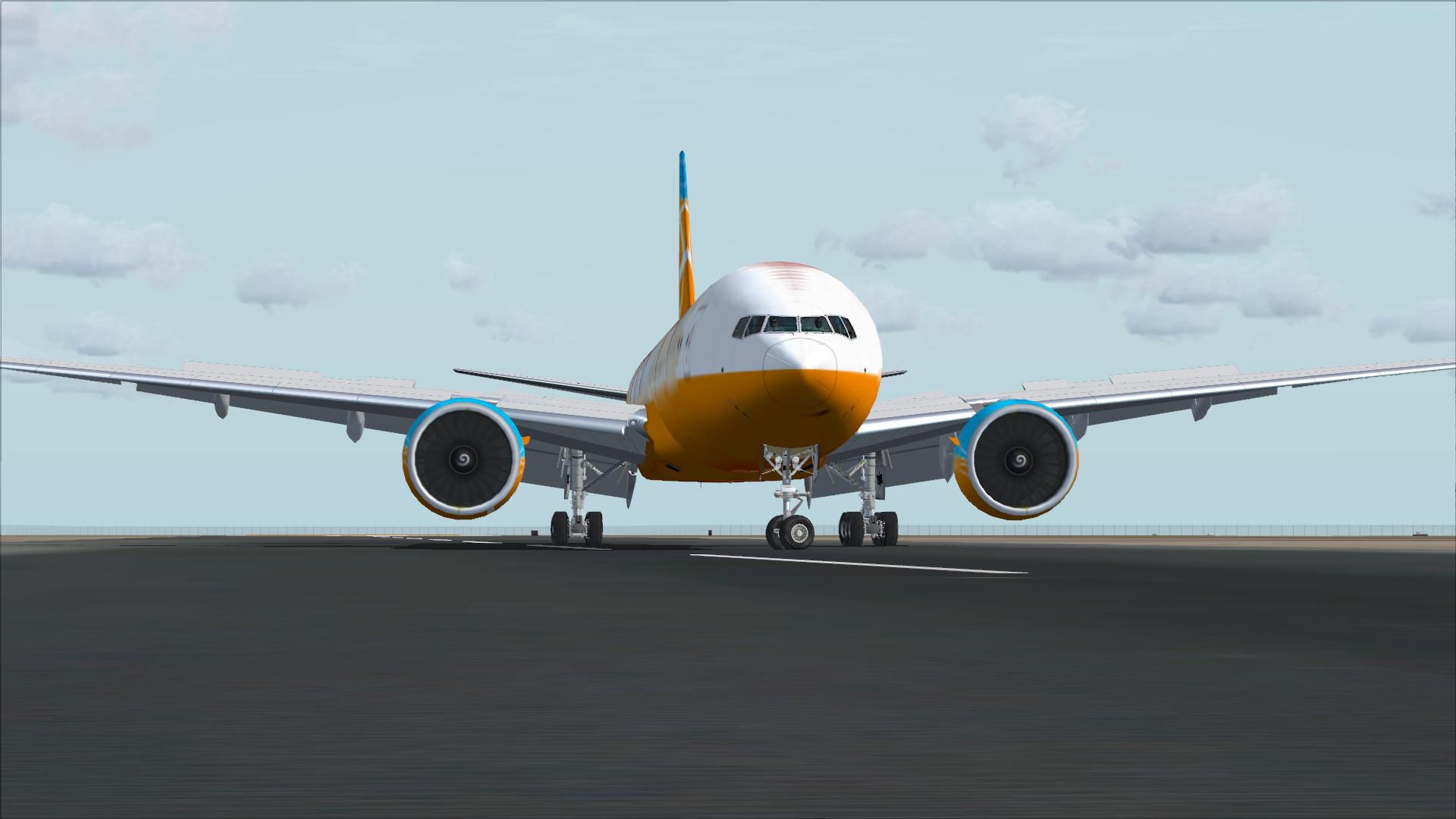
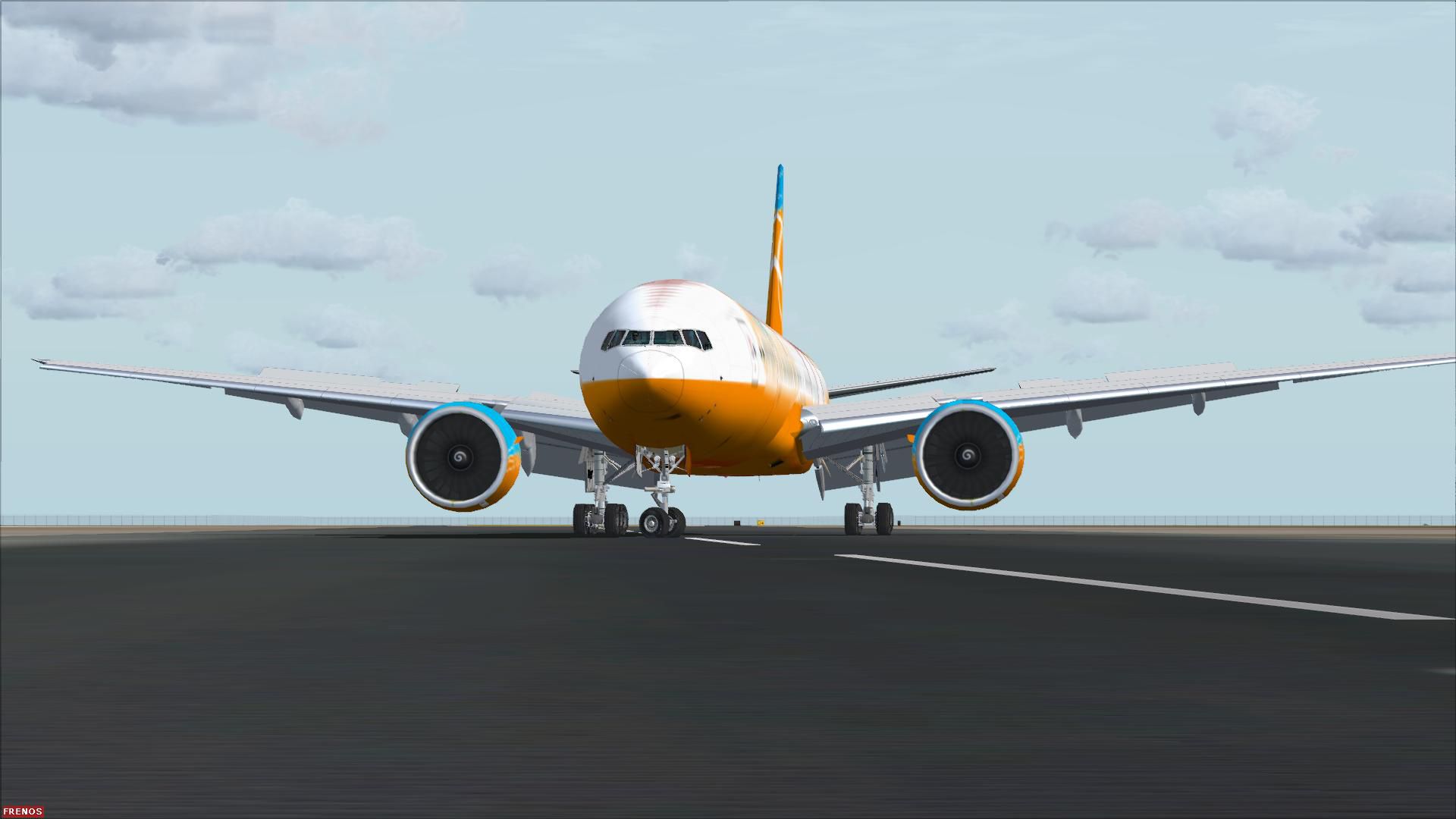
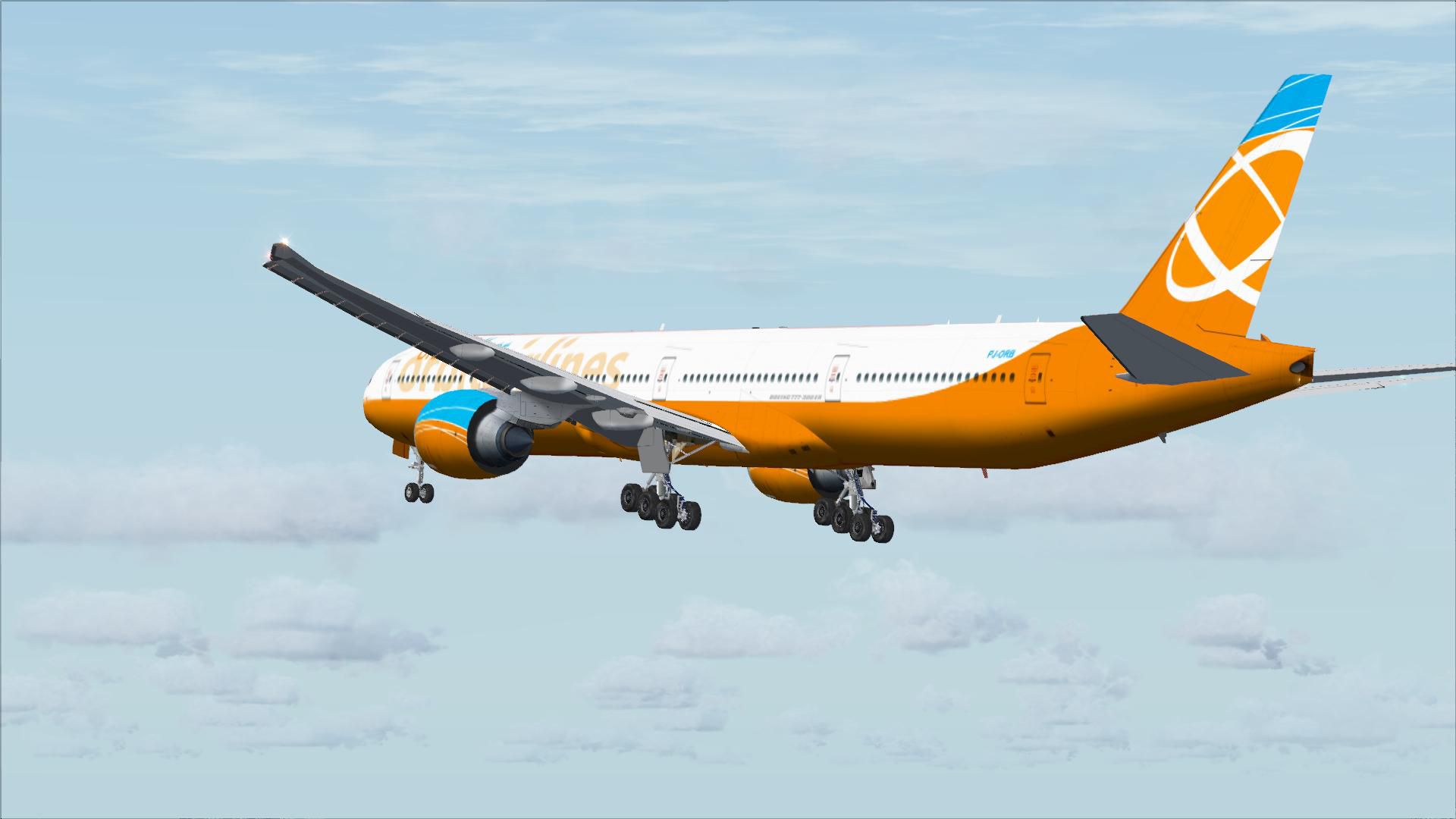
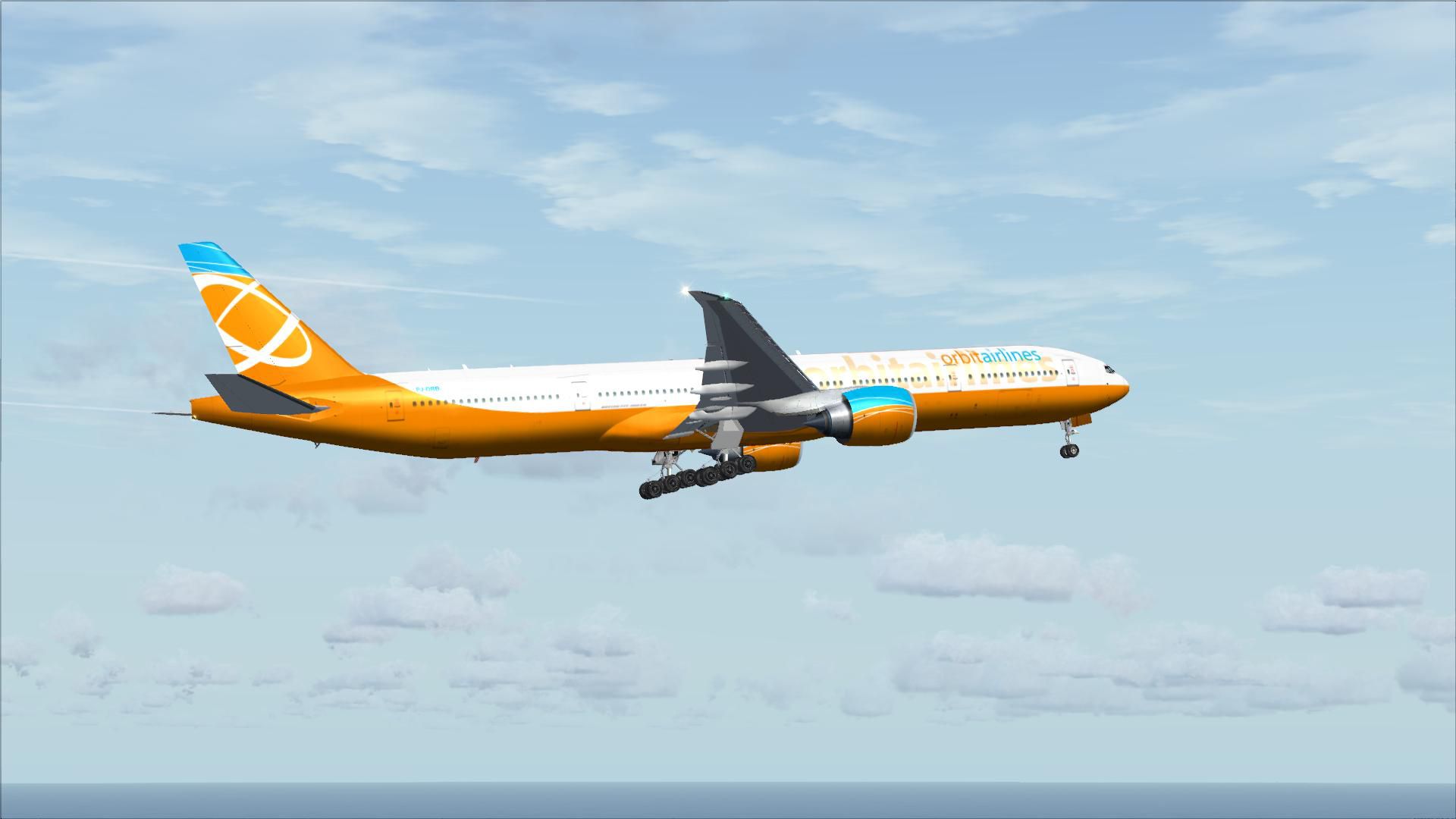
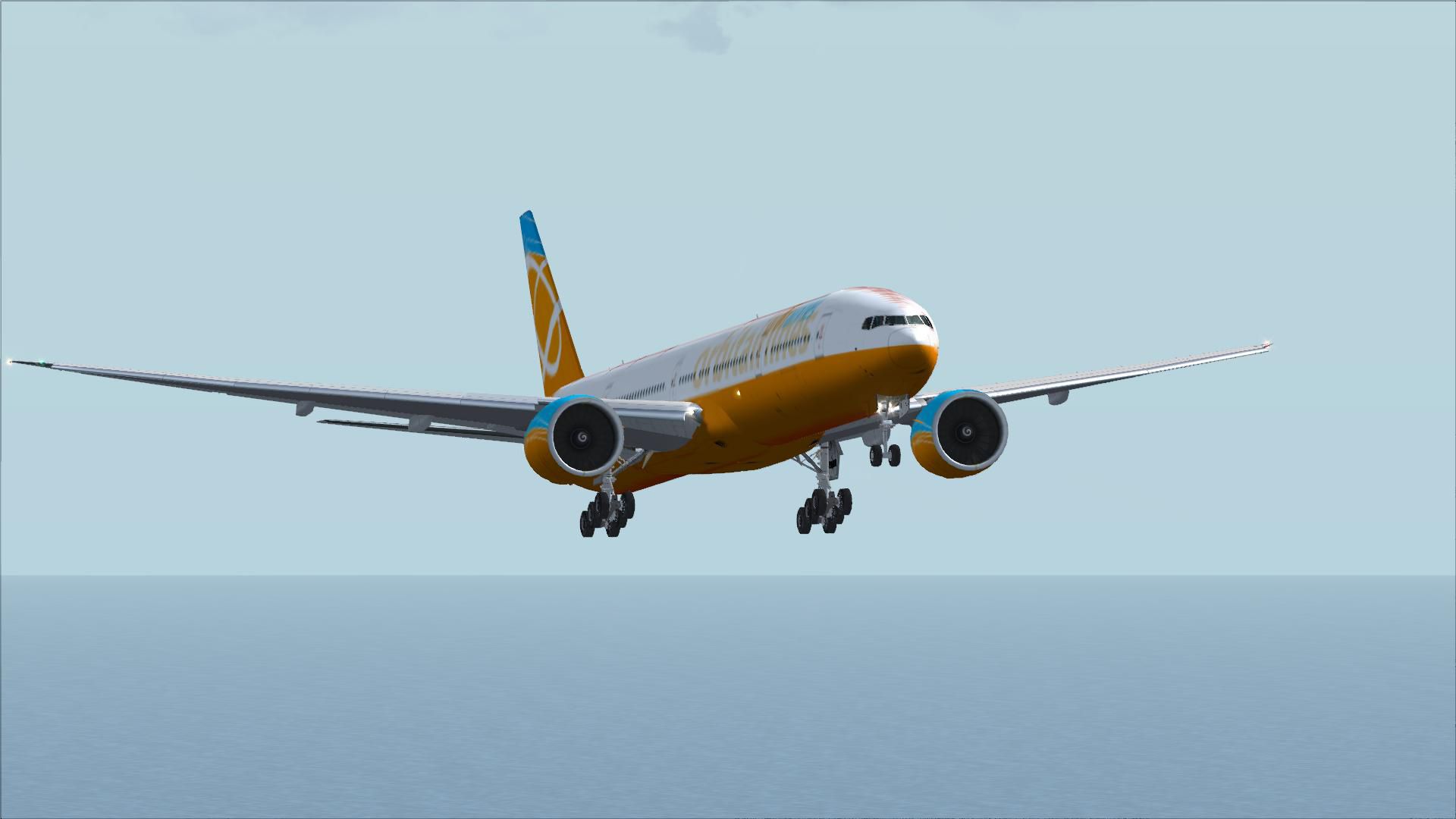
 Orbit Airlines Boeing 777-300 ER. The Project Open Sky B777-300ER repainted from the official paint kit into Orbit Airlines colors. Includes complete aircraft and POSKY B773 virtual cockpit (VC). By Stephen Hulme.
[Window08]

VISIBLE=1

position=2

size_mm=200,80

child_3d=0

background_color=0,0,0

ident=Posky Utility

gauge00=Pky_util!Pky_Util, 0, 0
Here is a repaint of the POSKY 777-300ER into Orbit Airlines colors for FSX. It comes with the POSKY 777 VC.
To install, copy the Boeing 777-300ER Orbit Airlines folder into 'Microsoft Flight Simulator X\SimObjects\Airplanes' and copy the contents of the Effects folder into your 'Microsoft Flight Simulator X\Effects' directory.
Enjoy!
Free for all simmers · 48.48 MB · Scanned clean Oct 2026
Download speed: Free tier is capped at 0.5 Mbps (this file takes approximately 14 mins at the cap). PRO members download at full line speed.
FSX\SimObjects\Airplanes\. The folder must contain an aircraft.cfg file. Effects go into FSX\Effects\; gauges go into FSX\Gauges\.readme.txt or README file. It tells you exactly where files go, what dependencies are needed, and any quirks specific to this add-on.The archive boeing777-300erorbitairlines.zip has 199 files and directories contained within it.
This list displays the first 500 files in the package. If the package has more, you will need to download it to view them.
| Filename/Directory | File Date | File Size |
|---|---|---|
| EULA.txt | 04.22.11 | 3.19 kB |
| Opensky_747_vclight.fx | 04.03.11 | 1.31 kB |
| Opensky_beacon.fx | 04.03.11 | 3.04 kB |
| Opensky_conden.fx | 04.03.11 | 3.15 kB |
| Opensky_condens.fx | 04.03.11 | 2.71 kB |
| Opensky_logo_light.fx | 04.03.11 | 1.31 kB |
| Opensky_nacelle_refl.fx | 04.03.11 | 1.29 kB |
| Opensky_nav_yellow.fx | 04.03.11 | 3.07 kB |
| Opensky_sparks.fx | 04.03.11 | 7.05 kB |
| Opensky_vortex.fx | 04.03.11 | 1.23 kB |
| Opensky_wing_light.fx | 04.03.11 | 1.31 kB |
| Aircraft.cfg | 04.22.11 | 21.92 kB |
| Boeing 777-300ER General Electric 90-115B1.air | 04.03.11 | 9.42 kB |
| model.VC | 04.09.11 | 0 B |
| model.cfg | 04.03.11 | 31 B |
| OS773ERV2_VC.mdl | 04.03.11 | 4.26 MB |
| panel.VC | 04.09.11 | 0 B |
| $vc_01.bmp | 04.04.11 | 4.00 MB |
| $vc_02.bmp | 04.04.11 | 4.00 MB |
| Boeing777-300.gau | 04.04.11 | 4.26 MB |
| forward_1024.bmp | 04.04.11 | 769.05 kB |
| forward_640.bmp | 04.04.11 | 301.05 kB |
| panel.cfg | 04.04.11 | 6.76 kB |
| Pky_Autobrake | 04.09.11 | 0 B |
| PKY_AB_Light.bmp | 04.04.11 | 1.19 kB |
| PKY_AB_SW_1.bmp | 04.04.11 | 6.80 kB |
| PKY_AB_SW_2.bmp | 04.04.11 | 6.80 kB |
| PKY_AB_SW_3.bmp | 04.04.11 | 6.80 kB |
| PKY_AB_SW_4.bmp | 04.04.11 | 6.80 kB |
| PKY_AB_SW_OFF.bmp | 04.04.11 | 6.80 kB |
| PKY_AB_SW_RTO.bmp | 04.04.11 | 6.80 kB |
| Pky_AutoBrake.xml | 04.04.11 | 3.65 kB |
| Pky_Autobrake_Init.xml | 04.04.11 | 412 B |
| Pky_AutoBrake_Panel.xml | 04.04.11 | 1.88 kB |
| posky_Autobrake.bmp | 04.04.11 | 18.80 kB |
| Thumbs.db | 04.04.11 | 23.50 kB |
| Pky_util | 04.09.11 | 0 B |
| $~Pky_Timer.xml | 04.04.11 | 1.28 kB |
| $vc_03.bmp | 04.04.11 | 4.00 MB |
| install.txt | 04.04.11 | 143 B |
| Pky_Init.xml | 04.04.11 | 621 B |
| Pky_Timer.xml | 04.04.11 | 1.43 kB |
| Pky_Util.xml | 04.04.11 | 6.12 kB |
| posky_sw_close.bmp | 04.04.11 | 2.30 kB |
| posky_sw_off.bmp | 04.04.11 | 2.30 kB |
| posky_sw_on.bmp | 04.04.11 | 2.30 kB |
| posky_sw_open.bmp | 04.04.11 | 2.30 kB |
| posky_tow_0.bmp | 04.04.11 | 4.55 kB |
| posky_tow_100.bmp | 04.04.11 | 4.55 kB |
| posky_tow_200.bmp | 04.04.11 | 4.55 kB |
| posky_utilbase.bmp | 04.04.11 | 47.87 kB |
| TESTDIRT.BMP | 04.04.11 | 341.40 kB |
| Thumbs.db | 04.04.11 | 25.50 kB |
| vc_transparent01_t.bmp | 04.04.11 | 4.00 MB |
| Posky777 | 04.09.11 | 0 B |
| Pky_AdvInit.xml | 04.04.11 | 960 B |
| Pky_PB_Towhead.xml | 04.04.11 | 809 B |
| Pky2Rudder.xml | 04.04.11 | 587 B |
| PkyAPUDoor.xml | 04.04.11 | 343 B |
| PkyCALC.xml | 04.04.11 | 1.09 kB |
| PkyElev.xml | 04.04.11 | 394 B |
| PkyEngRev.xml | 04.04.11 | 699 B |
| PkyflaperonL.xml | 04.04.11 | 486 B |
| PkyflaperonR.xml | 04.04.11 | 490 B |
| PkyLeftgearboggie.xml | 04.04.11 | 800 B |
| PkyLeftgearheight.xml | 04.04.11 | 787 B |
| PkyLSAileronL.xml | 04.04.11 | 484 B |
| PkyLSAileronR.xml | 04.04.11 | 478 B |
| PkyLWINGMIDFLEX.xml | 04.04.11 | 611 B |
| PkyLWINGTIPFLEX.xml | 04.04.11 | 583 B |
| PkyNosegearheight.xml | 04.04.11 | 732 B |
| PkyNosegearsteerling.xml | 04.04.11 | 964 B |
| PkyRightgearboggie.xml | 04.04.11 | 810 B |
| PkyRightgearheight.xml | 04.04.11 | 508 B |
| PkyRudder.xml | 04.04.11 | 582 B |
| PkyRWINGMIDFLEX.xml | 04.04.11 | 615 B |
| PkyRWINGTIPFLEX.xml | 04.04.11 | 581 B |
| PkySpoiler.xml | 04.04.11 | 3.64 kB |
| PkyWINGROOTFLEX.xml | 04.04.11 | 633 B |
| poskydebug.xml | 04.04.11 | 350 B |
| poskydebug2.xml | 04.04.11 | 351 B |
| Thumbs.db | 04.04.11 | 28.00 kB |
| sound | 04.09.11 | 0 B |
| Sound.cfg | 04.03.11 | 30 B |
| texture.orbit | 04.09.11 | 0 B |
| OS773_LFuse_FRONT_T.BMP | 04.03.11 | 5.33 MB |
| OS773_LFuse_MID_T.bmp | 04.03.11 | 5.33 MB |
| OS773_LFuse_REAR_T.bmp | 04.03.11 | 5.33 MB |
| OS773_RFuse_FRONT_T.BMP | 04.03.11 | 5.33 MB |
| OS773_RFuse_MID_T.BMP | 04.03.11 | 5.33 MB |
| OS773_RFuse_REAR_T.BMP | 04.03.11 | 5.33 MB |
| Os777_GE90-115B_T.bmp | 04.03.11 | 5.33 MB |
| texture.cfg | 08.14.06 | 137 B |
| thumbnail.jpg | 04.27.11 | 20.12 kB |
| texture | 04.09.11 | 0 B |
| $vc_01.bmp | 04.04.11 | 4.00 MB |
| $vc_02.bmp | 04.04.11 | 4.00 MB |
| $vc_03.bmp | 04.04.11 | 4.00 MB |
| Os_wt500e_l.bmp | 04.04.11 | 1.00 MB |
| Os_wt500e_t.bmp | 04.04.11 | 1.00 MB |
| Os772_COCKPIT_L.bmp | 04.04.11 | 256.07 kB |
| Os772_COCKPIT_T.bmp | 04.04.11 | 1.00 MB |
| OS773_LFuse_FRONT_L.BMP | 04.03.11 | 4.00 MB |
| OS773_LFuse_MID_L.BMP | 04.03.11 | 4.00 MB |
| OS773_LFuse_REAR_L.BMP | 04.03.11 | 4.00 MB |
| OS773_RFuse_FRONT_L.BMP | 04.03.11 | 4.00 MB |
| OS773_RFuse_MID_L.BMP | 04.03.11 | 4.00 MB |
| OS773_RFuse_REAR_L.BMP | 04.03.11 | 4.00 MB |
| os773ERv2_Parts_L.bmp | 04.03.11 | 1.07 kB |
| os773ERv2_Parts_T.bmp | 04.03.11 | 4.00 MB |
| os773ERv2_WINGL_L.bmp | 04.03.11 | 4.00 MB |
| os773ERv2_WINGL_T.bmp | 04.03.11 | 4.00 MB |
| os773ERv2_WINGR_L.bmp | 04.03.11 | 4.00 MB |
| os773ERv2_WINGR_T.bmp | 04.03.11 | 4.00 MB |
| Os777_GE90-115B_Fan_blurred.bmp | 04.03.11 | 256.07 kB |
| Os777_GE90-115B_Fan_Slow.bmp | 04.03.11 | 256.07 kB |
| Os777_GE90-115B_L.bmp | 04.03.11 | 4.00 MB |
| Os777_GE90-115B_Parts_L.bmp | 04.03.11 | 4.00 MB |
| Os777_GE90-115B_Parts_T.bmp | 04.03.11 | 4.00 MB |
| OS777_PAXDOORSIDE_T.bmp | 04.03.11 | 4.00 MB |
| OS777_SPRING_T.BMP | 04.04.11 | 4.07 kB |
| os777_VC_01_l.bmp | 04.04.11 | 4.00 MB |
| os777_VC_01_t.bmp | 04.04.11 | 4.00 MB |
| os777_VC_010_l.bmp | 04.04.11 | 4.00 MB |
| os777_VC_02_l.bmp | 04.04.11 | 4.00 MB |
| os777_VC_02_t.bmp | 04.04.11 | 4.00 MB |
| os777_VC_03_l.bmp | 04.04.11 | 4.00 MB |
| os777_VC_03_t.bmp | 04.04.11 | 4.00 MB |
| os777_VC_04_l.bmp | 04.04.11 | 4.00 MB |
| os777_VC_04_t.bmp | 04.04.11 | 4.00 MB |
| os777_VC_05_l.bmp | 04.04.11 | 4.00 MB |
| os777_VC_05_t.bmp | 04.04.11 | 4.00 MB |
| os777_VC_06_L.bmp | 04.04.11 | 4.00 MB |
| os777_VC_06_t.bmp | 04.04.11 | 4.00 MB |
| os777_VC_07_l.bmp | 04.04.11 | 4.00 MB |
| os777_VC_07_t.bmp | 04.04.11 | 4.00 MB |
| os777_VC_08_l.bmp | 04.04.11 | 4.00 MB |
| os777_VC_08_t.bmp | 04.04.11 | 4.00 MB |
| os777_VC_09_l.bmp | 04.04.11 | 4.00 MB |
| os777_VC_09_t.bmp | 04.04.11 | 4.00 MB |
| os777_VC_10_l.bmp | 04.04.11 | 4.00 MB |
| os777_VC_10_t.bmp | 04.04.11 | 4.00 MB |
| os777_WHEEL_L.bmp | 04.04.11 | 1.07 kB |
| os777_WHEEL_T.bmp | 04.04.11 | 256.07 kB |
| Os777CONTAINER_FRONT_L.BMP | 04.04.11 | 1.07 kB |
| Os777CONTAINER_FRONT_T.BMP | 04.04.11 | 1.00 MB |
| Os777CONTAINER_REAR_L.bmp | 04.04.11 | 1.07 kB |
| Os777CONTAINER_REAR_T.bmp | 04.04.11 | 1.00 MB |
| OS777GSU1_L.BMP | 04.04.11 | 1.07 kB |
| OS777GSU1_T.BMP | 04.04.11 | 1.00 MB |
| OS777GSU2_L.BMP | 04.04.11 | 1.07 kB |
| OS777GSU2_T.BMP | 04.04.11 | 1.00 MB |
| OS777maintire_L.bmp | 04.04.11 | 1.07 kB |
| OS777maintire_T.bmp | 04.04.11 | 64.07 kB |
| OS777nosetire_L.bmp | 04.04.11 | 1.07 kB |
| OS777nosetire_T.bmp | 04.04.11 | 64.07 kB |
| OS777Option.bmp | 04.04.11 | 16.07 kB |
| Os777shaft_L.bmp | 04.04.11 | 1.07 kB |
| Os777shaft_t.bmp | 04.04.11 | 4.07 kB |
| OS777V2_LowerCargo_L.BMP | 04.04.11 | 1.07 kB |
| OS777V2_LowerCargo_T.BMP | 04.04.11 | 256.07 kB |
| os777v2_Parts_L.bmp | 04.04.11 | 1.07 kB |
| os777v2_Parts_T.bmp | 04.04.11 | 4.00 MB |
| os777v2_Parts2_L.bmp | 04.04.11 | 1.07 kB |
| os777v2_Parts2_T.bmp | 04.04.11 | 4.00 MB |
| texture.cfg | 08.14.06 | 137 B |
| Thumbs.db | 04.04.11 | 8.00 kB |
| vc_01_l.bmp | 04.04.11 | 4.00 MB |
| vc_02_l.bmp | 04.04.11 | 4.00 MB |
| Readme.txt | 04.27.11 | 1.74 kB |
| Boeing 777-300 ER Orbit Airlines.gif | 04.27.11 | 6.77 kB |
| flyawaysimulation.txt | 10.29.13 | 959 B |
| Go to Fly Away Simulation.url | 01.22.16 | 52 B |
| Screenshots | 10.06.19 | 0 B |
| screen-1.jpg | 10.02.19 | 127.70 kB |
| screen-10.jpg | 10.02.19 | 268.63 kB |
| screen-11.jpg | 10.02.19 | 259.06 kB |
| screen-12.jpg | 10.02.19 | 276.16 kB |
| screen-13.jpg | 10.02.19 | 243.85 kB |
| screen-14.jpg | 10.02.19 | 159.47 kB |
| screen-15.jpg | 10.02.19 | 153.50 kB |
| screen-16.jpg | 10.02.19 | 244.62 kB |
| screen-17.jpg | 10.02.19 | 231.59 kB |
| screen-18.jpg | 10.02.19 | 236.73 kB |
| screen-19.jpg | 10.02.19 | 224.58 kB |
| screen-2.jpg | 10.02.19 | 127.14 kB |
| screen-20.jpg | 10.02.19 | 180.16 kB |
| screen-21.jpg | 10.02.19 | 110.41 kB |
| screen-22.jpg | 10.02.19 | 110.17 kB |
| screen-23.jpg | 10.02.19 | 163.56 kB |
| screen-24.jpg | 10.02.19 | 154.97 kB |
| screen-25.jpg | 10.02.19 | 160.09 kB |
| screen-3.jpg | 10.02.19 | 94.21 kB |
| screen-4.jpg | 10.02.19 | 196.51 kB |
| screen-5.jpg | 10.02.19 | 102.62 kB |
| screen-6.jpg | 10.02.19 | 130.29 kB |
| screen-7.jpg | 10.02.19 | 148.63 kB |
| screen-8.jpg | 10.02.19 | 203.42 kB |
| screen-9.jpg | 10.02.19 | 84.58 kB |
Only PRO members can place votes.
More FSX & P3D add-ons hand-picked based on this download.
FSX Civil Aircraft
The payware Captain Sim B767-300 in Orbit Airlines livery. Includes cabin com…
 FSX Civil Aircraft
KLM Boeing 777-300 ER, registration PH-BVB. Original model by Melvin Rafi. Up…
 FSX Civil Aircraft
Korean Air Boeing 777-300 ER, painted in Korean Air livery. Registration HL77…
 FSX Civil Aircraft
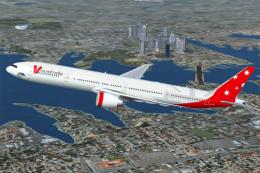
V Australia Boeing 777-300 ER, registration VH-VOZ, "Didgree Blue". Original …
 FSX Civil Aircraft
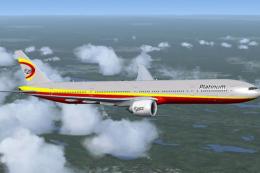
Project Open Sky B777-300 ER full aircraft, repainted in Platinum Airways' ne…
 FSX Civil Aircraft
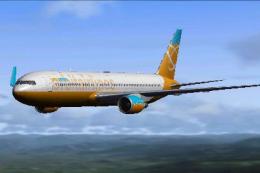
This is a complete Skyspirit2010 FSX aircraft but it uses the default Microso…
 FSX Civil Aircraft
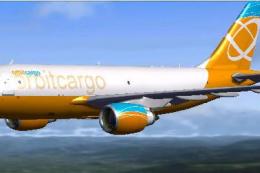
Orbit Cargo Airbus A310-300 based on the MS Orbit airlines colors. This is a …
 FSX Civil Aircraft
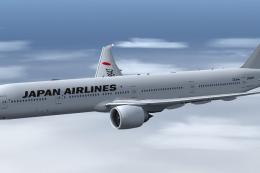
Complete package of the Project Open Sky B777-300ER in Japan Airlines' new cr…
Read what other simmers think, or add your own.


The exterior of the plane looks good but the panel has no switch or gauge working I'll find the other 777 on the website steal the panel and put it on the 777 300.


My flight displays are not working and the battery is not connected to the APU, this would most likely be the cause of our problems but we are not able to change it ourselves.

No working displays and instruments in the VC. On the black displays, one can see text like e.g. PDF, EICAS. I believe these are the same problems as reported in 2017 by MUH NAME. So, do not download this plane, it has a not working VC.

Ok m8 pretty good freeware I'd rate an 8/10, this is because the crucial readings like flight level and IAS aren't available in the virtual cockpit.


Hello!, i have a trouble with the textures: When I selected the Boeing 777-300 ER Orbit Airlines, the aircraft and the virtual cockpit is fully blank ¿what is the trouble?