

 FSX Helicopters
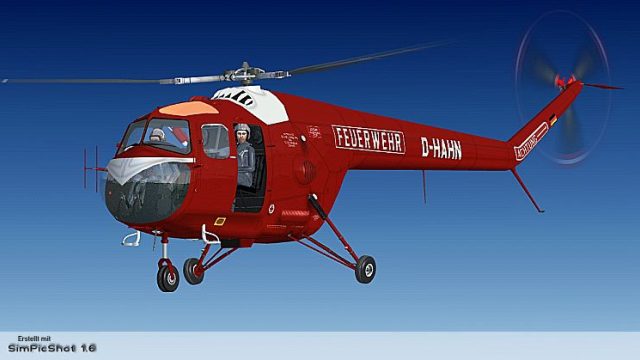
"Marine SAR" Bristol Sycamore
This repaint offers a specialized search and rescue scheme for the Bristol Sy…
Bristol Sycamore “Feuerwehr-Flugdienst” repaint brings crisp German fire service markings to this early British helicopter, matching the 1974–1981 emergency-support scheme with carefully weathered exterior textures. Created for Microsoft Flight Simulator X, it requires Rick Piper’s Bristol Sycamore HR14 BETA 2 and adds authentic rescue-era character to rotorcraft operations.
 Rate
Rate
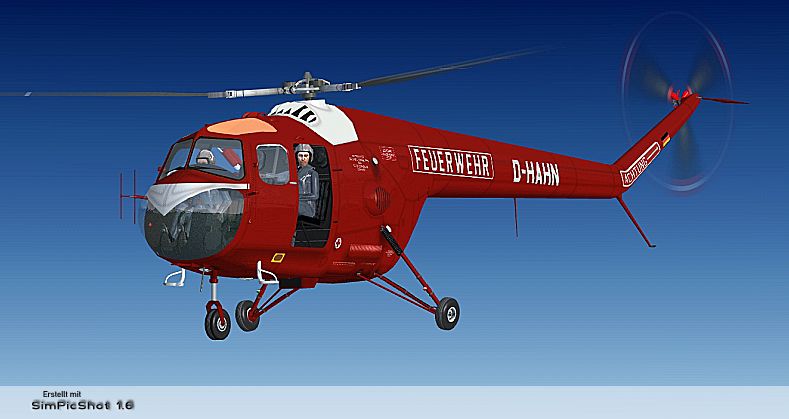
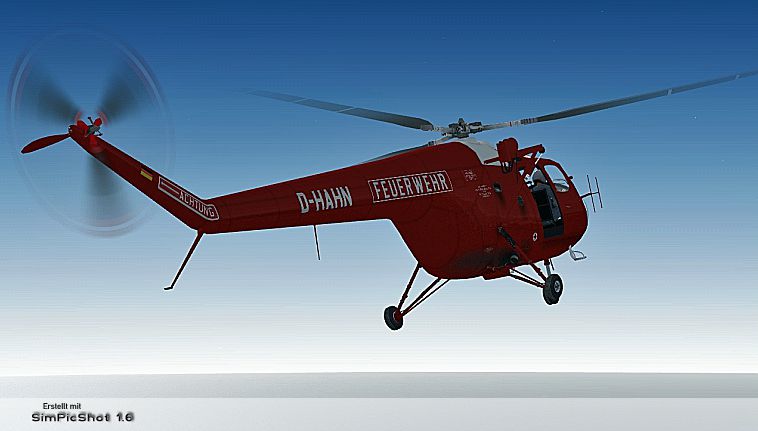
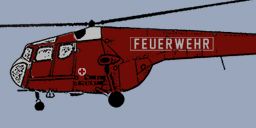
This freeware release showcases a carefully detailed repaint of the historic Bristol Sycamore in “Feuerwehr-Flugdienst” markings, accurately depicting the rotorcraft’s appearance from 1974 to 1981. Brought to you by the talented creator B. Lechner, it requires Rick Piper’s beta edition of this classic helicopter for Microsoft Flight Simulator X. Enthusiasts will appreciate the remarkable exterior textures that reflect the German fire service scheme once used for emergencies and rescue assignments.
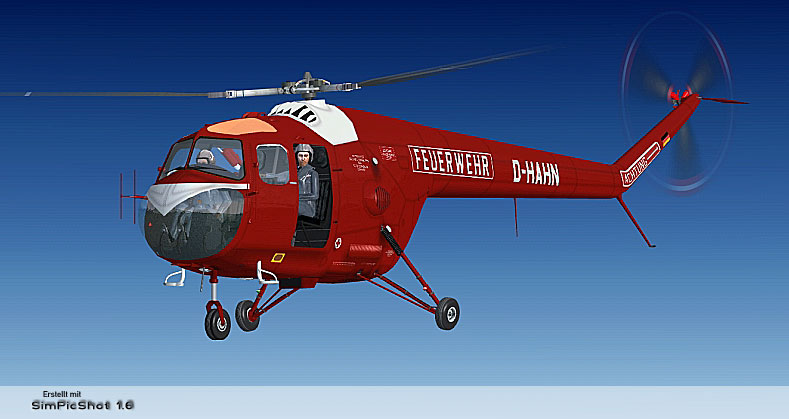
Authentic “Feuerwehr-Flugdienst” scheme on display.
This repaint reflects the German fire department’s aerial support colors, bringing an eye-catching livery to a rotorcraft that first took flight in the late 1940s. The Bristol Sycamore was among Britain’s earliest helicopter designs and quickly became known for its operational versatility. Integrating this unique texture adds variety to your rotorcraft lineup and broadens your emergency-service flight simulation options.
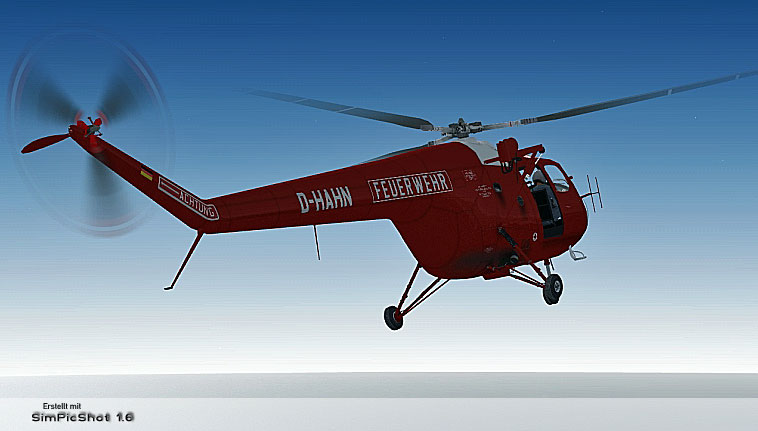
Observation of firefighters’ rotorcraft on a rescue sortie.
Microsoft Flight Simulator X\SimObjects\Rotorcraft\FSX Bristol Sycamore HR14 BETA 2aircraft.cfg file in the same directory and include the following entry. Replace [FLTSIM.XX] with the next sequential fltsim number:
[FLTSIM.XX]
Title = Bristol 171 Sycamore Mk.HR14 FEUERWEHR-FLUGDIENST
Sim = B171
Model = 14
Panel =
Sound =
Texture = FEUERWEHR
prop_anim_ratio = 4.76
kb_checklists = B171_Checklist
kb_reference = B171_Reference
ui_manufacturer = Bristol
ui_type = Sycamore
ui_variation = FEUERWEHR
ui_typerole = Rotorcraft
ui_createdby = Rick Piper
atc_id =
atc_heavy = 0
atc_airline =
atc_flight_number =
description = FEUERWEHR-FLUGDIENST 1974-1981
aircraft.cfg, then load up Microsoft Flight Simulator X to enjoy the enhanced livery.Special thanks to Rick Piper for making this iconic rotorcraft available in a beta format, enabling enthusiasts to immerse themselves in the golden era of helicopter development paired with a distinctive German firefighting flair.
Free for all simmers · 1.24 MB · Scanned clean Oct 2026
Download speed: Free tier is capped at 0.5 Mbps. PRO members download at full line speed.
texture.{airline}) inside FSX\SimObjects\Airplanes\{base-aircraft}\.aircraft.cfg in Notepad. Add a new [fltsim.X] section per the readme.readme.txt or README file. It tells you exactly where files go, what dependencies are needed, and any quirks specific to this add-on.The archive sycamore_feuerwehr.zip has 12 files and directories contained within it.
This list displays the first 500 files in the package. If the package has more, you will need to download it to view them.
| Filename/Directory | File Date | File Size |
|---|---|---|
| readme_sycamore_feuerwehr.txt | 11.29.10 | 1.51 kB |
| Screens | 11.29.10 | 0 B |
| BR_SYC_001.jpg | 11.29.10 | 242.83 kB |
| BR_SYC_002.jpg | 11.29.10 | 245.86 kB |
| texture.FEUERWEHR | 11.12.10 | 0 B |
| B171FUSELAGE1_T.dds | 11.12.10 | 4.00 MB |
| B171FUSELAGE2_T.dds | 11.12.10 | 4.00 MB |
| PILOT.dds | 11.07.10 | 256.12 kB |
| texture.cfg | 12.09.09 | 127 B |
| THUMBNAIL.jpg | 11.12.10 | 40.50 kB |
| flyawaysimulation.txt | 10.29.13 | 959 B |
| Go to Fly Away Simulation.url | 01.22.16 | 52 B |
Only PRO members can place votes.
More FSX & P3D add-ons hand-picked based on this download.
FSX Helicopters
This repaint offers a specialized search and rescue scheme for the Bristol Sy…
 FSX Helicopters
3D model, textures and virtual cockpit : Laurent Hadorn, Denis Allavena Sound…
 FSX Helicopters
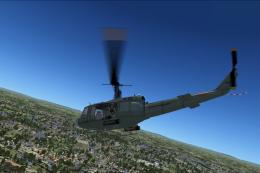
FSX Bell UH-1 Huey. Model by Tolga Piskin. Adapted for FSX by Eric Buchmann.
 FSX Helicopters
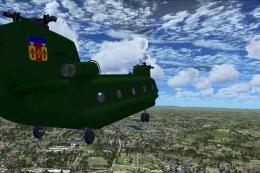
This comprehensive update brings newly refined repaint textures, plus the ori…
 FSX Helicopters
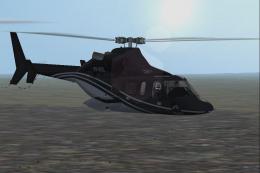
Comes in multi private liveries plus Medivac and NY Police Dept. Updated from…
 FSX Helicopters
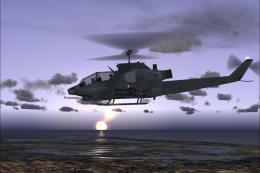
FSX Bell AH-1S Cobra helicopter. Includes minigun effect. No VC. Updated from…
 FSX Helicopters
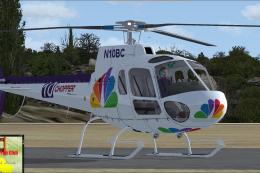
Eurocopter AS350 Ecureuil helicopter. The AS350 by Nemeth brothers updated fo…
 FSX Helicopters
Eurocopter AS332L2 helicopter. This helicopter features moving parts, a virtu…
Be the first to leave a comment on this download.
Be the first to share your thoughts on this download.