

 FSX Helicopters
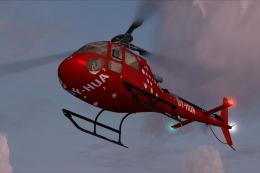
Air Greenland Aerospatiale AS350 B3 OY-HUA
This is a repaint of the Nemeth Designs AS350 B3 transport version. Repaint b…
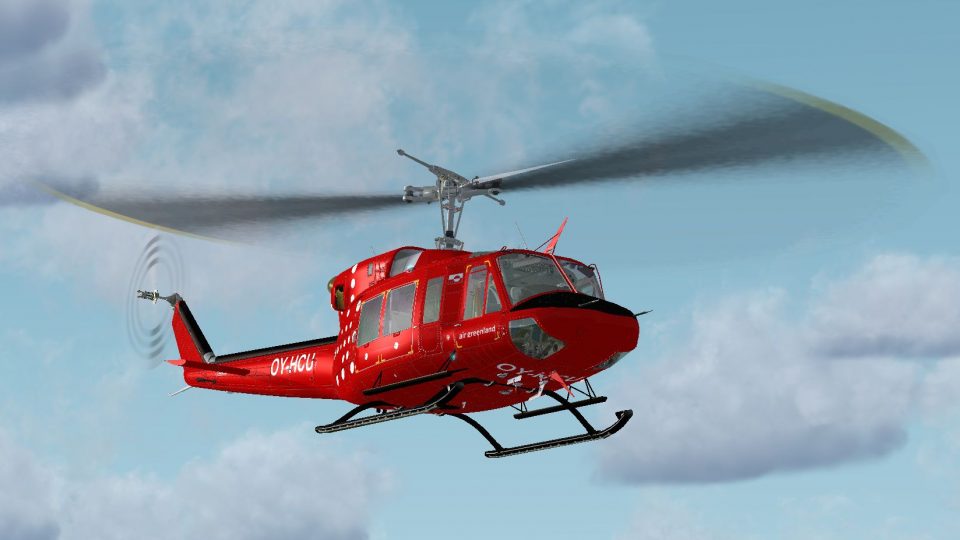
Air Greenland’s Bell 212 OY-HCU (based at Qaqortoq) brings an authentic Greenlandic rescue and utility look to the rotorcraft ramp, with crisp markings and period-accurate details for the Cerasim Bell 212. Designed for FSX, this repaint requires the Cerasim Bell 212 helicopter and includes matching registration and airline identifiers.
 Rate
Rate

Air Greenland Bell 212, registration OY-HCU, based at Qaqortoq. Textures only for the Cerasim Bell 212 helicopter. Repaint by Mads Petersen.
Air Greenland Bell 212 in flight.
Simply unzip the texture.HCU-1981 into the main Bell_212 folder in FS/Simobjects/Rotorcraft folder.
In the aircraft.cfg file, simply copy the below text and save.
The fltsim.x = should be the last number in the sequence, fx. "fltsim.13" if the repaint is the 13th in the sequence.
**** COPY THE TEXT BELOW ****
[fltsim.x]

title=Bell 212 Air Greenland OY-HCU

sim=Bell_212

model=

panel=

sound=

texture=HCU-2009

kb_checklists=Bell_212_check

kb_reference=

atc_id=OY-HCU

ui_manufacturer=Bell

ui_type=212

ui_variation=HCU-2009

ui_typerole=Rotorcraft

ui_createdby=Cera Simaircraft

description=Repaint by Mads Petersen

atc_airline=Greenland

atc_flight_number=
**** COPY THE TEXT ABOVE ****
Hope that you enjoy flying around with the helicopter.
Best regards,
Mads Petersen.
Free for all simmers · 2.94 MB · Scanned clean Oct 2026
Download speed: Free tier is capped at 0.5 Mbps. PRO members download at full line speed.
texture.{airline}) inside FSX\SimObjects\Airplanes\{base-aircraft}\.aircraft.cfg in Notepad. Add a new [fltsim.X] section per the readme.readme.txt or README file. It tells you exactly where files go, what dependencies are needed, and any quirks specific to this add-on.The archive oy-hcu.zip has 17 files and directories contained within it.
This list displays the first 500 files in the package. If the package has more, you will need to download it to view them.
| Filename/Directory | File Date | File Size |
|---|---|---|
| bell_ext_1_T.dds | 10.21.10 | 1.00 MB |
| bell_ext_1_T_Spec.dds | 01.19.10 | 1.00 MB |
| bell_ext_2_T.dds | 10.21.10 | 1.00 MB |
| bell_ext_2_T_Spec.dds | 01.19.10 | 1.00 MB |
| bell_ext_3_T.dds | 10.21.10 | 1.00 MB |
| bell_ext_3_T_Spec.dds | 01.19.10 | 1.00 MB |
| bell_ext_4_T.dds | 10.21.10 | 1.00 MB |
| bell_ext_4_T_Spec.dds | 01.19.10 | 1.00 MB |
| main_rotor.dds | 11.07.09 | 1.00 MB |
| pilot.dds | 07.22.09 | 1.00 MB |
| pilot_night.dds | 10.19.09 | 1.00 MB |
| texture.cfg | 08.21.06 | 137 B |
| thumbnail.jpg | 10.21.10 | 229.68 kB |
| Readme.txt | 11.29.10 | 963 B |
| thumbnail.jpg | 10.21.10 | 229.68 kB |
| flyawaysimulation.txt | 10.29.13 | 959 B |
| Go to Fly Away Simulation.url | 01.22.16 | 52 B |
Only PRO members can place votes.
More FSX & P3D add-ons hand-picked based on this download.
FSX Helicopters
This is a repaint of the Nemeth Designs AS350 B3 transport version. Repaint b…
 FSX Helicopters
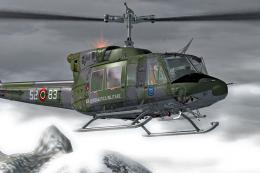
"Italy Air Force" Bell 212 The repaints are for 212 in service from Italian A…
 FSX Helicopters
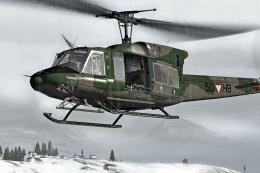
Crafted by Bernhard Lechner, this free repaint set introduces a faithfully re…
 FSX Helicopters
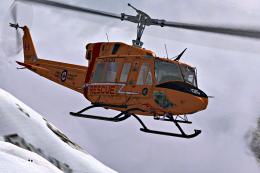
This customized Bell 212 repaint showcases the distinctive markings of the Ro…
 FSX Helicopters
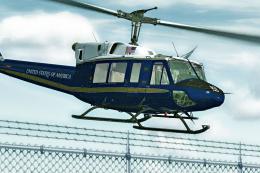
This freeware repaint features a special U.S. Air Force-themed livery for the…
 FSX Helicopters
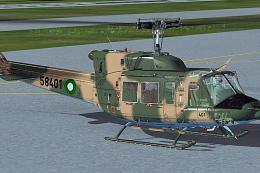
This repaint for the Bell 212 draws inspiration from a Pakistan Air Force var…
 FSX Helicopters
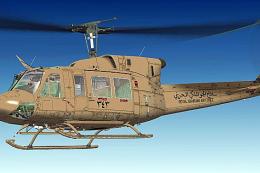
This repaint adds the Royal Bahraini Air Force markings to the sophisticated …
 FSX Helicopters
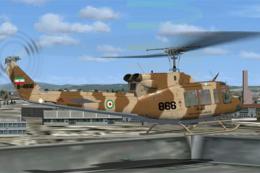
Iranian Army Aviation scheme for Cera Bell 212. By Shinichi Edogawa. Screensh…
Be the first to leave a comment on this download.
Be the first to share your thoughts on this download.