

 FSX Business Jet Aircraft
Gulfstream G550
Gulfstream G550. The Gulfstream G550 is the largest and latest development of…
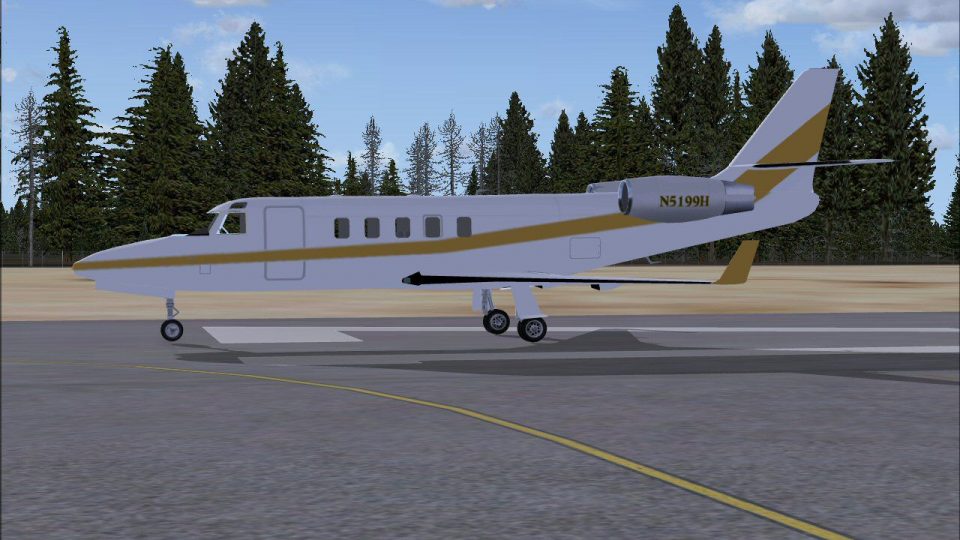
Gulfstream G100 business jet brings agile executive performance to Microsoft Flight Simulator X with an accurately proportioned exterior model, functional control surfaces, and smooth light-jet handling suited to shorter runways. It includes an executive paint scheme with Mercy Flight-inspired markings and a practical panel built around default gauges for straightforward corporate or humanitarian-style routes.
 Rate
Rate
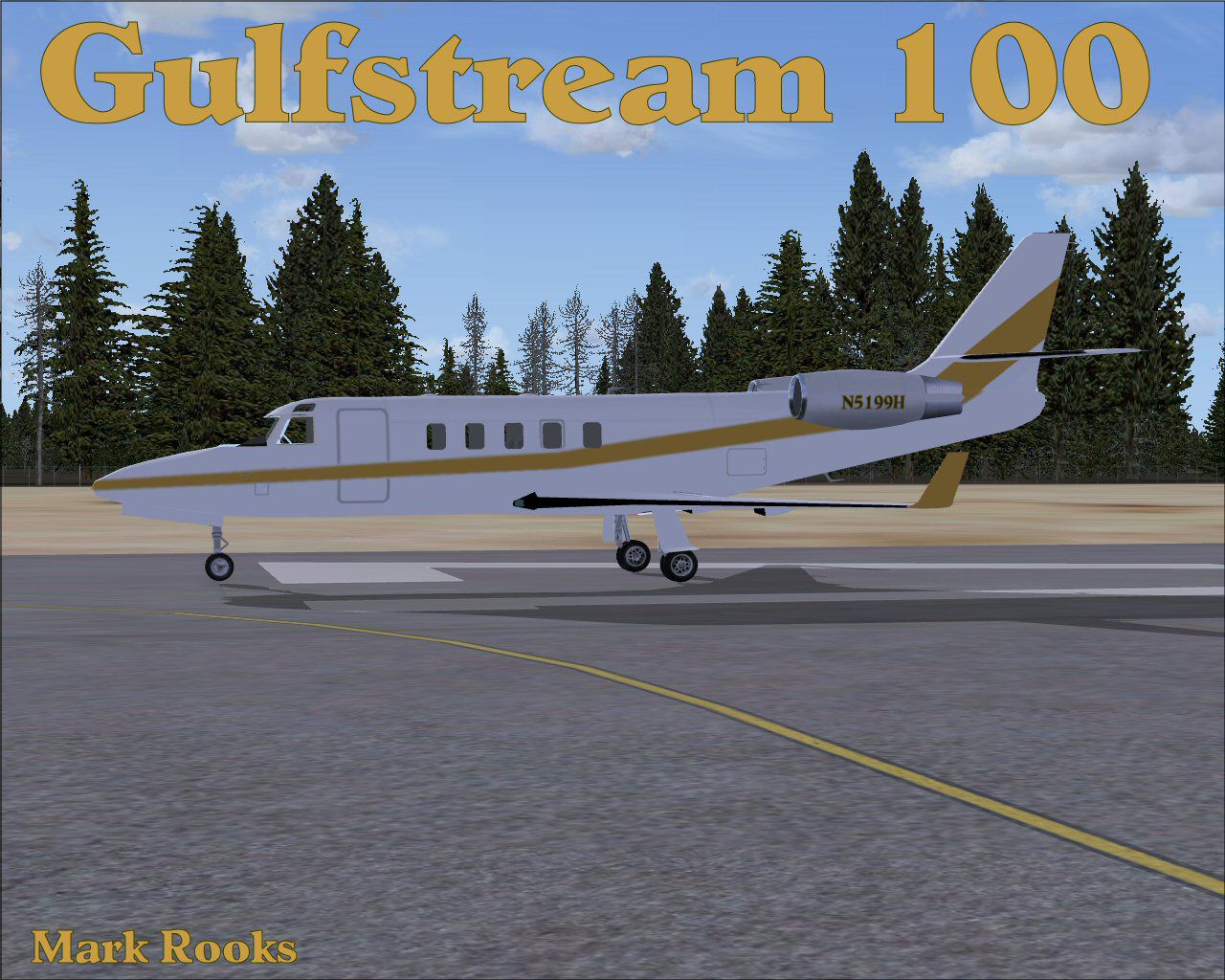
This freeware package offers a fully featured Gulfstream G100 for Flight Simulator X, adapted from the original design by Peter Brun/Lider Designs and enhanced by Mark Rooks of RSDG Aircraft. As one of the more compact business jets in the Gulfstream family, the G100 provides swift and efficient travel, appealing to pilots who seek an agile platform that can handle short runways while still delivering comfortable executive transport.
The real-world G100 (sometimes referred to by its former designation) is known for its sleek wing design and aerodynamic finesse, offering stable handling characteristics. In this FSX model, the exterior reflects authentic proportions, including properly scaled fuselage details and functional control surfaces. Operators can expect smooth flight dynamics that mimic the moderate wingspan and thrust-to-weight ratio of this light corporate jet.

Gulfstream 100.
A typical executive-style paint scheme is included, preserving real-world aesthetics for those who enjoy corporate flights. For users inclined toward more customization, the texture layout can be adapted if you wish to generate personalized liveries. The set also sports special markings referencing Mercy Flight support, encouraging virtual aviators to replicate humanitarian missions when desired.
The panel configuration currently relies on default FSX gauges that suit general purpose flying, and no virtual cockpit (VC) is included in this release. If you prefer a more customized flight deck, the files from the original FS2004 panel can be rebuilt or merged with a Lear 45 setup that comes natively with Microsoft Flight Simulator X. This approach allows you to tailor instrumentation to your specific preferences.
All files have been verified virus-free at the time of upload. By installing this set, you acknowledge that RSDG cannot be held liable for potential hardware or software issues arising from its usage. Continue at your own discretion, and maintain backups of important data whenever you modify your simulator platform.
Credits: Texture updates and FSX-specific integration by Mark “Fire Ball” Rooks. Base aircraft developed by Peter Brun/Lider Designs. Special acknowledgment to Col. Robert K Suchke for the creative piece included below and for the motivational references.
The following adapted text by Col. Robert K Suchke draws upon imagery of airborne forces and their inherent unity:
“The Lord surveyed the heavens and proclaimed, ‘Let there be Airborne...’” (paraphrased for brevity). These words honor the valor and discipline of specialized units, illustrating the unwavering cohesion between those who descend from the skies and those who fight on land. Within this package, that spirit resonates through collaboration and the dedicated craftsmanship of every developer involved.
Enjoy exploring new adventures with this Gulfstream G100 adaptation, from short commuter hops to extended business routes. This release is freeware and may be shared without cost. Thank you for downloading and supporting the continuous expansion of FSX resources.
Free for all simmers · 15.32 MB · Scanned clean Oct 2026
Download speed: Free tier is capped at 0.5 Mbps (this file takes approximately 4 mins at the cap). PRO members download at full line speed.
SimObjects\Airplanes\, Addon Scenery\, Effects\, or Gauges\.readme.txt or README file. It tells you exactly where files go, what dependencies are needed, and any quirks specific to this add-on.The archive fsxg100.zip has 7 files and directories contained within it.
This list displays the first 500 files in the package. If the package has more, you will need to download it to view them.
| Filename/Directory | File Date | File Size |
|---|---|---|
| G-100.zip | 11.11.08 | 10.06 MB |
| Original panel.zip | 11.11.08 | 5.02 MB |
| Read Me First.txt | 11.11.08 | 5.55 kB |
| Reg. Text.txt | 11.11.08 | 205 B |
| screen G100.jpg | 11.11.08 | 250.40 kB |
| flyawaysimulation.txt | 10.29.13 | 959 B |
| Go to Fly Away Simulation.url | 01.22.16 | 52 B |
Only PRO members can place votes.
More FSX & P3D add-ons hand-picked based on this download.
FSX Business Jet Aircraft
Gulfstream G550. The Gulfstream G550 is the largest and latest development of…
 FSX Business Jet Aircraft
Gulfstream V. G550 model, texture and sounds by Peter Brun. Corrected flight …
 FSX Business Jet Aircraft
Gulfstream IV. Created with Gmax, with full animation, full virtual cockpit a…
 FSX Business Jet Aircraft
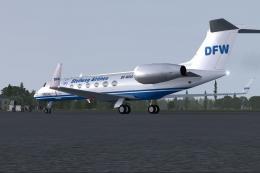
A repaint of the HTAI Gulfstream V DF-WGA by The DFW group. In the package yo…
 FSX Business Jet Aircraft
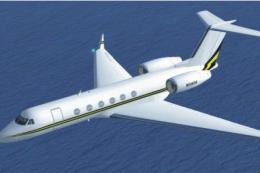
Gulfstream V Update. This is an update for FSX Acceleration of the Gulfstream…
 FSX Business Jet Aircraft
This release presents a fully freeware rendition of the Gulfstream One EX, de…
 FSX Business Jet Aircraft
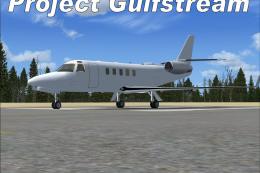
Gulfstream Project Aircraft. This is the Peter Brun/Lider Designs Gulfstream …
 FSX Business Jet Aircraft
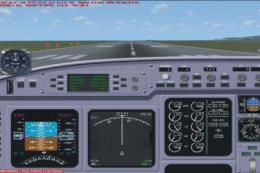
Gulfstream V Update Correction. This is a correction for the panel of the upd…
Be the first to leave a comment on this download.
Be the first to share your thoughts on this download.