


FSX Schenectady County Airport Scenery
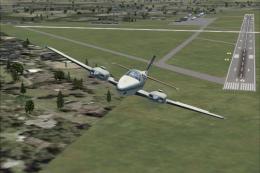
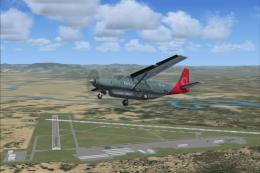
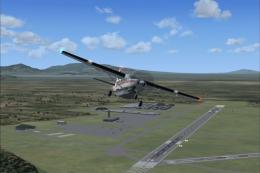
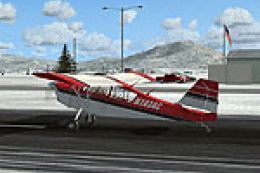
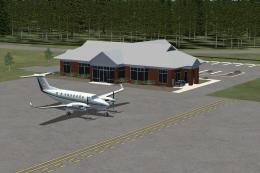
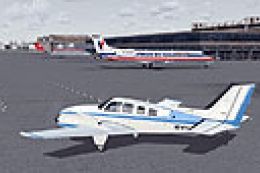
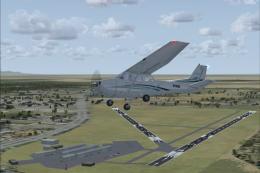
Schenectady County Airport (KSCH) scenery refreshes the New York field with a reworked stock layout: improved taxiways, expanded aprons, new buildings and parking, plus static vehicles and aircraft. Designed for FSX, it also adds dedicated AI parking for general aviation and Stratton Air National Guard military traffic.
 United States of America
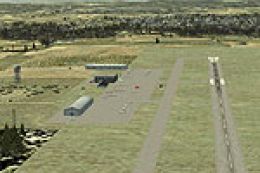
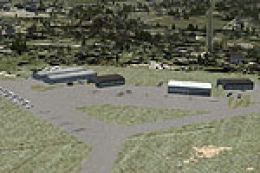
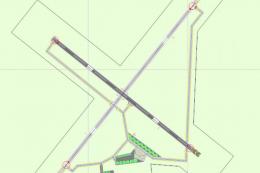
 Schenectady County Airport (KSCH), New York (NY). A modified version of the default airport with added or modified taxiways, added aprons, new buildings, parking, static vehicles and planes. By Jim Cook.
KSCH is located in the Town of Glenville, Schenectady County, NY. Stratton Air National Guard base is also located at the airport. It is home to the 109th Airlift Wing which is the only unit to fly the ski-equipped C-130s on polar flights. Adjacent to the airport is the Empire State Aerosciences Museum which has a very nice collection of jet era warbirds on display.
This is a highly revised version of the stock FSX airport, modified with Flight 1's AFX and Instant Scenery programs. Taxiways were added or modified, aprons added and adjusted, buildings, parking lots, static vehicles and planes added.
AI parking spaces were added for both GA and Military traffic.
SPECIAL THANKS to Bill Kohler for sending me info and photos and for beta testing and encouragement.
INSTALLATION:
Simply extract the two files AFX_KSCH_JC.bgl and KSCH_JC.bgl to your Addon Scenery/Scenery folder, fire up FSX and enjoy.
Jim Cook
Ready to download Schenectady County Airport Scenery?
Free for all simmers · 12.04 KB · Scanned clean
File information
Download speed: Free tier is capped at 0.5 Mbps. PRO members download at full line speed.
How to install this mod
FSX / P3D
scenery
How to install this mod
-
Extract the downloaded archive
Use 7-Zip (free) or WinRAR to extract the ZIP to a temporary folder. Don't install while still zipped — the simulator can't read inside ZIP files. -
Place scenery in Addon Scenery
Create a folder underFSX\Addon Scenery\containingsceneryandtexturesub-folders. -
Activate in Scenery Library
In FSX, go to Settings → Scenery Library → Add Area. Higher priority means it overrides lower entries for the same location. -
Always read the included readme
Every mod ships with areadme.txtorREADMEfile. It tells you exactly where files go, what dependencies are needed, and any quirks specific to this add-on.
Finding the scenery
Use these coordinates to fly directly to this location once the mod is installed.
42.85000000,-73.93000000
Launch FSX or Prepar3D and use Flights → Load to open the downloaded .pln file. Your aircraft will be positioned at this location.
What’s inside this archive
The archive ksch.zip has 5 files and directories contained within it.
File Contents
This list displays the first 500 files in the package. If the package has more, you will need to download it to view them.
| Filename/Directory | File Date | File Size |
|---|---|---|
| ksch_read_me.txt | 04.25.08 | 1.01 kB |
| AFX_KSCH_JC.bgl | 04.25.08 | 20.76 kB |
| KSCH_JC.bgl | 04.24.08 | 1.03 kB |
| flyawaysimulation.txt | 10.29.13 | 959 B |
| Go to Fly Away Simulation.url | 01.22.16 | 52 B |
0 comments
Leave a Response