

 FSX Scenery
RAF Coningsby
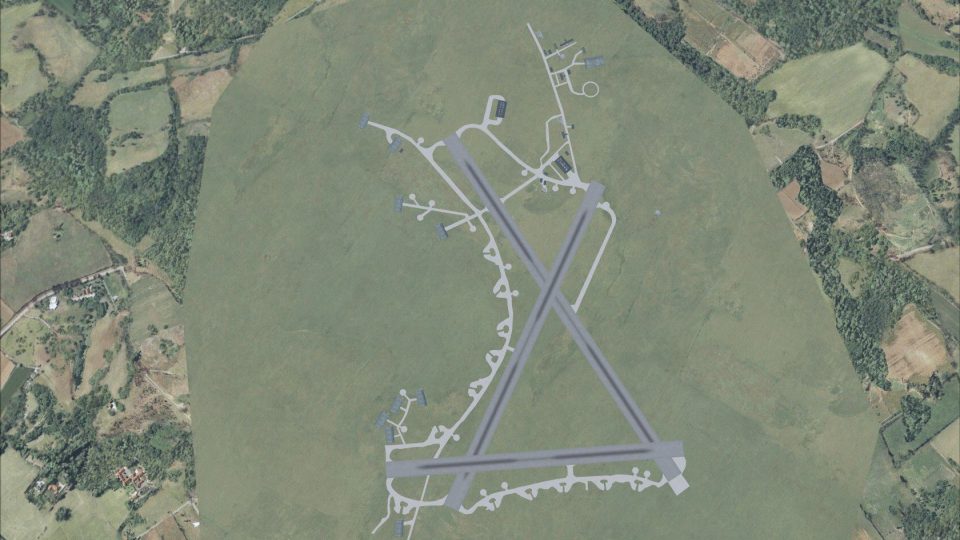
RAF Coningsby UK. This scenery depicts RAF Coningsby, Lincolnshire, England a…
RAF Harrowbeer recreates the former Devon airfield at Buckland Monachorum, near Plymouth and Tavistock on the edge of Dartmoor, with historically informed placement and period-appropriate RAF infrastructure for authentic wartime flying. Built for FSX, it requires Ted Andrews’ RAF Hangars Library and the FSX RAF Building Library Textures.
 Rate
Rate
 United Kingdom
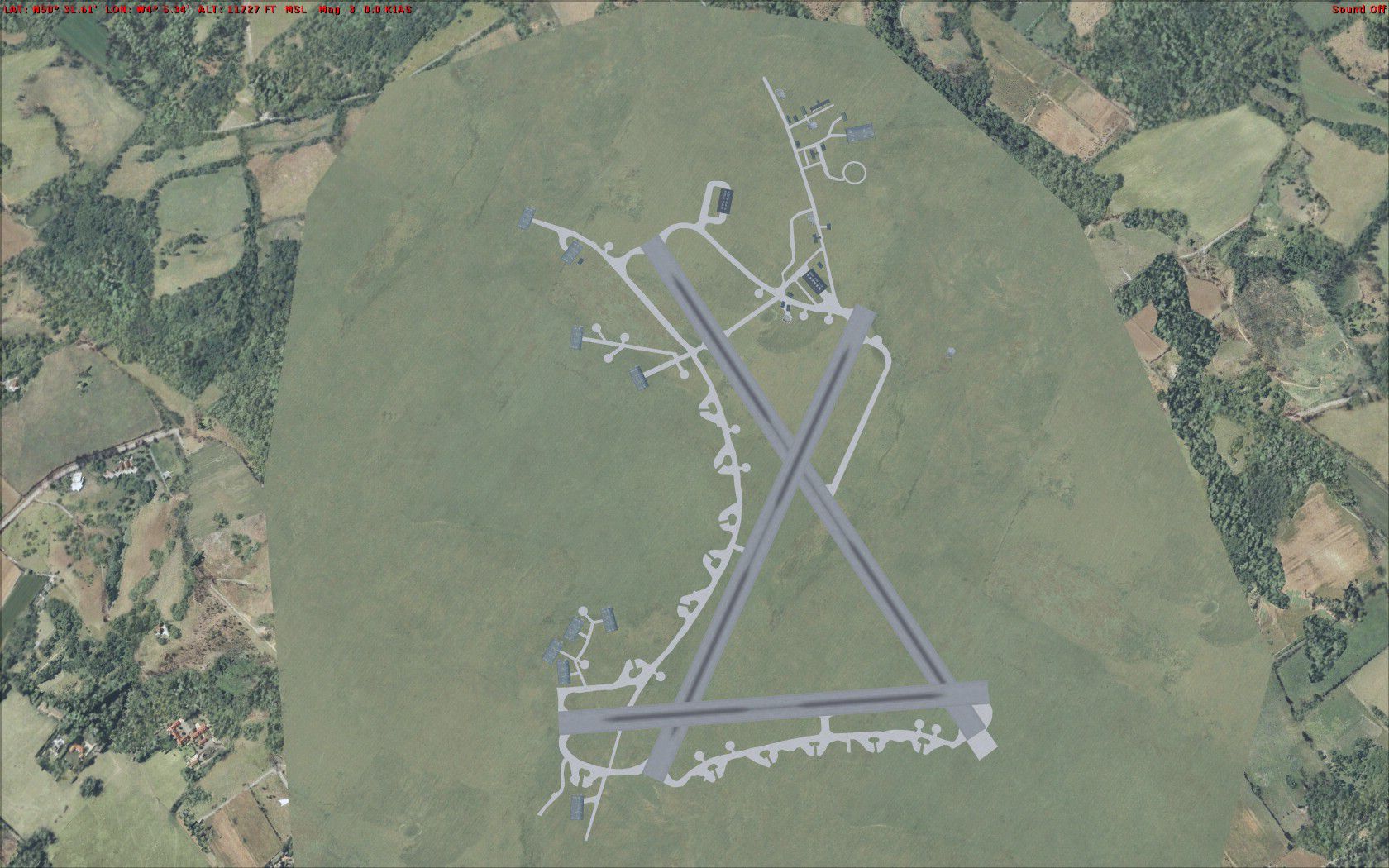
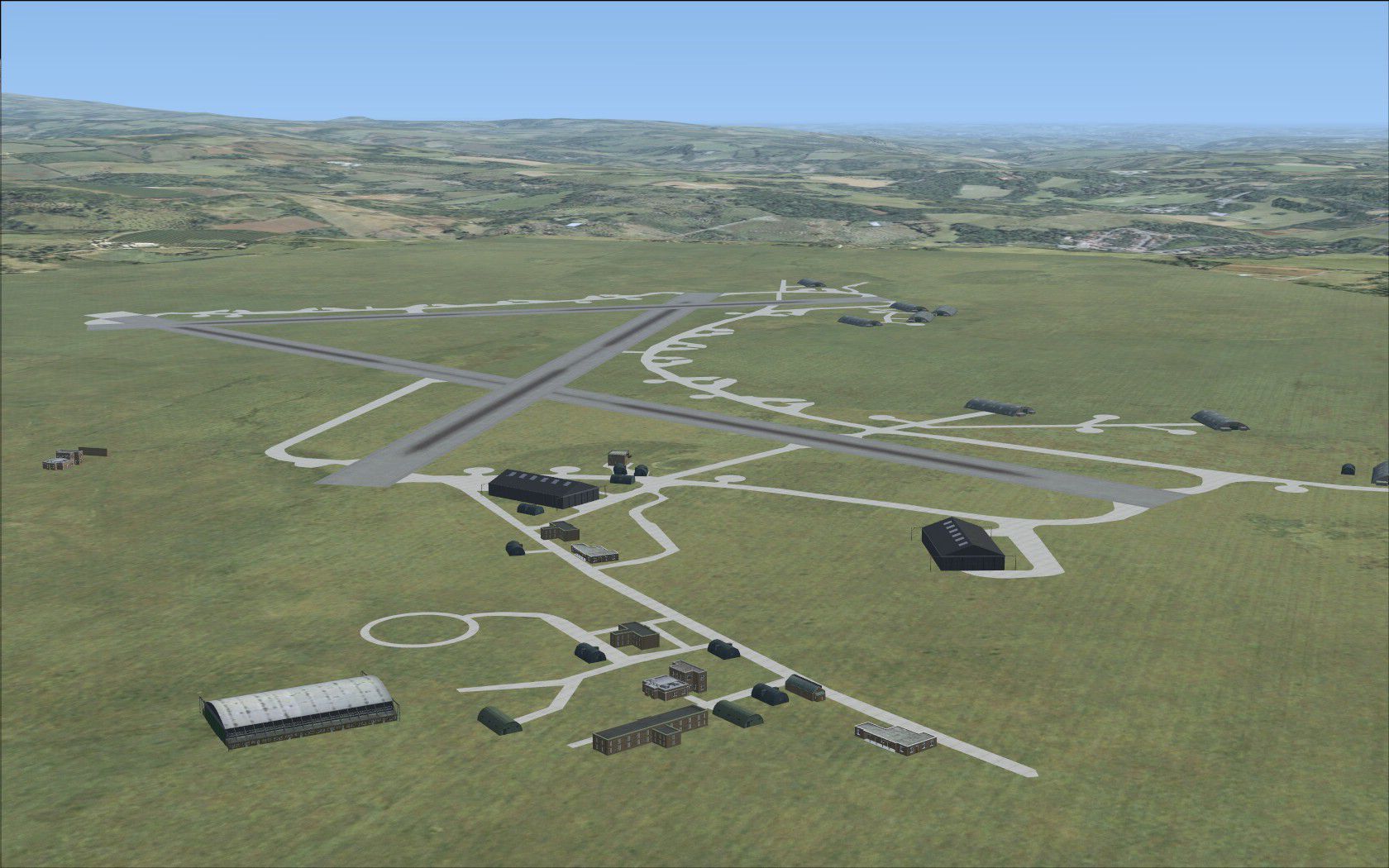
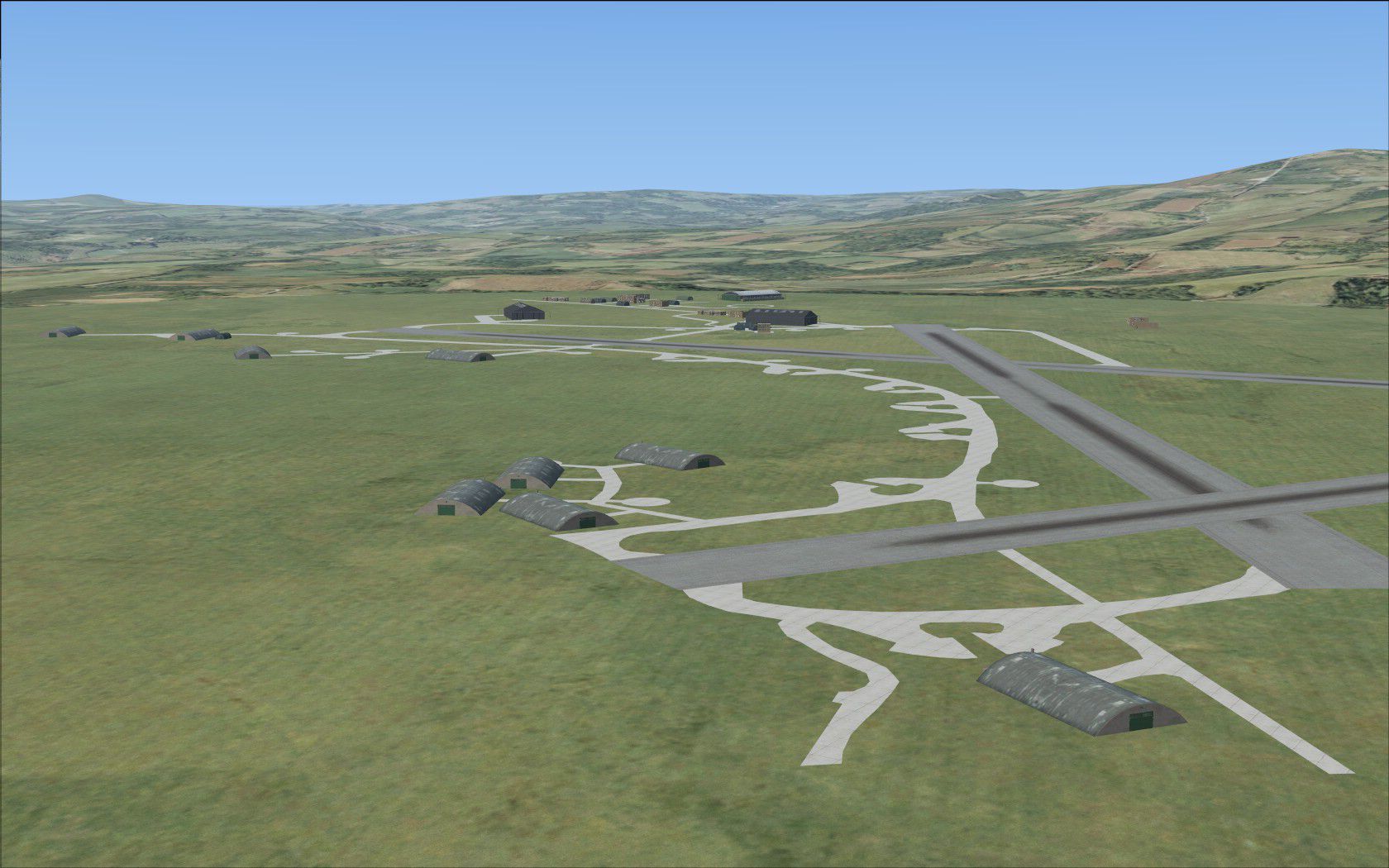
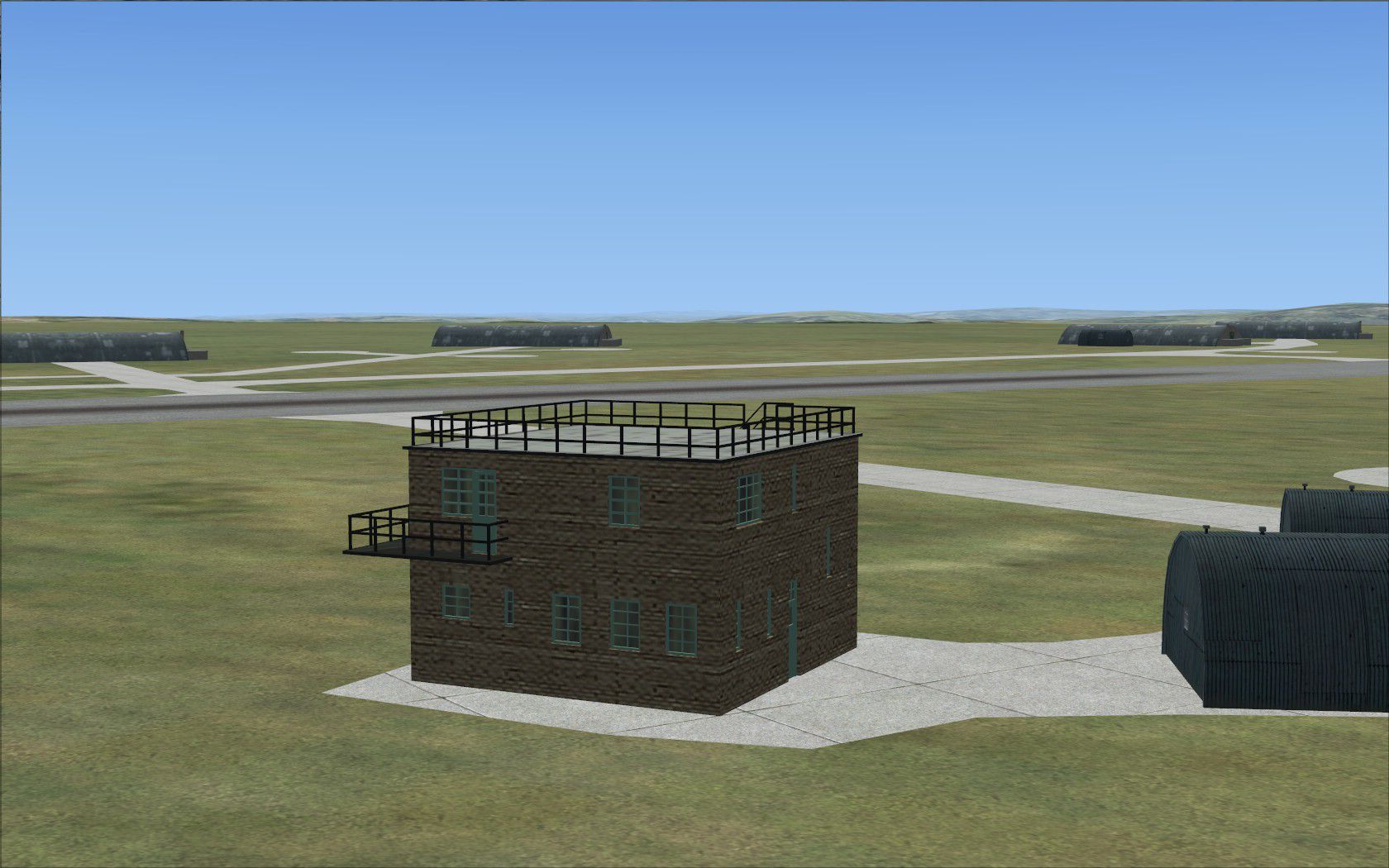
RAF Harrowbeer. The former RAF Harrowbeer Airfield is situated in the Parish of Buckland Monachorum, Devon, UK. It is approximately nine miles NNE of the city of Plymouth and approximately six miles South of Tavistock, and also sits within the boundary of Dartmoor National Park. Although sited near the Village of Yelverton, it was called 'Harrowbeer' in order to distinguish it from RNAS Yeovilton. The airfield was under the control of '10 Group'. By Chris Smith.
RAF Harrowbeer Scenery.
The former RAF Harrowbeer Airfield is situated in the Parish of Buckland Monachorum, Devon. It is approximately nine miles NNE of the city of Plymouth and approximately six miles South of Tavistock, and also sits within the boundary of Dartmoor National Park. Although sited near the Village of Yelverton, it was called 'Harrowbeer' in order to distinguish it from RNAS Yeovilton. The Airfield was under the control of '10 Group'.
Squadrons based at Harrowbeer:
500 squadron, flying Bristol Blenheims.
130 Squadron flying Spitfire Mk II fighters.
276 Squadron flying Lysanders and Boulton Paul Defiants and Spitfires.
Polish Poznan Squadron flying Spitfire VBs.
193 Squadron flying Typhoon fighters.
On December 18th, 1942, Typhoon fighters arrived at Harrowbeer, flown by 193 Squadron with the code letters DP. The Typhoon initially suffered from unreliability problems and could be a difficult aircraft to start. The Typhoon was however to play an effective part in the battle for Normandy in 1944 and was used principally in the ground attack role against German armour. One is reminded of Paul Nash's famous painting of Typhoons over Falaise.
Requirments:
Ted Andrews's RAF Hangars Library and other excellent buildings, FSX RAF Building Library Textures.
This scenery is for FSX only.
Just add UKQB file in the usuall place, ie, your addon scenery scenery folder,
C:\Program Files\Microsoft Games\Microsoft Flight Simulator X\Addon Scenery\scenery
Start up FSX and then go into your settings, Scenery Library then once the scenery window comes up just click ok.
The scenery will load automaticly.
Scenery created from various historical data, and google earth positional fixes.
You will find by searching either RAF Harrowbeer or typing in UKQB as the airport code.
Chris Smith
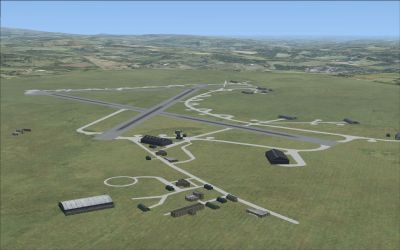
RAF Harrowbeer Scenery.
Free for all simmers · 1.26 MB · Scanned clean Sep 2026
Download speed: Free tier is capped at 0.5 Mbps. PRO members download at full line speed.
FSX\Addon Scenery\ containing scenery and texture sub-folders.readme.txt or README file. It tells you exactly where files go, what dependencies are needed, and any quirks specific to this add-on.Use these coordinates to fly directly to this location once the mod is installed.
50.49700000,-4.08800000
Launch FSX or Prepar3D and use Flights → Load to open the downloaded .pln file. Your aircraft will be positioned at this location.
The archive ukqb.zip has 11 files and directories contained within it.
This list displays the first 500 files in the package. If the package has more, you will need to download it to view them.
| Filename/Directory | File Date | File Size |
|---|---|---|
| UKQB | 03.28.09 | 0 B |
| QB1.jpg | 03.28.09 | 290.03 kB |
| QB2.jpg | 03.28.09 | 326.80 kB |
| QBTV.jpg | 03.28.09 | 277.61 kB |
| Read me.txt | 03.28.09 | 1.94 kB |
| UKQB | 03.28.09 | 0 B |
| UKQB.jpg | 03.28.09 | 412.16 kB |
| UKQB_ADE_CS.BGL | 03.28.09 | 42.94 kB |
| UKQB_ADE_CS_CVX.bgl | 03.28.09 | 251 B |
| flyawaysimulation.txt | 10.29.13 | 959 B |
| Go to Fly Away Simulation.url | 01.22.16 | 52 B |
Only PRO members can place votes.
More FSX & P3D add-ons hand-picked based on this download.
FSX Scenery
RAF Coningsby UK. This scenery depicts RAF Coningsby, Lincolnshire, England a…
 FSX Scenery
RAF Mildenhall (EGUN), UK. Home to the 100th ARW, RAF Mildenhall is one of th…
 FSX Scenery
RAF Mount Pleasant (EGYP) in the Falkland Islands. It includes aircraft hanga…
 FSX Scenery
Situated on the dramatic Moray Firth coastline of northern Scotland, RAF Loss…
 FSX Scenery
RAF Marham in the UK for the period circa 1993. Designed for use with the Vic…
 FSX Scenery
RAF Fairford 2009 (EGVA), UK. Built with SBuilderX, ADE and Whisplacer with r…
 FSX Scenery
Scenery RAF Marham in the UK. A very detailed, but frame rate efficient scene…
 FSX Scenery
RAF Woodvale UK Scenery for FSX and GenX. EGOW RAF Woodvale for FSX and GenX …
Be the first to leave a comment on this download.
Be the first to share your thoughts on this download.