

 FSX Scenery
FSX Skara Bonaire X
Skara Scenery Bonaire X. Flamingo International Airport or Bonaire Internatio…
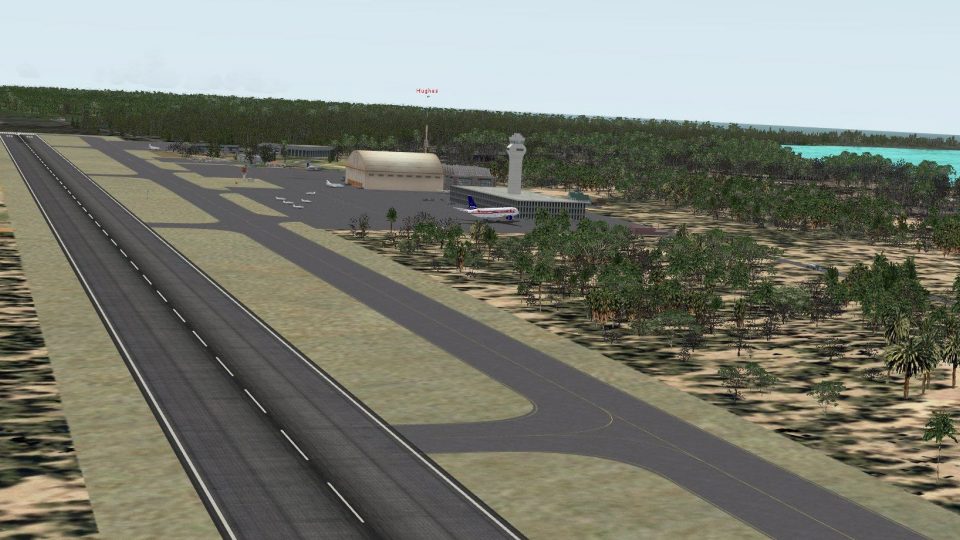
CJCR_W7 brings a long-evolved virtual medical research facility airfield and island environment to life with carefully blended default scenery, driveable roads, helipad-rich operations, and animated wildlife details. Built for FSX using only library objects and default traffic, it delivers high frame rates and requires strong DirectX 11-era hardware.
 Rate
Rate
 Global (World)
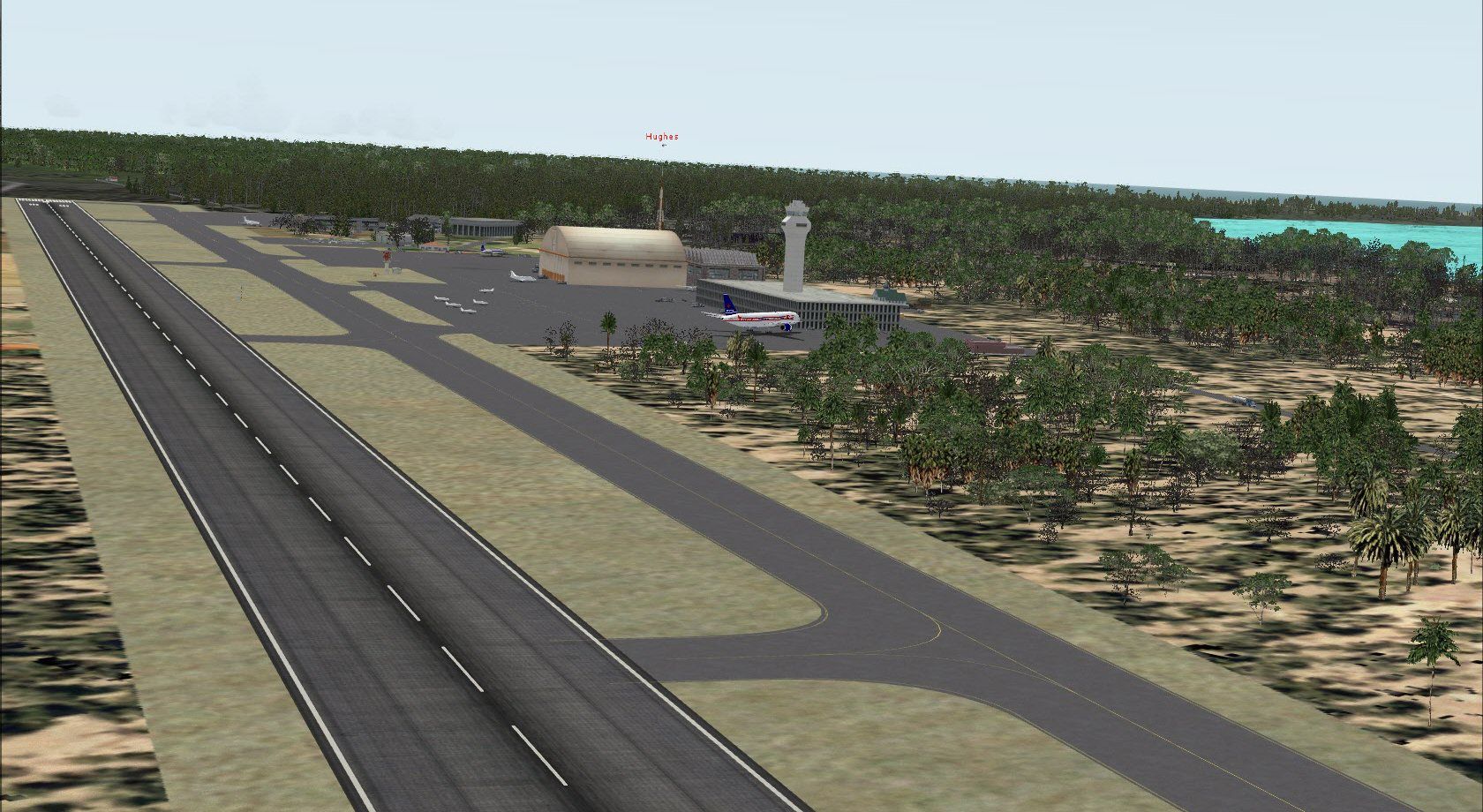
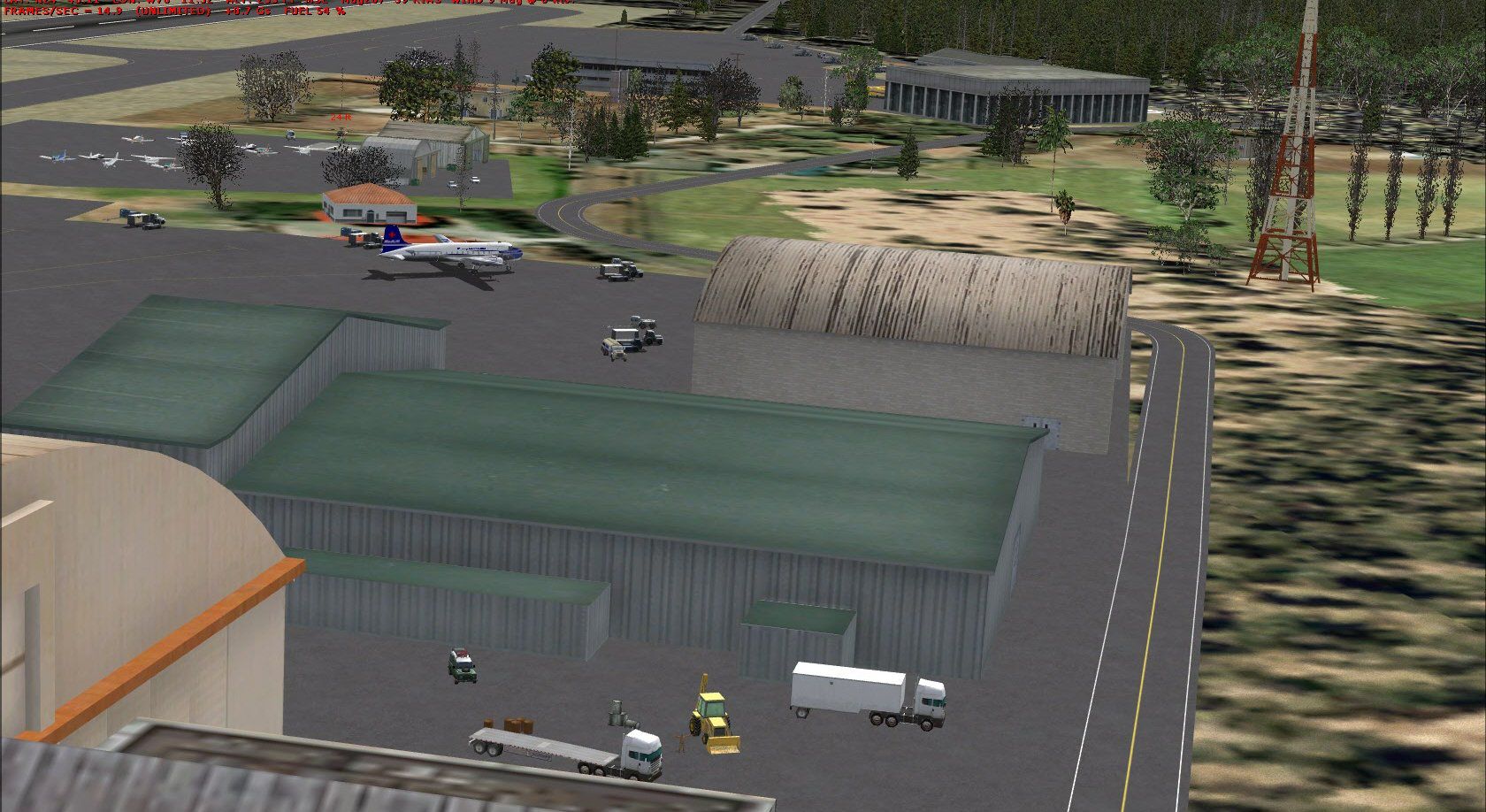
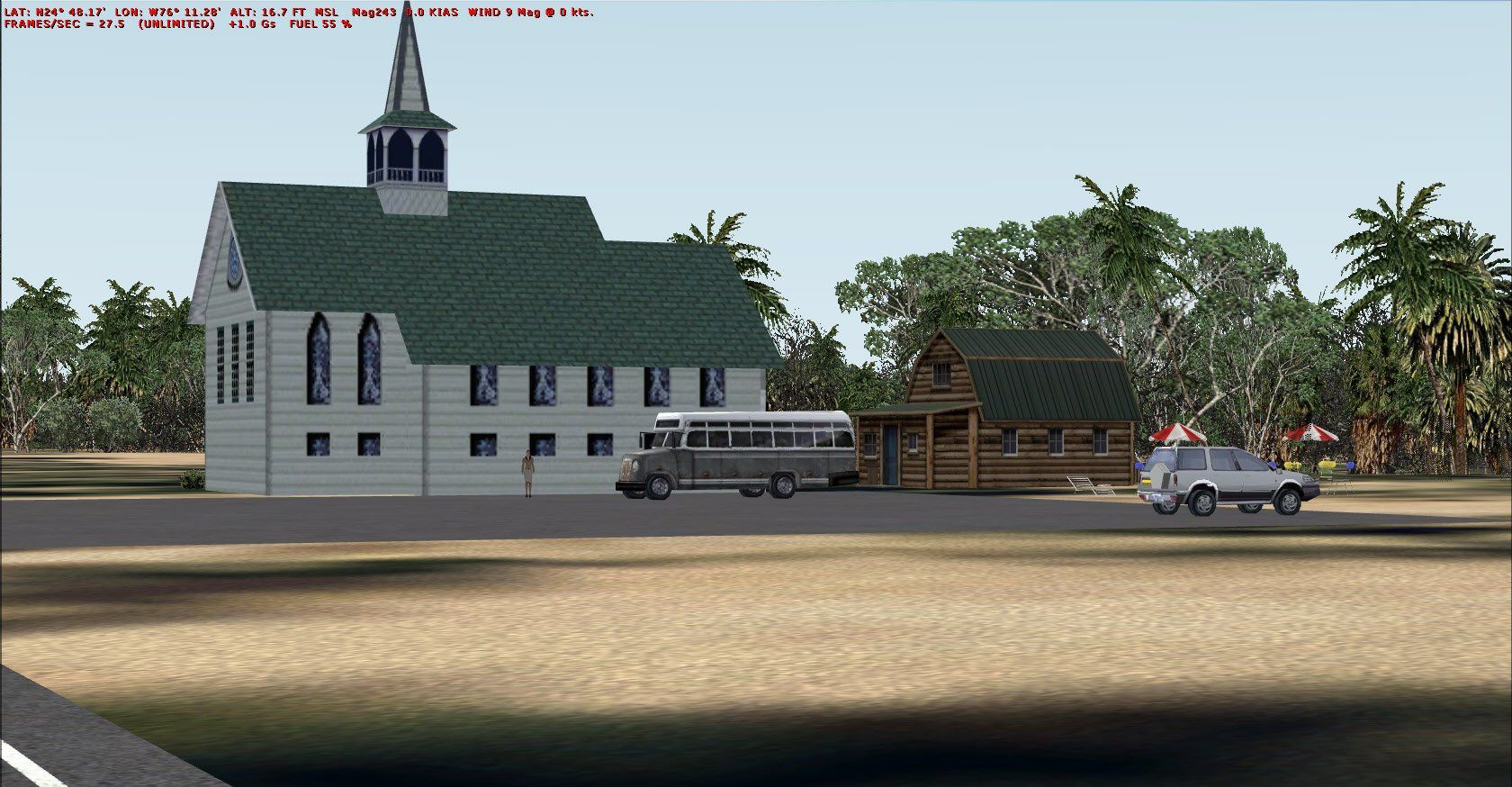
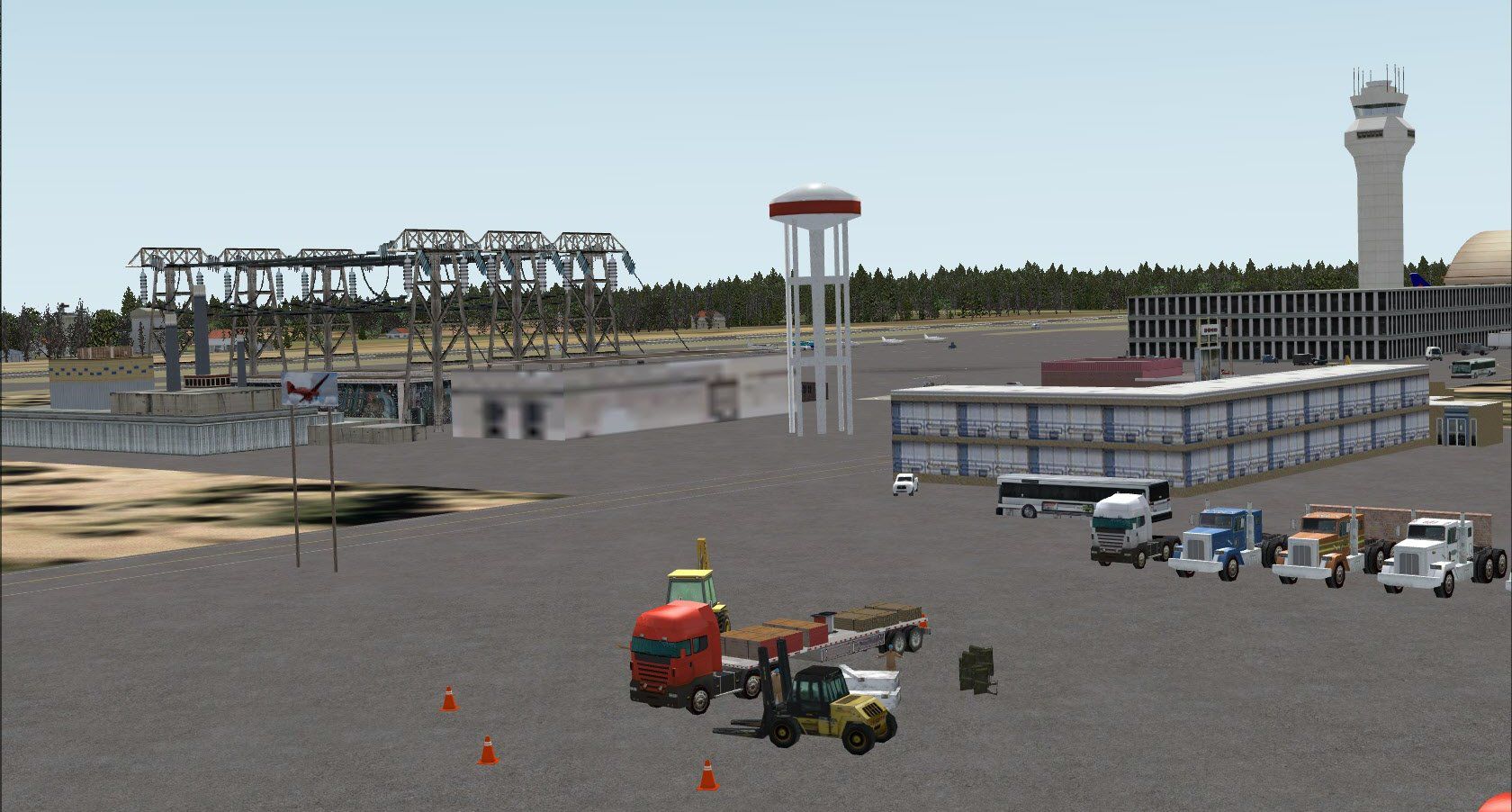
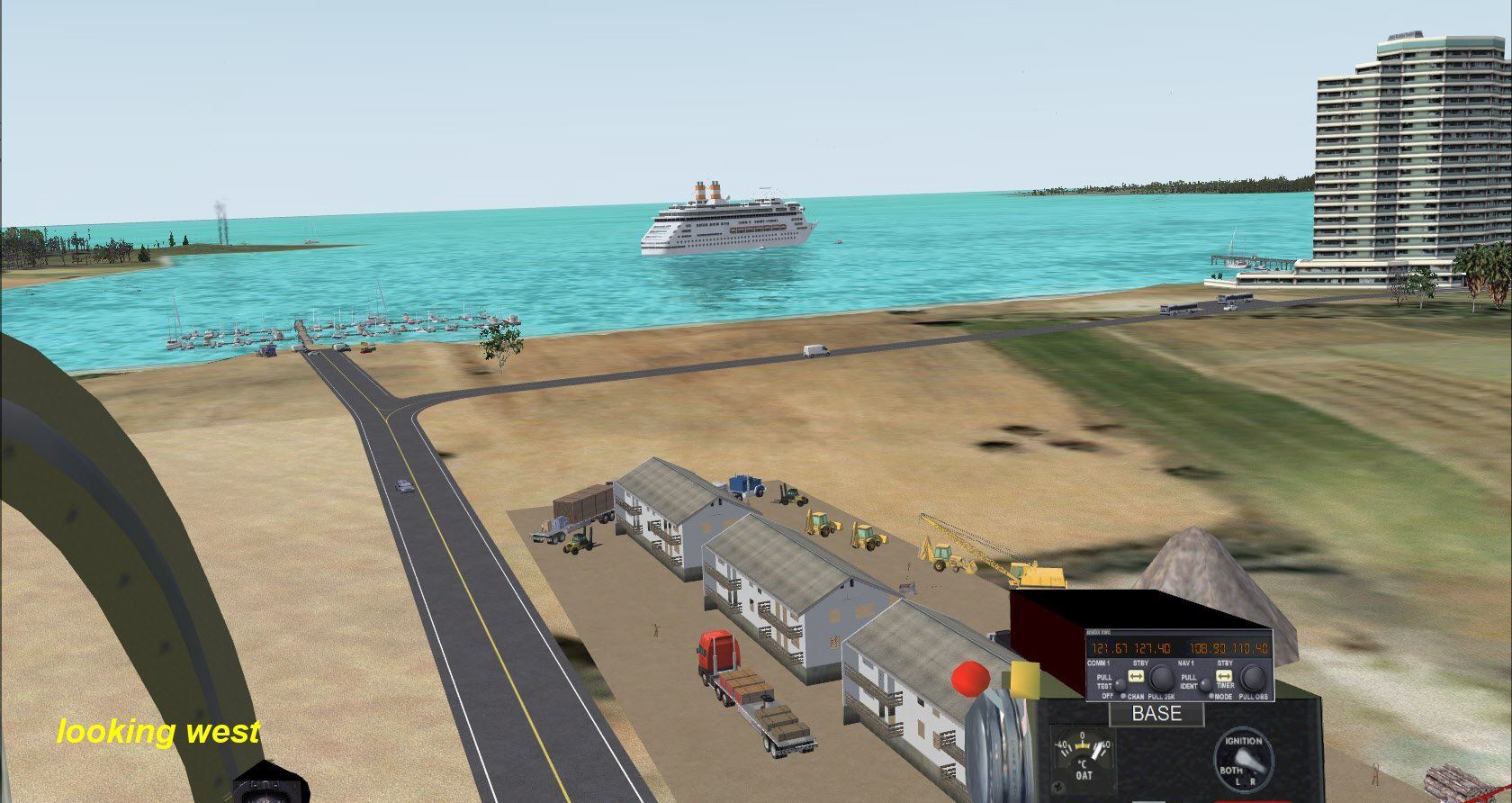
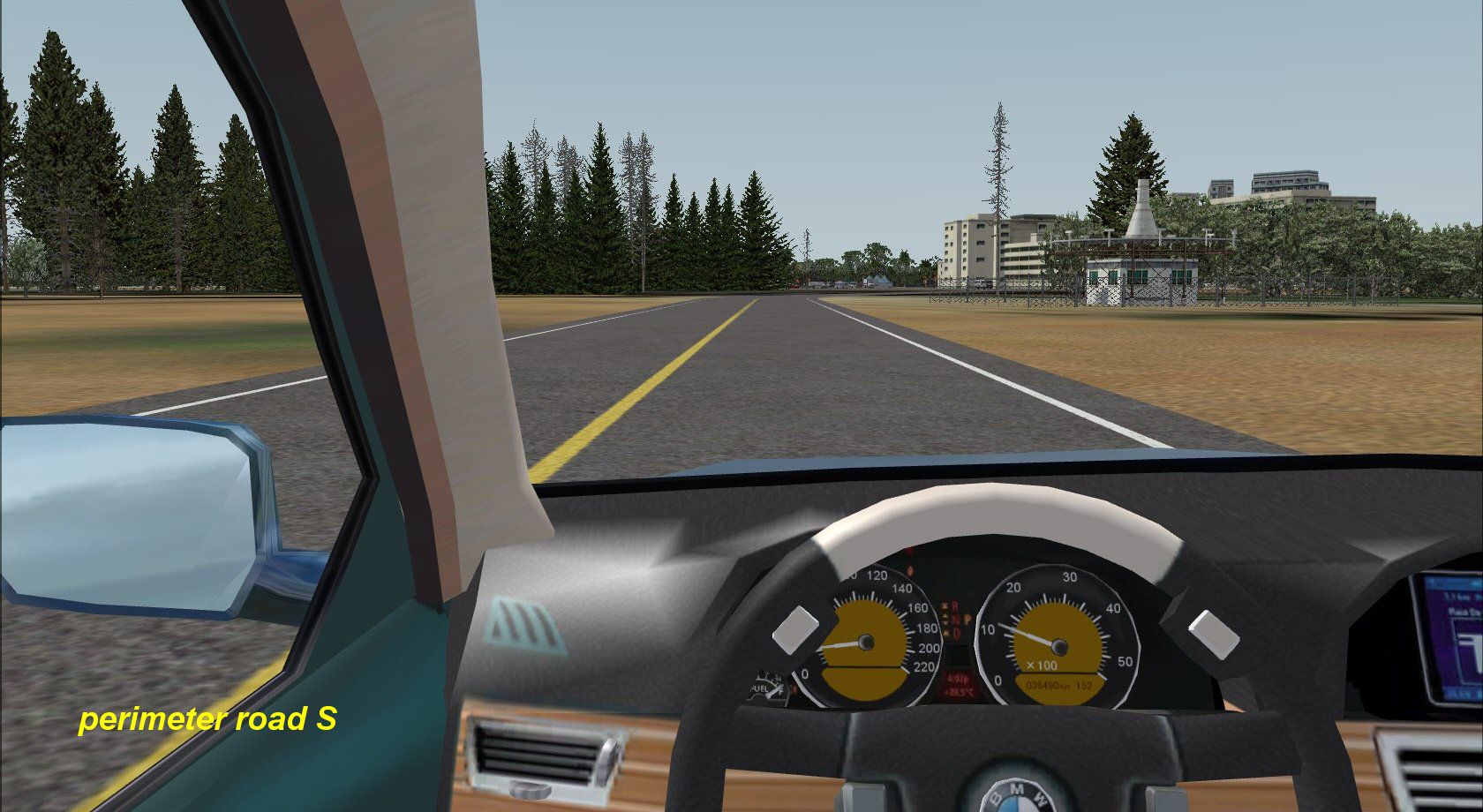
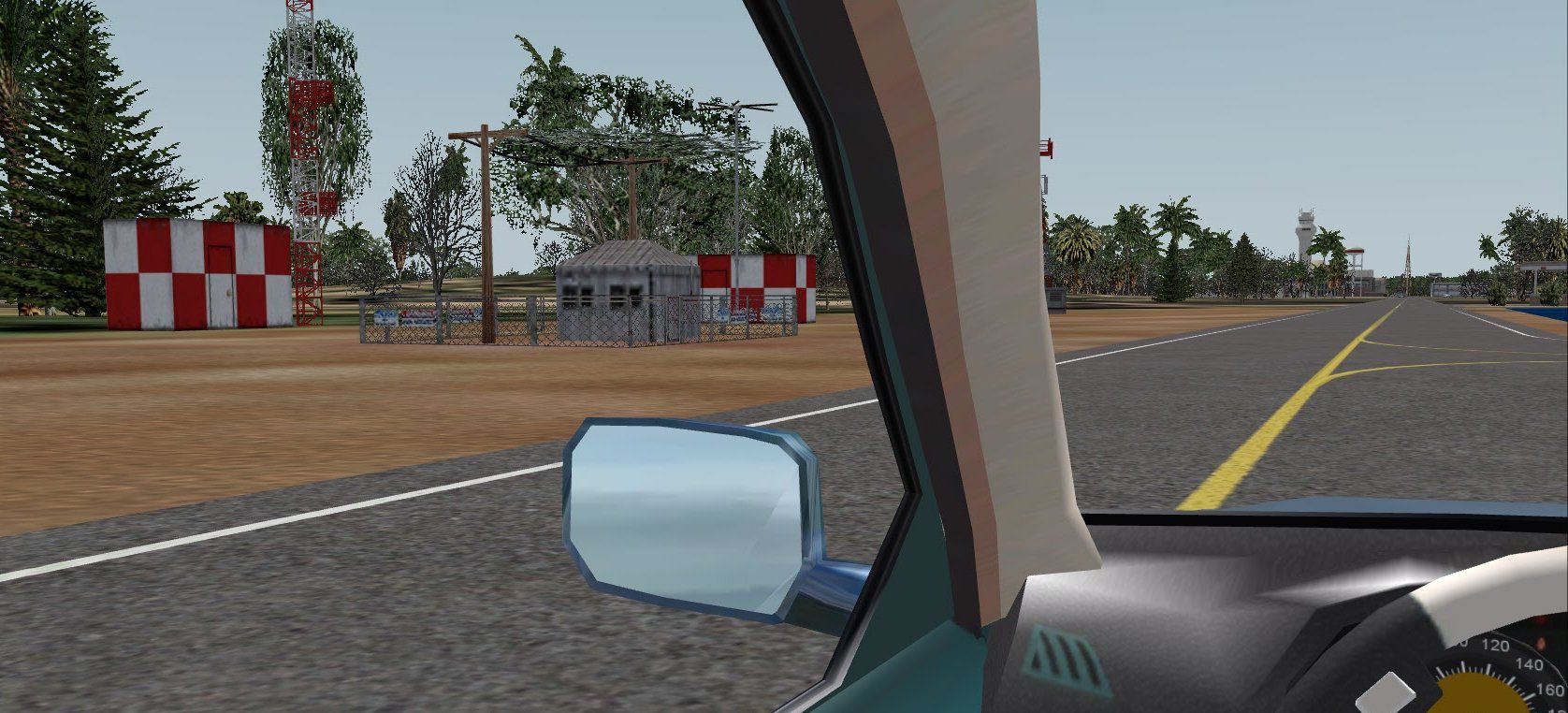
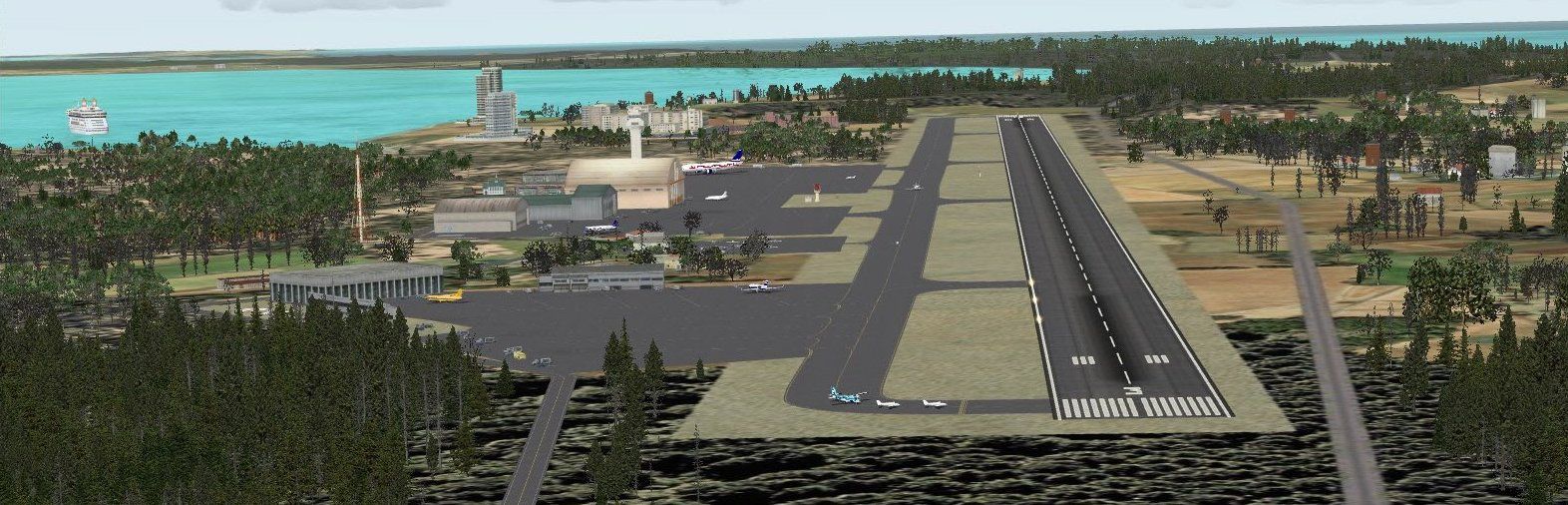
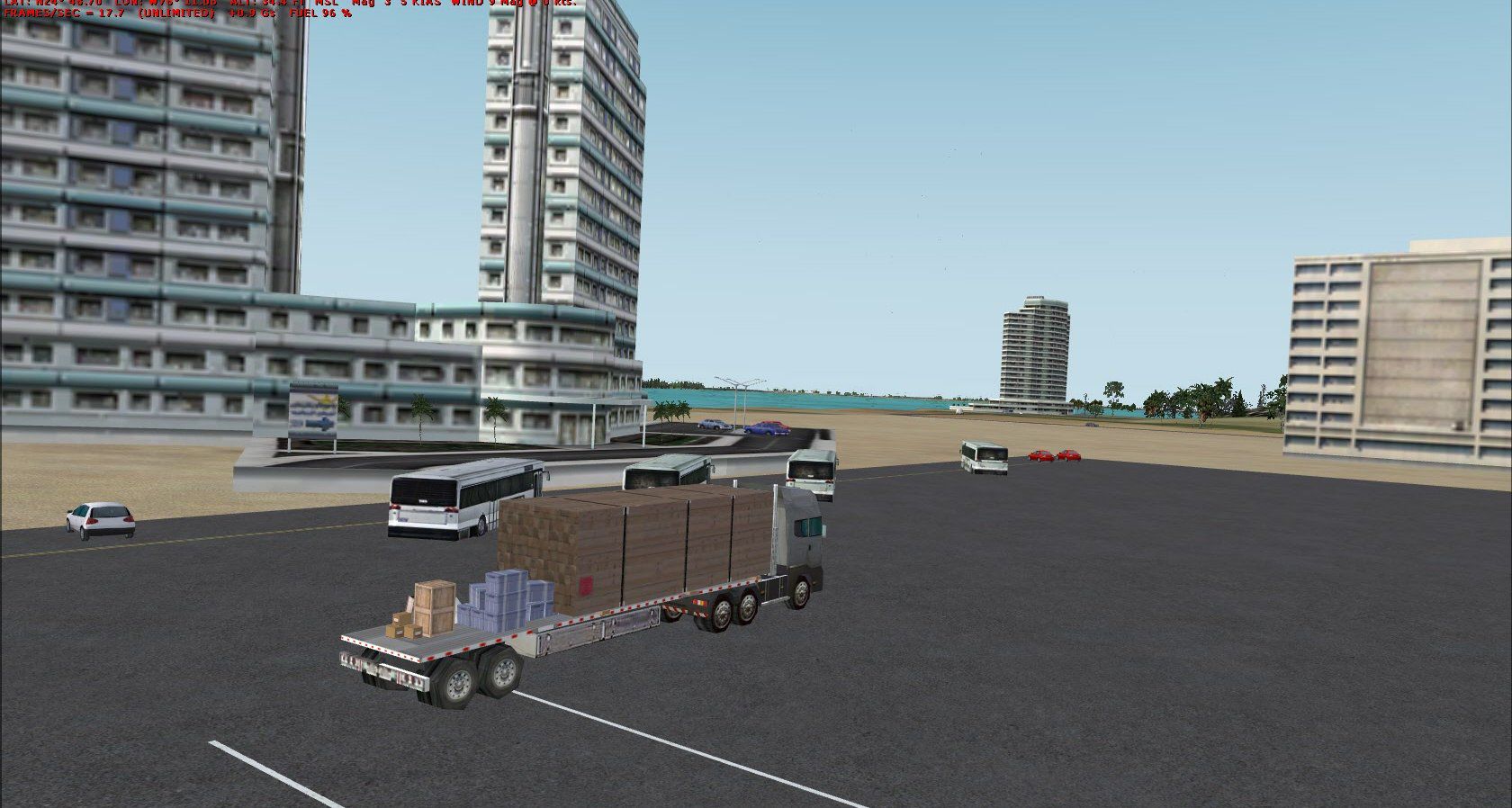
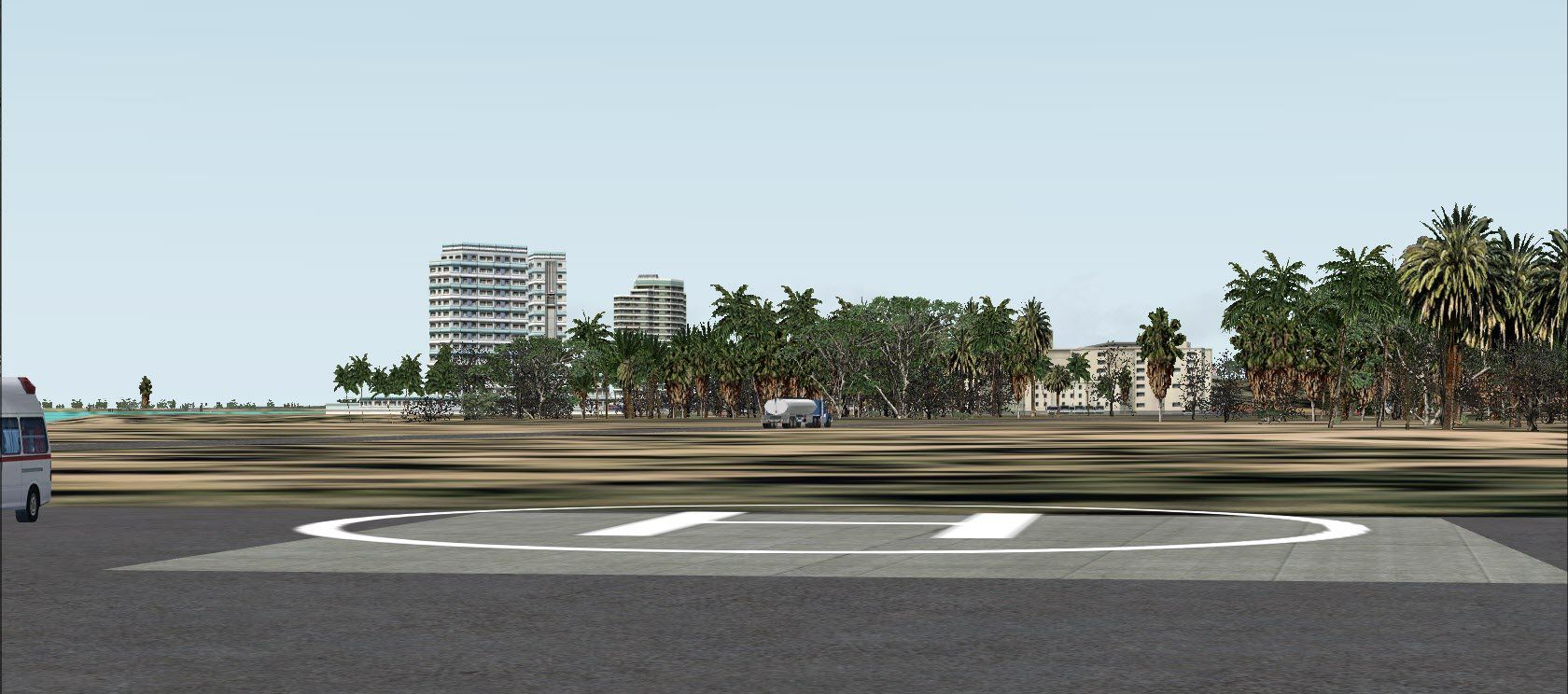
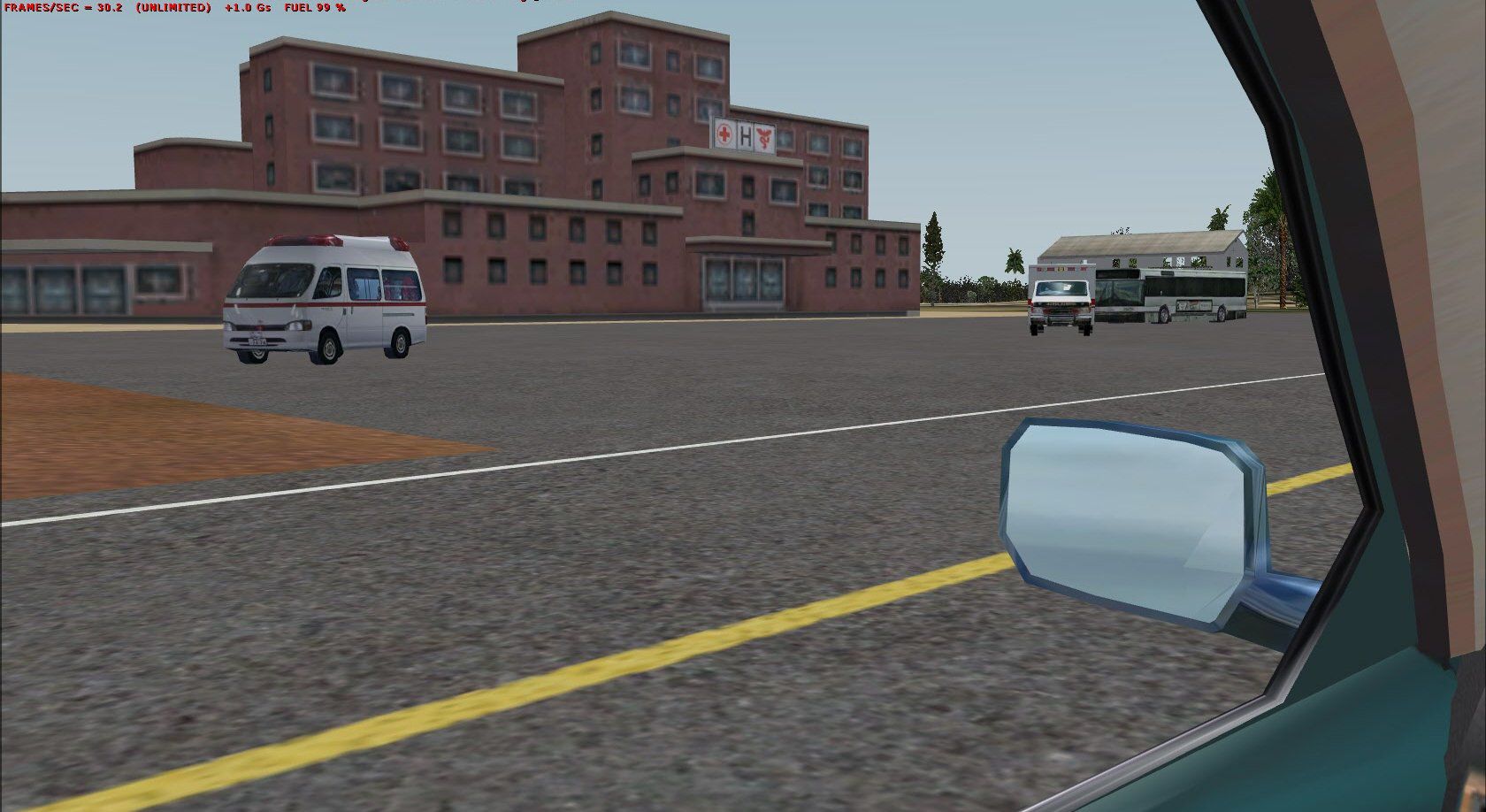
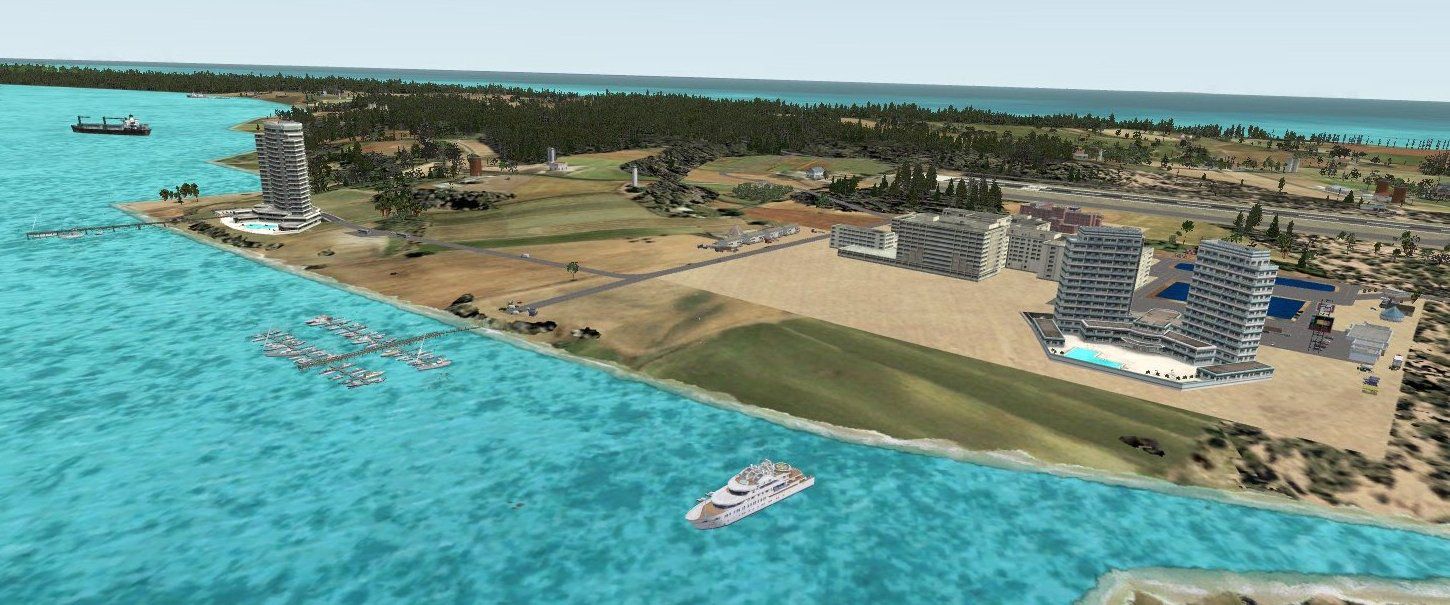
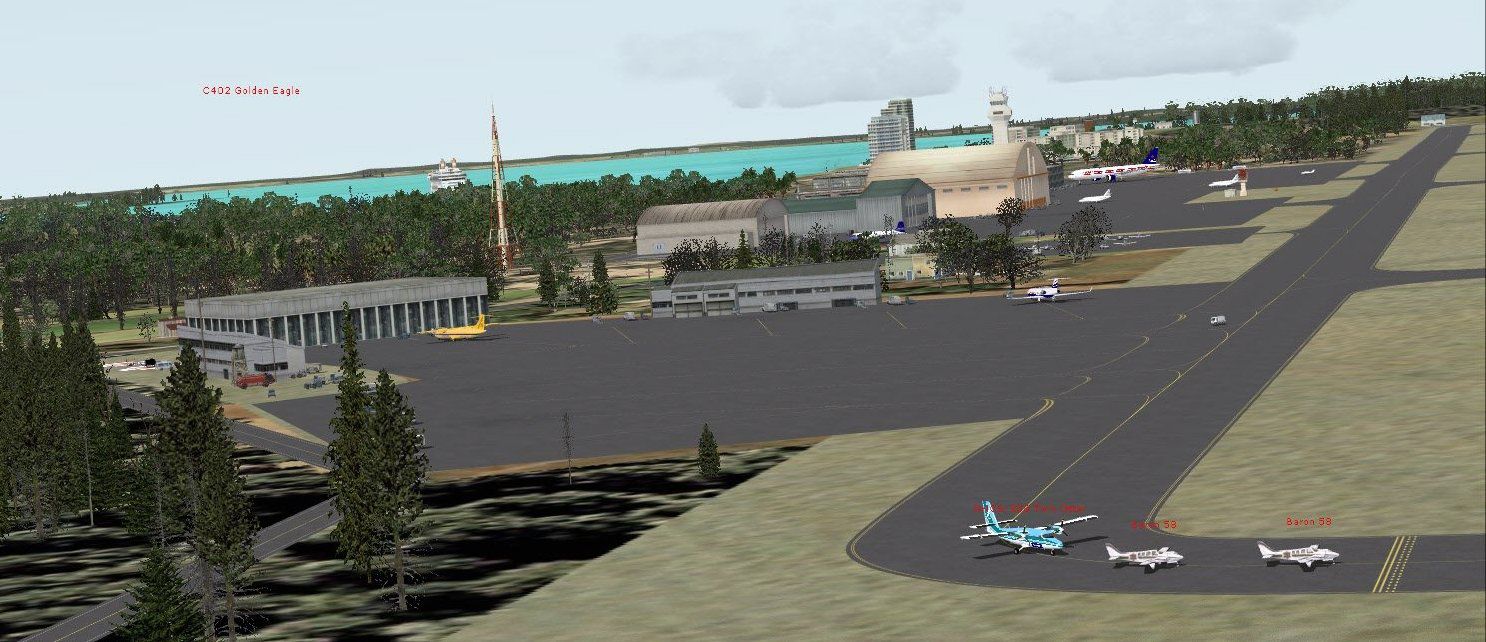
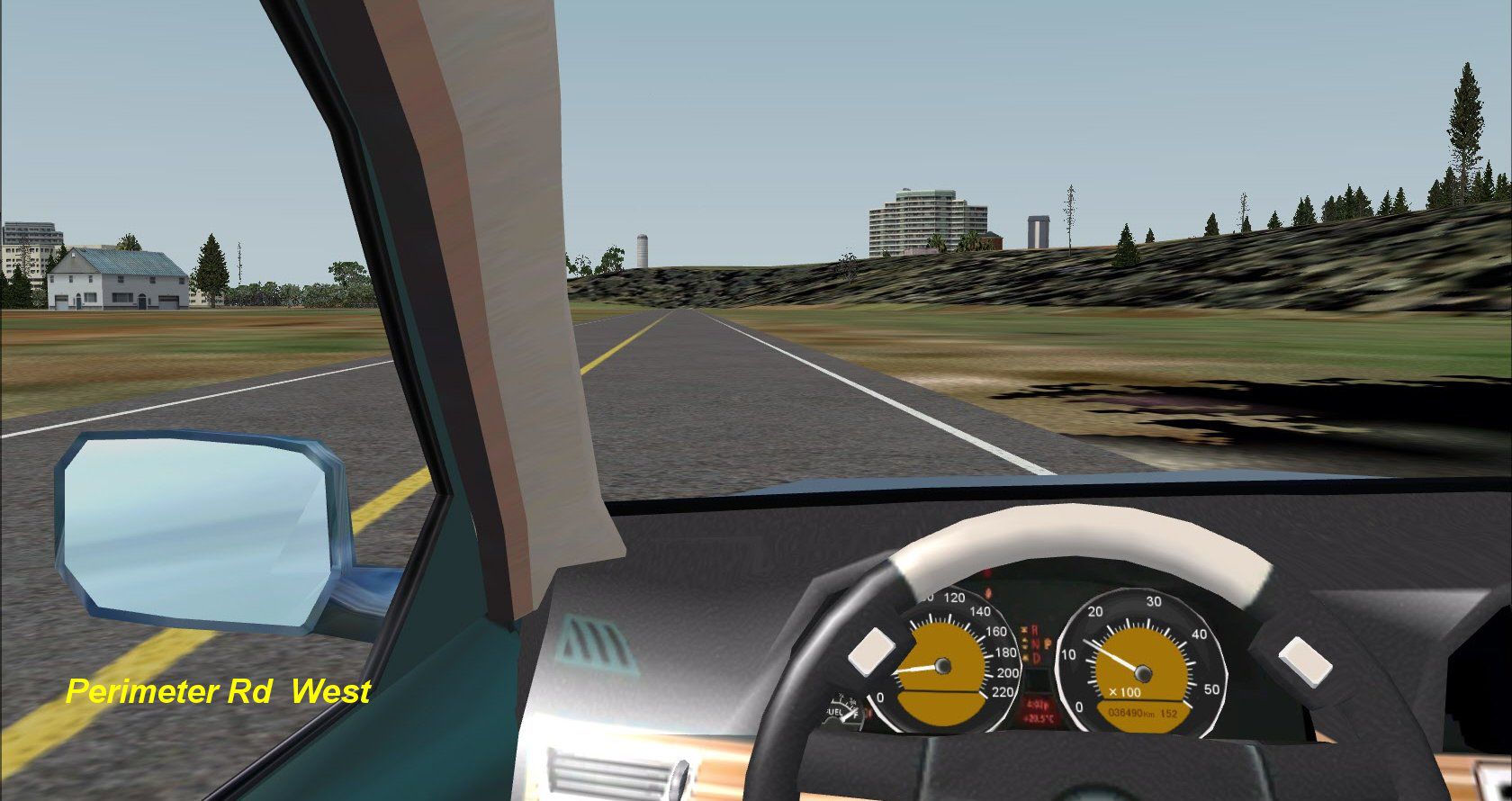
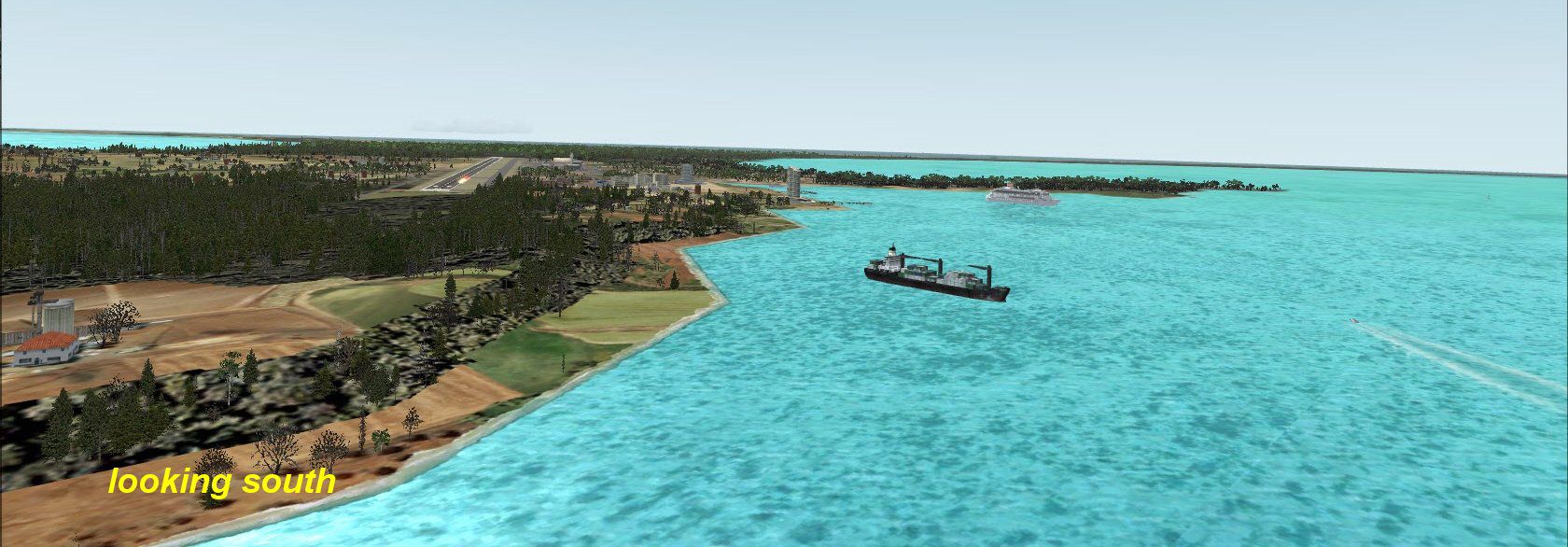
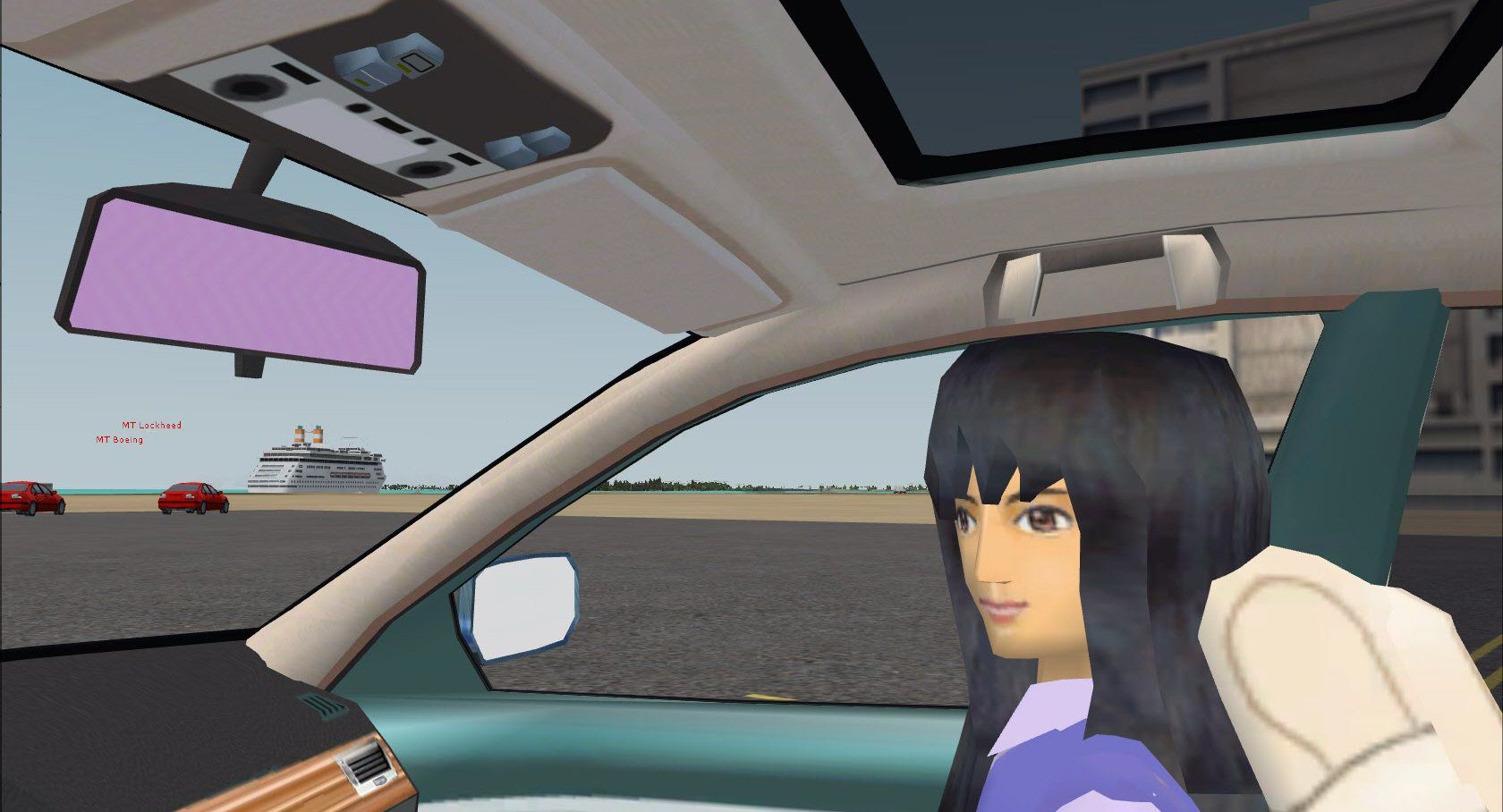
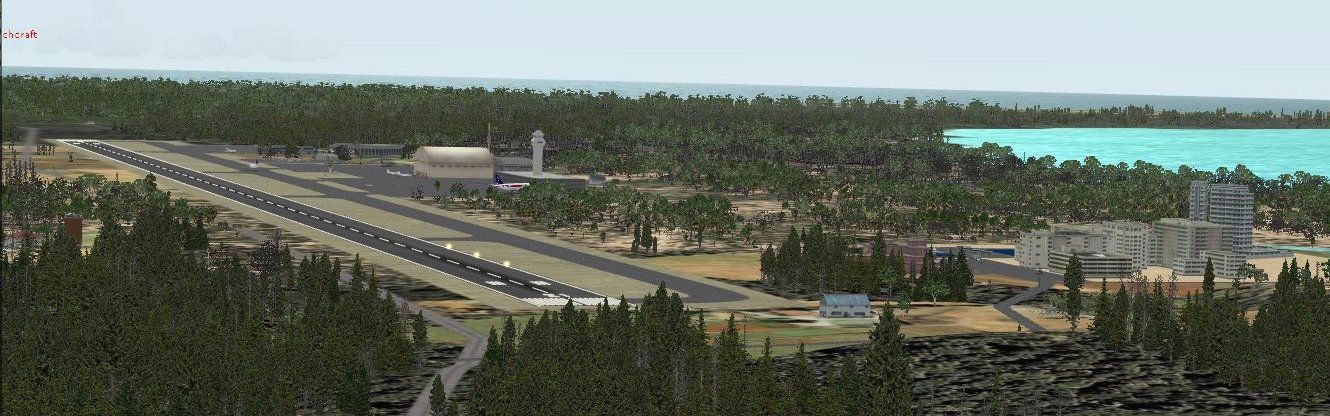
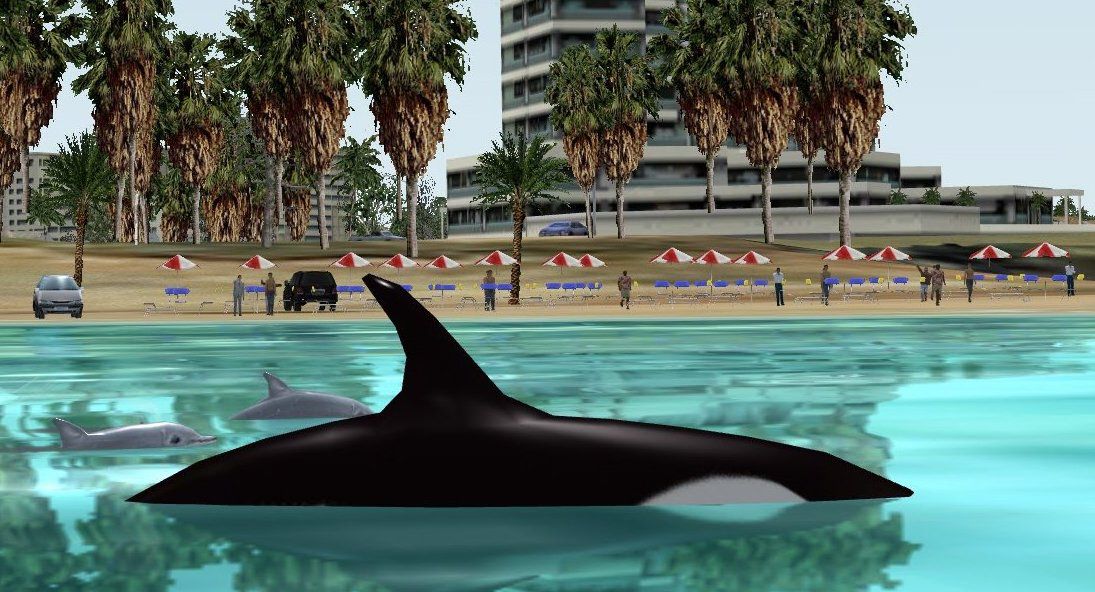
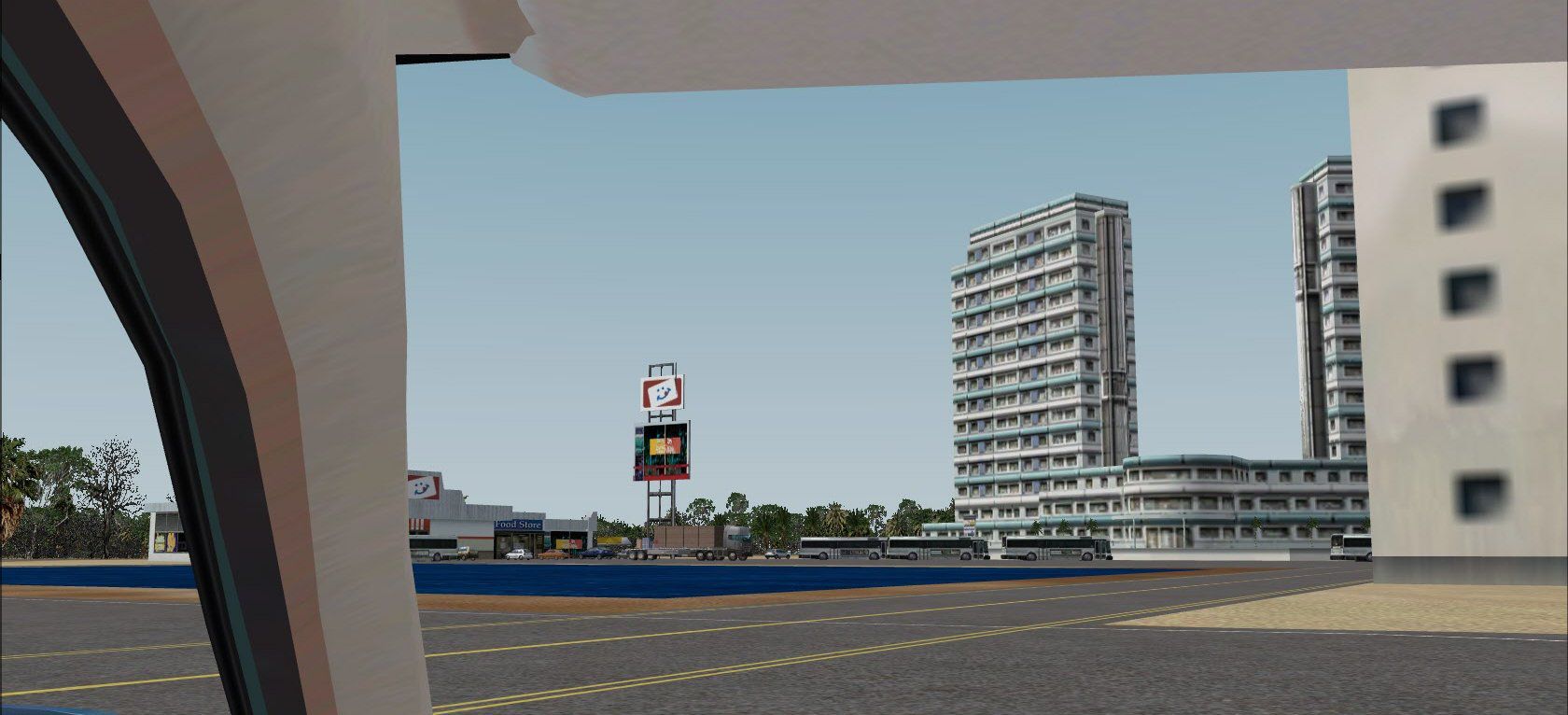
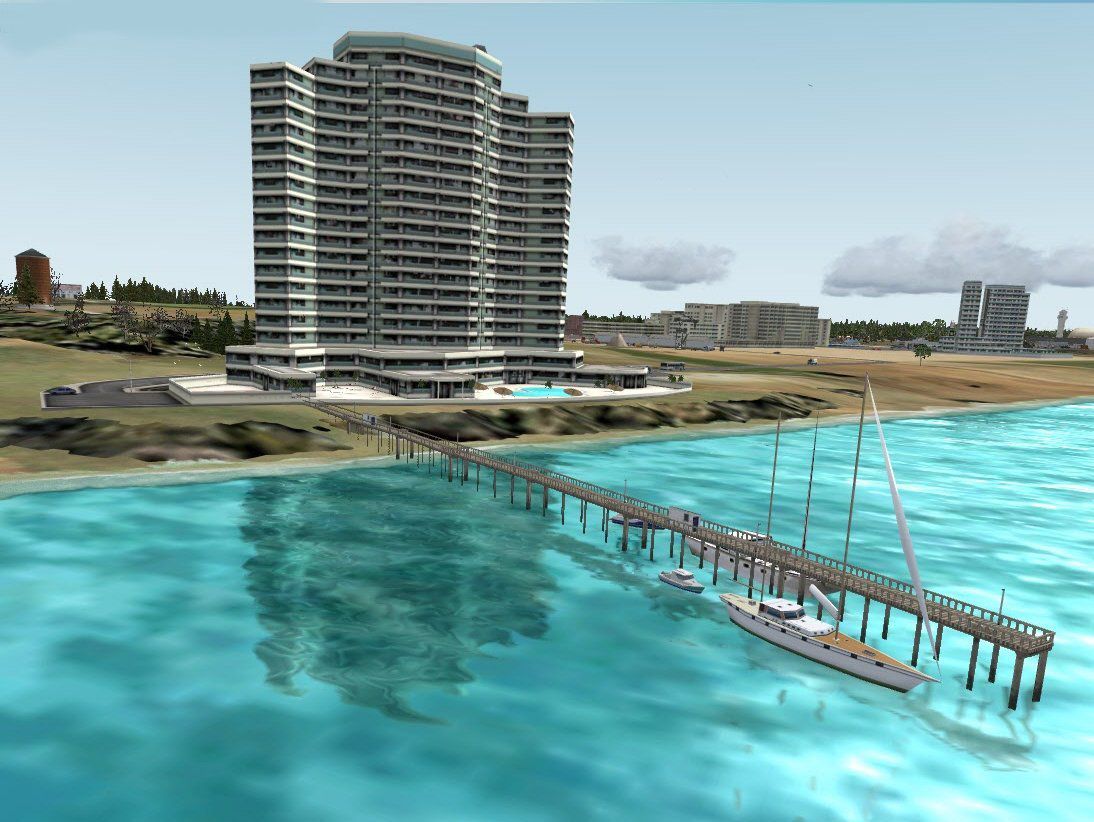
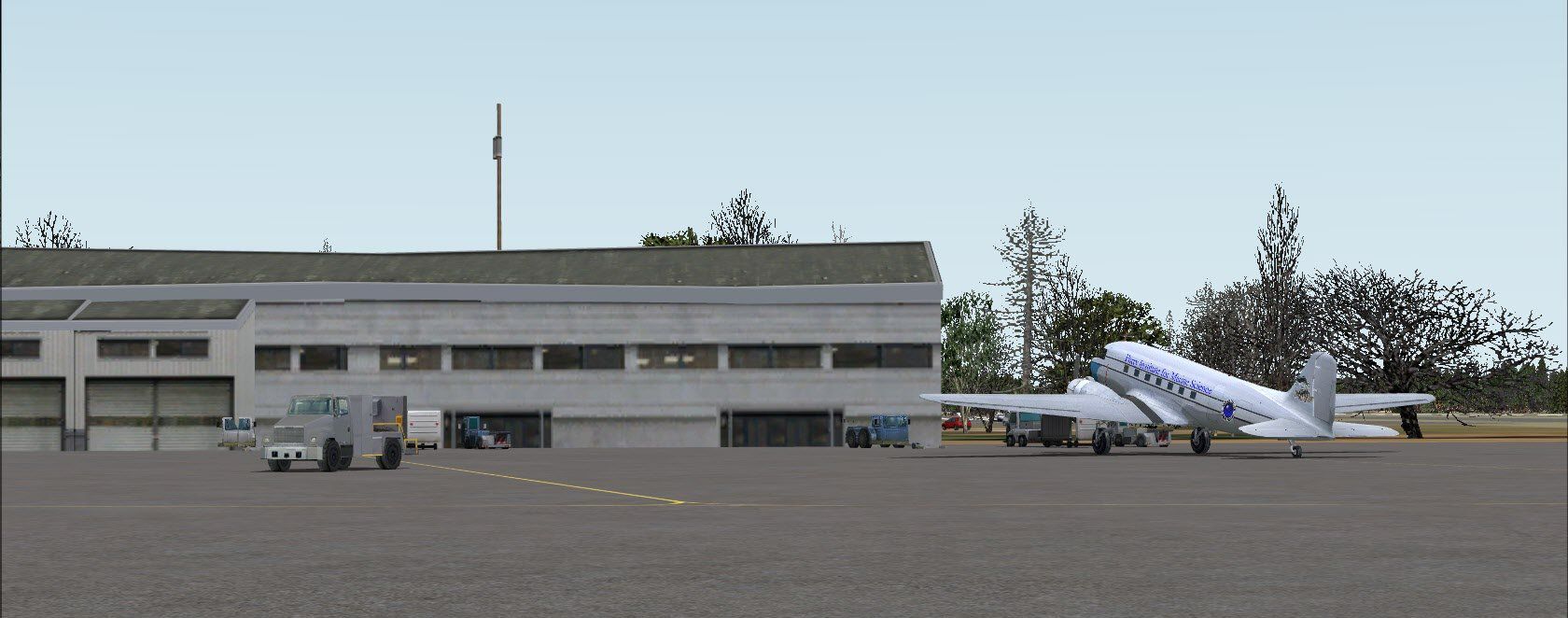
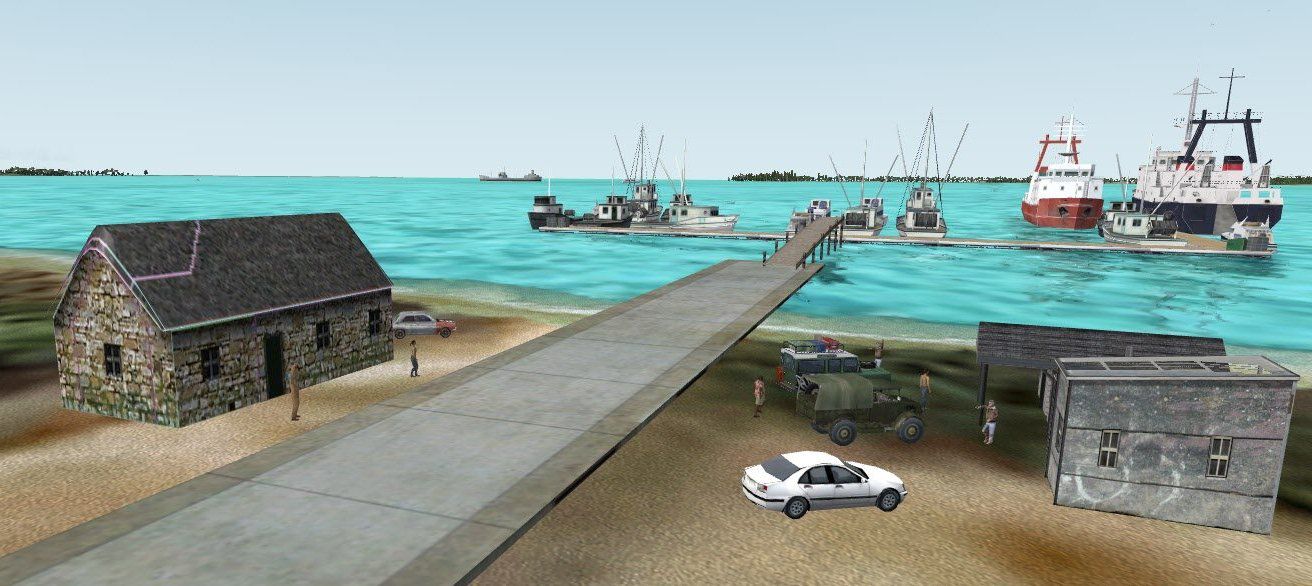
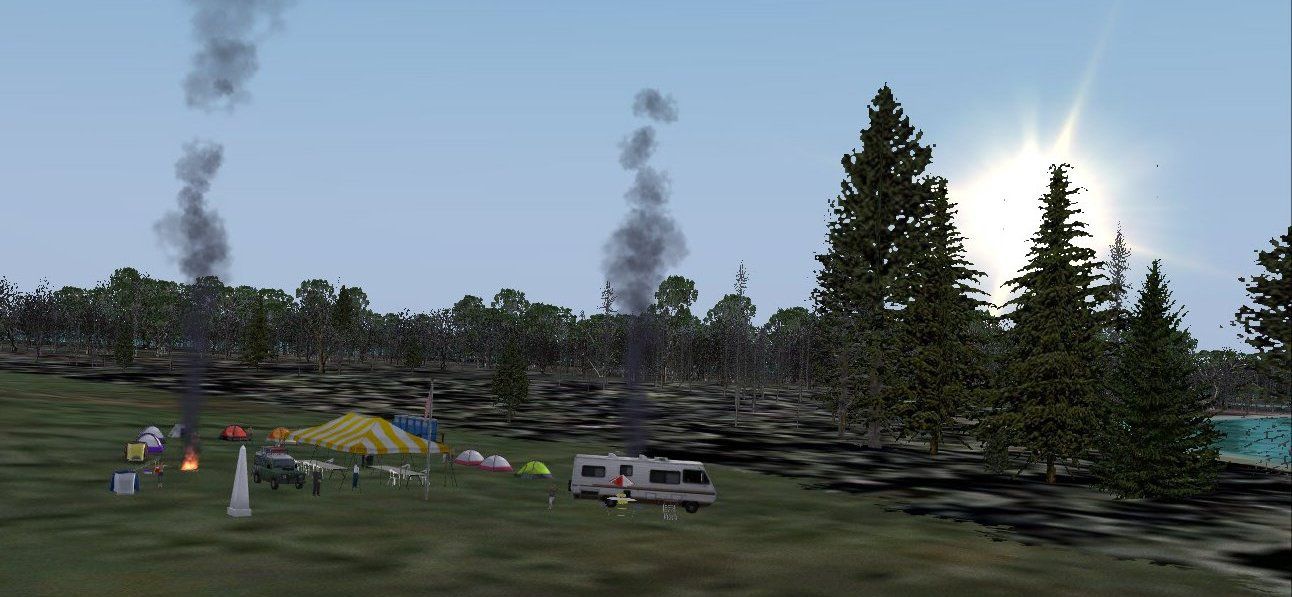
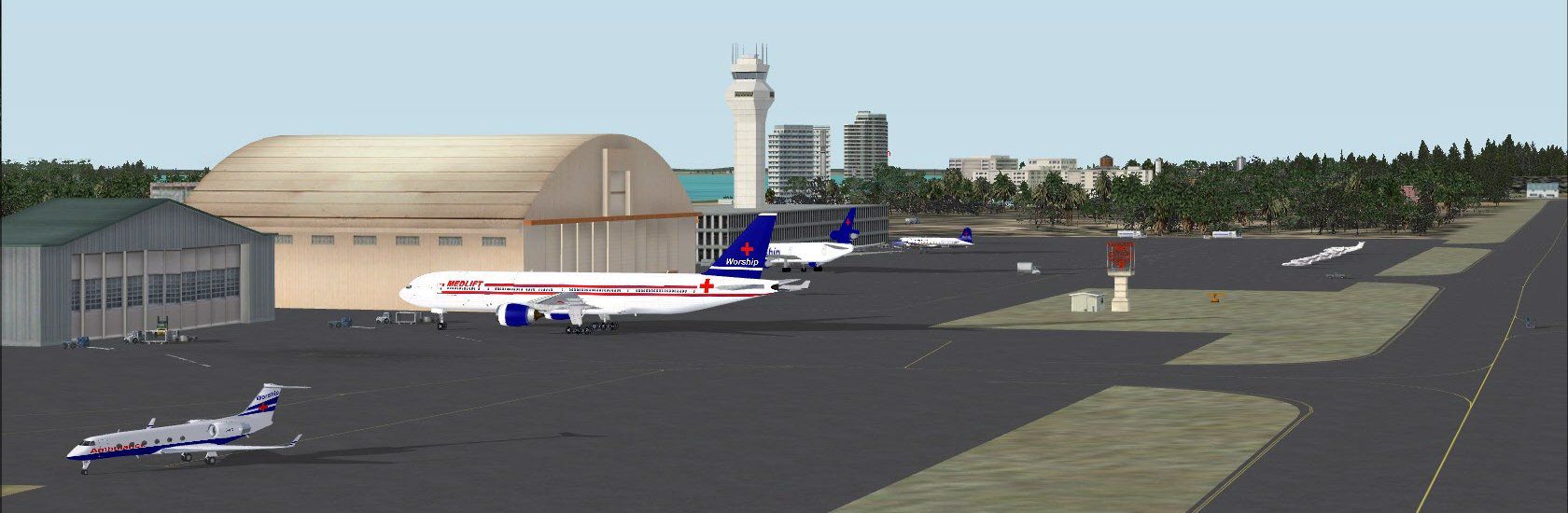
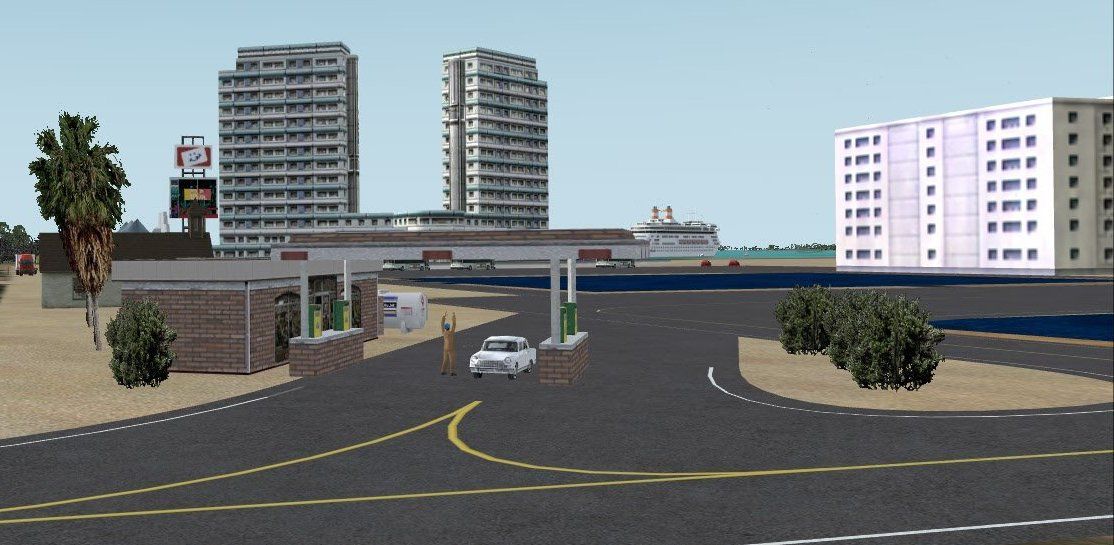
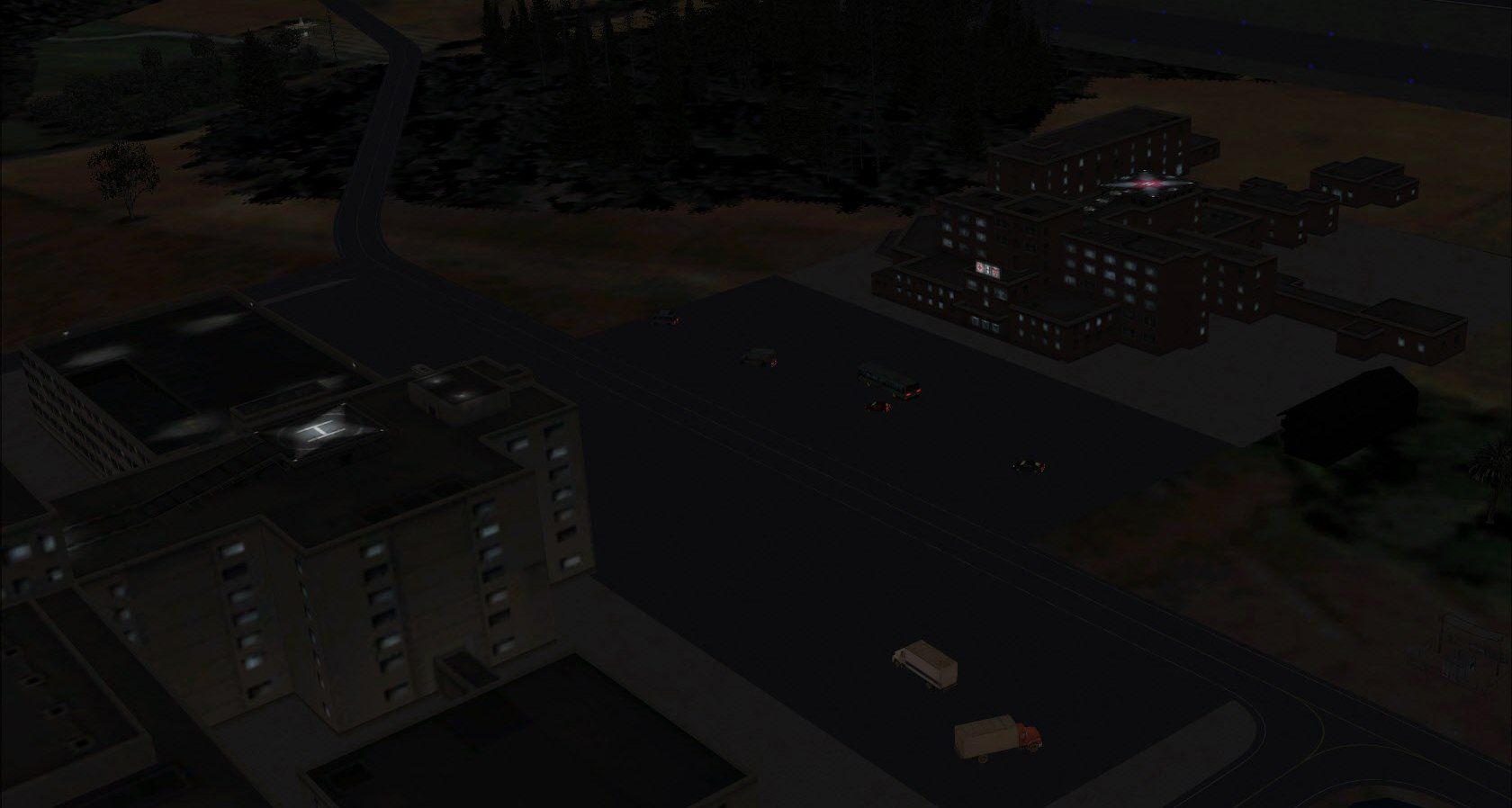
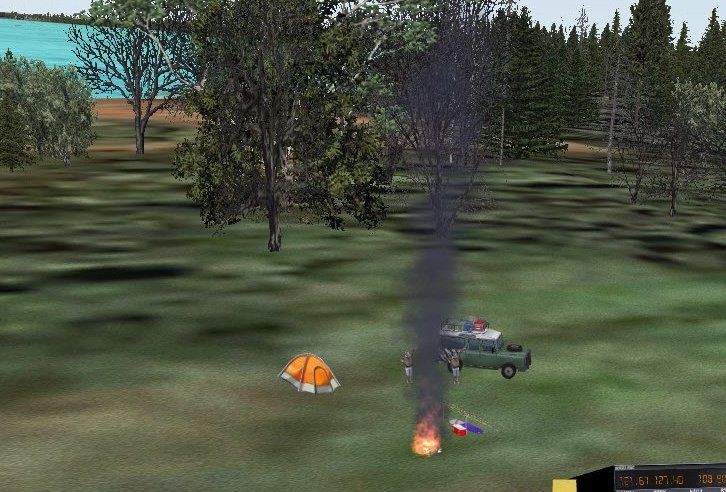
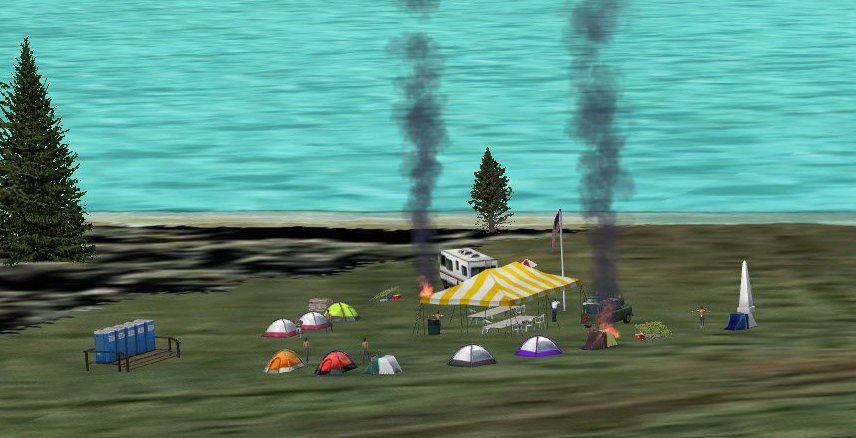
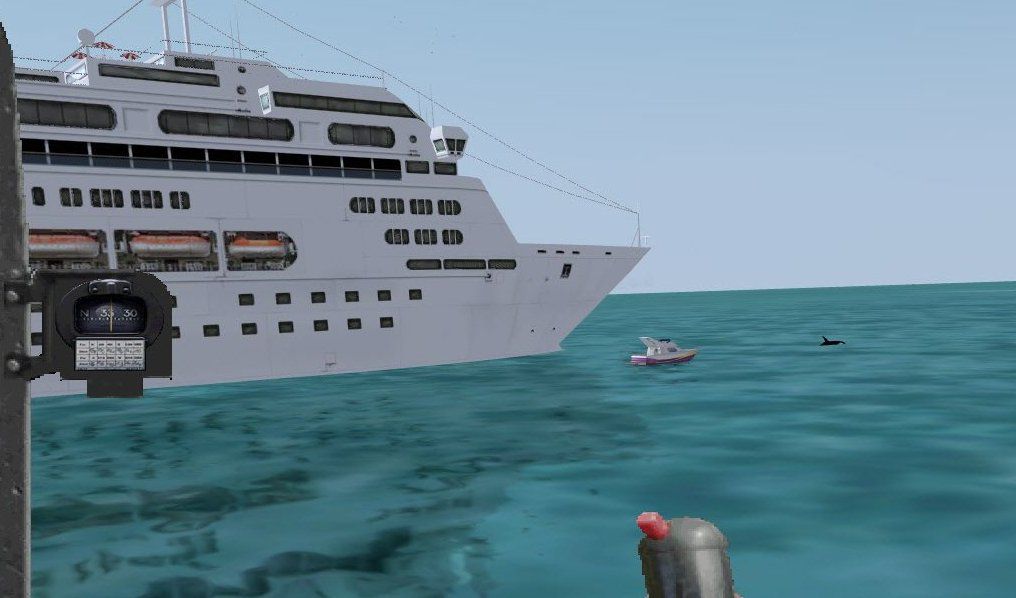
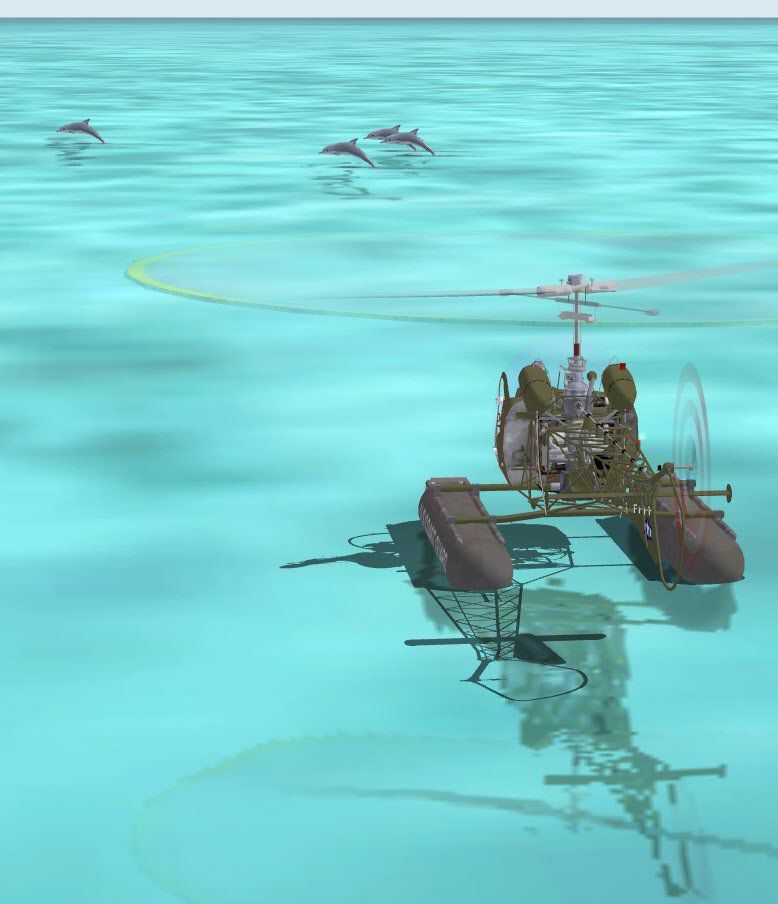
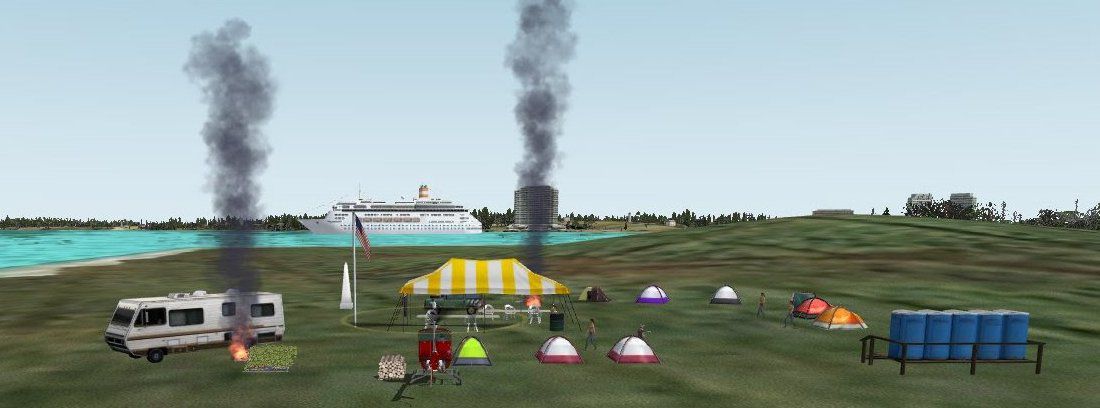
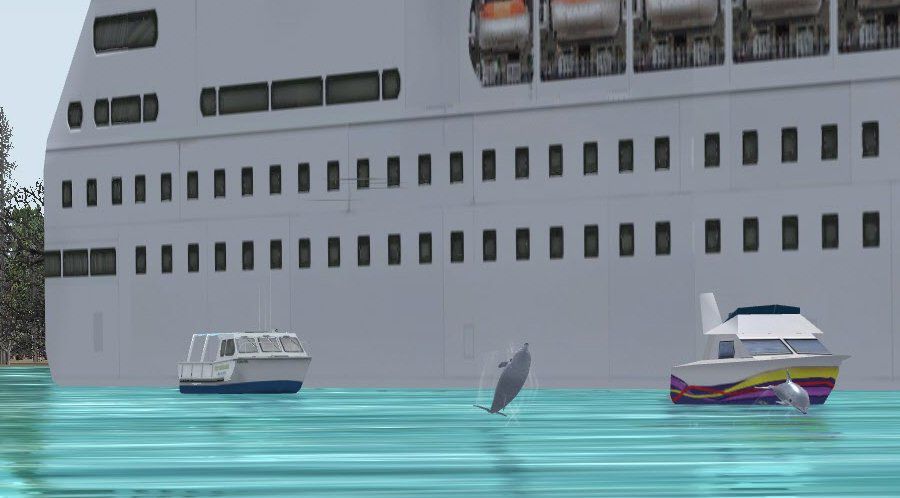
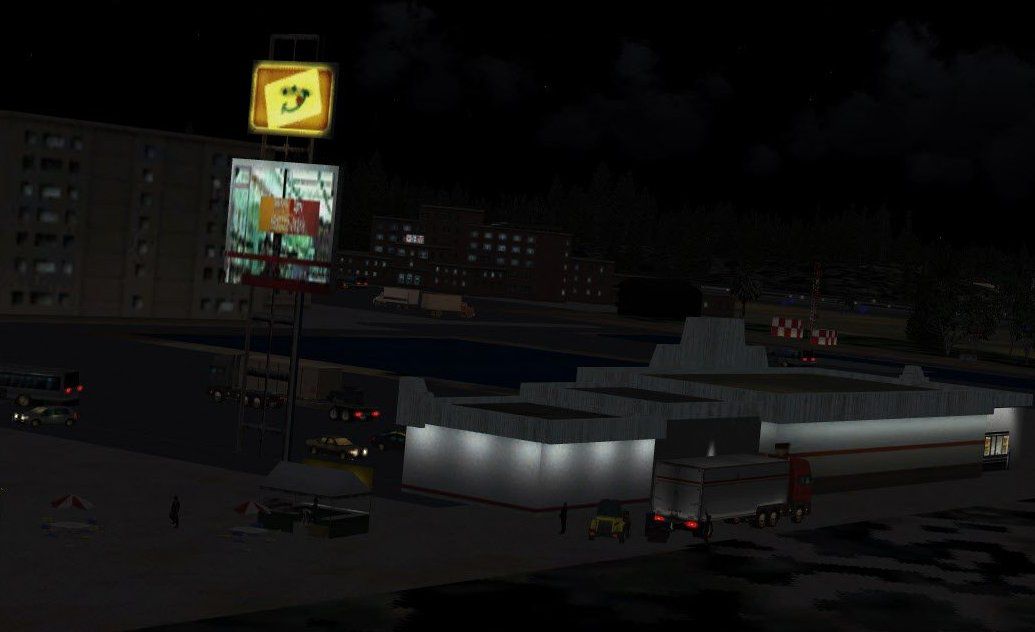

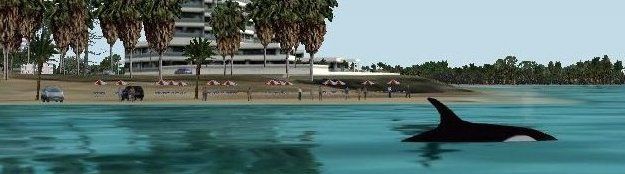
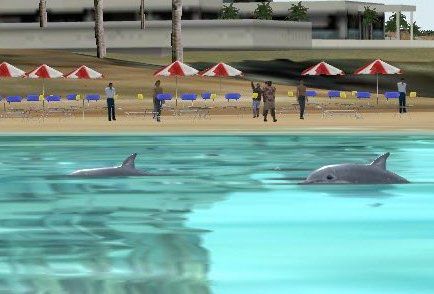
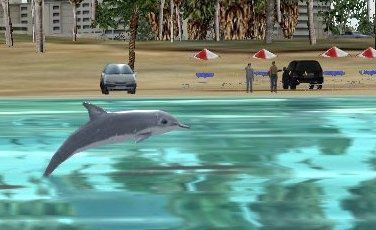
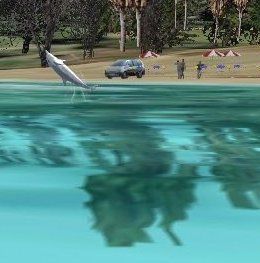
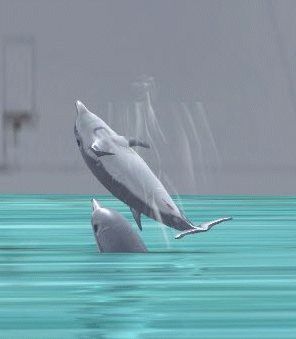
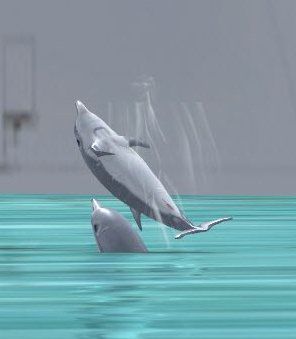
Scenery CJCR_W7. This scenery is designed for dual or quad core systems running Windows 7 64 bit and a high end video card with 3D settings and Directx 11. All FS sliders set to maximum. Others will have to set sliders to lower settings. Default aircraft are used for traffic. By Jimmy R. Martin.
CJCR_W7 Scenery.
All scenery files go into your addon scenery/scenery folder. There are NO texture files...all objects are from the FSX library.
If you can run your current FSX with all sliders set to maximum you can probably run this scenery...
Great care was taken to blend in with FSX default scenery on the island.
NOTE: Windows 7 64bit is a true 64 bit operating system taking full use of your high end processor. You will not believe the results!
This scenery delivers high frame rates and is designed for 64bit operating systems with dual or quad core processors running Windows 7 64bit, direct x 11, with a minimum of 8gb DDR2 RAM plus a large page file and video card set to 3D settings.
Other computer systems will have to have sliders set to lower settings.
Dual core processors running 64bit Windows 7 should also have good performance. A good video card such as GeForce 275 set for 3D settings and 8gb DDR2 RAM.
This scenery will not run with good frame rates on Vista 64 or XP 64 (neither are true 64 bit systems) without sliders set to much lower settings. Since RAM is so expensive I have found that a large page file does NOT drop framerates with the above system due to the full use of all processor quad 64 power in Windows 7. You will have to experiment on your personal page file size to not run out of memory.
I highly recommend Ultimate Defrag. First run the regular defagment THEN defragment setting all flight sim files to the outside of the disk.
IF you wish you can run Active Sky Advanced on another SATA drive. I suggest your main drive be a SATA drive.
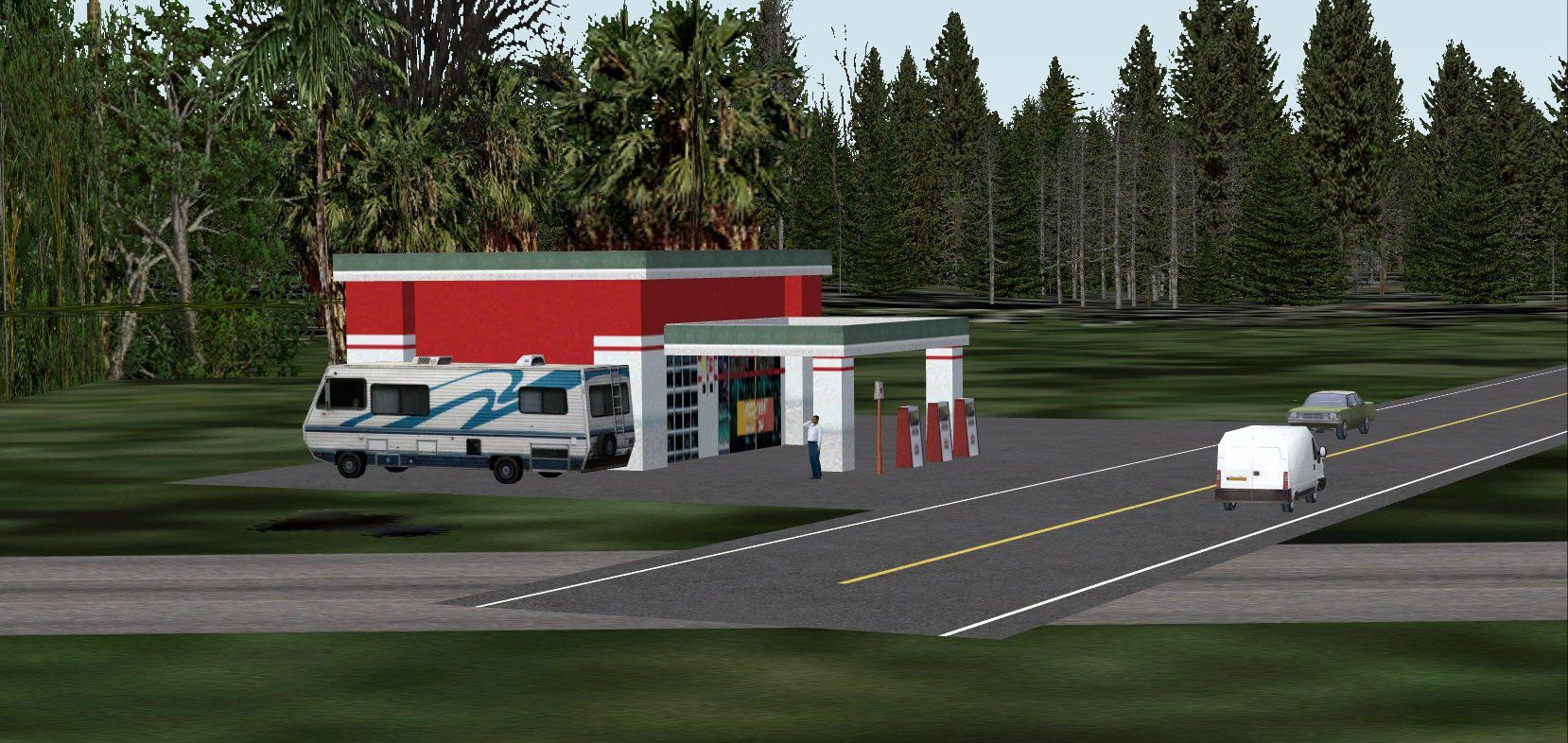
All roads, even default, are driveable. Have some fun and drive around the scenery. The "country" roads are bumpy but you can drive all over the island.
Vehicles are available on this web site under "other aircraft."
HeliTraffic:
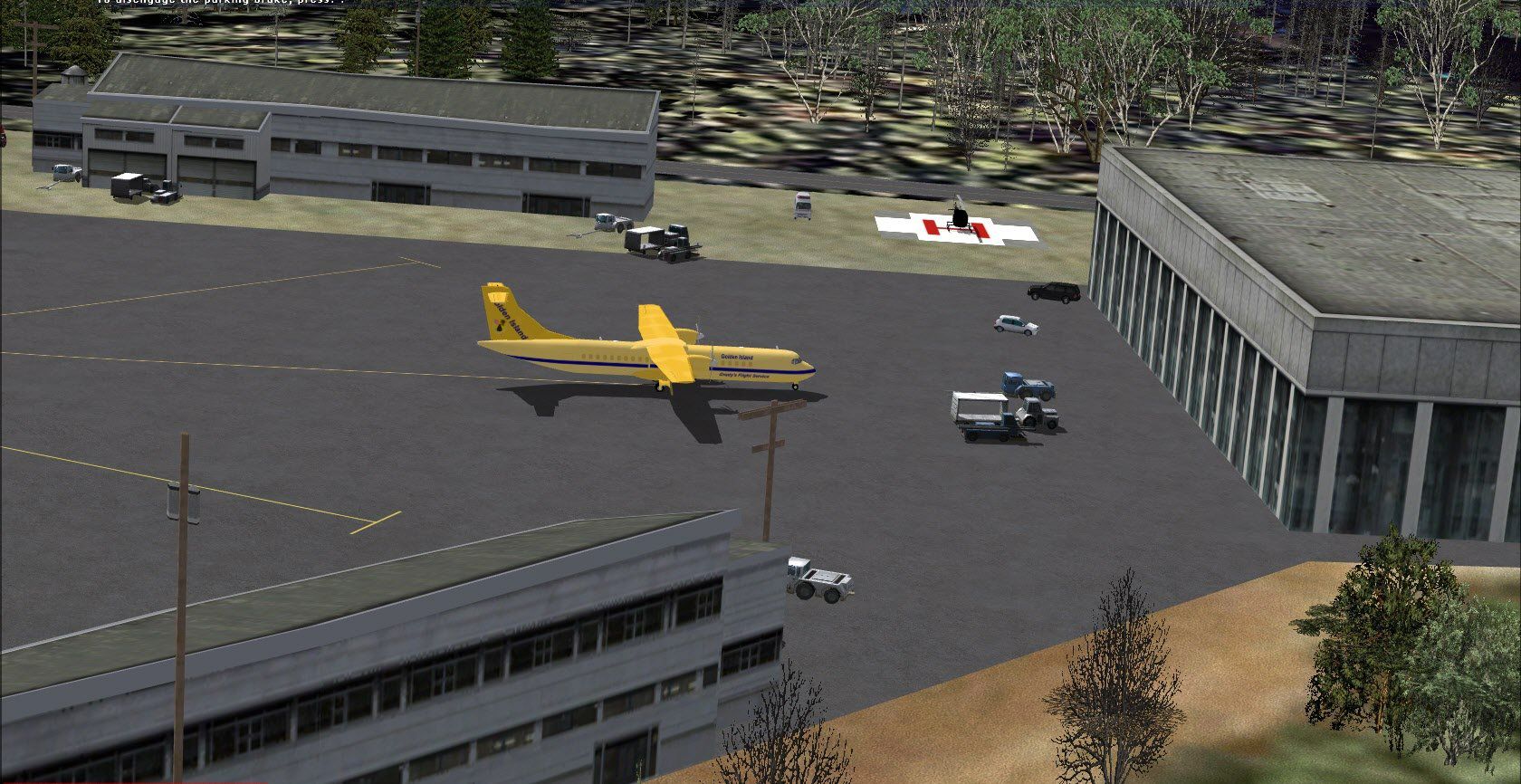
Lots of helo landing spots scattered around the scenery if you are running Heli Traffic program. PLUS: try your luck landing on top of the hospitals!!!
The large yacht also has a heli pad. I have made only one successful landing on that yacht! In two years!!!
SCREEN SETTINGS:
If you have been dissappointed with a darker screen on FS using a wide screen LCD monitor I have found this to work just fine:
When starting up FS set your monitor brightness higher and also the contrast. Experiment to find your best setting. This also greatly helps at night.
When closing out flight sim just set your monitor back to the original "reset" button settings. Your screen will be to bright otherwise.
You are welcome to add to this scenery at will. The aircraft for the Medical Worship International Airlines are available under 2004 aircraft and most are flyable.
HISTORY:
Thousands upon thousands of downloads of this virtual medical research facility airport. This airport has been constantly upgraded since FS98 when it was the first published scenery for that flight simulator.
As with all my sceneries the more you fly or drive around the more you will see. Jumping dolphins, birds, whales liven up this scenery.
Jimmy R Martin
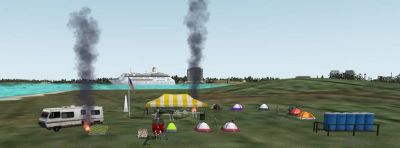
CJCR_W7 Scenery.
Free for all simmers · 7.38 MB · Scanned clean Oct 2026
Download speed: Free tier is capped at 0.5 Mbps (this file takes approximately 2 mins at the cap). PRO members download at full line speed.
FSX\Addon Scenery\ containing scenery and texture sub-folders.readme.txt or README file. It tells you exactly where files go, what dependencies are needed, and any quirks specific to this add-on.The archive cjcrw7wb.zip has 55 files and directories contained within it.
This list displays the first 500 files in the package. If the package has more, you will need to download it to view them.
| Filename/Directory | File Date | File Size |
|---|---|---|
| file_id.diz | 11.17.09 | 302 B |
| information.txt | 11.17.09 | 1.69 kB |
| readme.txt | 11.17.09 | 3.14 kB |
| scenery | 11.17.09 | 0 B |
| CJCRw7_ADEX_JRM.ade | 11.17.09 | 4.02 MB |
| CJCRw7_ADEX_JRM.BGL | 11.17.09 | 42.83 kB |
| CJCRw7_ADEX_JRM_CVX.bgl | 11.17.09 | 2.10 kB |
| Traffic_CJCRw7.bgl | 11.17.09 | 474.64 kB |
| screenshots | 11.17.09 | 0 B |
| dolphin & helo.jpg | 11.14.09 | 71.52 kB |
| PS0200.jpg | 11.10.09 | 64.54 kB |
| PS0204.jpg | 11.10.09 | 73.36 kB |
| PS0211.jpg | 11.03.09 | 328.42 kB |
| PS0217.jpg | 11.03.09 | 203.91 kB |
| PS0220.jpg | 11.03.09 | 274.66 kB |
| PS0221.jpg | 11.03.09 | 290.10 kB |
| PS0222.jpg | 11.03.09 | 307.03 kB |
| PS0225.jpg | 11.03.09 | 319.25 kB |
| PS0226.jpg | 11.10.09 | 234.33 kB |
| PS0227.jpg | 11.10.09 | 197.60 kB |
| PS0231.jpg | 11.10.09 | 162.98 kB |
| PS0235.jpg | 11.06.09 | 122.45 kB |
| PS0243.jpg | 11.10.09 | 117.47 kB |
| PS0246.jpg | 11.06.09 | 219.14 kB |
| PS0252.jpg | 11.10.09 | 29.48 kB |
| PS0253.jpg | 11.10.09 | 72.29 kB |
| PS0255.jpg | 11.07.09 | 134.13 kB |
| PS0262.jpg | 11.06.09 | 151.37 kB |
| PS0264.jpg | 11.07.09 | 51.37 kB |
| PS0271.jpg | 11.06.09 | 248.80 kB |
| PS0278.jpg | 11.10.09 | 54.92 kB |
| PS0279.jpg | 11.06.09 | 96.33 kB |
| PS0296.jpg | 11.06.09 | 196.54 kB |
| PS0299.jpg | 11.06.09 | 241.15 kB |
| PS0301.jpg | 11.06.09 | 200.35 kB |
| PS0302.jpg | 11.06.09 | 236.79 kB |
| PS0303.jpg | 11.06.09 | 152.34 kB |
| PS0305.jpg | 11.06.09 | 162.73 kB |
| PS0312.jpg | 11.10.09 | 16.61 kB |
| PS0316.jpg | 11.10.09 | 24.31 kB |
| PS0317.jpg | 11.10.09 | 27.91 kB |
| PS0319.jpg | 11.07.09 | 161.39 kB |
| PS0324.jpg | 11.07.09 | 61.88 kB |
| PS0326.jpg | 11.07.09 | 12.04 kB |
| PS0328.jpg | 11.08.09 | 151.51 kB |
| PS0335.jpg | 11.10.09 | 96.20 kB |
| PS0337.jpg | 11.08.09 | 246.73 kB |
| PS0343.jpg | 11.08.09 | 148.01 kB |
| PS0344.jpg | 11.08.09 | 195.99 kB |
| PS0346.jpg | 11.09.09 | 199.53 kB |
| pspbrwse.jbf | 11.07.09 | 86.91 kB |
| web.gif | 11.17.09 | 46.43 kB |
| CJCRW7wb | 11.17.09 | 0 B |
| flyawaysimulation.txt | 10.29.13 | 959 B |
| Go to Fly Away Simulation.url | 01.22.16 | 52 B |
Only PRO members can place votes.
More FSX & P3D add-ons hand-picked based on this download.
FSX Scenery
Skara Scenery Bonaire X. Flamingo International Airport or Bonaire Internatio…
 FSX Scenery
Iwo Jima Scenery 1945 Update. This is a complete scenery with added effects a…
FSX Scenery
Kjeller Area Scenery X, Norway. Scenery around Kjeller airport with photoreal…
 FSX Scenery
FSX Loney's Alaska For FSX. This is a compilation of the author's Alaskan sce…
 FSX Scenery
For users of Flight Simulator X (and FSX: Steam Edition) and/or Prepar3D, ter…
 FSX Scenery
This freeware release by developer Aime Leclercq introduces revised highways …
 FSX Scenery
Team GEX Enhanced Autogen World. This package upgrades 522 world wide autogen…
 FSX Scenery
Princess Juliana International Airport (TNCM) in Saint Marteen, Netherlands A…
Read what other simmers think, or add your own.

Have (I think loaded) but not sure where I should be looking for as the start country / airport Please advise - Lots of hard work I imagine and I would like to try it out - Many thanks Peter