


 Canada
  FSX Scenery
CYYG Charlottetown Update
CYYG Charlottetown Update, Charlottetown, P.E.I., Canada. Adds approach light…
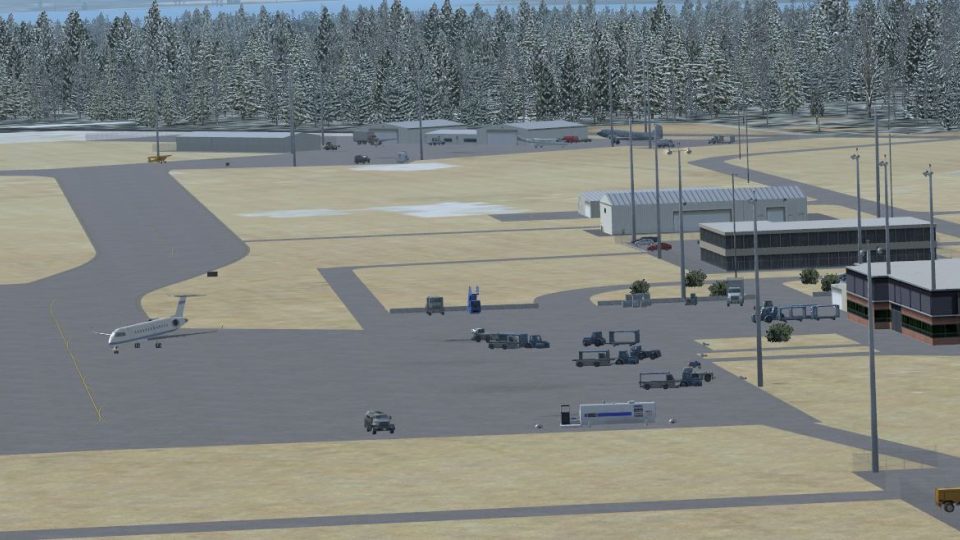
Charlottetown Airport (CYYG/YYG) for Flight Simulator X refreshes Prince Edward Island’s main gateway with a corrected runway alignment, rebuilt terminal, and properly positioned control tower. Enhanced roads, parking, lighting, static vehicles, and vegetation sharpen the airfield atmosphere, with included approach plates, diagrams, and airport views for realistic operations.
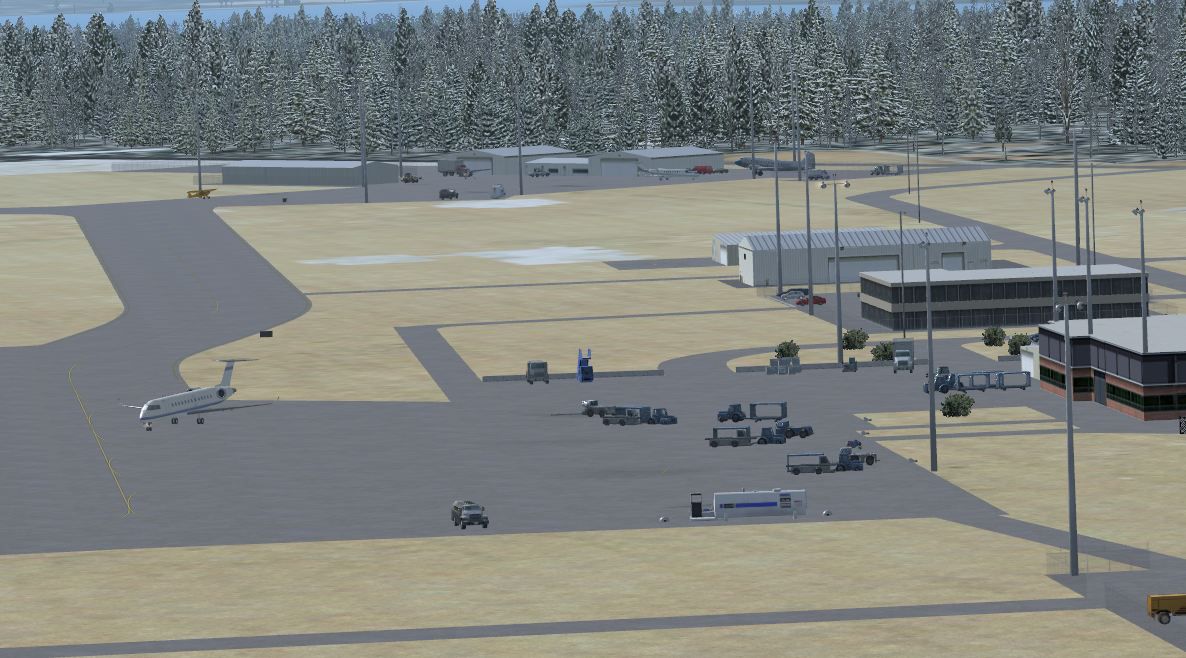
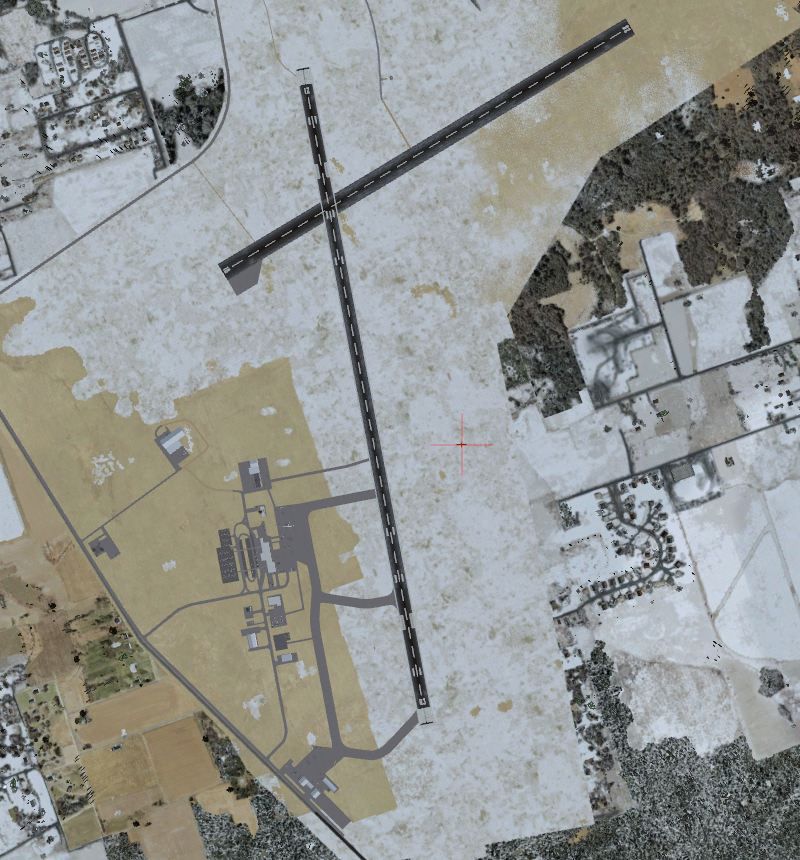
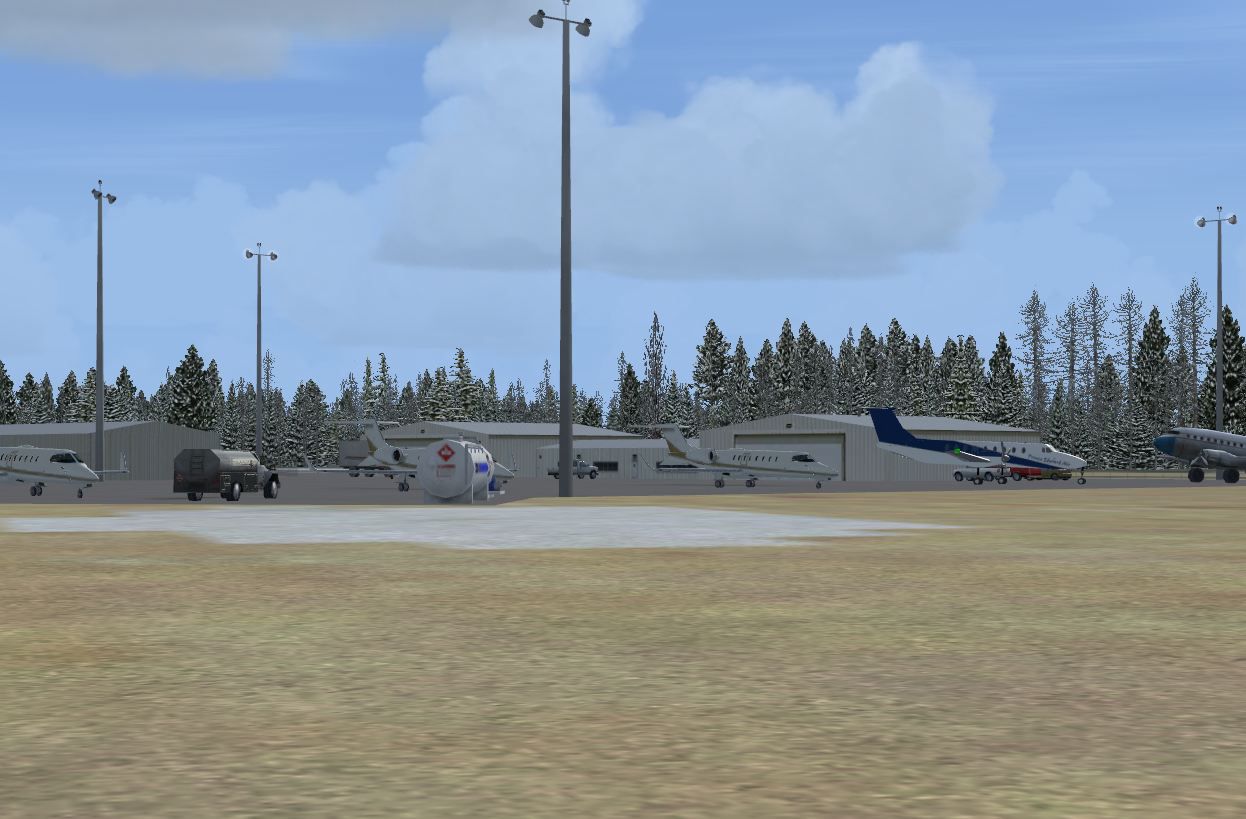
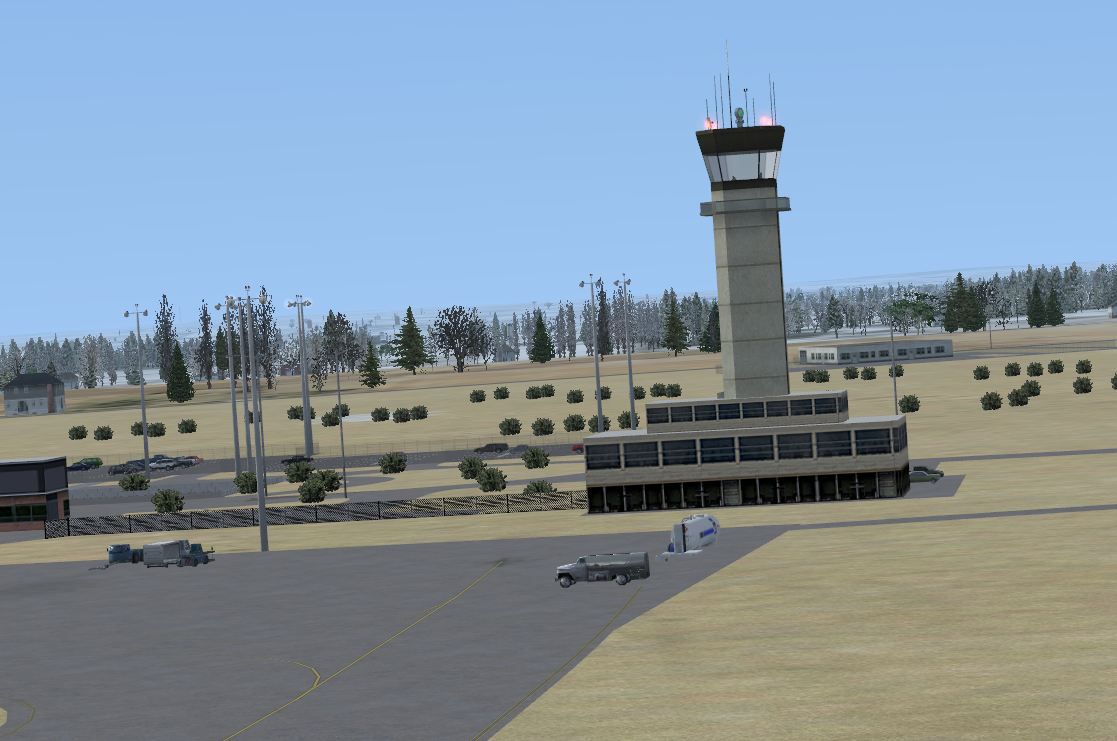
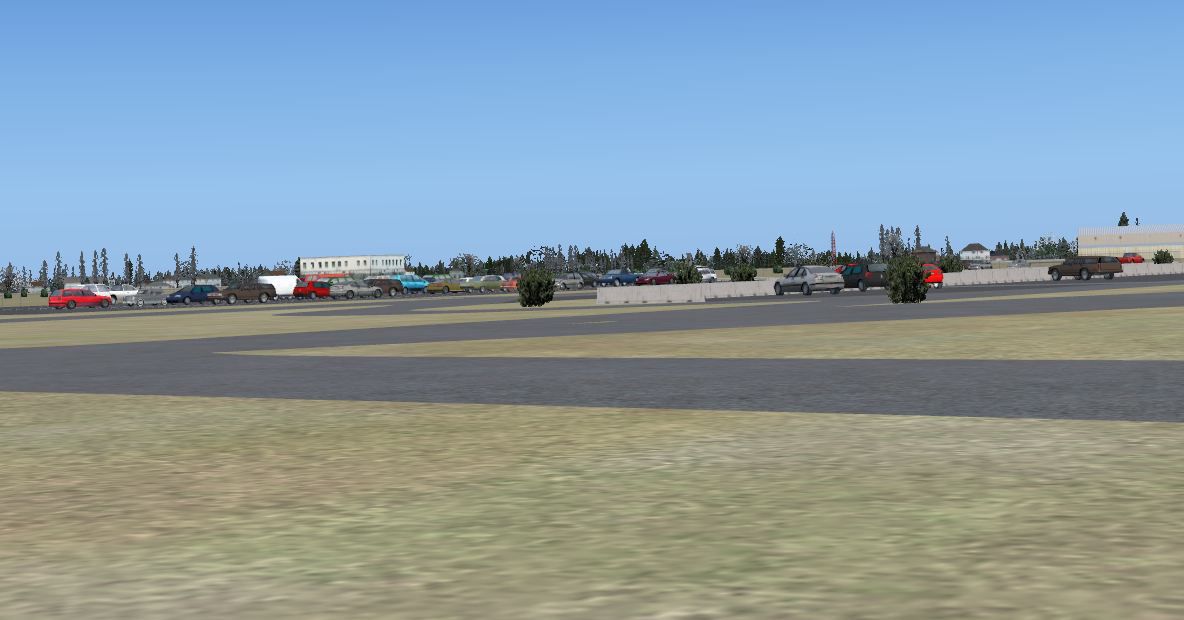
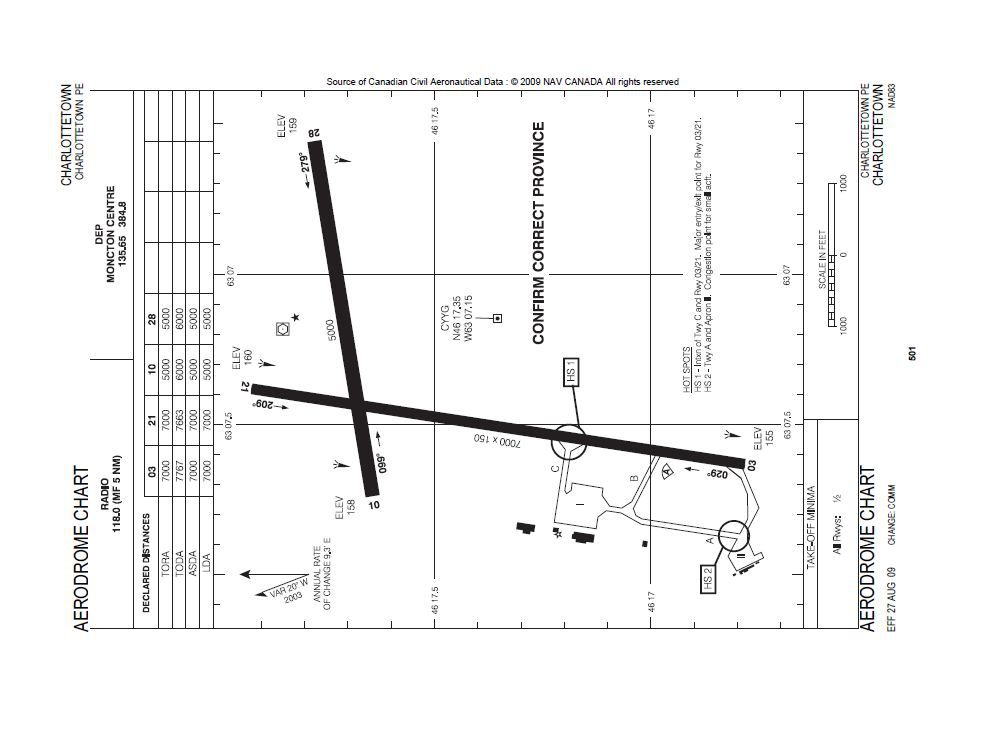
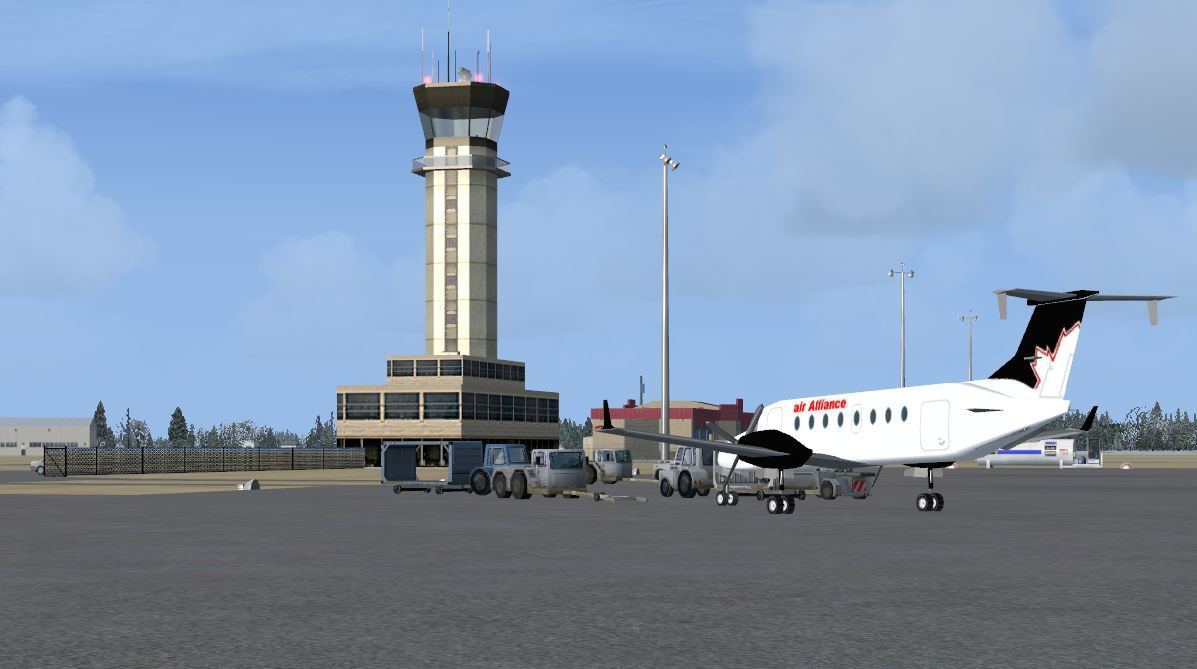
Charlottetown Airport, PEI, Canada. Charlottetown Airport, (IATA: YYG, ICAO: CYYG), is located 3 nm (5.6 km; 3.5 miles) north of Charlottetown, Prince Edward Island, Canada. The airport is currently run by the Charlottetown Airport Authority, is owned by Transport Canada and forms part of the National Airports System. The airport is classified as an airport of entry by NAV CANADA and is staffed by the Canada Border Services Agency. CBSA officers at this airport currently can handle aircraft with no more than 60 passengers. By Robert Catherall.
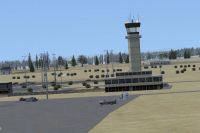
Charlottetown Airport Scenery.
This is a remake of the default FSX airport using ADEX 1.45.06
1. Slight adjustment to runway orintation.
2. Terminal rebuilt using FSX Scenery Objects.
3. Control Tower moved to correct geographic position and rebuild,
4. Airport roads and vehicle parking areas added.
5. Airport lighting added.
6. Other improvement include static objects, vehicles and vegetation.
7. Airport approach plates and diagrams included along with airport views.
There are 7 BGL files, 1 DDS and 4 BMP files as follows:
Addon Scenery Files -------> CYYG_ADEX_RWC.BGL
" CYYG_ADEX_RWC.CVX.BGL
Global Scenery Files ------> default_terminals_ss.bgl
" ez-curbs.bgl
" small_airport_objects_3.bgl
" Airport_buildings_AP.bgl
" lightobj.bgl
Global Texture Files ------> lights1.dds
" Curb_textures.bmp
" mac_stair.bmp
" mac_stairs1.bmp
" smfence.bmp
Installation:
1. Copy and place CYYG_ADEX_RWC.BGL and CYYG_ADEX_cvx.BGL files into FSX->Addon Scenery->Scenery Folder.
2. Copy and place the remaining 5 BGL files into FSX->Scenery->Global->Scenery Folder.
3. Copy and Place the DDS and 4 BMP files into the FSX->Scenery->Global->Texture Folder.
To Uninstall:
1. Delete CYYG_ADEX_RWC.BGL and CYHZ_ADEX_CVX.BGL and the default airport will be active.
2. Note: The files placed in the Global->Scenery->Texture folders need not be deleted. These objects may be used in other sceneries.
Acknowledgements:
ADEX (freeware) Utility - Jon Masterson.
This also has a download center for many other ADE files.
Jim Dhaenens for providing the library of objects contained in lightobj. These are by Jim Dhaenens and you may use them without further permission as long as you ensure proper credit is given. No commercial use is authorized without specific permission.
TIP: when at CYYG in tower view: go to your control settings and look for the "View track/pan Toggle" allocate a keyboard key stroke to it (I allocated a button on my controller) this will unlock the user aircraft, then you can use the hat switch to pan 360 degrees around the airport, hitting the key stroke again (in my case a button) will return you to the user aircraft position.
Robert Catherall
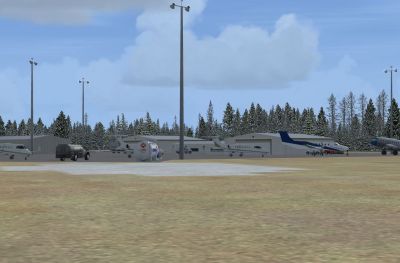
Charlottetown Airport Scenery.
Free for all simmers · 2.81 MB · Scanned clean Oct 2026
Download speed: Free tier is capped at 0.5 Mbps. PRO members download at full line speed.
FSX\Addon Scenery\ containing scenery and texture sub-folders.readme.txt or README file. It tells you exactly where files go, what dependencies are needed, and any quirks specific to this add-on.Use these coordinates to fly directly to this location once the mod is installed.
46.29000000,-63.12100000
Launch FSX or Prepar3D and use Flights → Load to open the downloaded .pln file. Your aircraft will be positioned at this location.
The archive cyyg_charlottetown.zip has 23 files and directories contained within it.
This list displays the first 500 files in the package. If the package has more, you will need to download it to view them.
| Filename/Directory | File Date | File Size |
|---|---|---|
| ReadMe.txt | 11.18.09 | 3.56 kB |
| CYYG_ADEX_RWC.BGL | 11.18.09 | 65.07 kB |
| CYYG_ADEX_RWC_CVX.bgl | 11.12.09 | 325 B |
| CYYG Aerodrome Chart.JPG | 11.12.09 | 81.03 kB |
| CYYG Approach Charts.pdf | 10.26.09 | 1.45 MB |
| Airport_Buildings_AP.bgl | 04.03.09 | 248.60 kB |
| default_terminals_ss.bgl | 12.07.05 | 488.43 kB |
| ez-curbs.bgl | 05.31.06 | 53.50 kB |
| lightobj.bgl | 04.04.09 | 643.63 kB |
| small_airport_objects_3.bgl | 01.01.06 | 455.38 kB |
| Curb_textures.bmp | 05.31.06 | 32.07 kB |
| lights1.dds | 04.04.09 | 32.12 kB |
| mac_stair.bmp | 11.03.04 | 170.74 kB |
| mac_stairs1.bmp | 11.03.04 | 42.74 kB |
| smfence.bmp | 02.06.03 | 65.05 kB |
| Air Alliance YYG.JPG | 11.10.09 | 78.69 kB |
| CYYG GA.JPG | 11.10.09 | 134.30 kB |
| CYYG Terminal & GA Background.JPG | 11.11.09 | 146.93 kB |
| CYYG Tower.JPG | 11.11.09 | 106.18 kB |
| CYYG_Parking.JPG | 11.08.09 | 82.74 kB |
| CYYG_TopDown.JPG | 11.08.09 | 142.79 kB |
| flyawaysimulation.txt | 10.29.13 | 959 B |
| Go to Fly Away Simulation.url | 01.22.16 | 52 B |
Only PRO members can place votes.
More FSX & P3D add-ons hand-picked based on this download.
FSX Scenery
CYYG Charlottetown Update, Charlottetown, P.E.I., Canada. Adds approach light…
 FSX Scenery
Princess Juliana International Airport (TNCM) in Saint Marteen, Netherlands A…
 FSX Scenery
Los Angeles Airport Scenery v3, California (CA). This photoreal scenery is a …
 FSX Scenery
Barbados International Airport (TBPB). Grantley Adams International Airport f…
 FSX Scenery
Paris Charles de Gaulle Airport (CDG, LFPG), France. The entire airport has b…
 FSX Scenery
John F. Kennedy Airport (KJFK), New York, NYU. This is a photoreal scenery re…
 FSX Scenery
Dubai International Airport (OMDB), Dubai. Includes a new passenger terminal …
 FSX Scenery
Soekarno-Hatta International Airport (WIII), Jakarta, Indonesia. An update to…
Be the first to leave a comment on this download.
Be the first to share your thoughts on this download.