


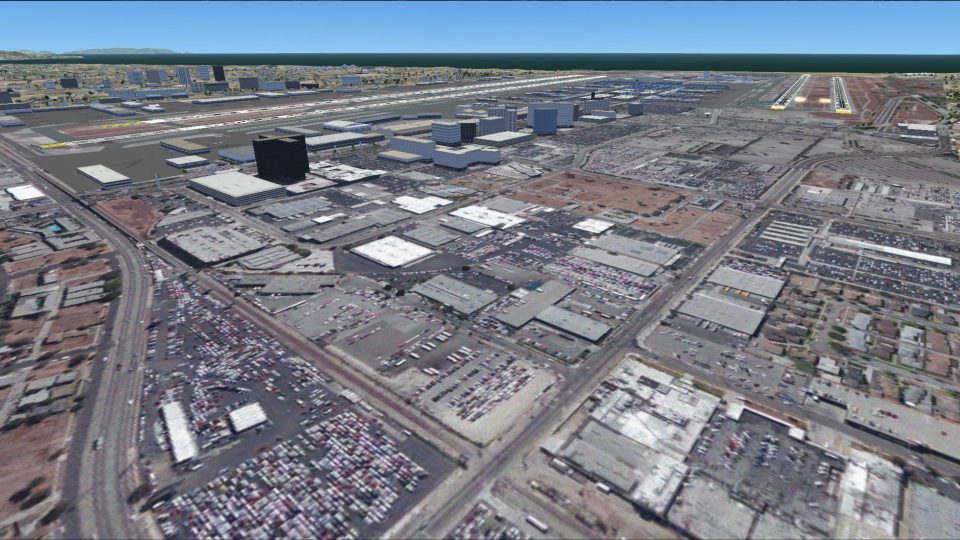
 United States of America


 FSX Scenery
Los Angeles
Los Angeles, California (CA). Fixes two misplaced landmarks, the Hollywood si…
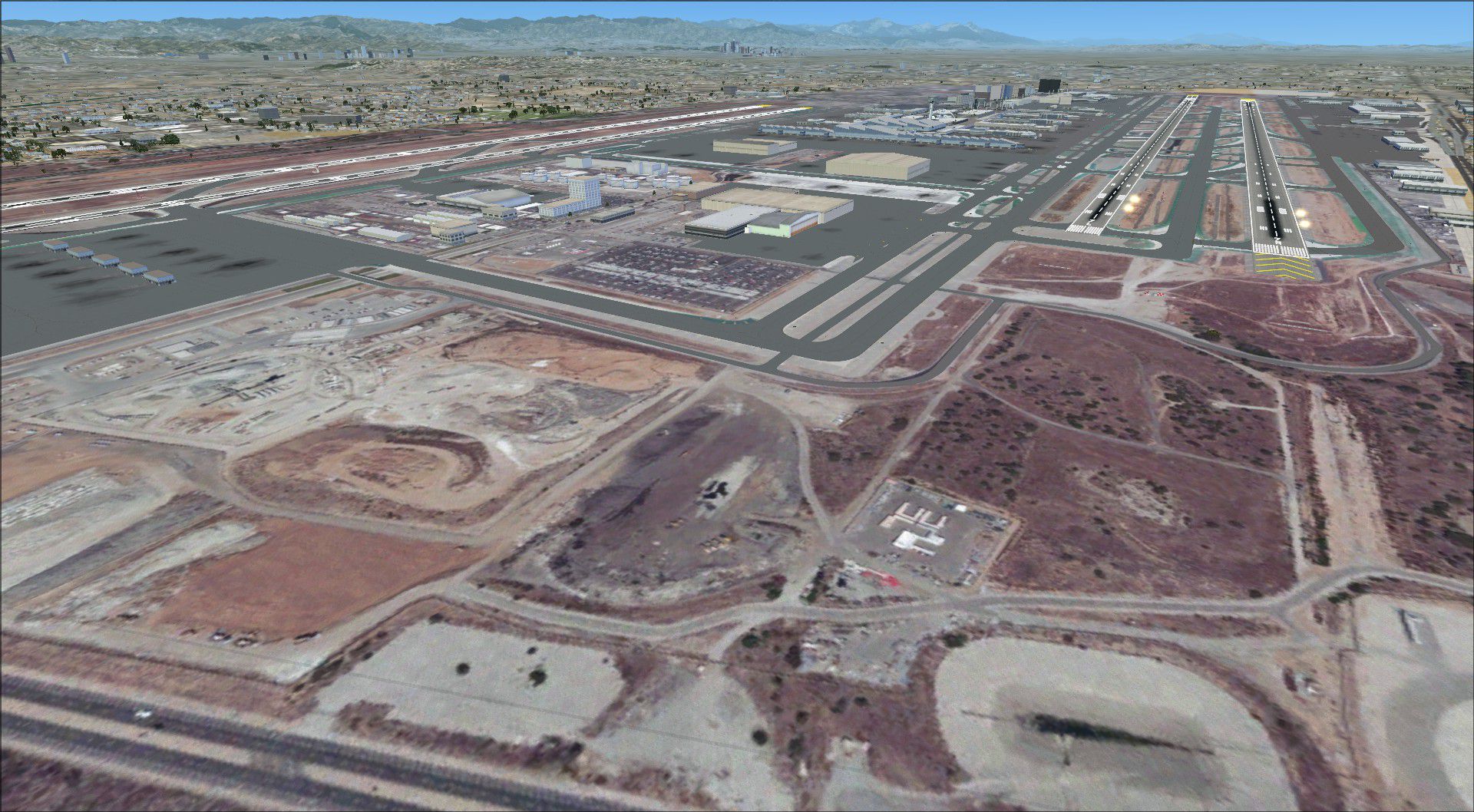
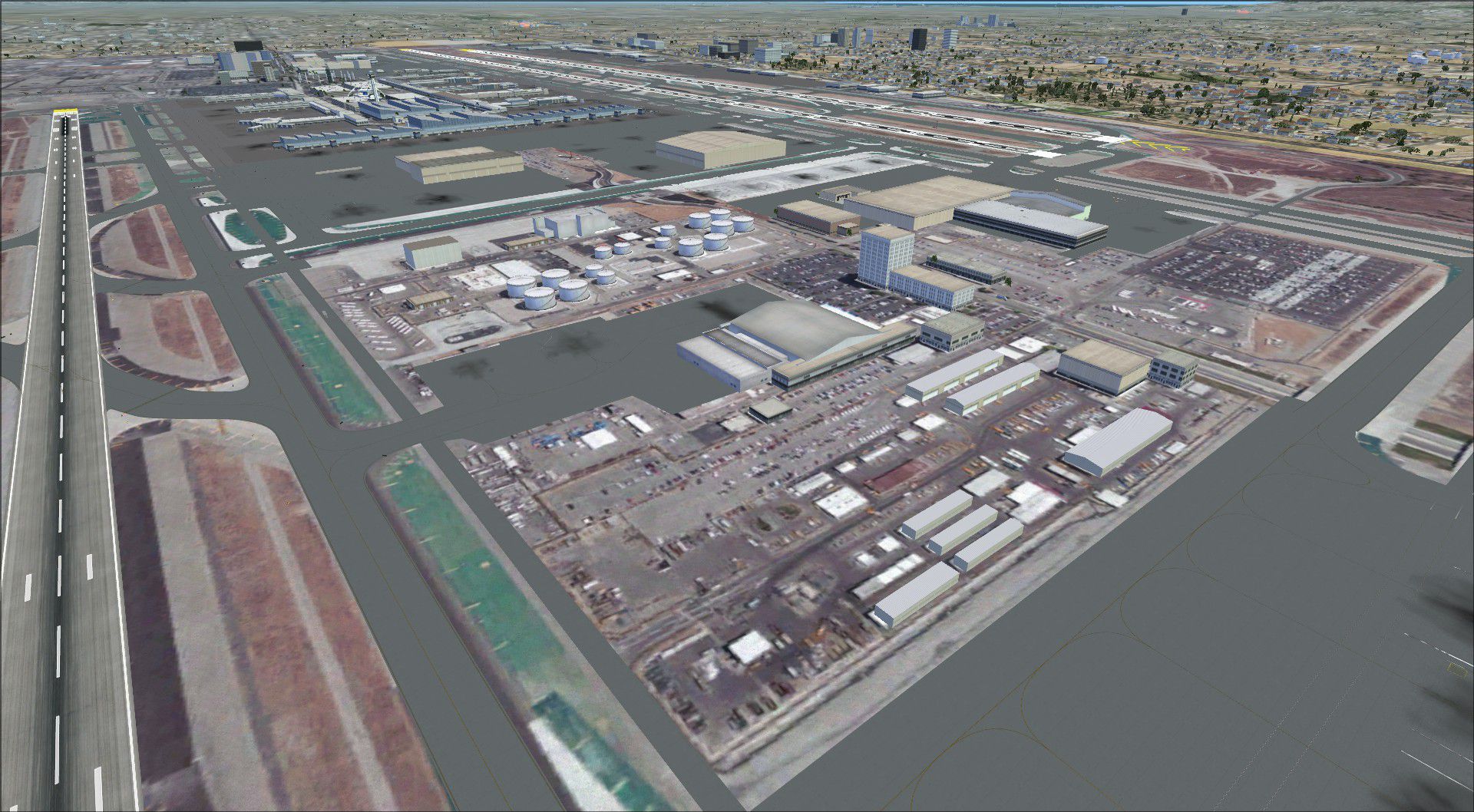
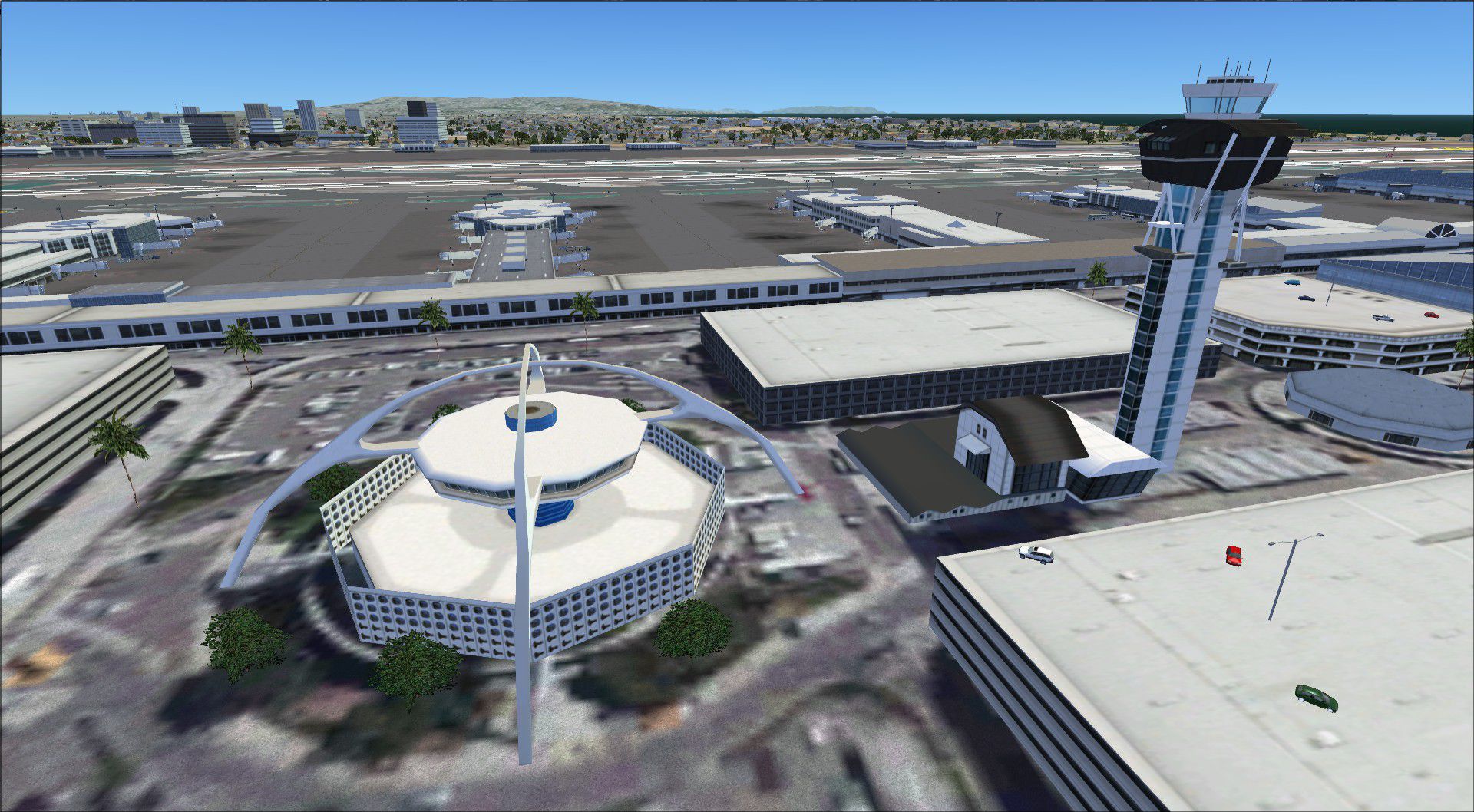
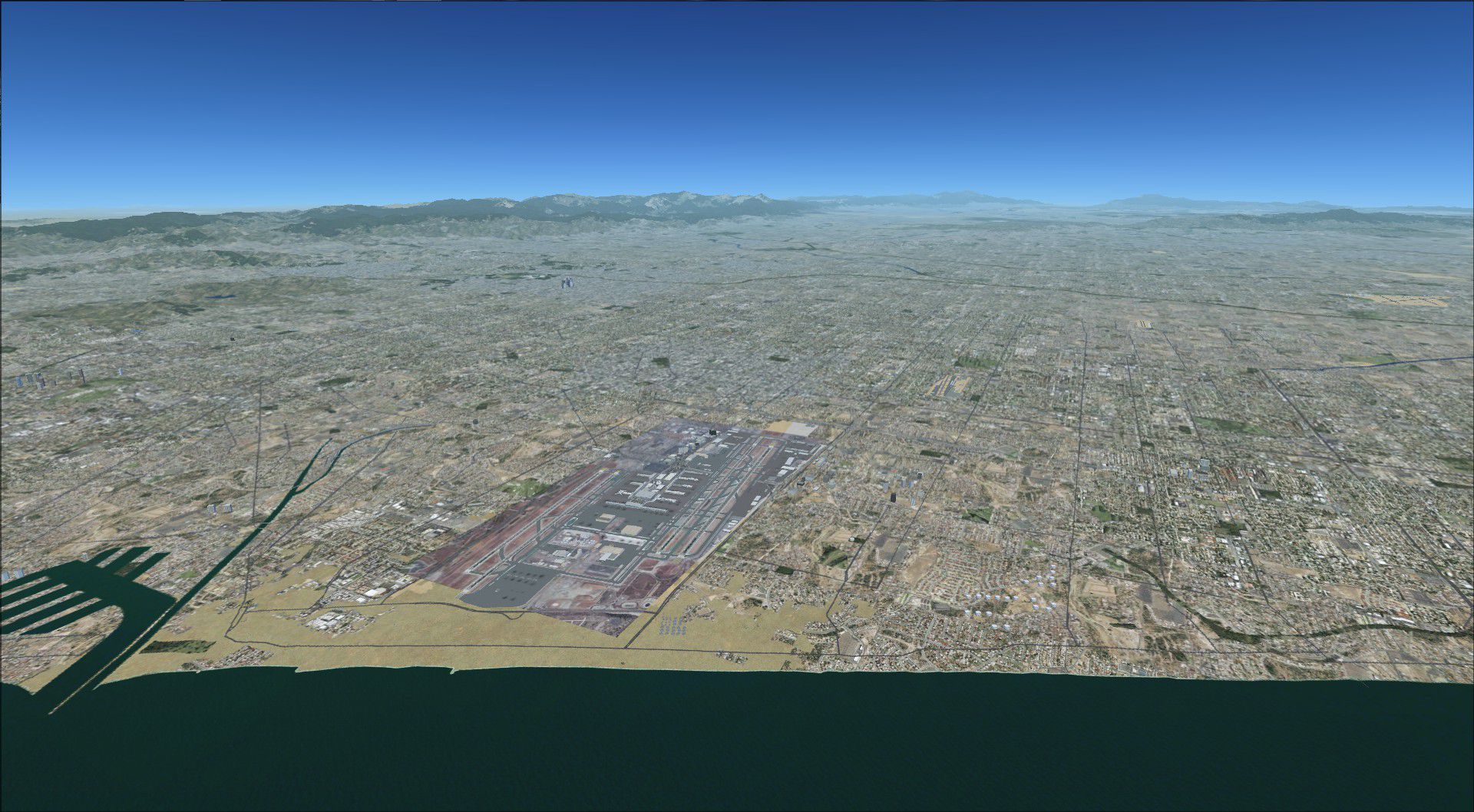
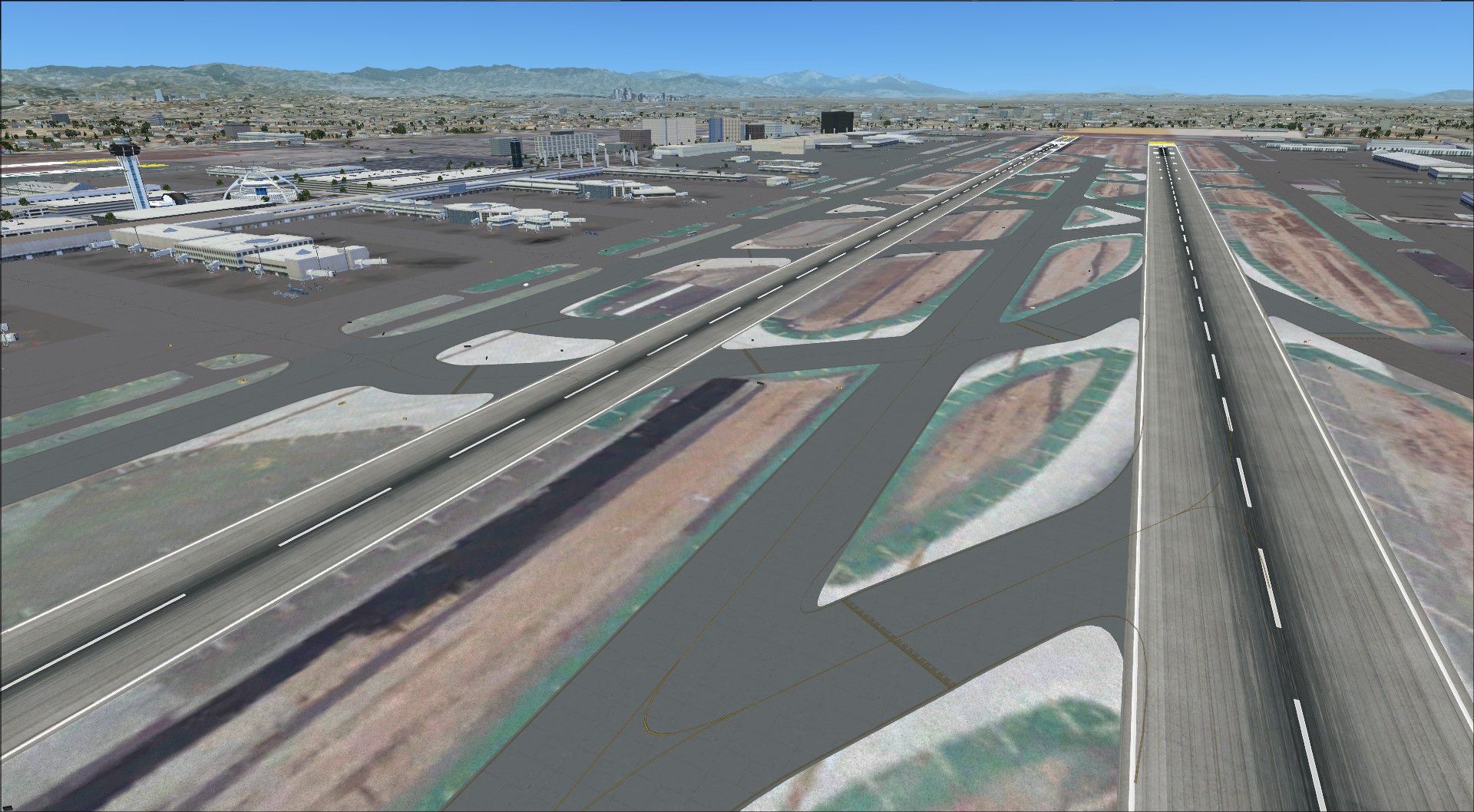
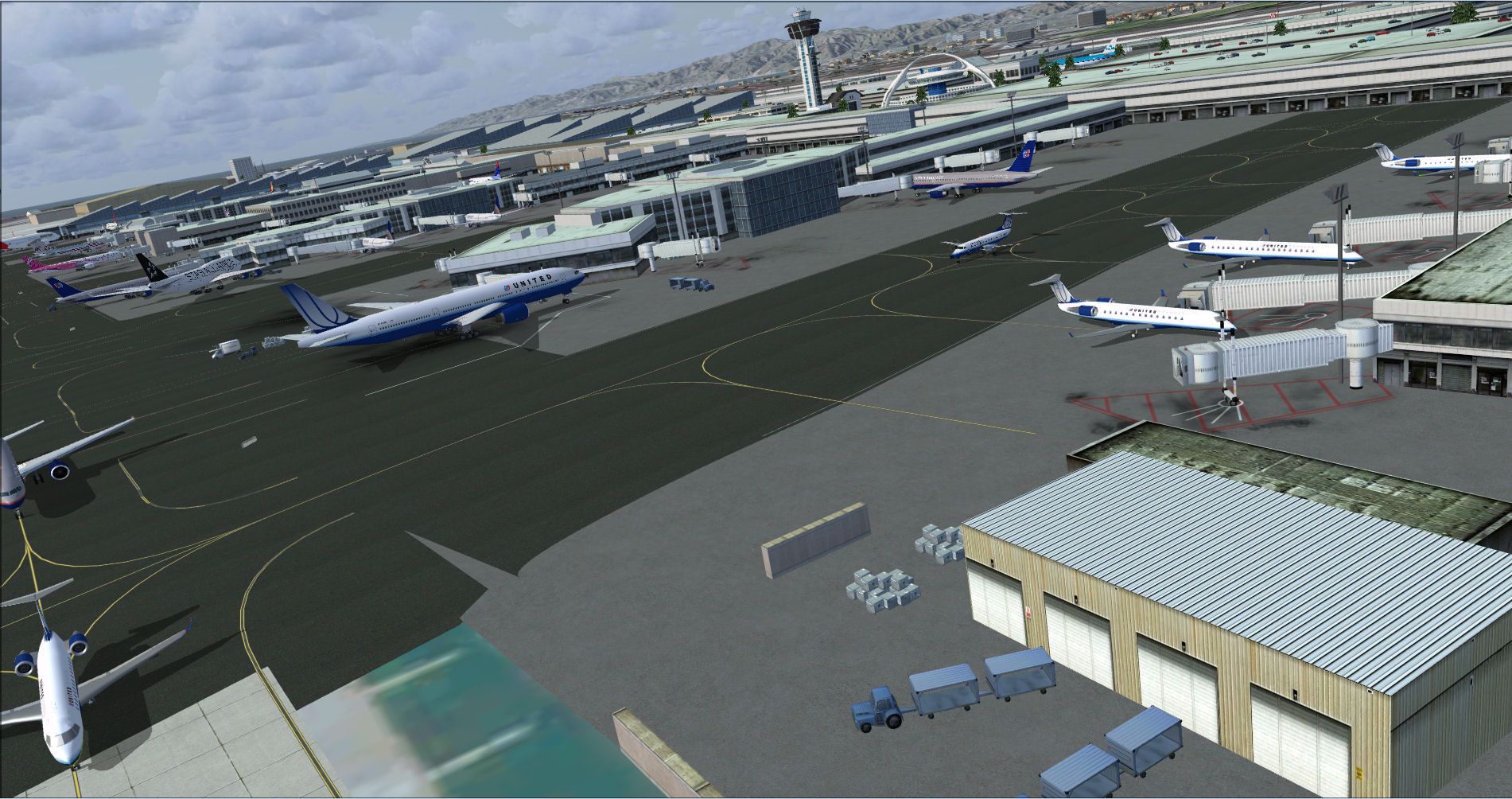
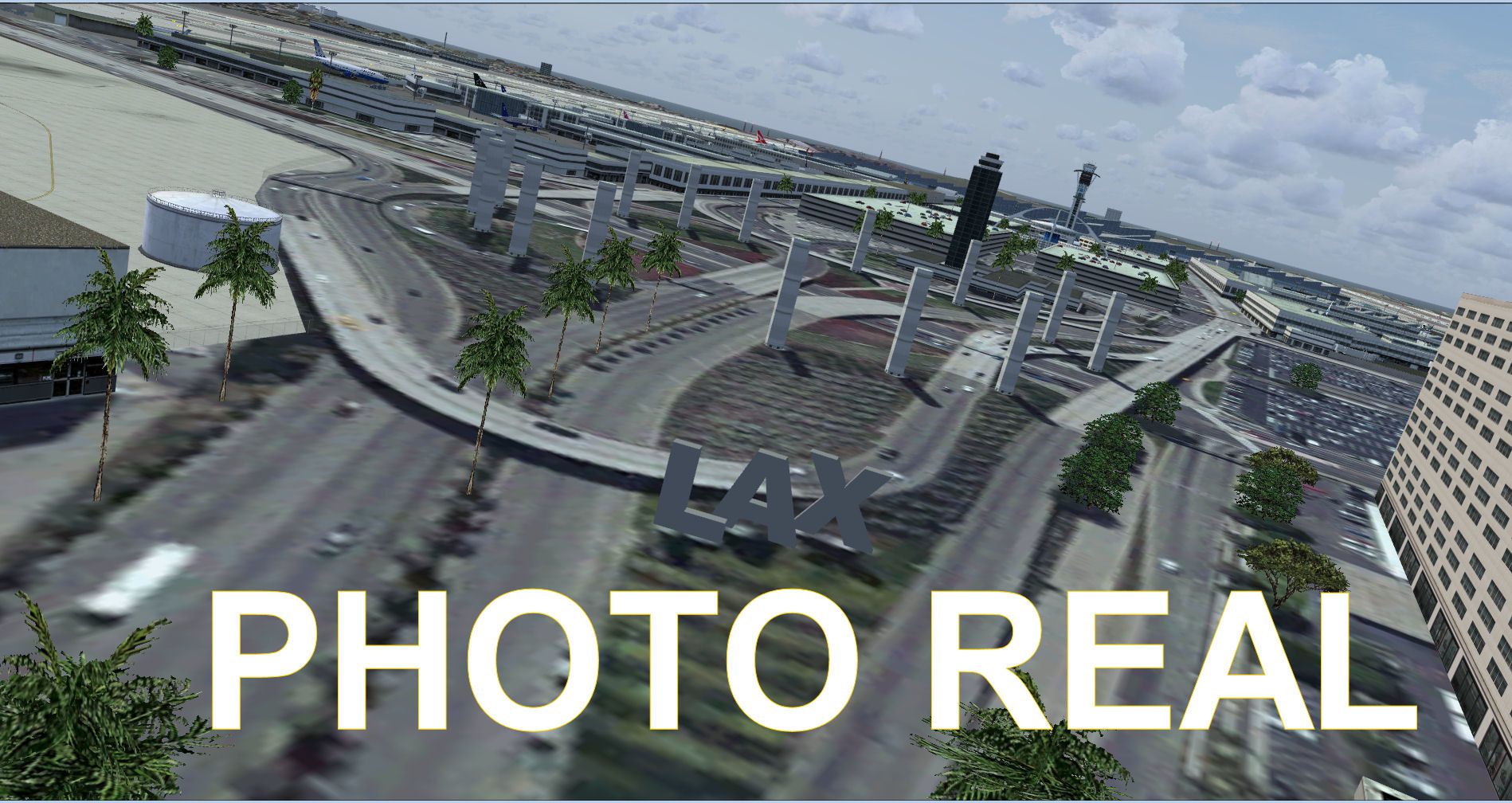
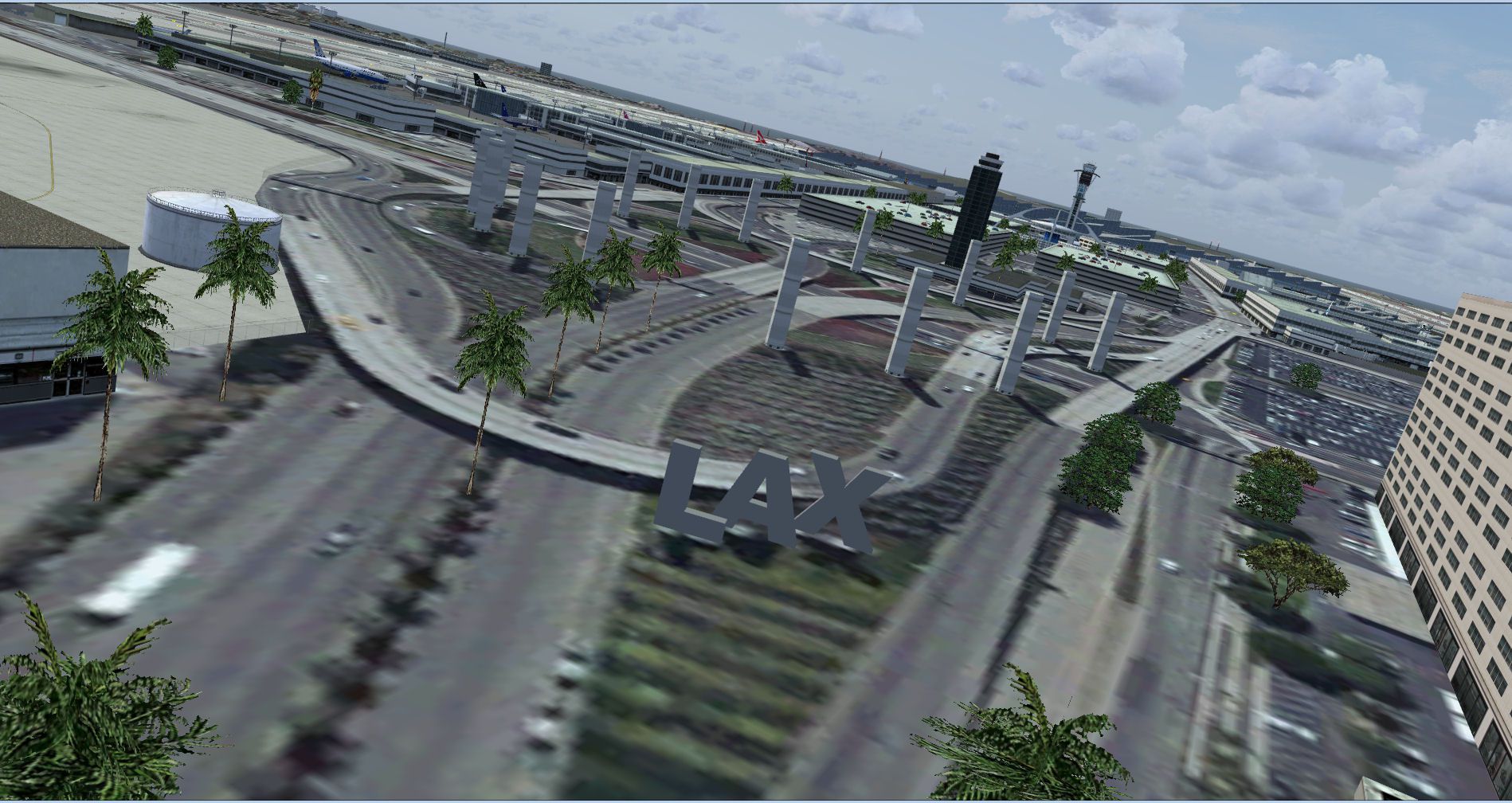
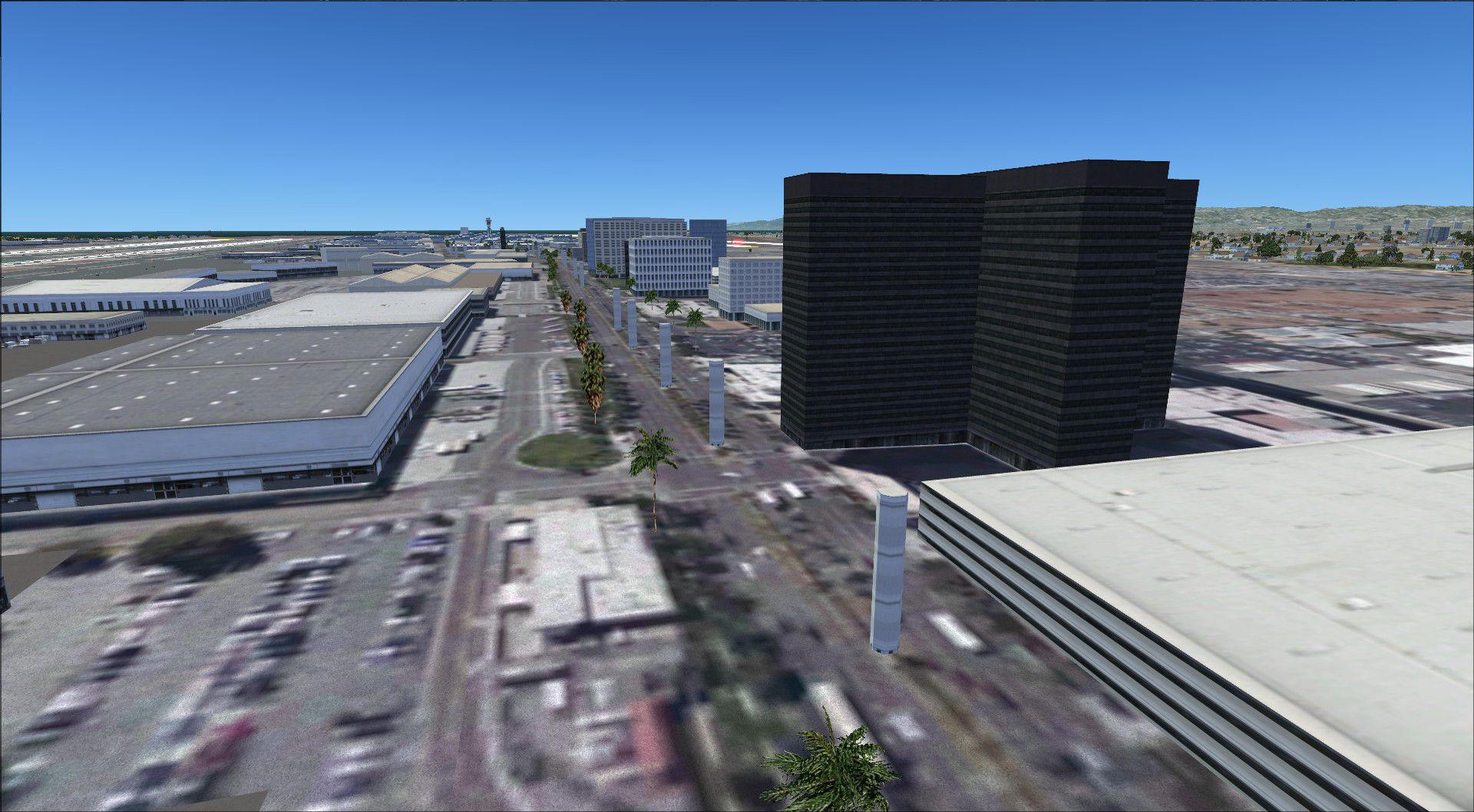
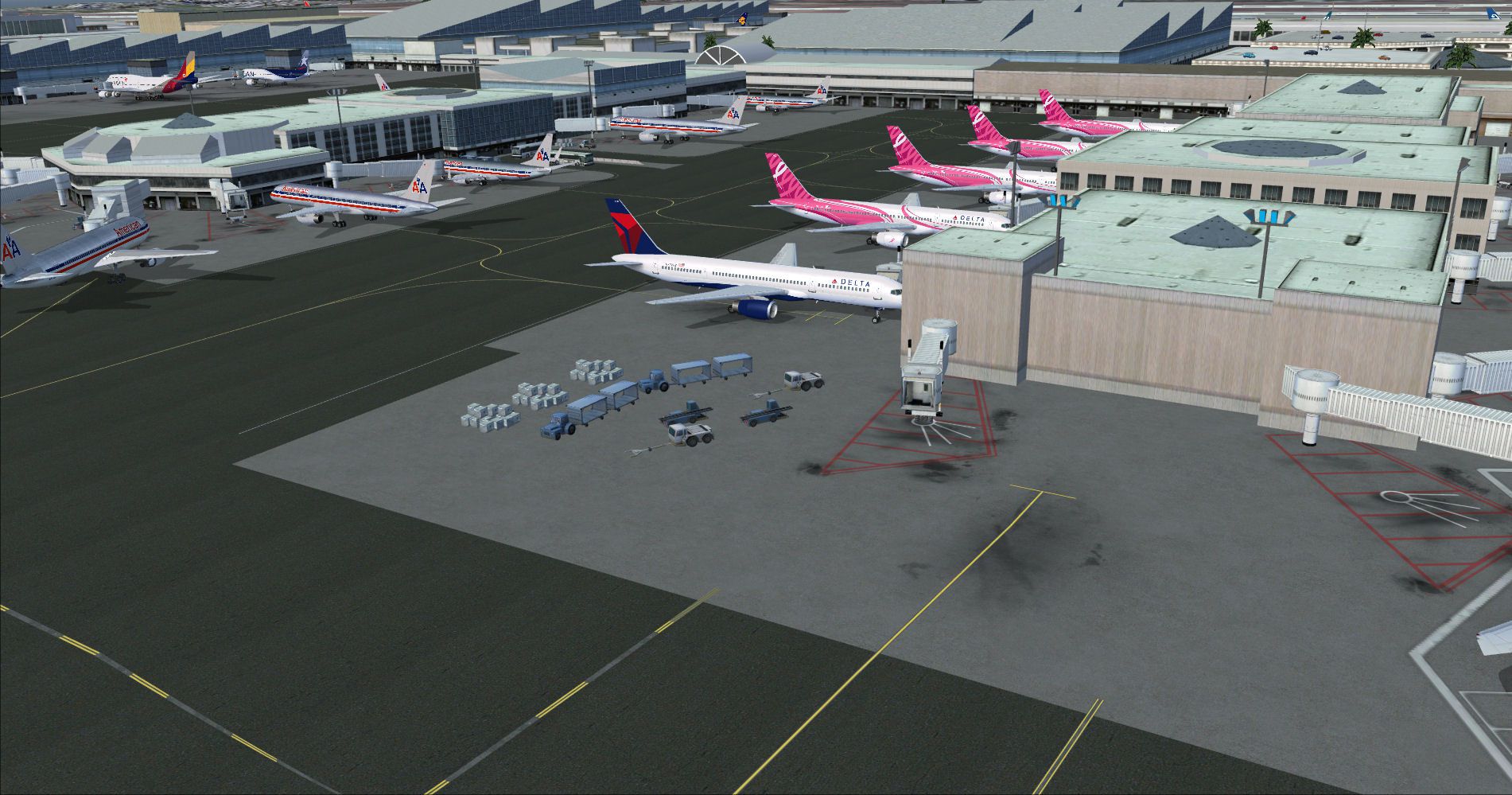
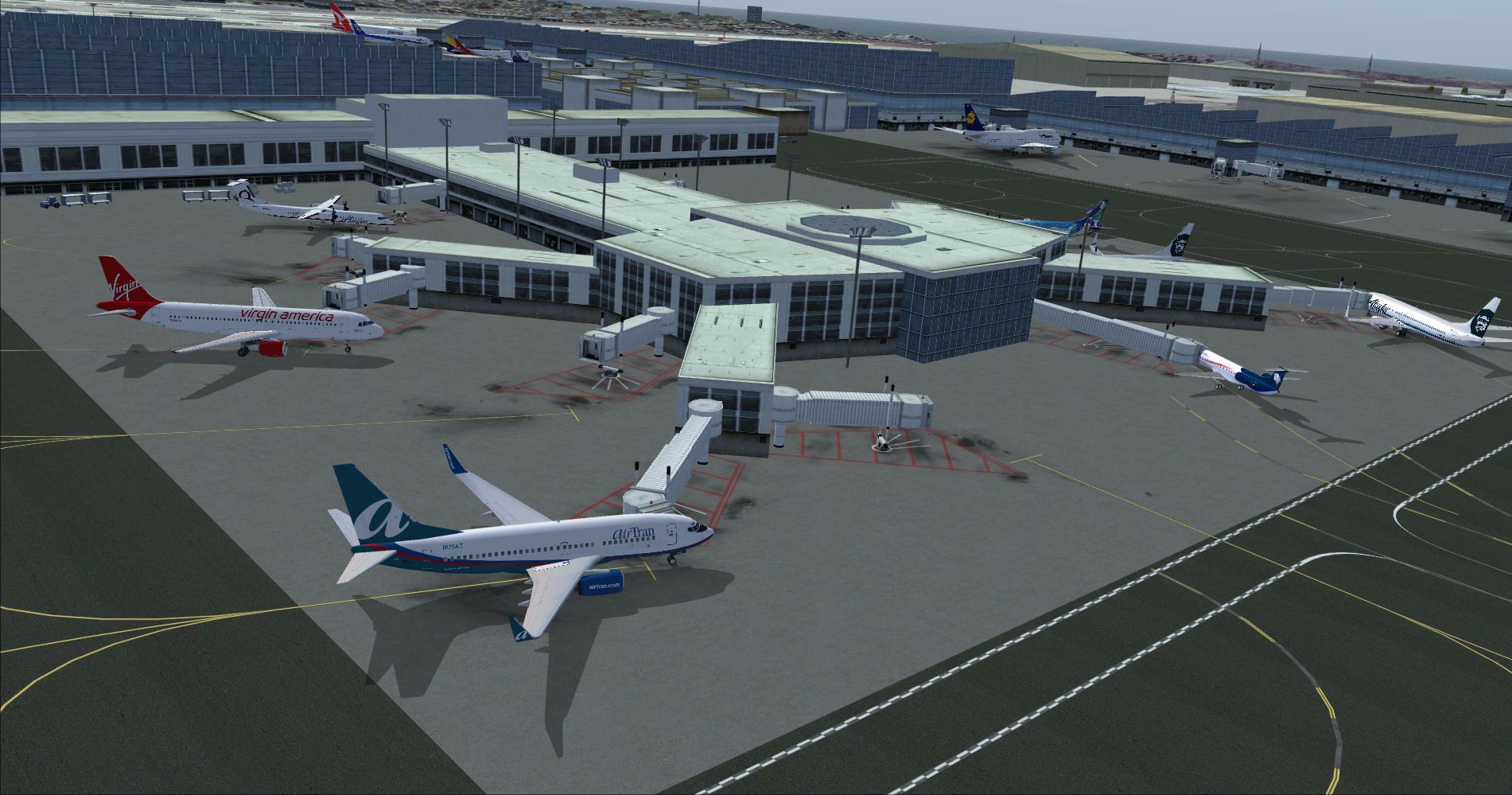
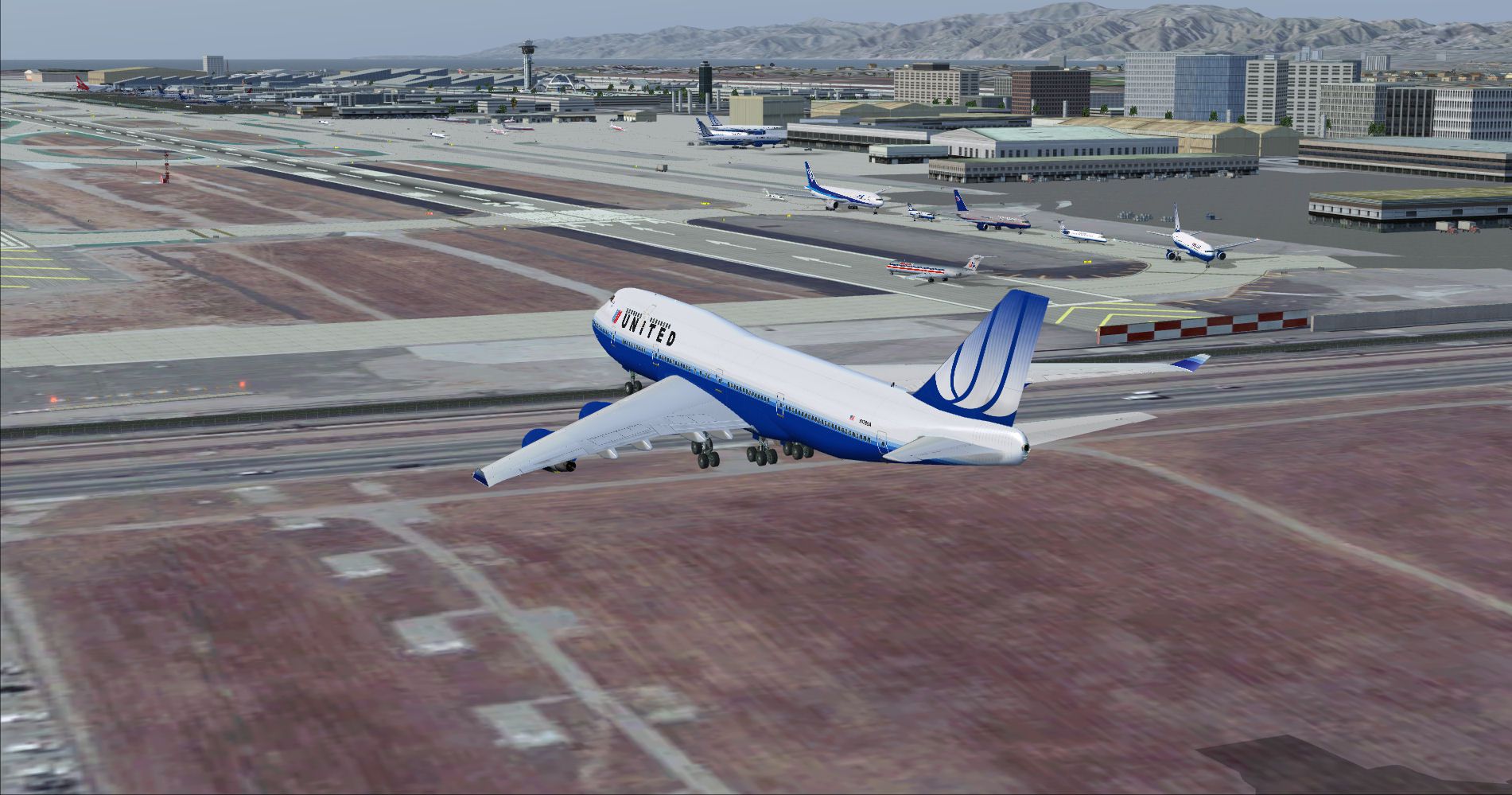
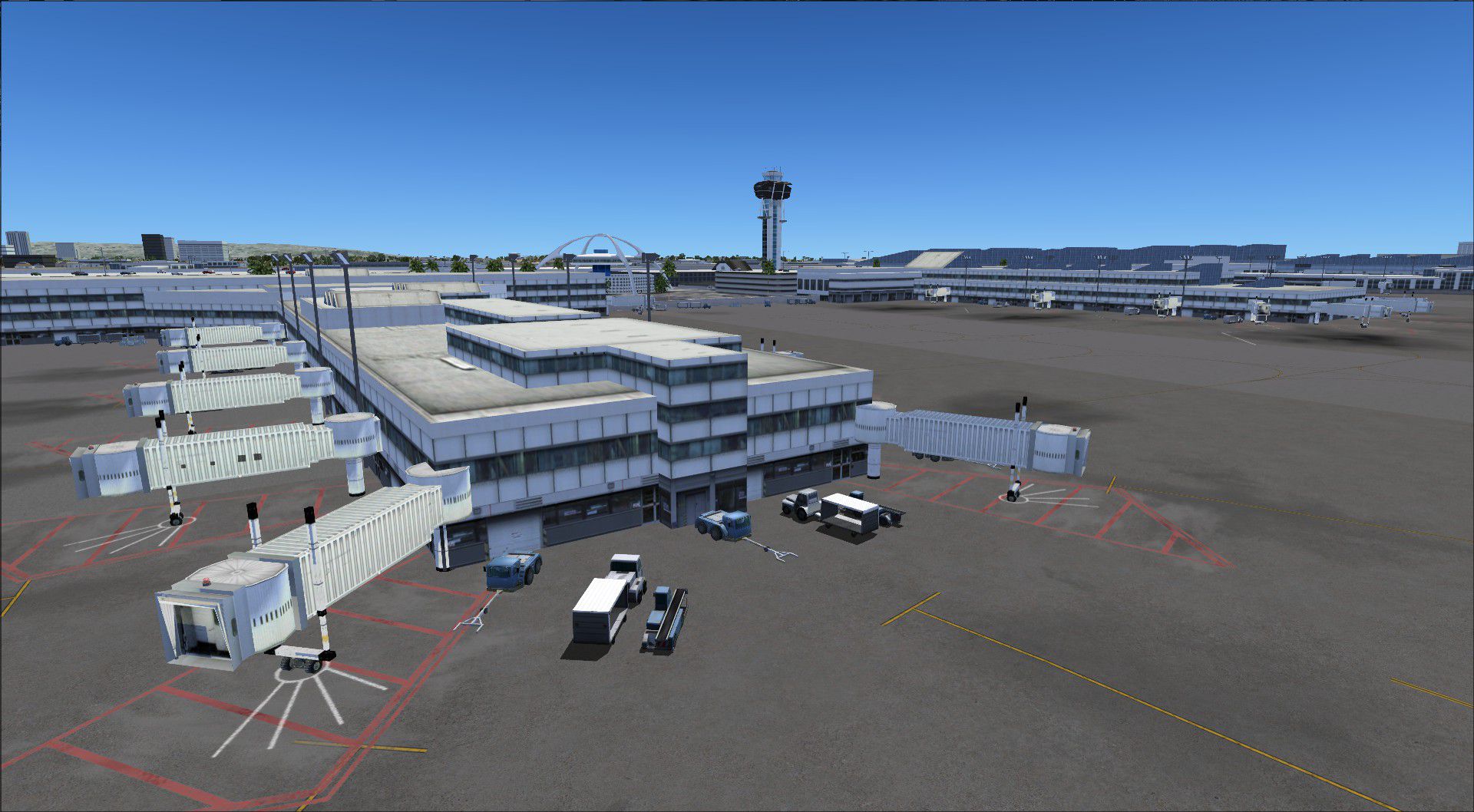
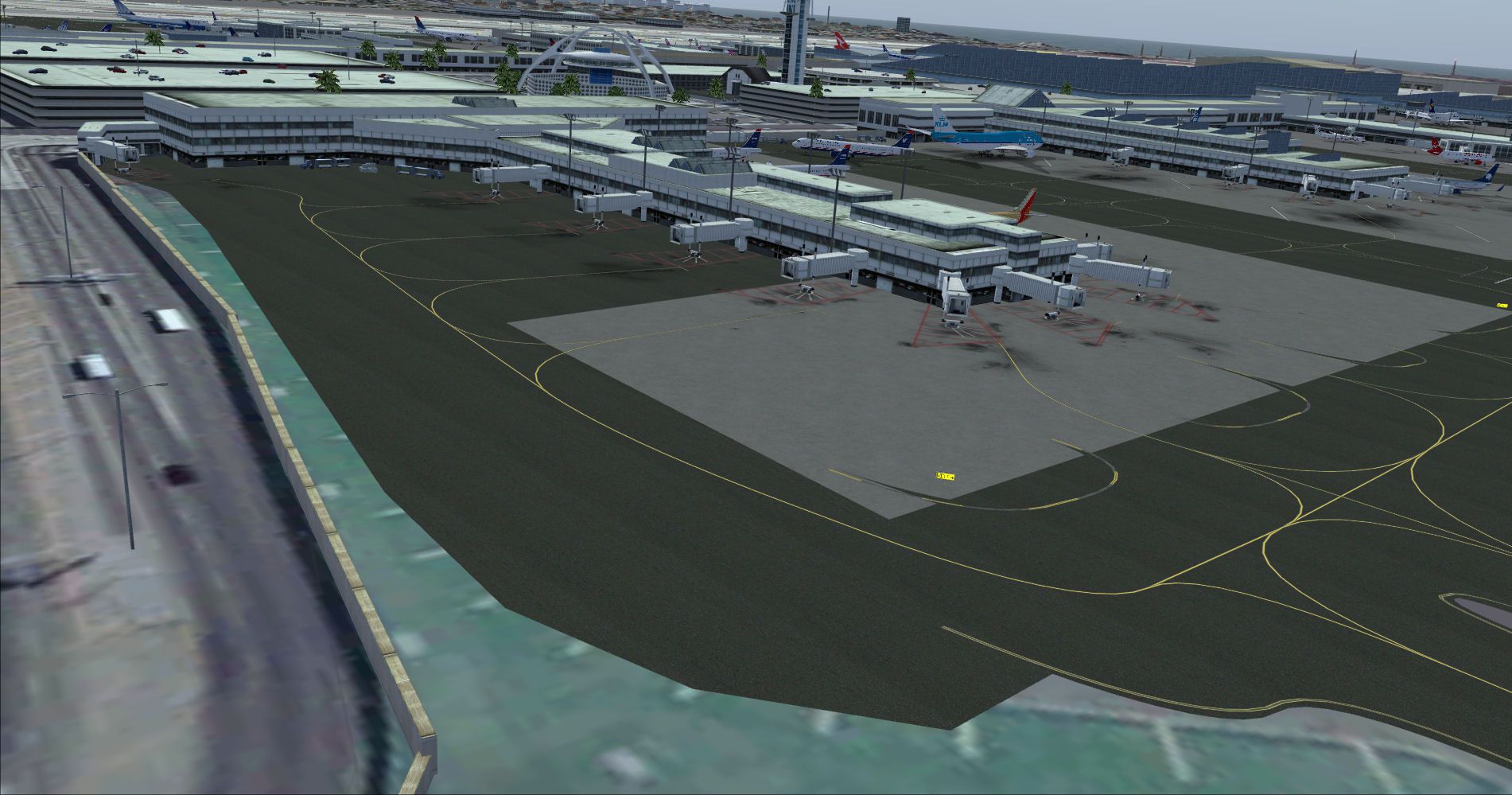
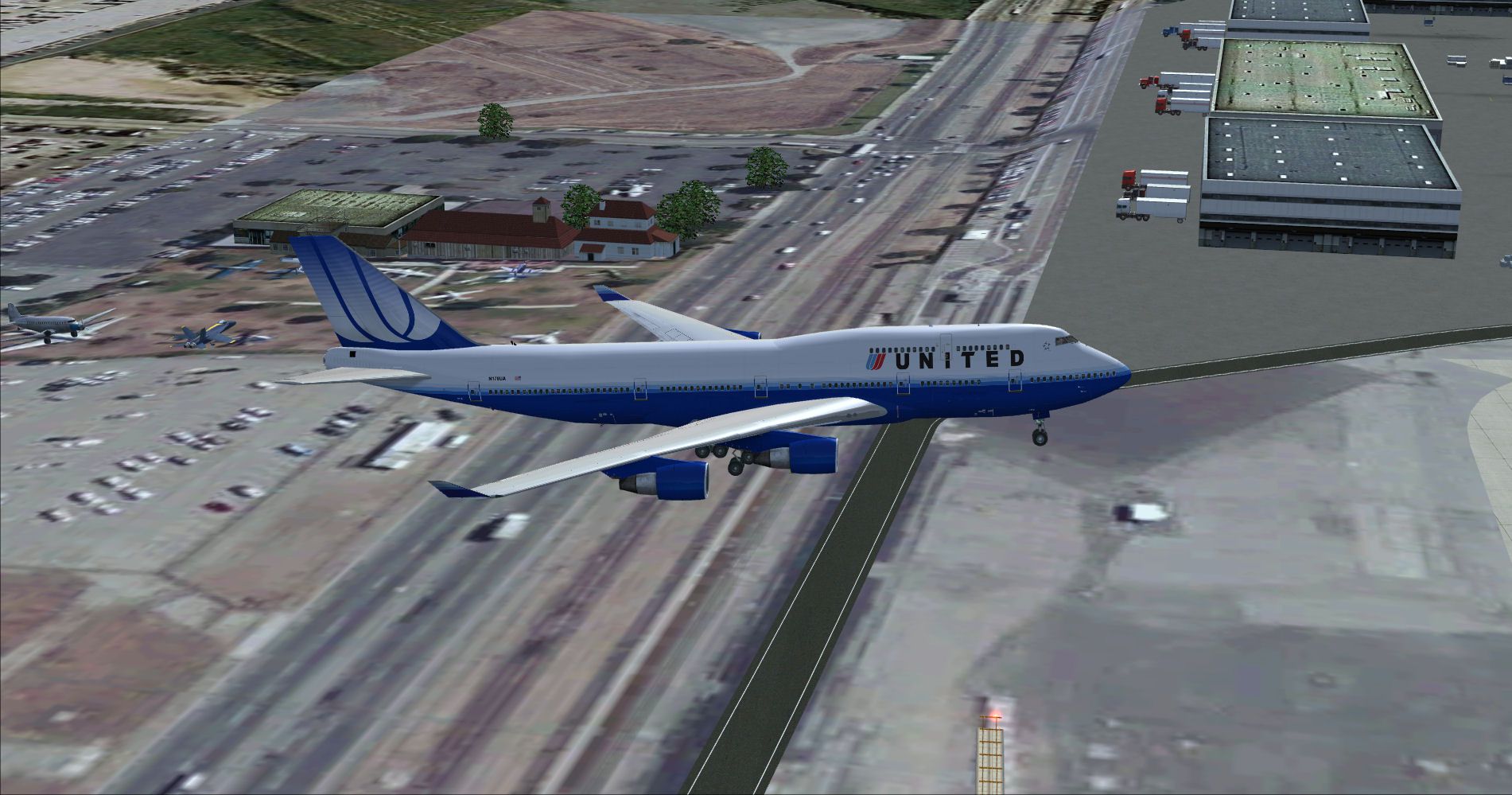
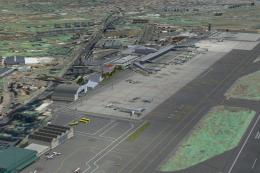
Los Angeles International Airport KLAX gets a photoreal, ground-up rebuild with accurately aligned runways and aprons, redesigned terminals including the Tom Bradley International Terminal, and detailed surroundings along W. Century Blvd. Enhanced lighting, trees, parking-garage traffic, improved ground-vehicle taxiway behavior, and nine Airbus A380 gates enrich operations in Microsoft Flight Simulator X.
Los Angeles Airport Scenery v3, California (CA). This photoreal scenery is a complete rebuild for the default KLAX airport using the latest version of ADE, Google SkecthUp 8, and SBuilderX scenery design tool. This new KLAX scenery includes new terminal buildings that have been resized and redesigned to look more realistic. Includes terminal lights, (no night light lamps yet), new trees, cars to the parking garages, ground vehicles taxiway usage fixed, and several other nice details to enhance the KLAX experience. Other details included are the New Tom Bradley International Terminal, buildings located on W. Cenury Blvd, nine Airbus A380 parking spots, and photoreal ground textures. The runways and airport aprons are aligned to match Google and Yahoo satellite imagery. By Glenn Johnson.
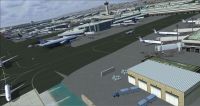
Screenshot of Los Angeles Airport.
I hope you enjoy the scenery. Thanks for all of your feedback.
**** Please Uninstall the KLAX_PHOTO_REAL V1.0 scenery before installing version 3.0 ****
1. Start FSX and Deactivate and/or delete the "KLAX_PHOTO_REAL" Scenery in the Settings, Scenery Library menu tab.
Installation:
1. Copy the KLAX Photo_Real_V3.0 Folder and Paste it into your: Microsoft Flight Simulator X/Addon Scenery folder.
2. Start FSX and activate the KLAX Photo_Real_V3.0 scenery in the settings, scenery library tab.
To Uninstall:
1. Deactivate and/or delete the KLAX Photo_Real_V3.0 in the settings, scenery library tab.
*** Optional Runways 06 and 07 closed AFCAD Installation *****
1. Open the folder named "RWYs 07_06 Closed" and copy the AFCAD file named KLAX_ADEX_GJ_CL.bgl.
2. Paste this KLAX_ADEX_GJ_CL.bgl into your; Microsoft Flight Simulator X/Addon Scenery/KLAX Photo_Real_V3.0/Scenery folder.
3. Delete the KLAX_ADEX_GJ.bgl file.
Credits:
*Thanks to Jon Masterson (a.k.a. Scruffy Duck) for his Airport Design Editor Utility v1.51.
*Thanks to Luis Féliz-Tirado for his SBuilderX scenery design tool.
Glenn Johnson
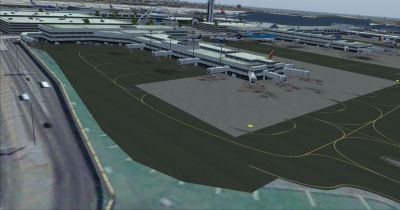
Screenshot of Los Angeles Airport.
Free for all simmers · 16.33 MB · Scanned clean Oct 2026
Download speed: Free tier is capped at 0.5 Mbps (this file takes approximately 5 mins at the cap). PRO members download at full line speed.
FSX\Addon Scenery\ containing scenery and texture sub-folders.readme.txt or README file. It tells you exactly where files go, what dependencies are needed, and any quirks specific to this add-on.Use these coordinates to fly directly to this location once the mod is installed.
33.94160000,-118.40850000
Launch FSX or Prepar3D and use Flights → Load to open the downloaded .pln file. Your aircraft will be positioned at this location.
The archive klax_pr_v3.zip has 45 files and directories contained within it.
This list displays the first 500 files in the package. If the package has more, you will need to download it to view them.
| Filename/Directory | File Date | File Size |
|---|---|---|
| ReadMe.txt | 11.26.11 | 2.74 kB |
| SCENERY | 11.26.11 | 0 B |
| KLAX_ADEX_GJ.BGL | 11.26.11 | 173.13 kB |
| KLAX_ADEX_GJNEW_CVX.bgl | 11.08.11 | 228 B |
| KLAX02.bgl | 10.14.11 | 811.47 kB |
| KLAX03.bgl | 10.14.11 | 825.79 kB |
| KLAX04.bgl | 10.14.11 | 576.45 kB |
| KLAX05.bgl | 10.14.11 | 625.41 kB |
| KLAX06.bgl | 10.14.11 | 615.74 kB |
| KLAX07.bgl | 10.14.11 | 572.09 kB |
| KLAX08.bgl | 10.14.11 | 845.98 kB |
| KLAX09.bgl | 10.14.11 | 547.23 kB |
| KLAX10.bgl | 10.14.11 | 486.16 kB |
| KLAX11.bgl | 10.14.11 | 508.19 kB |
| KLAX12.bgl | 10.14.11 | 614.00 kB |
| KLAX13.bgl | 10.14.11 | 526.54 kB |
| KLAX14.bgl | 10.14.11 | 497.91 kB |
| KLAX15.bgl | 10.14.11 | 512.25 kB |
| KLAX16.bgl | 10.14.11 | 560.60 kB |
| KLAX17.bgl | 10.14.11 | 645.26 kB |
| KLAX18.bgl | 10.14.11 | 510.40 kB |
| KLAX19.bgl | 10.14.11 | 511.79 kB |
| KLAX20.bgl | 10.14.11 | 522.61 kB |
| KLAX21.bgl | 10.14.11 | 530.31 kB |
| KLAX22.bgl | 10.14.11 | 596.68 kB |
| KLAX23.bgl | 10.14.11 | 555.17 kB |
| KLAX24.bgl | 10.14.11 | 978.18 kB |
| KLAXE.bgl | 10.14.11 | 792.06 kB |
| LAX_OBX.BGL | 11.26.11 | 776.98 kB |
| LAX_OBX.xml | 11.26.11 | 352.88 kB |
| TEXTURE | 11.26.11 | 0 B |
| KLAX_ADEX_GJ_CL.BGL | 11.26.11 | 173.13 kB |
| 7-bradley-west-project.jpg | 10.05.11 | 32.18 kB |
| KLAX2.jpg | 11.21.11 | 395.52 kB |
| KLAX3.jpg | 11.23.11 | 292.84 kB |
| KLAX5.jpg | 11.23.11 | 324.39 kB |
| KLAX6.jpg | 11.23.11 | 290.82 kB |
| KLAX7.jpg | 11.23.11 | 318.43 kB |
| KLAX8.jpg | 11.23.11 | 345.93 kB |
| LAX Information.pdf | 10.14.11 | 209.65 kB |
| LAX1.jpg | 11.21.11 | 358.31 kB |
| PR LAX.jpg | 11.23.11 | 380.28 kB |
| PR LAX2.gif | 11.26.11 | 11.32 kB |
| flyawaysimulation.txt | 10.29.13 | 959 B |
| Go to Fly Away Simulation.url | 01.22.16 | 52 B |
Only PRO members can place votes.
More FSX & P3D add-ons hand-picked based on this download.
FSX Scenery
Los Angeles, California (CA). Fixes two misplaced landmarks, the Hollywood si…
 FSX Scenery
Los Angeles International Airport (KLAX), California (CA). An update for the …
 FSX Scenery
San Juan de los Morros Airport (SVJM), Venezuela. Small regional airport loca…
 FSX Scenery
This is the fourth and final part of my LA-basin sceneries. It works equally …
 FSX Scenery
(LEAB), Spain. This is a update to this scenery: LEAB_ARV187.ZIP. Please inst…
 FSX Scenery
Tenerife North - Los Rodeos GCXO. This update has been designed with the vers…
 FSX Scenery
(LEAB), Spain, v1.0, with AI traffic, photo-textures, buildings, charts. Has …
 FSX Scenery
Scenery La Guardia Airport (KLGA), New York (NY), v3.0. This scenery is for F…
Read what other simmers think, or add your own.

I placed the entire KLAX Photo_Real_V3.0 folder and pasted it into Microsoft Flight Simulator X/Addon Scenery.
When starting FSX and going to the Settings, Scenery Library tab, I don't see anything.
Did you mean to take the contents of the KLAX Photo_Real_V3.0 folder and place the Scenery and Texture files within that folder into the respective Scenery and Texture folders within the main Addon Scenery folder? I would really like to resolve this issue as soon as possible. Thank you.

This LAX scenery is just as great as a payware one!
The only problem is that the frames are slightly lower and there are random slight pauses like a slide show at the airport.
For being free, I can't complain! Easy to install!