


 France
  FSX Scenery
City of Paris - France
City of Paris - France v1.2 The scenery of Paris is for FSX. It covers about …
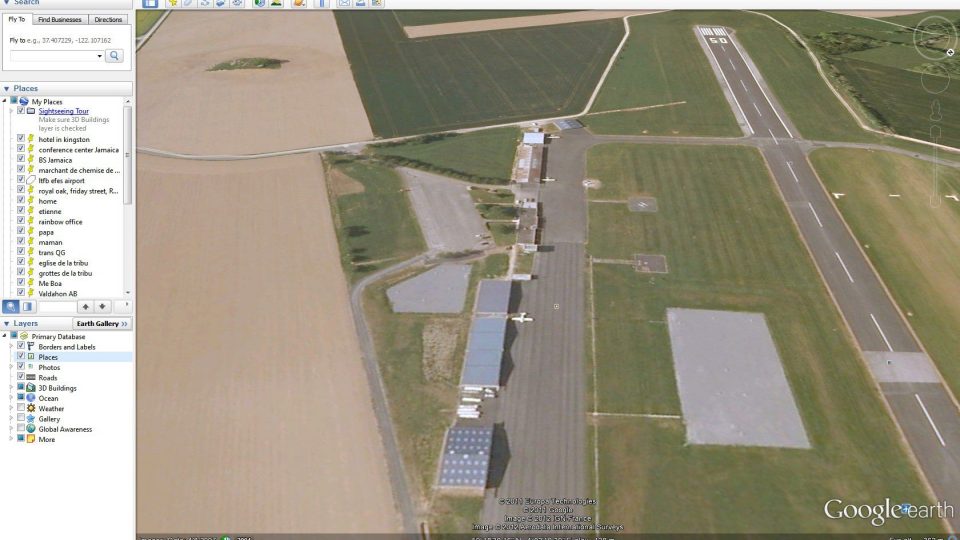
LFQJ Maubeuge scenery recreates this northern France air complex near the Belgian border, featuring a concrete runway, two grass strips, and a spacious parachutist landing area alongside local club buildings and nearby countryside details. Built for FSX with mostly default library objects, it delivers an authentic, FPS-friendly airfield environment.
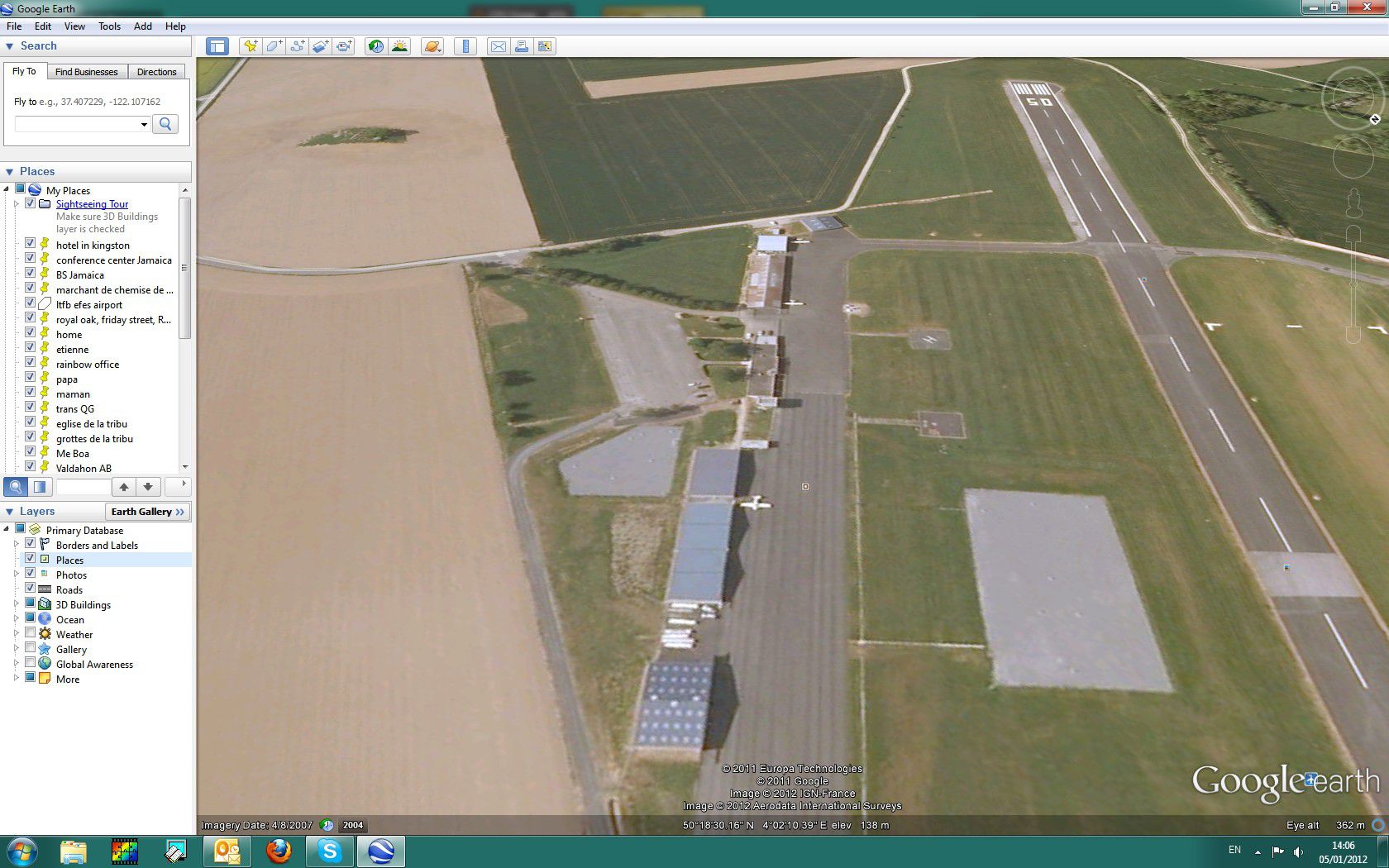

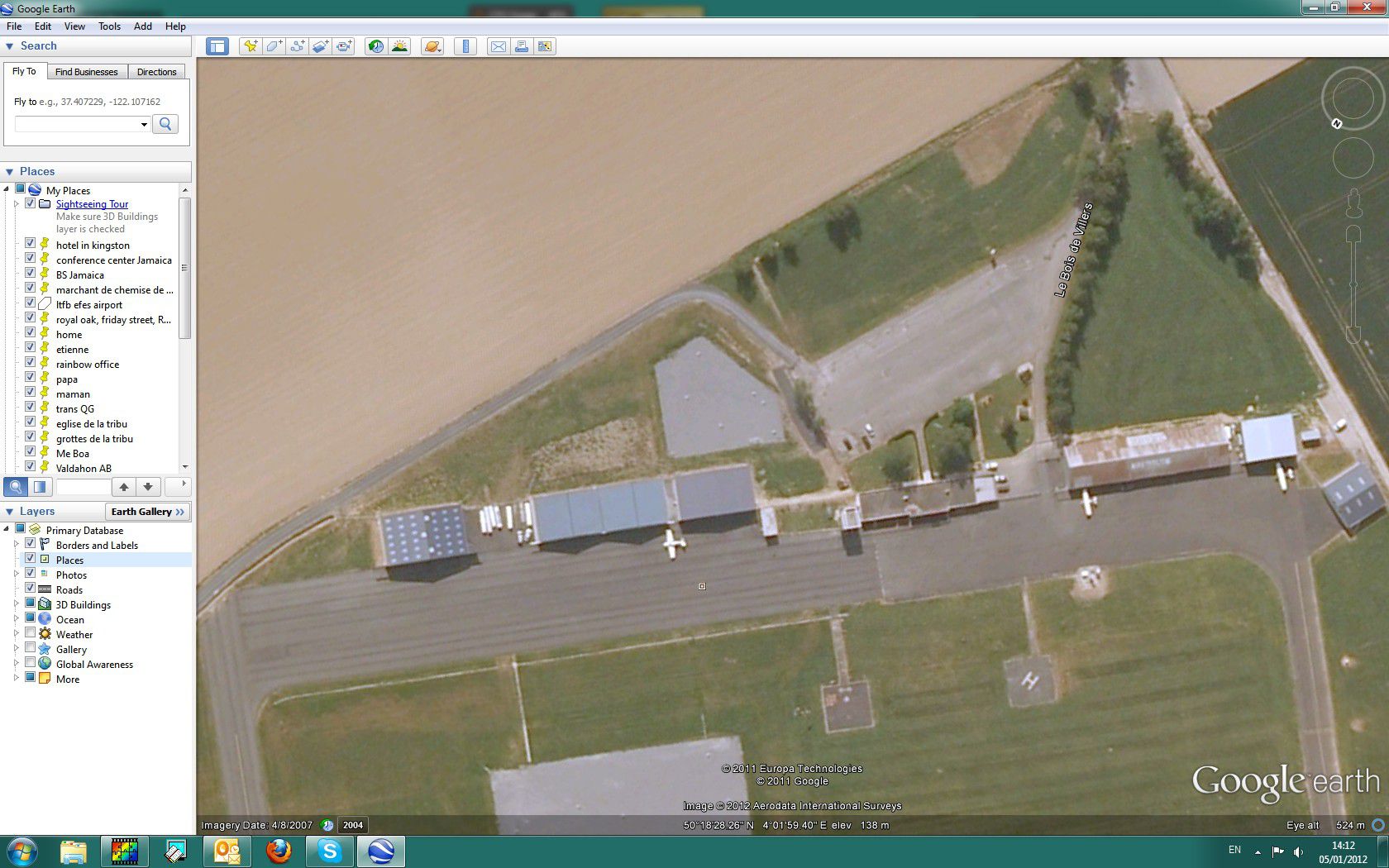
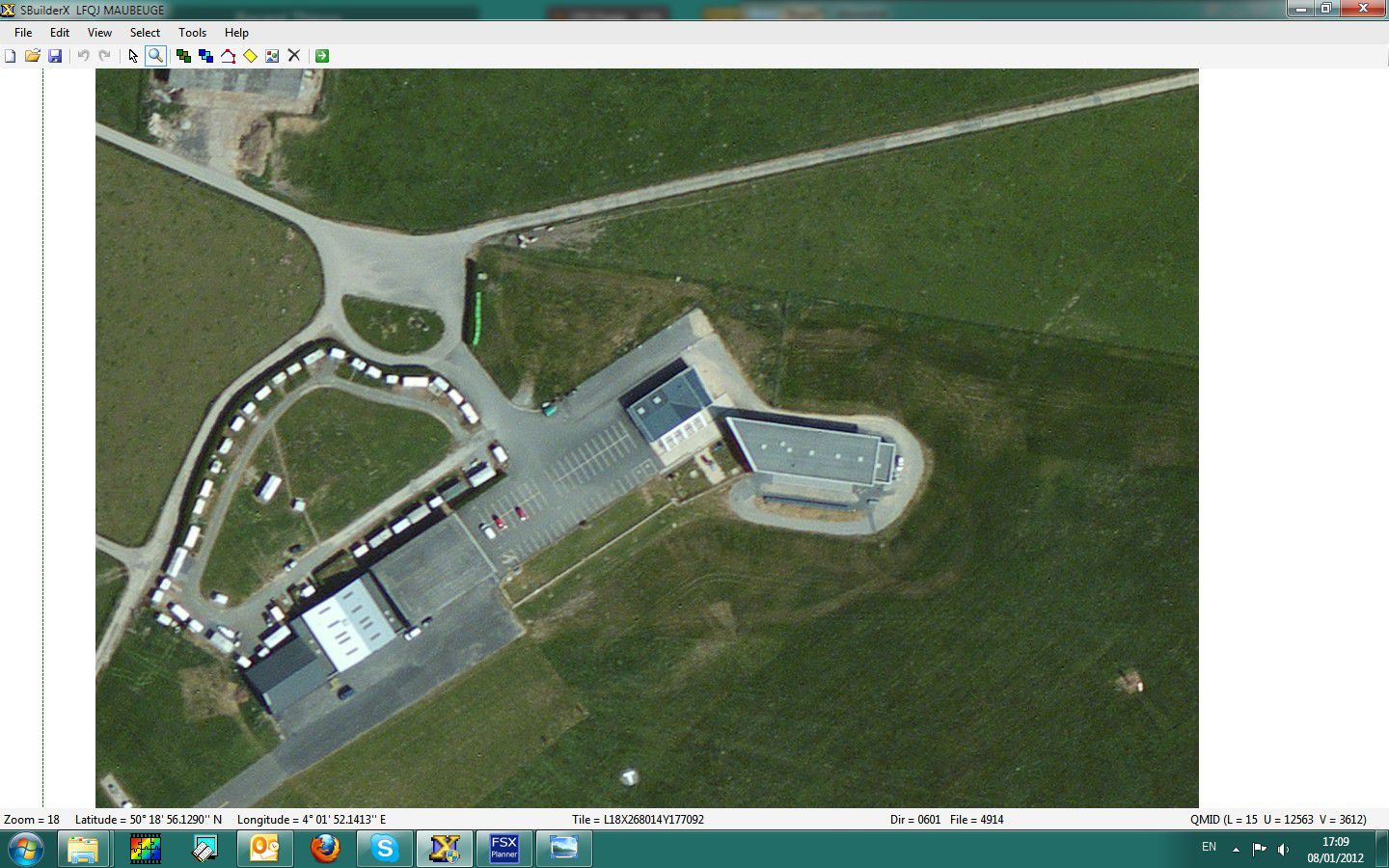
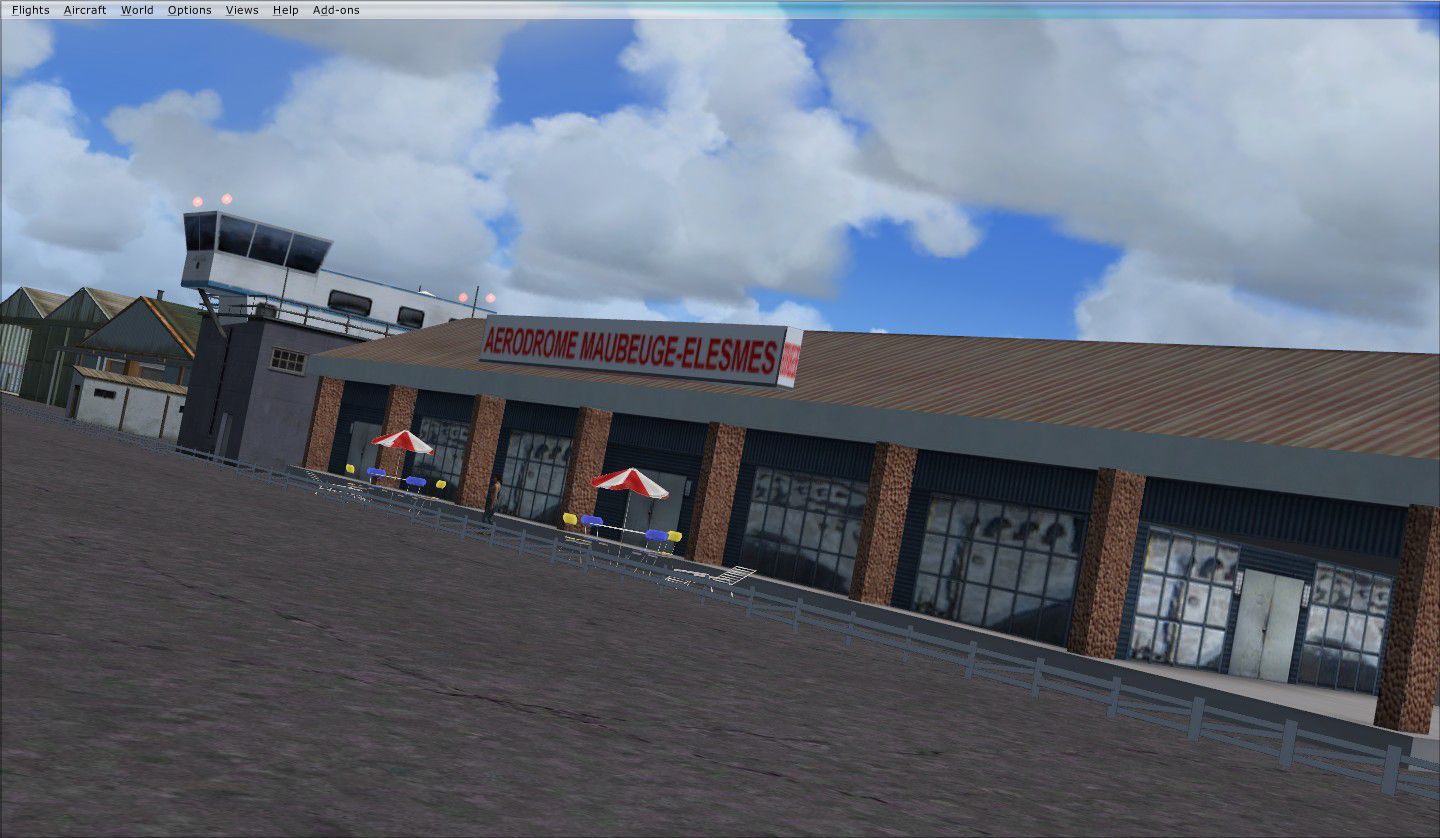


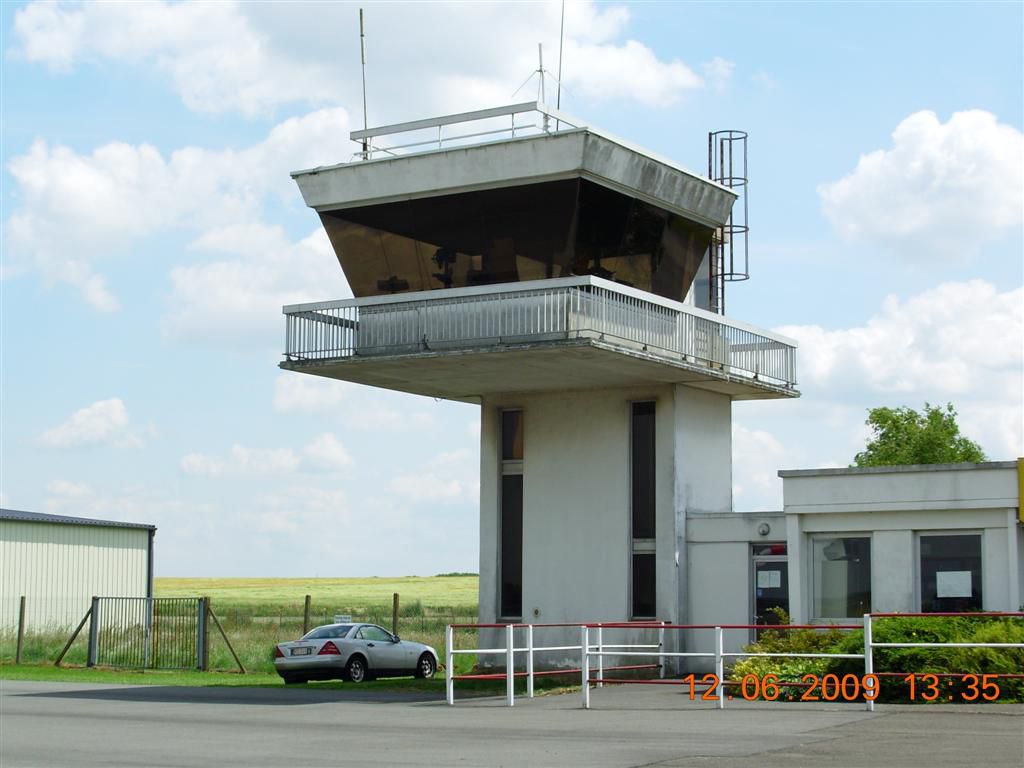
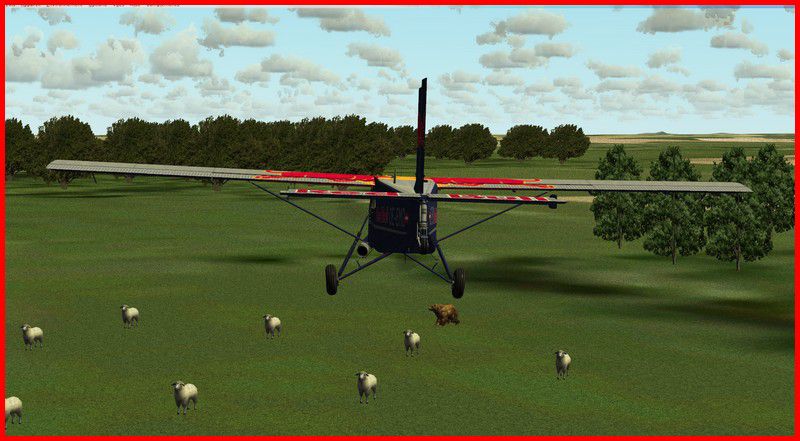
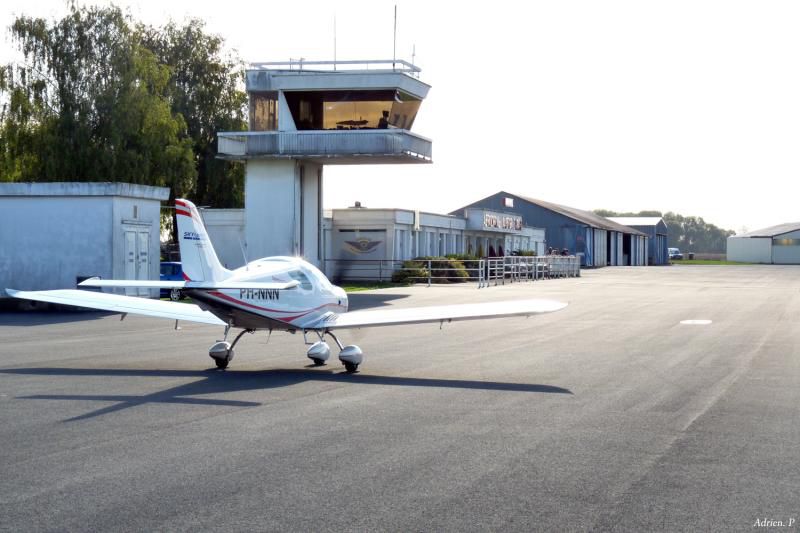
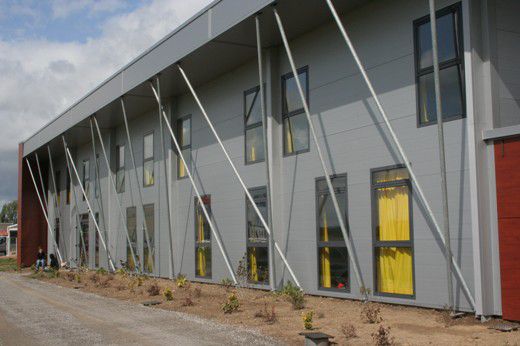
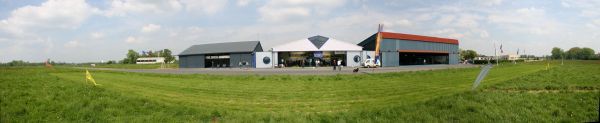
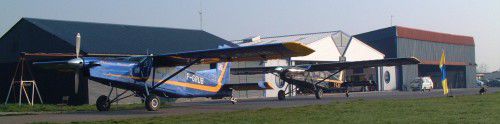
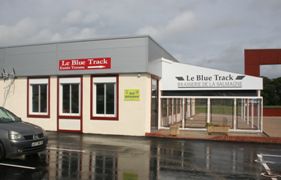
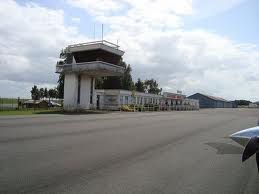
LFQJ Maubeuge France. A very interesting little air complex with a proper runway in concrete, two in grass, and a large landing field for parachutists. Located in the north of France, very close to the border, the place hosts an air club, a para club, a flying models club, a good bar and a large farm nearby. By Dominique M. L. Donzelot.
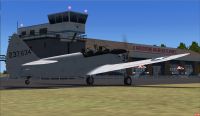
Screenshot of LFQJ Maubeuge.
I have a special love for the place as this was where I jumped first time from a perfectly working Pilatus to experiement the thrill of skydiving :-)
Thanks to the authors of Gmax, FSX planner and SbuilderX for those superbes development tools. Using almost only existing elements of FSX, this should not hit too much your FPS.
Thanks, a lot, to "Jihemtee", "Pat93", Bruno "BLB" and the rest of the FAV team (France Aviation Virtuelle) for helping with the testing of the scenery.
Its under my copyright, and should be only freely distributed and in any case never be part of a commercial package.
There is nothing there which could possibly damage your computer or your FSX, so I am not taking any responsibility in any possible incident on your machines. I am using items from the library of FSX to be FPS frendly and ... its working.
- unzip the files and folders under your add-on scenery directory
- declare the scenery
That's it.
Unfortunatly, as far as I know, this scenery is not compatible with previous versions of FS.
Enjoy flying in that amazing area !
Dominique M.L. Donzelot
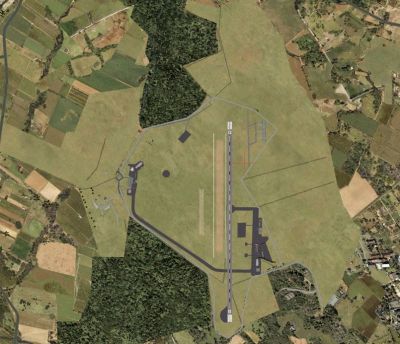
Top down view of LFQJ Maubeuge.
Free for all simmers · 3.16 MB · Scanned clean Sep 2026
Download speed: Free tier is capped at 0.5 Mbps. PRO members download at full line speed.
FSX\Addon Scenery\ containing scenery and texture sub-folders.readme.txt or README file. It tells you exactly where files go, what dependencies are needed, and any quirks specific to this add-on.Use these coordinates to fly directly to this location once the mod is installed.
50.30670000,4.03330000
Launch FSX or Prepar3D and use Flights → Load to open the downloaded .pln file. Your aircraft will be positioned at this location.
The archive lfqj_maubeuge.zip has 38 files and directories contained within it.
This list displays the first 500 files in the package. If the package has more, you will need to download it to view them.
| Filename/Directory | File Date | File Size |
|---|---|---|
| lfqj doc | 01.10.12 | 0 B |
| 1201_AD-2.LFQJ.pdf | 01.09.12 | 184.87 kB |
| 5-14bbcf1.jpg | 01.05.12 | 60.92 kB |
| blue_track01.jpg | 01.05.12 | 35.04 kB |
| camping-02.jpg | 01.05.12 | 10.70 kB |
| flotte.jpg | 01.05.12 | 18.36 kB |
| lfqj a.jpg | 01.05.12 | 311.66 kB |
| lfqj f.jpg | 01.05.12 | 320.40 kB |
| lfqj l.jpg | 01.05.12 | 321.09 kB |
| lfqj maubeuge new.jpg | 01.08.12 | 282.62 kB |
| lfqj7.JPG | 01.08.12 | 139.53 kB |
| lgqj tour.jpg | 01.05.12 | 5.38 kB |
| maubeuge lfqj.jpg | 01.05.12 | 108.51 kB |
| maubeuge tower.jpg | 01.05.12 | 86.71 kB |
| pano_maubeuge.jpg | 01.05.12 | 14.45 kB |
| resmichvio.jpg | 01.05.12 | 53.90 kB |
| Scenery | 01.10.12 | 0 B |
| CVX_LFQJ_Maubeuge flat.BGL | 01.06.12 | 332 B |
| CVX_LFQJ_Maubeuge.BGL | 01.11.12 | 1.54 kB |
| Elesmes LFQJ.bgl | 01.08.12 | 3.88 kB |
| LFQJ_Maubeuge_LOBX.BGL | 01.11.12 | 10.28 kB |
| LFQJ_Maubeuge_OBX.BGL | 01.11.12 | 6.65 kB |
| Pano_Maub3.BGL | 01.10.12 | 3.91 kB |
| Texture | 01.10.12 | 0 B |
| maub2.dds | 01.10.12 | 21.51 kB |
| maub2ori.dds | 01.10.12 | 21.51 kB |
| lfqj vertical.jpg | 01.11.12 | 195.41 kB |
| lfqj terminal 1.jpg | 01.11.12 | 178.96 kB |
| lfqj terminal 2.jpg | 01.11.12 | 212.06 kB |
| lfqj around.jpg | 01.11.12 | 92.09 kB |
| read_me lisez_moi.txt | 01.12.12 | 3.71 kB |
| lfqj around.jpg | 01.11.12 | 92.09 kB |
| lfqj terminal 1.jpg | 01.11.12 | 178.96 kB |
| lfqj terminal 2.jpg | 01.11.12 | 212.06 kB |
| lfqj vertical.jpg | 01.11.12 | 195.41 kB |
| read_me lisez_moi.txt | 01.12.12 | 3.71 kB |
| flyawaysimulation.txt | 10.29.13 | 959 B |
| Go to Fly Away Simulation.url | 01.22.16 | 52 B |
Only PRO members can place votes.
More FSX & P3D add-ons hand-picked based on this download.
FSX Scenery
City of Paris - France v1.2 The scenery of Paris is for FSX. It covers about …
 FSX Scenery
FSX France 38 m Terrain, version 3. Terrain mesh covering France at 38m resol…
 FSX Scenery
Le Castellet (LFMQ), France. When constructed in 1962, the largest private ai…
 FSX Scenery
Scenery LFSP Pontarlier France. Pontarlier is an airfield located in Franche …
 FSX Scenery
Scenery France Domaine de la Boissiere. A private airfield, in west of France…
 FSX Scenery
Skara Scenery Bonaire X. Flamingo International Airport or Bonaire Internatio…
 FSX Scenery
Iwo Jima Scenery 1945 Update. This is a complete scenery with added effects a…
FSX Scenery
Kjeller Area Scenery X, Norway. Scenery around Kjeller airport with photoreal…
Be the first to leave a comment on this download.
Be the first to share your thoughts on this download.