



 France
 MSFS Scenery
Geneva, Switzerland Complete
A complete scenery replacement for Geneva, Switzerland using accurate and mor…
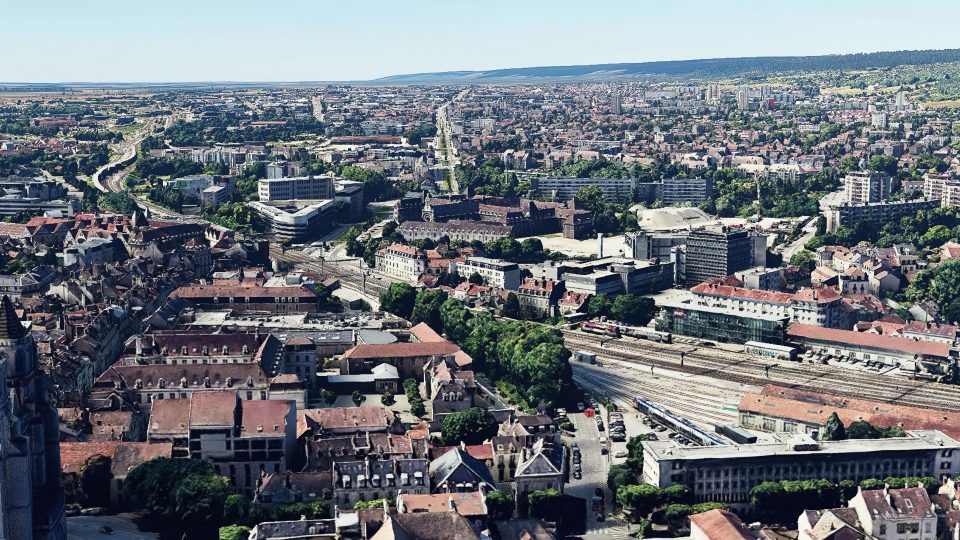
Dijon, France is transformed with a complete citywide scenery overhaul for Microsoft Flight Simulator, combining photogrammetry, custom 3D landmarks, refined terraforming, and HD 19 cm ground imagery with carefully tuned color and borders. It also replaces key airports including LFSD and adds the CHU Hospital heliport, with integrated scenery libraries for cohesive coverage.
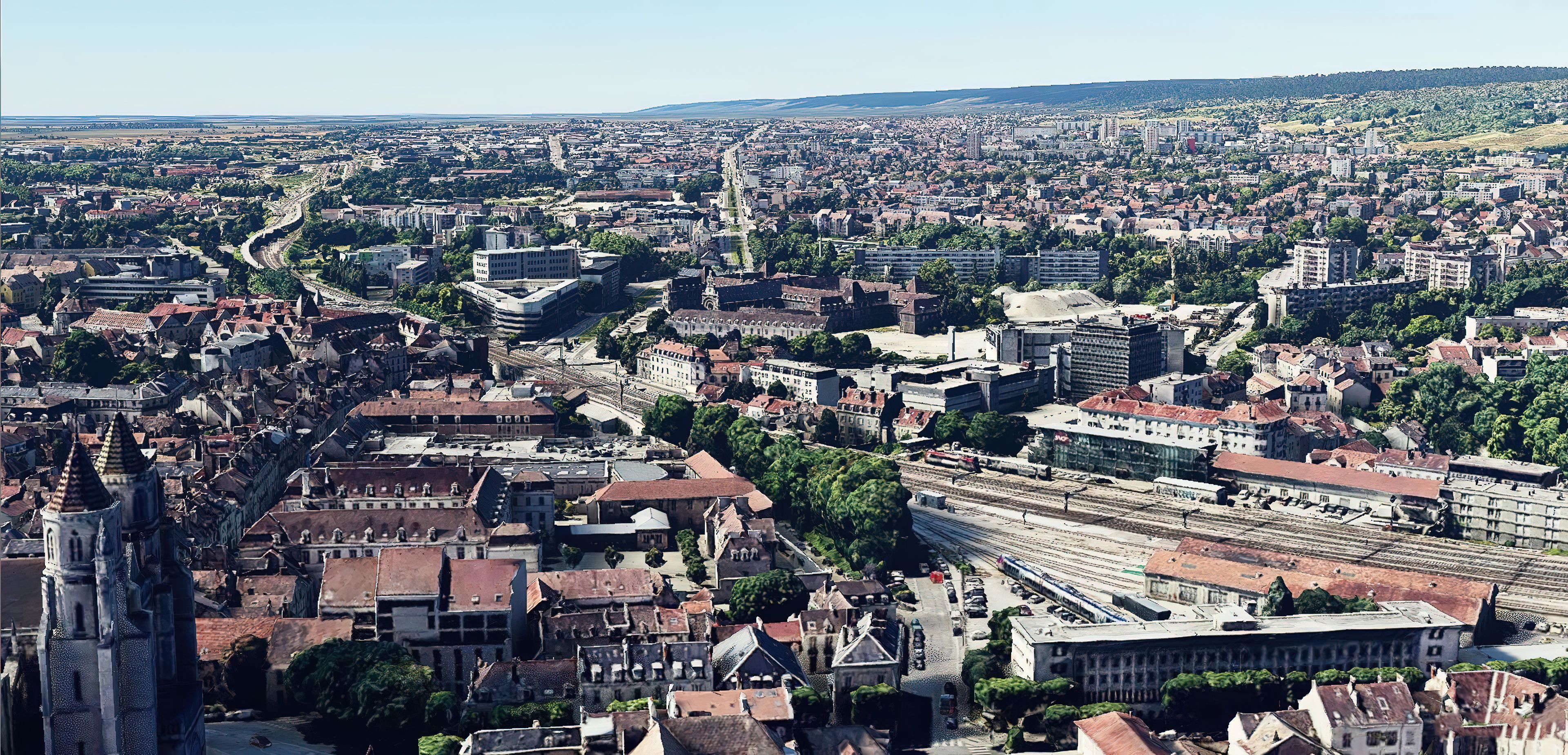

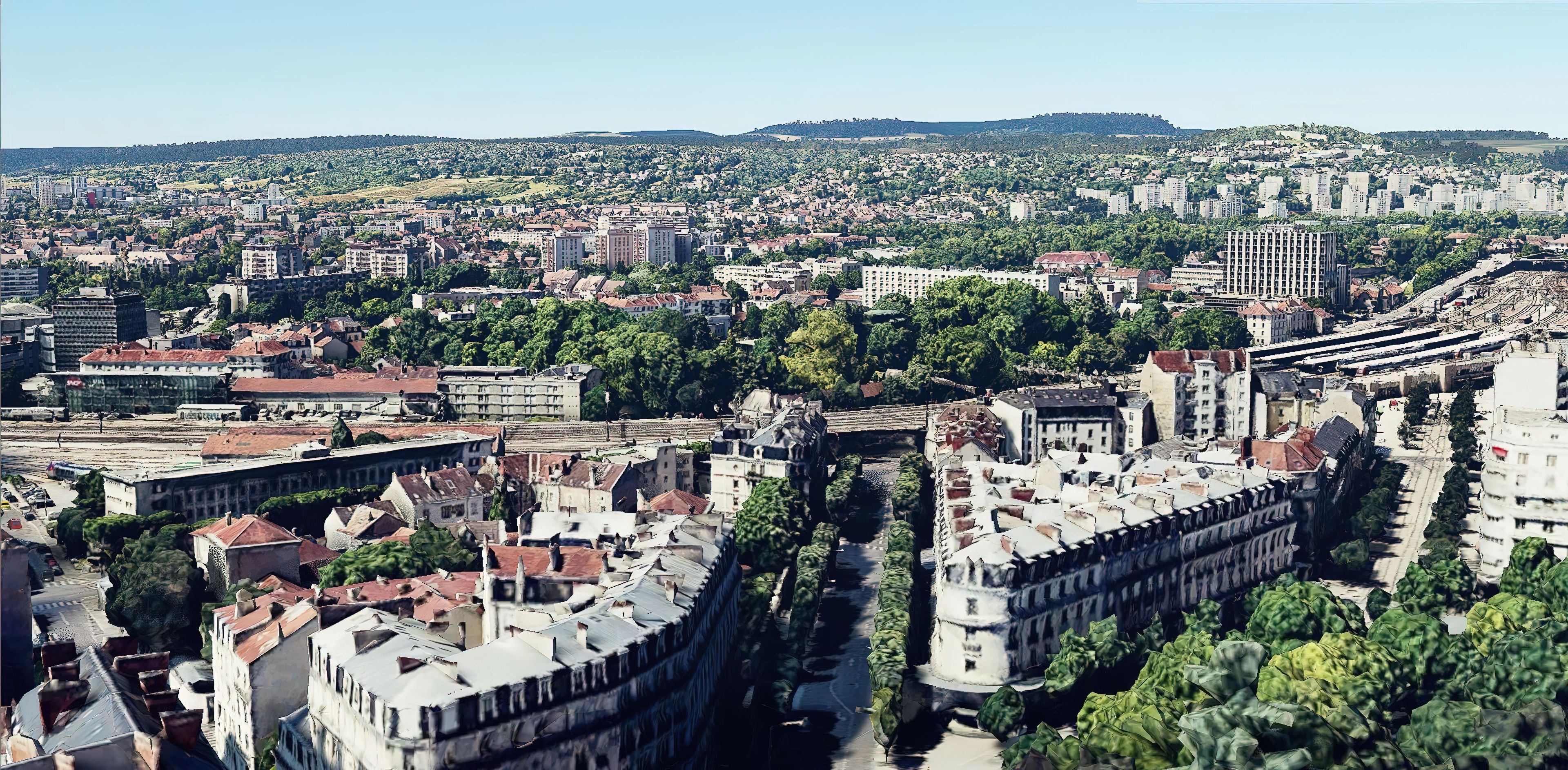
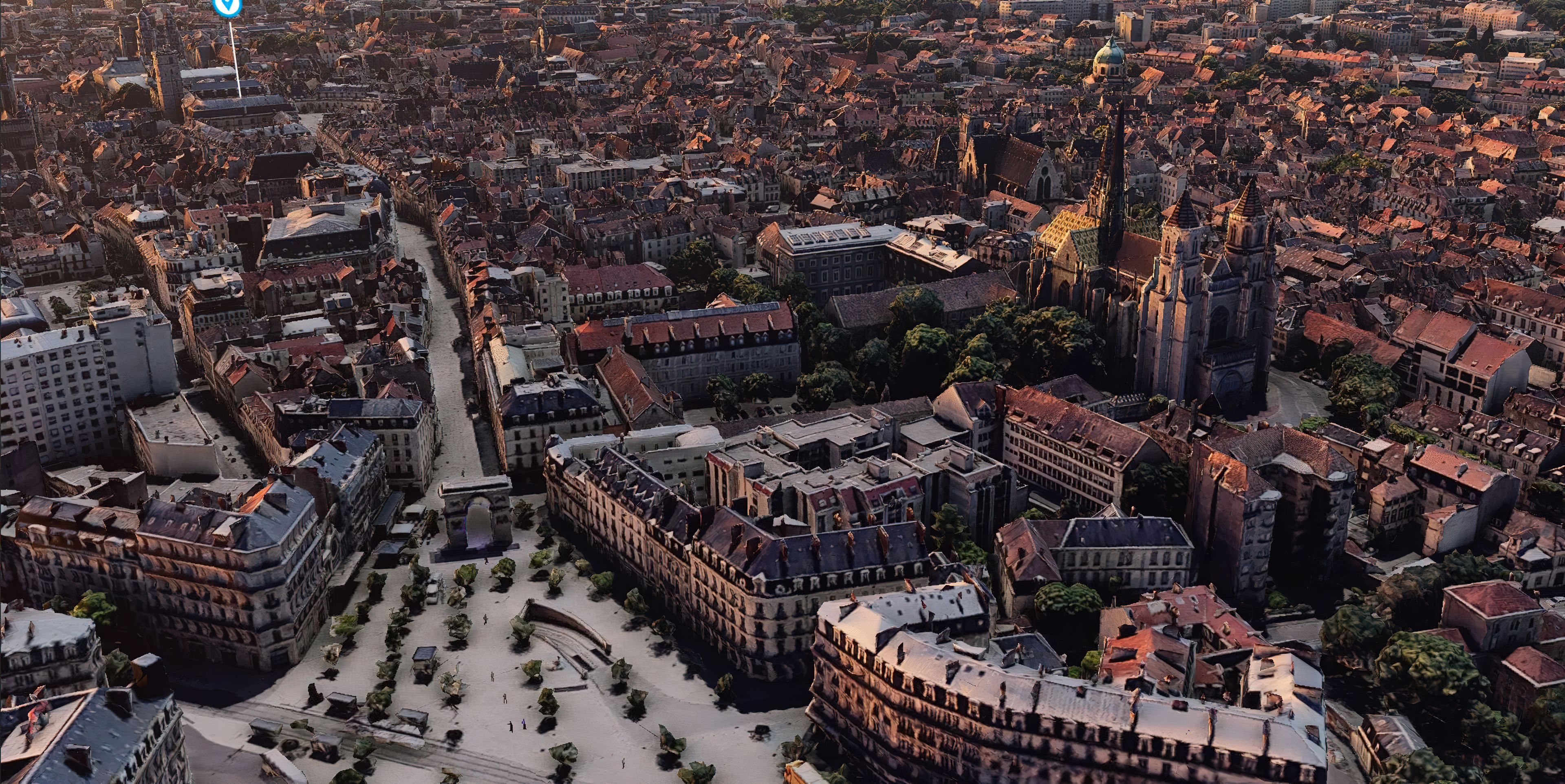
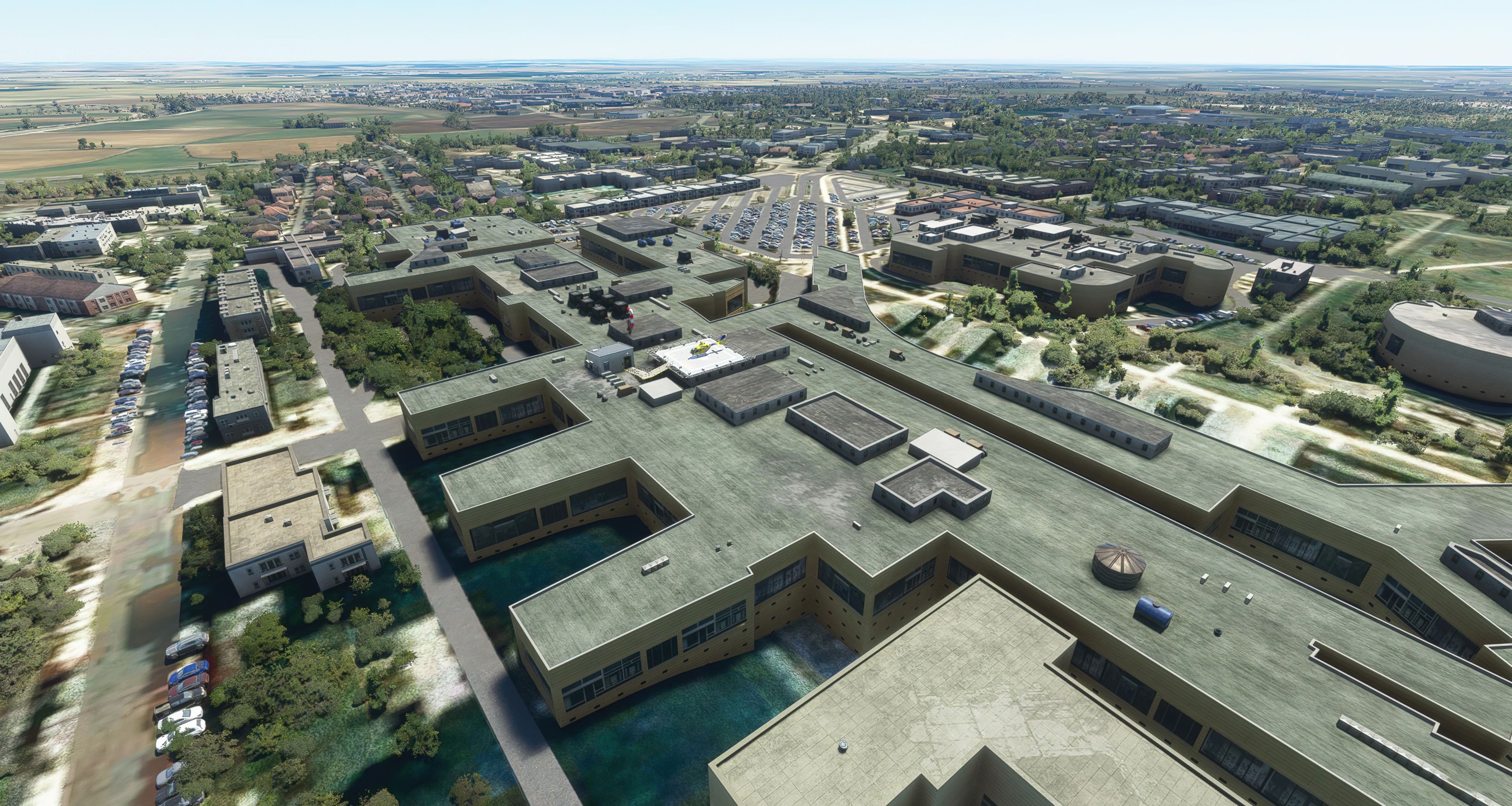
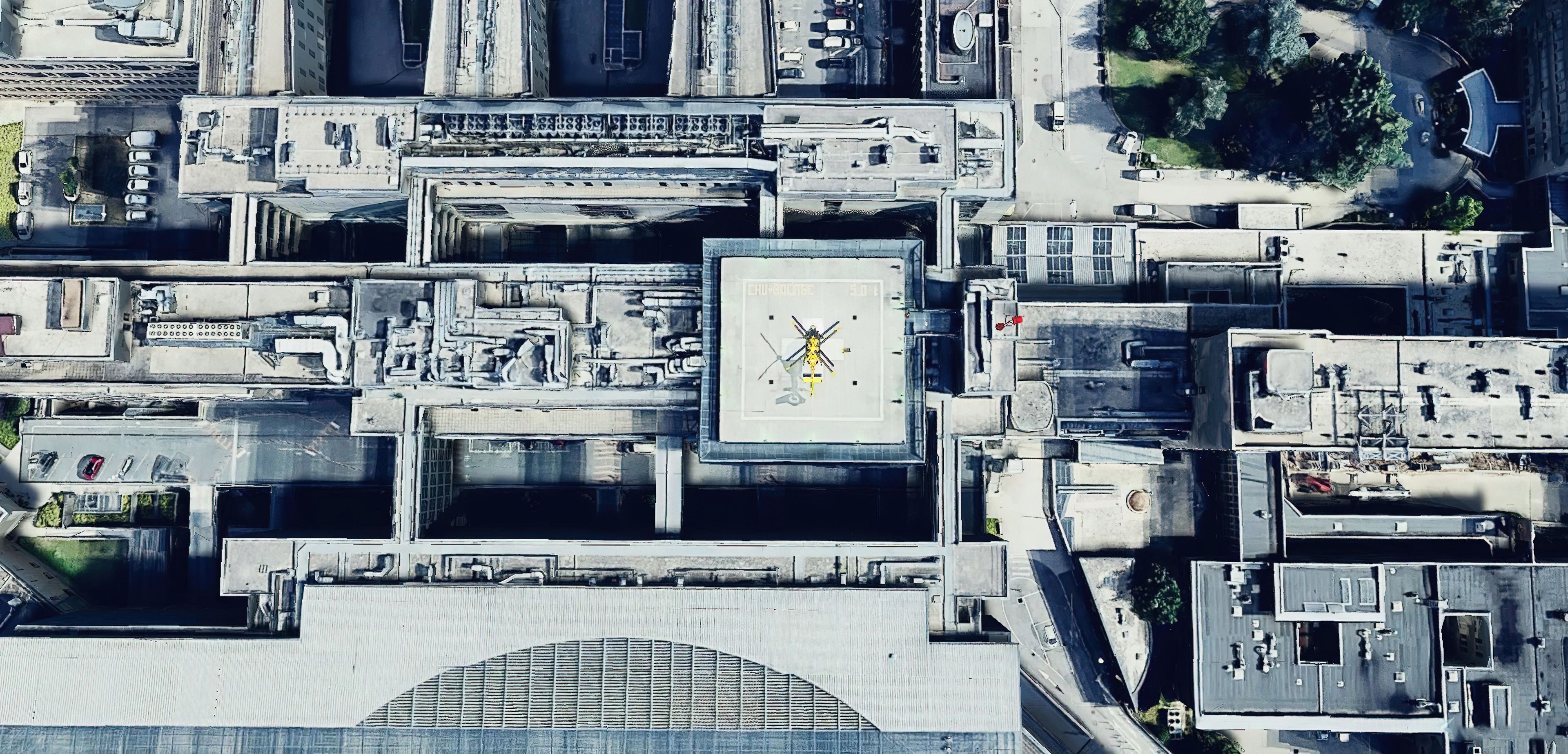
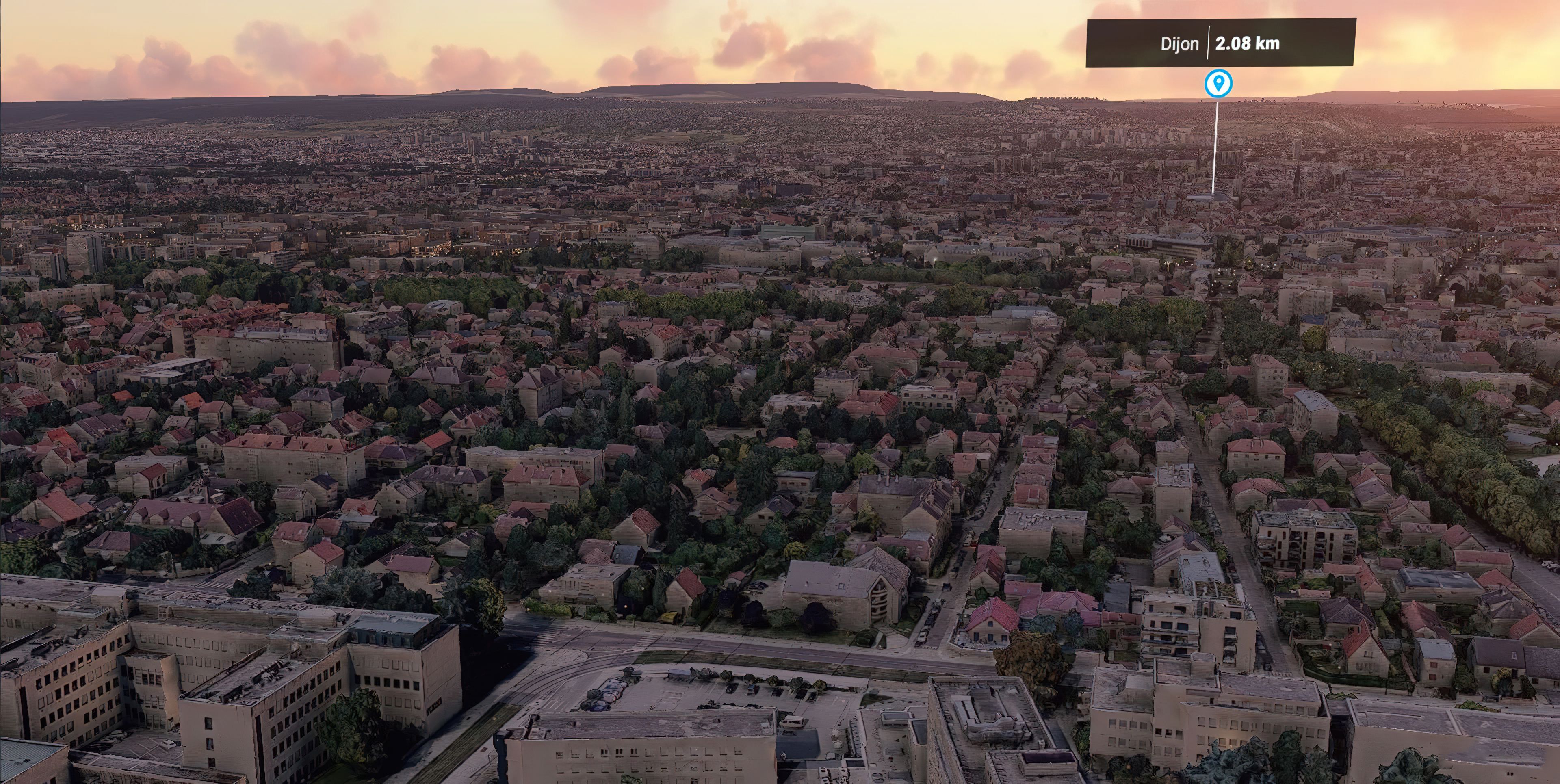
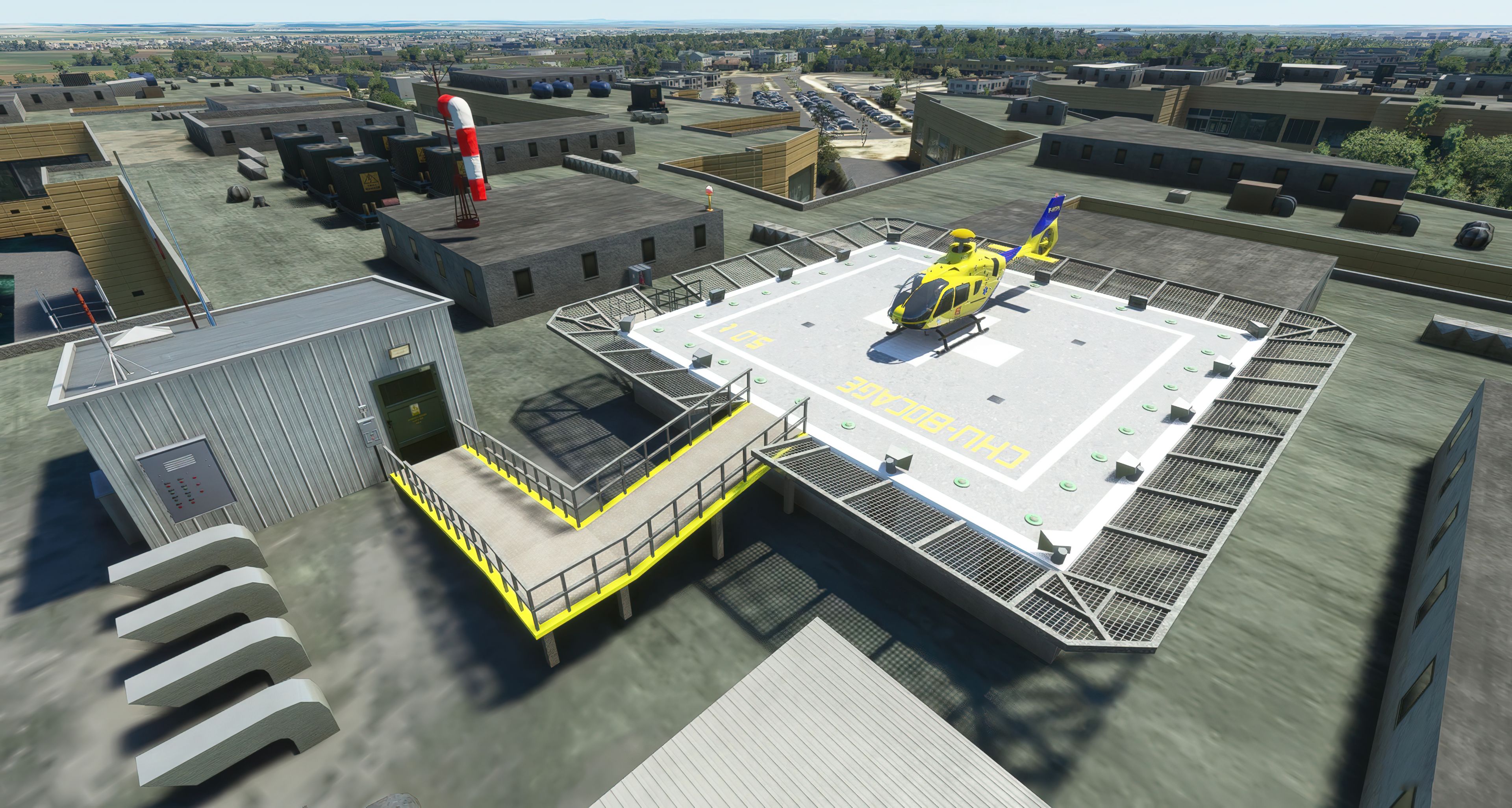
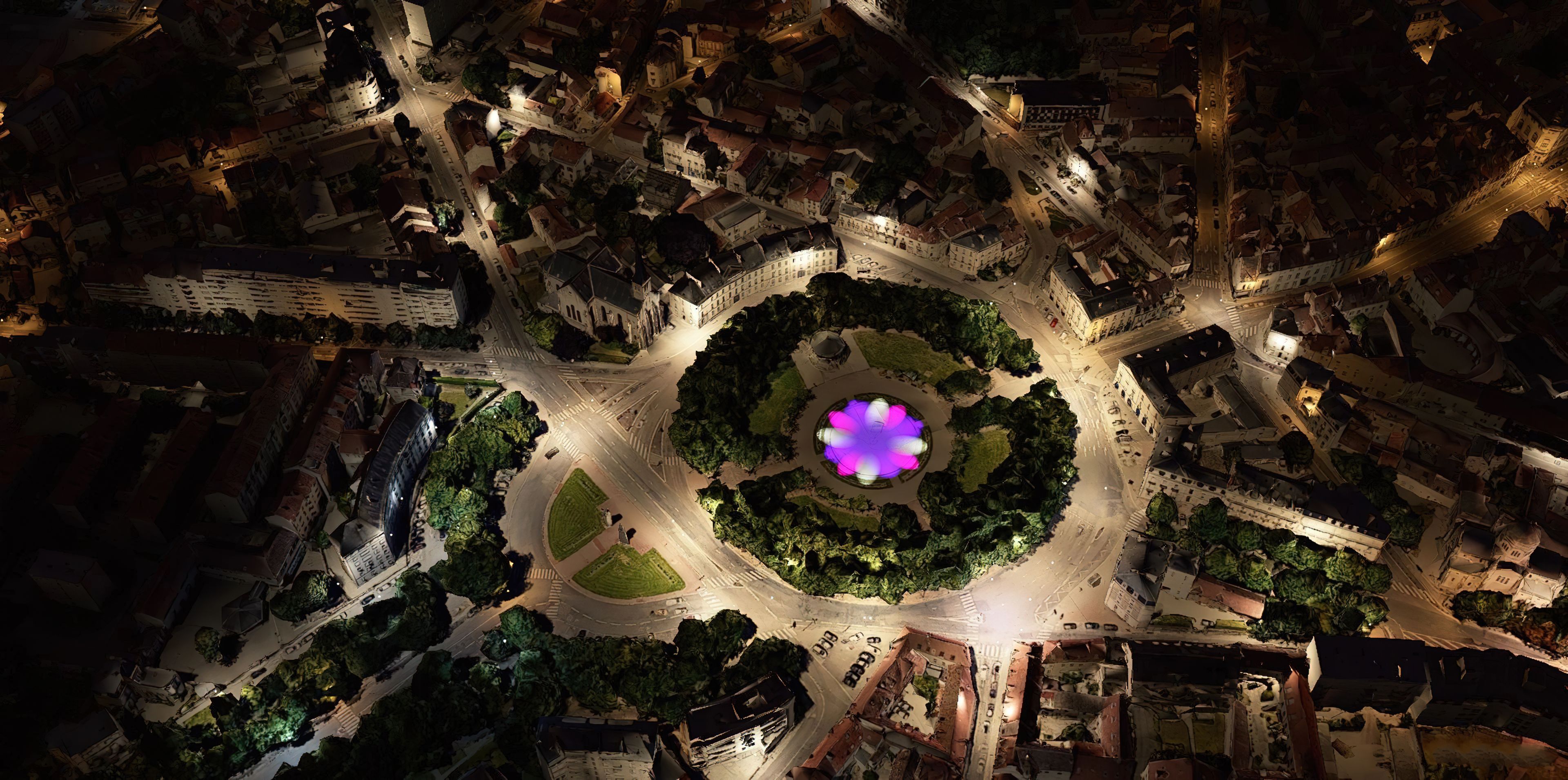
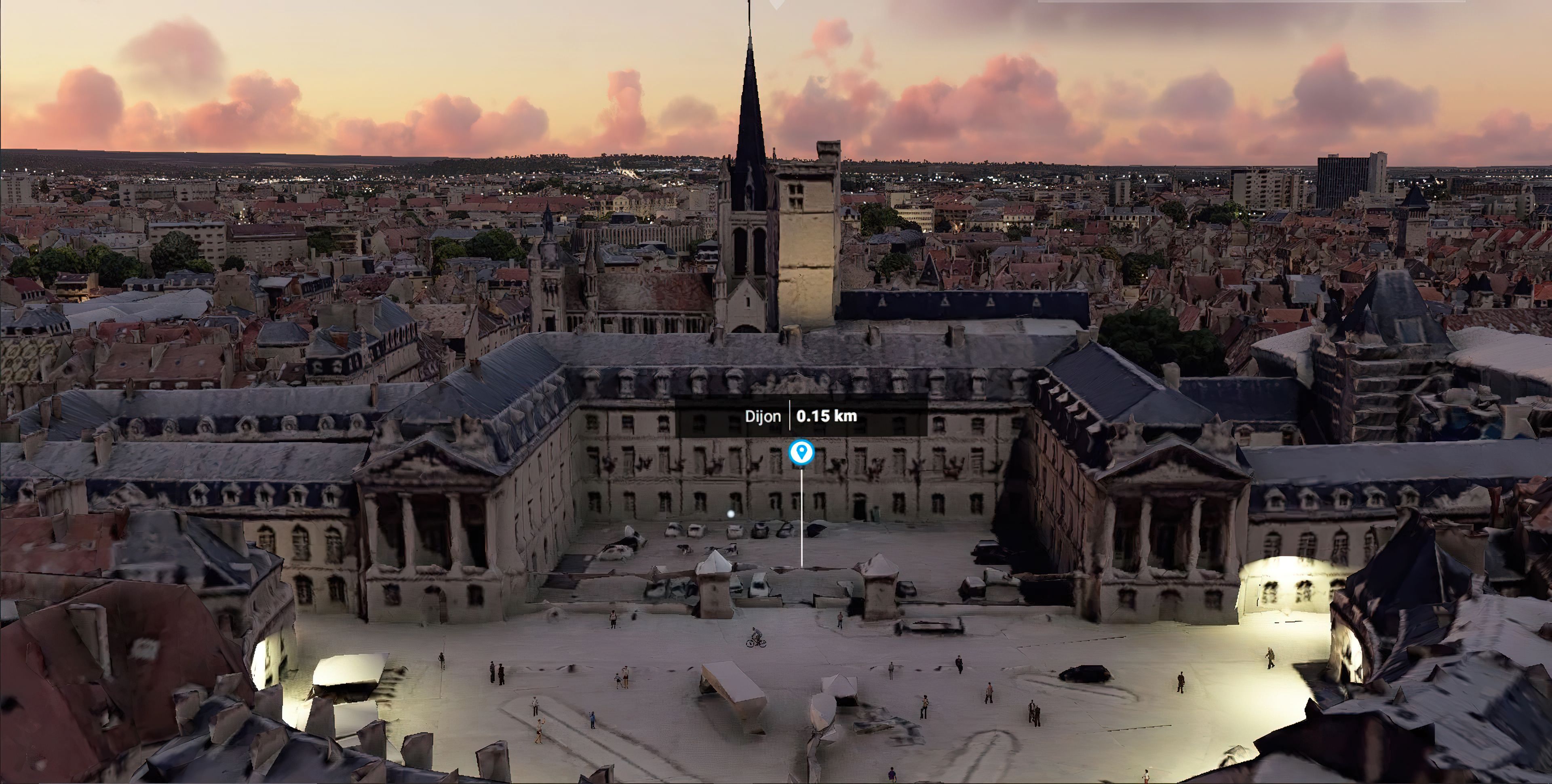
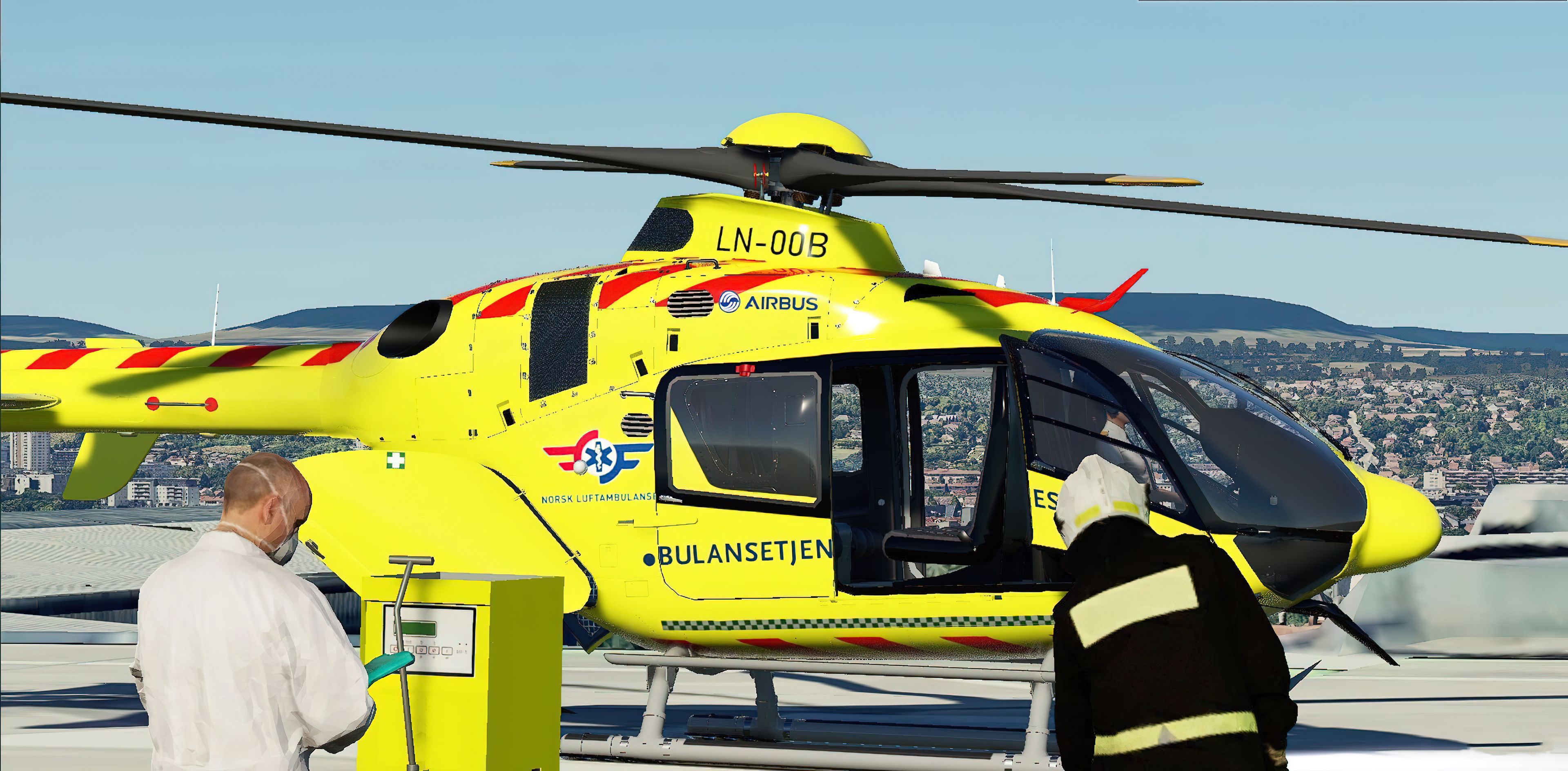
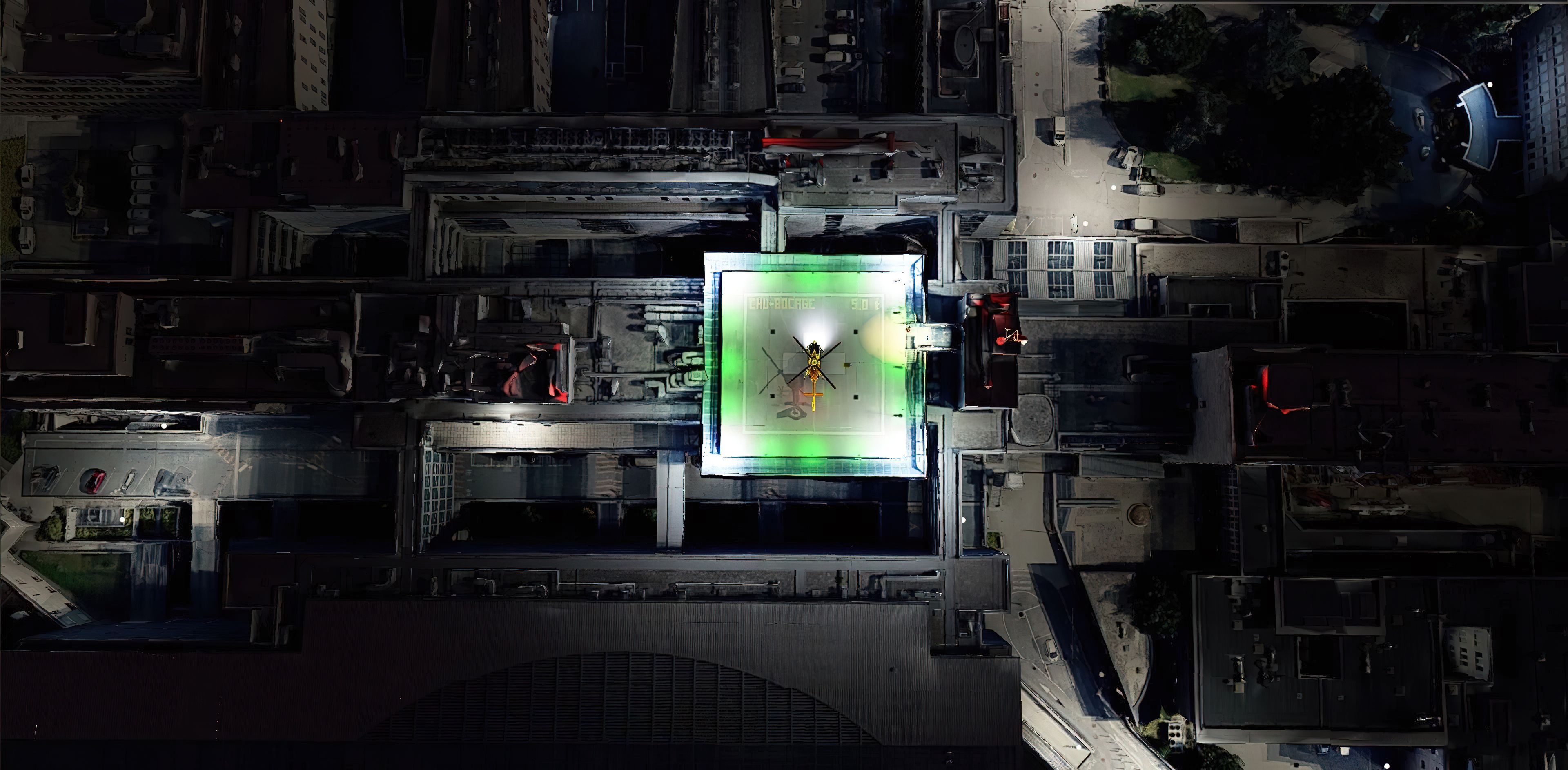


The MSFS Dijon, France Complete Scenery by AdrianLScenery thoroughly revitalizes the Dijon area with 19 cm/tile ground textures, enhanced photogrammetry, and precisely reworked airports. It blends higher-resolution building models with optimized terraforming data, offering smooth low-and-slow flights around iconic landmarks, such as the new CHU Hospital Heliport. This version also focuses on performance with refined color adjustments and even a 20% size reduction for more efficient loading and improved overall immersion.
Drawing on decades in PC flight simulation, I found this mod’s authenticity and detail truly impressive, especially around Dijon-Longvic Air Base (LFSD). Larger airports and smaller airfields are seamlessly integrated, preserving accurate real-world textures without sacrificing precious FPS. With stunning photoreal features, accurate 3D modeling, and an outstanding vantage point for regional hops, this package leads to a memorable and rewarding European flight experience in Microsoft Flight Simulator.
A fully complete and extensive freeware scenery mod featuring photogrammetric scenery, 3D objects, airport replacements, and even scenery libraries covering the entire area of Dijon, France for the new Microsoft Flight Simulator (MSFS) 2020 release.
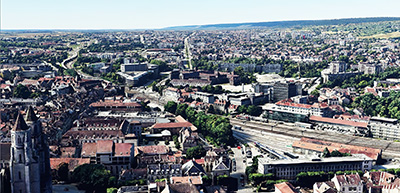 Developed by AndrianLScenery, this mod aims to bring Dijon, France up to a brand-new detail not seen before in Microsoft Flight Simulator. This pack completely replaces the default Microsoft offering and is higher detail, uses higher detailed 3D building and object data as well as higher resolution ground and building textures from a different source.
The version available here is currently v3.0 and the developer has made some major changes with this version. In version 2.0 LOD's definitions were updated along with new terraforming data and the inclusion of LFSD (Dijon-Longvic Air Base) airport. Performance and frame rate improvements were also made. It's worth noting Microsoft released several Sim Updates that improved the performance and FPS of photogrammetric scenery mods like this even without the developers updating the packages themselves.
Version 3.0 includes a complete rework of the original package. Some of the highlights are;
Some notes are provided by the developer regarding this mod;
- Photogrammetric data are not available around Dijon prison.
- Helipads are not really helipads or parking but very shorts runways (invisible in game). This is why your engine is already start and the start position could be bugged. Help wished.
- Trees look like crumpled paper because of photogrammetry technology. I can't remove them.
- At night, somes lights "flotting" over the scene.
They have also announced the following disclaimer;
Despite all the efforts to optimized performances, this addon require a minimal configuration (mine is Intel Core i7-9750H CPU @ 2.60GHz; GeForce GTX 1660 Ti, 32 Go RAM = 40/45 FPS ). For lower configuration, this addon can cause a critical deacrease of FPS or game crash.
Dijon is a great place to start some European flights if you are visiting the continent in Microsoft Flight Simulator. It's close to the South of France and you can visit Nice or even fly across to Monaco easily from this location. The scenery mod also enables some beautiful low-and-slow VFR flights in something very light. Dijon is famous for its mustard of course - so why not visit this city from above and explore the surrounding regions and learn about them as you fly.
The developer has made the entire scenery coverage area accurate and true-to-life with much attention spent on sourcing the data and also post-processing the imagery and 3D modeling to really bring it to life. Dijon in France will look substantially better after installing this mod and we'd love to hear your comments below.
The freeware release available from Fly Away Simulation includes all packs needed to experience the whole scenery area of Dijon, France as envisioned by the developer. Some other sites that list this file release it in parts. The one you download from here will include all parts (1-4) and is a complete, single download pack with no need to source or search for additional files or releases. It's a complete package with a single download. The developer originally released this scenery in 4 parts - they are all included.
Also included are several optional mods recommended by the developer. The developer of this pack has agreements with the developers of these mods to be released within this package.
This is a very large download and while it's easy to download (all in one pack), we recommend a download manager should your connection get interrupted.
If using simply GPS, the coordinates for the center of Dijon are: 47.3220° N, 5.0415° E
If you're wanting to start/stop flights at airports in and around the scenery coverage area, the best places to take off from and land at are;
Once you have downloaded the archive and extracted the content, simply browse into the MSFS Scenery Files folder and copy the following folders into your MSFS community folder:
adrianl-dijon-chuadrianl-dijon-part-aadrianl-dijon-part-badrianl-lfsd-aerialbr-airport-hdbo-dijon-hopitalbr-heliport-hdbo-dijon-helipaddaves3dpeopleEDHK_Lights_and_Objects_Dev-Pack_1.0.8_by_MrMoOnce that's complete, you should be able to load the scenery and perhaps use one of the starting airports listed above.
Free for all simmers · 5.35 GB · Scanned clean Oct 2026
Download speed: Free tier is capped at 2 Mbps (this file takes approximately 6h 23m at the cap). PRO members download at full line speed.
%LOCALAPPDATA%\Packages\Microsoft.FlightSimulator_8wekyb3d8bbwe\LocalCache\Packages\Community\. Steam version: %APPDATA%\Microsoft Flight Simulator\Packages\Community\. Tip: enable Developer Mode in MSFS to see your exact Community folder path.readme.txt or README file. It tells you exactly where files go, what dependencies are needed, and any quirks specific to this add-on.Are you AdrianLScenery? Sign in to Fly Away Creators for download stats, comment replies and updates. Make add-ons? Publish them here.
Only PRO members can place votes.
More MSFS add-ons hand-picked based on this download.
MSFS Scenery
A complete scenery replacement for Geneva, Switzerland using accurate and mor…
 MSFS Scenery
A complete replacement scenery package, advancing on the default offerings by…
 MSFS Scenery
Immerse yourself in the rugged beauty of Iceland's capital with the Reykjavik…
 MSFS Scenery
Embark on an authentic virtual journey over Lyon, France's third-largest city…
 MSFS Scenery
Immerse yourself in the detailed and vibrant scenery of La Rochelle, a histor…
 MSFS Scenery
A fun and reasonably well-detailed rendition of Nice, France developed by Tha…
 MSFS Scenery
A complete and extensive replacement freeware scenery package for Paris–Le Bo…
 MSFS Scenery
A complete pack for Microsoft Flight Simulator (MSFS) 2020 release bringing A…
Be the first to leave a comment on this download.
Be the first to share your thoughts on this download.