


 France

 MSFS Scenery
Paris–Le Bourget Airport (LFPB), France
A complete and extensive replacement freeware scenery package for Paris–Le Bo…
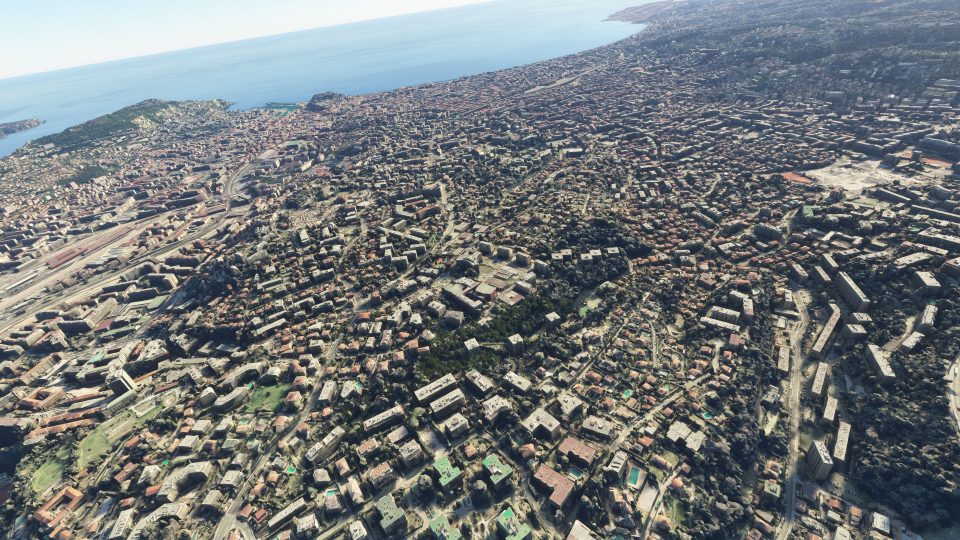
Nice, France comes to life with hand-finished scenery that sharpens the Promenade des Anglais and the city’s coastline using external mapping data, updated 3D buildings, and photoreal textures for terrain and structures. Built for Microsoft Flight Simulator, it also streamlines files for faster loading, lower CPU demand, and smoother road traffic integration.
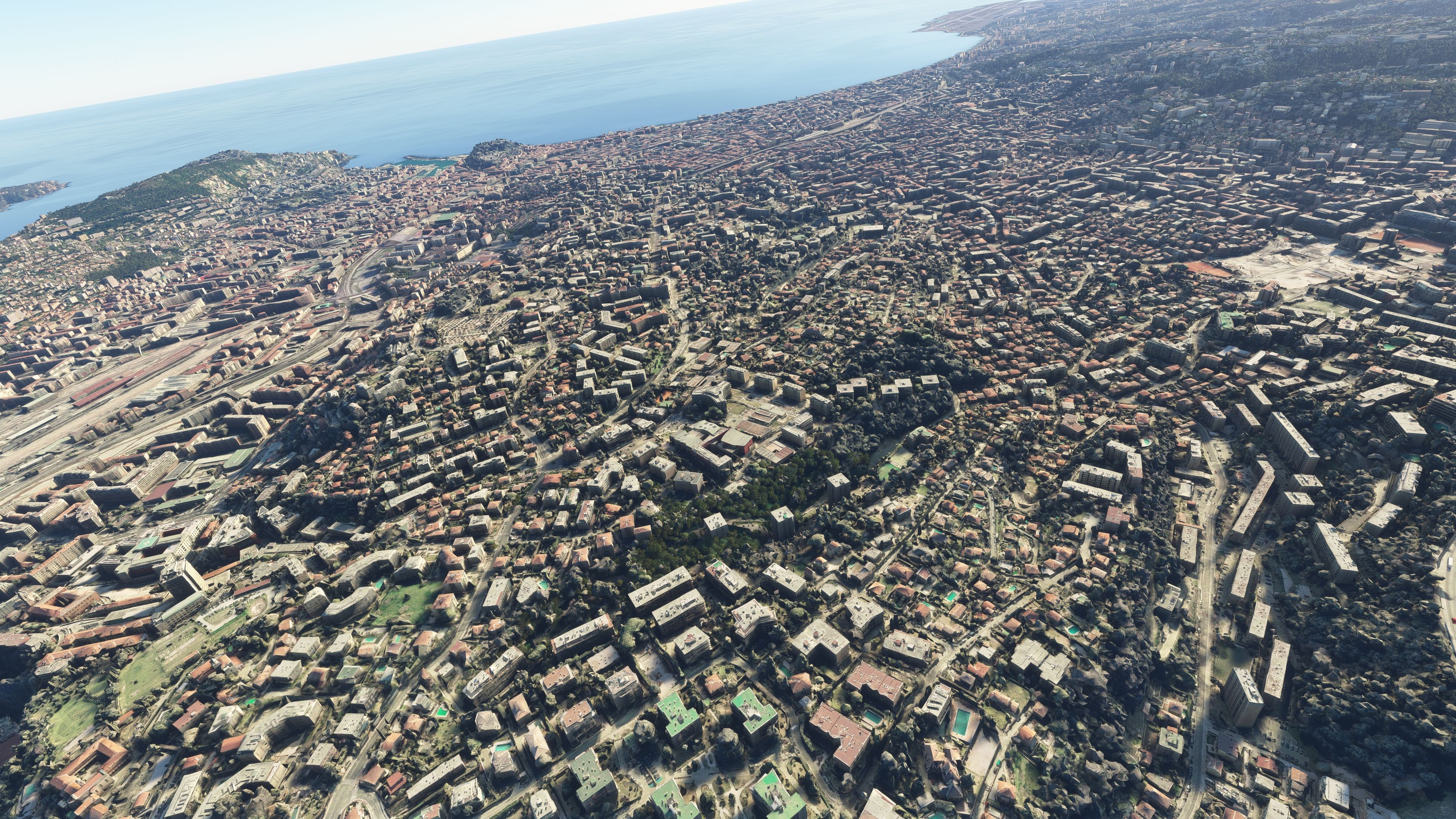
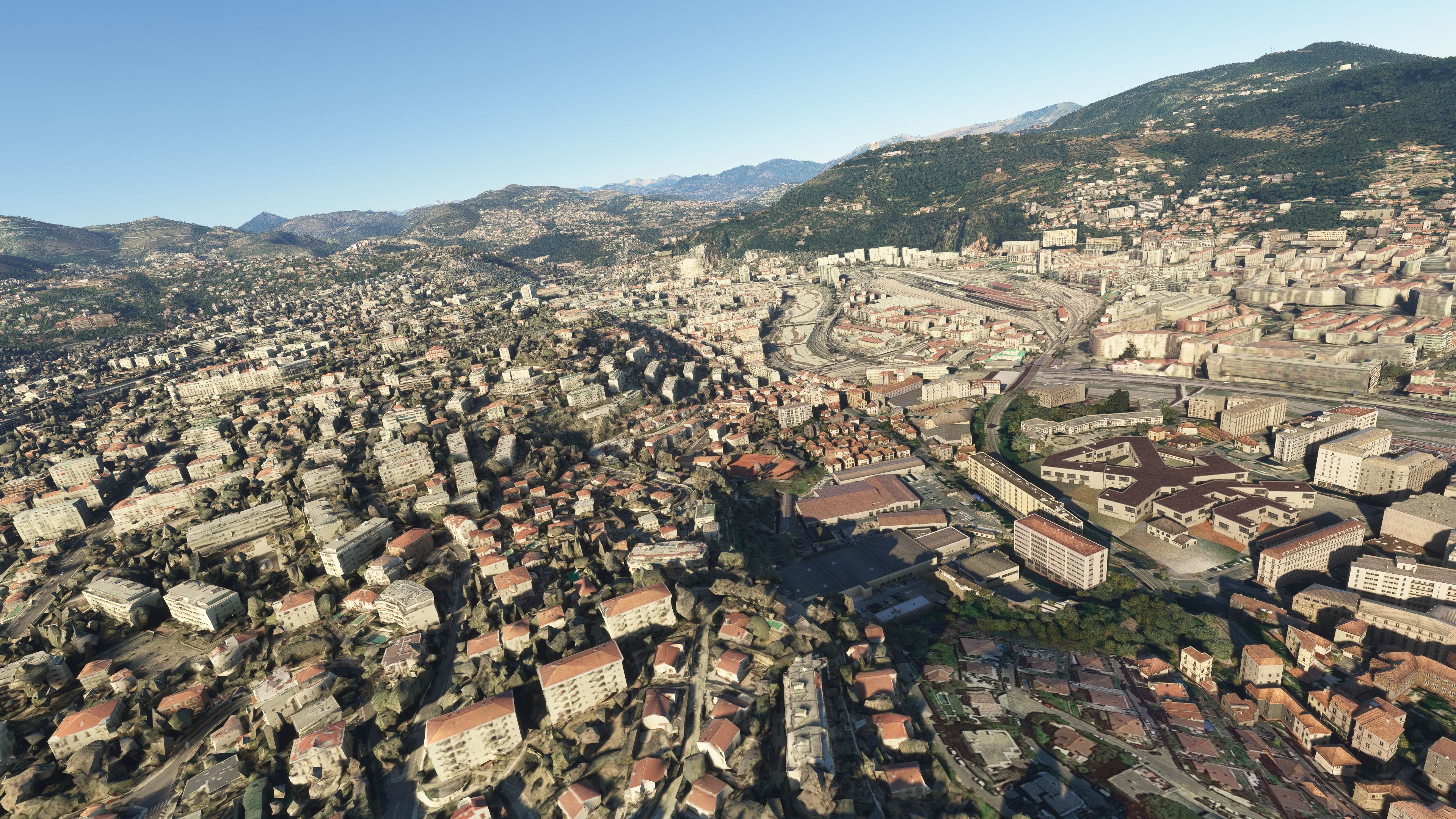
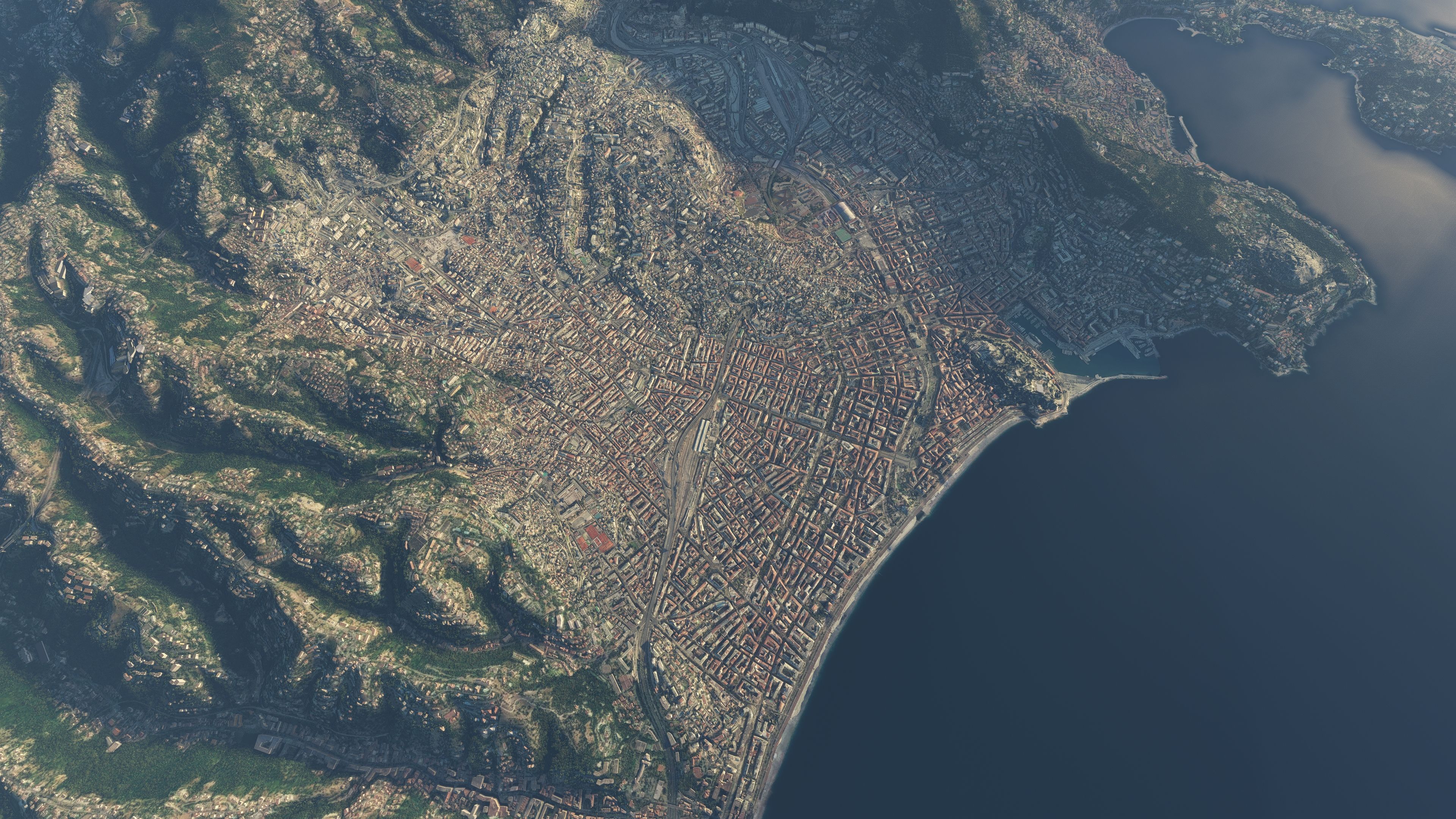
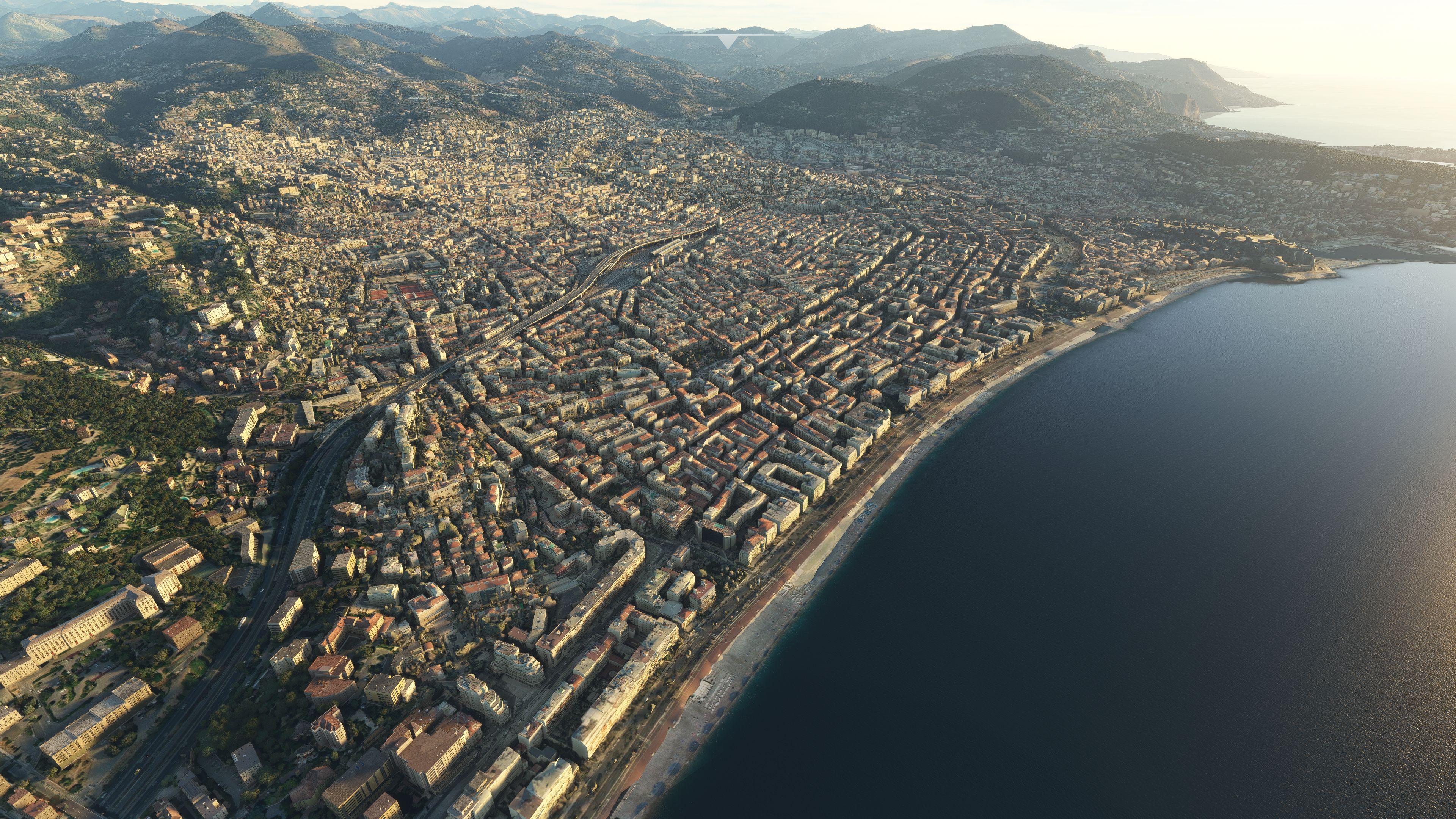
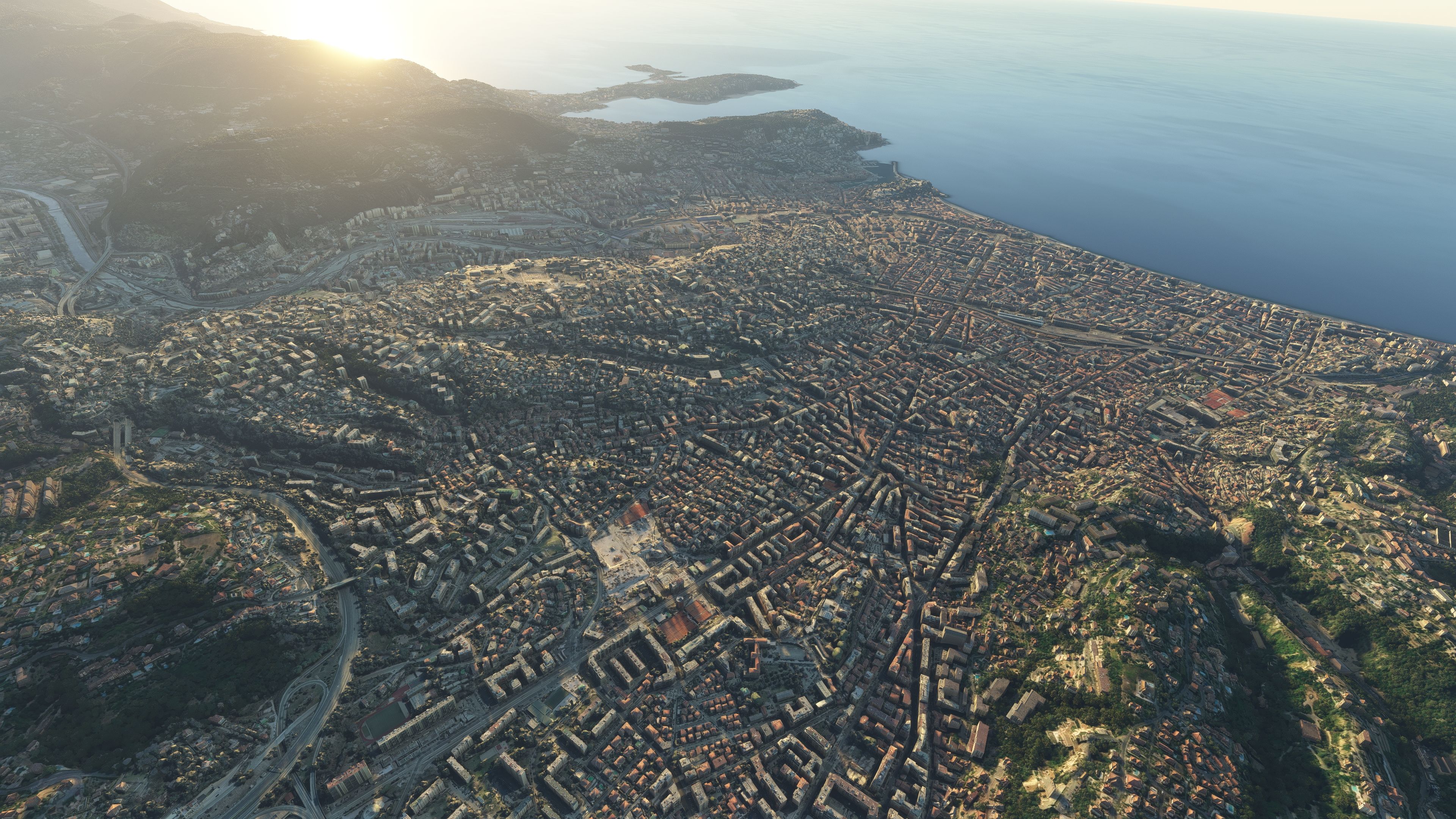
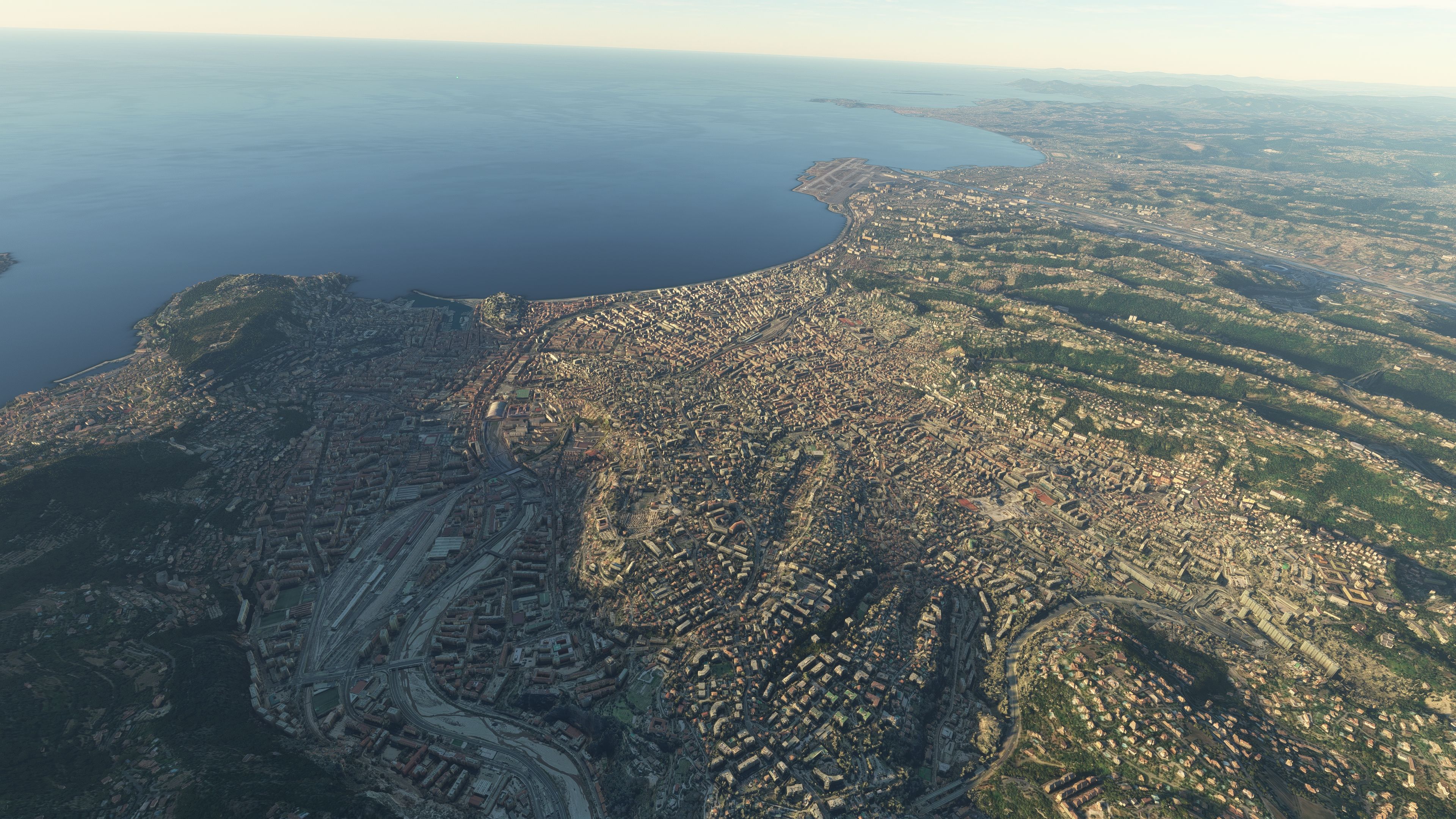
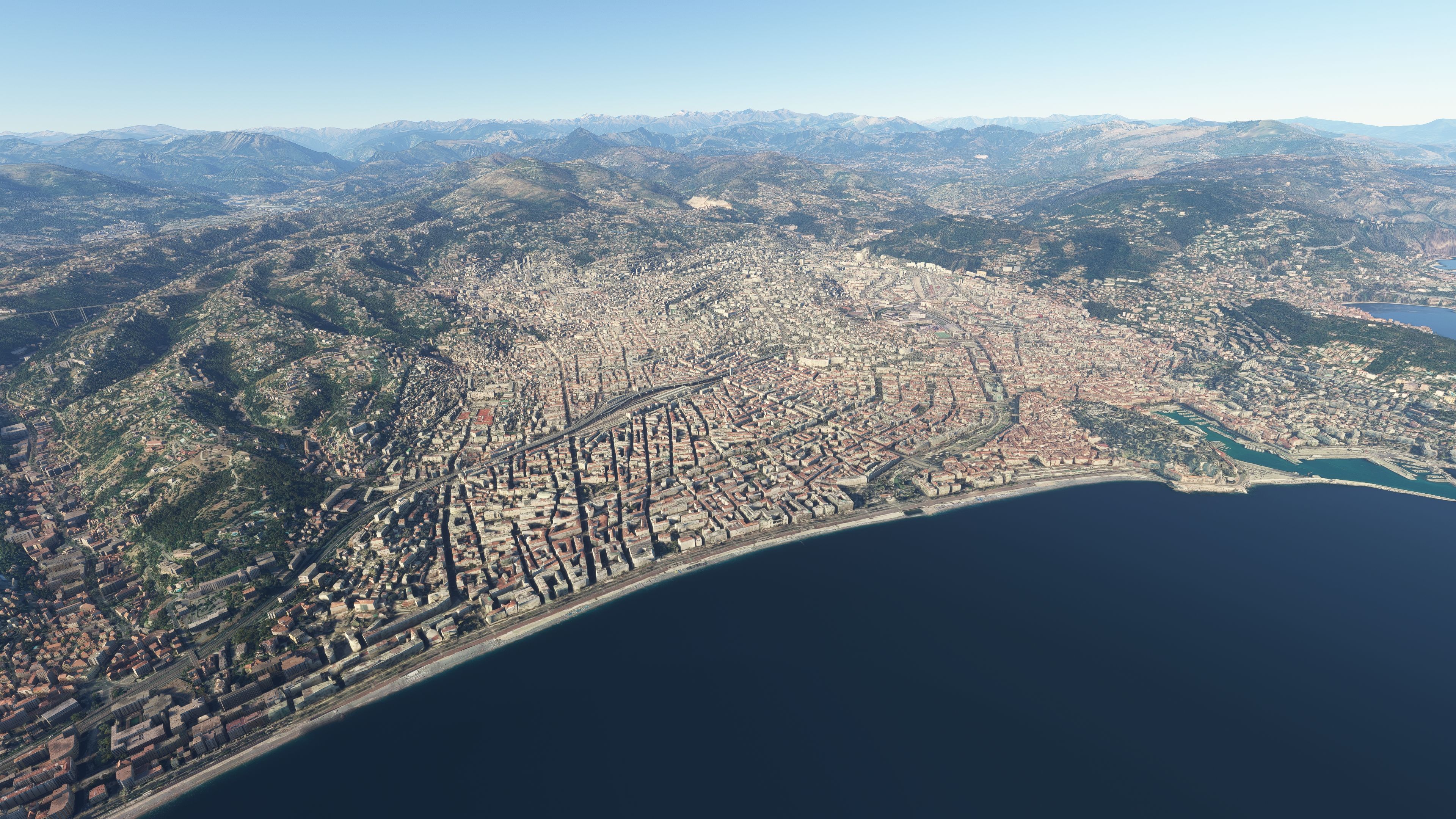
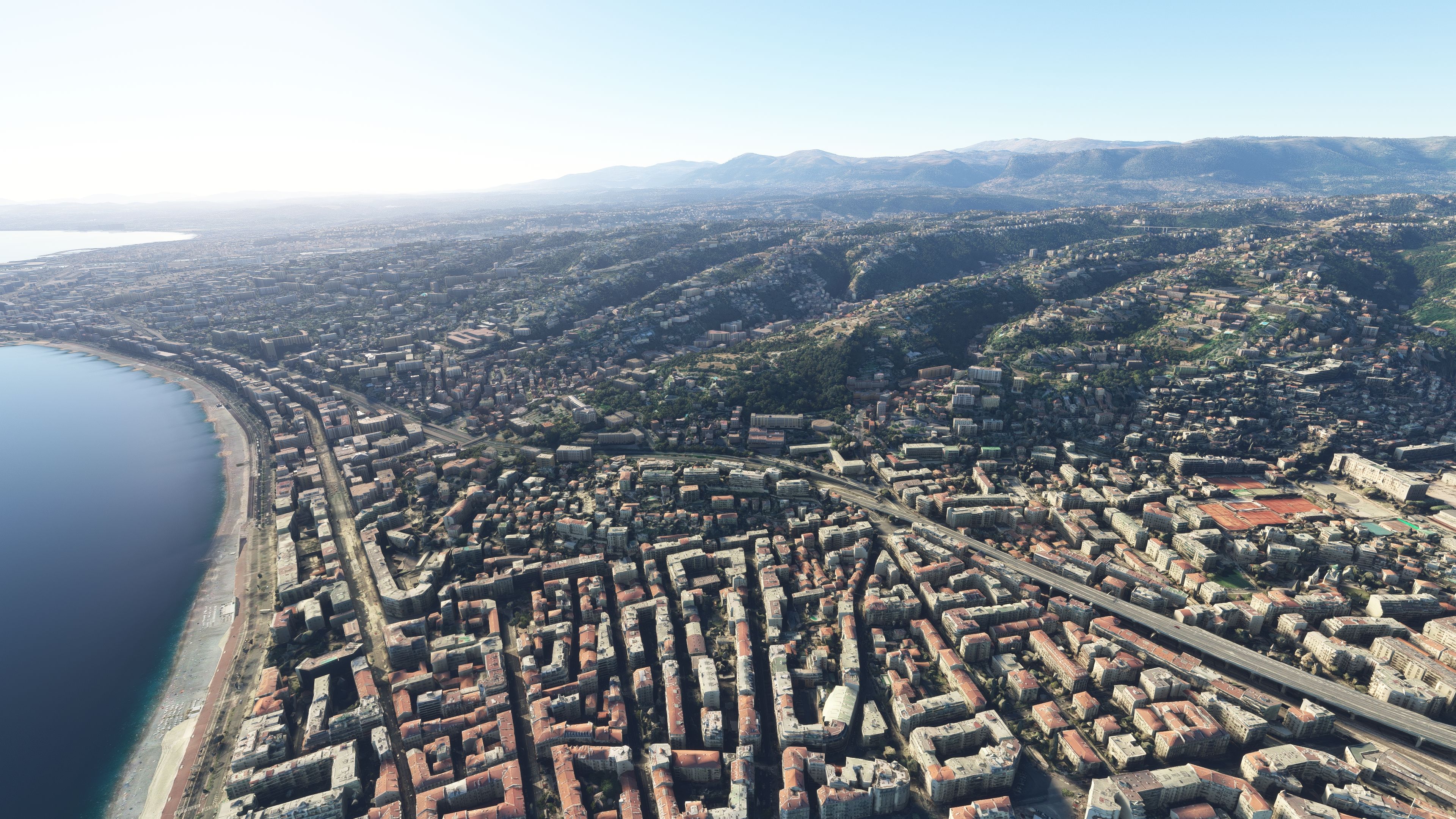
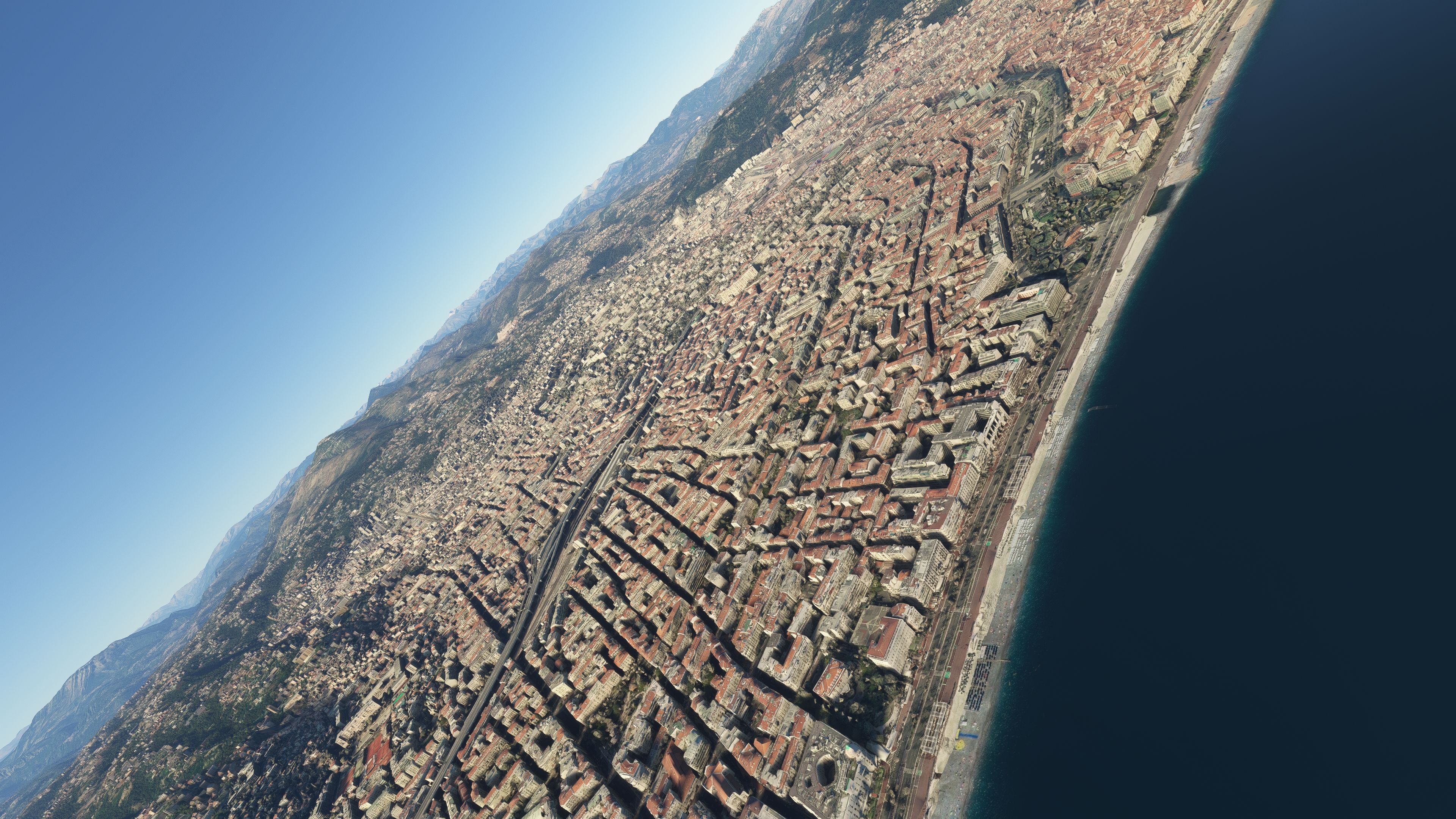
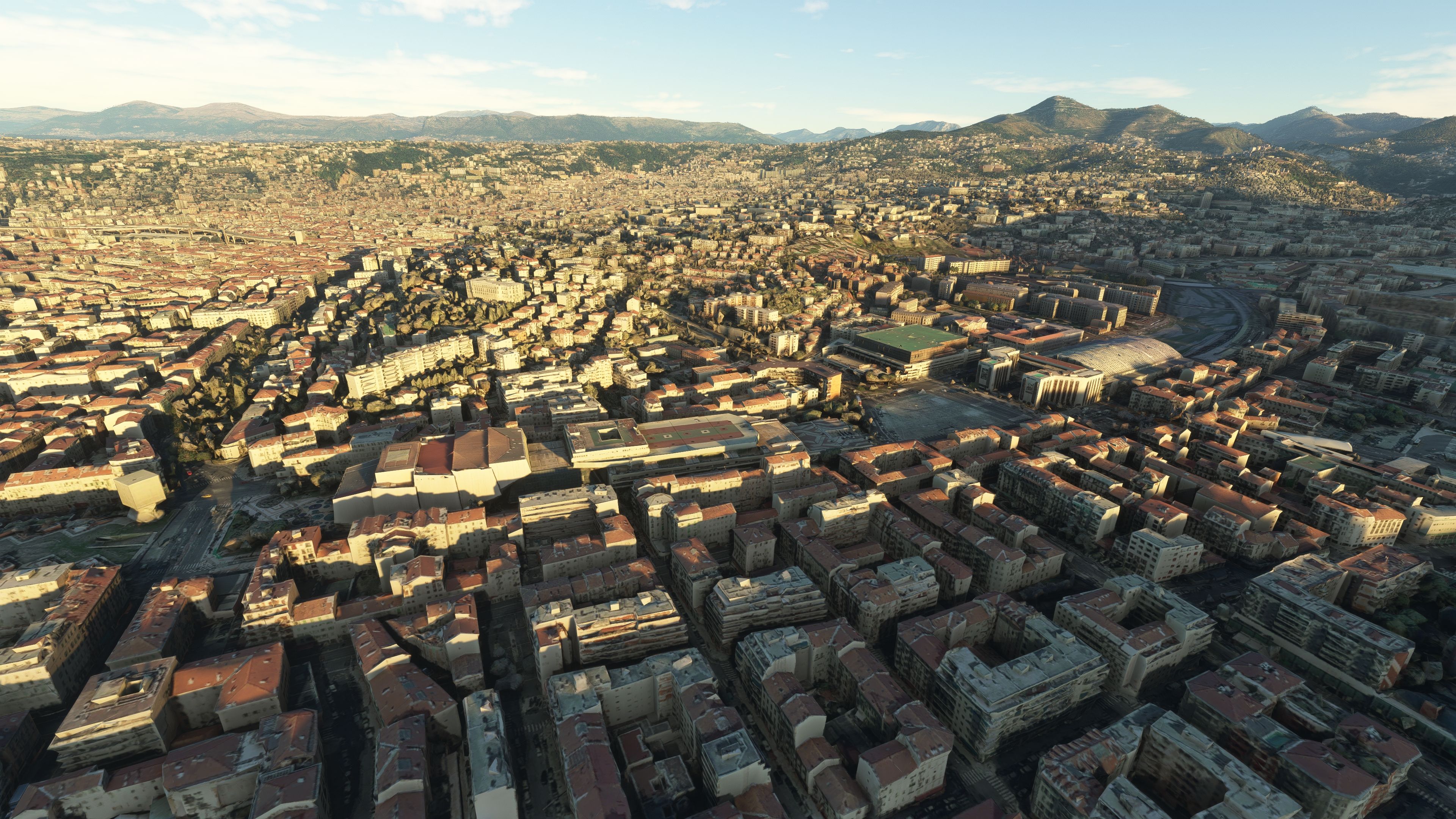
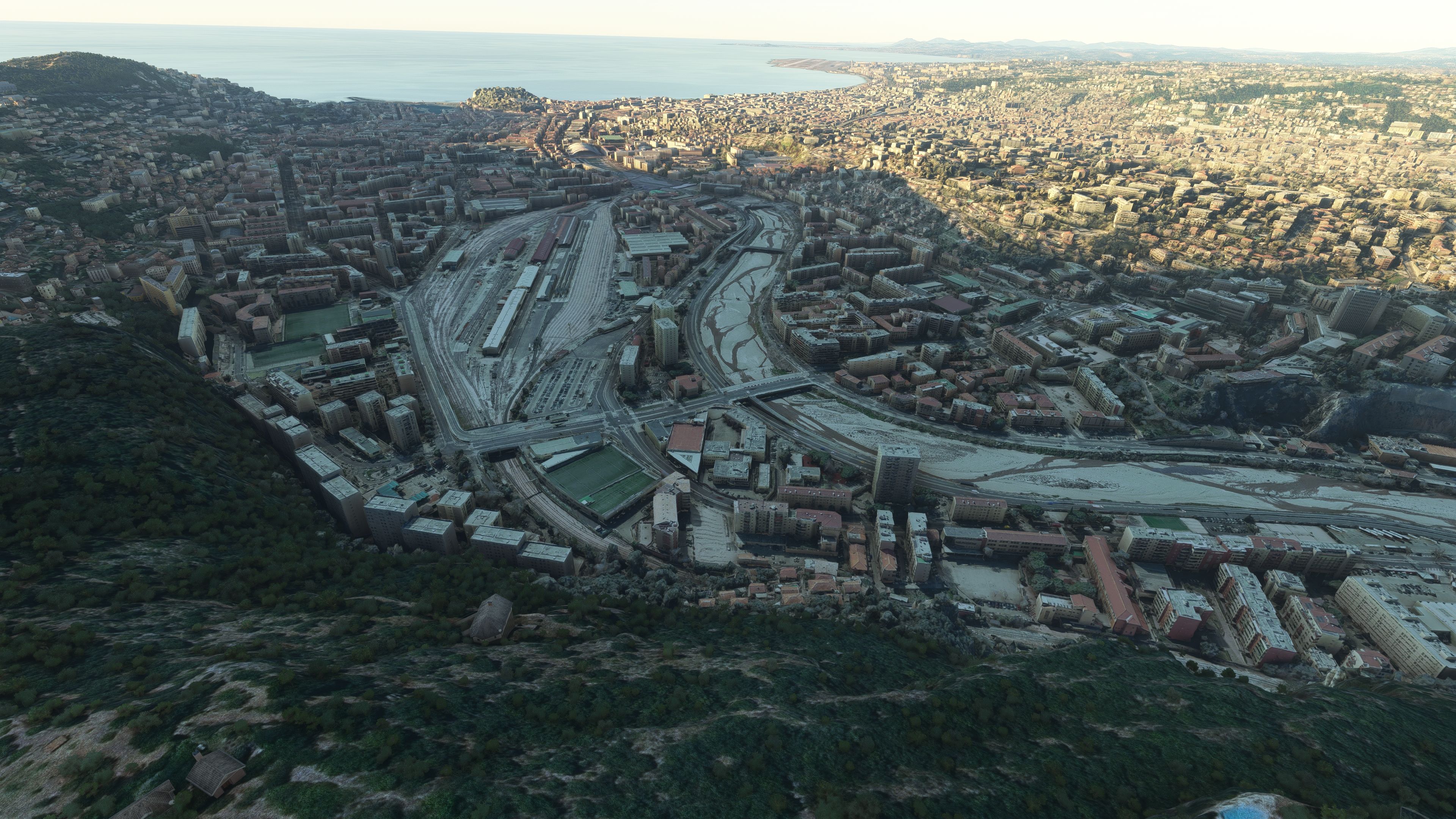
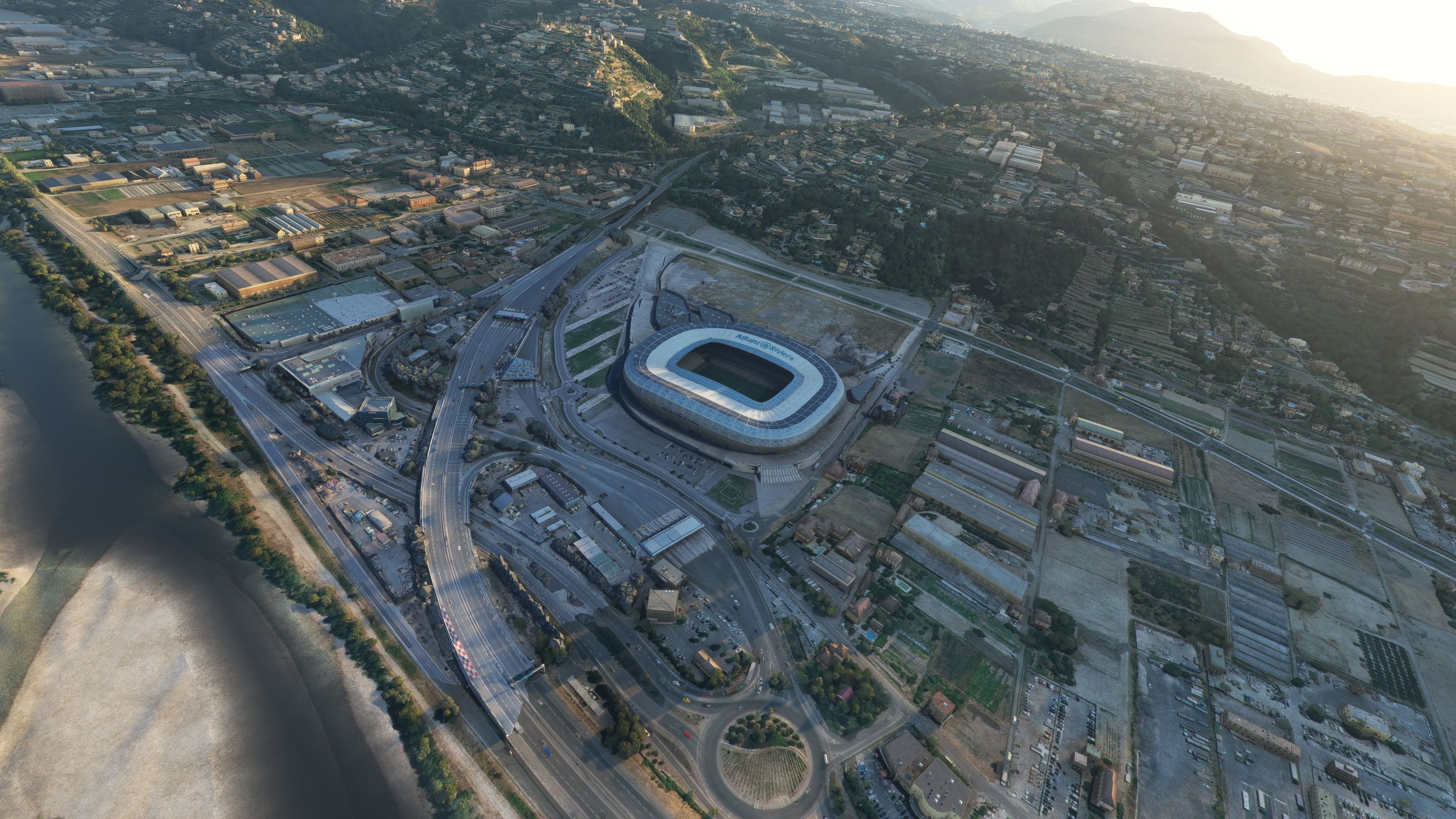
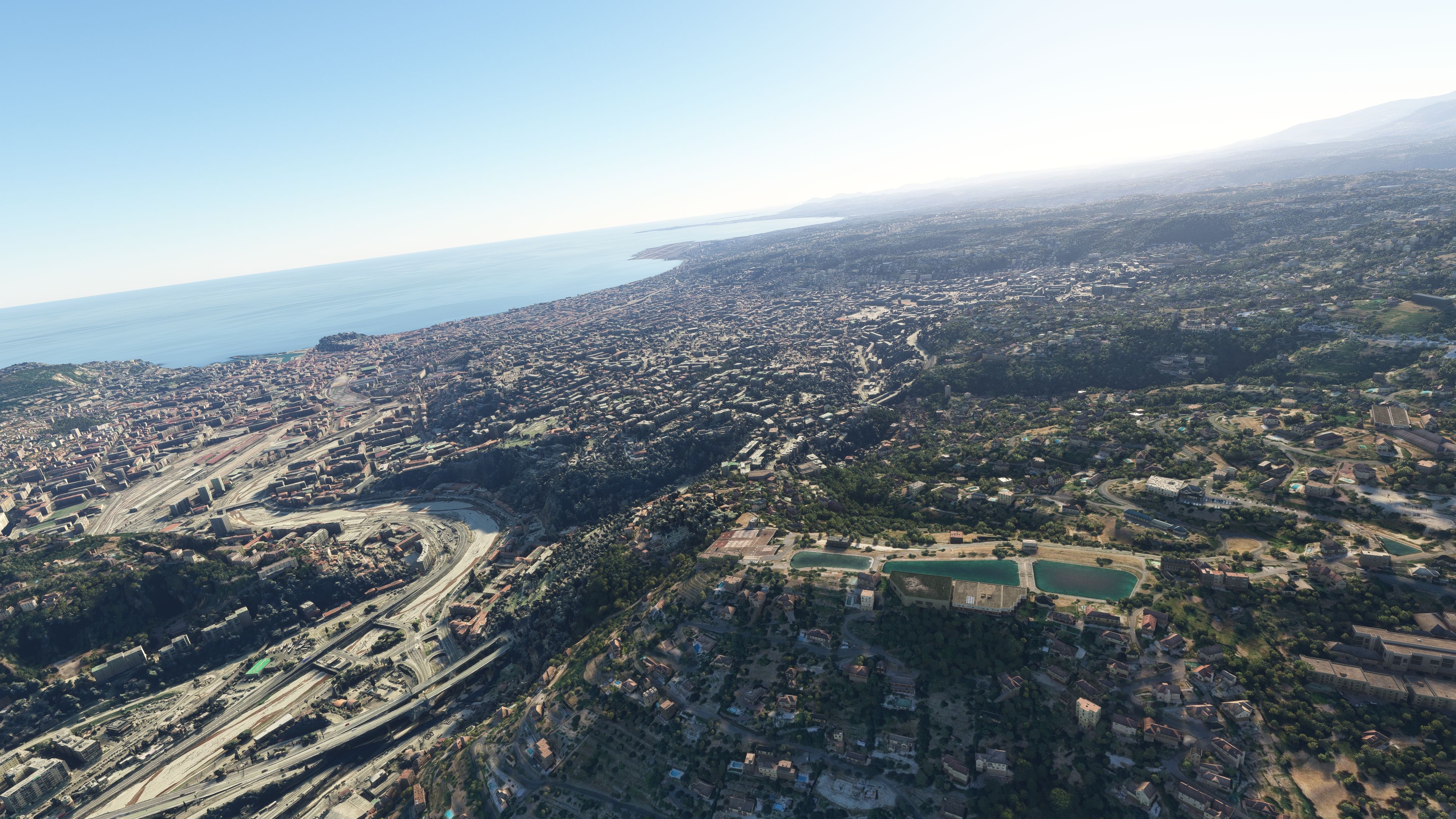
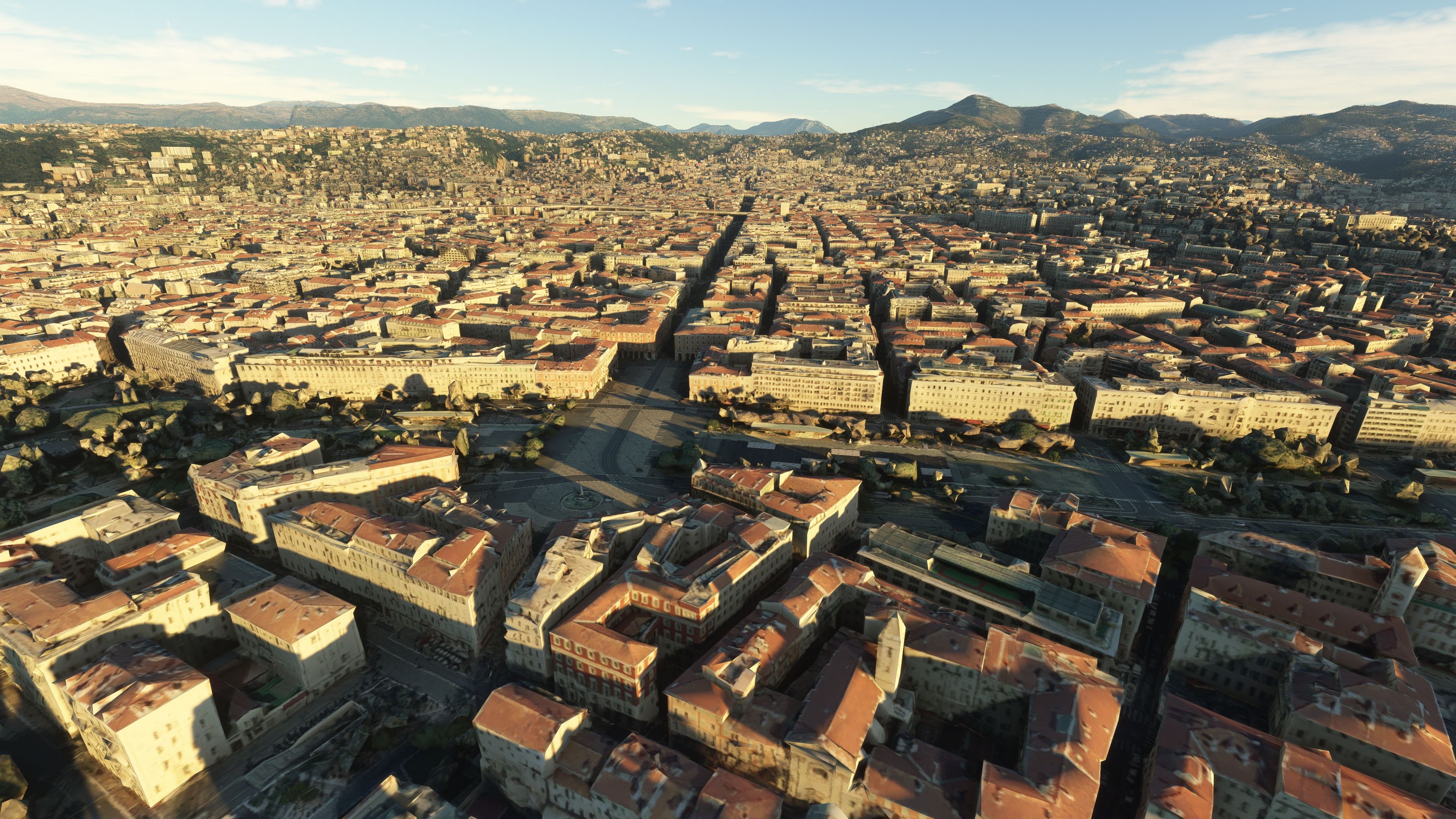
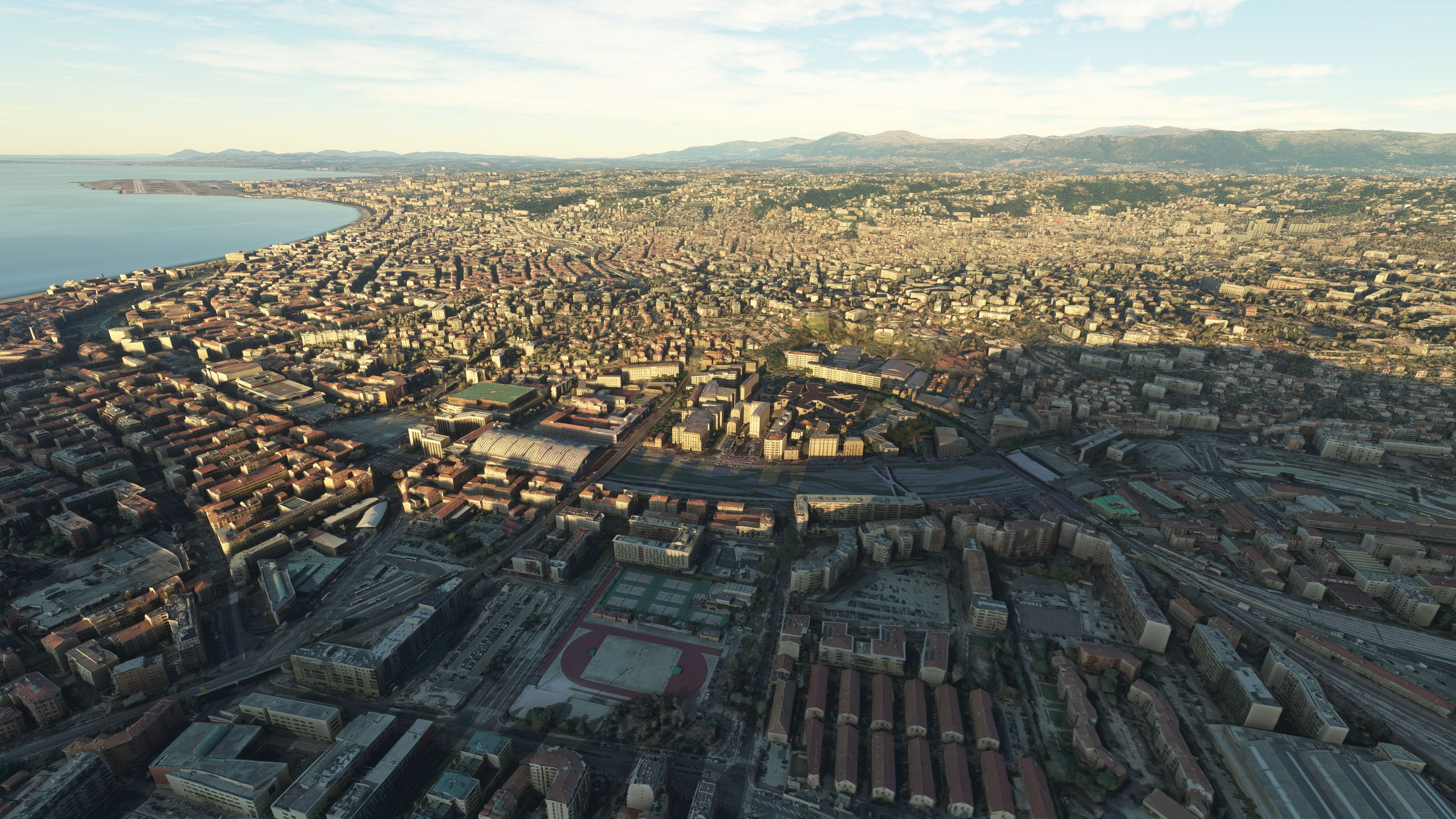
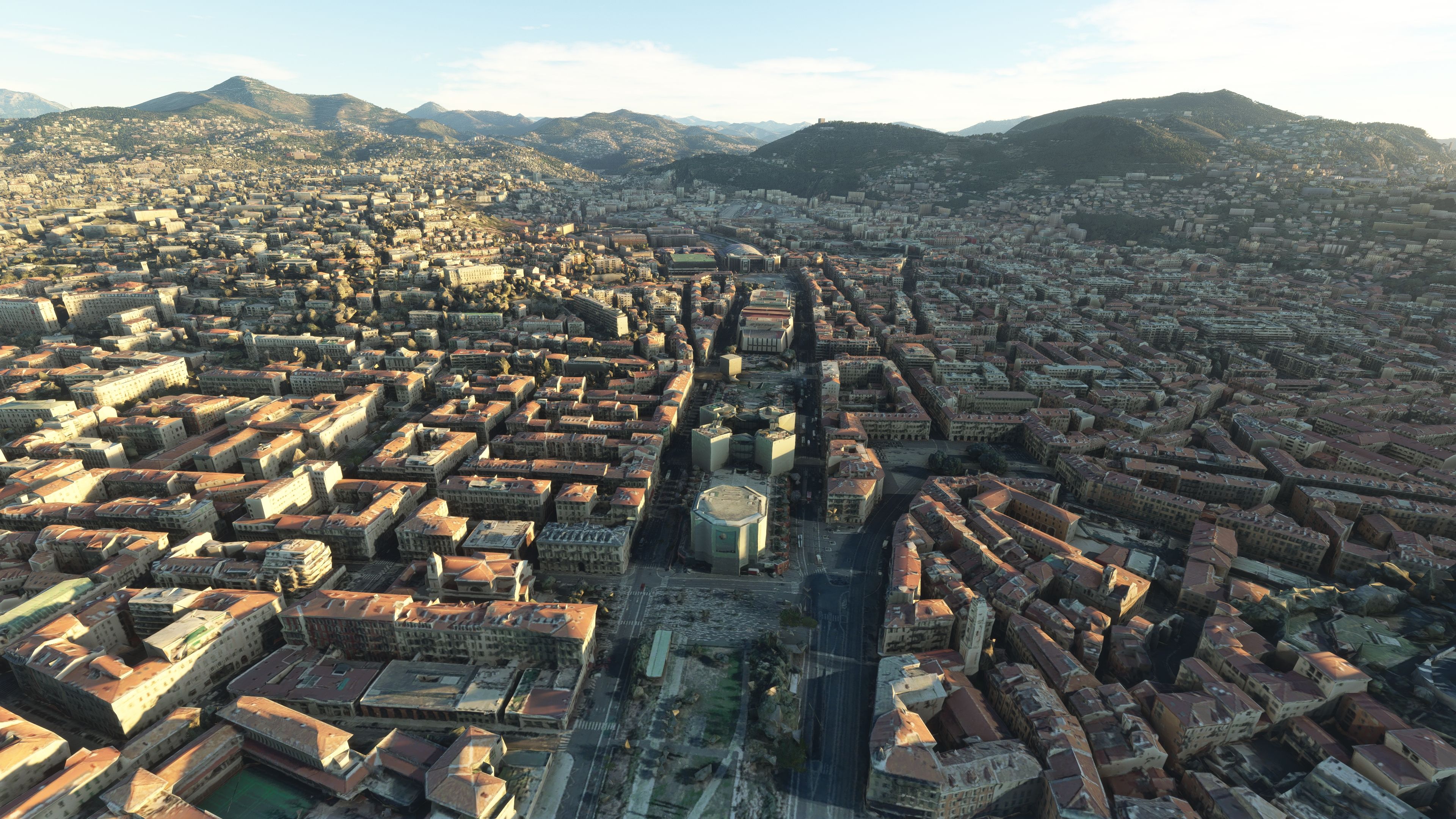
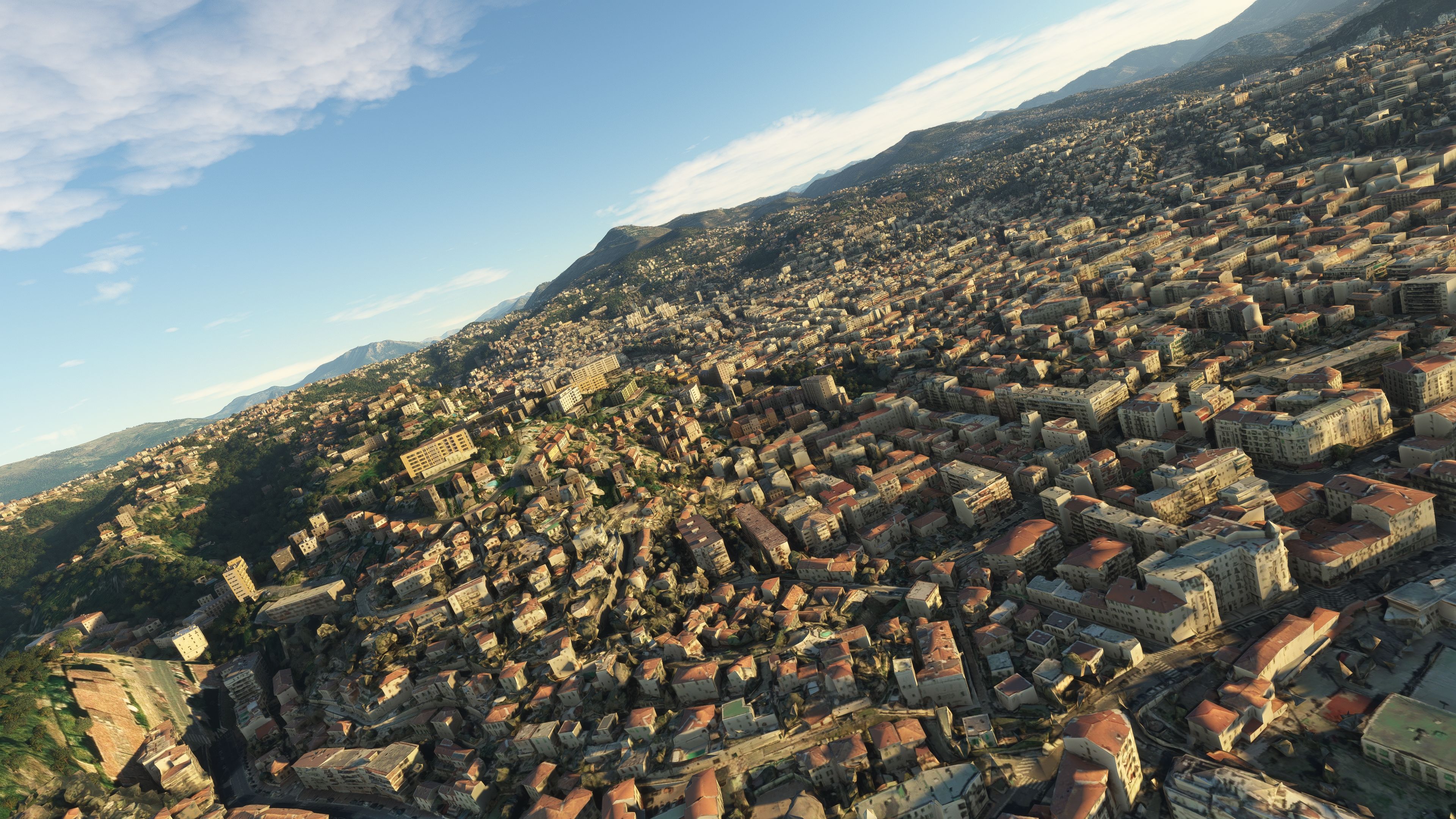
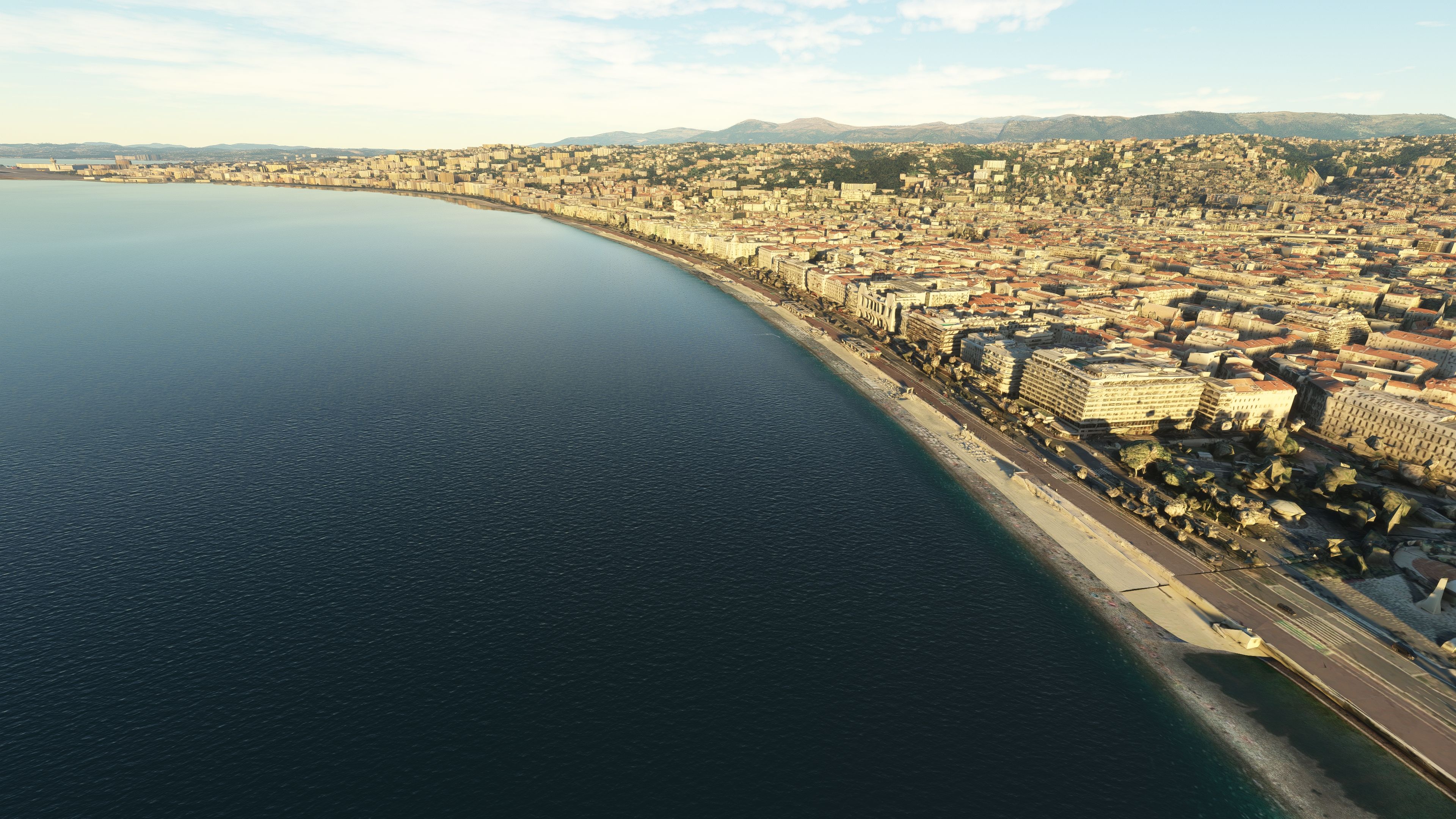
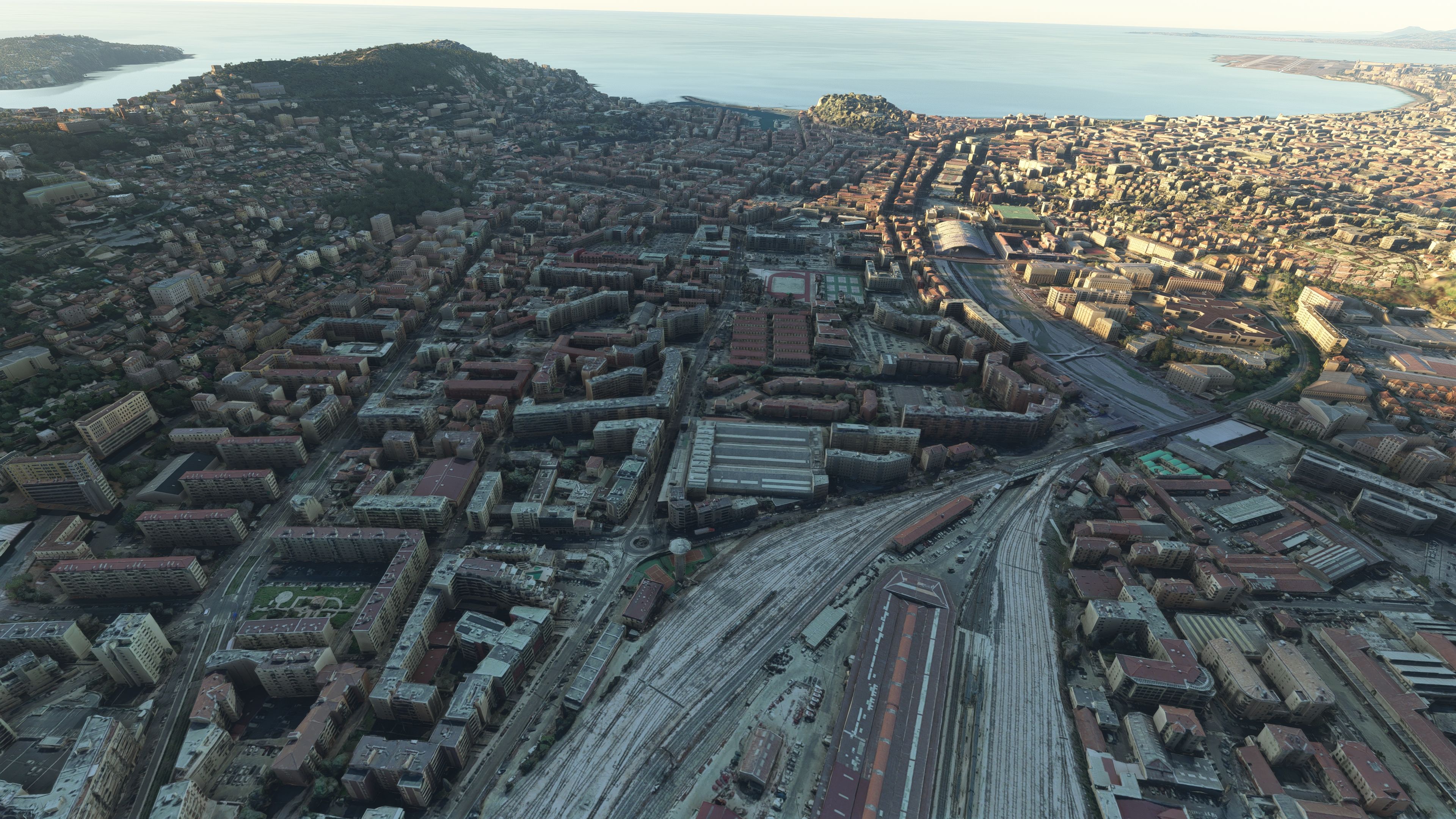
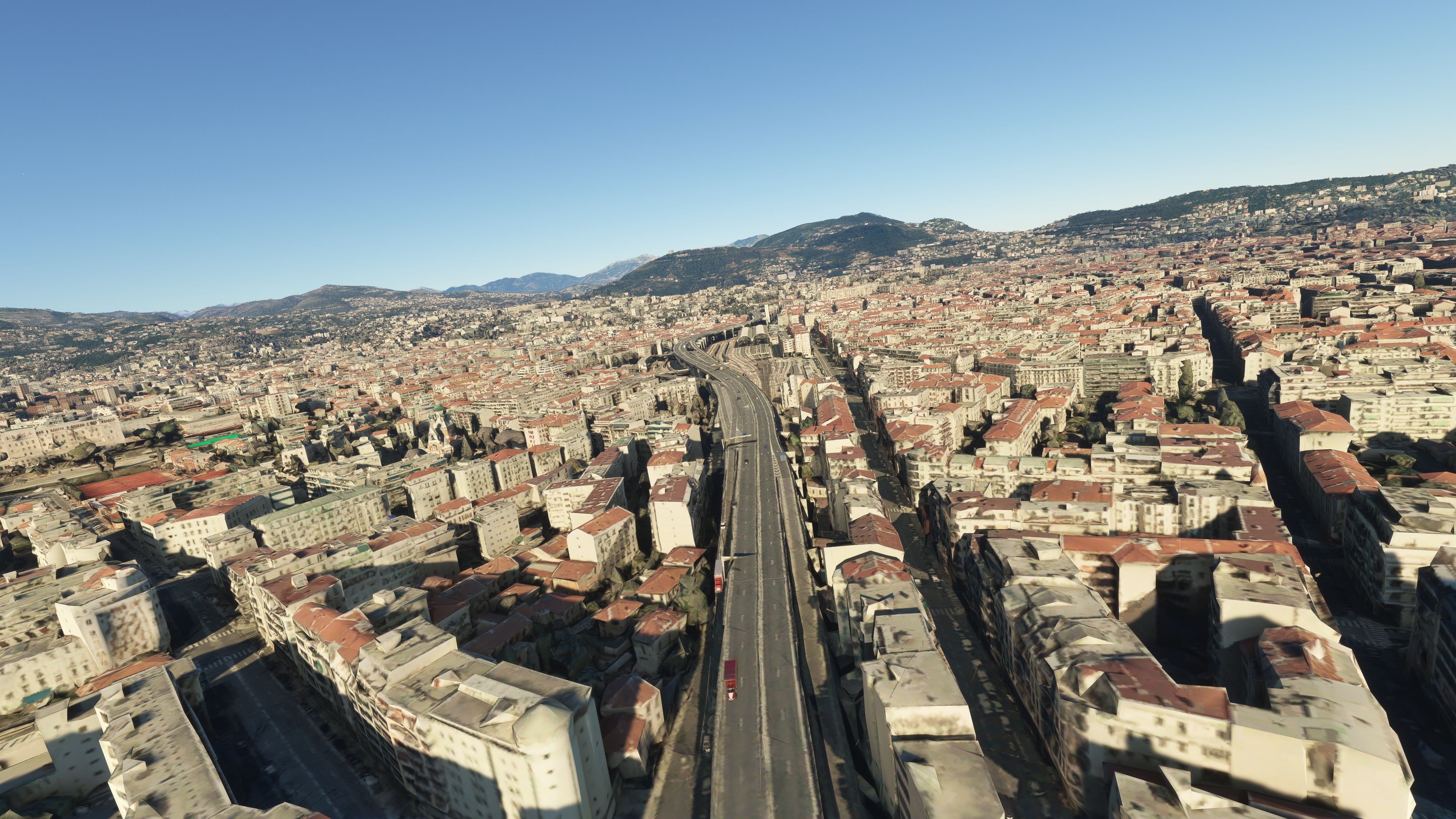
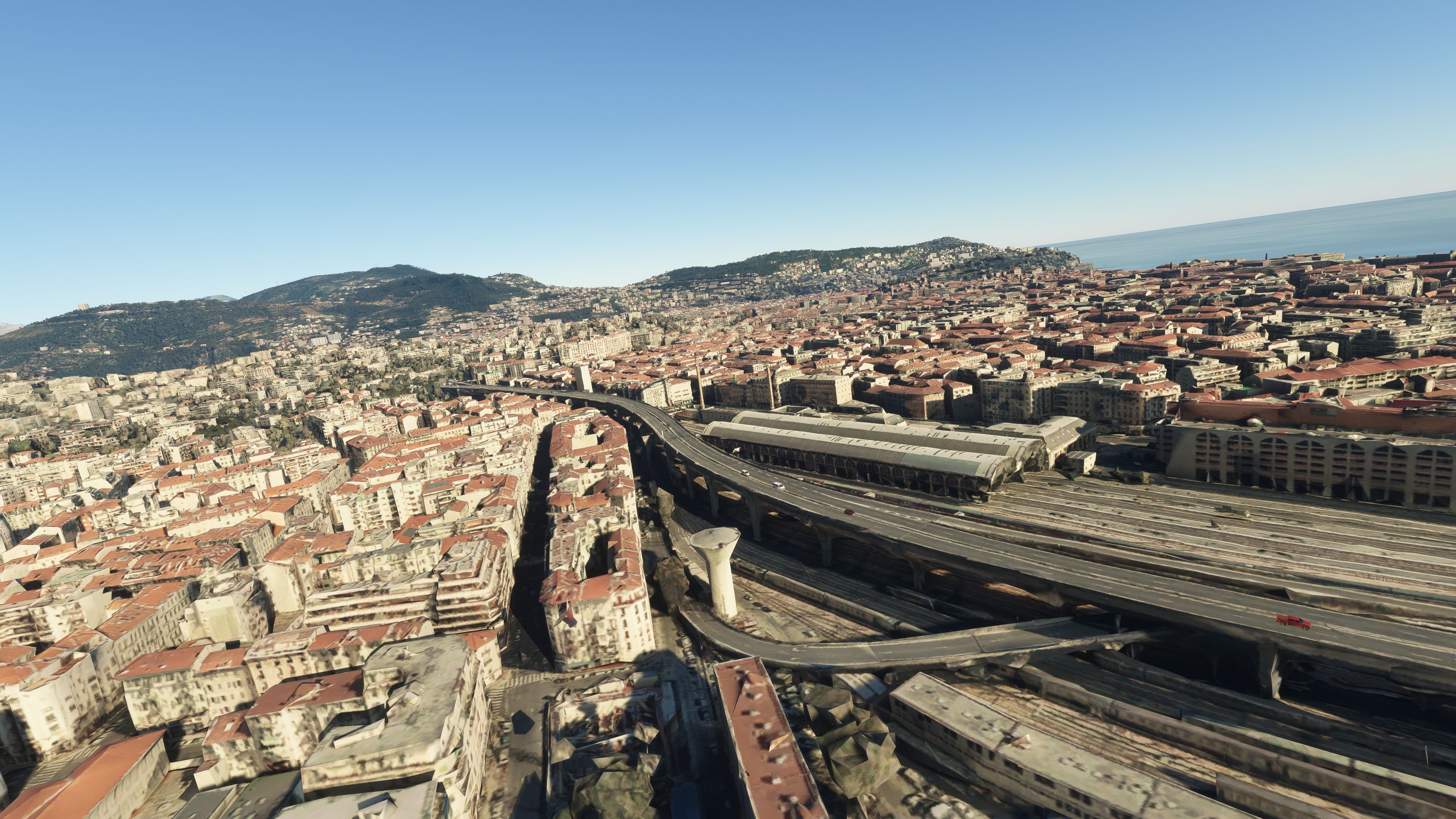
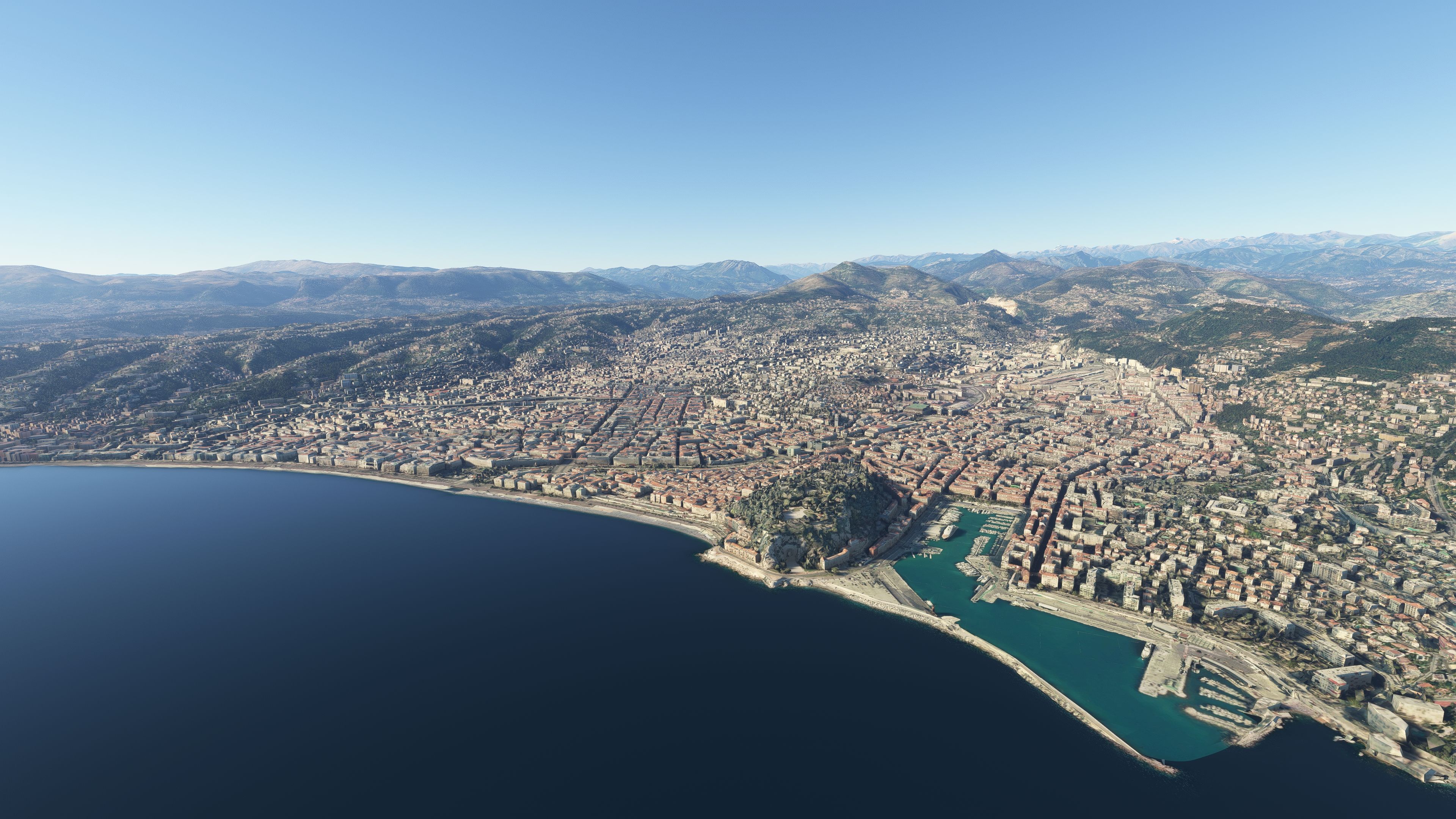
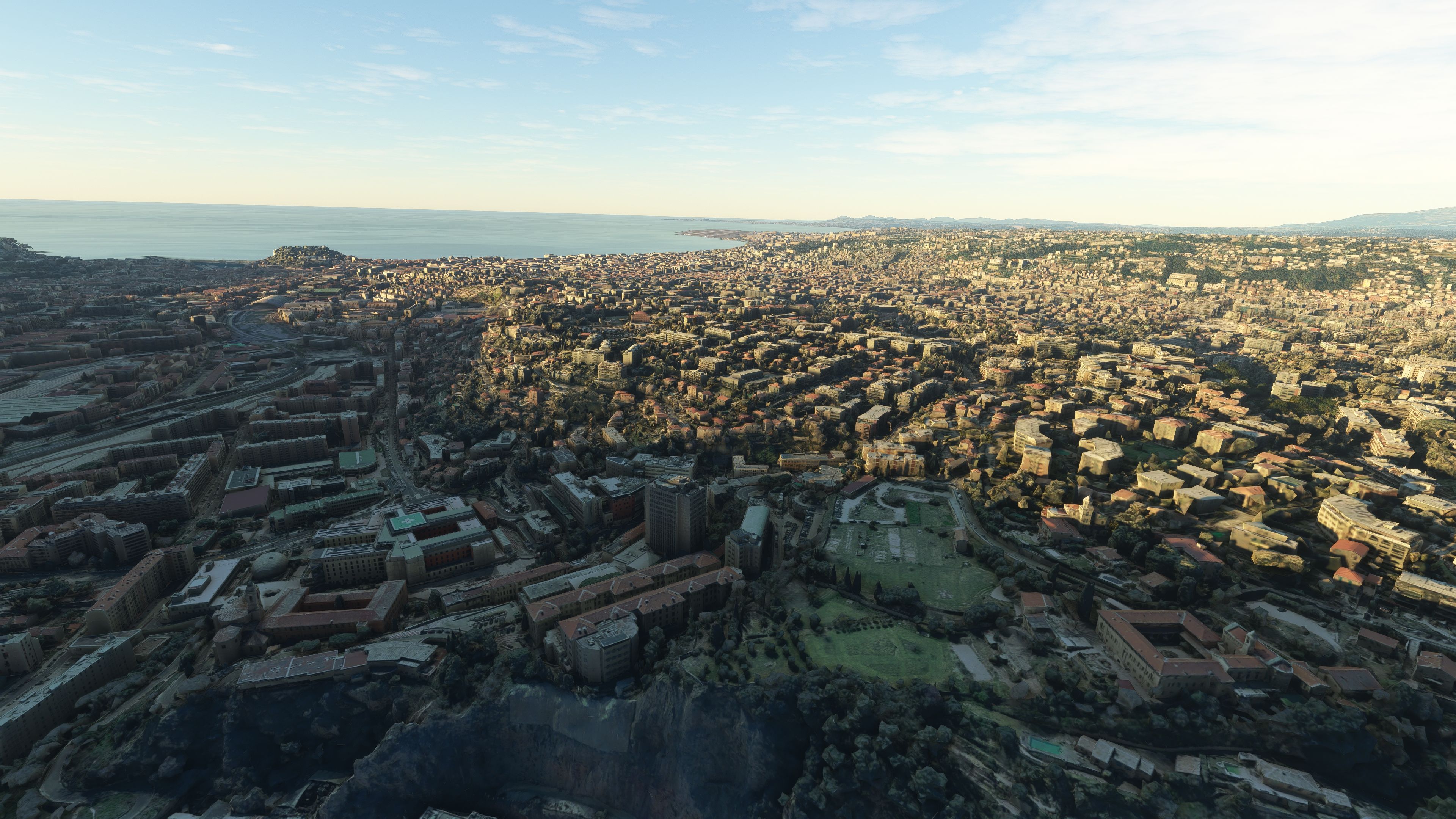
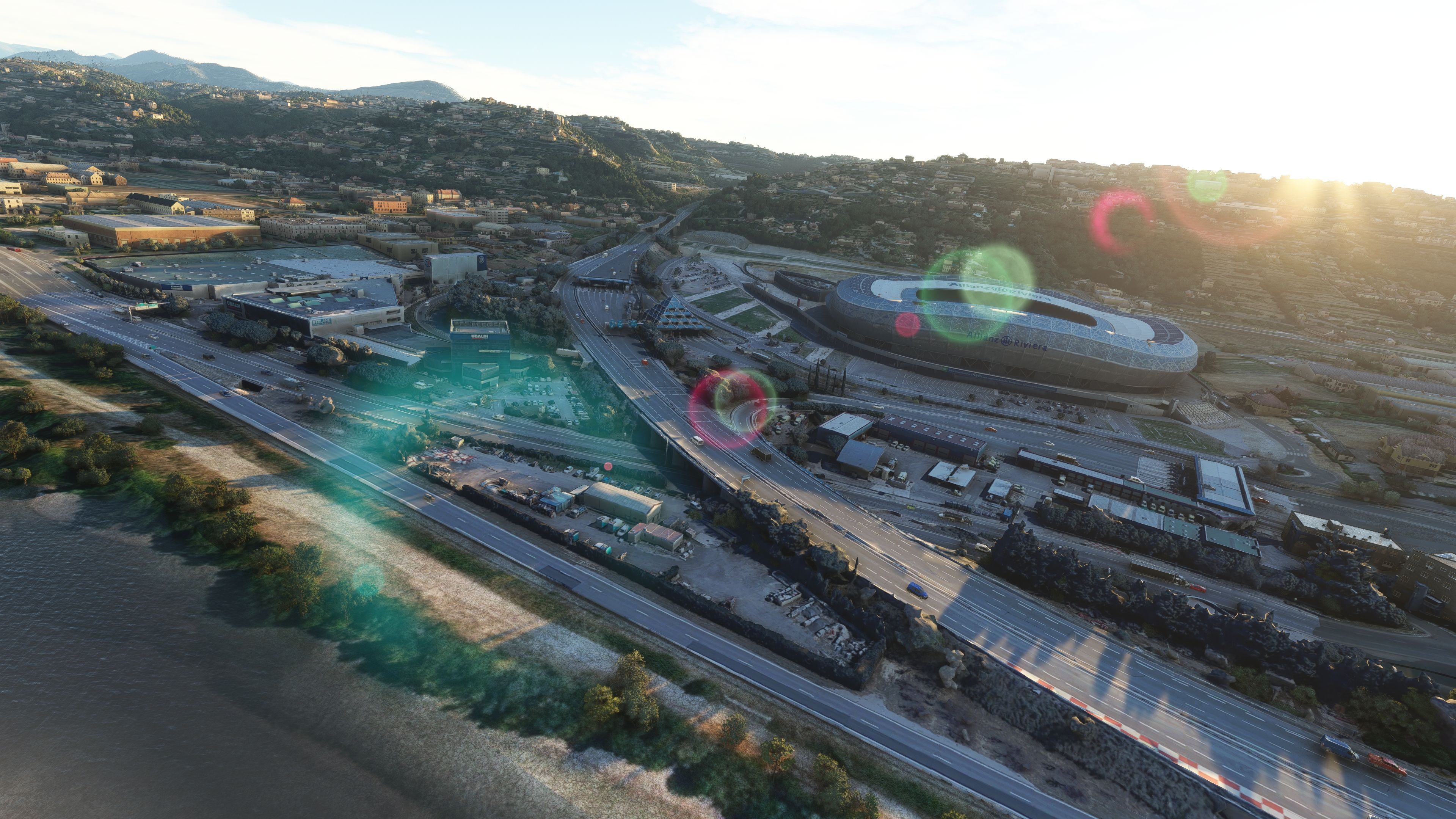
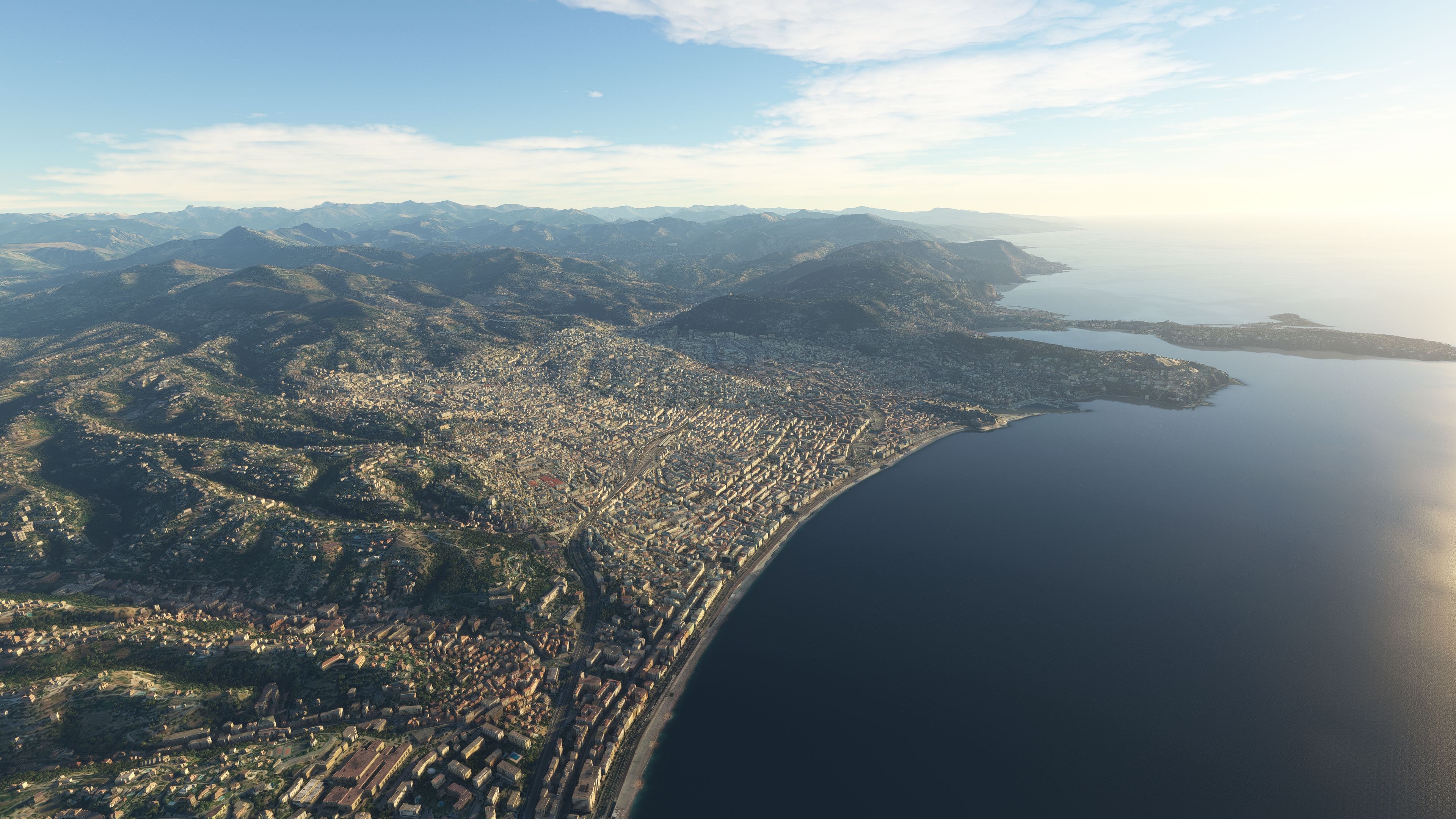
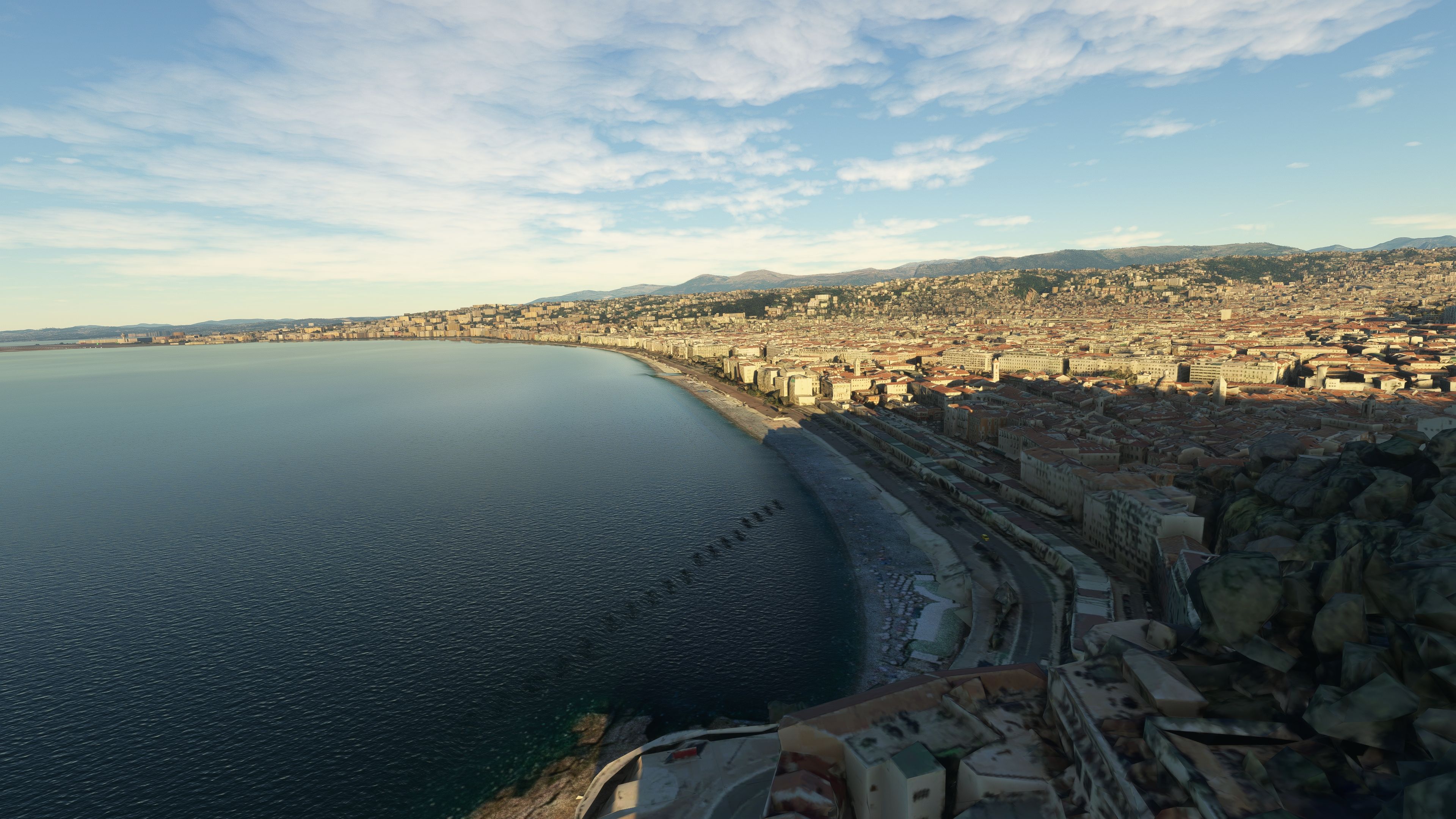
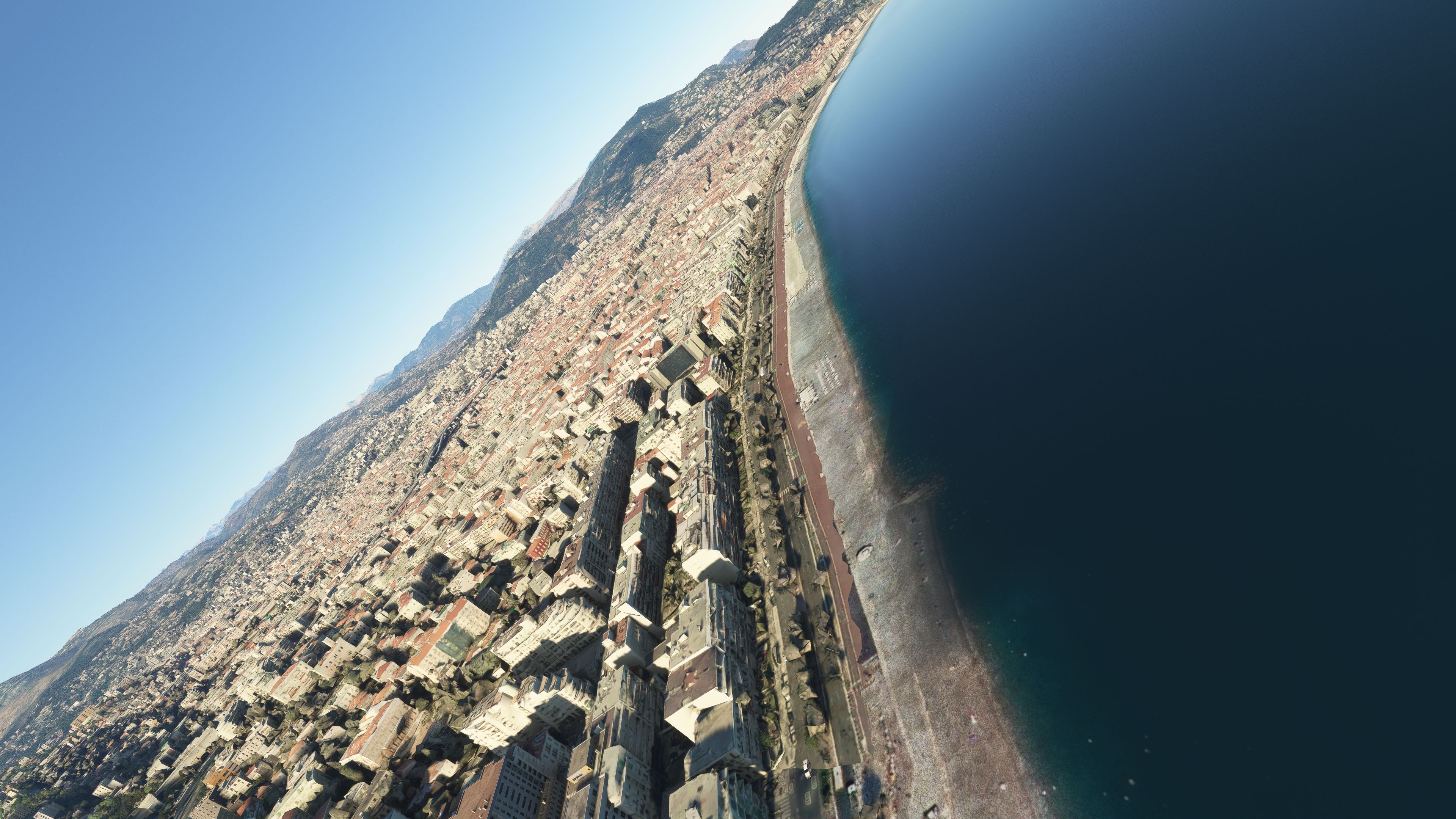
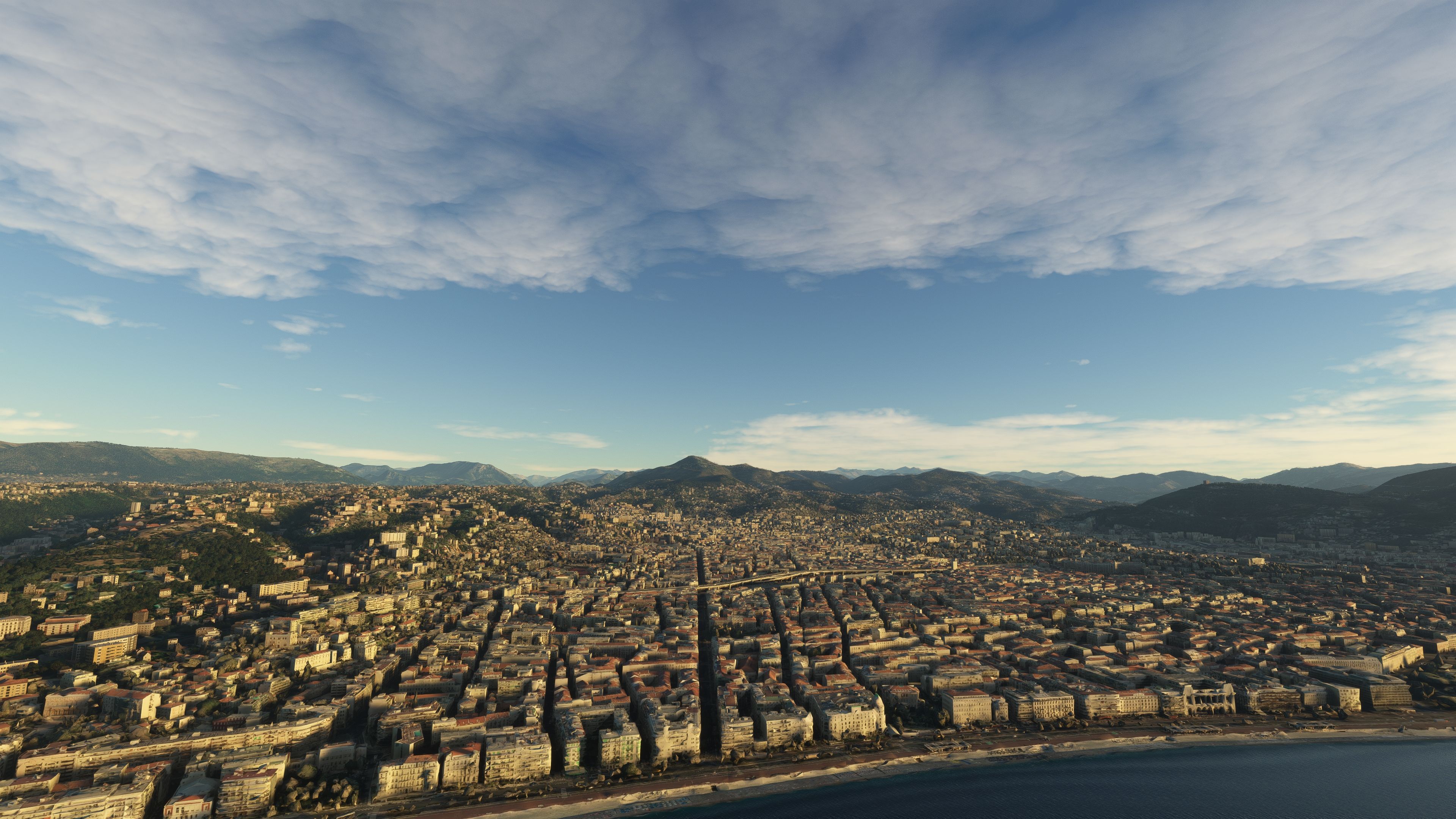
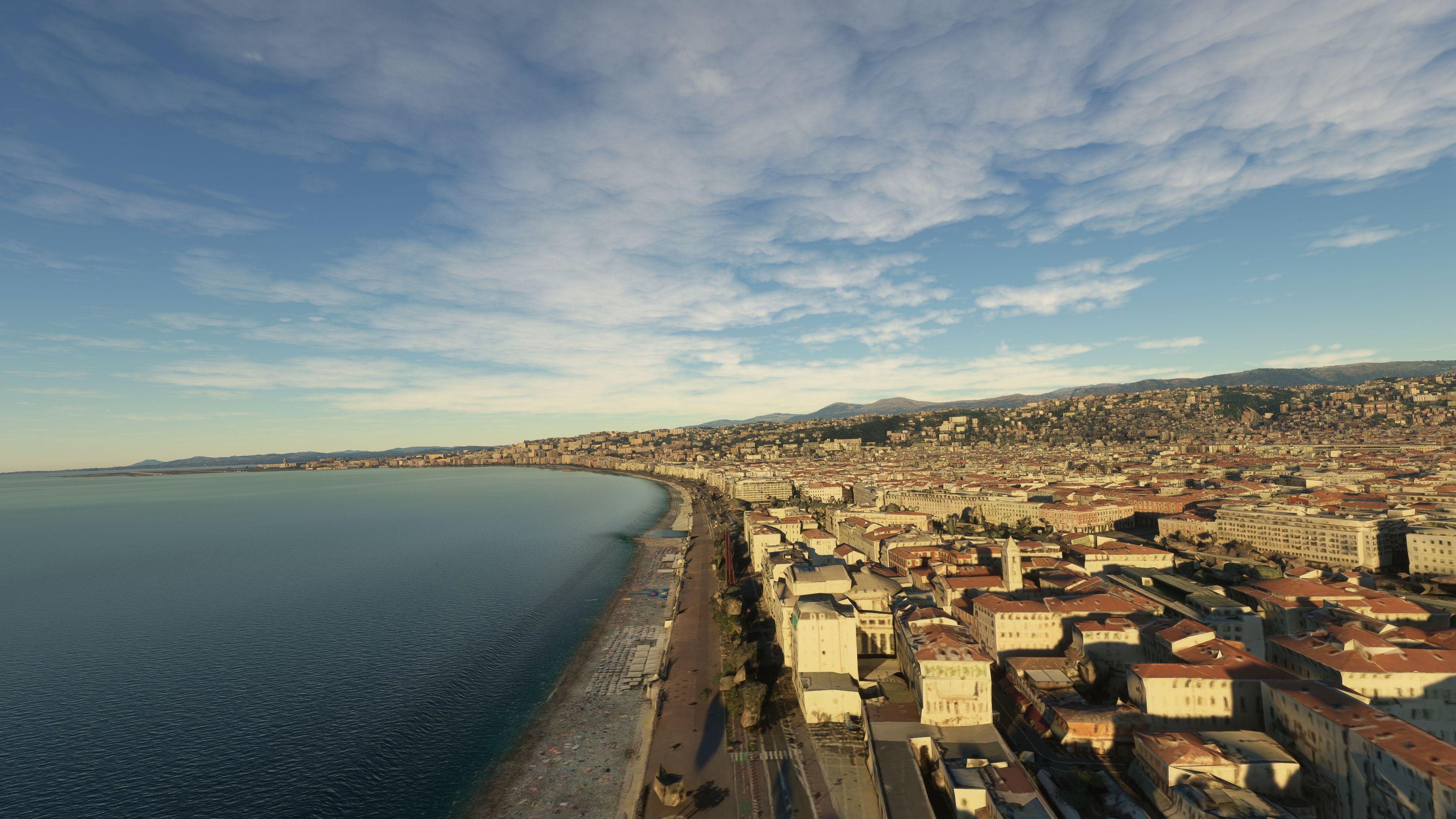
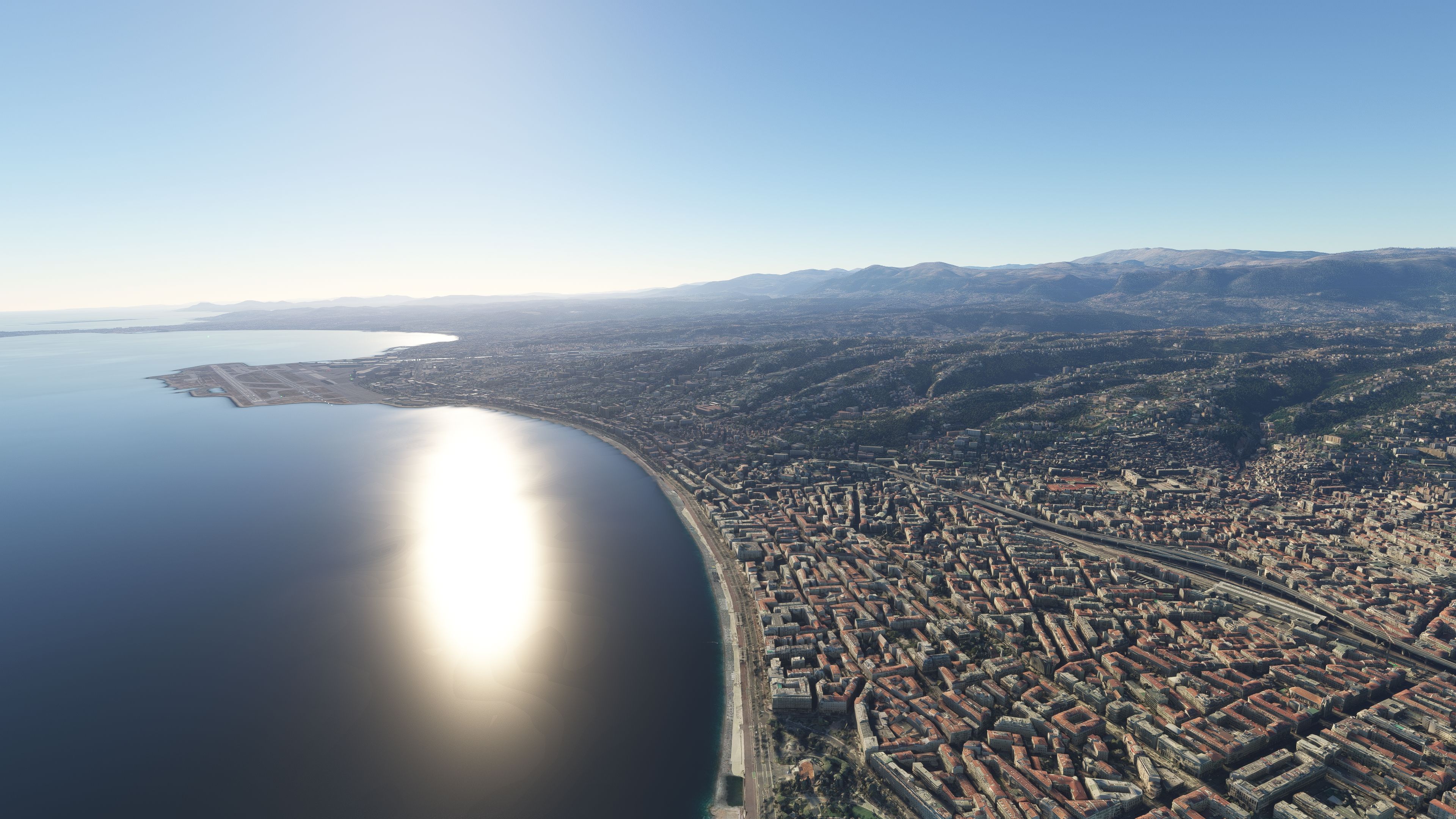
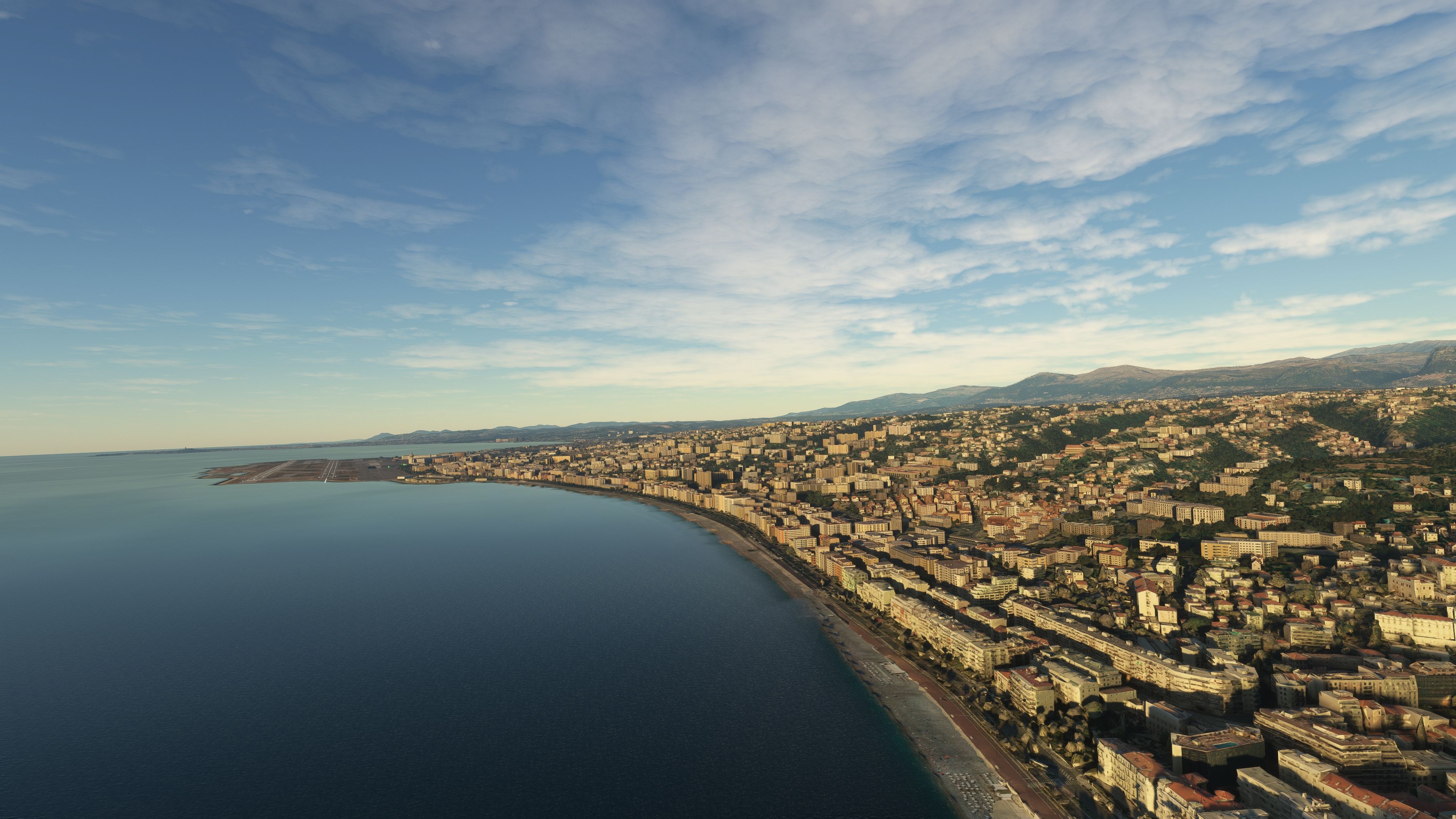
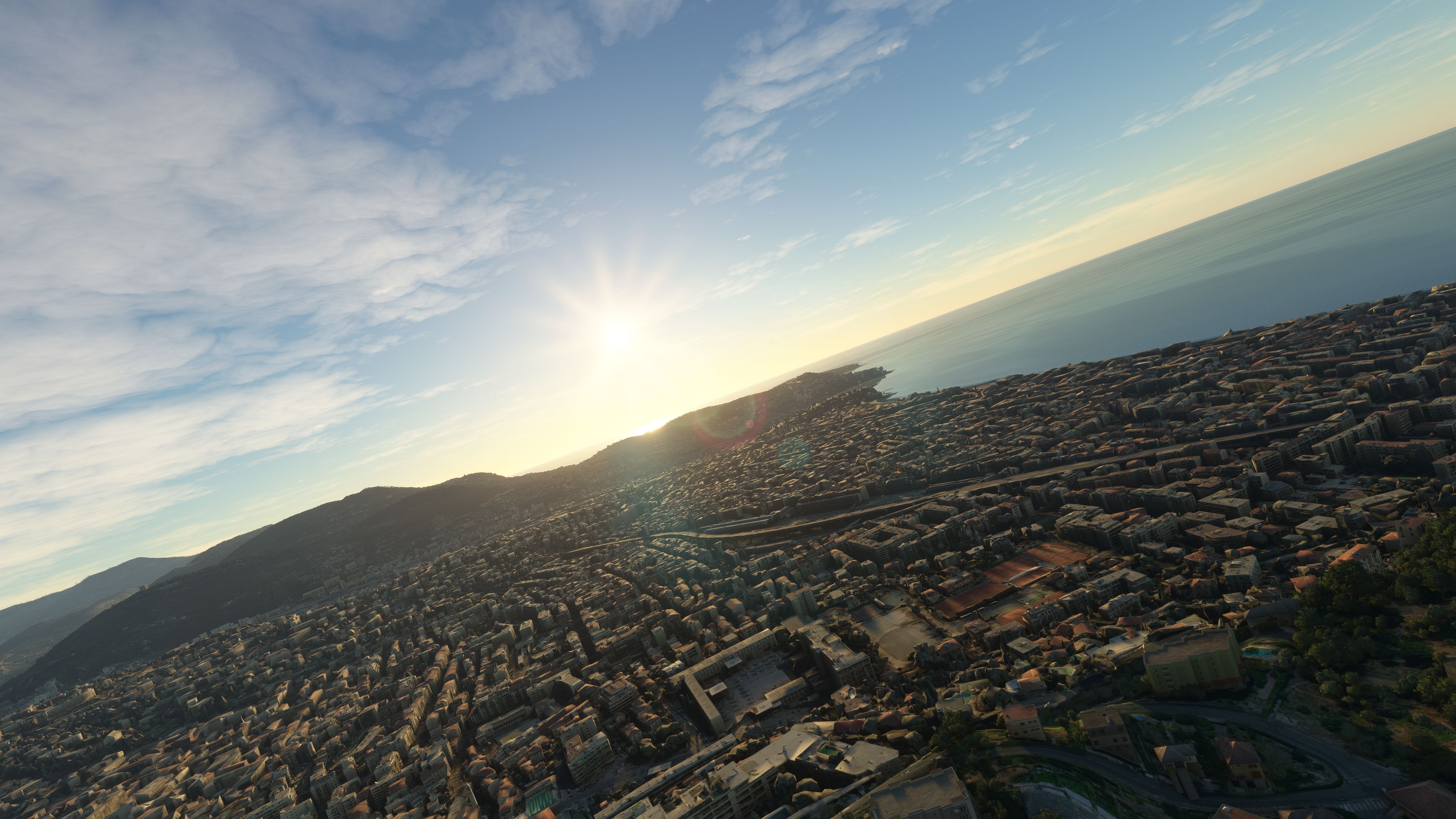
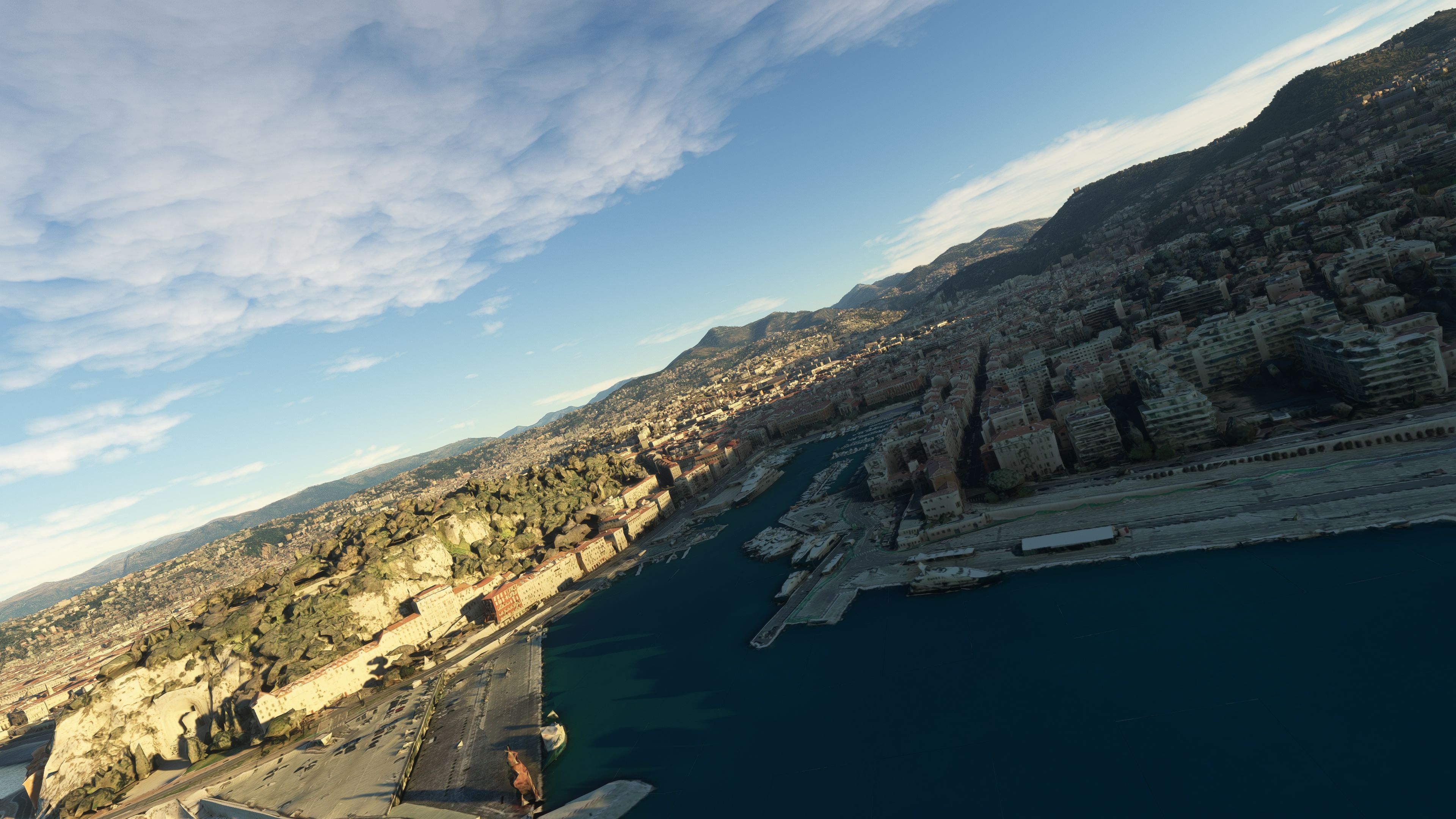
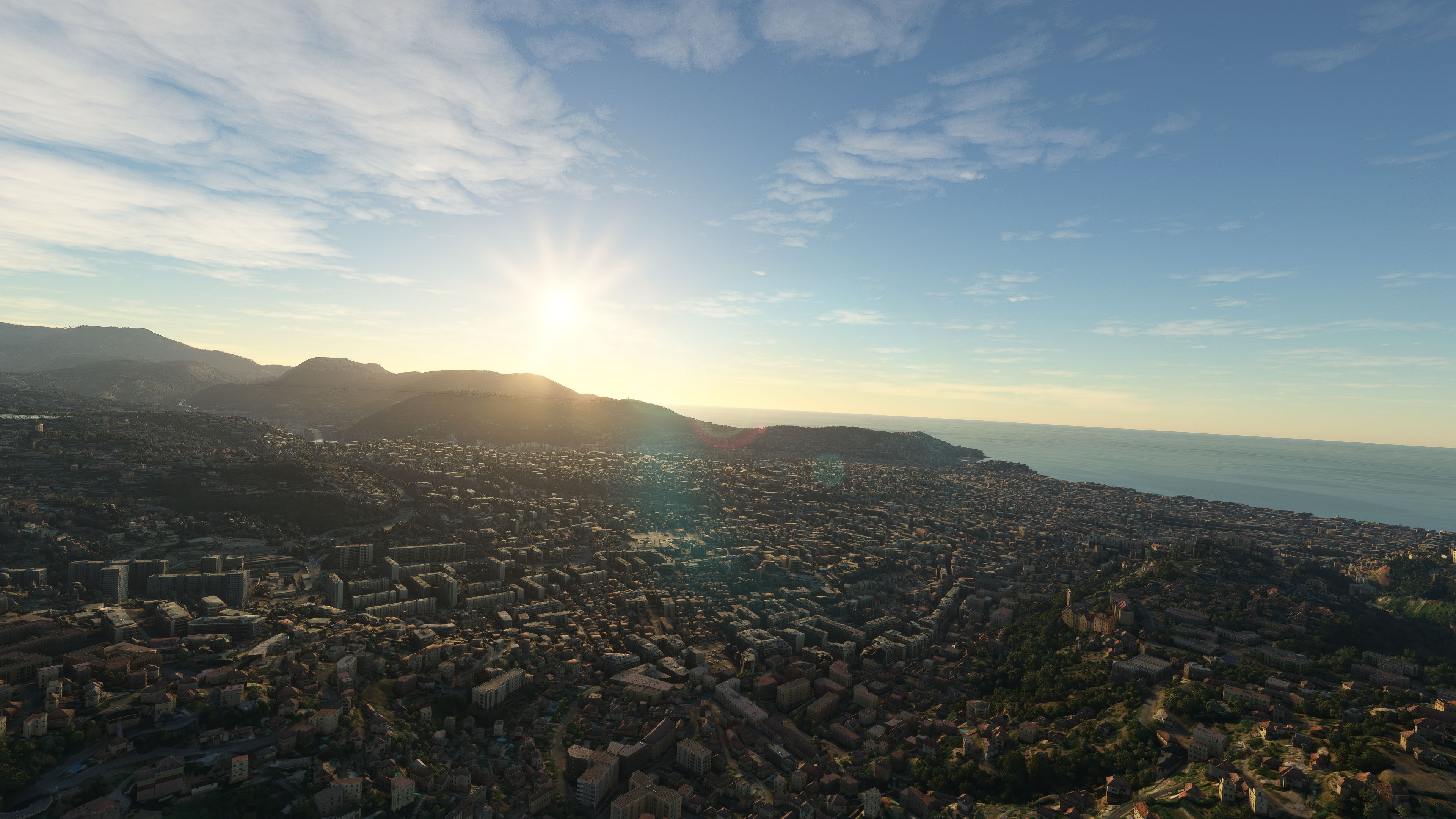
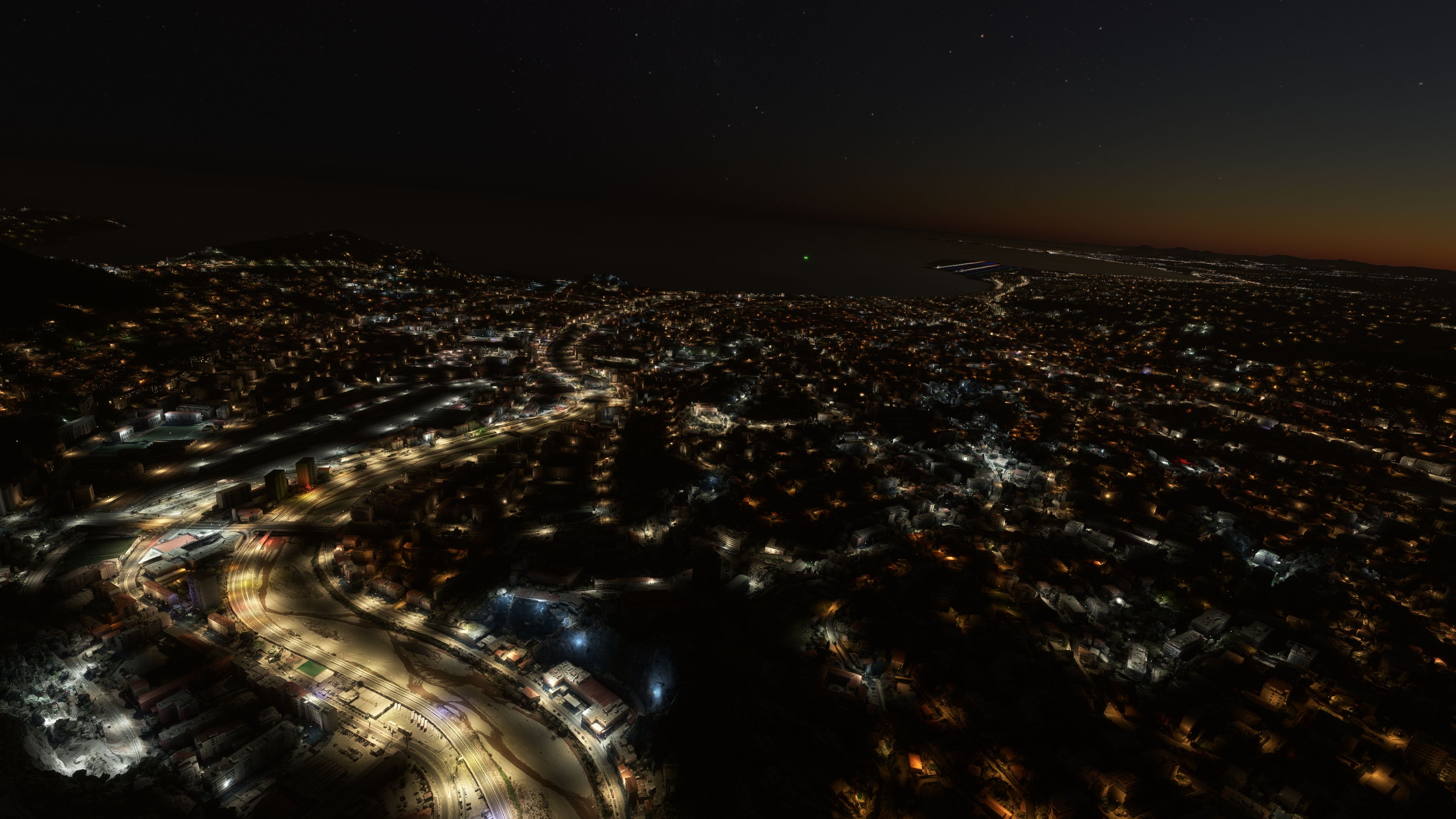

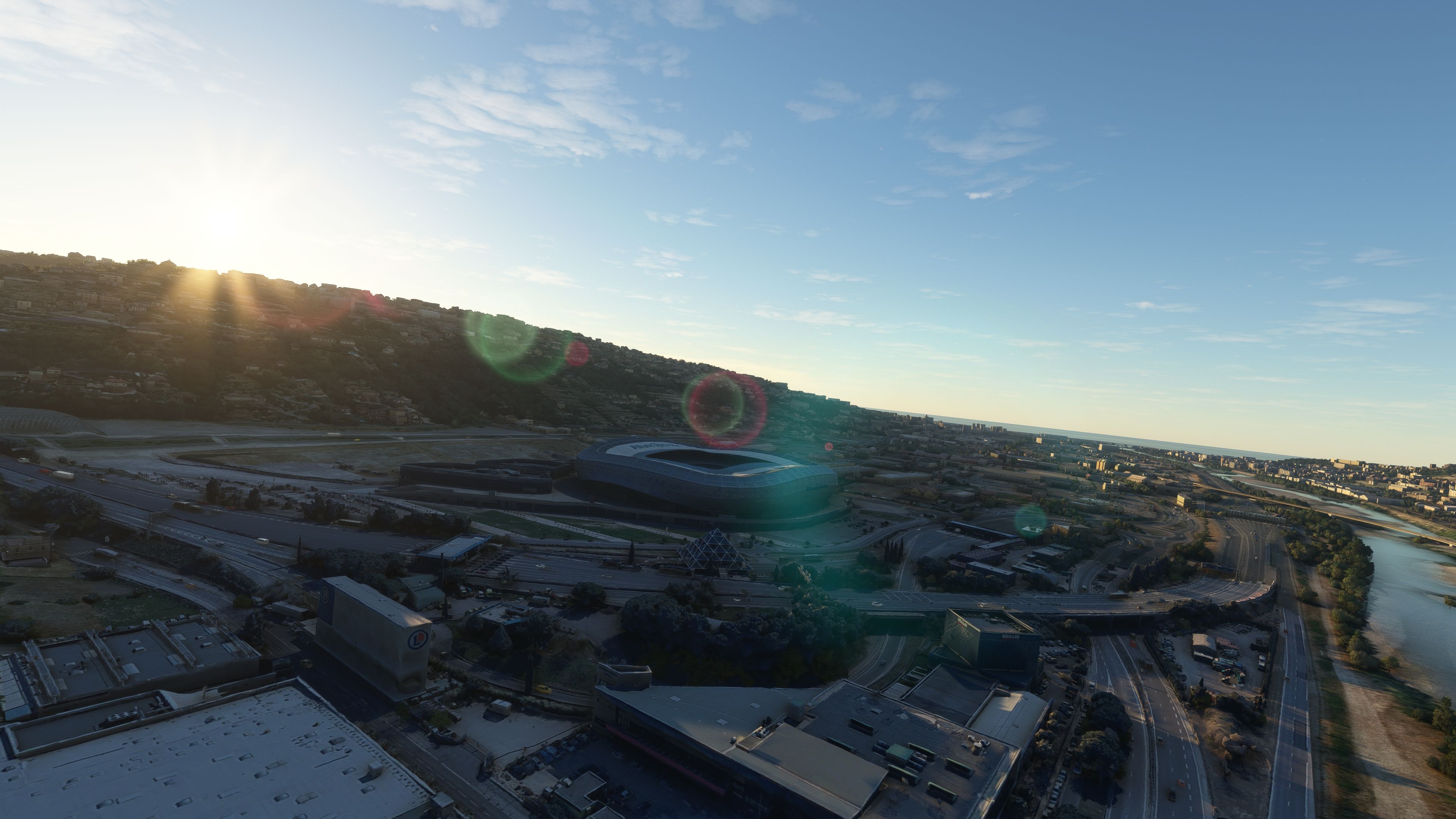

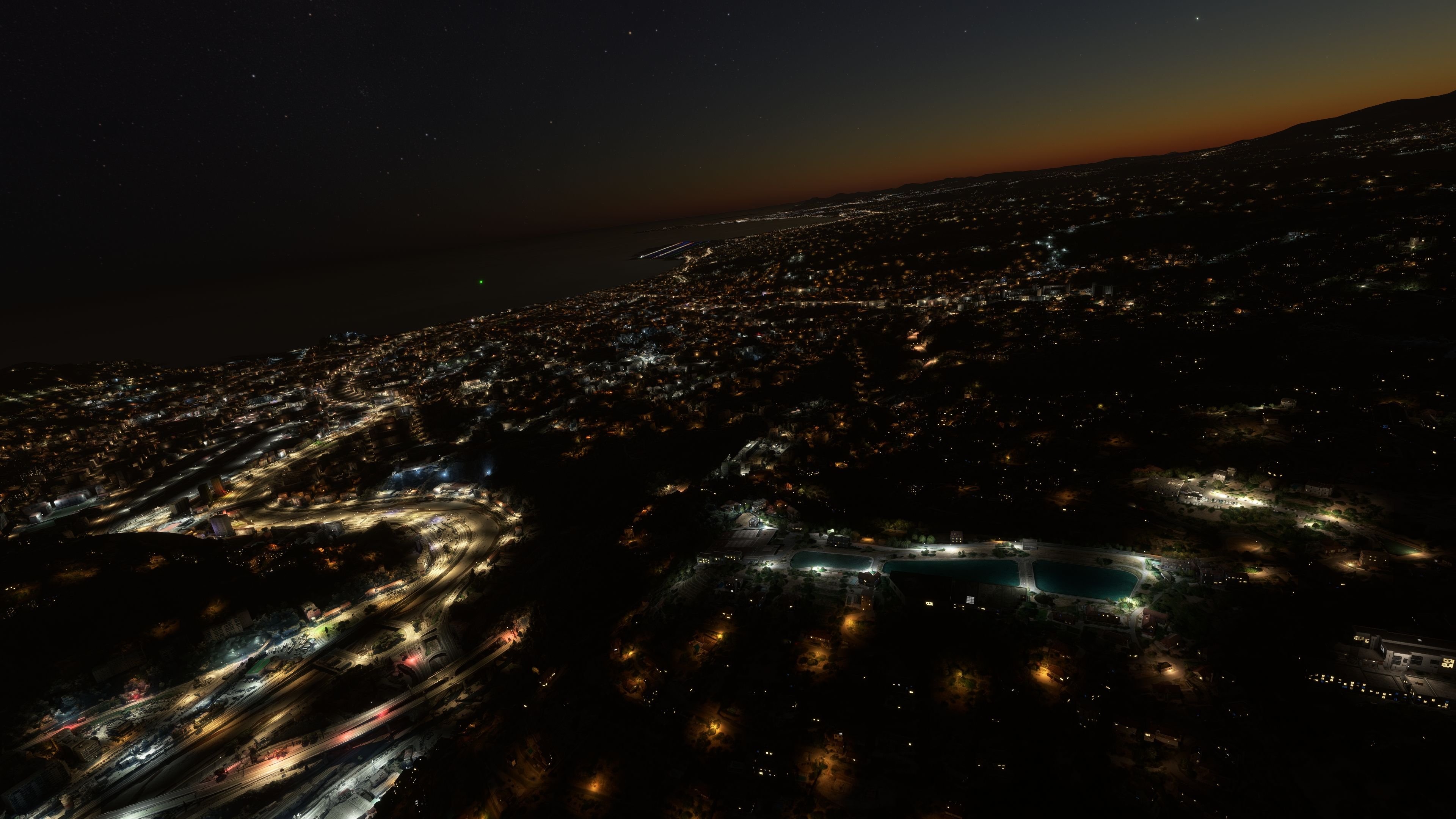
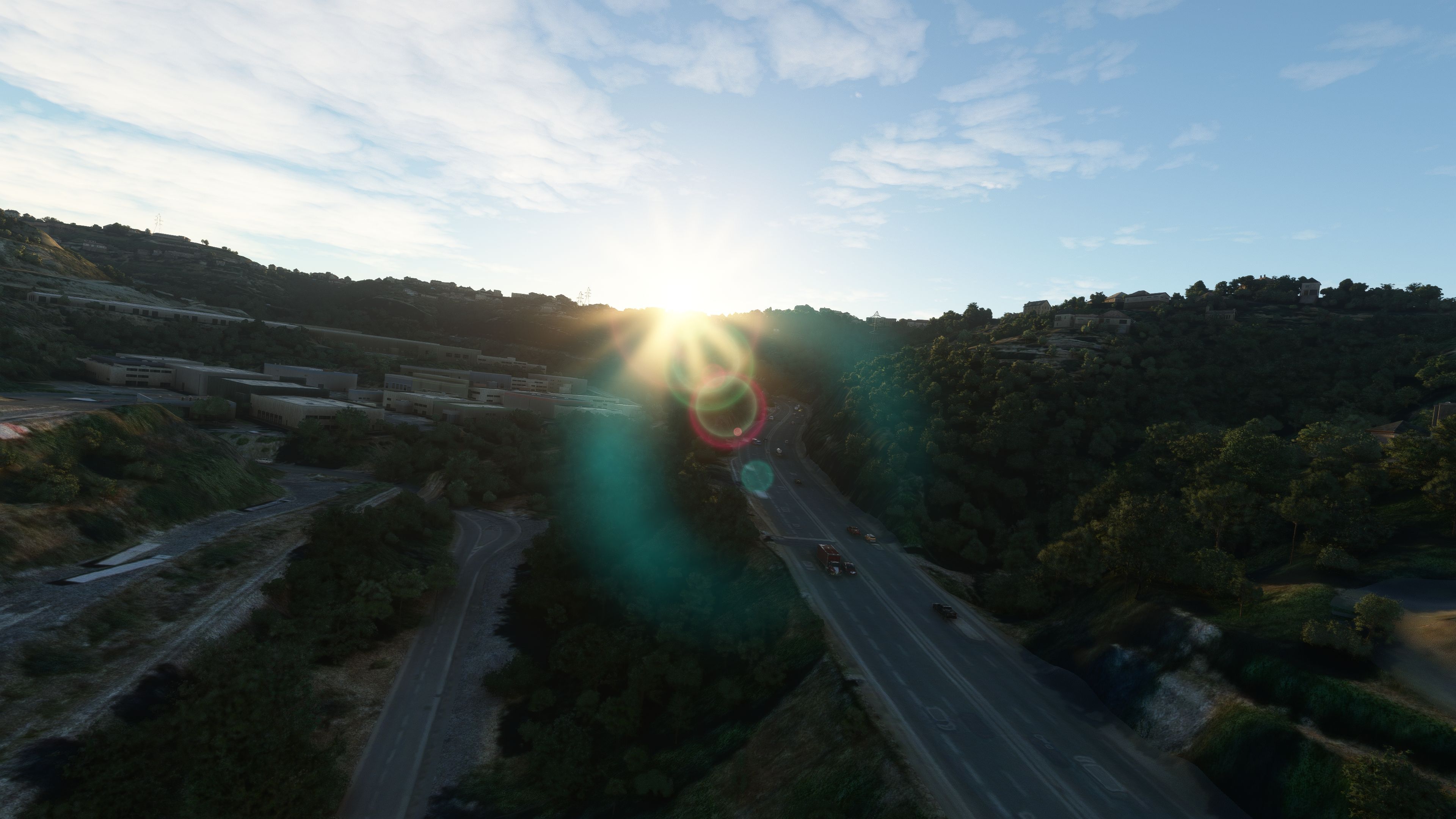
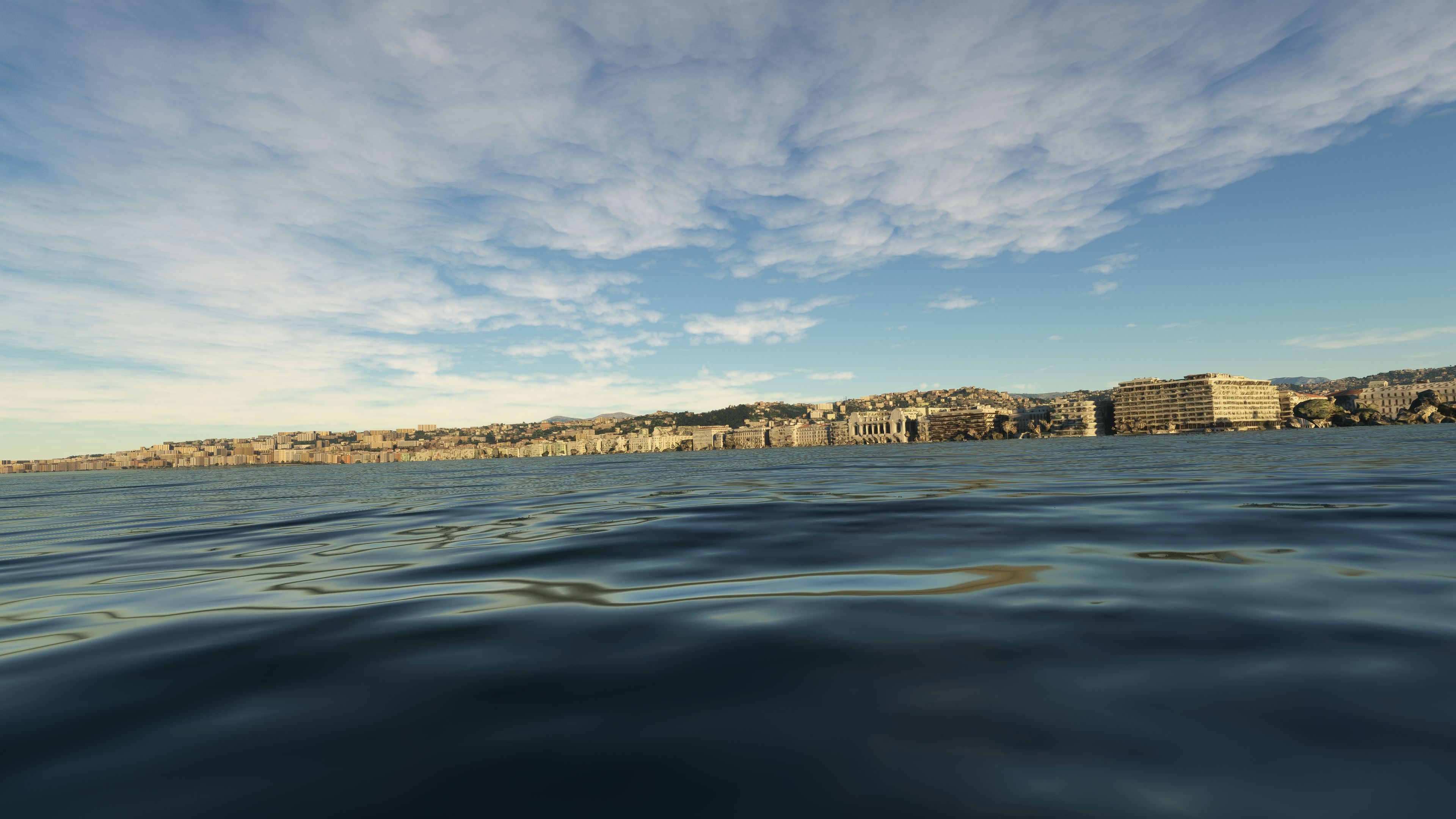
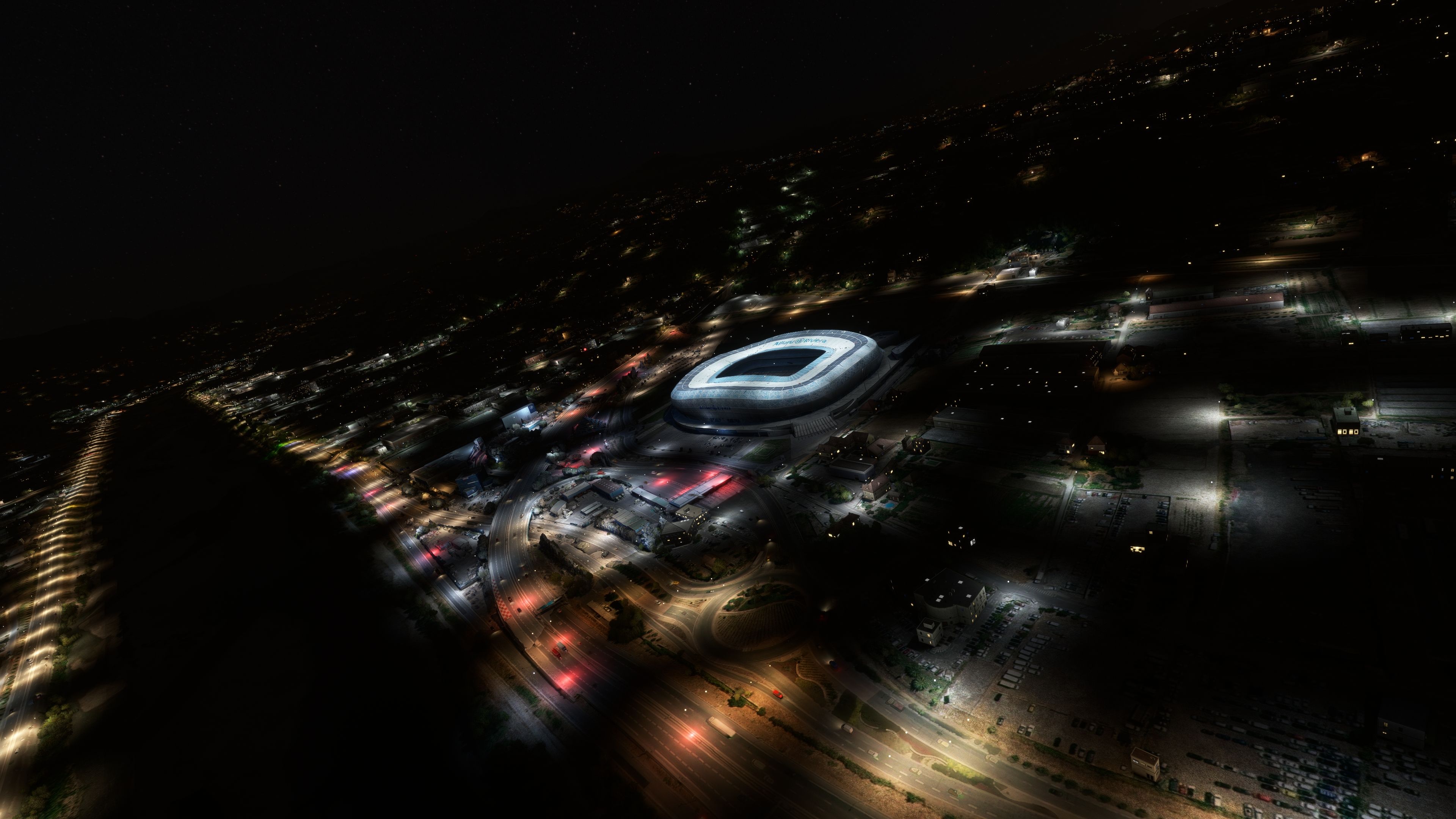
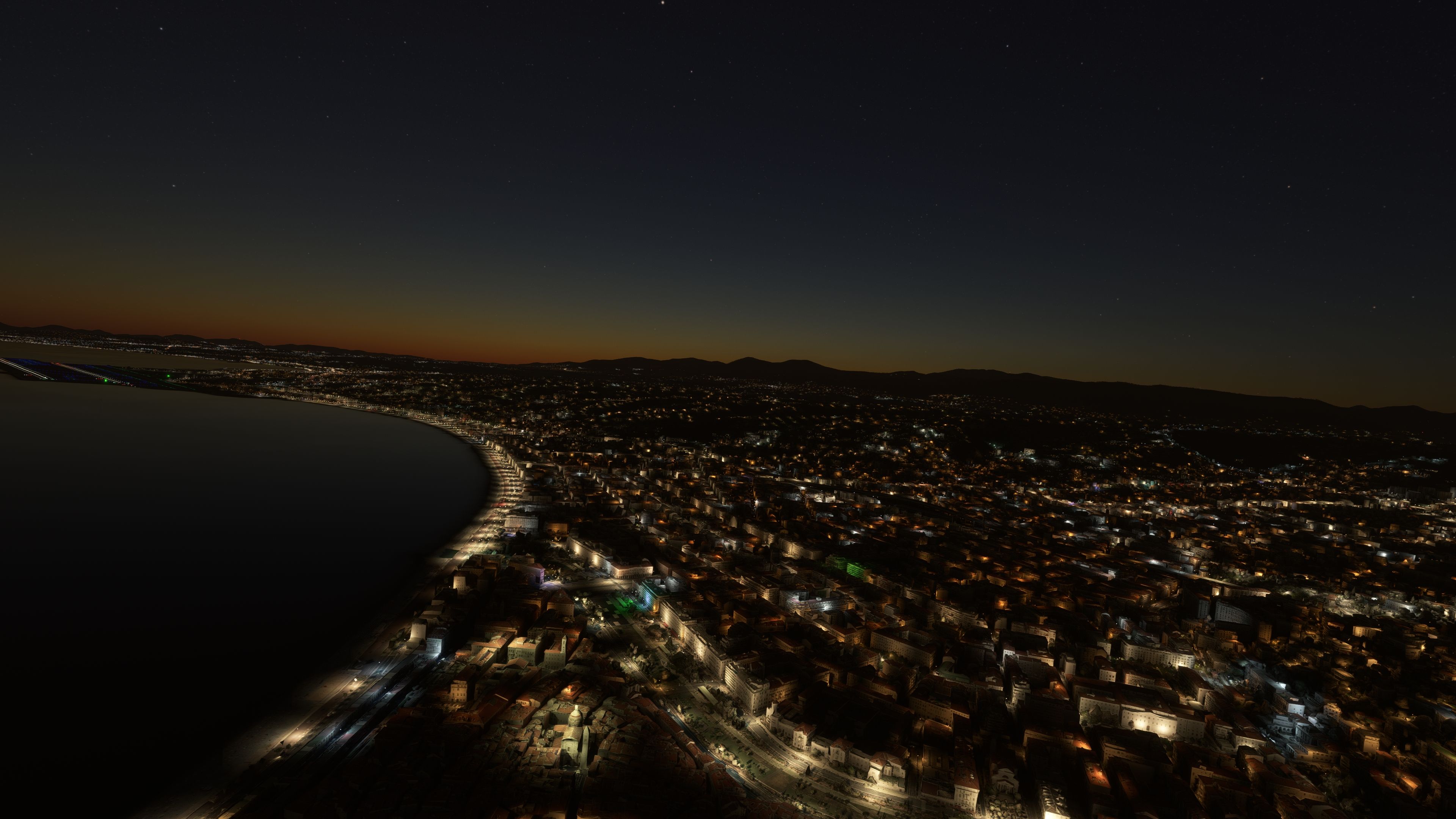
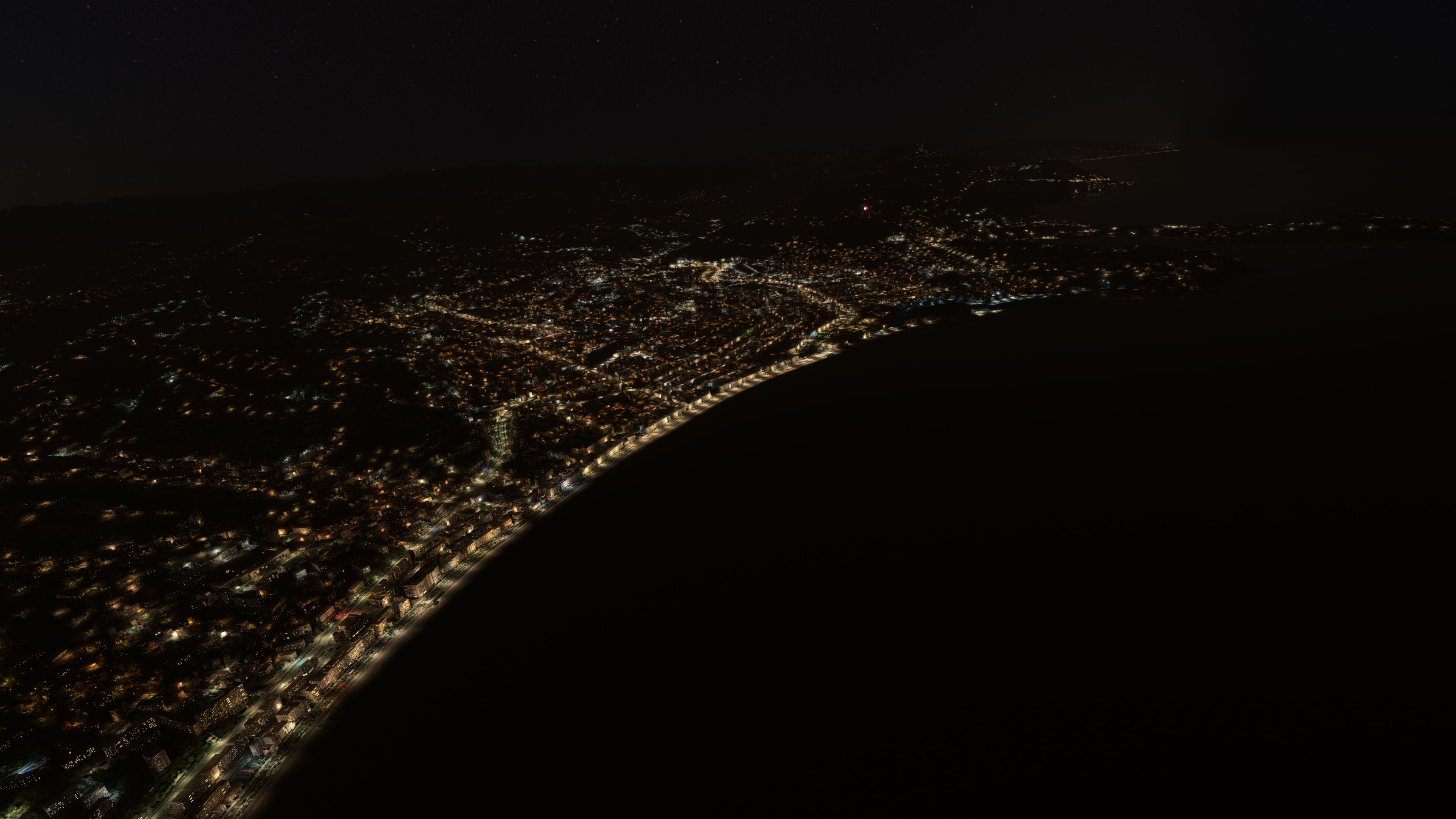
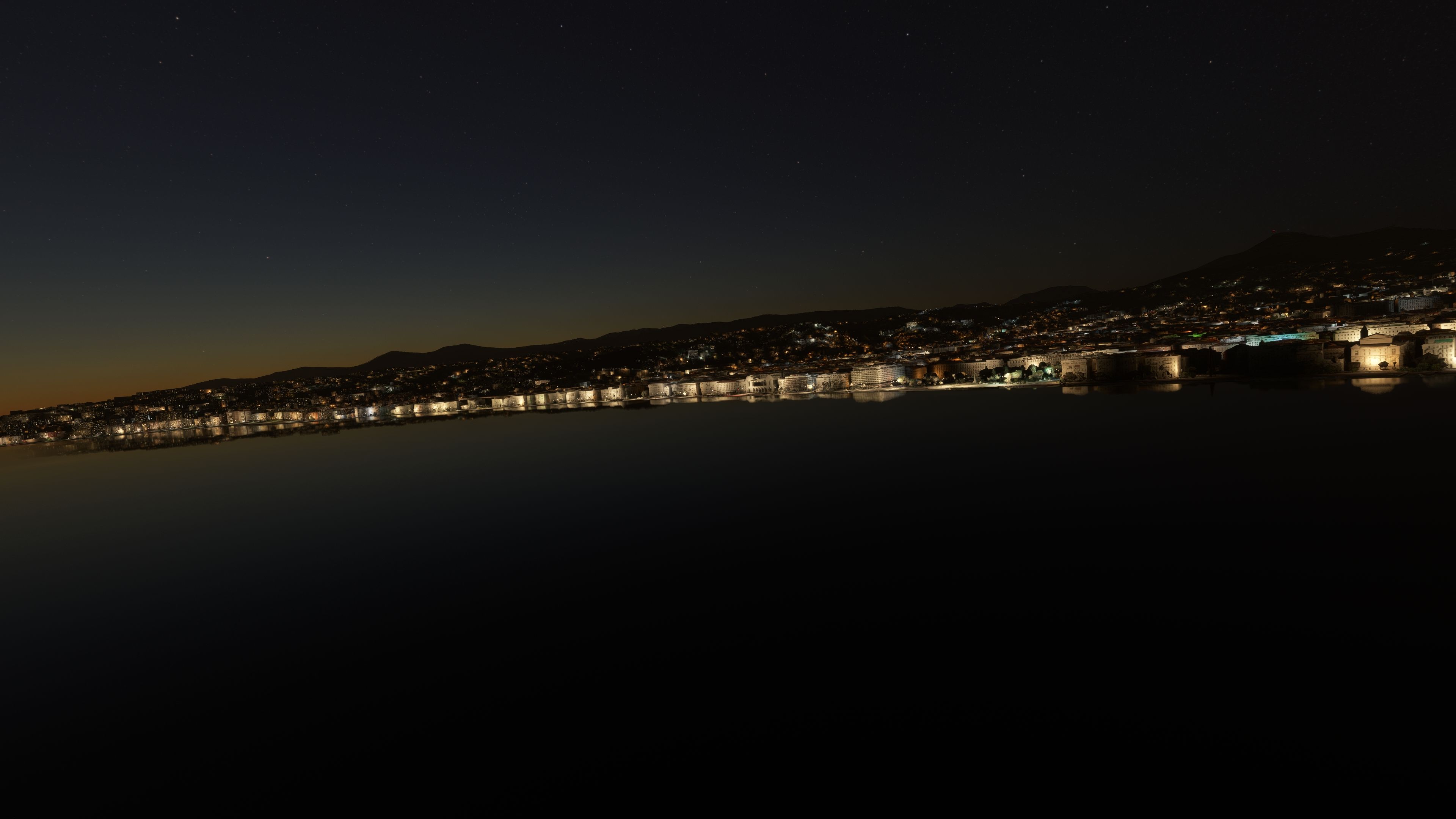

MSFS Nice, France Scenery brings the stunning French Riviera into Microsoft Flight Simulator with precise 3D details and photorealistic textures. Developed by Thalixte, this mod uses carefully optimized data to reproduce essential landmarks like the Promenade des Anglais and surrounding urban areas. From takeoff at Nice Côte d’Azur Airport, the city’s coastline and iconic architecture unfold beneath you, creating an immersive flight experience unlike any default scenery.
One of the key highlights is the impressive performance boost introduced in version 2.0, which reduces texture files and CPU load while enhancing overall fluidity. After extensive testing, the frame rates remain stable even during low-altitude passes over the city or approaches from the Mediterranean Sea. With better road traffic integration and less overall resource demand, this scenery pack stands out as a must-have for any virtual pilot seeking both authenticity and efficiency in their flight simulation environment.
A fun and reasonably well-detailed rendition of Nice, France developed by Thalixte for the Microsoft Flight Simulator (MSFS) 2020 release.
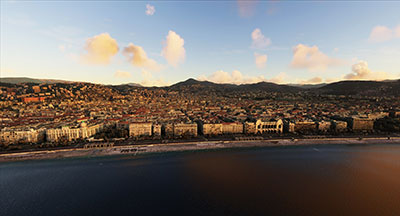 The scenery has been developed using external data from Google Maps and hand-finished for extra detail and precision.
You can fly down the Promenade des Anglais after taking off from Nice Côte d'Azur Airport (LFMN) and see all of the buildings along the strip. In fact - fly down the coast further East and visit Monaco within the sim (although Monaco is not included with this pack).
The scenery includes much updated (and new) 3D models for pretty much all of the buildings in Nice along with photorealistic textures for both the buildings and the terrain below.
v2.0: overall optimization
This is a major update that optimizes the package, as it drastically reduces the number of texture files:
v2.1
Extract the folders "nice", "nice2" and "allianzriviera" inside the "Scenery" folder into the MSFS Community folder.
Free for all simmers · 1.48 GB · Scanned clean Oct 2026
Download speed: Free tier is capped at 2 Mbps (this file takes approximately 1h 46m at the cap). PRO members download at full line speed.
%LOCALAPPDATA%\Packages\Microsoft.FlightSimulator_8wekyb3d8bbwe\LocalCache\Packages\Community\. Steam version: %APPDATA%\Microsoft Flight Simulator\Packages\Community\. Tip: enable Developer Mode in MSFS to see your exact Community folder path.readme.txt or README file. It tells you exactly where files go, what dependencies are needed, and any quirks specific to this add-on.Thalixte is a developer that has focused on creating photogrammetry and scenery packs for the latest Microsoft Flight Simulator (MSFS) 2020 release.
Are you Thalixte? Sign in to Fly Away Creators for download stats, comment replies and updates. Make add-ons? Publish them here.
Only PRO members can place votes.
More MSFS add-ons hand-picked based on this download.
MSFS Scenery
A complete and extensive replacement freeware scenery package for Paris–Le Bo…
 MSFS Scenery
A fully complete and extensive freeware scenery mod featuring photogrammetric…
 MSFS Scenery
A complete pack for Microsoft Flight Simulator (MSFS) 2020 release bringing A…
 MSFS Scenery
A large freeware scenery add-on pack put together by the developer who goes b…
 MSFS Scenery
A quick rework of several Swiss cities and landmarks such as the Matterhorn u…
 MSFS Scenery
This pack by the developer who simply goes by the name of Chris brings the me…
 MSFS Scenery
Enhance your Microsoft Flight Simulator experience with the Downtown Los Ange…
 MSFS Scenery
A new, easy-to-install, and accurate replacement of the default Paris photore…
Read what other simmers think, or add your own.


I had the same issue as the comment above. The instructions are not clear. But after extracting the File after download. Place the three files Nice Nice2 and allianzriviera as separate files in the Comm Folder. Do not just place the extracted Nice File in the Comm folder as nothing will show within the sim. Happy simming in the South of France.
Regarding placing the scenery. You need to extract the three files Nice, Nice2, and the Allianzrivera files, and place them separately into the CF.
I had the same issue and could not see any of the scenery until I did this.
Lovely job though once it is running excellent design.

How do you install this? I put the files in the Community folder. There seem to be three parts. I tried all of them in a single "Nice" folder and each in its own folder inside "Community". Neither worked, but the second did remove all the auto-generated buildings, so at least something was happening. Now I just have blobs from the photogrammetry.


Excellent work. Makes me feel that I am back on the Côte d'Azur instead of at home in England.