


 Japan
Japan  FSX Scenery
Japan Okinawa Offshore
Japan Okinawa Offshore. This package places a small U.S. battlegroup with the…
Kadena Air Base (RODN) and five Okinawa Islands airstrips receive upgraded layouts and more convincing facilities based on satellite references, bringing stock fields closer to real-world character in FSX. Coverage includes Yoron (RORY), Iejima (RORE), Aguni (RORA), Kumejima (ROKJ), and Kerama (ROKR), plus an included island-hopping flight plan; requires FSX Acceleration for some objects.

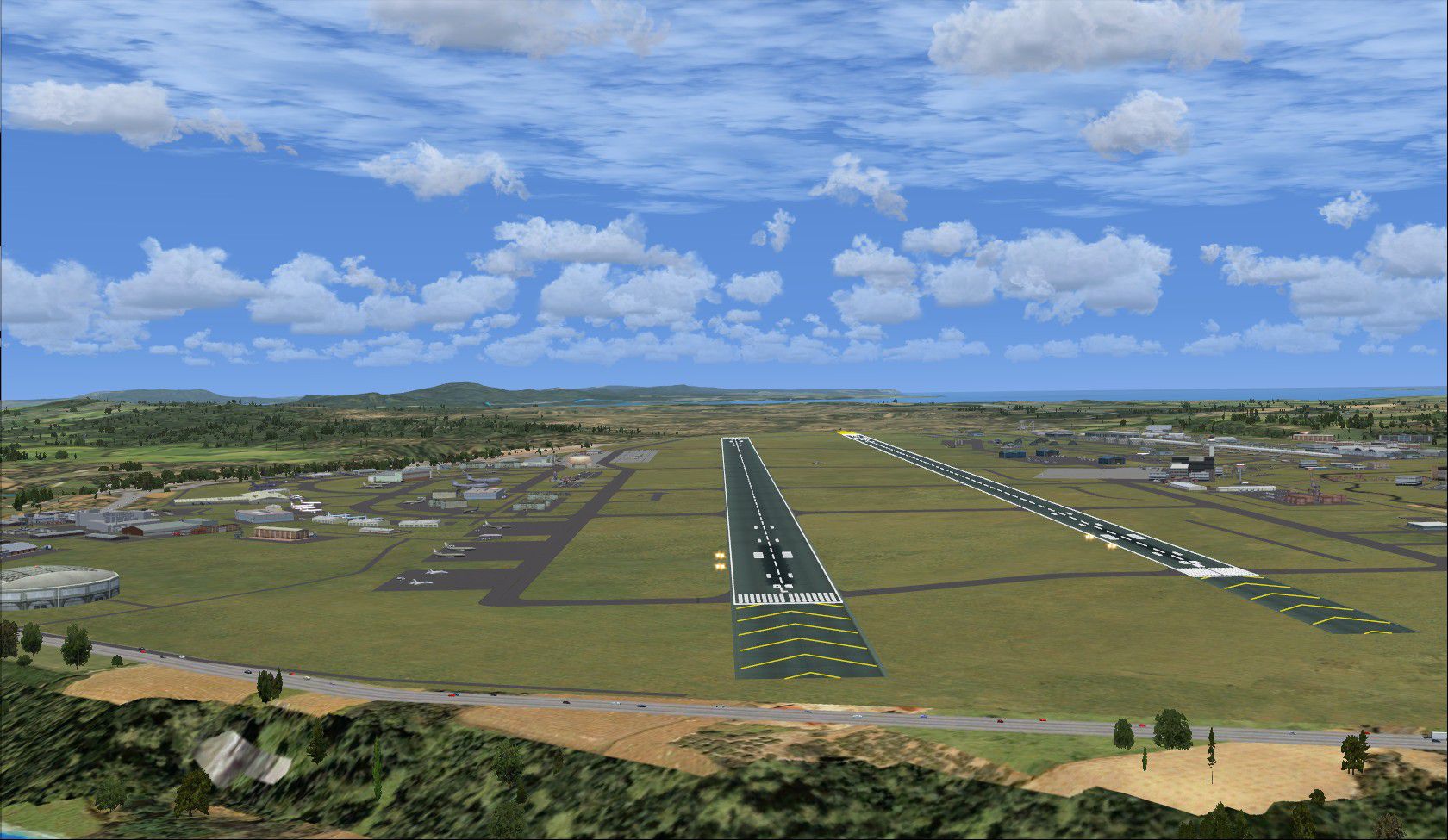
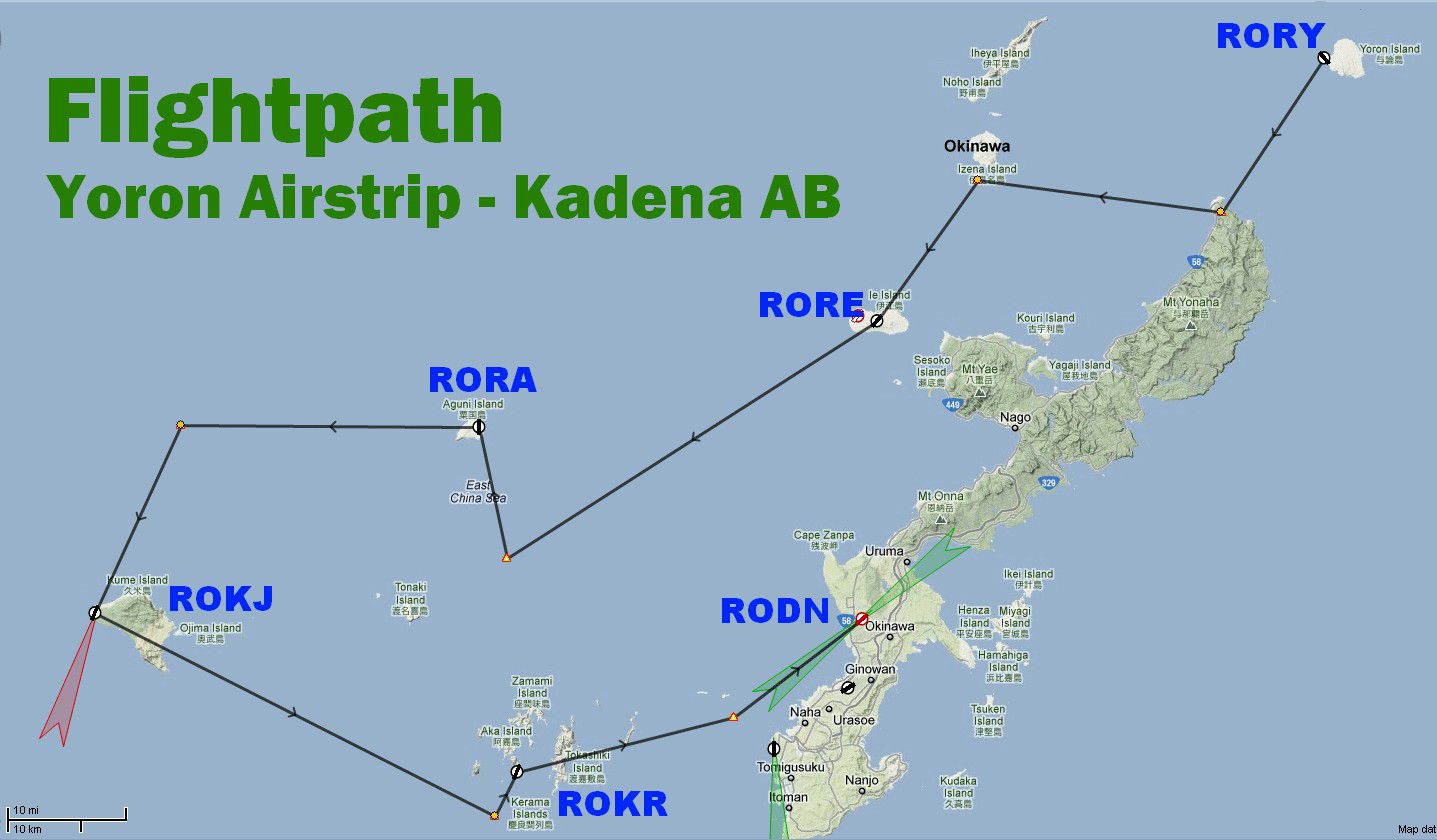
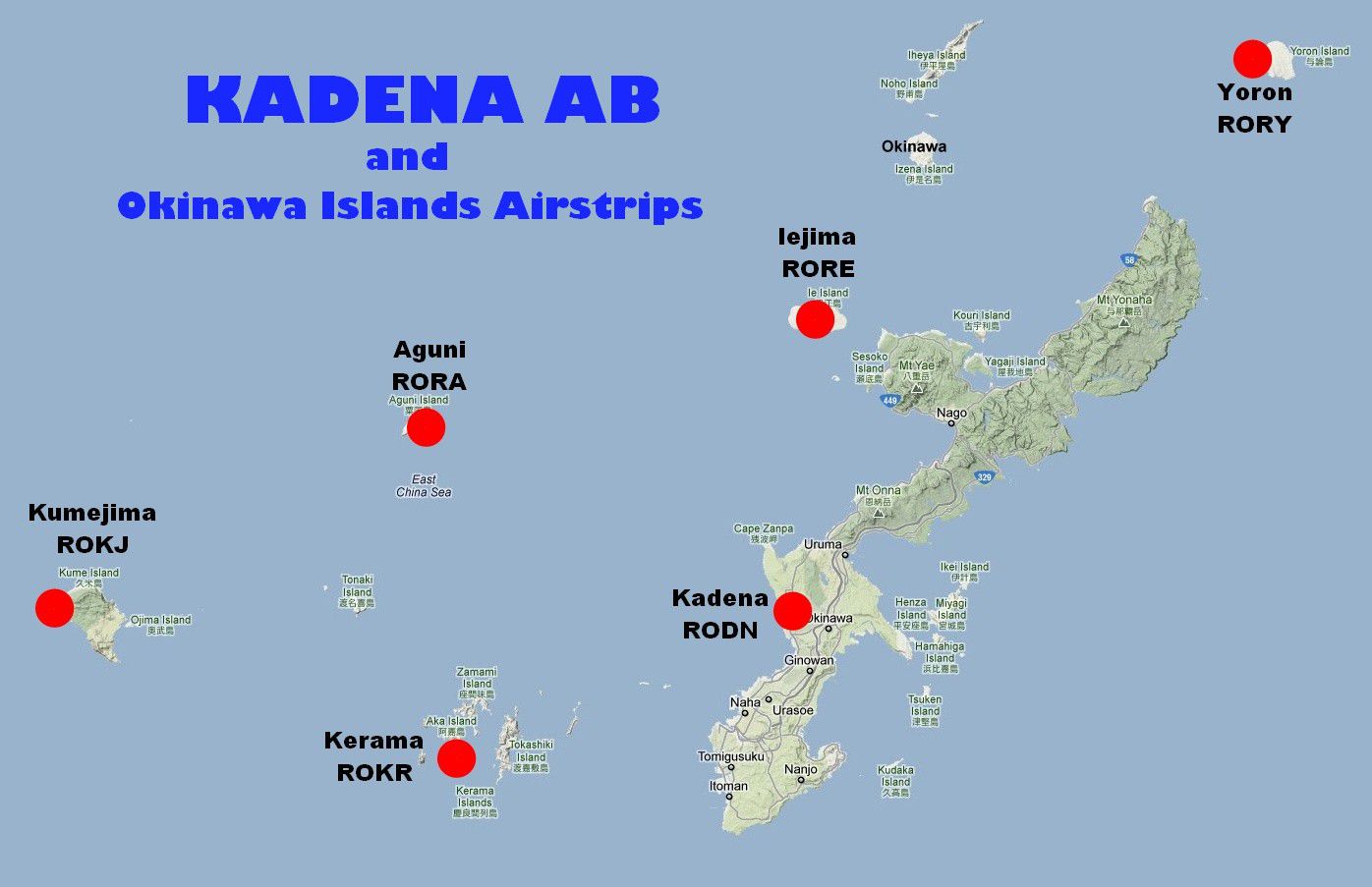
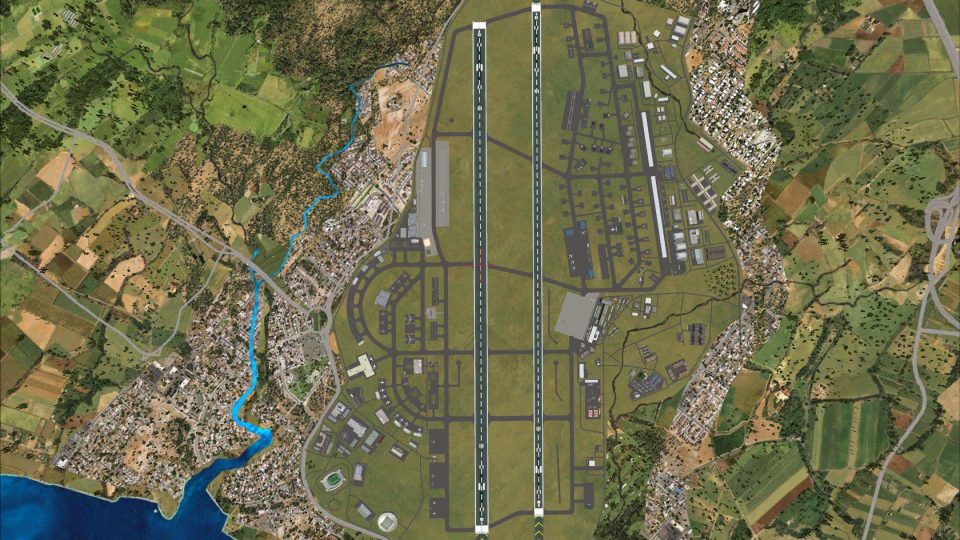
Kadena AB And Okinawa Islands airstrips, southern Japan. This package contains scenery for Kadena AB (RODN), as well scenery for five airstrips located within the Okinawa Islands. Included are: Yoron Island (RORY), Iejima (RORE), Aguni (RORA), and Kerama (ROKR). This scenery enhances the stock airports, using default scenery objects, as well as a few objects from FSX Acceleration. A flight plan has been included which begins at Yoron Island and ends at Kadena AB.
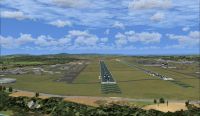
Screenshot of Kadena AB And Okinawa Islands Scenery.
Scenery - Kadena AB and Okinawa Islands Airstrips, Southern Japan.
This package contains FSX scenery for Kadena AB (RODN), as well scenery for five small airstrips located within the Okinawa Islands Group, Southern Japan.
The airstrips included are: Yoron Island (RORY), Iejima (RORE), Aguni (RORA), Kumejima (ROKJ) and Kerama (ROKR).
The Okinawa Islands (Okinawa Shoto) are a group of about two dozen islands around Okinawa Main Island (Okinawa Honto). Okinawa Main Island, the former centre of the Ryukyu Kingdom, is home to more than half of the prefecture's population, as well as the prefectural capital Naha and the US military bases.
Kadena Air Base is the hub of U.S. airpower in the Pacific, and home to the USAF's 18th Wing and a variety of associate units.
This scenery enhances the stock airports, using FSX default scenery objects, as well as a few objects from FSX Acceleration.
A flightplan has been included which begins at Yoron Island and ends at Kadena AB.It is provided in both FSX and Plan-G formats.
By Ian W.
The default FSX scenery for Kadena Airport, (RODN) comprises a few buildings scattered around the airport and bears little resemblance to the real airport.
Using FSX scenery objects, (and based on satellite imagery), this add-on attempts to present a more real-life version of the airport and its facilities.
A similar approach has been taken with smaller island airstrips.
If you do not have FSX Acceleration installed, some of the minor scenery objects may not be visible, - such as car-filled parking lots and median strips with shrubs.
Installation:
Install in the normal manner for add-on scenery.
That is,
. copy or move the folder Kadena_&_Okinawa_Islands to your Add-on Scenery folder of Microsoft Flight Simulator X
. start FSX and go the Scenery Library
. add a new area, selecting the Kadena_&_Okinawa_Islands folder
. make it Priority 1
Also included is a flightplan which takes in Kadena and all of the airstrips. FSX and Plan-G formats are included.
This scenery is released as Freeware, and was created using Airport Design Editor.
Initially used for a flight conducted by the Coffs Flight Simmers.
Thanks to Matt Schultz for his suggestion to enhance Kadena.
Ian W.
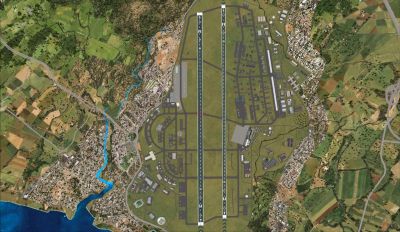
Overview of Kadena AB And Okinawa Islands Scenery.
Free for all simmers · 1.27 MB · Scanned clean Oct 2026
Download speed: Free tier is capped at 0.5 Mbps. PRO members download at full line speed.
FSX\Addon Scenery\ containing scenery and texture sub-folders.readme.txt or README file. It tells you exactly where files go, what dependencies are needed, and any quirks specific to this add-on.Use these coordinates to fly directly to this location once the mod is installed.
26.35600000,127.76800000
Launch FSX or Prepar3D and use Flights → Load to open the downloaded .pln file. Your aircraft will be positioned at this location.
The archive kadena___okinawa_islands.zip has 27 files and directories contained within it.
This list displays the first 500 files in the package. If the package has more, you will need to download it to view them.
| Filename/Directory | File Date | File Size |
|---|---|---|
| Flightpath - RORY to RODN.jpg | 03.03.12 | 146.90 kB |
| VFR Yoron to Kadena AB.plg | 02.09.12 | 7.17 kB |
| VFR Yoron to Kadena AB.pln | 02.11.12 | 4.21 kB |
| Flightplan RORY - RODN | 03.03.12 | 0 B |
| scenery | 03.09.12 | 0 B |
| EastChinaSeaWhalingFleet.bgl | 02.09.12 | 2.15 kB |
| RODN_ADEX_IRW.BGL | 02.13.12 | 134.33 kB |
| RODN_ADEX_IRW_CVX.bgl | 02.13.12 | 1.38 kB |
| ROKJ_ADEX_IRW.BGL | 10.15.11 | 7.36 kB |
| ROKR_ADEX_IRW.BGL | 10.29.11 | 9.67 kB |
| ROKR_ADEX_IRW_CVX.bgl | 10.29.11 | 258 B |
| RORA_ADEX_IRW.BGL | 10.15.11 | 3.67 kB |
| RORE_ADEX_IRW.BGL | 09.13.11 | 8.32 kB |
| RORE_ADEX_IRW_CVX.bgl | 09.13.11 | 392 B |
| RORY_ADEX_IRW.BGL | 09.29.11 | 14.18 kB |
| RORY_ADEX_IRW_CVX.bgl | 09.29.11 | 251 B |
| Torishima_Island.bgl | 03.05.12 | 540 B |
| texture | 03.02.12 | 0 B |
| Kadena_&_Okinawa_Islands | 03.02.12 | 0 B |
| FILE_ID.DIZ | 03.03.12 | 509 B |
| Kadena & Okinawa Islands.jpg | 03.03.12 | 125.94 kB |
| Kadena AB - Top-down View.jpg | 03.03.12 | 641.01 kB |
| Kadena Air Base - RODN.jpg | 03.03.12 | 342.81 kB |
| Kadena_&_Okinawa_Islands.gif | 03.03.12 | 9.12 kB |
| readme.txt | 03.09.12 | 2.38 kB |
| flyawaysimulation.txt | 10.29.13 | 959 B |
| Go to Fly Away Simulation.url | 01.22.16 | 52 B |
Only PRO members can place votes.
More FSX & P3D add-ons hand-picked based on this download.
FSX Scenery
Japan Okinawa Offshore. This package places a small U.S. battlegroup with the…
 FSX Scenery
Aran Island Airports and Connemara Regional with flight plans. Includes flig…
 FSX Scenery
FSX World Wide Coverage SRTM 3 Version 2 Mesh of New Zealand and Islands. Inc…
 FSX Scenery
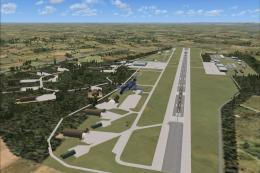
Z11L Leipheim AB v1. Leipheim Air Base (Z11L, earlier also known as EDSD) is …
 FSX Scenery
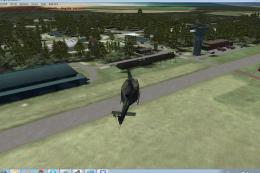
Norvenich AB (ETNN) v1, an airbase located in western Germany "Jagdbombergesc…
 FSX Scenery
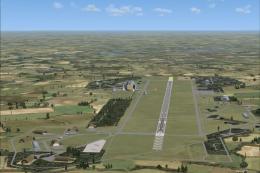
RAF Laarbruch AB v1. RAF Laarbruch Air Base (EDLV originally ETUL) is located…
 FSX Scenery
Scenery Thule AB BGTL, Greenland. Located 750 miles north of the Arctic Circl…
 FSX Scenery
Manching Air Base (ETSI) is located in southern Germany near the the city of …
Read what other simmers think, or add your own.

Excellent. Really nice addition to this area. Worked right away no hassle with FSX SE.