

 FSX Historic & Vintage Aircraft
Messerschmitt Me-163B Komet
Messerschmitt Me-163B Komet. Has full animations and clickable gauges, levers…
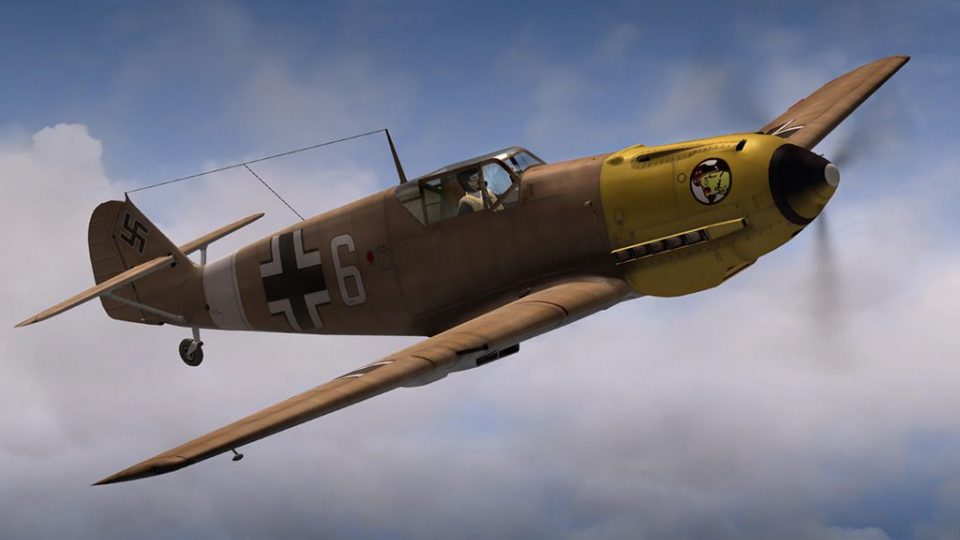
Sharpen the Messerschmitt Me 109’s look in Microsoft Flight Simulator X with an alternative propeller texture tuned for A2A’s Bf 109 package. The replacement prop.dds refreshes the spinning disc effect for more convincing in-flight visuals and requires the latest A2A Me-109 update for proper display.
 Rate
Rate
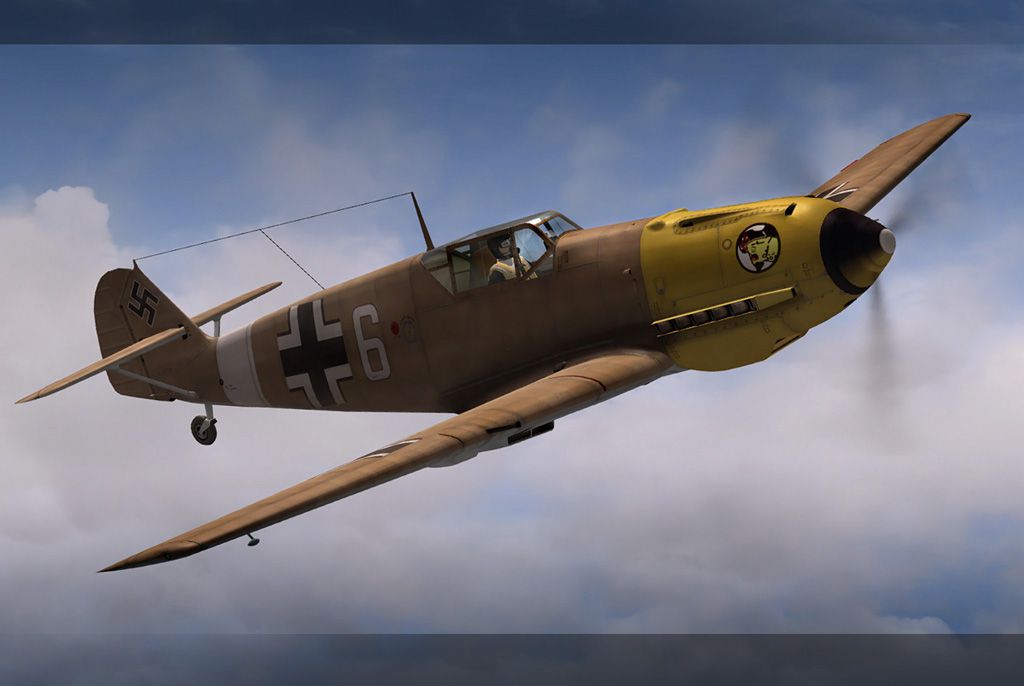
Messerschmitt Me-109 Prop Texture. An alternative propeller texture for A2A's full FSX Me-109. By Bob Rivera.
Screenshot of Messerschmitt Me-109 in flight.
This is an alternative prop texture for A2A's full FSX Me-109, you must have the latest update from the A2A site for the Me-109, for this prop to work.
Installation:
Just make a copy of the prop.dds texture which is located in your: WWII_FIGHTERS_Bf109E texture folder and then replace with the one I've provided. Done.
This is not to be used for profit. Feel free to upload to any site as long as it's a free site and that this readme stays with the texture and proper credit is given.
Cheers,
Bob Rivera
Free for all simmers · 133.67 KB · Scanned clean Oct 2026
Download speed: Free tier is capped at 0.5 Mbps. PRO members download at full line speed.
FSX\SimObjects\Airplanes\. The folder must contain an aircraft.cfg file. Effects go into FSX\Effects\; gauges go into FSX\Gauges\.readme.txt or README file. It tells you exactly where files go, what dependencies are needed, and any quirks specific to this add-on.The archive me109a2a.zip has 6 files and directories contained within it.
This list displays the first 500 files in the package. If the package has more, you will need to download it to view them.
| Filename/Directory | File Date | File Size |
|---|---|---|
| prop.dds | 08.04.08 | 256.12 kB |
| texture | 08.04.08 | 0 B |
| 109propshot.jpg | 08.04.08 | 140.88 kB |
| ReadMe.txt | 08.04.08 | 607 B |
| flyawaysimulation.txt | 10.29.13 | 959 B |
| Go to Fly Away Simulation.url | 01.22.16 | 52 B |
Only PRO members can place votes.
More FSX & P3D add-ons hand-picked based on this download.
FSX Historic & Vintage Aircraft
Messerschmitt Me-163B Komet. Has full animations and clickable gauges, levers…
 FSX Historic & Vintage Aircraft
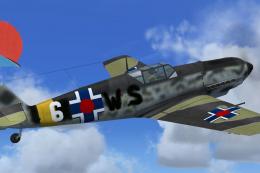
Corrected textures for the A2A WWII Fighters Bf109E, Messerschmitt Bf109E-4. …
 FSX Historic & Vintage Aircraft
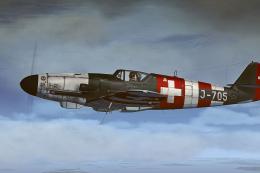
This is a repaint for Flight Replicas Messerschmitt Bf109 K-4. Repaint only. …
 FSX Historic & Vintage Aircraft
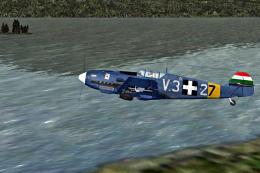
The repaint is purely fictional. Textures only; requires original A2A Simulat…
 FSX Historic & Vintage Aircraft
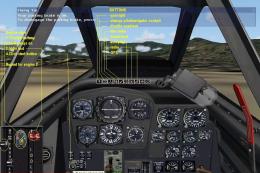
Nightfighter. World War II saw the introduction of jet aircraft, and one of t…
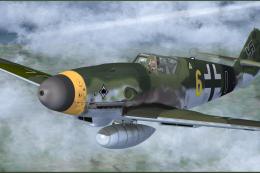 FSX Historic & Vintage Aircraft
A paint of Flight Replica's Messerschmitt 109K of 111/Jagdegeschwader 53 'Pik…
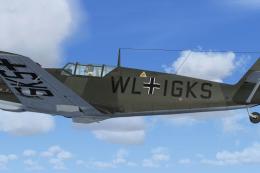 FSX Historic & Vintage Aircraft
Textures for WWII Fighters Messerschmitt Bf-109E3 code WL-IGKS. This aircraft…
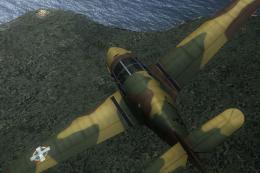 FSX Historic & Vintage Aircraft
This is a repaint for the Classics Hangar Messerschmitt BF 108 "Taifun". VVKJ…
Be the first to leave a comment on this download.
Be the first to share your thoughts on this download.