

 FSX Historic & Vintage Aircraft
Prototype Arado Ar-96V-2 D-IFHD
This freeware package provides a specialized repaint for the early prototype …
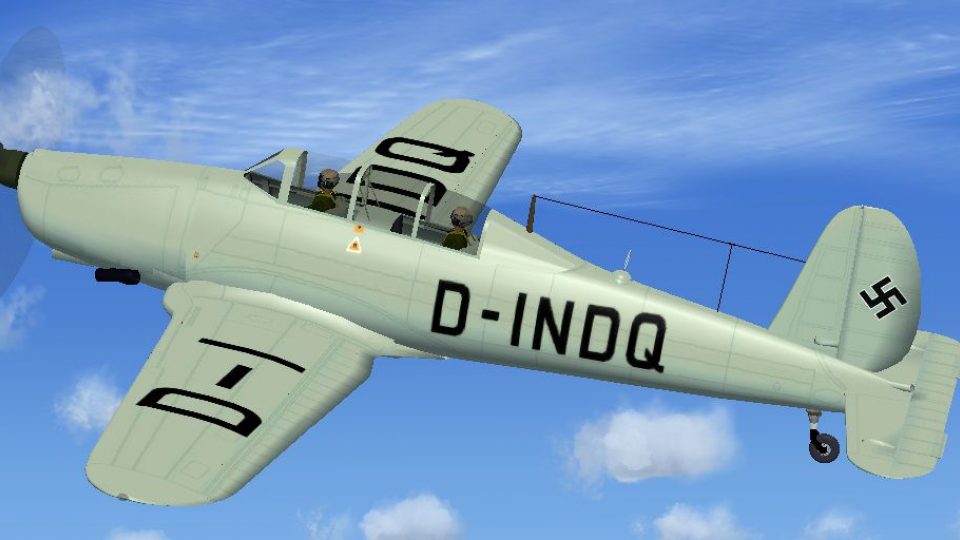
Prototype Arado Ar 96V-5 D-INDQ arrives as a historically faithful repaint, bringing crisp registration markings, refined panel lines, and improved surface detailing to the classic trainer in Microsoft Flight Simulator X. It requires the AR96C2.ZIP freeware base model, and includes textures tuned to match the original V-5 prototype’s distinctive look.
 Rate
Rate
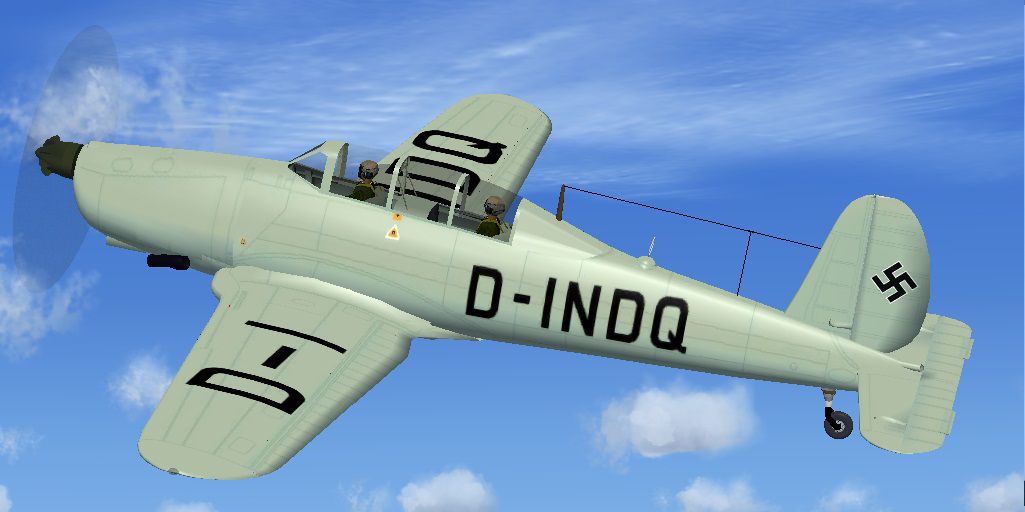
This freeware update provides a fresh repaint of the prototype Arado Ar-96V-5 with registration D-INDQ for use in Microsoft Flight Simulator X. Created by Jindrich Barta of the Czech Republic, these textures enhance the existing aircraft model by applying detailed markings consistent with the original V-5 prototype.
The Arado Ar-96 was initially designed as a compact, single-engine trainer during the late 1930s. Developed by Germany’s Arado Flugzeugwerke, this low-wing monoplane became an essential platform for advanced instruction, familiarization flights, and proficiency training. The specific V-5 prototype, identified by its D-INDQ registration, showcased various design refinements that would later influence production versions in service with multiple military training units.
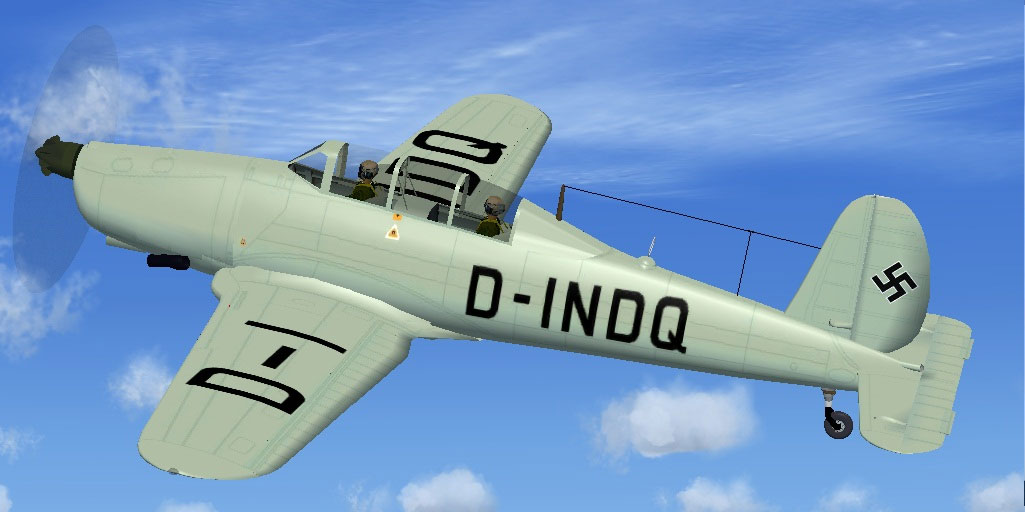
Screenshot of Prototype Arado Ar-96V-5 DINDQ in flight.
To install, first verify that you have the freeware Ar-96b model (AR96C2.ZIP) in your simulator’s SimObject/Airplanes directory. Create a new texture.DINDQ folder inside the Ar-96b aircraft folder and extract these textures there. Then open your aircraft.cfg file in the Ar-96b folder and add the following entry, making sure to replace X with the next sequential fltsim number:
[fltsim.X]
title=Arado Ar 96b D-INDQ
sim=arado96
model=
panel=
sound=
texture=DINDQ
KB_checklists=
atc_id=
atc_airline=
atc_flight_number=
atc_heavy=0
ui_manufacturer=Arado
ui_type=Ar-96V-5 D-INDQ
ui_variation=Ar-96V-5 D-INDQ
description=Arado Ar-96V-5 prototype.
After adding this configuration and verifying that the texture folder is properly named, launch Microsoft Flight Simulator X to enjoy flying the Ar-96V-5 prototype. Fly Away Simulation showcases this repaint by Jindrich Barta, who meticulously re-created the historic visage of one of the most iconic training aircraft prototypes from the World War II era.
Free for all simmers · 2.74 MB · Scanned clean Oct 2026
Download speed: Free tier is capped at 0.5 Mbps. PRO members download at full line speed.
This file is a repaint — the package below is the base model it paints onto. Install it first, or the textures will have nothing to load onto.
texture.{airline}) inside FSX\SimObjects\Airplanes\{base-aircraft}\.aircraft.cfg in Notepad. Add a new [fltsim.X] section per the readme.readme.txt or README file. It tells you exactly where files go, what dependencies are needed, and any quirks specific to this add-on.The archive ardindo.zip has 25 files and directories contained within it.
This list displays the first 500 files in the package. If the package has more, you will need to download it to view them.
| Filename/Directory | File Date | File Size |
|---|---|---|
| Ardindo | 02.17.12 | 0 B |
| File_id_ iz.txt | 02.17.12 | 219 B |
| Readme.txt | 02.17.12 | 578 B |
| texture.DINDQ | 02.17.12 | 0 B |
| AR96 Bits.bmp | 05.01.06 | 1.00 MB |
| AR96 Bitsp.bmp | 05.01.06 | 1.00 MB |
| AR96 cockpit.bmp | 01.17.07 | 257.05 kB |
| AR96 Extras.bmp | 07.17.05 | 1.00 MB |
| AR96 Fuselage colour.bmp | 01.14.12 | 32.07 kB |
| AR96 Fuselage.bmp | 02.16.12 | 1.00 MB |
| AR96 L_wing.bmp | 02.16.12 | 1.00 MB |
| AR96 R_Wing.bmp | 02.16.12 | 1.00 MB |
| AR96 Tail_Rudder.bmp | 02.16.12 | 1.00 MB |
| AR96 VC Panel.bmp | 01.22.12 | 16.00 MB |
| black_16.bmp | 12.05.04 | 32.07 kB |
| Bulkhead colour.bmp | 01.14.12 | 16.07 kB |
| Fire Ex.bmp | 04.09.05 | 85.40 kB |
| pilot.bmp | 07.10.05 | 256.07 kB |
| prop.bmp | 01.26.12 | 64.07 kB |
| texture.cfg | 08.22.07 | 137 B |
| thumbnail.jpg | 02.17.12 | 111.67 kB |
| Thumbs.db | 12.05.11 | 22.00 kB |
| thumbnail.jpg | 02.17.12 | 111.67 kB |
| flyawaysimulation.txt | 10.29.13 | 959 B |
| Go to Fly Away Simulation.url | 01.22.16 | 52 B |
Only PRO members can place votes.
More FSX & P3D add-ons hand-picked based on this download.
FSX Historic & Vintage Aircraft
This freeware package provides a specialized repaint for the early prototype …
 FSX Historic & Vintage Aircraft
This custom texture set brings to life the Arado Ar-96V-3 D-IGME prototype in…
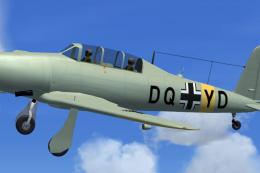 FSX Historic & Vintage Aircraft
Author of this aircraft is unknown. This aicraft was found by Michael Vader a…
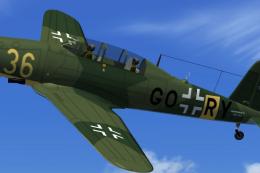 FSX Historic & Vintage Aircraft
This enhanced repaint for the Arado Ar-96b brings a historically inspired Luf…
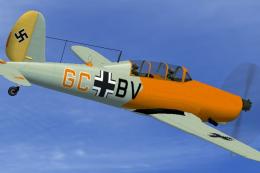 FSX Historic & Vintage Aircraft
Textures only, file AR96C2.ZIP is required. Repaint of the Arado Ar-96b GC+BV…
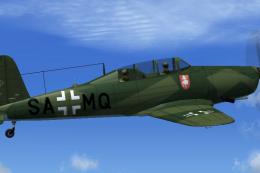 FSX Historic & Vintage Aircraft
This repaint enhances the historical Arado Ar-96b trainer used by the Luftwaf…
 FSX Historic & Vintage Aircraft
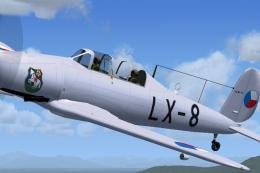
Textures only, file AR96C2.ZIP is required. This aircraft was produced as Let…
 FSX Historic & Vintage Aircraft
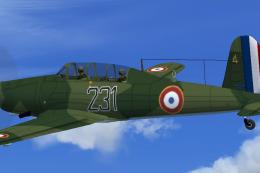
This freeware repaint depicts a French Air Force example of the World War II-…
Be the first to leave a comment on this download.
Be the first to share your thoughts on this download.