

 FSX Historic & Vintage Aircraft
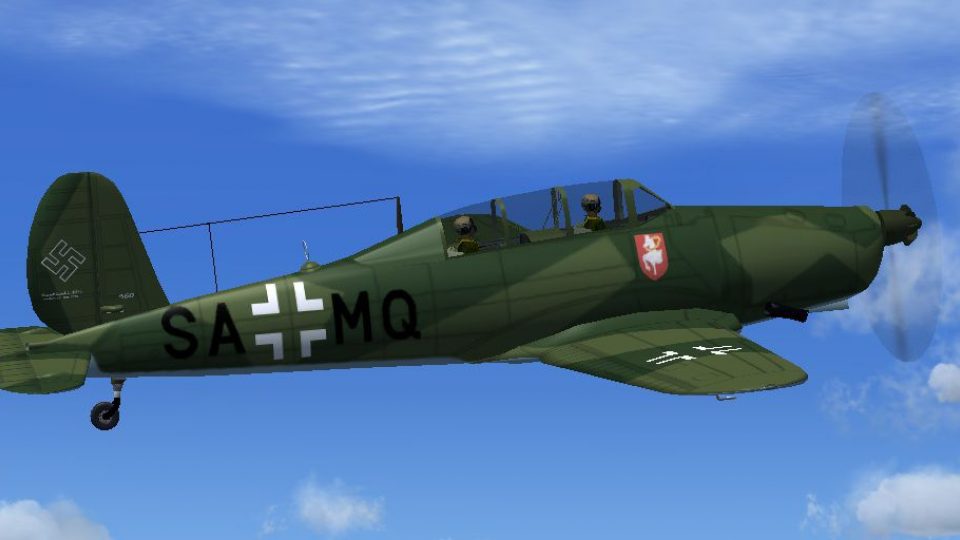
Luftwaffe Arado Ar-96b GORY
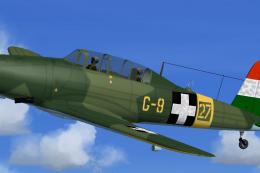
This enhanced repaint for the Arado Ar-96b brings a historically inspired Luf…
Luftwaffe Arado Ar-96b SA+MQ livery recreates the Flugzeugführerschule A/B 32 trainer based at Pardubitz with period-correct wartime markings, crisp insignia, and detailed stenciling for believable ramp and in-flight screenshots. Built for Microsoft Flight Simulator X, it requires the AR96C2.ZIP freeware base model and brings authentic character to the virtual cockpit.
 Rate
Rate
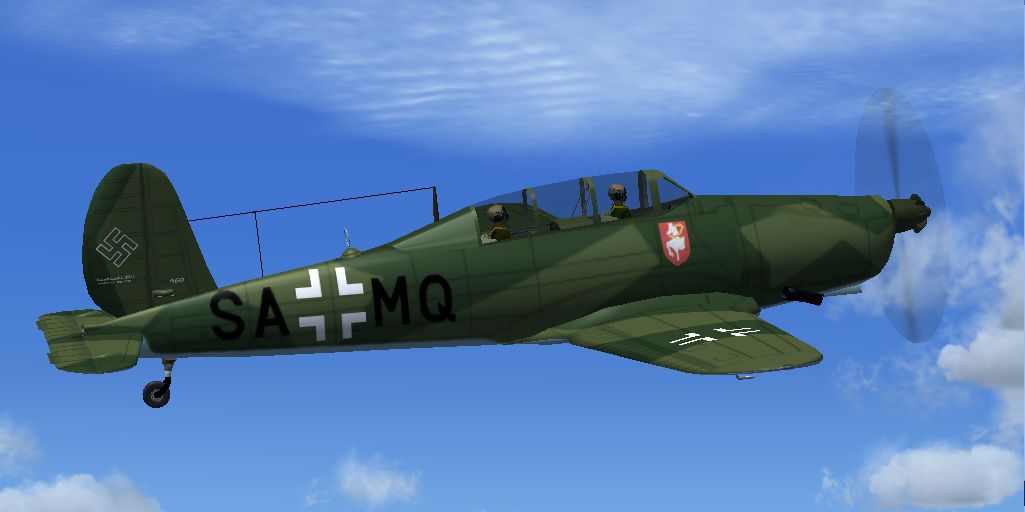
This repaint enhances the historical Arado Ar-96b trainer used by the Luftwaffe at Flugzeugfuhrerschule A/B 32 in Pardubitz (present-day Pardubice, Czech Republic), accurately reflecting its wartime markings. It requires the original freeware package (AR96C2.ZIP) to work in Microsoft Flight Simulator X. The talented creator behind this specialized paint scheme is Jindrich Barta, who meticulously captured essential details, making this a compelling addition to any virtual hangar.
The Arado Ar-96b was once a primary advanced trainer for Luftwaffe pilots, featuring a single-engine design that provided ideal handling for newcomers. Its compact airframe was robust enough to support varied training maneuvers, and it introduced fledgling aviators to operational procedures before transition to larger combat types. During World War II, many pilots gained proficiency through its manageable cockpit layout and reliable flight characteristics.
This repaint only includes the graphical files. You will need the base Ar-96b model (AR96C2.ZIP) from the freeware collection on Fly Away Simulation to complete this add-on. After obtaining the base model, follow these steps:
X with the next sequential repaint number:
[fltsim.X]
title=Arado Ar 96B
sim=arado96
model=
panel=
sound=
texture=SAMQ
KB_checklists=
atc_id=
atc_airline=
atc_flight_number=
atc_heavy=0
ui_manufacturer=Arado
ui_type=Ar-96b SA+MQ
ui_variation=Ar-96b Flugzeugfuhrerschule A/B 32 Pardubitz Ruf.3285
description=
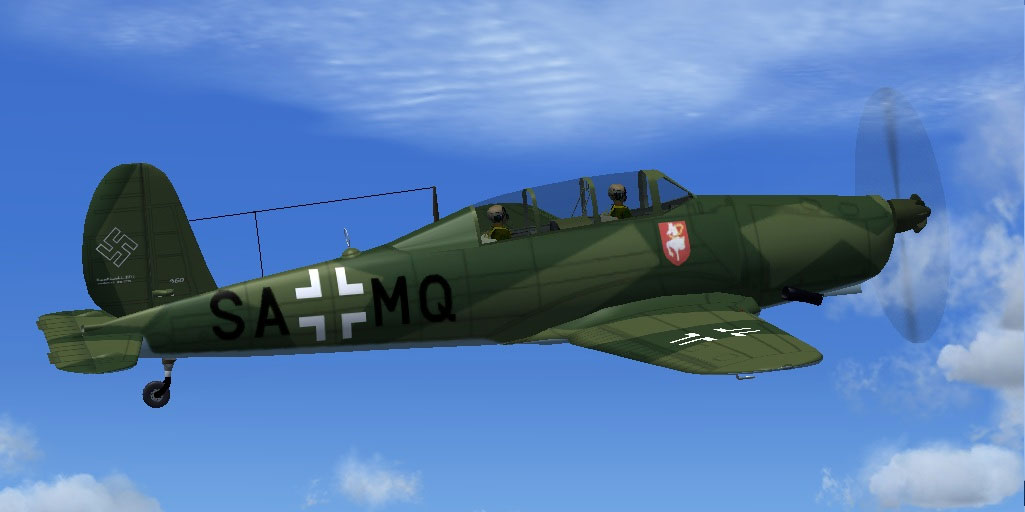
Experience the Luftwaffe Arado Ar-96b SAMQ in flight.
This livery is entirely the work of Jindrich Barta of the Czech Republic, bringing historic authenticity to virtual skies. Enjoy refining your pilot skills in Microsoft Flight Simulator X with an iconic piece of aviation history that once served pilot training in European airspace.
Free for all simmers · 2.55 MB · Scanned clean Oct 2026
Download speed: Free tier is capped at 0.5 Mbps. PRO members download at full line speed.
This file is a repaint — the package below is the base model it paints onto. Install it first, or the textures will have nothing to load onto.
texture.{airline}) inside FSX\SimObjects\Airplanes\{base-aircraft}\.aircraft.cfg in Notepad. Add a new [fltsim.X] section per the readme.readme.txt or README file. It tells you exactly where files go, what dependencies are needed, and any quirks specific to this add-on.The archive arsamq.zip has 24 files and directories contained within it.
This list displays the first 500 files in the package. If the package has more, you will need to download it to view them.
| Filename/Directory | File Date | File Size |
|---|---|---|
| ArSAMQ | 02.10.12 | 0 B |
| File_id_ iz.txt | 02.10.12 | 272 B |
| Readme.txt | 02.10.12 | 624 B |
| texture.SAMQ | 02.10.12 | 0 B |
| AR96 Bits.bmp | 05.01.06 | 1.00 MB |
| AR96 cockpit.bmp | 01.17.07 | 257.05 kB |
| AR96 Extras.bmp | 07.17.05 | 1.00 MB |
| AR96 Fuselage colour.bmp | 01.28.12 | 16.07 kB |
| AR96 Fuselage.bmp | 02.07.12 | 1.00 MB |
| AR96 L_wing.bmp | 02.03.12 | 1.00 MB |
| AR96 R_Wing.bmp | 02.03.12 | 1.00 MB |
| AR96 Tail_Rudder.bmp | 02.03.12 | 1.00 MB |
| AR96 VC Panel.bmp | 01.22.12 | 16.00 MB |
| black_16.bmp | 12.05.04 | 32.07 kB |
| Bulkhead colour.bmp | 07.16.05 | 16.07 kB |
| Fire Ex.bmp | 04.09.05 | 85.40 kB |
| pilot.bmp | 07.10.05 | 256.07 kB |
| prop.bmp | 01.26.12 | 64.07 kB |
| texture.cfg | 08.22.07 | 137 B |
| thumbnail.jpg | 02.03.12 | 86.28 kB |
| thumbnail.jpg | 02.03.12 | 86.28 kB |
| Thumbs.db | 02.10.12 | 59.50 kB |
| flyawaysimulation.txt | 10.29.13 | 959 B |
| Go to Fly Away Simulation.url | 01.22.16 | 52 B |
Only PRO members can place votes.
More FSX & P3D add-ons hand-picked based on this download.
FSX Historic & Vintage Aircraft
This enhanced repaint for the Arado Ar-96b brings a historically inspired Luf…
 FSX Historic & Vintage Aircraft
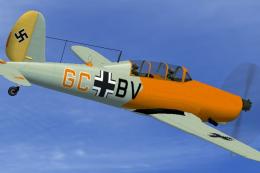
Textures only, file AR96C2.ZIP is required. Repaint of the Arado Ar-96b GC+BV…
 FSX Historic & Vintage Aircraft
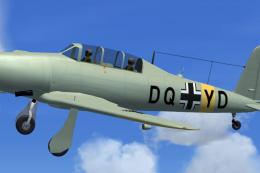
Author of this aircraft is unknown. This aicraft was found by Michael Vader a…
 FSX Historic & Vintage Aircraft
Textures only, file AR96C2.ZIP is required. This aircraft was produced as Let…
 FSX Historic & Vintage Aircraft
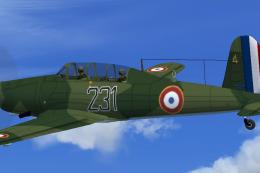
This freeware repaint depicts a French Air Force example of the World War II-…
 FSX Historic & Vintage Aircraft
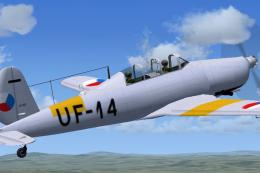
Repaint of the Arado Ar-96b. Textures only, file AR96C2.ZIP is required. This…
 FSX Historic & Vintage Aircraft
Enhance your collection of historical military trainer aircraft for Microsoft…
 FSX Historic & Vintage Aircraft
This freeware package provides a specialized repaint for the early prototype …
Be the first to leave a comment on this download.
Be the first to share your thoughts on this download.