

 FSX Historic & Vintage Aircraft
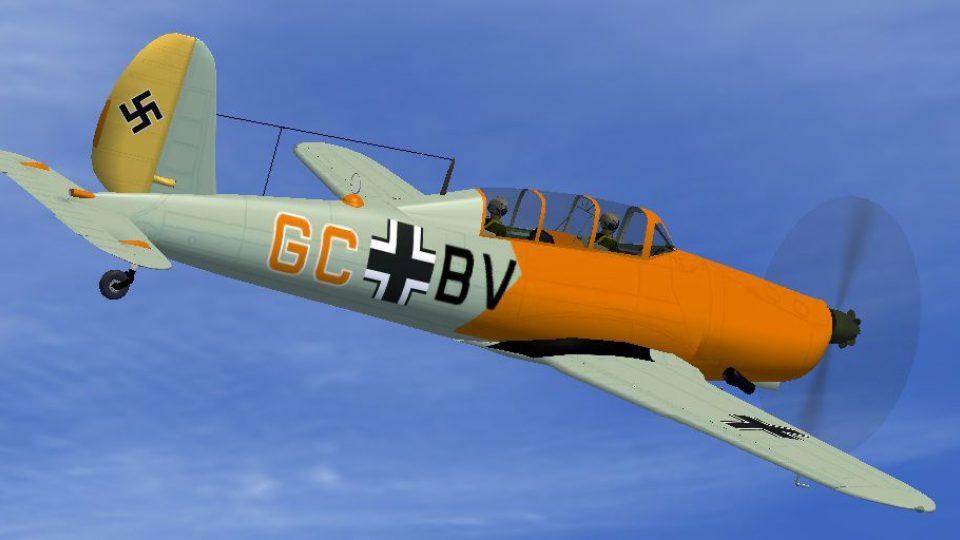
Luftwaffe Arado Ar-96b GORY
This enhanced repaint for the Arado Ar-96b brings a historically inspired Luf…
Luftwaffe Arado Ar-96b GC+BV textures recreate a 1944 Tilsit-Weinhofen airframe with period markings and a clean, faithful finish for FSX. The repaint integrates smoothly into the aircraft selection menu and virtual cockpit experience, and requires the AR96C2.ZIP base package to use.
 Rate
Rate
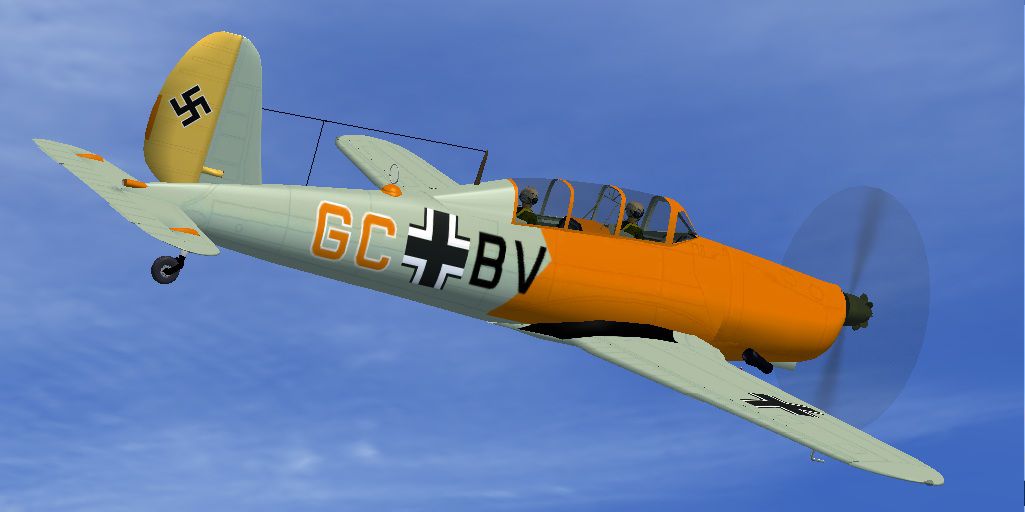
Textures only, file AR96C2.ZIP is required. Repaint of the Arado Ar-96b GC+BV. Luftwaffe Tilsit-Weinhofen 1944, unit unkown. By Jindrich Barta.
Screenshot of Luftwaffe Arado Ar-96b GCBV in flight.
Please add this text to aircrfat.cfg in Ar-96b Folder in SimObject/Airplanes, and change X for next number of painting:
[fltsim.X]

title=Arado Ar 96b GC+BV

sim=arado96

model=

panel=

sound=

texture=GCBV

KB_checklists =

atc_id=

atc_airline=

atc_flight_number=

atc_heavy=0

ui_manufacturer=Arado

ui_type=Ar-96b GC+BV

ui_variation=Ar-96b GC+BV

description=Arado Ar-96b Tilsit-Weinhofen, 1944.
Jindrich Barta Czech Republic
Free for all simmers · 2.68 MB · Scanned clean Oct 2026
Download speed: Free tier is capped at 0.5 Mbps. PRO members download at full line speed.
This file is a repaint — the package below is the base model it paints onto. Install it first, or the textures will have nothing to load onto.
texture.{airline}) inside FSX\SimObjects\Airplanes\{base-aircraft}\.aircraft.cfg in Notepad. Add a new [fltsim.X] section per the readme.readme.txt or README file. It tells you exactly where files go, what dependencies are needed, and any quirks specific to this add-on.The archive argcbv.zip has 25 files and directories contained within it.
This list displays the first 500 files in the package. If the package has more, you will need to download it to view them.
| Filename/Directory | File Date | File Size |
|---|---|---|
| Argcbv | 02.17.12 | 0 B |
| File_id_ iz.txt | 02.17.12 | 248 B |
| Readme.txt | 02.17.12 | 612 B |
| texture.GCBV | 02.17.12 | 0 B |
| AR96 Bits.bmp | 05.01.06 | 1.00 MB |
| AR96 Bitsp.bmp | 05.01.06 | 1.00 MB |
| AR96 cockpit.bmp | 01.17.07 | 257.05 kB |
| AR96 Extras.bmp | 07.17.05 | 1.00 MB |
| AR96 Fuselage colour.bmp | 02.17.12 | 16.07 kB |
| AR96 Fuselage.bmp | 02.17.12 | 1.00 MB |
| AR96 L_wing.bmp | 02.17.12 | 1.00 MB |
| AR96 R_Wing.bmp | 02.17.12 | 1.00 MB |
| AR96 Tail_Rudder.bmp | 02.17.12 | 1.00 MB |
| AR96 VC Panel.bmp | 01.22.12 | 16.00 MB |
| black_16.bmp | 12.05.04 | 32.07 kB |
| Bulkhead colour.bmp | 01.14.12 | 16.07 kB |
| Fire Ex.bmp | 04.09.05 | 85.40 kB |
| pilot.bmp | 07.10.05 | 256.07 kB |
| prop.bmp | 01.26.12 | 64.07 kB |
| texture.cfg | 08.22.07 | 137 B |
| thumbnail.jpg | 02.17.12 | 84.76 kB |
| Thumbs.db | 12.05.11 | 22.00 kB |
| thumbnail.jpg | 02.17.12 | 84.76 kB |
| flyawaysimulation.txt | 10.29.13 | 959 B |
| Go to Fly Away Simulation.url | 01.22.16 | 52 B |
Only PRO members can place votes.
More FSX & P3D add-ons hand-picked based on this download.
FSX Historic & Vintage Aircraft
This enhanced repaint for the Arado Ar-96b brings a historically inspired Luf…
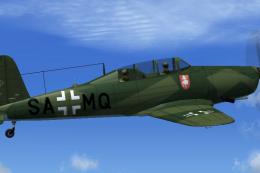 FSX Historic & Vintage Aircraft
This repaint enhances the historical Arado Ar-96b trainer used by the Luftwaf…
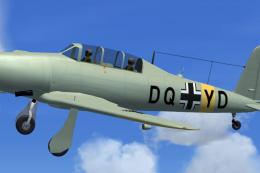 FSX Historic & Vintage Aircraft
Author of this aircraft is unknown. This aicraft was found by Michael Vader a…
 FSX Historic & Vintage Aircraft
Textures only, file AR96C2.ZIP is required. This aircraft was produced as Let…
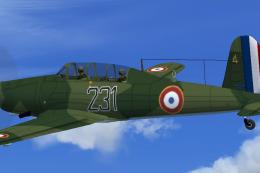 FSX Historic & Vintage Aircraft
This freeware repaint depicts a French Air Force example of the World War II-…
 FSX Historic & Vintage Aircraft
Repaint of the Arado Ar-96b. Textures only, file AR96C2.ZIP is required. This…
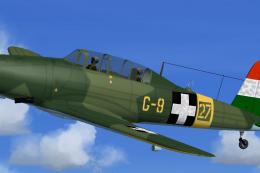 FSX Historic & Vintage Aircraft
Enhance your collection of historical military trainer aircraft for Microsoft…
 FSX Historic & Vintage Aircraft
This freeware package provides a specialized repaint for the early prototype …
Be the first to leave a comment on this download.
Be the first to share your thoughts on this download.