

 FSX Turboprops
SP-2 Acceleration Antonov AN-32
Ukranian-built twin turboprop cargo aircraft. This release includes multiple …
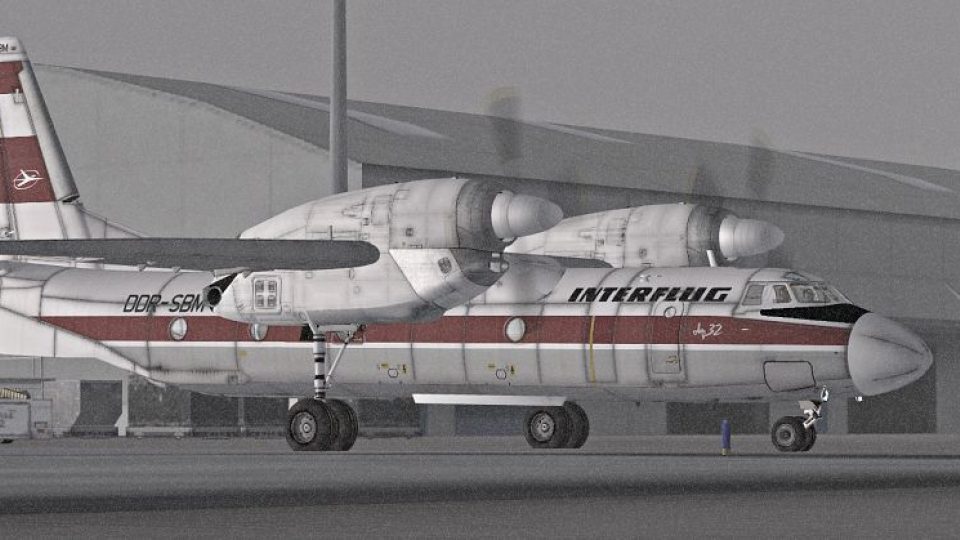
Interflug Antonov An-32 repaint brings a distinctive East German-style cargo livery to the rugged twin-turboprop transport in Microsoft Flight Simulator X, with clean exterior textures tailored for the AN-32 model. Requires Tim “Piglet” Conrad’s AN-32 base aircraft, adding a fictional airline variation for classic freighter flying.
 Rate
Rate
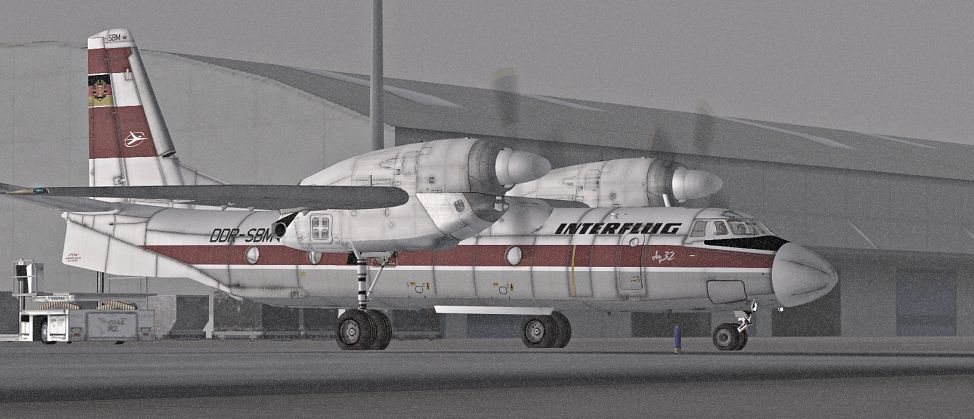
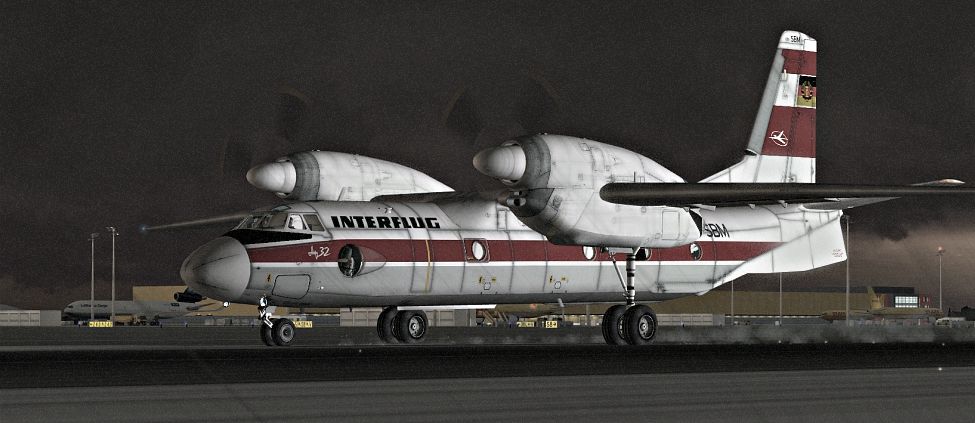
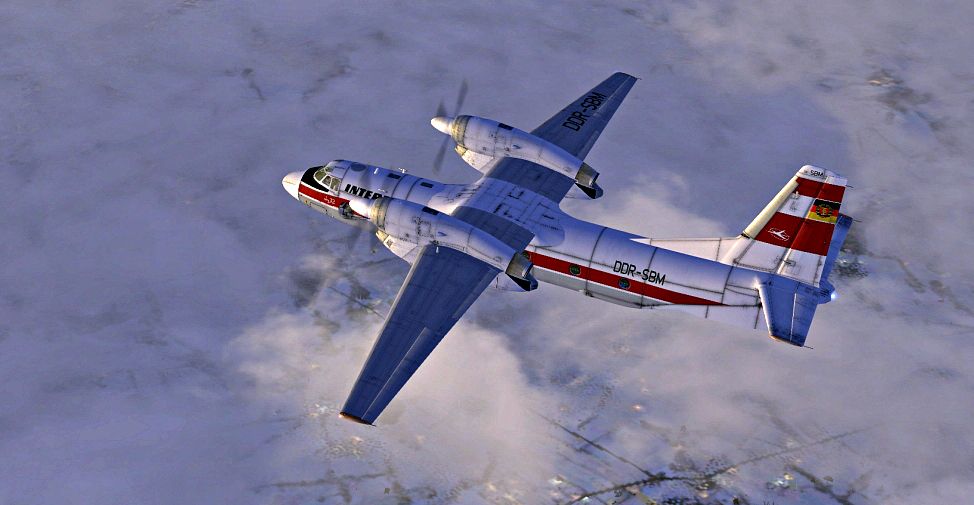
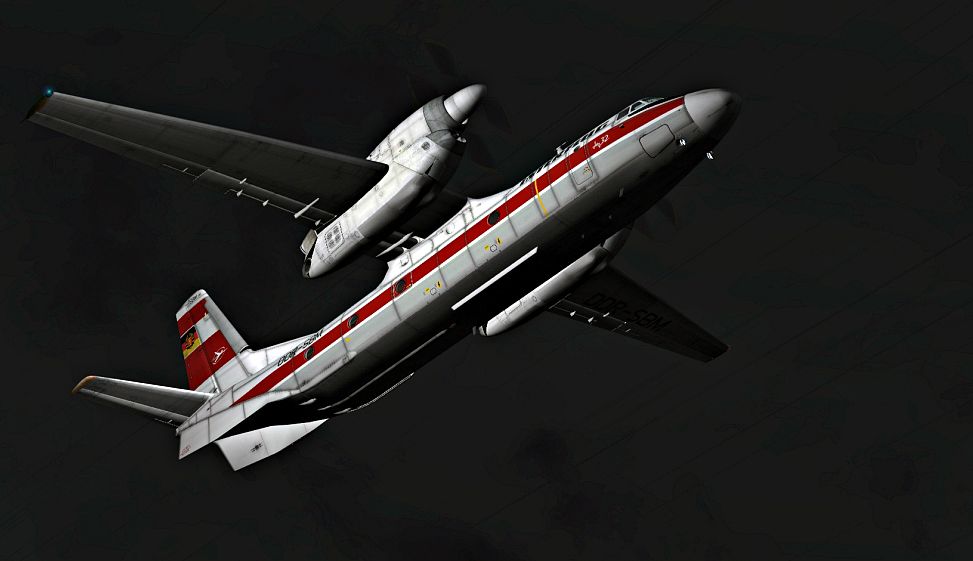
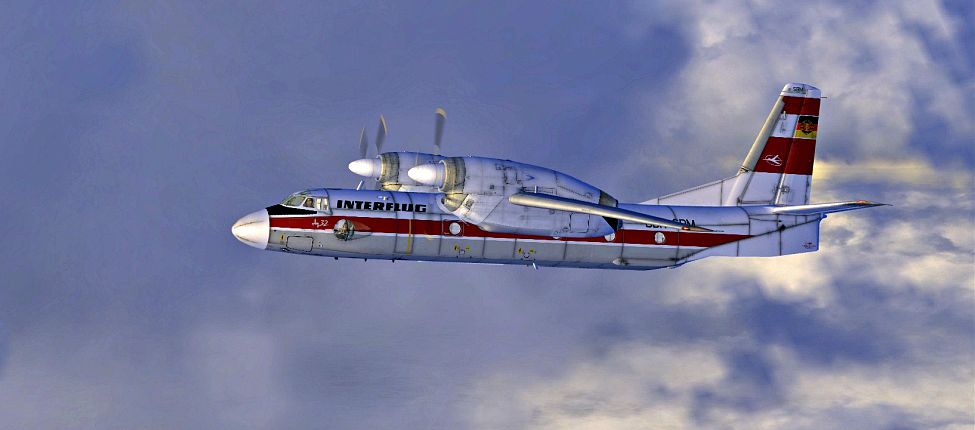

Interflug Antonov An-32. A repaint for the AN32 from Tim Conrad (ANTONOVAN-32.ZIP). Probably there was no AN-32 in service from the East German Airline "Interflug". Therefore, the repaint is pure fictional. By Bernhard Lechner.
Screenshot of Interflug Antonov An-32 on the ground.
Installation:
This download requires the previous installation of the ANTONOV AN-32 from Tim Piglet Conrad.
1. Unzip an32_interflug.zip to a temporary folder, ensuring that you retain folder names.
2. Move the texture folder 'texture.IF' to your 'Microsoft Flight Simulator X\SimObjects\Airplanes\AN-32' folder.
3. Open the aircraft.cfg with a text editor. Enter the following section under the last [flightsim.XX] entry, numbering it sequentially.
[fltsim.XX]

	Title = AN-32 INTERFLUG

	Sim = AN-32

	Model =

	Panel =

	Sound =

	Texture = IF

	panel_alias =

	sound_alias =

	kb_checklists =

	kb_reference =

	atc_id =

	atc_id_color = 0x00000000

	atc_parking_code =

	atc_airline =

	atc_flight_number =

	ui_manufacturer = ANTONOV

	ui_type = AN-32

	ui_variation = INTERFLUG

	description = Twin Turboprop Cargo Plane

	ui_createdby = Piglet's Peculiar Planes

	visual_damage = 1
Special thanks to Tim for his permission upload this repaint.
Enjoy your flights!
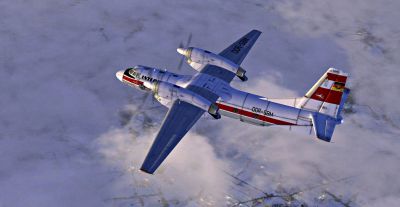
Screenshot of Interflug Antonov An-32 in flight.
Free for all simmers · 5.41 MB · Scanned clean Aug 2026
Download speed: Free tier is capped at 0.5 Mbps (this file takes approximately 2 mins at the cap). PRO members download at full line speed.
This add-on may require the following files to function properly. If this is a repaint, the dependency below is likely the base aircraft package.
SimObjects\Airplanes\, Addon Scenery\, Effects\, or Gauges\.readme.txt or README file. It tells you exactly where files go, what dependencies are needed, and any quirks specific to this add-on.The archive an32_interflug.zip has 16 files and directories contained within it.
This list displays the first 500 files in the package. If the package has more, you will need to download it to view them.
| Filename/Directory | File Date | File Size |
|---|---|---|
| readme_an32_interflug.txt | 01.01.10 | 1.41 kB |
| SCREENS | 12.30.09 | 0 B |
| AN32_04095.jpg | 12.30.09 | 301.40 kB |
| AN32_04099.jpg | 12.30.09 | 307.70 kB |
| AN32_04112.jpg | 12.30.09 | 270.31 kB |
| AN32_04134.jpg | 12.30.09 | 355.02 kB |
| AN32_04138.jpg | 12.30.09 | 453.08 kB |
| Texture.IF | 12.31.09 | 0 B |
| AN32_01.dds | 12.31.09 | 4.00 MB |
| AN32_02.dds | 12.31.09 | 4.00 MB |
| AN32_03.dds | 12.31.09 | 4.00 MB |
| AN32_04.dds | 12.31.09 | 4.00 MB |
| texture.cfg | 12.28.09 | 114 B |
| THUMBNAIL.jpg | 12.29.09 | 30.39 kB |
| flyawaysimulation.txt | 10.29.13 | 959 B |
| Go to Fly Away Simulation.url | 01.22.16 | 52 B |
Only PRO members can place votes.
More FSX & P3D add-ons hand-picked based on this download.
FSX Turboprops
Ukranian-built twin turboprop cargo aircraft. This release includes multiple …
 FSX Turboprops
This is a repaint for Tim Conrad's An32 of Aer Caribe Colombia Airlines (Carg…
 FSX Turboprops
Aeroflot Antonov An-32. Repaint for the AN32 from Tim Conrad (ANTONOVAN-32.ZI…
 FSX Turboprops
FedEx do not use the An-32 but this fictional livery shows what it might look…
 FSX Turboprops
BAe Jetstream J31/32. By David Durst. Screenshot of BAe Jetstream J31/32 on r…
 FSX Turboprops
Sarpa Jetstream 32, registration HK-4381. Model by HJG. Repaint by Andres Ram…
 FSX Turboprops
An AI An-22 Flyable in FSX by compiling the Mehlin Rainer Antonov An22 Antheu…
 FSX Turboprops
Sadelca Colombia Antonov AN-26, registration HK4356. By Andres Ramirez. Scree…
Be the first to leave a comment on this download.
Be the first to share your thoughts on this download.