

 FSX Turboprops
SP-2 Acceleration Antonov AN-32
Ukranian-built twin turboprop cargo aircraft. This release includes multiple …
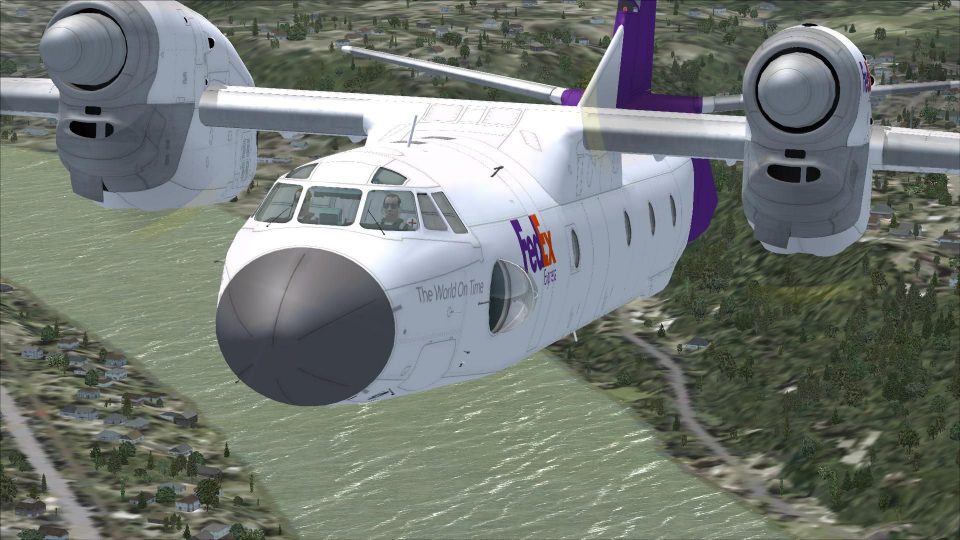
FedEx Express-inspired Antonov An-32 livery gives Tim Conrad’s rugged twin-turboprop freighter a believable what-if cargo look in FSX, with crisp exterior markings designed to blend naturally with the model’s textures and details. Requires the Tim Conrad freeware An-32 base package to display correctly in the sim.
 Rate
Rate

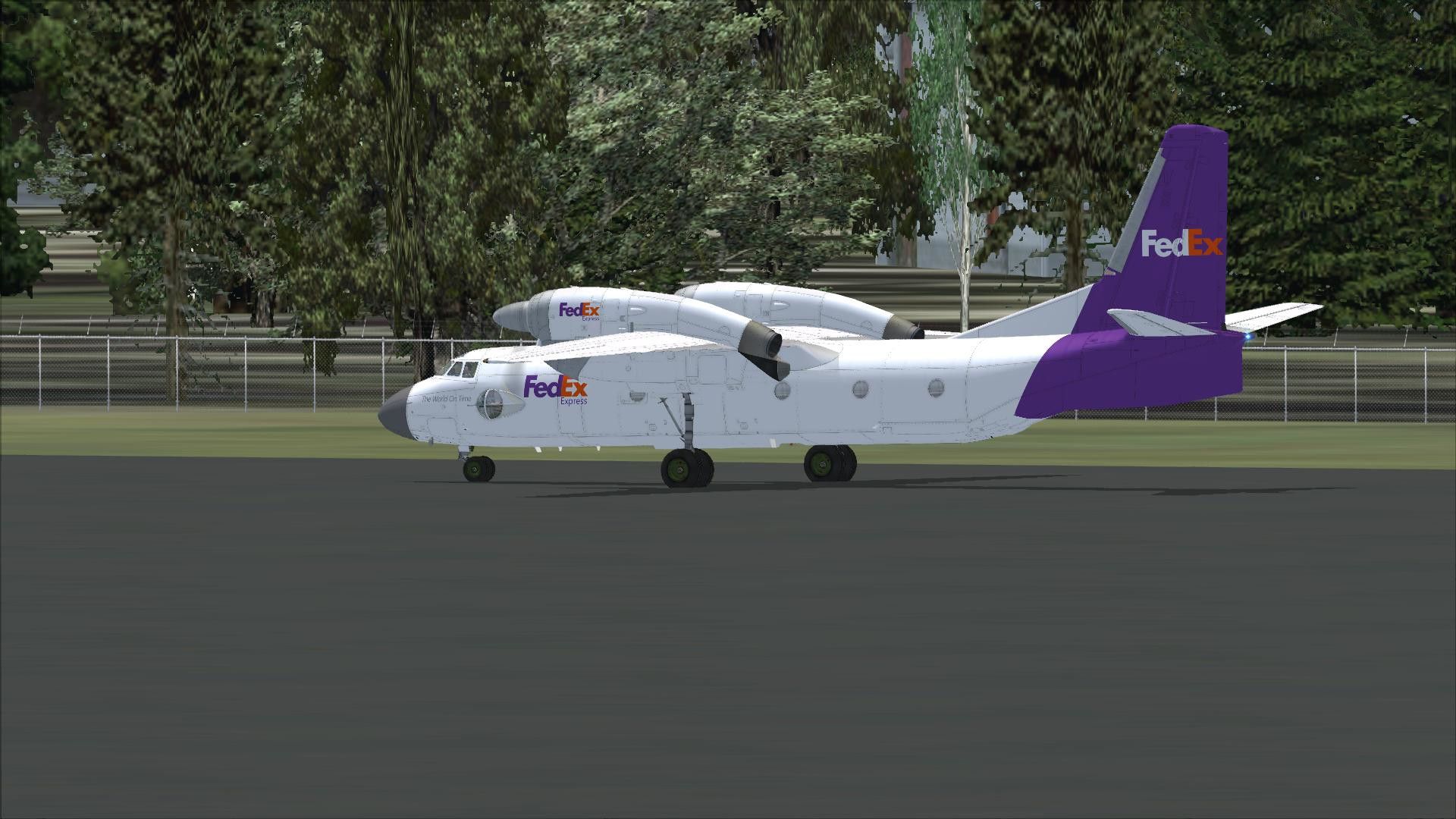
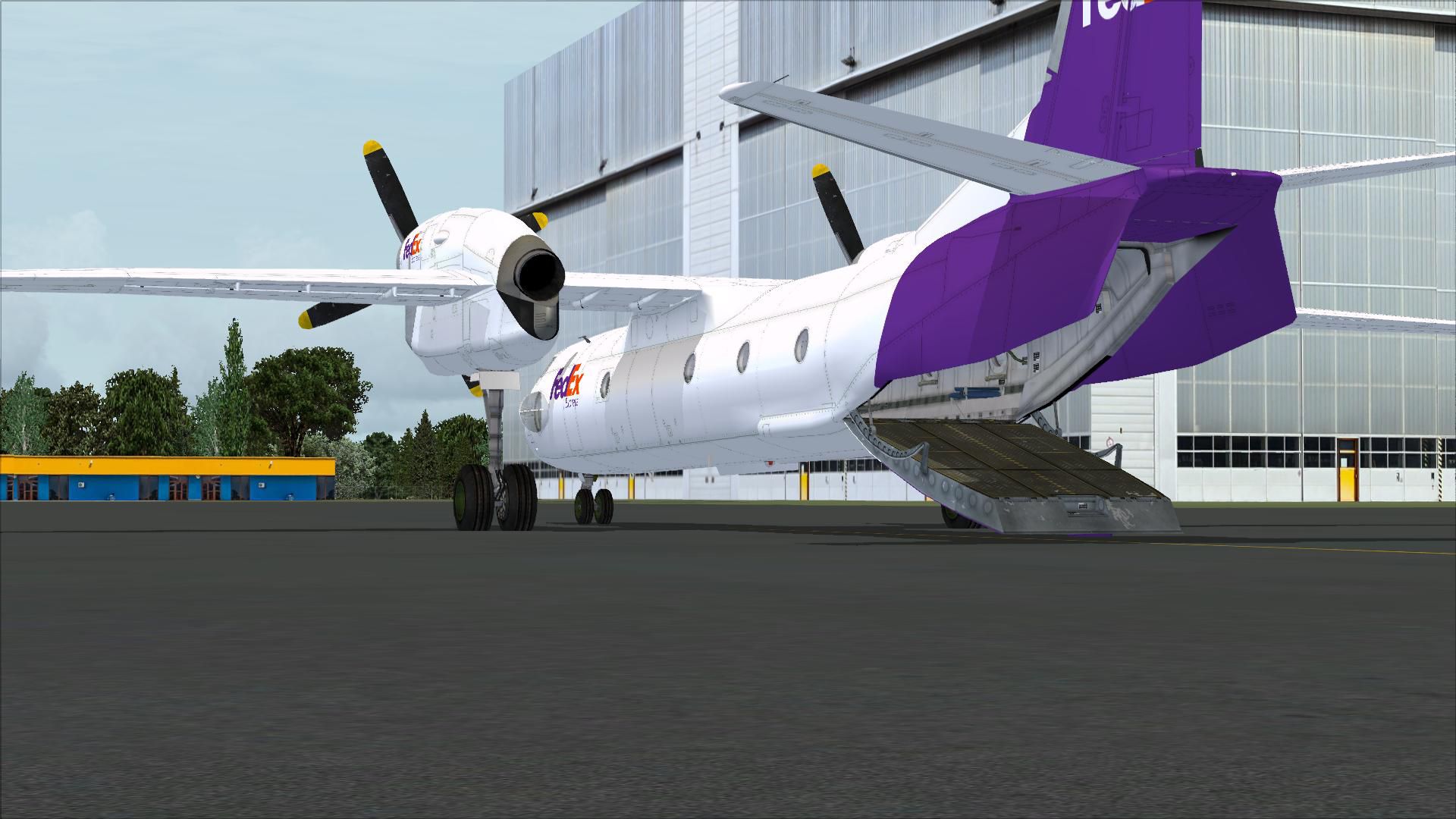
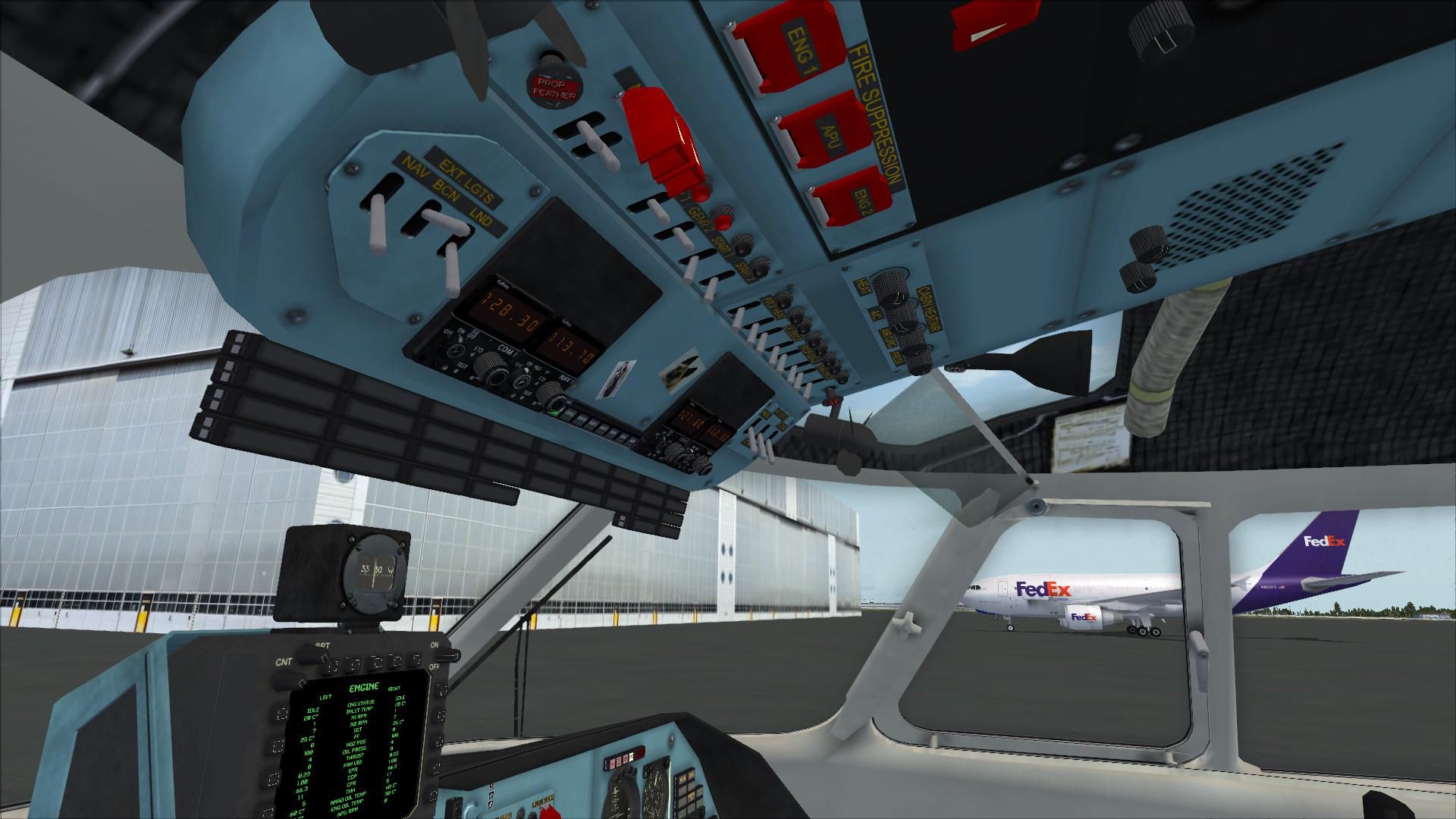
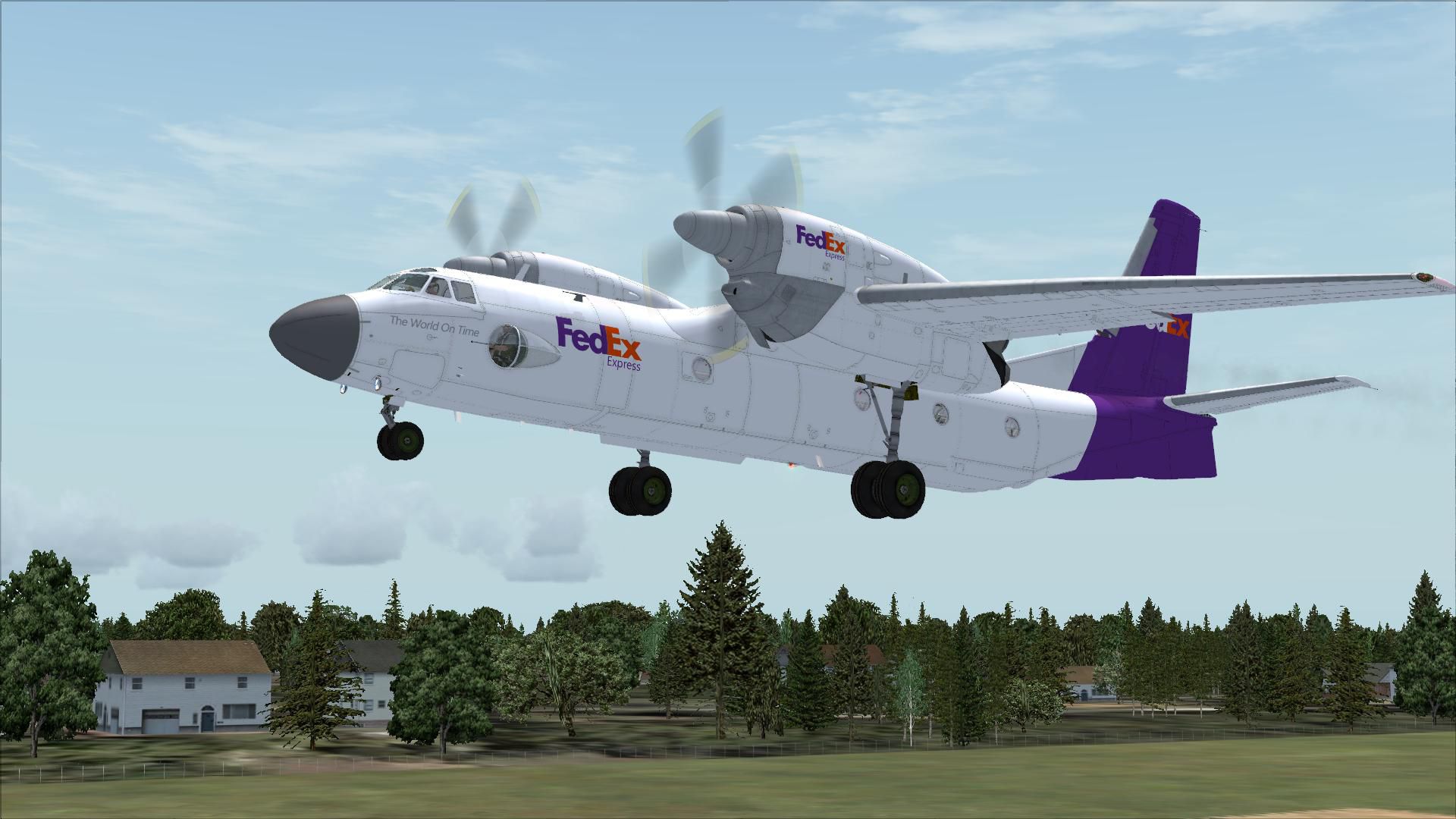

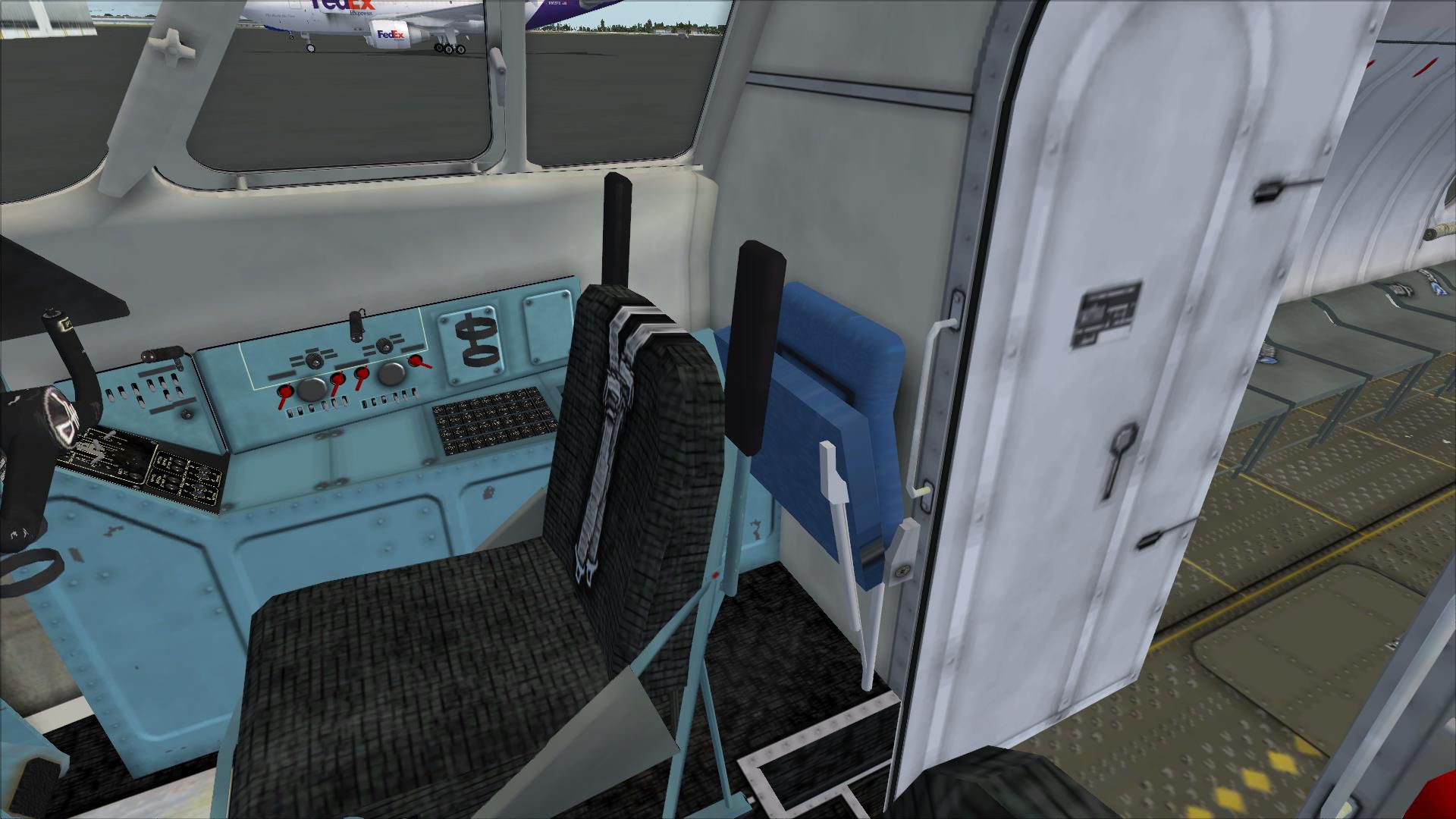

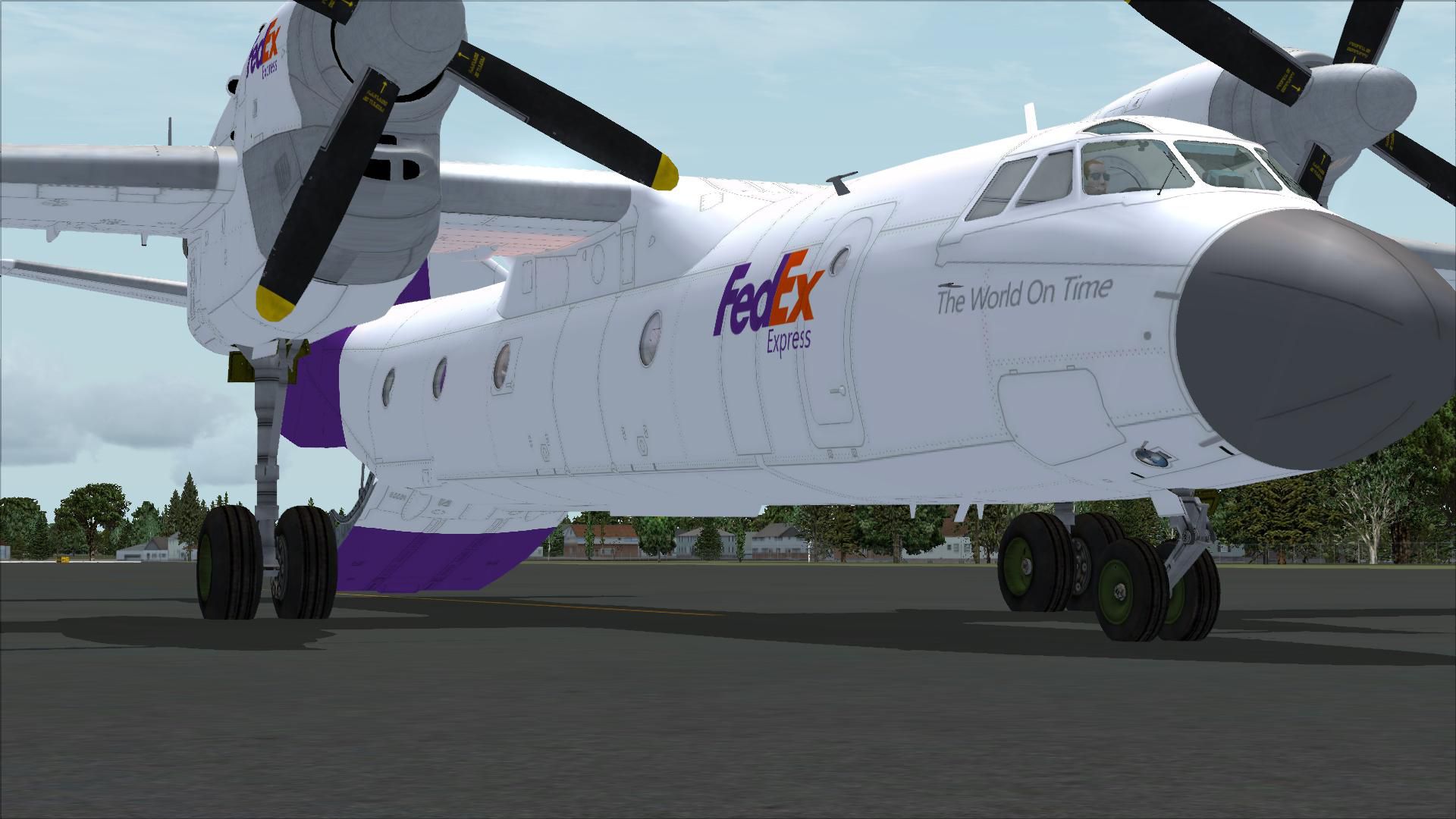

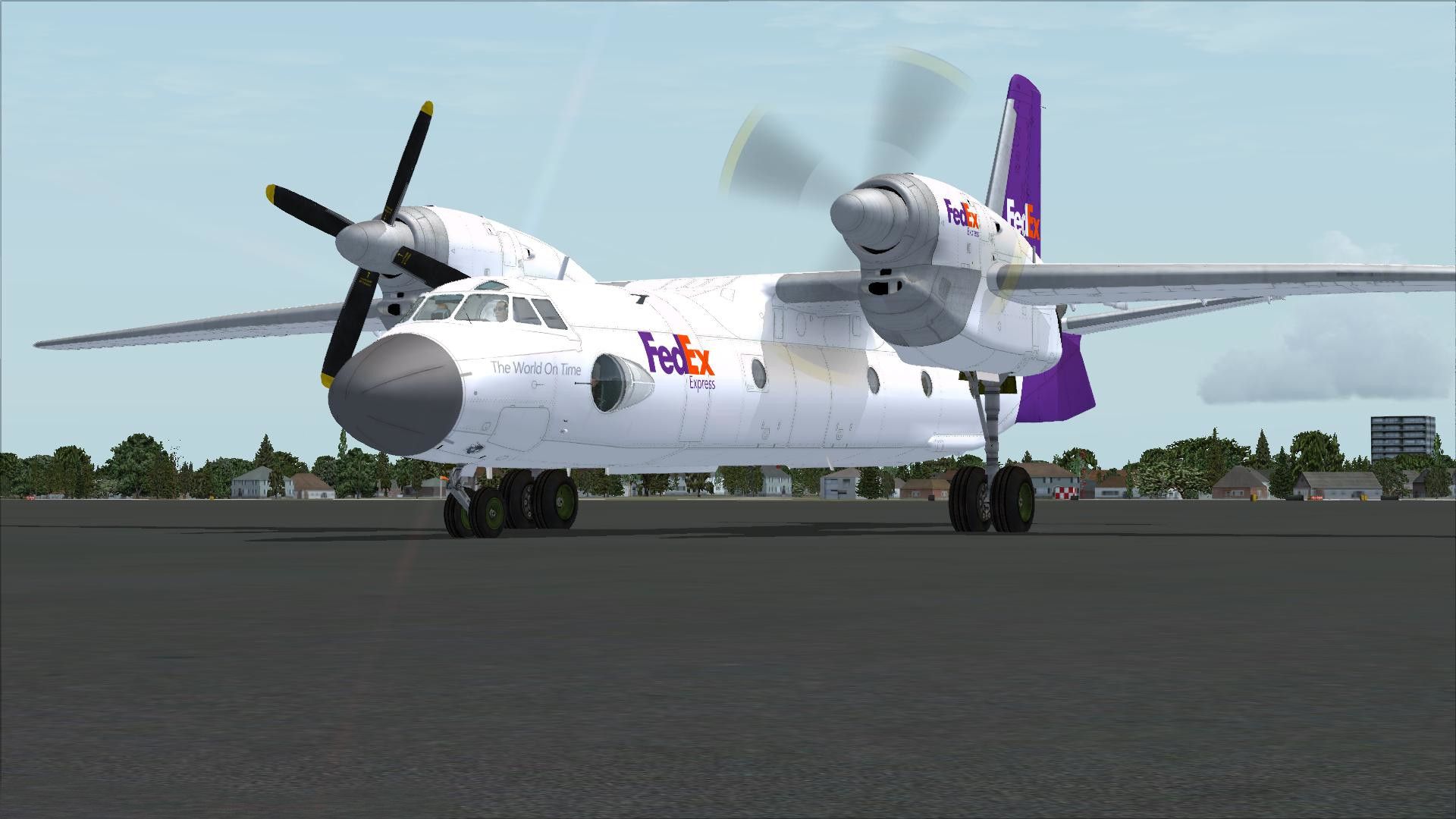

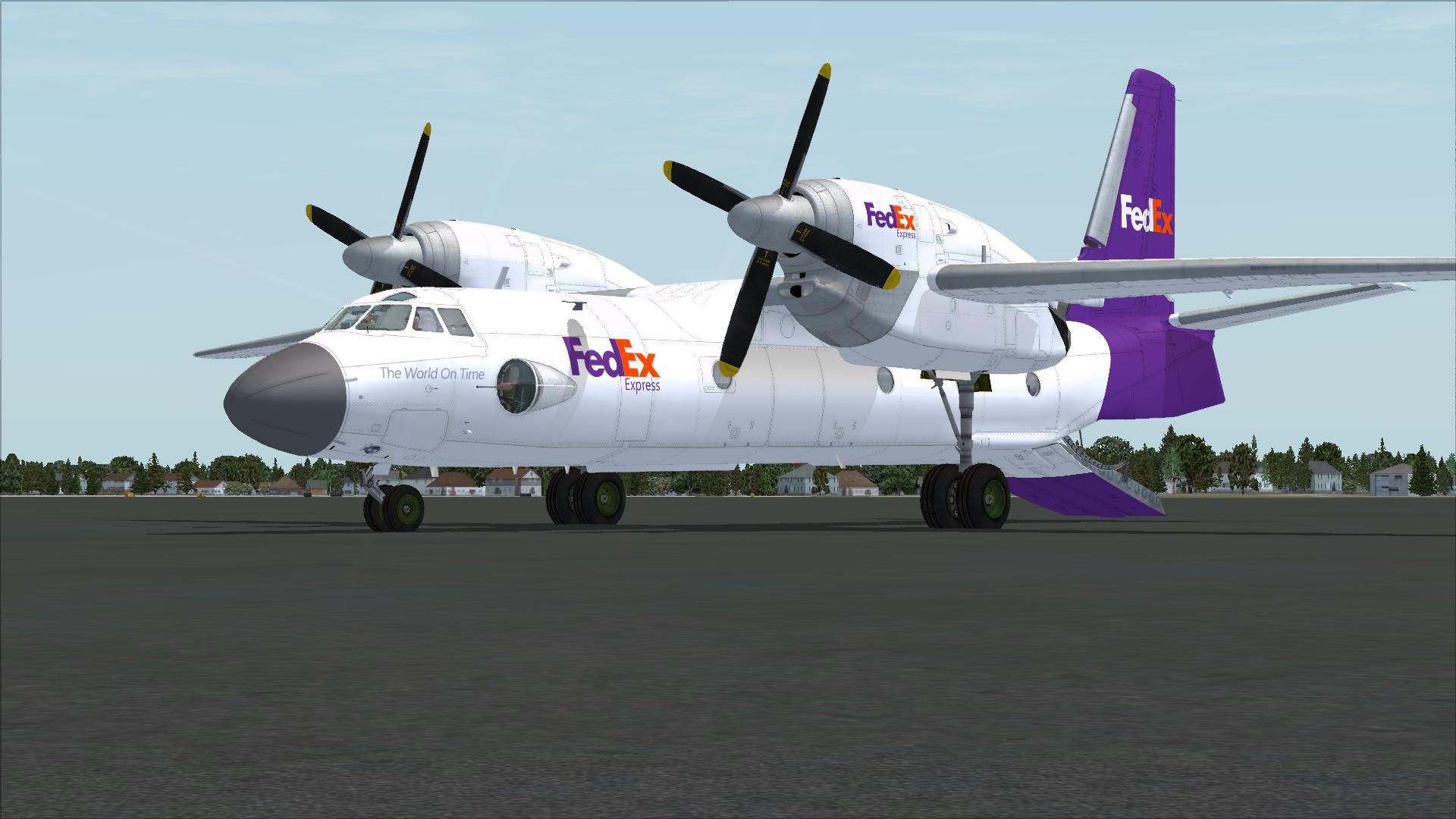
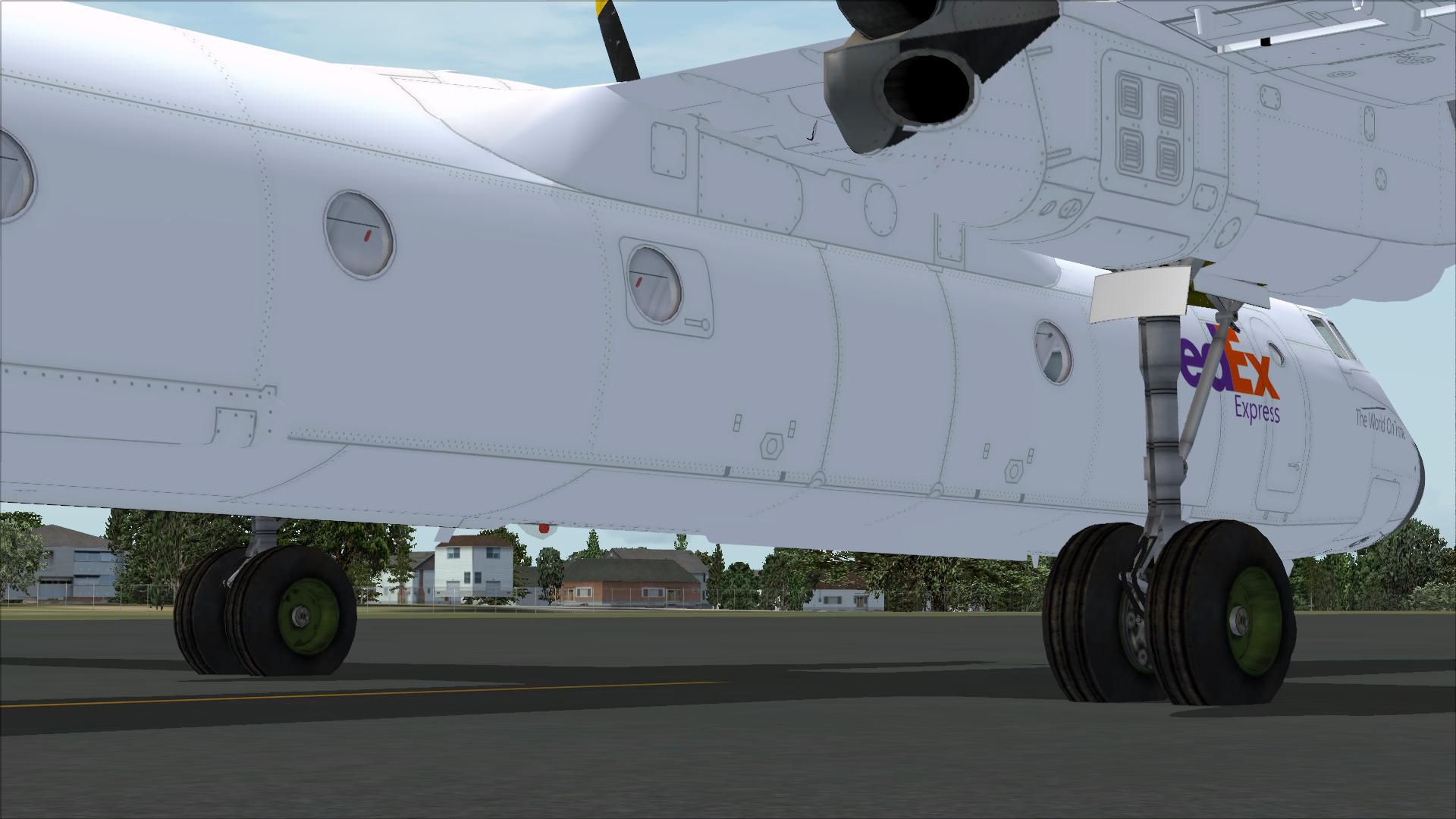
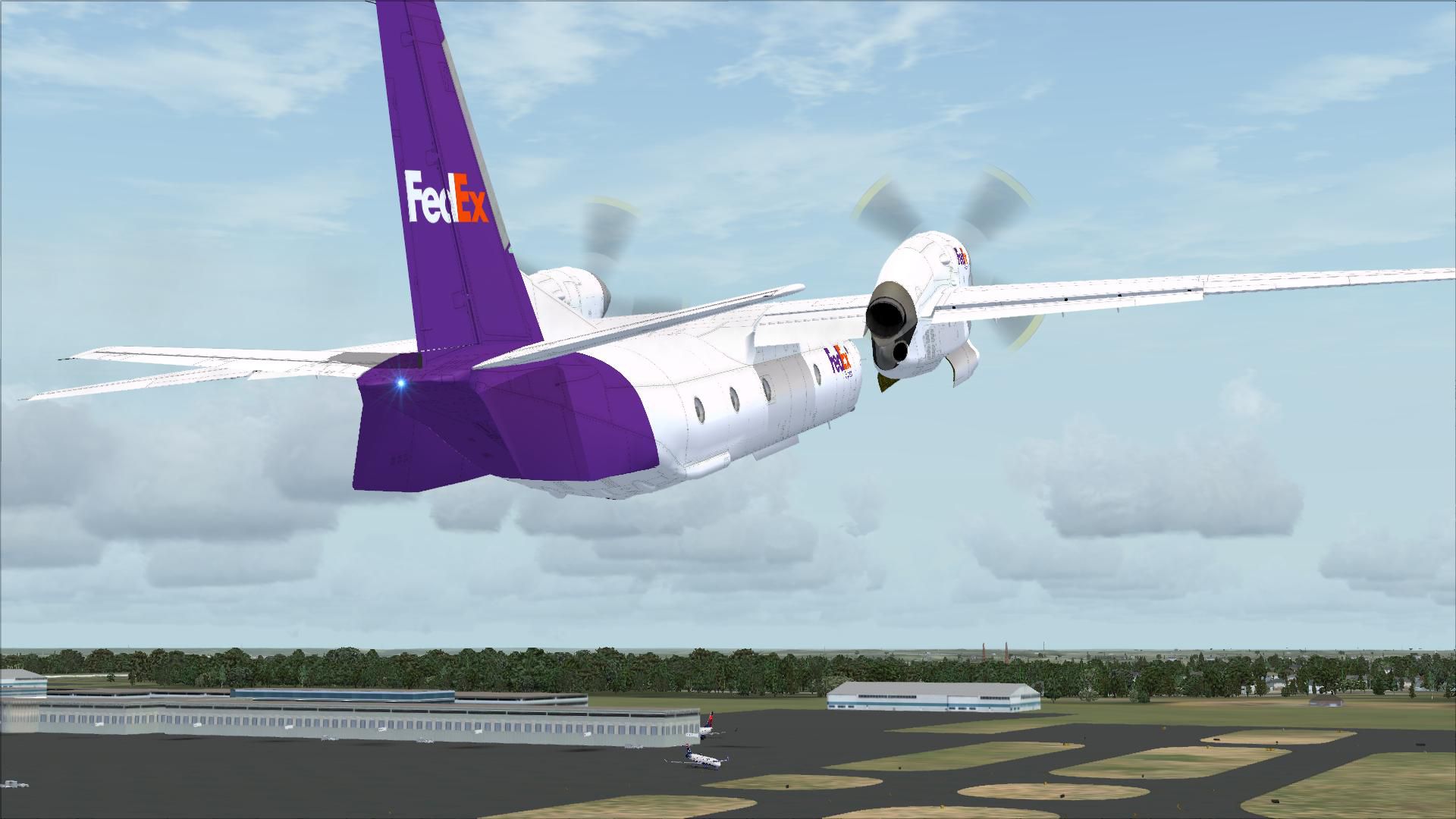
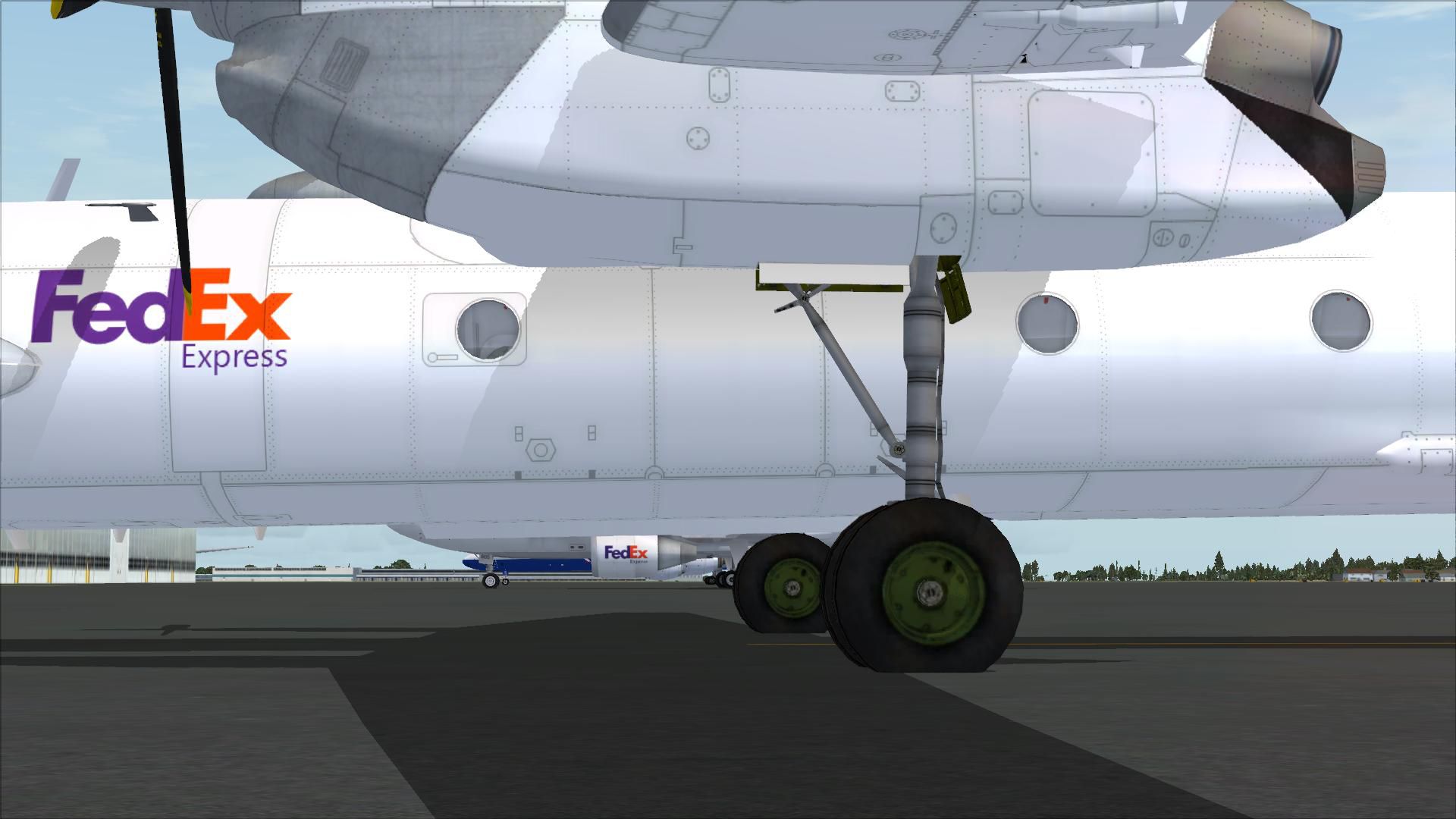
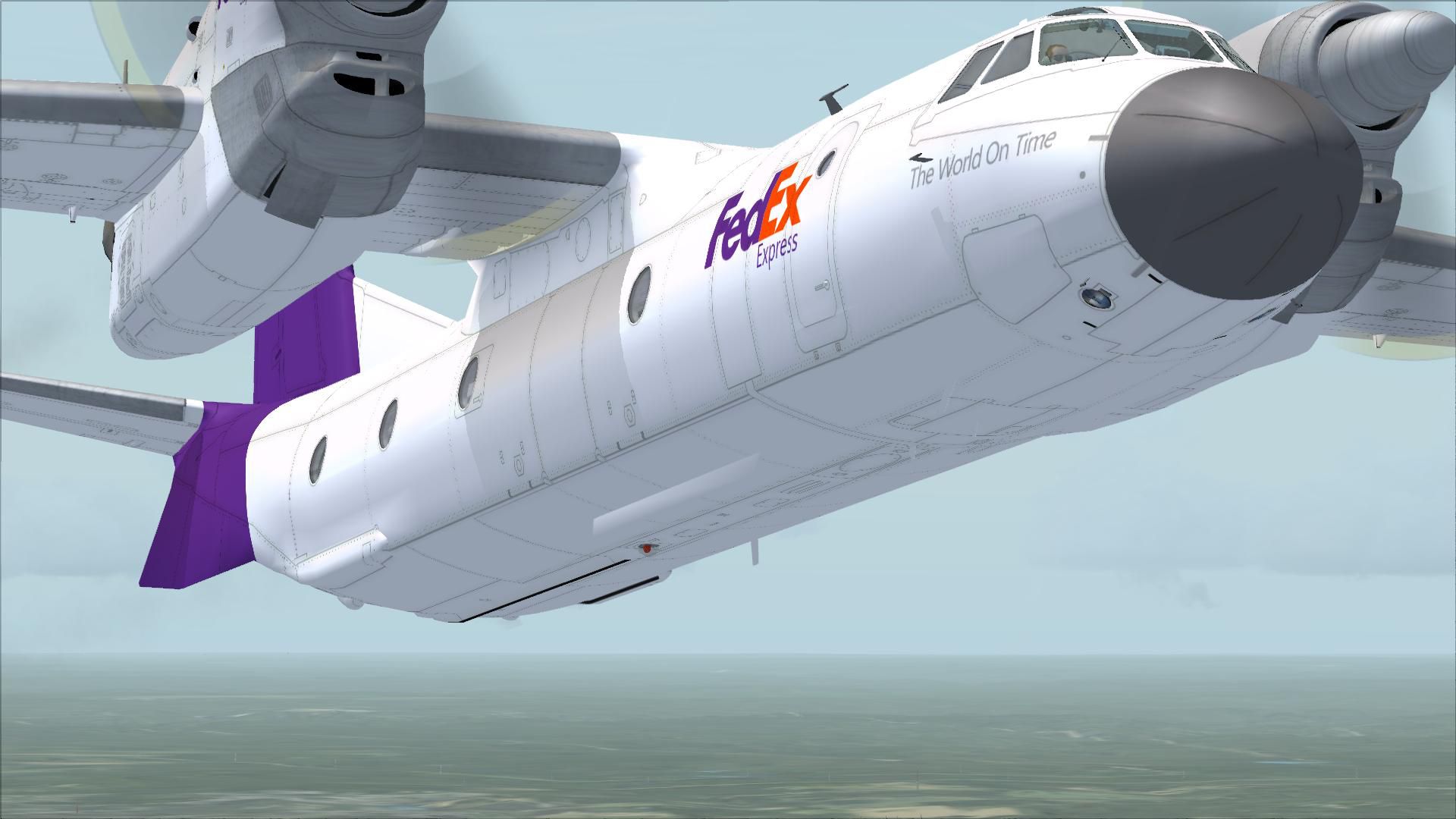
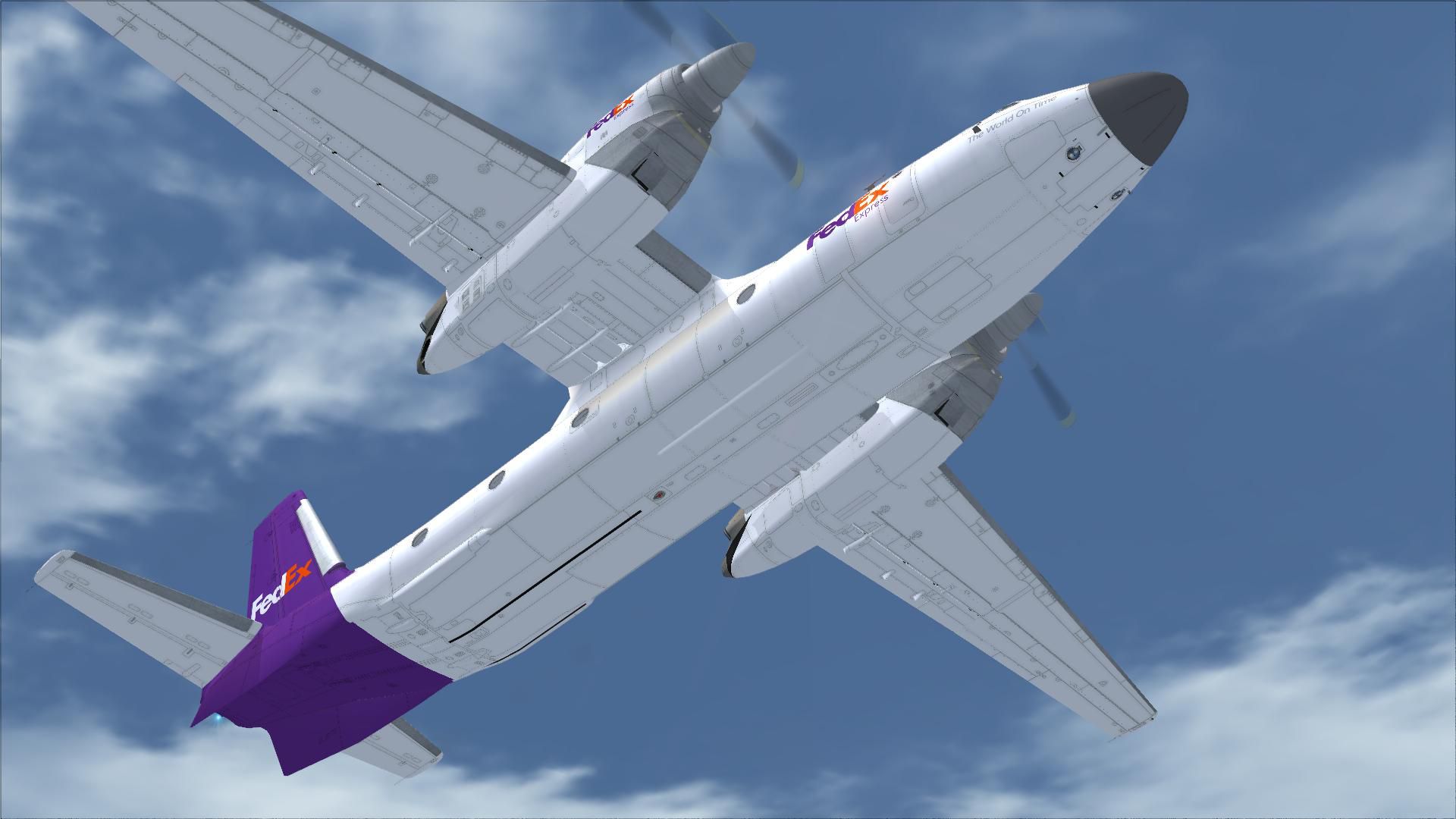

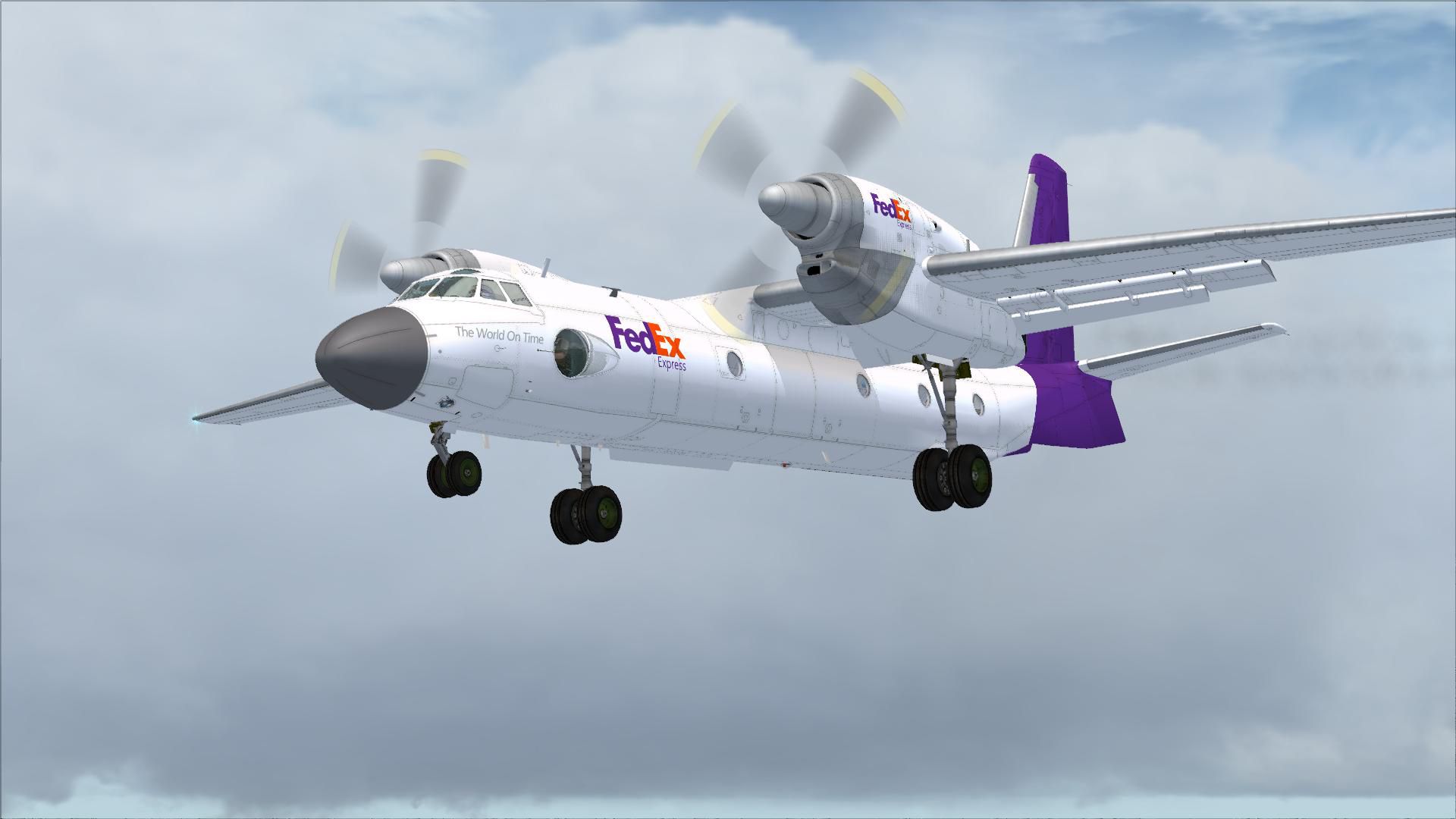
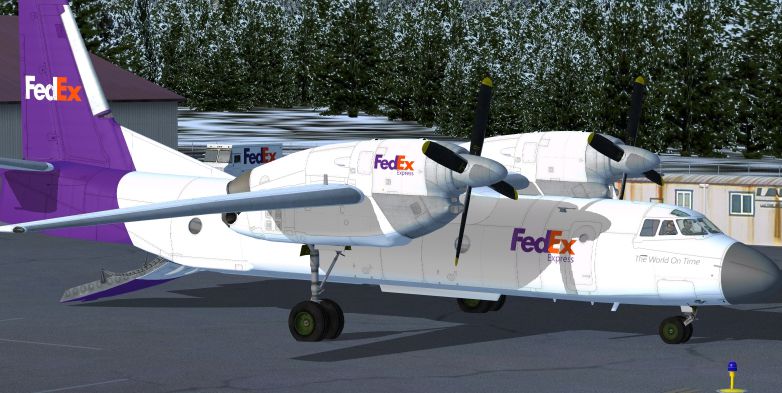
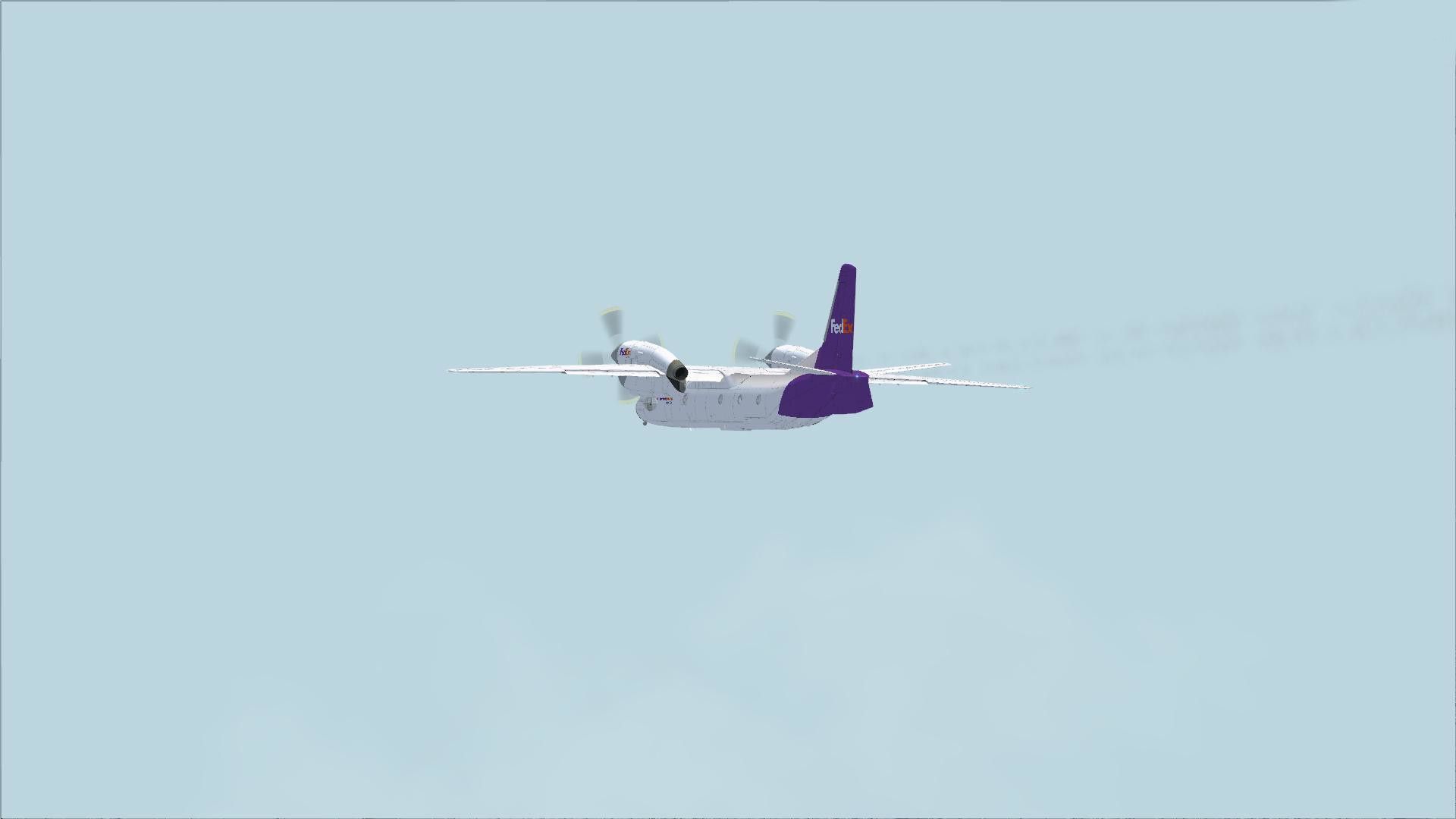

FedEx do not use the An-32 but this fictional livery shows what it might look like. This is the livery only for the Tim Conrad An-32 (ANTONOVAN-32.ZIP). By Mark Bradshaw.
Screenshot of FedEx Antonov An-32 on the ground.
INSTALLATION:
This is will work with the Tim Conrad freeware An-32. Copy the texture.fedex folder into your [FSX Installation]\SimObjects\Airplanes\AN-32 folder.
Open the AIRCRAFT.CFG and copy the FLTSIM text below into it after the last [FLTSIM.x] section. Change the X below to the next number in the sequence for your CFG.
NOTE:
It's better to make a copy of your AIRCRAFT.CFG before editing it (just in case). If any doubt don't install this paint. No responsibly is accepted by the author for any damage imagined or real this may or may not cause.
[fltsim.X]

title=AN-32_FedEx

sim=AN-32

model=

panel=

sound=

texture=fedex

panel_alias =

sound_alias =

kb_checklists=

kb_reference=

atc_id=K-2755

atc_id_color=0x00000000

atc_parking_code =

atc_airline=FedEx

atc_flight_number=FedEx

ui_manufacturer=Antonov

ui_type=AN-32

ui_variation=FedEx Express

description=Twin Turboprop Cargo Plane

ui_createdby="Piglet's Peculiar Planes"

visual_damage=1
Free for all simmers · 6.23 MB · Scanned clean Oct 2026
Download speed: Free tier is capped at 0.5 Mbps (this file takes approximately 2 mins at the cap). PRO members download at full line speed.
This file is a repaint — the package below is the base model it paints onto. Install it first, or the textures will have nothing to load onto.
texture.{airline}) inside FSX\SimObjects\Airplanes\{base-aircraft}\.aircraft.cfg in Notepad. Add a new [fltsim.X] section per the readme.readme.txt or README file. It tells you exactly where files go, what dependencies are needed, and any quirks specific to this add-on.The archive an32_fedex.zip has 35 files and directories contained within it.
This list displays the first 500 files in the package. If the package has more, you will need to download it to view them.
| Filename/Directory | File Date | File Size |
|---|---|---|
| An32_FedEx.jpg | 02.21.11 | 303.93 kB |
| FILE_ID.DIZ | 02.21.11 | 198 B |
| README.txt | 02.21.11 | 2.69 kB |
| an32_01.dds | 02.21.11 | 4.00 MB |
| an32_02.dds | 02.21.11 | 4.00 MB |
| an32_02_spec.dds | 12.31.10 | 4.00 MB |
| an32_03.dds | 02.21.11 | 4.00 MB |
| an32_04.dds | 02.21.11 | 4.00 MB |
| texture.cfg | 12.31.10 | 114 B |
| thumbnail.jpg | 02.21.11 | 52.36 kB |
| An32_FedEx.gif | 02.21.11 | 9.64 kB |
| flyawaysimulation.txt | 10.29.13 | 959 B |
| Go to Fly Away Simulation.url | 01.22.16 | 52 B |
| Screenshots | 08.02.19 | 0 B |
| screen-1.jpg | 08.02.19 | 173.87 kB |
| screen-10.jpg | 08.02.19 | 150.12 kB |
| screen-11.jpg | 08.02.19 | 215.93 kB |
| screen-12.jpg | 08.02.19 | 237.89 kB |
| screen-13.jpg | 08.02.19 | 308.93 kB |
| screen-14.jpg | 08.02.19 | 196.27 kB |
| screen-15.jpg | 08.02.19 | 150.47 kB |
| screen-16.jpg | 08.02.19 | 50.48 kB |
| screen-17.jpg | 08.02.19 | 286.62 kB |
| screen-18.jpg | 08.02.19 | 146.70 kB |
| screen-19.jpg | 08.02.19 | 128.78 kB |
| screen-2.jpg | 08.02.19 | 196.96 kB |
| screen-20.jpg | 08.02.19 | 103.98 kB |
| screen-21.jpg | 08.02.19 | 120.68 kB |
| screen-3.jpg | 08.02.19 | 188.02 kB |
| screen-4.jpg | 08.02.19 | 161.75 kB |
| screen-5.jpg | 08.02.19 | 209.10 kB |
| screen-6.jpg | 08.02.19 | 194.02 kB |
| screen-7.jpg | 08.02.19 | 160.83 kB |
| screen-8.jpg | 08.02.19 | 177.42 kB |
| screen-9.jpg | 08.02.19 | 163.05 kB |
Only PRO members can place votes.
More FSX & P3D add-ons hand-picked based on this download.
FSX Turboprops
Ukranian-built twin turboprop cargo aircraft. This release includes multiple …
 FSX Turboprops
This is a repaint for Tim Conrad's An32 of Aer Caribe Colombia Airlines (Carg…
 FSX Turboprops
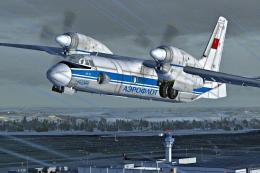
Aeroflot Antonov An-32. Repaint for the AN32 from Tim Conrad (ANTONOVAN-32.ZI…
 FSX Turboprops
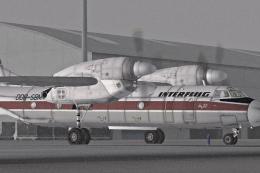
Interflug Antonov An-32. A repaint for the AN32 from Tim Conrad (ANTONOVAN-32…
 FSX Turboprops
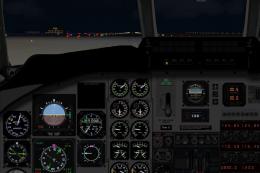
BAe Jetstream J31/32. By David Durst. Screenshot of BAe Jetstream J31/32 on r…
 FSX Turboprops
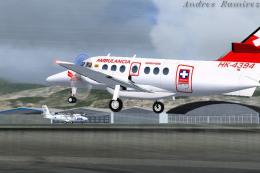
Sarpa Jetstream 32, registration HK-4381. Model by HJG. Repaint by Andres Ram…
 FSX Turboprops
This repaint set offers a specialized texture package depicting a Canadian va…
 FSX Turboprops
FedEx Cessna 208B Grand Caravan. A repaint by Bashir Ismail of the default Ce…
Be the first to leave a comment on this download.
Be the first to share your thoughts on this download.