


 FSX General Aviation Aircraft
A2A Cessna 172 Trainer Livery Pack
A huge selection of liveries created by various freeware repaint developers c…
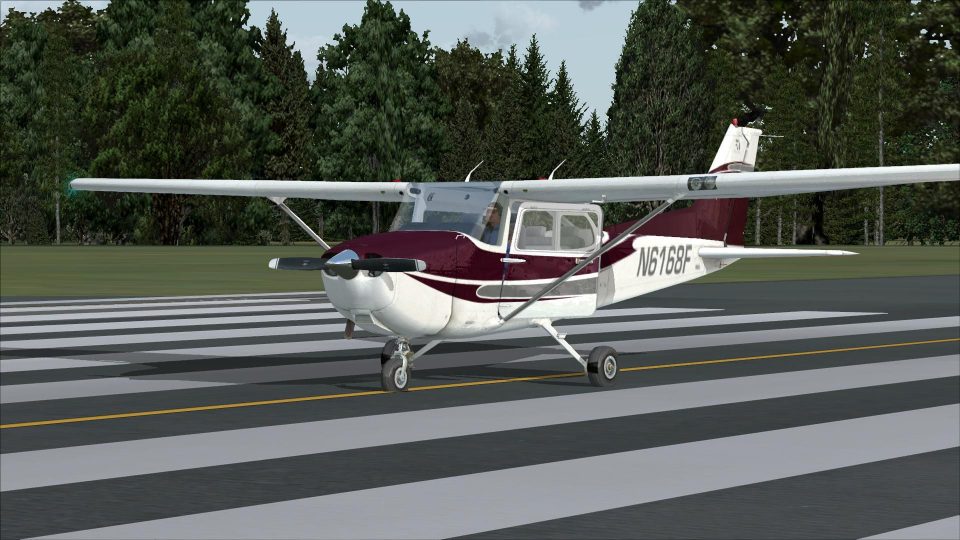
Cessna 172 Skyhawk repaint brings a crisp, modern stripe-and-registry scheme to the stock aircraft while keeping the familiar stock instrumentation and virtual cockpit layout. Built as a DDS texture set for Microsoft Flight Simulator X, it refreshes the default 172 with authentic N6168F markings and clean exterior detailing.
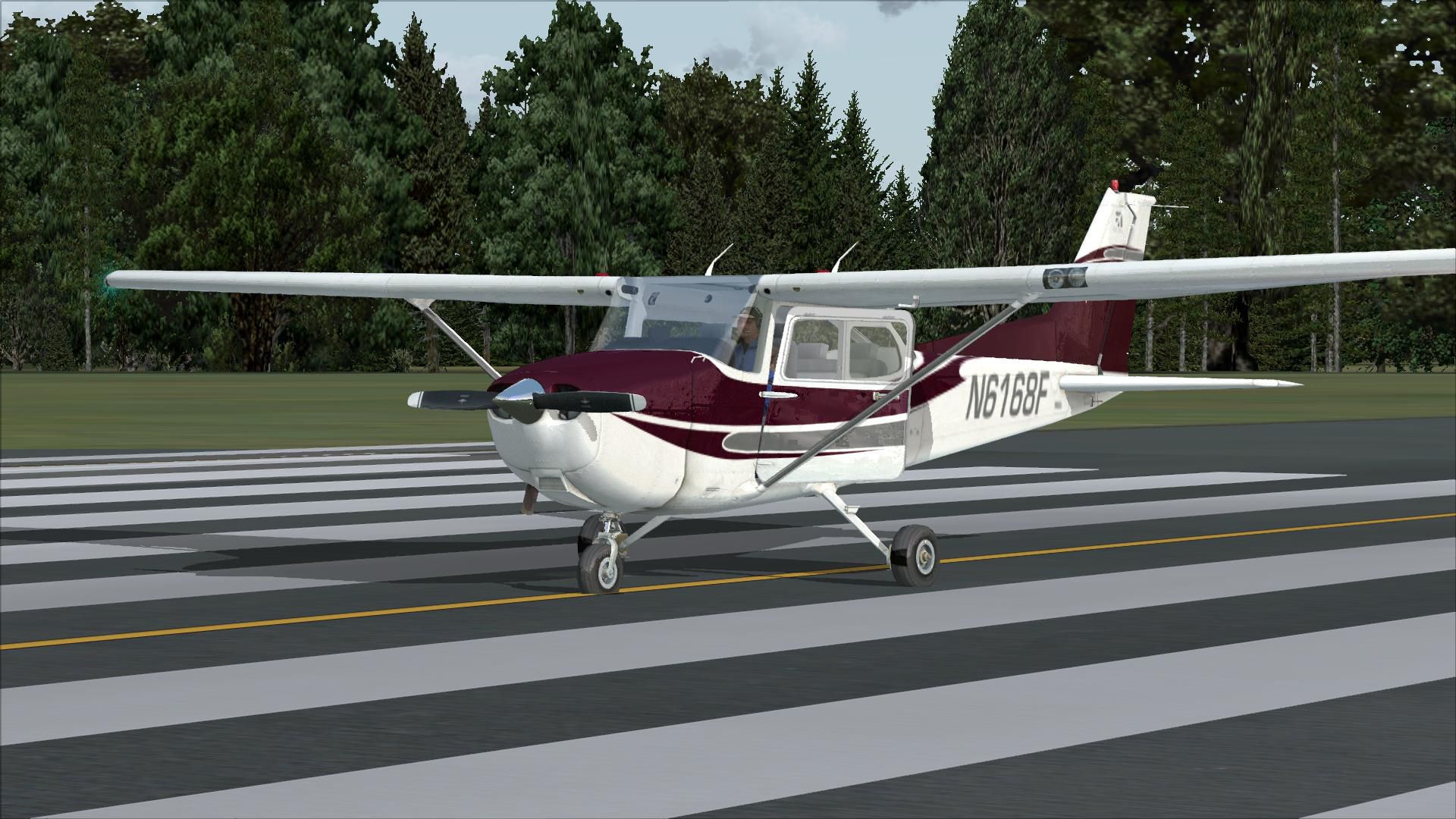
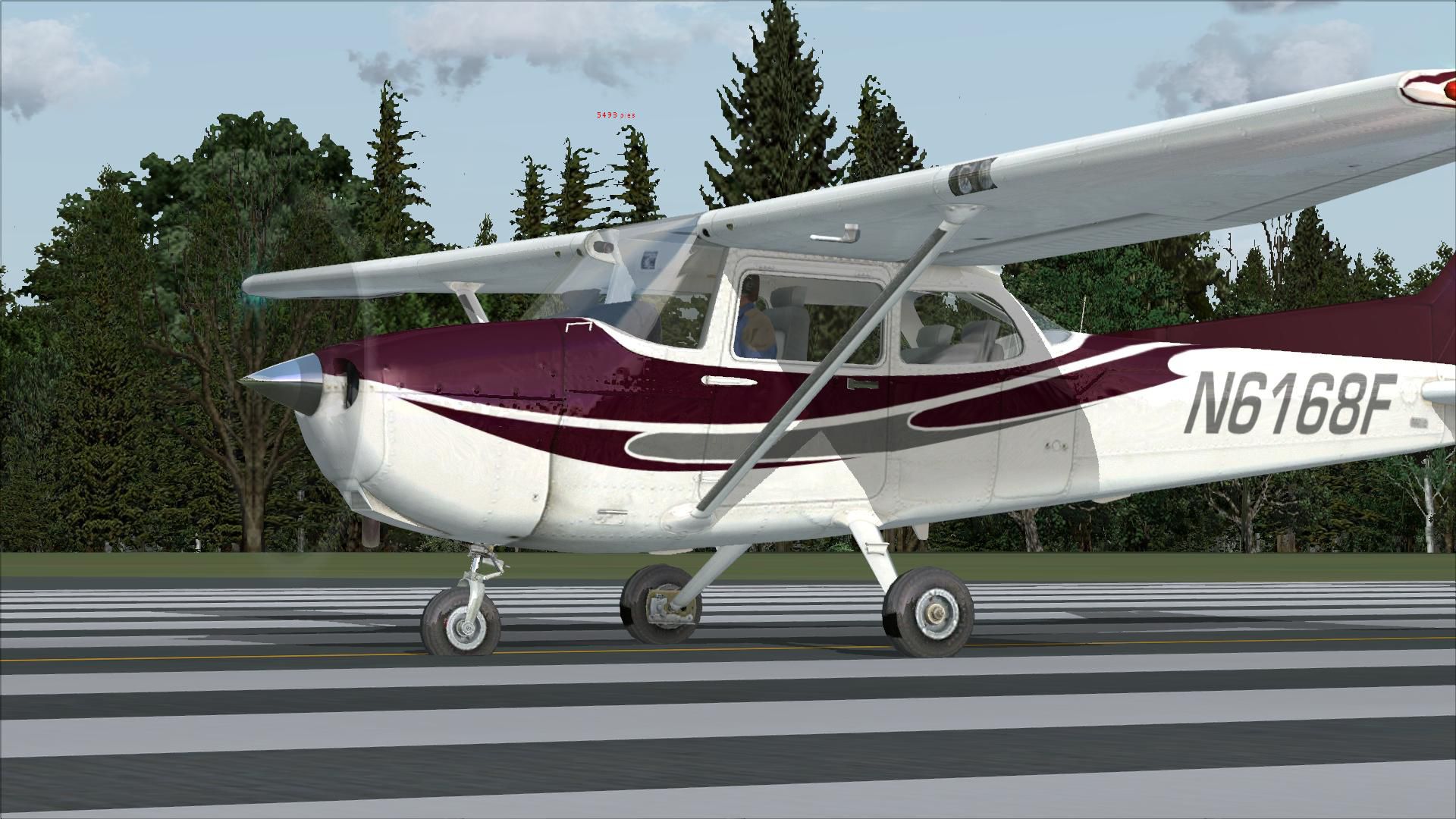

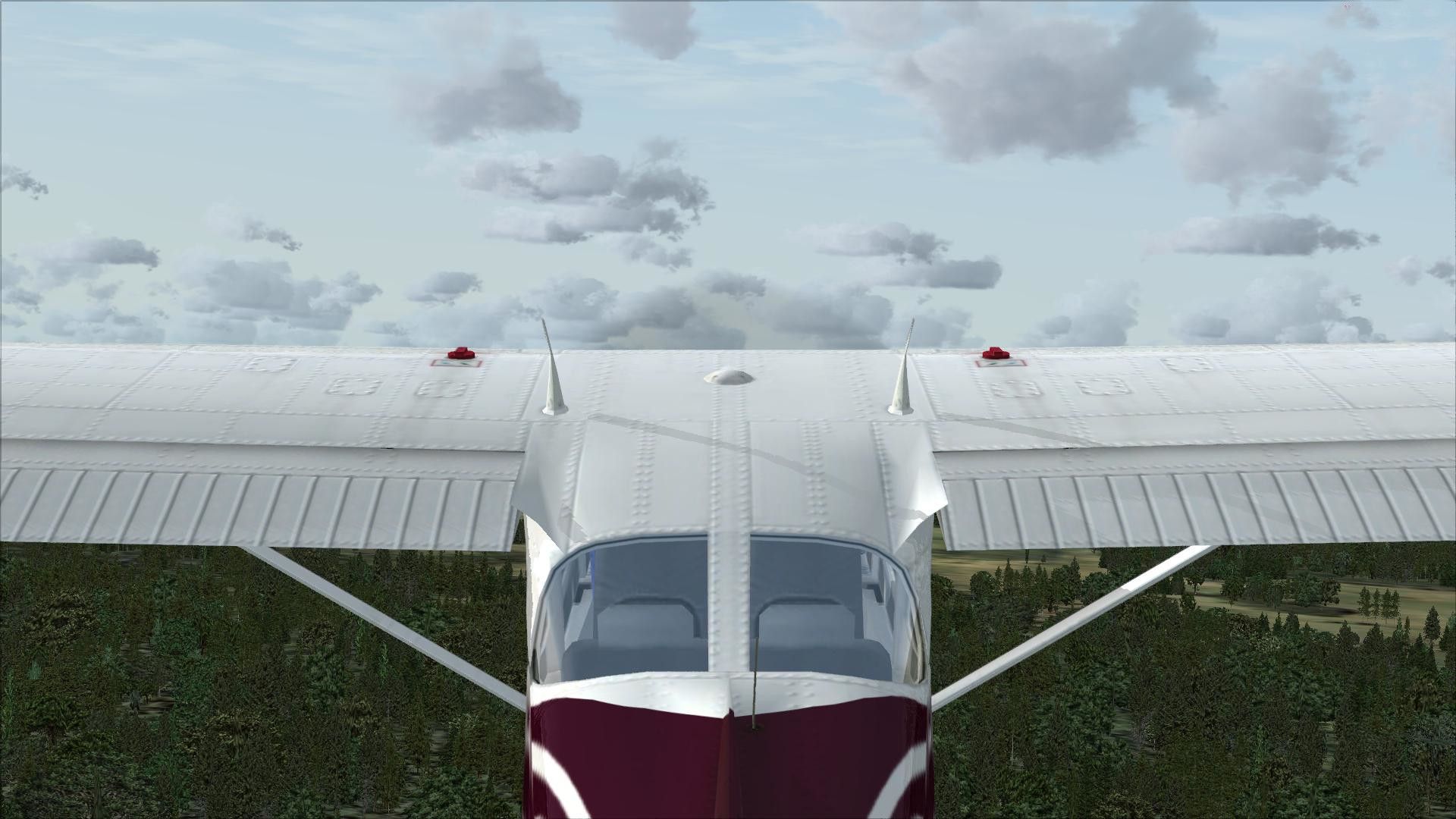
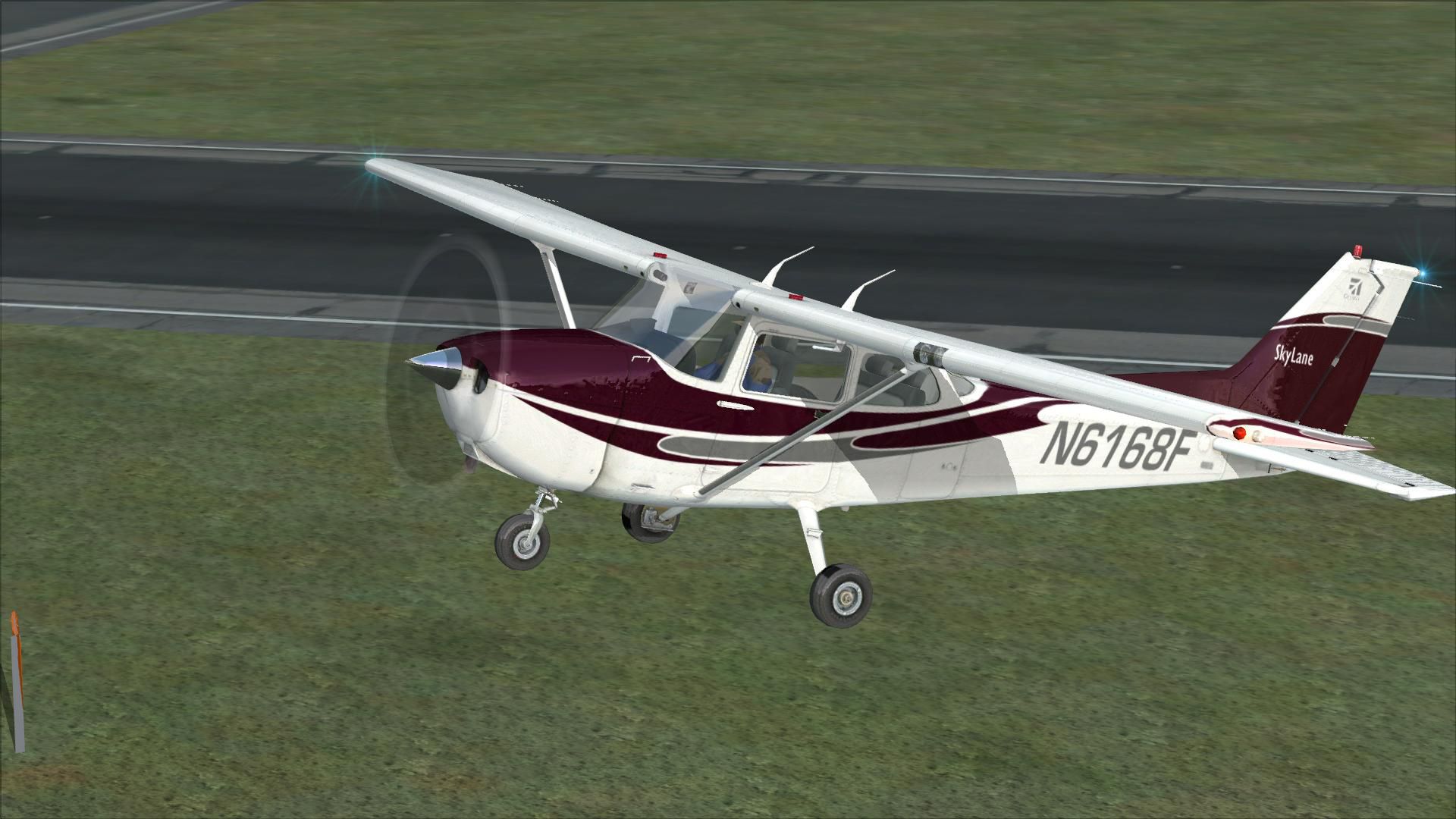
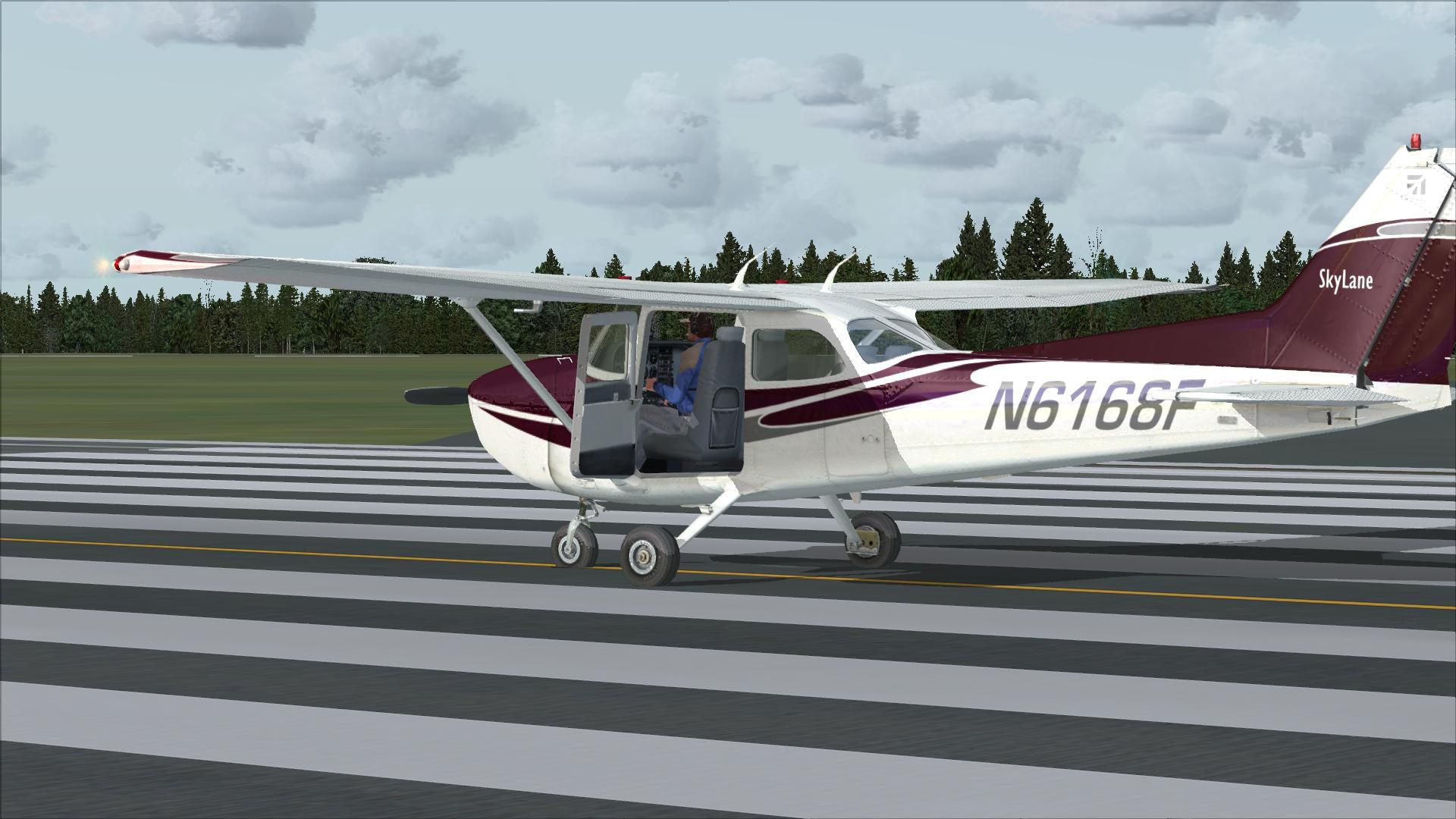
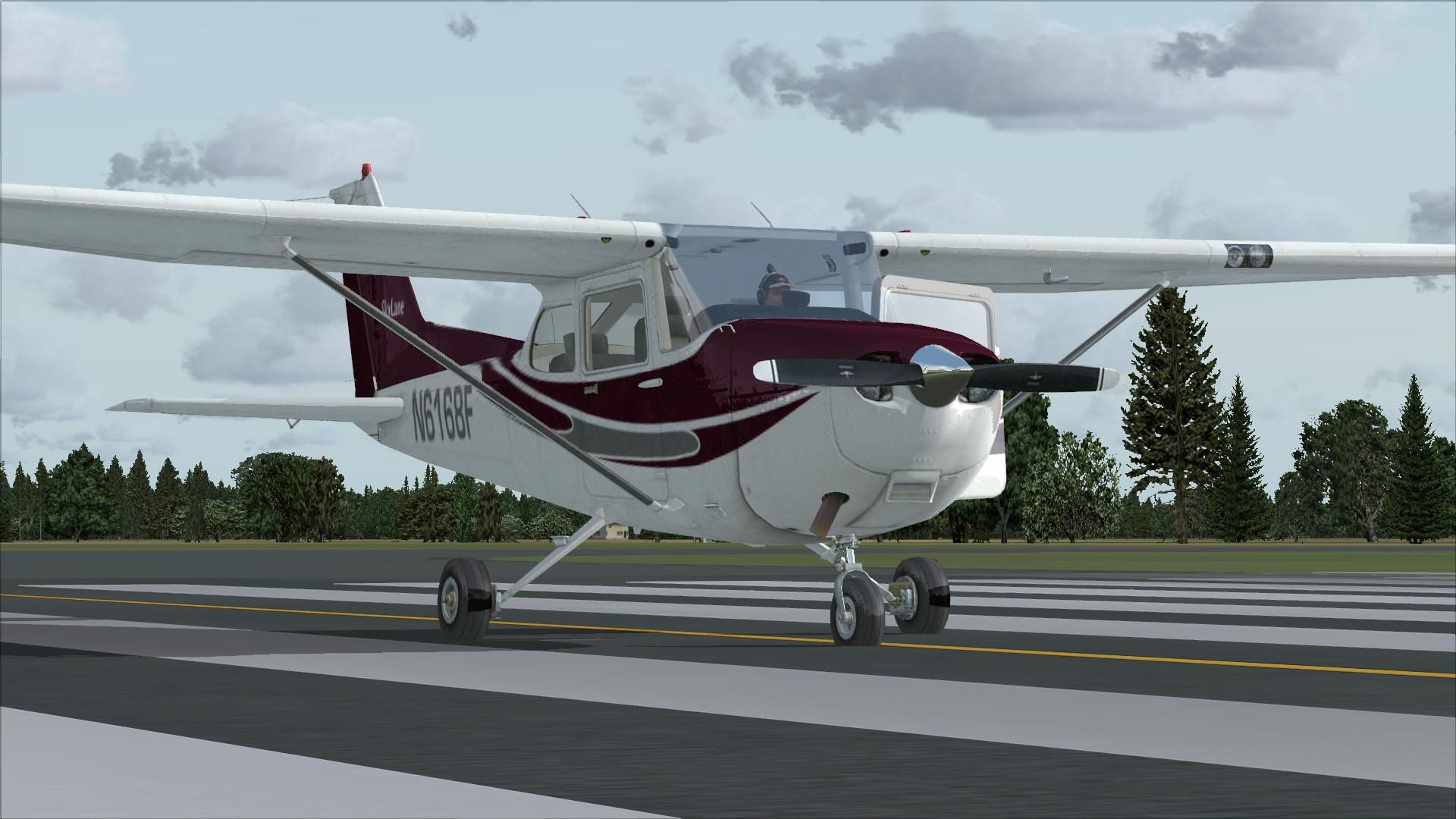
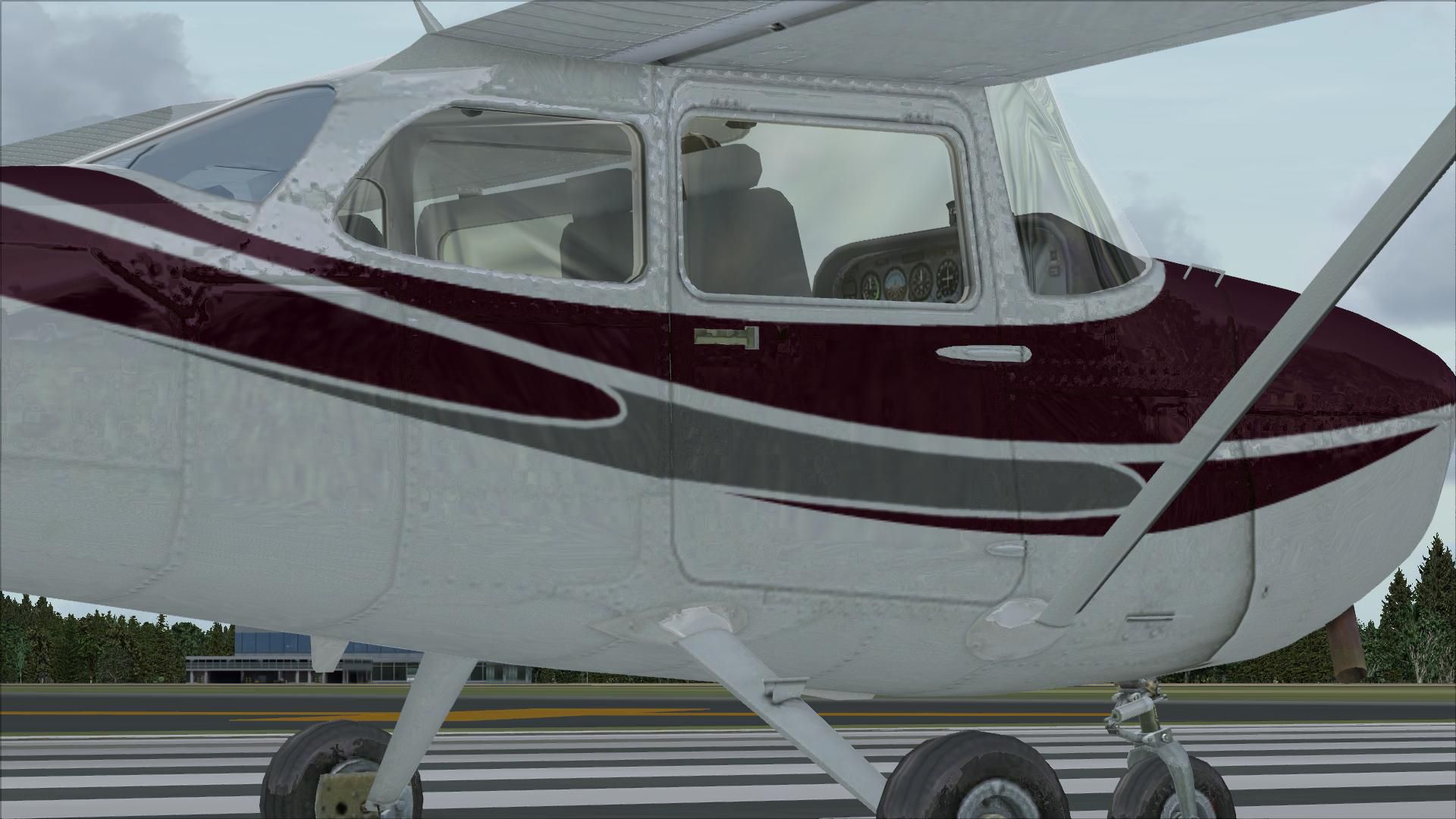
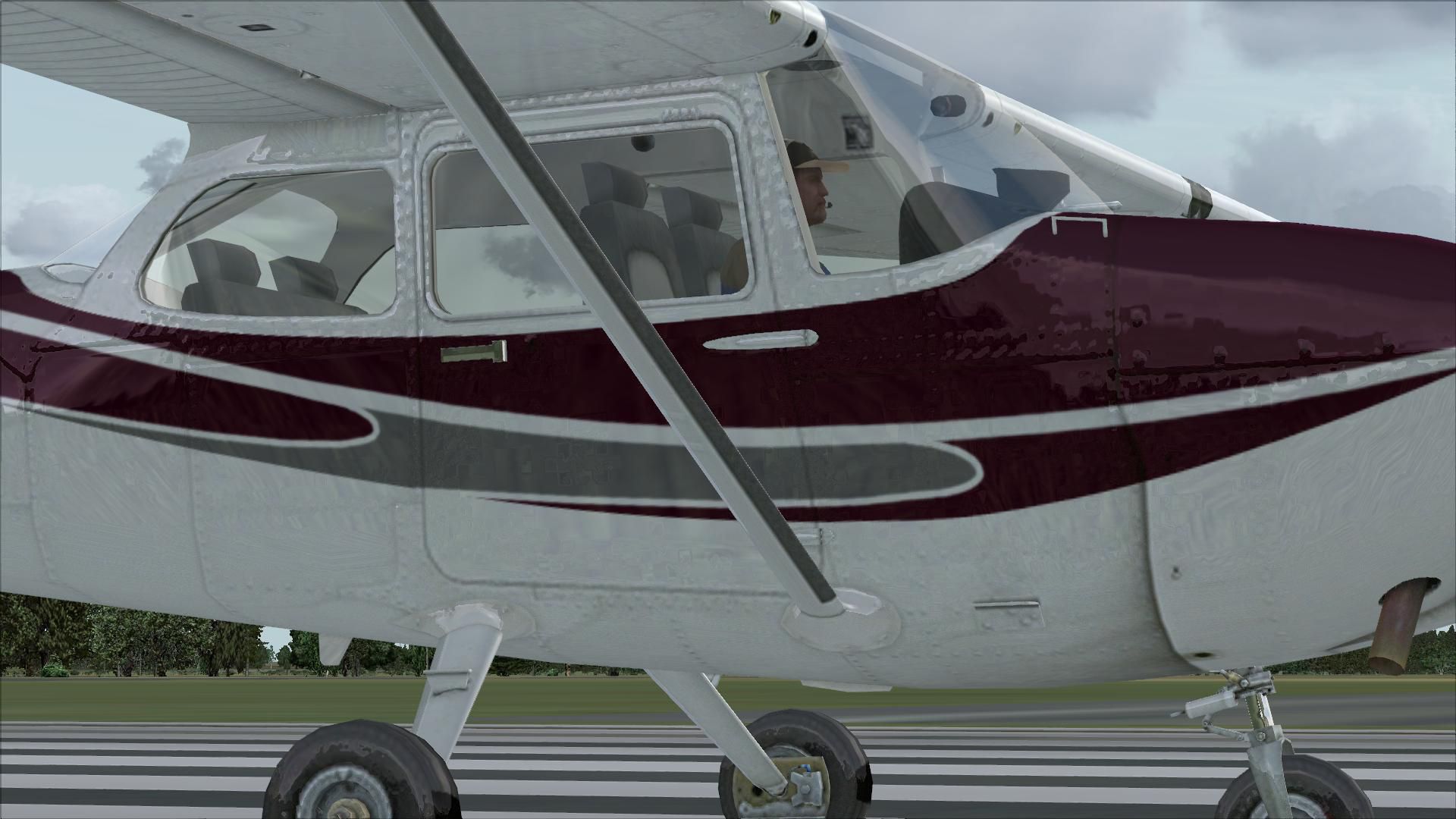
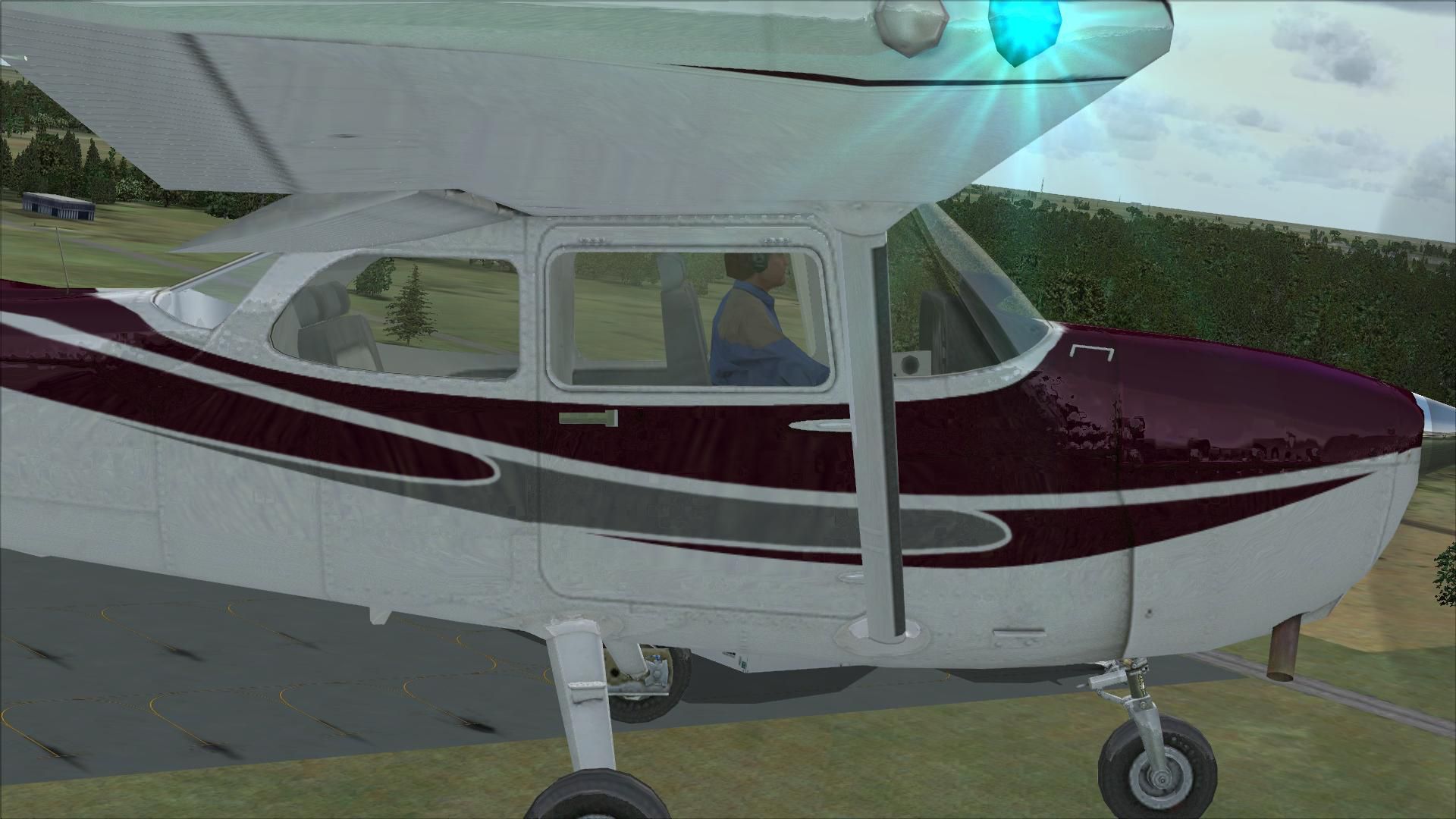
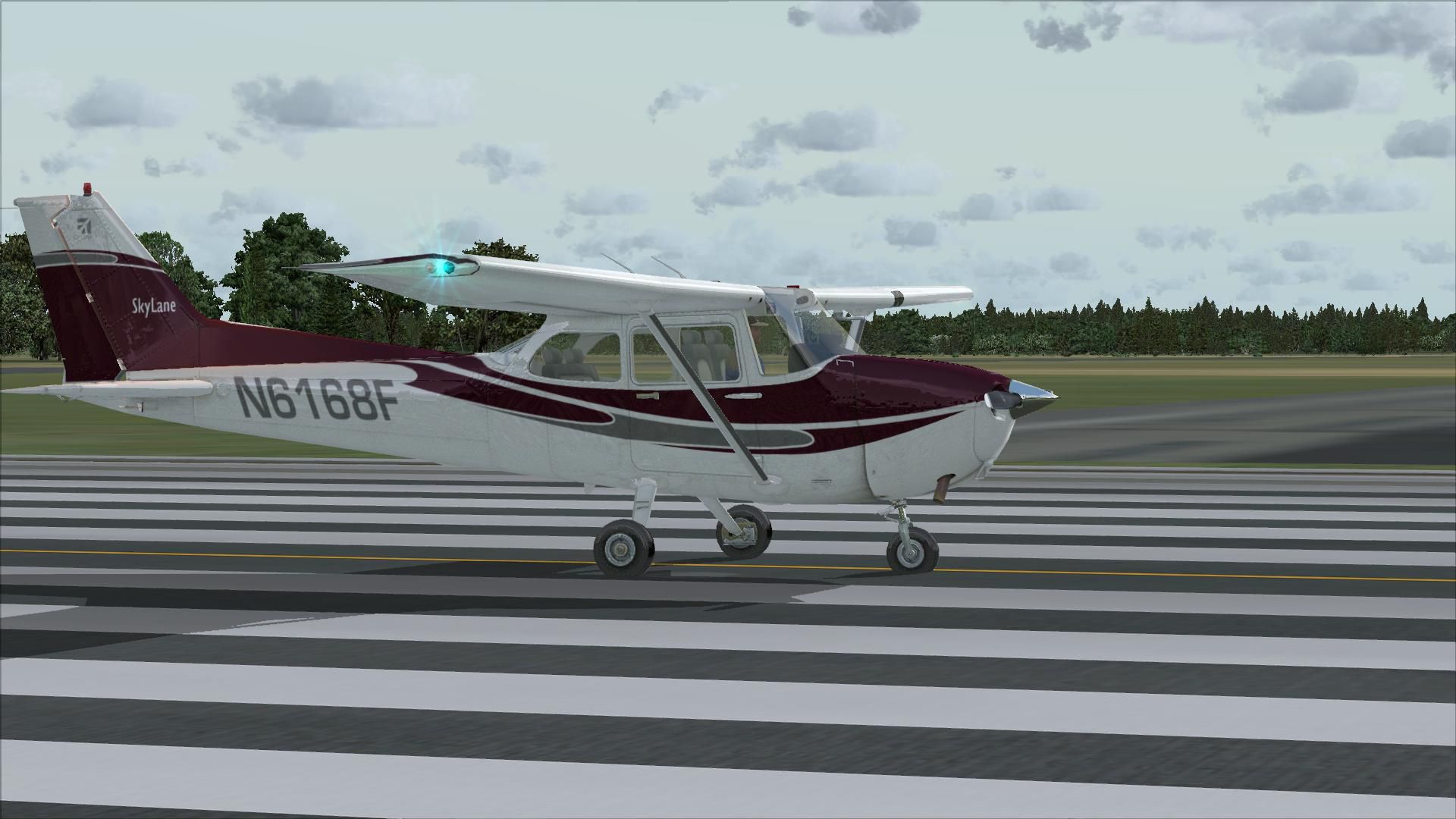
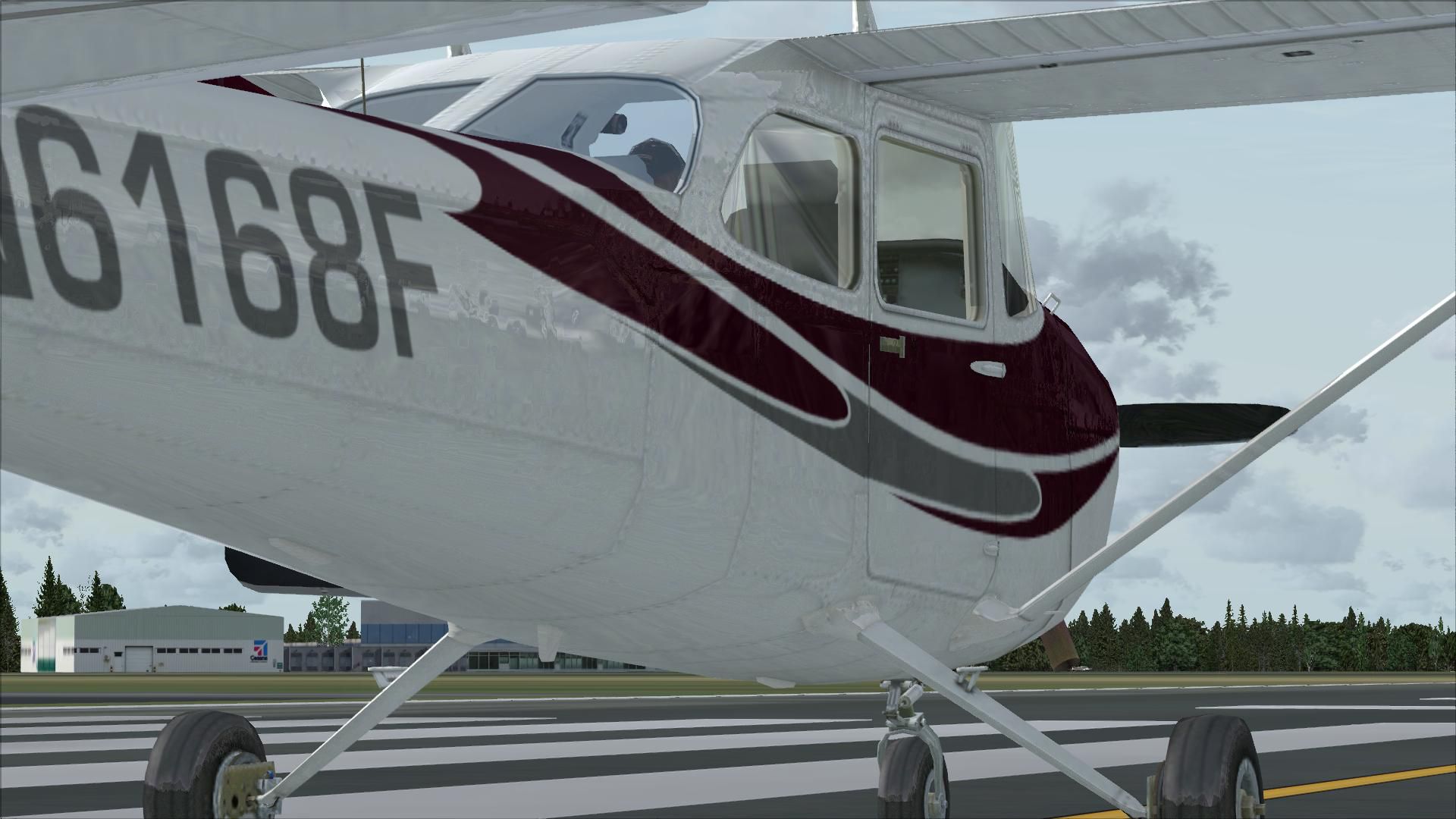
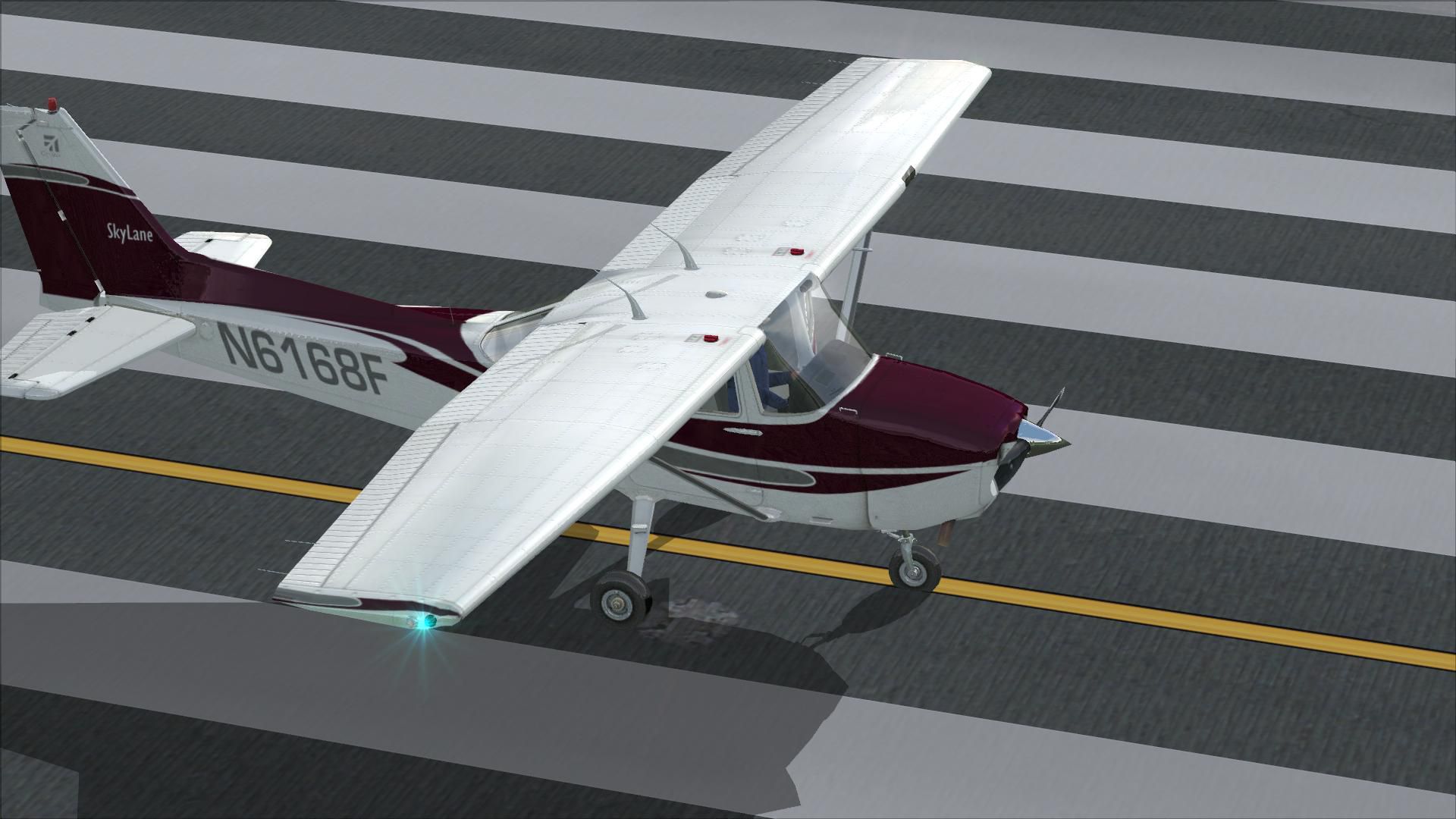
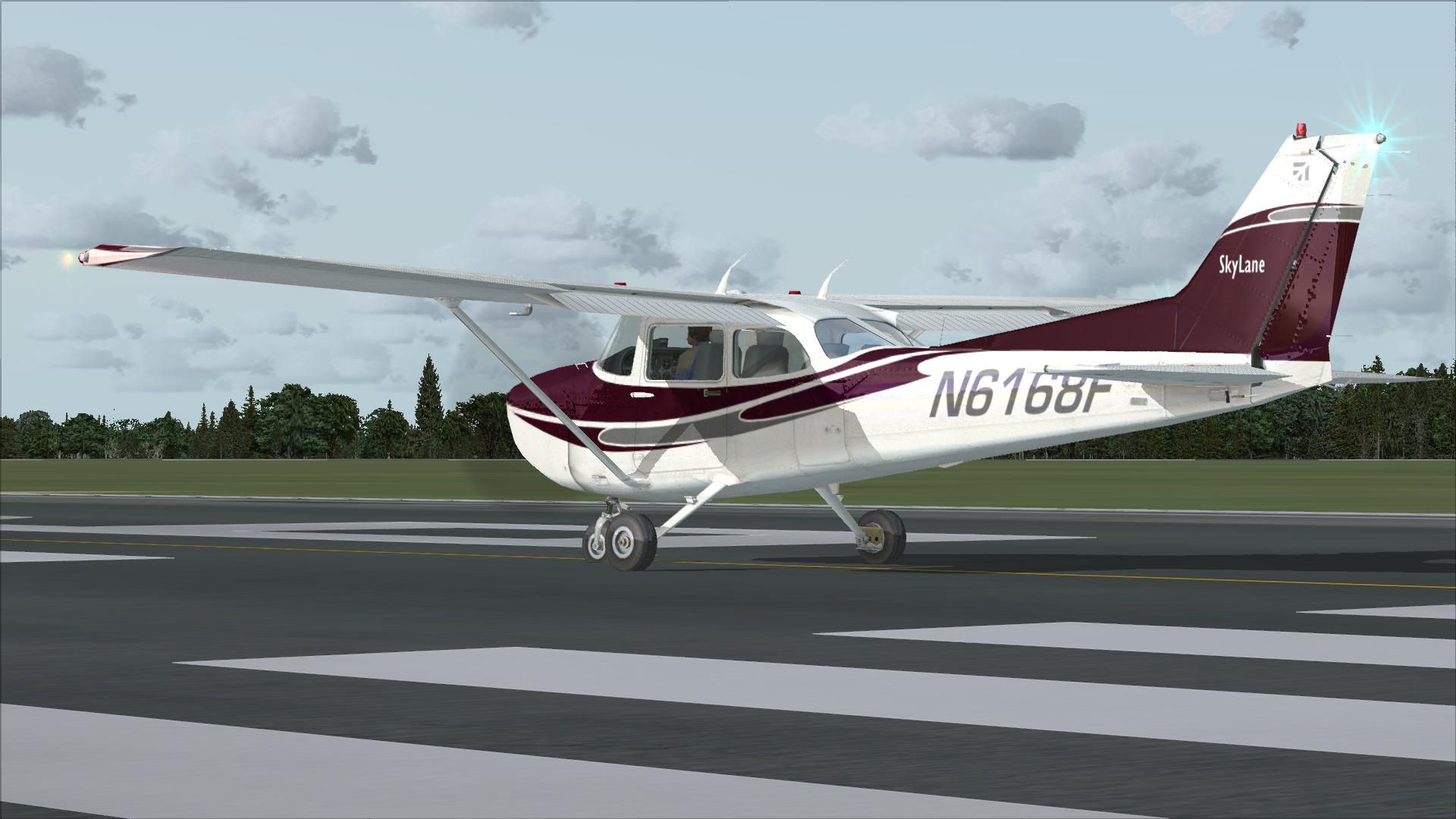
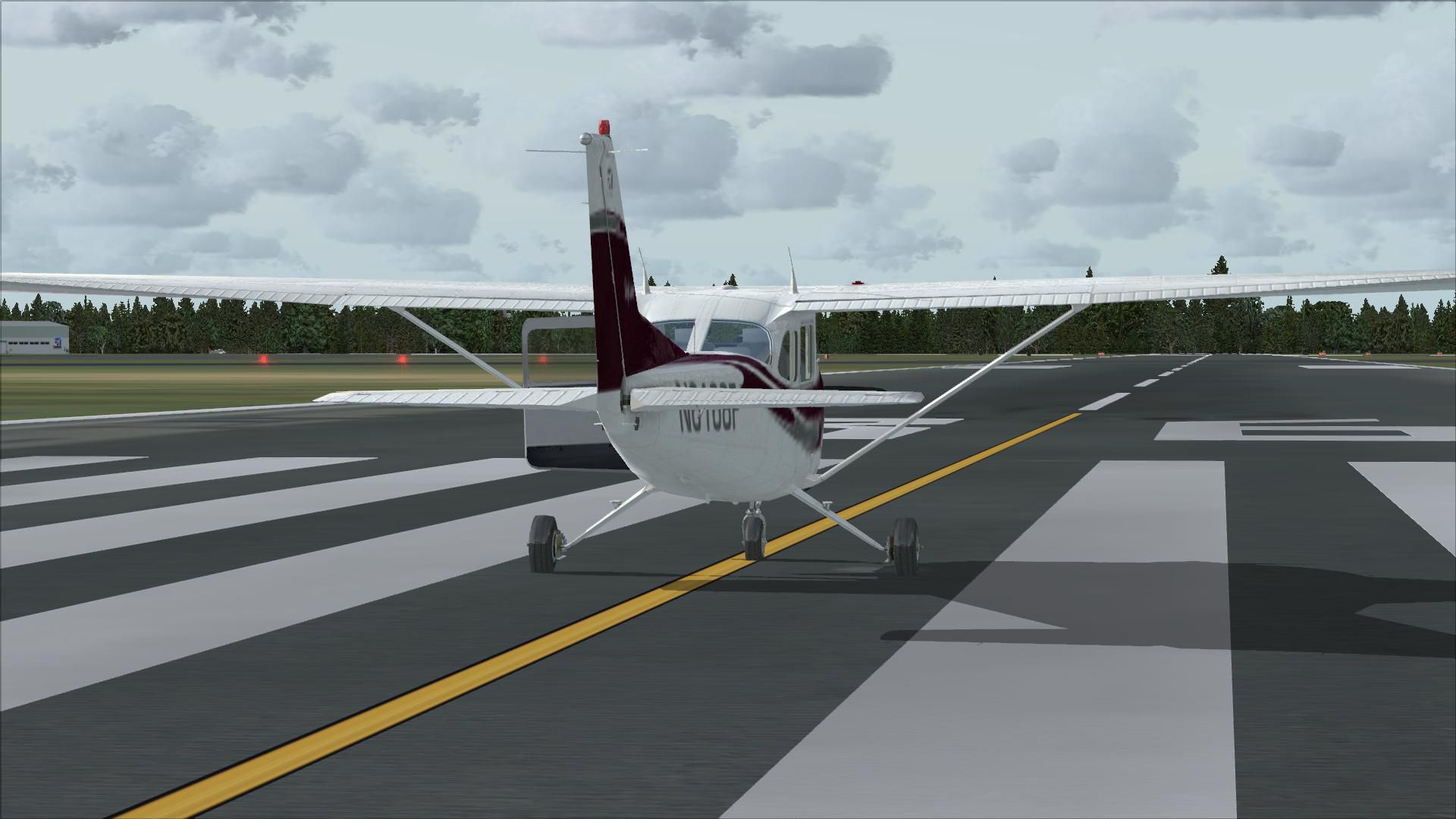
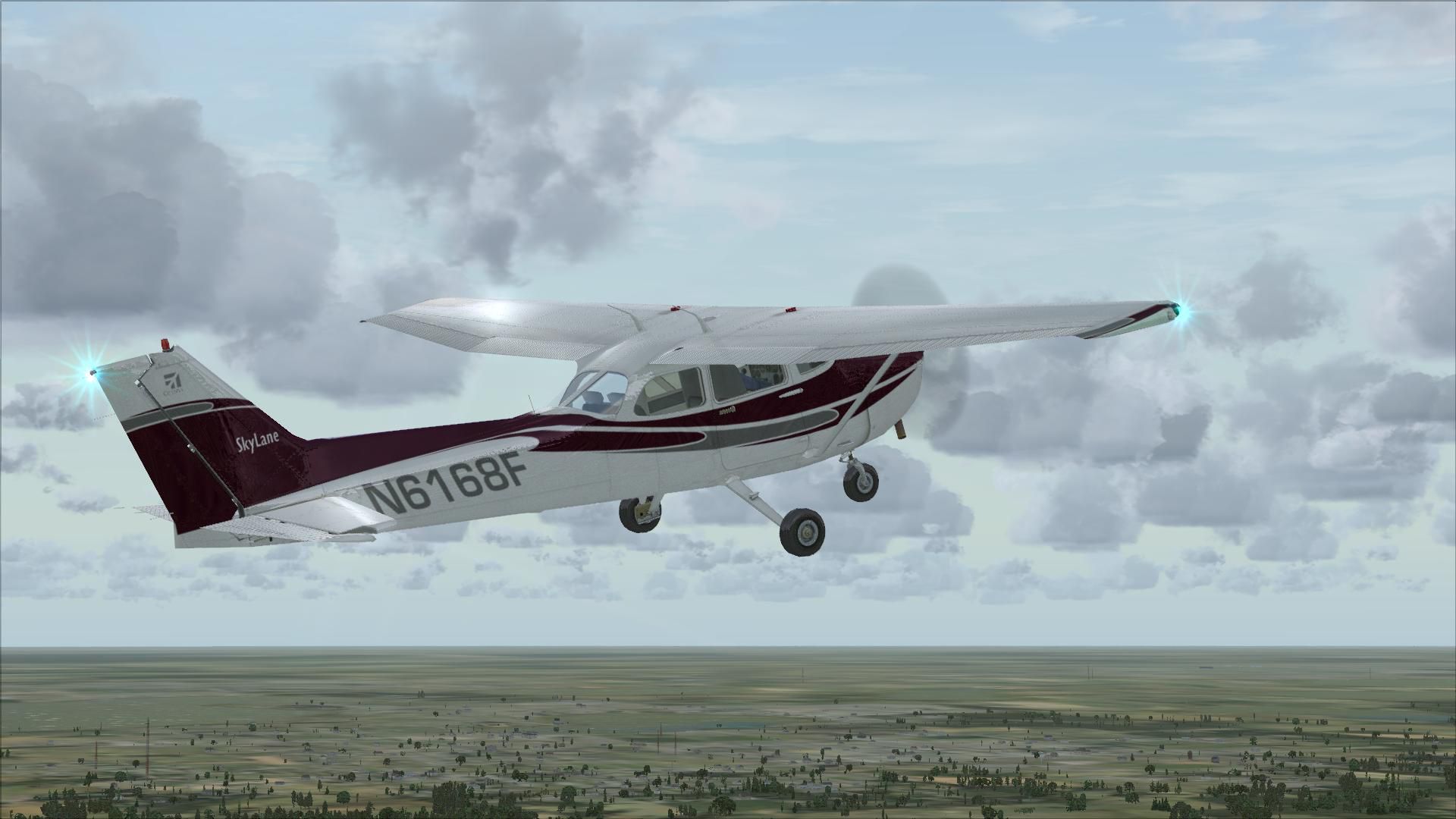
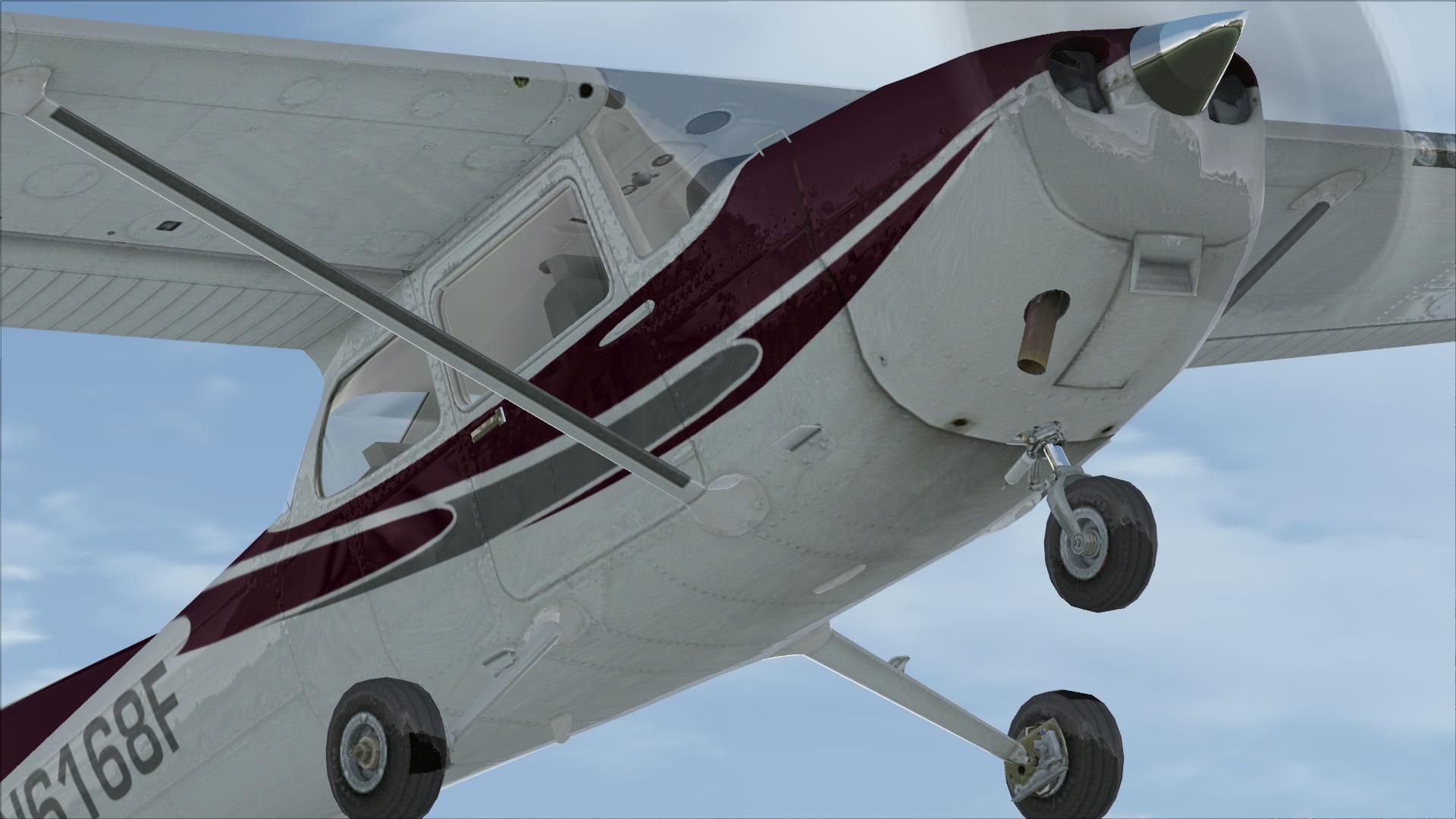
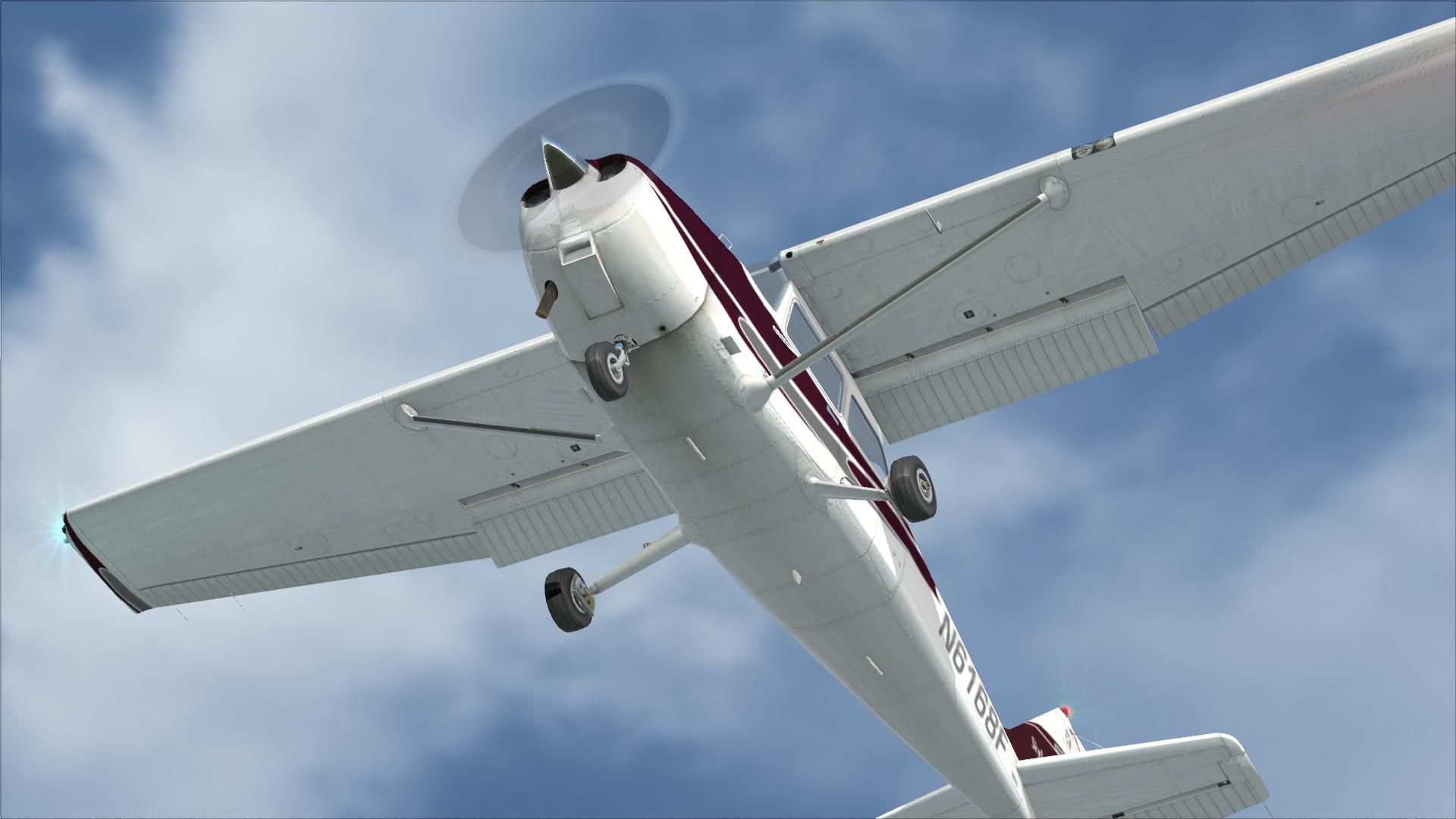
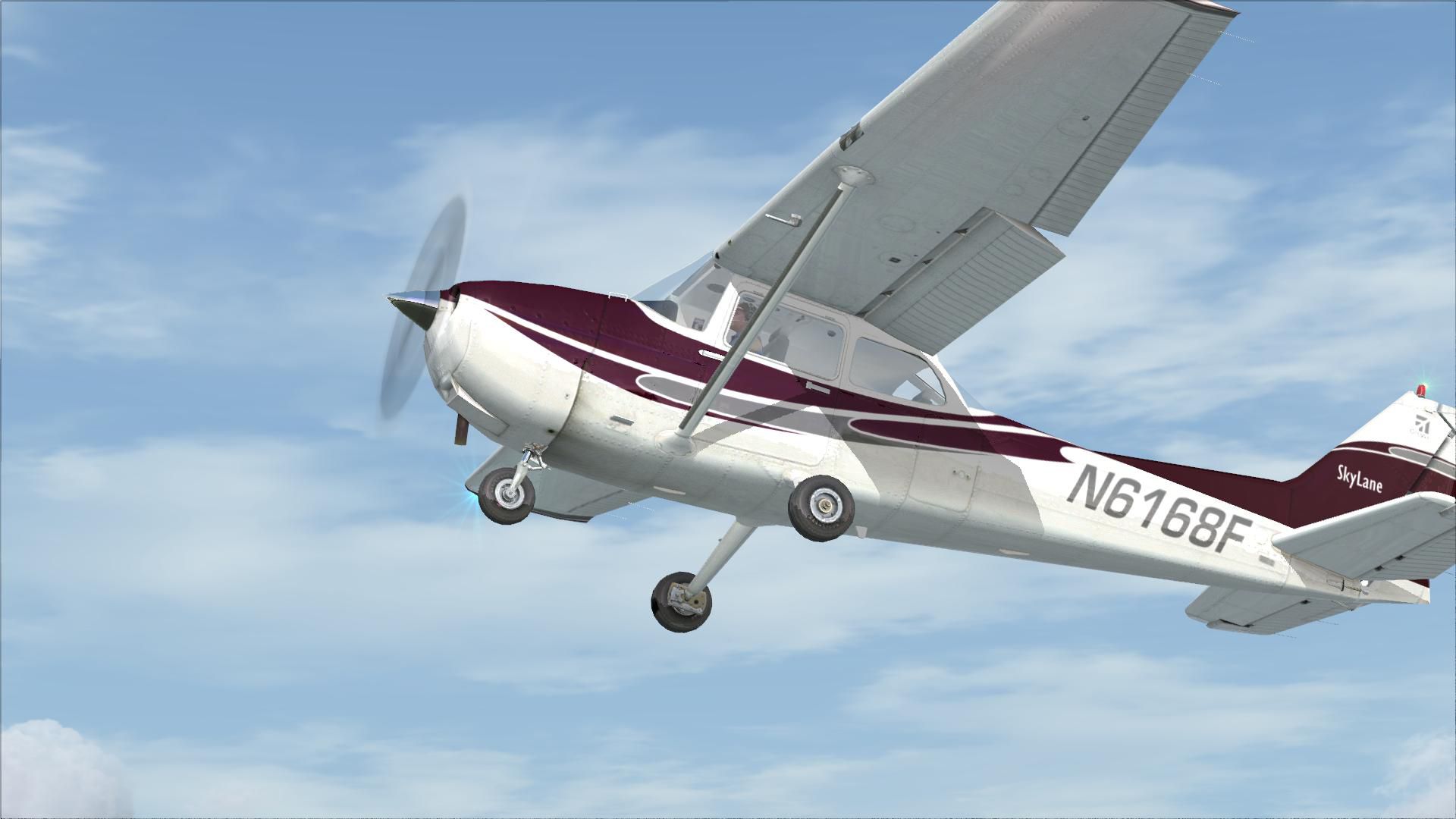
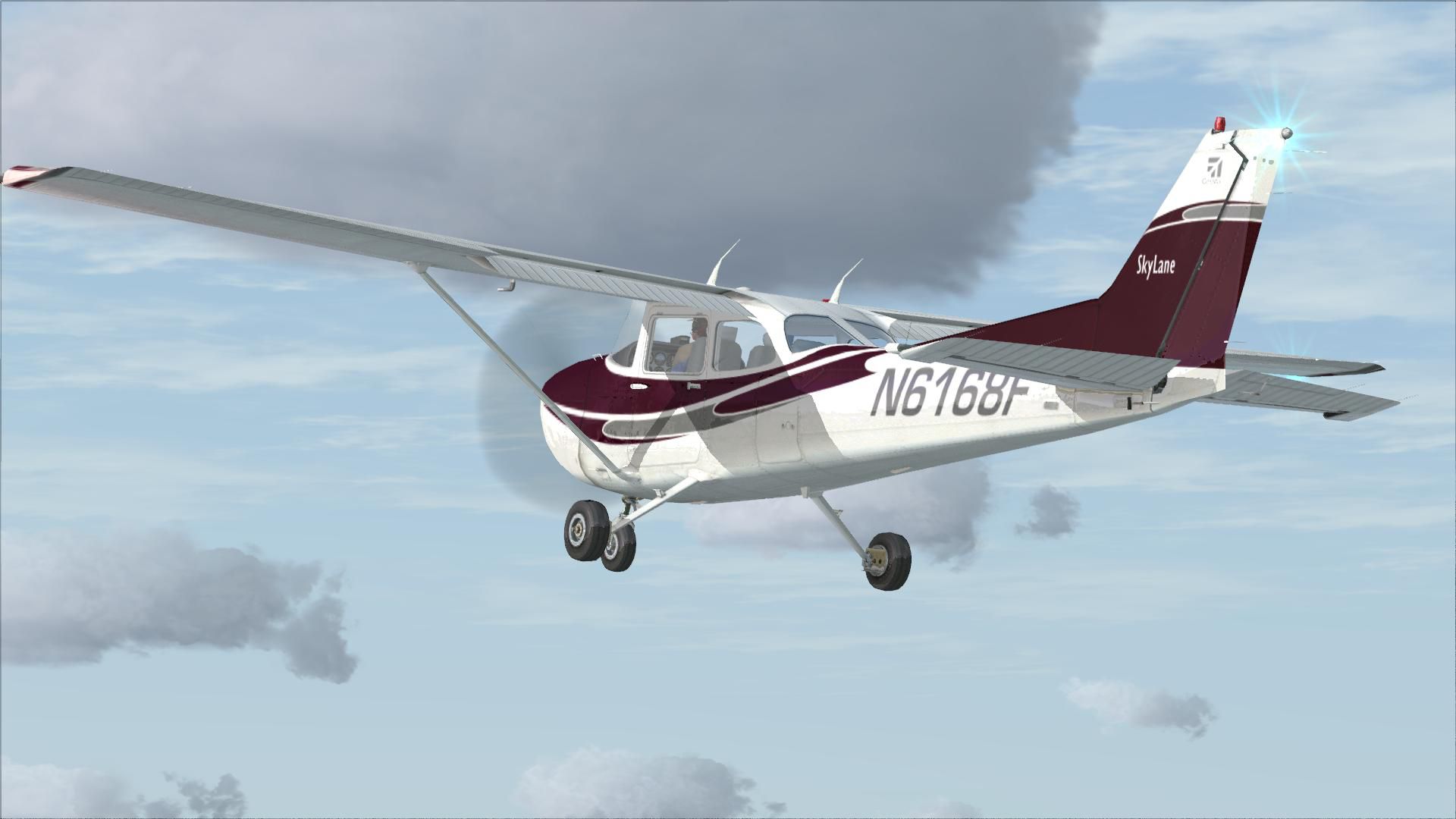
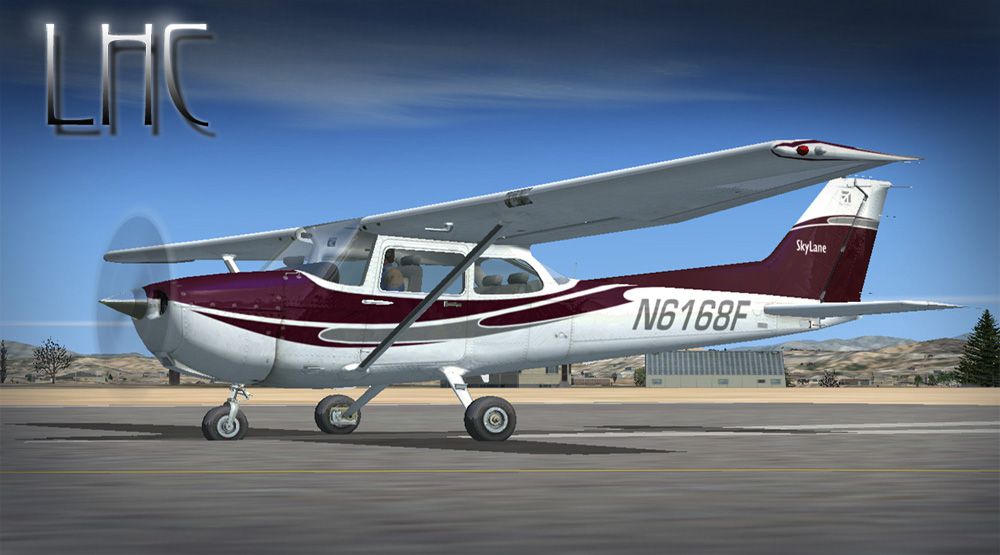
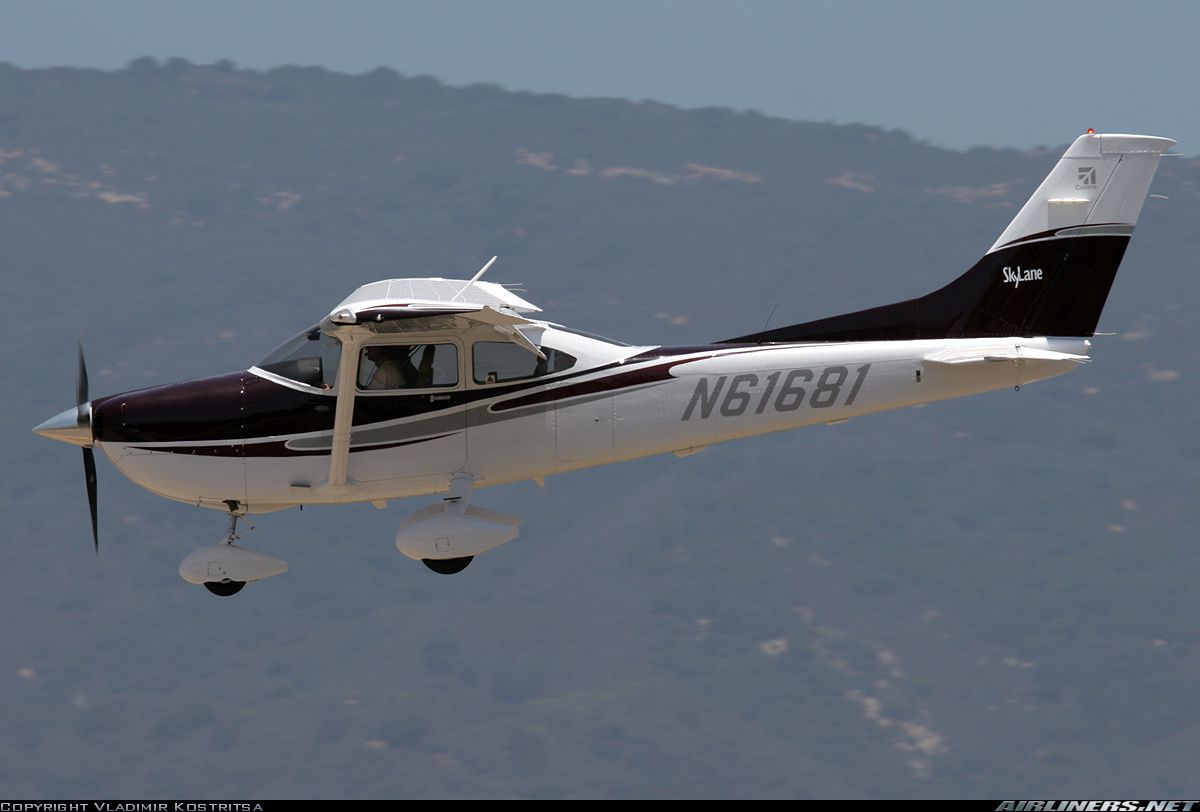
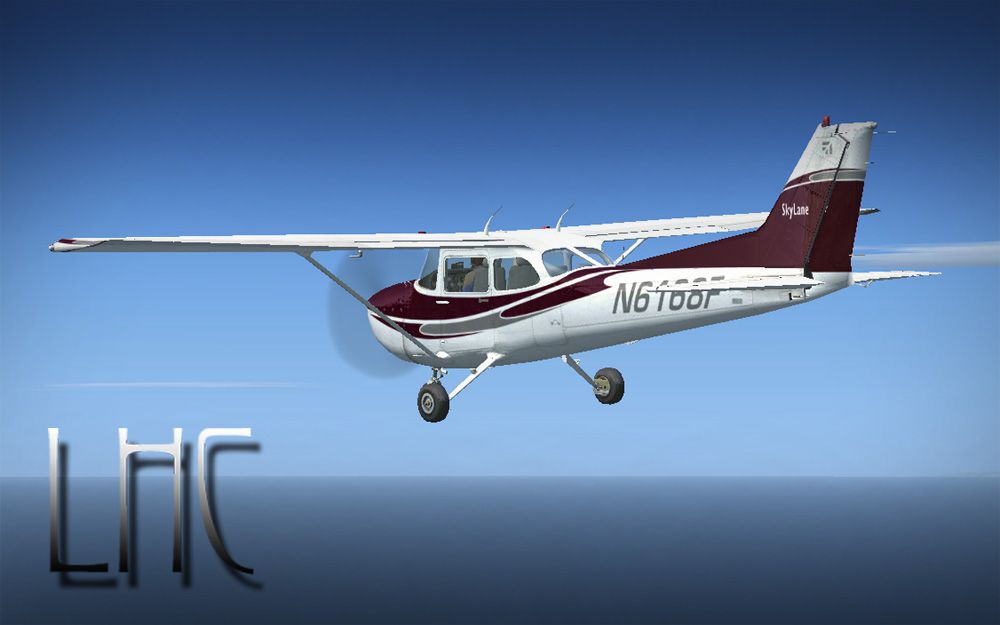
Cessna 172. This repaints the default Cessna to a modern Cessna paint stripe scheme. It uses the stock instrumentation, not the Garmin system, though that is very easily adapted. By William Ortis.
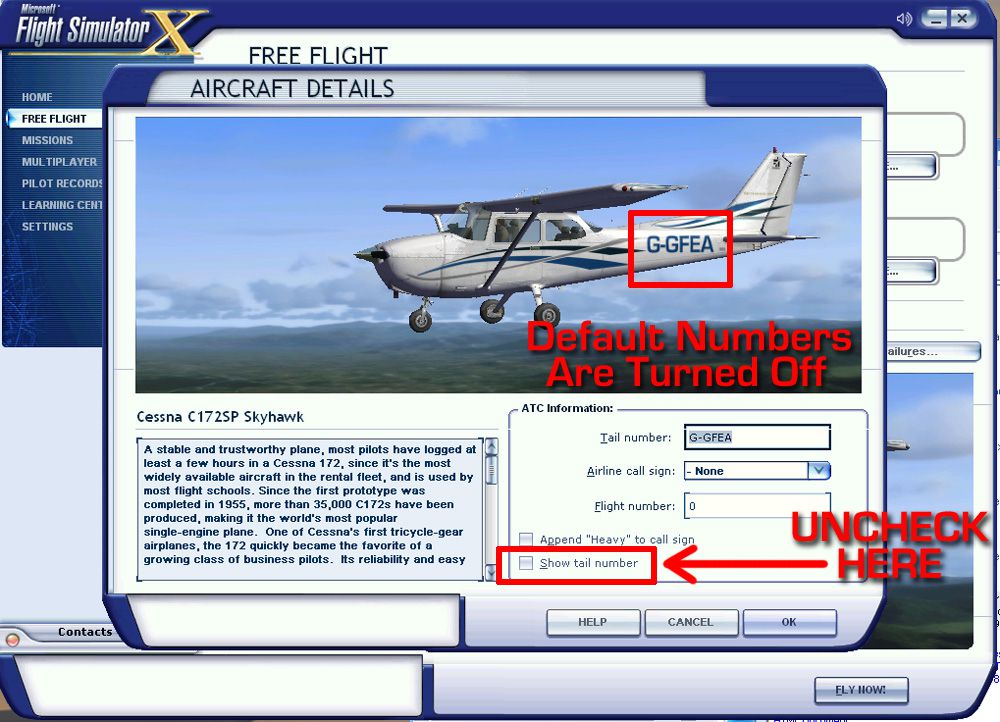
 This is a repaint only for the stock Cessna 172 in Flight Simulator X. (This will 'not' work in FS2004. This is a DDS texture set). This repaints the default Cessna to a modern Cessna paint stripe scheme. This uses the stock instrumentation, not the Garmin system, though that is very easily adapted. Remember to turn off 'Show Aircraft ID' as this aircraft features its own Registry in the paint scheme. By William Ortis.
INSTALLATION INSTRUCTIONS
Drop the N6168F folder into your default C172 folder in Flight Simulator X.
Open the 'aircraft.cfg' file with Windows Notepad
Go to the last aircraft entry paragraph selection (paragraph for each one of the several Cessna 172's that show up in FSX), and copy/paste the below aircraft entry beneath the last aircraft entry.
////////////////////////////START COPY HERE/////////////////////////////////
[fltsim.7] <------------------CHANGE TO NEXT HIGHEST NUMBER UP

title=Cessna Skyhawk 172SP N6168F

sim=Cessna172SP

model=

panel=

sound=

texture=N6168F

kb_checklists=Cessna172SP_check

kb_reference=Cessna172SP_ref

atc_id=N6168F

ui_manufacturer="Cessna"

ui_type="C172SP Skyhawk"

ui_variation=" N6168F"

ui_typerole="Single Engine Prop"

ui_createdby="Microsoft Corporation"

description="A stable and trustworthy plane, most pilots have logged at least a few hours in a Cessna 172, since it's the most widely available aircraft in the rental fleet, and is used by most flight schools. Since the first prototype was completed in 1955, more than 35,000 C172s have been produced, making it the world's most popular single-engine plane. One of Cessna's first tricycle-gear airplanes, the 172 quickly became the favorite of a growing class of business pilots. Its reliability and easy handling (along with thoughtful engineering and structural updates) have ensured its continued popularity for decades."
////////////////////////////END COPY HERE//////////////////////////////////
LASTLY AND IMPORTANT; UNCLICK 'SHOW AIRCRAFT ID' IN THE 'DETAILS' SELECTION OF YOUR NEW PLANE WHEN YOU SELECT THE CESSNA. (Click on the Cessna 'G-GFEA', then click 'DETAILS', then untick 'Show Aircraft ID'). If you do not untick this, the numbers will appear over the graphics registry number.
This repaint was created by William Ortis at Lionheart Creations Ltd.
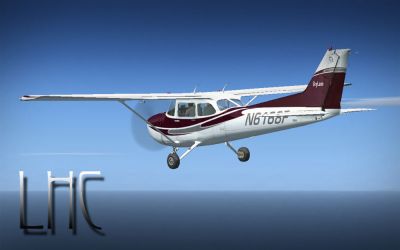
Cessna 172 in flight.
Free for all simmers · 10.37 MB · Scanned clean
Download speed: Free tier is capped at 0.5 Mbps (this file takes approximately 3 mins at the cap). PRO members download at full line speed.
FSX\SimObjects\Airplanes\. The folder must contain an aircraft.cfg file. Effects go into FSX\Effects\; gauges go into FSX\Gauges\.readme.txt or README file. It tells you exactly where files go, what dependencies are needed, and any quirks specific to this add-on.The archive n6168f.zip has 37 files and directories contained within it.
This list displays the first 500 files in the package. If the package has more, you will need to download it to view them.
| Filename/Directory | File Date | File Size |
|---|---|---|
| 1232380.jpg | 10.03.07 | 281.66 kB |
| Installation.txt | 10.11.07 | 2.12 kB |
| Intro.txt | 10.11.07 | 546 B |
| N6168F_03.jpg | 10.11.07 | 96.65 kB |
| N6168F_04.jpg | 10.11.07 | 148.04 kB |
| C172_T.dds | 10.11.07 | 16.00 MB |
| c172_t_spec.dds | 09.04.06 | 1.33 MB |
| fresnel_ramp.dds | 09.04.06 | 640 B |
| Prop_C172.dds | 09.04.06 | 85.46 kB |
| texture.cfg | 08.14.06 | 137 B |
| thumbnail.jpg | 10.11.07 | 17.66 kB |
| Thumbs.db | 10.11.07 | 5.00 kB |
| Thumbs.db | 10.11.07 | 70.50 kB |
| TurnOffATCNumbers.jpg | 10.03.07 | 293.60 kB |
| flyawaysimulation.txt | 10.29.13 | 959 B |
| Go to Fly Away Simulation.url | 01.22.16 | 52 B |
| Screenshots | 07.23.19 | 0 B |
| screen-1.jpg | 07.17.19 | 281.69 kB |
| screen-10.jpg | 07.17.19 | 198.39 kB |
| screen-11.jpg | 07.17.19 | 268.81 kB |
| screen-12.jpg | 07.17.19 | 164.99 kB |
| screen-13.jpg | 07.17.19 | 107.56 kB |
| screen-14.jpg | 07.17.19 | 210.52 kB |
| screen-15.jpg | 07.17.19 | 122.93 kB |
| screen-16.jpg | 07.17.19 | 187.49 kB |
| screen-17.jpg | 07.17.19 | 277.35 kB |
| screen-18.jpg | 07.17.19 | 123.08 kB |
| screen-19.jpg | 07.17.19 | 157.44 kB |
| screen-2.jpg | 07.17.19 | 261.53 kB |
| screen-20.jpg | 07.17.19 | 153.53 kB |
| screen-3.jpg | 07.17.19 | 201.25 kB |
| screen-4.jpg | 07.17.19 | 160.51 kB |
| screen-5.jpg | 07.17.19 | 184.63 kB |
| screen-6.jpg | 07.17.19 | 172.15 kB |
| screen-7.jpg | 07.17.19 | 182.38 kB |
| screen-8.jpg | 07.17.19 | 191.51 kB |
| screen-9.jpg | 07.17.19 | 187.99 kB |
More FSX & P3D add-ons hand-picked based on this download.
FSX General Aviation Aircraft
A huge selection of liveries created by various freeware repaint developers c…
 FSX General Aviation Aircraft
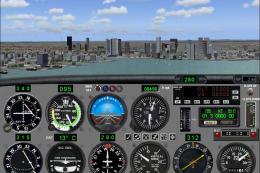
Cessna 172 Trainer. This is the standard FSX Cessna 172 with a custom panel t…
 FSX General Aviation Aircraft
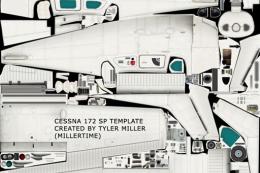
Cessna 172 Repaint Template in PSD (Photoshop) format with layers and palette…
 FSX General Aviation Aircraft
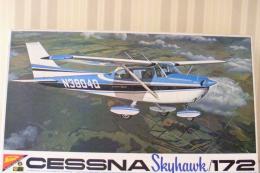
Blue And White Cessna 172. Default Cessna 172SP Skyhawk repaint textures for …
 FSX General Aviation Aircraft
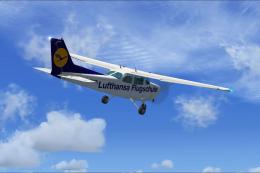
Experience a detailed Lufthansa training environment with this freeware repai…
 FSX General Aviation Aircraft
Cessna 172 Skyhawk. This livery is from the tribute for Microsoft Flight Simu…
 FSX General Aviation Aircraft
FSX Cessna 172 SP Skyhawk registration N7690X. Textures only for the default …
 FSX General Aviation Aircraft
This freeware patch upgrades the default Cessna 172 in Microsoft Flight Simul…
Read what other simmers think, or add your own.


I'm attempting to install the Cessna 172 repaint to FSX. When saving the data to aircraft.cfg, it says "Access is Denied." Can you help? Thanks.