


 FSX Utilities
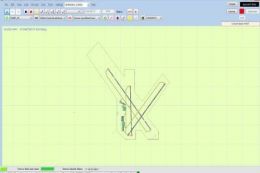
Airport Design Editor AFCAD Editor/Creator
Airport Design Editor (ADE) is a graphical design tool to create and enhance …
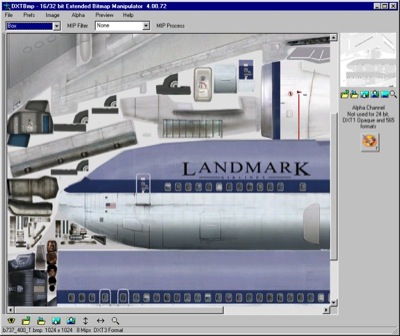
DXTBmp is a compact texture editor for flight sim repainters, handling 8/16/24/32-bit bitmaps plus DXT and DDS formats, with export to a paint program for 24-bit edits and clean re-import. It supports 565, 555-1, 444-4, alpha-channel viewing and editing, for FS2000, FS2002, FS2004, FSX, CFS2, and CFS3 workflows.
Free for all simmers · 984 KB · Scanned clean
Download speed: Free tier is capped at 0.5 Mbps. PRO members download at full line speed.
readme.txt or README file. It tells you exactly where files go, what dependencies are needed, and any quirks specific to this add-on.Hand-picked add-ons similar to this download.
FSX Utilities
Airport Design Editor (ADE) is a graphical design tool to create and enhance …
 FS2004 Propeller Aircraft
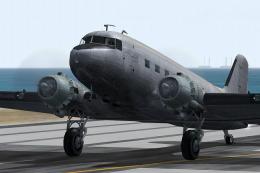
The default Microsoft DC3 prop bitmap has been adjusted to make it a little m…
 X-Plane Scenery Libraries
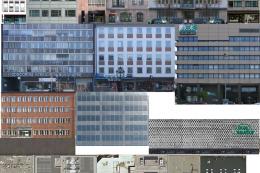
This is the extended-LOD version of FFLibrary. For a given setting of “world …
 FS2002
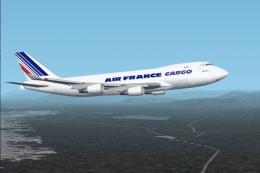
Model Designer : C. Vincent Cho Flight Dynamics Designer : Warren C,Daniel FD…
 FSX Civil Aircraft
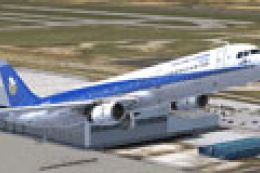
This enhanced repaint offers a detailed Hellenic Imperial livery for the Airb…
 FSX Utilities
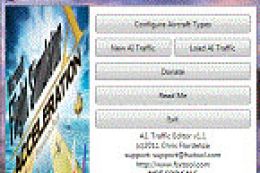
A.I. Traffic tool is created to provide a way for the average flight simulato…
 FSX Utilities
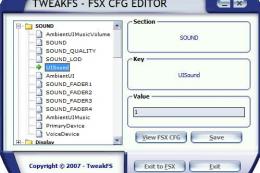
Thank you for downloading the TweakFS Config Editor for FSX! This is a simple…
 FSX Utilities
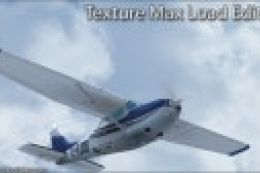
TMLE was designed to make the use of High Definition and Super High Definitio…
Read what other simmers think, or add your own.

I'm not registered but I have to ask being I'm stumped, Is it possible to tint windshields from inside the cockpit.& not just show up outside raywzz@aol.com


Thanks for the share, now i can try edit my models XDD I hope this would share to anyone XDDDDDDDD

This is just what I wanted it's the best. I was able to repaint a Cardinal 177 to look just like the plane I'm taking lessons in. To the author, thanks so much........ Beau
