


 FS2004 Civil Jet Aircraft
Airbus A319 US Airways & Shuttle Liveries
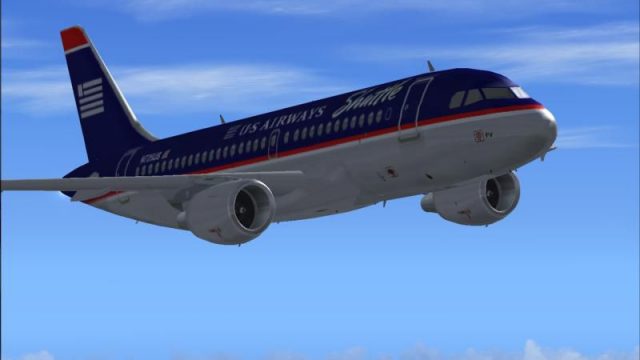
This is a repaint of the beautiful CSI model Airbus A319 in US Airways and US…
US Airways and US Airways Shuttle liveries bring the CSI Airbus A319 to life with two distinct fleet variants, authentic registrations, and matching airline ATC callsigns for immersive gate-to-gate operations in FS2004. Includes separate texture sets for standard and Shuttle service and requires the CSI A319 base model for display.
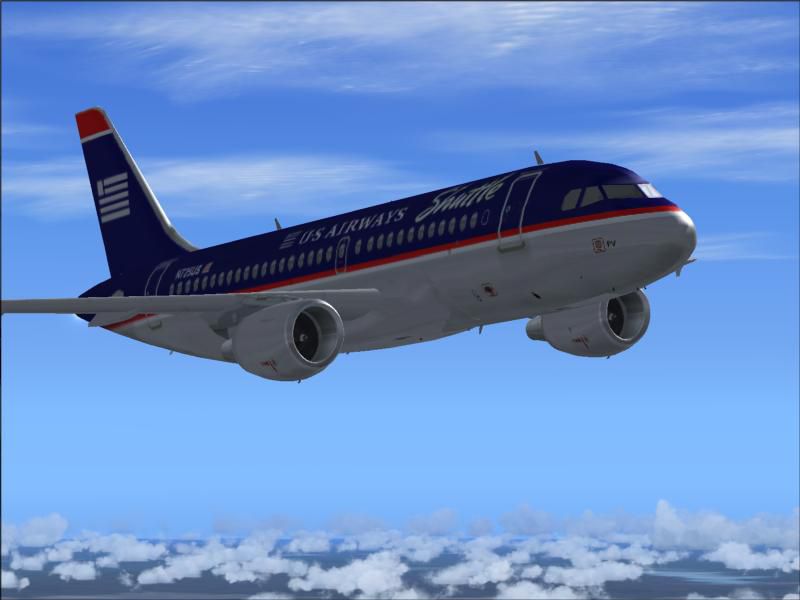
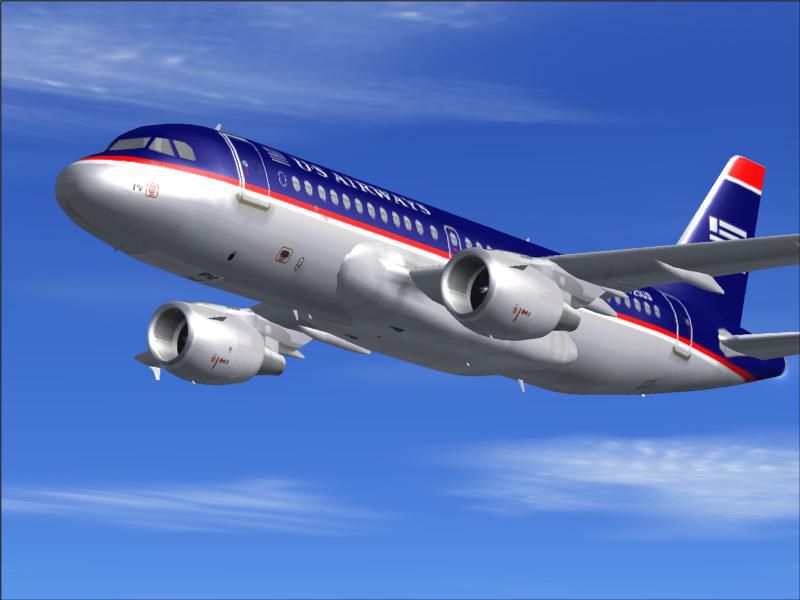
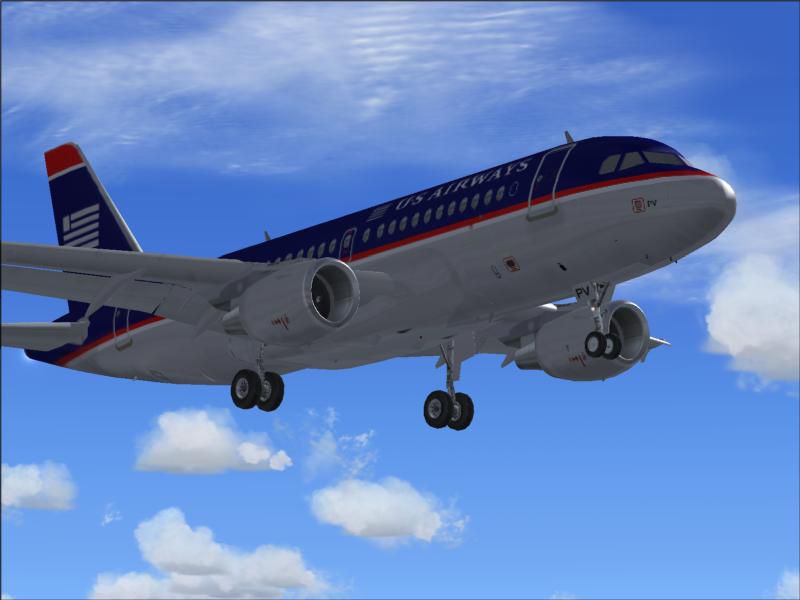
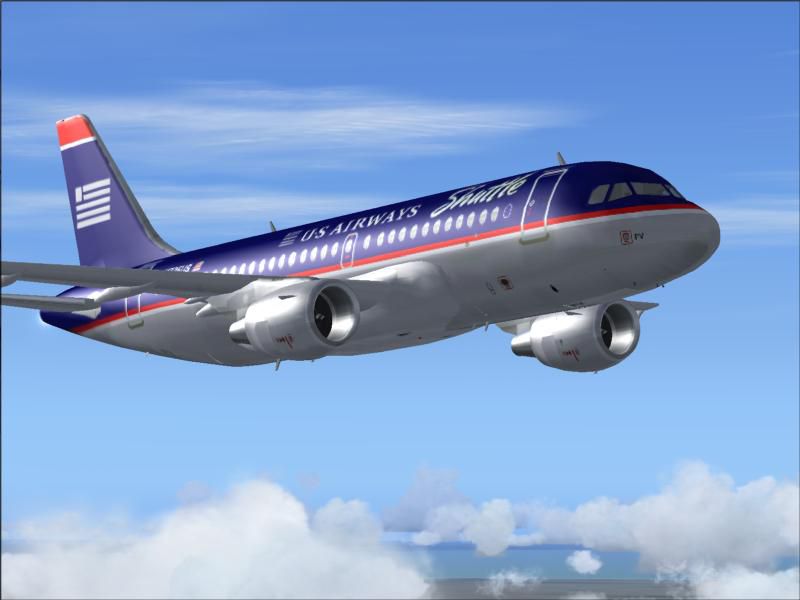
This is a repaint of the CSI model Airbus A319 in USAirways and US Airways Shuttle livery. You must have the CSI A319 base model in order to view these repaints. By Fahim Safi.
Screenshot of US Airways Shuttle Airbus A319 in flight.
STEP 1: PUT THE FOLDERS "texture.usa" AND "TEXTURE.USS" INTO YOUR CSI AIRBUS A319 FOLDER (whatever you named it) IN YOUR
"Flight Simulator 9/Aircraft/" DIRECTORY.
STEP 2: COPY THE FOLLOWING TEXT INTO YOUR "Aircraft.cfg" FILE IN THE ORDER THAT IT COMES NEXT.
*NOTE* THE X IN "[fltsim.X]" MEANS TO CHANGE IT TO THE APPROPRIATE NUMBER THAT COMES NEXT. FOR EXAMPLE, IF THE AIRCRAFT ABOVE IS "[fltsim.2]", CHANGE THE "X" IN THIS ONE TO "[fltsim.3]". WHICH EVER COMES IN ORDER.
[fltsim.X]

	title=CSI A319-100 US Airways

	sim=A319-2CP6

	model=

	panel=

	sound=

	texture=usa

	kb_checklists=

	kb_reference=

	atc_id=N725US

	atc_id_color=0xffffffff

	atc_airline=US Air

	atc_flight_number=1436

	ui_manufacturer=Airbus

	ui_type="A319-100"

	ui_variation="US Airways"

	description="The A319 is one of the smaller members of Airbus' highly successful single aisle airliner family currently in service, and competes with Boeing's 737-300 and 737-700. The A319 program was launched at the Paris Airshow in June 1993 on the basis of just six orders placed by ILFC late in 1992 and the predicted better prospects of the commercial airliner market, which were certainly realized. The first A319 airline order came from French carrier Air Inter (since merged into Air France), whose order for six was announced in February 1994. Since then Swissair, Air Canada, Lufthansa, Northwest, United, US Airways and British Airways are among the major customers that have ordered more than 500 A319s (all also operate or have on order A320s)."

	atc_parking_types=GATE

	atc_parking_codes=USA
[fltsim.X]

	title=CSI A319-100 US Airways Shuttle

	sim=A319-2CP6

	model=

	panel=

	sound=

	texture=uss

	kb_checklists=

	kb_reference=

	atc_id=N724US

	atc_id_color=0xffffffff

	atc_airline=US Air Shuttle

	atc_flight_number=4461

	ui_manufacturer=Airbus

	ui_type="A319-100"

	ui_variation="US Airways Shuttle"

	description="The A319 is one of the smaller members of Airbus' highly successful single aisle airliner family currently in service, and competes with Boeing's 737-300 and 737-700. The A319 program was launched at the Paris Airshow in June 1993 on the basis of just six orders placed by ILFC late in 1992 and the predicted better prospects of the commercial airliner market, which were certainly realized. The first A319 airline order came from French carrier Air Inter (since merged into Air France), whose order for six was announced in February 1994. Since then Swissair, Air Canada, Lufthansa, Northwest, United, US Airways and British Airways are among the major customers that have ordered more than 500 A319s (all also operate or have on order A320s)."

	atc_parking_types=GATE

	atc_parking_codes=USA
THAT'S IT! IT'S INSTALLED! HAVE FUN!
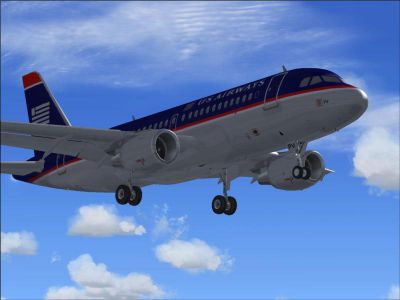
US Airways Shuttle Airbus A319 on landing approach.
Free for all simmers · 1.39 MB · Scanned clean
Download speed: Free tier is capped at 0.5 Mbps. PRO members download at full line speed.
FS9\Aircraft\, FS9\Addon Scenery\, FS9\Gauges\, or FS9\Effects\.readme.txt or README file. It tells you exactly where files go, what dependencies are needed, and any quirks specific to this add-on.The archive usa319fs.zip has 22 files and directories contained within it.
This list displays the first 500 files in the package. If the package has more, you will need to download it to view them.
| Filename/Directory | File Date | File Size |
|---|---|---|
| a319_fuse_l.bmp | 04.25.02 | 1.00 MB |
| a319_fuse_t.bmp | 10.29.03 | 1.33 MB |
| a319_miscc_l.bmp | 04.01.02 | 1.00 MB |
| a319_miscc_t.bmp | 10.29.03 | 1.33 MB |
| a319_wing_l.bmp | 03.31.02 | 1.00 MB |
| a319_wing_t.bmp | 10.26.02 | 1.00 MB |
| texture.uss | 11.08.03 | 0 B |
| a319_fuse_l.bmp | 04.25.02 | 1.00 MB |
| a319_fuse_t.bmp | 11.05.03 | 1.33 MB |
| a319_miscc_l.bmp | 04.01.02 | 1.00 MB |
| a319_miscc_t.bmp | 10.29.03 | 1.33 MB |
| a319_wing_l.bmp | 03.31.02 | 1.00 MB |
| a319_wing_t.bmp | 10.26.02 | 1.00 MB |
| FILE_ID.DIZ.txt | 11.08.03 | 231 B |
| Readme.txt | 11.08.03 | 3.73 kB |
| us_air1.JPG | 11.08.03 | 37.80 kB |
| us_air2.JPG | 11.08.03 | 38.03 kB |
| us_shuttle1.JPG | 11.08.03 | 37.37 kB |
| us_shuttle2.JPG | 11.08.03 | 38.19 kB |
| usaira319.gif | 11.08.03 | 6.99 kB |
| flyawaysimulation.txt | 10.29.13 | 959 B |
| Go to Fly Away Simulation.url | 01.22.16 | 52 B |
More FS2004 add-ons hand-picked based on this download.
FS2004 Civil Jet Aircraft
This is a repaint of the beautiful CSI model Airbus A319 in US Airways and US…
 FS2004 Civil Jet Aircraft
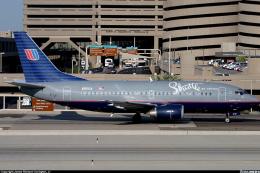
This complete freeware package offers a meticulously crafted United Airlines …
 FS2004 Civil Jet Aircraft
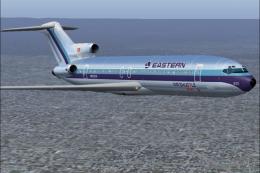
This freeware add-on features a genuine Eastern Airlines Boeing 727-200 in a …
 FS2004 Civil Jet Aircraft
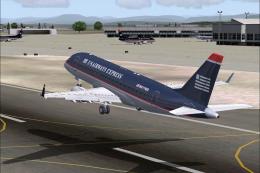
Airbus A319 texture pack. Includes five repaints (three combinations of title…
 FS2004 Civil Jet Aircraft
Features DXT3 textures with alpha reflections. Model by Dreamwings. Repaint b…
 FS2004 Civil Jet Aircraft
Immerse yourself in a fully realized Boeing 767-200(ER) featuring US Airways …
 FS2004 Civil Jet Aircraft
This freeware package offers a faithful US Airways Boeing 737-300 rendition f…
 FS2004 Civil Jet Aircraft
This package offers an accurate representation of US Airways’ Boeing 737-200 …
Be the first to leave a comment on this download.
Be the first to share your thoughts on this download.