


 FS2004 Propeller Aircraft
Eastern Airlines Douglas DC-7B
Douglas DC-7B in "Hockey Stick" livery. The hockey stick livery was the last …
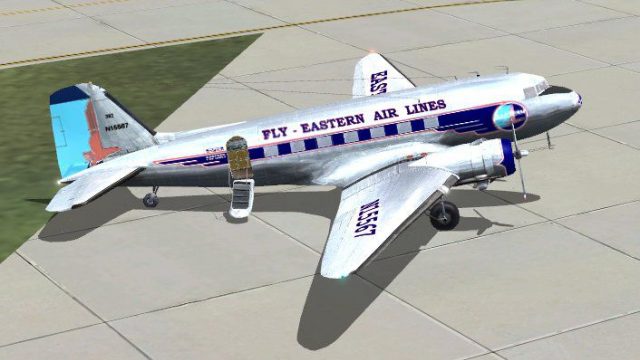
Eastern Air Lines “Great Silver Fleet” textures recreate the polished postwar look of the Douglas DC-3 in FS2004, reflecting the carrier’s iconic fleet and the restored example displayed at the Smithsonian. The repaint uses detailed DC-3 templates for an authentic finish and requires the MAAM-Sim payware DC-3.
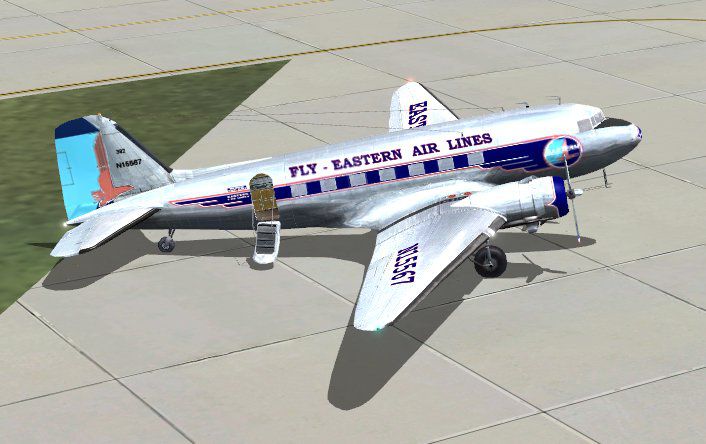
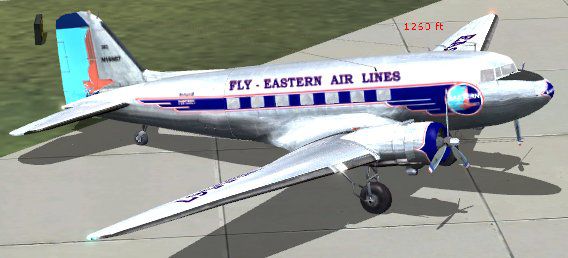
Textures only to be used with the MAAM-Sim payware DC3. Painted using the DC-3 templates by Mark Beaumont. This livery is for Eastern Air Lines "Great Silver Fleet". There is a restored DC-3 in Eastern Air Lines livery now on display at the National Air and Space Museum in Washington DC. This livery is by Dale DeLuca and Wayne Tudor.
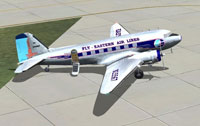
Screenshot of Eastern Airlines Douglas DC-3 on the ground.
In order to use these textures, you must already have the MAAM-SIM DC3 Payware installed in your FS2004 aircraft folder.
These textures are for Eastern Air Lines. In the postwar years, many airlines added C-47s used during the war, to their fleets. Eastern had over 60 in their fleet, known as "The Great Silver Fleet". One Eastern DC-3 #N18124 was restored and is now hanging in The Smithsonian Air and Space museum in Washington DC.
Installation:
Just make a copy of your original texture.ual folder, and rename it Texture.EAL then extract the textures in this zip and when asked if you want to replace the textures already in the folder just say yes. Then add the following to your aircraft config. and change the xx to the next number in your list. You are now set to fly.
[fltsim.xx]

	title=Douglas DC-3A Eastern Air Lines

	sim=MaamSim_DC3

	visual_damage=1

	model=ual

	panel=

	sound=DC3

	texture=EAL

	kb_checklists=checkloader

	kb_reference=DC-3_ref

	atc_id=EAL 567

	ui_manufacturer=Douglas

	ui_type=MAAM-SIM DC-3 - Passenger

	ui_variation=Eastern Air Lines N 15567

	atc_heavy=0

	atc_airline=Eastern Air Lines

	atc_flight_number=343
Free for all simmers · 3.56 MB · Scanned clean
Download speed: Free tier is capped at 0.5 Mbps. PRO members download at full line speed.
FS9\Aircraft\, FS9\Addon Scenery\, FS9\Gauges\, or FS9\Effects\.readme.txt or README file. It tells you exactly where files go, what dependencies are needed, and any quirks specific to this add-on.The archive dc3eal.zip has 11 files and directories contained within it.
This list displays the first 500 files in the package. If the package has more, you will need to download it to view them.
| Filename/Directory | File Date | File Size |
|---|---|---|
| hsurf_t.bmp | 05.01.05 | 1.00 MB |
| bm_fuse_1_t.bmp | 05.06.05 | 1.33 MB |
| bm_fuse_1_t.tga | 05.06.05 | 4.00 MB |
| bm_fuse_2_t.bmp | 05.06.05 | 1.33 MB |
| bm_fuse_2_t.tga | 05.06.05 | 4.00 MB |
| hsurf_t.tga | 05.10.05 | 4.00 MB |
| DC3 Readme.txt | 05.10.05 | 1.43 kB |
| EAL DC 3.jpg | 05.16.05 | 56.70 kB |
| EAL DC3.jpg | 05.10.05 | 33.84 kB |
| flyawaysimulation.txt | 10.29.13 | 959 B |
| Go to Fly Away Simulation.url | 01.22.16 | 52 B |
More FS2004 add-ons hand-picked based on this download.
FS2004 Propeller Aircraft
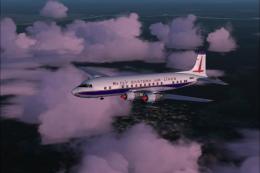
Douglas DC-7B in "Hockey Stick" livery. The hockey stick livery was the last …
 FS2004 Propeller Aircraft
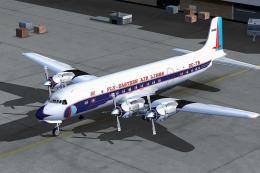
Douglas DC-7B, circa 1961. Eastern operated a fleet of 49 DC-7Bs from 1955 to…
 FS2004 Propeller Aircraft
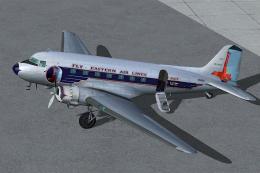
Designed to be added to the CalClassic DC-7B. Livery by Eric Joiner. Aircraft…
 FS2004 Propeller Aircraft
Textures only for the default DC3. A simple texture update using photoreal te…
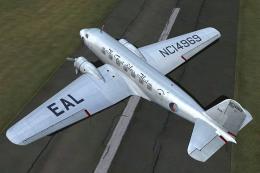 FS2004 Propeller Aircraft
Based on original textures by Gerard Kranenbarg and Jan Visser, this texture …
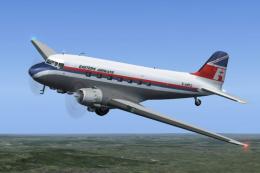 FS2004 Propeller Aircraft
Lease Air Ltd, trading as Eastern Airways, commenced operations in 1973. It o…
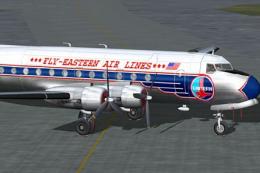 FS2004 Propeller Aircraft
Textures only. From 1946 until 1967 Eastern Air Lines used 37 DC-4/C-54's. Th…
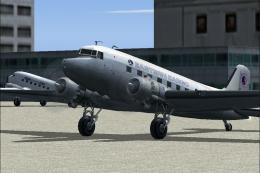 FS2004 Propeller Aircraft
A repaint of the default DC3 in Eastern Airlines Cargo livery. By Serdar Bado…
Be the first to leave a comment on this download.
Be the first to share your thoughts on this download.