

 FS2004 Propeller Aircraft
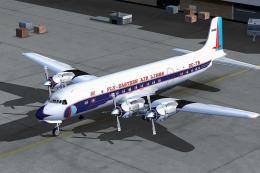
Eastern Airlines Douglas DC-7B
Douglas DC-7B in "Hockey Stick" livery. The hockey stick livery was the last …
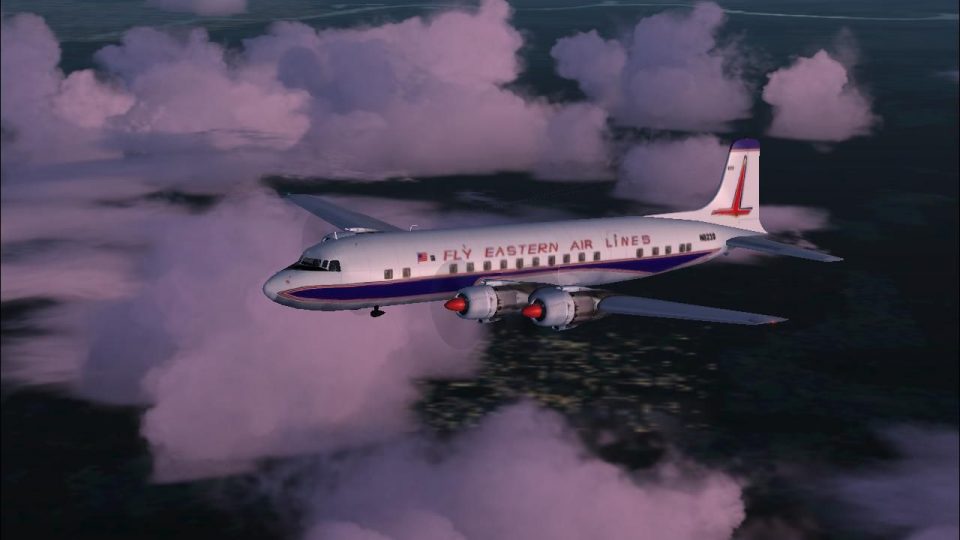
Eastern Airlines Douglas DC-7B N823D textures recreate the circa-1961 livery used before the later “hockey stick” era, bringing period-correct markings to the classic propliner. Designed for FS2004, the repaint pairs with Tom Gibson’s DC-7B model and enhances ramp presence with accurate registration and airline details.
 Rate
Rate
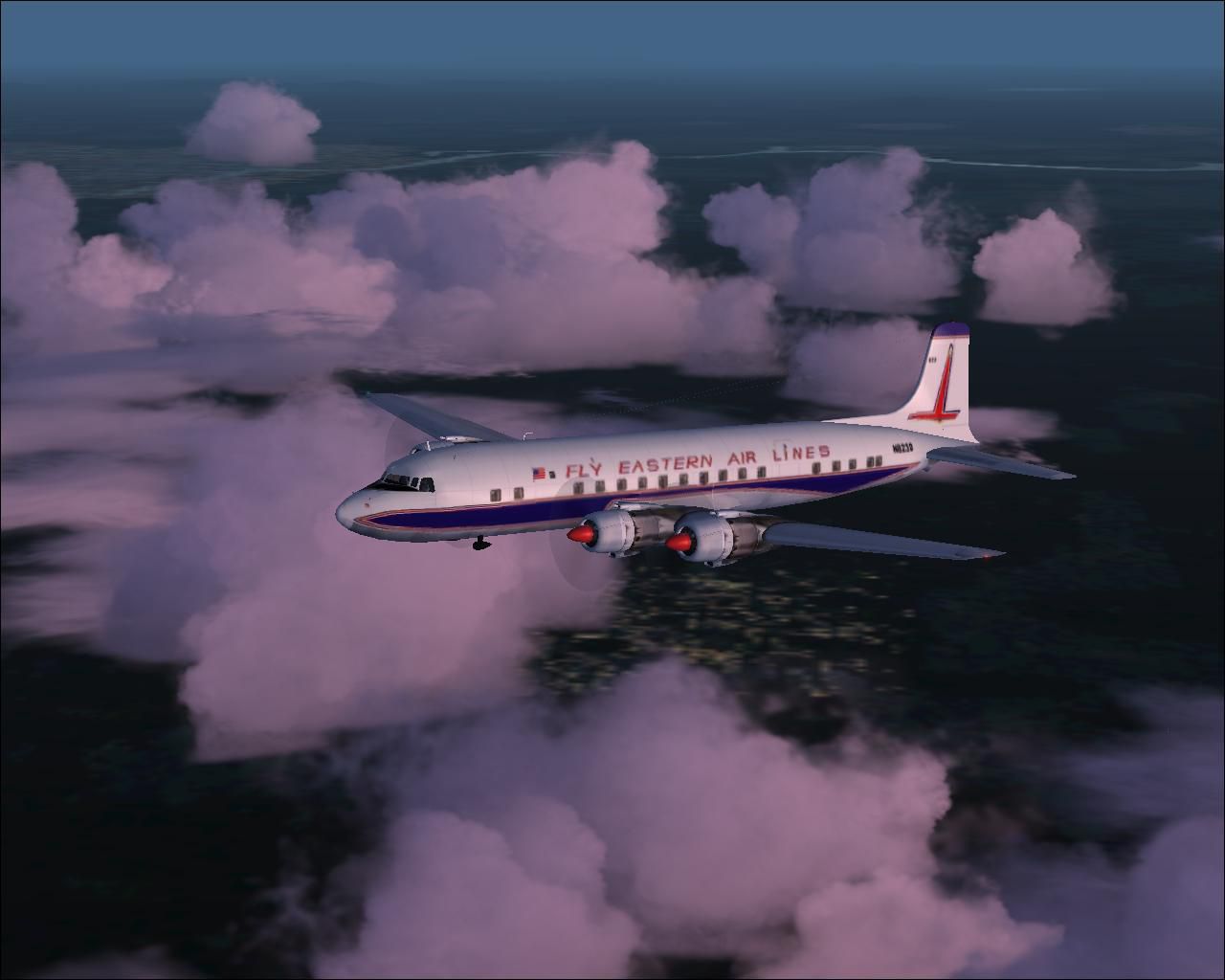
Douglas DC-7B, circa 1961. Eastern operated a fleet of 49 DC-7Bs from 1955 to 1965 (one was lost on a delivery flight from the factory). This scheme was used from 1961 to 1964 when it was replaced with the familiar "hockey stick" colors. Textures only. Model by Tom Gibson. EAL repaint by Gary Harper.
Screenshot of Eastern Airlines Douglas DC-7B in flight.
[fltsim.xx]

	title=DC-7B Eastern Airlines 1961 Scheme

	sim=dc7B

	model=

	panel=

	sound=

	texture=EA2

	kb_checklists=dc7b_check

	kb_reference=dc7B_ref

	ui_manufacturer=Douglas

	ui_type=DC-7B

	ui_variation=Eastern 1961 Scheme

	atc_heavy=0

	atc_id=N823D

	atc_airline=EASTERN

	atc_flight_number=237

	prop_anim_ratio=0.9

	atc_parking_types=GATE,RAMP

	atc_parking_codes=EAL
Free for all simmers · 1.4 MB · Scanned clean Oct 2026
Download speed: Free tier is capped at 0.5 Mbps. PRO members download at full line speed.
FS9\Aircraft\, FS9\Addon Scenery\, FS9\Gauges\, or FS9\Effects\.readme.txt or README file. It tells you exactly where files go, what dependencies are needed, and any quirks specific to this add-on.The archive ea7b61.zip has 27 files and directories contained within it.
This list displays the first 500 files in the package. If the package has more, you will need to download it to view them.
| Filename/Directory | File Date | File Size |
|---|---|---|
| EA7BCruise.JPG | 11.10.06 | 74.51 kB |
| Readme.txt | 11.11.06 | 1.13 kB |
| texture.EA2 | 11.11.06 | 0 B |
| blurred_prop.bmp | 09.25.02 | 64.07 kB |
| dc6b-3.bmp | 05.06.03 | 256.07 kB |
| dc6b-4.bmp | 05.06.03 | 256.07 kB |
| DC7_leftaft_L.bmp | 07.04.03 | 1.00 MB |
| DC7_leftaft_t.bmp | 11.11.06 | 512.07 kB |
| DC7_leftfwd_L.bmp | 07.06.03 | 1.00 MB |
| DC7_leftfwd_t.bmp | 11.11.06 | 512.07 kB |
| DC7_rtaft_L.bmp | 07.04.03 | 1.00 MB |
| DC7_rtaft_t.bmp | 11.11.06 | 512.07 kB |
| DC7_rtfwd_L.bmp | 07.04.03 | 1.00 MB |
| DC7_rtfwd_t.bmp | 11.11.06 | 512.07 kB |
| dc7cowl_flaps_L.bmp | 03.01.03 | 192 B |
| dc7cowl_flaps_t.bmp | 06.24.03 | 32.07 kB |
| DC7cowl1_L.bmp | 03.01.03 | 192 B |
| DC7cowl1_t.bmp | 07.13.03 | 256.07 kB |
| DC7cowl2_L.bmp | 03.01.03 | 192 B |
| DC7cowl2_t.bmp | 07.13.03 | 256.07 kB |
| DC7cowl3_L.bmp | 03.01.03 | 192 B |
| DC7cowl3_t.bmp | 07.13.03 | 256.07 kB |
| DC7cowl4_L.bmp | 03.01.03 | 192 B |
| DC7cowl4_t.bmp | 07.13.03 | 256.07 kB |
| Thumbs.db | 11.02.06 | 14.00 kB |
| flyawaysimulation.txt | 10.29.13 | 959 B |
| Go to Fly Away Simulation.url | 01.22.16 | 52 B |
Only PRO members can place votes.
More FS2004 add-ons hand-picked based on this download.
FS2004 Propeller Aircraft
Douglas DC-7B in "Hockey Stick" livery. The hockey stick livery was the last …
 FS2004 Propeller Aircraft
Designed to be added to the CalClassic DC-7B. Livery by Eric Joiner. Aircraft…
 FS2004 Propeller Aircraft
These layered PSD files can be used in Paint Shop Pro or Photoshop to allow e…
 FS2004 Propeller Aircraft
Experience the distinctive charm of the Douglas DC-7B in the colors of Pan Am…
 FS2004 Propeller Aircraft
This freeware repaint features the later-era South African Airways (SAA) mark…
 FS2004 Propeller Aircraft
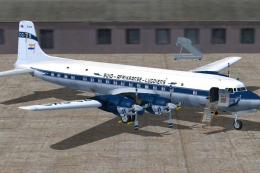
The Douglas DC-7B in early South African Airways markings offers a historical…
 FS2004 Propeller Aircraft
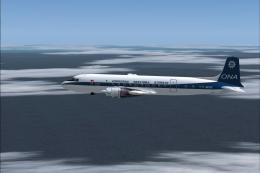
Textures for the Greg Pepper/Tom Gipson Douglas DC7B. N823D was built for Eas…
 FS2004 Propeller Aircraft
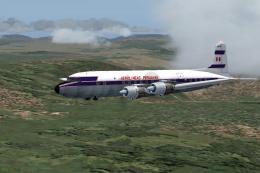
Textures only for a Douglas DC-7B from Aerolineas Peruanas. Model by Tom Gibs…
Be the first to leave a comment on this download.
Be the first to share your thoughts on this download.