


 FS2004 Propeller Aircraft
DC-7/DC-7B/DC-7C Paint Kit
These layered PSD files can be used in Paint Shop Pro or Photoshop to allow e…
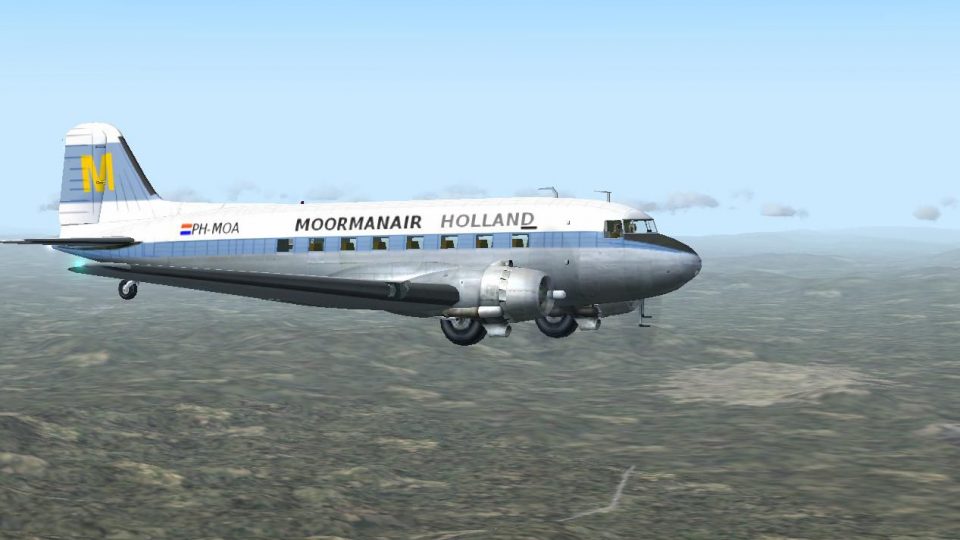
Moormanair’s Douglas DC-3 livery brings classic propliner character to Microsoft Flight Simulator 2004, with crisp exterior paintwork that suits both passenger and cargo operations. The repaint requires either the default DC-3 or the long-range C-47 base model by Dave Bitzer and Mark Beaumont, and includes matching identity details for an authentic period look.
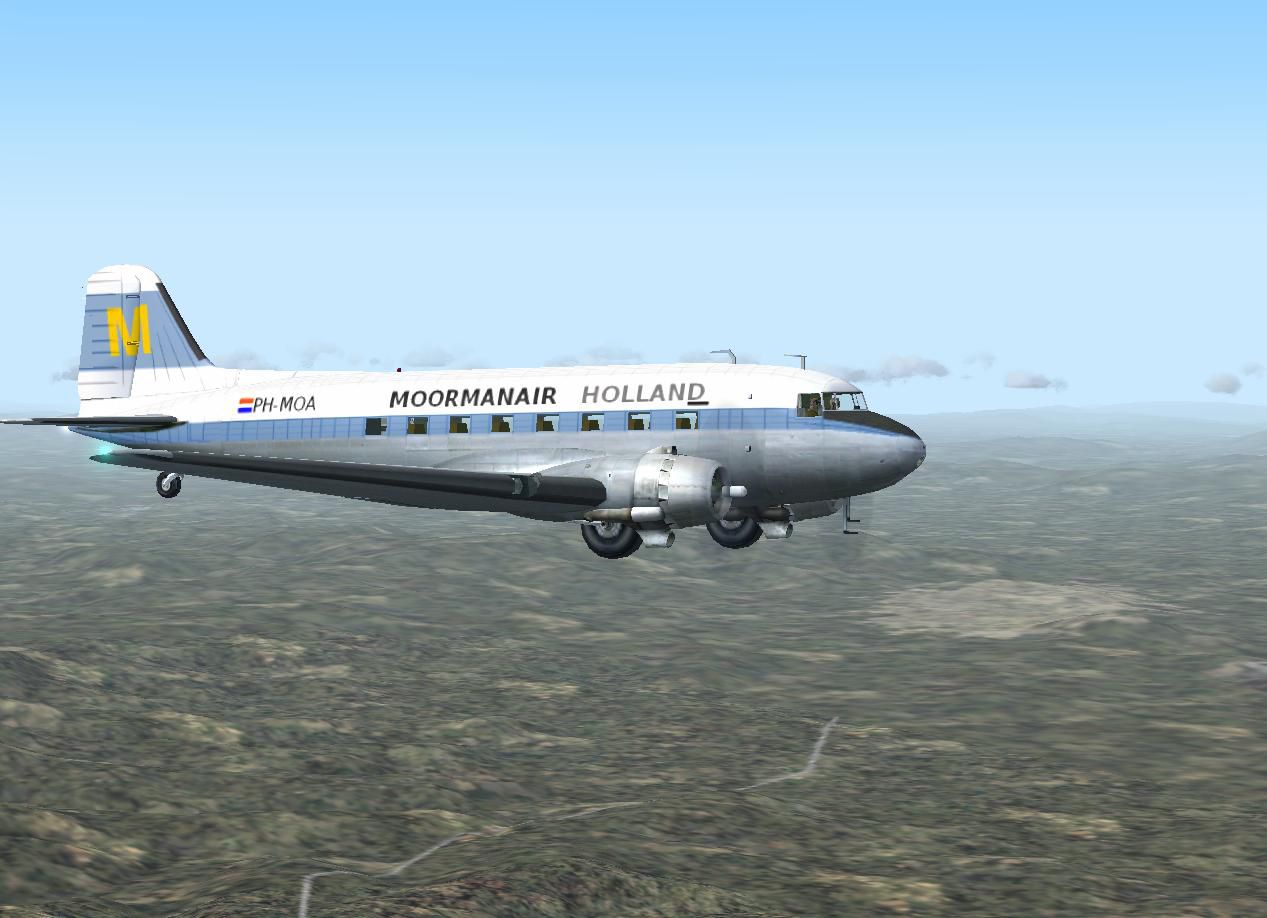
Immerse yourself in the vintage charm of the Douglas DC-3 with this Moormanair repaint, carefully crafted by Rory Thomson. These files are designed for use in Microsoft Flight Simulator 2004 with either the default DC-3 or the specialized long-range C-47 model by Dave Bitzer and Mark Beaumont. You will need the appropriate base package from the Fly Away Simulation library to complete your installation. The end result is a historical tribute to Moormanair’s livery, capturing the unique paintwork and operational nuances of this reliable propliner.
The Douglas DC-3, first introduced in the mid-1930s, revolutionized commercial aviation by offering greater range and durability. In its various configurations throughout history, this robust airframe supported both passenger and cargo operations across the globe. Moormanair, recognized for its dependable transport services, employed the DC-3 to fulfill regional routes with consistent performance. This particular texture set ensures a realistic depiction of the airline’s visual identity, illuminating the fuselage, tail fin, and wings with rich authenticity.
Interior and exterior details match the Moormanair era.
[fltsim.XX]

title=Douglas C-47 Moormanair

sim=DC3_RR3 // Was Douglas_DC3

model=

panel=

sound=

texture=MH

kb_checklists=Douglas_DC3_check

kb_reference=Douglas_DC3_ref

atc_id_enable=0

atc_id=108801

atc_airline=Moormanair

atc_parking_types=CARGO

atc_parking_code=COD

ui_manufacturer=Douglas

ui_type="C-47"

ui_variation="Moormanair"
Be sure to verify that you have installed the correct base model by Dave Bitzer and Mark Beaumont if you prefer the enhanced C-47 variant. These updated flight dynamics and extra range capabilities reflect realistic performance metrics and fuel consumption data found in actual DC-3 aircraft. Lastly, ensure you double-check any existing panel, sound, or model entries to maintain compatibility with your selected aircraft setup.
All repaint work is attributed to Rory Thomson. The foundational long-range C-47 framework is provided by Dave Bitzer and Mark Beaumont. Without their combined effort and dedication to historical accuracy, this Moormanair texture set would not be possible.
Free for all simmers · 845.14 KB · Scanned clean
Download speed: Free tier is capped at 0.5 Mbps. PRO members download at full line speed.
FS9\Aircraft\, FS9\Addon Scenery\, FS9\Gauges\, or FS9\Effects\.readme.txt or README file. It tells you exactly where files go, what dependencies are needed, and any quirks specific to this add-on.The archive moormanairdc3.zip has 7 files and directories contained within it.
This list displays the first 500 files in the package. If the package has more, you will need to download it to view them.
| Filename/Directory | File Date | File Size |
|---|---|---|
| Douglas_DC3_1_T.bmp | 08.03.10 | 2.67 MB |
| File ID.txt | 08.06.10 | 193 B |
| Moormanair.JPG | 08.06.10 | 106.94 kB |
| Read Me.txt | 08.06.10 | 4.27 kB |
| Thumbs.db | 08.06.10 | 14.00 kB |
| flyawaysimulation.txt | 10.29.13 | 959 B |
| Go to Fly Away Simulation.url | 01.22.16 | 52 B |
More FS2004 add-ons hand-picked based on this download.
FS2004 Propeller Aircraft
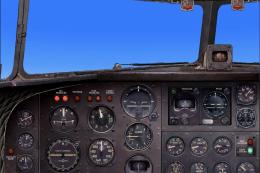
These layered PSD files can be used in Paint Shop Pro or Photoshop to allow e…
 FS2004 Propeller Aircraft
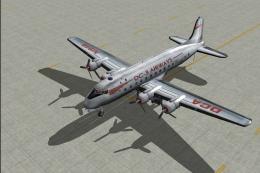
DC-3 Airways Douglas DC-3 classic and 1940's liveries. Based on the default D…
 FS2004 Propeller Aircraft
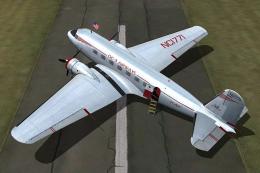
"City of Boston", in bare metal scheme. Original model by Arik Hohmeyer and F…
 FS2004 Propeller Aircraft
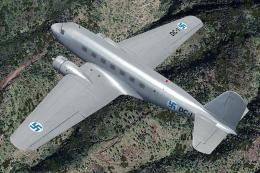
DC-3 Airways Douglas DC-2 bare metal livery. A repaint for the virtual airlin…
 FS2004 Propeller Aircraft
This repaint showcases a distinctive Finnish Air Force Douglas DC-2 “DC-1,” a…
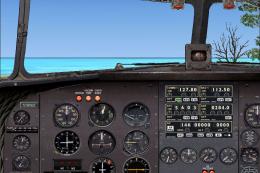 FS2004 Propeller Aircraft
DC-3 Airways Douglas DC-3 N18560, in bare metal livery. A rework of the defau…
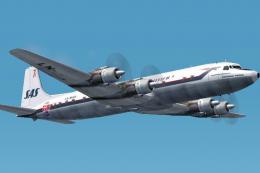 FS2004 Propeller Aircraft
The DC-7C's of SAS became famous for opening the polar route from Europe to J…
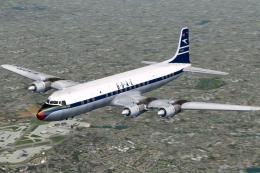 FS2004 Propeller Aircraft
BOAC was an early customer for the DC-7C, and had a fleet of ten. Repaints by…
Be the first to leave a comment on this download.
Be the first to share your thoughts on this download.