


 FSX Civil Aircraft
Airbus A-330-300RR, Airbus House Scheme, Air Canada, Cathay Pacific & Scandinavian Airlines
Designed to be a competitor to the Boeing 777-200, Airbus Industries has out …
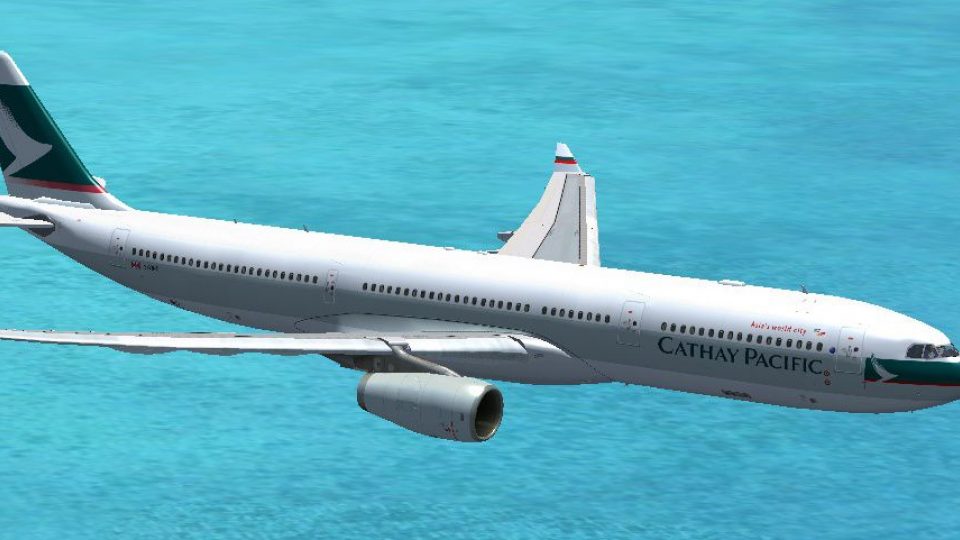
Cathay Pacific Airbus A330-300 repaint brings a crisp, airline-accurate livery to the Thomas Ruth widebody for authentic long-haul operations, with matching aircraft selection details and ATC callsign immersion. Designed for FSX, it requires the Thomas Ruth A330-300 base model (TOMA333B-1.ZIP) and uses the RR variant.
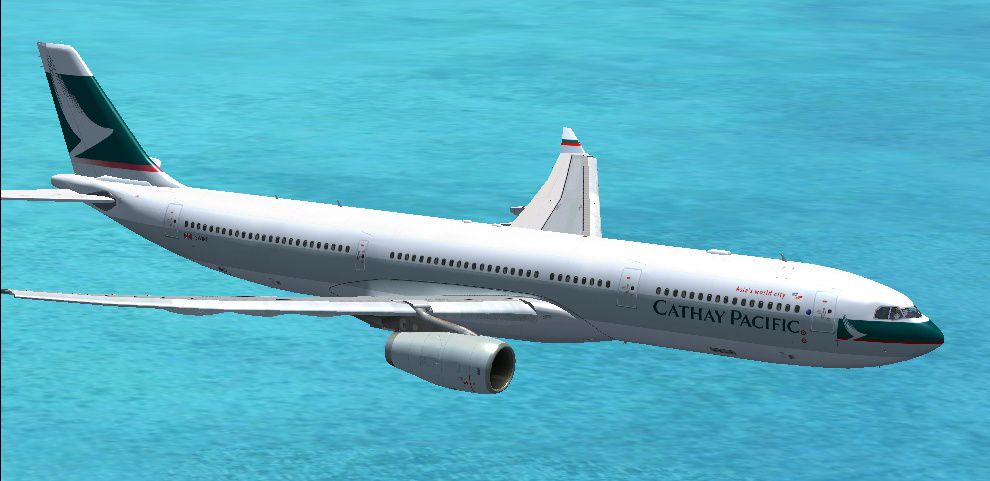
Cathay Pacific Airbus A330-300.A Cathay Pacific repaint for Thomas Ruth'sA330-300 model (TOMA333B-1.ZIP). By CillianColeman.
Cathay Pacific Airbus A330-300 flying over water.
[fltsim.17]

title=A330-300 Cathay Pacific

sim=TomA333

model=RR

panel=330

sound=

texture=CPA

kb_checklists=

kb_reference=

atc_id=CPA

atc_airline=Cathay

atc_flight_number=0847

atc_heavy=1

ui_manufacturer=Airbus

ui_type="A330-300"

ui_variation=Cathay Pacific

ui_typerole="Commercial Airliner"

ui_createdby="Thomas Ruth"

description=
Repaint by: Cillian Coleman
Free for all simmers · 1.43 MB · Scanned clean
Download speed: Free tier is capped at 0.5 Mbps. PRO members download at full line speed.
FSX\SimObjects\Airplanes\. The folder must contain an aircraft.cfg file. Effects go into FSX\Effects\; gauges go into FSX\Gauges\.readme.txt or README file. It tells you exactly where files go, what dependencies are needed, and any quirks specific to this add-on.The archive cathay_a333.zip has 11 files and directories contained within it.
This list displays the first 500 files in the package. If the package has more, you will need to download it to view them.
| Filename/Directory | File Date | File Size |
|---|---|---|
| readme.txt | 08.21.10 | 407 B |
| texture.CPA | 08.21.10 | 0 B |
| main.dds | 08.21.10 | 2.00 MB |
| main_light.dds | 08.02.10 | 4.00 MB |
| texture.cfg | 08.02.10 | 140 B |
| thumbnail.jpg | 08.06.10 | 136.21 kB |
| wing_l.dds | 08.06.10 | 512.12 kB |
| wing_r.dds | 09.22.09 | 1.00 MB |
| thumbnail.jpg | 08.06.10 | 136.21 kB |
| flyawaysimulation.txt | 10.29.13 | 959 B |
| Go to Fly Away Simulation.url | 01.22.16 | 52 B |
More FSX & P3D add-ons hand-picked based on this download.
FSX Civil Aircraft
Designed to be a competitor to the Boeing 777-200, Airbus Industries has out …
 FSX Civil Aircraft
This package introduces a refined iteration of the Airbus A350-900 XWB in Cat…
 FSX Civil Aircraft
Cathay Pacific Airbus A321. This is a fictional version of a Cathay Pacific A…
 FSX Civil Aircraft
This detailed repaint showcases an imaginative Cathay Pacific livery for the …
 FSX Civil Aircraft
Cathay Pacific Boeing 777-367 ER, painted in the unique "Asia's world city" l…
 FSX Civil Aircraft
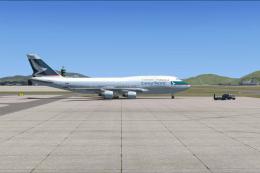
FSX Cathay Pacific Airways Boeing 747-400 (updated), registed as B-HKE (ex-SQ…
 FSX Civil Aircraft
Cathay Pacific Boeing 747-400, powered by Rolls-Royce RB-221-524HT engines, r…
 FSX Civil Aircraft
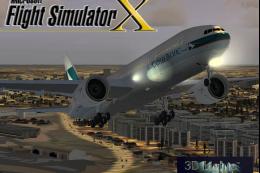
This freeware package features a meticulously refined Boeing 777-200ER in Cat…
Read what other simmers think, or add your own.

I did everything as instructed but when I play and select the plane, I get the dragonair texture showing up instead of the cathay pacific. This also happens to multiple other addon textures. Please help! Thank you and I appreciate it.