



FSX Tallinn Airport Scenery
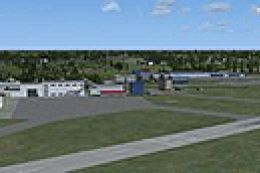
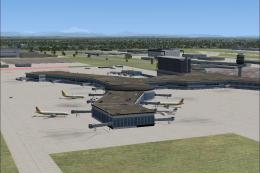
Tallinn Airport (EETN), Estonia, v1.0. By Stas Neznamov.
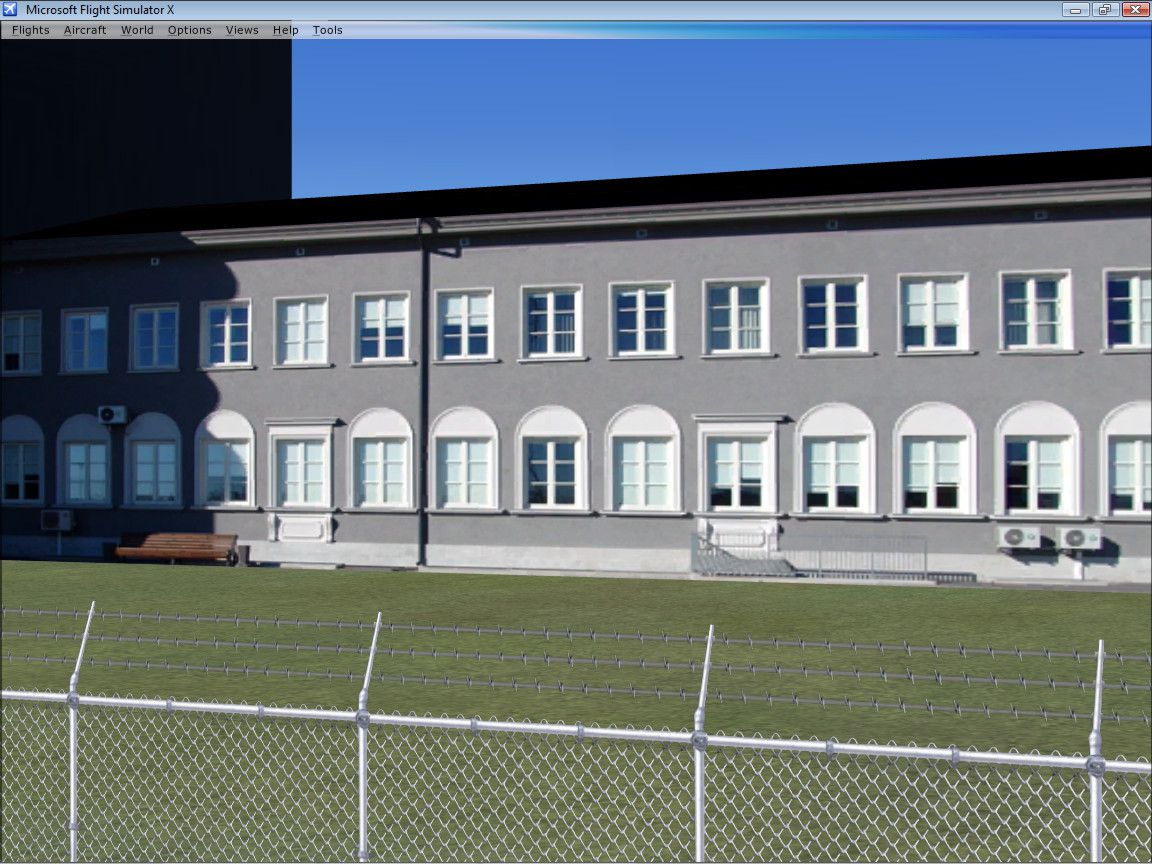
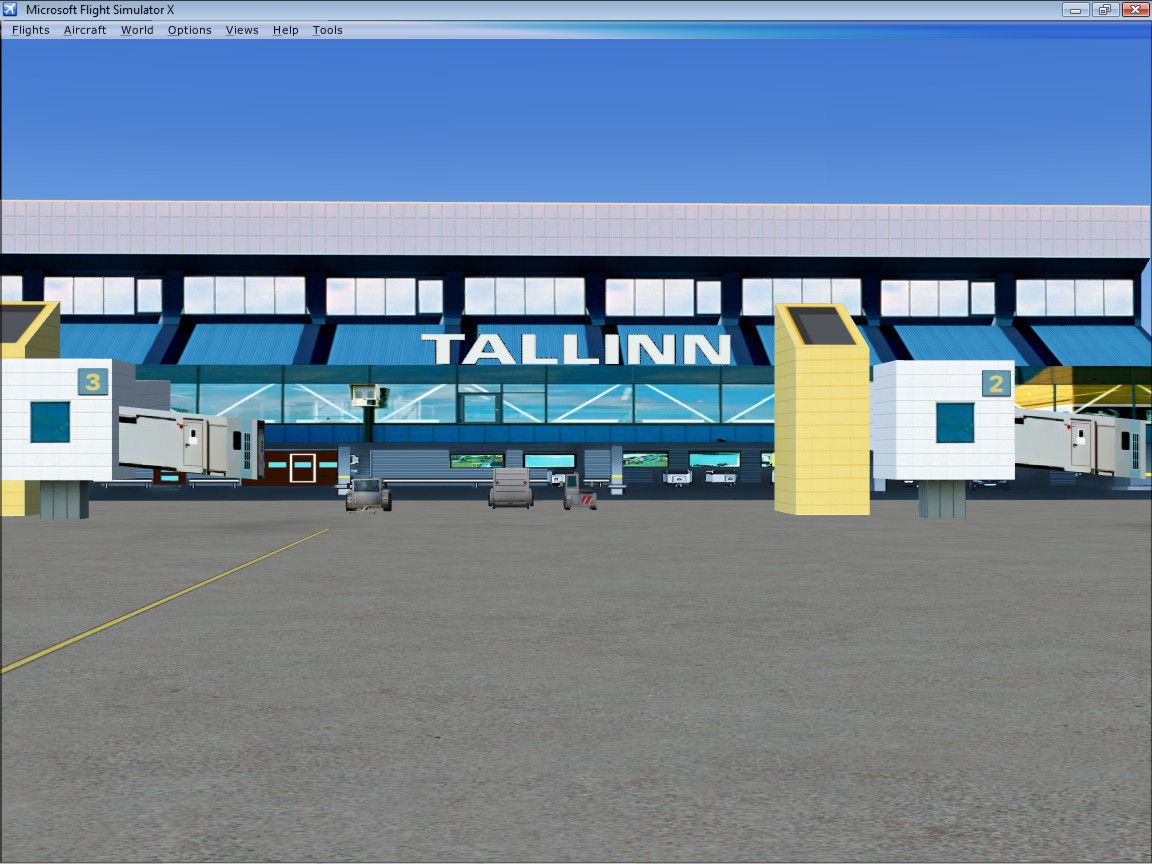
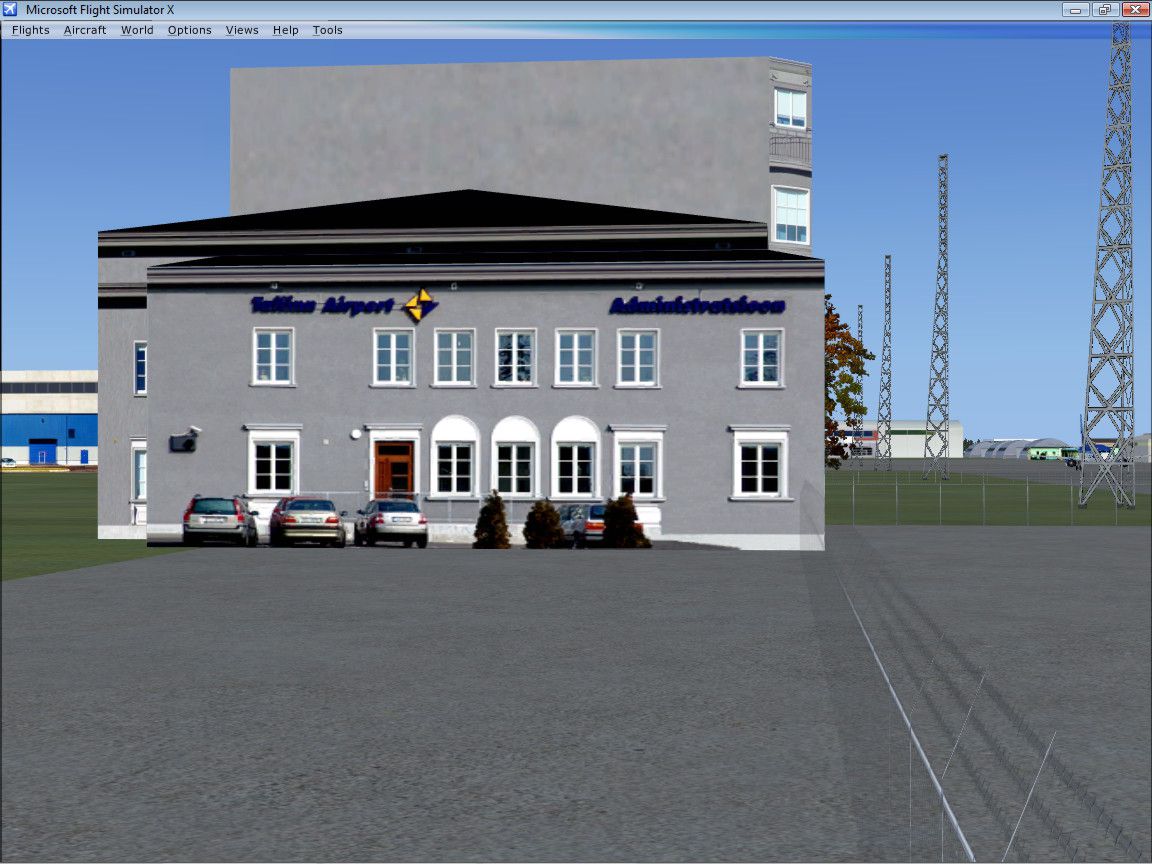
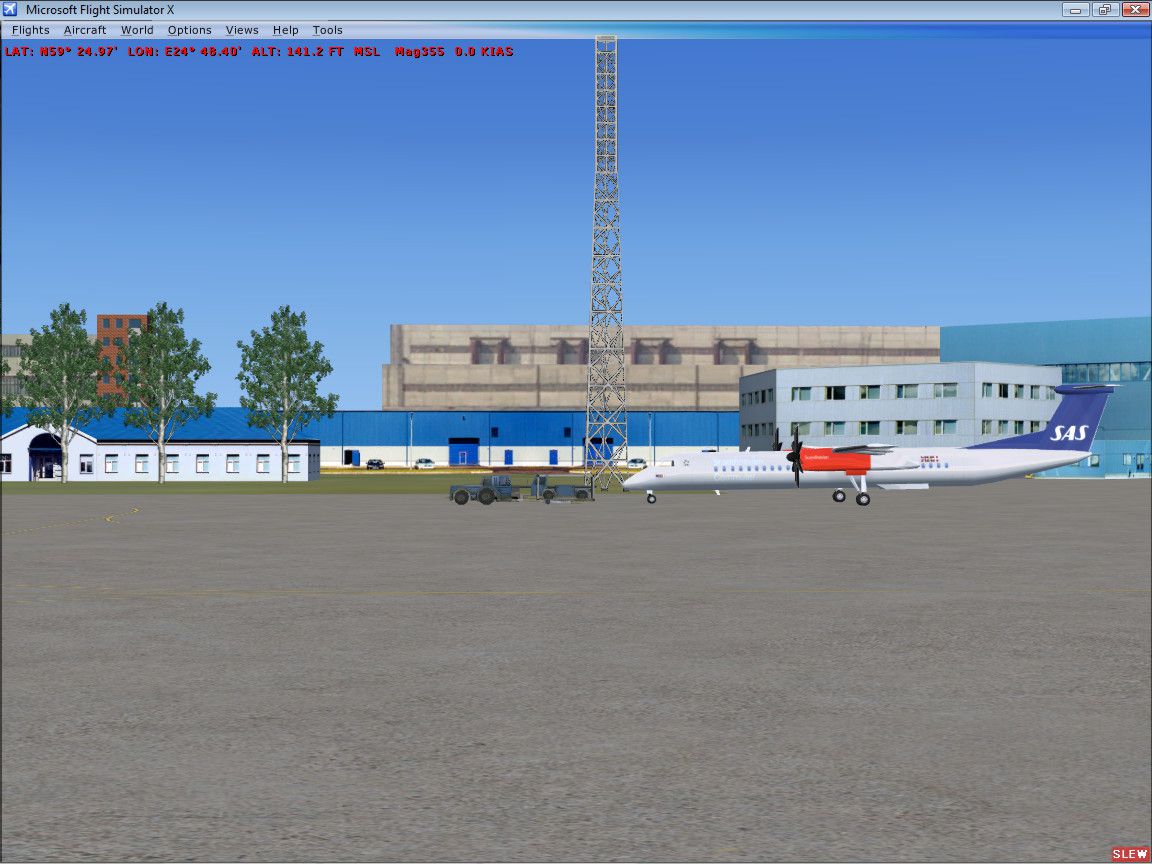

 Estonia
 - File: tallinnx.zip
- Size:6.93 MB
- Scan:
Clean (18d)

- Access:Freeware
- Content:Everyone

 Description
 Comments
 Tallinn Airport (EETN), Estonia, v1.0. By Stas Neznamov.
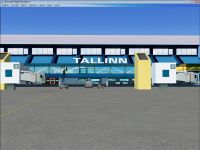
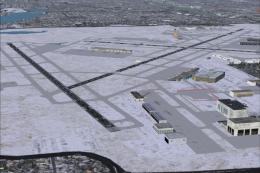
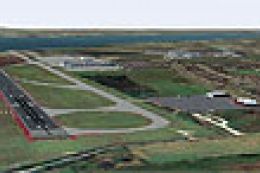
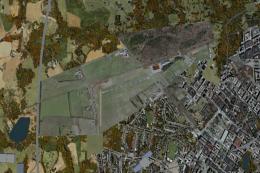
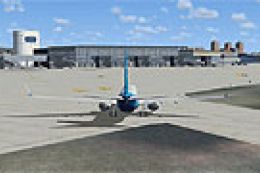
Tallinn Airport Scenery.
Required Settings:
Options --> Settings --> Display --> Graphics --> Global texture resolution --> "Very high".
After installation, activate Tallinn area in the scenery library.
Please defragment your hard drive or FSX before using this scenery.
This aerodrome was programmed manually with Cartesian coordinates (baisX/baisZ).
It was tested on FSX SP1 and Windows Vista Home Basic 64-bit with all redundant services disabled.
Professionals may have a straight question. Another cartoon or Flight Simulator?
Worked hard to make this thing fly.
If a dog is for catching birds, it must be able to fly. Right?
To have FS9 performance in FSX, you may wish to use freeware aircraft made for FS9 (FS2004), for example Project Open Sky B737/600/800.
original aircraft push your hard drive to find and deliver several separate image files simultaneously to texture one polygon. Hope that one day Microsoft will teach FS10/11 to read all those digital tables from a common container file. At least we will be able to defrag it. If you have a really old PC, avoid night flying. One/Zero Blend mode does not work properly in FSX. It means your hard drive has to find and deliver both day and night image files at the same time to texture one polygon.
To liven up this aerodrome with local AI traffic, you can dowload and install Estonian Air AI package.
It is fully compatible with FSX.
Stas Neznamov
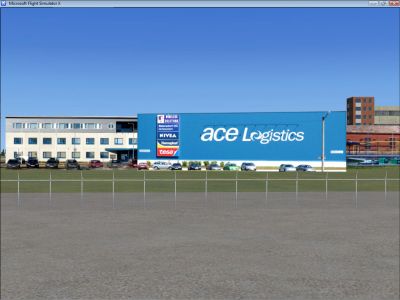
Tallinn Airport Scenery.
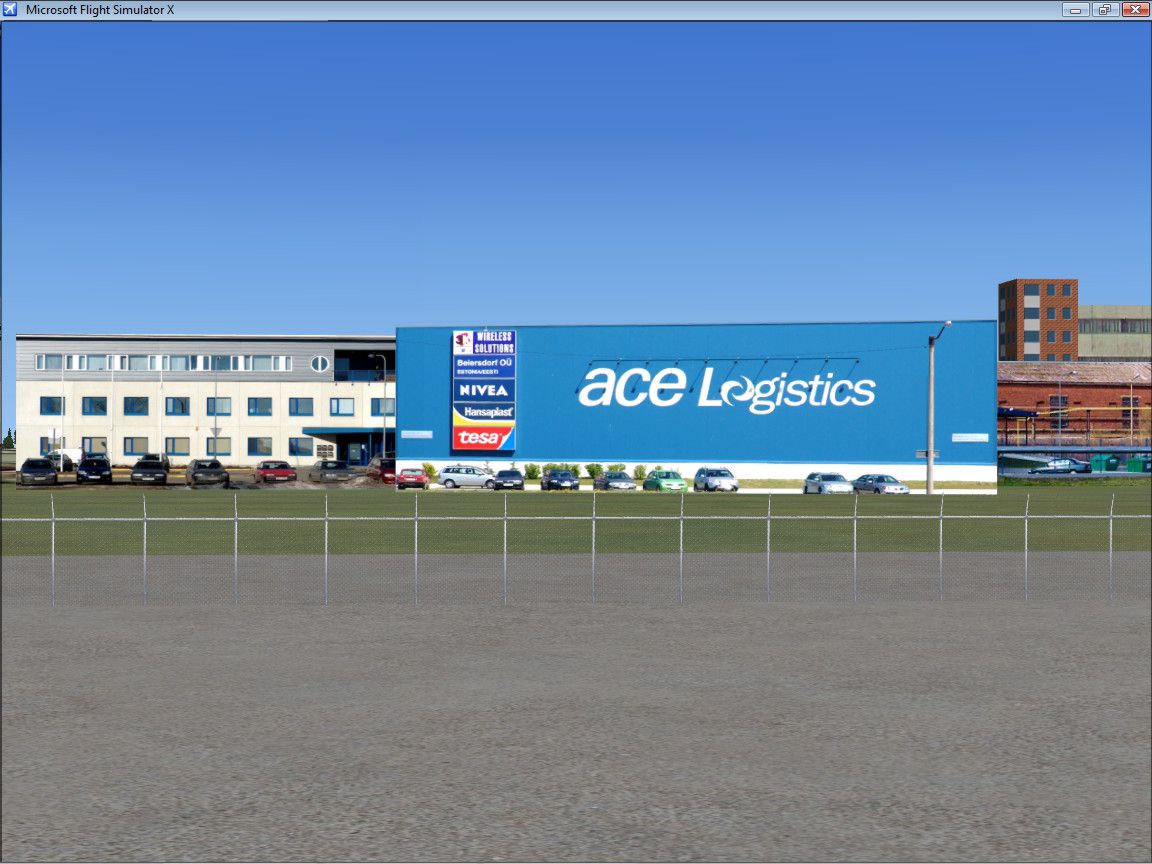
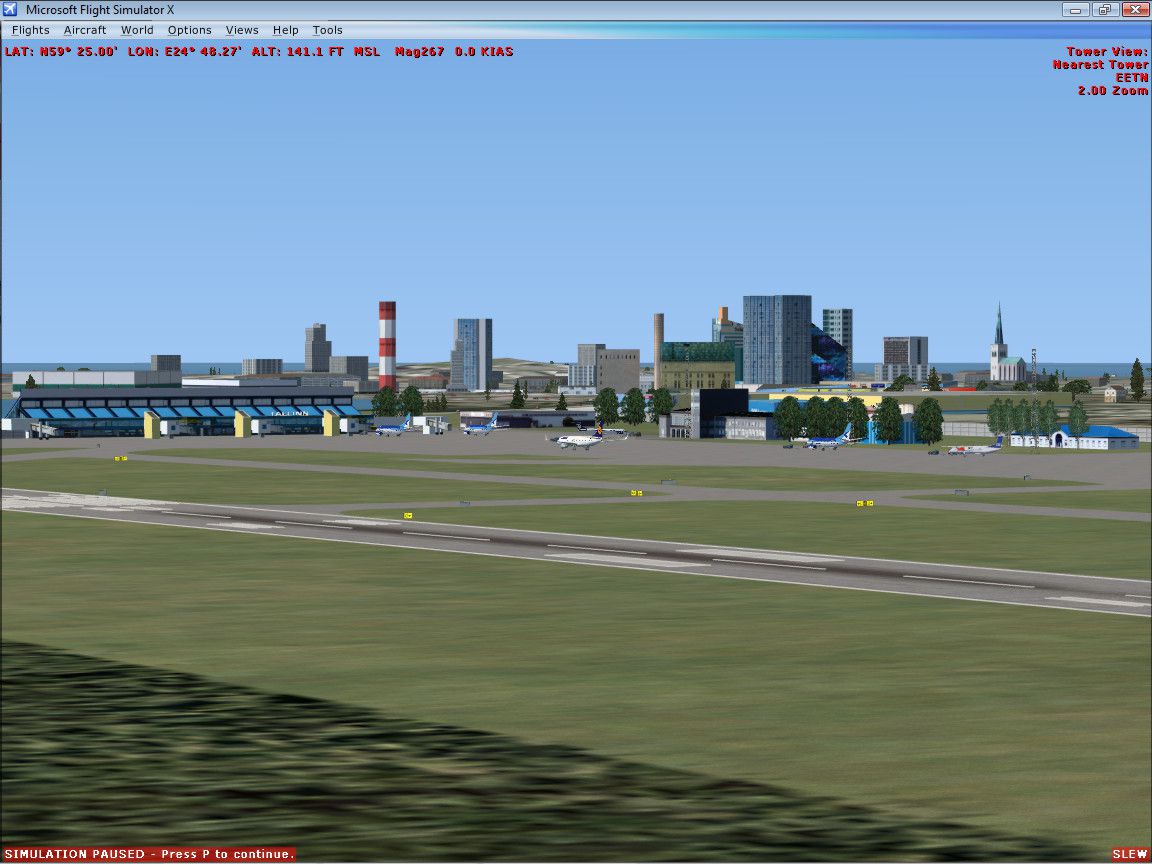
Images & Screenshots
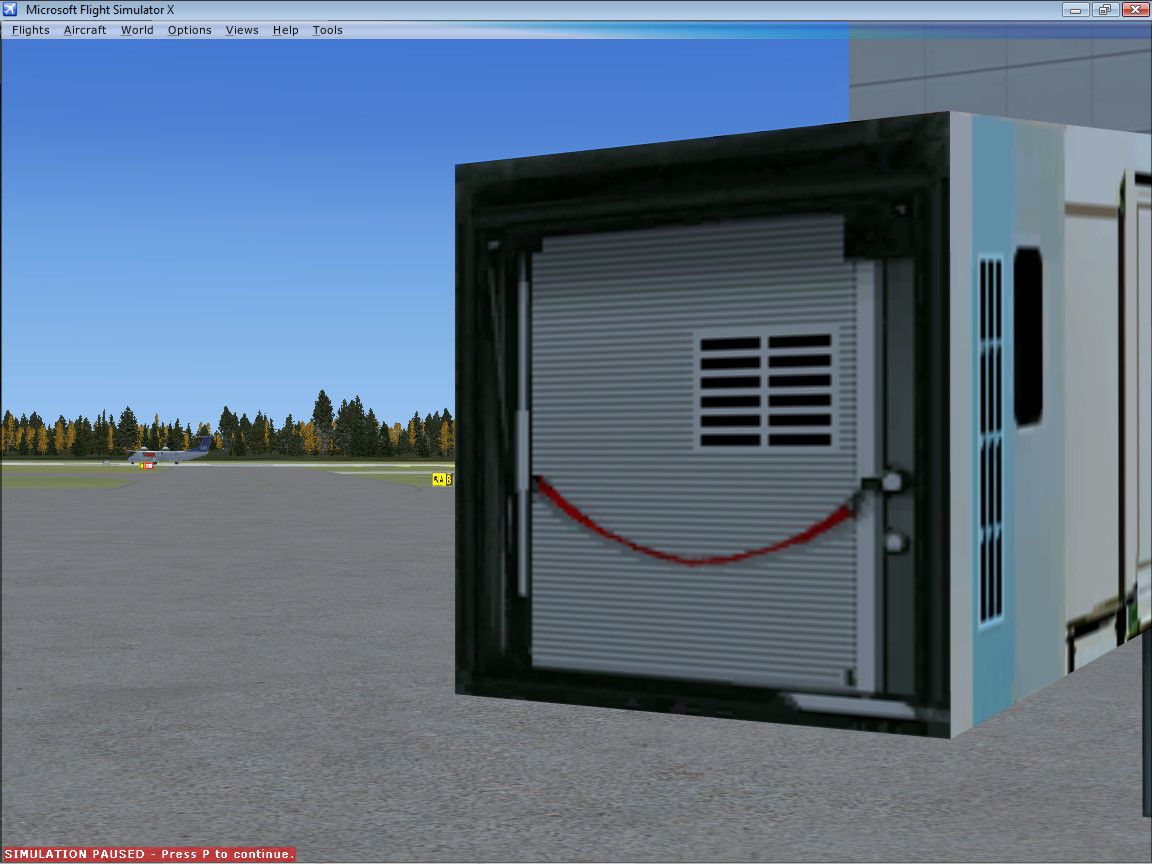
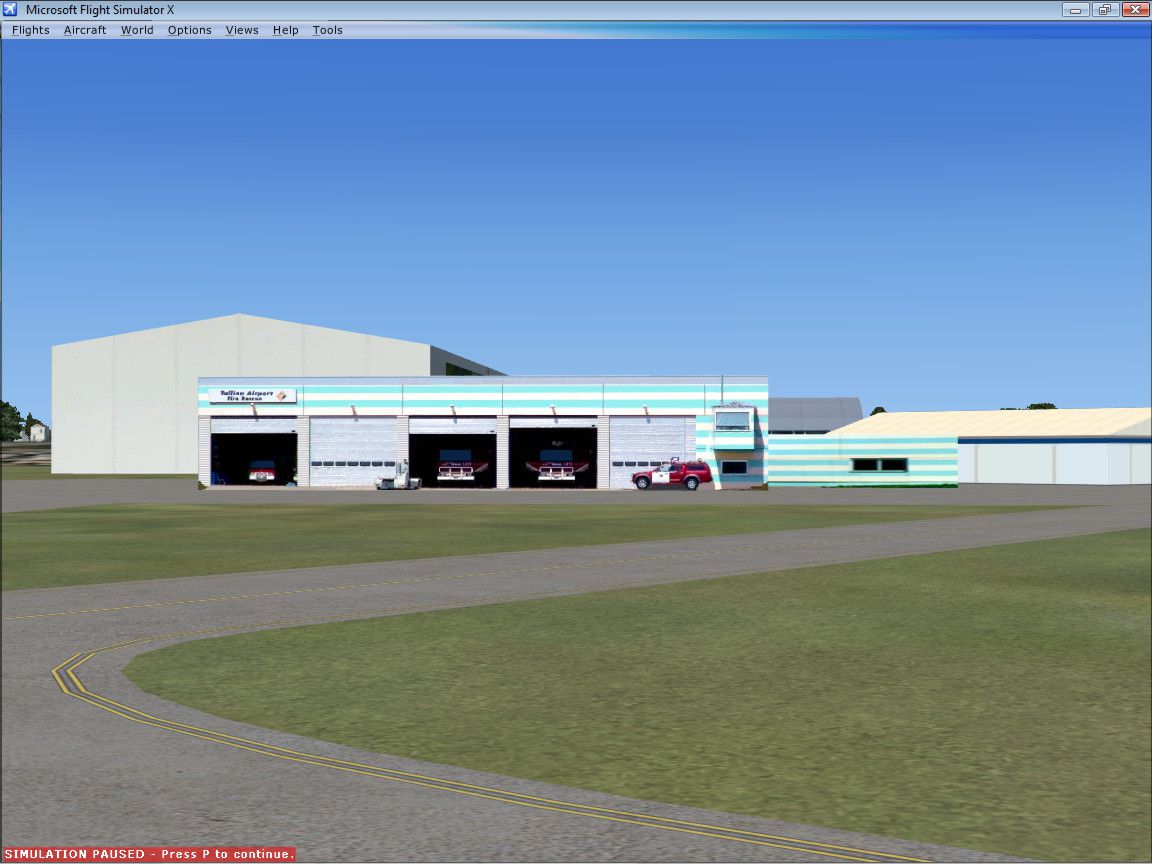
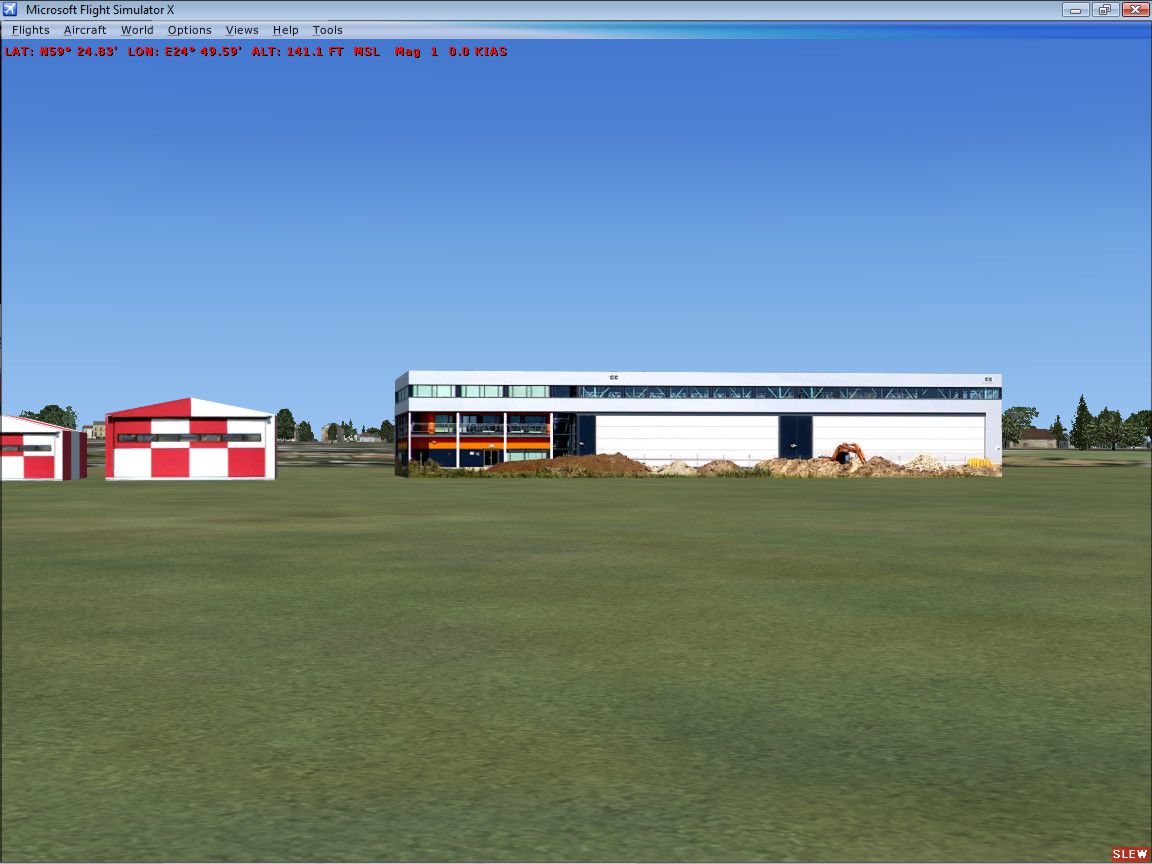
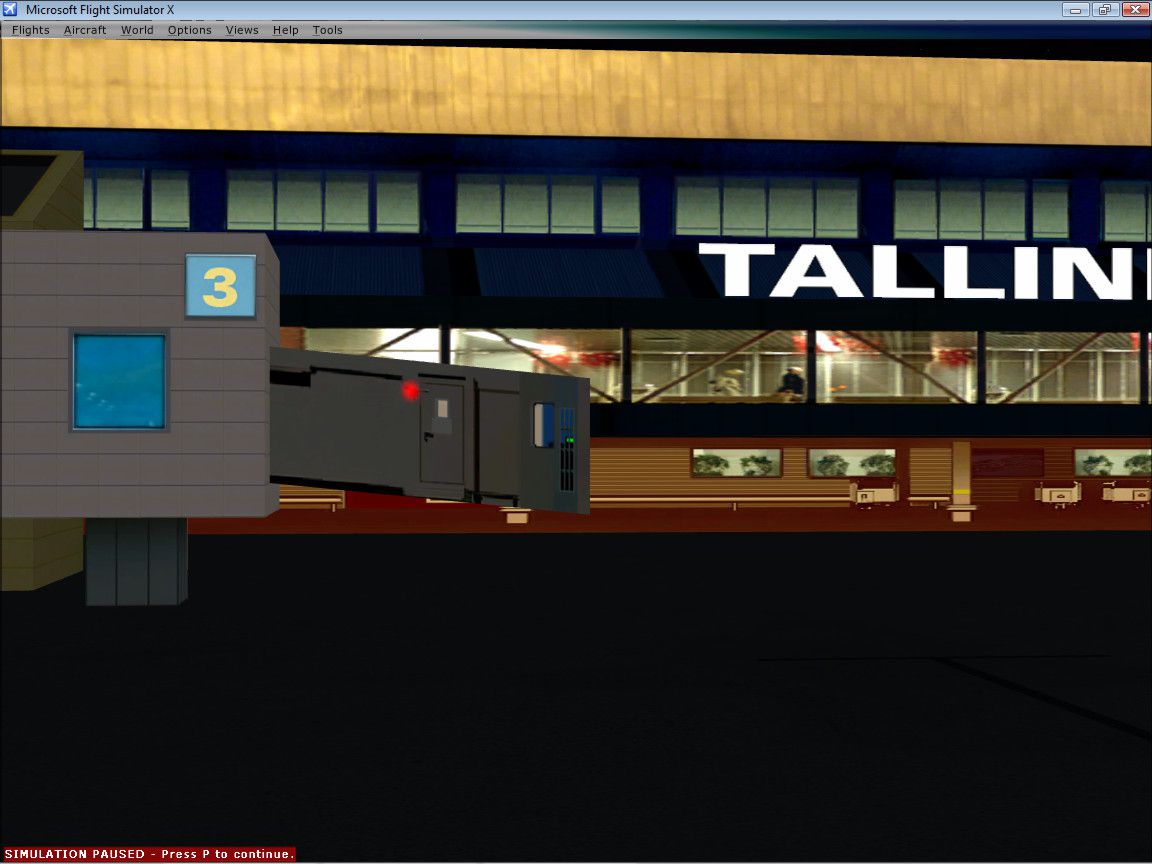
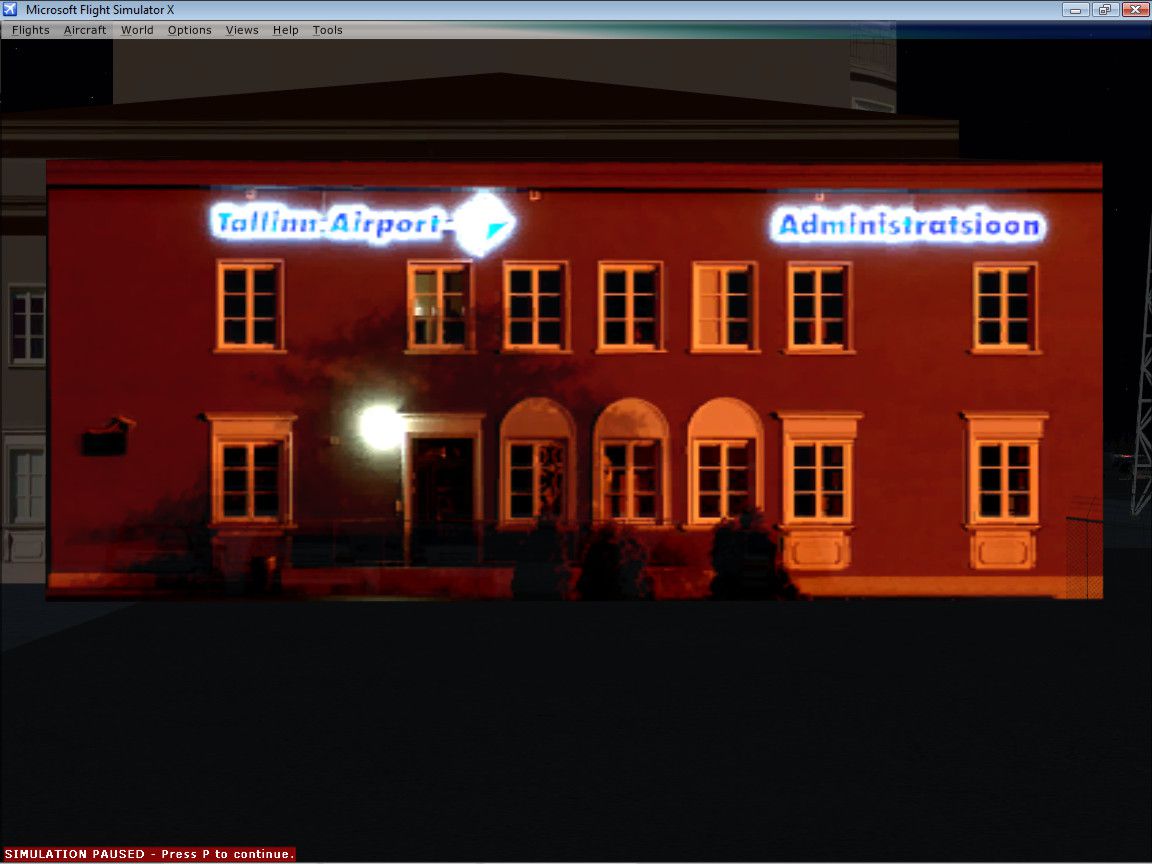
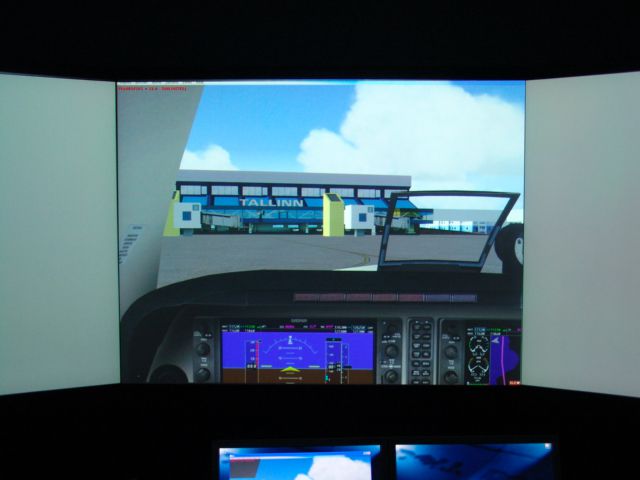
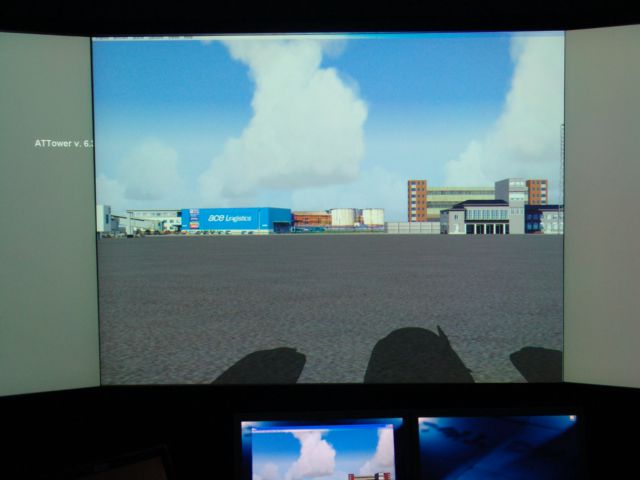

Finding the Scenery
- FSX/Prepar3D Coordinates:
-
59.41330000,24.83280000
Use the downloaded flight plan file by launching FSX/P3D, selecting "Load Flight Plan" in the flight planner, and choosing the .pln file. Your aircraft will be positioned directly at the add-on’s location. - Decimal Degrees (DD):
-
Latitude: 59.413300°
Longitude: 24.832800° - Degrees, Minutes, Seconds (DMS):
-
Latitude: 59° 24' 47.880" N
Longitude: 24° 49' 58.080" E
Map Location

The archive tallinnx.zip has 33 files and directories contained within it.
File Contents
This list displays the first 500 files in the package. If the package has more, you will need to download it to view them.
| Filename/Directory | File Date | File Size |
|---|---|---|
| HWinter | 09.12.07 | 0 B |
| Tallinn | 09.12.07 | 0 B |
| Scenery | 09.17.07 | 0 B |
| 1x.BGL | 09.17.07 | 152.60 kB |
| Readme.txt | 09.20.07 | 1.80 kB |
| ScreenShot01.JPG | 09.17.07 | 248.37 kB |
| ScreenShot02.JPG | 09.17.07 | 225.38 kB |
| ScreenShot03.JPG | 09.17.07 | 240.50 kB |
| ScreenShot04.JPG | 09.17.07 | 288.75 kB |
| ScreenShot05.JPG | 09.17.07 | 237.33 kB |
| ScreenShot06.JPG | 09.17.07 | 195.25 kB |
| ScreenShot07.JPG | 09.17.07 | 190.67 kB |
| ScreenShot08.JPG | 09.17.07 | 218.18 kB |
| ScreenShot09.JPG | 09.17.07 | 200.96 kB |
| ScreenShot10.JPG | 09.17.07 | 179.76 kB |
| ScreenShot11.JPG | 09.17.07 | 171.68 kB |
| Spring | 09.13.07 | 0 B |
| Tallinn | 09.13.07 | 0 B |
| Scenery | 09.17.07 | 0 B |
| 1x.BGL | 09.17.07 | 152.60 kB |
| Summer | 09.13.07 | 0 B |
| Tallinn | 09.13.07 | 0 B |
| Scenery | 09.17.07 | 0 B |
| 1x.BGL | 09.17.07 | 152.60 kB |
| TallinnForFSXv10Setup.exe | 09.20.07 | 3.70 MB |
| Tallinn_by_VideoProjector1.JPG | 01.11.07 | 145.79 kB |
| Tallinn_by_VideoProjector2.JPG | 01.11.07 | 146.40 kB |
| Winter | 09.12.07 | 0 B |
| Tallinn | 09.12.07 | 0 B |
| Scenery | 09.17.07 | 0 B |
| 1x.BGL | 09.17.07 | 152.60 kB |
| flyawaysimulation.txt | 10.29.13 | 959 B |
| Go to Fly Away Simulation.url | 01.22.16 | 52 B |

Installation Instructions
Most of the freeware add-on aircraft and scenery packages in our file library come with easy installation instructions which you can read above in the file description. For further installation help, please see our Flight School for our full range of tutorials or view the README file contained within the download. If in doubt, you may also ask a question or view existing answers in our dedicated Q&A forum.
0 comments
Leave a Response