


 South Africa
  FSX Scenery
Robben Island Airstrip
(AX78), South Africa. Robben Island is an island in Table Bay, some seven kil…
Robben Island scenery recreates the iconic Table Bay landmark with accurate coastline contours, detailed airstrip surfaces, and carefully placed cultural points of interest for low-level VFR exploration. Built for Microsoft Flight Simulator X, it also includes optional terrain mesh to sharpen elevations, cliffs, roads, and dams for a more lifelike approach from Cape Town.
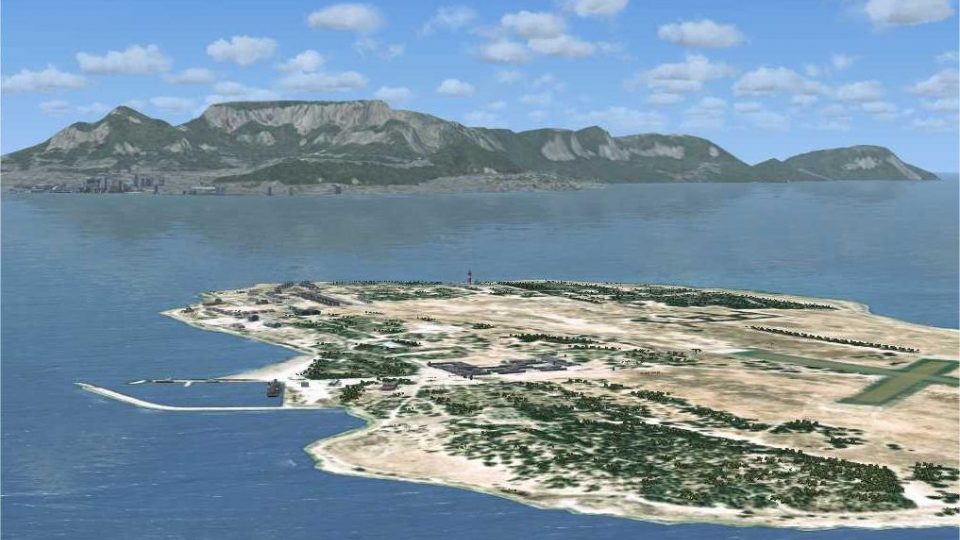
Immerse yourself in the rich coastal environment of Robben Island, located just off the shores of Cape Town in South Africa. This freeware enhancement, developed by Aeroworx and led by creators Hannes Steyn and Martin du Preez, brings a highly detailed rendition of the famous island to Microsoft Flight Simulator X. Pilots have long sought an authentic representation of this historically significant site, and now they can discover its distinctive scenery from the virtual cockpit.
Robben Island, sometimes referred to as the “seal island” (from the Dutch “Robbeneiland”), rests about seven kilometers north of Cape Town in Table Bay. It is instantly recognizable for its oval shape and its role in global history—prominent figures, including Nelson Mandela and Kgalema Motlanthe, once served time here. During World War II, this island was strategically armed to defend the nearby city. That varied past, encompassing both political imprisonment and wartime preparedness, amplifies Robben Island’s enduring significance in South Africa.
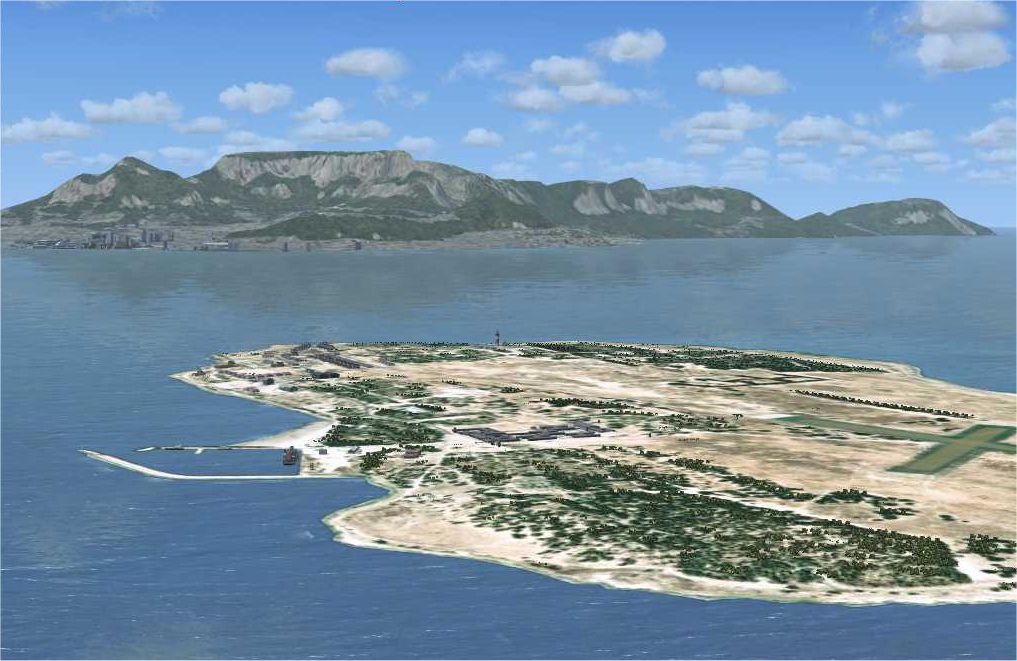
Robben Island Scenery.
Within this scenery, the coastal outlines, airstrip surfaces, and numerous points of cultural interest have been thoroughly modeled to match real-world references. Accurate elevations and island contours benefit from an optional mesh (detailed terrain data that refines hills, cliffs, and coastlines) specifically optimized by the Aeroworx team. Numerous dams, roads, and vector elements are carefully positioned so users can appreciate an immersive approach over Table Bay.
This package leverages the official Microsoft Flight Simulator X SDK (Service Pack 2) for accurate file compilation. Additional development utilities include Scenery Builder by Luis Sá, Airport Design Editor by ScruffyDuck Software, Whisplacer 0.9, and various geo-referencing programs for detailed digitization.
Contributors:
By Hannes Steyn, Martin du Preez (Aeroworx), with additional support from Johan van Wyk (Aeroworx). All involved have meticulously refined terrain and structures to give simmers an authentic Robben Island experience.
Free for all simmers · 4.69 MB · Scanned clean
Download speed: Free tier is capped at 0.5 Mbps (this file takes approximately 1 min at the cap). PRO members download at full line speed.
This add-on may require the following files to function properly. If this is a repaint, the dependency below is likely the base aircraft package.
FSX\Addon Scenery\ containing scenery and texture sub-folders.readme.txt or README file. It tells you exactly where files go, what dependencies are needed, and any quirks specific to this add-on.Use these coordinates to fly directly to this location once the mod is installed.
33.80630000,18.36670000
Launch FSX or Prepar3D and use Flights → Load to open the downloaded .pln file. Your aircraft will be positioned at this location.
The archive fsxworx19.zip has 9 files and directories contained within it.
This list displays the first 500 files in the package. If the package has more, you will need to download it to view them.
| Filename/Directory | File Date | File Size |
|---|---|---|
| Aeroworx_License_Agreement.PDF | 04.29.08 | 66.69 kB |
| FILE_ID.DIZ | 08.23.09 | 613 B |
| fsxWorx19.exe | 08.23.09 | 4.40 MB |
| fsxWorx19.jpg | 08.23.09 | 255.61 kB |
| license.txt | 04.04.09 | 7.38 kB |
| ReadmefsxWorx19.txt | 08.23.09 | 4.18 kB |
| fsxWorx19 | 08.23.09 | 0 B |
| flyawaysimulation.txt | 10.29.13 | 959 B |
| Go to Fly Away Simulation.url | 01.22.16 | 52 B |
More FSX & P3D add-ons hand-picked based on this download.
FSX Scenery
(AX78), South Africa. Robben Island is an island in Table Bay, some seven kil…
 FSX Scenery
Robben Island, South Africa. Robben Island now has a dirt runway that you can…
FSX Scenery
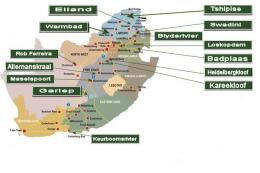
73 Airports And Airfields In South Africa. Enhanced airports based on Google …
 FSX Scenery
Overvaal Resorts, South Africa. Overvaal Resorts began as government owned an…
 FSX Scenery
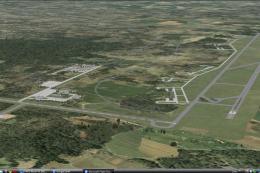
Hoedspruit AFB. Hoedspruit AFB in South Africa fixed and updated to its curre…
 FSX Scenery
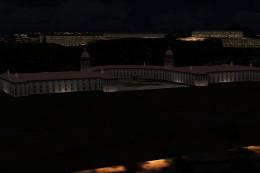
Union Building In South Africa. A custom designed building. By Frits Beyer. S…
 FSX Scenery
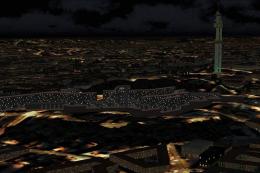
Unisa University Of South Africa. Made with a custom designed building. By Fr…
 FSX Scenery
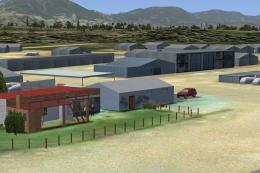
Worcester is a small GA airfield about 110 km from Cape Town, South Africa. I…
Be the first to leave a comment on this download.
Be the first to share your thoughts on this download.