


 FS2004 Utilities/Misc
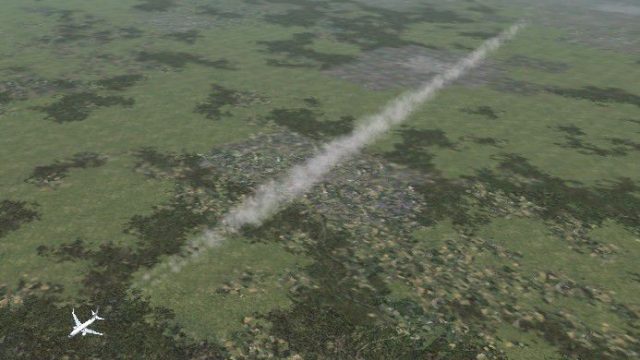
High-altitude contrail 50 miles long
Use w/ default AI aircraft. High- altitude contrails are now enabled by MS fo…
3D contrail effects replace the flat, two-dimensional default trails with volumetric plumes that look smoother and more natural at cruise altitude in FS2004. The package includes backup files for the original contrail effect, making it easy to switch back while keeping high-level flying visually consistent and immersive.
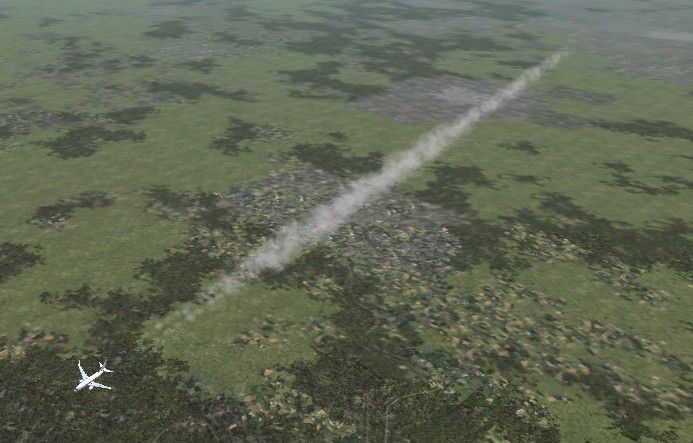
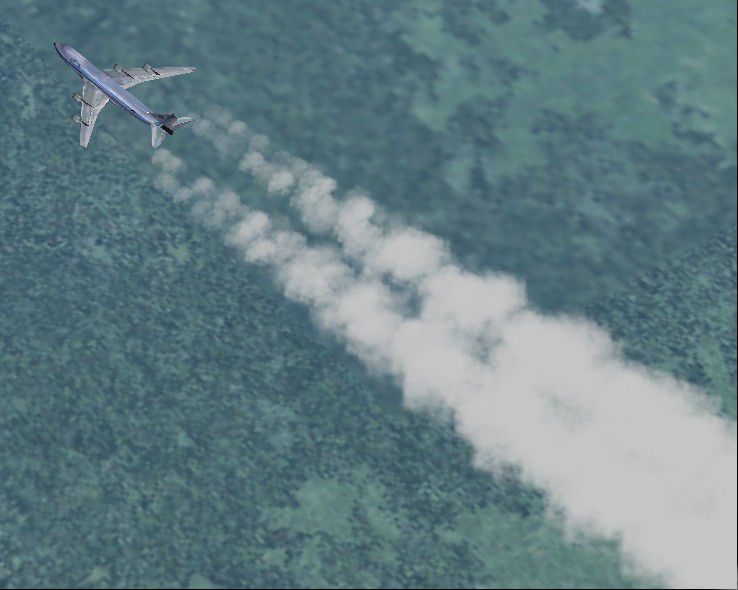
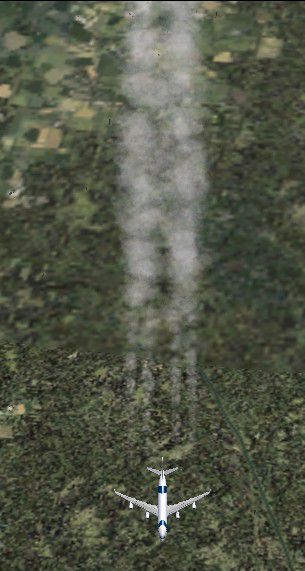
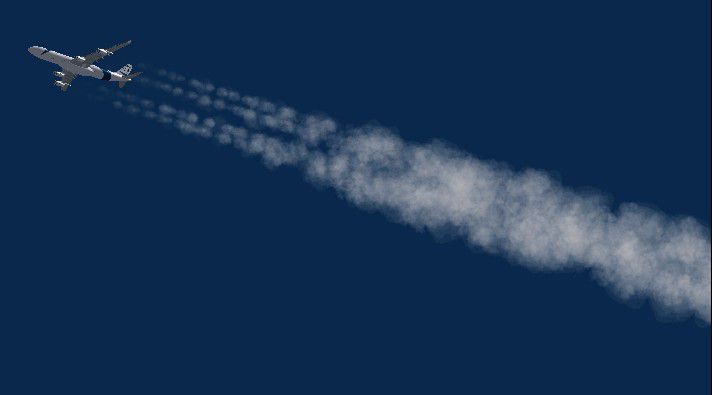
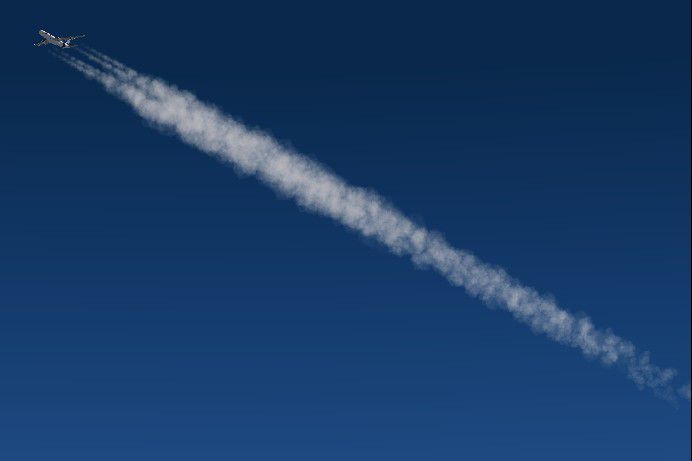
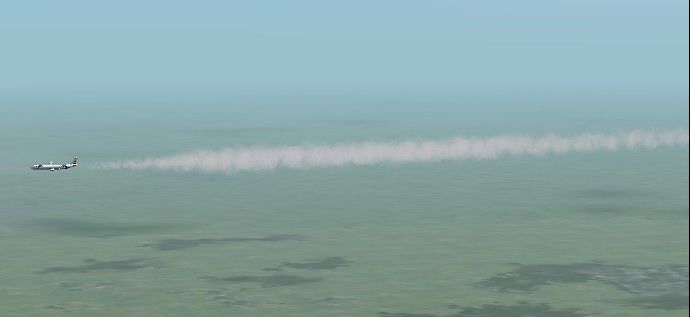
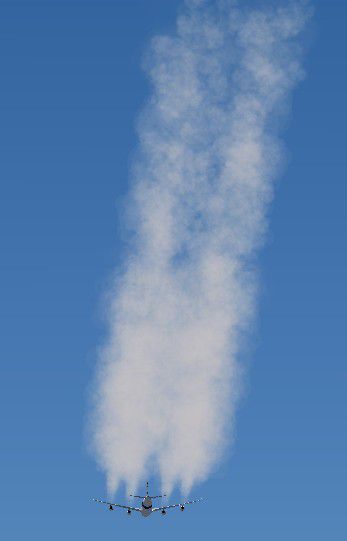
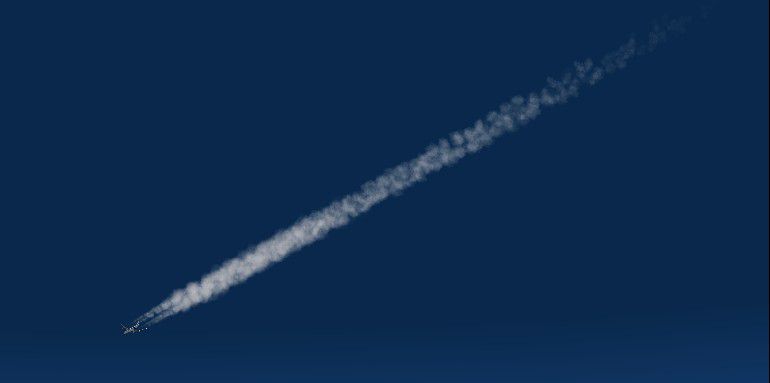
This is a new contrail effect for your FS 2004. As you know, the original contrails are not very realistic as they are 2 dimensional, so I created a new 3D contrail for the FS2004 to make flights in high altitudes more realistic. In case you don't like the new effects, there are backup files containing the original fx_contrail_l.fx file! Hope you'll enjoy it!

Simple and easy to work with, this is an easy way for you to add a contrail effect into your simulator. While some mods come with this already equipped, this contrail effect look is a great touch to make high altitude flying look and feel more realistic.
One of the most common problems with contrails in simulators is that they tend to look blocky and overly pixelated. Despite being for FS2004, this does nothing of the sort and avoids looking damaged or "blocky" in any way, shape or form along the way.
Add in the fact that it carries backup files with the old original contrail file, should you wish to revert, and you can easily use this to heighten and enhance the realism of your experience. Backup files mean that you can use this and take it off as and when necessary.
A simple, easy to work with an add-on that adds a touch of style and simplicity to the whole look – what more could you ask for?
Contrails are an important part of the simulation experience, so add them back into your FS2004 simulator if you feel like you need that added touch of realism. It’s a great way to make sure that, wherever you go, you are leaving your mark across the sky in the form of a thick, deep contrail that lasts for a realistic length of time.
Free for all simmers · 291.62 KB · Scanned clean
Download speed: Free tier is capped at 0.5 Mbps. PRO members download at full line speed.
readme.txt or README file. It tells you exactly where files go, what dependencies are needed, and any quirks specific to this add-on.The archive fscontrail2004_v1.0.zip has 23 files and directories contained within it.
This list displays the first 500 files in the package. If the package has more, you will need to download it to view them.
| Filename/Directory | File Date | File Size |
|---|---|---|
| Effects | 05.26.06 | 0 B |
| backup | 05.26.06 | 0 B |
| fx_contrail_l.fx | 05.14.03 | 2.29 kB |
| fx_contrail_s.fx | 05.14.03 | 1.17 kB |
| fx_contrail_l.fx | 03.27.05 | 10.63 kB |
| fx_contrail_s.fx | 03.27.05 | 10.63 kB |
| texture | 05.26.06 | 0 B |
| fx_con.bmp | 03.27.05 | 21.43 kB |
| fx_con2.bmp | 03.27.05 | 21.43 kB |
| Readme.txt | 03.27.05 | 617 B |
| Screenshots | 05.26.06 | 0 B |
| fsscr037.JPG | 03.27.05 | 67.89 kB |
| fsscr038.JPG | 03.27.05 | 6.19 kB |
| fsscr039.JPG | 03.27.05 | 78.49 kB |
| fsscr040.JPG | 03.27.05 | 47.24 kB |
| fsscr041.JPG | 03.27.05 | 16.44 kB |
| fsscr042.JPG | 03.27.05 | 18.22 kB |
| fsscr043.JPG | 03.27.05 | 18.65 kB |
| fsscr044.JPG | 03.27.05 | 12.30 kB |
| fsscr045.JPG | 03.27.05 | 18.95 kB |
| Thumbs.db | 05.26.06 | 20.50 kB |
| flyawaysimulation.txt | 10.29.13 | 959 B |
| Go to Fly Away Simulation.url | 01.22.16 | 52 B |
More FS2004 add-ons hand-picked based on this download.
FS2004 Utilities/Misc
Use w/ default AI aircraft. High- altitude contrails are now enabled by MS fo…
 FS2004 Utilities/Misc
SelectFx features: 1. SelectFx lets you choose from up to 44 different Ground…
 FS2004 Utilities/Misc
This gauge/effects package automatically senses the terrain the aircraft is i…
 FS2004 Utilities/Misc
This file is a multi effects pack for aircraft on FS2004/FS2002. By Thomas Mo…
 FS2004 Utilities/Misc
FS2004 New Water Effects. A new set of water textures that really enhance the…
 FS2004 Utilities/Misc
This effect will produce clouds of dust behind aircraft moving on dirt surfac…
 X-Plane Scenery Libraries
3D_people_library. v3.9 Created for X-Plane 10 by David Marshall (dkm) To ins…
 FSX Military Aircraft
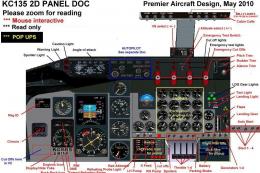
Boeing E-3D Sentry AWACS. The Boeing E3 Sentry is a US military airborne warn…
Read what other simmers think, or add your own.
