

 FSX Turboprops
DeHavilland DHC6-300 Twin Otter
Two aircraft pack, with BA (Loganair) G-BVVK and Scilly Skybus G-BIHO. Includ…
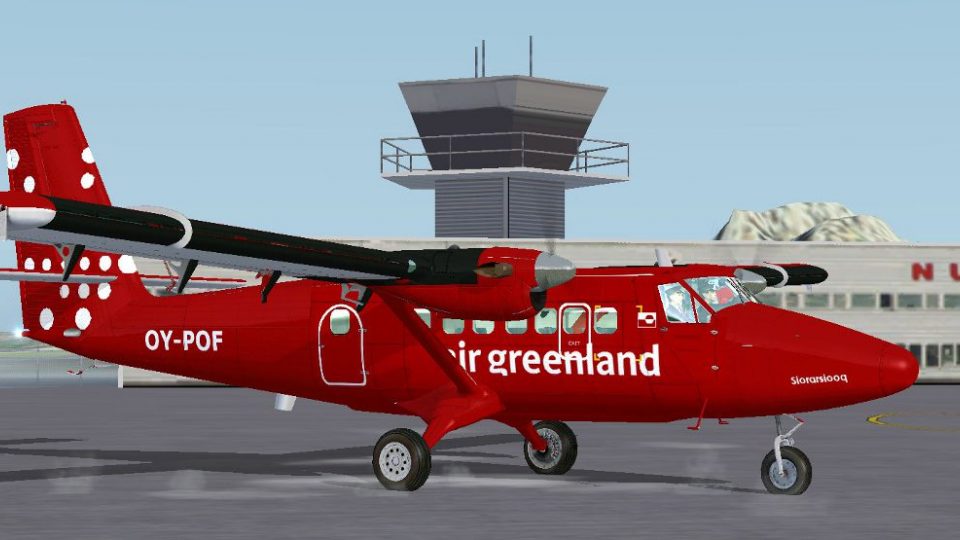
Air Greenland’s de Havilland DHC-6-300 Twin Otter OY-POF (based at Sondrestrom Fiord) brings authentic Greenlandic regional character to FSX with a detailed Aerosoft model, crisp 1969-era livery work, and matching registration and ATC callsign. Requires the Aerosoft Twin Otter 300 for the full virtual cockpit and flight experience.
 Rate
Rate
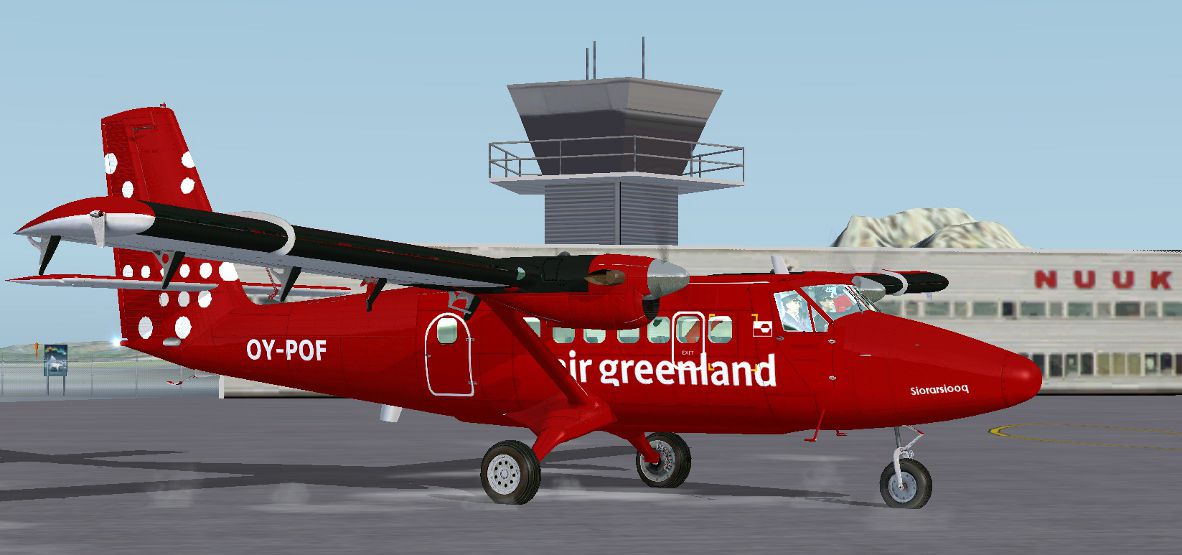

Air Greenland DeHavilland Twin Otter 300, registration OY-POF, based in Sondrestrom Fiord. Model by Aerosoft. Repaint by Mads Petersen.
Screenshot of Air Greenland DeHavilland Twin Otter 300 in flight.
Simply unzip the texture.POF-1969 into the main Aerosoft Twin Otter 300 folder in FS/Simobjects/Airplanes folder.
In the aircraft.cfg file, simply copy the below text and save. The fltsim.x = should be the last number in the sequence, fx. "fltsim.13" if the repaint is the 13th in the sequence.
[fltsim.x]

	title=de Havilland Canadian Twin Otter AGL

	sim=DHC6

	model=300

	panel=org

	sound=

	texture=POF-1969

	kb_checklists=dhc6-300-wheel_check

	kb_reference=dhc6-300-wheel_ref

	atc_id=OY-POF

	atc_parking_types=RAMP

	ui_manufacturer=de Havilland Canada

	ui_type=DHC-6-300

	ui_variation=POF-1969

	ui_typerole=Twin Engine TurboProp

	ui_createdby=Aerosoft

	atc_airline=Greenland

	atc_flight_number=955

	description=
Hope that you enjoy flying around with the aircraft.
Best regards,
Mads Petersen
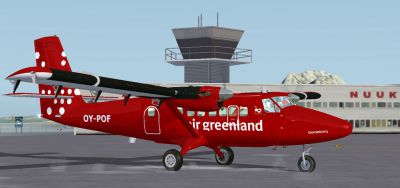
Screenshot of Air Greenland DeHavilland Twin Otter 300 on the ground.
Free for all simmers · 1.12 MB · Scanned clean Oct 2026
Download speed: Free tier is capped at 0.5 Mbps. PRO members download at full line speed.
SimObjects\Airplanes\, Addon Scenery\, Effects\, or Gauges\.readme.txt or README file. It tells you exactly where files go, what dependencies are needed, and any quirks specific to this add-on.The archive oy-pof.zip has 15 files and directories contained within it.
This list displays the first 500 files in the package. If the package has more, you will need to download it to view them.
| Filename/Directory | File Date | File Size |
|---|---|---|
| DHC6_pilot01.dds | 01.29.08 | 128.12 kB |
| DHC6_pilot02.dds | 01.29.08 | 128.12 kB |
| DHC6_prop.dds | 01.07.08 | 64.12 kB |
| DHC6_texture_1_T.dds | 11.21.10 | 1.00 MB |
| DHC6_texture_2_T.dds | 11.21.10 | 1.00 MB |
| DHC6_texture_3_T.dds | 11.21.10 | 1.00 MB |
| DHC6_texture_4_T.dds | 11.21.10 | 1.00 MB |
| DHC6_texture_6_T.dds | 11.21.10 | 1.00 MB |
| texture.cfg | 12.21.07 | 161 B |
| thumbnail.jpg | 02.02.08 | 38.09 kB |
| Thumbs.db | 02.01.08 | 5.00 kB |
| Readme.txt | 11.29.10 | 1.01 kB |
| thumbnail.jpg | 11.21.10 | 317.39 kB |
| flyawaysimulation.txt | 10.29.13 | 959 B |
| Go to Fly Away Simulation.url | 01.22.16 | 52 B |
Only PRO members can place votes.
More FSX & P3D add-ons hand-picked based on this download.
FSX Turboprops
Two aircraft pack, with BA (Loganair) G-BVVK and Scilly Skybus G-BIHO. Includ…
 FSX Turboprops
Full package with model, custom panel and VC, custom sound, and check lists. …
 FSX Turboprops
Two aircraft pack, Paradise Island Airlines reflective and non-reflective. In…
 FSX Turboprops
MASwings DeHavilland Twin Otter, registration 9M-MDN. Model by Aerosoft. Repa…
 FSX Turboprops
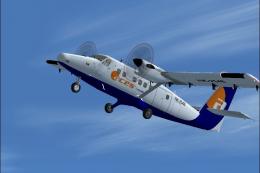
Model by Aerosim. Repaint by Cristian Camilo Bonilla. Screenshot of Aces Colo…
 FSX Turboprops
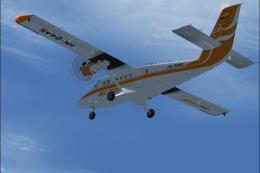
Model by Aerosim. By Cristian Camilo Bonilla. Screenshot of Aces Colombia DeH…
 FSX Turboprops
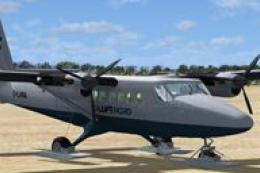
A repaint of the Aerosoft Twin Otter. Luft Nord is a fictional VA flying from…
 FSX Turboprops
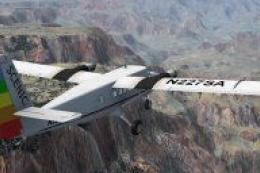
These are the colors used by Scenic Airlines on their "Vista Liner" aircraft …
Read what other simmers think, or add your own.

Hi, has someone used this repaint?
Air Greenland DeHavilland Twin Otter 300, registration OY-POF, based in Sondrestrom Fiord. Model by Aerosoft. Repaint by Mads Petersen.
aircraft.cfg bring in result a black fuse, tail, wings, wheels, an no inner views at all.aircraft.cfg equally to other original aerosoft figures, as usually recommended, you only see black.Not recommended.