

 FSX Turboprops
Myanma Airways Beechcraft 1900D
A Beech 1900 in the colors of Myanma Airways (UB). This aircraft was operated…
Beechcraft 1900D commuter turboprop for FSX brings Henry Tomkiewicz’s model to life with a familiar King Air 350 virtual cockpit, matching sounds, and subtle engine smoke effects for added realism. Seven included repaints cover passenger and freight operators, alongside a flyable blank model for custom liveries and fleet building.
 Rate
Rate
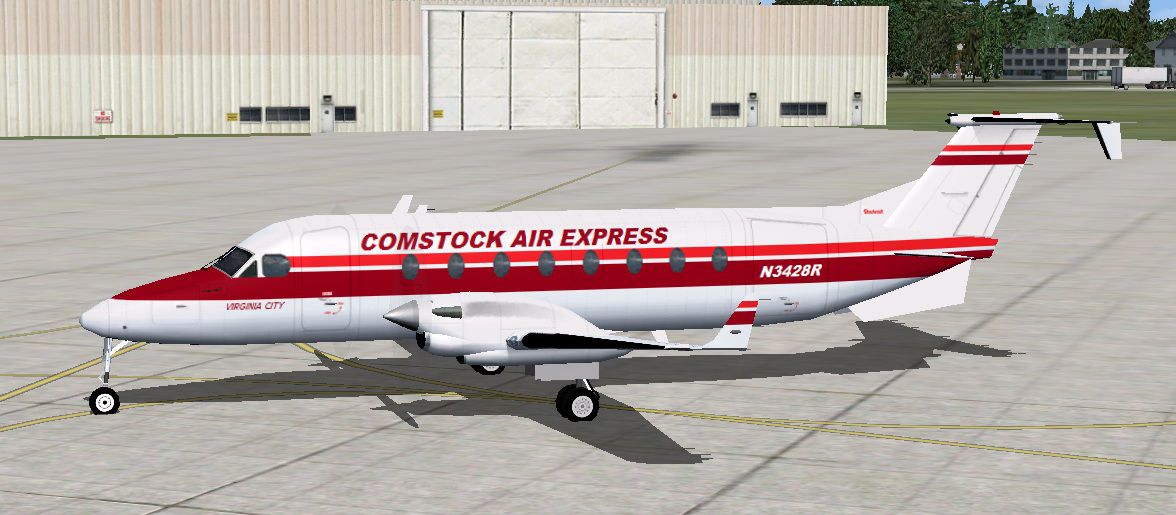
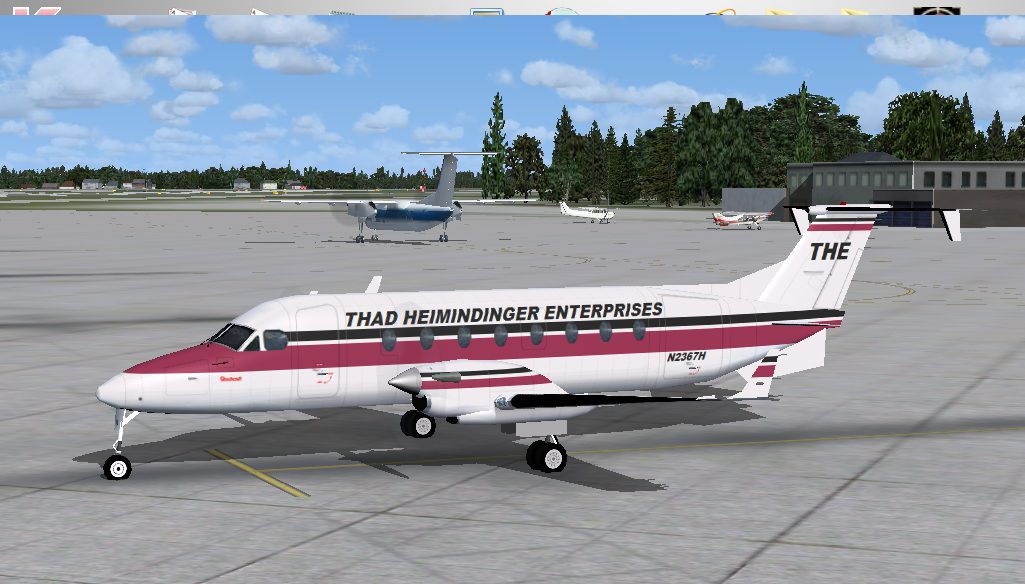
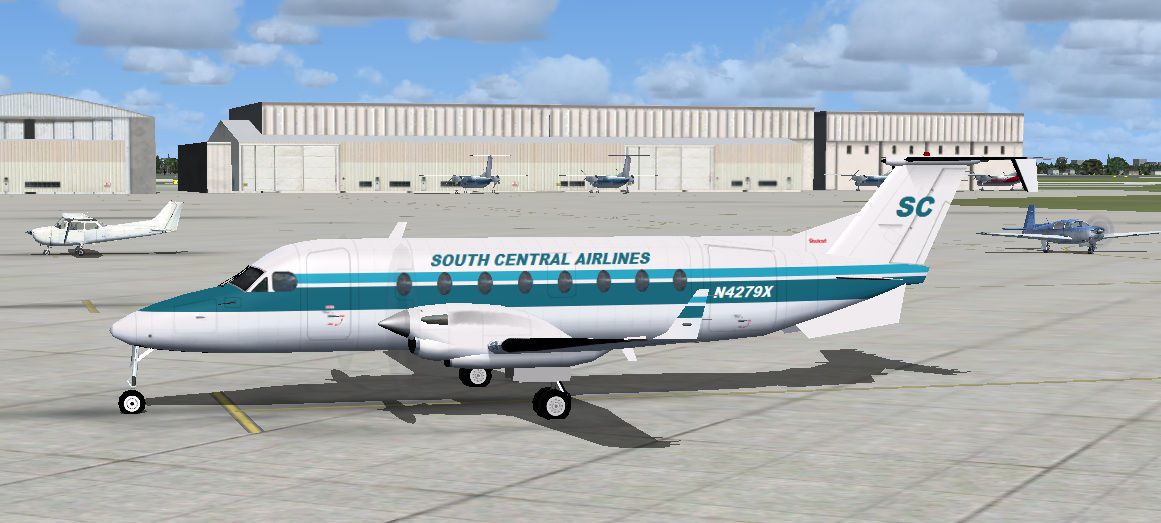
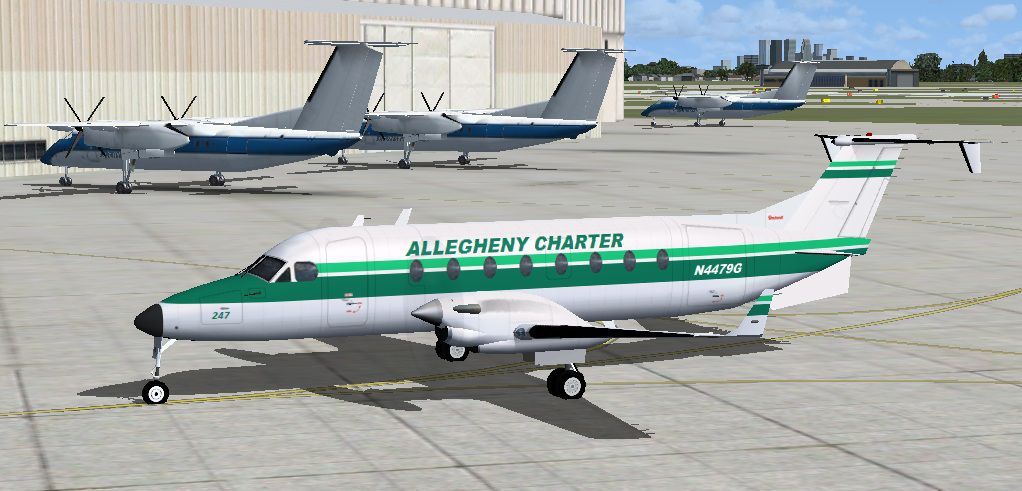
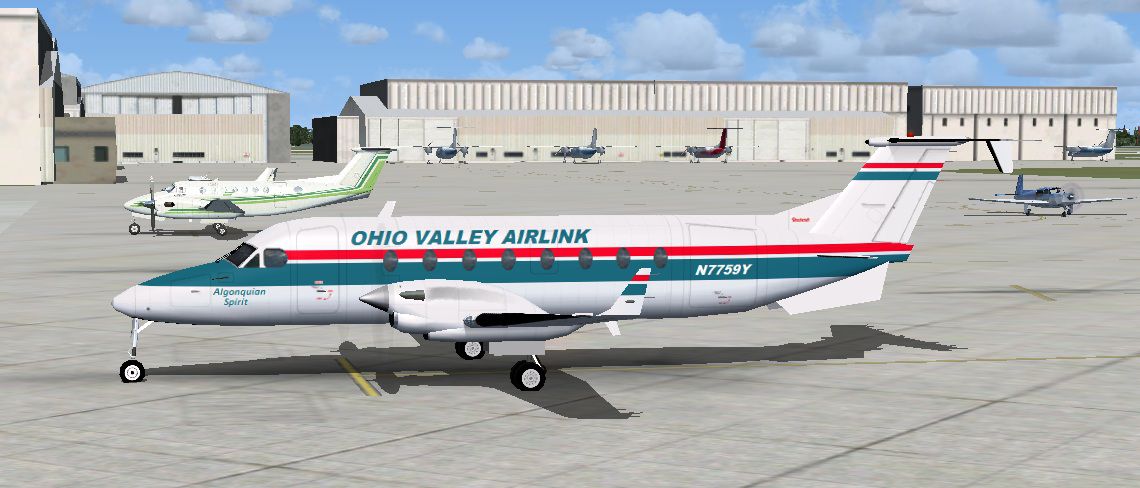
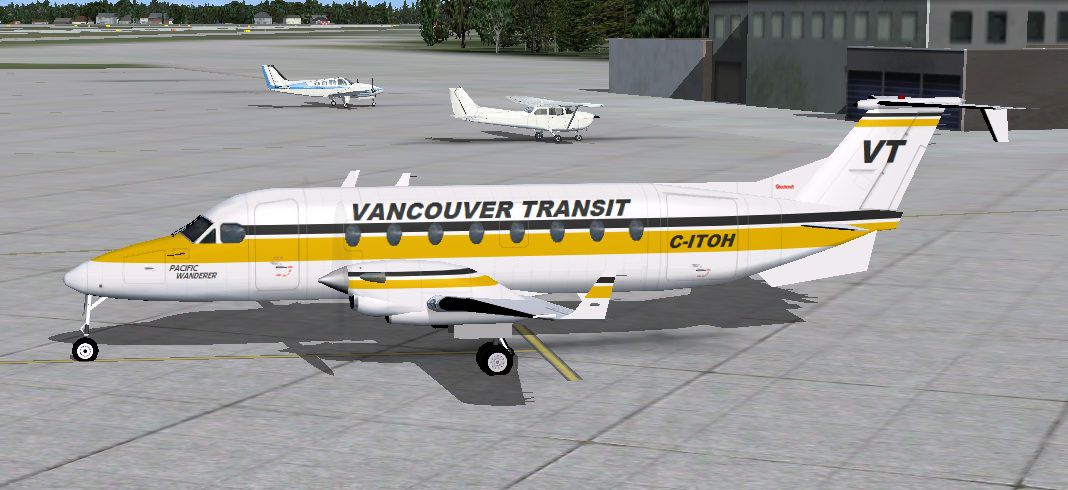
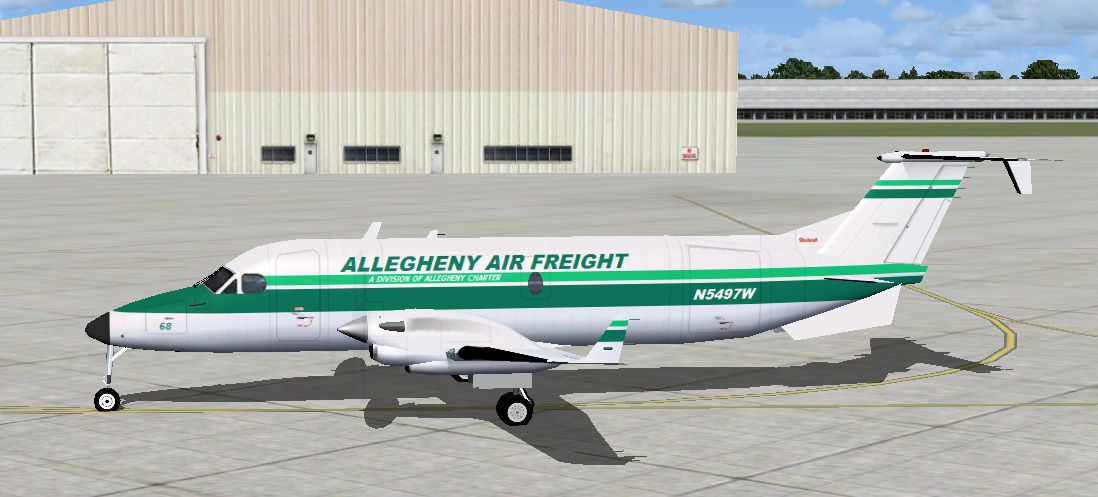
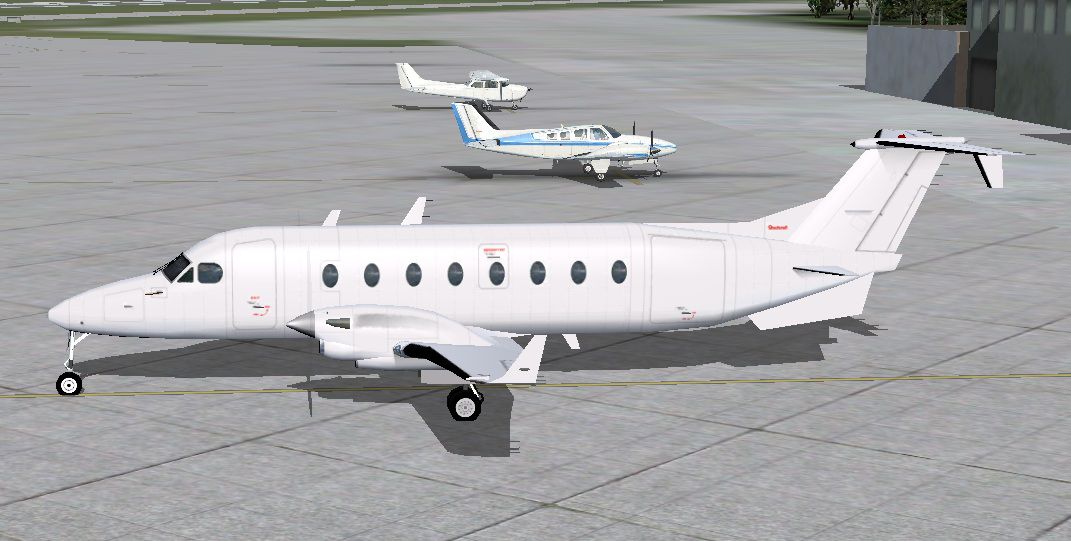
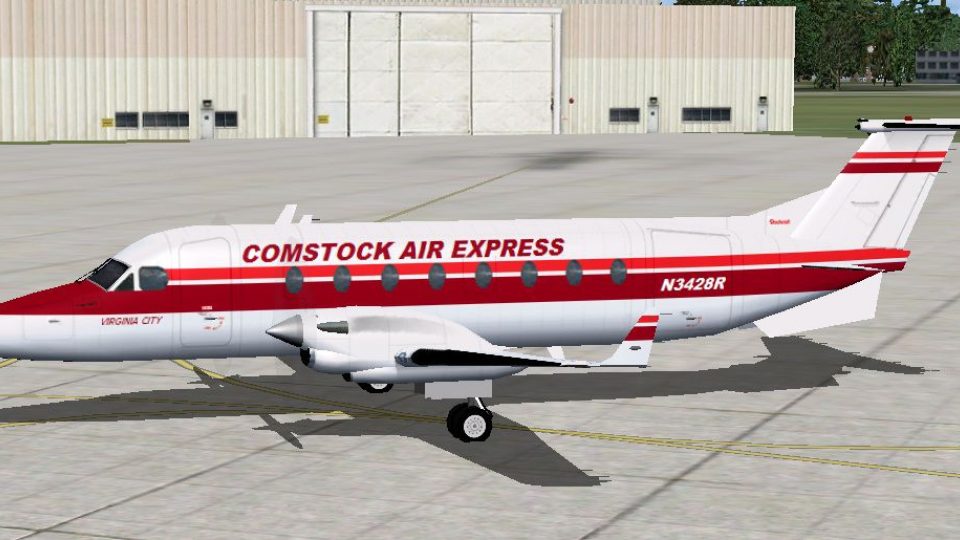
This is the Henry Tomkiewicz freeware Beechcraft 1900 made flyable in FSX by adding the default King Air 350 panel and sound. Contains seven repaints (six passenger and one freight) and the original Tomkiewicz blank model which is flyable as well. Easy installation. Compiled and painted by Tom Tiedman.
Screenshot of Allegheny Air Freight Beech 1900D on the ground.
INSTALLATION:
1.) Copy and paste (or drag and drop) the enclosed "fx_enginesmoke" file into your FSX "Effects" folder. (It is probably there already).
2.) Copy and paste (or drag and drop) the entire enclosed "Beech 1900D (8-pack)" folder into your FSX "airplanes" folder. The aircraft is located in your airplane menu under "Beechcraft".
3.) Press your "I" key while flying your Beech 1900D in FSX to see thin light engine smoke coming from all 4 exhaust stacks.
4.) Have a nice flight!
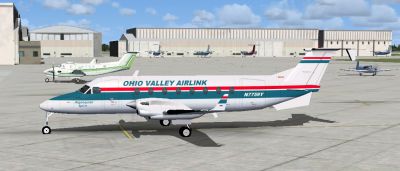
Screenshot of Ohio Valley Airlink Beech 1900D on the ground.
Free for all simmers · 19.76 MB · Scanned clean Oct 2026
Download speed: Free tier is capped at 0.5 Mbps (this file takes approximately 6 mins at the cap). PRO members download at full line speed.
SimObjects\Airplanes\, Addon Scenery\, Effects\, or Gauges\.readme.txt or README file. It tells you exactly where files go, what dependencies are needed, and any quirks specific to this add-on.The archive beech_1900d.zip has 161 files and directories contained within it.
This list displays the first 500 files in the package. If the package has more, you will need to download it to view them.
| Filename/Directory | File Date | File Size |
|---|---|---|
| Beech 1900D (8-pack) | 05.26.11 | 0 B |
| AI Beechcraft 1900D.air | 05.23.11 | 14.35 kB |
| Aircraft.cfg | 05.26.11 | 18.68 kB |
| H. Tomkiewicz' original Readme.txt | 05.23.11 | 1.99 kB |
| model | 05.26.11 | 0 B |
| AI Beechcraft 1900D.mdl | 05.23.11 | 622.59 kB |
| Model.cfg | 05.23.11 | 38 B |
| panel | 05.26.11 | 0 B |
| fuel_popup_background.bmp | 05.12.06 | 23.94 kB |
| fuel_popup_background_night.bmp | 05.12.06 | 67.91 kB |
| Kingair_Panel_Decals.bmp | 05.12.06 | 257.05 kB |
| PANEL.CFG | 07.29.06 | 13.25 kB |
| panel_background_lower_view.bmp | 05.12.06 | 769.05 kB |
| panel_background_lower_view_night.bmp | 05.12.06 | 769.05 kB |
| panel_background_upper_view.bmp | 05.12.06 | 769.05 kB |
| panel_background_upper_view_night.bmp | 05.12.06 | 769.05 kB |
| radio_stack_bg.bmp | 05.12.06 | 67.86 kB |
| radio_stack_bg_night.bmp | 05.12.06 | 67.86 kB |
| trim_popup_background.bmp | 05.12.06 | 36.45 kB |
| trim_popup_background_night.bmp | 05.12.06 | 36.38 kB |
| sound | 05.26.11 | 0 B |
| c4wind4.wav | 09.14.08 | 1.07 MB |
| ka_door_close.wav | 09.14.08 | 1.80 MB |
| ka_door_open.wav | 09.14.08 | 1.85 MB |
| kagear.wav | 09.14.08 | 175.06 kB |
| kan11.wav | 09.14.08 | 238.68 kB |
| kan12.wav | 09.14.08 | 240.67 kB |
| kan13.wav | 09.14.08 | 230.73 kB |
| kan14.wav | 09.14.08 | 220.79 kB |
| kan1shut.wav | 09.14.08 | 849.06 kB |
| kan1strt.wav | 09.14.08 | 610.48 kB |
| kan21.wav | 09.14.08 | 194.94 kB |
| kan22.wav | 09.14.08 | 183.01 kB |
| kan23.wav | 09.14.08 | 190.96 kB |
| kan24.wav | 09.14.08 | 232.72 kB |
| kan2shut.wav | 09.14.08 | 73.65 kB |
| kan2strt.wav | 09.14.08 | 151.20 kB |
| kap1a.wav | 09.14.08 | 240.67 kB |
| kap1b.wav | 09.14.08 | 248.62 kB |
| kap1c.wav | 09.14.08 | 137.28 kB |
| kap1d.wav | 09.14.08 | 137.28 kB |
| kap2a.wav | 09.14.08 | 270.49 kB |
| kap2b.wav | 09.14.08 | 290.38 kB |
| kapr.wav | 09.14.08 | 147.22 kB |
| kastall.wav | 09.14.08 | 91.55 kB |
| kbn11.wav | 09.14.08 | 242.66 kB |
| kbn12.wav | 09.14.08 | 244.65 kB |
| kbn13.wav | 09.14.08 | 226.75 kB |
| kbn14.wav | 09.14.08 | 192.95 kB |
| kbn1shut.wav | 09.14.08 | 825.20 kB |
| kbn1strt.wav | 09.14.08 | 628.37 kB |
| kbn21.wav | 09.14.08 | 145.23 kB |
| kbn22.wav | 09.14.08 | 131.31 kB |
| kbn23.wav | 09.14.08 | 256.58 kB |
| kbn24.wav | 09.14.08 | 214.82 kB |
| kbn2shut.wav | 09.14.08 | 55.76 kB |
| kbn2strt.wav | 09.14.08 | 115.41 kB |
| kbp1a.wav | 09.14.08 | 258.56 kB |
| kbp1b.wav | 09.14.08 | 240.67 kB |
| kbp1c.wav | 09.14.08 | 129.33 kB |
| kbp1d.wav | 09.14.08 | 129.33 kB |
| kbp2a.wav | 09.14.08 | 258.56 kB |
| kbp2b.wav | 09.14.08 | 292.37 kB |
| kbpr.wav | 09.14.08 | 95.53 kB |
| kingair_gyro.wav | 09.14.08 | 9.05 MB |
| kmflap.wav | 09.14.08 | 117.40 kB |
| kmgeardn.wav | 09.14.08 | 200.90 kB |
| kmgearup.wav | 09.14.08 | 236.69 kB |
| SOUND.CFG | 07.13.06 | 26.06 kB |
| wind_general.wav | 09.14.08 | 1.05 MB |
| xkan11.wav | 09.14.08 | 238.68 kB |
| xkan12.wav | 09.14.08 | 240.67 kB |
| xkan13.wav | 09.14.08 | 230.73 kB |
| xkan14.wav | 09.14.08 | 220.79 kB |
| xkan1shut.wav | 09.14.08 | 825.20 kB |
| xkan1strt.wav | 09.14.08 | 606.50 kB |
| xkan21.wav | 09.14.08 | 198.92 kB |
| xkan22.wav | 09.14.08 | 183.01 kB |
| xkan23.wav | 09.14.08 | 190.96 kB |
| xkan24.wav | 09.14.08 | 230.73 kB |
| xkan2shut.wav | 09.14.08 | 93.54 kB |
| xkan2strt.wav | 09.14.08 | 171.08 kB |
| xkap1a.wav | 09.14.08 | 240.67 kB |
| xkap1b.wav | 09.14.08 | 248.62 kB |
| xkap1c.wav | 09.14.08 | 137.28 kB |
| xkap1d.wav | 09.14.08 | 137.28 kB |
| xkap2a.wav | 09.14.08 | 270.49 kB |
| xkap2b.wav | 09.14.08 | 290.38 kB |
| xkapr.wav | 09.14.08 | 147.22 kB |
| xkbn11.wav | 09.14.08 | 242.66 kB |
| xkbn12.wav | 09.14.08 | 244.65 kB |
| xkbn13.wav | 09.14.08 | 226.75 kB |
| xkbn14.wav | 09.14.08 | 226.75 kB |
| xkbn1shut.wav | 09.14.08 | 753.62 kB |
| xkbn1strt.wav | 09.14.08 | 636.33 kB |
| xkbn21.wav | 09.14.08 | 145.23 kB |
| xkbn22.wav | 09.14.08 | 131.31 kB |
| xkbn23.wav | 09.14.08 | 256.58 kB |
| xkbn24.wav | 09.14.08 | 218.80 kB |
| xkbn2shut.wav | 09.14.08 | 41.84 kB |
| xkbn2strt.wav | 09.14.08 | 91.55 kB |
| xkbp1a.wav | 09.14.08 | 258.56 kB |
| xkbp1b.wav | 09.14.08 | 240.67 kB |
| xkbp1c.wav | 09.14.08 | 129.33 kB |
| xkbp1d.wav | 09.14.08 | 129.33 kB |
| xkbp2a.wav | 09.14.08 | 258.56 kB |
| xkbp2b.wav | 09.14.08 | 292.37 kB |
| xkbpr.wav | 09.14.08 | 141.26 kB |
| texture.AlleghenyAirFreight | 05.26.11 | 0 B |
| 1900D.bmp | 05.26.11 | 4.00 MB |
| 1900D_l.bmp | 05.23.11 | 1.00 MB |
| prop-hs.bmp | 06.19.10 | 85.43 kB |
| thumbnail.jpg | 05.26.11 | 154.63 kB |
| texture.AlleghenyCharter | 05.26.11 | 0 B |
| 1900D.bmp | 05.26.11 | 4.00 MB |
| 1900D_l.bmp | 05.23.11 | 1.00 MB |
| prop-hs.bmp | 06.19.10 | 85.43 kB |
| thumbnail.jpg | 05.26.11 | 163.89 kB |
| texture.Blank | 05.26.11 | 0 B |
| 1900D.bmp | 05.23.11 | 4.00 MB |
| 1900D_l.bmp | 05.23.11 | 1.00 MB |
| prop-hs.bmp | 06.19.10 | 85.43 kB |
| thumbnail.jpg | 05.26.11 | 156.89 kB |
| texture.ComstockAirExpress | 05.26.11 | 0 B |
| 1900D.bmp | 05.26.11 | 4.00 MB |
| 1900D_l.bmp | 05.23.11 | 1.00 MB |
| prop-hs.bmp | 06.19.10 | 85.43 kB |
| thumbnail.jpg | 05.26.11 | 184.40 kB |
| texture.OhioValleyAirlink | 05.26.11 | 0 B |
| 1900D.bmp | 05.26.11 | 4.00 MB |
| 1900D_l.bmp | 05.23.11 | 1.00 MB |
| prop-hs.bmp | 06.19.10 | 85.43 kB |
| thumbnail.jpg | 05.26.11 | 163.13 kB |
| texture.SouthCentralAirlines | 05.26.11 | 0 B |
| 1900D.bmp | 05.25.11 | 4.00 MB |
| 1900D_l.bmp | 05.23.11 | 1.00 MB |
| prop-hs.bmp | 06.19.10 | 85.43 kB |
| thumbnail.jpg | 05.26.11 | 167.96 kB |
| texture.ThadHeimindingerEnterprises | 05.26.11 | 0 B |
| 1900D.bmp | 05.26.11 | 4.00 MB |
| 1900D_l.bmp | 05.23.11 | 1.00 MB |
| prop-hs.bmp | 06.19.10 | 85.43 kB |
| thumbnail.jpg | 05.26.11 | 177.76 kB |
| texture.VancouverTransit | 05.26.11 | 0 B |
| 1900D.bmp | 05.26.11 | 4.00 MB |
| 1900D_l.bmp | 05.23.11 | 1.00 MB |
| prop-hs.bmp | 06.19.10 | 85.43 kB |
| thumbnail.jpg | 05.26.11 | 158.37 kB |
| file_id.diz | 05.26.11 | 322 B |
| fx_enginesmoke.fx | 05.12.10 | 1.33 kB |
| READ ME and INSTALLATION.txt | 05.26.11 | 981 B |
| thumbnail.Allegheny Air Freight.jpg | 05.26.11 | 154.63 kB |
| thumbnail.Allegheny Charter.jpg | 05.26.11 | 163.89 kB |
| thumbnail.Blank.jpg | 05.26.11 | 156.89 kB |
| thumbnail.Comstock Air Express.jpg | 05.26.11 | 184.40 kB |
| thumbnail.Ohio Valley Airlink.jpg | 05.26.11 | 163.13 kB |
| thumbnail.South Central Airlines.jpg | 05.26.11 | 167.96 kB |
| thumbnail.Thad Heimindinger Enterprises.jpg | 05.26.11 | 177.76 kB |
| thumbnail.Vancouver Transit.jpg | 05.26.11 | 158.37 kB |
| flyawaysimulation.txt | 10.29.13 | 959 B |
| Go to Fly Away Simulation.url | 01.22.16 | 52 B |
Only PRO members can place votes.
More FSX & P3D add-ons hand-picked based on this download.
FSX Turboprops
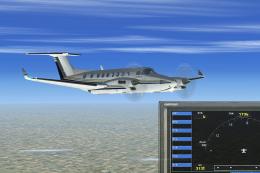
A Beech 1900 in the colors of Myanma Airways (UB). This aircraft was operated…
 FSX Turboprops
Flight dynamic packages for Beechcraft 300 and 350 Super KingAir. These files…
 FSX Turboprops
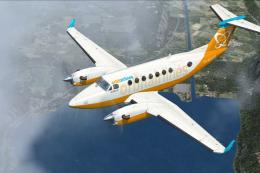
This is a repaint of the default Beechcraft King Air 350 into Orbit Airlines …
 FSX Turboprops
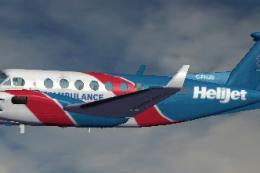
The default airplane in Helijet ambulance livery. C-FHJO is an actual aircraf…
 FSX Turboprops
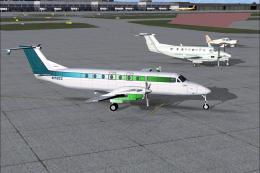
Alphonse Coletti and Sir Reginald Percival Herringbone Cutlief III, co-propri…
 FSX Turboprops
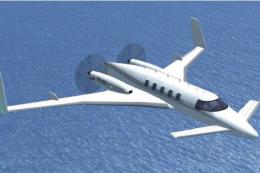
This is an update for FSX Acceleration of the Beechcraft Starship by Mike Sto…
 FSX Turboprops
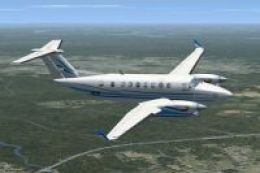
A repaint for the default Beechcraft King Air 350. By Ian Griffith. Screensho…
 FSX Turboprops
This freeware package refines the default Beechcraft King Air 350 in Microsof…
Read what other simmers think, or add your own.

Not a bad plane, I haven't tried a painted model yet. Flys well. There is no VC. The 2D is ok. Most 2D for files this big tend to be put together better like if you look outside or back it has the window put there or rear door. Not just nothing so you can see everything outside of the plane.


Other than the occasional sudden fluctuation in audio, I thought this was a nice package. My first run was from Sea-Tac to Victoria, BC. Enjoyable flight, and easy to handle. Thank you!

Flight controls don't physically move, but aircraft will react as if they have.
