

 FSX General Aviation Aircraft
Blue With Orange Flames Cessna 172
This vibrant repaint applies a distinctive blue fuselage adorned with eye-cat…
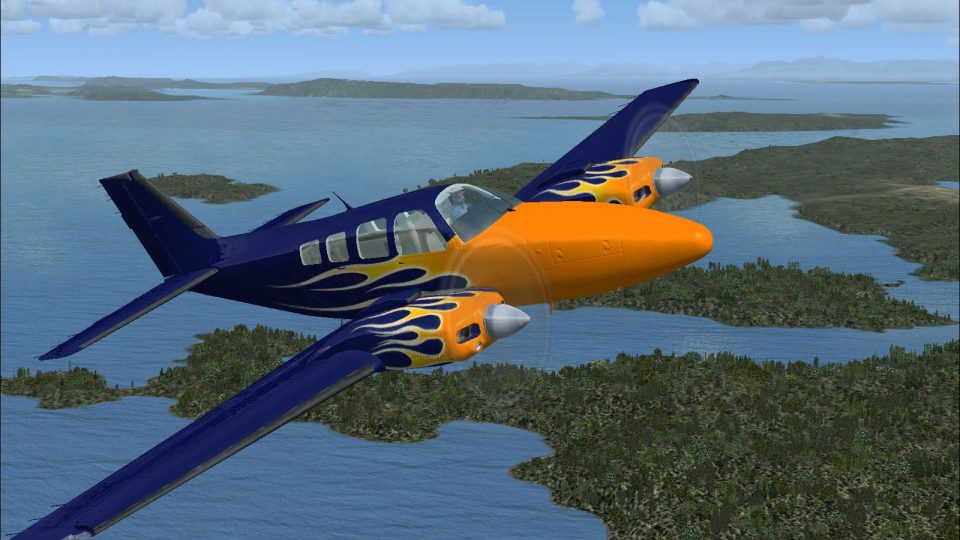
Blue with orange flames livery transforms the default Beechcraft Baron 58 into a bold “Hotrod” twin with crisp exterior textures and matching sim selection details for quick identification. Designed as textures only for Microsoft Flight Simulator X, it refreshes the aircraft’s look while preserving the stock model and virtual cockpit.
 Rate
Rate
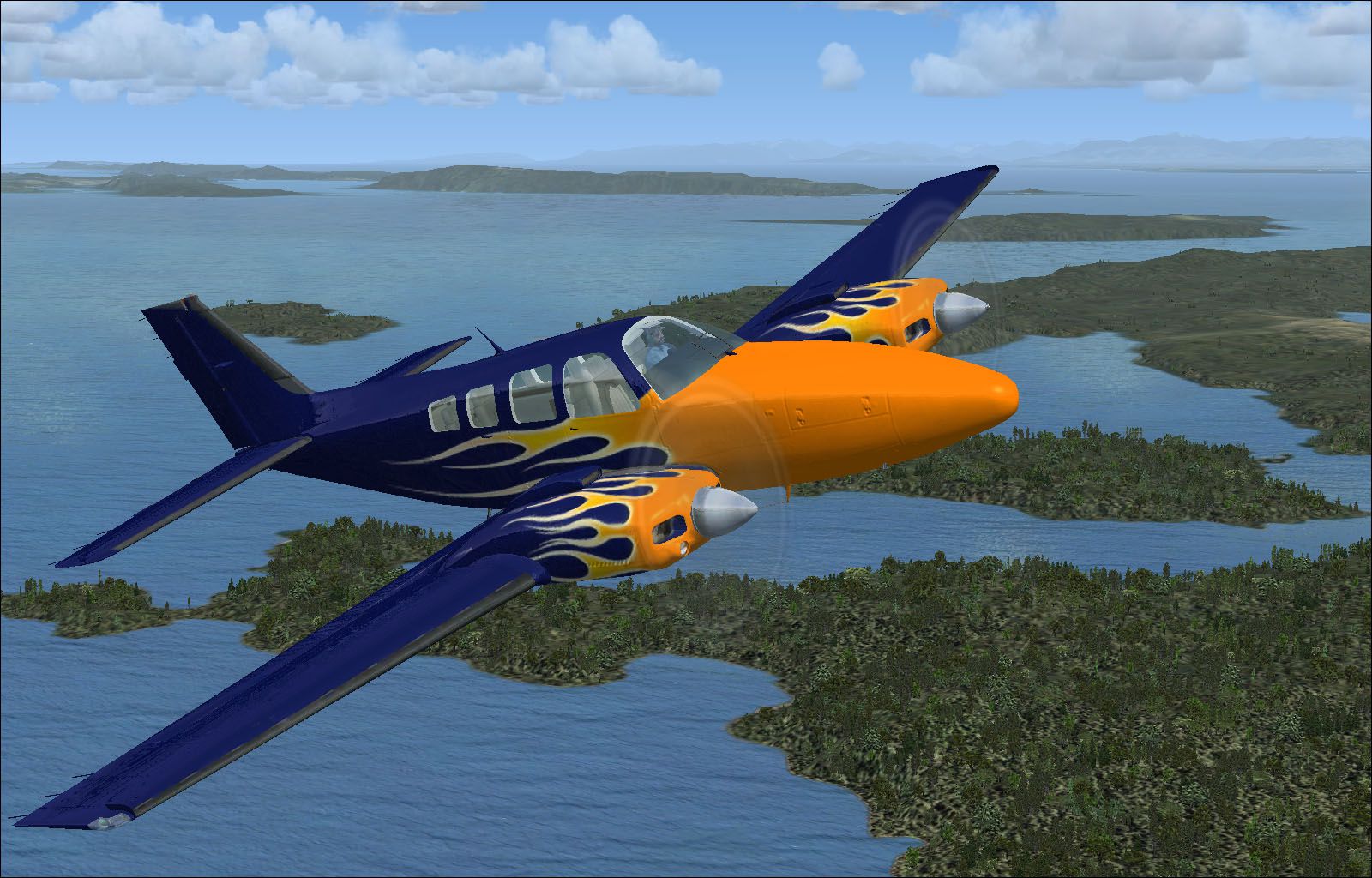
Blue With Orange Flames Beech Baron 58. Textures only for the default Beechcraft 58. Repaint by Cronan Doyle.
Blue With Orange Flames Beech Baron 58 in flight.
Installation
To install please move the following folder into your Flight Simulator X/SimObjects/Airplanes/beech_baron_58' folder:
Texture. Hotrod
You must then edit the aircraft.cfg and insert the following section. Make sure you replace the XX in [fltsim.XX] with the next sequential number for your textures.
[fltsim.xx]

title=Beech Baron 58 Hotrod

sim=Beech_Baron_58

model=

panel=

sound=

texture=Hotrod

kb_checklists=Beech_Baron_58_check

kb_reference=Beech_Baron_58_ref

atc_id=CD-HOT

ui_manufacturer="Beechcraft"

ui_type="Baron 58"

ui_variation="Hotrod"

ui_typerole="Twin Engine Prop"

ui_createdby="Microsoft Corporation"

description="Hotrod repaint for the default Beech Baron 58 for FSX"
Cronan Doyle, 2011.
Free for all simmers · 3.99 MB · Scanned clean Oct 2026
Download speed: Free tier is capped at 0.5 Mbps (this file takes approximately 1 min at the cap). PRO members download at full line speed.
texture.{airline}) inside FSX\SimObjects\Airplanes\{base-aircraft}\.aircraft.cfg in Notepad. Add a new [fltsim.X] section per the readme.readme.txt or README file. It tells you exactly where files go, what dependencies are needed, and any quirks specific to this add-on.The archive baron_58hotrod.zip has 18 files and directories contained within it.
This list displays the first 500 files in the package. If the package has more, you will need to download it to view them.
| Filename/Directory | File Date | File Size |
|---|---|---|
| Baron_Baron_58_Interior_T.dds | 09.04.06 | 341.45 kB |
| Beech_Baron_58_1_c.dds | 09.04.06 | 682.79 kB |
| Beech_Baron_58_2_c.dds | 09.04.06 | 682.79 kB |
| Beech_Baron_58_3_c.dds | 09.04.06 | 682.79 kB |
| Beech_Baron_58_reflection.dds | 09.04.06 | 170.79 kB |
| Beech_Baron_58_T.dds | 04.30.11 | 1.33 MB |
| Beech_Baron_58_T_bump.dds | 09.04.06 | 1.00 MB |
| Beech_Baron_58_T_spec.dds | 09.04.06 | 1.33 MB |
| Fresnel_Ramp.dds | 09.04.06 | 640 B |
| Grumman_Goose_pilot.dds | 09.04.06 | 42.79 kB |
| prop_Baron.dds | 09.04.06 | 85.46 kB |
| texture.cfg | 08.14.06 | 137 B |
| thumbnail.jpg | 04.30.11 | 289.27 kB |
| thumbnail.jpg | 04.30.11 | 289.27 kB |
| Readme.txt | 05.01.11 | 1.65 kB |
| FIELD_ID.DZ.txt | 05.01.11 | 126 B |
| flyawaysimulation.txt | 10.29.13 | 959 B |
| Go to Fly Away Simulation.url | 01.22.16 | 52 B |
Only PRO members can place votes.
More FSX & P3D add-ons hand-picked based on this download.
FSX General Aviation Aircraft
This vibrant repaint applies a distinctive blue fuselage adorned with eye-cat…
 FSX General Aviation Aircraft
This unique repaint for the Cessna 172 offers an aggressive black finish pair…
 FSX General Aviation Aircraft
This freeware patch addresses the blurry texture issue on the default Beechcr…
 FSX General Aviation Aircraft
This modification offers a refined texture set that eliminates the fuzzy exte…
 FSX General Aviation Aircraft
Textures only for the default Beechcraft Baron in Bluegrass Virtual airlines …
 FSX General Aviation Aircraft
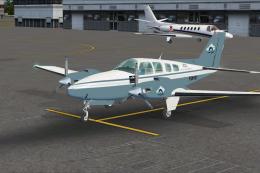
A repaint for the default Beechcraft Baron 58. The repaint is in Flight Simul…
 FSX General Aviation Aircraft
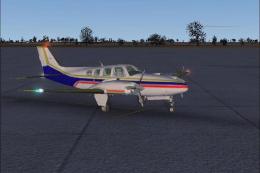
Beechcraft Baron 58 in blue with red and gold. This is a texture for the defa…
 FSX General Aviation Aircraft
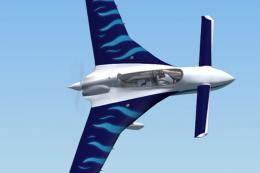
This repaint package offers a Rutan Model 61 Long-EZ in a striking “Blue Flam…
Be the first to leave a comment on this download.
Be the first to share your thoughts on this download.