

 FSX General Aviation Aircraft
Beech Baron 58 Texture Fix
This freeware patch addresses the blurry texture issue on the default Beechcr…
Project Beech Baron delivers a clean, well-mapped blank texture kit for the default Beechcraft Baron 58 in Microsoft Flight Simulator X, making it easy to build custom liveries with crisp panel lines and orderly bitmap layers. It requires the stock Baron model and keeps the original aircraft geometry and cockpit layout intact, with optional Angel Flight markings for charity-themed paints.
 Rate
Rate
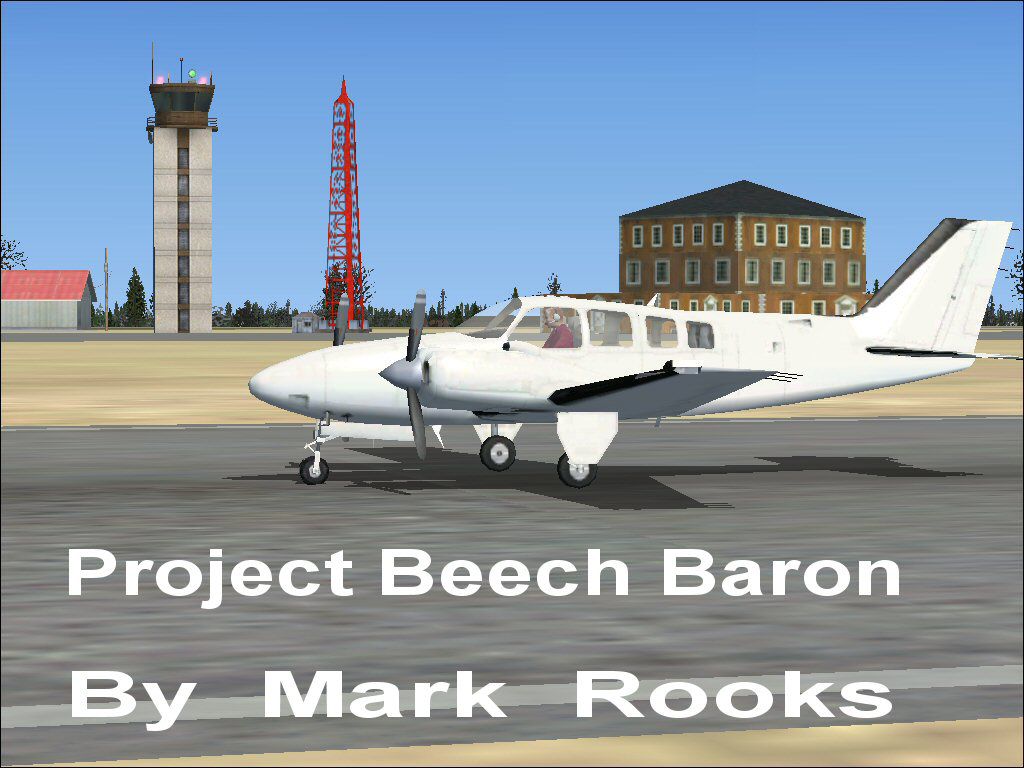
This repaint kit offers a pristine canvas for flight simulation enthusiasts looking to customize a default Beechcraft Baron 58 in Microsoft Flight Simulator X. Every detail is optimized for user-friendly modifications, allowing sim pilots to craft individualized liveries while retaining the aircraft’s fundamental geometry and visual fidelity. You will find neat bitmap files and clear instructions that make the repainting process straightforward.
The authored textures, crafted by Mark Rooks from RSDG, present a clean slate designed to support creative repaint ventures. This approach helps maintain clarity in the fuselage lines and panel sections, simplifying the color mapping process. By featuring simplified bitmaps, each core area of the Baron 58 stands out, making it effortless to apply gradients, logos, or specific paint schemes without losing the aircraft’s natural framework.
The real-world Beech Baron 58 is a twin-engine piston aircraft developed by Beechcraft. It is widely recognized for its reliable handling during cross-country flights and consistent performance in varying weather conditions. Twin-engine students and proficient private pilots have long used this platform for multi-engine training, given its balanced blend of agility and power. In many flight simulation setups, this aircraft’s cockpit instrumentation accurately simulates real-life procedures, which enriches the learning environment for virtual aviators.
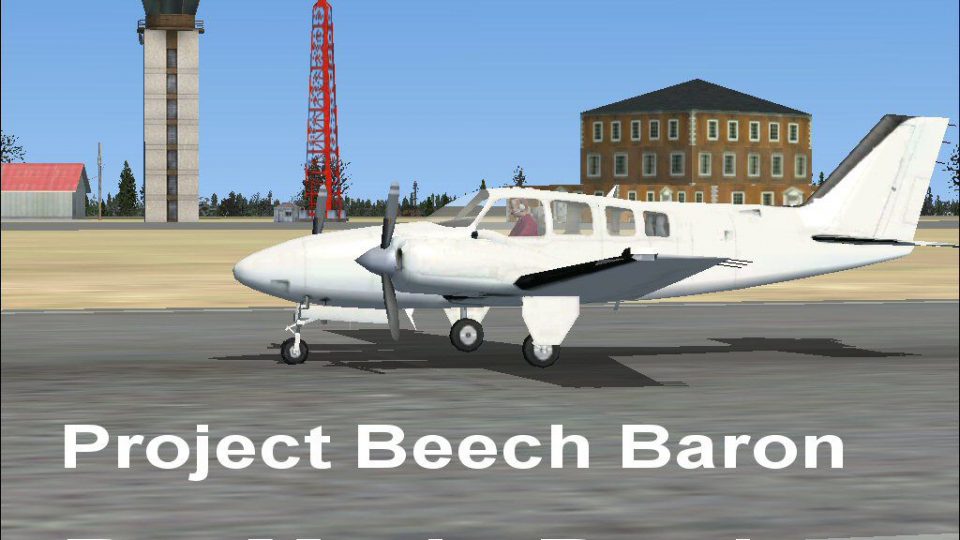
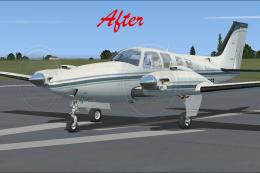
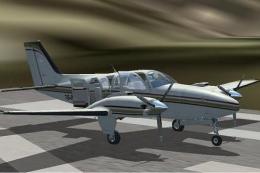
Project Beech Baron on runway.
This blank texture set incorporates references to Angel Flight, an initiative often praised for coordinating charitable missions. Adding support logos or unique decals not only enhances the aircraft’s appearance but also raises awareness about the cause for those interested in philanthropic flying.
All textures are the work of Mark “Fire Ball” Rooks of RSDG. Special appreciation goes to everyone who explores philanthropic aviation through Angel Flight. This repaint kit emphasizes creativity while inspiring simmers to produce vivid designs. Enjoy flying your reimagined Baron in the skies of Microsoft Flight Simulator X and beyond.
Free for all simmers · 3.93 MB · Scanned clean Oct 2026
Download speed: Free tier is capped at 0.5 Mbps (this file takes approximately 1 min at the cap). PRO members download at full line speed.
texture.{airline}) inside FSX\SimObjects\Airplanes\{base-aircraft}\.aircraft.cfg in Notepad. Add a new [fltsim.X] section per the readme.readme.txt or README file. It tells you exactly where files go, what dependencies are needed, and any quirks specific to this add-on.The archive fsxbbp.zip has 7 files and directories contained within it.
This list displays the first 500 files in the package. If the package has more, you will need to download it to view them.
| Filename/Directory | File Date | File Size |
|---|---|---|
| Beech Baron text1.txt | 02.10.07 | 301 B |
| Blank Aircraft Read Me First.txt | 02.10.07 | 1.22 kB |
| FSX Project beech_baron_58.zip | 02.10.07 | 1.48 MB |
| Pictures.zip | 02.10.07 | 2.34 MB |
| screenshot .jpg | 02.10.07 | 123.23 kB |
| flyawaysimulation.txt | 10.29.13 | 959 B |
| Go to Fly Away Simulation.url | 01.22.16 | 52 B |
Only PRO members can place votes.
More FSX & P3D add-ons hand-picked based on this download.
FSX General Aviation Aircraft
This freeware patch addresses the blurry texture issue on the default Beechcr…
 FSX General Aviation Aircraft
This modification offers a refined texture set that eliminates the fuzzy exte…
 FSX General Aviation Aircraft
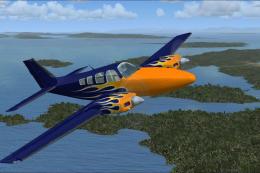
Blue With Orange Flames Beech Baron 58. Textures only for the default Beechcr…
 FSX General Aviation Aircraft
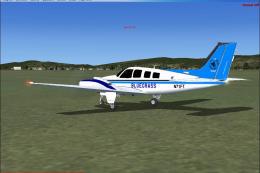
Textures only for the default Beechcraft Baron in Bluegrass Virtual airlines …
 FSX General Aviation Aircraft
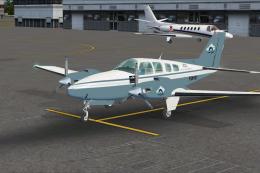
A repaint for the default Beechcraft Baron 58. The repaint is in Flight Simul…
 FSX General Aviation Aircraft
Beechcraft Turbocharged Baron B58. A Beech B58TC 1979 model, created by modif…
 FSX General Aviation Aircraft
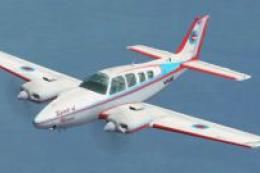
Beechcraft Baron P58TC. A Beech Baron turbocharged 58, FSX SP2 compatable, 12…
 FSX General Aviation Aircraft
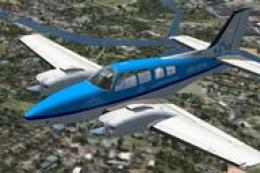
KLM Flight School Beechcraft Baron 58. A repaint for the default Beech Baron …
Be the first to leave a comment on this download.
Be the first to share your thoughts on this download.