

 FSX General Aviation Aircraft
PZL-104 Wilga 35 D-ETVS V2
This freeware repaint provides a detailed livery for the Aerosoft Wilga X pay…
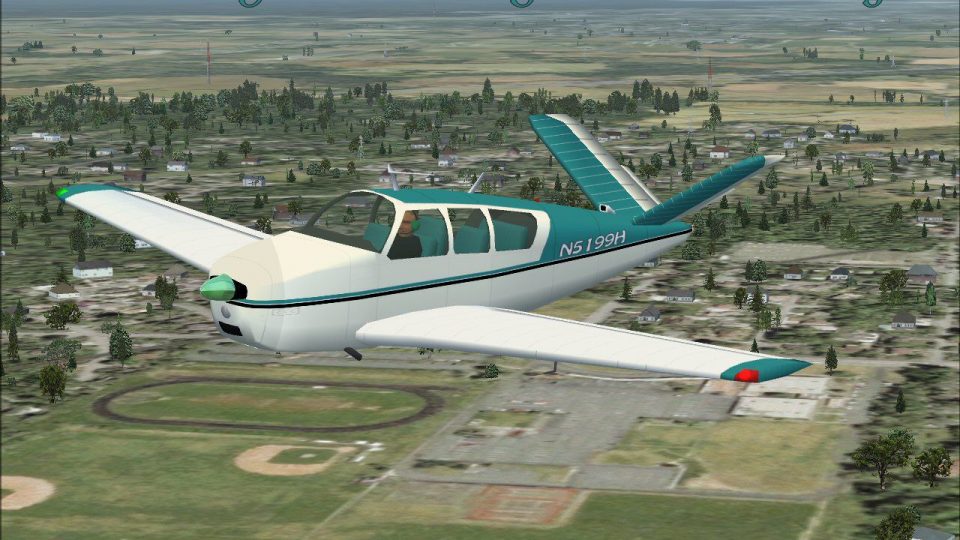
Beechcraft Bonanza 35 brings the classic V-tail personal aircraft to Flight Simulator X with refreshed textures, an updated panel, and tuned flight dynamics for smooth, fast cruising in a four-seat touring legend. The package also includes real-world reference images and production history, capturing the Bonanza’s distinctive profile and performance heritage.
 Rate
Rate
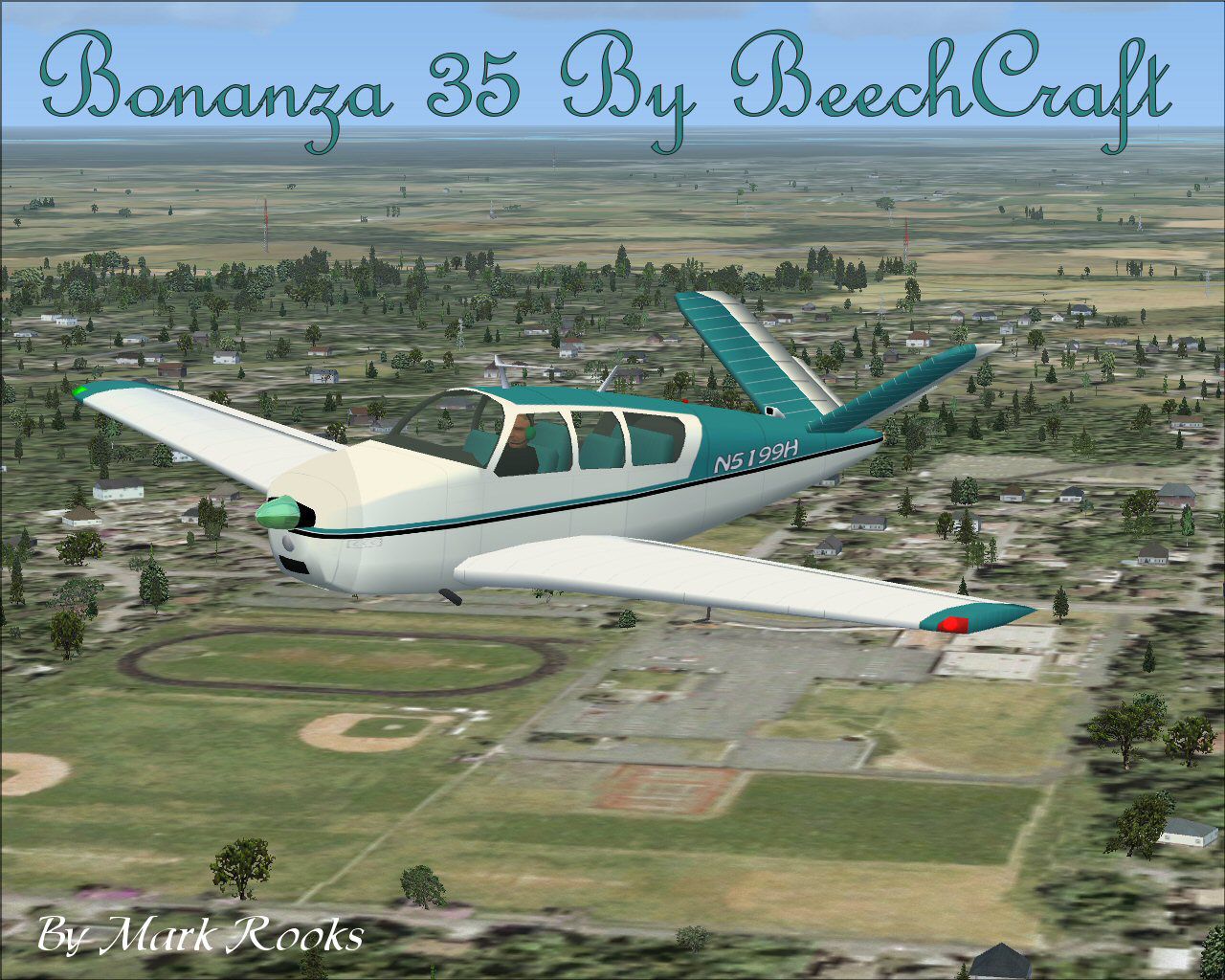
Beech Bonanza 35. This is a modified version of Chuck Dome's Beechcraft Bonanza 35 For Flight Simulator X. The V-tail Bonanza with its unmistakable profile would become one of the most highly recognizable personal aircraft ever built, making it one of general aviation's classic aircraft. The V-tail concept (set at a 33-degree angle) combined rudder and elevators, and when mated to the 185 HP Continental engine, would propel this sleek aircraft to 175 MPH. Later models would utilize a 260 HP engine. The basic design came about as part of Walter Beech's vision for an aircraft that could carry four people in car-like comfort at 180 MPH. The long lasting design continues to be produced with a more conventional tail. This package includes pictures of actual aircraft and production history. Updated panel, flight dynamics and new textures for FSX by Mark Rooks of RSDG Aircraft.

Beech Bonanza 35 in flight.
" Beech Bonanza " Support Mercy Flight near you
NO VC
To install this aircraft:
As always back up any original files.
1.Unzip downloaded folders to your desktop or temporary directory of your choice.
2.Copy the " Beech Bonanza " folder and paste it in the main aircraft folder.
By default the main aircraft folder is located at:
"C:\Program Files\Microsoft Games\FSx\SIM Objects /Aircraft .
3. Be sure to completely unzip all files the aircraft file when complete will Cotain 6 files the Following 6 files goes in the aircraft folder CFG Airfile Model Sound Panel Textures
Made Simpler
Make sure all files are unzipped the New Plane folder should contain 6 files unzipped they are CFG Airfile Sound Model Texture Panel the New Plane folder with the 6 files goes in the game aircraft folder found at C:\Program Files\Microsoft Games\Microsoft Flight Simulator X\SimObjects\Airplanes follow the path ie open the c drive then open program files then open Microsoft Games then open Microsoft Flight Simulator X then open SimObjects then open Airplanes folder the New Plane goes in that folder.
Mark Rooks
Textures and FSX updates created by Mark "Fire Ball" Rooks.
Load the Guages and the panel.
DISCLAIMER:
WE CONNOT BE CHARGED FOR ANY DAMAGES/PROBLEMS/ERRORS CAUSED TO YOUR EQUIPMENT THROUGH USE OF RSDG FILES!
USE ALL FILES AT YOUR OWN RISK!
BY INSTALLING OUR FILES ON YOUR EQUIPMENT YOU ARE AGREEING TO THIS DISCLAIMER.
ALL FILES VIRUS FREE AT TIME OF UPLOAD
Enjoy your new repaint
Thanks for downloading,
The Creation By Col.Robert K Suchke one hell of a C.O. Frank D Merrill
The Creations
(Airborne Version)
And the Lord God spoke forth unto the heavens and said "Let there be Airborne". The earth did tremble and quake, and the waters did rise up. The clouds did part, and there came forth a multitude of parachutes which filled the sky. God looked down and saw that this was good. And they were good, for they were AIRBORNE!!
God then spoke forth unto the land and said "Let there be Rangers". And all at once the day turned into darkness, and the winds did howl, and the mountains crumbled into the sea. The great rocks did part and there sprang forth a horde of Mephistopheles' disciples wearing Ranger tabs and carrying all manner of deadly weapons. God looked down and saw that this was bad. And they were bad, for they were RANGERS !!
Then God spoke forth thrice unto the sky, the earth and the sea, saying "Let there be Special Forces". Lightning did flash and thunder did echo across the sky. Mountains spewed forth molten rock and rained down fire upon the land. Tidal waves surged against the shore, and despair, disorder and turmoil did prevail. Forthwith, there did appear a band of twelve extraordinary men. A few came from beneath the waves. Others jumped from the skies, and still more stalked silently from the forests. Each one was in camouflage battle dress, wearing a green beret. Working together, they brought peace unto the land. God looked down and saw that this was amazing. And they were amazing, for they were SPECIAL FORCES!!
Besides himself, God now spoke forth and commanded "Let all ye that be weak in mind and body arise and go forth". And lo, from the abyss they crawled forth with indecision and limped weakly upon the earth. God looked down and saw that they were pathetic. And they were pathetic, for they were LEGS! !**
By Col. Robert K Suchke
"Fire Ball"
Free for all simmers · 17.68 MB · Scanned clean Oct 2026
Download speed: Free tier is capped at 0.5 Mbps (this file takes approximately 5 mins at the cap). PRO members download at full line speed.
SimObjects\Airplanes\, Addon Scenery\, Effects\, or Gauges\.readme.txt or README file. It tells you exactly where files go, what dependencies are needed, and any quirks specific to this add-on.The archive bc35fsx.zip has 8 files and directories contained within it.
This list displays the first 500 files in the package. If the package has more, you will need to download it to view them.
| Filename/Directory | File Date | File Size |
|---|---|---|
| Beech Bonanza.zip | 05.11.08 | 11.50 MB |
| Pictures and History.zip | 05.11.08 | 5.89 MB |
| Read Me First.txt | 05.11.08 | 5.42 kB |
| Reg. Text.txt | 05.11.08 | 878 B |
| Screen B35.jpg | 05.11.08 | 291.60 kB |
| Thumbs.db | 05.11.08 | 6.00 kB |
| flyawaysimulation.txt | 10.29.13 | 959 B |
| Go to Fly Away Simulation.url | 01.22.16 | 52 B |
Only PRO members can place votes.
More FSX & P3D add-ons hand-picked based on this download.
FSX General Aviation Aircraft
This freeware repaint provides a detailed livery for the Aerosoft Wilga X pay…
 FSX General Aviation Aircraft
Immerse yourself in a meticulously detailed repaint crafted specifically for …
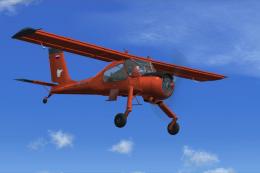 FSX General Aviation Aircraft
Experience a detailed repaint for the acclaimed Aerosoft Wilga X payware mode…
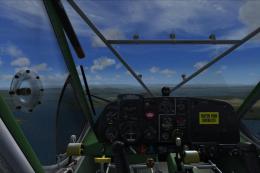 FSX General Aviation Aircraft
This repaint offers a fictional OY-EPT livery for the payware Aerosoft Wilga …
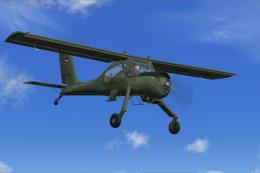 FSX General Aviation Aircraft
This repaint pack brings a fictional ES-CFA registration to the Aerosoft-prod…
 FSX General Aviation Aircraft
German repaint for the Aerosoft Wilga X payware model. This is a repaint of t…
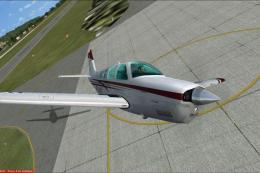 FSX General Aviation Aircraft
Enhance your virtual flying experience with the Carenado A36 Bonanza Mega Rep…
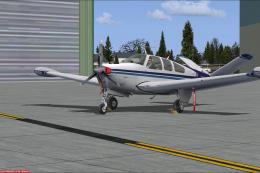 FSX General Aviation Aircraft
Features include: engine wear, engine damage with fire and sound effect, engi…
Read what other simmers think, or add your own.


Congrats for the excellent work that you offer us!! Thank you for all your free downloads!
I would like to ask you why some of the aircraft that I download for FSX appear on the screen with a silver appearance, without any color on them. I would be most grateful if you could give me an answer concerning this annoying problem.
Thanks a lot.
N. Christou MD.

Truth be told, the original version for FSX far better than this purported update, the panel is absurd, the overall everything draws a lot of contempt. I share the opinions of the situation about the dash, the backseat view, etc. There's definitely something wrong in the cfg. If you look at the original for FSX from back on 2007 2008 you will notice the quality compared to this version. Sad to say but this is the very worst I've ever seen for download on this site.


My download only enables me to fly via the 2D dashboard. when I go to the 3D screen I find myself in the back row of seats!! Can I change this or have I installed incorrectly?